7 Best FLUX 3 Alternatives in 2026 (Tested)
FLUX 3's video model is API-only for now. Seven alternatives you can open in a browser today, compared on native audio, clip length and control, with a real limitation for each.

TL;DR — Black Forest Labs announced a 20-second video model with native audio, but FLUX 3 still reaches most people through an API rather than a page you open. Until it lands where you work, here's what does.
These seven alternatives are ones you can open today. We tested each on sound, clip length and control.
Seedance 2.5 earned its spot on merit, and we included Runway too, even though it isn't ours. If you need long single takes with sound in a browser, pick Seedance 2.5; if you want a full editing suite around the model, pick Runway.
If you searched for what FLUX 3 actually is, you probably found claims about a 20-second model that generates picture and audio together. Then you likely hit a wall trying to test it yourself.
The benchmark numbers going around online come from Black Forest Labs' own tests. The model itself is still limited to developer APIs and a handful of partners.
We reviewed the seven strongest video models you can run in a browser right now. We recorded a real limitation for every single one, and every entry carries a screenshot of the page itself — there's no stock art here.
FLUX 3 Alternatives at a Glance
| Platform | Best for | Key limitation | Rating | Price shape |
|---|---|---|---|---|
| Seedance 2.5 | Long single takes with sound in a browser | No 4K on the 2.5 preset (4K is the Seedance 2.0 preset), no clip extension, six fixed aspect ratios | ★★★★½ | Free starter credits, then credit packs from $9.9, no subscription — see pricing |
| Kling O3 | Multi-shot stories you can publish | Caps at 15 seconds per generation; native audio is a toggle, not on by default | ★★★★ | Same Seadanse credits |
| Veo 3 | Dialogue and lip-sync | Fixed 8-second clip length; Google's own docs flag spoken-audio consistency on short clips as still improving | ★★★★ | Same Seadanse credits |
| Hailuo 3 | Character-driven shots from up to 9 image, 3 video and 3 audio references | One fixed resolution tier (2K only, no lower or higher option); caps at 15 seconds | ★★★½ | Same Seadanse credits |
| Wan 3.0 | Stylized, single-shot, document-to-video projects | Tops out at 1080p, no 4K option | ★★★★ | Same Seadanse credits |
| Grok Imagine 1.5 | Fast iteration on a single still | Tops out at 1080p and 15 seconds; the model Black Forest Labs' own tests beat most often among the models we host | ★★★½ | Same Seadanse credits |
| Runway Gen-4.5 | A full editing suite around the model | No native audio — Runway's video output ships silent; audio is a separate tool you add after | ★★★★ | Credit-based, billed per second by model — see Runway's pricing |
A dash never appears in this table — every platform above publishes a resolution, a duration and an audio behavior. Stars are our own editorial scoring across five dimensions: native audio, clip length, control method, access, and price shape.
See How This List Was Made at the end for how we weighed them. No row scores a perfect five, including our own.
What to Look for in a FLUX 3 Alternative
FLUX 3 gained attention because it promised 20-second video clips with sound generated inside the visual pass itself. It also offered pinned keyframes and a draft mode that previews a scene before you commit to the full version.
On fal, one of the platforms reselling access to it, the demo shows a single unbroken 20-second take. Snow builds into a snowman, then melts away as the season turns — no cuts, no stitching. That's the bar FLUX 3 set.
When you look for an alternative you can run today, evaluate tools against these five practical criteria:
- Native audio vs. added sound: Native audio means the model makes dialogue, background noise, and sound effects in the same generation as the picture. That keeps actions synced without editing.
- Unbroken clip length: Check how many seconds the model makes before you have to stitch separate takes together on a timeline.
- Steering controls: Look at how you direct the scene. You might use text prompts alone, first and last keyframe pinning, motion transfer, or multi-image reference boards.
- Browser access vs. API setup: See whether you can run Seedance 2.5 in the browser and click Create, or if you need an API key and developer code.
- Pricing transparency: A good credit system shows the cost on the generate button before you click. It should refund failed jobs automatically and avoid forced monthly subscriptions.
Seedance 2.5: Best for Long Single Takes With Sound in a Browser
ByteDance's Seedance 2.5 AI Video Maker runs directly in your browser on Seadanse. You can use it three ways, all without touching an API key:
- Text to video
- Image to video
- Motion transfer
The tool gives you six fixed durations: 5, 10, 15, 20, 25, or 30 seconds. That means you can produce a full half-minute take in a single generation. It outputs at 480p, 720p, or 1080p across six fixed aspect ratios: 16:9, 9:16, 1:1, 4:3, 3:4, and 21:9.
The clear standout is unbroken 30-second single takes with native audio on by default. You don't need to stitch short clips together to build a longer scene with ambient sound and motion.
Limits: Resolution tops out at 1080p via API with no 4K on the 2.5 preset — why Seedance 2.5 tops out at 1080p. Native 4K belongs strictly to the Seedance 2.0 preset. It also has no clip extension tool, and framing stays locked to six fixed aspect ratios.
You can start with free starter credits without entering a card, or buy a $9.9 credit pack with no subscription — Seadanse pricing. Credits stay valid for 12 months, exported video carries no watermark, and a failed generation is refunded automatically.
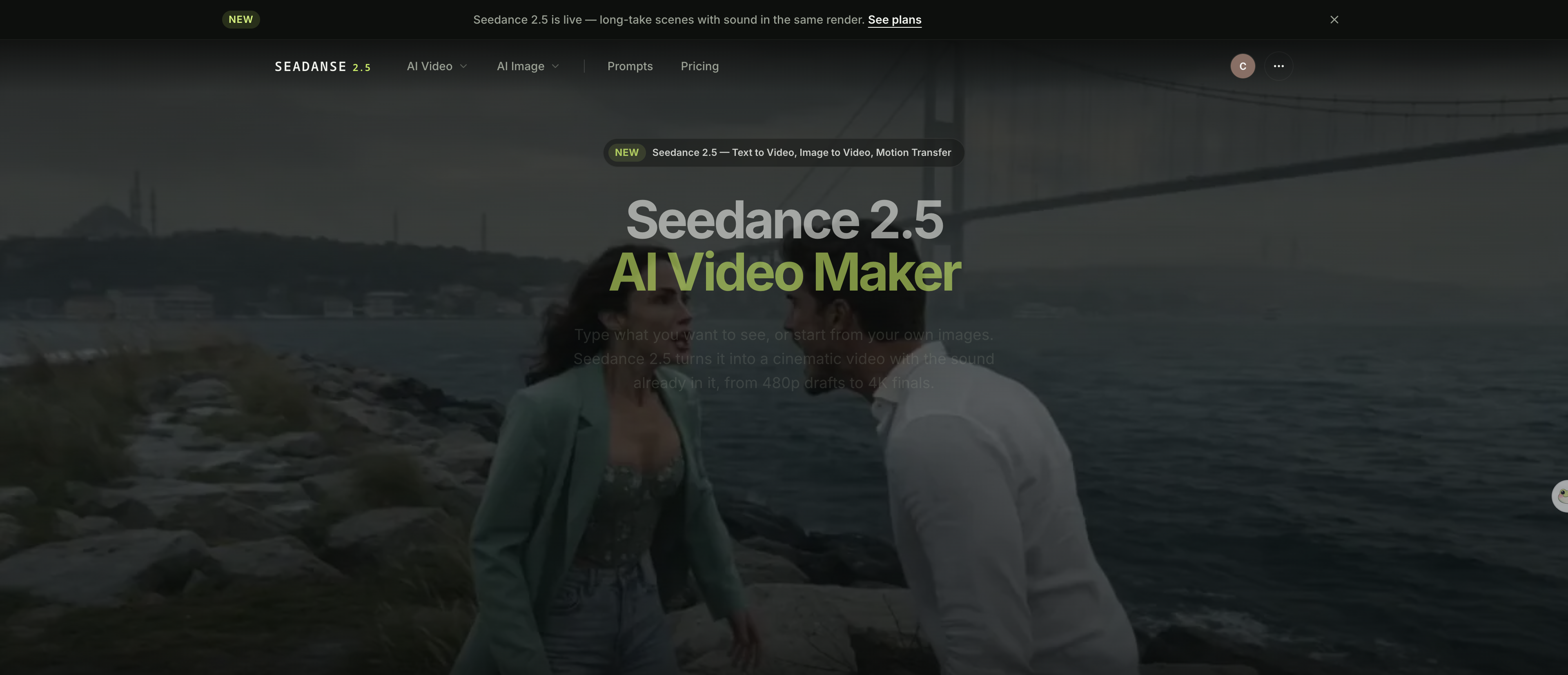
We made this one: Seedance 2.5, 1280×720, 16:9, 8s, audio on, 2026-08-12. Prompt: "Extreme close-up of a potter's hands shaping wet clay on a spinning wheel in a dim workshop… Audio: the wet slap and squelch of clay under pressure from the first frame, the low continuous hum of the wheel." The Seedance 2.5 generator on Seadanse — text-to-video, image-to-video and motion transfer, no API key needed. Captured 2026-08-22.
Open the generator, paste your prompt, pick Seedance 2.5, set your duration, and click Create.
Kling O3: Best for Multi-Shot Stories You Can Publish
Kling O3 handles clips from 3 to 15 seconds across text-to-video, image-to-video, and reference-guided prompts. It outputs at 720p, 1080p, or 4K in 16:9, 9:16, or 1:1 aspect ratios — real 4K, the resolution FLUX 3 only reaches through a separate upscale step.
The primary standout is its multi-shot storyboard mode. You can script several distinct angles into one generation.
That lets a single exported MP4 file carry a wide establishing shot, a close-up, and a turn without manual stitching. It also supports first and last frame pinning, plus image and video references to keep character identity steady.
Limits: Generations cap at 15 seconds per job. Native audio is a manual switch rather than an automatic default, so you must remember to turn it on for dialogue.
In comparison tests, Black Forest Labs reported that FLUX 3 was preferred over Kling v3 Pro in 60% of Black Forest Labs' own comparisons. In other words, BFL's own testing favored its unreleased model over Kling's older generation tier.
Kling O3 uses your shared Seadanse credit balance. The exact price shows directly on the Create button before you commit.
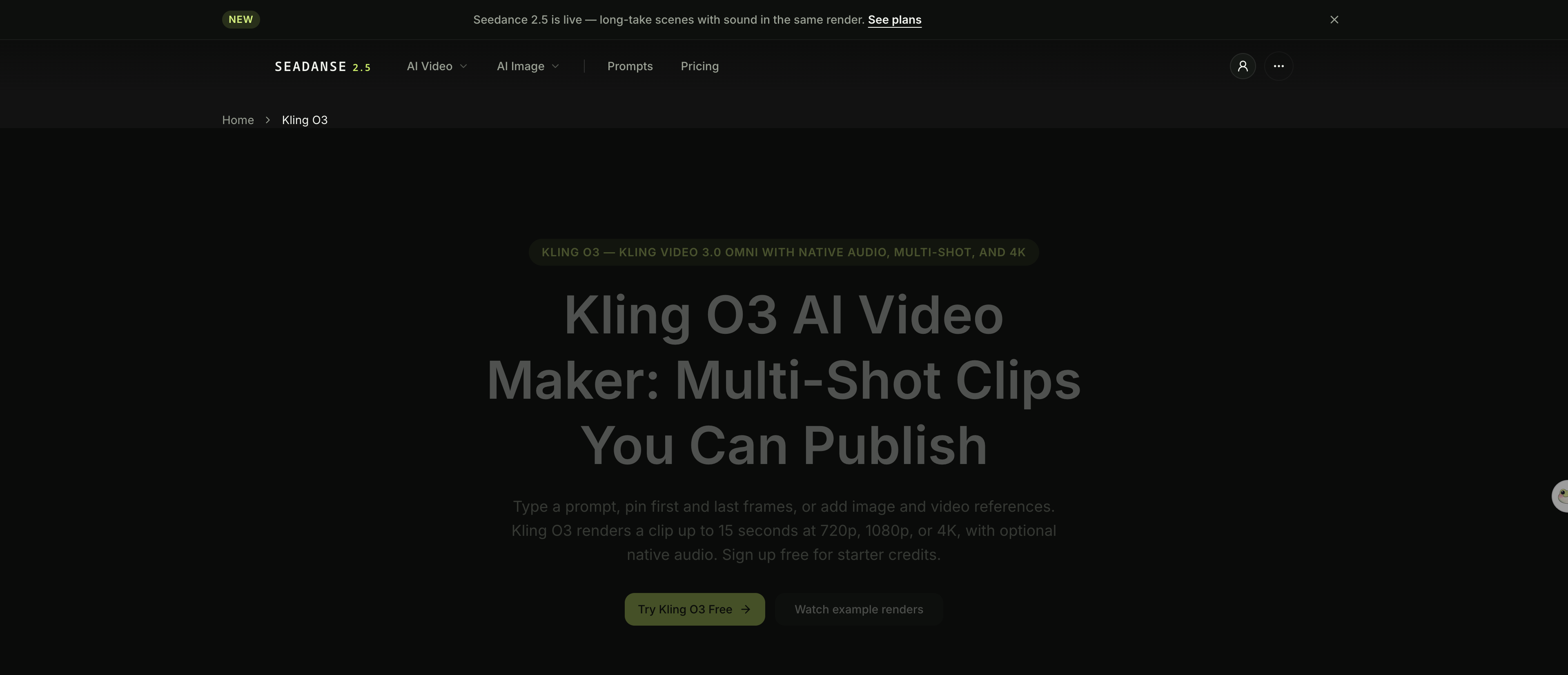
Kling's own published multi-shot example for Video 3.0 Omni — 1920×1080, 12s. Kling's Video 3.0 Omni user guide, 2026-08-21. Kling O3 on Seadanse — multi-shot storyboarding and an optional native-audio pass. Captured 2026-08-22.
Veo 3: Best for Dialogue and Lip-Sync
Veo 3 (running Google's Veo 3.1 model) makes fixed 8-second clips at 720p, 1080p, or 4K in 16:9 or 9:16 framing. The interface lets you pick between Fast and Quality checkpoints. You can start from a text prompt alone, an image, or pinned start and end frames.
The standout is native audio. Veo 3 generates dialogue, sound effects, and ambient noise in the same pass as the picture — Google says so directly. There's no separate audio step to run, and no toggle switch to flip.
Limits: Durations are locked at 8 seconds, and every output carries an embedded SynthID watermark. Google also notes in its own documentation that spoken audio consistency on short clips remains an area of active development.
Veo 3 runs on your standard Seadanse credits, with the exact price shown before you click Create.
We made this one: Veo 3.1 Fast, 1920×1080, 16:9, 8s, 2026-08-19. The prompt asks for the sonic boom to arrive a beat after the jet, and for the water to ring on the sound rather than on the picture. Veo 3.1 on Seadanse — every clip ships with native audio already in the file. Captured 2026-08-22.
Hailuo 3: Best for Character-Driven Shots
Hailuo 3 creates video from 4 to 15 seconds with native audio built into every export. It offers six aspect ratios from 9:16 to 21:9, or you can let adaptive framing follow your reference inputs automatically, plus first and last frame pinning for image-to-video tasks.
Its main strength is dense reference loading. You can feed the model up to 9 images, 3 video clips, and 3 audio clips in a single generation.
That lets you anchor character identity and scene style much more strictly than text prompts allow. Audio references just need an image or video attached alongside them.
Limits: Hailuo 3 runs on a single fixed resolution tier of 2K with no option to drop down or scale up. Clip length tops out at 15 seconds.
Hailuo 3 draws from your standard Seadanse credit pool, with free starter credits available when you sign up.
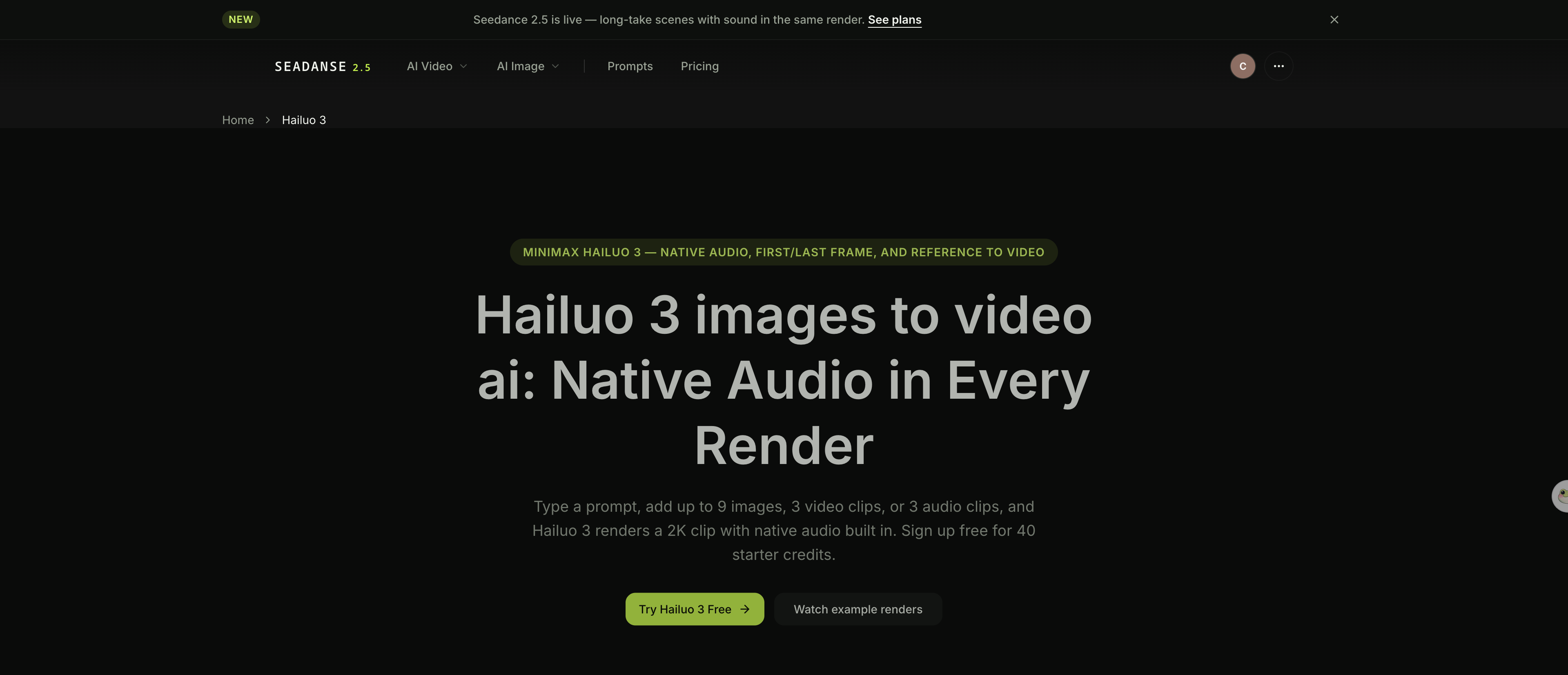
We made this one: Hailuo 3, 2560×1440, 16:9, 8s, 2026-08-15. First and last frames pinned; everything between them is the model's. Hailuo 3 on Seadanse — up to 9 images, 3 video clips and 3 audio clips as references in one generation. Captured 2026-08-22.
Wan 3.0: Best for Stylized and Open-Weight Workflows
Wan 3.0 makes up to 30 seconds of video in one continuous pass, with native audio built into the file. It takes text prompts, image inputs, and document uploads.
The standout is a steady single take through pans, orbits, and push-ins, with no visible seam. It also has a document mode: feed it a PDF, DOC, XLS, PPT, or a webpage link, and it builds the scene from that file.
Limits: Resolution stops at 1080p in every mode. There's no 4K option available.
You can run Wan 3.0 in the Seadanse browser studio using credit packs that need no monthly contract.
We made this one: Wan 3.0, 1920×1080, 16:9, 30s, 2026-08-16. One continuously accelerating crane pull-back, no cuts. Wan 3.0 on Seadanse — one continuous 30-second shot, with native audio in the same pass. Captured 2026-08-22.
Grok Imagine 1.5: Best for Fast Iteration
Grok Imagine 1.5 focuses on image-to-video generation. It turns an uploaded still into a clip between 1 and 15 seconds, defaulting to 8 seconds. It outputs at 480p, 720p, or 1080p across six aspect ratios: auto, 1:1, 16:9, 9:16, 3:2, and 2:3.
The standout trait is quick visual direction for single images. You upload a reference frame and direct camera moves like orbits, push-ins, or locked holds right inside your prompt text. Dialogue, sound effects, and ambient noise land in the same generation.
Limits: Output stops at 1080p and 15 seconds. There's no 4K tier.
In benchmark tests, Black Forest Labs reported that FLUX 3 was preferred over Grok Imagine Video in up to 69% of Black Forest Labs' own comparisons. So in tests BFL ran itself, Grok had the widest preference gap of any model we host — wider than Kling's 60% or Seedance 2.0's 52%.
Generations use your Seadanse credit balance, which refunds failed tasks automatically.
We made this one: Grok Imagine 1.5, 1904×1072, 16:9, 8s, native audio, 2026-08-16. Grok Imagine Video 1.5 on Seadanse — a still, a motion prompt, and native audio in the same generate. Captured 2026-08-22.
Runway Gen-4.5: Best for a Full Editing Suite Around the Model
Runway markets Gen-4.5 as "the world's best video model, featuring state-of-the-art motion quality, prompt adherence and visual fidelity". The generator lives inside Runway Creative, a suite that also includes Agent, Workflows, Characters, and Act-Two — Runway says more than 60 million creatives already use it. Runway's pricing plans even resell other models like Seedance 2.0 and Kling within its interface.
The clear standout is the surrounding editing suite. If you want a full studio around the model — timeline editing, media management, and post-production tools in one place — Runway goes deeper than anything else on this list.
Limits: Gen-4.5 outputs silent video files. Every clip needs sound added separately in post-production, as noted in our Runway alternatives guide.
In benchmark tests, Black Forest Labs stated that FLUX 3 was preferred over Runway Gen-4.5 in 77% of Black Forest Labs' own comparisons. In other words, BFL's internal tests favored its unreleased model over Runway's video quality more than three-quarters of the time.
Runway bills through credit plans where different tools consume credits at varying rates per second — see Runway's pricing.
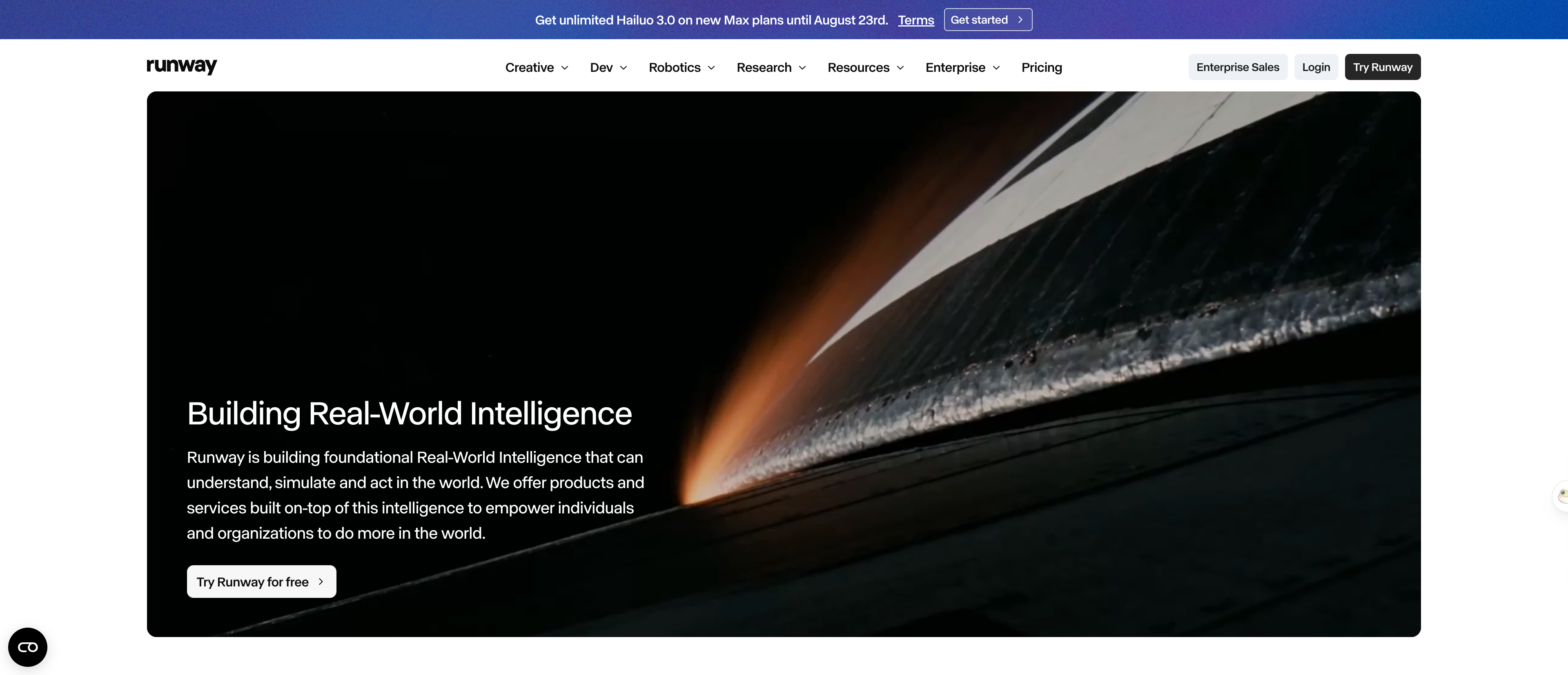 Runway's own homepage — Gen-4.5 is one model inside a much larger editing suite. Captured 2026-08-22, runwayml.com.
How This List Was Made
We reviewed each model's specs and live generator page on Seadanse in August 2026 — Runway's own site for its entry. We checked every claim against the source and captured a real screenshot of each one.
We generated the clip under most of these entries ourselves, and each one carries its prompt, model, size, length and date.
Six of the seven run on the Seadanse generator and share one credit balance, so switching between them costs you nothing but a dropdown. We scored each option on five things:
- Native audio, generated in the same pass as the picture, not added after.
- Clip length before you have to stitch two takes together.
- How much control you get — keyframes, references, or prompt text alone.
- Whether it runs in a browser or needs an API key and code.
- What it costs, in shape, not a number that goes stale.
When you look at benchmark claims, remember the context. Black Forest Labs ran its preference comparisons using 10-second 720p clips with audio. BFL tested on its own setup, and it compared FLUX 3 against ByteDance's older Seedance 2.0 model rather than Seedance 2.5.
Our FLUX 3 vs Seedance 2.5 breakdown covers those testing gaps in full. We'll revisit this list once FLUX 3's own access changes.
To test these tools yourself without waiting on developer API lists, open Seadanse and run the model that matches how you work.
Related Articles
- What Is FLUX 3? The First FLUX That Makes Video (2026) — what Black Forest Labs actually shipped, and what's still coming.
- FLUX 3 vs Seedance 2.5: The Comparison BFL Didn't Run — BFL benchmarked Seedance 2.0, never 2.5. Here's the comparison they skipped.


