
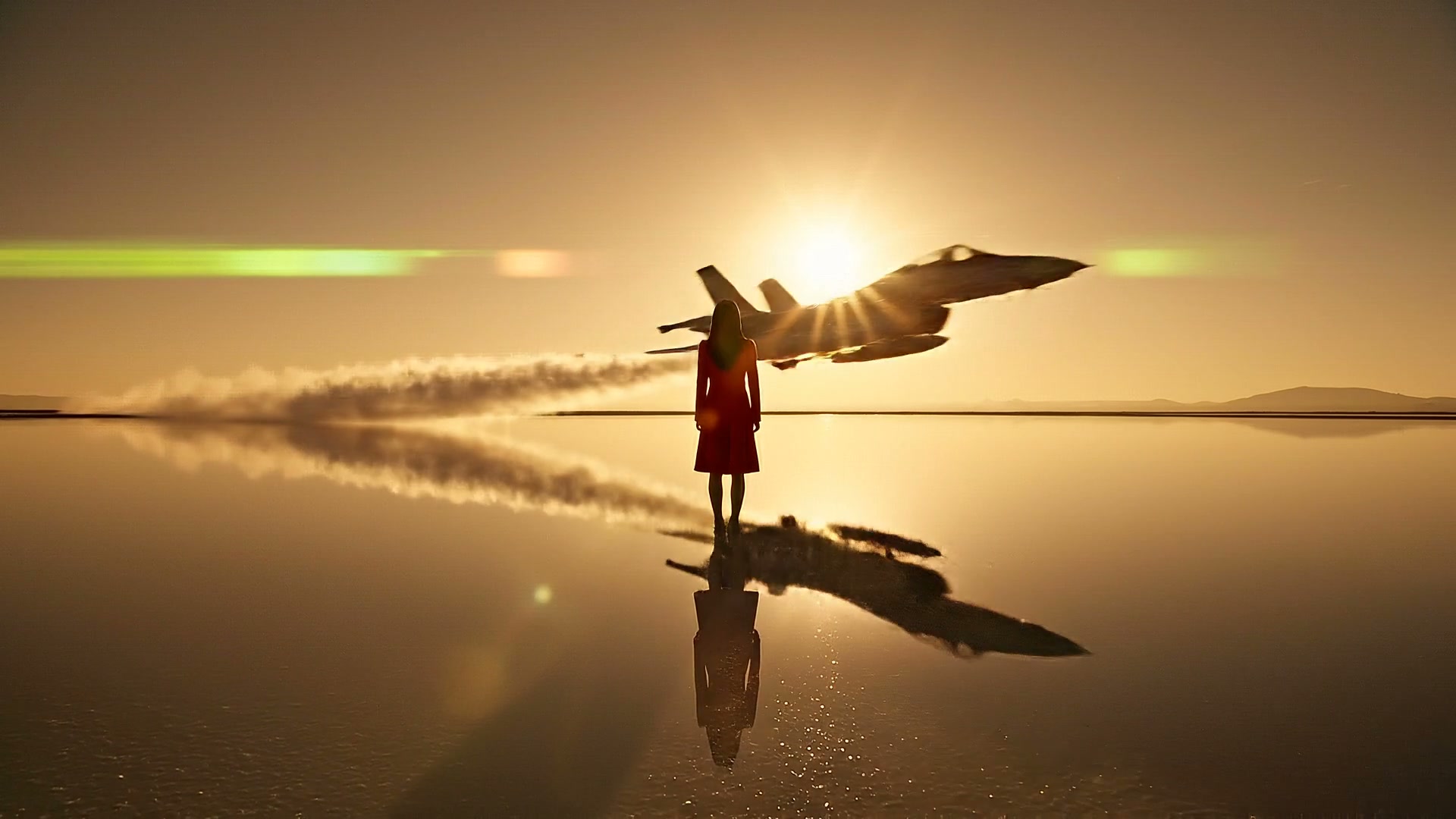
Turn One Photo Into an 8-Second Video
Upload one JPG or PNG picture as your first frame and describe the action. Our Veo3 image to video AI runs Google's upgraded Veo 3.1 model to turn your picture into an 8-second MP4 clip at 24 frames per second.
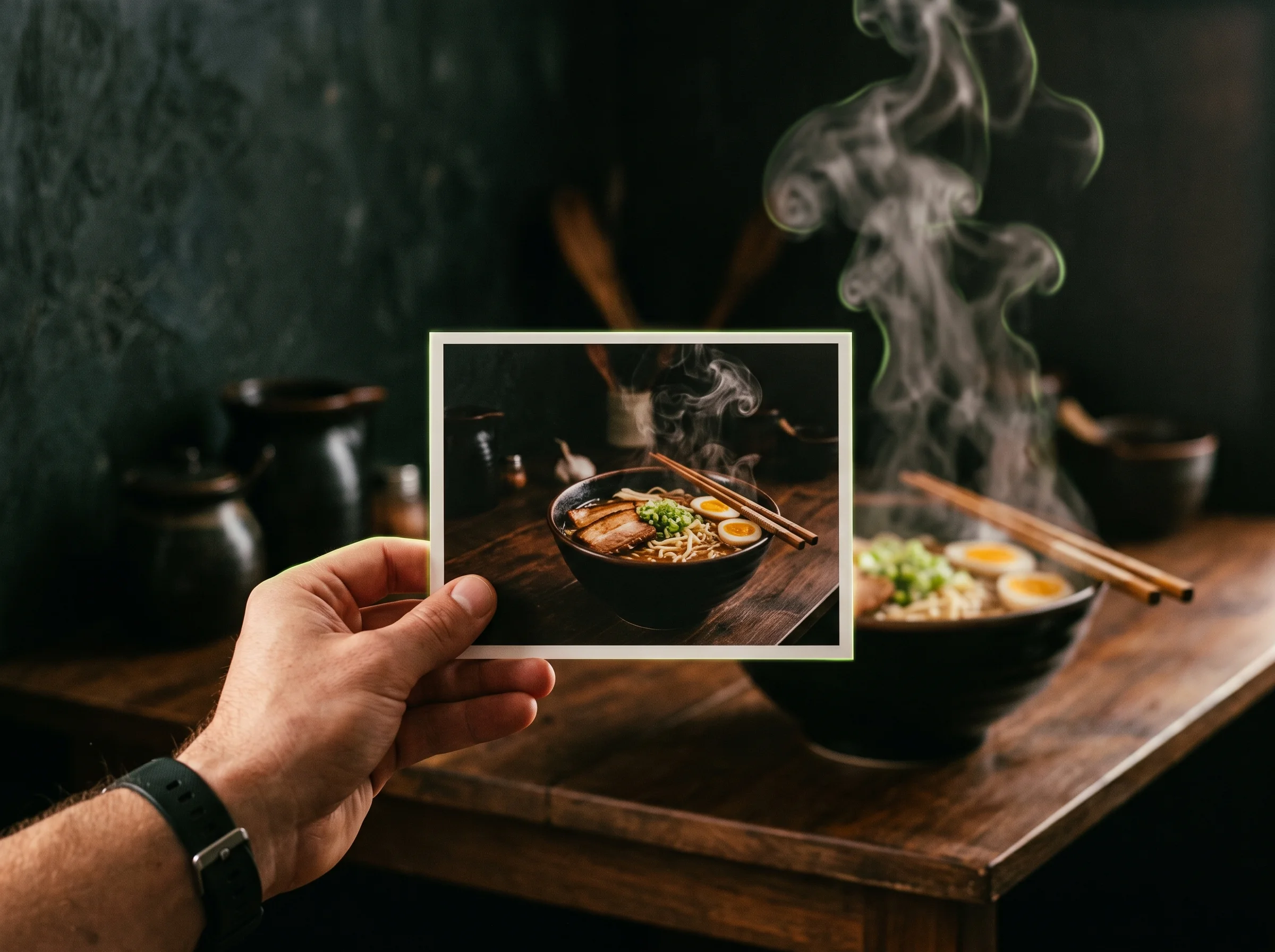
Bring your still photos to life with motion and sound. Our Veo3 image to video AI turns any photo into an 8-second video with sound using Google's Veo 3.1.
Sign in and write a line or two first — Enhance rewrites what you have.
Upload one JPG or PNG picture as your first frame and describe the action. Our Veo3 image to video AI runs Google's upgraded Veo 3.1 model to turn your picture into an 8-second MP4 clip at 24 frames per second.
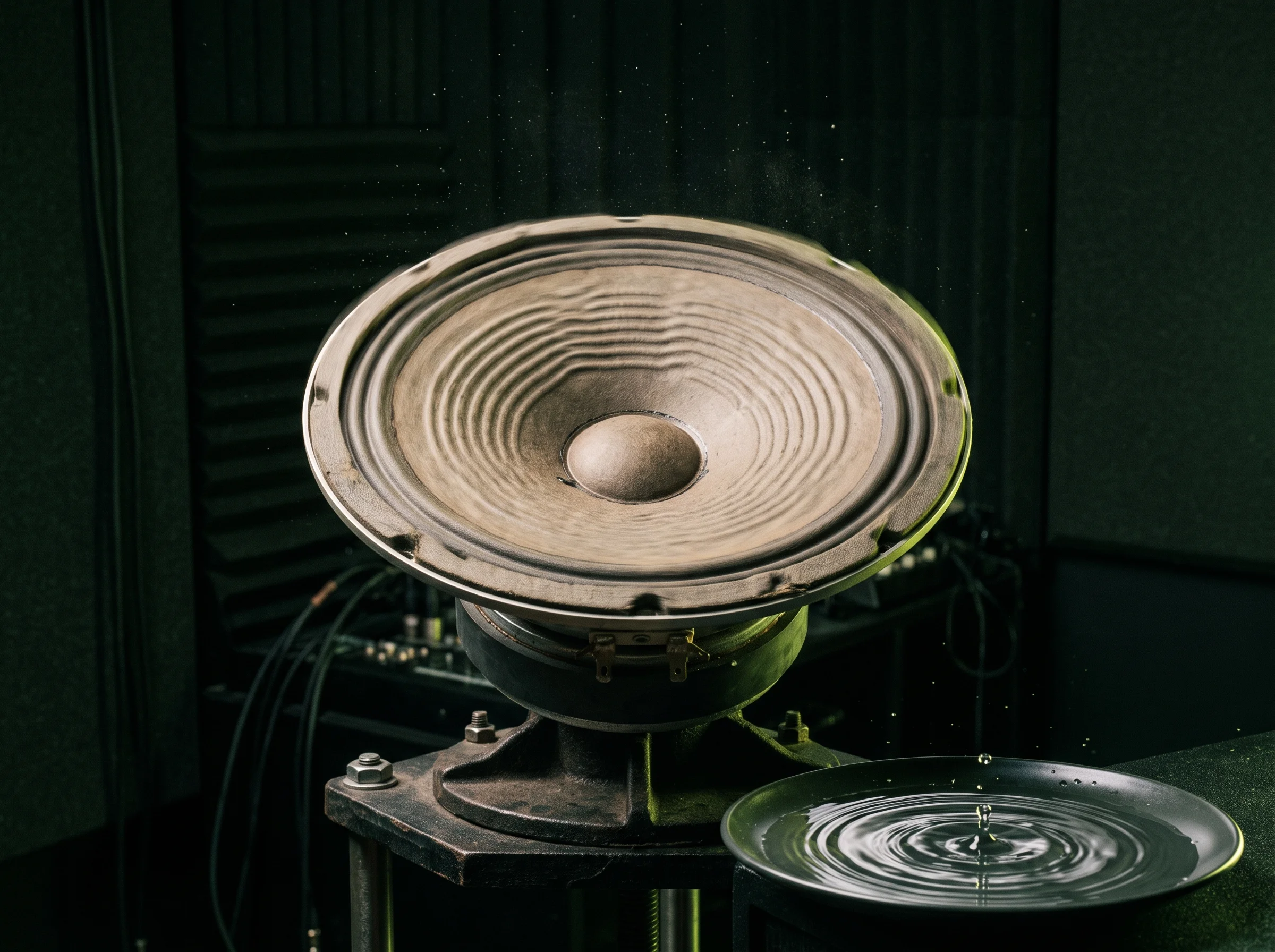
Get speech, sound effects and background sound created directly alongside your video. Our Veo3 image to video AI brings richer audio to every scene and makes characters speak your quoted words with lips in sync.
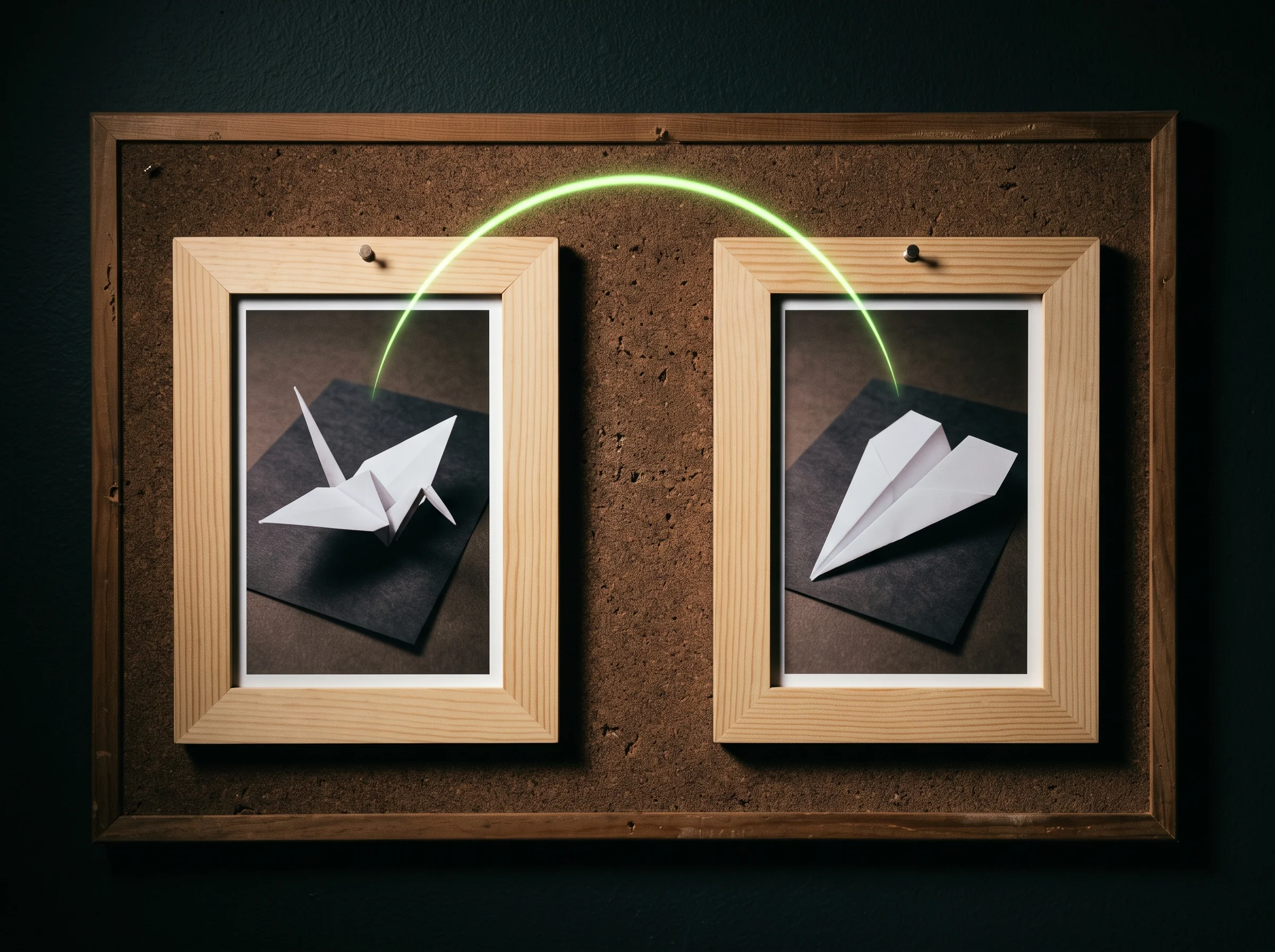
Upload two pictures as your first and last frames to control how your clip starts and ends. Our Veo3 image to video AI fills in the motion between both frames for smooth, artful transitions and before-and-after reveals.
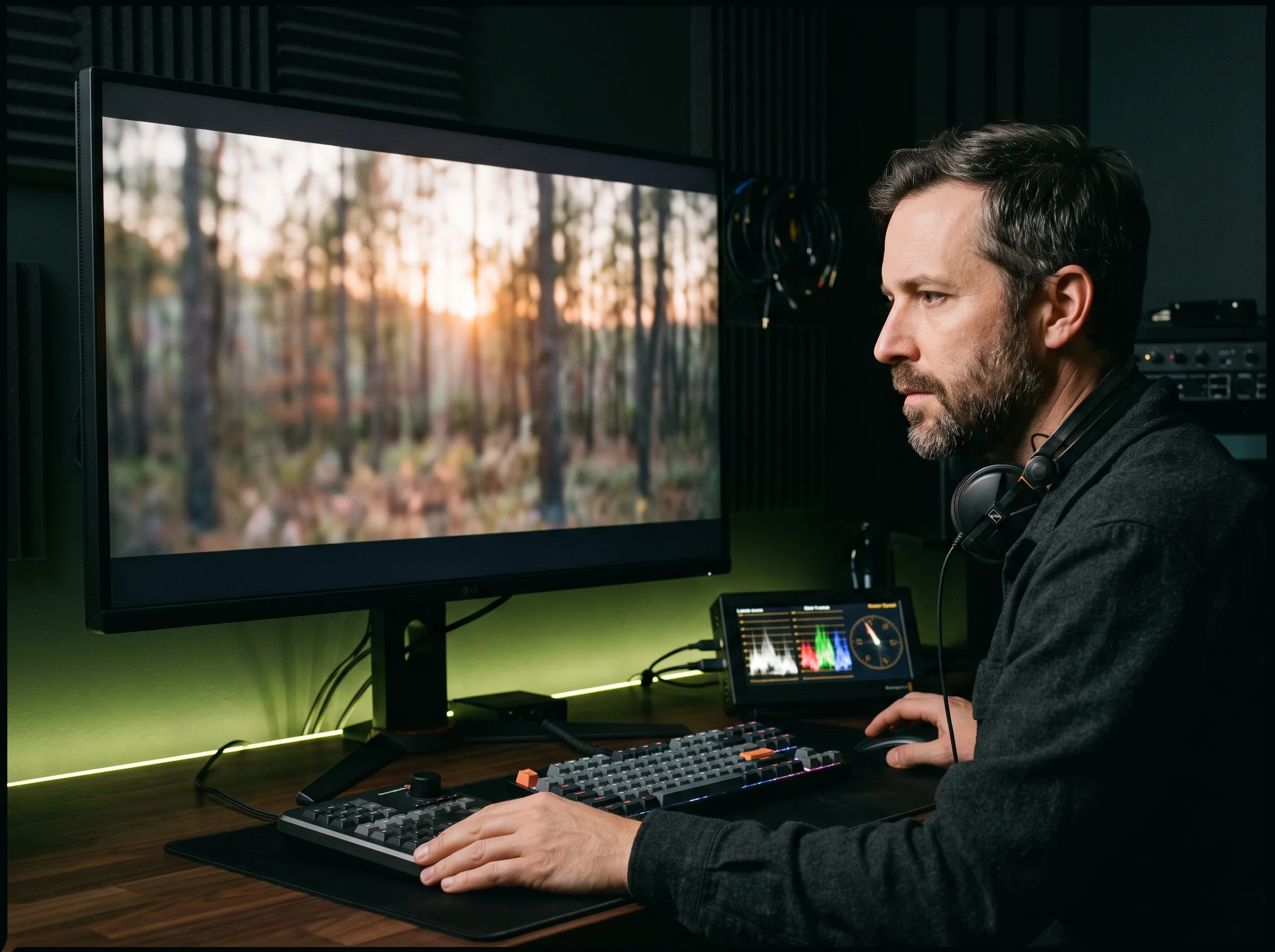
Use a photo of your person, character or product as the first frame so it looks consistent throughout the shot. You can also craft a new first frame using our Nano Banana 2 image generator before running our Veo3 image to video AI.
Pick Veo 3.1 Fast to test prompts and produce batches of social ads with fewer credits. Run Veo 3.1 Quality through our Veo3 image to video AI when you need full realism for your final master video.
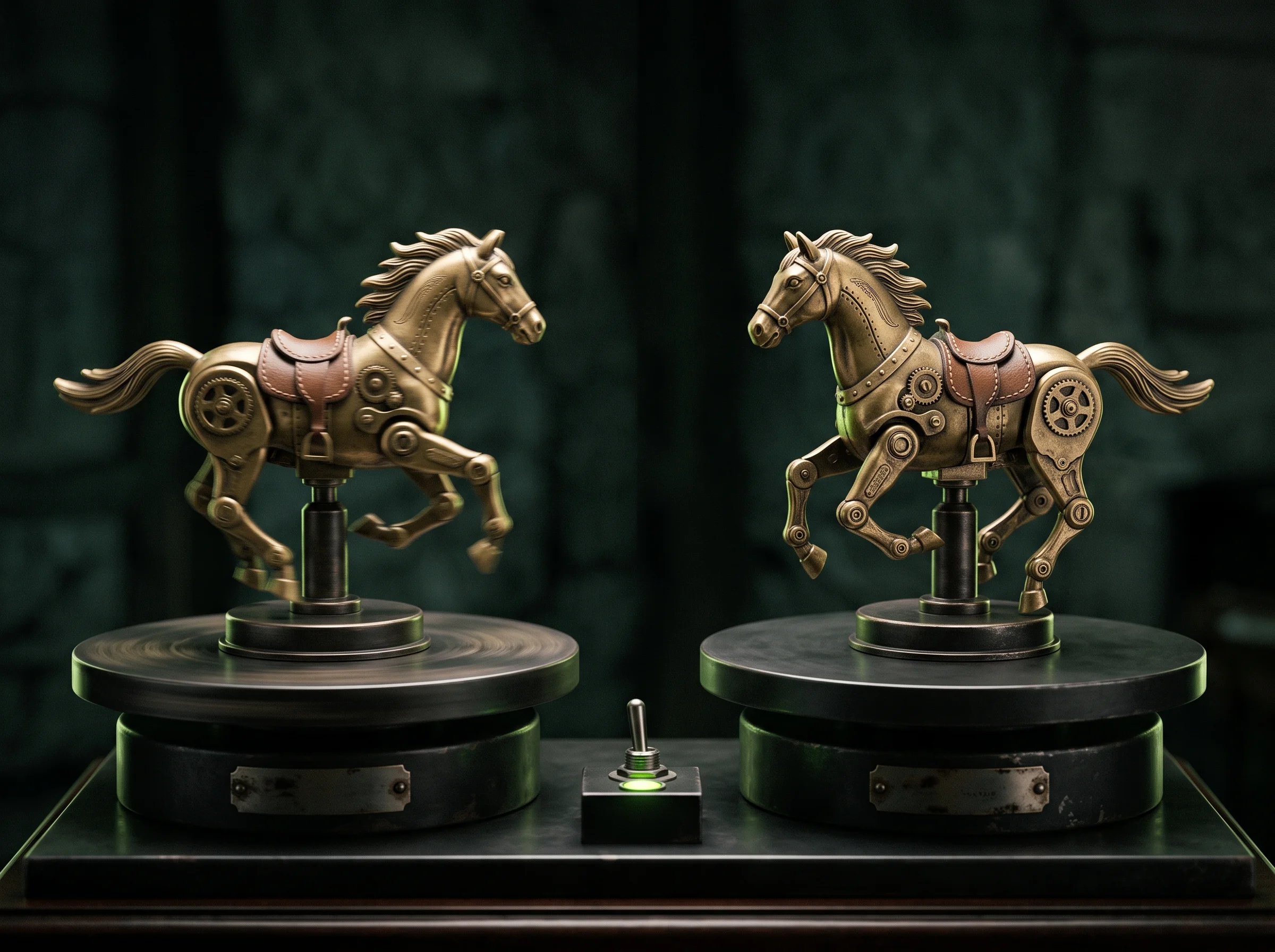
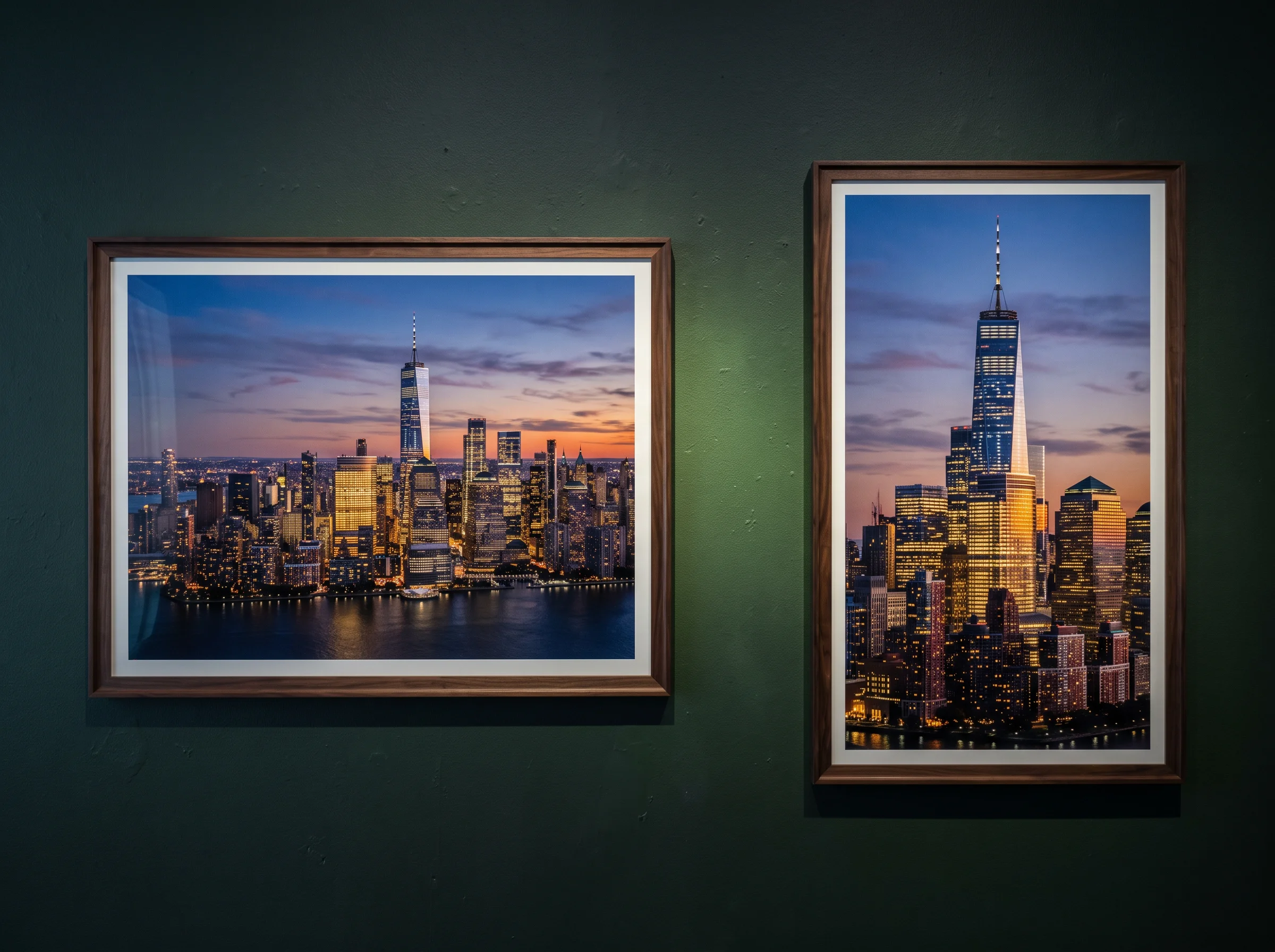
Download your videos in 720p, 1080p or 4K to fit any screen. Our Veo3 image to video AI creates 16:9 landscape clips for YouTube and 9:16 vertical videos ready for TikTok, Instagram Reels and YouTube Shorts.
Bring a selfie, portrait, or character picture and write a line of spoken dialogue. Our Veo3 image to video AI delivers an 8-second 9:16 clip with lips in sync and clear speech for your feed.
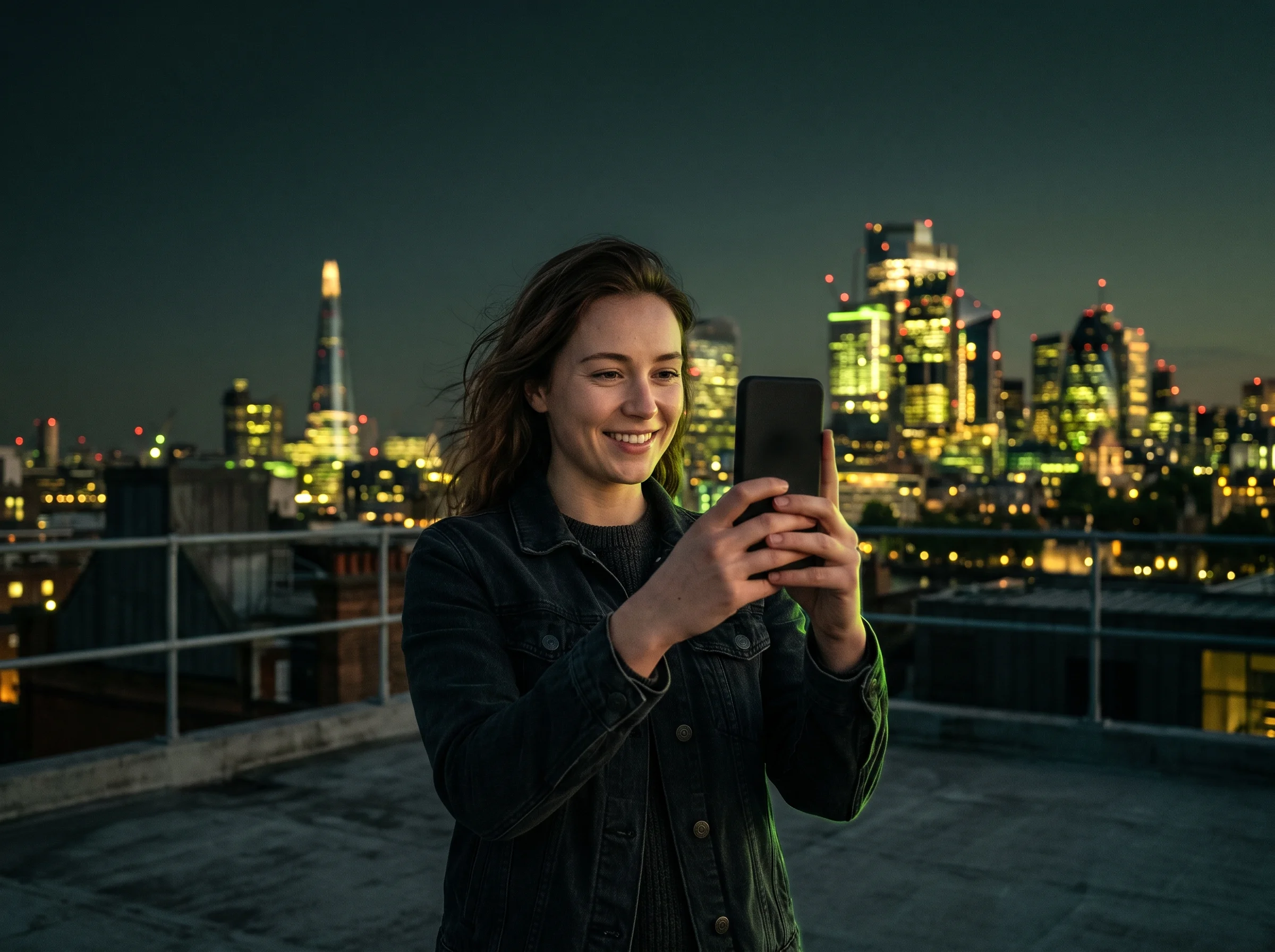
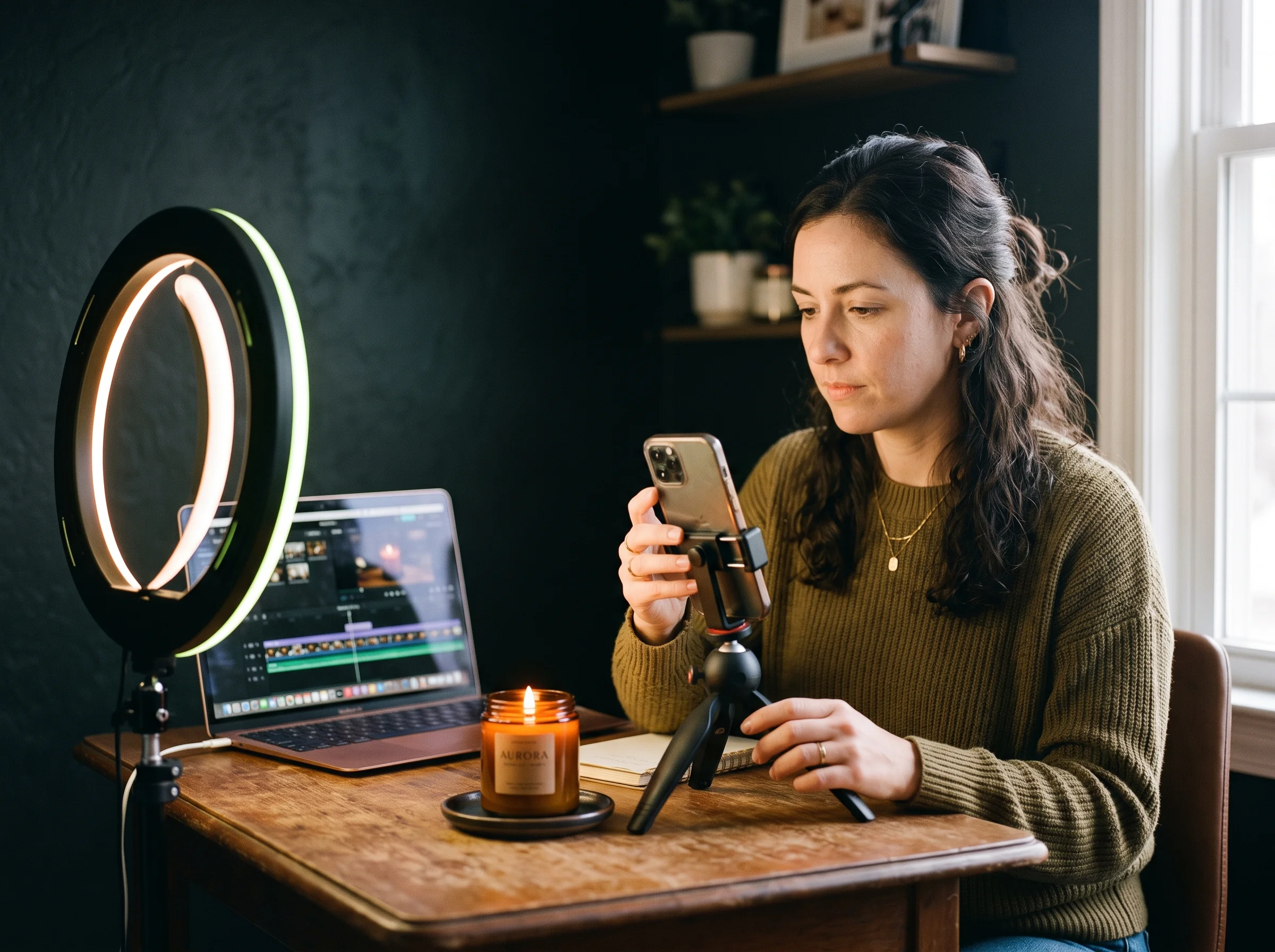
Upload your product photo with reference images to keep the item consistent, or add a last frame. You get an 8-second ad clip with background sound and sound effects ready to run.
Upload an illustration, book page, or sketch and describe the action. Turn your artwork into an animated scene complete with sound effects, narration, or talking characters.
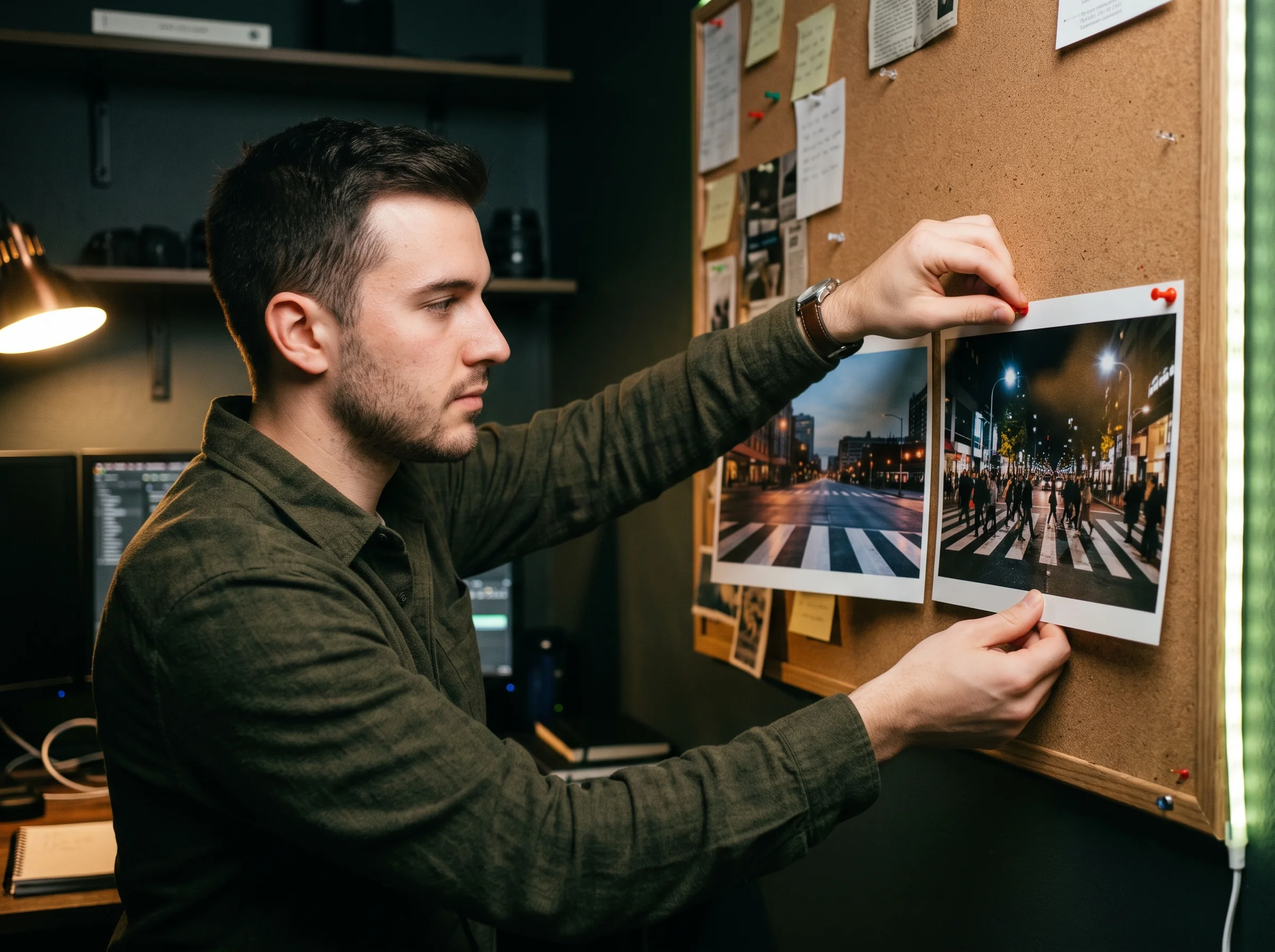
Bring storyboard frames or location photos and set first and last frames for smooth transitions. Produce 8-second scenery shots, street scenes, and music video cuts in crisp motion.
Upload your JPG or PNG photo as the first frame, and add a last frame to guide how the clip ends.
Describe the motion, the camera move, and the sound with spoken words in double quotes, then select Fast or Quality, 720p, 1080p, or 4K, and 16:9 or 9:16.
Generate your 8-second MP4 video at 24 frames per second with sound, and download your finished clip.
Yes. Veo 3.1 by Google DeepMind, the upgraded Veo3, turns one image into an 8-second video with sound. It also takes a first and last frame. Our Veo3 image to video AI on this page runs Veo 3.1 so you can start creating immediately.
Yes. Sign up free and get 40 starter credits right away. Your credits cover your first 8-second Veo 3.1 Fast clip at 720p or 1080p. You can explore all paid options on our pricing page.
Each clip is priced in credits. Veo 3.1 Fast uses fewer credits than Veo 3.1 Quality. Open the Veo 3.1 cost calculator to see the exact credits for each version and resolution. Your 40 free starter credits cover your first Fast clip at 720p or 1080p.
Veo 3.1 is the upgraded Veo3, released by Google on October 15, 2025. It adds a first and last frame, up to 3 reference images, clip extension, 4K, and richer audio. Google replaced Veo3 with Veo 3.1 on June 30, 2026, so our Veo3 image to video AI runs on Veo 3.1 today.
Choose Fast for quick drafts and Quality for your final clip. Both versions make 8-second clips with sound at 720p, 1080p or 4K, in 16:9 or 9:16. Fast costs fewer credits, and Google calls Veo Fast 'the ideal engine for scaling social media content and ad creatives'. Quality is Google's full Veo 3.1 model. Test your idea on Fast, then render your final clip on Quality.
Yes. Every clip comes with sound generated alongside the visuals. Our Veo3 image to video AI creates dialogue, sound effects and background sound in one take. Put spoken words in double quotes and the character says them with lips in sync.
Each clip is 8 seconds long. Veo 3.1 extends a clip by 7 seconds at a time, up to 20 times. To create one longer video in a single take, use our Seedance 2.5 AI video maker on Seadanse.
Use a clear, well-lit photo with one main subject. Upload a JPG or PNG file that is 720p or larger. Choose 16:9 for landscape videos or 9:16 for vertical clips.
Describe the motion, the camera move and the sound instead of what the photo already shows. Put the most important action first and keep the text short. Put spoken dialogue in double quotes, and check Google's Veo prompt guide for helpful prompt patterns.
No. Sign up on Seadanse and make clips in the tool on this page directly in your browser. You need no Google subscription, no API key and no code.
Yes. Upload a clear selfie of an adult and write your line in double quotes. Veo 3.1 brings photos of adults to life and makes you say the words with synced lip motion.
Both are video models built by Google. Google announced Gemini Omni at Google I/O 2026, and the Gemini app now creates videos with Gemini Omni instead of Veo. Try our Gemini Omni AI video maker and Veo 3.1 on Seadanse to compare their styles on the same image.
Every page here runs the real models in your browser — jump to the one that matches the clip you have in mind.
Seedance, Veo, Kling, Hailuo and more, each on its own page with real renders.
Upload a photo, pick an effect, get a short video. No prompt to write.
Use your 40 free starter credits to turn your photo into an 8-second video with sound.


