Seedance 2.0 AI Video Generator

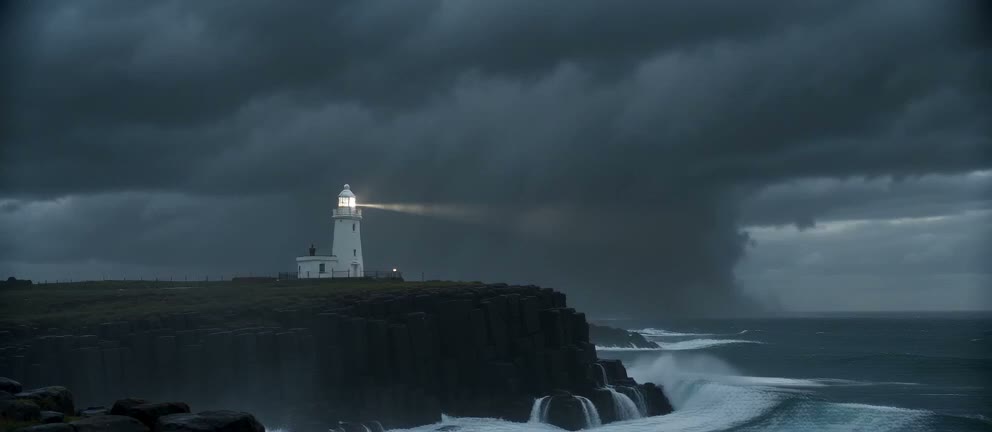
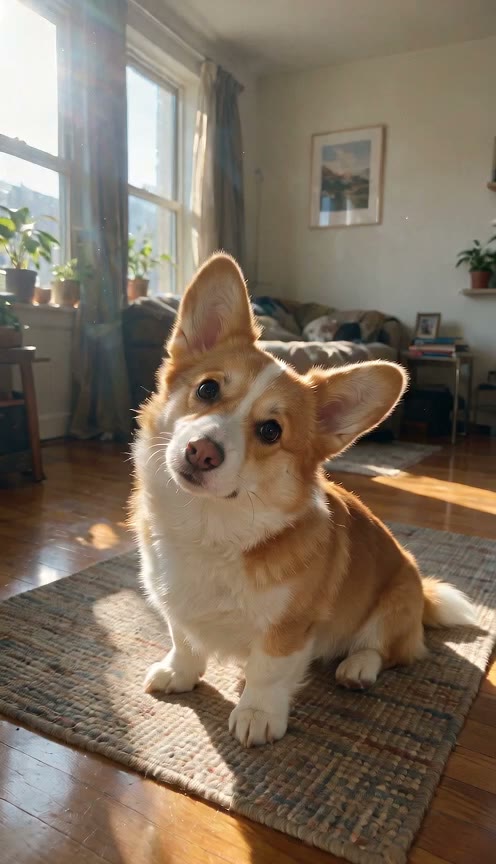
Seedance 2.0 is the multimodal AI video model released by ByteDance's Seed team on February 12, 2026. Turn your prompt and up to 12 reference files into videos up to 4K with full sound. Sign up free on Seadanse and get 40 starter credits to start making clips right away.

Seedance 2.0 Turns Prompts and References into 4K AI Videos

0/20000

Why Create With Seedance 2.0 on Seadanse

Direct Every Detail With Reference Files

Feed Seedance 2.0 up to 12 reference files at once, including up to 9 images and 3 video clips. Create a character sheet or product photo with our AI image generator, tag files with @ names in your prompt, and guide your scene or storyboard with precision.
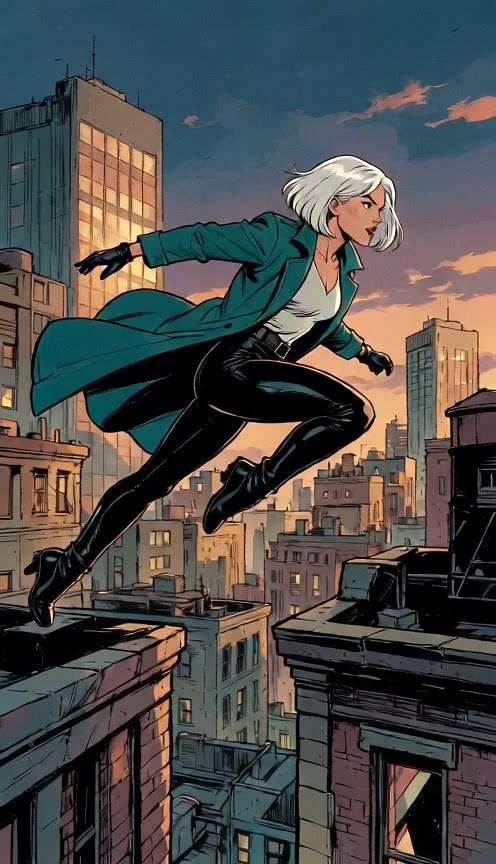

Cut Multi-Shot Scenes With Consistent Characters

Label your prompt with "Shot 1:" and "Shot 2:" to generate 4 to 15-second scenes with clean camera cuts. Seedance 2.0 keeps the exact same face, outfit, and product looking identical across every shot.

Produce Synced Stereo Sound and Dialogue

Seedance 2.0 creates audio and video together in one pass, delivering clear lip sync dialogue, sound effects, ambient sound, and stereo music. Turn sound off for silent video.

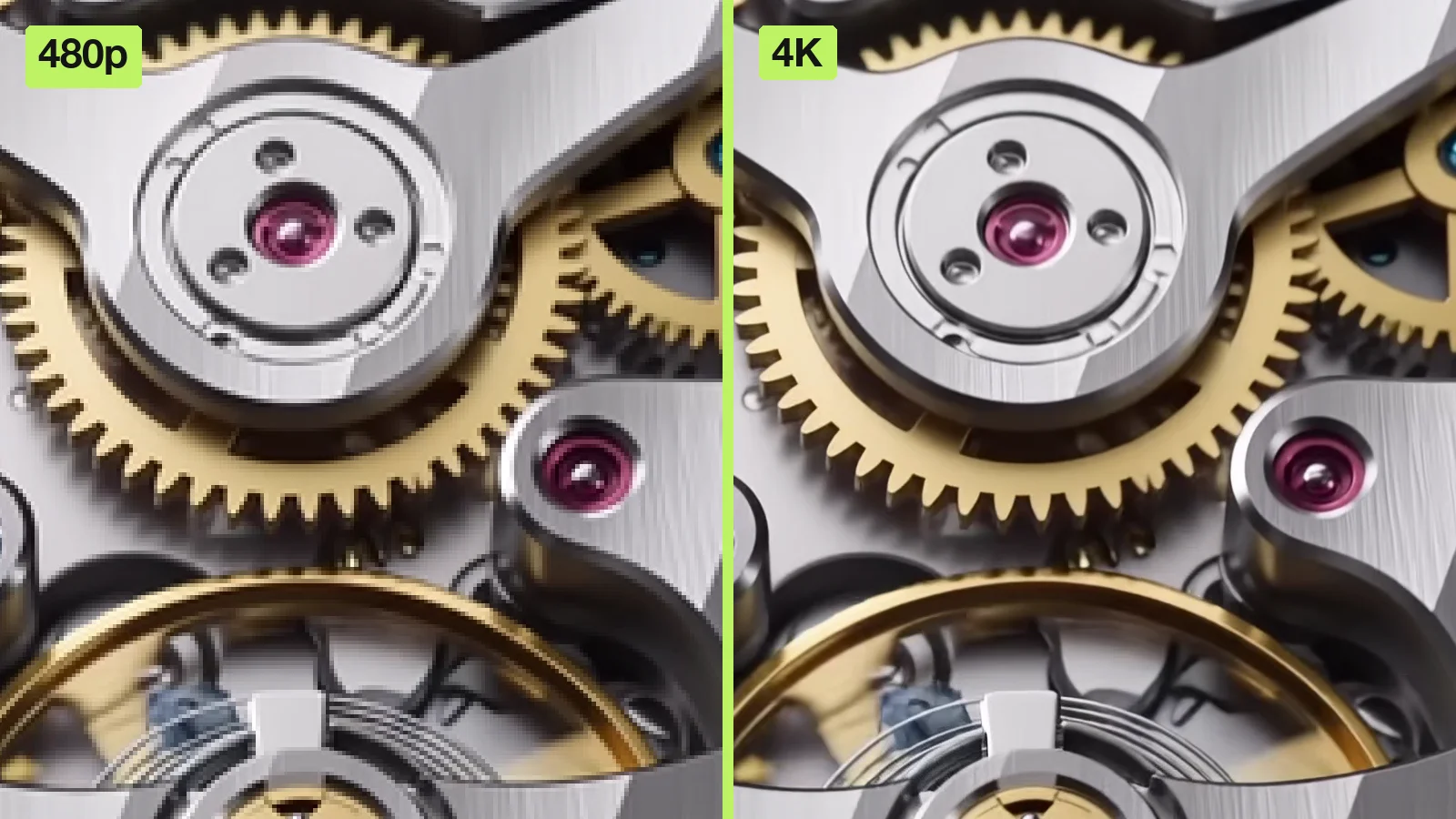
Render Crisp Footage in Up to 4K

Render Crisp Footage in Up to 4K

Draft fast clips at 480p or 720p, then render your favorite take in 1080p or 4K with 10-bit color gradients at 24 fps in MP4. Seedance 2.0 is the only Seedance model with 4K, supporting six aspect ratios for any screen.

Animate Photos With Frame-Accurate Control

Turn any picture into video by using it as your first frame. Pick both a first frame and a last frame to lock in perfect logo reveals, transformations, and before-and-after clips.

Direct Complex Motion and Dynamic Cameras

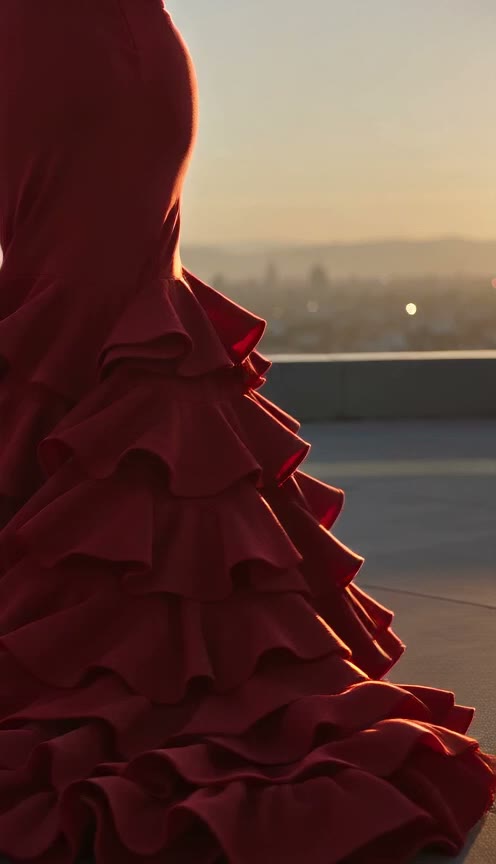
Generate high-energy dance, fight, sports, and crowd scenes where subjects move with real physical weight. Command exact camera paths like follow shots, push-ins, pull-backs, and first-person views directly in your prompt.

Seedance 2.0 for Creators, Marketers, and Filmmakers

Creators & Musicians

Make High-Energy Social Clips

Bring a photo, a song, or a dance clip to create videos for TikTok, Reels, and Shorts. Get a 9:16 clip of up to 15 seconds with sound that cuts and moves to your beat.

Marketers & Brands

Produce Commercials in 4K

Bring up to 9 product photos to place your items into photorealistic scenes. Get clean 9:16 or 16:9 video ads in 4K with audio and the same product details in every shot.

Filmmakers & Directors

Direct Multi-Shot Narrative Scenes

Bring character sheets and storyboard frames to produce short films and pre-visuals. Create multi-shot video scenes in 4K that keep your actors and outfits identical across cuts.

Artists & Illustrators

Animate Original Character Art

Bring a hand-drawn illustration or character sheet to produce animated shots in your exact visual style. Set your first frame and last frame to guide actions and transformations.

How to Make Videos with Seedance 2.0

Step 1

Add Your Prompt and References

Write your prompt and add up to 12 reference files, or set a first frame and last frame to guide the action.

Step 2

Choose Your Settings

Pick your resolution from 480p to 4K, select your aspect ratio, set the length from 4 to 15 seconds, and turn sound on or off.

Step 3

Generate and Download Your Video

Generate your clip, preview the shots and audio, and download your finished MP4.

Render Seedance 2.0 Drafts From 30 Credits

Draft cheap or master big — every Seedance 2.0 preset carries its own price, so you pay for the quality this clip actually needs. A 5-second render costs 30 credits on Mini 480p, 120 on Standard 480p, 210 on Fast 720p, 260 on Standard 720p, and 650 at 1080p — and scales linearly per second. The estimated cost shows beside Generate before you submit, so the charge never surprises you.

Get Straight Answers on Seedance 2.0 Before You Render

What is Seedance 2.0, and who made it?

Seedance 2.0 is a multimodal AI video model built by ByteDance's Seed team, the company behind TikTok. ByteDance announced the model in its official launch post on February 12, 2026. It reads your text, images, video clips, and audio to generate visuals and synchronized sound in a single pass. You get multi-shot videos up to 15 seconds long in up to 4K resolution. ByteDance also offers a newer model called Seedance 2.5.

Is Seedance 2.0 free to use?

Yes. You receive 40 starter credits when you sign up for free on Seadanse. Use these credits to make your first AI videos right away, and view our pricing plans to buy more credits whenever you want.

How much does a Seedance 2.0 video cost?

Each clip costs credits based on your resolution and clip length. Longer videos and higher resolutions require more credits. You can calculate the exact credit price for 480p, 720p, 1080p, or 4K with the Seedance 2.0 cost calculator. New accounts receive 40 free starter credits, and you can buy additional credit packs on our pricing page.

Can I use Seedance 2.0 in the US?

Yes. You can use Seedance 2.0 directly in your browser on Seadanse from anywhere in the US. You need no VPN, no Chinese phone number, no API key, and no local GPU. Simply type your prompt and produce your video in seconds.

Seedance 2.0 vs Seedance 2.5: which should I use?

Pick Seedance 2.0 when you need 4K resolution and multi-shot clips up to 15 seconds long. Seedance 2.0 is the only Seedance model that produces 4K output, using up to 12 reference files. Choose Seedance 2.5 when you want longer continuous scenes up to 30 seconds, support for up to 50 reference files, and resolutions up to 1080p.

What's the difference between Seedance 2.0, Seedance 2.0 Fast and Seedance 2.0 Mini?

All three models share the same architecture and accept the same inputs, but each serves a different goal. ByteDance designed Seedance 2.0 for the highest generation quality, making it the only model in the trio with 1080p and 4K output. Choose Seedance 2.0 Fast for a balance of cost and generation speed. Pick Seedance 2.0 Mini for the best cost performance when running batch tests and quick drafts. Some platforms refer to the full Seedance 2.0 model as Seedance 2.0 Pro.

Does Seedance 2.0 make 4K video?

Yes. Seedance 2.0 generates video at 480p, 720p, 1080p, and 4K. The 4K setting uses 10-bit color to deliver smooth color gradients across every frame. Your finished file exports as an MP4 at 24 frames per second in your choice of six aspect ratios: 21:9, 16:9, 4:3, 1:1, 3:4, or 9:16.

How long can a Seedance 2.0 video be?

Each video runs between 4 and 15 seconds and can contain multiple camera shots. You can extend your finished clip forward or backward to create longer scenes. You can also join up to 3 clips together into a single continuous video.

What can I upload to guide Seedance 2.0?

You can upload a text prompt plus up to 12 reference files at once. Upload up to 9 images and up to 3 video clips totaling 15 seconds. Accepted image formats include JPEG, PNG, WebP, BMP, TIFF, GIF, HEIC, and HEIF. Accepted video formats are MP4 and MOV. Tag each file in your prompt with @ labels, such as @Image 1 or @Video 1, to steer characters, settings, motion, and sound.

How do I write a good Seedance 2.0 prompt?

Use ByteDance's official method: describe the subject, action, scene, lighting and color, camera movement, and visual style. Label camera cuts as Shot 1: and Shot 2:, call out reference files with @ tags, and place dialogue inside curly braces after the word says. Name the language if characters speak something other than English or Chinese, and add exclusions like no subtitles or no logo. Explore the Seedance prompt library to copy proven prompts from real community clips.

Is Seedance 2.0 the best AI video model?

Seedance 2.0 ranks among the world's top five video models. In the September 2026 Artificial Analysis Video Arena human blind test, Seedance 2.0 earned #5 for text to video and #5 for image to video. It stands as the most-voted model on the text-to-video leaderboard, placing ahead of Kling O3, Veo 3, and Sora 2.

Is Seedance 2.0 open source, and can I run it locally?

No. ByteDance has not released the weights for Seedance 2.0, so the model runs exclusively in the cloud. ComfyUI nodes for Seedance also route their generation tasks through cloud servers. On Seadanse, you run Seedance 2.0 directly in your browser with zero setup, no local GPU, and no API key.

Can Seedance 2.0 make images?

Seedance 2.0 generates video, and you use images as reference inputs. When you want to generate AI still images, choose ByteDance's dedicated Seedream models. You can create still artwork and concept shots right on Seadanse using Seedream 5 Lite and Seedream 5 Pro.

Guides for Seedance 2.0

Articles written for this model: how to prompt it, where it runs and what its limits are.

All articles

Create Your Next Video with Seedance 2.0 Today

Sign up free to get 40 starter credits and turn your ideas into high-definition 4K videos with sound.