Animate One Still Into Grok Imagine Video 1.5 You Can Publish Today
Upload one still, write the motion, and render image to video at 480p to 1080p. Your still becomes a clip with sound attached.
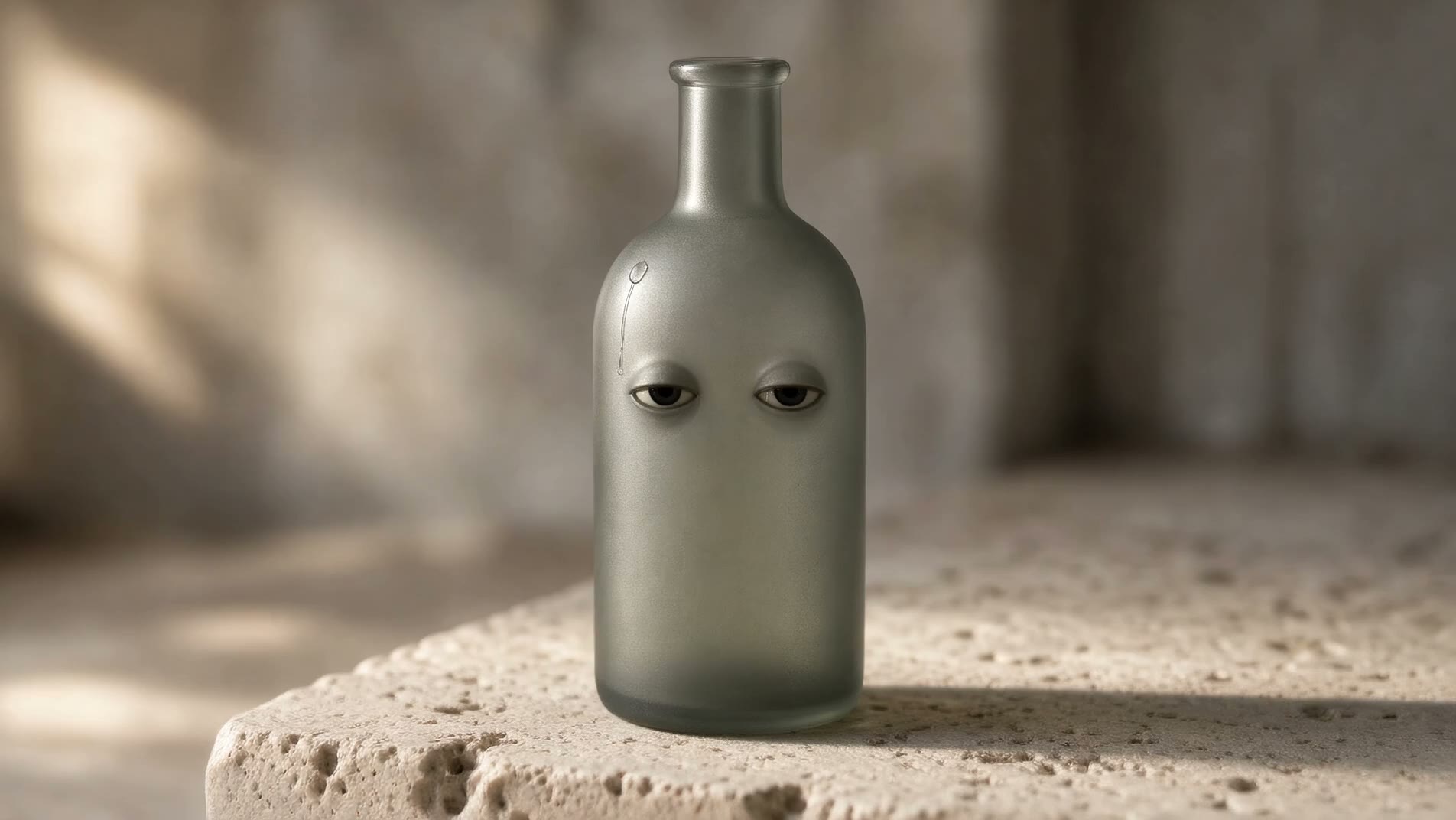
1904x1072 · 16:9 · 8s
Upload a still and describe the motion. You get Grok Imagine Video 1.5 as an MP4 with native audio. Pick 480p, 720p, or 1080p, set 1 to 15 seconds, and sign up free for starter credits.
Upload a still, write the motion, and press Generate. You get grok imagine video back as an MP4 with native audio. Pick 480p, 720p, or 1080p, and set any length from 1 to 15 seconds.
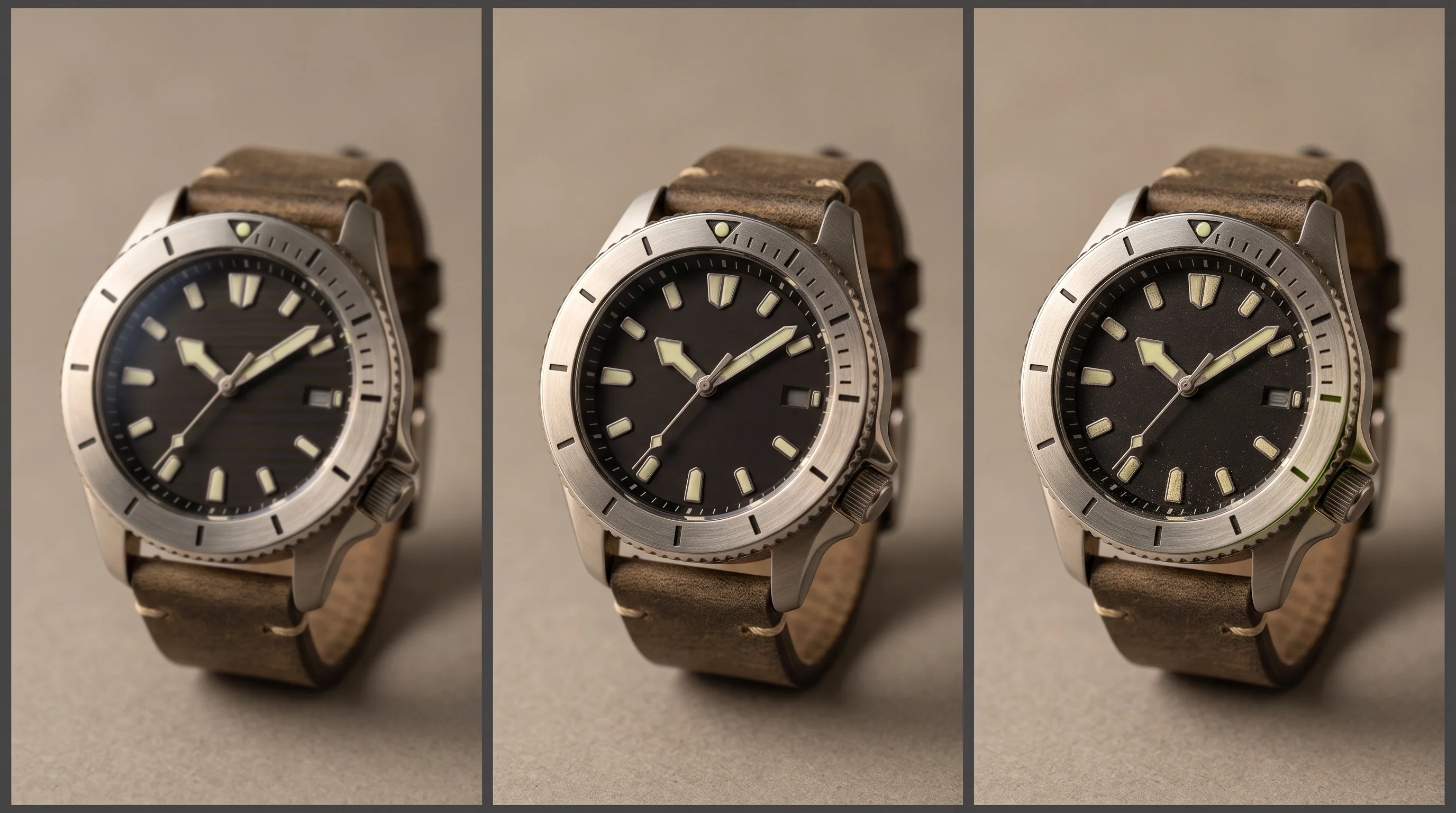
You set the still, the motion, and the frame. Every card below uses those same image to video controls, and native audio lands in the same pass.
Upload one still, write the motion, and render image to video at 480p to 1080p. Your still becomes a clip with sound attached.
1904x1072 · 16:9 · 8s

Native audio lands in the same generate — dialogue, effects, and ambience. You download a clip that already has a soundtrack.
Choose 480p, 720p, or 1080p before you generate, on a 1 to 15 second clip. You preview at 720p, then send a 1080p file.


Set any length from 1 to 15 seconds, default 8, before you generate. Short tests first, then a 15-second cut when it works.
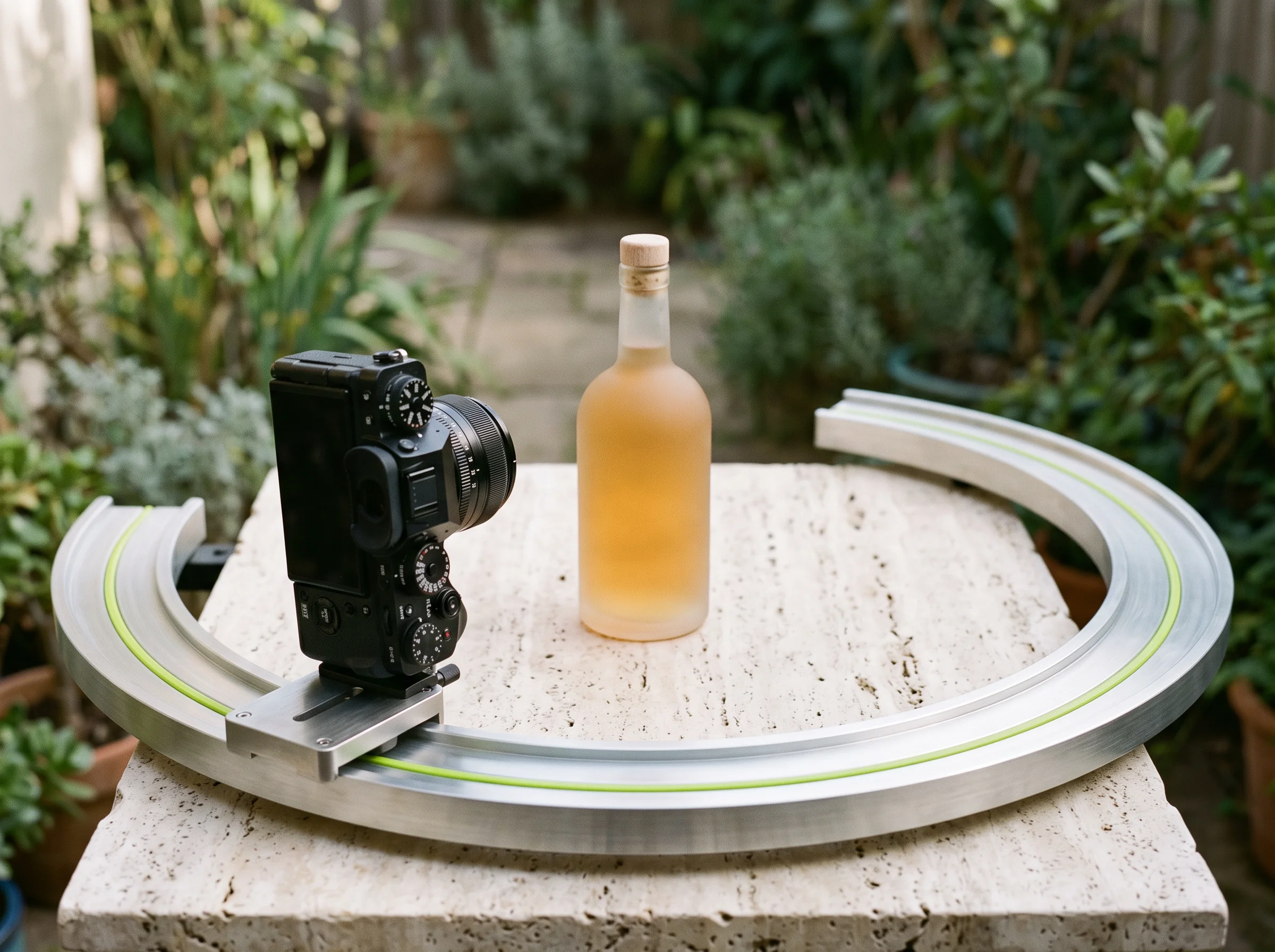
Write the move in the prompt — orbit, push-in, or a locked hold. The clip follows the camera and action you named.


Pick auto, 1:1, 16:9, 9:16, 3:2, or 2:3 before you generate. The frame matches the platform you post to.
Pick the job that matches yours. Every workflow starts from a still you already have, and you walk away with a clip you can post.
Animate a product photo into a short clip with synced audio before buying ad inventory. You upload the pack shot, set 9:16, and download an MP4 with native audio for the ad slot.


Turn one still into vertical motion for Reels, TikTok, or Shorts. You drop a still, pick 9:16, set 6 to 8 seconds, and post the MP4 the same day.
Test prompt-faithful camera moves on the same still before a final render. You keep the still, change one camera line, and compare 720p MP4s side by side.


See how xAI Grok Imagine differs from ByteDance Seedance on identical input. You render the same still here, then open Seedance 2.0 and judge motion and native audio yourself.
Try the model without a card before buying a pack or a subscription. You sign up free, spend starter credits, and download a clean MP4 with sound.

Read the honest version before you spend a credit. You get what this model is, how credits work, and how it differs from Seedance.
Grok Imagine Video 1.5 is xAI's image to video model. You give it a starting still and a motion prompt, and it returns a short MP4 with native audio in the same pass. Searchers also call it grok imagine 1.5. Here you run it in the browser — no API key.
Sign-up is free and needs no card, and it includes 120 one-time starter credits. After that, renders draw on a credit pack or on a subscription's monthly credits. Free only covers sign-up and that gift — not unlimited renders.
Each render bills in credits, and the cost moves with resolution and length. The estimate shows beside Generate before you submit, and you are charged the figure you saw. This page does not publish a fixed Grok credit number.
Yes. Image to video is the job this page is built for. Upload one still, describe the motion, and generate. Pick 480p, 720p, or 1080p and a length from 1 to 15 seconds.
Yes. Native audio generates with the picture — dialogue, sound effects, and ambience in the same pass. You do not add a separate soundtrack unless you want to.
480p, 720p, or 1080p, and any length from 1 to 15 seconds (default 8). Aspect ratios are auto, 1:1, 16:9, 9:16, 3:2, and 2:3. Match the frame to the platform you post on.
Use this page when you have one still and want xAI image to video with native audio. Use Seedance 2.0 on this site when you want ByteDance Seedance, including first and last frame control. They are different models — run the same still on both if you need to choose.
No. Most search results for this model are developer API listings, but here you sign in and press Generate. There is no key to provision, and no code.
Your uploads stay yours, and every clip you render is yours to publish and reuse. Nothing is stamped on the output at any tier, including renders paid for with starter credits. Commercial use applies per plan terms.
A failed job returns its credits automatically. The prompt and settings stay in place so you can generate again, and your history keeps the failed attempt for context.
Every page here runs the real models in your browser — jump to the one that matches the clip you have in mind.
Sign up free, point your starter credits at a still, and download a clip with native audio today. Your prompt and settings survive the login round-trip.