
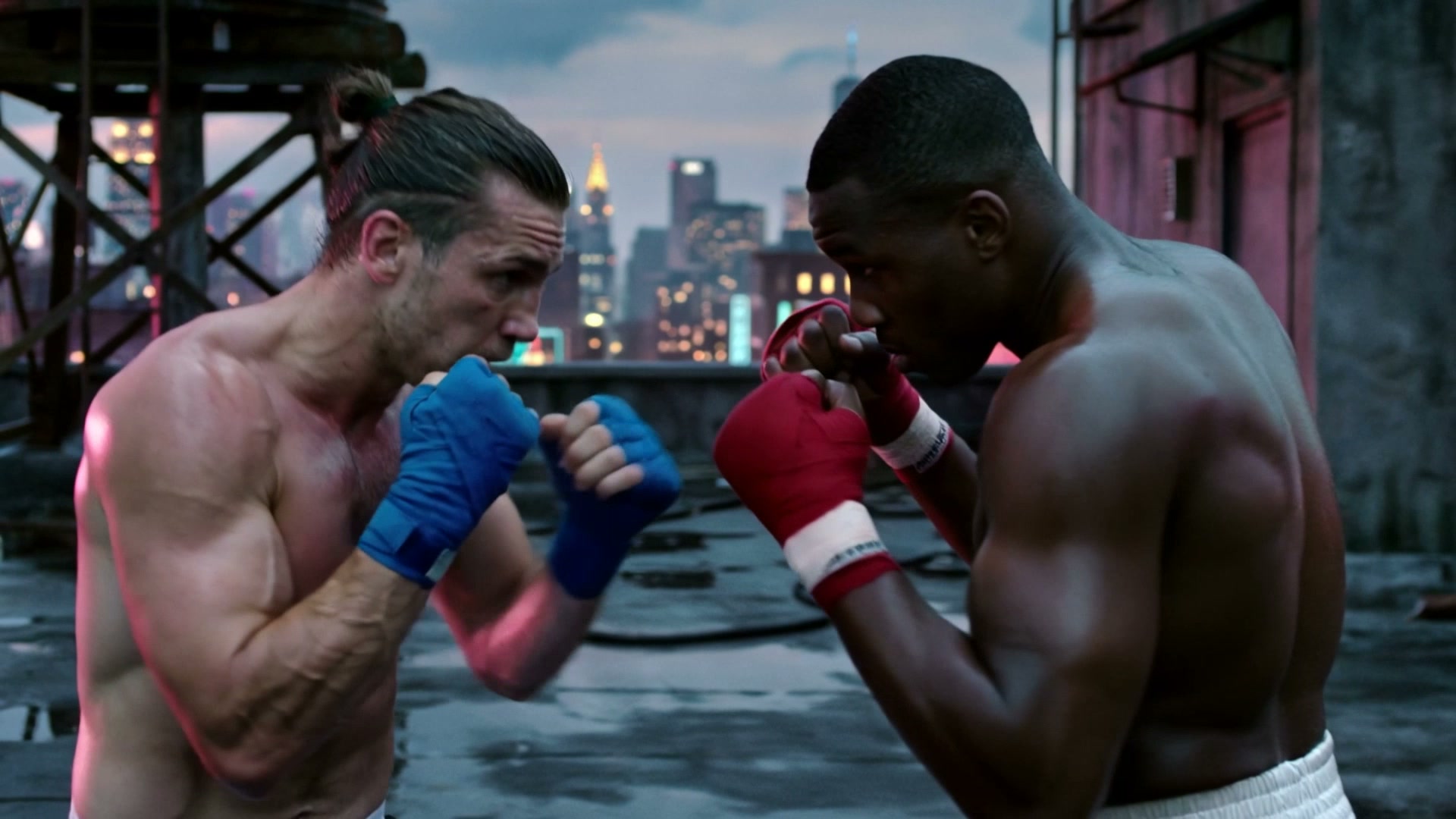
Save Reusable Elements With Voice
Keep your character or product look stable in every shot. Build an Element using our AI image generator for up to 4 angle images plus a 5-30 second voice sample, or upload one 3-8 second video.
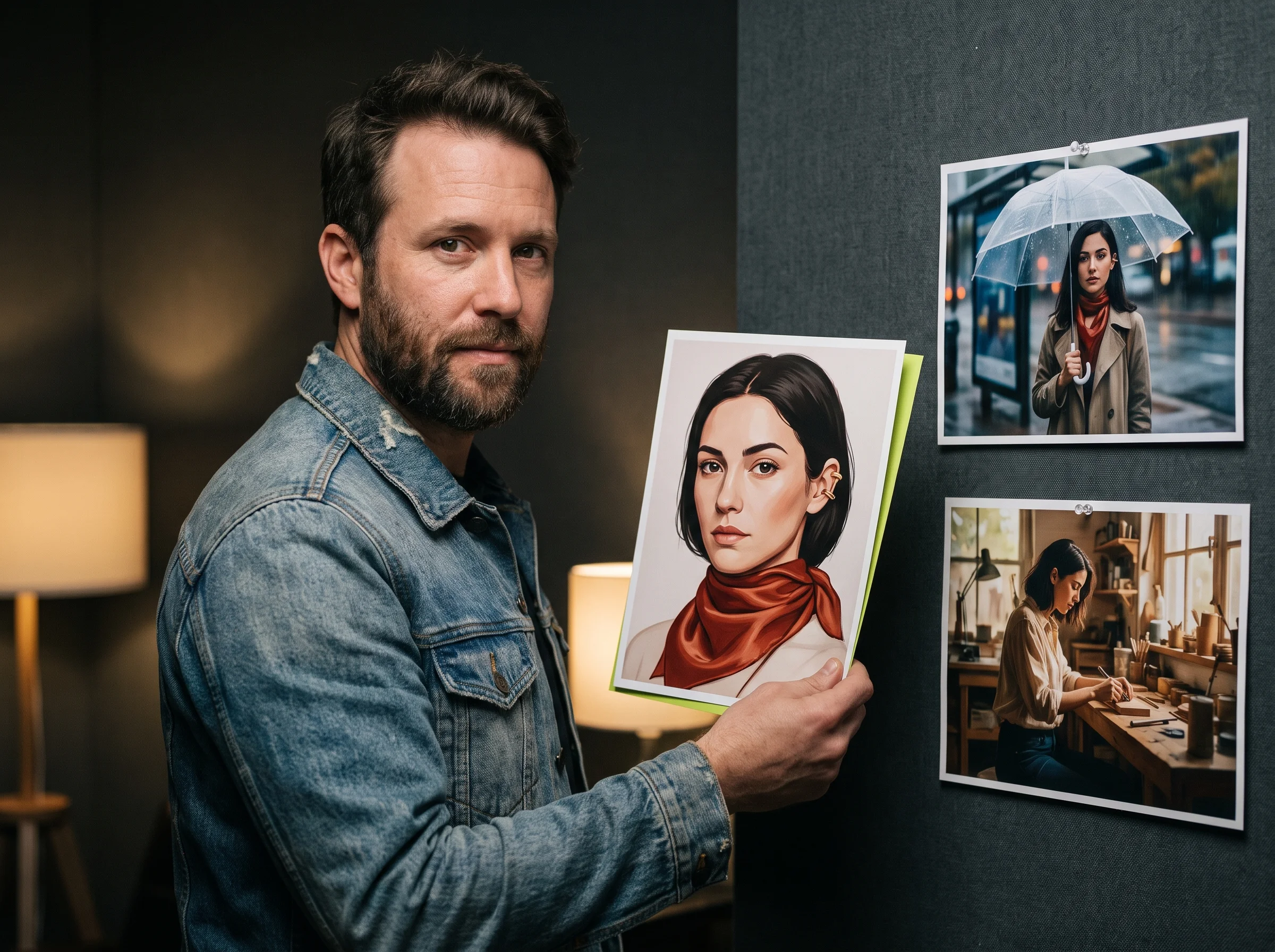
Kling O3 is the multimodal AI video model launched by Kling AI and Kuaishou Technology on February 5, 2026. You can turn text prompts, reference images, and video clips into multi-shot videos up to 15 seconds long with matching sound. Sign up on Seadanse today and get 40 starter credits.
Sign in and write a line or two first — Enhance rewrites what you have.
Keep your character or product look stable in every shot. Build an Element using our AI image generator for up to 4 angle images plus a 5-30 second voice sample, or upload one 3-8 second video.

Tell complete stories in one generation of 3 to 15 seconds. Kling O3 produces up to 6 shots with custom framing, angles, and camera moves, or plans the whole scene for you.
Hear dialogue, sound effects, and ambient audio created alongside your picture. Kling O3 supports English, Chinese, Japanese, Korean, and Spanish, and lets different characters speak different languages in one scene.

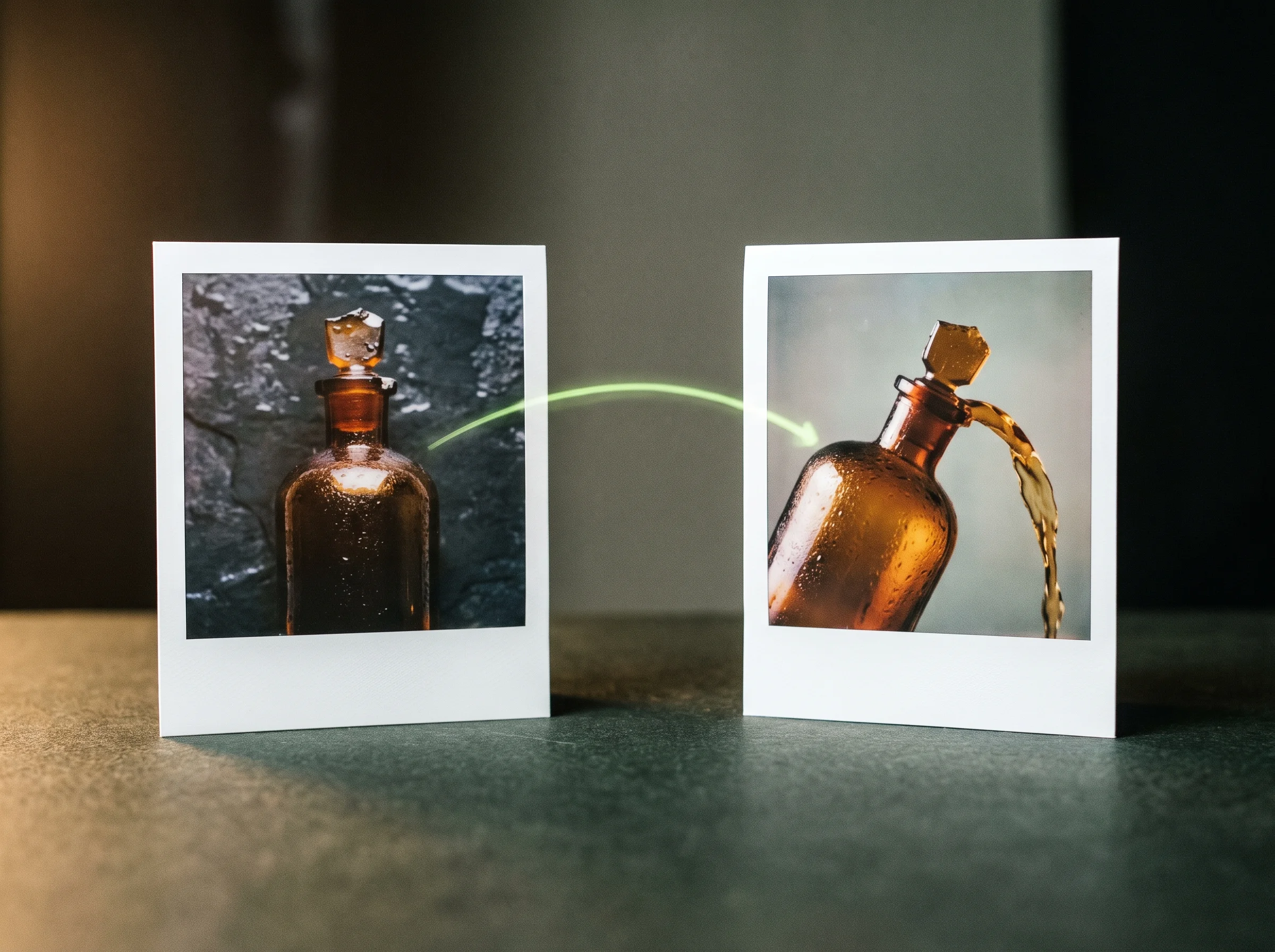
Direct motion and visual style using up to 4 reference images or one 3-15 second reference video. Set a first frame, or set both a first and last frame to control precise camera paths.
Upload a 3-10 second clip to add or remove items, swap people or props using an image, and alter colors. Kling O3 exports your edited scene at up to 10 seconds in native 4K.
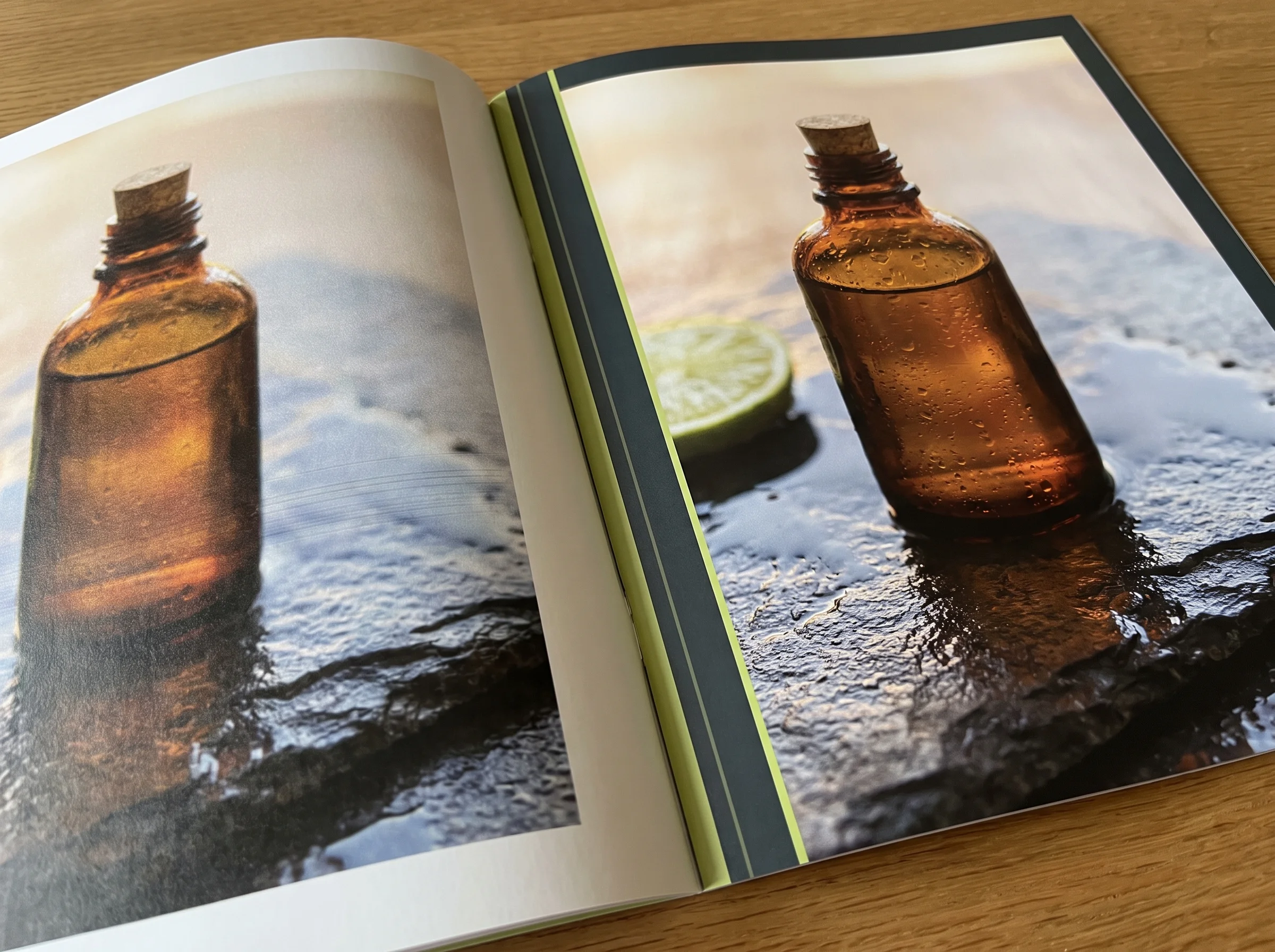
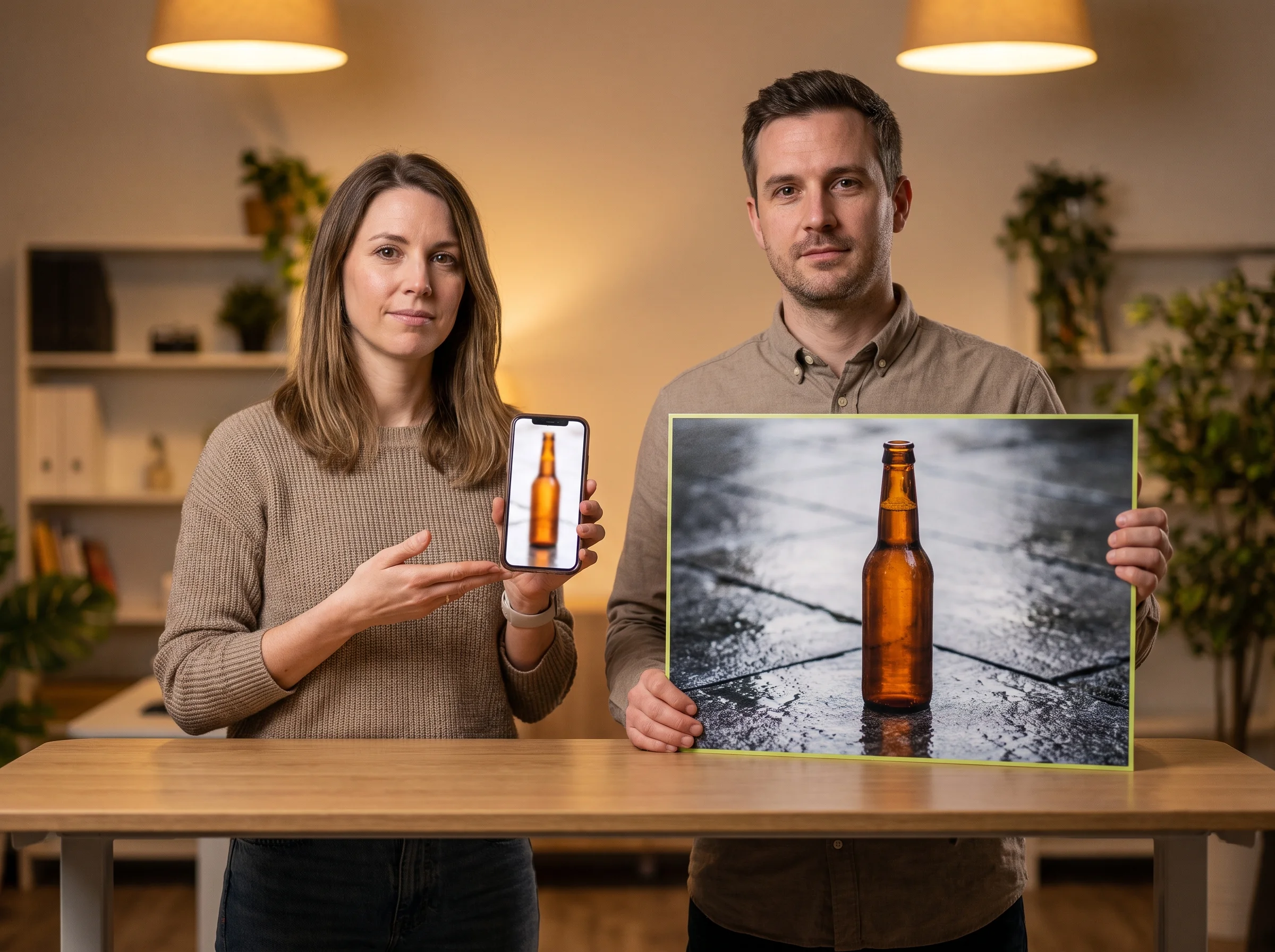
Download your 24 fps MP4 video in 720p, 1080p, or 4K. Choose 16:9, 9:16, or 1:1 aspect ratios for any runtime from 3 to 15 seconds.
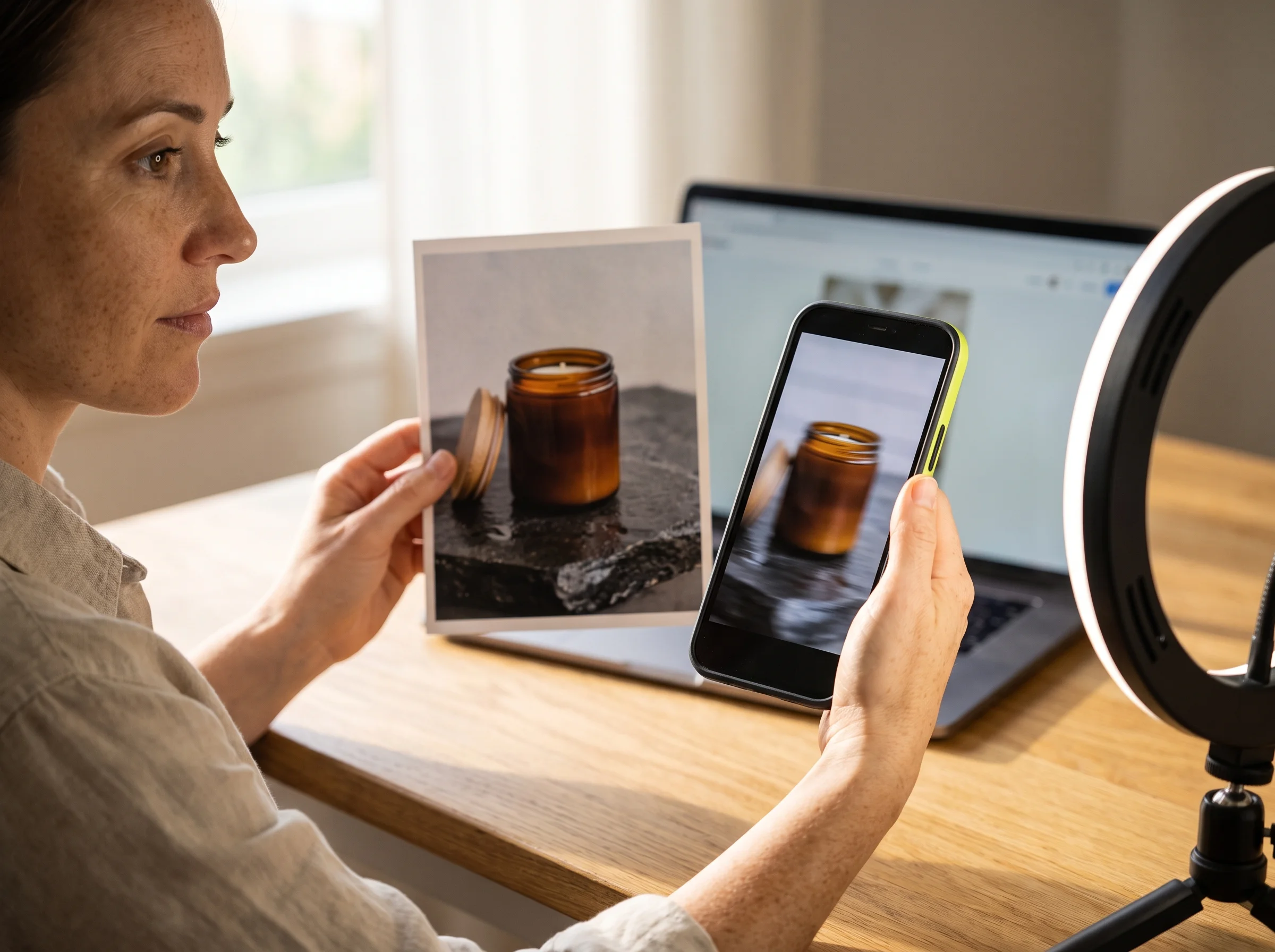
Turn your product photos into a saved product Element and generate a crisp 9:16 or 16:9 commercial with native sound. Keep your product looking identical across every shot without booking a studio shoot.
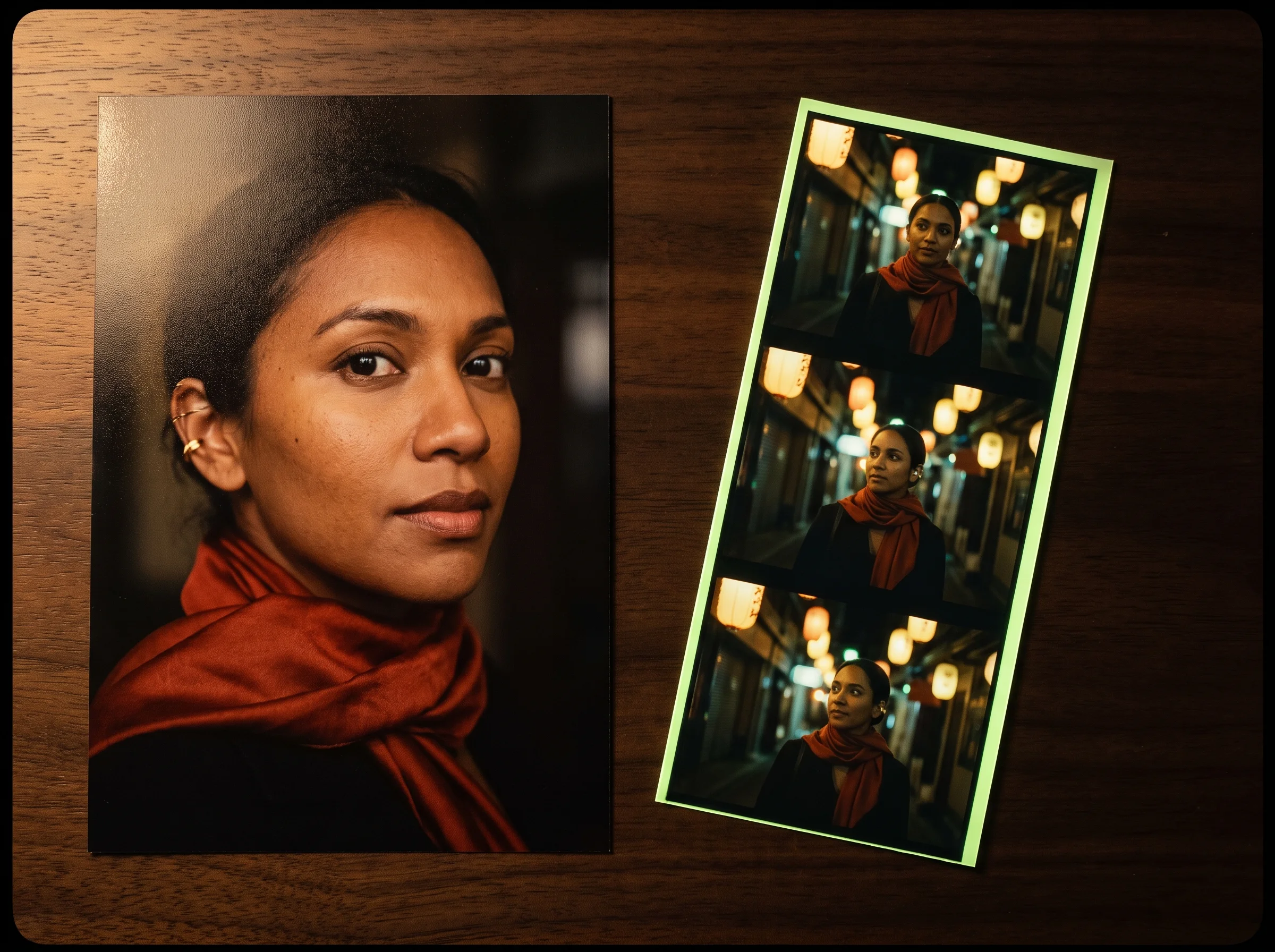
Build a saved character Element from four photos or one 3-8 second video clip to lock in their exact face and voice. Produce new talking scenes across entire series runs while your host speaks naturally in every upload.
Feed your script into Kling O3 to build up to 6 custom shots in one video of up to 15 seconds. Show clients and crew clean visual storyboards with matching camera moves and spoken lines before production starts.
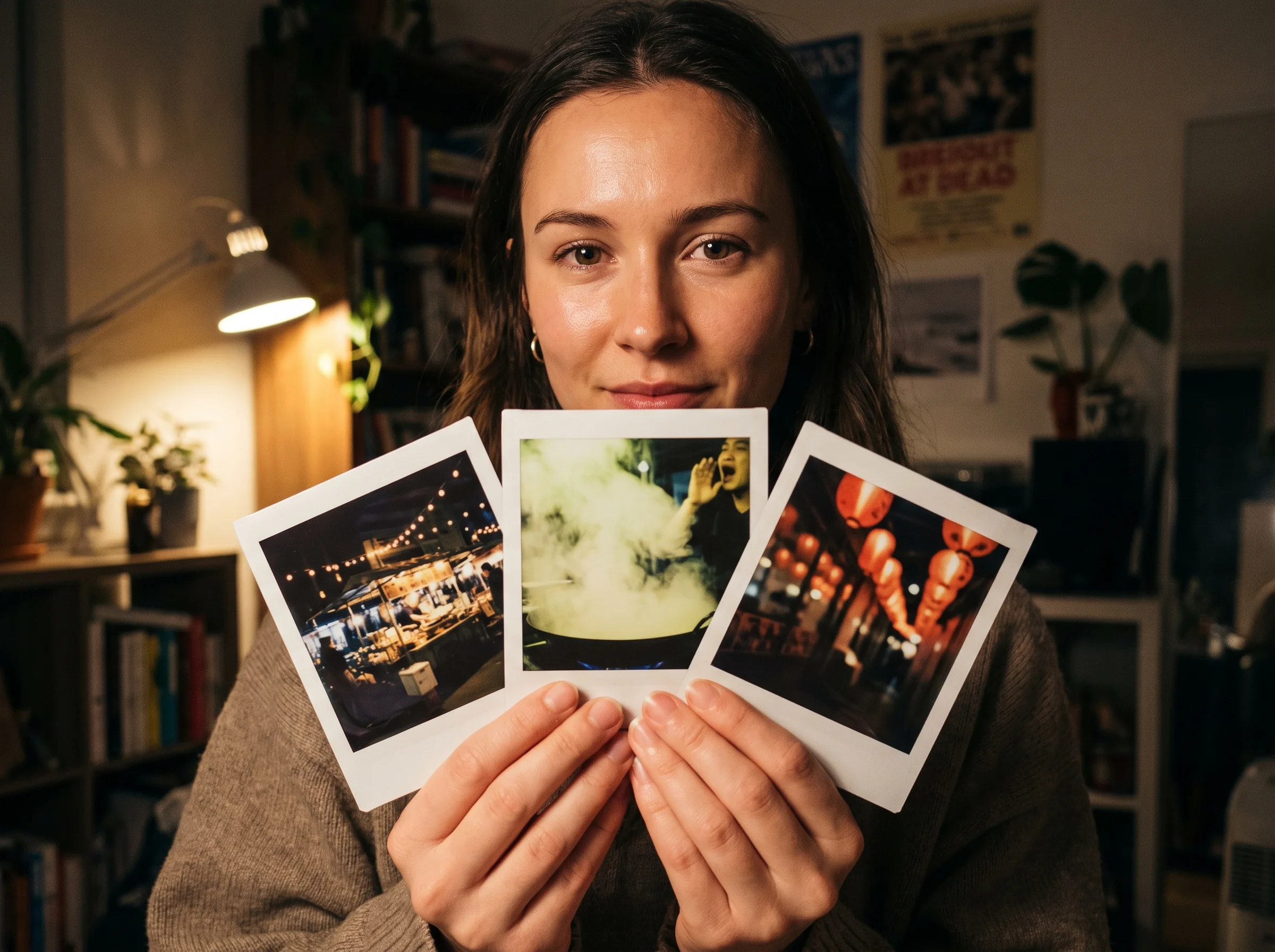

Upload any 3-10 second video clip to swap props, replace people, change colors, or restyle the whole scene up to 4K resolution. Fix production problems and deliver finished edits without paying for costly reshoots.
Write your prompt and add reference images, a reference video, or a saved Element.
Pick up to 6 shots, set a length of 3 to 15 seconds, choose 720p, 1080p, or 4K, and turn native sound on or off.
Generate your multi-shot video and download your finished MP4 file.
Kling O3 is Kling VIDEO 3.0 Omni, a multimodal AI video model from Kling AI and Kuaishou Technology. It launched on February 5, 2026, as part of the Kling 3.0 series. The name Omni means one model takes text, images, video, and saved Elements, then creates finished video with native sound.
Kling 3.0 starts from a text prompt or one image, while Kling O3 starts from your reference assets. Choose Kling O3 when the same character, product, or voice must hold across shots. Read Kling's Kling 3.0 vs 3.0 Omni comparison for details. Kling O3 replaced Kling O1 in February 2026 by adding video-built characters with voices, custom multi-shot storyboards, and stronger Element consistency. There was never a Kling O2.
Sign-up on Seadanse is free and gives you 40 starter credits. That gives you a head start toward your first Kling O3 video. Visit Seadanse pricing to choose a paid plan and add more credits to your balance.
You pay in credits per second of finished video. The rate scales with resolution, length, and native sound. You see the exact credit estimate beside Generate before you submit your prompt, and credits for a failed generation come back automatically. Review Seadanse pricing to find the right credit pack for your projects.
Each generation runs from 3 to 15 seconds. You pick any whole second in that range, and you can direct up to 6 distinct shots in one video.
Kling O3 supports 720p, 1080p, and 4K resolutions. Kling names these tiers Standard, Pro, and 4K. Kling O3 Pro is Kling O3 running at 1080p, which uses the exact same model. You can export videos in 16:9, 9:16, or 1:1 aspect ratios at 24 fps.
Yes. Kling O3 generates dialogue, sound effects, and ambient sound together with the picture. Characters speak English, Chinese, Japanese, Korean, and Spanish, including English accents and Chinese dialects. Different characters speak different languages in one scene, and the model keeps the original sound of any reference video you upload.
Yes. Upload a 3 to 10 second video to begin. You can add or remove objects, swap a person or prop with an image, change colors, or restyle the whole clip. You get an edited video of up to 10 seconds in 4K resolution, as outlined in Kling's June 17, 2026 upgrade note.
Pick Kling O3 when the same character, product, or voice must carry across up to 6 shots, or when you want to edit an existing clip. The Seedance 2.5 AI video maker, Seedance 2.0 image to video AI, and Veo3 image to video AI all run on the same Seadanse credit balance so you switch between them at any time. Use the AI video cost calculator for Seedance 2.5 to estimate your Seedance projects.
Write your prompt like a shot list. Place the total length and aspect ratio first, then write each scene as Shot 1 (2s) and Shot 2 (3s). Call a saved Element with @, place spoken dialogue in quotes after the character name, and set one camera move per shot. Find more prompt examples in the Kling VIDEO 3.0 Omni user guide.
Yes. Every paid Seadanse plan lets you download videos with no watermark. All paid plans include a full commercial license for your content.
No. You make Kling O3 videos right in your browser on Seadanse. One credit balance covers every video model on the platform.
Every page here runs the real models in your browser — jump to the one that matches the clip you have in mind.
Seedance, Veo, Kling, Hailuo and more, each on its own page with real renders.
Upload a photo, pick an effect, get a short video. No prompt to write.
Turn your ideas, photos, and reference clips into complete scenes with consistent characters and clear dialogue.


