

Guide Your Video With Twelve Reference Files
Add up to 9 images, 3 video clips and 3 audio clips to direct your shot. Hailuo 3 keeps your character face, outfit, product details and camera moves consistent across every clip.
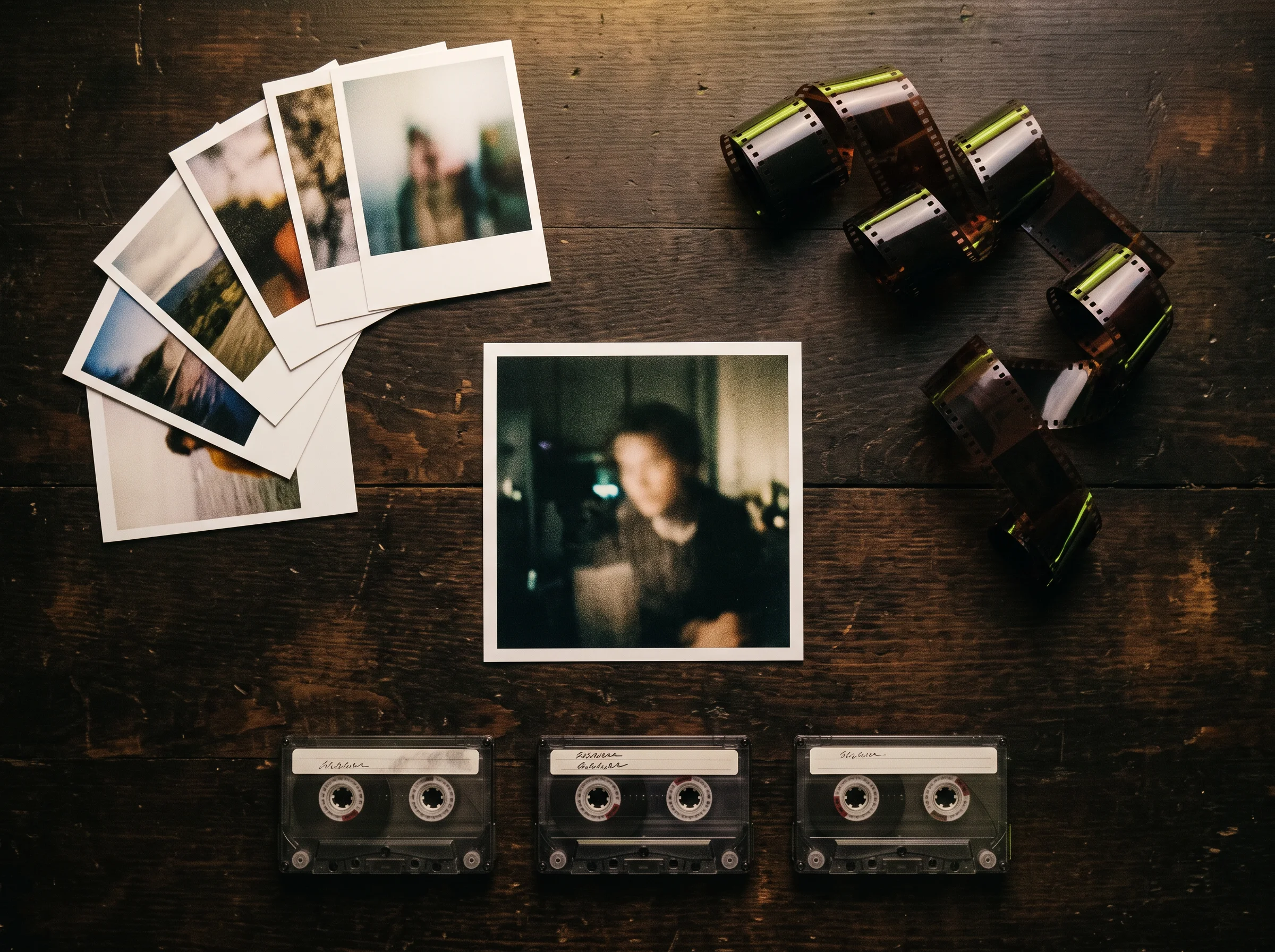
Hailuo 3 is MiniMax's third-generation AI video model, launched on July 31, 2026. Turn your prompts, images, and audio into 2K videos up to 15 seconds long with dialogue and music in one pass. Sign up free to get 40 starter credits and create right in your browser.
Create 2K videos up to 15 seconds with dialogue, sound effects and music directly in your web browser.
Sign in and write a line or two first — Enhance rewrites what you have.
Add up to 9 images, 3 video clips and 3 audio clips to direct your shot. Hailuo 3 keeps your character face, outfit, product details and camera moves consistent across every clip.
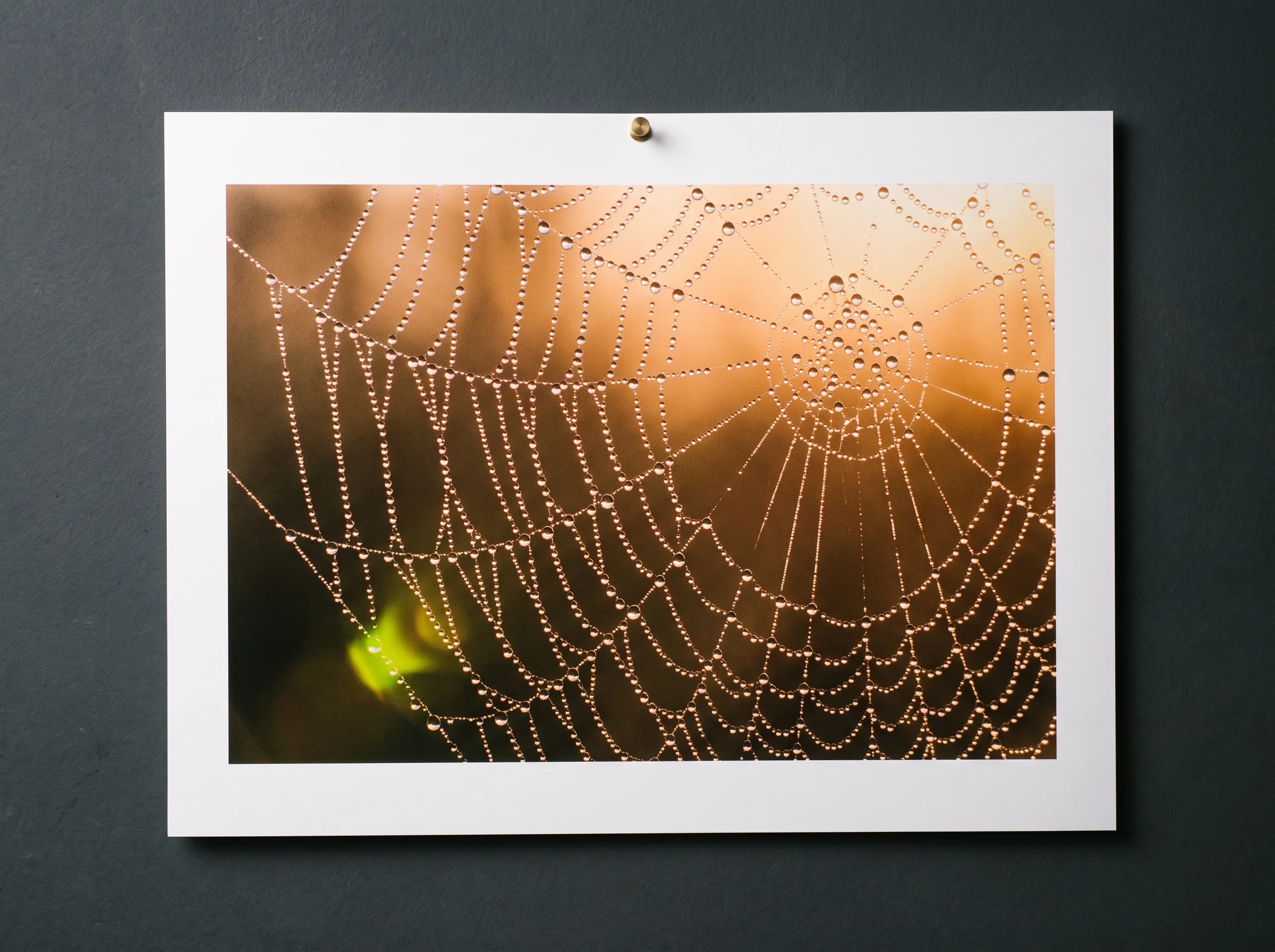
Hailuo 3 makes 2K video at 24 fps with matching dialogue, sound effects and music in the same pass. Pick 768p for drafts, or choose 2K at a lower cost per second than Seedance 2.0 at 720p.
Tag speakers with S1 or S2 and write their exact lines to get natural turns with synced lips. Add a voice clip, and Hailuo 3 copies that tone across 11 different languages.
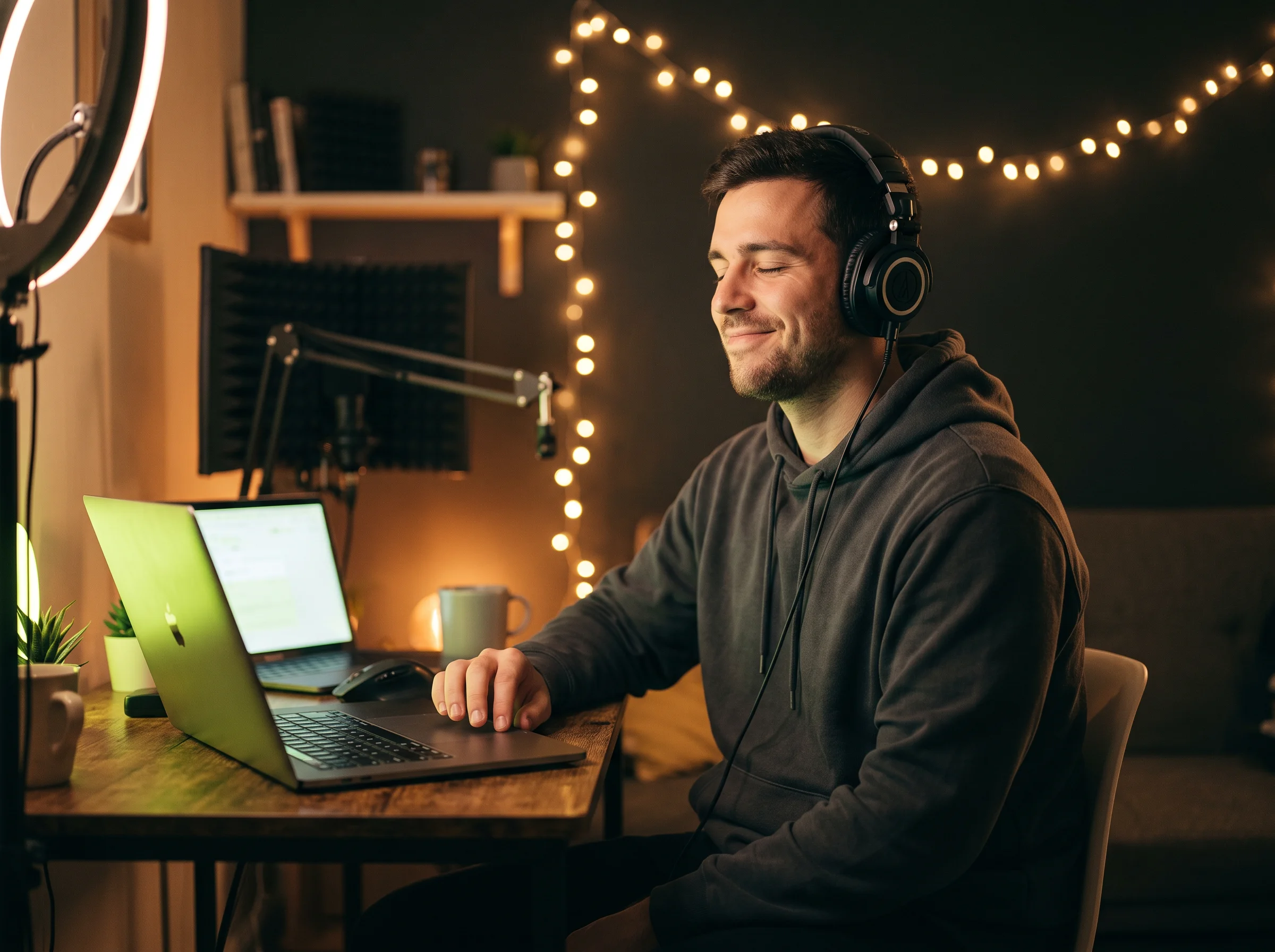
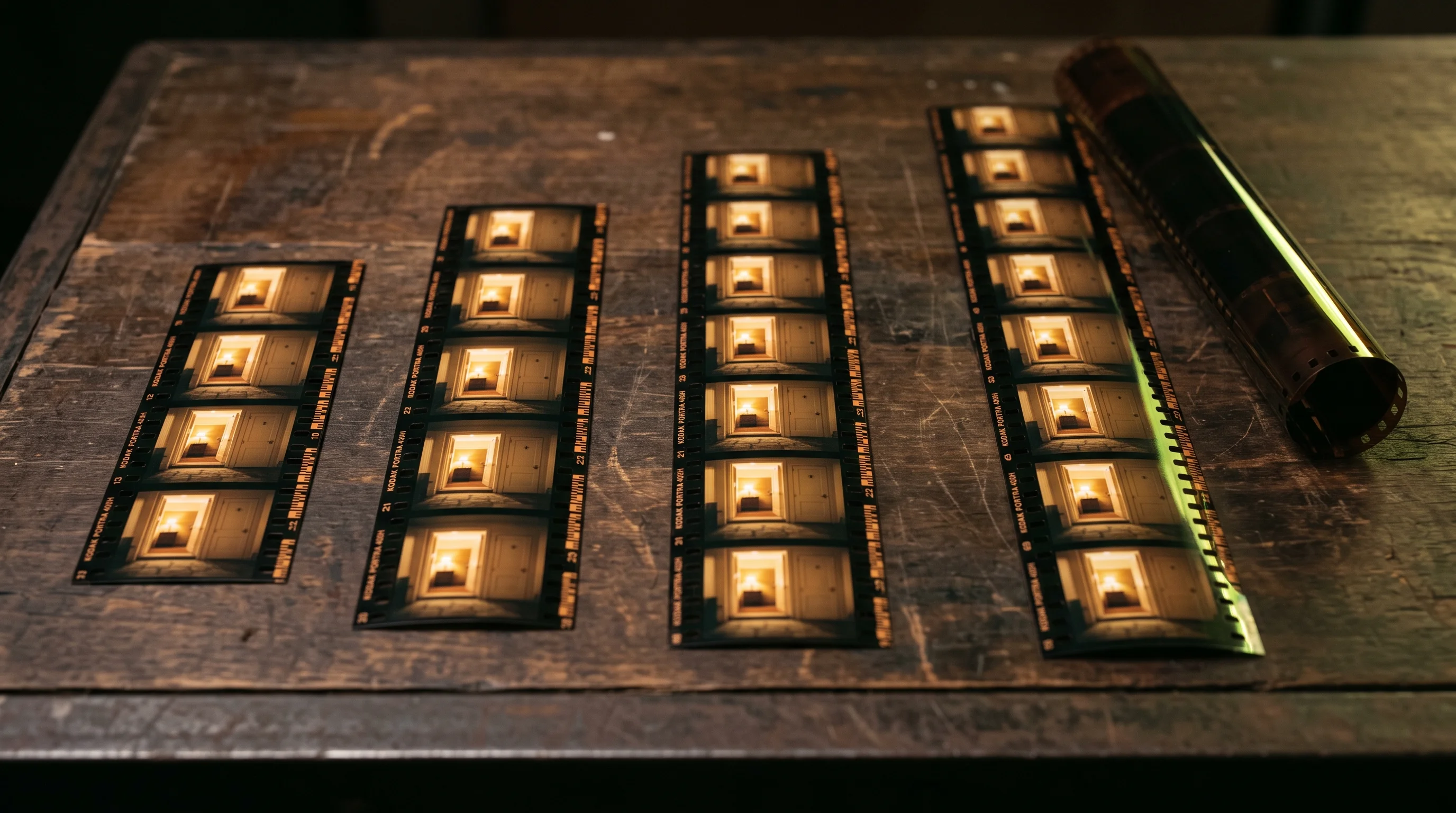
Upload a clip and write one sentence to swap objects, switch backgrounds or adjust lighting while keeping original camera motion. Hailuo 3 ranks #2 for video editing in blind human votes.
Upload a start frame, an end frame or both to guide your motion. Build a first-frame image with our Seedream 5 Pro image generator, and Hailuo 3 fills in the action cleanly.

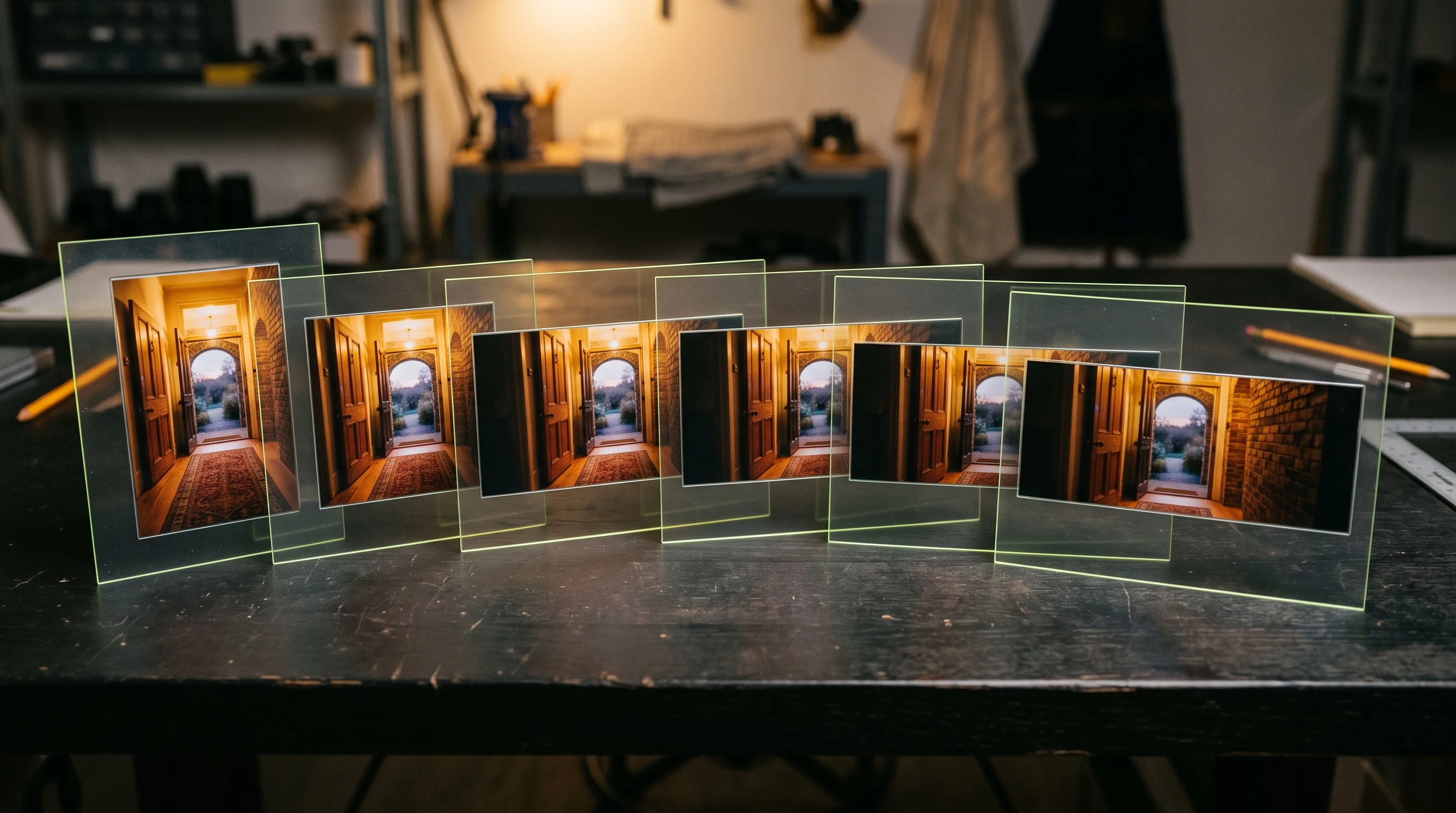
Describe cuts, timing and camera moves in plain words for videos from 4 to 15 seconds. Hailuo 3 shows brand names and words in double quotes accurately across six aspect ratios.
Bring one product photo, your brand name, and a slogan to get a multi-shot ad complete with sound effects and music. Swap your product into existing video clips to launch fresh promotions in minutes.

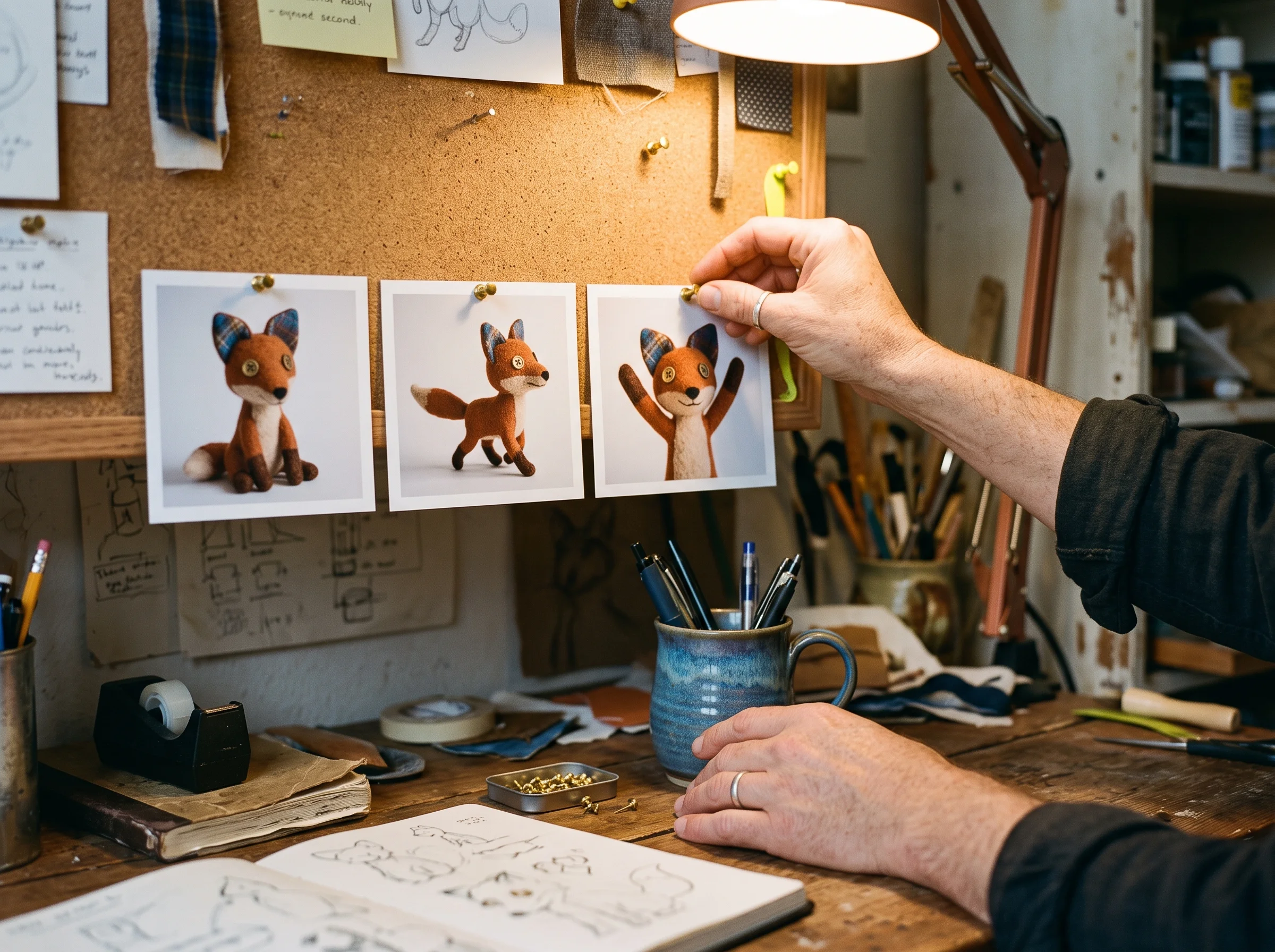
Provide character photos and voice recordings to generate scenes where your actors take turns speaking with synced lips. Keep your cast looking and sounding the same across every scene you make.
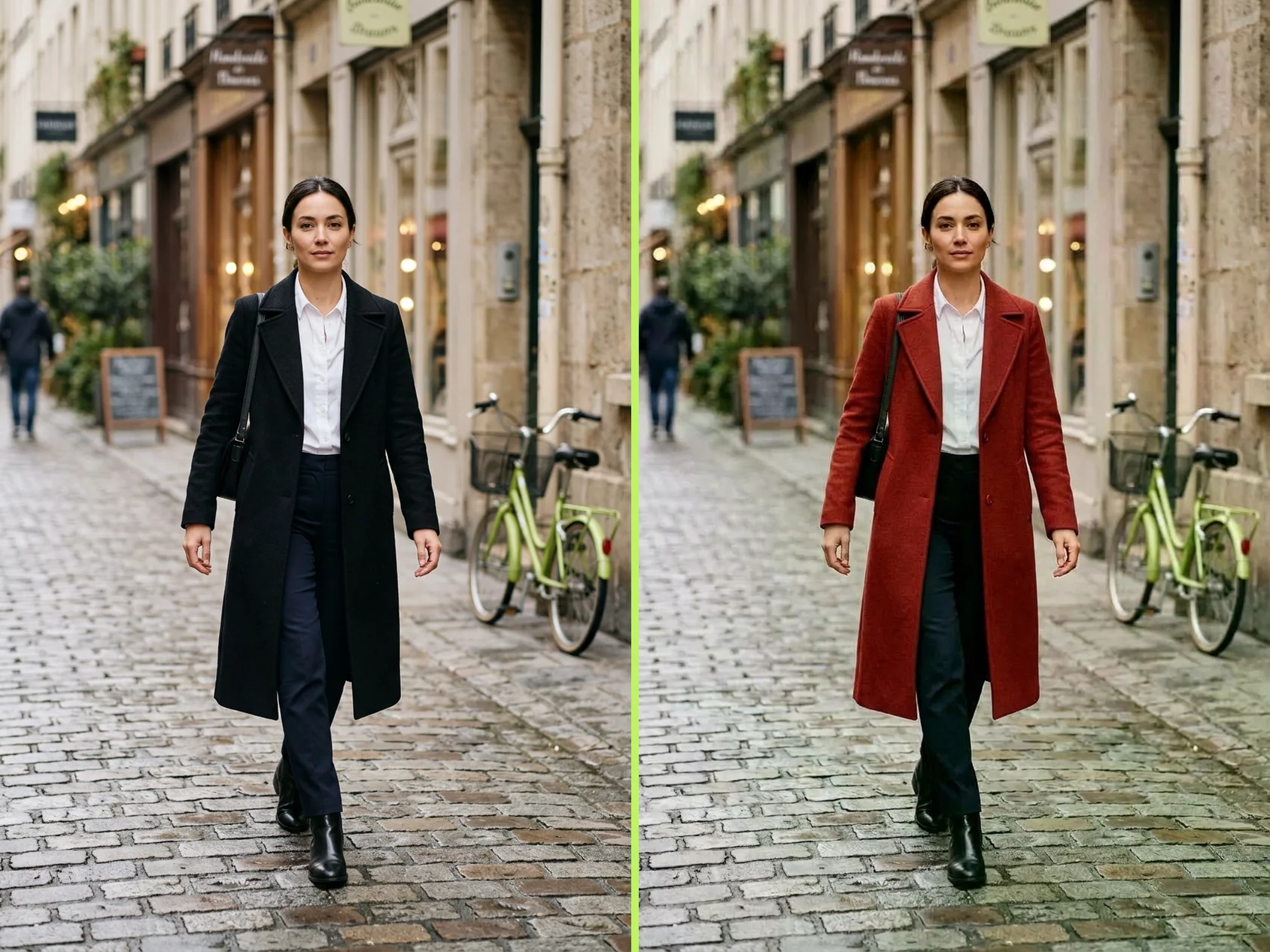
Upload an existing clip and write one instruction to swap an outfit, a person, or the background while keeping the original camera move. Change lighting, tone, or spoken lines quickly to save hours of manual editing.
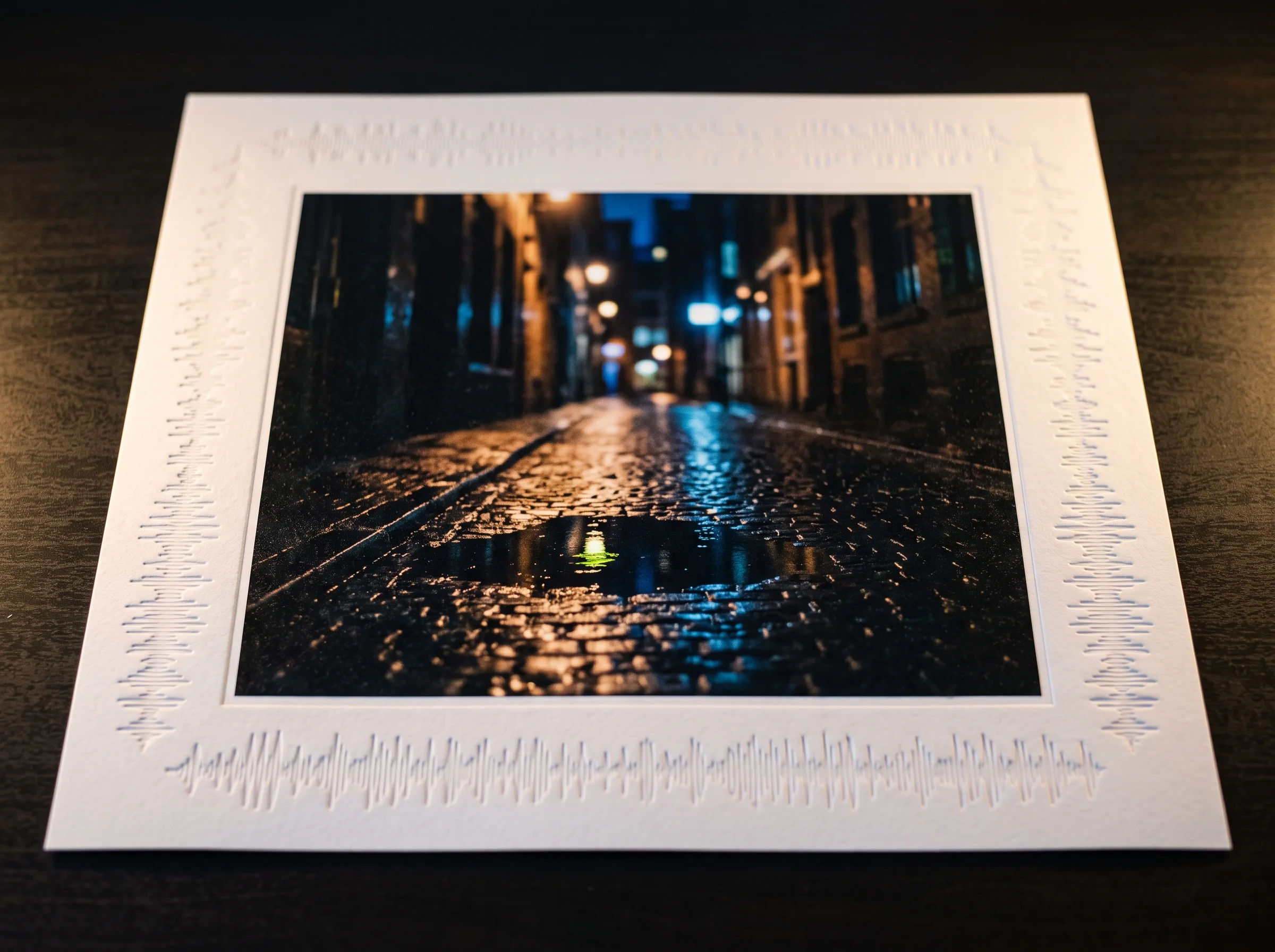
Add two renders as your first and last frames to generate a smooth camera move into the space. Show clients clean walk-in presentations where the room and building stay true to your design.
Write a prompt, then add a photo as your first frame, your last frame or both, or upload up to 9 images, 3 video clips and 3 audio clips as references.
Choose 768p or 2K resolution, set your clip length from 4 to 15 seconds, and select your aspect ratio.
Generate your clip, preview the video with native 32 kHz sound, and download your finished MP4 file.
Yes, it is the same model. Hailuo 3 is MiniMax's third-generation AI video model, officially named MiniMax H3. Creators also call it Hailuo 3.0, Hailuo 03, Hailuo H3 or simply H3. MiniMax launched it on July 31, 2026. The model reads text, images, video and audio, and creates video with sound up to 15 seconds long at 2K resolution.
Yes. Sign up free and get 40 starter credits to test the model. Check Seadanse pricing to choose a plan for more generations.
Hailuo 3 is priced per second of video, and 768p costs less per second than 2K. Per second of video, Hailuo 3 at 2K costs less than Seedance 2.0 at 720p. The Hailuo 3 cost calculator shows the credits for any clip length. Sign up free to get 40 starter credits and start creating.
Both models make video with sound from text, photos and references. Hailuo 3 goes up to 2K, costs less per second at 2K than Seedance 2.0 at 720p, follows detailed instructions closely and keeps the scene the same between a first and a last frame. In September 2026 human votes, it ranks ahead of Seedance 2.0 AI video maker on all three Artificial Analysis boards. Run the same prompt on both models and pick the one you like best.
Yes. In Artificial Analysis Video Arena blind human votes from September 2026, Hailuo 3 ranks #2 for image to video, #2 for video editing and #4 for text to video. It ranks ahead of Veo3 image to video AI and Kling 3.0 for text to video and image to video. Creators praise how closely it follows detailed prompts, its reference swaps and edits, and its clean dialogue with sound.
Hailuo 3 makes 768p or 2K video at 24 fps. A 16:9 clip at 2K is 2560×1440. Clips run 4 to 15 seconds long in whole seconds. Choose from 21:9, 16:9, 4:3, 1:1, 3:4 and 9:16 aspect ratios, or match your photo. Every export saves as an MP4 video with sound.
Yes. Hailuo 3 creates native 32 kHz stereo sound in the same pass as the picture, with dialogue, sound effects and music. Several characters take turns speaking with lips in sync. It delivers stable dialogue in 11 languages, and you write each line in the language you want to hear. Add a voice recording to set how your speaker sounds.
Both ways work smoothly. Upload a photo as the first frame, the last frame, or both to guide the motion in between. Or use reference to video by uploading up to 9 images, 3 video clips and 3 audio clips, up to 12 files total. Images set looks, video clips set motion and camera moves, and audio sets voices. Upload JPG, PNG, WEBP or HEIC images, MP4 or MOV video, and WAV or MP3 audio.
Yes, it has open weights. MiniMax released MiniMax H3 on Hugging Face on August 3, 2026, and downloads passed 4 million by September 2026. The open weights are the 768p base model, and the 2K stage runs on MiniMax's hosted service. On Seadanse, you use Hailuo 3 at 2K in your web browser with no GPU, no install and no API key.
Describe the clip in time order: subject, action, place, camera move, light, style and sound. Write camera moves by type, size and speed, like "slow push in". Tag speakers with S1 or S2 and write their words exactly. Put on-screen text in double quotes and give each cut a time like "at 3 seconds". Name reference files as Image 1, Video 1 or Audio 1, and in first-frame mode, start from your photo and describe what happens next.
MiniMax H3 Max AI video maker is a faster version built on the open weights of Hailuo 3. It creates 480p or 768p clips of 5 to 15 seconds with sound for quick drafts. Hailuo 3 makes 768p or 2K clips for your finished video. Test your ideas on MiniMax H3 Max, then render the best clip in 2K with Hailuo 3.
Use Hailuo 3 right on this page in your web browser. There is nothing to download or install, and you need no GPU and no API key to start making clips.
Yes. MiniMax built Hailuo 3 for advertising, branding, e-commerce, product design, apps, websites and games. It also makes trailers, TV ads and brand films. Check Seadanse pricing to choose a plan and start creating for your business.
Every page here runs the real models in your browser — jump to the one that matches the clip you have in mind.
Seedance, Veo, Kling, Hailuo and more, each on its own page with real renders.
Upload a photo, pick an effect, get a short video. No prompt to write.
Sign up free to get 40 starter credits and make 2K videos with synced dialogue and music right in your browser.


