Render One Continuous 30-Second Shot, Not Stitched Clips
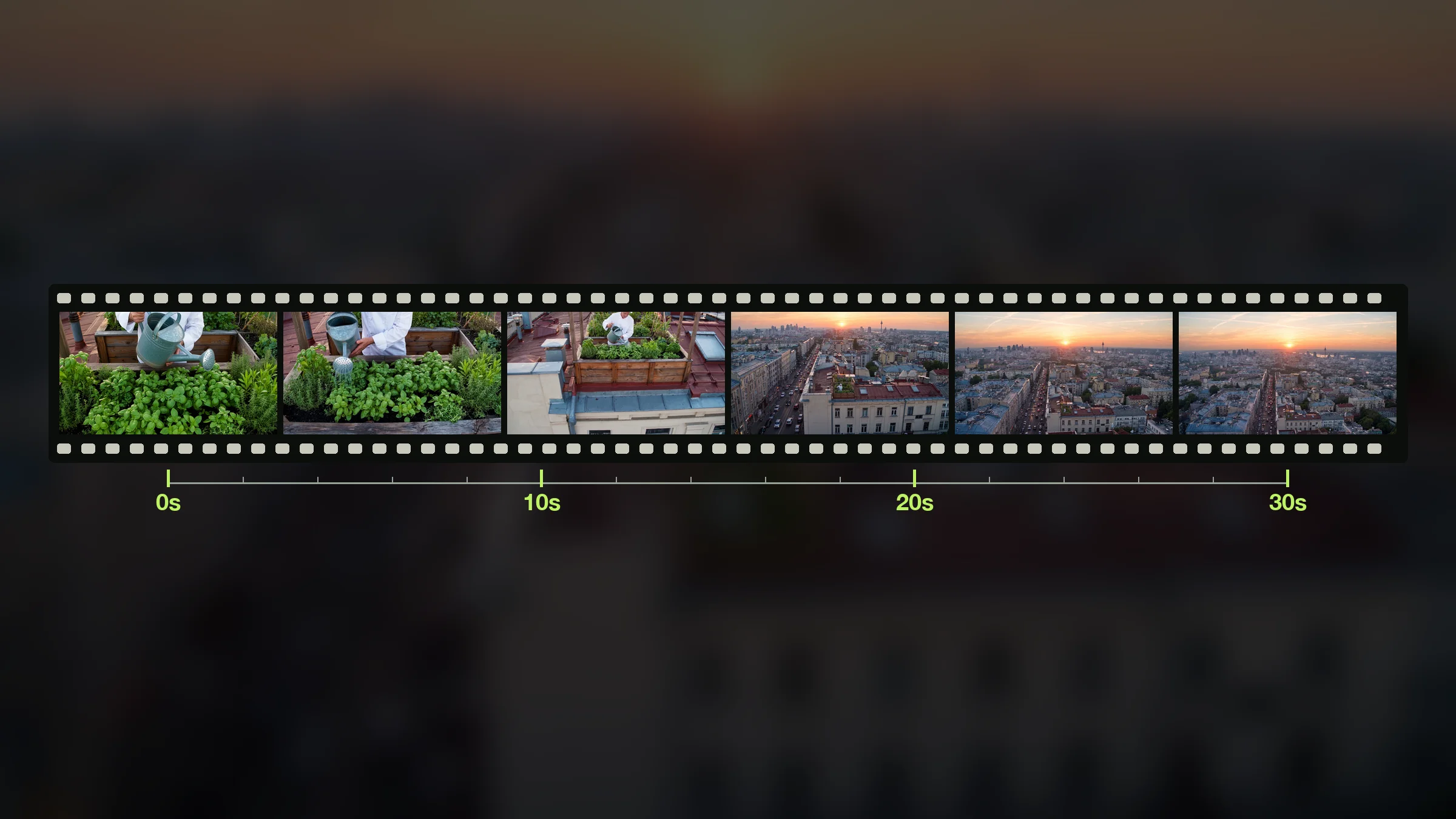
Wan 3.0 generates up to 30 seconds in one single pass, holding the camera through one continuous take. A full 30-second scene plays as one shot, with no visible seam.
1280x720 · 16:9 · 8s
Type a prompt or attach a document, image, or reference clip. Wan 3.0 renders one continuous shot up to 30 seconds, with native audio already in it. Sign up free for starter credits.
Type a prompt or attach a document, image, or reference clip. Wan 3.0 renders one continuous shot up to 30 seconds with native audio already in it, and the credit cost shows before you generate.
You set the prompt, the document, and the references, and Wan 3.0 fills in the motion, the camera, and the sound. Every card below is a real capability, from the 30-second shot to native audio.
Wan 3.0 generates up to 30 seconds in one single pass, holding the camera through one continuous take. A full 30-second scene plays as one shot, with no visible seam.
1280x720 · 16:9 · 8s

Wan 3.0 generates synced audio in the same pass as the picture, with no on/off switch to flip. Every render ships with sound already matched to the motion.
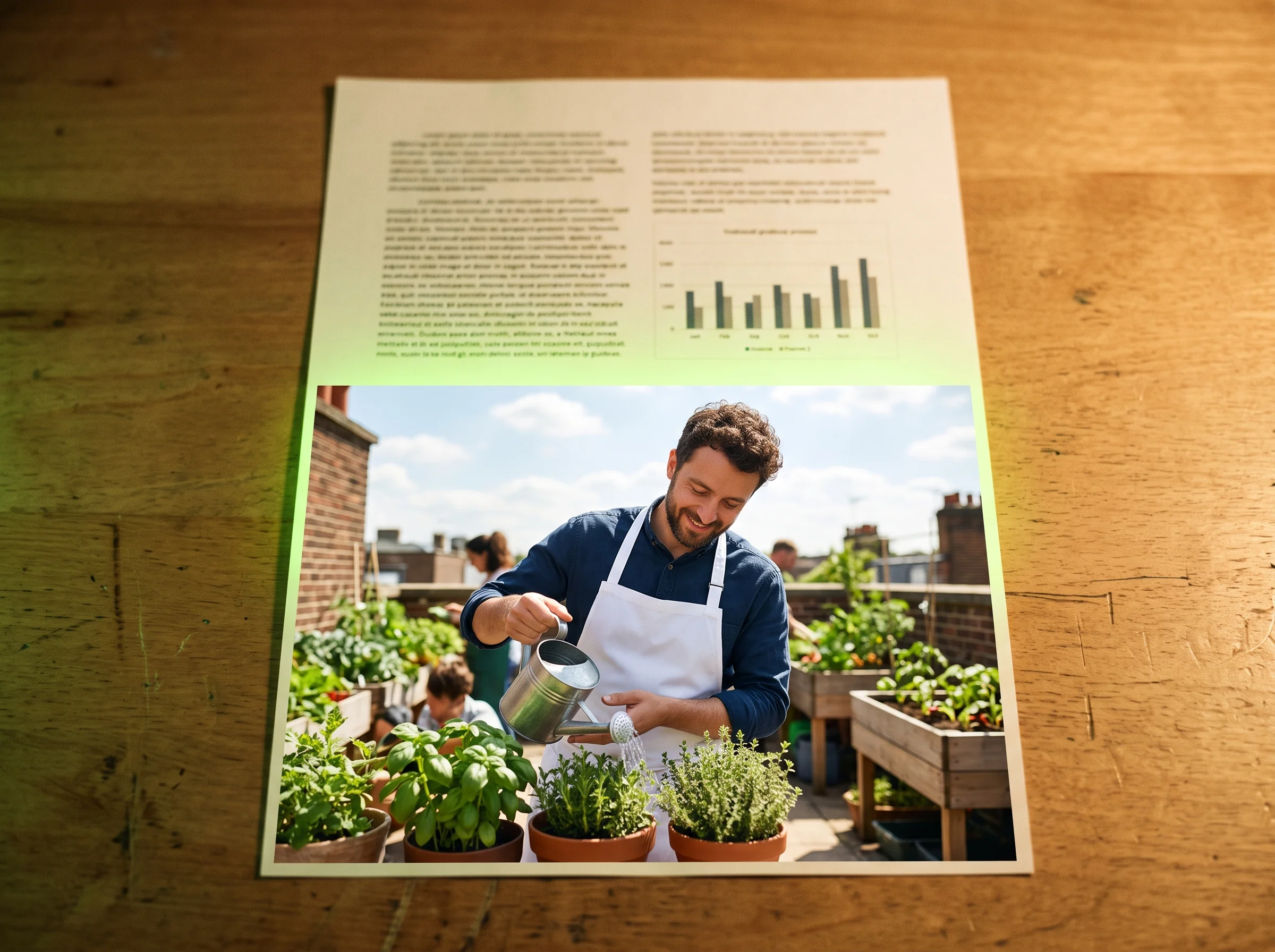
Wan 3.0 reads a PDF, DOC, XLS, PPT, or webpage link directly and builds the render from its content. Your existing document becomes a narrated video, not a fresh prompt.


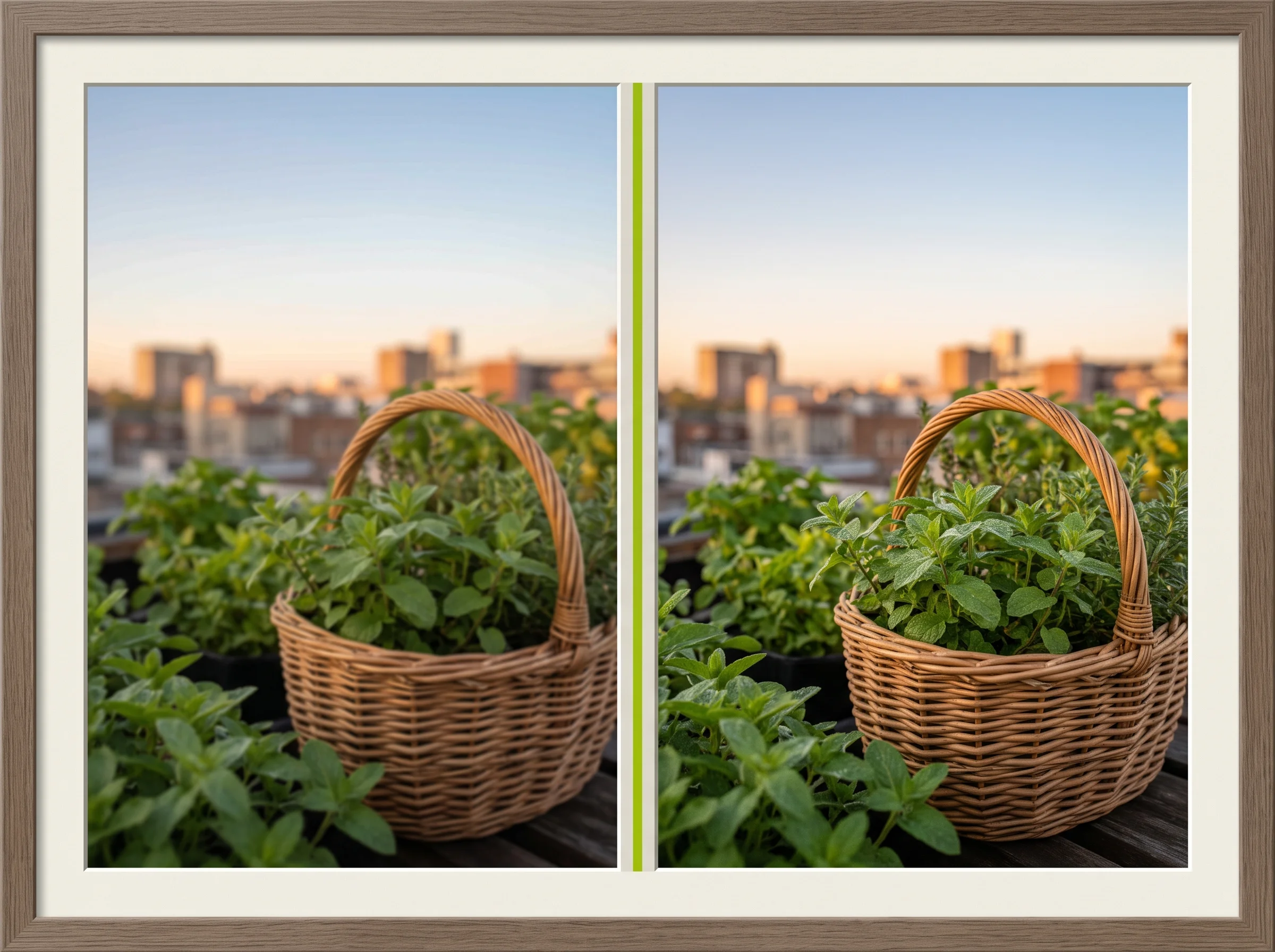
Wan 3.0 outputs up to 1080p across every mode, from a text prompt to a document upload. Your render is sharp enough to post without a separate upscale pass.
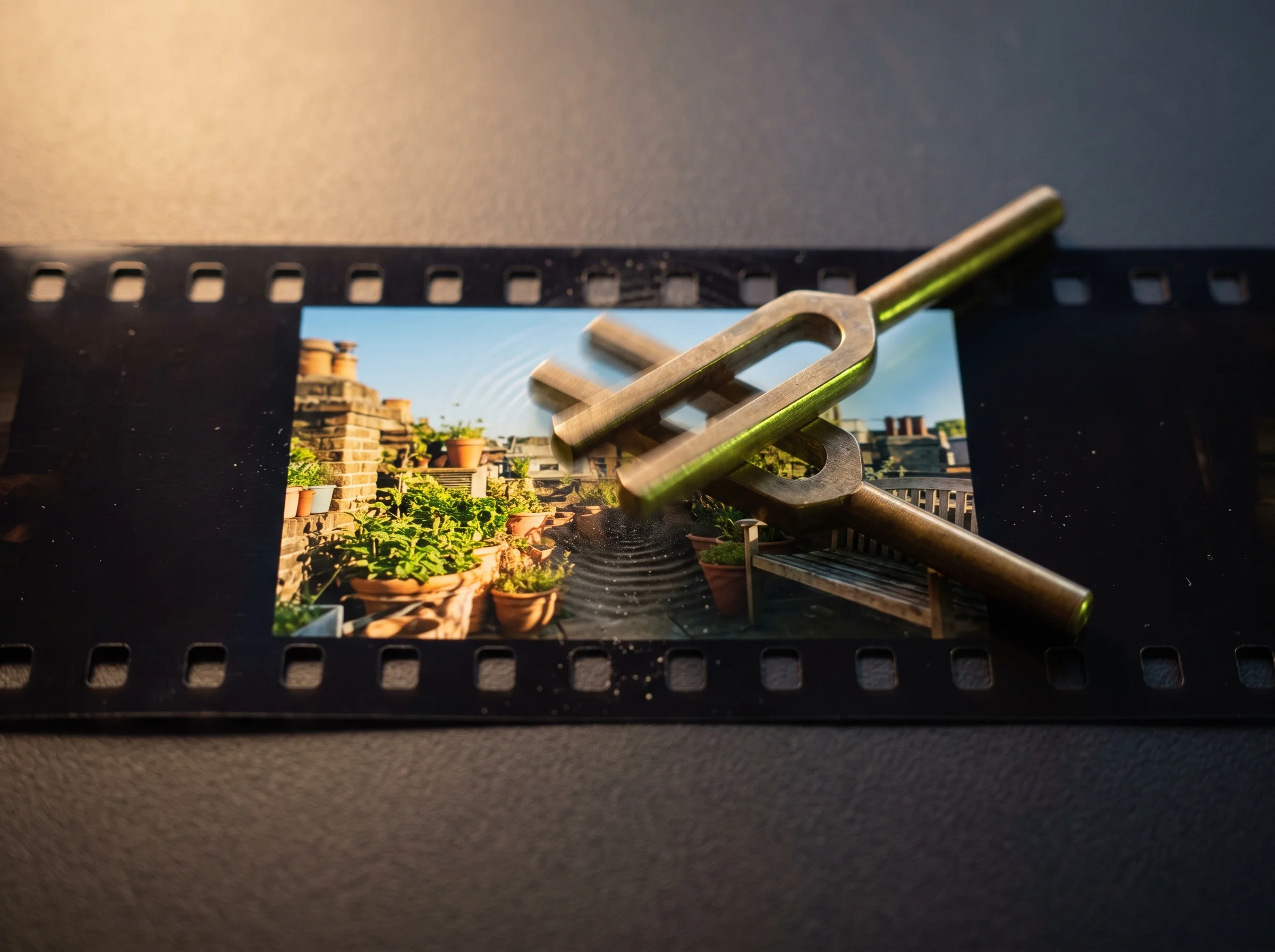
Wan 3.0 holds your character and scene steady through camera moves like push in, pan, or orbit. Your subject looks like the same person from the first frame to the last.

You bring the pitch deck, the product scene, or the long single-shot idea, and Wan 3.0 starts from your prompt, your document, or your reference. Pick the workflow that matches your job and skip the stitching and the separate audio pass.
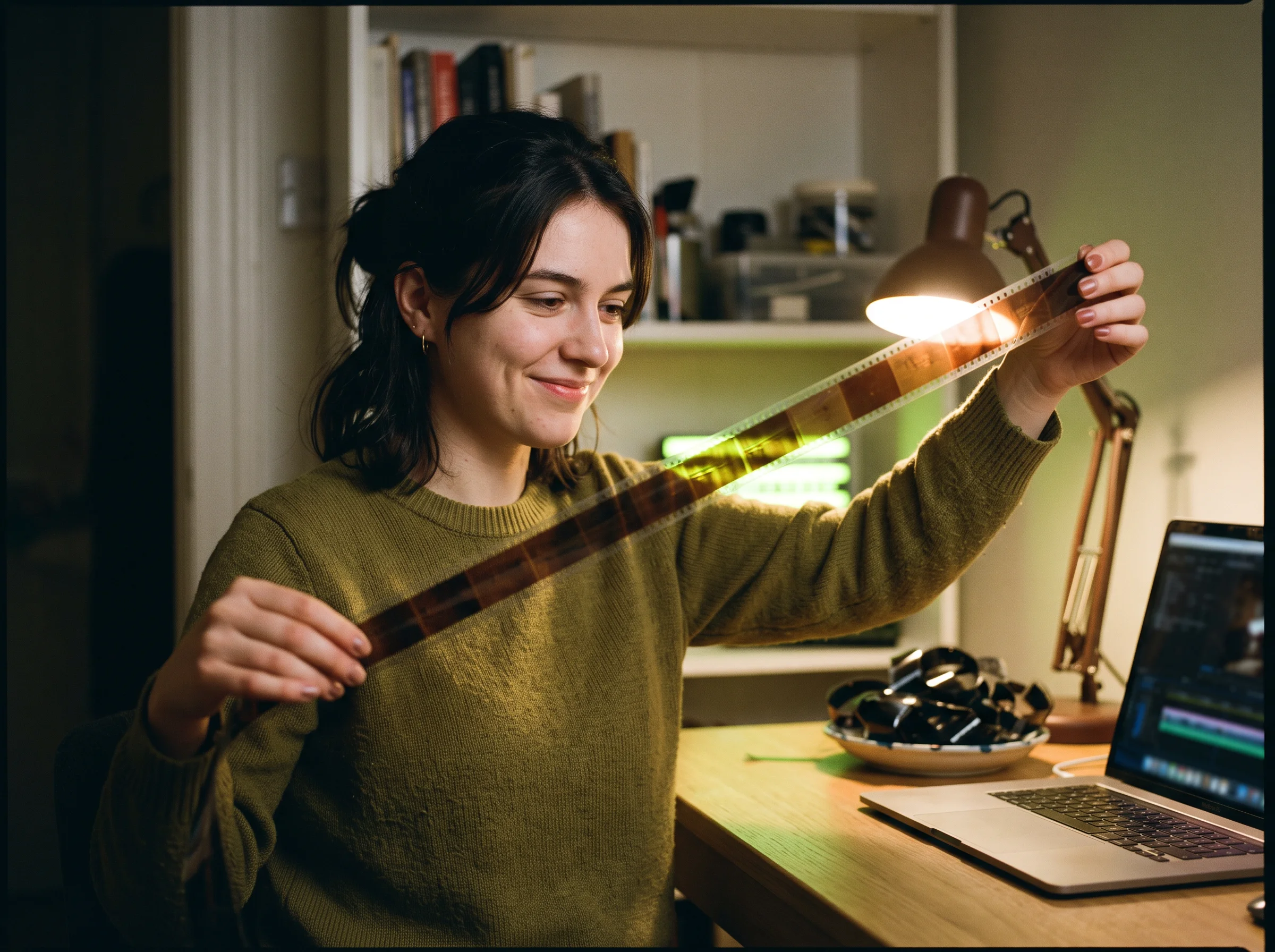
Render a longer idea as one continuous take instead of generating several short clips and cutting them together. You write one prompt for the full 30 seconds. Wan 3.0 renders the whole shot in a single pass, so there are no cut points to hide.


Turn an existing slide deck, spreadsheet, or PDF into a narrated video without manually re-typing its content as a prompt. You upload the deck or the PDF, and Wan 3.0 reads its content and renders a narrated video you can post or send to a client.
Generate a scene with synced audio in the same pass, skipping a separate TTS or dubbing step after the video renders. You describe the scene and the sound in one prompt, and Wan 3.0 renders the picture with native audio already matched to it — no separate voiceover step.


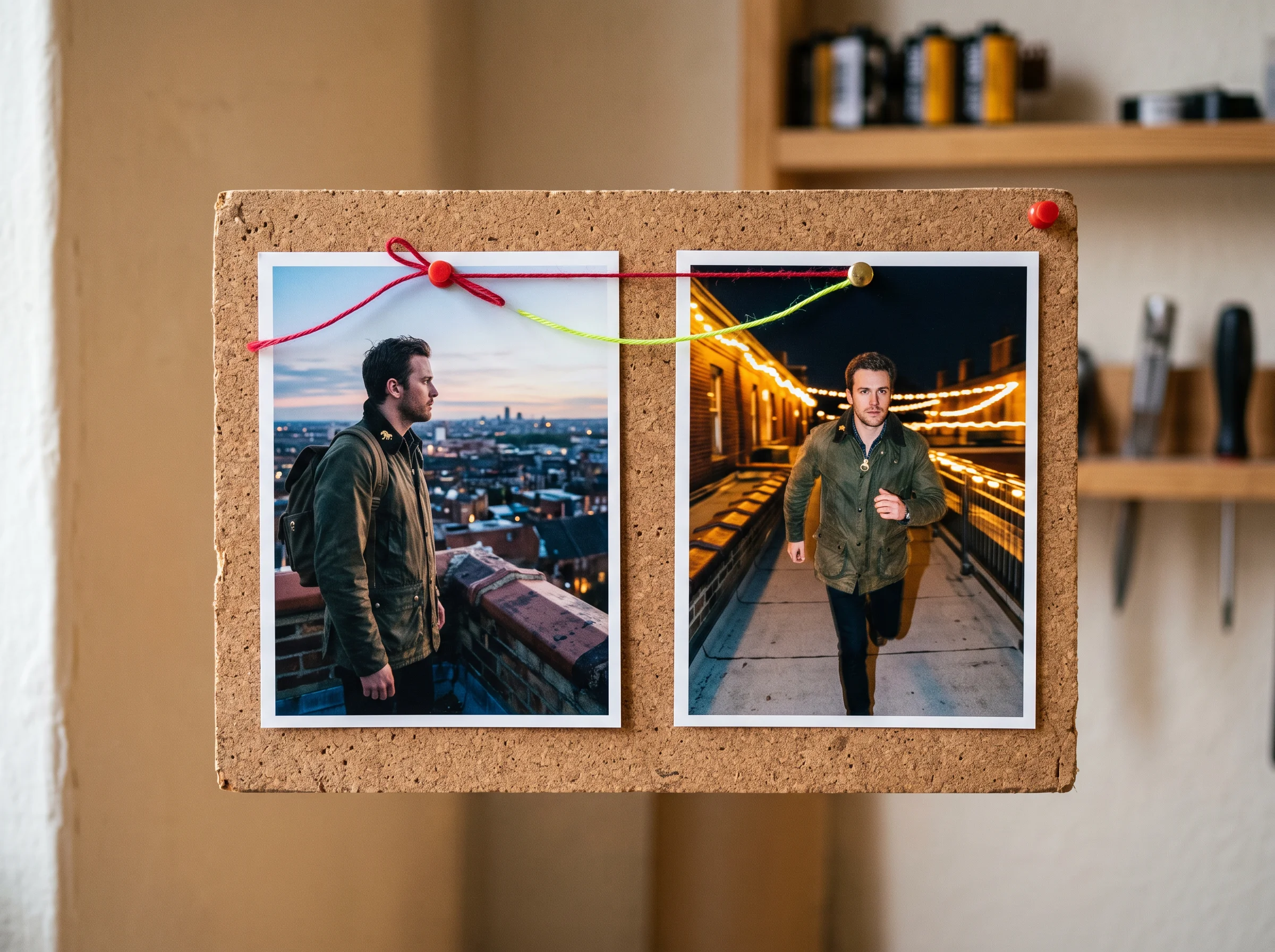
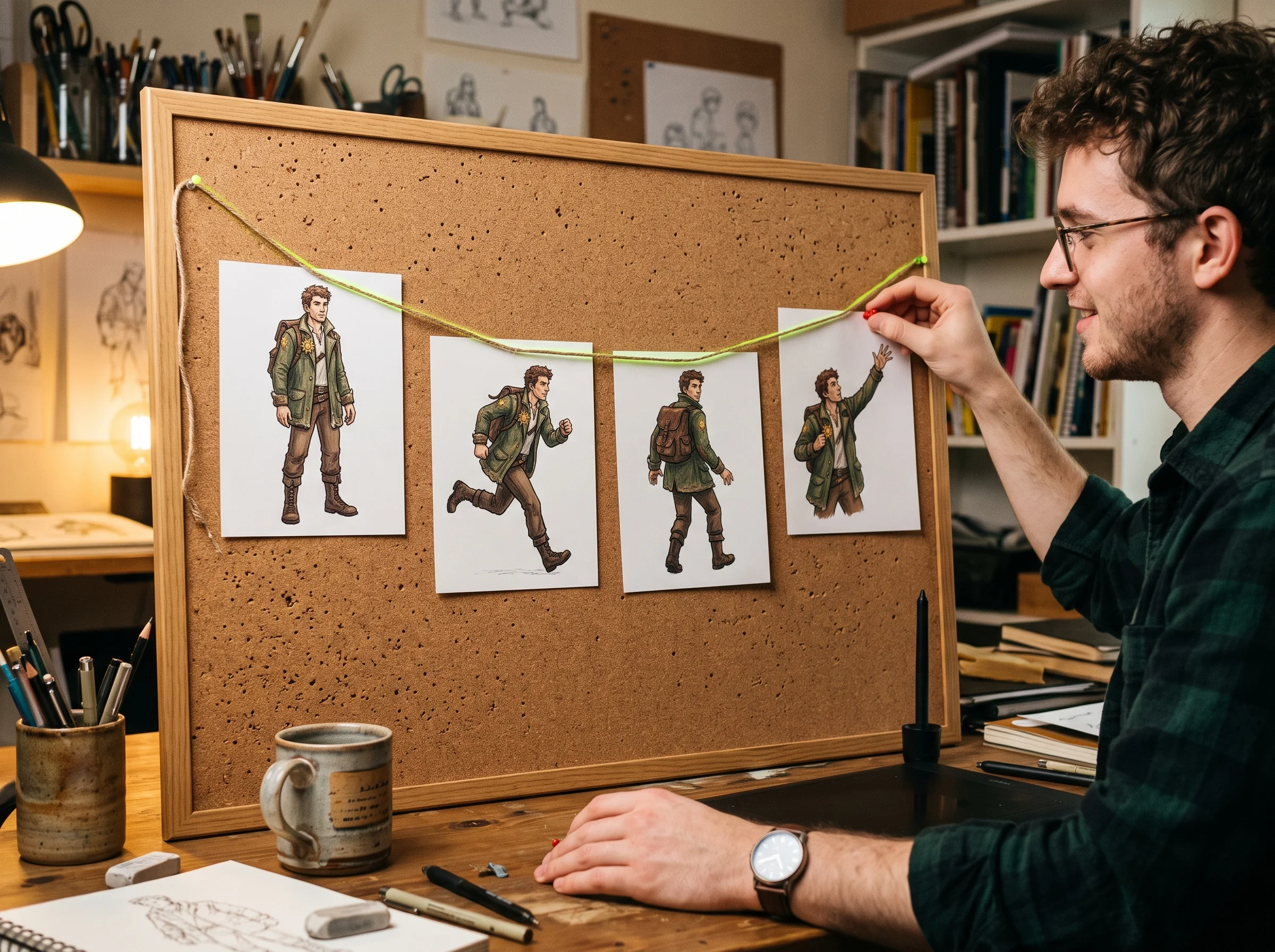
Keep a character's face, outfit, and setting consistent across a full 30-second single-shot render instead of a series of short clips. You describe your character once, and Wan 3.0 holds their look steady through camera moves and the full length of the shot.
Wan 3.0 bills only for the finished seconds you render — one continuous shot, one clear charge, no stitching costs to add up.
You get the honest version here — what Wan 3.0 actually renders, how document to video works, and how it compares to Seedance 2.0.
Wan 3.0 is the Tongyi Wanxiang Wan 3.0 video model from Alibaba, in public beta since August 2026. It reads a text prompt, an image, a reference clip, or a document. Every render is one continuous shot up to 30 seconds long, up to 1080p, with native synced audio in the same pass. On Seadanse you run it through text to video, image to video, and document to video.
Sign-up is free and needs no credit card. You get starter credits as a head start toward your first Wan 3.0 render. Every render bills credits by the second of finished video, and the exact rate shows beside Generate before you submit. Top up with a credit pack or subscription once your starter credits run out.
Every Wan 3.0 render bills credits by the second of finished video, scaled to the resolution and duration you choose. The estimated cost shows beside Generate before you submit, so you always see the charge before you commit to it — there is no separate quote step.
They're different models from different labs. Wan 3.0, from Alibaba's Tongyi Wanxiang, renders one continuous shot up to 30 seconds in a single pass. It also reads documents — PDF, DOC, XLS, PPT, or a webpage link — directly as generation input. Seedance 2.0 renders shorter clips up to 1080p with a toggleable audio switch and a single reference image. Pick Wan 3.0 for one long uncut shot or a document turned into video. Pick Seedance 2.0 for a shorter clip with adjustable audio.
Wan 3.0 renders output up to 1080p. Duration runs up to 30 seconds in a single continuous shot — one generation pass, not several short clips joined together.
Yes. Wan 3.0's single-pass generation holds the camera through one continuous take for the full length of the render, instead of stitching several shorter generations together. You can also guide the camera itself — push in, pull back, pan, follow, or orbit — while the shot stays uncut.
Upload a PDF, a Word document, a spreadsheet, a slide deck, or paste in a webpage link. Wan 3.0 reads the content and builds a narrated video from it. It's built for turning something you already wrote — a pitch deck, a report, a product spec — into a video without retyping it as a prompt.
Yes. Wan 3.0 produces synced audio in the same pass as the picture, with no on/off switch. Dialogue, effects, and ambience come out matched to the motion in every render. There's no separate voiceover or dubbing step to run afterward.
No. Every render downloads without a watermark, including clips paid for with your starter credits, and commercial use is included per plan terms.
The credits come back automatically, so you never pay for a failed job. Renders also keep running if you close the tab, and your history keeps every finished clip for replay, download, or regeneration.
Every page here runs the real models in your browser — jump to the one that matches the clip you have in mind.
Sign up free, claim your starter credits, and point your first prompt or document at Wan 3.0 today. Your prompt, references, and settings survive the login round-trip.