Draft Seedance 2.0 Fast Takes at 720p Until One Works
You pick 5 to 15 seconds, and every take renders at 720p on bytedance/seedance-2-fast. Ten cheap tries hand you the one take you keep.

Write a prompt or drop in a still, and get a 720p clip back with native audio. Every take bills per second, so you can test ten ideas cheaply. Sign up free for 120 starter credits.
Worried the cheap lane is a stripped lane? You keep the whole control set here — a start and end frame, one reference image, six aspect ratios, and sound that arrives with the picture.
1280x720 · 16:9 · 6s
You pick 5 to 15 seconds, and every take renders at 720p on bytedance/seedance-2-fast. Ten cheap tries hand you the one take you keep.


You pay 210 credits for a 5-second 720p take, against 260 on the Standard preset. Six Fast takes cost what five Standard takes cost.
You upload a start still and an end still, and the render fills the motion between them. Reveals and transformations finish on the frame you chose.


You attach one reference image beside the prompt, and it anchors the subject, the style, and the light. The subject that opens your clip also closes it. Pull the still from your device or from a render you already made.
Every take generates native audio with the picture, behind a switch that defaults on. Ambience that matches the motion, or clean silence for your mix.


You choose six aspect ratios, from 9:16 to 21:9, on every Fast take. Native framing for the feed each clip ships in.
You already know the shot you need. Pick the job that matches yours, turn out 720p drafts at a price you can repeat, and keep only the takes that earn their place.
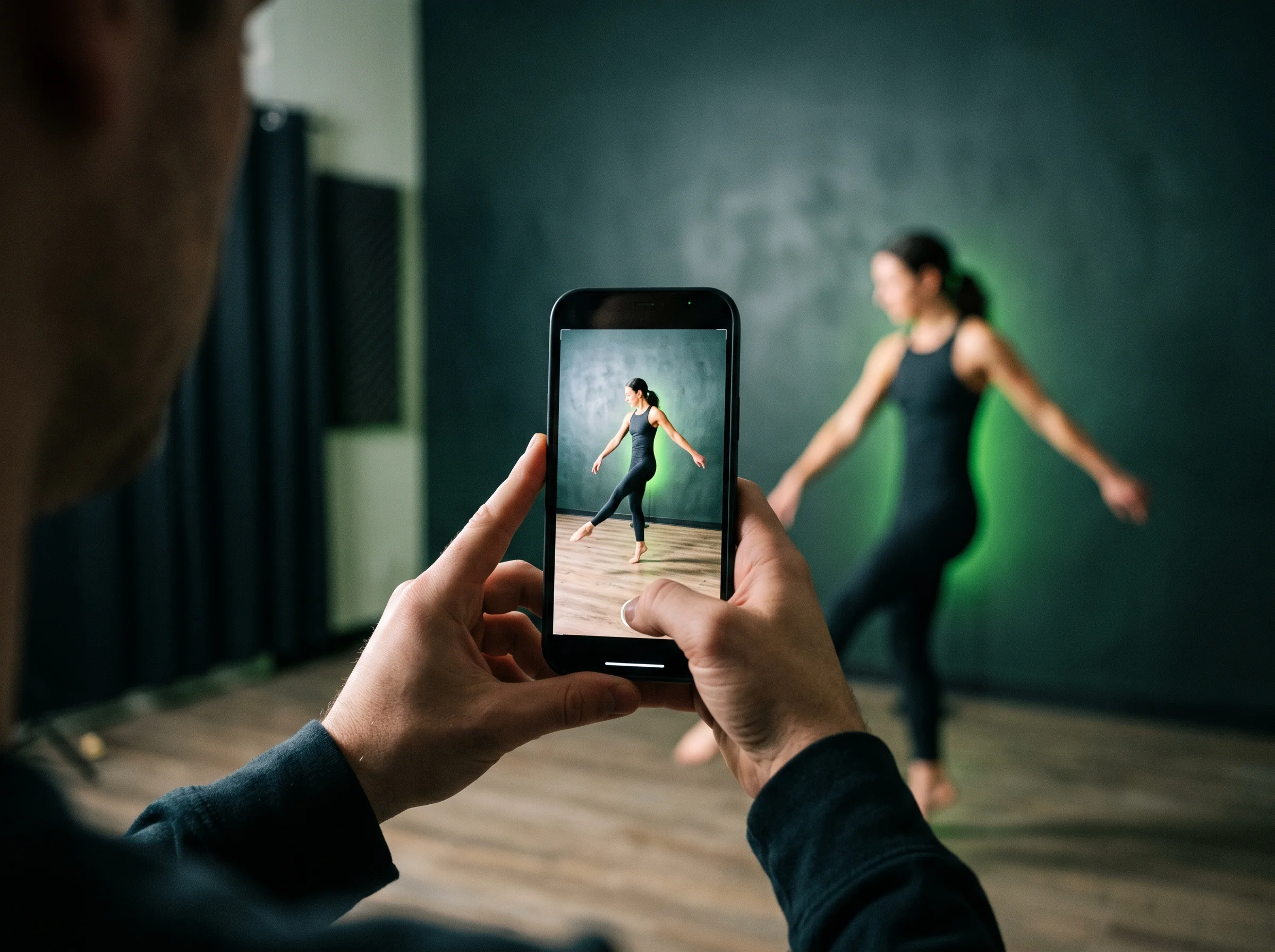
Get listing and paid-social drafts out of the product photos you already own, without booking a studio day. You set the product shot as your start frame, describe the move, and download a 720p MP4 your team can review the same afternoon.


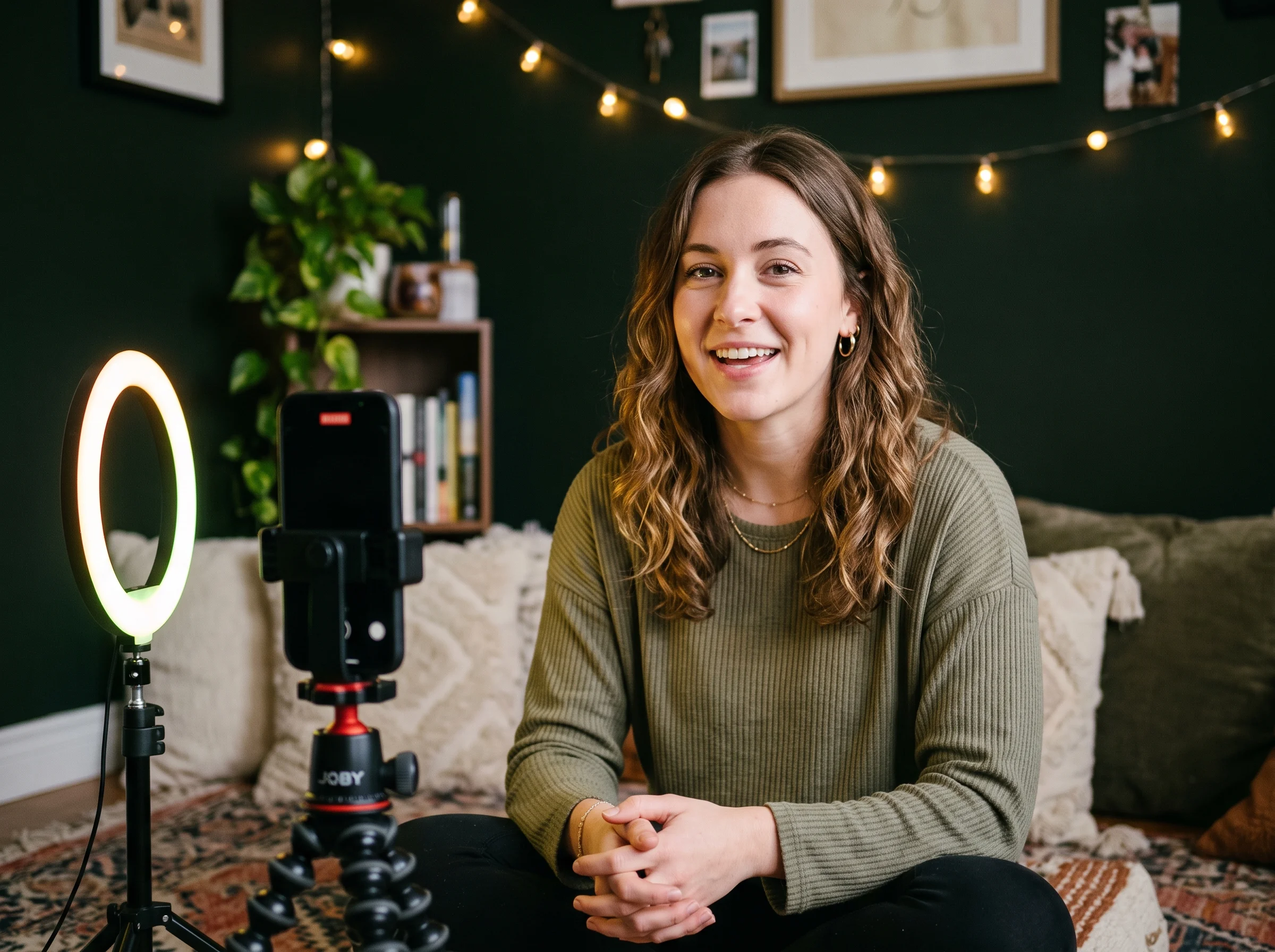
Ship one vertical clip a day from a prompt or a single photo, on a budget that survives daily posting. You write the prompt, choose 9:16 and five seconds, and post the MP4 within the hour. Sound comes out with the picture.
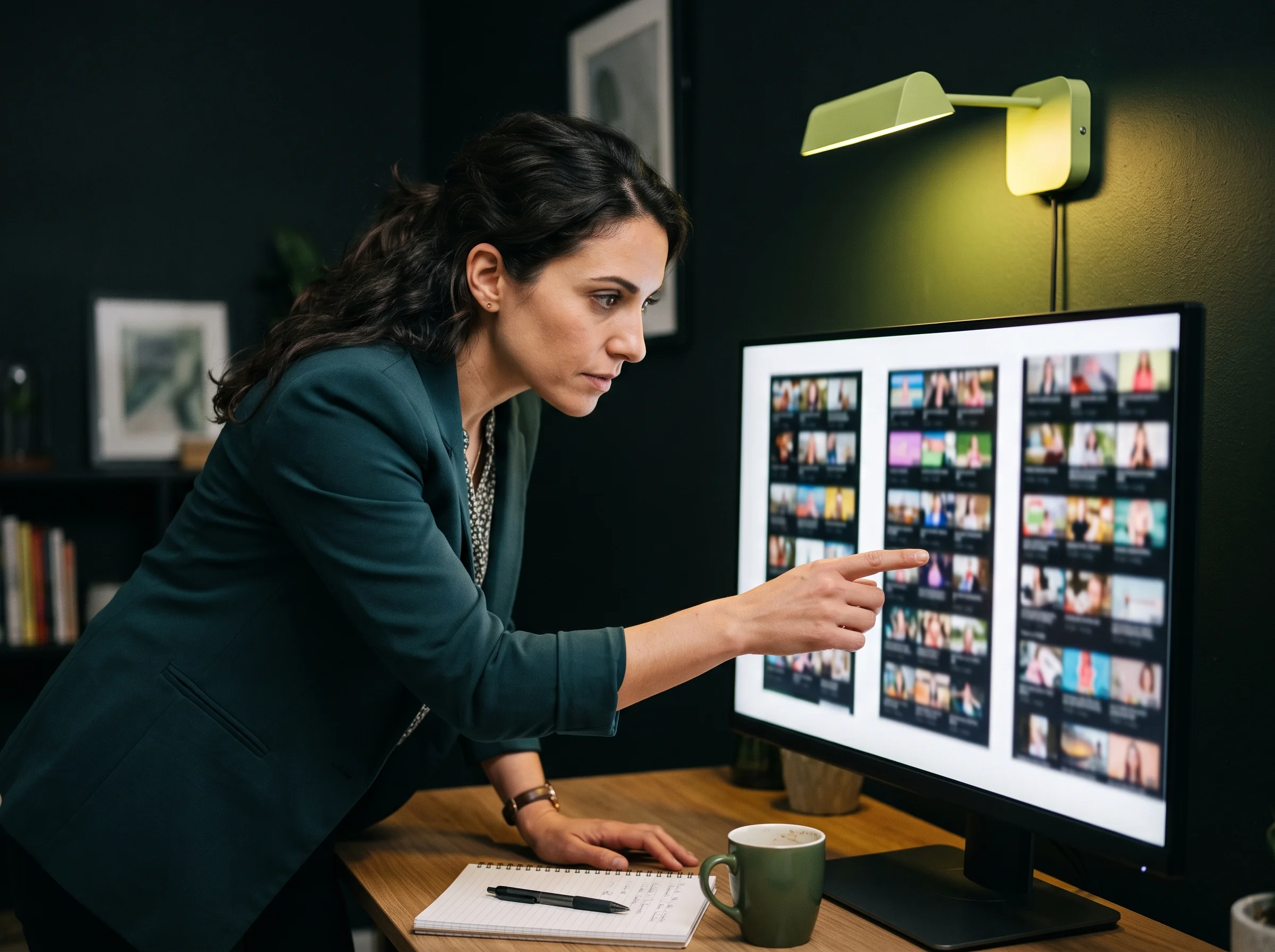
Find the opening three seconds that holds attention before you spend on a finished cut. You run one scene through ten prompt variants at 210 credits each, read the numbers, then re-render only the winner.


Prove a before-and-after move lands on cue before committing credits to a finished render. You set the before shot as your start frame and the after shot as your end, then watch the move at 720p and adjust.
Keep a personal project moving without paying finishing-tier prices for every render. You render 5-second takes at 210 credits, watch the estimate before you submit, and stop the session the moment the idea lands.

Sign-up is free and adds 120 starter credits. A 5-second 720p take costs 210 credits against 260 on Standard, so six Fast takes cost what five Standard takes cost.
You get the honest version here. What a take costs, where the 720p ceiling bites, which lane to pick, and what you own once the render lands.
Seedance 2.0 Fast is ByteDance's speed-and-cost lane for Seedance 2.0. It shares the same architecture and inputs, trades a little fidelity for turnaround, and tops out at 720p. Some providers label the same model Seedance 2 Fast. On Seed Dance this page opens straight on it, so your first render already uses the Fast preset.
Yes. Frames mode takes a start still and an end still, both required, and fills the motion between them. Video mode instead takes one optional reference image beside your prompt to hold a subject or a style.
Sign-up is free with no credit card, and it includes 120 one-time starter credits. Those credits cover a 60-credit Mini 480p draft, not a 210-credit Fast take, so plan a small top-up or a pack before your first 720p render.
A 5-second 720p take costs 210 credits, which is 42 credits a second. A 10-second take costs 420. The estimate shows beside Generate before you submit, and it updates whenever you change a setting.
Pick Fast while you are still deciding what the shot is. Ten takes at 210 credits cost less than eight at 260, and reviewers report the two lanes look alike on simple, single-subject scenes. Move to the Seedance 2.0 page once the direction is locked and you need a 1080p master or heavier motion.
720p, and only 720p on this page. That is the point of the lane. When you need a 1080p master, the Seedance 2.0 page renders it on the Standard family instead.
Watermark stays off every render, at any tier, including takes paid for with starter credits. Your clip downloads as a clean MP4, and commercial use is included per plan terms.
Faster on the same prompt — that is what the lane buys, and the model provider says so plainly. Progress shows in the panel while you wait, and the job continues in the background if you leave the page.
Yes. Native audio comes out with the picture in the same pass, so ambience and effects match the motion. The switch defaults on, and one click turns it off when you want silence for your own mix.
The credits come back automatically, so a failed job costs you nothing. Renders also keep running if you close the tab, and every finished take stays in your history to replay, download or regenerate.
Every page here runs the real models in your browser — jump to the one that matches the clip you have in mind.
Sign up free, claim your 120 starter credits, and start testing shots. Your prompt and settings survive the login round-trip, so nothing you typed is lost.