
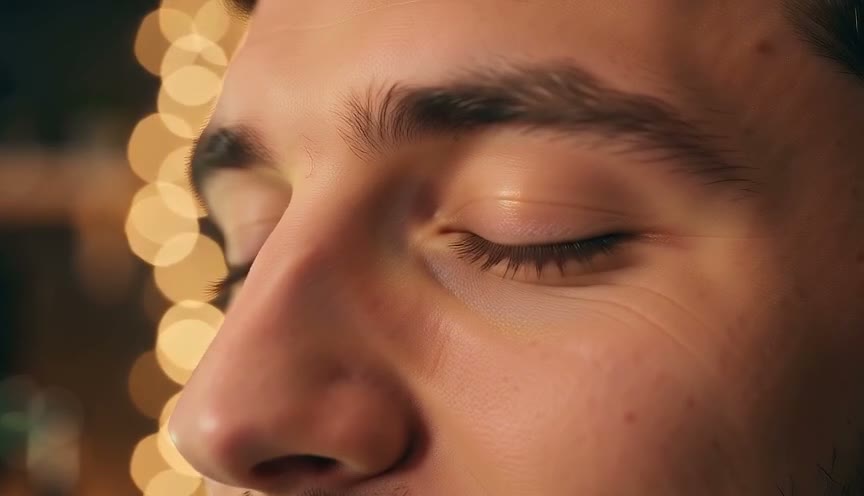

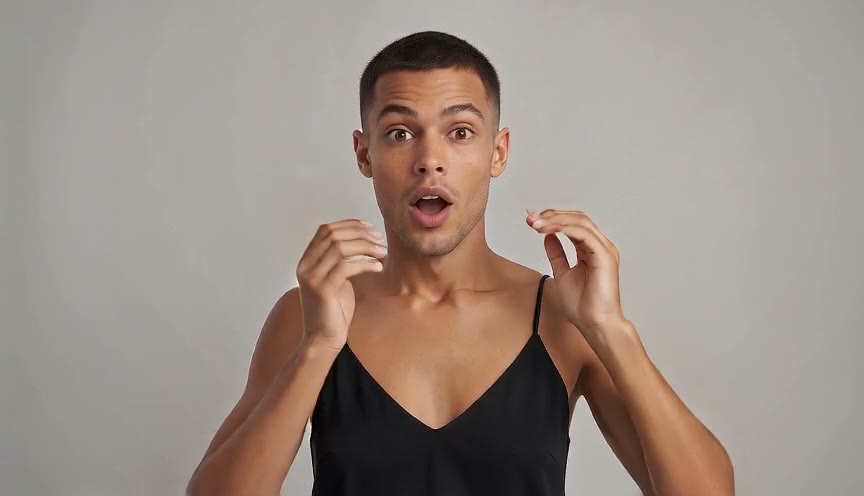
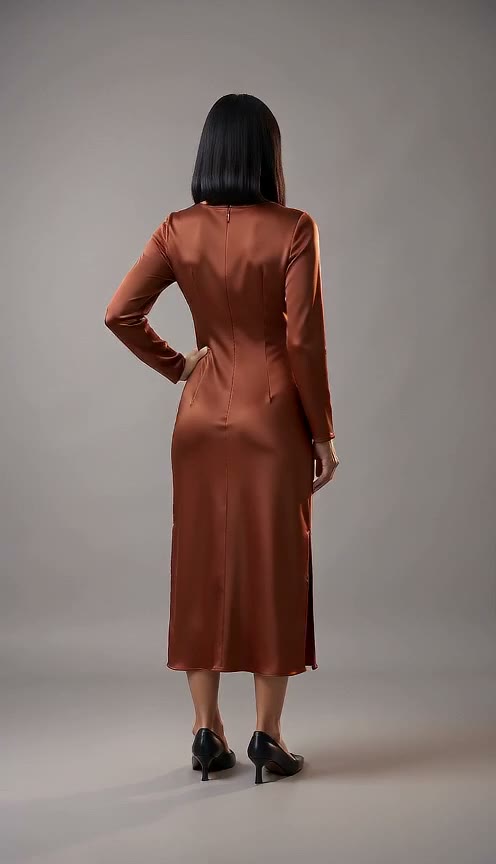
Upload One Photo Without Setting Keyframes
Upload one photo to create a finished video without touching a timeline or writing prompts. Our zoom in builds the camera move for you, and an optional short note lets you add custom requests.
Turn your still portrait into a dramatic camera move without touching keyframes. Use our zoom in tool to create a 5-second 480p MP4 video from one photo.
One person, face clearly visible, in good light.




Upload one photo to create a finished video without touching a timeline or writing prompts. Our zoom in builds the camera move for you, and an optional short note lets you add custom requests.
Watch the camera push forward from the whole scene directly to the face in one continuous shot. Our zoom in gives you a smooth 5-second video with zero cuts.
Get a 480p close-up as the camera moves forward. Our zoom in generates fresh AI frames instead of an enlarged crop of your photo.
Pick 9:16 vertical for TikTok, Reels, and Shorts, or select 16:9 horizontal for YouTube before you generate. Our zoom in exports 480p MP4 videos that are ready to share.
Create your clip using Seedance 2.0 Mini for a flat cost of 40 credits displayed right beside the Generate button. Our zoom in returns credits to your balance automatically if a render fails.
Upload one photo to create a 5-second vertical clip that glides into the face. Add smooth visual punchlines to your TikTok, Reels, and Shorts posts with no editing required.
Turn a studio setup photo into a smooth camera push-in on the host. Choose 16:9 for YouTube videos or 9:16 for Shorts to grab audience attention.
Upload a favorite portrait and let our zoom in effect move right to the face. Turn still pictures into touching 5-second MP4 videos to share with your family and friends.
Drop in a clear photo of a person to get a dramatic zoom in on face. Download your 5-second clip, add your text, and post hilarious reaction videos across the web.
Upload one photo in the Your photo slot right from your browser.
Select 9:16 vertical or 16:9 horizontal and add an optional short note if you want.
Click generate to spend 40 credits and download your ready-to-post 5-second MP4 video.
Sign up free with an email and no card to get 40 starter credits for your first video. Every 5-second render costs 40 credits in both 9:16 vertical and 16:9 horizontal, and failed renders return your credits automatically.
To zoom in means to make a person or item in the frame look larger and closer. Filmmakers call a camera move toward the subject a push-in or dolly-in. Our zoom in effect performs that move from one still photo, gliding smoothly from the whole scene into a close-up of the face.
Upload one clear photo of a person in the Your photo slot, select 9:16 or 16:9, and click generate. You get a 5-second 480p MP4 file with no prompt and no manual keyframes. Try our zoom in video tool now to create your first clip.
Right here in your web browser. Sign up with an email address, add your photo, and let our zoom in on face effect move straight toward the subject. You never have to download or configure any software.
This is a new AI video render, not a simple crop. A lens zoom magnifies an image while the camera stays still, and a push-in moves the camera itself forward. Our AI zoom in generates brand-new frames as the camera moves closer, delivering a detailed close-up shot.
A clear photo of one person from the chest or waist up, with the face easy to see. The video opens on that photo's framing, and our zoom in effect moves forward to a tight close-up of the face.
Yes. The person keeps the face, hair, eye color, and small details from the photo, such as a nose ring, all the way into the close-up. The close-up adds fine skin texture such as pores and freckles.
Every video is 5 seconds long at 480p resolution. You choose either 9:16 vertical or 16:9 horizontal before you generate, and you download the final result as an MP4.
Yes, you can try it for free. Sign up with an email address and no credit card to receive 40 one-time starter credits, which covers your first video. Each clip has a flat price of 40 credits, and credits return to your balance automatically if a render fails. View our Seadanse pricing page to pick a plan for more credits.
No. The camera movement is built into the tool, so you just upload your image. You can include an optional short note if you have a custom request, or visit our AI Video Creator to direct scenes using your own written prompts.
Yes. The 9:16 vertical option fits TikTok, Reels, and Shorts, and the 16:9 horizontal option fits YouTube. Paid plans include a commercial use license, and videos have no watermark once you buy a plan or a credit pack.
Yes. No facial recognition runs on your uploaded pictures. Your photos and videos stay inside your account until you delete them, and paid plans keep your generations private.
Every page here runs the real models in your browser — jump to the one that matches the clip you have in mind.
Turn your favorite portrait into a smooth 5-second video with your 40 free starter credits.