Seedream 5 Pro AI Image Generator

Seedream 5 Pro: Turn a Prompt Into a Poster-Ready Image

Describe the poster, ad, or portrait you need, and add up to 10 reference images if you have them. Seedream 5 Pro renders a 1K or 2K image you can download in under a minute.

Turn Any Prompt Into a Seedream 5 Pro Image You Can Post Today

0/10000

See Seedream 5 Pro Turn References Into On-Brand Images

You don't have to take our word for what Seedream 5 Pro does. Four proofs sit right below: a real prompt-to-image render, reference-guided consistency, a resolution ladder, and credits that come back on their own.

You have a campaign idea and no time to brief a designer.

Turn a Prompt Into a Seedream 5 Pro Image

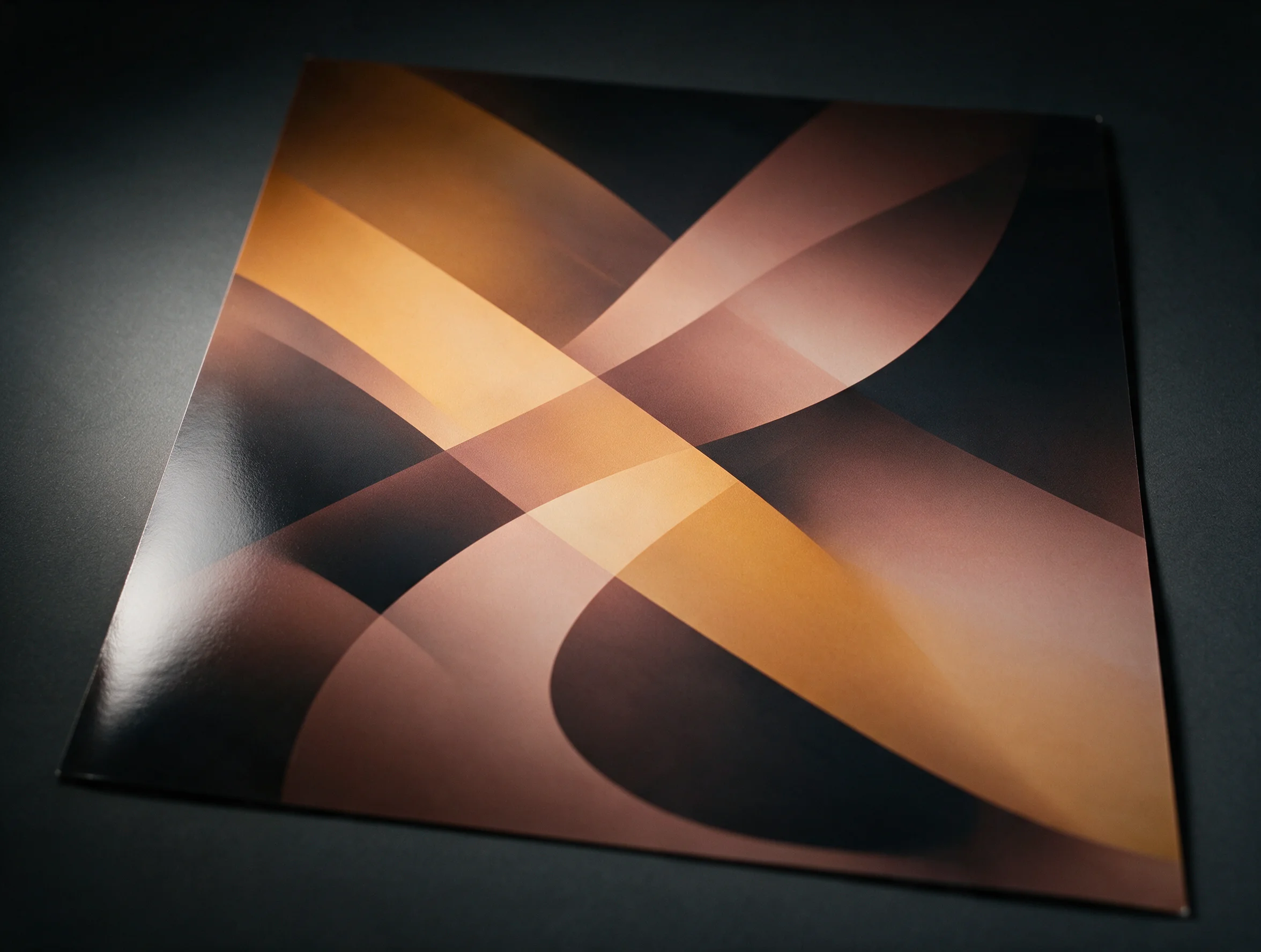
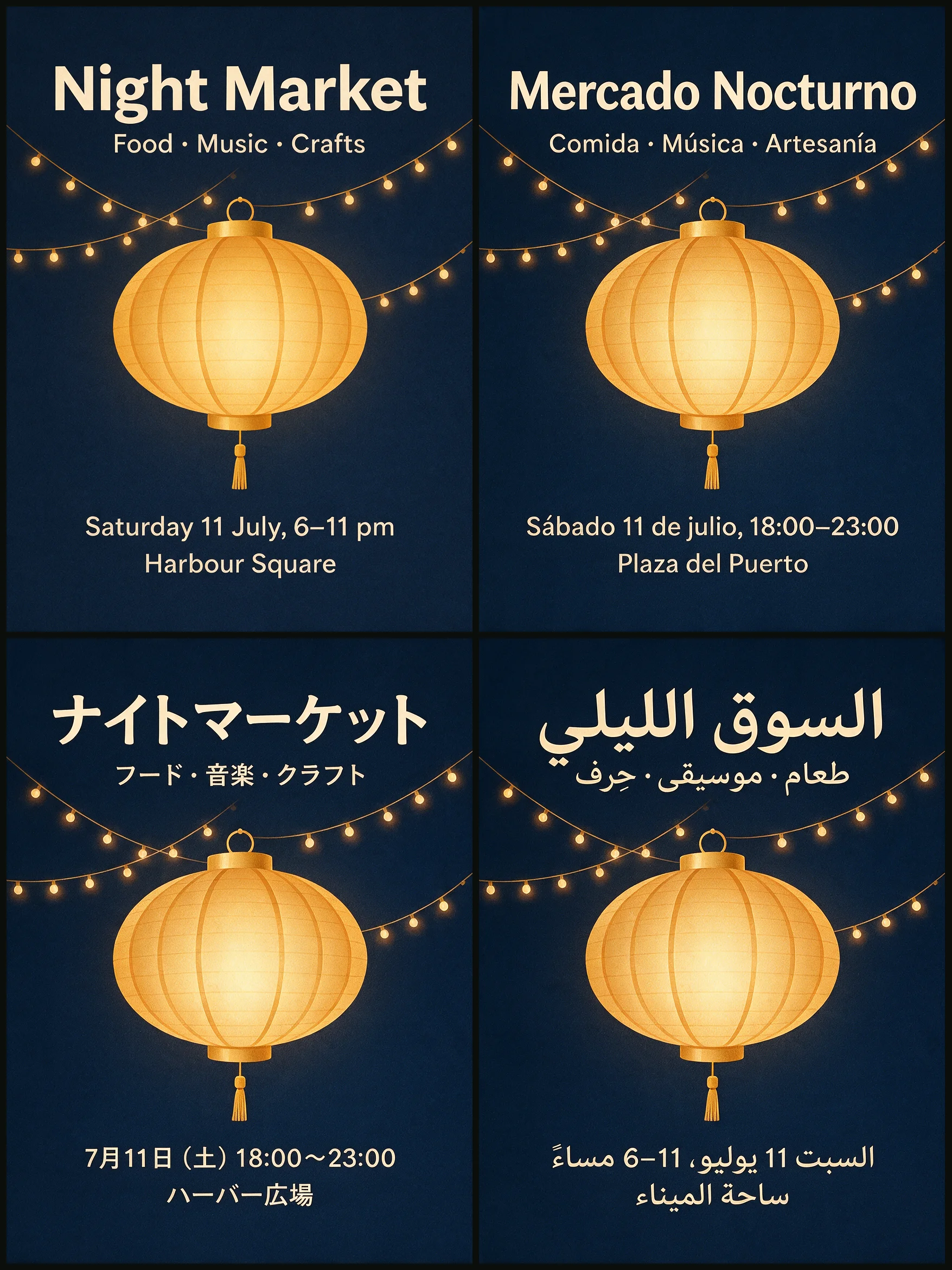
Type what you want, and Seedream 5 Pro renders a 1K or 2K image from that prompt alone. A usable image lands in your browser in under a minute. Works for a poster concept, an ad frame, or a quick mood board before a shoot.

Turn a Prompt Into a Seedream 5 Pro Image
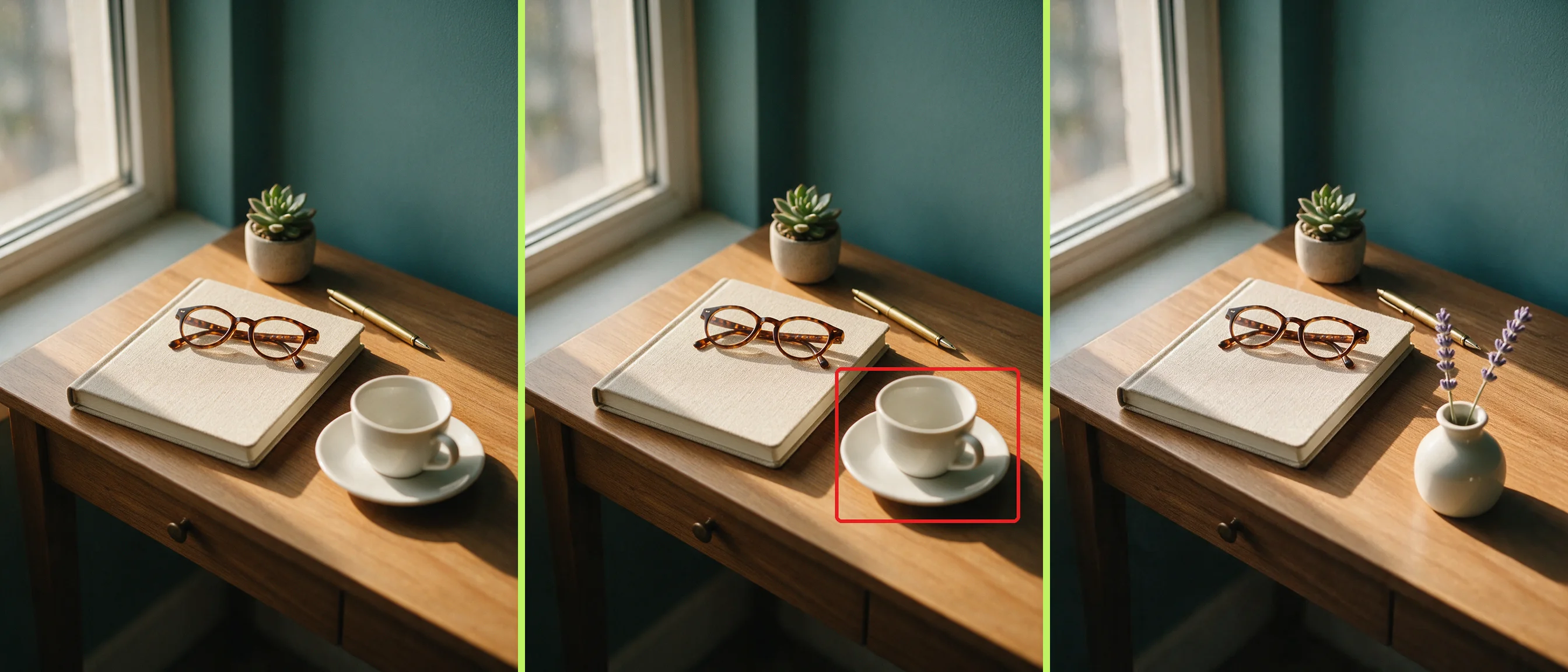
Feed Seedream 5 Pro Reference Images to Keep a Look Consistent
Your last campaign nailed a look, and now you need it again.

Feed Seedream 5 Pro Reference Images to Keep a Look Consistent

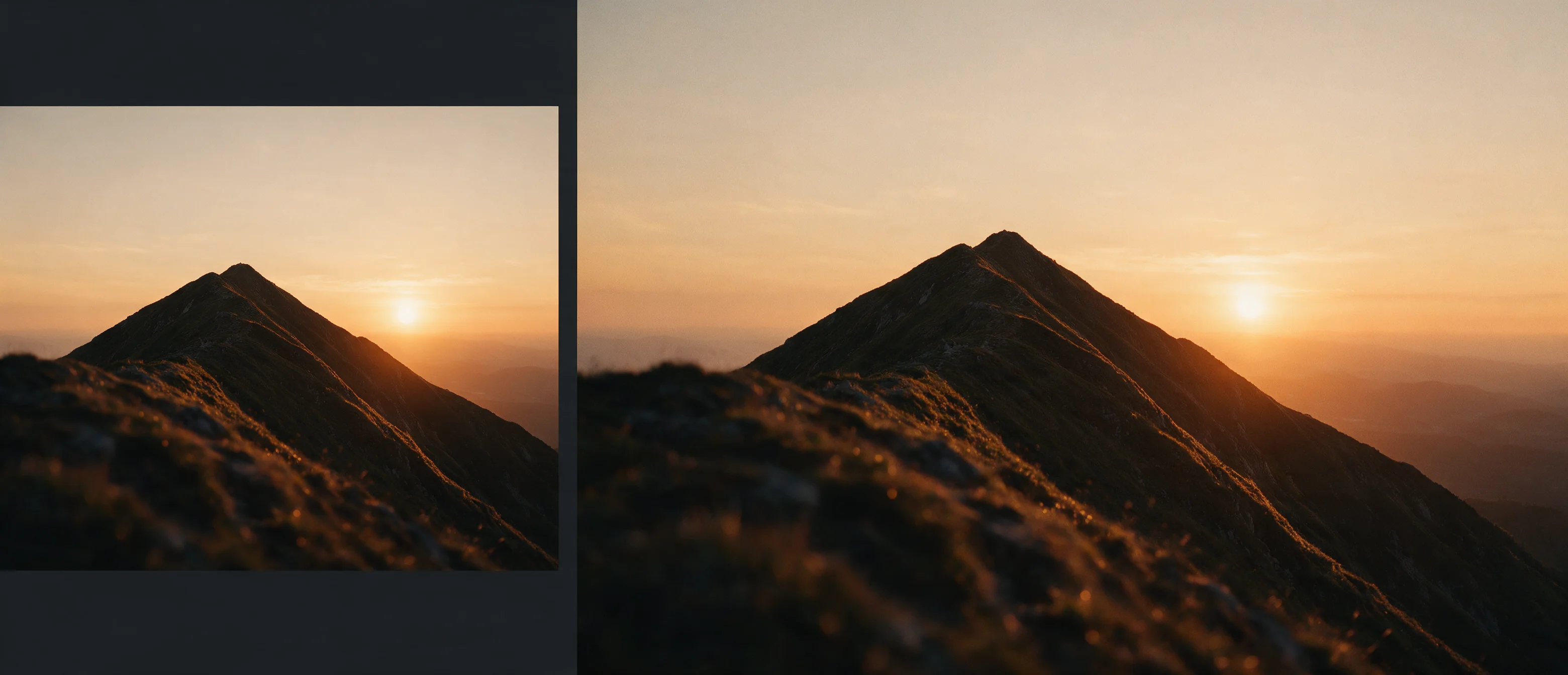
Upload a reference image, or up to ten, and Seedream 5 Pro carries the style into the new scene. New scenes match your brand without a re-brief.

A square product shot won't fit a 21:9 banner slot.

Pick the Resolution a Seedream 5 Pro Render Ships At

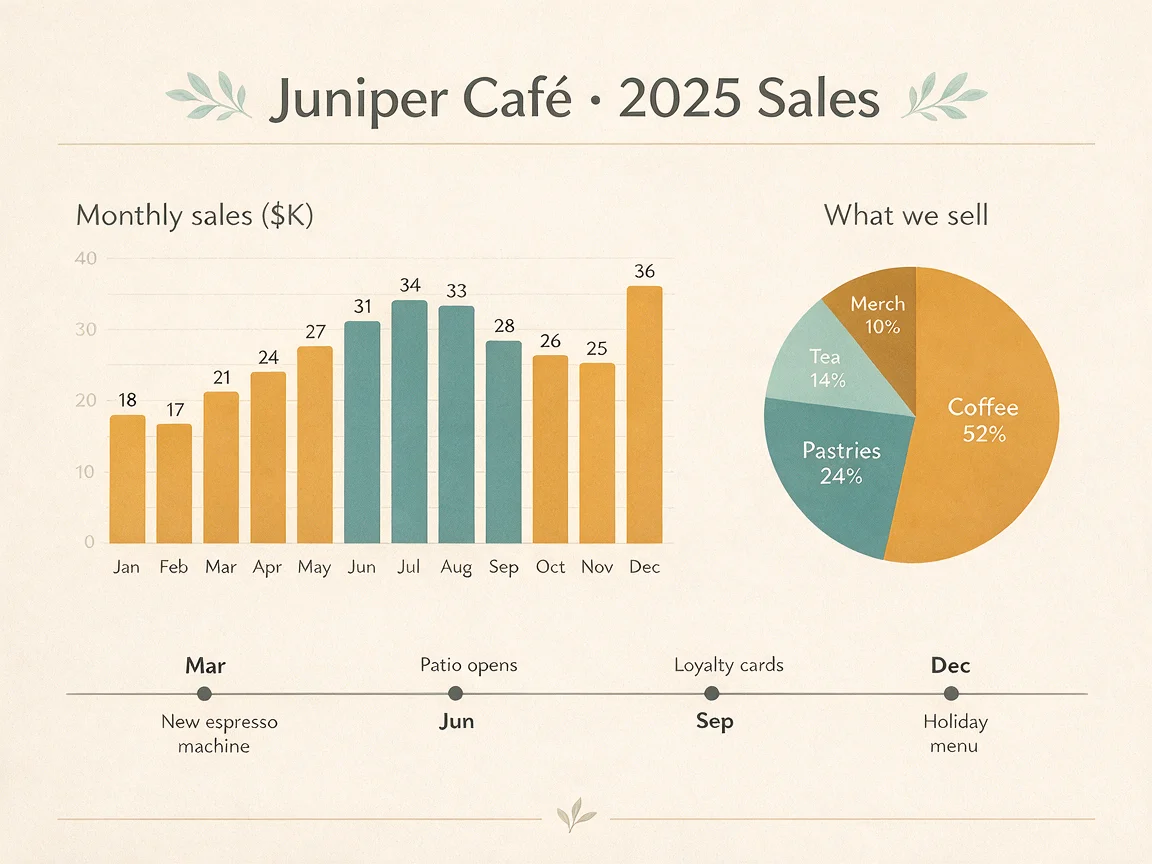
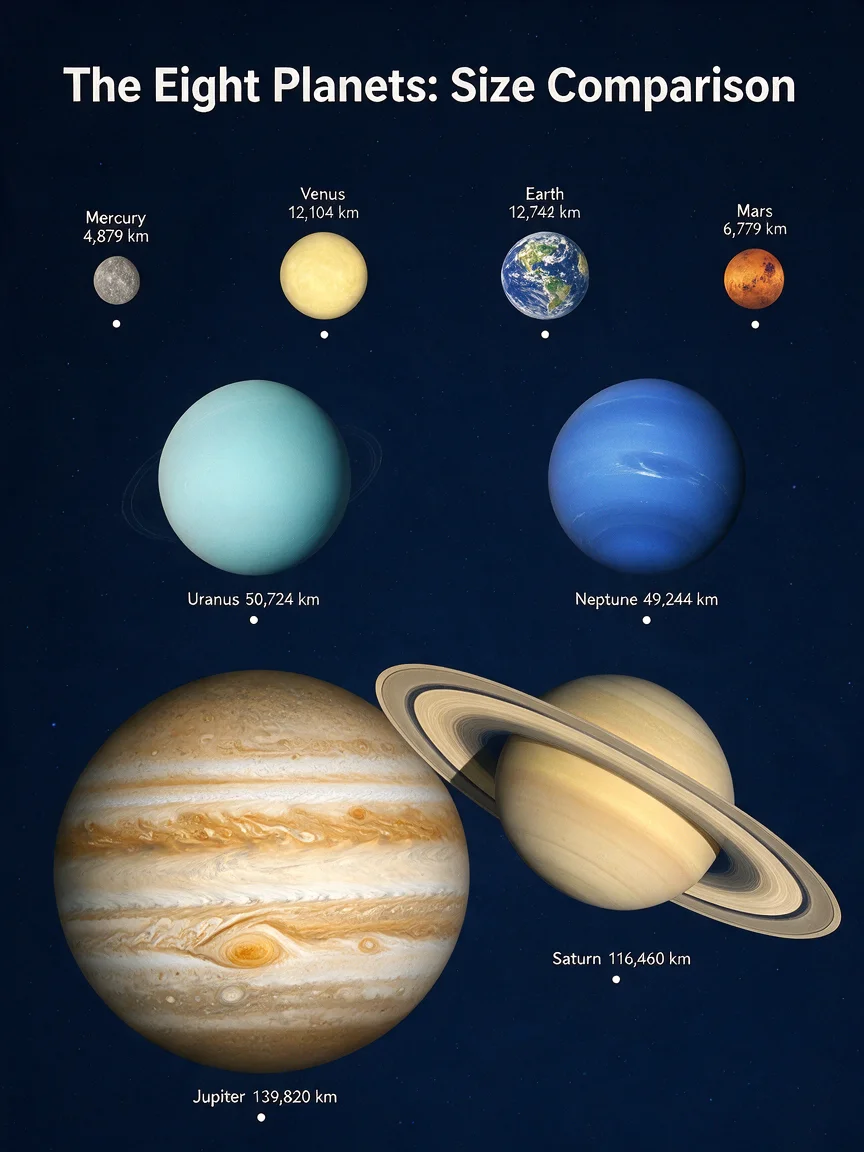
Choose 1K or 2K output across eight ratios, from 1:1 to 21:9, before you generate. One render fits the exact slot your layout already needs. Our own 2K test render came back at 2736x1520 pixels, sharp enough for a wide hero banner.

Pick the Resolution a Seedream 5 Pro Render Ships At
Download a Seedream 5 Pro Image Without Losing Your Credits
A failed render shouldn't cost the same as a finished one.

Download a Seedream 5 Pro Image Without Losing Your Credits

Your Seedream 5 Pro renders run on account credits, and failed ones return theirs automatically. You only pay for images that actually come out. Sign up and your first four 1K images are already covered by your starter credits.

Put Seedream 5 Pro to Work on Your Next Shoot

Your next shoot doesn't have to start with a camera. Pick the scenario below that matches your job, and Seedream 5 Pro turns your prompt or reference photos into the image you need.

Designers building poster and campaign art

Design a Poster Campaign With Seedream 5 Pro

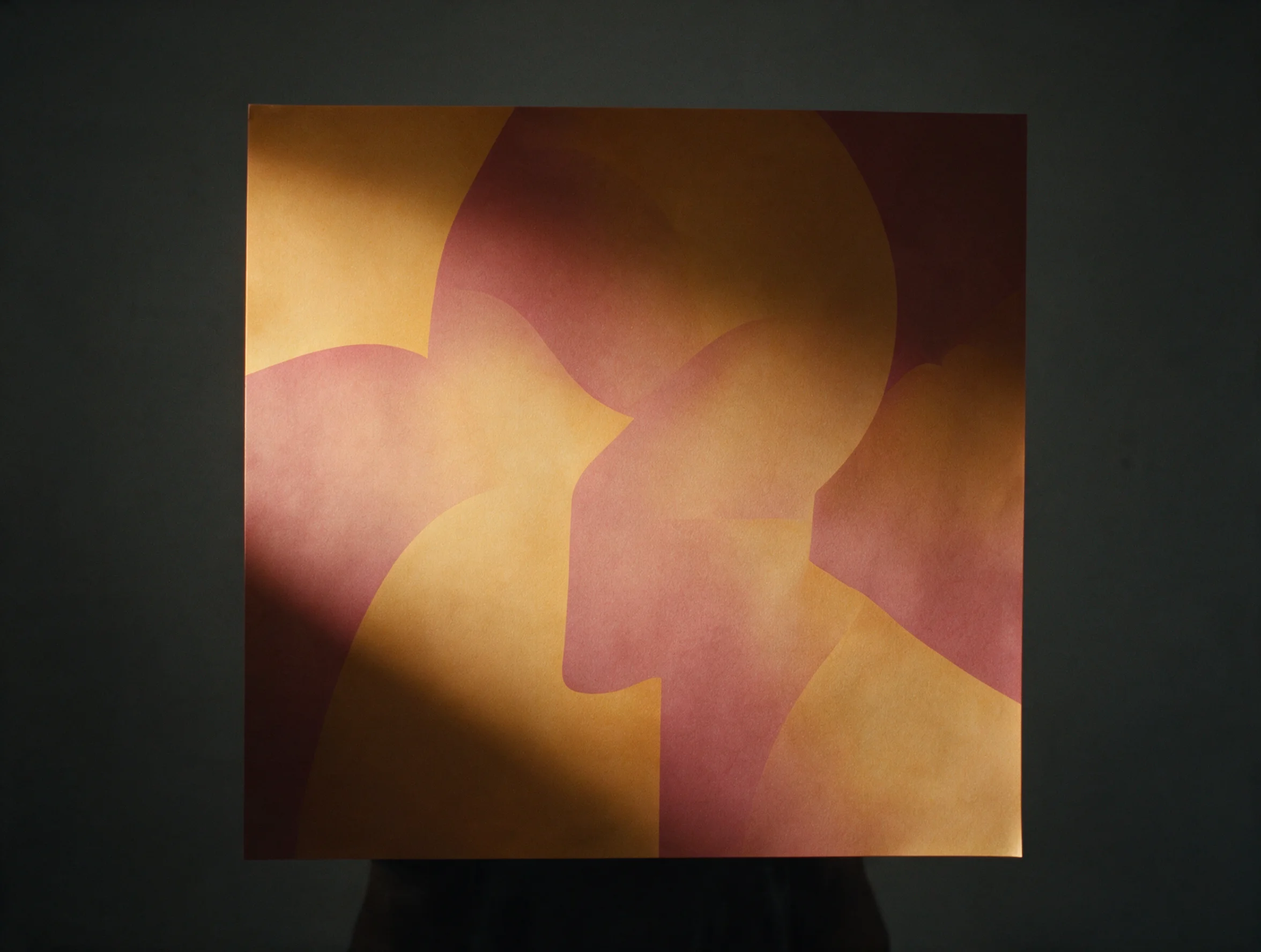
Turn a campaign brief into a print-ready poster concept fast. You type the brief, pick a 16:9 or 2:3 ratio, and Seedream 5 Pro hands you a poster-ready image for your deck.

Design a Poster Campaign With Seedream 5 Pro
Produce Ad and Product Images With Seedream 5 Pro
Marketers making ads and product shots

Produce Ad and Product Images With Seedream 5 Pro

Get a usable product or ad image without booking a photo shoot. Upload your product photo as a reference, describe the scene, and Seedream 5 Pro returns an ad-ready image at 1K or 2K.

Creators making social posts and portrait stills

Create Social and Portrait Stills With Seedream 5 Pro

Post a fresh portrait or social still without a camera or a studio. Describe the look you want, choose a 9:16 or 1:1 crop, and download a still ready for your feed in under a minute.

Create Social and Portrait Stills With Seedream 5 Pro
Restyle an Existing Image With Seedream 5 Pro References
Art directors building a consistent look from references

Restyle an Existing Image With Seedream 5 Pro References

Extend or restyle a shoot using up to 10 of your own reference images. Upload up to 10 reference images, describe the new scene, and Seedream 5 Pro keeps your subject recognizable across the set.

Trust Every Seedream 5.0 Pro Render Before You Download

Your credits only leave your balance for a render you can actually see. Every Seedream 5 Pro image comes with a mono spec caption, a clean download, and its credits back if the job fails.

40 credits free at sign-up

Enough for four 1K Seedream 5 Pro images before you need to buy more.

Failed renders return their credits

No ticket, no wait — credits return to your balance the moment a render fails.

No visible watermark or logo added by Seadanse

Paid renders come back clean and ready to drop into your own layout.

1K and 2K resolution, eight aspect ratios

Pick 1:1, 4:3, 3:4, 16:9, 9:16, 2:3, 3:2, or 21:9 before you generate.

Up to 10 reference images per render

Guide the result with your own photos instead of describing everything in words.

Sign up free and get 40 starter credits, enough for four 1K Seedream 5 Pro images.

Every image you generate is yours to keep, publish, and reuse per plan terms.

See What a Seedream 5 Pro Render Costs in Credits

Every plan below runs on the same credits a Seedream 5 Pro render spends, so the table matches what you'll actually pay.

Subscription plans

  • A Seedream 5 Pro image bills 9 credits at 1K and 18 at 2K. The live estimate beside Generate is the charge for that render.
  • The estimated cost shows beside Generate before you submit, so the charge never surprises you.

Your Seedream 5 Pro Questions, Answered

You probably still have questions before you spend a credit. Here's what people ask most about Seedream 5 Pro before their first render.

What Is Seedream 5 Pro?

Seedream 5 Pro is ByteDance's flagship still-image model, and Seadanse runs it behind a simple prompt-and-reference generator. Some people call it a Seedream image generator; ByteDance Seedream 5 Pro is the maker's fuller name for it, often shortened to Seedream 5.0 Pro. You describe a scene or upload up to 10 reference images, and it returns a 1K or 2K image you can download.

Can I Try Seedream 5 Pro for Free?

Yes, sign up and Seadanse gives you 40 starter credits to spend on any model, including Seedream 5 Pro. At 9 credits per 1K image, that covers four renders before you need to buy more. There's no separate free tier for this model beyond those starter credits, and it isn't part of Pro's unlimited-image plan.

How Many Credits Does a Seedream 5 Pro Render Cost?

A 1K Seedream 5 Pro image costs 9 credits, and a 2K image costs 18 credits. The price scales with resolution, not with how many reference images you add. Your account balance shows the exact cost before you hit generate, so there's no surprise charge.

How Is Seedream 5 Pro Different From Nano Banana 2 or GPT Image 2?

Seedream 5 Pro tops out at 2K; our Nano Banana 2 page goes up to 4K on the same prompt. GPT Image 2 skips the resolution ladder and renders one fixed size instead. Grok Imagine Image 2 runs on a flat price with no resolution choice at all. Pick Seedream 5 Pro when you want up to 10 reference images and ratios like 21:9 or 2:3.

What Resolutions and Aspect Ratios Does Seedream 5 Pro Support?

Seedream 5 Pro renders at 1K or 2K, and our own 2K test came back at 2736x1520 pixels. You get eight aspect ratios to choose from: 1:1, 4:3, 3:4, 16:9, 9:16, 2:3, 3:2, and 21:9. There's no 4K option and no automatic ratio, you pick one before you generate.

Does a Seedream 5 Pro Image Carry a Watermark, and Who Owns It?

A paid Seedream 5 Pro render carries no visible watermark or logo added by Seadanse. You own the image you generate, and you can download it straight from the result panel. What the underlying provider embeds behind the scenes isn't something we control or claim to remove.

What Happens to My Credits If a Seedream 5 Pro Render Fails?

A failed Seedream 5 Pro render returns its credits to your account automatically. You don't need to file a ticket or ask support to reverse the charge. If a render times out or the model rejects your prompt, check your history, your balance updates on its own.

Can Seedream 5 Pro Edit an Existing Photo Instead of Starting From Scratch?

Yes. Seedream 5 Pro supports image to image, so you upload a reference image, describe the change, and it renders a new version guided by what you gave it. You can add up to 10 reference images in one job to lock in a face, a product, or a style. It edits by regenerating around your reference, not by painting inside a mask.

Start Your First Seedream 5 Pro Render Now

You've seen what it costs and what it makes. Open the generator, describe your image, and get your first Seedream 5 Pro render before the page closes.