Turn a Prompt Into a GPT Image 2 Still You Can Publish
Type a prompt and render a still at the aspect ratio you pick. You go from words to a downloadable JPG in one pass.

Type a prompt or drop a reference image, pick an aspect ratio, and download a GPT Image 2 still as JPG. Sign up free for 60 starter credits.
You set the prompt, the reference, and the ratio, and you get a still you can post. Every card below comes from a real GPT Image 2 knob — text-to-image, image-to-image, and native framing.
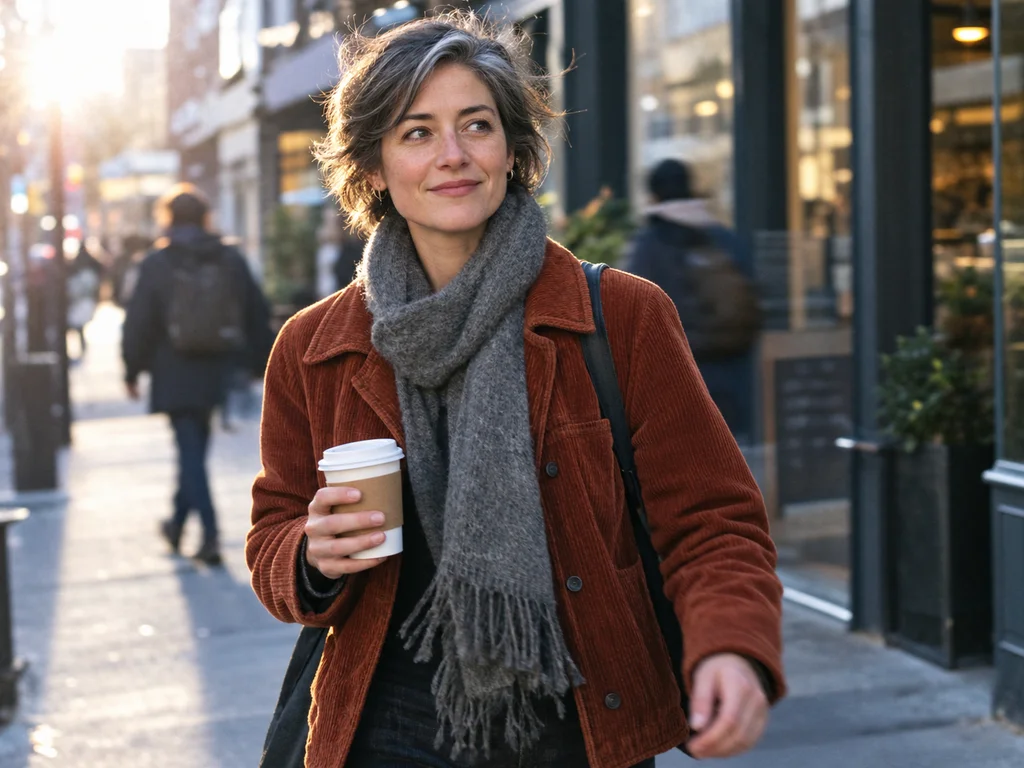
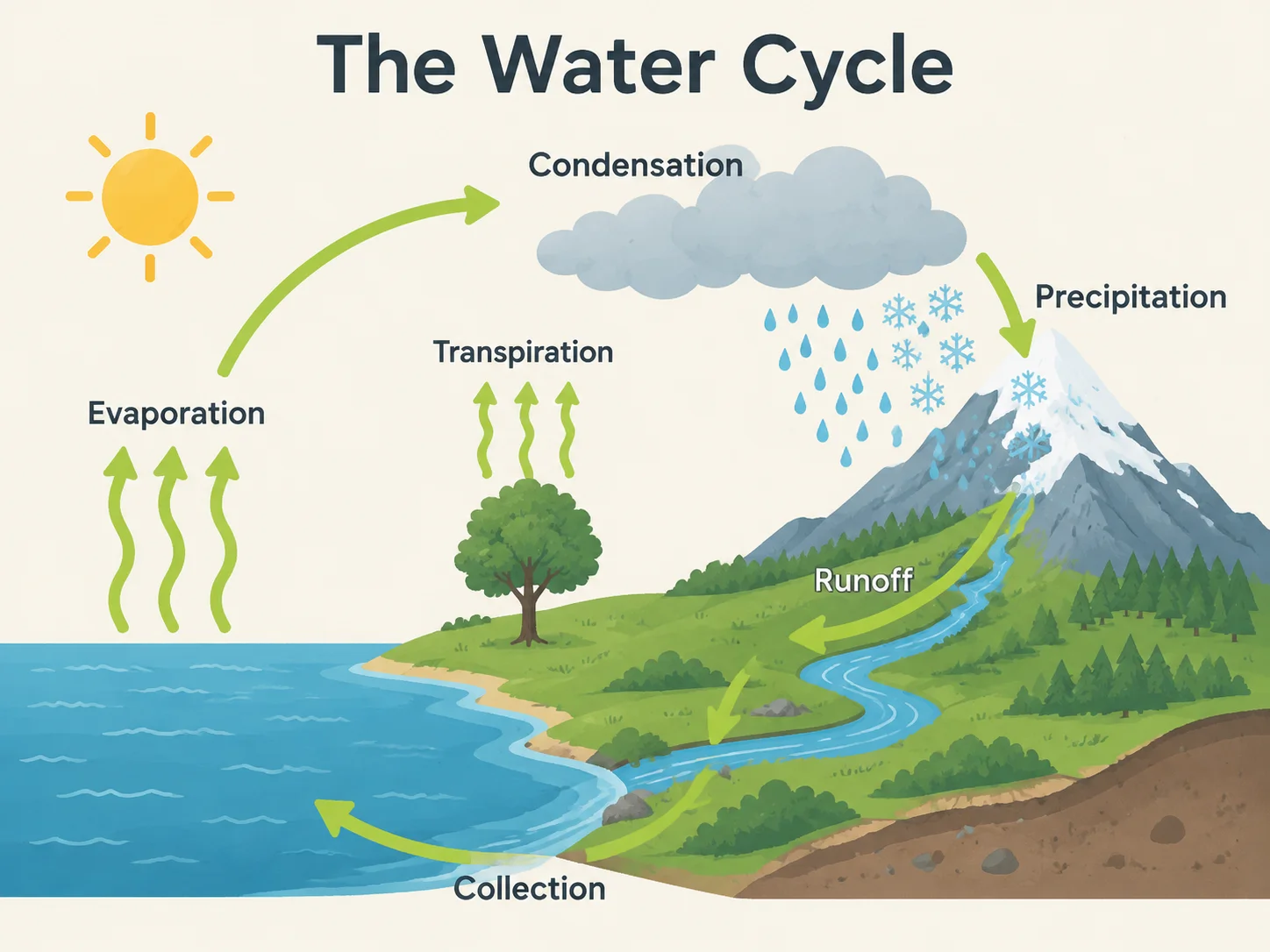
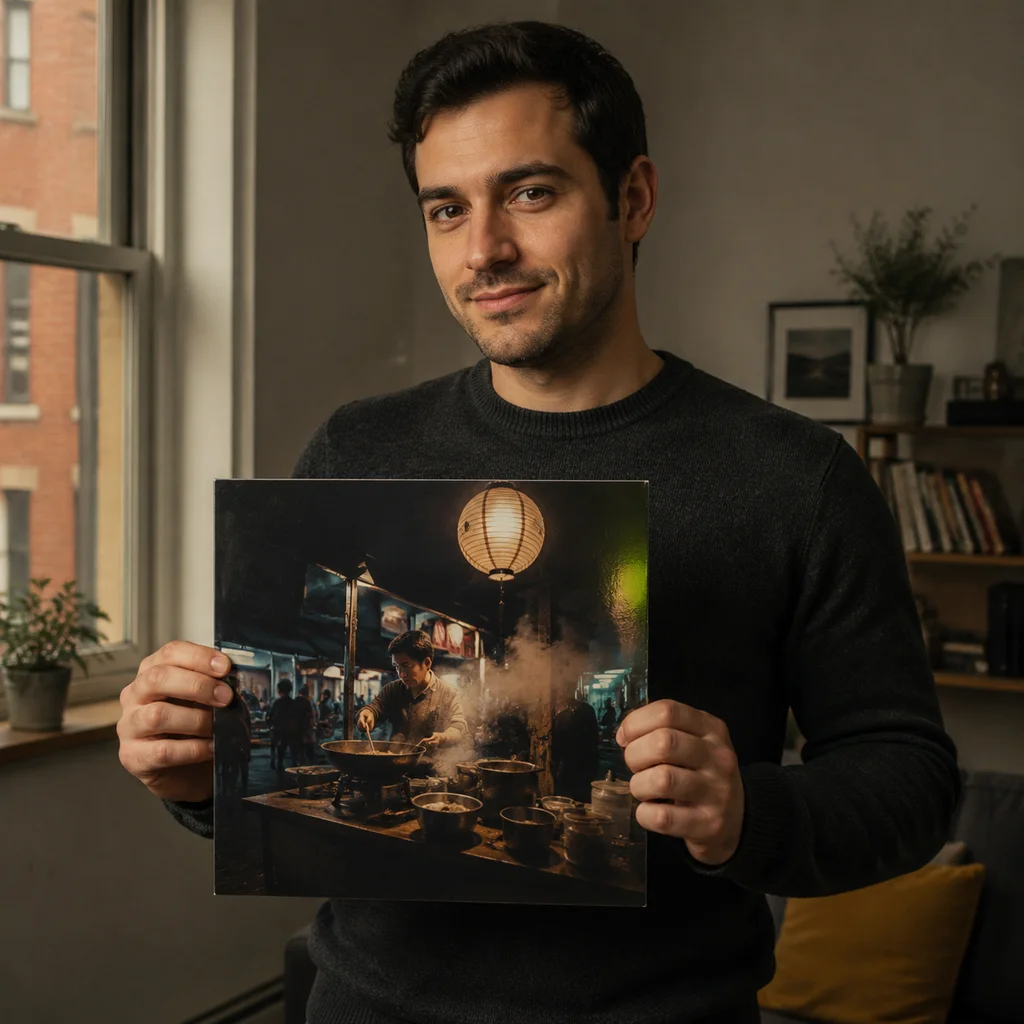
Type a prompt and render a still at the aspect ratio you pick. You go from words to a downloadable JPG in one pass.


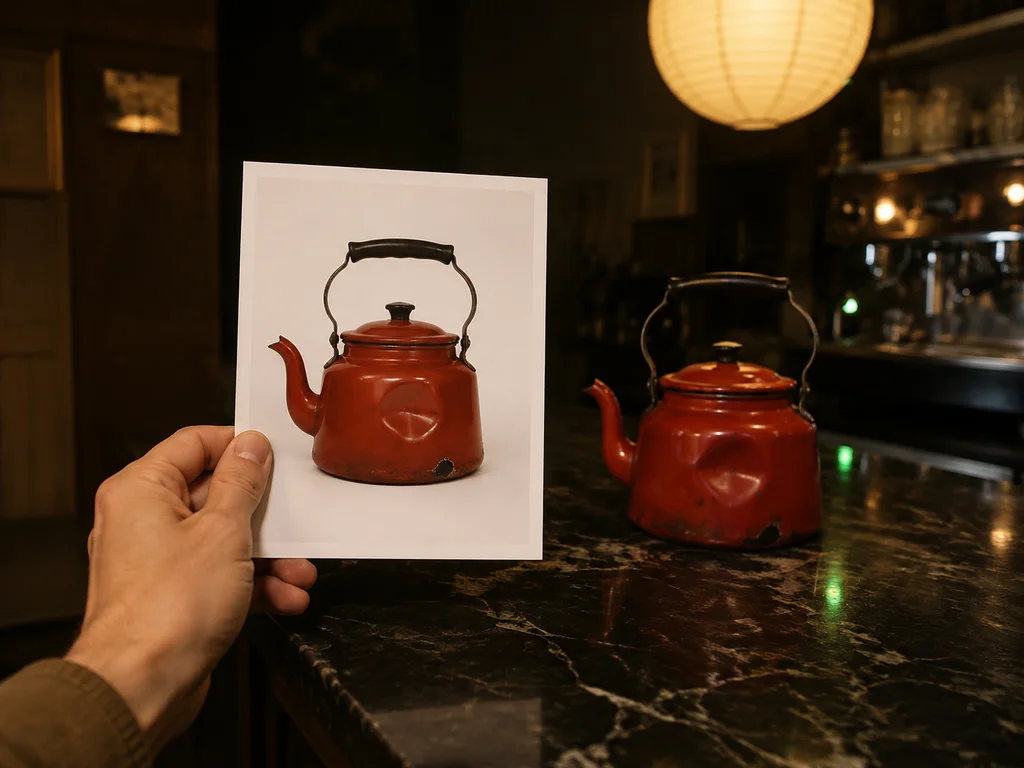
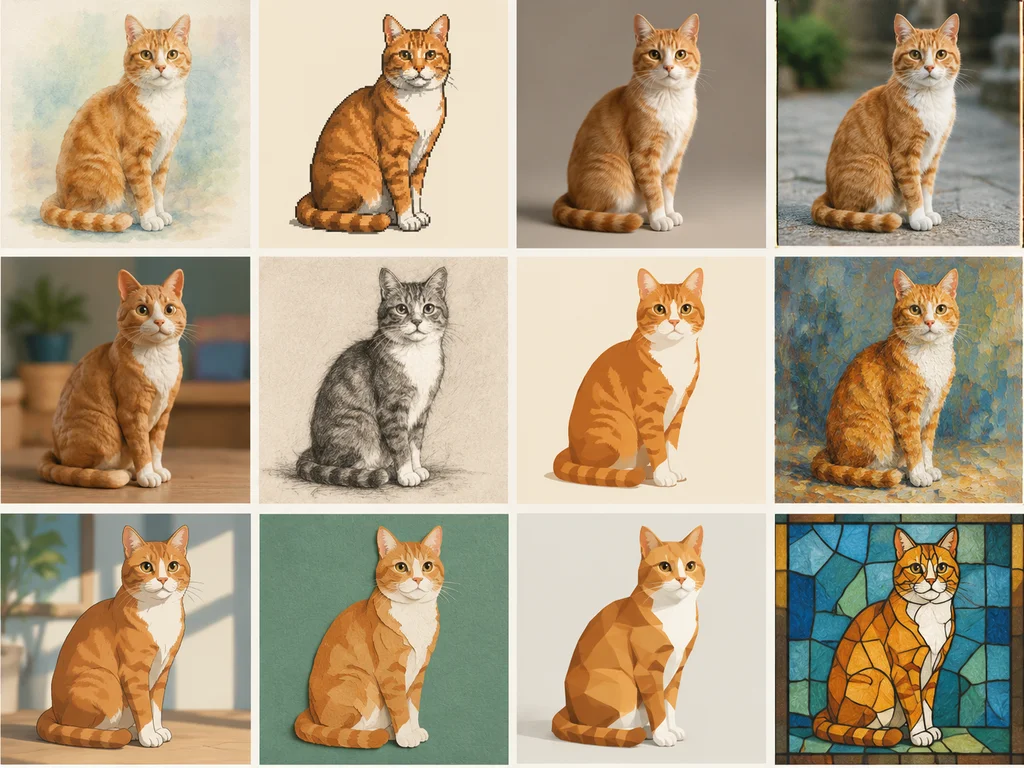
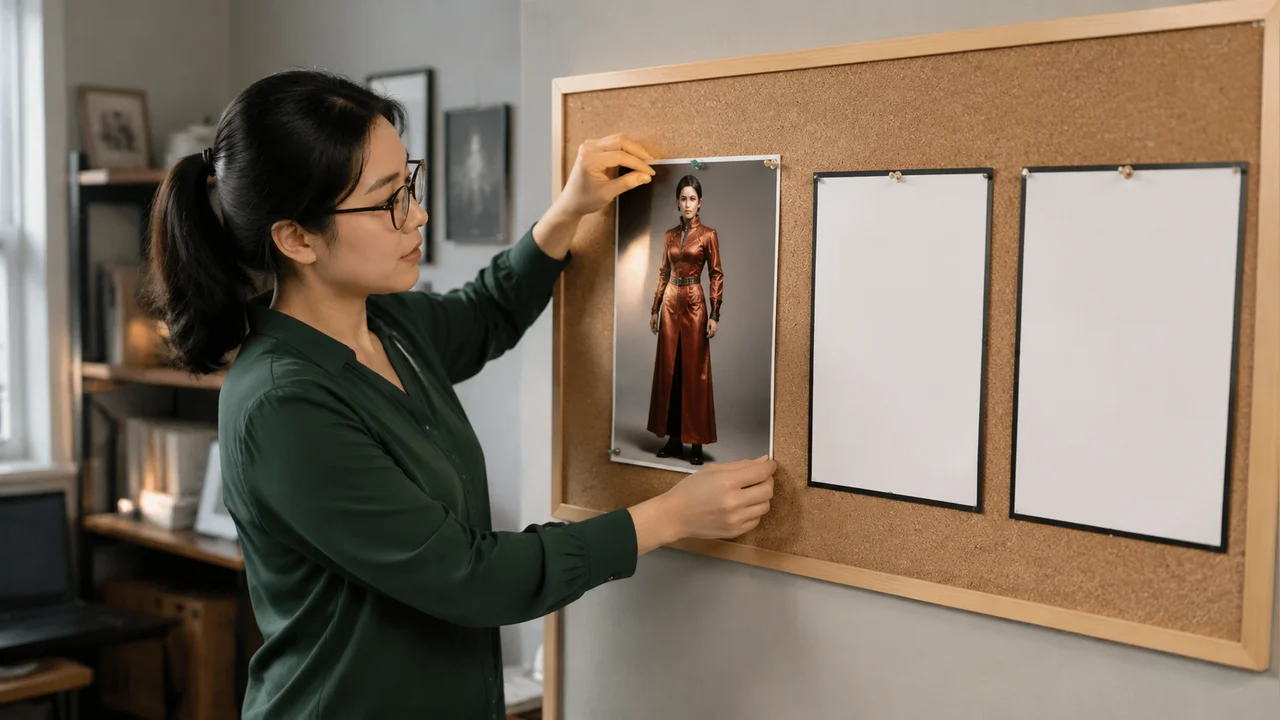
Upload a reference image and describe the change with image-to-image. You keep the subject and change the scene, style, or lighting.
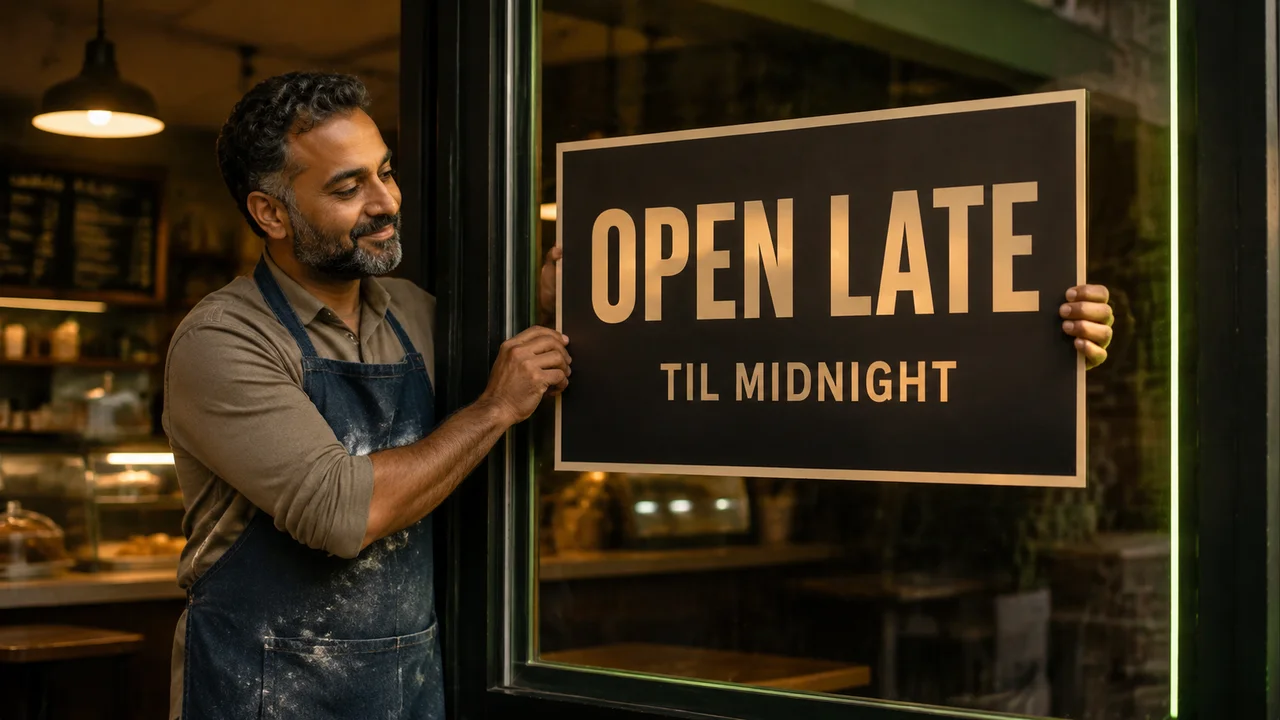
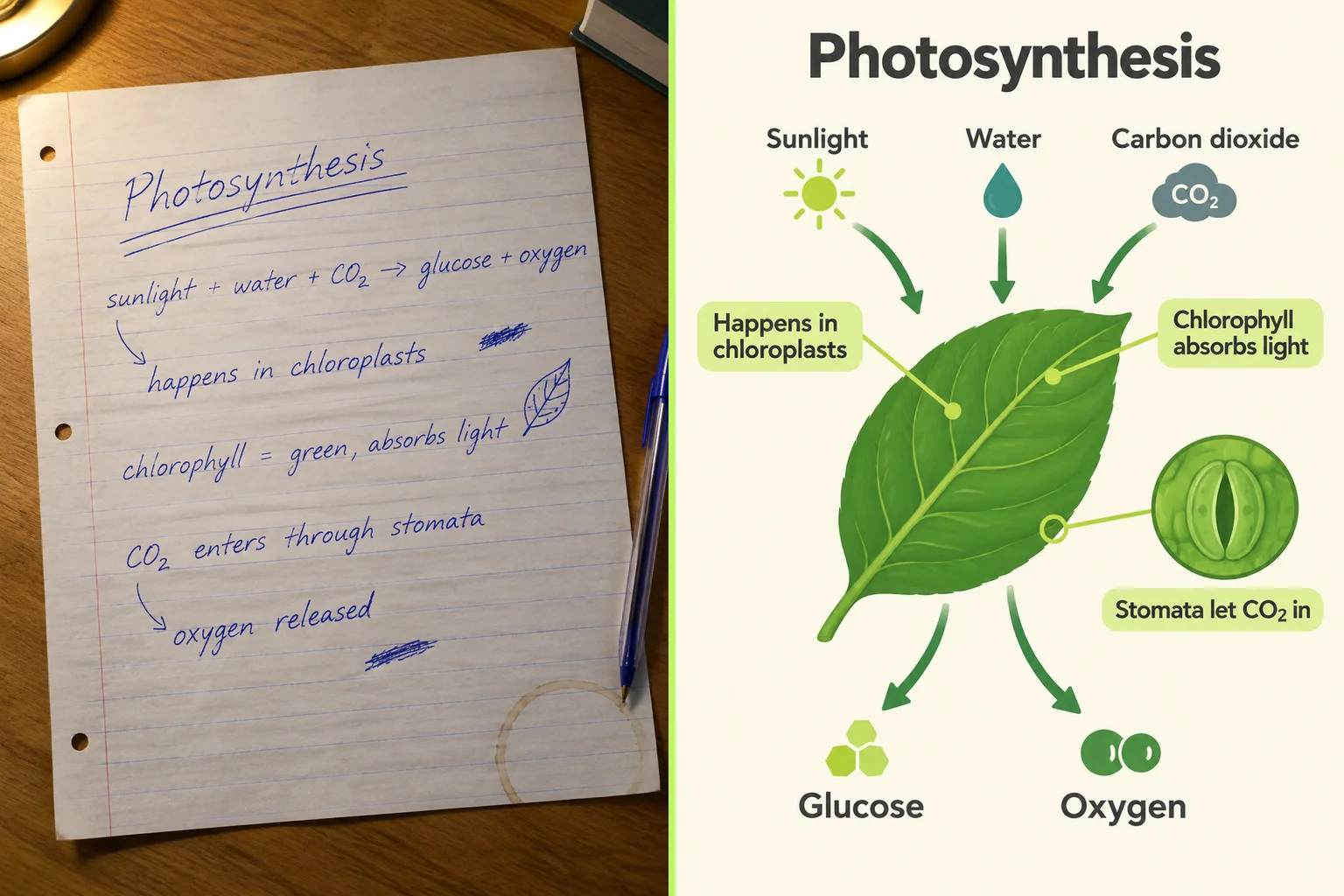
Name the headline in your prompt so readable in-image text lands in the still. You get a poster or pack shot with words you can actually read.


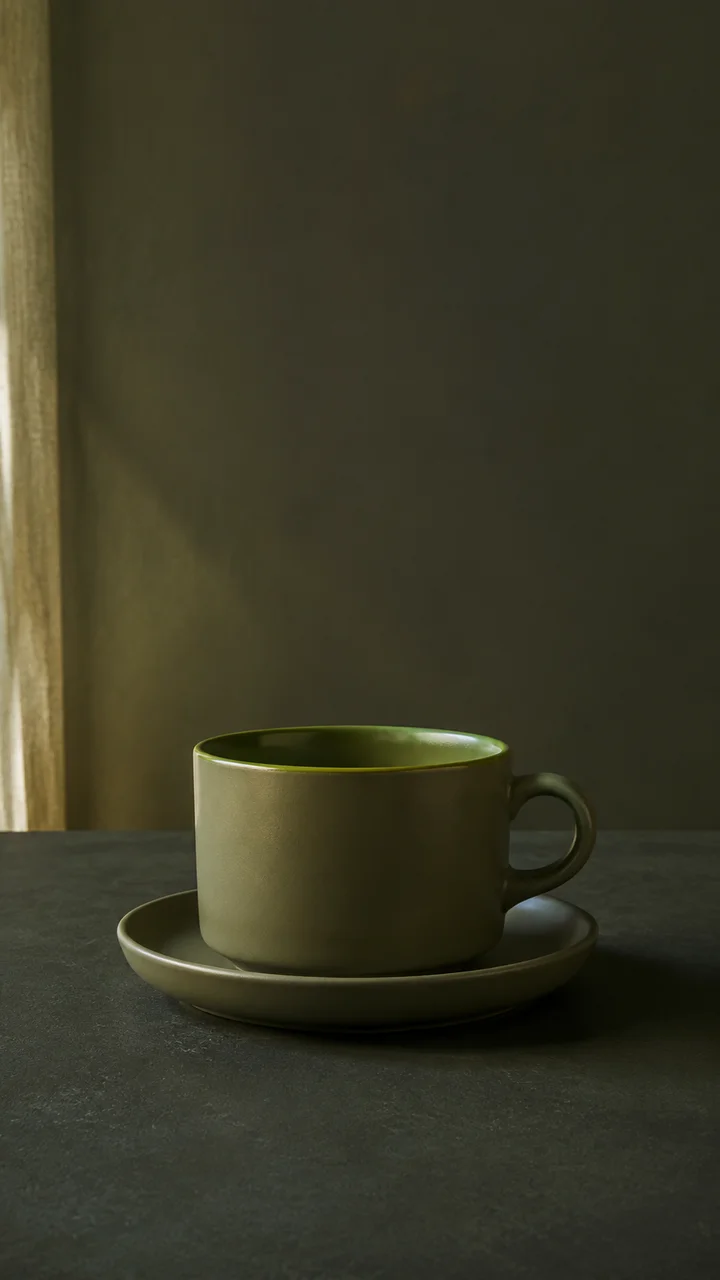
Pick 1:1, 2:3, 3:2, 3:4, 4:3, 9:16, 16:9, or auto before you generate. You post native 9:16 or 16:9 stills without a crop job.
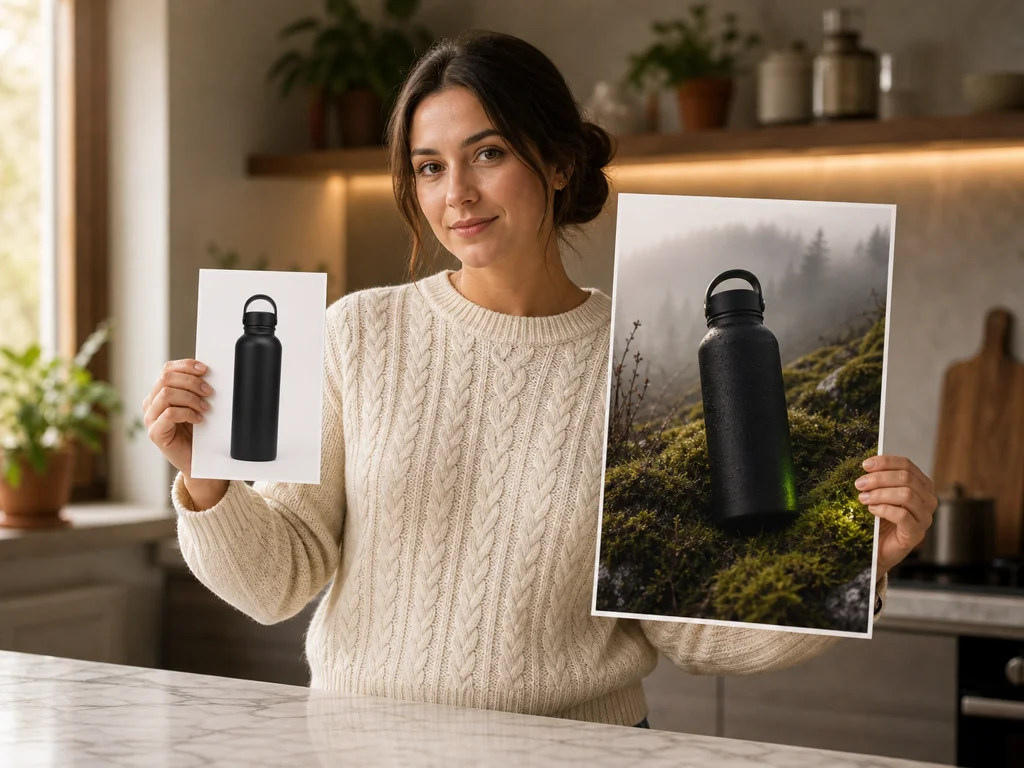
Describe the product, light, and set, then download a JPG still. You ship a campaign still the same day you brief it.

You bring the ad, the restyle, or the storyboard still. Pick the GPT Image 2 workflow that matches your job, then download a JPG ready to post or take to Seedance.
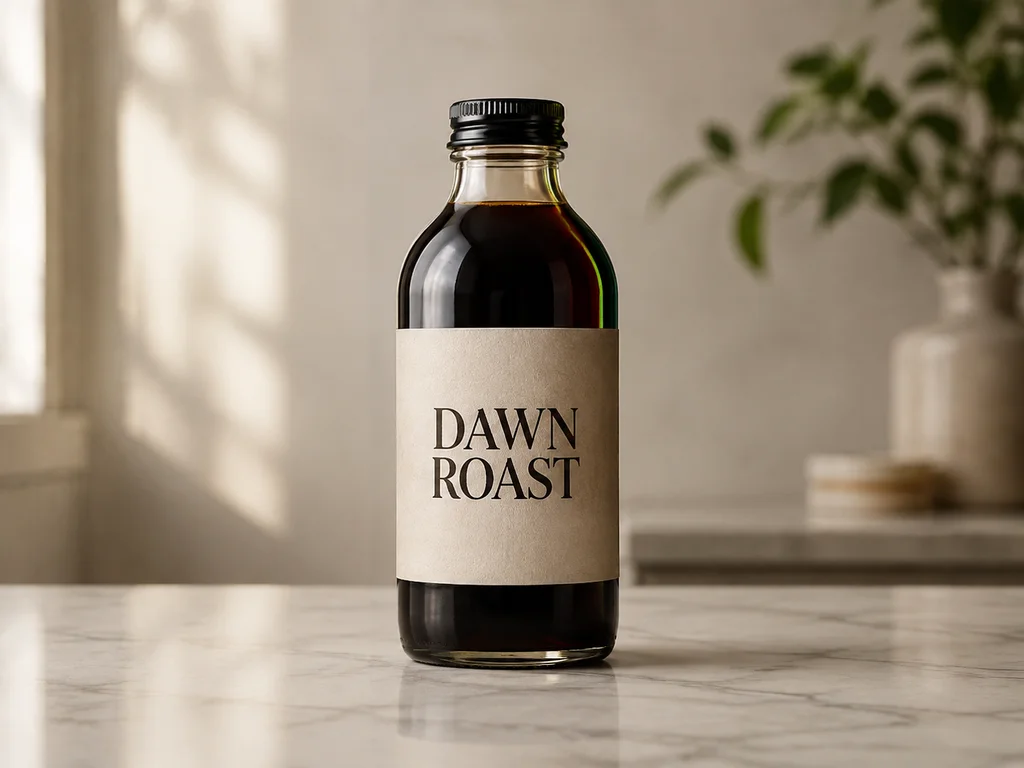
Describe the scene in a prompt and download a JPG still ready to post. You type the scene, pick 1:1 or 9:16, and download a GPT Image 2 JPG for the feed.


Upload an existing product photo, describe the new scene, and keep the product identity. You drop a reference image, describe the new set, and get a restyled JPG that still looks like your SKU.
Produce an ad or pack shot whose headline is already in the picture. You write the headline into the prompt, pick 4:3 or 16:9, and download a JPG ad with readable type.


Lock a character or frame as a still, then animate it on a Seedance video page as a separate step. You generate the still here, download the JPG, then open a Seedance video page to animate that frame.
Your GPT Image 2 stills download without a Seadanse-added mark, and a failed render returns its credits. The real OpenAI model runs behind every render, and history keeps the file.
Renders run on OpenAI GPT Image 2 (gpt-image-2 / ChatGPT Images 2.0) through our provider — not a re-labeled substitute.
Every image downloads without a Seadanse-added mark. OpenAI may still embed C2PA or SynthID provenance in the file.
A render that errors returns its credits automatically — you never pay for an image you did not get.
Close the tab mid-render and the job keeps going; replay, download, or regenerate any image from your history.
Use your GPT Image 2 stills in client work and monetized posts — commercial use per plan terms.
You get 60 one-time starter credits free at sign-up — a head start on GPT Image 2 stills, topped up by a pack or plan.
Every still you generate is yours to keep, publish, and reuse per plan terms.
Sign up free for 60 starter credits, then spend them on GPT Image 2 stills. The estimate shows beside Generate before you submit, so the charge never surprises you.
You get the honest version here. You learn what GPT Image 2 is, what a still costs in credits, and how it differs from Nano Banana 2.
GPT Image 2 is OpenAI's current image model, also called ChatGPT Images 2.0. On Seadanse you type a prompt or upload a reference image, pick an aspect ratio, and download a JPG still. It does not output video.
Yes — ChatGPT Image 2 and ChatGPT Images 2.0 are OpenAI's consumer names for the same gpt-image-2 model. ChatGPT wraps it in a chat thread with plan limits. Here you run GPT Image 2 in the browser with a prompt, an optional reference image, and aspect-ratio tiles.
Sign-up is free and needs no credit card. You get 60 one-time starter credits as a head start on real GPT Image 2 stills. That is not unlimited renders. Top up with a credit pack or a Basic, Creator, or Pro plan when the starter balance runs out.
Each still bills in credits. The estimate shows beside Generate before you submit, so the charge is visible first. We do not print a fixed credits-per-image number here. Failed renders return the hold.
They are different labs and different knobs. This page runs OpenAI GPT Image 2 with a prompt, optional image-to-image from a reference image, and aspect-ratio tiles. Nano Banana 2 is Google's model on a sibling page and exposes a 1K/2K/4K resolution ladder. Pick GPT Image 2 for OpenAI text-in-image and reference restyles. Pick Nano Banana 2 when you want that resolution ladder.
Yes. Drop a product shot, sketch, or character frame, then describe the change. Image-to-image keeps what you want from the reference image and applies the prompt. Leave the upload empty to generate from text alone.
You can pick 1:1, 2:3, 3:2, 3:4, 4:3, 9:16, 16:9, or auto. Finished stills download as JPG. This page does not offer a 1K/2K/4K resolution picker — that ladder lives on the Nano Banana 2 page.
No. GPT Image 2 on this page outputs a still image, not a clip. If you want motion, generate the still here first, then take that JPG to a Seedance video page as a separate step.
Every still downloads without a visible watermark or logo added by Seadanse. OpenAI states that supported images can carry C2PA Content Credentials and a SynthID provenance signal. That is not a site logo on the picture.
The credits come back automatically, so you never pay for a failed still. Your history keeps every finished JPG for replay, download, or regeneration.
Every page here runs the real models in your browser — jump to the one that matches the clip you have in mind.
Sign up free, claim your 60 starter credits, and point your first prompt at GPT Image 2 today. Your prompt and settings survive the login round-trip.