





6 Things You Can Make with Blender and Seedance 2.5
6 things you can make with Blender and Seedance 2.5, from live-action previs to game cinematics, using simple 3D blockouts to guide video generation.
One composer for every video model on the site. Write the prompt, drop an image or a reference clip, pick the model, and the clip renders here — no per-model app to learn.
Sign in and write a line or two first — Enhance rewrites what you have.
The models most clips here are made with. Each page opens the composer on that model with its own presets.
Pin first and last frames, guide renders with a reference image, and master in 1080p — free starter credits on sign-up.
Native synced audio, first/last-frame control, and multi-reference blending — free starter credits on sign-up.
Turn one still, or a pinned first and last frame, into an 8-second Veo 3.1 clip with native audio — free starter credits on sign-up.
Native audio, multi-shot, first and last frame, up to 15 seconds and 4K — free starter credits on sign-up.
Price a month before you render it, or run Seedance 2.5 from inside Blender.
Price a Seedance 2.5 month by length, resolution, rerolls and plan, and see what a first clip costs elsewhere.
A free Blender add-on that renders your clay pass and makes the Seedance 2.5 take inside the N-panel, so the camera you keyframed is the camera you get back.
Cut the person or product out of a clip up to 60 seconds: a transparent WebM or ProRes MOV, or a solid-color MP4, with the sound kept.
Type what Bigfoot says and get a vertical talking vlog with his voice and forest sound on Veo 3.1 — free starter credits on sign-up.
Arrive with a brief or a script instead of a prompt, and let the agent plan the shots.
Describe one ad in plain words and the agent plans the beats, draws a storyboard for each and renders the video on Seedance 2.5.
Paste your script, shape the shots, and a character speaks your words with sound in the same render.
Paste a product page or blog post link and get a video made from that page’s own photos and facts.
Type a description and get a video with dialogue, sound effects and music — up to 30 seconds in one generation, from 10 video models.
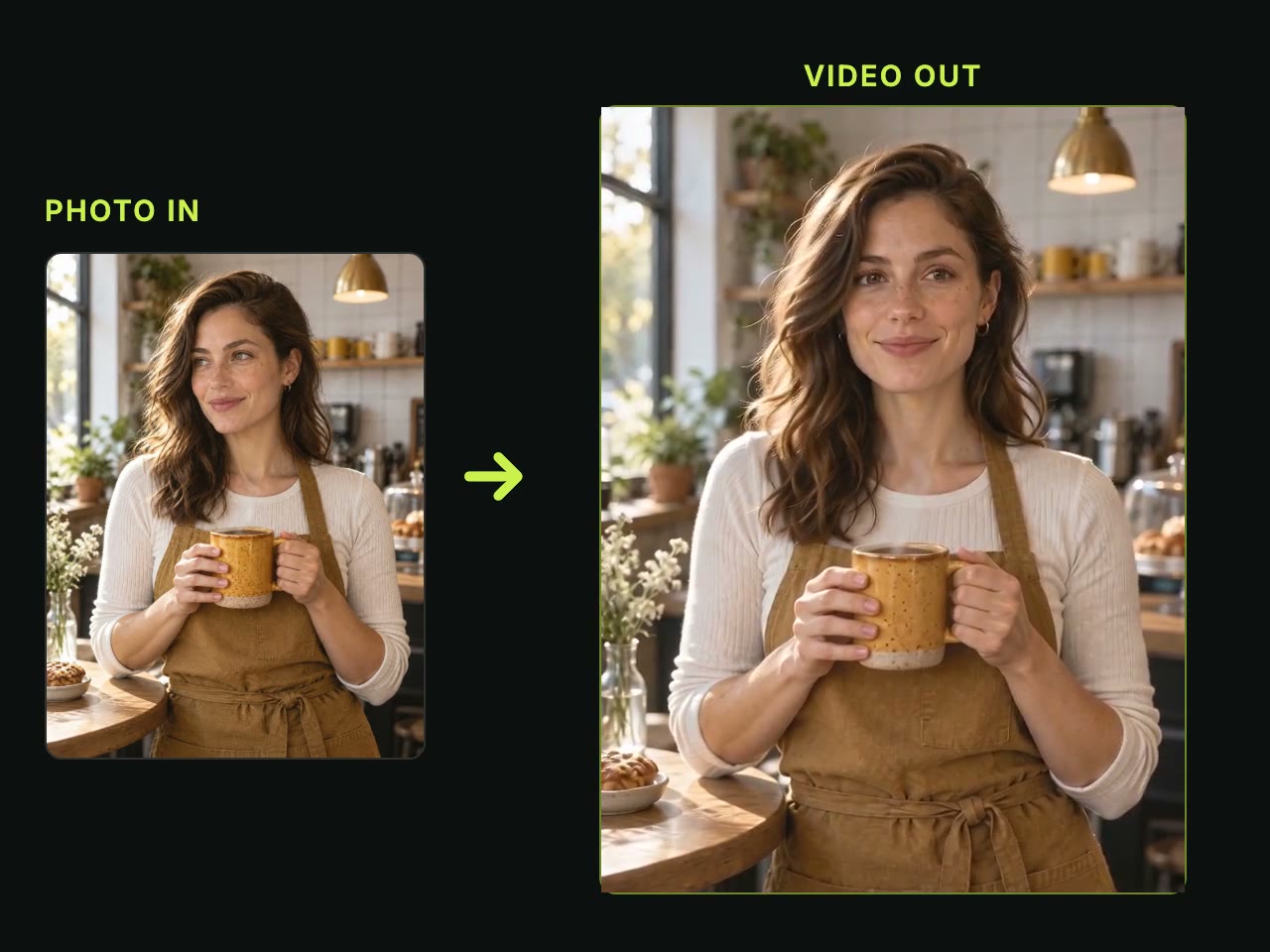
Turn one photo, or two or more, into a video with sound, up to 30 seconds in one go.
Upload a clip you already have and change its style, background or people, with the rest of the video left as it was.
Replace one person in a video you already have with one photo and one sentence, keeping the outfit, moves, camera and original sound.
Prompting, access and troubleshooting for Seedance 2.5 and the video agent.
6 things you can make with Blender and Seedance 2.5, from live-action previs to game cinematics, using simple 3D blockouts to guide video generation.

Seedance 2.5 white model reference prompt guide showing how to write text for 3D clay passes, handle camera moves, and avoid common generation errors.

Learn how to control camera movement in Seedance 2.5 with a 3D camera path, comparing text prompts, drawings, phone tracking, and Blender clay passes.

Blender blockout to Seedance 2.5 video workflow in 7 practical steps using clay reference clips, prompt text, camera paths, and appearance images.

Six routes from a Blender scene to Seedance 2.5, ranked. Which three are real add-ons you install in Blender, and one verified limitation for each — ours included.

Seedance 2.5 reference video not working? It fails three ways: refused, rejected, or billed and ignored. Seven checks, cheapest first, from our own runs.