Turn a Prompt Into a Grok Imagine Image 2 Shot You Can Publish
Type a prompt and render a JPG at the aspect ratio you pick. You go from words to a downloadable JPG in one pass.

Type a prompt or drop a reference image. Pick an aspect ratio, then download a Grok Imagine Image 2 JPG. Sign up free for 40 starter credits.
You set the prompt, the references, and the ratio. Every card below uses a real Grok Imagine Image 2 knob: text-to-image, image-to-image, and native framing.
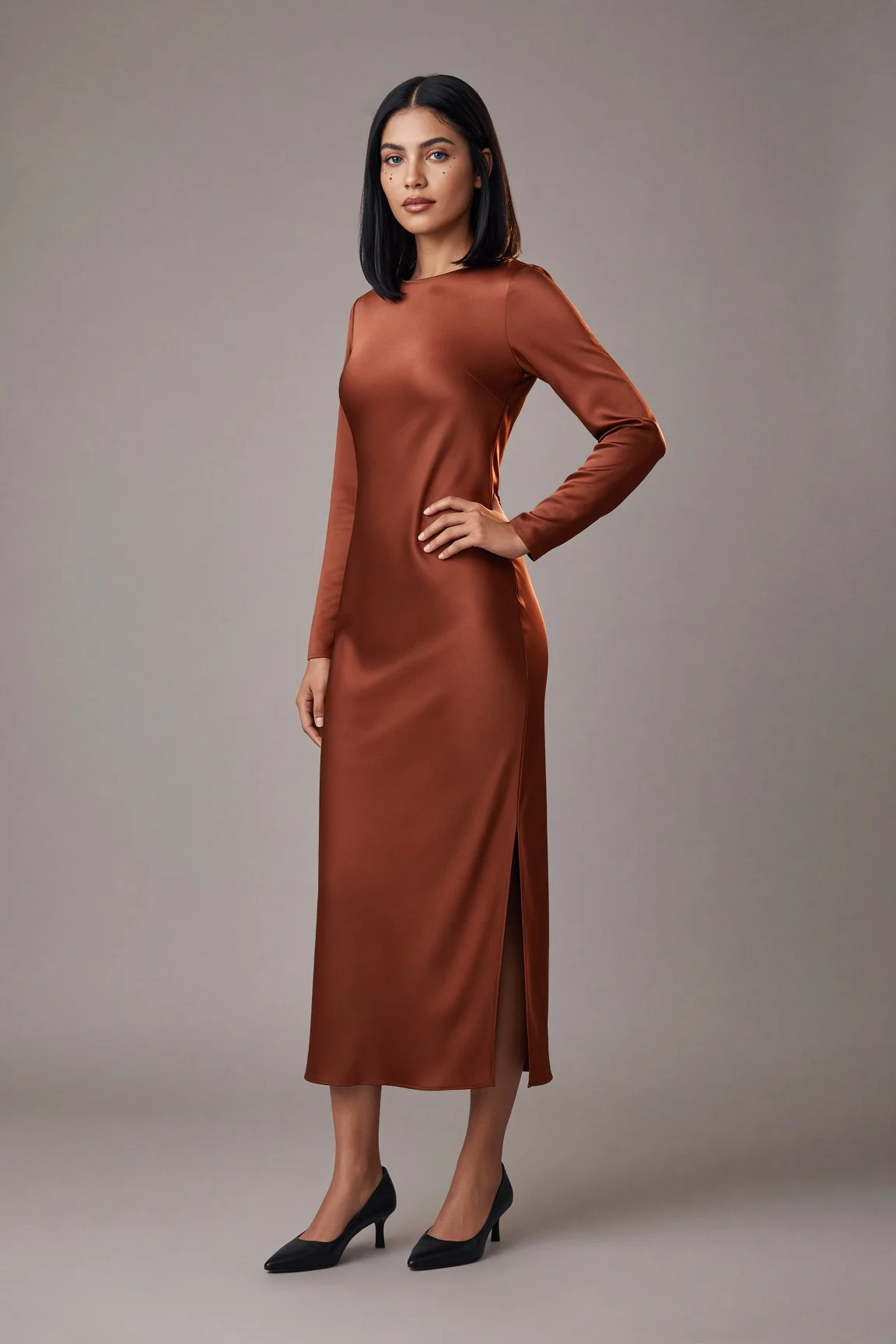
Type a prompt and render a JPG at the aspect ratio you pick. You go from words to a downloadable JPG in one pass.


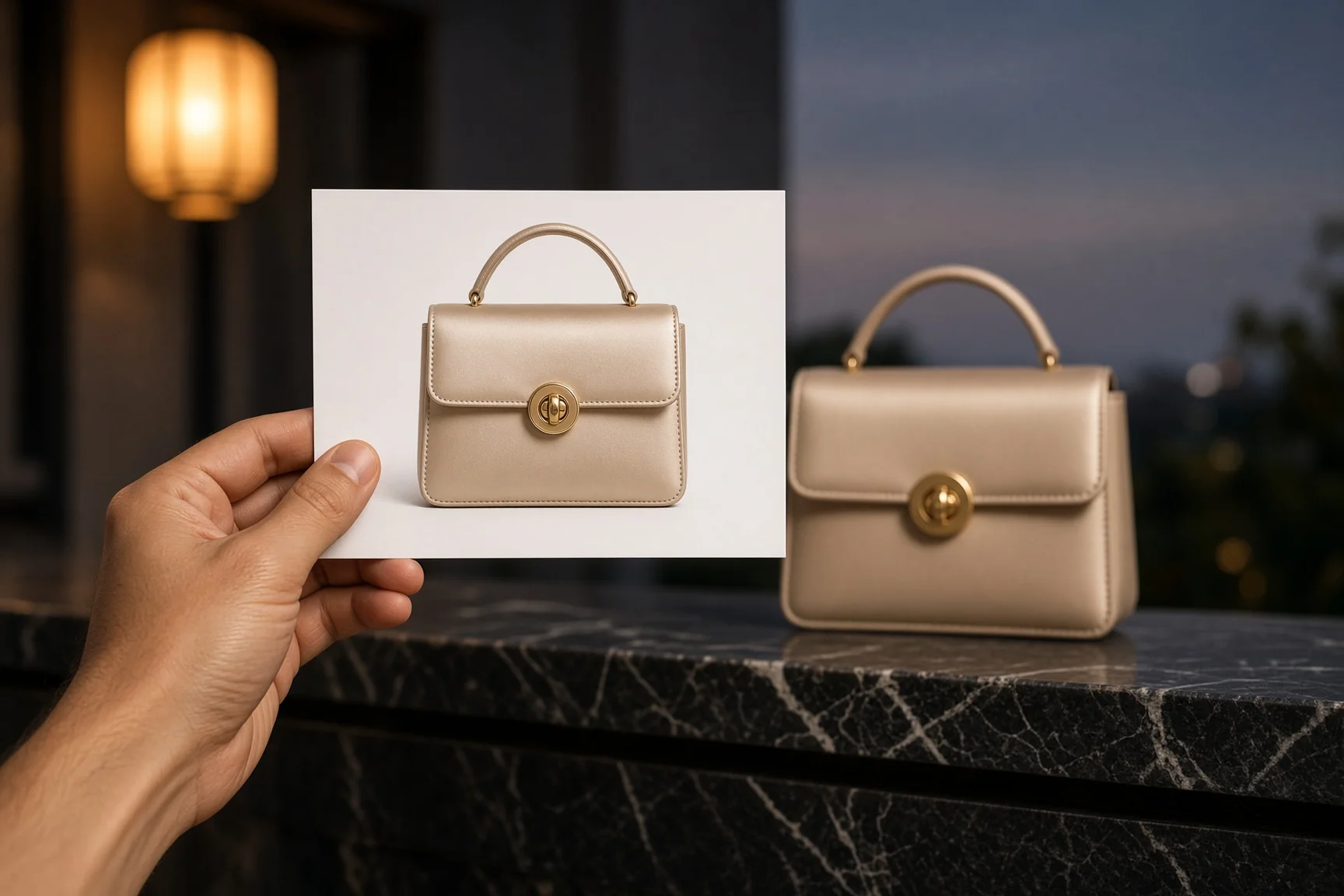
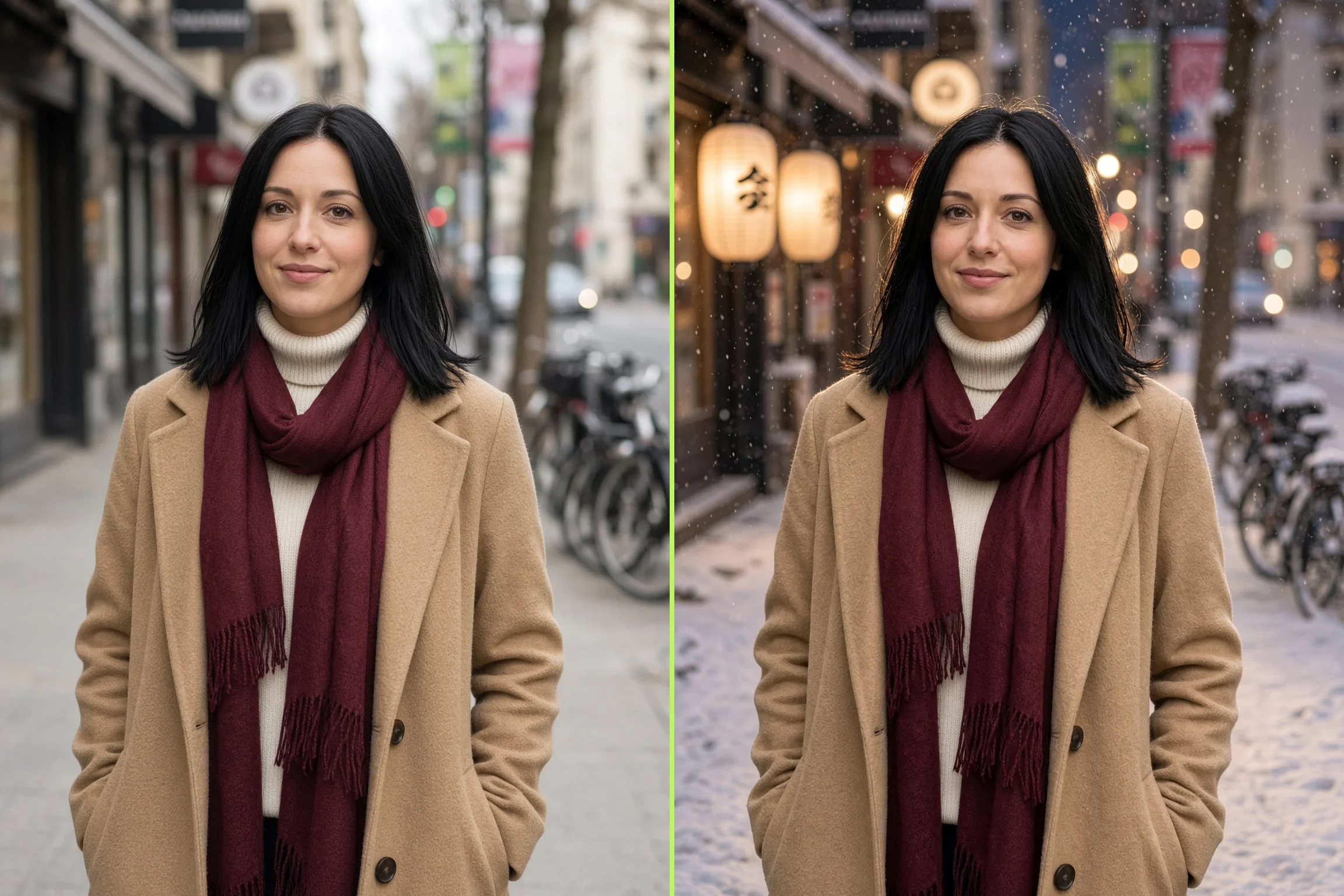
Upload up to 5 reference images and describe the change with image to image. You keep the subject and change the scene, style, or light.
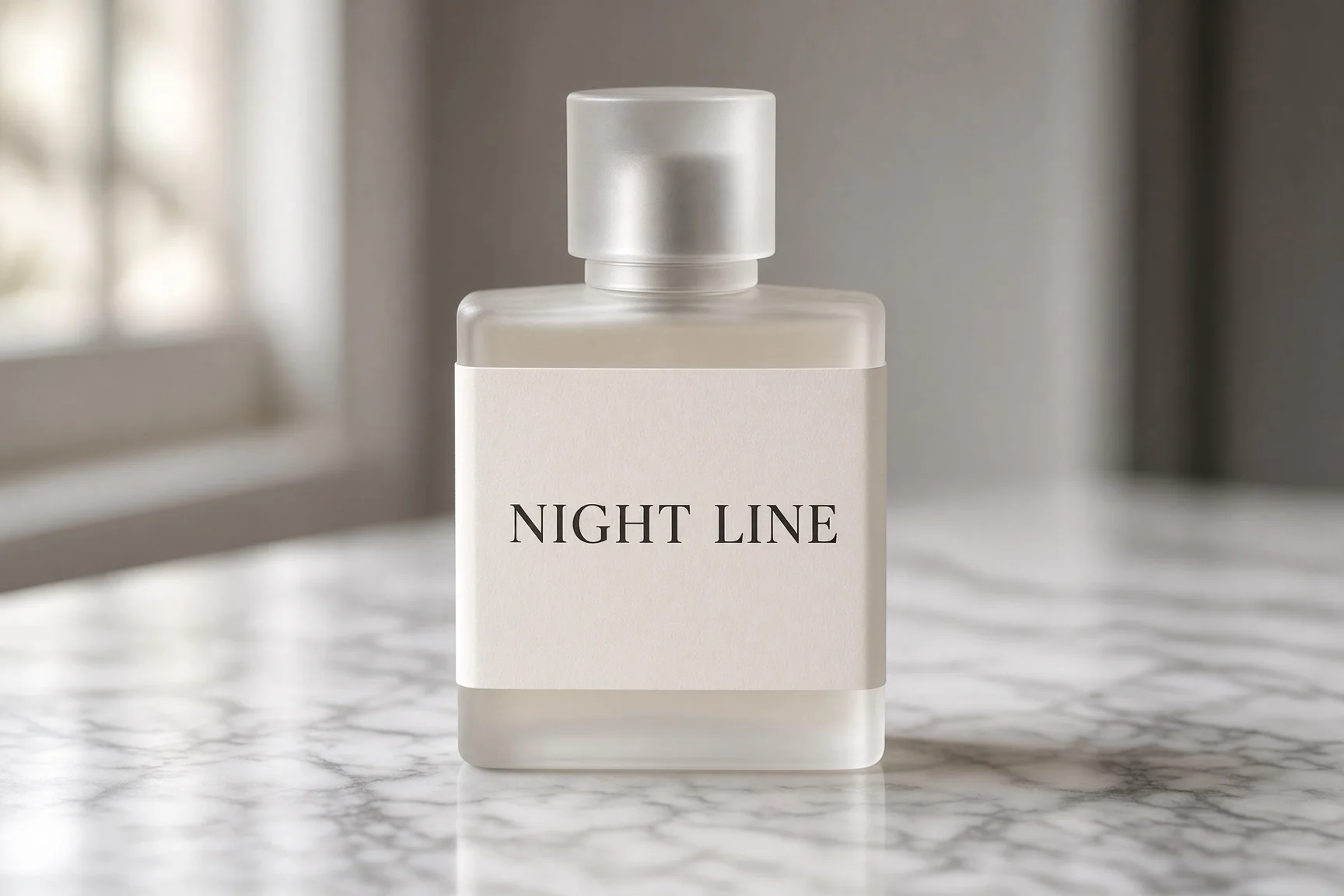
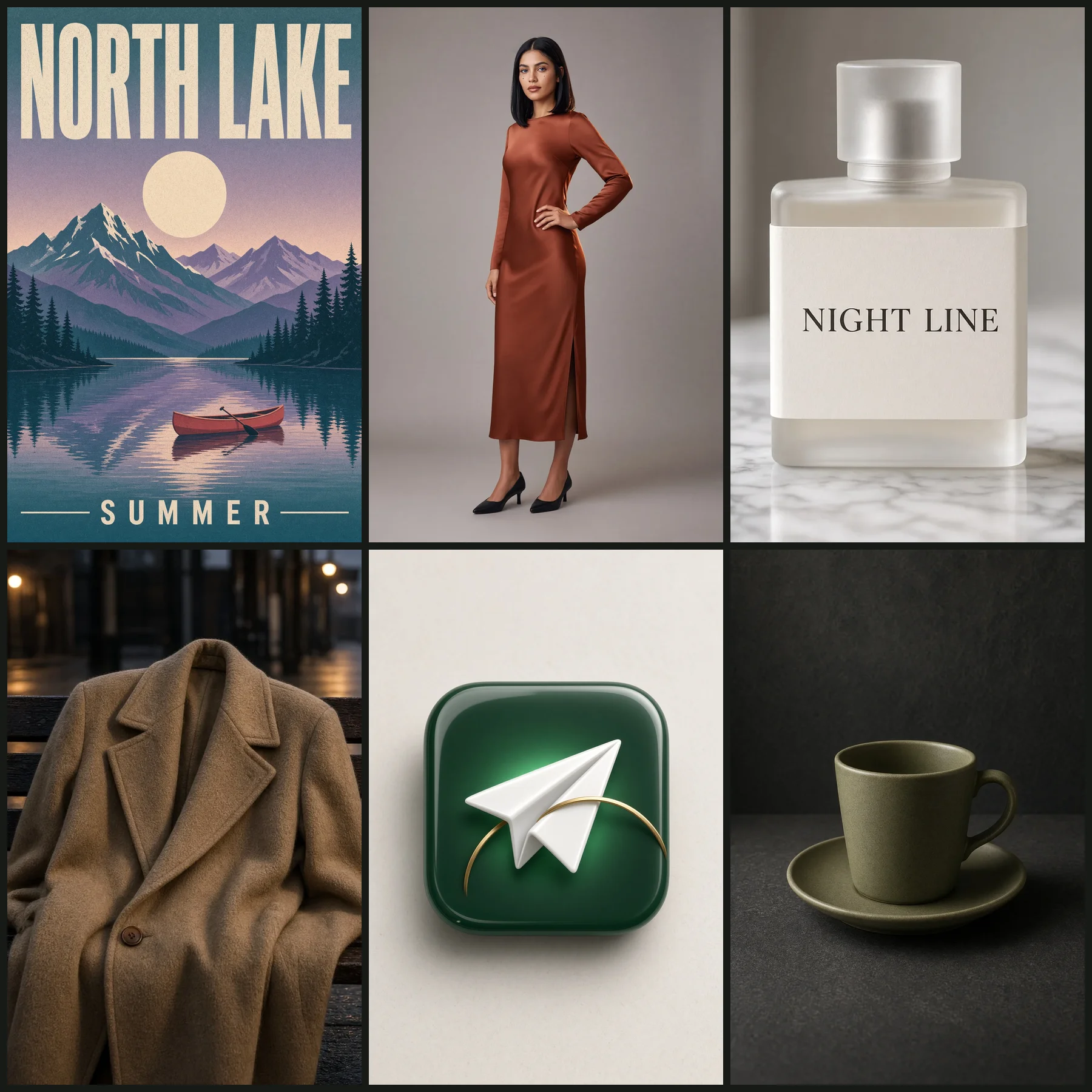
Name the headline in your prompt so readable in-image text lands in the JPG. You get a poster or pack shot with words you can actually read.


Pick 9:16, 16:9, or 1:1 before you generate. Image-to-image also offers auto. You post native 9:16 or 16:9 images without a crop job.
You bring the portrait, the ad, or the look. Pick the Grok Imagine Image 2 workflow that matches your job, then download a JPG ready to post.
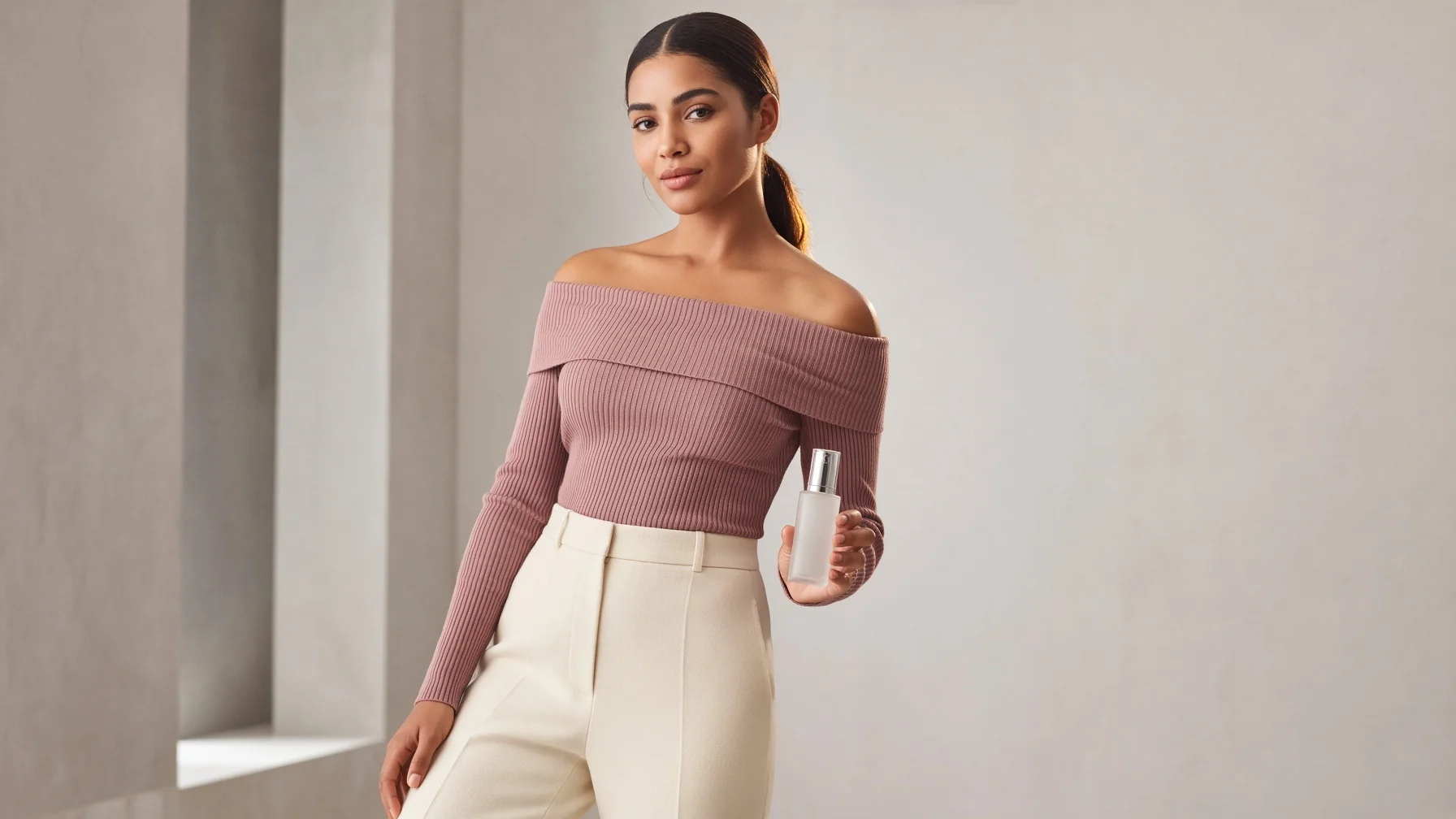
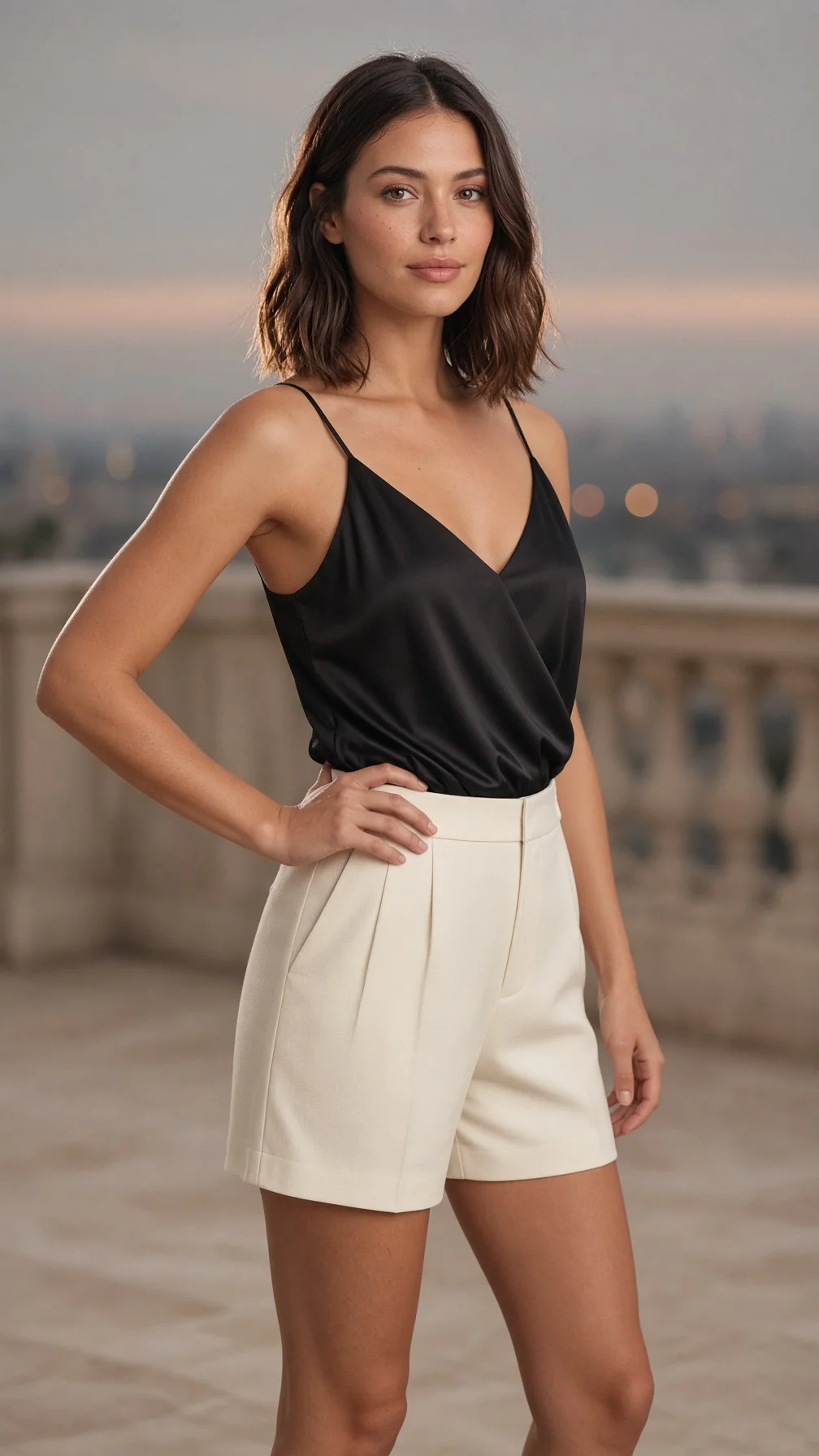
Describe a fashion or social portrait in a prompt and download a JPG ready to post. You type the look, pick 9:16 or 1:1, and download a Grok Imagine Image 2 JPG for the feed.


Produce an ad or product image with optional in-image text and a native ratio. You write the product, the set, and the headline, then download a JPG ad you can place.
Lock a character or look as a JPG, then animate it on a video page as a separate step. You generate the look here, download the JPG, then open a video page if you want motion later.


Brief a beauty campaign image from a prompt or a face reference and download a JPG. You drop a reference face or type the look, pick 2:3 or 9:16, and download a campaign JPG.
Your files download without a Seadanse-added mark, and a failed render returns its credits. History keeps every Grok Imagine Image 2 JPG for replay.
Renders run on xAI Grok Imagine Image 2 (Imagine Image 2.0 / Quality Mode) through our provider — not a re-labeled substitute.
Every image downloads without a Seadanse-added mark. The provider may still embed a provenance signal in the file.
A render that errors returns its credits automatically — you never pay for an image you did not get.
Close the tab mid-render and the job keeps going; replay, download, or regenerate any image from your history.
Use your Grok Imagine Image 2 images in client work and monetized posts — commercial use per plan terms.
You get 40 one-time starter credits free at sign-up — a head start on Grok Imagine Image 2, topped up by a pack or plan.
Every image you generate is yours to keep, publish, and reuse per plan terms.
Sign up free for 40 starter credits, then spend them on Grok Imagine Image 2. The estimate shows beside Generate before you submit, so the charge never surprises you.
You get the honest version here. You learn what Grok Imagine Image 2 is, what a render costs, and how it differs from GPT Image 2.
Grok Imagine Image 2 is xAI's image model. xAI also calls it Imagine Image 2.0 and Quality Mode. On Seadanse this Grok Imagine Image maker runs in the browser. You type a prompt or upload reference images, pick an aspect ratio, and download a JPG. It does not output video.
Sign-up is free and needs no credit card. You get 40 one-time starter credits as a head start. That is not unlimited renders. Top up with a credit pack or a Basic, Creator, or Pro plan when the starter balance runs out.
Each image bills in credits. The estimate shows beside Generate before you submit, so the charge is visible first. We do not print a fixed credits-per-image number here. Failed renders return the hold.
They are different labs. This page runs xAI Grok Imagine Image 2, also searched as Grok Image 2. You get a prompt path, optional image to image from up to 5 reference images, and five aspect-ratio tiles. GPT Image 2 is OpenAI's model on a sibling page. Pick this page for the xAI image model.
No. Grok Imagine Video 1.5 is a separate video model on another page. This page outputs a JPG image, not a clip. If you want motion, generate the image here first. Then take that JPG to the video page as a separate step.
Yes. Drop up to 5 reference images, then describe the change. Image to image keeps what you want from the references and applies the prompt. Leave the upload empty to generate from text alone.
Yes. Quote the headline in your prompt and say where it sits. Short in-image text is the strength. Long paragraphs of body copy can still smear, so keep labels short.
You can pick 1:1, 2:3, 3:2, 16:9, or 9:16. Image-to-image also offers auto. Finished images download as JPG. This page does not offer a 1K, 2K, or 4K picker.
Every image downloads without a visible watermark or logo added by Seadanse. We do not claim the provider adds no mark of its own.
The credits come back automatically. You never pay for a failed image. Your history keeps every finished JPG for replay, download, or regeneration.
Every page here runs the real models in your browser — jump to the one that matches the clip you have in mind.
Sign up free, claim your 40 starter credits, and point your first prompt at Grok Imagine Image 2 today. Your prompt and settings survive the login round-trip.