Turn a Prompt Into a Finished Gemini Omni Clip, No Footage Needed
Describe the scene, the camera move, and the mood, and Gemini Omni renders 3 to 10 seconds from text alone. Your idea becomes a real clip with sound, no shoot required.

Type a prompt, add up to 16 reference images, or upload one short clip to edit. Gemini Omni renders 3 to 10 seconds of 720p video at 24fps with native audio already in it, in 16:9 or 9:16. Sign up free for starter credits.
You bring the prompt, the stills, or the clip, and Gemini Omni fills in the motion, the sound, and the edit. Every card below is a real capability, from up to 16 reference images to editing footage you already shot.
1280x720 · 16:9 · 10s
Describe the scene, the camera move, and the mood, and Gemini Omni renders 3 to 10 seconds from text alone. Your idea becomes a real clip with sound, no shoot required.


Upload up to 16 reference images in one request, and Gemini Omni blends them into a single moving scene. Sixteen stills become one coherent clip, matched and moving together.
Upload one reference clip and describe the change, and Gemini Omni edits video-to-video instead of starting a new shoot. One short clip goes in, one edited clip comes out, minutes later. Keep the source clip to about 3 seconds for the cleanest edit.


You get picture and sound from the same render, so dialogue and ambience land in sync, no separate audio step. Your clip finishes with sound already baked in, ready to post.
Tap continue on a finished render and Gemini Omni applies your next instruction while holding the rest of the scene. The next version arrives without re-describing the whole shot.


Ask for one short continuous shot and the model renders short; describe two shots and it fills the window. You land near the length you planned without a duration setting.
Pick 16:9 landscape or 9:16 portrait, and Gemini Omni renders 720p at 24fps. Your clip comes out framed for the feed you're posting to.

You bring the idea, the product stills, or the clip that almost works, and this gemini omni video generator starts from what you already have. Pick the job that matches your shot and skip the reshoot.
Generate a scene with dialogue or ambience baked into the same render, instead of dubbing audio on afterward. You describe the scene and the sound together, and Gemini Omni returns one MP4 with audio already matched to the motion.


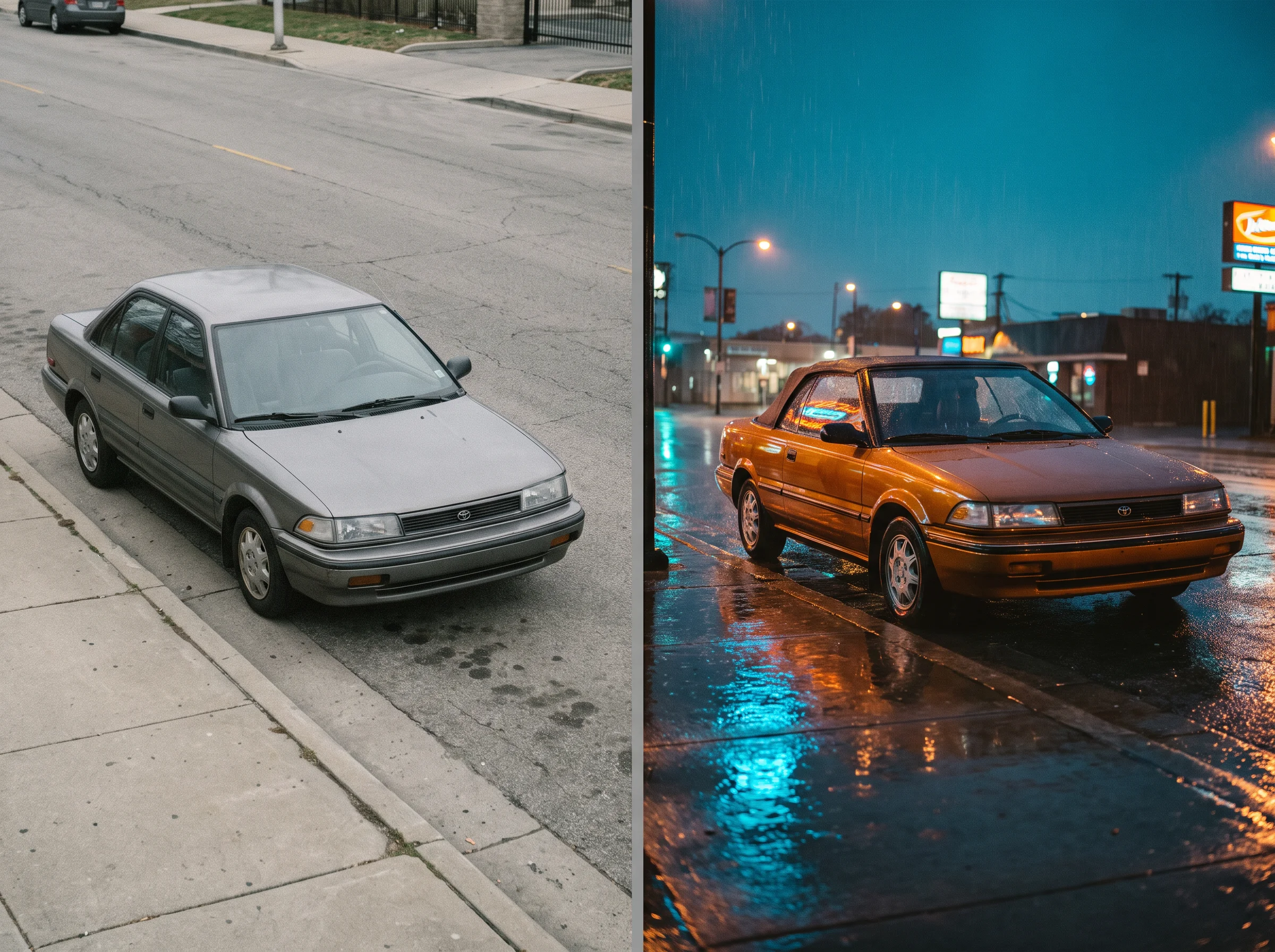
Change the look, the prop, or the camera angle on a short clip already in hand, without booking a new shoot. You upload your 3-second clip, describe the change, and Gemini Omni returns an edited MP4 built from your own footage.
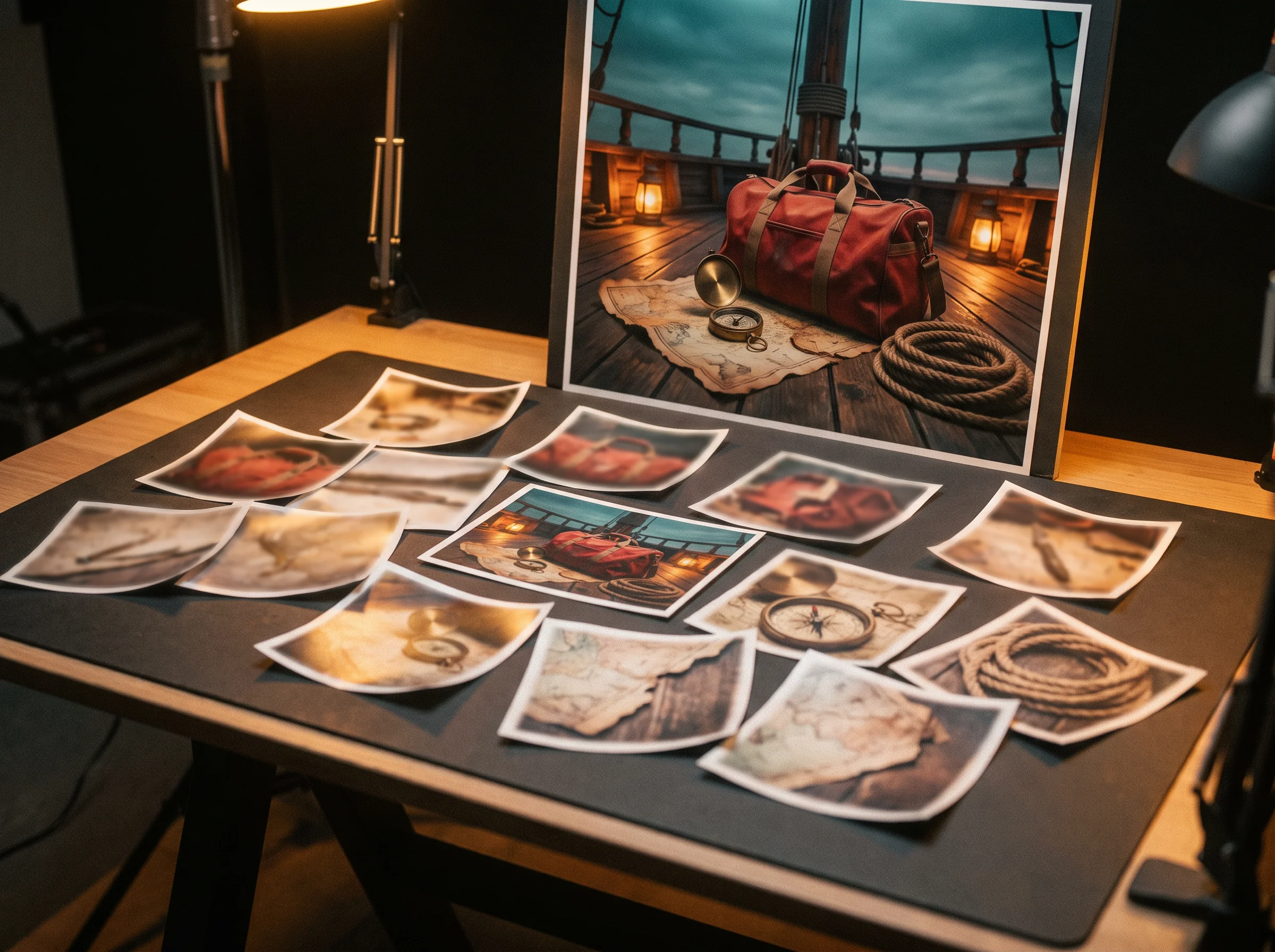
Turn a set of product or character stills into one coherent moving scene, without hand-animating each element. You upload up to 16 stills and one prompt, and Gemini Omni returns a single MP4 that keeps every reference matched and moving together.


Confirm the exact credit hold and per-second rate before spending client or project budget on a render whose length isn't fixed. The 220-credit hold and the 22-credits-per-second rate are both published on this page, and the unused credits return once the clip finishes.
Sign up free for starter credits. Every Gemini Omni render bills 22 credits per finished second, and the 220-credit hold is published right here rather than sprung on you at submit.
You get straight answers here. See what Gemini Omni actually renders, what it costs in credits, and how it differs from Veo 3.1 and the other models on this site.
Gemini Omni is Google's own native multimodal video model, model ID gemini-omni-flash-preview, announced at Google I/O 2026 and opened to developers in June 2026. It turns a prompt, up to 16 reference images, or one reference clip into an MP4 with native audio already in it. Clips run 3 to 10 seconds at 720p and 24fps, and the model picks the exact length. This page runs that same checkpoint in the browser. You do not need a Gemini Omni API key.
Sign-up is free and needs no credit card. You get starter credits as a head start toward your first Gemini Omni render. It is not unlimited. Each render holds 220 credits at submit and settles at 22 credits per finished second once the clip lands. Top up with a plan when the starter balance runs out.
Every render bills 22 credits per finished second. Gemini Omni picks its own length instead of taking a duration you set. Submitting holds 220 credits — the model's 10-second ceiling — and the credits for seconds it didn't use come back to your balance once the render finishes. There is no separate quote step after you hit Generate.
Gemini Omni Flash vs Veo 3.1 comes up a lot, so here is the direct answer. This page runs gemini-omni-flash-preview, a separate Google model from Veo 3.1, not a version of it, despite some sites online conflating the two. Veo 3.1 on this site is fixed at 8 seconds and billed a flat number of credits, with no editing. Gemini Omni picks its own 3-to-10-second length and can edit an existing clip you upload, which Veo 3.1 here cannot. Seedance 2.0 and 2.5 are ByteDance still-to-video models with a longer resolution ladder. Hailuo 3 always ships native audio at 2K. Kling O3 adds multi-shot storyboarding. Pick Gemini Omni when you want native audio, video-to-video editing, and turn-by-turn continuation in one model.
Gemini Omni renders 720p at 24fps, in 16:9 landscape or 9:16 portrait — the only two frame shapes and the only resolution on offer. Duration runs 3 to 10 seconds, and the model chooses the exact length rather than you setting a number. Image-to-video accepts up to 16 reference images in one request. Video-to-video accepts one reference clip up to 24 seconds, best kept to about 3 seconds for the cleanest edit.
Yes, on every render. Picture and sound come out of the same pass, so dialogue and ambience already match the motion when the clip finishes. There is no separate audio step to run or switch to enable.
Every Gemini Omni render carries Google's own invisible SynthID mark, which cannot be switched off and applies no matter how you pay. Separately, this site's own visible mark works the usual way here. Paid plan and pack renders download clean of any visible logo, and a render covered by free sign-up credits carries a visible seadanse.com mark. You own the media you upload and the MP4 you download, commercial use per plan terms.
Either way, you don't pay for seconds you didn't get. A failed render returns the whole 220-credit hold. A successful render that lands at, say, 6 seconds settles at 132 credits and returns the unused 88 automatically — you never have to ask.
Yes. Upload one reference clip, up to 24 seconds long (aim for about 3 seconds for the cleanest result), and describe the change in plain language. Gemini Omni applies that change and keeps the rest of the scene, so you're editing footage you shot rather than starting over with a new prompt.
Not with a setting. Gemini Omni has no duration control and picks 3 to 10 seconds itself. The prompt still moves it: ask for one short continuous shot and you get a short clip, describe two shots and it fills the window. You are billed for the seconds it returns.
Yes. Every finished render carries a continue action: give the next instruction and Gemini Omni applies it while holding on to what you did not ask it to change. Each turn returns a new clip, so you keep directing the same scene forward instead of starting over.
Every page here runs the real models in your browser — jump to the one that matches the clip you have in mind.
Sign up free, claim your starter credits, and point your next prompt, still, or clip at Gemini Omni today. Your draft and settings survive the login round-trip.