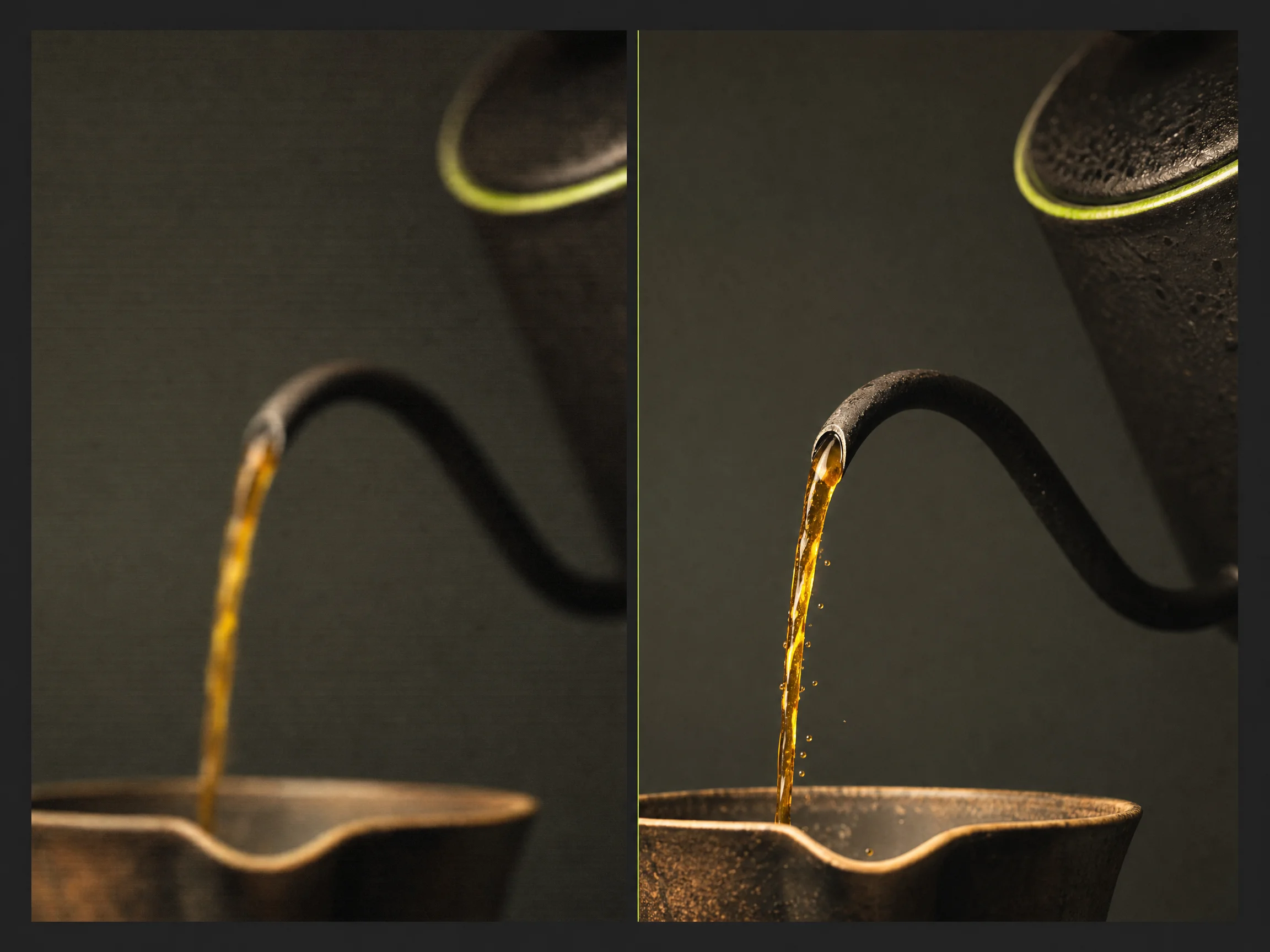
MiniMax H3 Max — post-trained by fal.ai for speed, 768P or 480P, native audio

MiniMax H3 Max AI Images to Video: Fast Clips That Come Back With Sound

MiniMax H3 Max is MiniMax and fal.ai's fast video model, and it renders 5 to 15 seconds at 768P or 480P with sound. Type your shot, or pin a first and last frame, and get the clip back in the same pass.

Turn a Prompt Into a MiniMax H3 Max Clip With Sound Already In It

0/10000

Direct Every MiniMax H3 Max Render From First Frame to Final Sound

You set the frames, the length and the shape, and the model fills in the motion and the sound. Every card below runs on a control you can reach in the composer above.

1344x768 · 7:4 · 10s

You lose the thread waiting on one video to come back.

Faster Than MiniMax H3: Render While the Idea Is Still Hot

Pick your length and MiniMax H3 Max renders it faster than MiniMax H3, per MiniMax's own docs. You test ten ideas in the time one slow render takes.

Faster Than MiniMax H3: Render While the Idea Is Still Hot
768P or 480P: Draft Cheap, Then Deliver on the Higher Rung
You pay the same for a throwaway test as for the final cut.

768P or 480P: Draft Cheap, Then Deliver on the Higher Rung

Switch MiniMax H3 Max between 480P and 768P, and the credit estimate updates before you submit. You draft at 480P and spend more only on the keeper.

Your clip drifts somewhere pretty and misses the ending you needed.

First and Last Frame: Land the Exact Shot You Pictured

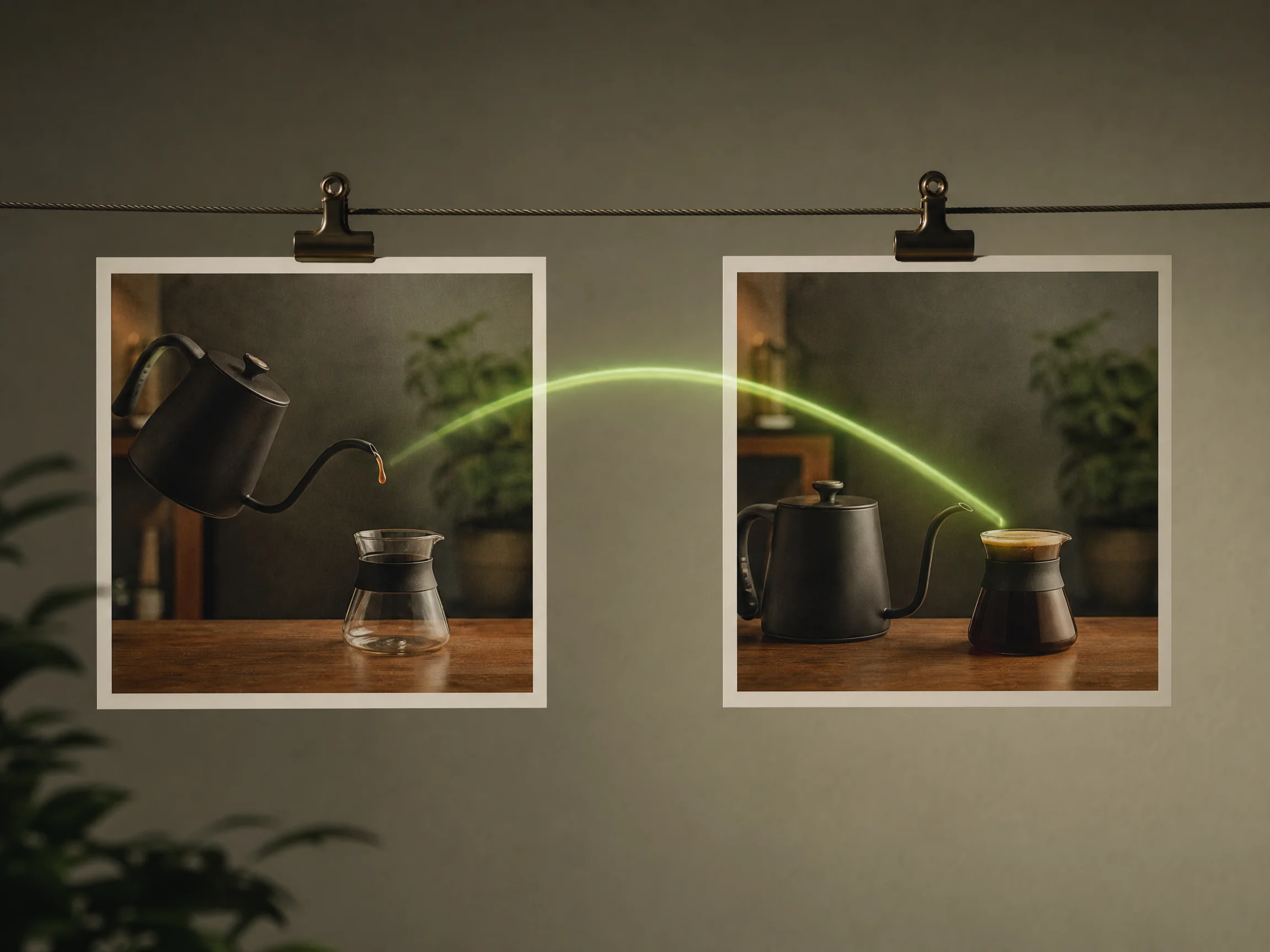
Upload a first frame, a last frame, or both, and MiniMax H3 Max fills in the motion between them. Reveals and transitions finish on the frame you chose.

First and Last Frame: Land the Exact Shot You Pictured
Native Audio: Get Sound in the Same MiniMax H3 Max Pass
Your silent clip needs a whole second pass before you can post it.

Native Audio: Get Sound in the Same MiniMax H3 Max Pass

Name the room tone, the foley and the line in your prompt, and the audio arrives composed with the picture. Your clip lands with sound that matches what is on screen. Ask for silence or no music and you get that too.

You squeeze every idea into the same fixed clip length.

5 to 15 Seconds: Set Any Whole Second the Cut Needs

Set any whole number from 5 to 15 seconds, and the price moves with the seconds you keep. A short test costs least, and a long take tells the story.

5 to 15 Seconds: Set Any Whole Second the Cut Needs
Six Aspect Ratios: Frame 9:16 for Reels or 21:9 for the Wide Cut
Your one master never fits every feed you post to.

Six Aspect Ratios: Frame 9:16 for Reels or 21:9 for the Wide Cut

Choose 21:9, 16:9, 4:3, 1:1, 3:4 or 9:16 before a text-to-video render starts. Native framing for each feed, with no crop job after. On image-to-video the shape follows the picture you upload.

Put MiniMax H3 Max to Work on the Cuts You Post Today

You bring the product still, the daily short, or the transition you keep redoing. Start from a prompt or a frame, and post a clip that already has sound on it.

short-form video creator

Test Twenty MiniMax H3 Max Takes Before You Commit to One

Run many prompt variants of the same shot quickly and cheaply, then spend real credits only on the version that works. You draft at 480P, change one line at a time, and watch the takes stack up in your history. Then you re-render the winner at 768P.

Test Twenty MiniMax H3 Max Takes Before You Commit to One
Turn a Product Still Into a 9:16 MiniMax H3 Max Ad With Sound
marketer and ad creator

Turn a Product Still Into a 9:16 MiniMax H3 Max Ad With Sound

Animate an existing product photo into a vertical social cut that comes back with usable audio, without booking a shoot. You pin the product photo as the first frame, describe the move and the sound, and download a 9:16 MP4 ready for paid social.

editor working on a cut

Pin a First and Last Frame to Nail the Transition You Keep Redoing

Bridge two stills with motion that opens and ends exactly where the edit needs it, instead of hand-keying the move. You upload the opening frame and the closing frame, write the move between them, and drop the finished MP4 straight into your timeline.

Pin a First and Last Frame to Nail the Transition You Keep Redoing
Run MiniMax H3 Max Without a GPU, an Install, or an API Key
developer sizing up fast video models

Run MiniMax H3 Max Without a GPU, an Install, or an API Key

Judge the model on real output before wiring anything, and see what a finished second actually costs. You sign in, write a prompt, and read the credit estimate beside Generate. Every take stays in your history as a downloadable MP4.

Pay Per Second of MiniMax H3 Max Video and See the Cost Before You Render

Sign up free for starter credits, then pay per second of MiniMax H3 Max video. A 480P second costs less than a 768P one, and the estimate updates before you submit.

Subscription plans

  • A render bills by the second, so a short take costs a fraction of a long one. Drafting at 480P keeps the cost of many takes low.
  • The estimate sits beside Generate and recomputes when you change the resolution or the length, so the charge never surprises you.

Get Straight Answers About MiniMax H3 Max Before You Spend a Credit

You get the plain version here: what MiniMax H3 Max is, how fast it renders, what a clip costs, and when to pick MiniMax H3 instead.

What is MiniMax H3 Max?

MiniMax H3 Max is a video model released jointly by MiniMax and fal.ai on 2026-08-27. fal.ai post-trained it from MiniMax H3's open weights and tuned it for speed. It renders 5 to 15 seconds at 768P or 480P, with native audio in the same pass. On Seadanse you run it as text-to-video, or as MiniMax H3 Max image-to-video from a first and last frame.

MiniMax H3 Max vs MiniMax H3: which one should I pick?

Pick MiniMax H3 Max when you want many takes fast at 768P or 480P. Pick MiniMax H3 when the final cut needs sharper output, or when you want to feed the model more kinds of input. They are different jobs, not better and worse. Our MiniMax H3 page sits one click away in the same composer.

Is MiniMax H3 Max open source?

Not on its own. MiniMax H3 is the open-weight model, and MiniMax H3 Max is fal.ai's post-trained version of it. No separate weight release has been announced for the post-trained variant. Some platforms list the same model as Hailuo 3 Max.

How fast is MiniMax H3 Max?

It is built for speed. MiniMax says in its own docs that it generates faster than MiniMax H3, and fal.ai reports a five-second clip in under three seconds on its own stack. Your wait here also covers the queue and the file transfer, so treat those reports as a floor, not a promise.

What resolution, duration and aspect ratios does MiniMax H3 Max support?

You get 768P or 480P output at 24 FPS. Clips run 5 to 15 seconds, in whole seconds. Text-to-video offers 21:9, 16:9, 4:3, 1:1, 3:4 and 9:16. On image-to-video the aspect ratio follows the picture you upload.

How do I control how a MiniMax H3 Max clip opens and ends?

Upload a first frame, a last frame, or both. One image on its own still works, and the model treats it as your opening frame. Add the closing frame too and you fix both ends, which is how reveals and transitions land where you planned.

Does MiniMax H3 Max generate audio?

Yes. Native audio comes back with the picture in the same pass, so room tone, foley, music and speech arrive already lined up. Name the sound in the same prompt as the shot, and ask for silence when you want none.

Do I need ComfyUI, a GPU, or a MiniMax H3 Max API key?

No. Sign in on this page, write a prompt, and render in the browser. There is nothing to install and no MiniMax H3 Max API key to manage. Your clip lands in your history and downloads as an MP4.

Is MiniMax H3 Max free to use on Seadanse?

Sign-up is free, needs no credit card, and comes with starter credits. Those credits are a head start rather than a full render, because the shortest MiniMax H3 Max clip costs more than the grant. Top up with a credit pack or a plan, and the estimate shows before you submit.

How much does a MiniMax H3 Max render cost?

You pay per second of video, and the rate depends on the resolution you pick. A 480P second costs less than a 768P one, and a short clip costs a fraction of a long one. The exact credit estimate sits beside Generate and updates on every setting change.

Do MiniMax H3 Max videos carry a watermark, and can I sell the result?

A render you pay for with a plan or a credit pack downloads clean. A render covered by free sign-up credits carries a visible watermark. Commercial use is included per plan terms, so paid clips can go into client work.

What happens if my MiniMax H3 Max render fails?

The credits come back automatically, so a failed job never costs you. The render also keeps going when you close the tab, and your history holds every finished clip for replay or download.

Try MiniMax H3 Max Free and Post Your First Clip Today

Sign up free, claim your starter credits, and send your first prompt to MiniMax H3 Max today. Your prompt and your settings survive the login round-trip.