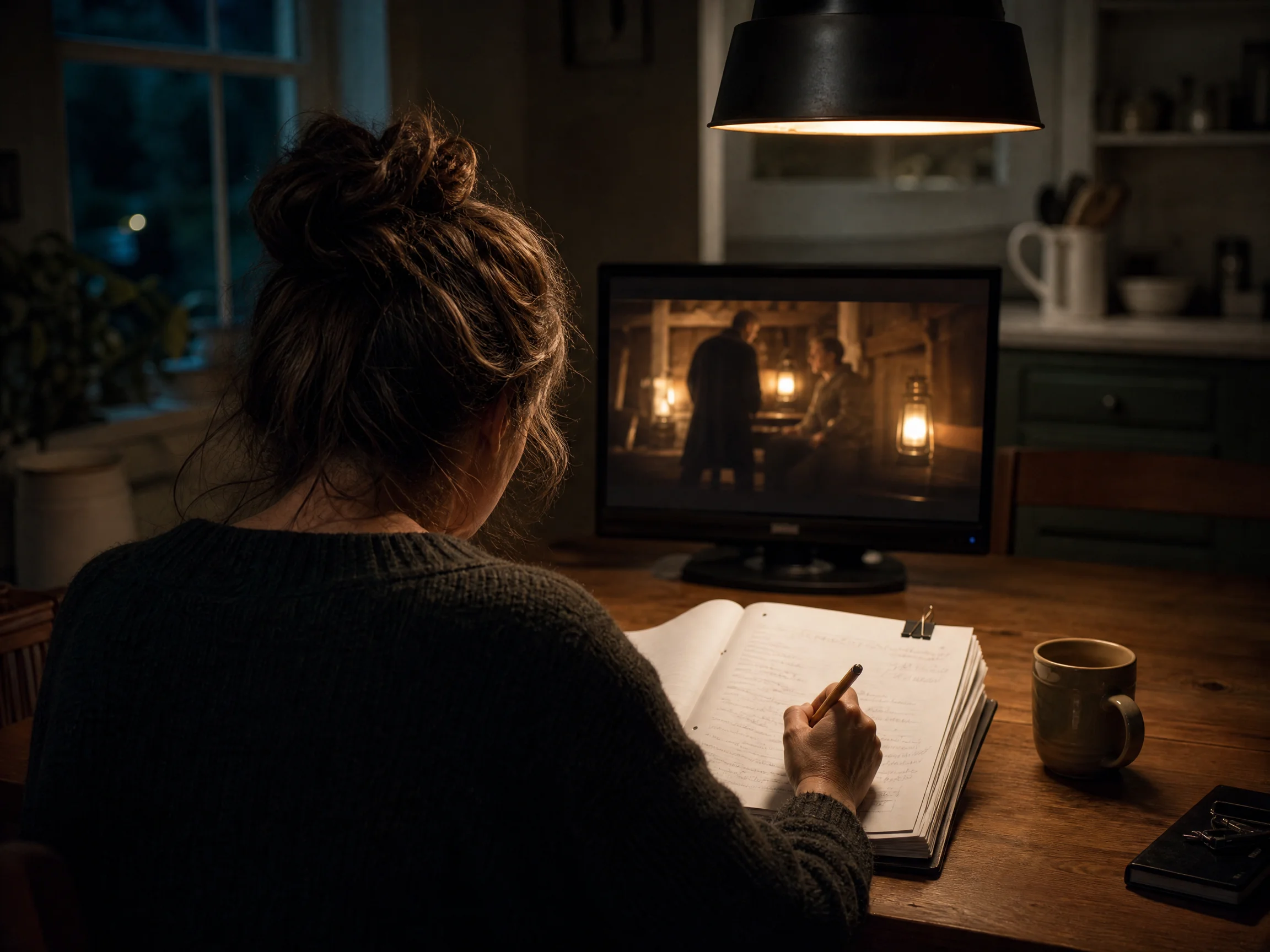
Keep the Line You Wrote and Hear It Spoken in the Shot
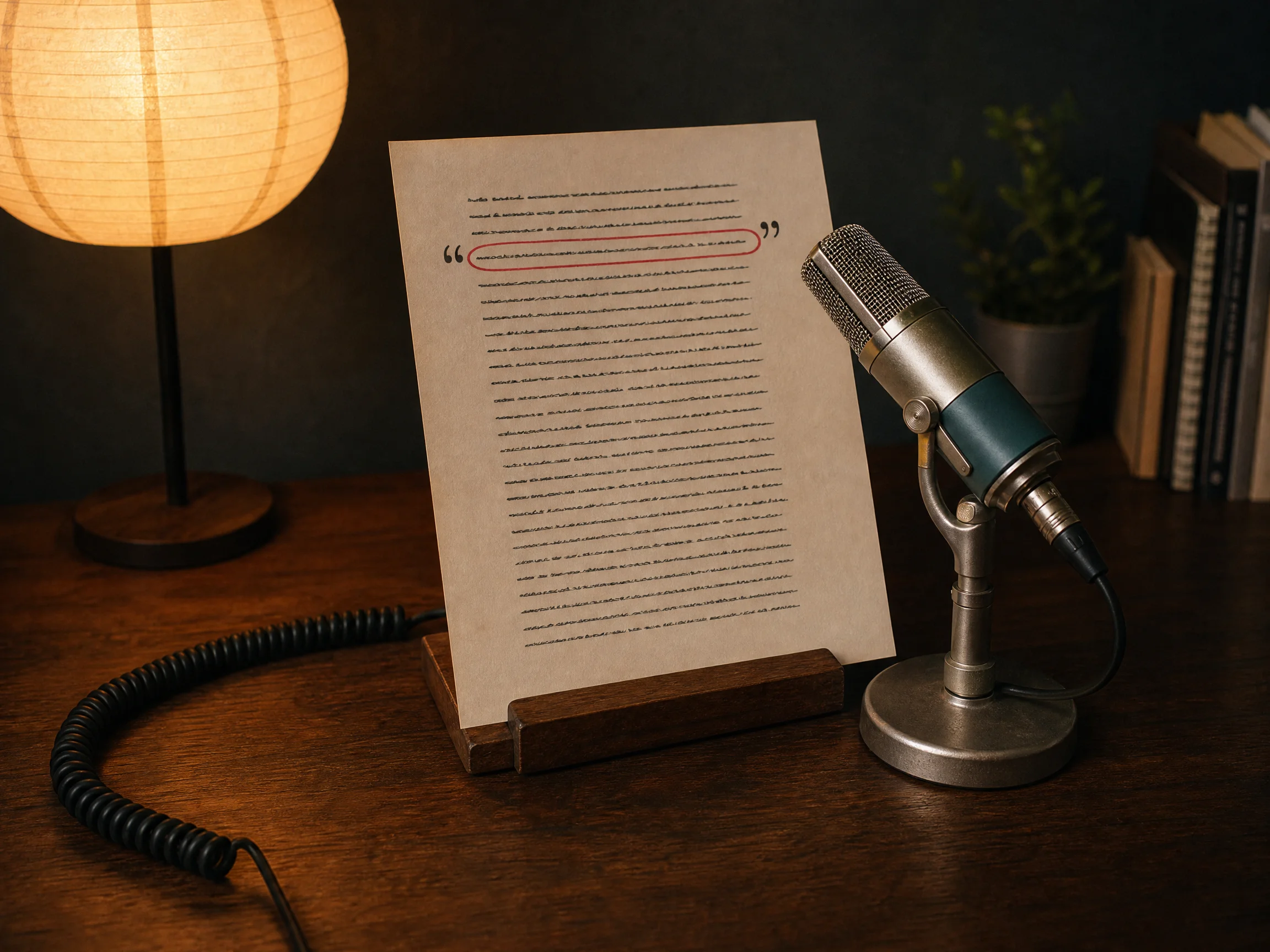
Put a spoken line in quotes and it travels into the render prompt exactly as you typed it. Your sentence reaches the render as a sentence, never a summary.
1280x720 · 16:9 · 10s
Paste the script you already wrote. You get shots you can edit line by line, a character who speaks your quoted lines, and sound made in the same render as the picture. New accounts start with 40 credits.
40 starter credits on a new account · A price card before every paid render · Picture and sound in the same render · Failed renders return your credits automatically
Your script is the thing that renders, so every line stays yours to change. Edit a beat, pin a face to a reference image, or send the text untouched, and the shots follow what you wrote.
Put a spoken line in quotes and it travels into the render prompt exactly as you typed it. Your sentence reaches the render as a sentence, never a summary.
1280x720 · 16:9 · 10s

Seedance 2.5 renders the soundtrack in the same pass as the picture, dialogue and room tone together. You download one file that already sounds like a scene.
Say as written and your text goes to the render unchanged, with nothing reordered, translated or filled in. You get your own words back on screen. Ask for a rewrite instead and only the passage you point at changes.


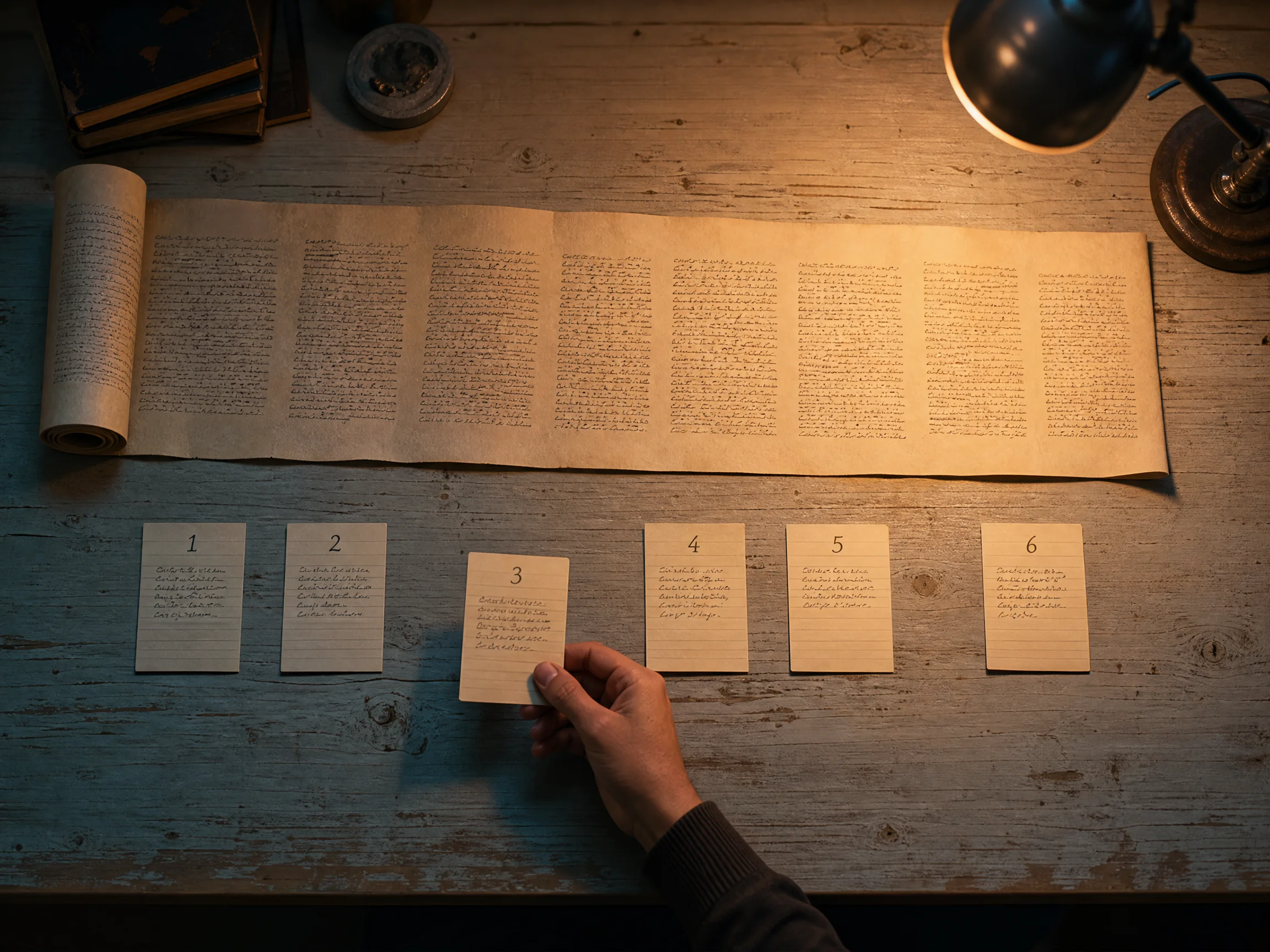
Paste it once and the agent plans it into beats you edit as plain sentences. You fix the shot that missed instead of rewriting everything.
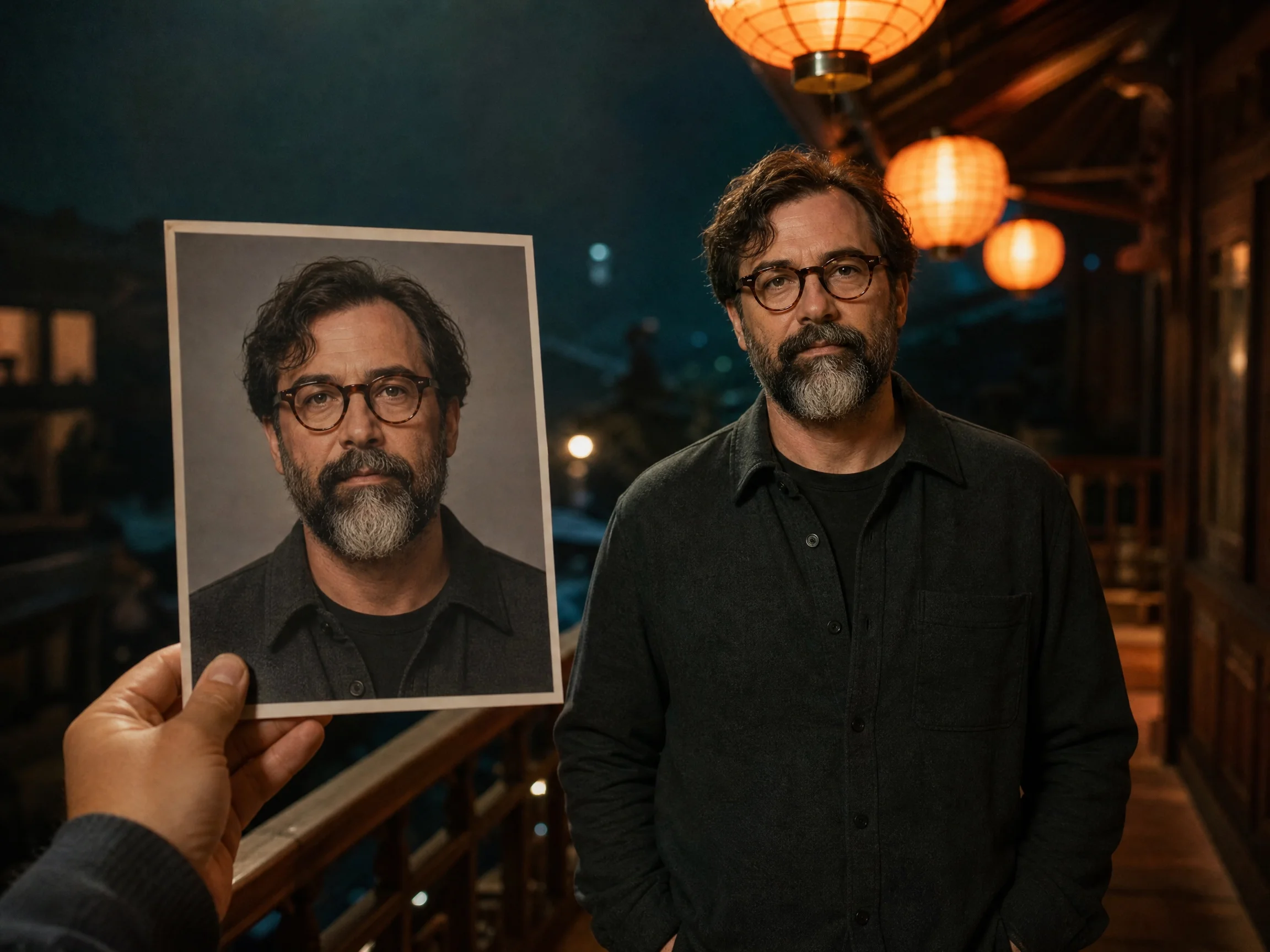
Attach up to 30 reference images and 10 clips, and every shot renders from those same pictures. You get one person delivering the whole scene. Lock a room the same way, so the scene does not move house between lines.


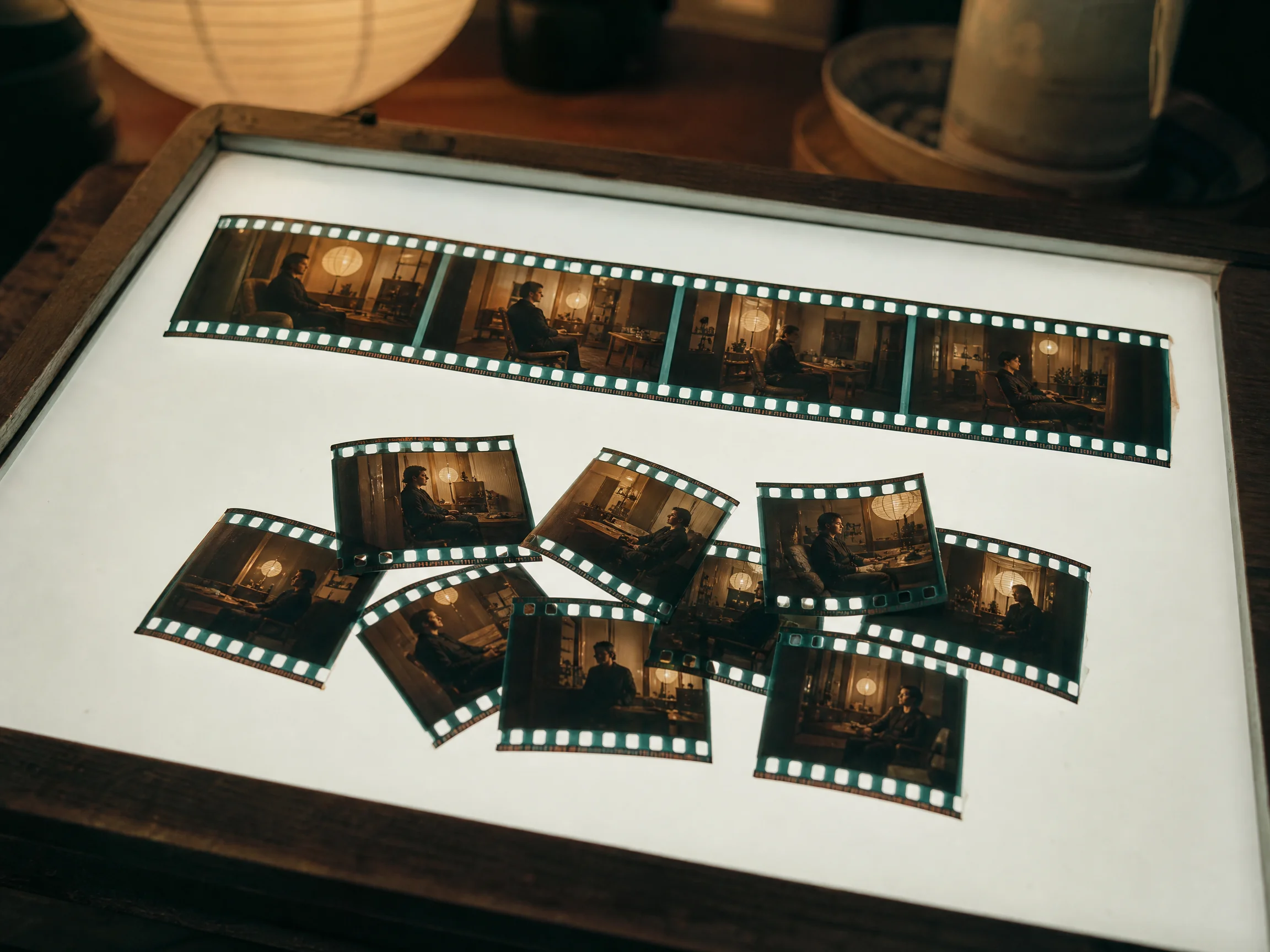
A single render covers 4 to 30 seconds, and a longer script becomes a linked multi-shot cut. Your scene reads as a scene, not a folder of clips.
Name Seedance, Veo, Kling, Hailuo or Wan in the chat and the run is pinned to it. You shoot each script on the model that suits it. Veo 3.1 renders fixed 8-second clips, so a longer script arrives as several of them.


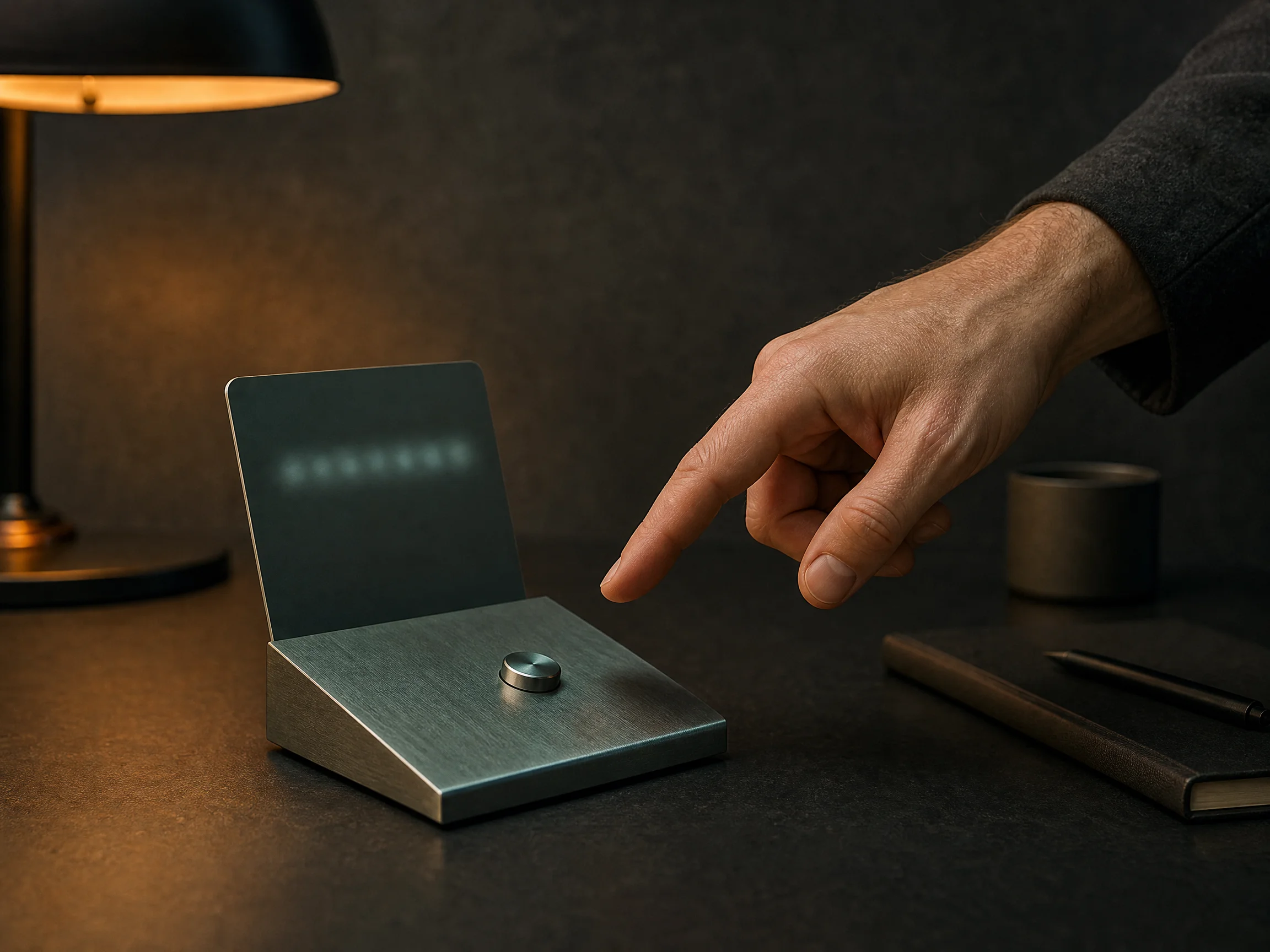
Every paid render stops on a price card, and only a person can press the button on it. You press it, or nothing renders at all.
You already have the words. Paste them, re-render the one shot that missed, and post the file before the draft goes cold in the folder you keep meaning to clean out.
Get a written video script on screen this week without filming, lighting or a crew. You paste the script, quote the lines you want said out loud, and get a multi-shot cut with sound you can post the same day.


Turn a finished, approved line of ad copy into a spot without a shoot or a rewrite. You paste the approved copy, send it as written, and someone on screen delivers the line while the sound renders with the picture.
Explain the product on video without hiring anyone or standing in front of a camera. You write what the product does, attach a photo of it, and someone you cast from a reference image says your lines on camera.


See a written scene performed before committing a crew, a cast or a budget to it. You paste the scene with its dialogue in quotes, cast the character from a reference image, and watch the beats play as a short film.
You press the button on every paid render, and nothing starts without it. The card names the cost first, and a run that fails hands its credits straight back to your balance.
Sign up and 40 credits land on your balance. Reading the script, planning the shots and editing a beat all cost nothing. Only rendering spends credits.
The quote and the charge are checked against the same request, so what you approved is what gets deducted.
A render is submitted only when someone presses the button on the price card. The planner has no way to answer for you, and typing the word confirm does not start it.
If a render fails or is interrupted, the credits it was holding come back to your balance on their own.
A line you put in quotes is carried through as you typed it, including its own language. Everything the enhancer writes around it is English shot direction.
Dialogue, room tone and effects come out of the same Seedance 2.5 generation as the image, so there is no separate voiceover pass to sync afterwards.
Seedance 2.5 takes 4 to 30 seconds in a single render, Kling O3 takes 3 to 15, and Veo 3.1 is fixed at 8. Anything longer is laid out as linked clips and priced per clip.
Reading your script, planning the shots and editing a beat do not spend credits.
Always allow is an account setting. A project set to confirm every step still asks you every time.
You own the text and pictures you upload and the video that comes back, commercial use per plan terms.
Use the same credits the rest of Seadanse runs on, and script to video draws on that one balance. New accounts start with 40 credits, and each quote arrives before you commit.
Not sure a character will really say your lines, or how long one render can run? These are the questions writers ask before they hand over a script they spent a week on.
Script to video means handing a tool words you already wrote and getting a finished video back. A script to video generator reads the text, works out how many shots it needs, and renders them. People also search for this as ai video from script, or a script to video converter. Here it is the Agent lane of the composer, and the shot list it writes stays editable the whole way through.
Paste your script into the Agent lane and send it. The agent reads it, tells you how it plans to shoot it, and lays the text out as beats you can edit in plain sentences. Attach a photo if a particular face or product has to appear. When the shots look right, ask for the film and press the price card that comes back.
You start with 40 credits on a new account and nothing else to pay first. Reading your script, planning the shots and editing a beat cost nothing at all, so you can get the whole cut arranged before a single credit moves. Rendering is the step that spends them, and the price card shows the number before it does.
Start with a sentence instead of a script. Say what the piece is about and the agent expands it into shots, then you edit those in plain words. The prompt library is full of openings you can lift. When the job is an ad brief rather than finished lines, the AI video agent page is the better door.
Text to video starts from a prompt you write for the model. Script to video starts from words you wrote for people, so the dialogue and the scene order are the source of truth and the tool works around them. That is why quoted lines are carried into the render as typed instead of being rewritten into prompt language.
Yes. Put a spoken line in quotes and it goes into the render prompt exactly as you typed it, and the character speaks your lines in the shot. The audio comes out of the same generation as the picture, so you hear it on the first play rather than adding it afterwards.
A single Seedance 2.5 render covers 4 to 30 seconds. Kling O3 runs 3 to 15 and Veo 3.1 renders fixed 8-second clips. A script longer than one render is laid out as linked clips, and each clip is quoted on the card before it goes.
Yes. Attach up to 30 reference images and 10 clips, and every shot renders from those same pictures instead of a fresh guess. Locations work the same way, so the scene does not move house between two lines of dialogue.
Seedance 2.5 at 720p by default. Name Seedance 2.0, Veo 3.1, Kling O3, Hailuo 3 or Wan 3.0 in the chat and the run is pinned to that one instead. A pinned model is never swapped behind your back, not on a retry and not to save credits.
Yes. Say as written, or don't change it, and your text is sent to the render unchanged, with nothing reordered, translated or filled in. Ask for help instead and the gaps get filled while your structure and wording stay. If you later want one passage different, only that passage changes.
Ask for that shot again and only that one re-renders before dropping back into the cut, so you pay for one shot rather than a new video. If a render fails outright, the credits it was holding come back to your balance on their own.
Yes. Every finished render is an MP4 you download and publish wherever you like, framed 9:16, 16:9 or 1:1. Nothing is posted to your accounts for you, so the caption and the timing stay yours.
It depends on the model, the resolution and the length you picked. The exact number is worked out and printed on a price card before anything is submitted, and that number is what leaves your balance. Open the pricing page or the cost calculator for plans and packs.
Whatever language you wrote them in. A line you put in quotes keeps its own words and its own language on the way to the render. The shot direction written around it goes out in English, because that is what the model reads best. So a script written in Chinese still comes back with the Chinese line in the scene.
Every page here runs the real models in your browser — jump to the one that matches the clip you have in mind.
You already wrote it. Paste the script, look at the shots it becomes, and press the price card when the number looks right. Planning them costs you nothing at all.