
Pick Flare for Speed or Sunburst for Detail
Choose GPT Image 2.5 Flare for everyday batches at 50% lower latency than GPT Image 2. Switch to GPT Image 2.5 Sunburst when you need fine details and tighter control across edits.
GPT Image 2.5 is an image generation and editing model family from OpenAI, released on September 8, 2026. Pick Flare for speed or Sunburst for detail, and turn your text prompts into images up to 4K.
Sign in and write a line or two first — Enhance rewrites what you have.
Choose GPT Image 2.5 Flare for everyday batches at 50% lower latency than GPT Image 2. Switch to GPT Image 2.5 Sunburst when you need fine details and tighter control across edits.
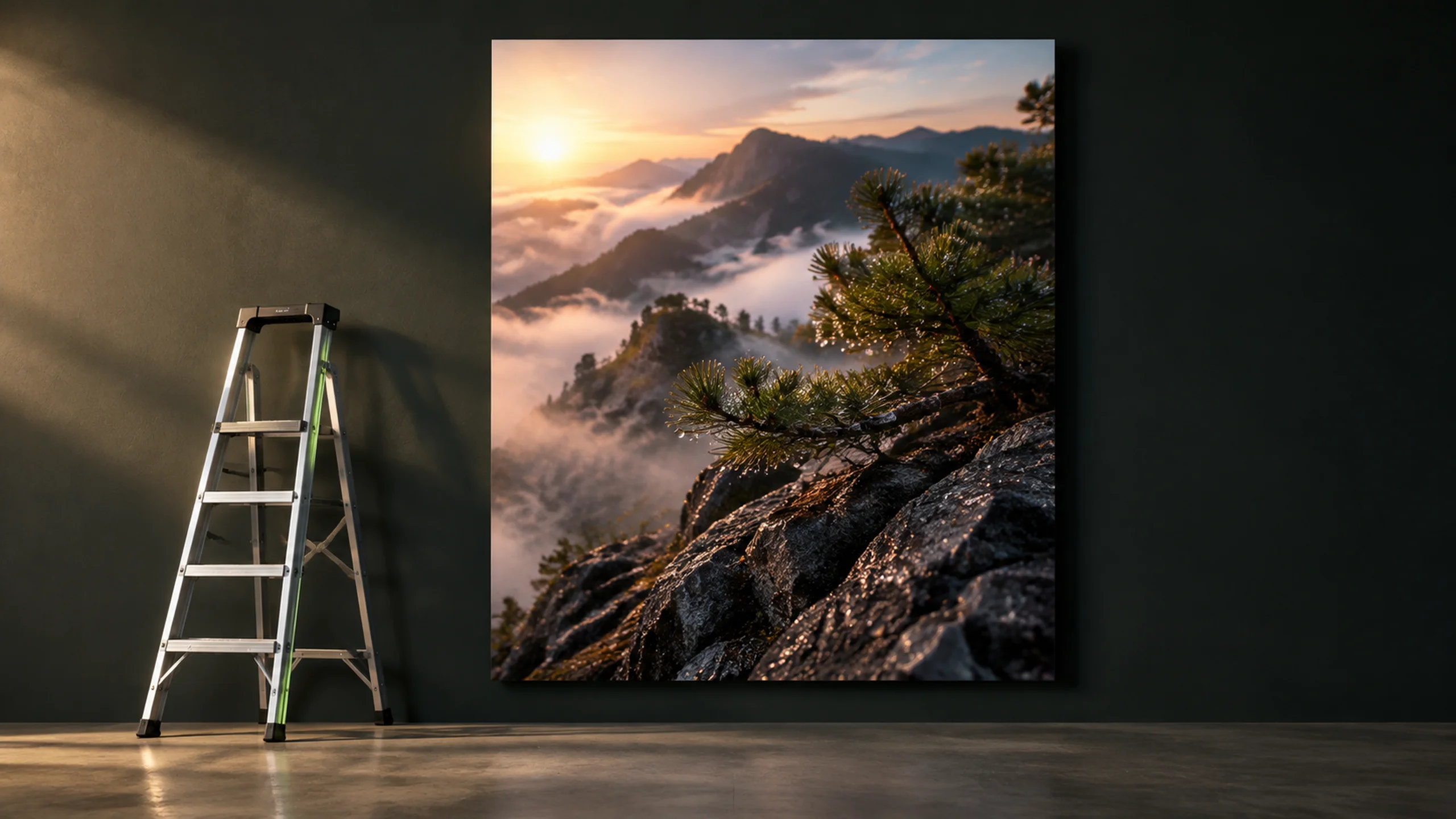
Render crisp visuals in 1K, 2K or 4K with aspect ratios from 1:3 to 3:1. GPT Image 2.5 delivers sharp assets ready for print posters, product displays and big screens.
Design posters, labels, menus and dense infographics with clean words. GPT Image 2.5 types clear letters directly inside your image without garbled spelling.
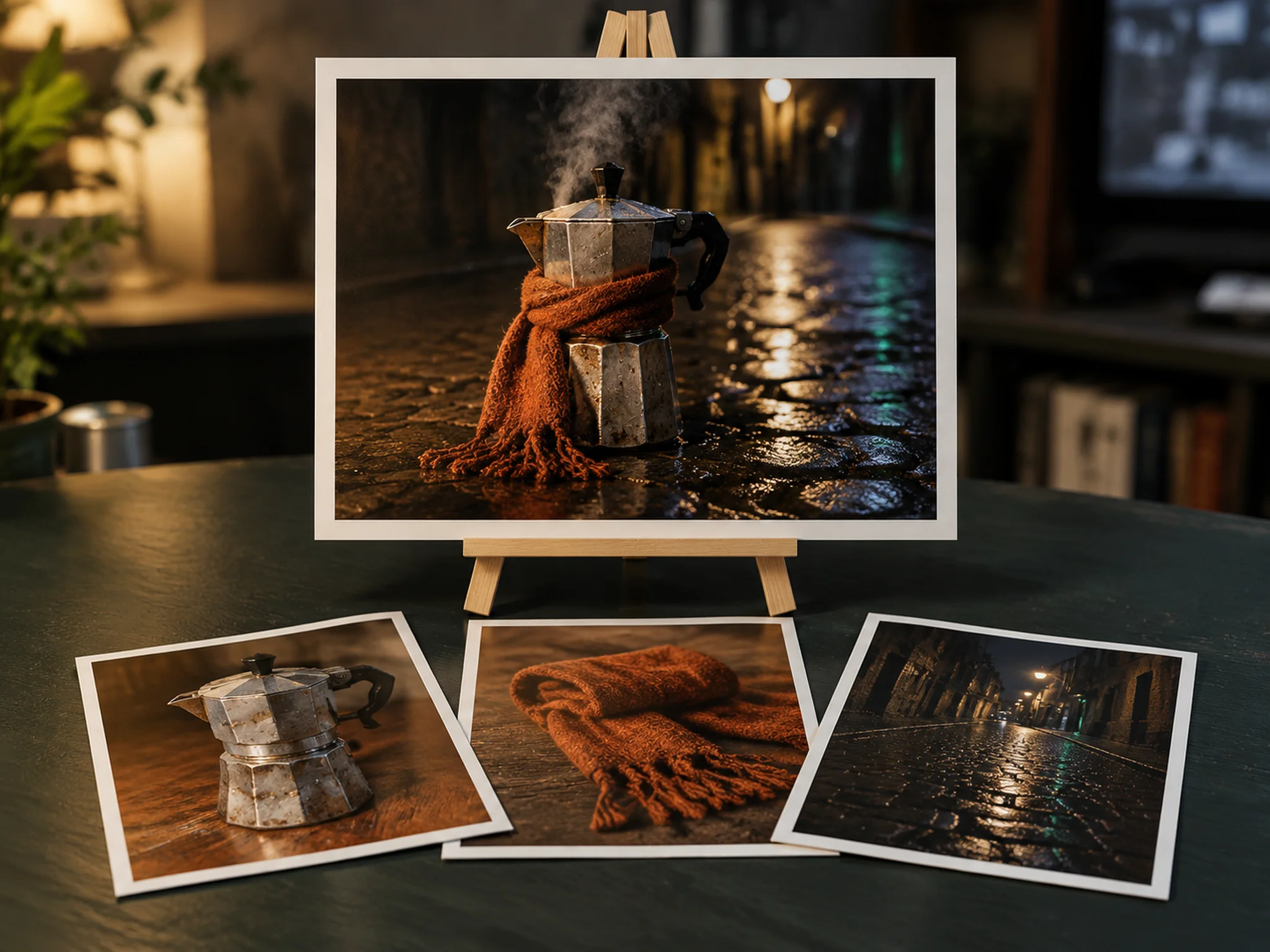
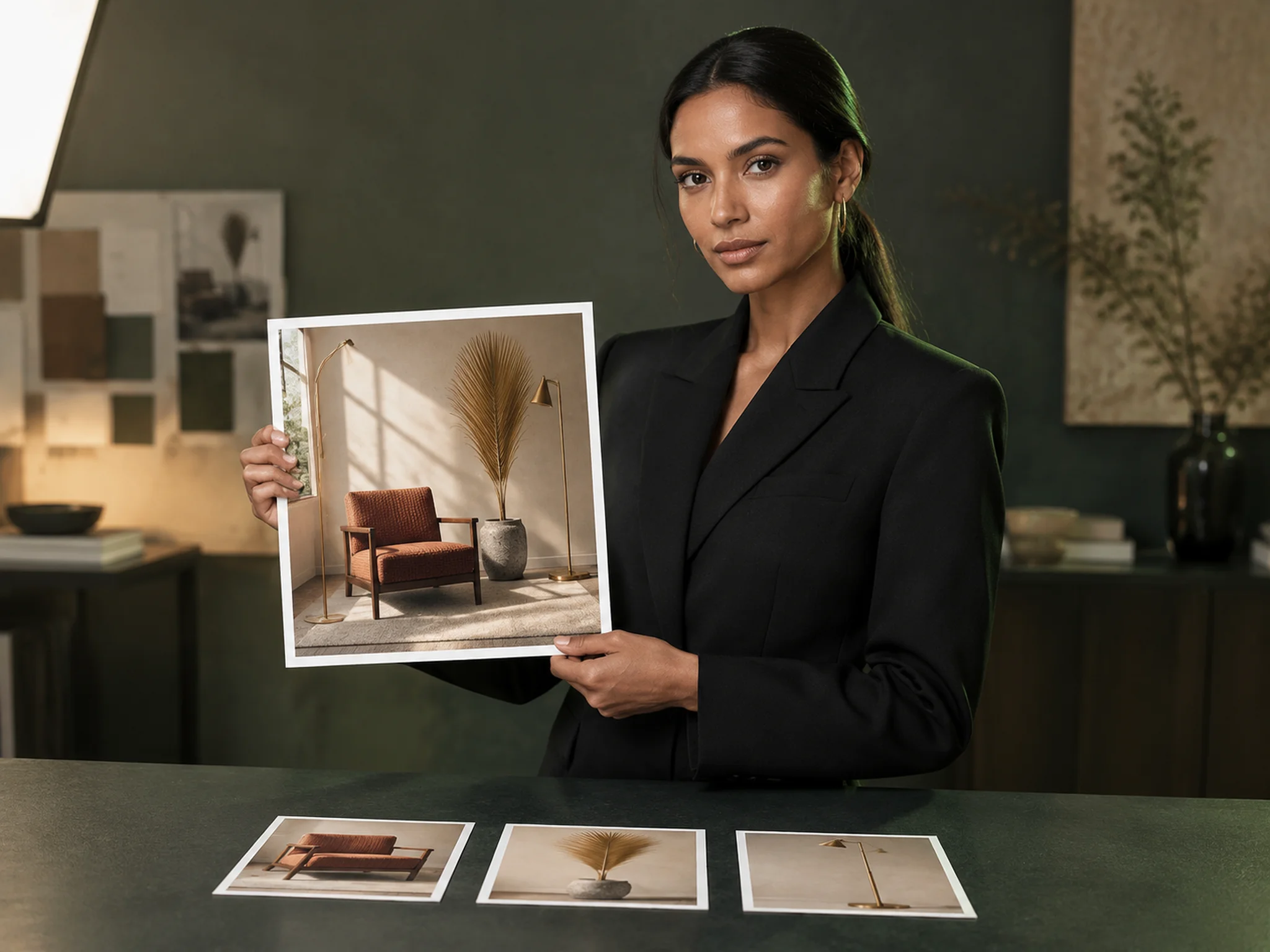
Upload up to 16 reference photos so your people and products stay recognizable. Swap a single product, background or line of text while your subject and composition stay locked.
Produce clean stickers, product cutouts and brand logos without a background. GPT Image 2.5 exports isolated PNG and WebP graphics ready to drop onto any canvas.
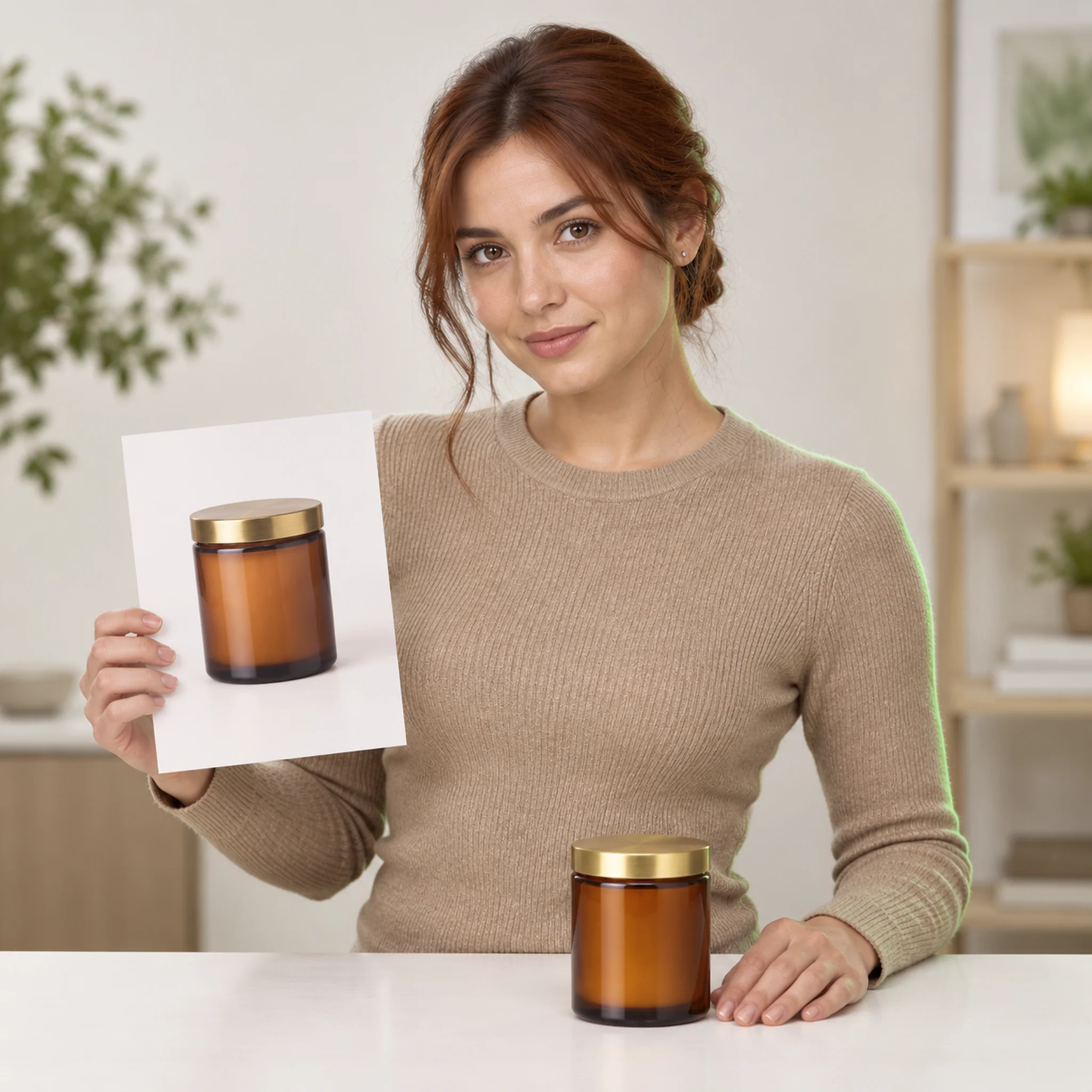
Drop your product photo into brand new scenes to show shoppers how your items look in real life. Download transparent PNG cutouts ready for your online store listings and ad catalogs.
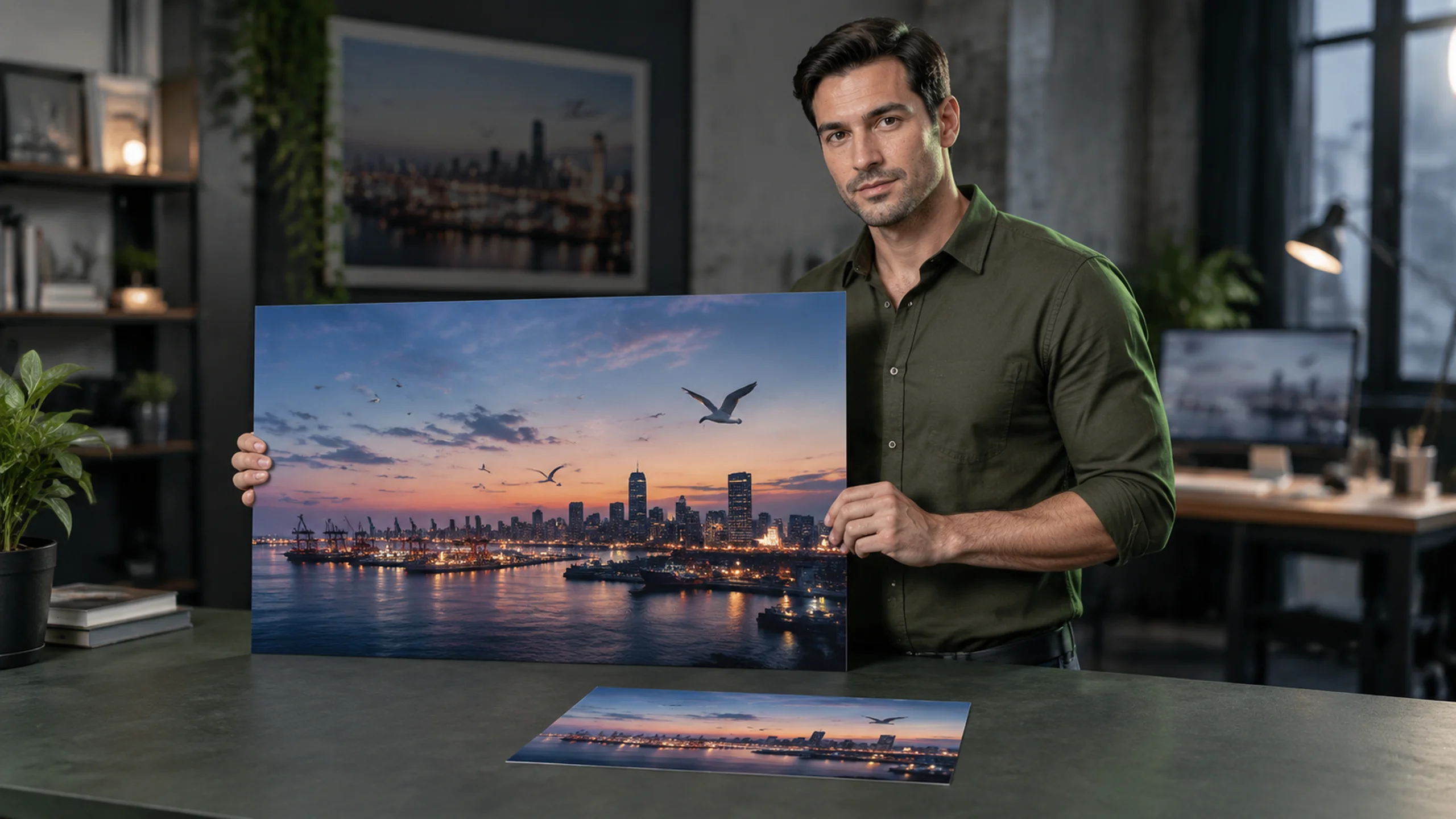
Turn headlines, prices, and brand images into high-resolution ad banners up to 4K. Browse the GPT Image 2.5 prompt library to generate social graphics with readable text in square and story sizes.
Upload your own photos to generate video thumbnails and character sheets where you always look like yourself. Keep faces and products recognizable across every new edit.
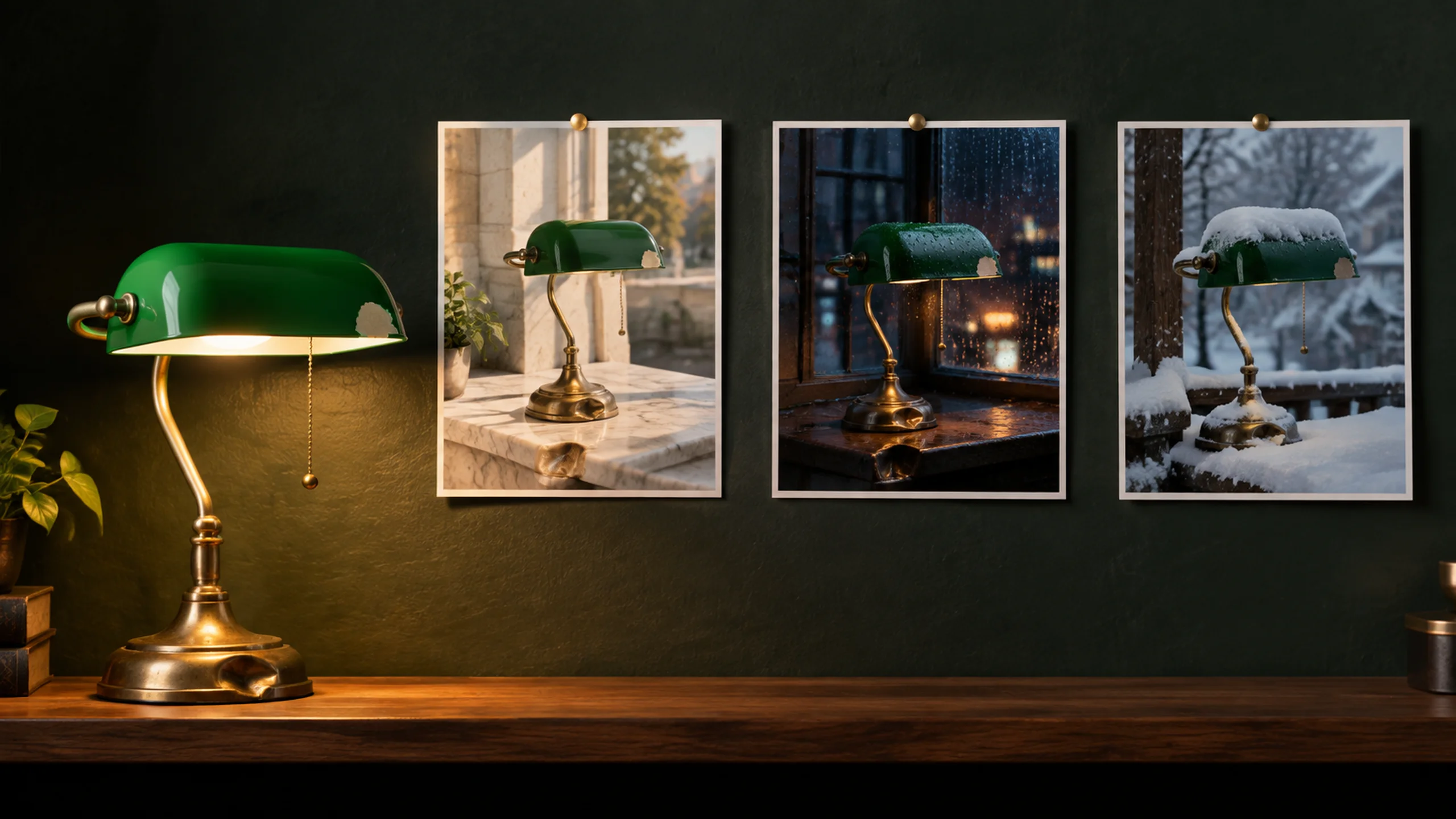
Turn event dates, lists, and menu items into clean flyers, infographics, and merch mockups. Pick GPT Image 2.5 Sunburst to keep fine lines sharp and export transparent files ready for print.
Pick GPT Image 2.5 Flare for fast speed or GPT Image 2.5 Sunburst for rich detail.
Type a prompt up to 32,000 characters, upload up to 16 reference images, and pick 1K, 2K, or 4K.
Generate your picture and download your finished PNG, JPEG, or WebP file.
GPT Image 2.5 is an image generation and editing model family made by OpenAI, released on September 8, 2026. It includes two models: Flare and Sunburst. You can use both on Seadanse to turn text prompts and reference photos into sharp, clean visuals.
Flare is OpenAI's fastest image model for drafts and big batches, delivering higher quality than GPT Image 2 at 50% lower latency. Sunburst is OpenAI's most capable generation and editing model, made for final images with finer detail and tighter control. Learn more in our Flare vs Sunburst guide.
Yes. You pick Flare or Sunburst directly in the model menu before you generate. This lets you choose between rapid generation and maximum detail on every run.
Yes. You get 40 starter credits when you sign up for free on Seadanse. See our free credits explained article and test both models today.
Yes. ChatGPT Images 2.5 is the exact same OpenAI model family inside ChatGPT. On Seadanse, you access both Flare and Sunburst with easy controls for resolution and aspect ratios.
GPT Image 2.5 cuts latency by 50% with Flare, adds transparent backgrounds, and renders richer textures with more natural lighting. People and products from reference photos stay recognizable, and edits change only what you ask. Compare GPT Image 2 with the new release in our GPT Image 2.5 vs GPT Image 2 overview.
Sunburst and Flare hold #1 and #2 on the LMArena image-edit leaderboard as of September 21, 2026. GPT Image 2.5 excels at crisp text, dense layouts, and precise edits. You can create with both this family and Nano Banana 2 on Seadanse.
Yes. GPT Image 2.5 outputs 1K, 2K, and 4K images up to 3840×2160 pixels in aspect ratios from 1:3 to 3:1. Read more technical details in OpenAI's image generation guide.
Yes. You can add up to 16 reference images in PNG, JPG, or WebP formats. Your subjects and products stay recognizable, and your edits update only the parts you choose.
Every page here runs the real models in your browser — jump to the one that matches the clip you have in mind.
Nano Banana, GPT Image, Seedream and Grok Imagine for stills and first frames.
Character sheets and sprite sheets drawn with GPT Image 2.5, and a free converter that turns a sprite sheet into a GIF.
Articles written for this model: how to prompt it, where it runs and what its limits are.

Learn how to use GPT Image 2.5 in ChatGPT. Follow 7 steps to create, edit, use templates, sketch ideas, and adjust aspect ratios.

Is GPT Image 2.5 free? Yes, inside ChatGPT on every plan. See what free accounts get, the missing daily limit, and the one paid feature.
GPT Image 2.5 vs Nano Banana 2: we compare image size limits, pricing visibility, and why one model has independent scores while the other does not.
Create high-resolution images up to 4K with your choice of Flare or Sunburst on Seadanse.


