See Real Results Next to the Author's Exact Words
See the real video or image posted on X or Reddit right beside the creator's exact words. Our AI prompt library shows word-for-word prompts with creator credit and links to the original posts.
Stop guessing what to type into a blank box. Browse our AI prompt library to copy prompts that already made real videos and images, then run them with 40 starter credits.
Explore our AI prompt library across six collections: Seedance video prompts, GPT Image 2.5 image prompts, Seedance 2.5 Blender prompts, GTA video prompts, 1980s photo prompts, and viral AI video prompts.
Seedance clips posted on X with the exact prompt behind each — read it as a shot list, copy it, or open it in the generator.
170 prompts326 clips
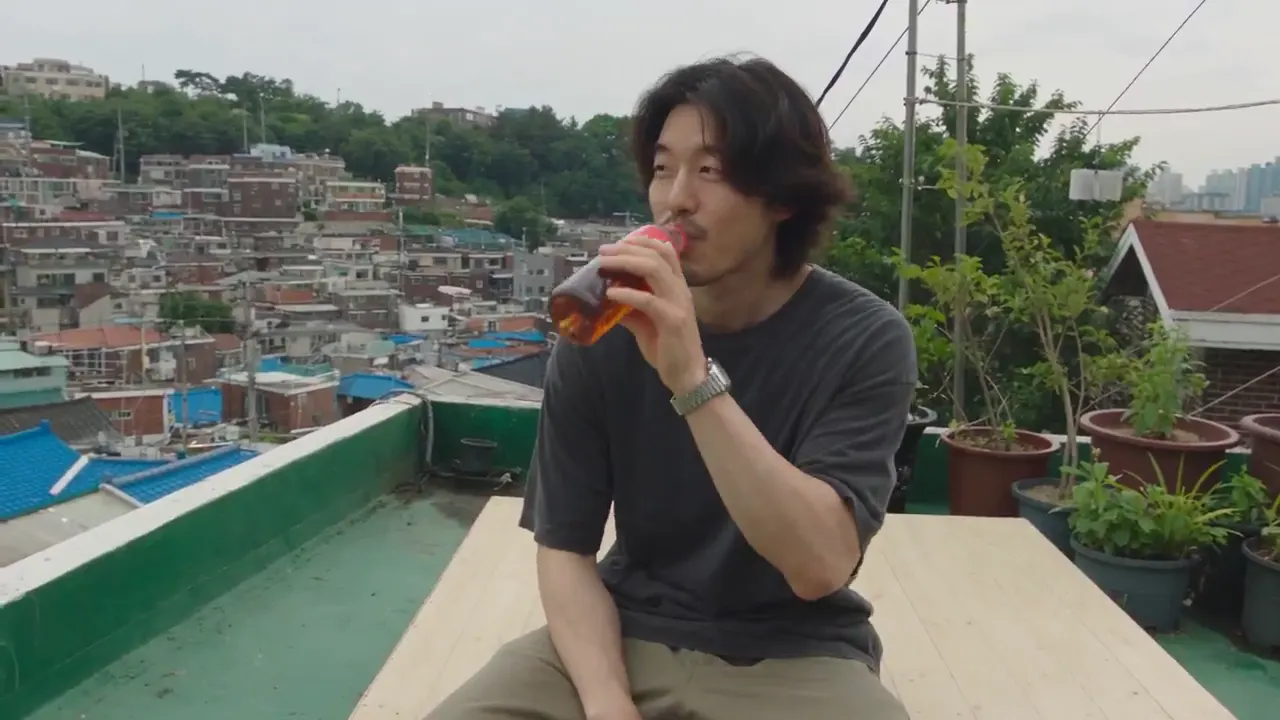
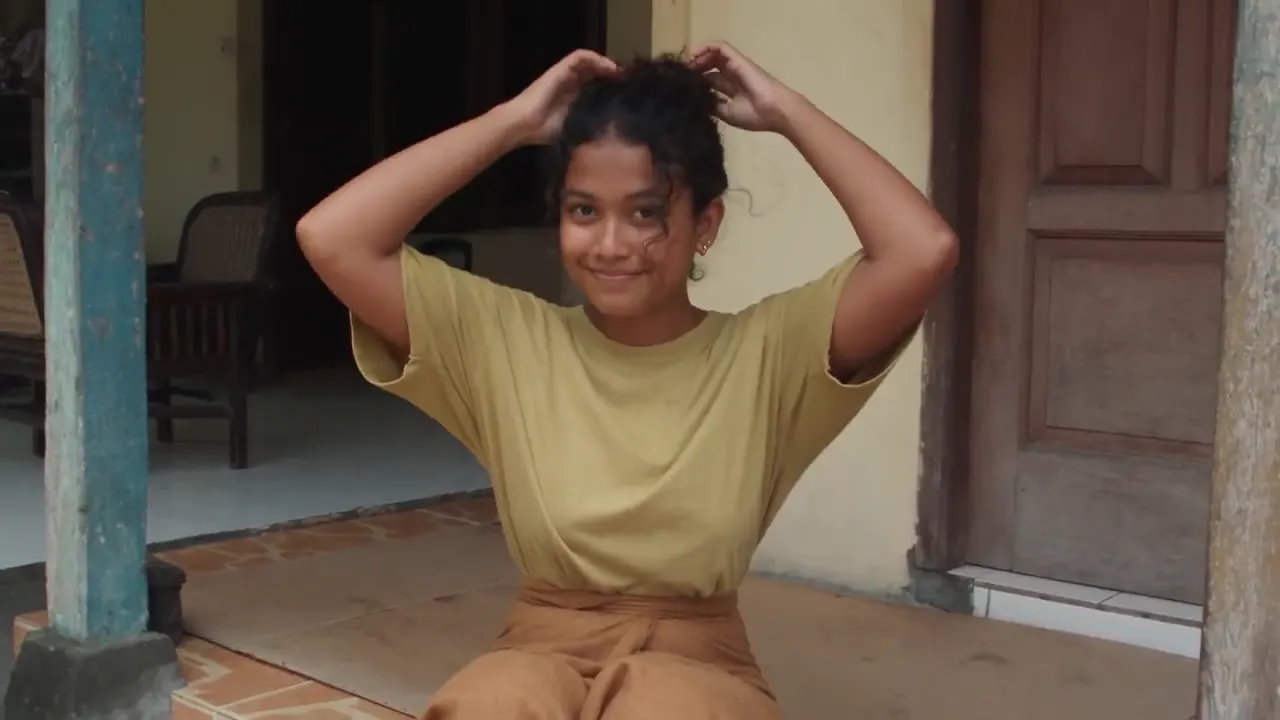
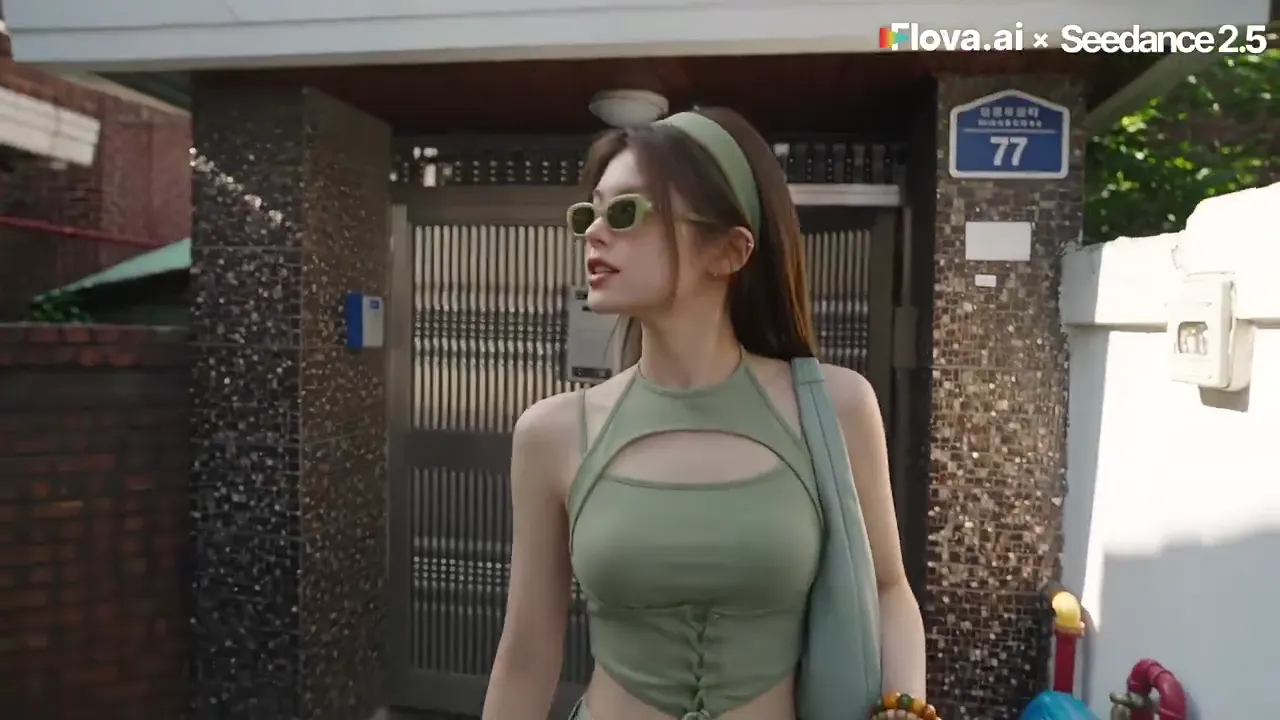
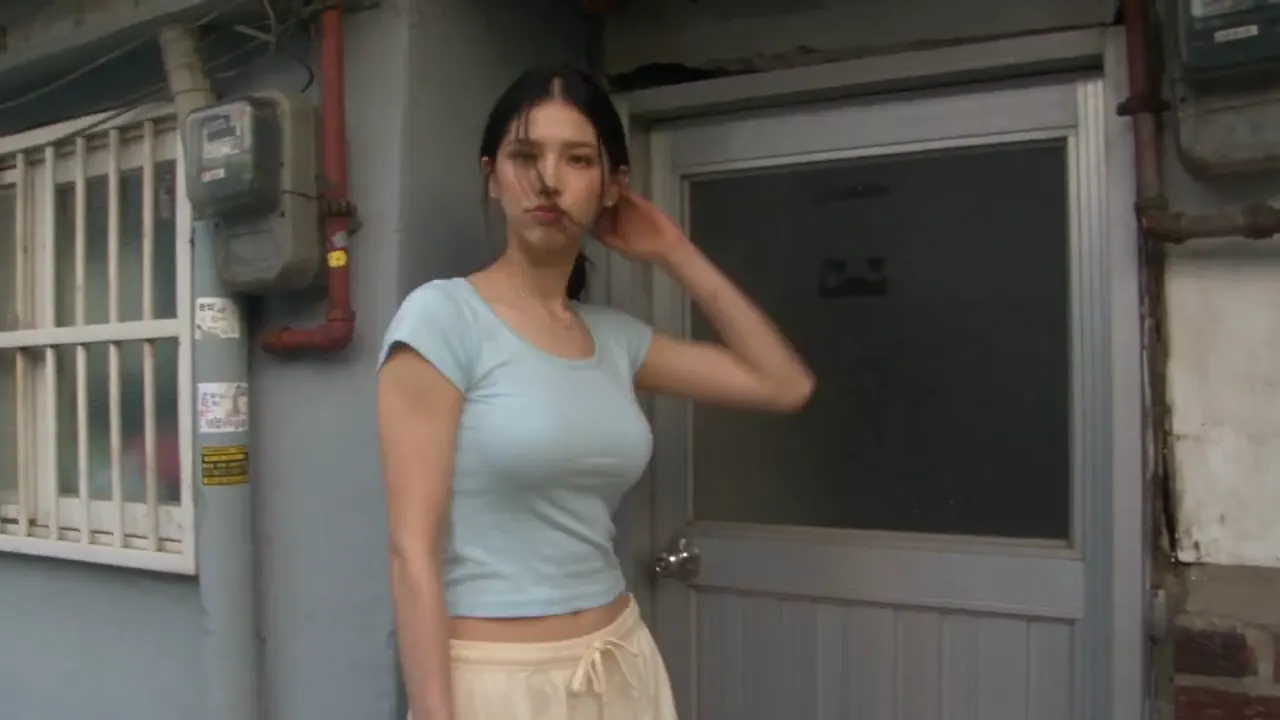
GPT Image 2.5 stills posted on X and Reddit with the exact prompt behind each — read it, copy it, or open it in the generator.
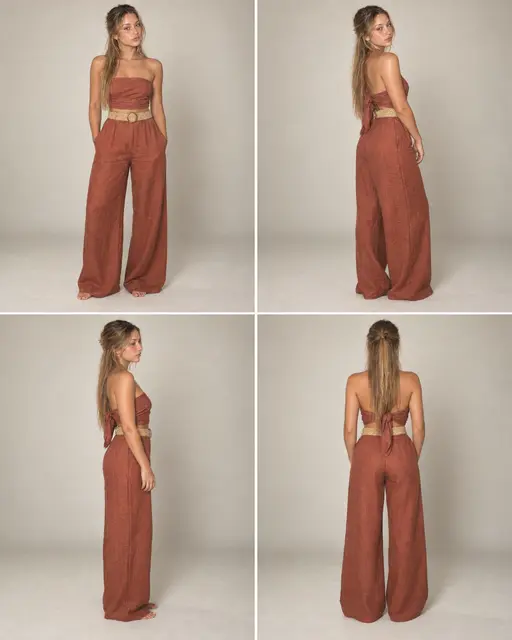
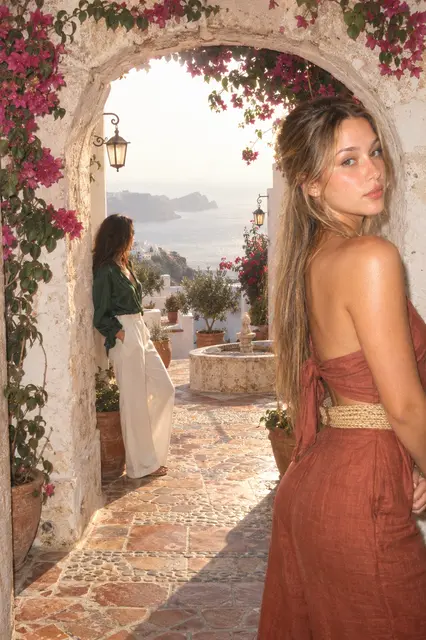
17 prompts17 stills

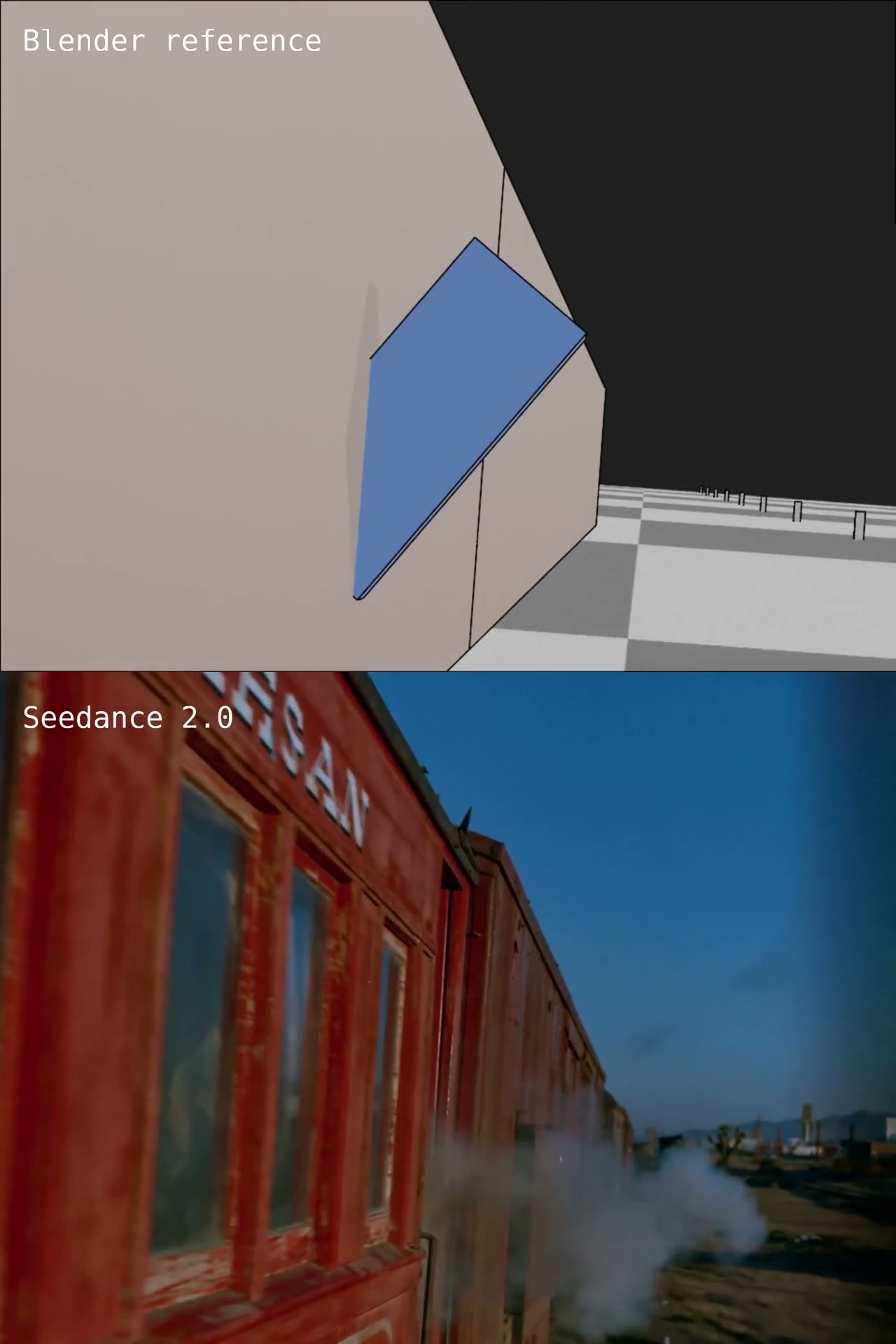
Prompts that turn a white model, an animated dummy or a viewport pass into a finished shot — each one shown with the clip it produced.
13 prompts139 clips
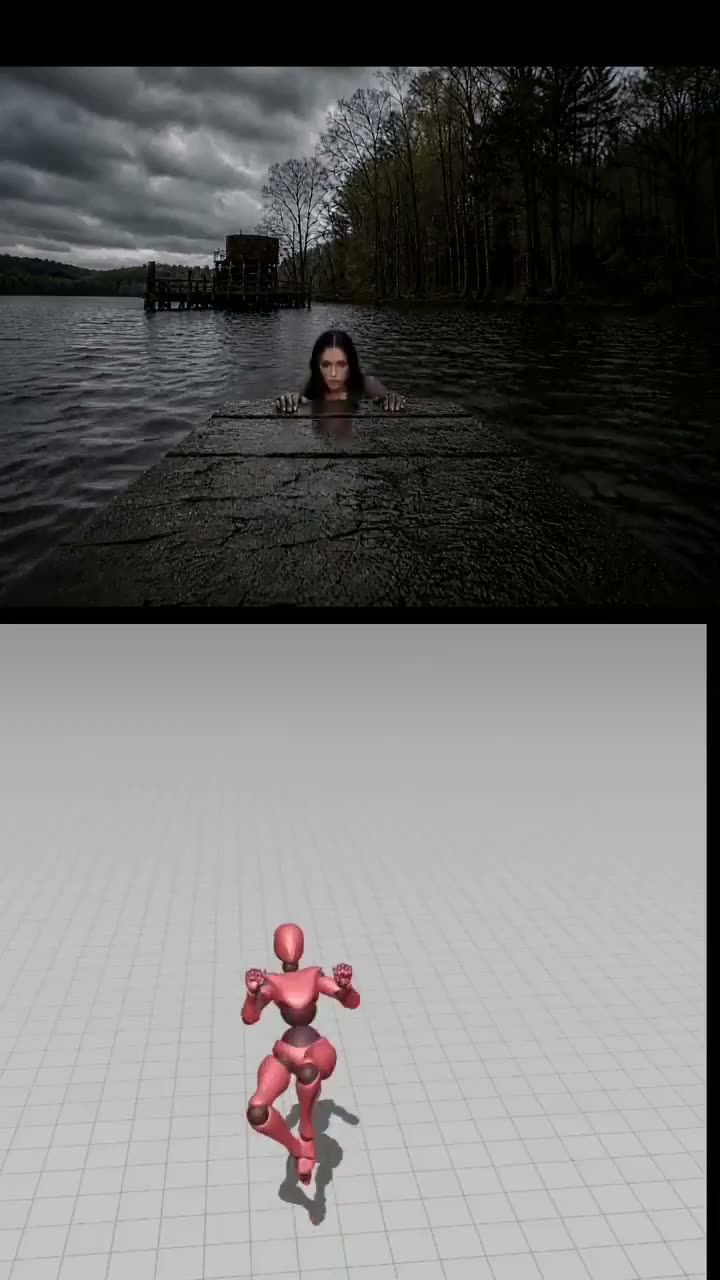
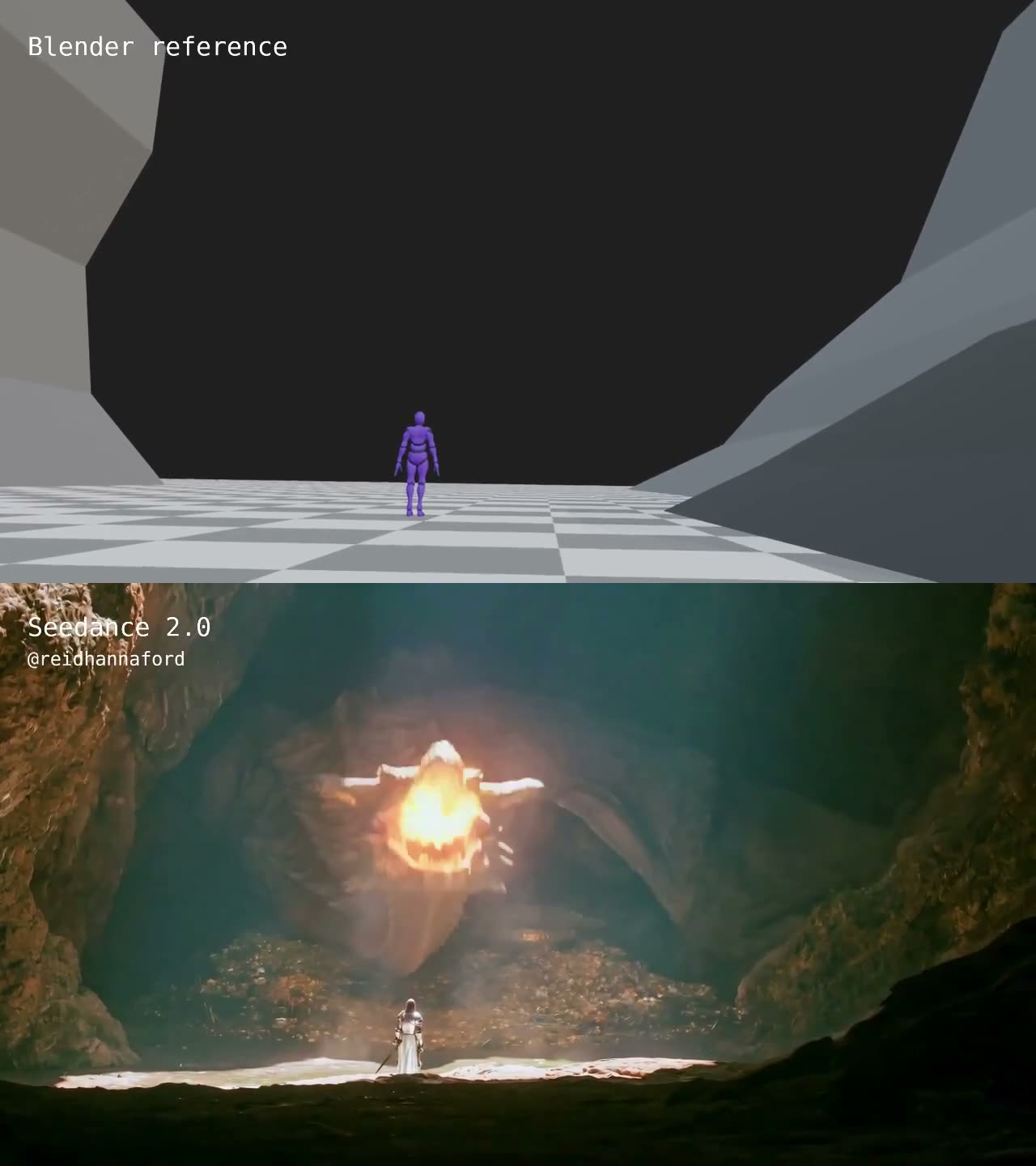
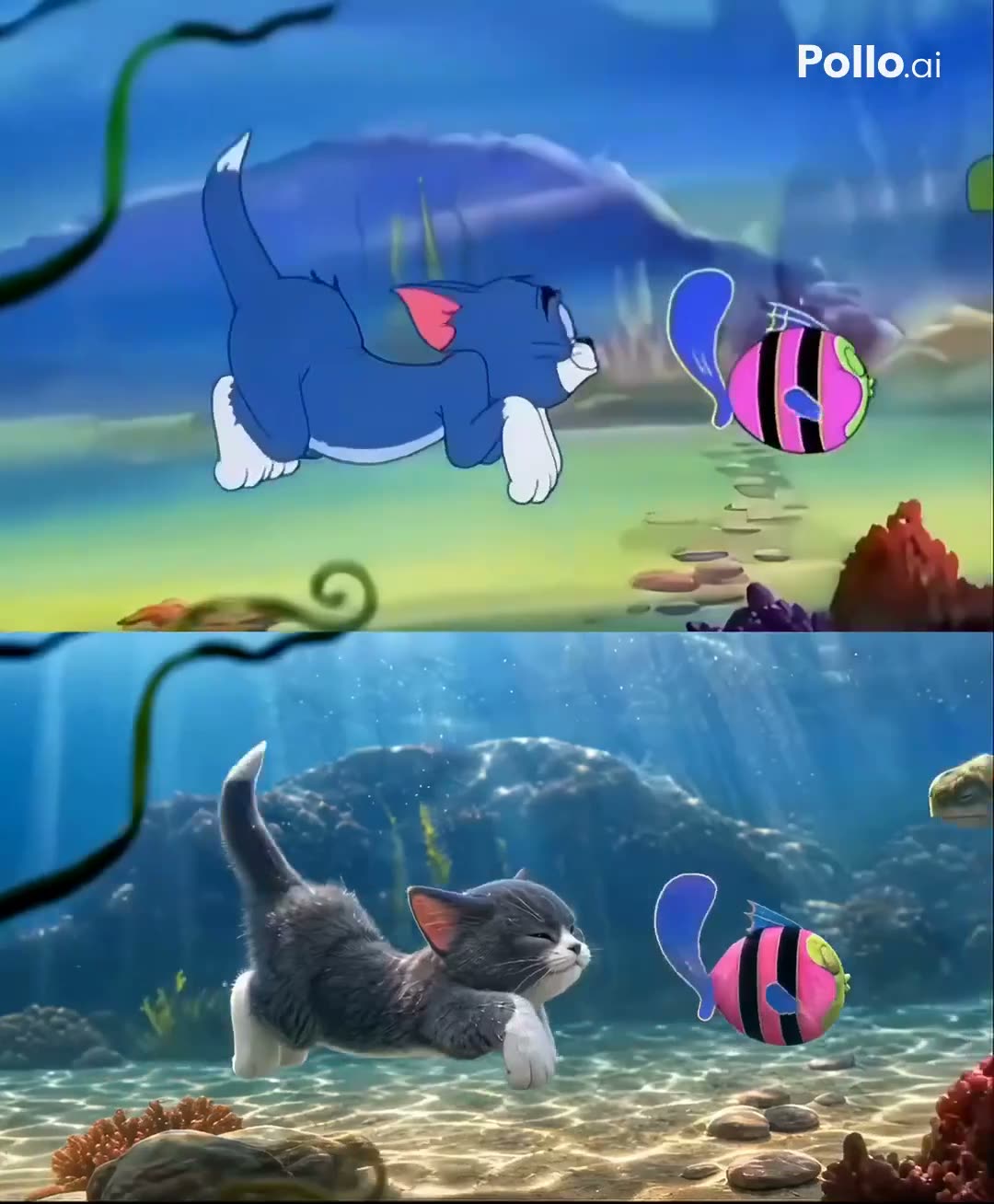
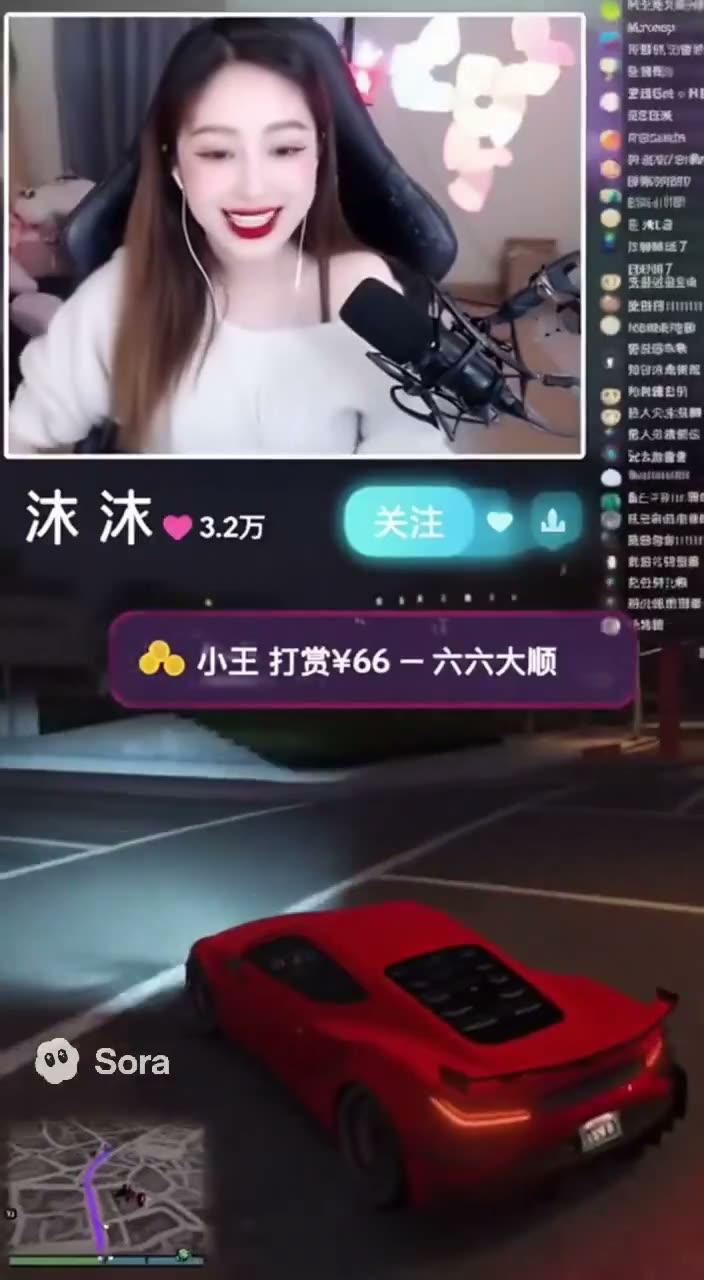
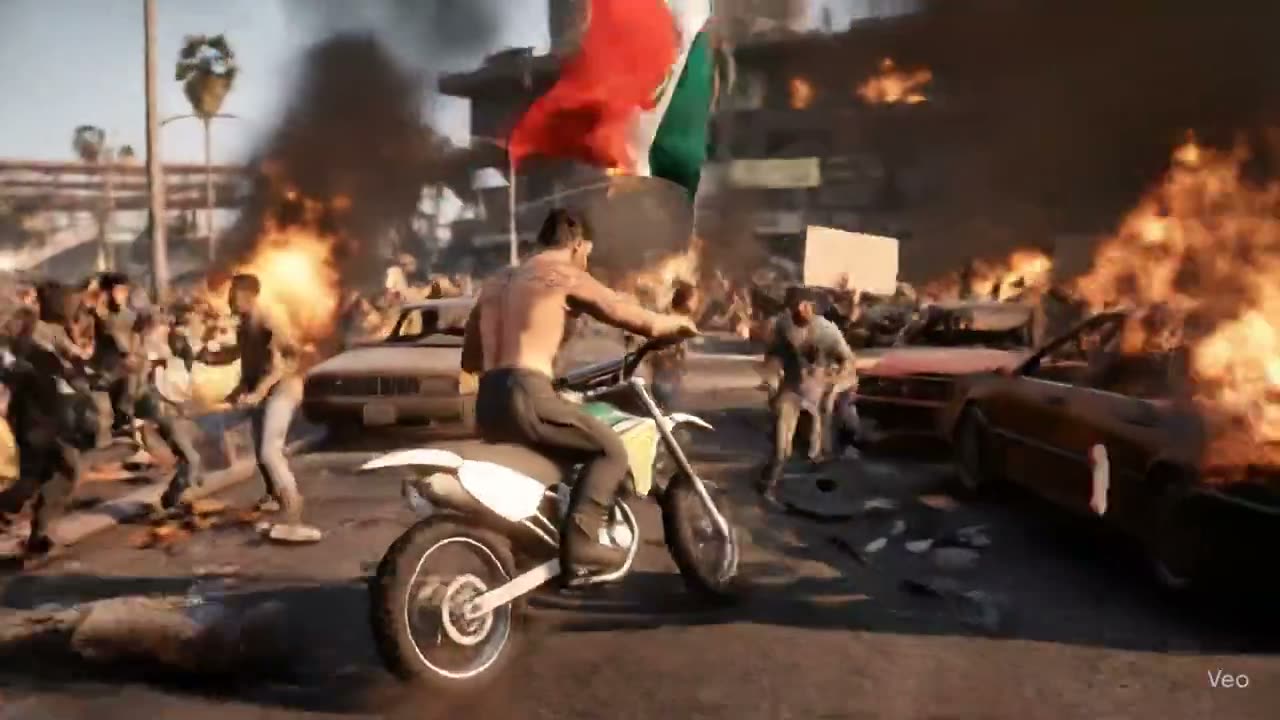
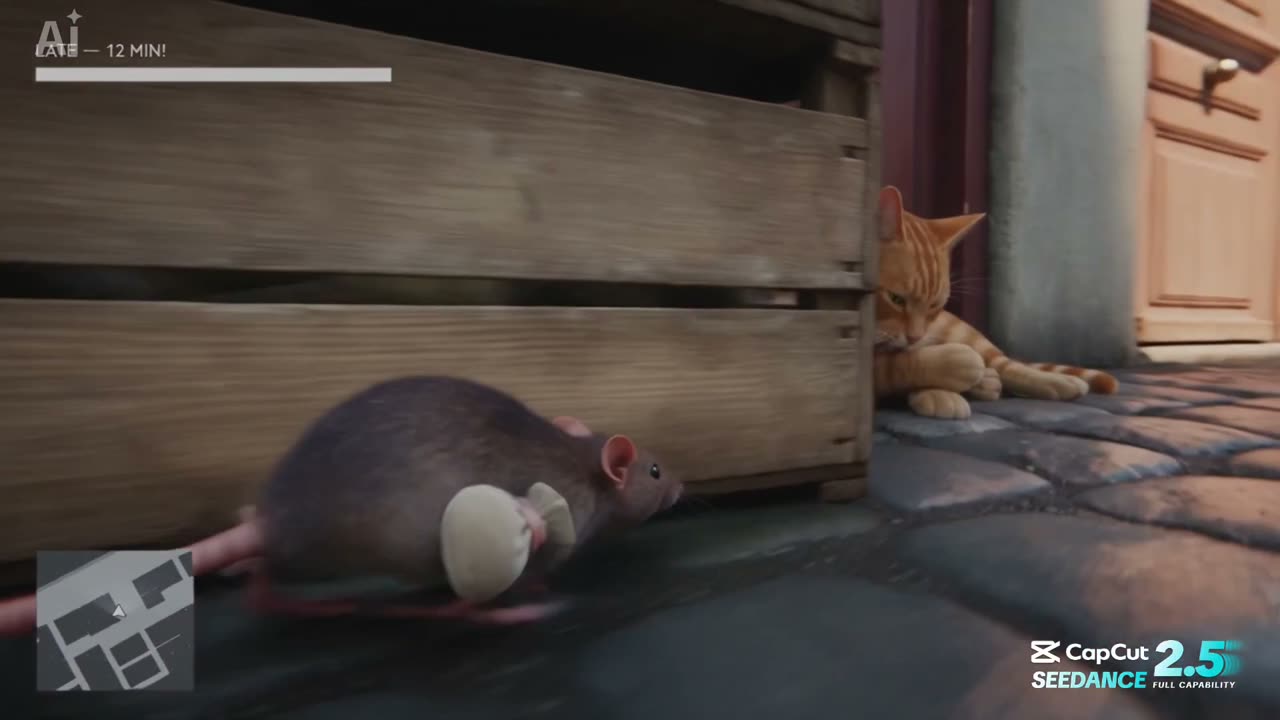
61 GTA-style video prompts from X — trailer shots, fake gameplay with a HUD, chases and mission parodies — each shown with the clip it made.
61 prompts61 clips
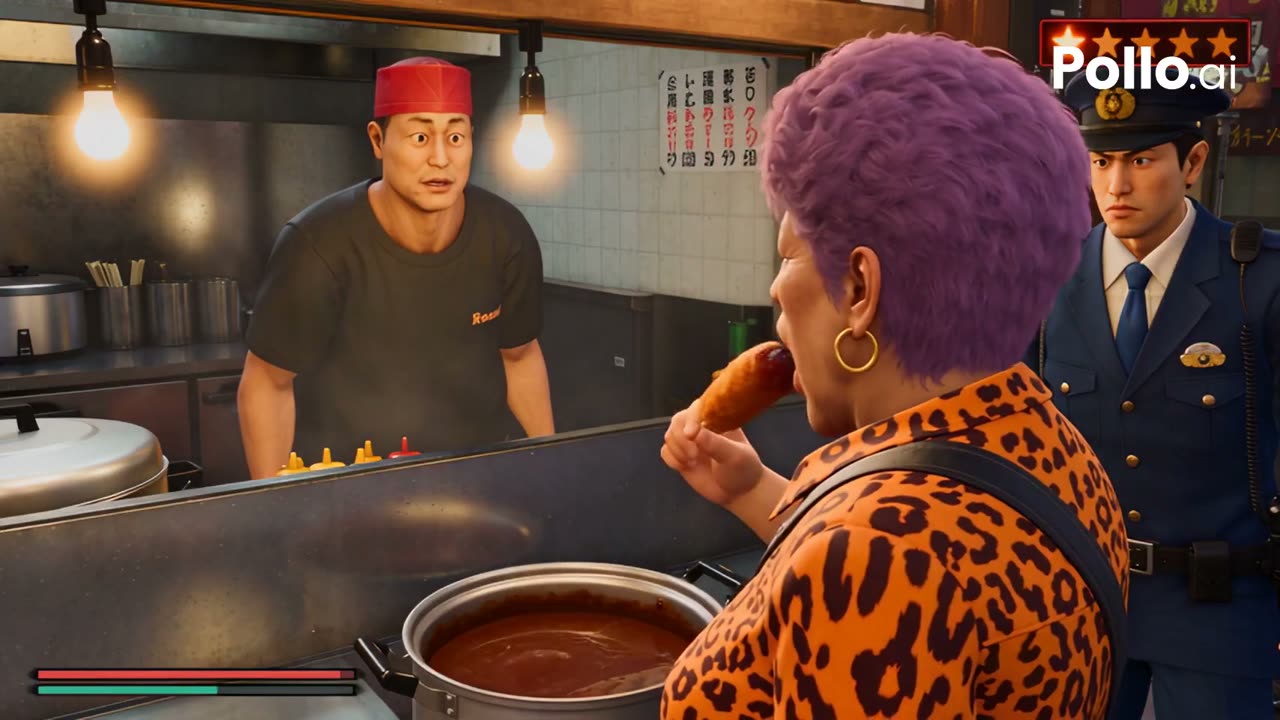
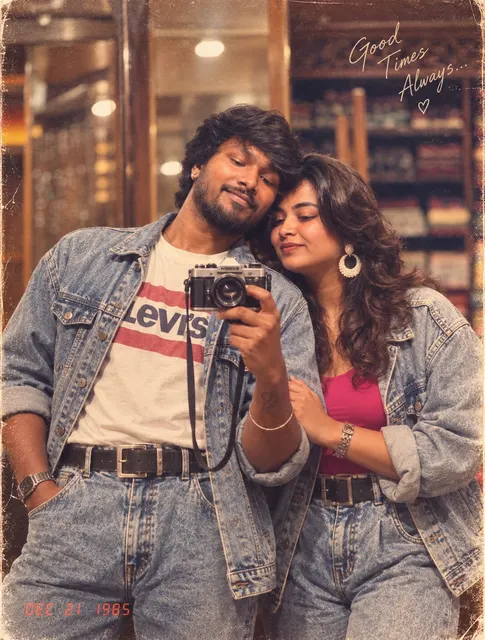
The most-shared 1980s photo prompts, each beside the photo its creator posted — pick one for your kind of photo and make yours from your own photo.
35 prompts35 photos
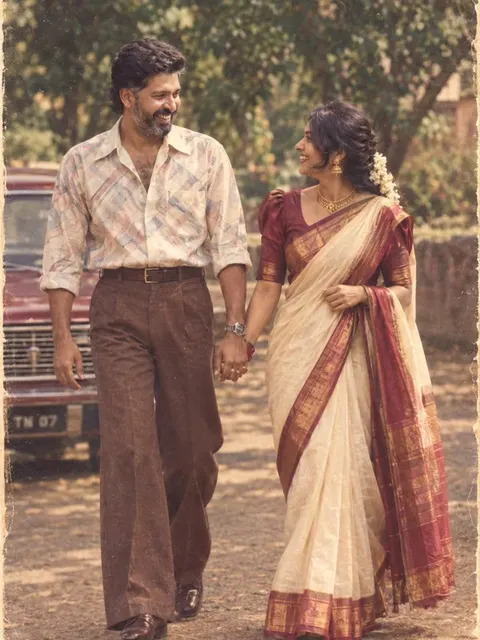
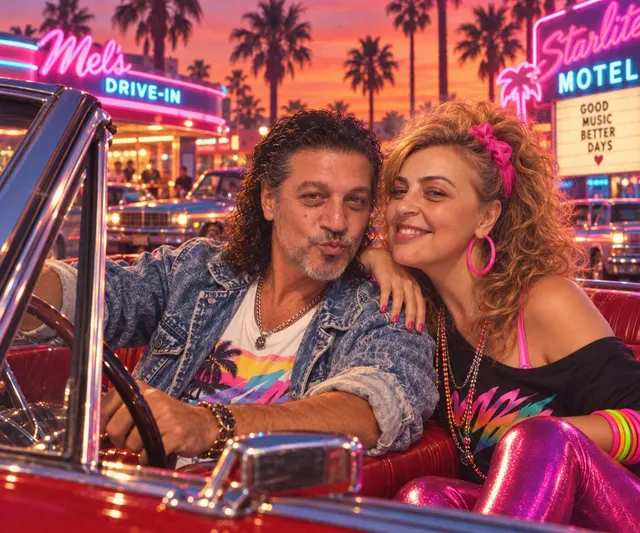
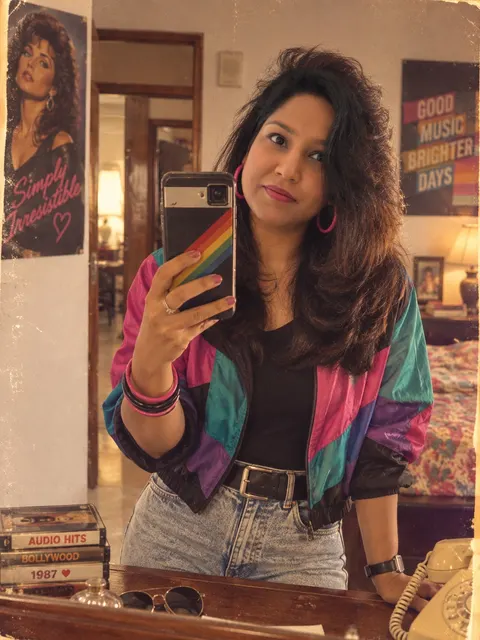
38 viral AI video prompts from X — zombie match cuts, time freezes, the STORM clone dance and more — each with the clip it made and its creator credited.
38 prompts38 clips
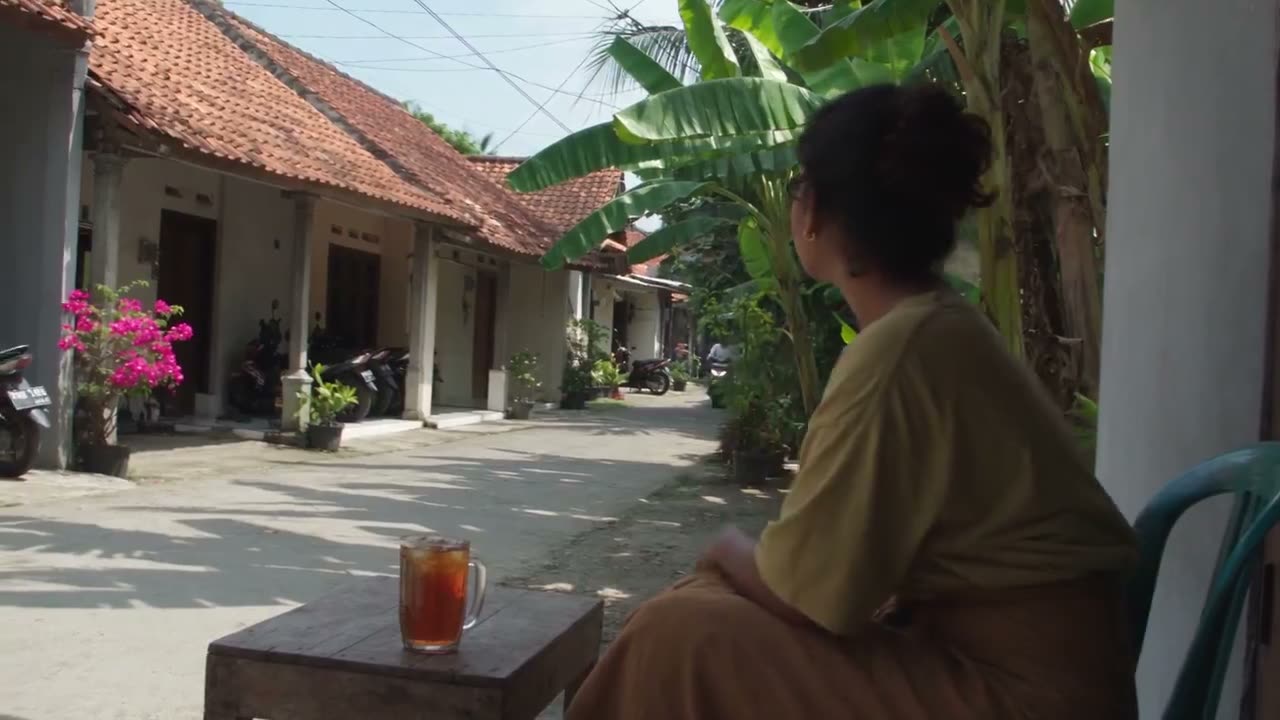
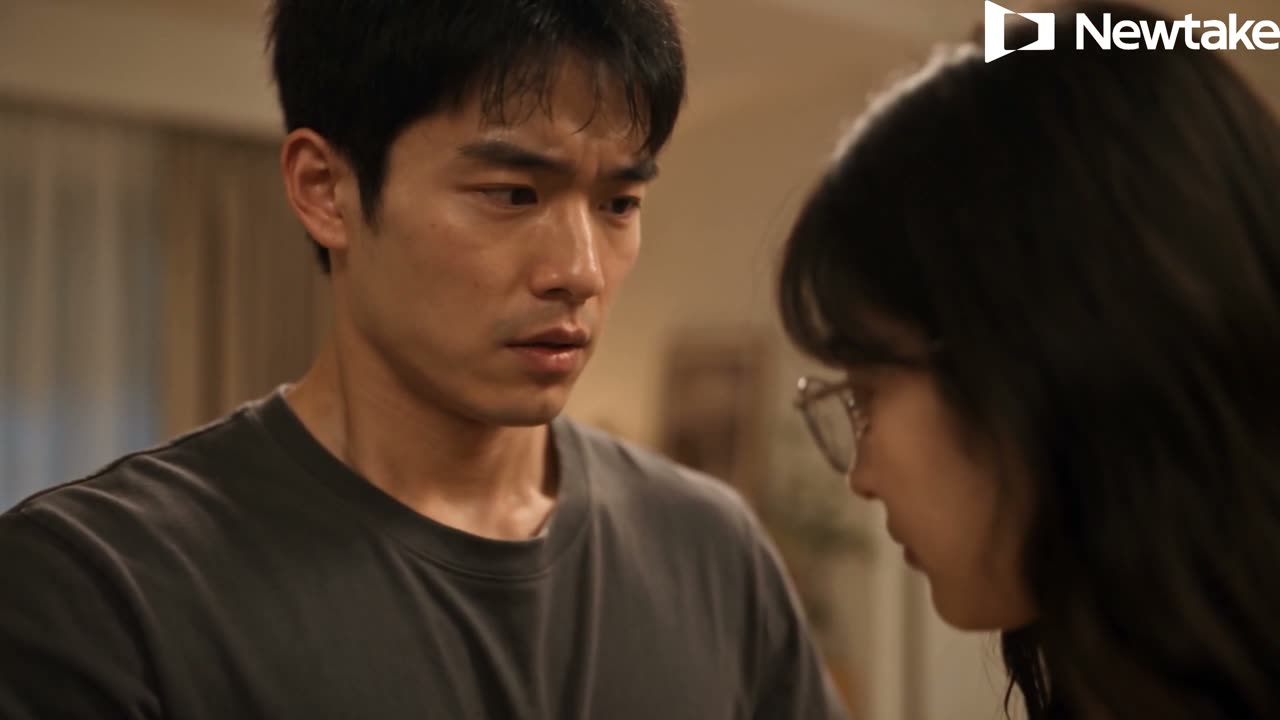
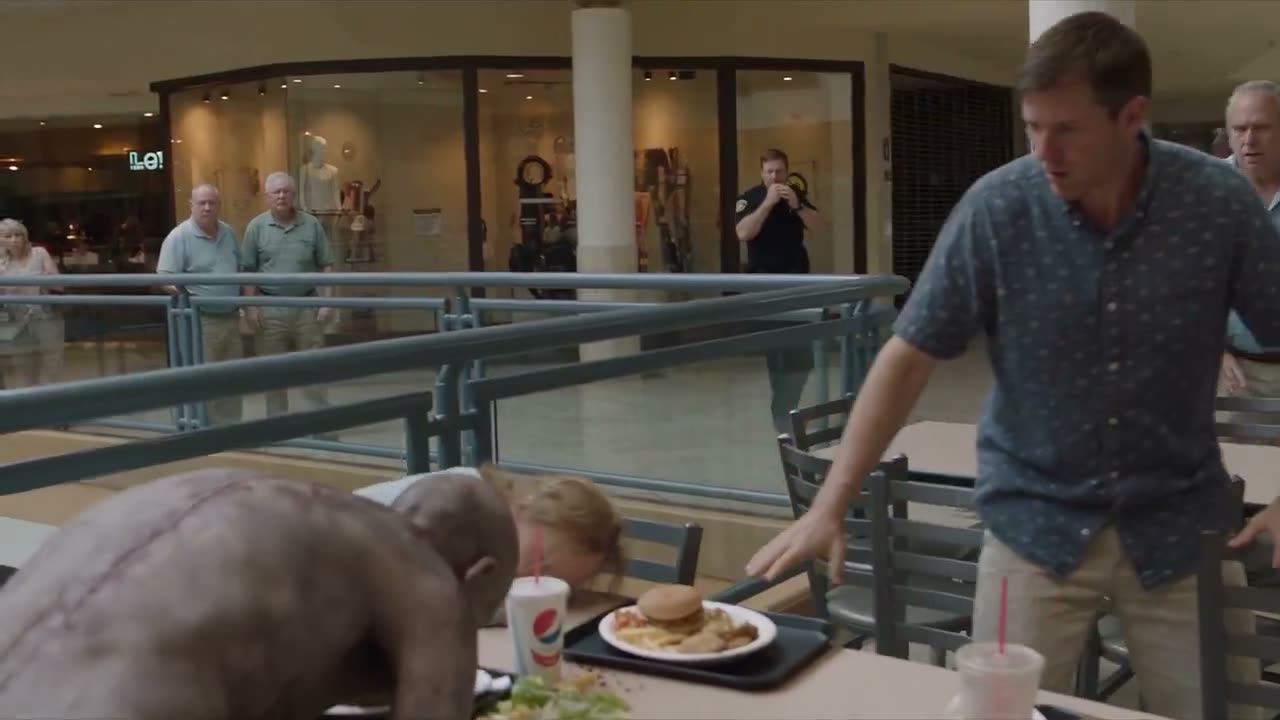
See the real video or image posted on X or Reddit right beside the creator's exact words. Our AI prompt library shows word-for-word prompts with creator credit and links to the original posts.
Find labels for Seedance 2.5, Seedance 2.0, or GPT Image 2.5 Sunburst or Flare so you run prompts on the exact model that made them. Our AI prompt library brings you new prompts every week to use in the Seedance 2.5 AI video maker.
Copy any prompt free, or press Use to load it right into the AI video maker or AI image generator on the page. Our AI prompt library lets you edit the words and sign up free with no credit card to get 40 starter credits.
Swap the subject and style, or type a line or two and press Enhance to turn your idea into a full prompt. Our AI prompt library lets you plug in up to 50 reference files for Seedance 2.5—30 images, 10 videos, and 10 audio clips—named by upload order like "the woman in Image 1".
Filter prompts by what they need, such as text only, images, or a reference video. Our AI prompt library organizes entries into video categories like Cinematic & Film and image categories like Photoreal & Portrait so you find the right look fast.
Copy prompt templates written like shot lists, with time beats, actions, and sound made together with the picture. Our AI prompt library shows the one line to change for a better result and links directly to our Seedance 2.5 prompt guide.
Bring your product photo and pick a proven prompt for UGC-style clips or social ad images. Build sales-ready ads in seconds, or try our AI Video Agent to turn a single sentence into a full video.
Browse Ad Prompts FreeFind the exact prompt behind trending AI video hits, music scenes, and dance clips across the web. Bring a photo of your subject and explore our Seedance prompt library to generate your own viral version.
Copy Creator Prompts FreeBring your characters and story ideas to create rich anime clips or narrative films. Generate continuous scenes of up to 30 seconds with matching sound using Seedance 2.5.
Explore Film Prompts FreeBring your concept or reference image to design sharp posters, infographics, and character sheets. Learn how to use GPT Image 2.5 prompts to get finished visuals on Sunburst or Flare.
Find Image Prompts FreeBring your Blender white model, grey blockout, or animated dummy and turn it into a finished video shot. Use our Seedance 2.5 Blender add-on and read our white model reference prompt guide to get started.
View Blender Prompts FreeSkip the blank prompt box and start with words that already produced a great clip. Pick any ready-made prompt from our free AI prompt library to get an exciting result right away.
Try Free Prompts NowPick a prompt by the real result it made, and filter by model or what you want to make.
Copy the prompt free or press Use, swap in your subject, and add your own reference files.
Generate on the same model with your 40 starter credits, and download your finished video or image.
The video and image models the libraries are written for. Each page opens the composer on that model with its own presets.
Pin first and last frames, guide renders with a reference image, and master in 1080p — free starter credits on sign-up.
The cheapest Seedance render on the site — 480p clips for 30 credits, free starter credits on sign-up.
Native synced audio, first/last-frame control, and multi-reference blending — free starter credits on sign-up.
Pin first and last frames, price every 720p take per second, and iterate all day — free starter credits on sign-up.
Generate 1K to 4K stills from a prompt on Google Nano Banana 2 — free starter credits on sign-up.
Generate stills from a prompt or reference on OpenAI GPT Image 2 — free starter credits on sign-up.
An AI prompt library is a collection of ready-made prompts you copy into an AI model to get a result. In our AI prompt library, every prompt sits next to the real video or image it made and names the model that created it. You see the finished result before you run the prompt.
Yes. Reading and copying every prompt in our free AI prompt library is completely free. Sign up free with no credit card to get 40 starter credits and run the prompts right away. You can also view our plans and credits to buy more generations at any time.
Video prompts run on Seedance 2.5 and Seedance 2.0, developed by the ByteDance Seed team. Image prompts run on OpenAI's GPT Image 2.5 as Sunburst or Flare. Every prompt names its exact model, and Seedance 2.5 creates 4 to 30 seconds of video with sound up to 1080p.
Yes. The subject, the camera moves and the shot structure carry over to another model or version. You can run prompts on our Seedance 2.0 AI video maker or read our Wan 3.0 prompt guide to adapt them for other generators. For the exact look in the example, run the prompt on the model named on its label with one press of Use.
Each prompt comes directly from its author on X or Reddit, posted alongside the video or image it made. Our AI prompt library shows the author's own words word for word, credits the creator and links the original post. We add new prompts every week so you always have fresh ideas.
Look through our AI prompt library by model and category. You will find the exact prompts behind many popular AI videos, ready to copy or run with Use. If you only have a rough idea, write a line or two and press Enhance to turn your thought into a full prompt.
Yes. Seedance 2.5 takes up to 50 reference files in one request: 30 images, 10 videos and 10 audio clips. Name each file in your prompt by its upload order and its job, such as 'the woman in Image 1'. You can explore the Seedance 2.5 prompt guide to see how multi-file prompting works.
Follow the official structure from ByteDance's Seedance 2.5 prompt guide. Write one sentence with the subject, place, action, style and camera move, then list your shots by time code or 'Shot 1, Shot 2', state what stays the same, and write the sound you want. Keep your text to 1,000 English words or fewer and read our Seedance 2.5 prompt guide for full examples.
No. When a render fails, the credits return to your balance automatically, so you pay only for renders that succeed. Use our Seedance 2.5 cost calculator to check your generation cost before you press generate.
Copy proven prompts right away or explore all AI video models and all AI image models to generate your next project with 40 starter credits.