

You get back a video you never asked for.
Change One Line in the Story Card and the Whole Ad Follows
Edit the story card — beats, camera, wardrobe, place — and it compiles straight into the next render. Your change reaches the video, word for word.
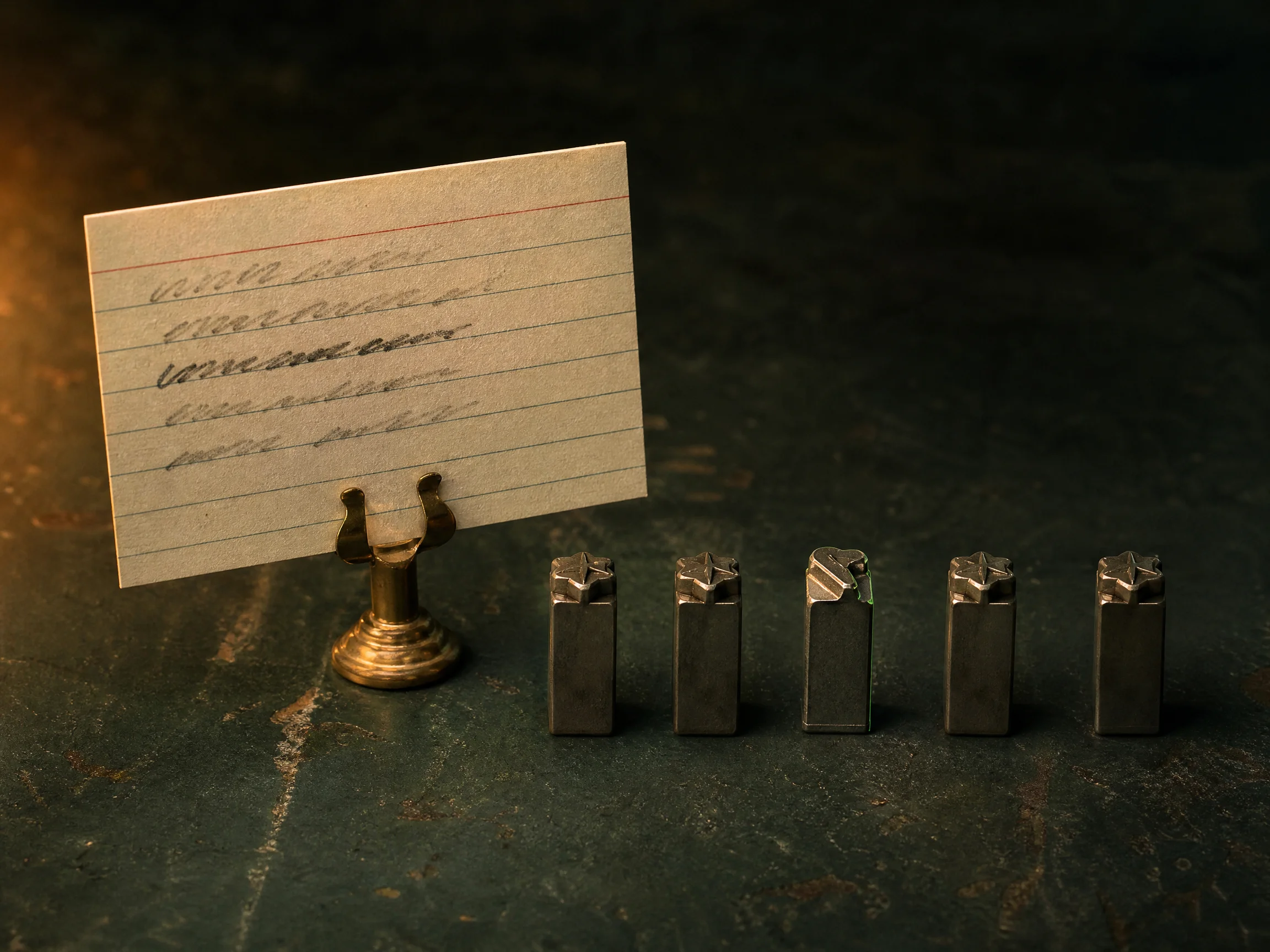
Write one sentence about the ad you need and attach a product photo if you have one. You get an editable story card, a storyboard for every beat, and a price card you press yourself. New accounts start with 40 credits.
40 starter credits on a new account · A price card before every paid render · Renders on Seedance 2.5 at 720p by default · Failed renders return your credits automatically
Your story card is the thing that renders, so every beat is yours to change. Edit a line, redraw a panel, or pin a subject with a reference sheet, and the AI video agent follows.
Edit the story card — beats, camera, wardrobe, place — and it compiles straight into the next render. Your change reaches the video, word for word.
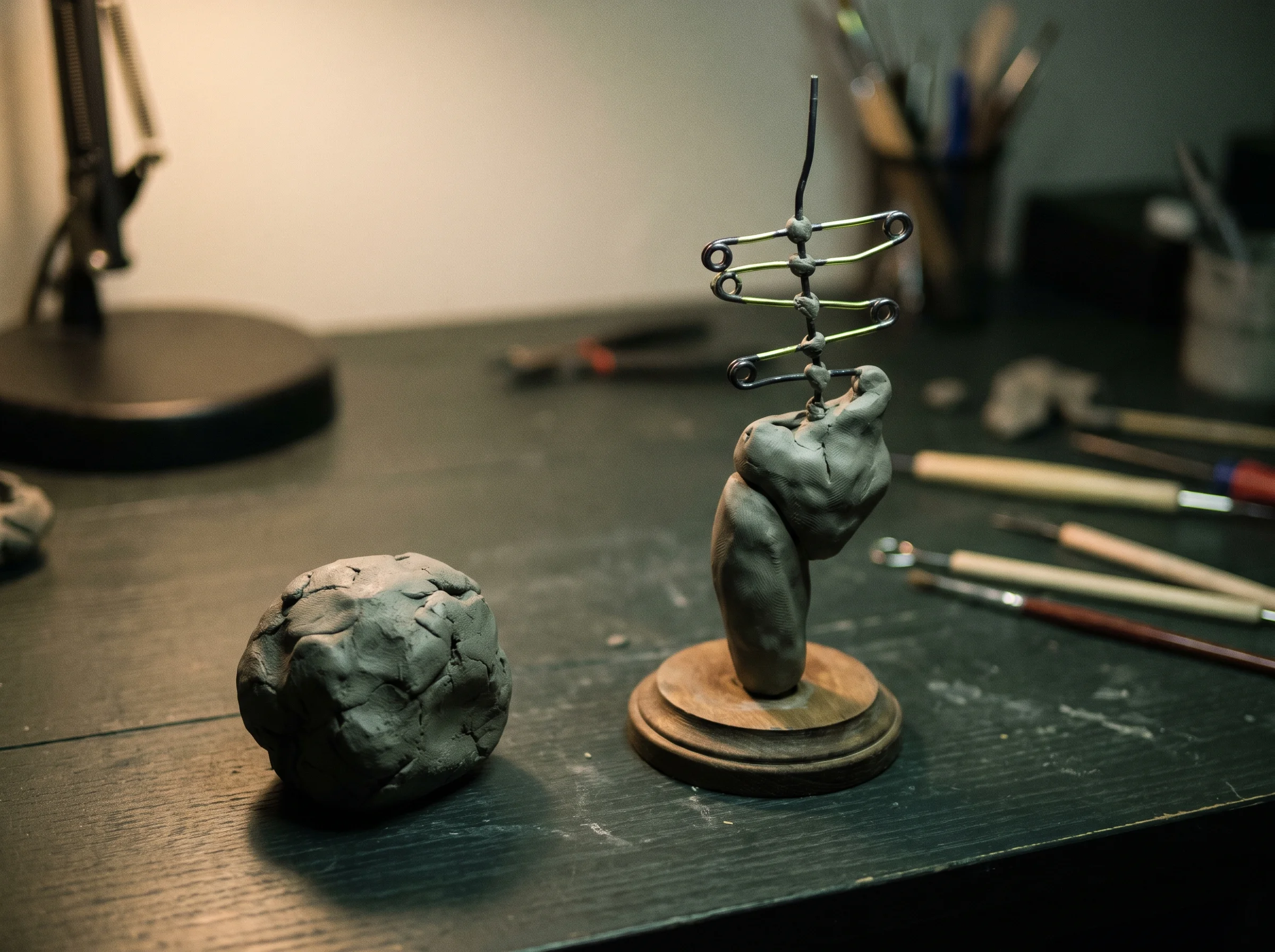
Send one brief and the agent picks a tested ad skeleton, then fills it beat by beat. You start from a real ad structure, never a blank box.
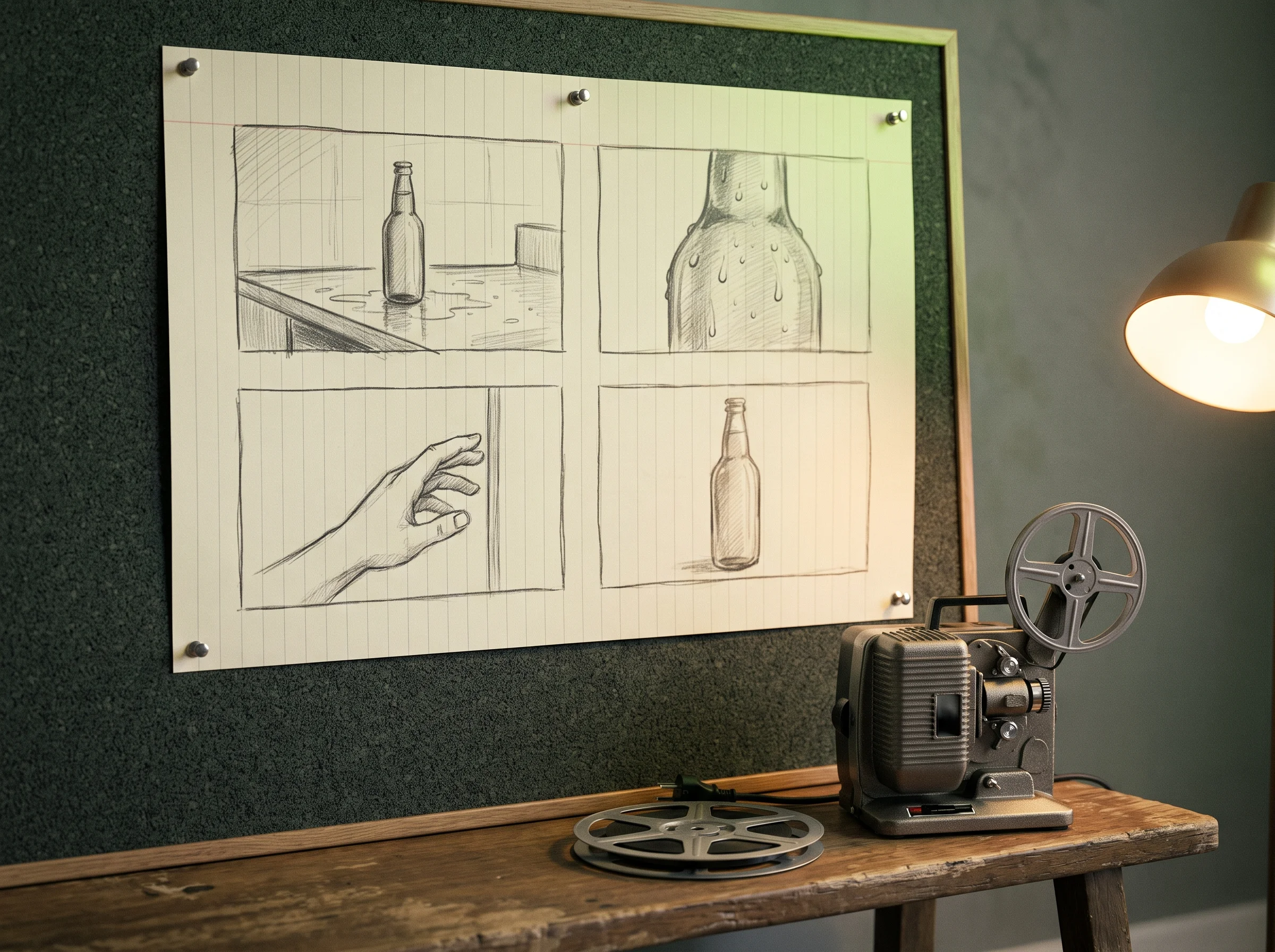
Look at a drawn frame for every beat first, built from the same reference sheets the render will use. You catch a wrong beat on a picture, not on a finished ad. Edit a beat and its panel goes stale, so you always know which one to redraw.
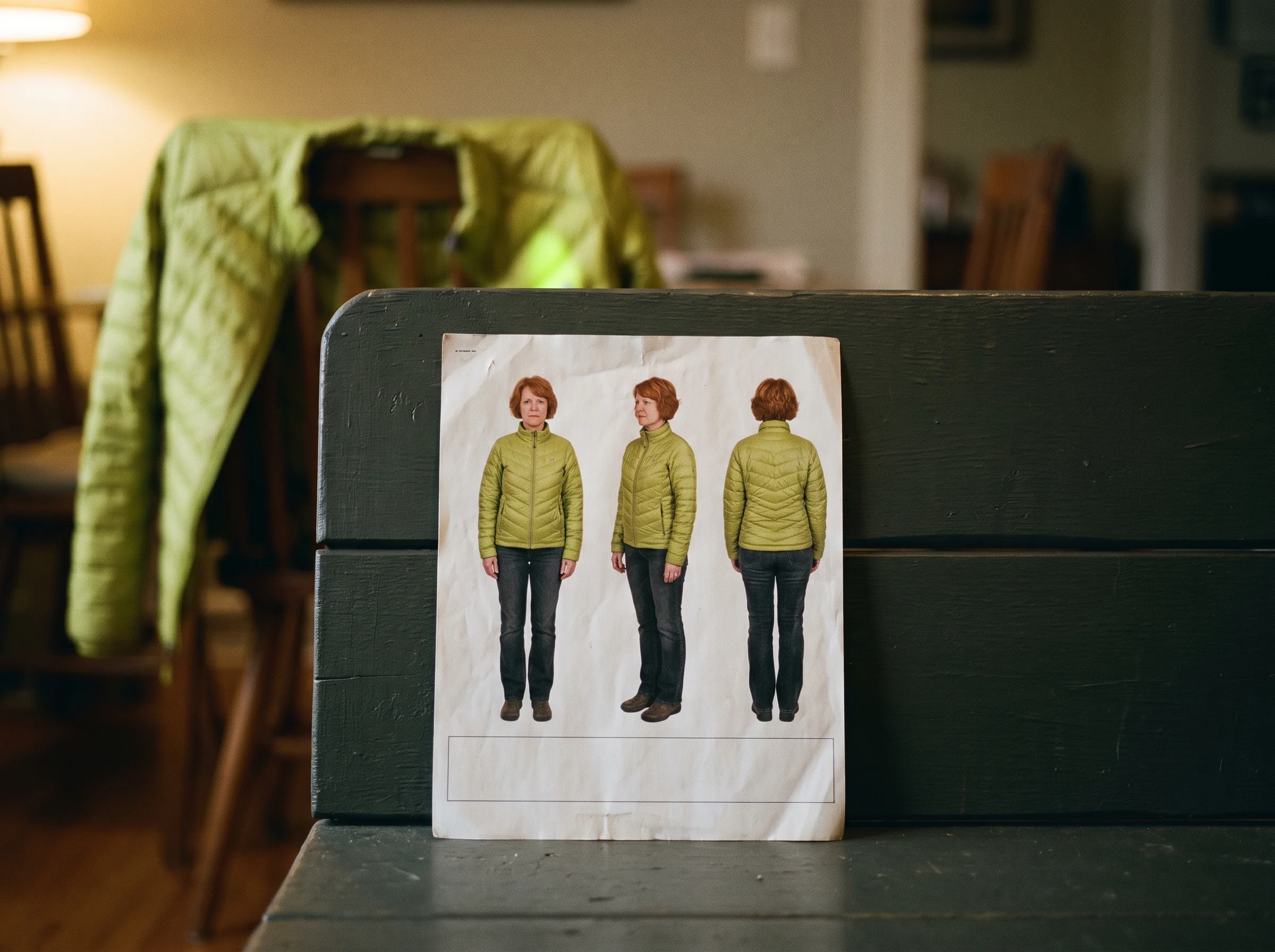
Pin each subject and place to a reference sheet, and no subject stays off screen more than two beats. You get one person, one product and one room, all the way through. You get a three-view sheet — front, three-quarter and back — for any subject you have no photo of.
Send it once and the whole ad renders in a single Seedance call, up to thirty seconds long. Your cut holds together because it was never cut apart. Go past thirty seconds, cross into another scene, or redo one beat, and it splits into clips.
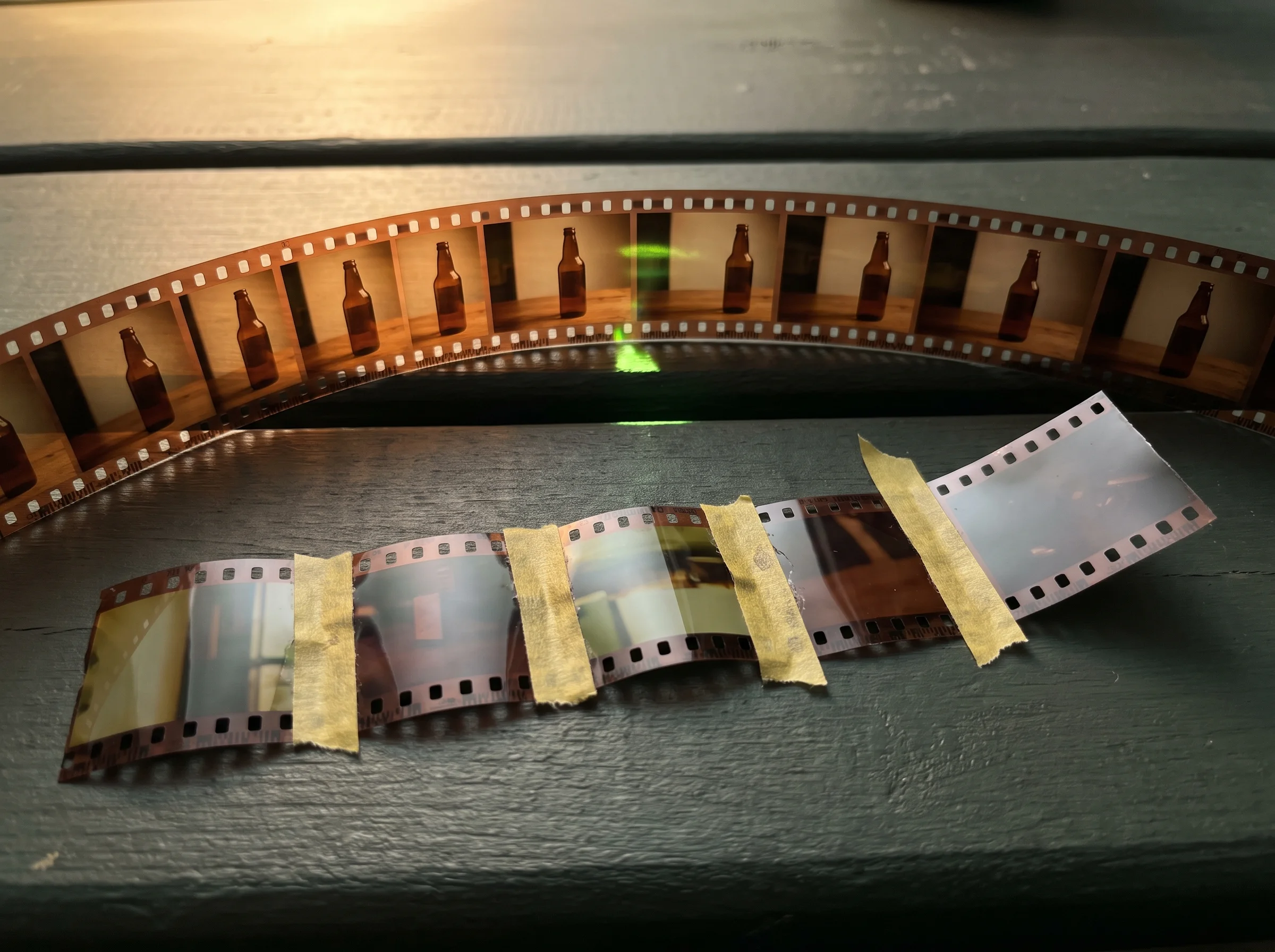
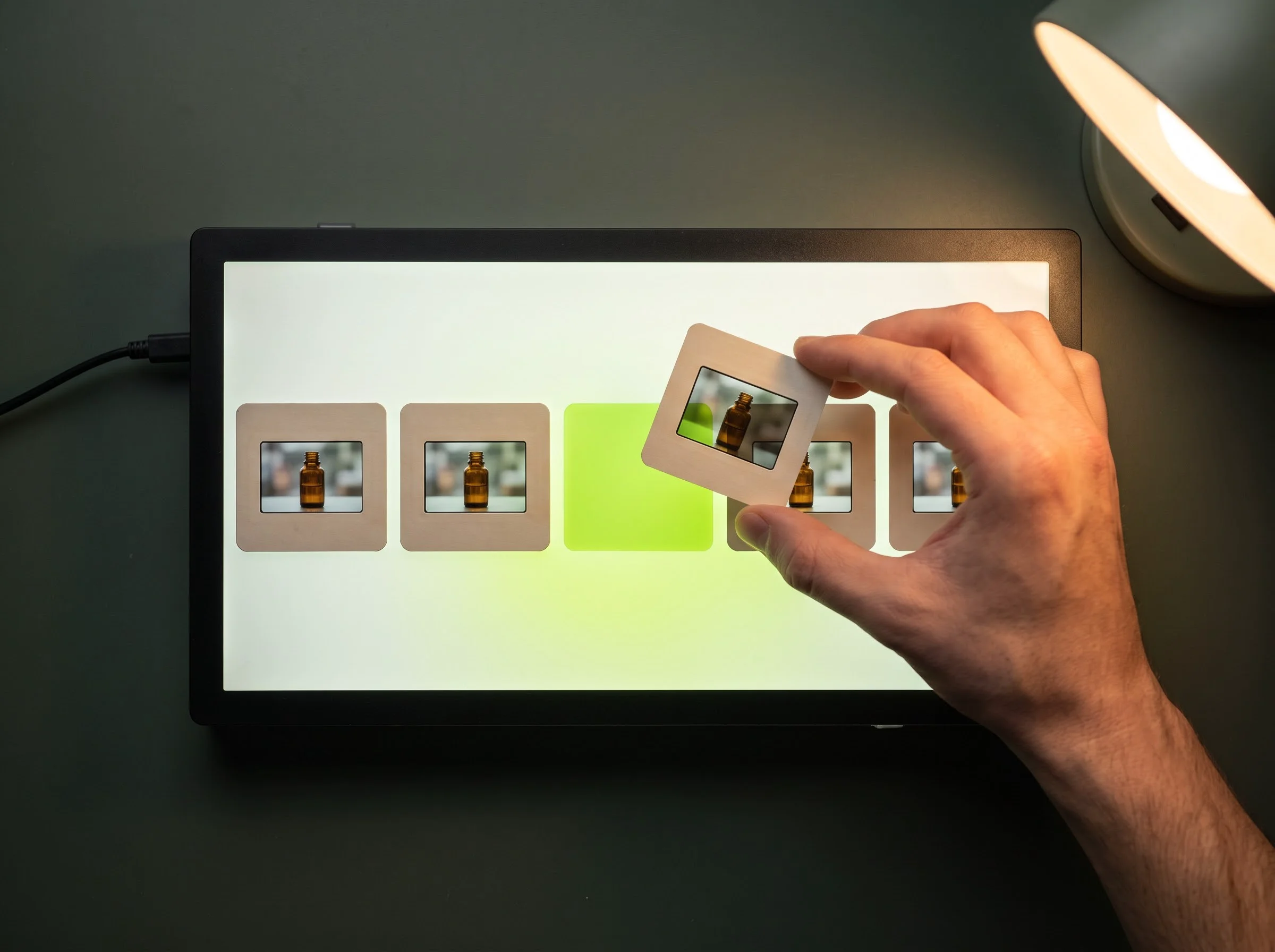
Ask for beat three again and only beat three re-renders, then drops back into the cut. You pay for one beat instead of a whole new ad.
You see a price card with Generate and Always allow before every paid render, and the planner has no confirm. You press the button, or nothing renders at all. Turn Always allow off again from the story card whenever you want the question back.
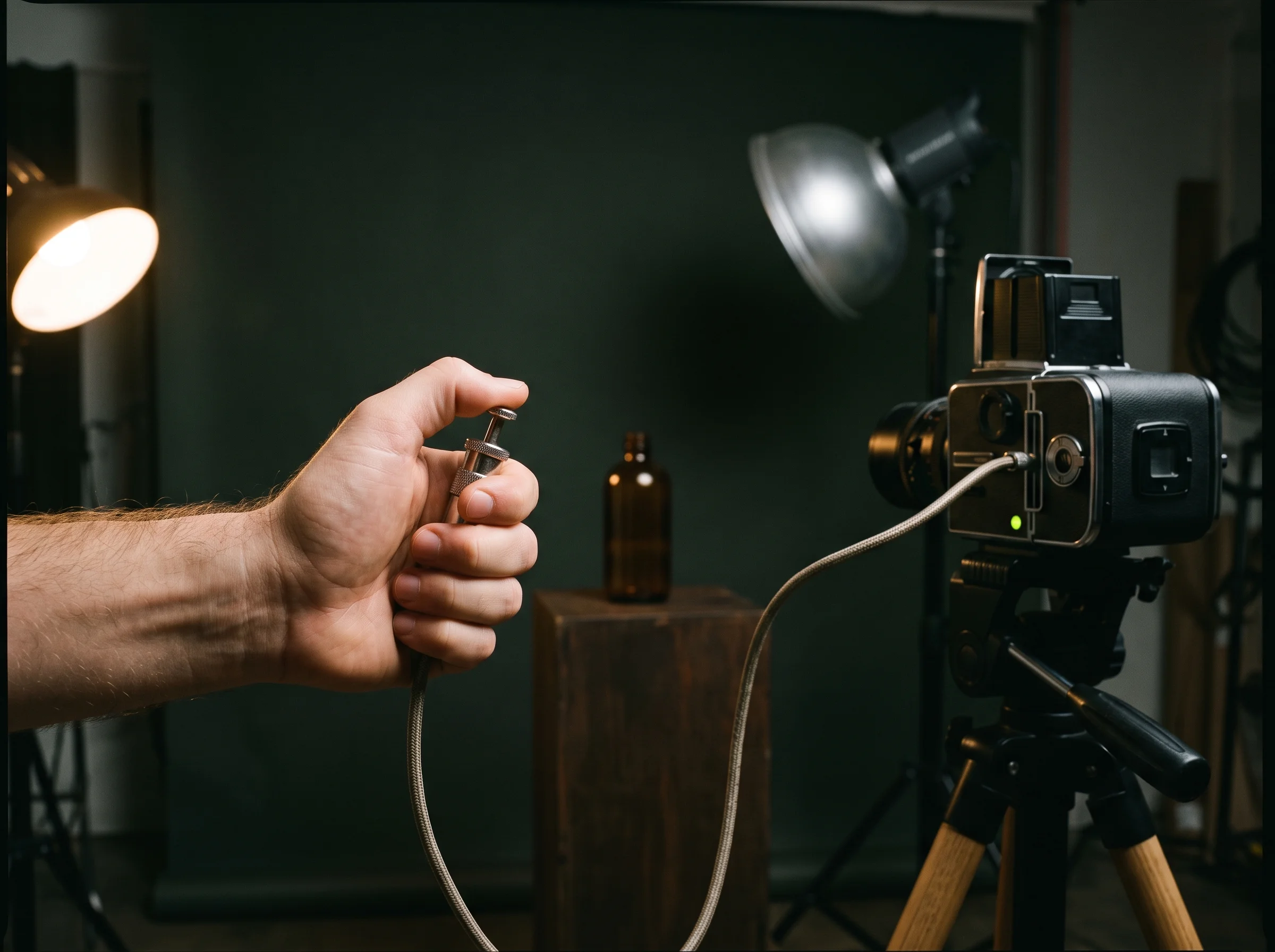
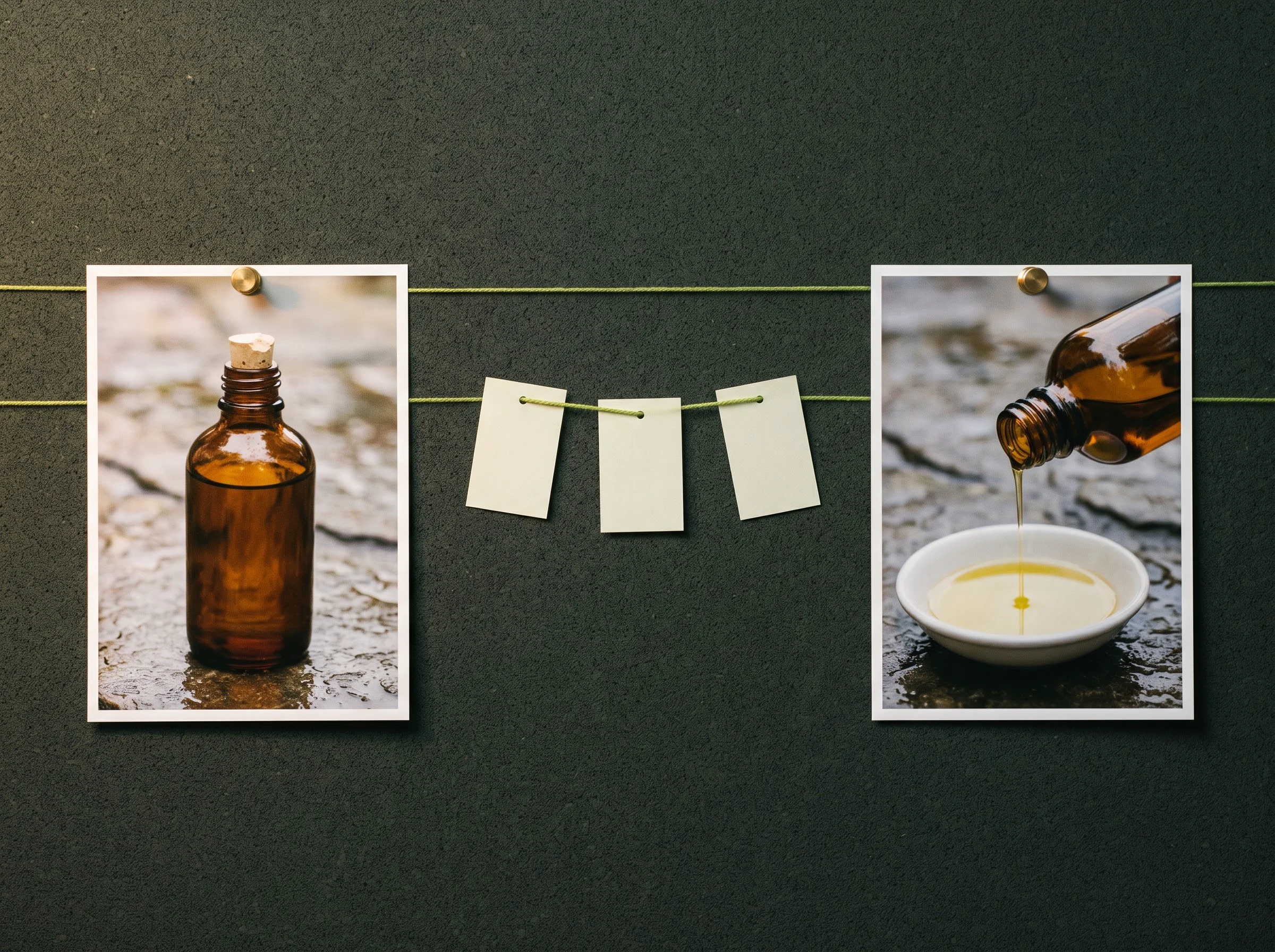
Switch on precise mode and each beat renders between two storyboard frames you already approved. You get the beat exactly as you drew it.
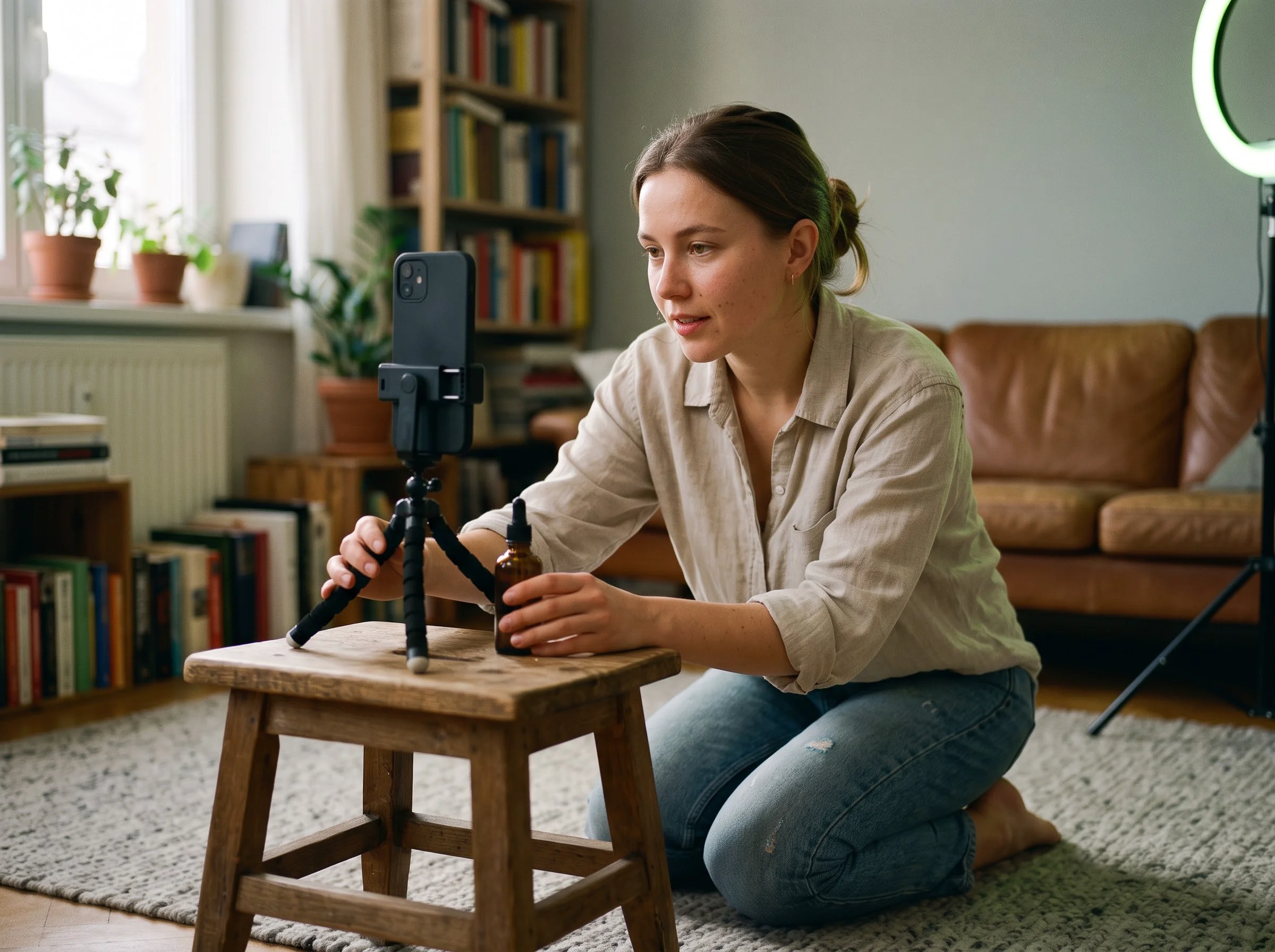
You have a product, a deadline and no crew. Describe the spot once, change the beat you do not like, and post the file the same afternoon.
Get a short product ad out of one photo and one sentence, with no crew and no editor. You attach the product photo, name the feeling you want, and get back a four-beat story card and a 20-second MP4 you can post.


Keep one person and one location recognisable from the first beat to the last. You upload a photo of yourself and the room, and reference sheets carry both into every beat of the finished cut.
Produce a UGC-style social ad with a hook, a product demo and a close, several times a week. You describe the hook and the product, and the agent fills a tested ad shape, then renders it at 9:16 for social.
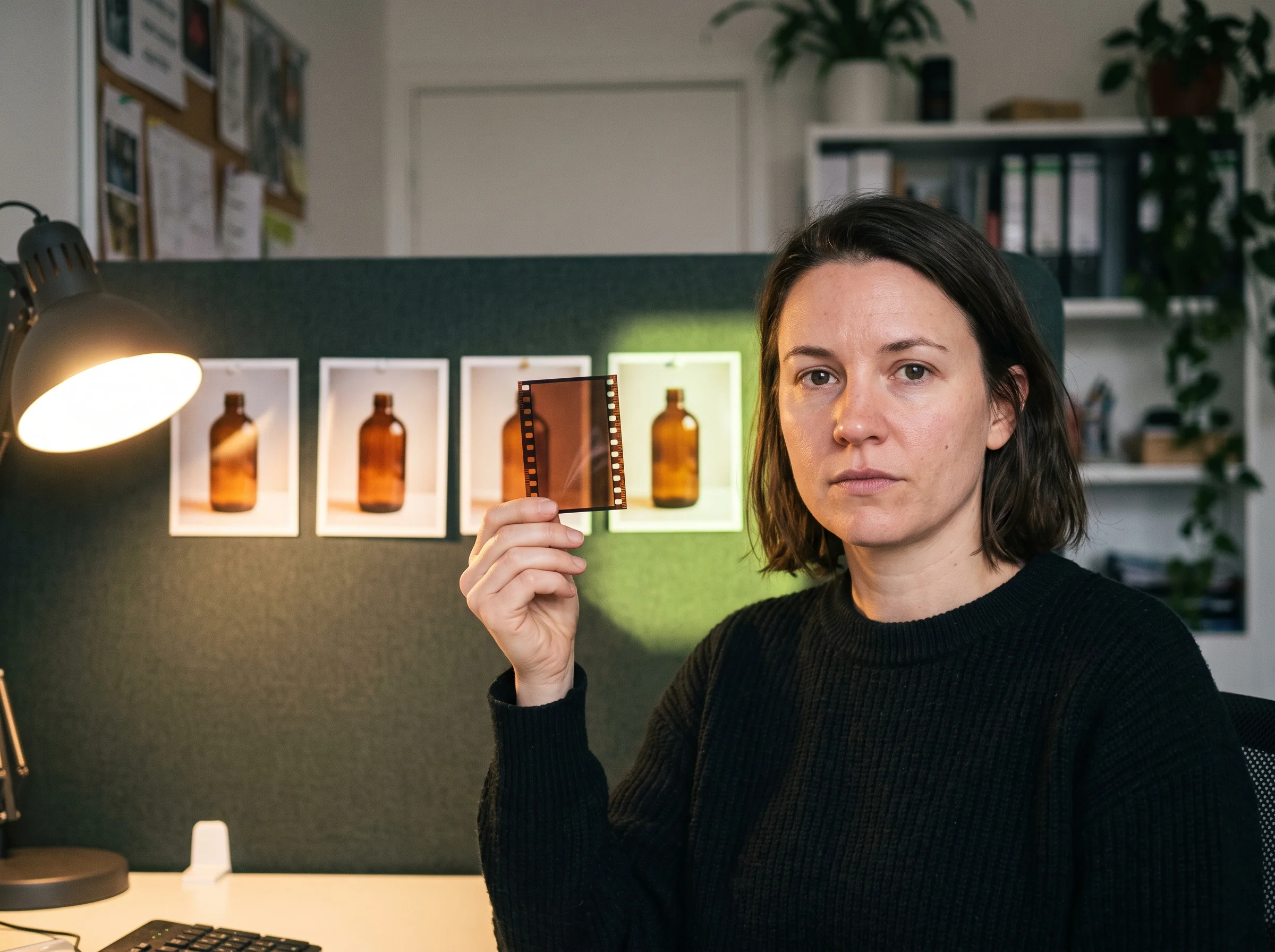
Fix a single wrong shot without paying to remake the whole video. You point at the beat that is wrong, and only that beat renders again before it drops back into the same cut.
You never spend on a guess. Every paid render stops on a card that names the cost, and the number on that card is the number that leaves your balance.
Sign up and 40 credits arrive on your balance. Drafting the story costs nothing at all — only rendering and the pictures the agent draws spend credits.
The quote and the charge are checked against the same request, so what you approved is what gets deducted.
A render is submitted only when a person presses Generate on the price card. The model has no way to answer on your behalf, and typing the word confirm does not start it.
If a render fails or is interrupted, the credits it was holding come back to your balance on their own.
The ad skeletons cap a story at five beats and bring every subject back within two beats, because identity drifts fast as the gap grows.
Close the tab and nothing you submitted is lost. A brief you never sent is not kept as a draft.
Every render runs on Seedance 2.5 at 720p unless you name a different model in the chat, and the text side runs on GLM-5.3 Flash.
Sorting the brief, writing the story and compiling the render do not spend credits.
Always allow is an account setting. A project set to confirm every step still asks you every time.
You own the photos and clips you upload and the video that comes back, commercial use per plan terms.
Use the same credits you already spend on the rest of Seadanse, and the agent draws on that one balance. New accounts start with 40 credits, and every quote appears before you commit.
Wondering what an agent actually does with your brief, or what happens when one beat lands wrong? These are the questions people ask before they start.
An AI video agent takes one plain-language brief and runs the whole job. It works out what you are advertising, picks an ad structure and writes the beats. Then it draws a storyboard and renders the video. People also call this autonomous video generation, or an AI agent for video creation. On Seadanse it is the Agent lane of the composer, and the story it writes stays editable the whole way through.
An AI video generator keeps you in the one-prompt-one-clip habit. You write a line, you get a clip, and you assemble the ad yourself. An AI video agent works one level up: it turns a brief into a shot list, holds the same subject across beats, and hands back the finished ad. The unit stops being a clip and becomes a video. AI video agents also carry state, so an edit to beat two survives into the next render.
Short ads. Product spots, founder stories, UGC-style social clips and unboxing beats are what the ad skeletons were built for. You get a video file to download and post yourself. It does not make talking-avatar presenters or long-form explainers.
No. Write the way you would brief a freelancer: what you sell, who it is for, how long it should run. The agent turns that into beats, camera notes and locked descriptions, and you edit the story card in the same plain words. You never write a render prompt yourself.
Seedance 2.5 at 720p by default. Name another model in the chat and the agent pins it for that project instead. The text side, which sorts the brief and writes the story, runs on GLM-5.3 Flash, and none of that planning spends credits.
Three things do it. Reference sheets lock each subject and location, so every beat renders from the same picture instead of a fresh guess. A subject with no photo gets a three-view sheet first: front, three-quarter and back. And no subject stays off screen for more than two beats, because identity drifts fast as the gap grows.
Yes. Turn on step-by-step confirmation and the agentic video workflow stops before every spend: the location plate, the subject sheets, the storyboard, then the render. Each stop shows its own price. Leave it off and the agent works straight through, still stopping at the render price card.
No. Ask for that beat again and only that beat re-renders, then drops back into the same cut. You pay for one beat, not for a new video. If a render fails outright, the credits it was holding come back on their own.
It depends on the model, the resolution and the length. The agent works the exact number out and shows it on a price card before anything is submitted. Drafting the story costs nothing. Open the pricing page or the cost calculator for plans and packs.
Drafting the story usually takes a minute or two. Storyboard panels add a few minutes on top. The render itself depends on the model and the length you picked, and the job keeps running if you close the tab.
No. You download the file and post it yourself. That is deliberate — nothing reaches your accounts without you, and the caption and the timing stay yours.
Yes. Attach a JPG, PNG, WebP, MP4 or MOV, or paste a product link on its own line. Whatever you attach becomes the reference the beats are built from, so your real product turns up in the ad.
Every page here runs the real models in your browser — jump to the one that matches the clip you have in mind.
You already have the product and the sentence. Hand both to the AI video agent, look at the storyboard it draws, and press Generate when the price looks right.