
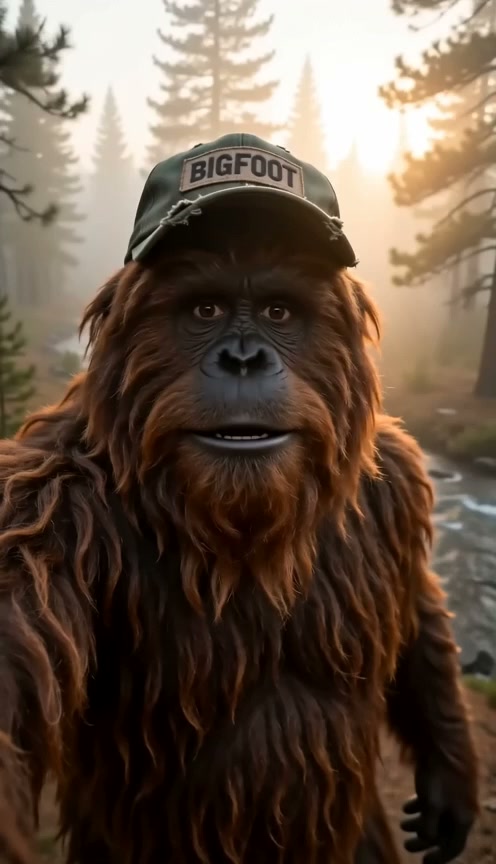
Hear Bigfoot Speak Your Exact Words
Put your lines in double quotes to watch him speak with lips in sync. Our Bigfoot video generator creates his voice, sound effects and forest ambience in one render through Google DeepMind's Veo.
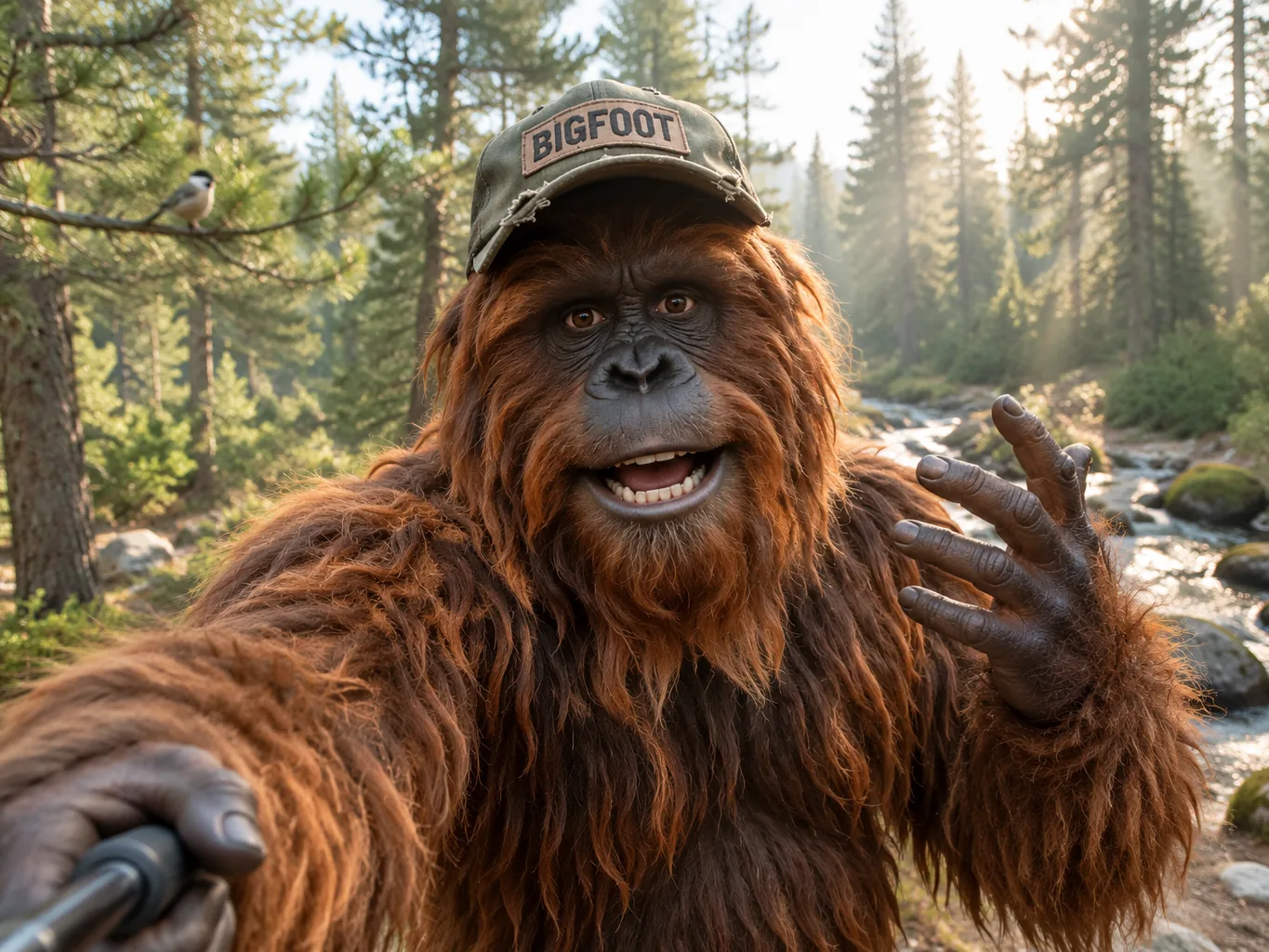
Make your own viral talking Bigfoot vlog right in your browser. Type your joke into our Bigfoot video generator and get an 8-second vertical vlog with his voice and forest sound.
Our Bigfoot video generator gives you a ready prompt in the box, so you can swap the line in double quotes or write a new scene to make your vlog.
Sign in and write a line or two first — Enhance rewrites what you have.
Put your lines in double quotes to watch him speak with lips in sync. Our Bigfoot video generator creates his voice, sound effects and forest ambience in one render through Google DeepMind's Veo.
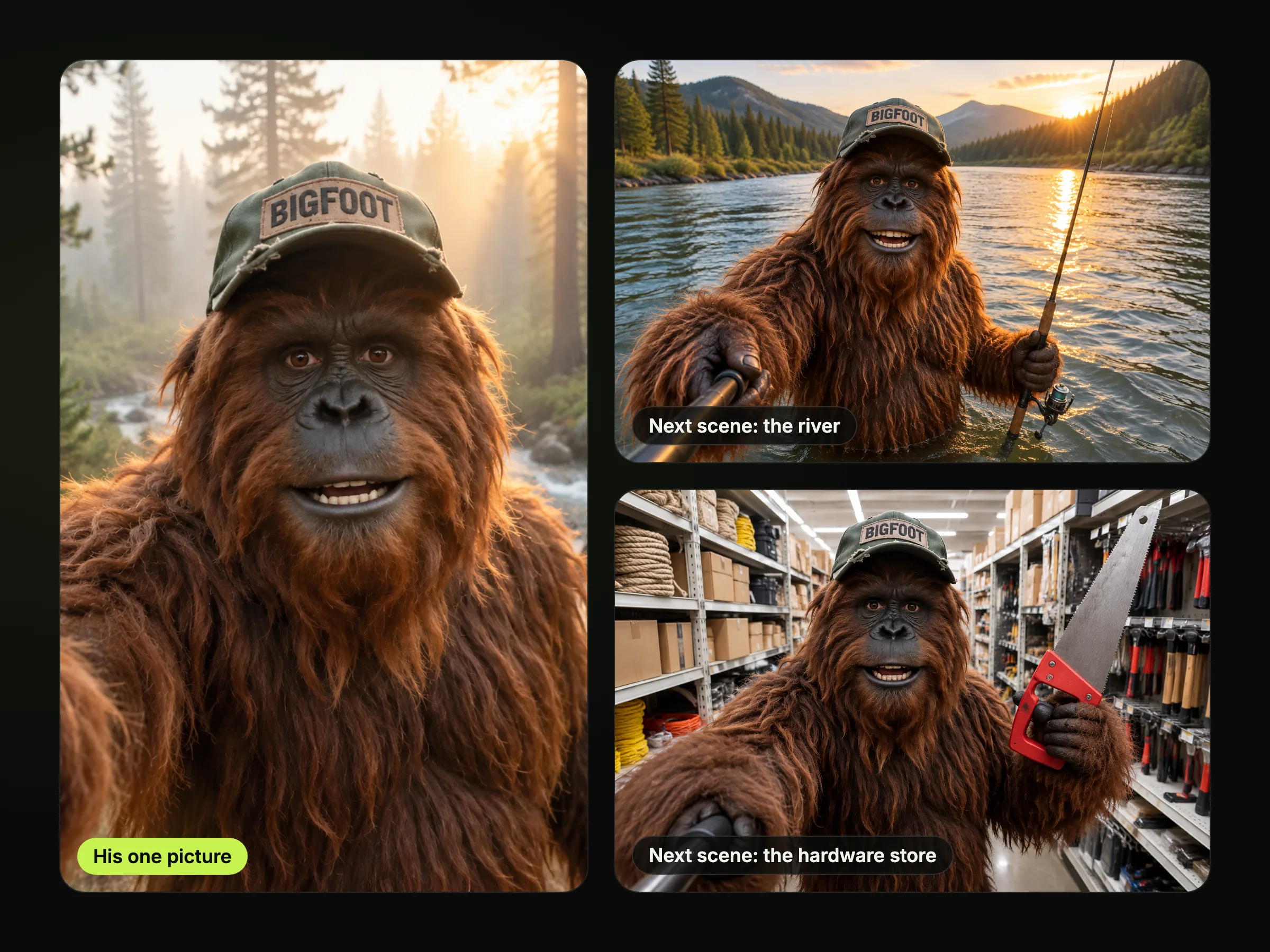
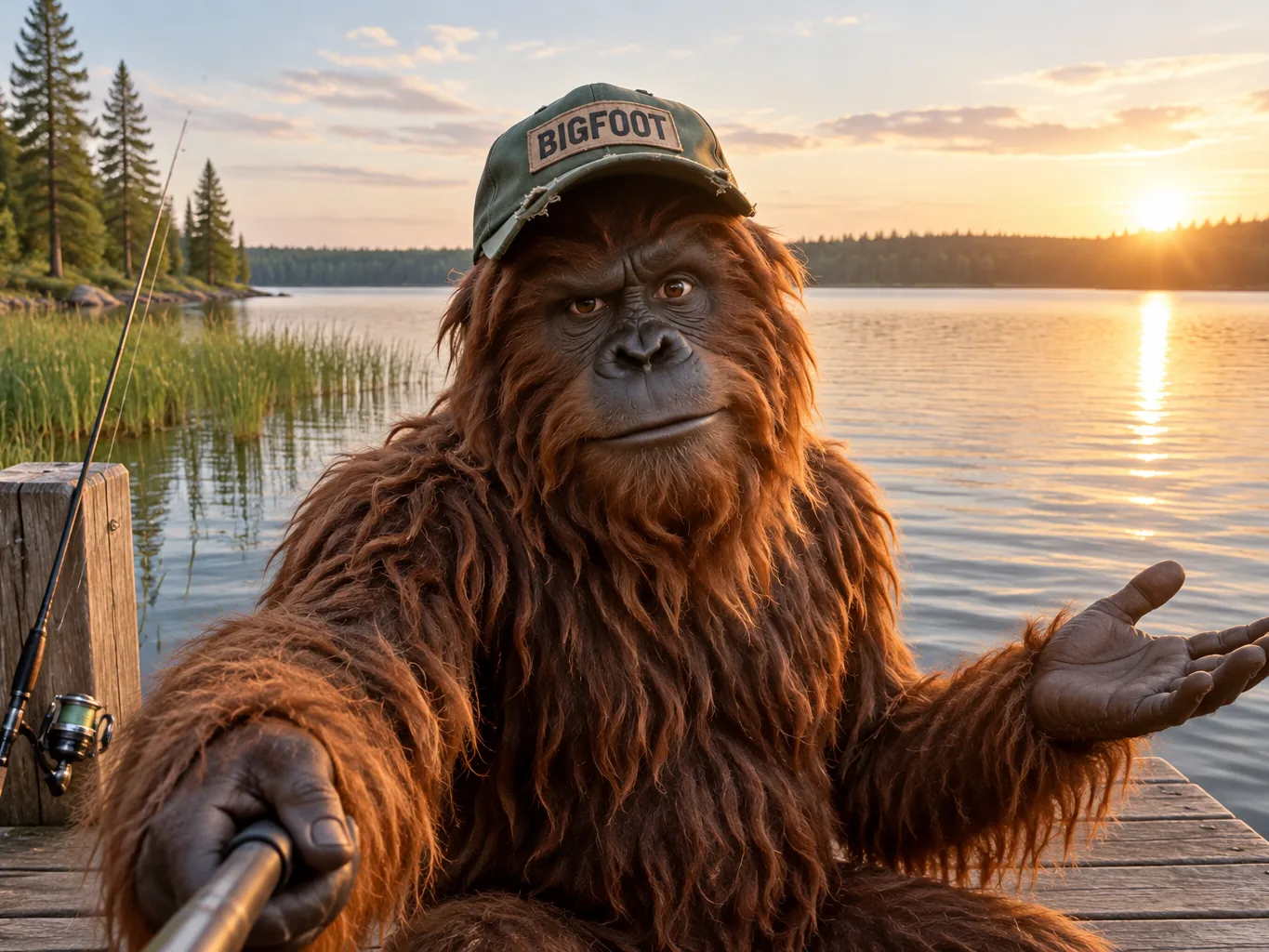
Start every clip from the same picture of your Bigfoot as your first frame, or draw one with our Nano Banana 2 image generator. Our Bigfoot video generator pairs that first frame with one fixed description so he keeps his cap and fur across every scene.
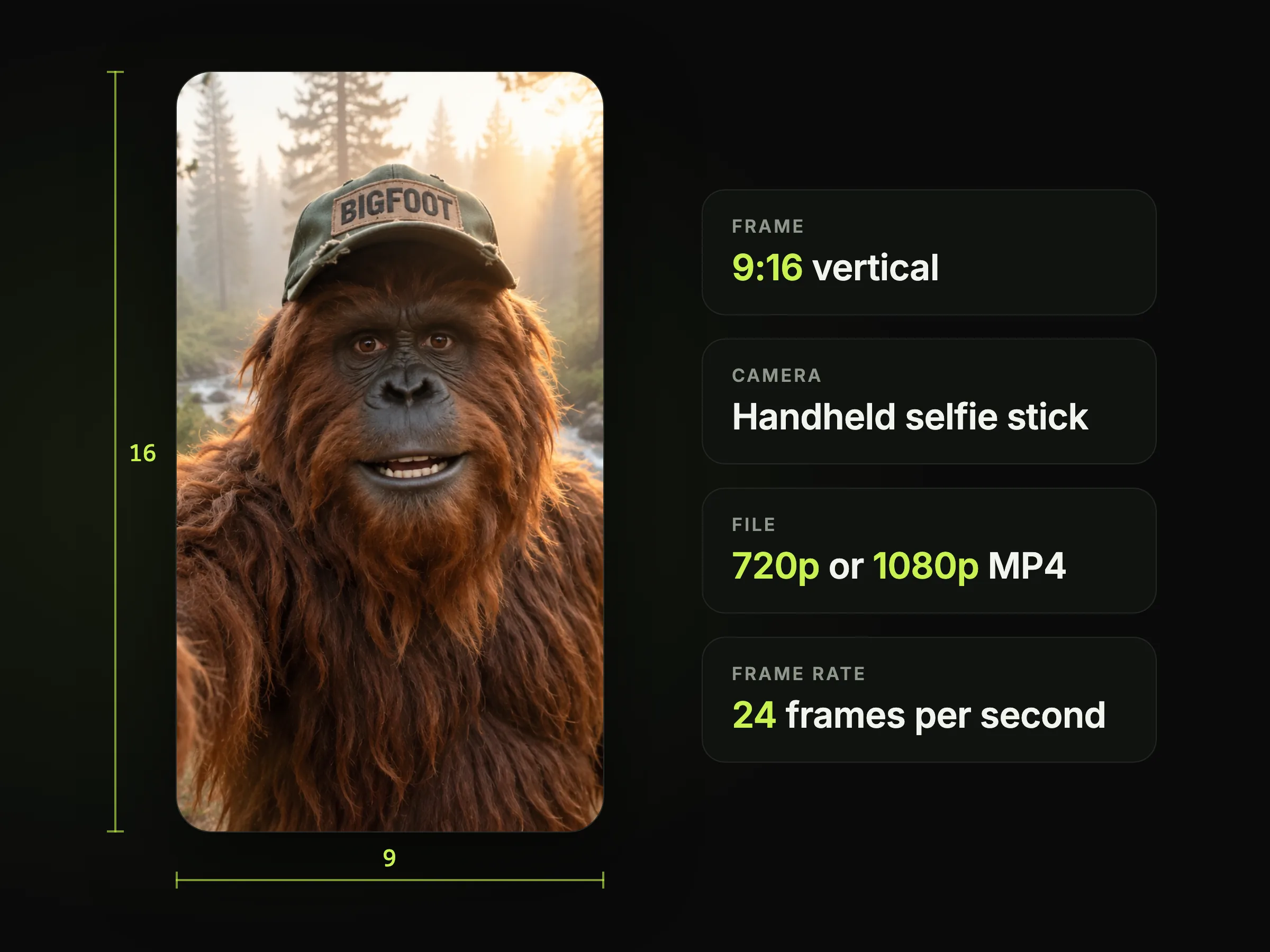
Film vertical 9:16 clips with lifelike fur and natural handheld shake from a selfie-stick angle. Our Bigfoot video generator makes crisp 720p or 1080p MP4 videos at 24 frames per second that fit right onto TikTok, Reels and Shorts.

Create your videos with Veo 3.1 AI video maker, the upgraded model behind the viral vlogs. Our Bigfoot video generator lets you run Veo 3.1 Fast or Veo 3.1 Quality without any Google plan or API key.
Craft scenes up to 30 seconds in a single generation with Seedance 2.5 AI video maker and time marks like 0-5s. Our Bigfoot video generator keeps your character's voice and look locked from the first word to the last.
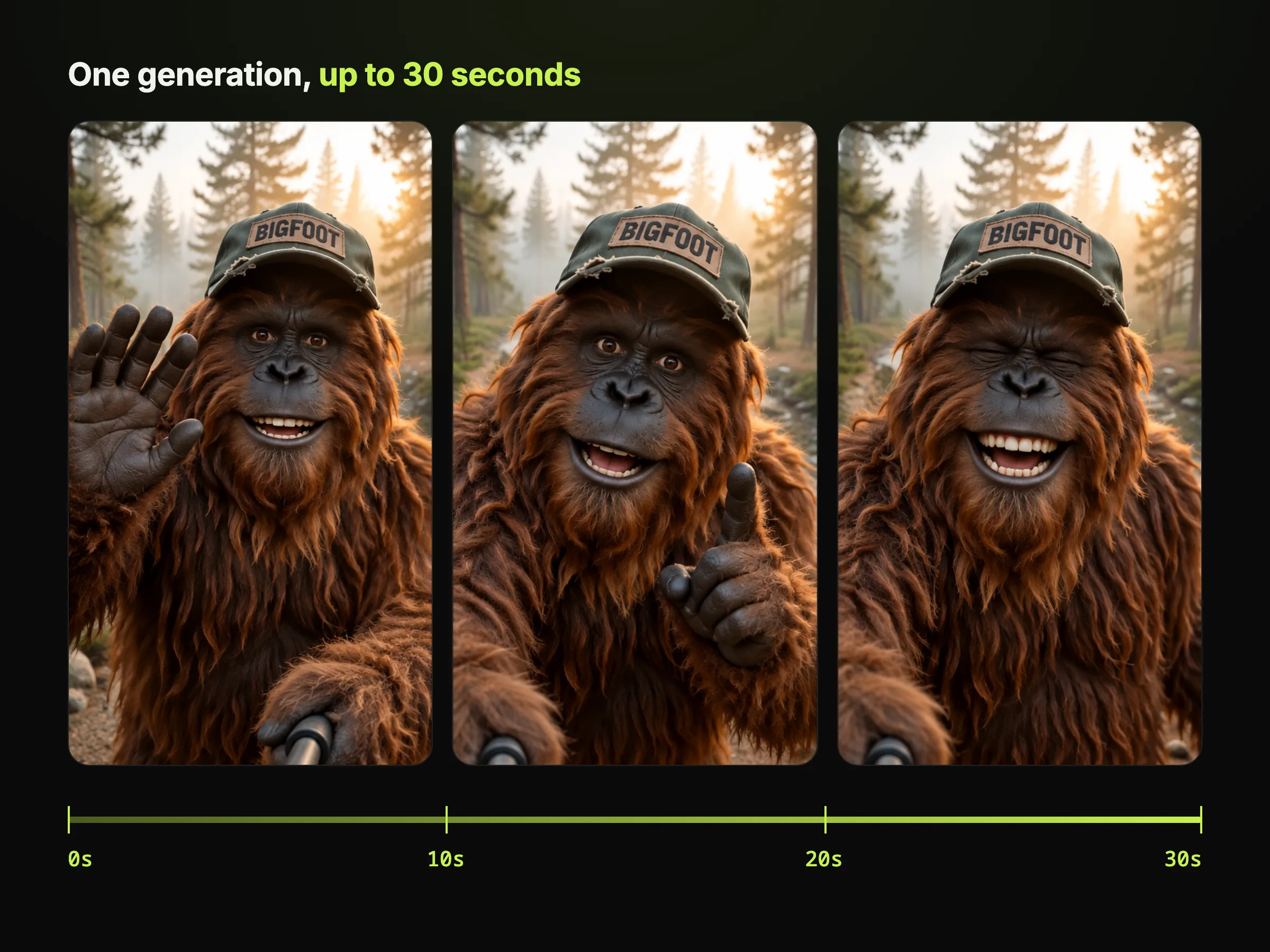
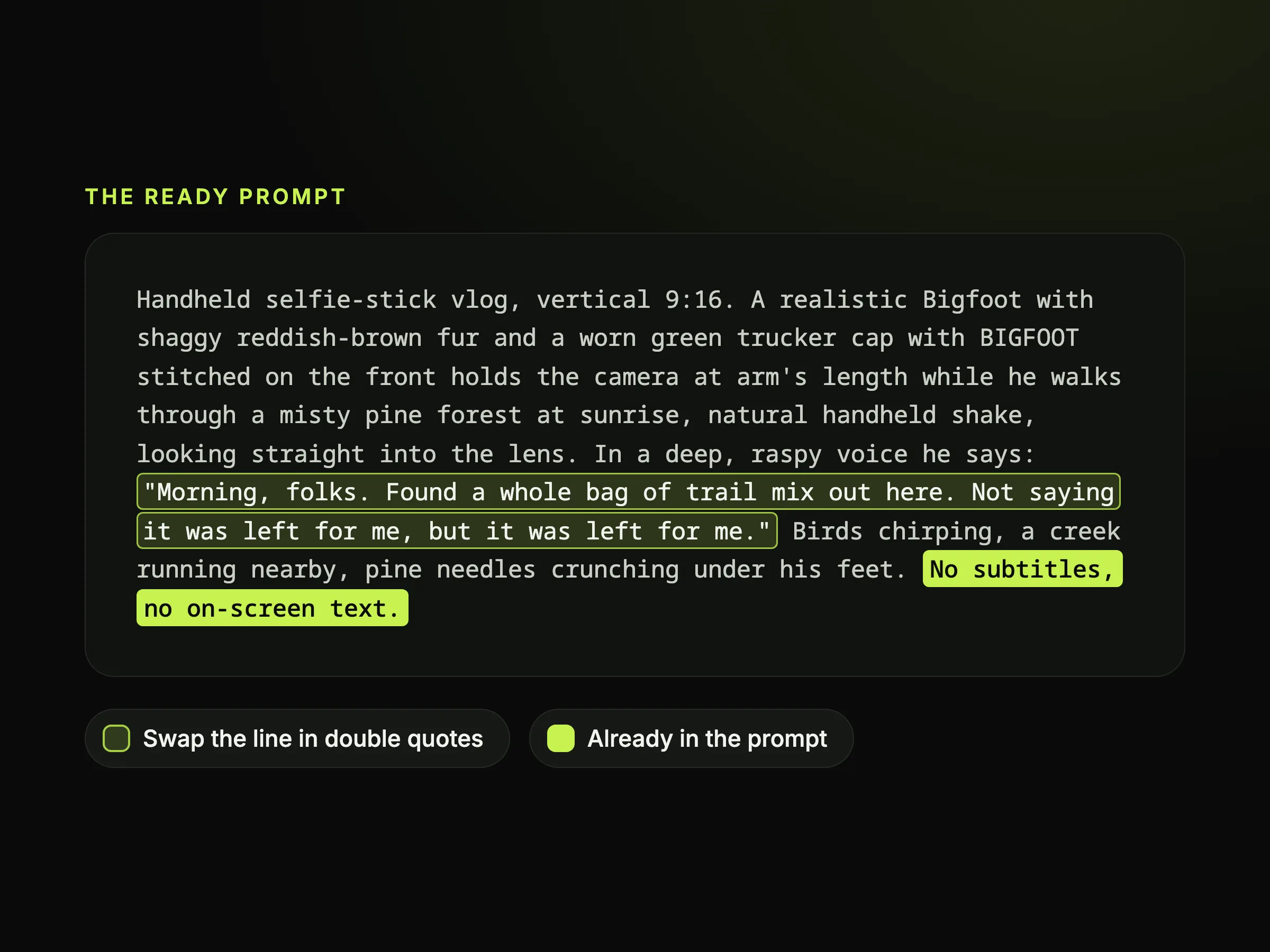
Swap the line in our ready prompt to get a clean video with no subtitles on screen. Sign up free with no credit card to get 40 starter credits and run our Bigfoot video generator for an 8-second Veo 3.1 Fast clip.
Bring a quick joke about camping, fishing, or gas-station snacks. Our Bigfoot video generator makes a vertical 9:16 vlog with his spoken voice and real forest sound, ready to post on TikTok, Reels, and Shorts.
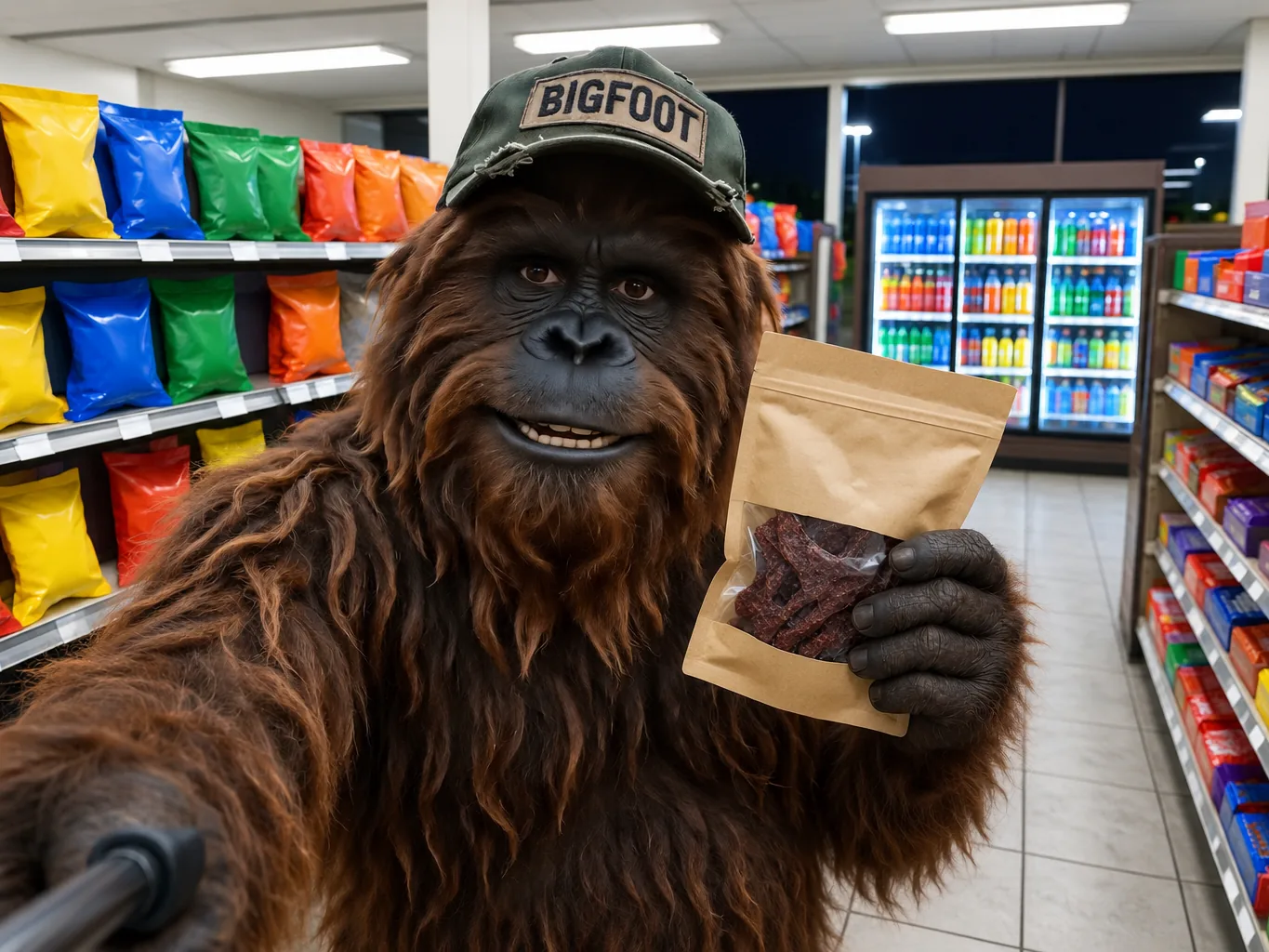
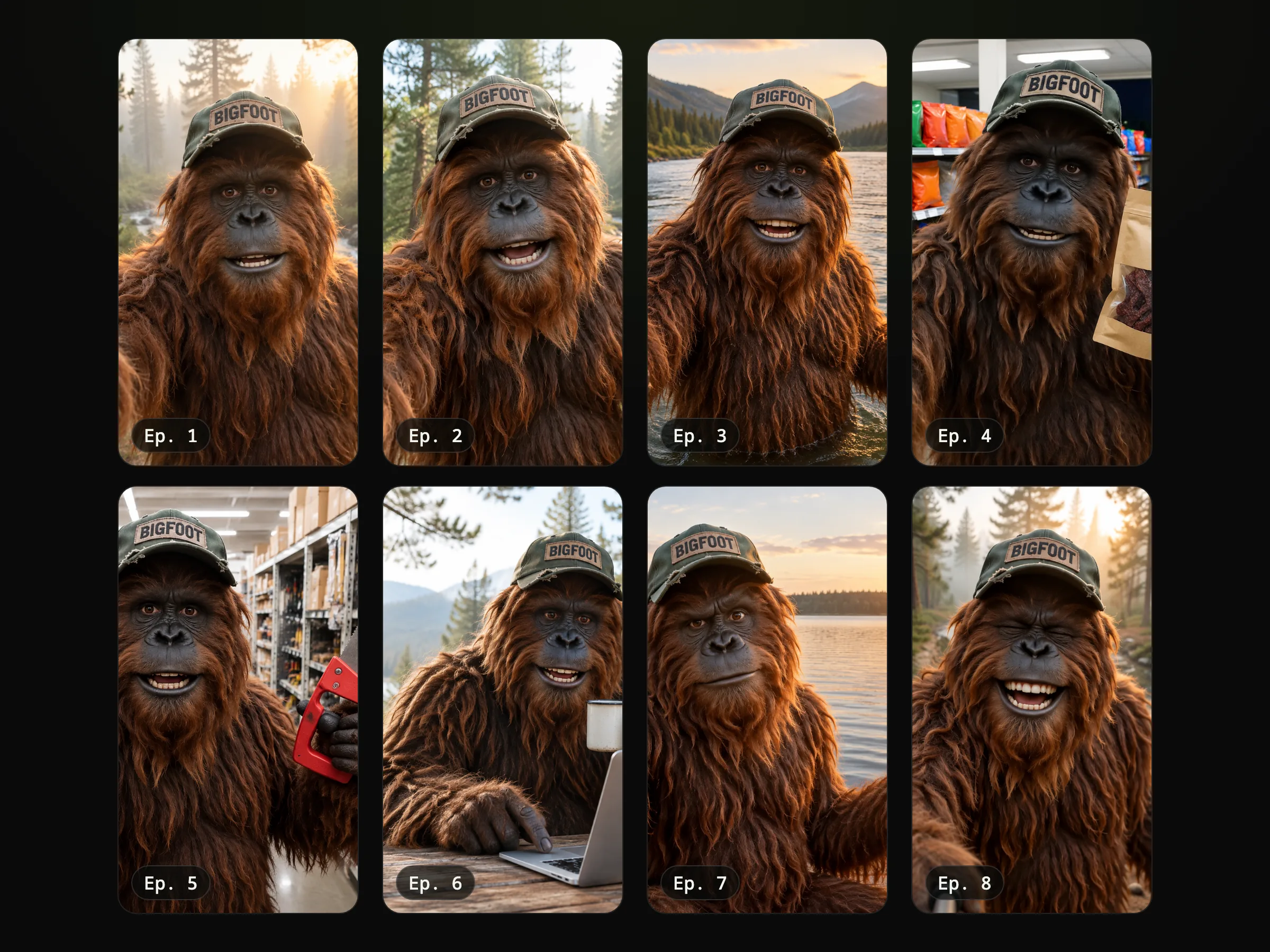
Bring one picture of Bigfoot as your first frame and one fixed description with his cap so Bigfoot keeps the same look across every episode. Make a 30-second Seedance 2.5 take, join 8-second Veo 3.1 clips, or paste your whole episode script into Script to Video.
Type your jokes and describe his voice as a Southern drawl, an Australian accent, or a raspy growl. Our Bigfoot video generator gives you a finished selfie comedy bit with no actors, no camera, and no costume.
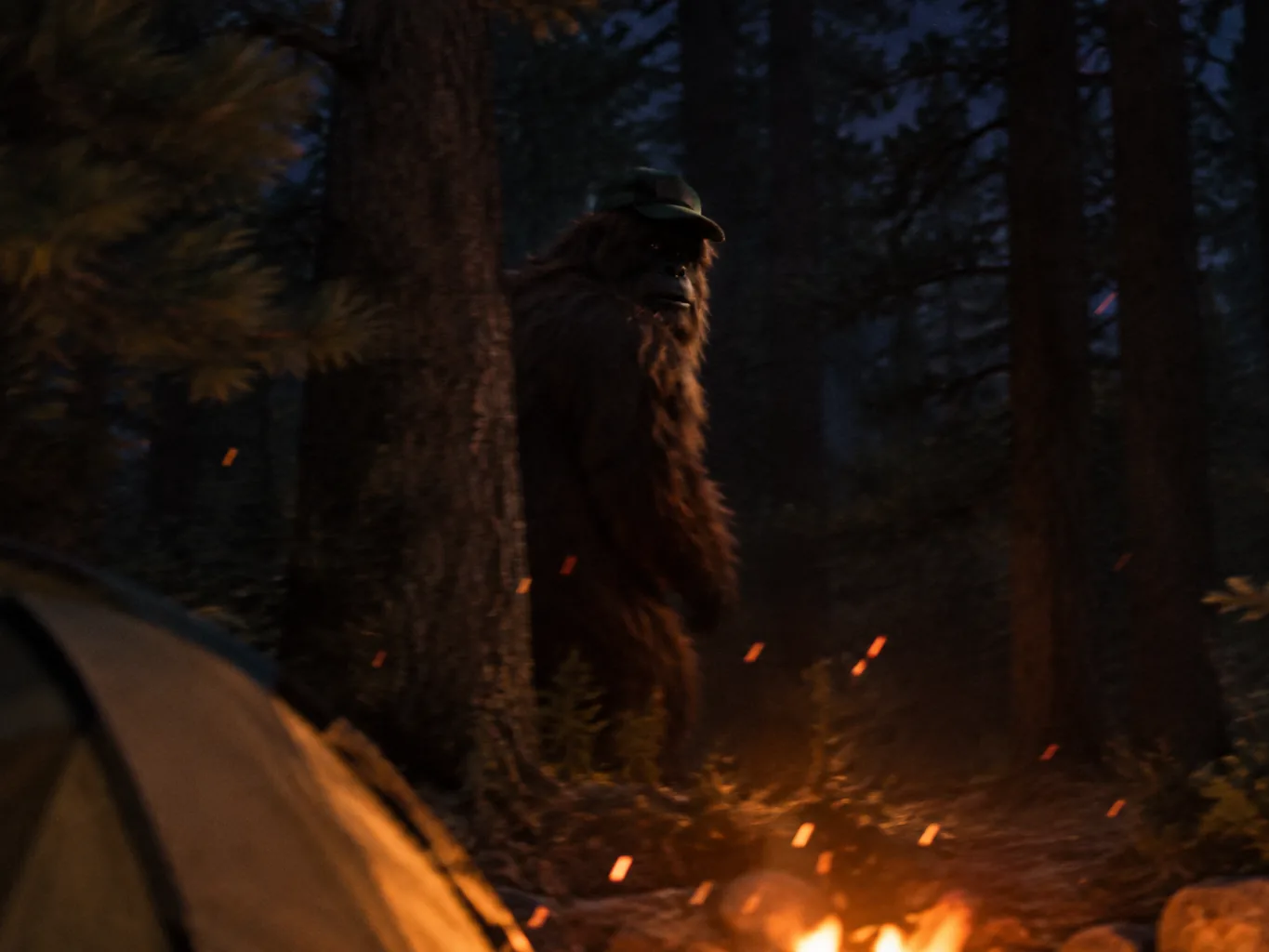
Bring your scary story and get a figure half-seen between the trees at a campsite at night in a shaky handheld shot or a trail-camera frame. Every clip comes with snapping branches and night sounds made right alongside the picture.
Describe your Bigfoot in the prompt box, or add a JPG or PNG photo of him as the first frame.
Put his line in double quotes, describe the camera and forest sound, and pick vertical 9:16.
Generate and download your MP4 video with matched voice and sound, and keep the same Bigfoot for your next clip.
Sign up free with no credit card to get 40 starter credits, enough for your first 8-second Veo 3.1 Fast clip at 720p or 1080p. Check rates on our Seedance 2.5 cost calculator at 25 credits per second at 480p, 55 at 720p, or 98 at 1080p, see plans on Seadanse pricing, and any render that fails, times out, or is turned down by the safety check returns its credits automatically.
It is an AI tool that turns your words, or a picture of Bigfoot, into a Bigfoot video. On Seadanse, our Bigfoot video generator makes a vertical selfie vlog where Bigfoot says your line to the camera in his own voice, with forest sound all around. You run it directly in your web browser on a phone or a computer.
Describe your Bigfoot or add a picture of him to start. Put his line in double quotes, set the scene, pick a handheld camera view, and choose 9:16 vertical format. Click generate, download your MP4 with sound, and keep the same Bigfoot look for your next clip.
Google Veo 3 makes them. The trend started on TikTok in spring 2025 when @bigfootvlogs posted its first vlog, as noted in Know Your Meme's guide to the Bigfoot vlogs. Our Bigfoot video generator runs the upgraded Veo 3.1 AI video maker, plus Seedance 2.5 for takes up to 30 seconds.
Yes. Sign up free with no credit card required and get 40 starter credits right away. Use them to make your first 8-second Veo 3.1 Fast clip at 720p or 1080p. Visit the Seadanse pricing page to pick paid plans or credit packs for more generations.
Yes. Put your line in double quotes and Bigfoot says it with matching lip movements. Follow Google DeepMind's Veo prompt guide by describing his appearance, voice, action, and dialogue. Describe his voice as deep and raspy, a Southern drawl, or an Australian accent, and the tool builds the voice together with the picture.
Reuse one fixed description of him in every prompt and start every clip from the same picture of him as the first frame. Give him one marker he always wears, such as a cap with his name on it. Use the Seedance 2.5 AI video maker to keep the same Bigfoot look and voice across a full 30-second take.
Veo 3.1 makes 8-second clips that you can join into a longer story. Use the Seedance 2.5 AI video maker to create clips up to 30 seconds in a single generation, as described on ByteDance Seed's Seedance 2.5 announcement. Check the Seedance 2.5 cost calculator to price your clip by the second, or paste a whole script into Script to Video to connect your scenes.
Describe the camera angle, the setting, his clothes, his actions, and background sounds like birds or wind. Put his spoken words in double quotes, choose 9:16, and use character tips from Google DeepMind's Veo prompt guide. Read the Seedance 2.5 prompt guide to set time marks like 0-5s, or copy ready templates from the Seedance 2.5 prompt library.
Yes. Swap in any character name you want in the prompt text. Create a funny Yeti in the snowy mountains, make a vlog with Sasquatch or an Australian Yowie, or put Bigfoot and a Yeti together in one scene.
Yes. Add a JPG or PNG image as the first frame of the clip. If you have no picture yet, draw your Bigfoot first with the Nano Banana 2 image generator on Seadanse, and turn that image into a talking video.
Yes. Download your 9:16 MP4 file and share it directly to TikTok, Instagram Reels, and YouTube Shorts. Check the Seadanse pricing page to get a commercial license, private renders, and no watermark on exported video.
No. Sign up on Seadanse to run the Veo 3.1 AI video maker right in your browser with no Google subscription and no API key. Your 40 starter credits cover your first 8-second Veo 3.1 Fast clip.
Write "no subtitles" in your prompt. The ready prompt in our Bigfoot video generator already has this phrase, so your vlog renders with a clean picture. Add your own captions later in your favorite editing app.
Every page here runs the real models in your browser — jump to the one that matches the clip you have in mind.
Turn a brief or a script into a finished video, price a render, or drive Seedance from Blender.
Seedance, Veo, Kling, Hailuo and more, each on its own page with real renders.
Use the 40 free starter credits you get at sign-up to have Bigfoot say your line to the camera in his own voice, vertical and ready to post.


