
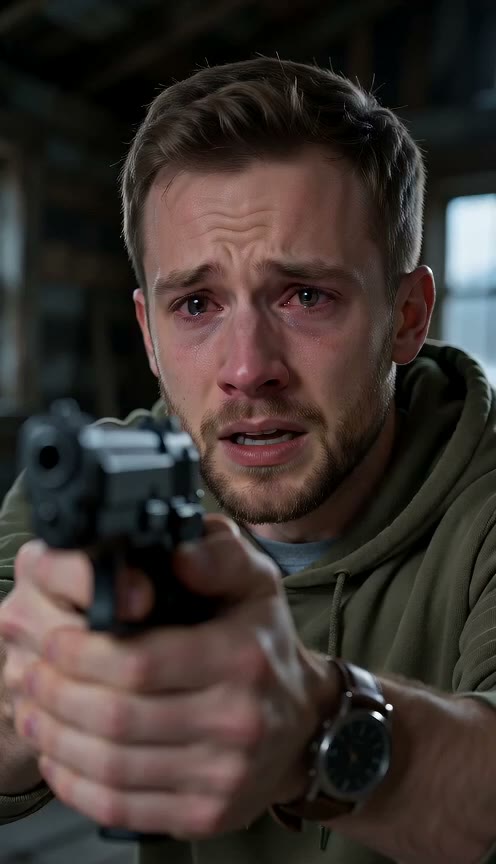
Upload Two Photos With No Prompt to Write
Upload one photo of you and one photo of your dog or cat. Our AI zombie dog video generator builds the complete story automatically, with an optional line to name another memory place.
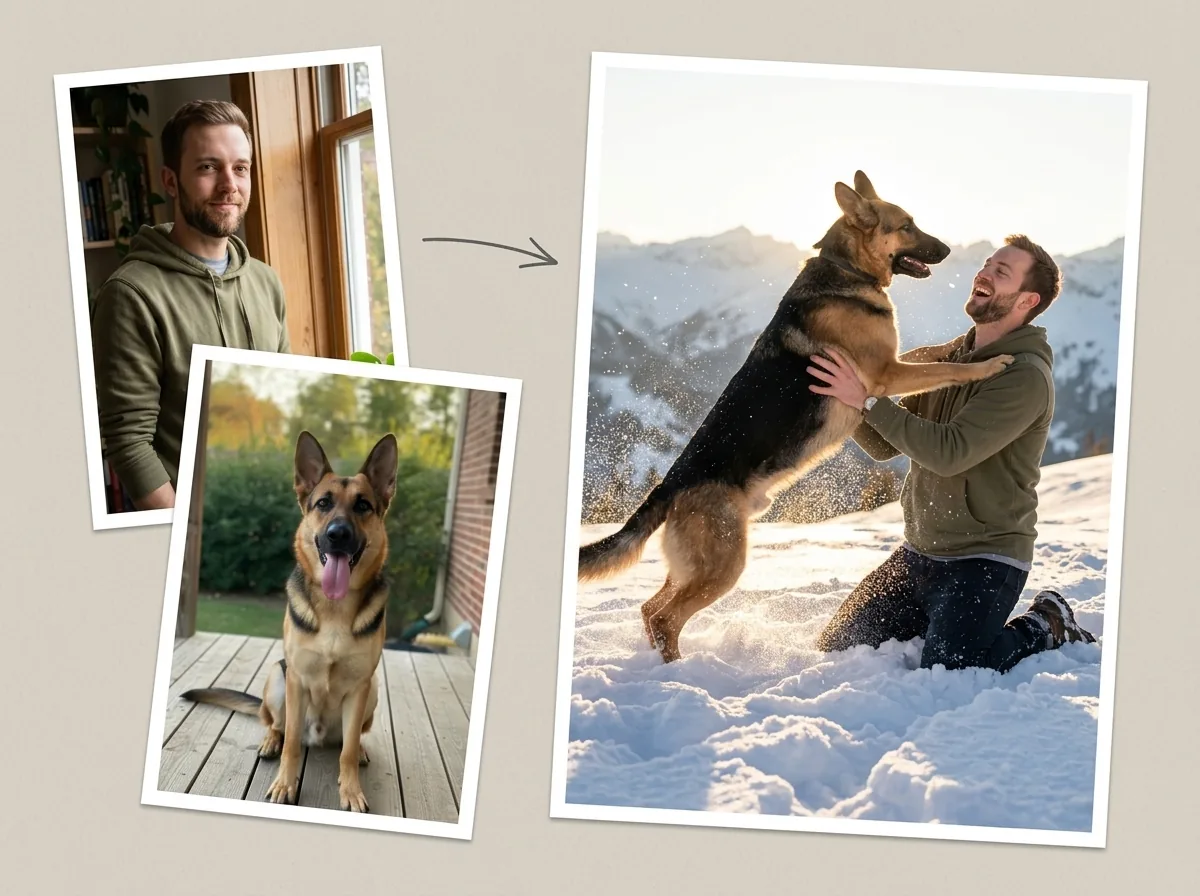
Turn your pet into the star of the viral trend without writing a prompt. Upload two photos to our AI zombie dog video generator to get a 12-second video with sound, or create a zombie match cut with your partner.
Your photo: one adult (18+), face clearly visible. Pet photo: one dog or cat, face and body easy to see.
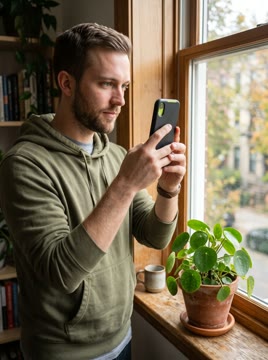
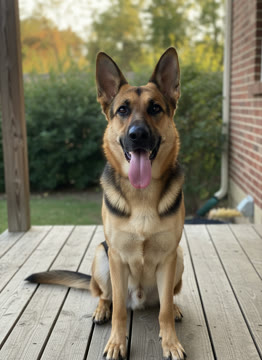
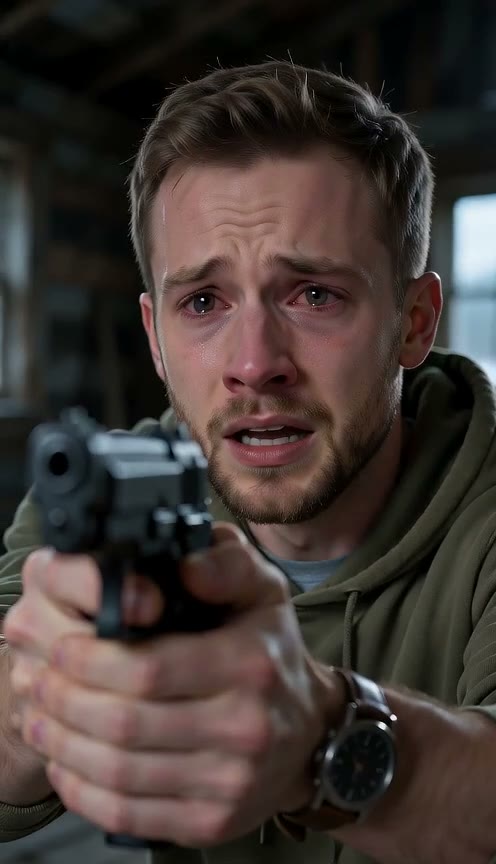
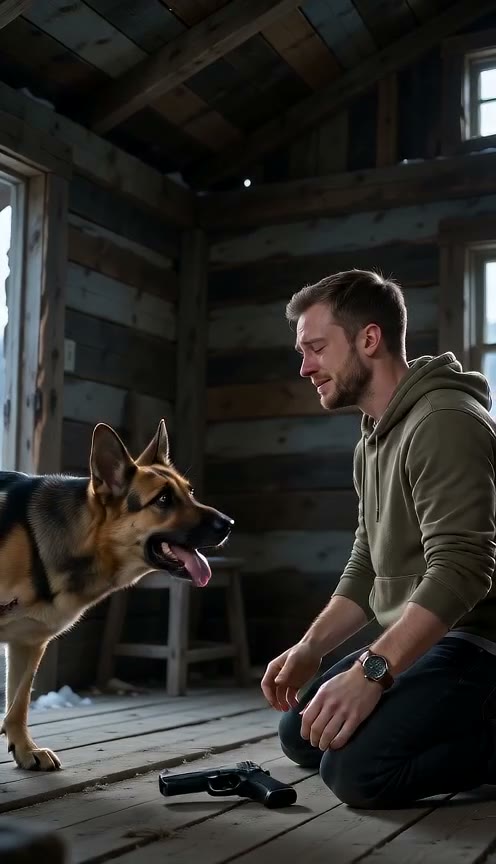
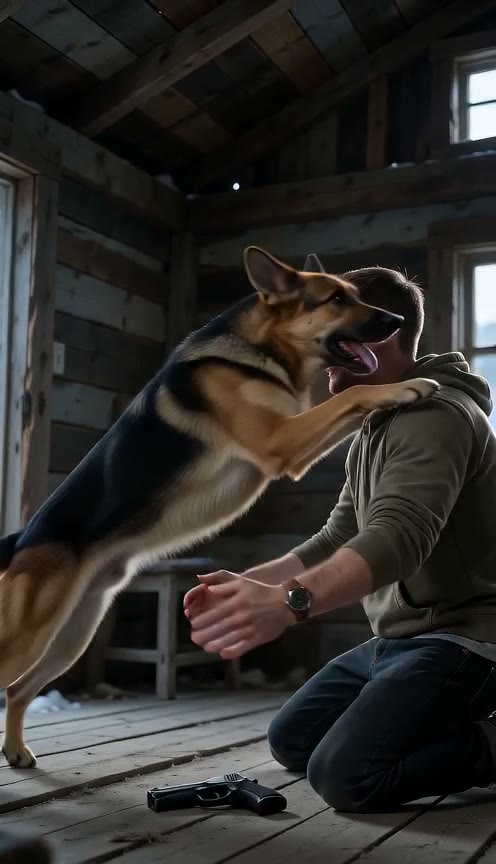
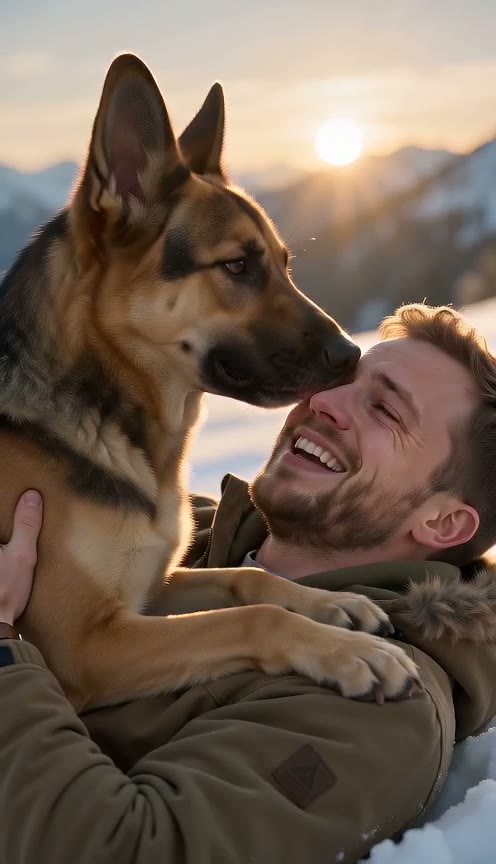
Upload one photo of you and one photo of your dog or cat. Our AI zombie dog video generator builds the complete story automatically, with an optional line to name another memory place.
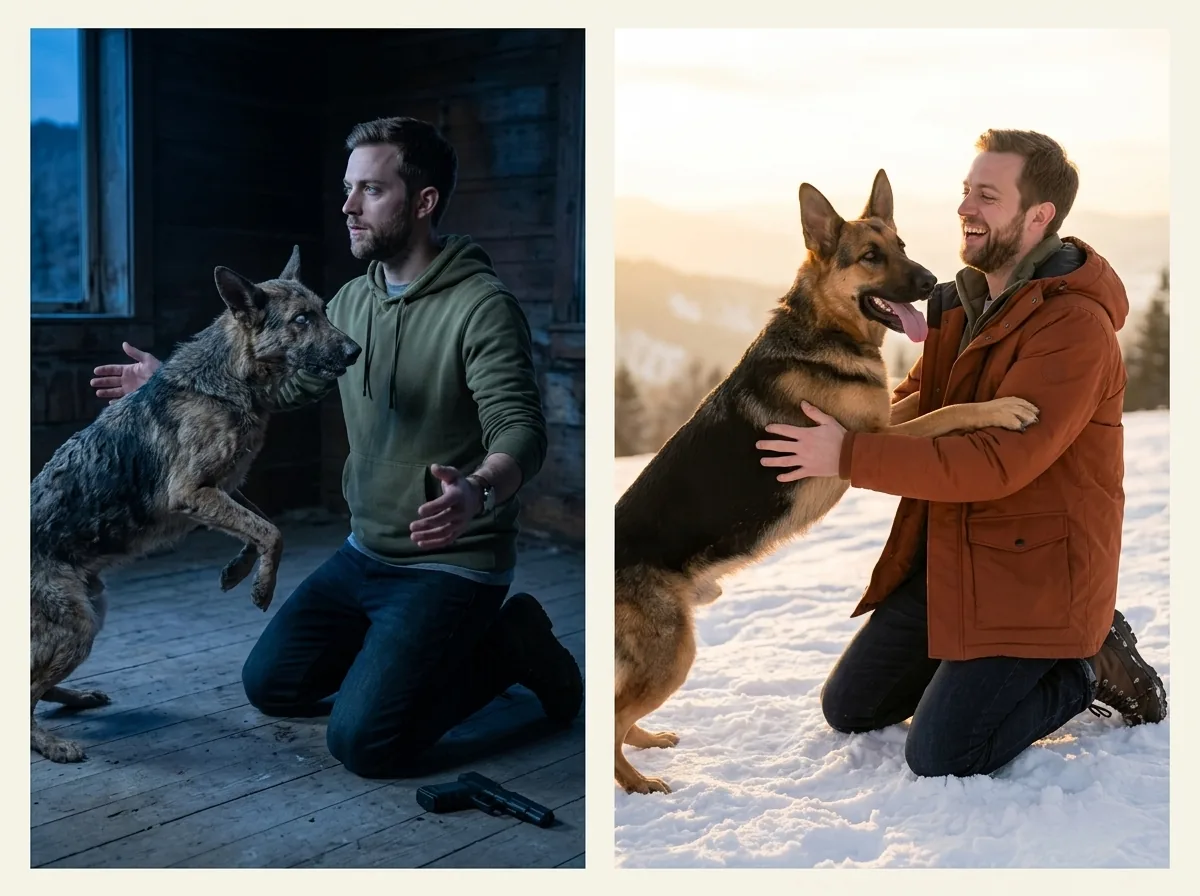
You drop your gun and open your arms as your zombie pet leaps at you. The camera cuts on that exact leap and angle to a sunny memory where your healthy pet lands in your arms in slow motion.
Our AI zombie dog video generator protects your pet's breed, coat color, markings, and face throughout the video. Your pet shows milky white eyes and matted fur with no blood, then returns fully healthy in the memory.
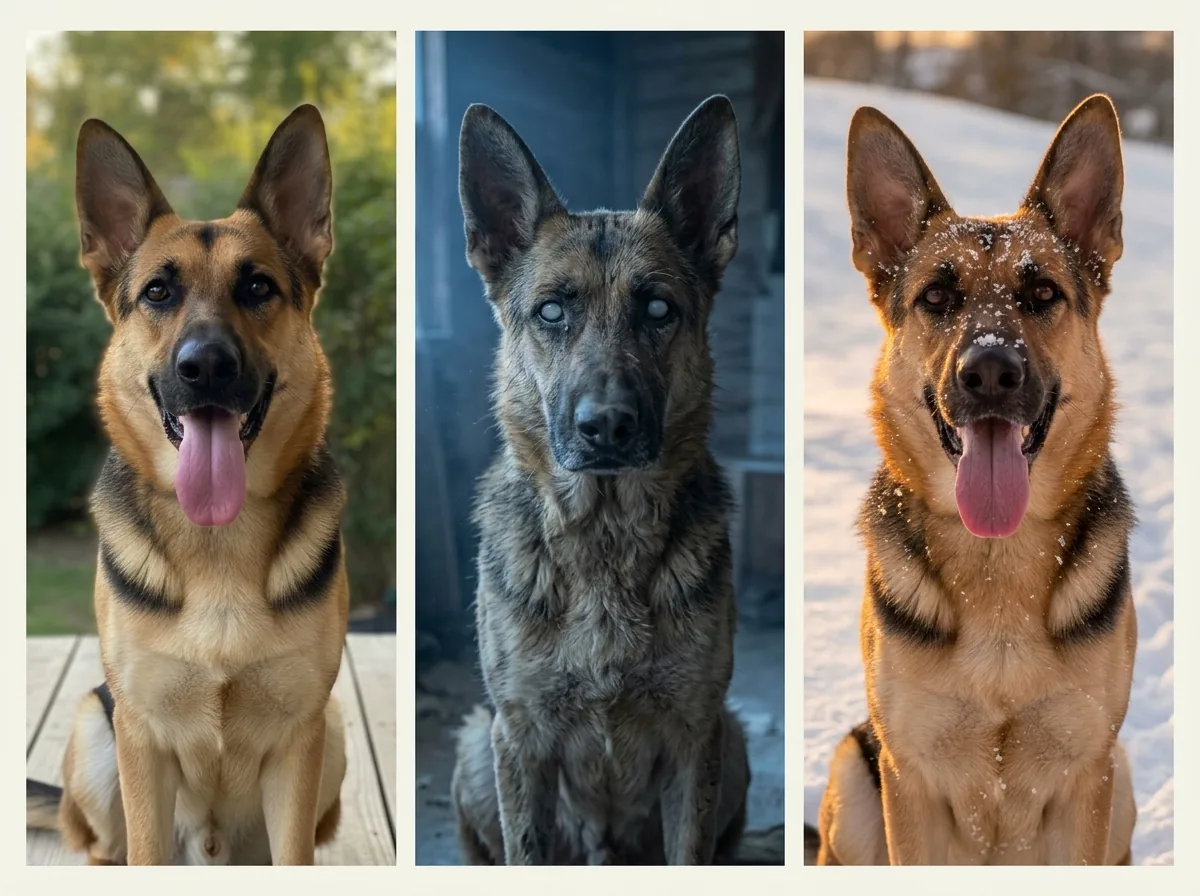
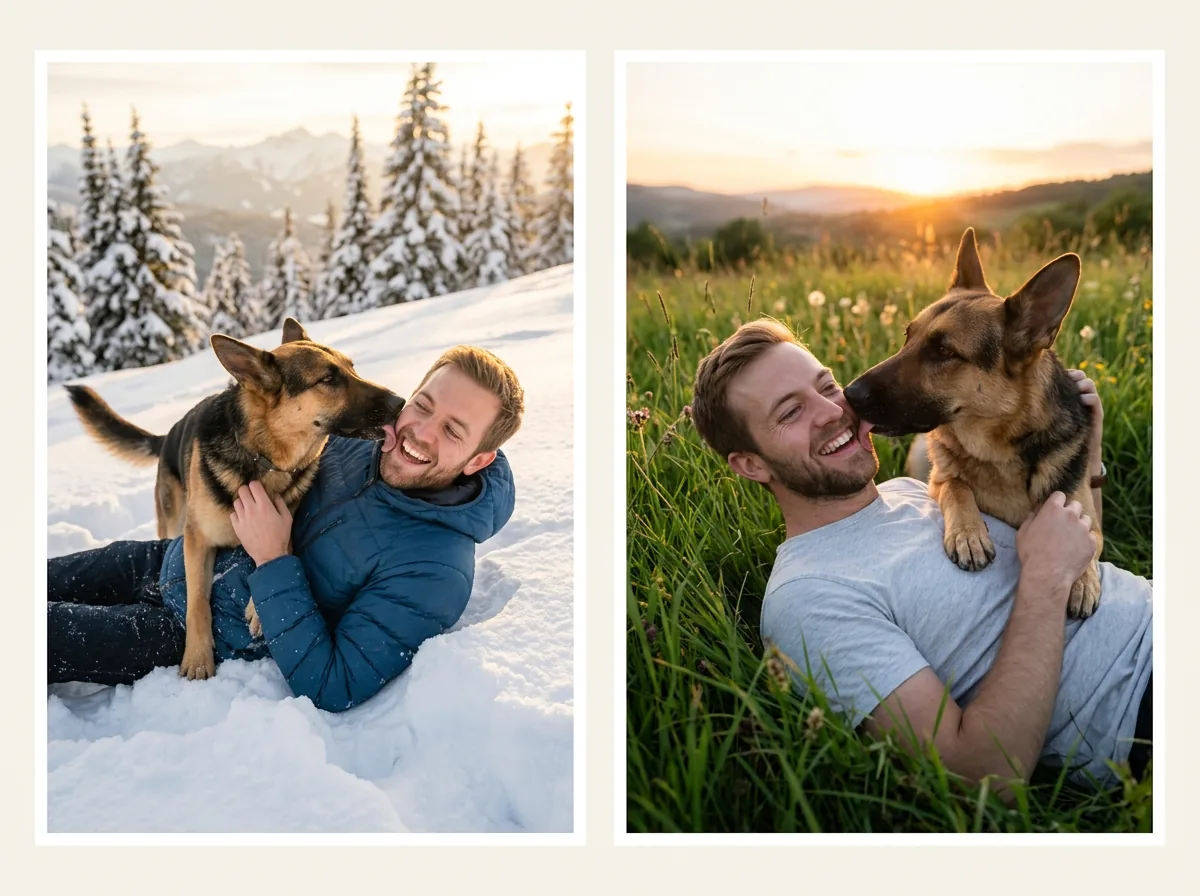
Choose between a snowy slope and a grassy field for your slow-motion reunion. You can also use an optional line to name another place for the memory.
Download a 12-second MP4 with sound in vertical 9:16 or horizontal 16:9 at 480p or 720p with no watermark. Seedance 2.0 Mini from ByteDance creates your clip right in your web browser.
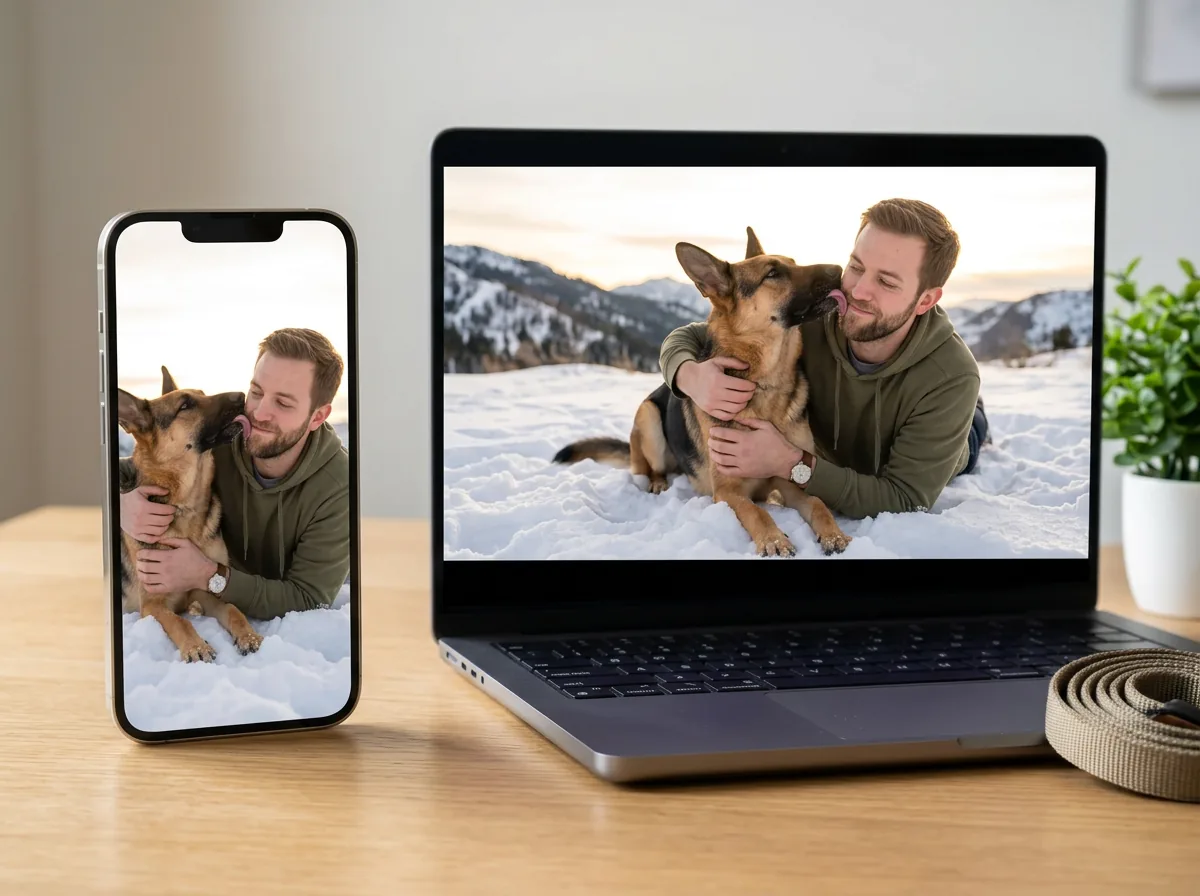
Upload two separate photos, one of you and one of your dog, to get a 12-second vertical 9:16 video for TikTok or Instagram Reels. Share the clip with a 'would you pull the trigger?' caption and join the viral trend.
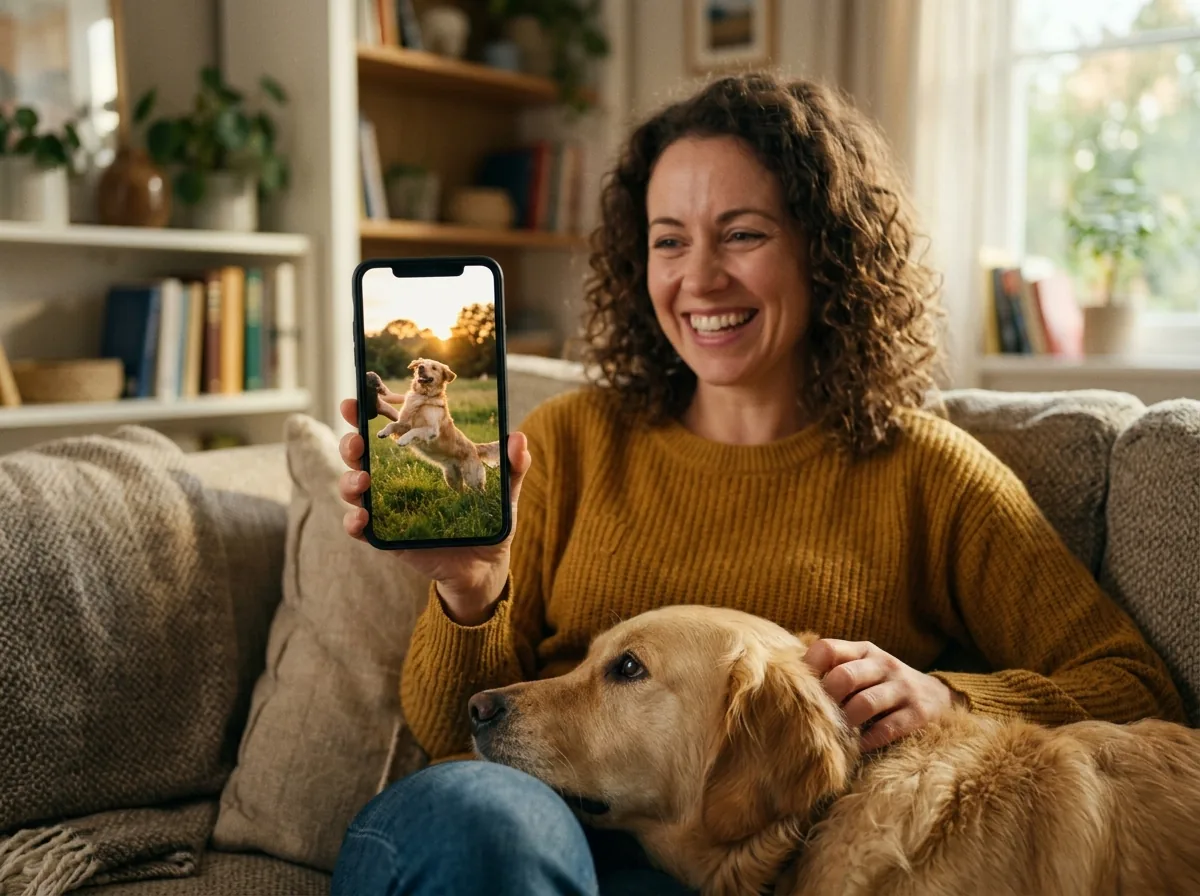
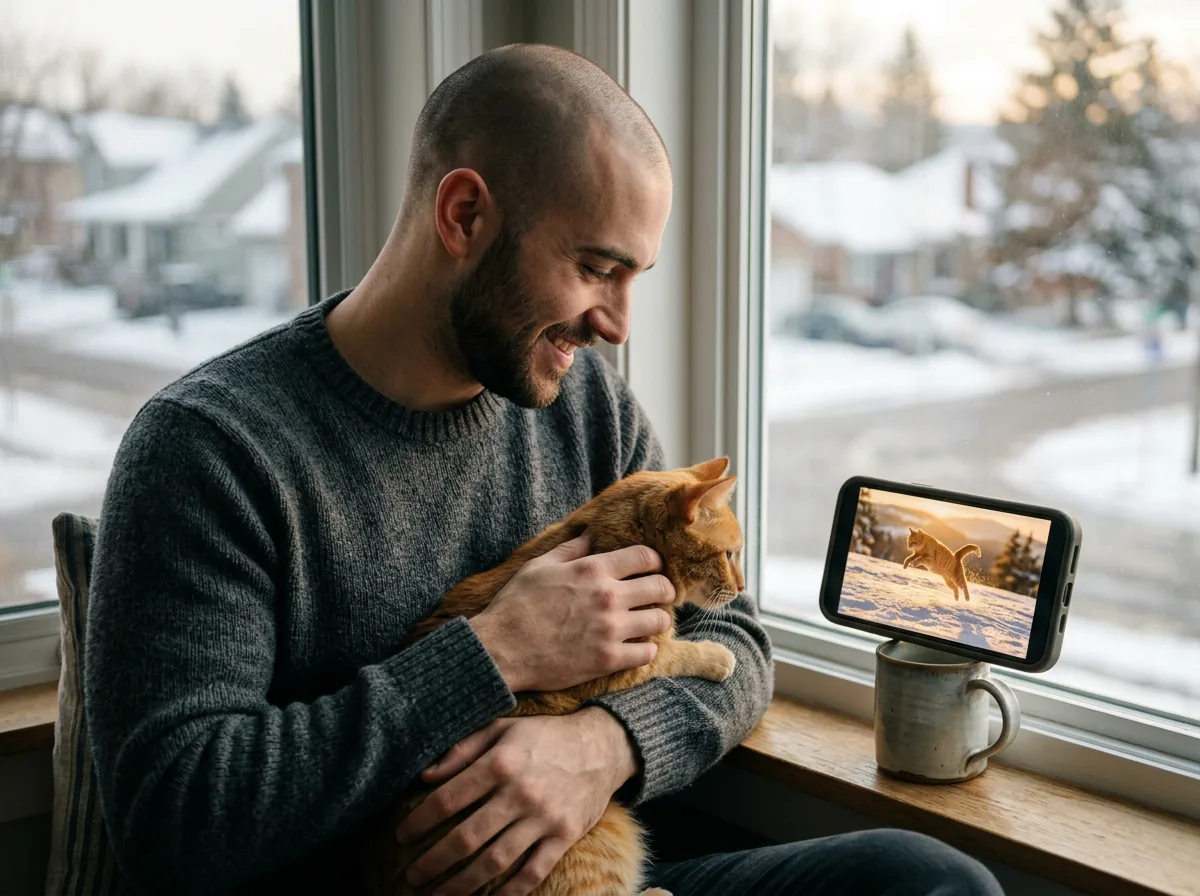
Bring two separate photos, one of you and one of your cat, to make the same cinematic story with our AI zombie dog video generator. Watch your zombie cat leap at you before the film cuts to a bright memory in the grass or snow.
Bring a clear old photo of a dog or cat that passed away to share one more gentle hug. See your pet leap into your arms healthy again in slow motion during the happy memory half.
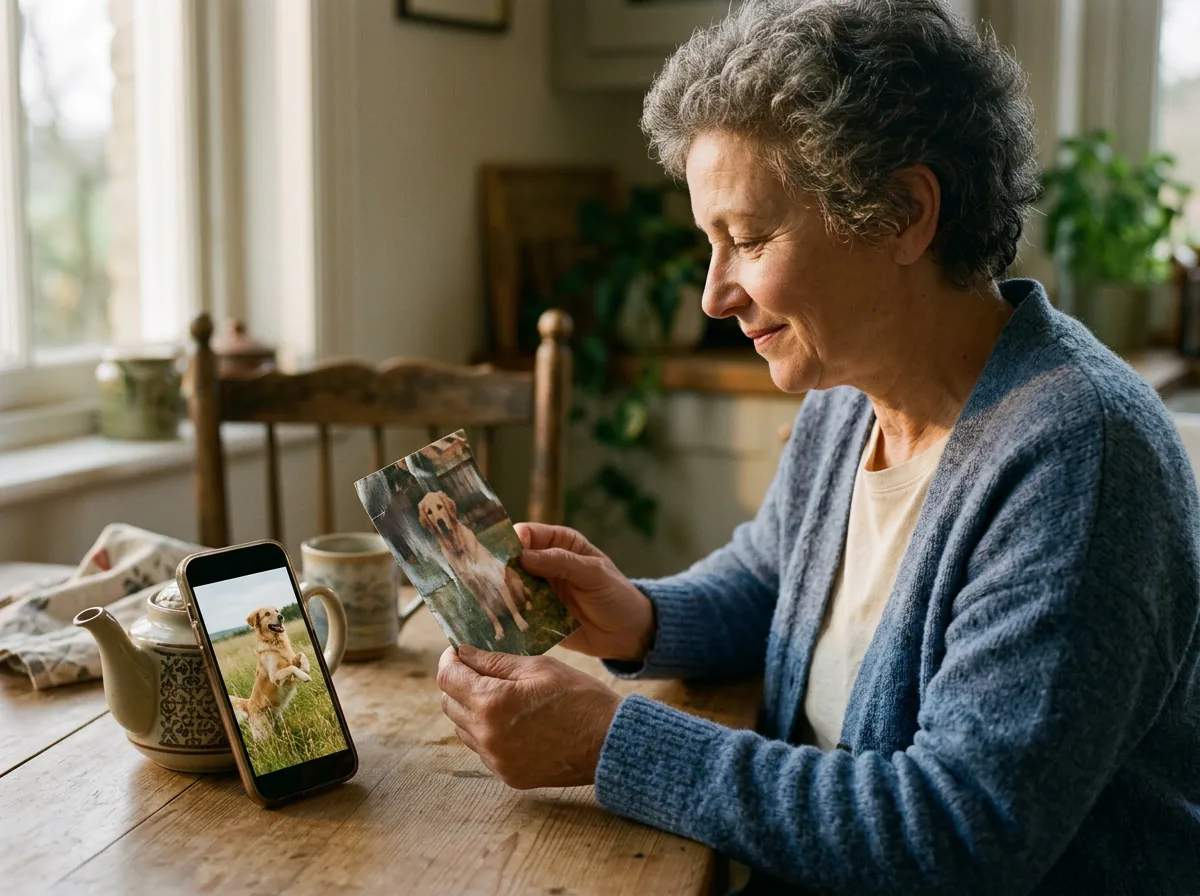
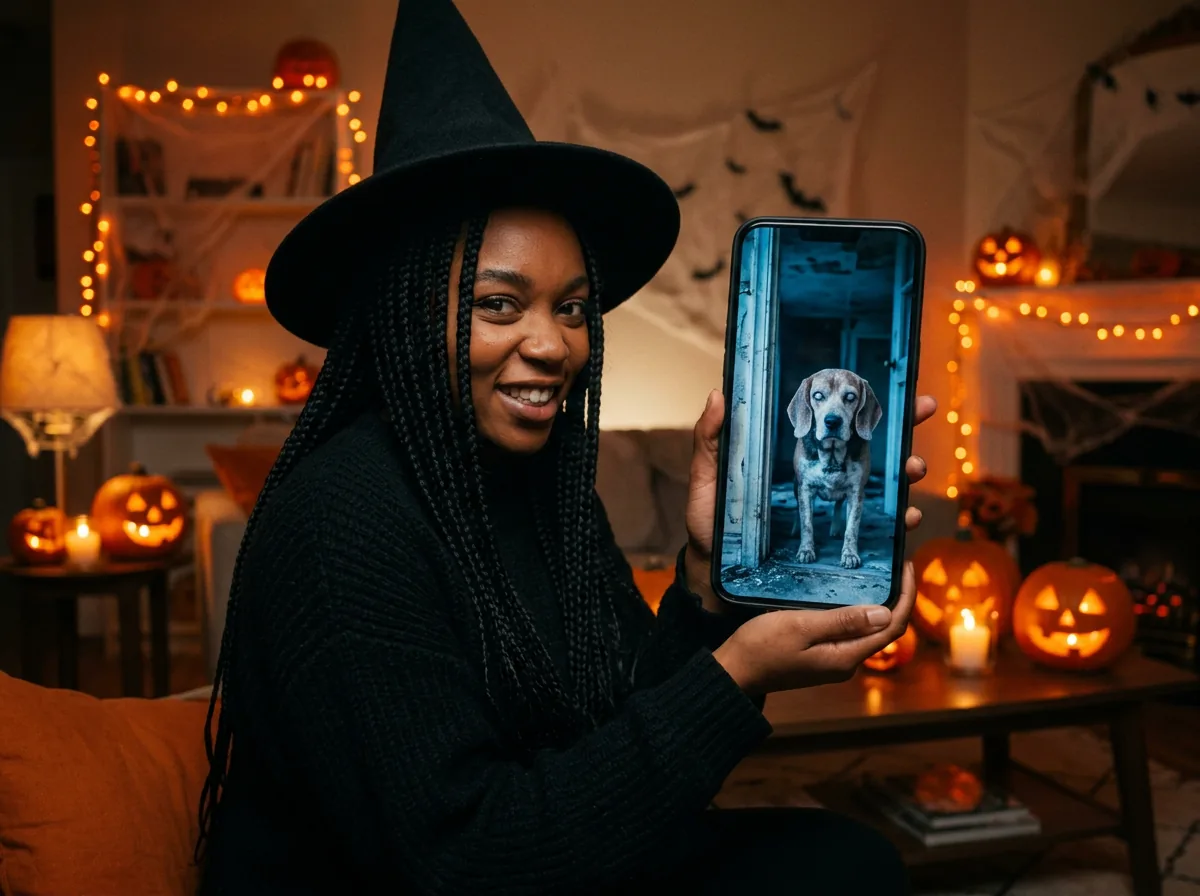
Upload two separate photos, one of you and one of your pet, to create a clip that feels scary first and heartwarming at the end. Hook your audience with a ruined house and milky zombie eyes before ending on a happy day.
Upload one clear photo of your adult face and one photo of your dog or cat.
Pick a snowy slope or a grassy field, select 9:16 or 16:9 at 480p or 720p, add an optional place line, and press create when the price shows beside the button.
Watch your pet leap into your arms healthy again and download your 12-second MP4 video.
Sign up free with no card to get 40 starter credits, and create your video for 72 credits at 480p or 156 credits at 720p in vertical 9:16 or horizontal 16:9. The price shows beside the create button before you start, and a render that fails returns its credits automatically.
The zombie dog trend started as viral AI short films on Instagram and TikTok in August 2026. In each video, a person faces their pet dog turned into a zombie and drops their gun. The dog leaps forward, and the scene cuts directly to their happiest memory together. Cat versions spread across social feeds too. Our AI zombie dog video generator uses two photos to create your own 12-second version.
Upload a photo of you and a photo of your dog or cat. Choose your memory setting, pick 9:16 or 16:9, and select 480p or 720p. Click create to get your 12-second MP4 with sound. There is no prompt to write.
Each video costs 72 credits at 480p or 156 credits at 720p. The price is the same for vertical 9:16 and horizontal 16:9, and it shows right beside the create button before you begin. You get 40 starter credits when you sign up free with no card. A render that fails returns its credits automatically, so you pay only for renders that finish. Visit our Seadanse pricing page to view plans and credit packs.
No. The entire story is built into our AI zombie dog video generator, so you simply upload two photos and press create. You also get an optional text line if you want to name a custom place for your memory scene.
Seedance 2.0 Mini, an AI video model from ByteDance, creates every zombie dog video on Seadanse. It runs right in your web browser with nothing to install. Many creators who make viral trend clips name ByteDance's Seedance models in their video captions.
Yes. Your pet's breed, coat color, markings, and face come directly from your photo. These features appear in the zombie scene and in the happy memory scene. For the best result, upload a well-lit photo of one pet with its face and body easy to see.
Yes. Upload a photo of your cat instead of a dog. Our tool places your cat into the exact same story, from the ruined house to the happy memory leap.
Yes. A clear old photo works smoothly. In the memory half of your video, your pet leaps into your arms healthy and playful again.
You choose where the memory takes place. Pick a snowy slope or a grassy field, or type another location into the optional text box. Every video ends on this joyful memory.
Each video runs for 12 seconds with sound. You can export at 480p or 720p in vertical 9:16 or horizontal 16:9 formats. You download an MP4 file with no watermark on your exported video.
No. The zombie pet has milky white eyes and matted fur, with no blood. The story focuses on love and ends on a warm memory of you two together.
Select vertical 9:16 before you generate your clip. Download your finished 12-second MP4 and upload it directly to TikTok or Instagram Reels. There is no watermark on exported video, so your post looks clean and ready for your followers.
Yes. The Seedance 2.5 AI video generator on the Seadanse home page turns your own prompt, photos, clips, and music into complete scenes up to 30 seconds long. Check out the Seedance 2.5 prompt guide to learn how to write timestamps, bind reference images, and direct camera moves.
Yes. The zombie match cut tool on Seadanse tells this same story with your partner. Just upload one photo of you and one photo of your partner, both adults (18+), to start.
Every page here runs the real models in your browser — jump to the one that matches the clip you have in mind.
Upload a photo, pick an effect, get a short video. No prompt to write.
Seedance, Veo, Kling, Hailuo and more, each on its own page with real renders.
Upload your two photos to download a 12-second MP4 video of your pet leaping into your arms.


