Background Remover

Get rid of messy backdrops and keep your subject in full size with our background remover in seconds. Have footage instead? Try our video background remover.

Instant Background Remover for Clean Transparent Cutouts

4 credits per image

Remove Background Free

Why Use Our Background Remover on Seadanse

Get Real Transparency Cut From Your Own Photo

Download a PNG with a real alpha channel so your subject sits on any color, photo or design with no white box and no painted checkerboard. Our background remover cuts your exact subject straight from your photo instead of redrawing it, using the right format detailed in MDN's image file type guide.


Original
Get Real Transparency Cut From Your Own Photo — Original
Background removed
Get Real Transparency Cut From Your Own Photo — Background removed
Original
Keep Your Full Resolution Without Shrinking — Original
Background removed
Keep Your Full Resolution Without Shrinking — Background removed

Keep Your Full Resolution Without Shrinking

Keep the exact width and height of your original image, so your HD and 4K uploads stay crisp. Upload JPG, PNG, WebP, HEIC or BMP files up to 30 MB, and our background remover returns your 4000 × 6000 photo at 4000 × 6000 with your free credits.

Blend Soft Edges on Fine Hair and Fur

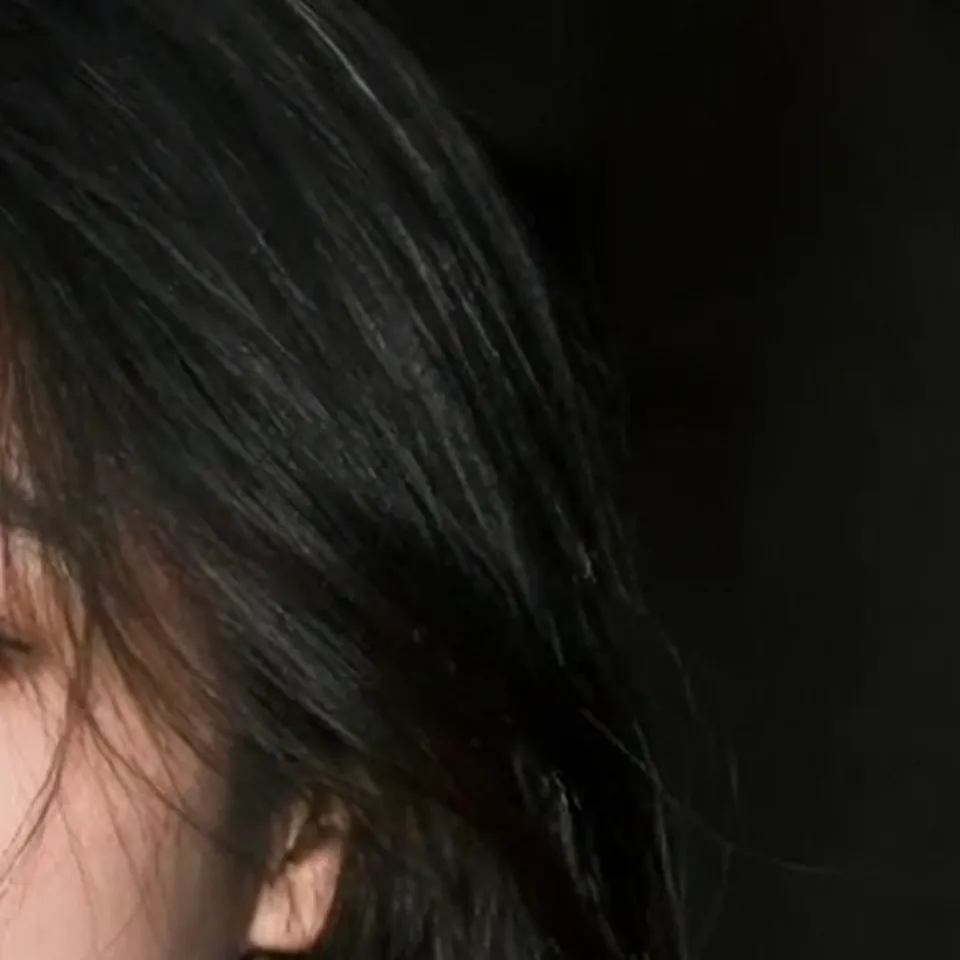
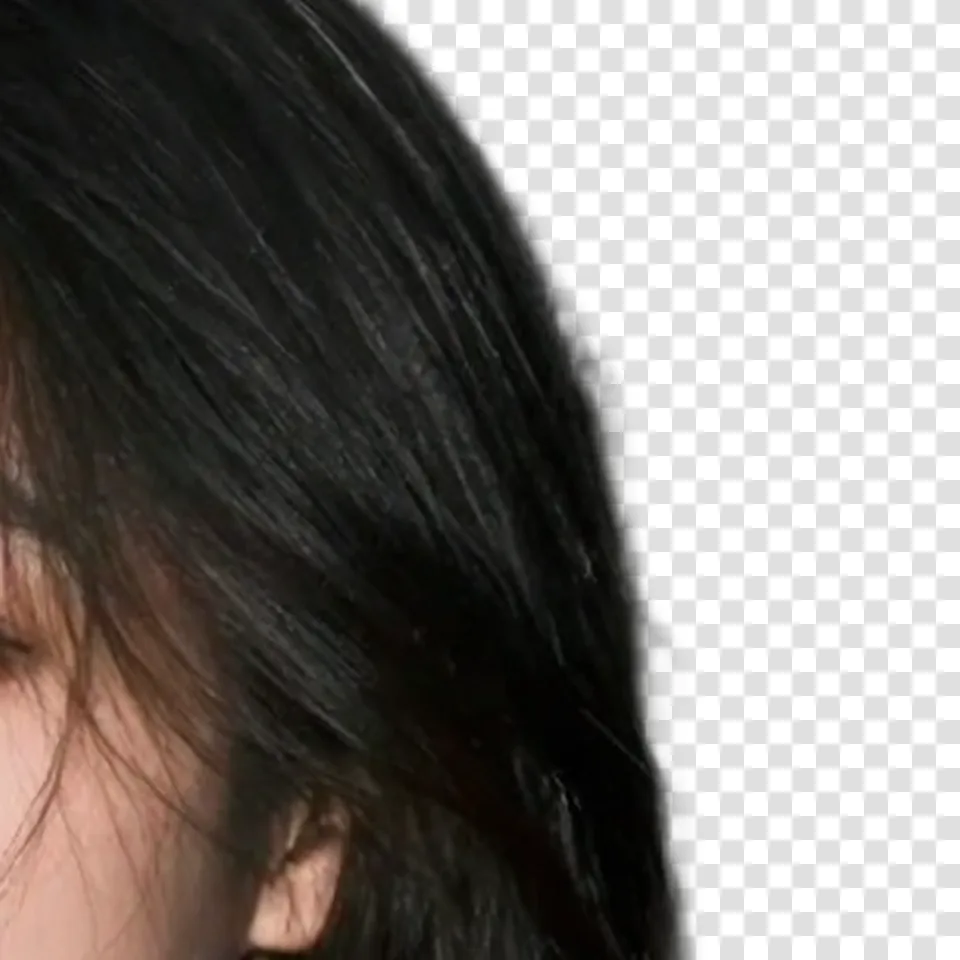
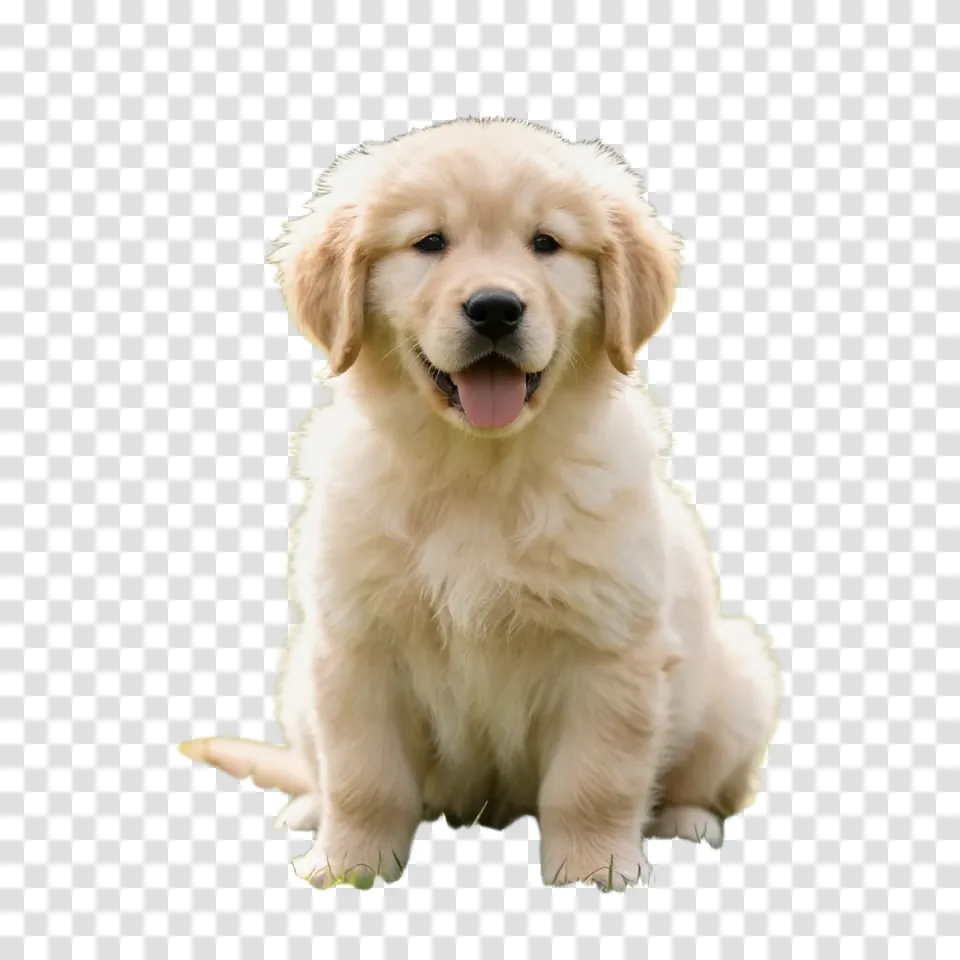
Give every pixel one of 256 levels of transparency so fine flyaway hair and fluffy pet fur fade smoothly into any new setting. Our background remover protects soft details so you skip harsh borders and jagged cuts.

Original
Blend Soft Edges on Fine Hair and Fur — Original
Background removed
Blend Soft Edges on Fine Hair and Fur — Background removed
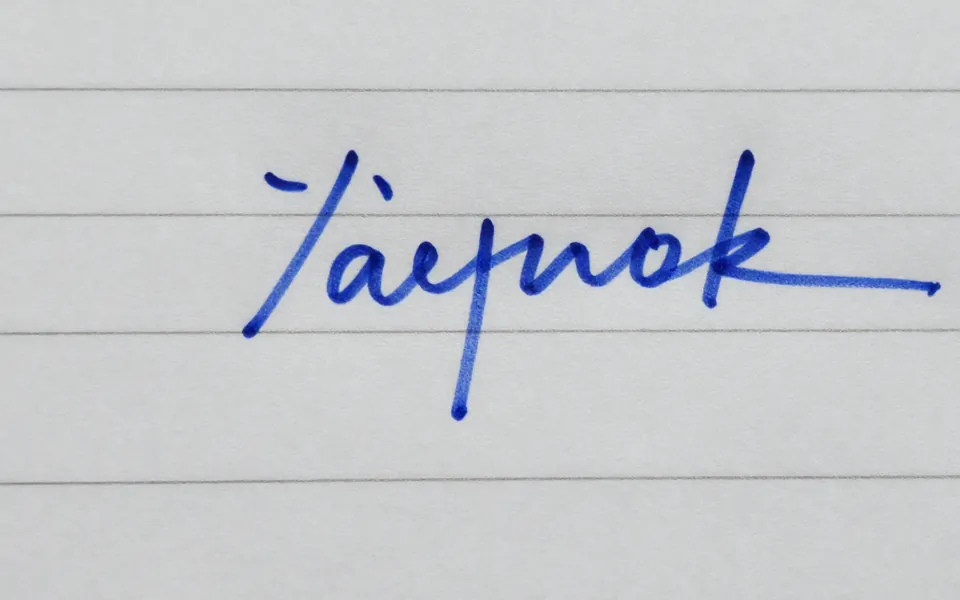
Original
Isolate People, Products, Pets, Logos and Signatures — Original
Background removed
Isolate People, Products, Pets, Logos and Signatures — Background removed

Isolate People, Products, Pets, Logos and Signatures

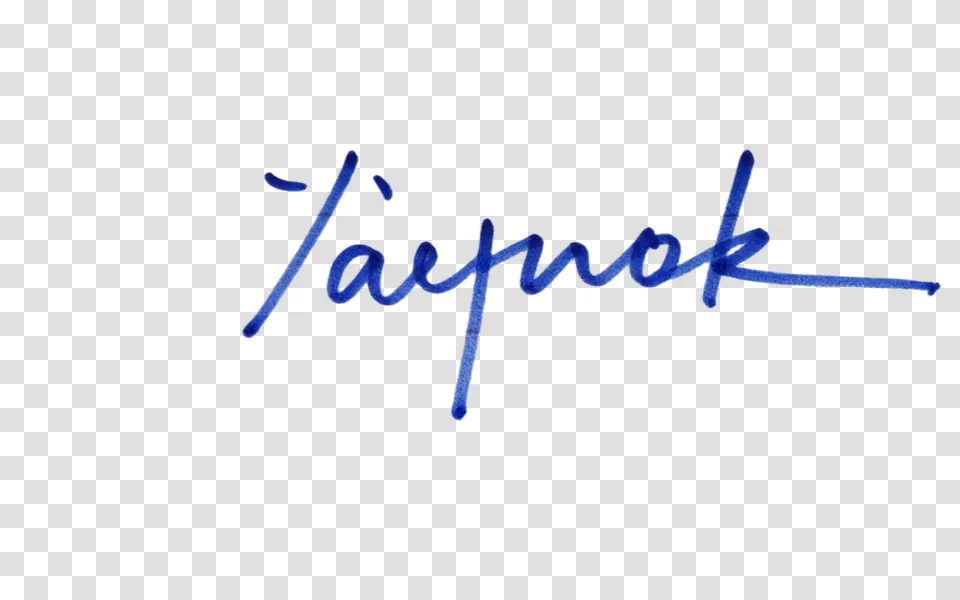
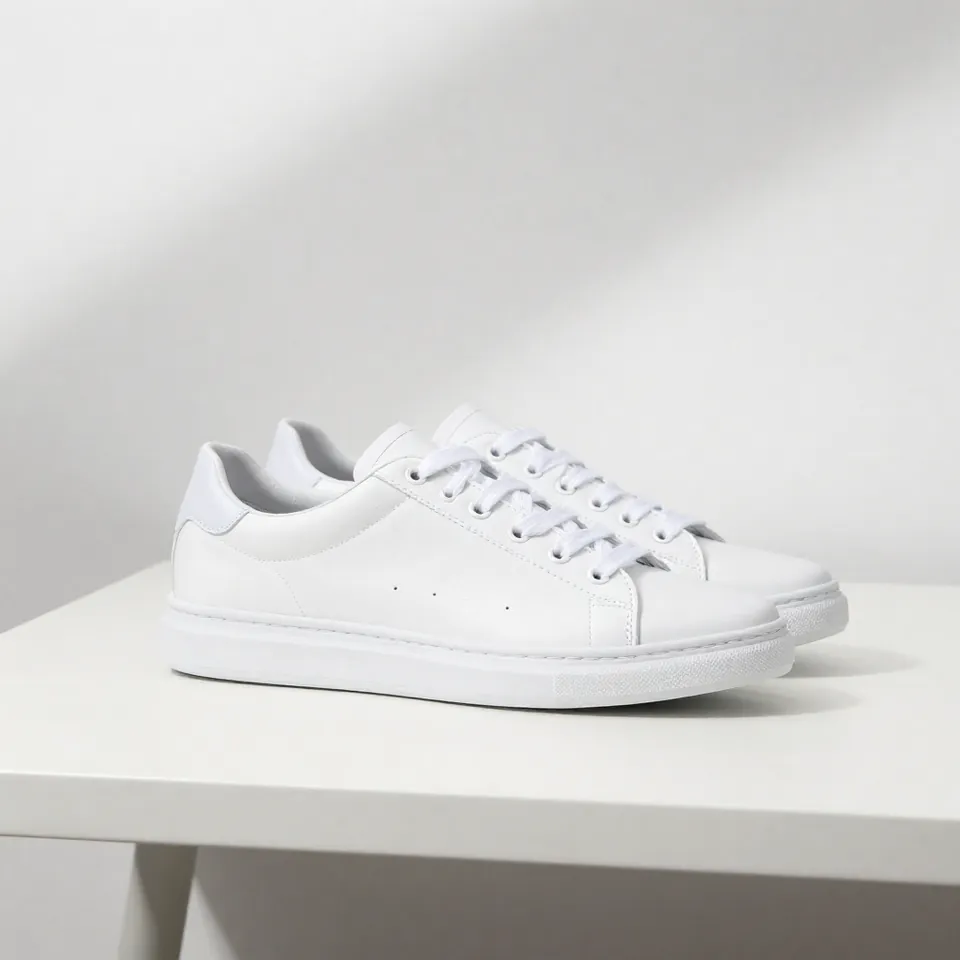
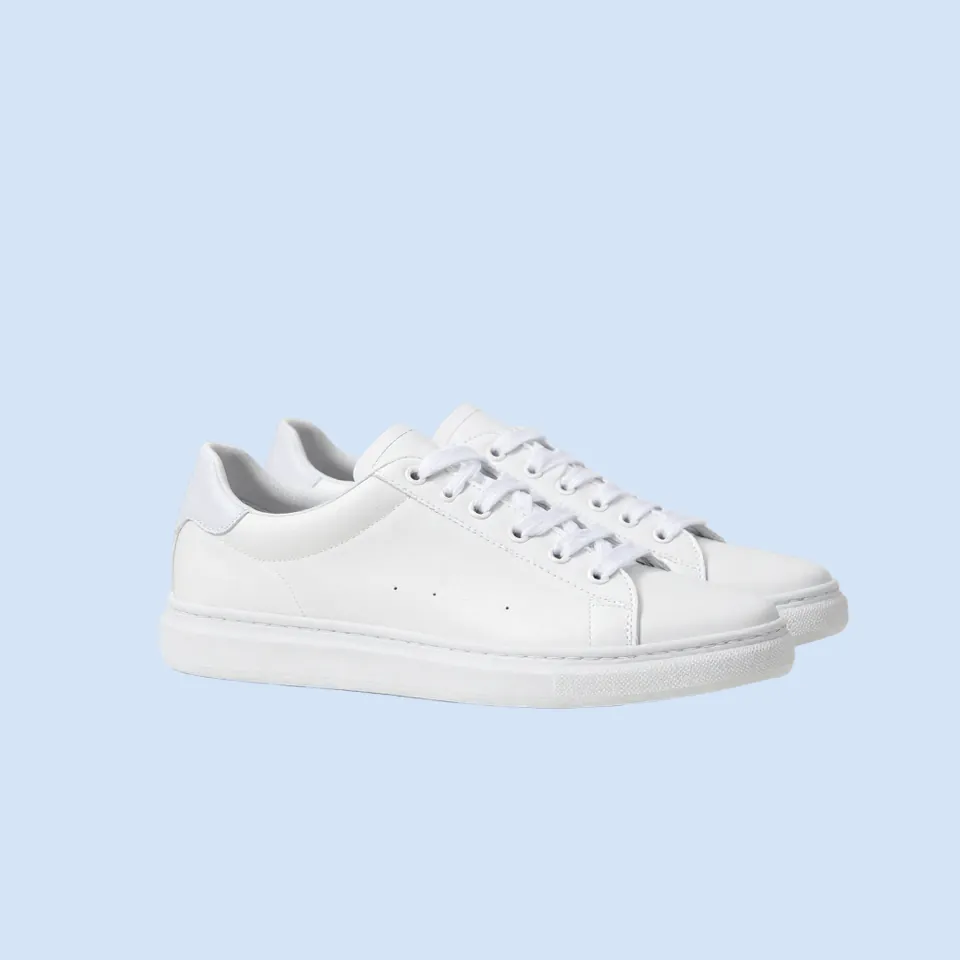
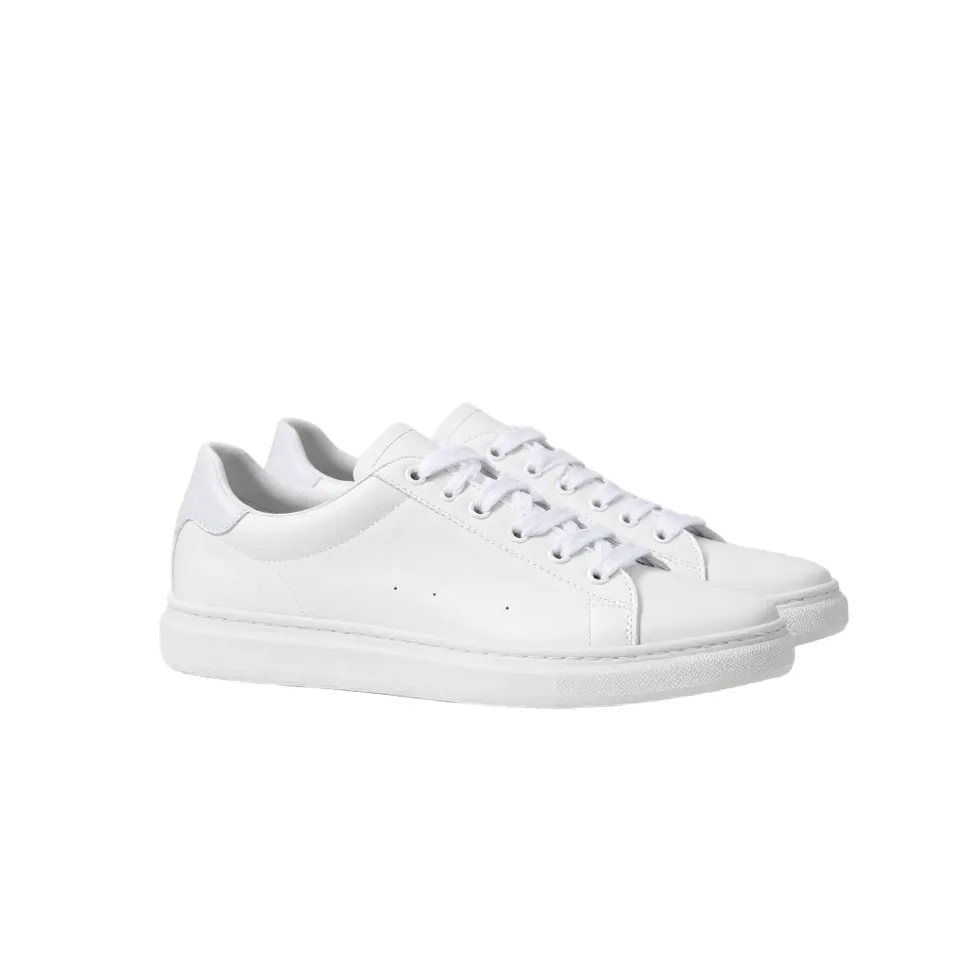
Let the AI find your subject on its own with no manual brushes, selecting or masking. Our background remover cuts out tricky white shoes on white tables and lifts handwritten signatures off lined paper while keeping every pen stroke.

Pick Any New Background You Want

Keep your transparent cutout as a PNG, or switch to clean white or a solid color in one click to download a JPG. You can also generate an entire studio scene or outdoor setting with the Nano Banana 2 photo editor.

Original
Pick Any New Background You Want — Original
Background removed
Pick Any New Background You Want — Background removed

Start Free With Upfront Credit Pricing

Sign up free with no credit card to get 40 starter credits, which gives you 10 full-size removals with no watermark on our background remover. The tool costs 4 credits per image, refunds failed runs automatically, works right in your browser on phones or computers, and offers paid plans on the Seadanse pricing page.

Use Our Background Remover for Everyday Projects

Online Sellers

Turn Product Photos Into Listings

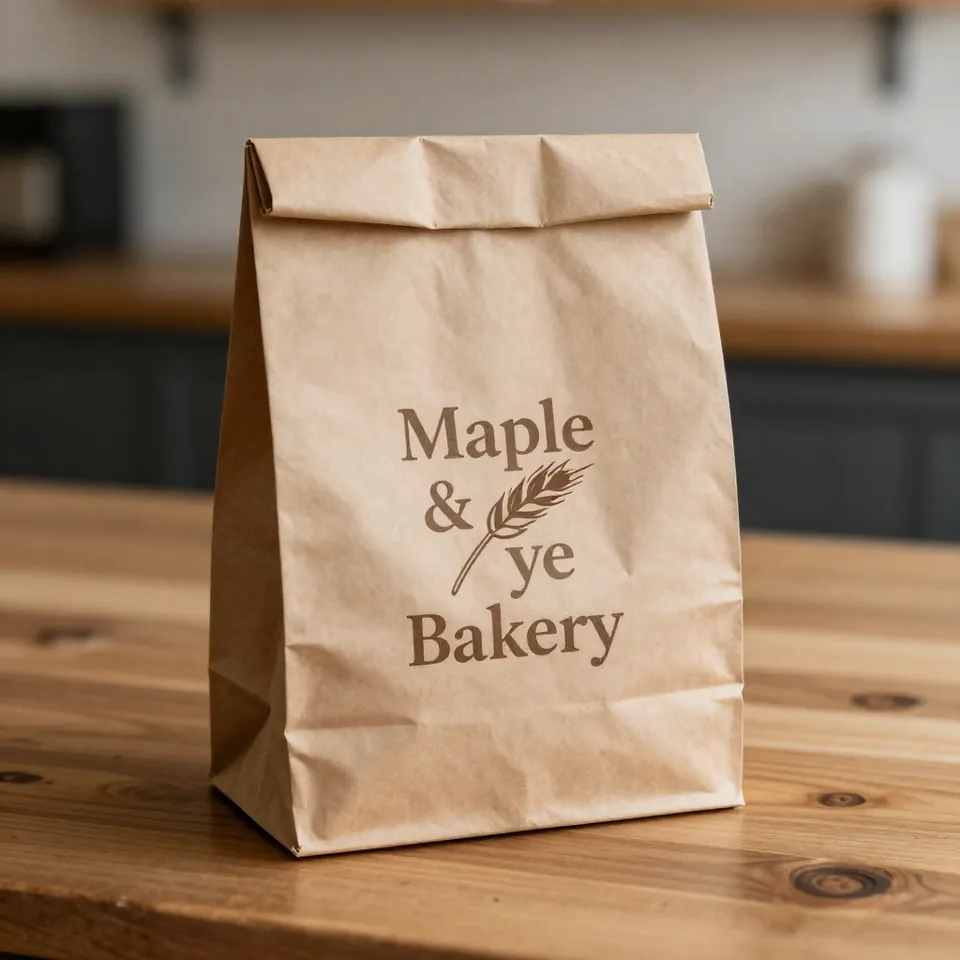
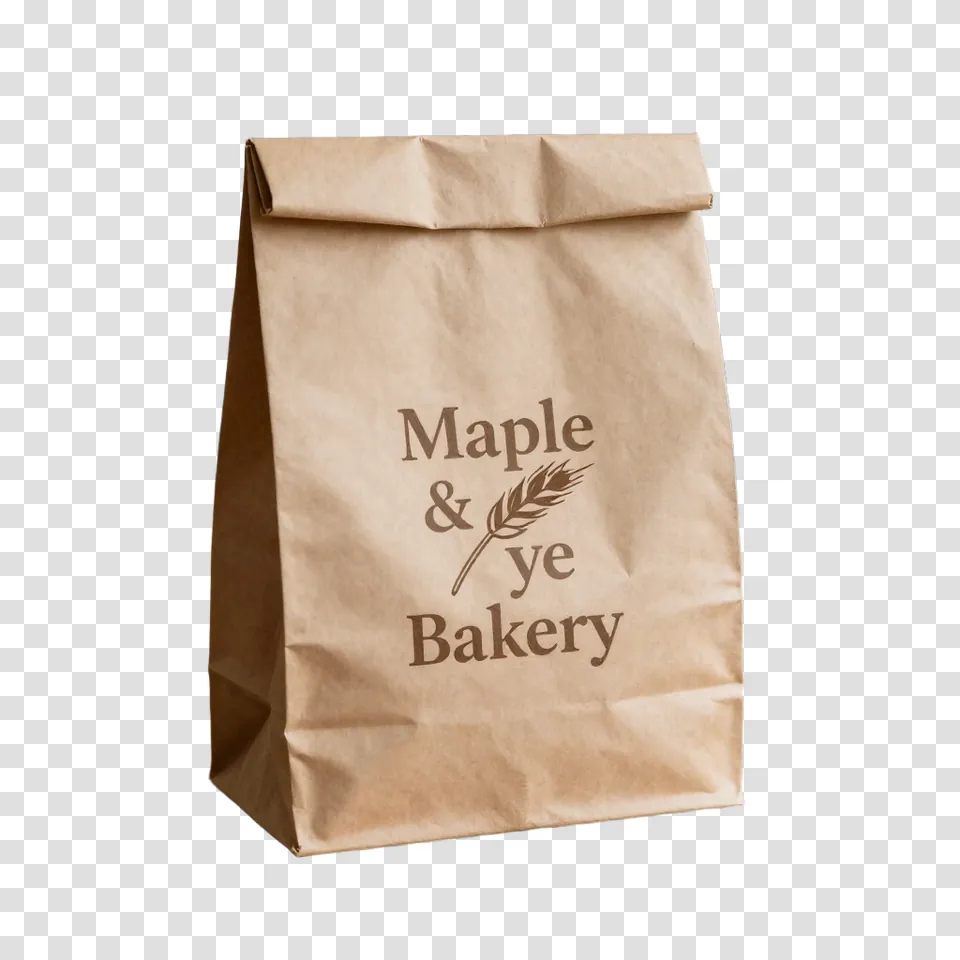
Upload product photos shot on a messy table or wall, and get your item on a clean white or transparent background, even for a white shoe on a white table. Use the Nano Banana 2 photo editor to place that same product in fresh seasonal scenes and lifestyle setups in seconds.

Original
Turn Product Photos Into Listings — Original
Background removed
Turn Product Photos Into Listings — Background removed
Original
Create Clean Professional Headshots — Original
Background removed
Create Clean Professional Headshots — Background removed
Job Seekers & Professionals

Create Clean Professional Headshots

Take a picture at home or at your desk and let our background remover clear out the cluttered room behind you. Place yourself against a crisp white or solid-color backdrop that looks sharp on LinkedIn, resumes, and business cards.

Designers, Crafters & Small Brands

Make Clean Logos and Stickers

Turn any logo image into a transparent PNG ready for your website, shirts, and Cricut Design Space. When you need a brand-new graphic from a prompt, make one with the GPT Image 2.5 transparent PNG maker.

Original
Make Clean Logos and Stickers — Original
Background removed
Make Clean Logos and Stickers — Background removed
Original
Prepare Signatures for Any Document — Original
Background removed
Prepare Signatures for Any Document — Background removed
Office & Paperwork

Prepare Signatures for Any Document

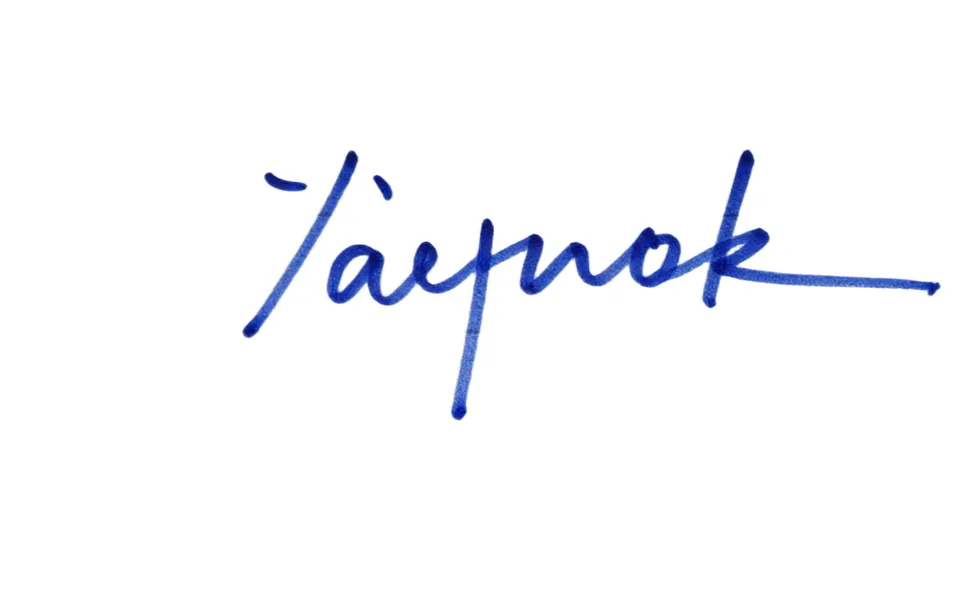
Snap a quick phone photo of your handwritten signature on lined paper, and our image background remover strips away the paper lines while keeping every ink stroke solid. Drop your transparent PNG straight onto digital contracts, PDFs, and email signatures.

Creators, Students & Teachers

Build Eye-Catching Thumbnails and Slides

Drop any photo into our AI background remover to isolate people, pets, or objects in seconds. Paste your cutouts directly into YouTube thumbnails, class presentation slides, memes, and custom stickers.

Original
Build Eye-Catching Thumbnails and Slides — Original
Background removed
Build Eye-Catching Thumbnails and Slides — Background removed

How to Use Our Background Remover

Upload Your Photo

Upload a JPG, PNG, WebP, HEIC, or BMP image up to 30 MB.

Choose Your Background

Watch our background remover clear the backdrop in seconds, then keep it transparent or pick a solid color.

Download Your Cutout

Download your full-size transparent PNG, or save a JPG on your chosen color background.

Frequently Asked Questions

How does a background remover work?

Our background remover uses AI to find the subject in your photo, such as a person, a product, a pet or a logo. The AI gives every pixel one of 256 levels of transparency and makes the background transparent. You get your own photo back as a clean PNG, cut out and not redrawn.

Can I remove a background for free?

Yes. Sign up free with no credit card required and get 40 starter credits. Each image costs 4 credits, so you remove 10 backgrounds free in full size with no watermark. When you want more credits, view the Seadanse pricing page to pick from paid plans and credit packs.

Will removing the background lower my image quality or size?

No. Your download keeps the exact width and height of your upload. A 4000 × 6000 photo comes back at 4000 × 6000, so your HD and 4K photos stay HD and 4K.

Is the transparent background real, or a fake checkerboard?

It is real. Your download is a PNG with a real alpha channel, which is the layer that stores true transparency. Apps show a gray-and-white checkerboard behind a cutout only to mark the transparent area. Place your PNG on any color or design and you see no white box and no checkerboard, matching MDN's image file type guide on using PNG for transparency.

What file types can I upload and download?

Upload JPG, PNG, WebP, HEIC or BMP images up to 30 MB each. Download your cutout as a transparent PNG, or pick a white or solid color background to download a JPG.

How accurate is it with hair, fur and fine edges?

It is very accurate. Our background remover gives each edge pixel one of 256 levels of transparency, so flyaway hair on a dark, busy background and fluffy pet fur fade softly and look natural. It even cuts out a white shoe on a white table whole.

Can I remove the background from a signature or a logo?

Yes. Photograph your handwritten signature on paper and get a transparent PNG with every stroke kept and the paper lines removed, ready for contracts and email signatures. Upload a logo image to make a transparent PNG for websites, stickers or shirts. To split text, your subject and background into separate layers, use the Seedream 5 Pro layer splitter to get up to 16 transparent PNG layers.

Can I put a new background behind my photo?

Yes. Place your cutout on pure white or a solid color in one click. To place your subject into a whole new scene, upload your photo to the Nano Banana 2 photo editor and describe your new setting, or generate a background first in our AI Image Creator.

Can I use my cutouts for commercial projects?

Yes. Paid plans and credit packs include a commercial license for all your downloads. Visit the Seadanse pricing page to choose the plan that fits your business.

Can I use it on my iPhone or Android phone?

Yes. Our background remover runs right in your mobile browser with nothing to install. You can upload phone photos directly, including HEIC shots as well as JPG, PNG, WebP and BMP files.

What is the best background remover?

The best tool gives you a real transparent PNG at the full size of your original photo, keeps fine details on hair and fur, and shows your cost before you start. Our background remover does all of this directly in your browser on desktop or mobile, and your 40 free starter credits cover 10 images.

remove.bg is shutting down. What can I use instead?

You can use Seadanse. The remove.bg standalone website closes on December 1, 2026. On Seadanse, you remove backgrounds right in your browser, download full-size transparent PNGs with no watermark, and get 40 free starter credits, enough for 10 images, as soon as you sign up.

Can I remove the background from a video?

Yes. Use our video background remover to take backgrounds out of your video footage. You can get started with a $5 trial pack that covers 30 seconds of video.

Try Our Background Remover for Free Today

Sign up for 40 free credits to cut out 10 images in full size with soft edges on a real transparent background.