
Cut Frames Automatically from Any Grid
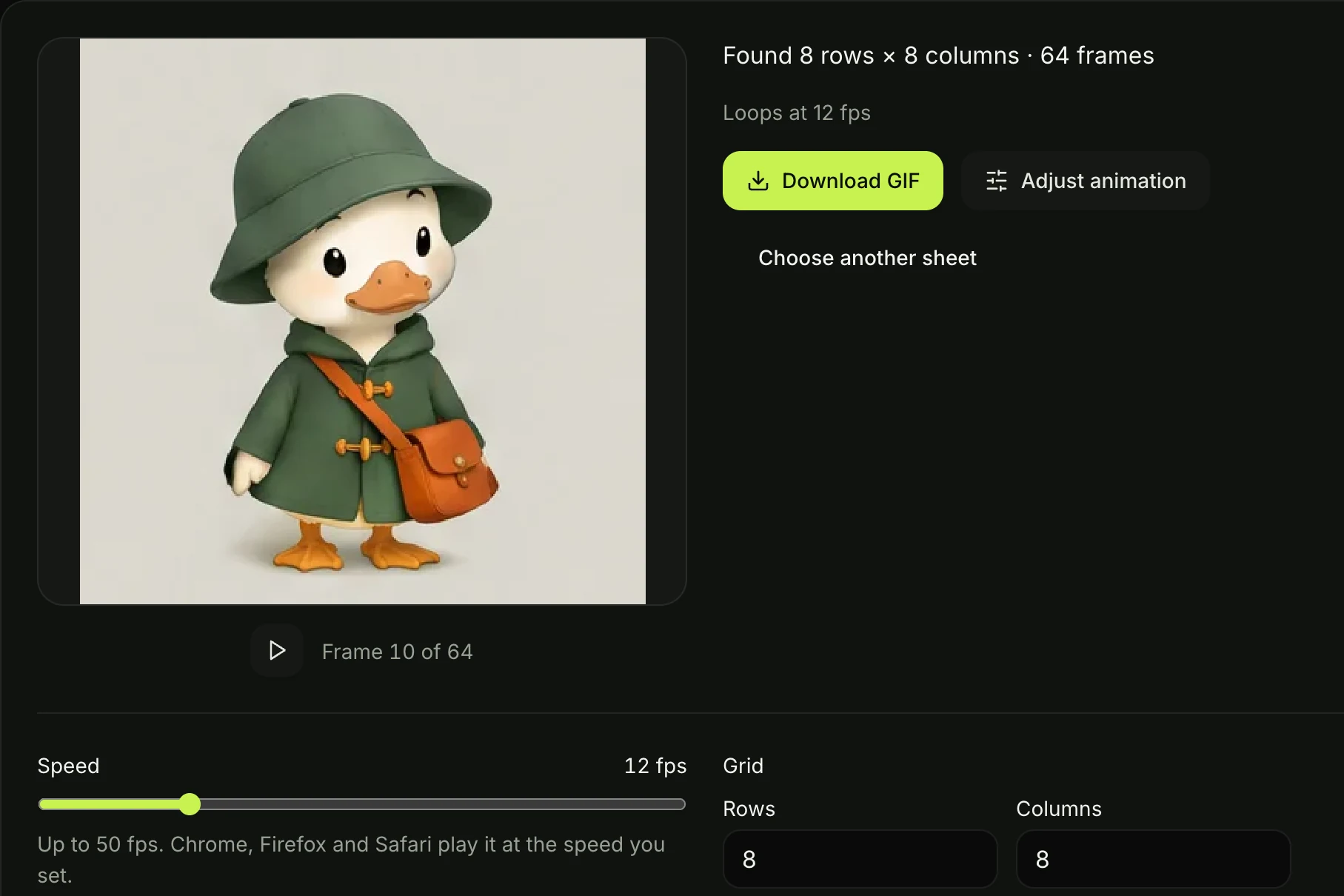
Upload a PNG, JPG, or WebP sheet to cut your frames and start the preview. You can update the rows and columns at any time in Adjust animation with our sprite sheet to GIF converter.
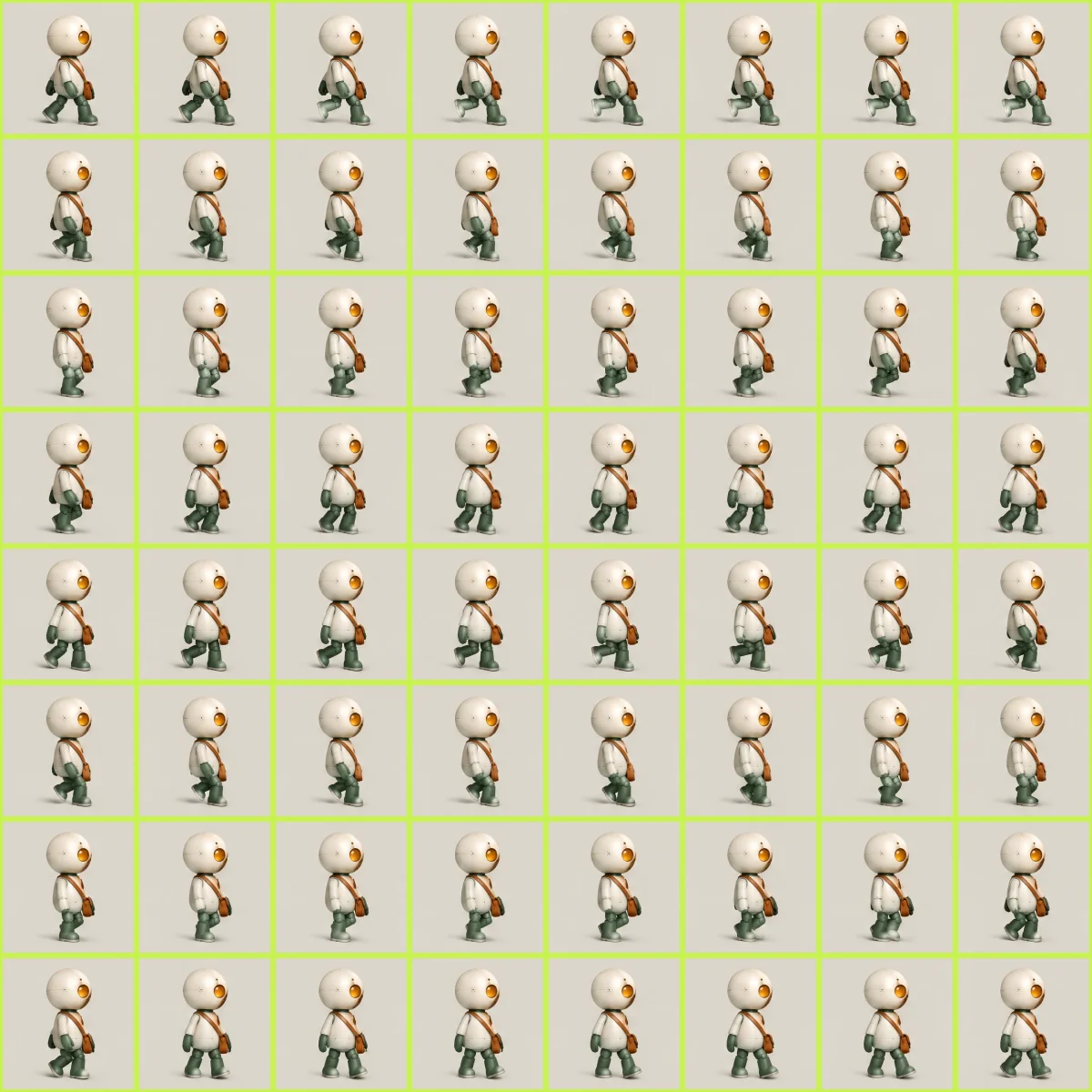
See your game characters move right away. Use our sprite sheet to GIF tool to turn your PNG, JPG or WebP sheet into a looping animation up to 50 fps.
Upload a PNG, JPG, or WebP sheet to cut your frames and start the preview. You can update the rows and columns at any time in Adjust animation with our sprite sheet to GIF converter.

Keep your see-through background intact with no black boxes on Discord or store pages. Your character keeps its black outlines and bright colors as our sprite sheet to GIF converter saves your art.
Set your animation speed up to 50 fps and watch your preview update right away. Our sprite sheet to GIF converter saves timings in hundredths of a second under the GIF standard so Chrome, Firefox, and Safari play your file at the speed you choose.


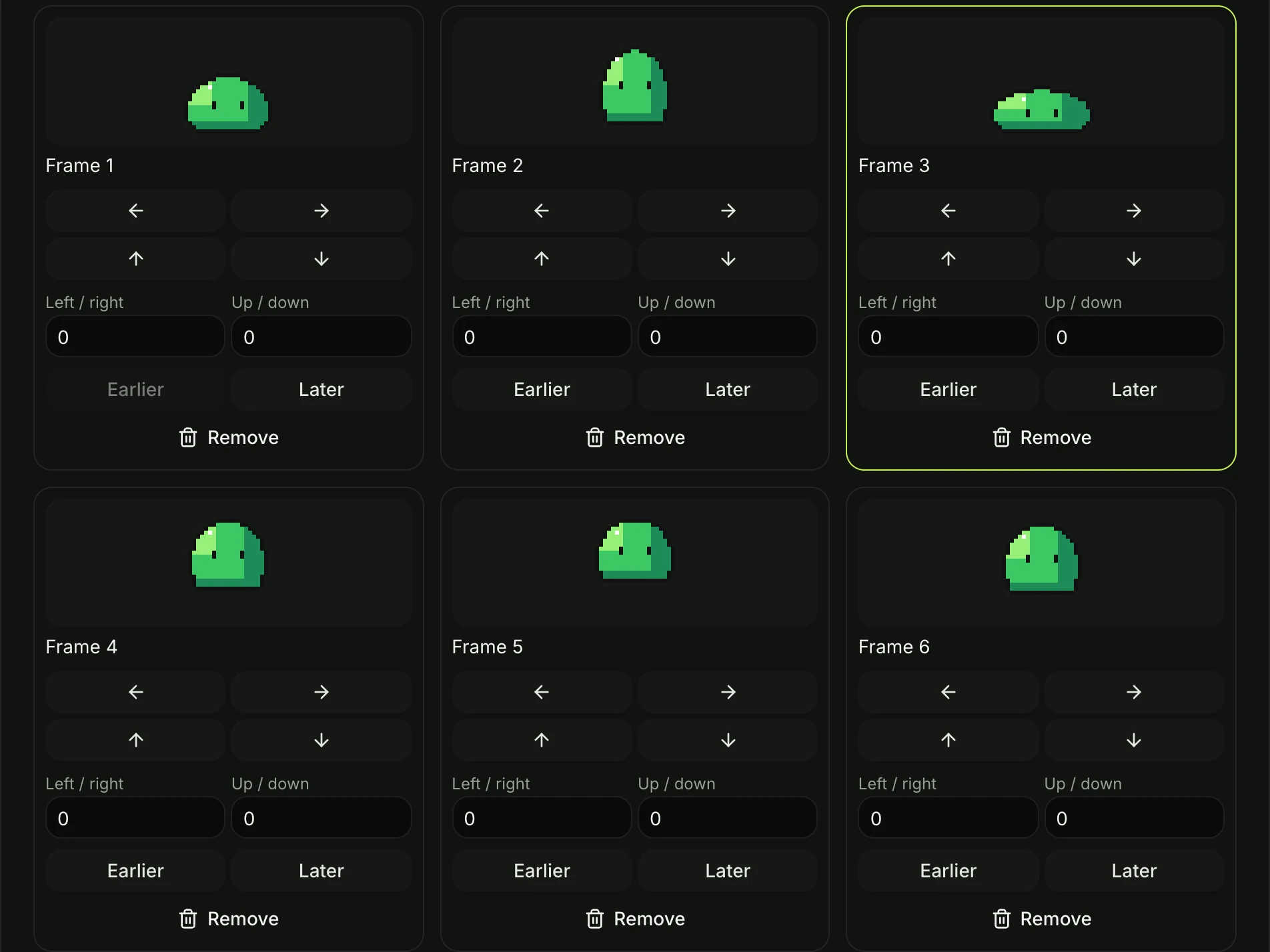
Move any single frame left, right, up, or down until your character stands still. You get planted feet and a steady head while our sprite sheet to GIF converter leaves your original artwork untouched.
Take out empty cells, cut frames that break motion, and move the rest into the right order. Your preview updates on the spot as our sprite sheet to GIF converter builds your loop.
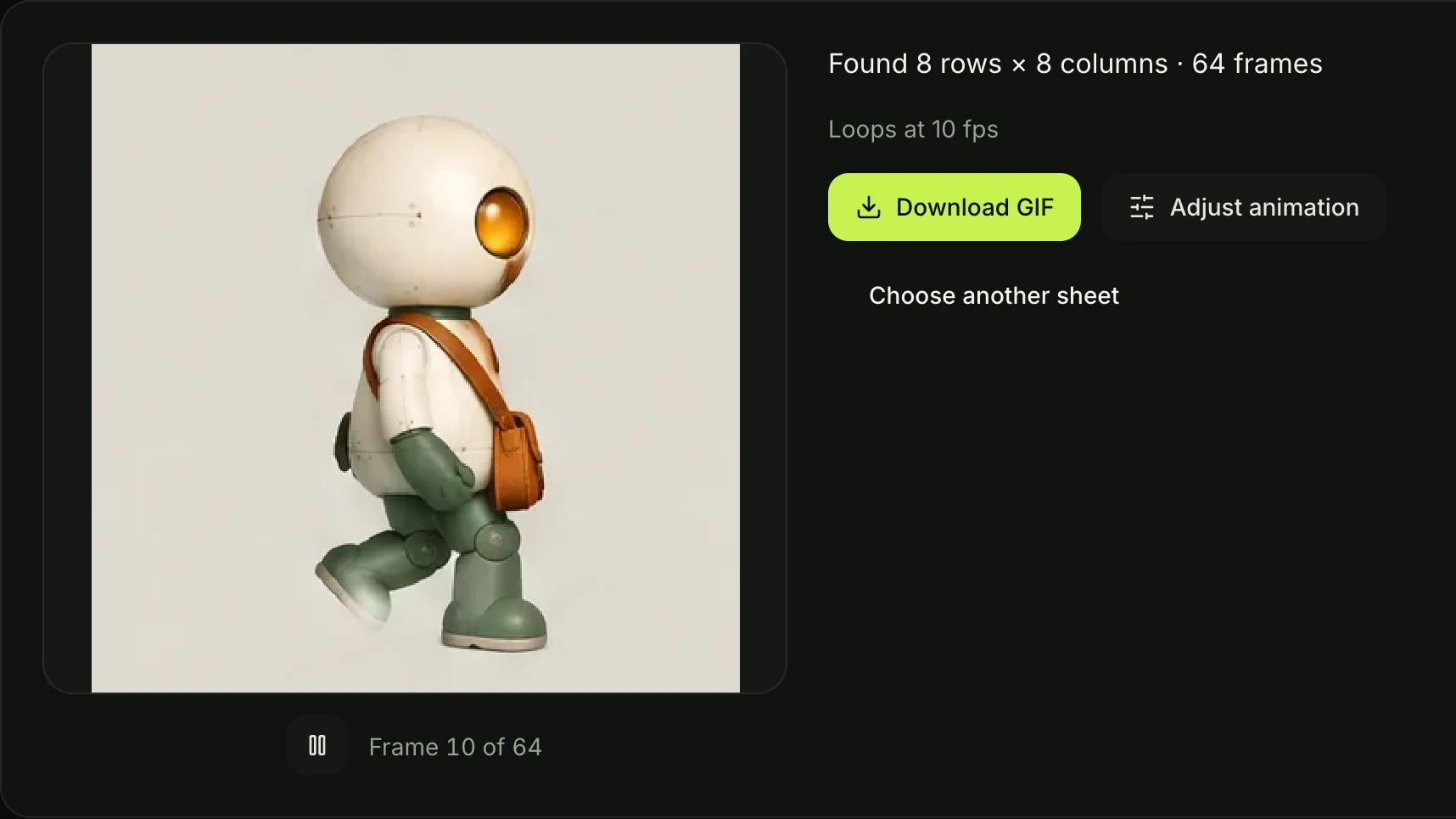
Convert as many sprite sheets as you want with no sign-up, no credits, and no watermark. Everything runs in your browser so your art never touches a server, and our sprite sheet to GIF converter delivers files for personal or commercial use.
Bring a sprite sheet exported from your editor or engine to get a looping GIF with a clear background at the speed you set. Check walk and attack cycles before you import into Unity or Godot, and post updates directly to devlogs, Discord, Steam, itch.io, X, and Bluesky.


Bring a strip or grid exported from Aseprite and get a looping GIF running at 8 to 12 fps. Post crisp animations to your portfolio and social media with transparent backgrounds that blend into light and dark feeds.
Bring a sheet from an AI tool, remove frames that break the motion, and nudge the rest into line before building your game. You can also make a fresh sheet with our AI Sprite Sheet Generator and open it here in one click.


Bring sheets extracted from games or drawn by hand where frames sit at uneven heights. Move each frame up, down, left, or right so your character stands steady, then save a smooth looping GIF for forums and game wikis.
Upload your sprite sheet as a PNG, JPG or WebP file to our sprite sheet to GIF converter.
Check the grid and the looping preview, and open Adjust animation to set the speed or to move, remove or reorder frames.
Download your looping GIF to save your finished animation directly to your device.
Upload your sprite sheet as a PNG, JPG or WebP file. Our sprite sheet to GIF converter finds the rows and columns and cuts the frames for you right away. The frames play in order as a looping preview. Open Adjust animation to set playback speed, or move, remove, and reorder frames before you download your looping GIF.
Our sprite sheet to GIF converter finds them automatically when you upload your image. The frames across your sheet are the columns, and the frames down the sheet are the rows. You can adjust the numbers in Adjust animation, and the tool cuts your frames again instantly.
Yes. When your sheet has a transparent background, the GIF keeps it clear. Your character sits on any web page or Discord channel in light or dark mode with no black box around it. Only the background turns clear, so black outlines and bright colors stay in place.
Pixel art walk and run cycles usually play at 8 to 12 fps. You can set any speed up to 50 fps (20 ms per frame) in our sprite sheet to GIF tool. Chrome, Firefox and Safari play frames of 20 ms and longer at the speed saved in the file, as shown in Chrome's GIF timing code.
Yes. Our sprite sheet to GIF converter is completely free to use. You get no sign-up, no credits, no watermark, and no daily limit.
No. Your sprite sheet is processed right in your browser and stays on your device. Your art stays private while you make your animation.
Open Adjust animation and move the jumping frame left, right, up, or down. Nudge each frame until your character stands still with a steady head and planted feet. The looping preview updates at once so you see the smooth motion.
Yes. Take out empty cells and any frame that breaks your motion in one click. Move any frame to a new spot in the order, and the looping preview updates right away.
Yes. Upload your sheet, and our sprite sheet to GIF converter cuts the rows and columns for you. Remove frames that break the motion, nudge jumpy frames into line, and download your animation. To create a new sheet from a text description, try our AI Sprite Sheet Generator, which opens directly in this converter in one click.
No. Our sprite sheet to GIF converter runs right in your web browser with no software to install. If you draw in Aseprite, follow Aseprite's sprite sheet guide to export a grid or strip with File > Export Sprite Sheet, then upload it here to preview and download your GIF.
Yes. Your GIFs are free to use in personal and commercial projects. Seadanse adds no watermark, so your animations are ready for games, websites, and store pages.
You can upload PNG, JPG, and WebP sprite sheets. Drop in a full grid or a single-row strip and turn a sprite sheet into a GIF right away.
Every page here runs the real models in your browser — jump to the one that matches the clip you have in mind.
Nano Banana, GPT Image, Seedream and Grok Imagine for stills and first frames.
Download your looping GIF with a clean transparent background and no watermark in seconds.


