Video Background Remover

Cut out your subject without a green screen in minutes. Our video background remover turns clips up to 60 seconds into transparent files with your original sound kept, or use our background remover for photos to edit an image.

Instant Video Background Remover With Clean Edges

Background
Format

MP4 has no transparency. Pick a color to download an MP4.

13 credits per second, or seconds from the $5 trial pack (30 seconds).

If a render fails, your seconds or credits come back automatically.

Remove Video Background Now

What Makes Our Video Background Remover Stand Out

Export Transparent Files for Pro Video Editors

Drop your cutouts over any footage using WebM or MOV files that carry a true transparency layer. You can move ProRes 4444 clips straight into Premiere Pro, After Effects and DaVinci Resolve with our video background remover.


Original
Export Transparent Files for Pro Video Editors — Original
Background removed
Export Transparent Files for Pro Video Editors — Background removed
Original
Cut Out Subjects Without Using Green Screens — Original
Background removed
Cut Out Subjects Without Using Green Screens — Background removed

Cut Out Subjects Without Using Green Screens

Film in your bedroom, office or on the street, and our video background remover finds your person or product in every frame. You get a clean cutout from everyday videos or footage shot on a green screen.

Stabilize Edges on Moving Hair and Hands

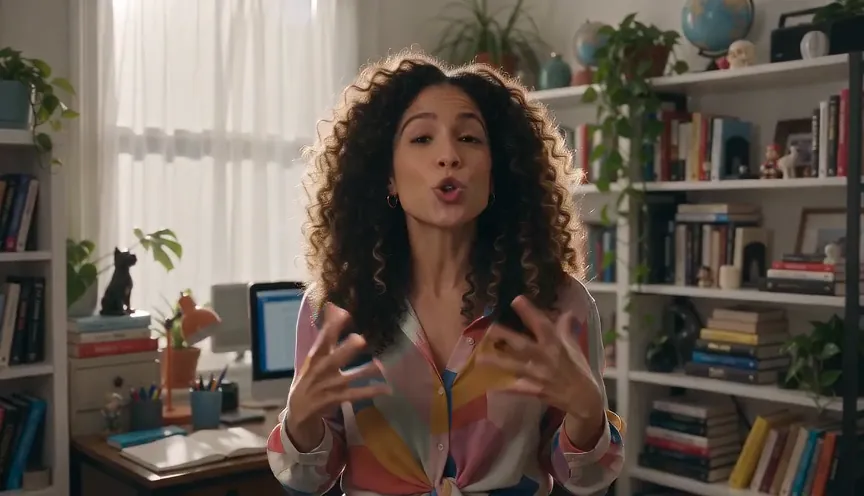
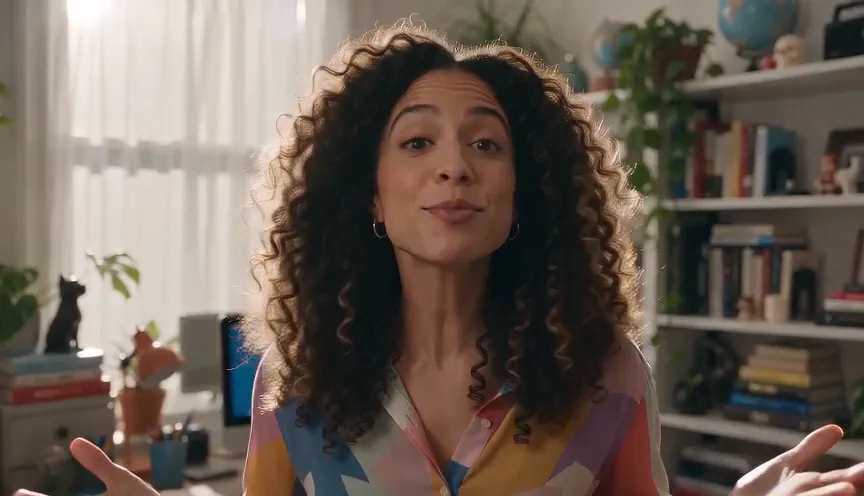
Keep edges steady while subjects walk, turn and wave, because each frame uses the frame before it as its guide. You get sharp borders on curly hair and spread fingers with our video background remover.

Original
Stabilize Edges on Moving Hair and Hands — Original
Background removed
Stabilize Edges on Moving Hair and Hands — Background removed
Original
Retain Your Original Sound and Resolution Settings — Original
Background removed
Retain Your Original Sound and Resolution Settings — Background removed

Retain Your Original Sound and Resolution Settings

Upload MP4 or MOV clips up to 60 seconds and keep your exact length, resolution, aspect ratio and frame rate. You keep your original sound by default or mute it in one click with our video background remover.

Apply Solid Studio Colors or Green Screens

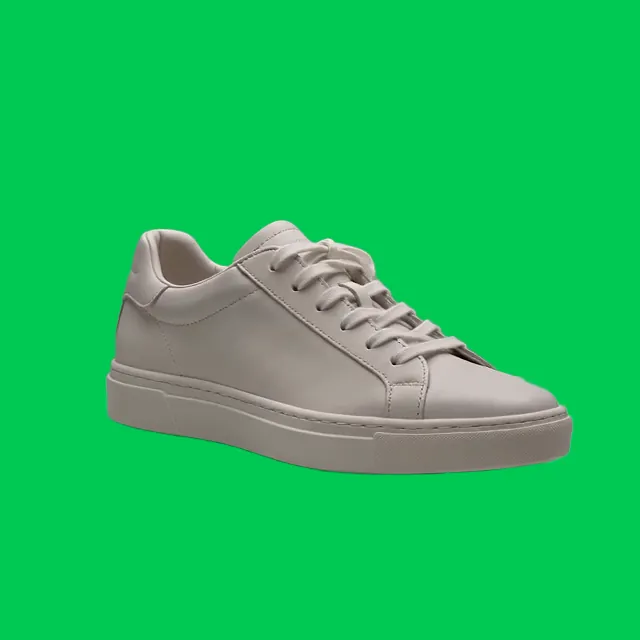
Pick from 9 solid colors like white for store pages or green and blue MP4 clips for CapCut's Chroma Key. You can also switch from our video background remover to Gemini Omni to build a whole new AI scene.

Original
Apply Solid Studio Colors or Green Screens — Original
Background removed
Apply Solid Studio Colors or Green Screens — Background removed

Process Clips Online With Clear Upfront Pricing

Run our video background remover in your browser on a phone or computer with nothing to install and no watermarks. You see the rate of 13 credits per second upfront, and credits return automatically if a render fails.

Use Video Background Remover for Standout Content

YouTubers & Podcasters

Drop Messy Studio Backdrops Fast

Upload your talking clip to our video background remover and clear out a messy bedroom or a wrinkled green screen in minutes. Put yourself over gameplay, slides, or a new scene while keeping your original sound.

Original
Drop Messy Studio Backdrops Fast — Original
Background removed
Drop Messy Studio Backdrops Fast — Background removed
Original
Create Clean Product Videos Quickly — Original
Background removed
Create Clean Product Videos Quickly — Background removed
Online Sellers

Create Clean Product Videos Quickly

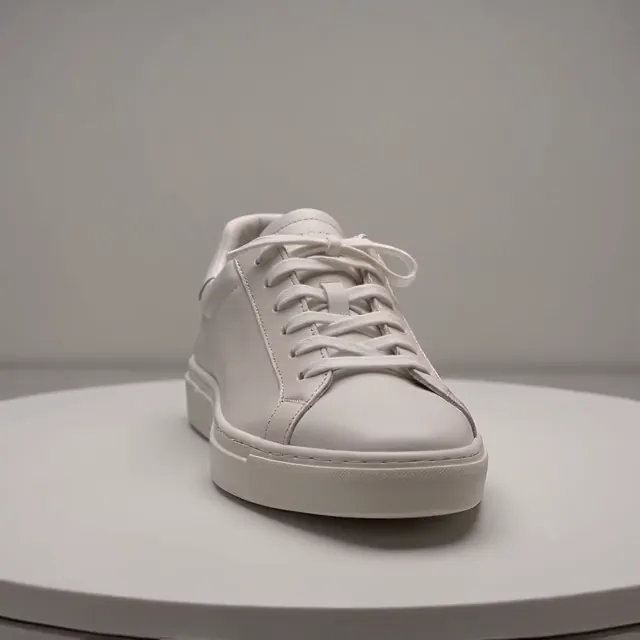
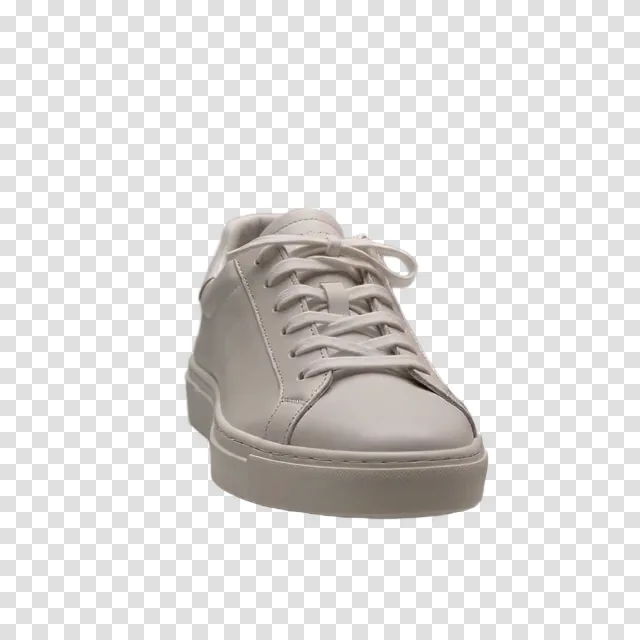
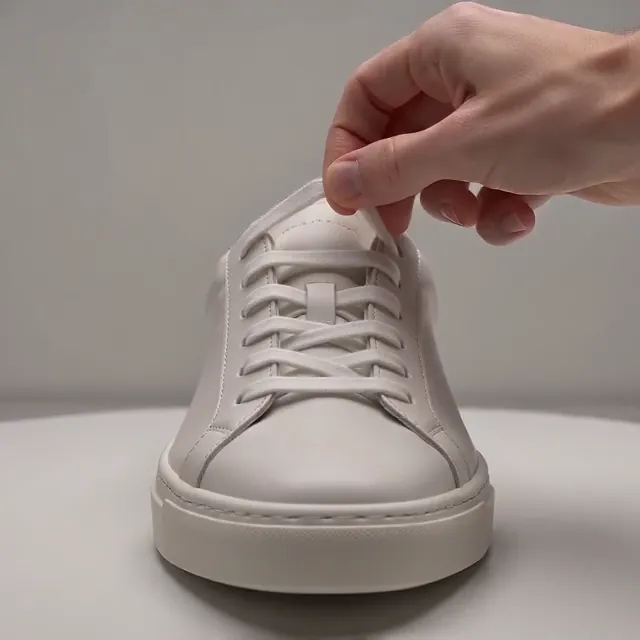
Drop in a turntable clip to get your product on a clean white background or a transparent layout for ads. The tool keeps the hands that show your item in the shot so your store looks ready for buyers.

Course Creators

Stand Beside Your Lesson Slides

Bring a clip of yourself teaching and remove the background right in your browser. Layer your transparent cutout straight over presentation slides or screen recordings in your editing app.

Original
Stand Beside Your Lesson Slides — Original
Background removed
Stand Beside Your Lesson Slides — Background removed
Original
Skip Frame-by-Frame Rotoscoping Completely — Original
Background removed
Skip Frame-by-Frame Rotoscoping Completely — Background removed
Video Editors

Skip Frame-by-Frame Rotoscoping Completely

Bring your shot to our video background remover and download an MOV file with ProRes 4444 in minutes. Drop the clip straight onto your timeline in Premiere Pro, After Effects, or DaVinci Resolve with the transparency in place.

Marketers

Make Many Ads From One Shoot

Turn one recorded clip into dozens of fresh ad variations, stickers, and meme overlays without reshooting. Place your transparent cutout over new scenes made with the AI Video Creator.

Original
Make Many Ads From One Shoot — Original
Background removed
Make Many Ads From One Shoot — Background removed

How to Use Our Video Background Remover

Upload Your Video

Upload your MP4 or MOV video file up to 60 seconds and 100 MB.

Choose Your Background and Settings

Pick a transparent background or one of 9 solid colors, choose WebM, MOV, or MP4, keep or mute your sound, and view the price before you start.

Download Your Video

Download your finished video with the background removed, ready in minutes with no watermark.

Run Our Video Background Remover From 13 Credits per Second

Our video background remover costs 13 credits per second, shown before you start, so a 10-second clip costs 130 credits, and your credits come back automatically when a render fails. Buy 30 seconds of video removal right here with the $5 trial pack for watermark-free downloads, find plans and credit packs on Seadanse pricing, or sign up free with no credit card for 40 starter credits to remove the background from 10 photos with the background remover for photos.

Frequently Asked Questions

What is a video background remover, and how does it work?

It is a tool that removes everything behind the person or product in your video. On Seadanse, our video background remover finds the subject in every frame and cuts each frame with the frame before it as a guide. The edges stay steady from frame to frame, and you get your clip back on a transparent background or a solid color in your browser.

Can I remove a video background for free?

Video background removal starts with the $5 trial pack, which gives you 30 seconds of video with no watermark. Sign up for free with no credit card to receive 40 starter credits, enough to remove the background from 10 photos with our background remover for photos at full size. Check Seadanse pricing for plans and credit packs that remove video backgrounds at 13 credits per second.

Can a video have a transparent background?

Yes. WebM (VP9) and MOV (ProRes 4444) carry a transparency layer called an alpha channel, as detailed in Apple's guide to ProRes. Download your clip in WebM or MOV format, layer the file over other footage in your editing app, and your background stays completely see-through.

Do I need a green screen?

No. Film your clip against any background in your bedroom, your office or on the street. Our video background remover tracks the person or product across every frame without special backdrops, and footage shot on a green screen works as well.

Does it keep the audio?

Yes. Your original sound stays in your video by default. You also have the option to switch sound off to download a completely silent clip.

How long can my video be, and what files can I upload?

Upload an MP4 or MOV video up to 60 seconds and 100 MB. You get your finished video back in minutes with the exact same length, resolution, aspect ratio and frame rate as your upload.

Which format should I download for Premiere Pro, DaVinci Resolve or CapCut?

Download MOV (ProRes 4444) for Premiere Pro, After Effects and DaVinci Resolve. It is Apple's format for exchanging composites, covered in Apple's guide to ProRes, and drops straight onto your timeline with its transparency in place. Choose WebM for transparency in a compact file size. For CapCut, pick the green background, download an MP4, and use CapCut's Chroma Key to remove the color, or download a solid-color MP4 to post straight away.

Can I replace the background with a color, a picture or another video?

Yes. Pick from 9 solid colors in one click: white, black, gray, red, green, blue, yellow, cyan and magenta. To place a picture or another video behind your subject, layer your transparent file over it in your editing software. You can generate fresh backgrounds with our AI Image Creator and AI Video Creator, or upload clips up to 10 seconds to the Gemini Omni AI video maker and type the new background you want.

Can I use it on my iPhone or Android phone?

Yes. Our video background remover runs right in your mobile browser on iPhone and Android. You get fast results on your phone with nothing to install.

Will my video have a watermark, and can I use it commercially?

No watermark. Every video from our video background remover downloads cleanly without a watermark. You can pick plans and credit packs on Seadanse pricing to add a full commercial license and private renders.

What is the best video background remover?

The best tool delivers truly transparent WebM and ProRes 4444 MOV files, works without a green screen, keeps edges steady around hair and hands, preserves your original sound, takes clips up to 60 seconds, and shows clear pricing before you start. Our video background remover gives you all six benefits in every render.

Try Our Video Background Remover with the $5 Trial Pack

Start with the $5 trial pack for 30 seconds of video to get your person or product on a transparent WebM or MOV, or on a clean solid-color MP4 with your original sound kept.