

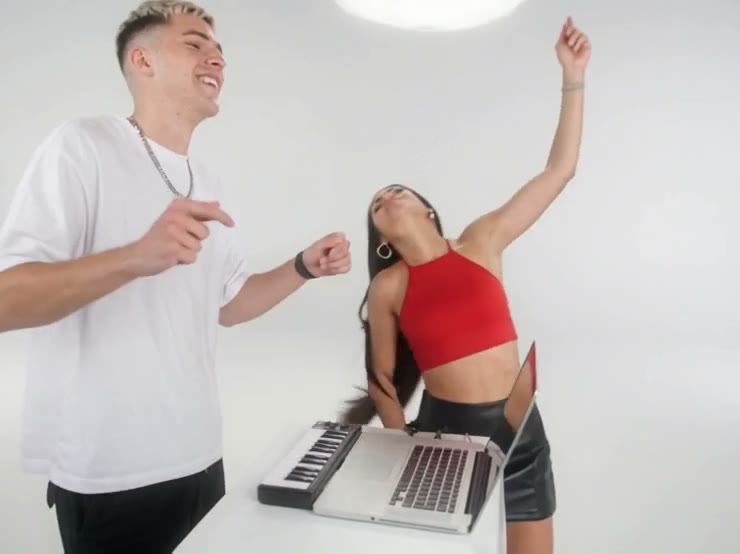
Star as the Lead with Your Face and Outfit
Upload 1 photo of yourself to give the lead your real face, hair, and outfit. Our Burning Bridges AI video puts you into the chandelier-lit scene, just like a Face Swap Photo to Video effect.

Seadanse Burning Bridges AI video makes you the party lead from 1 photo of you with your face, hair and outfit, while the rest of the party scene and the crowd stay as they are in the original. Get a silent 15-second or full 28-second video in 480p or 720p, with one 15-second 720p video for $9.90.
Best for TikTok, Reels and Stories on a phone.
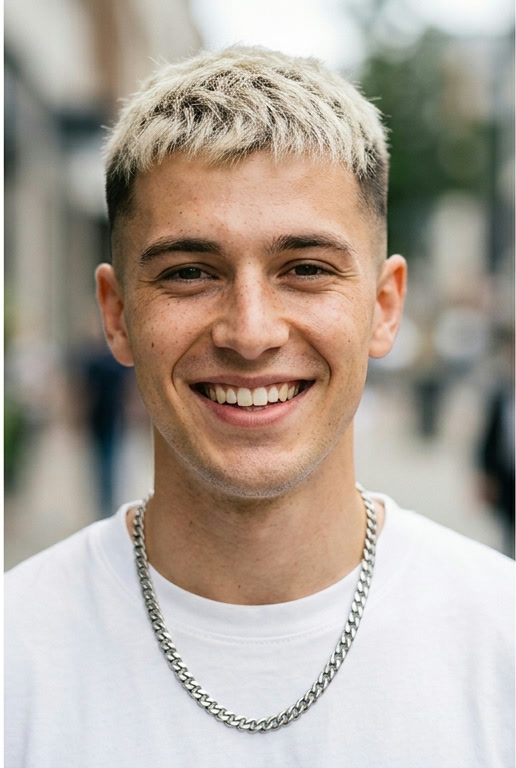 Lead
Lead


Burning Bridges AI video is a trend format that puts a new cast into the chandelier-lit party scene from Drake's Burning Bridges music video.
You take center stage in a chandelier room as the lead. The performance includes raising a metal cup, approaching the camera, hand gestures and turning to the party crowd.
You upload 1 photo of yourself, which gives the lead your face, hair and outfit, and the rest of the party scene and the crowd stay as they are in the original. The built-in reference provides the party performance and camera movement.
Seadanse produces a 15-second or full 28-second, 480p or 720p, 16:9 landscape MP4 video from your inputs. You get a silent video that you can preview and download.
Upload 1 photo of yourself to give the lead your real face, hair, and outfit. Our Burning Bridges AI video puts you into the chandelier-lit scene, just like a Face Swap Photo to Video effect.
You raise a metal cup, approach the camera, make hand gestures, and turn to the party crowd as the lead. The built-in reference runs the party performance and camera movement automatically.
Preview your finished 16:9 silent video on your screen and download it in seconds. You get a clean 15-second or full 28-second clip that is ready to share with friends.
Upload 1 photo of yourself to play the lead in our Burning Bridges AI video. Get a 15-second or full 28-second clip to share with your friends.

Drop in 1 photo of yourself to build an instant trend post with our Burning Bridges AI video, or explore AI Dance for other performance ideas. Download a 480p or 720p landscape video ready for your next upload.
Upload one photo of yourself to set the lead's face, hair, and outfit.
Generate the clip with our Burning Bridges AI video to apply the built-in party performance and camera movement.
Preview your silent 15-second or full 28-second 480p or 720p 16:9 landscape MP4 video and download it to your device.
You get one 15-second 720p render of our Burning Bridges AI video for $9.90 or 500 credits, or spend 375 credits at 480p. Choose the full 28 seconds for 700 credits at 480p or 935 credits at 720p, and a render that fails returns its credits automatically.
A Burning Bridges AI video is a trend clip that puts a new cast into the recognizable chandelier-lit party scene. Our Burning Bridges AI video keeps your face, hair, and outfit while you perform the full routine.
Upload one photo of yourself to our Burning Bridges AI video generator. Click generate to create the built-in performance, then preview and download your finished clip.
You need one photo of you, with one person facing the camera. Upload your picture and watch yourself take the lead in the party scene.
A 15-second video costs 375 credits at 480p or 500 credits at 720p, and the full 28 seconds costs 700 credits at 480p or 935 credits at 720p. You can buy one 15-second 720p video for $9.90 to start creating right away.
You get a 15-second or full 28-second, 480p or 720p, 16:9 landscape MP4 video. You can preview the finished file on your screen and download it right away.
No. The downloaded video is silent. You can add your favorite song or party audio in any editing app before you share it.
No. The party performance and camera movement are built directly into this effect. If you want to use custom reference clips instead, try our Video to Video AI tool.
Turn one photo of you into a 15-second or full 28-second 480p or 720p party clip, or check out our Viral Video Prompts for more trend ideas.