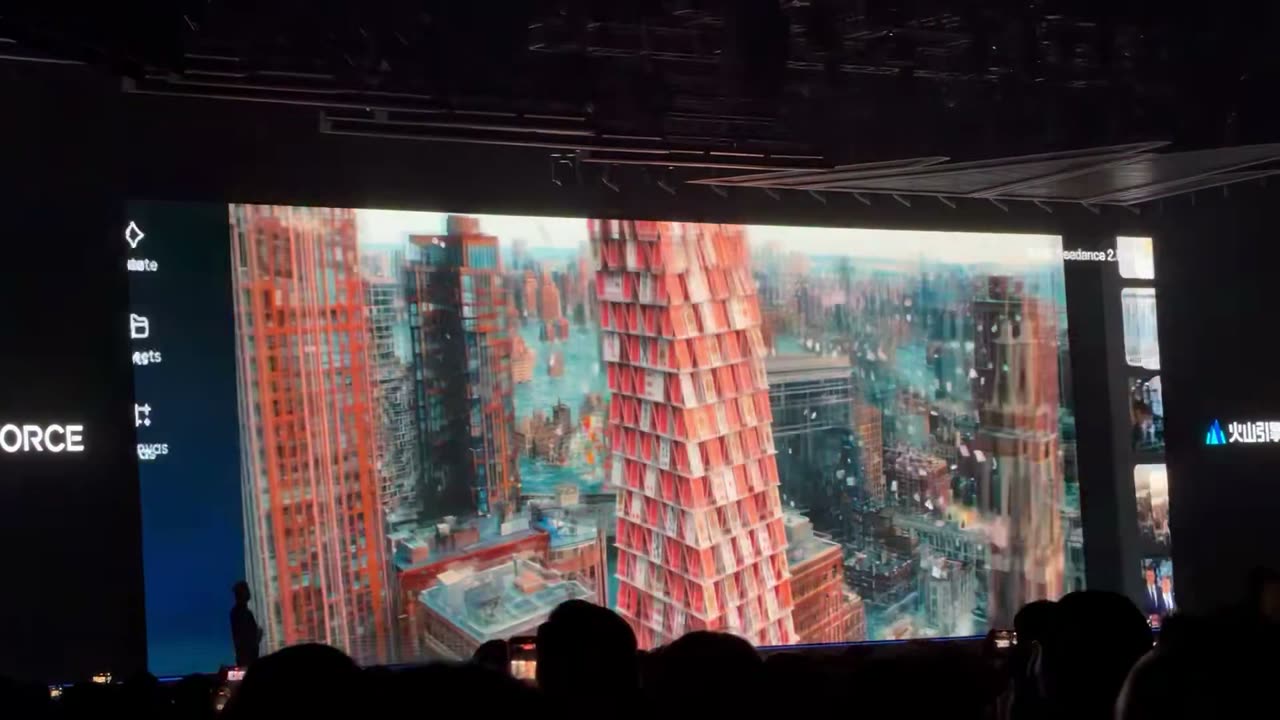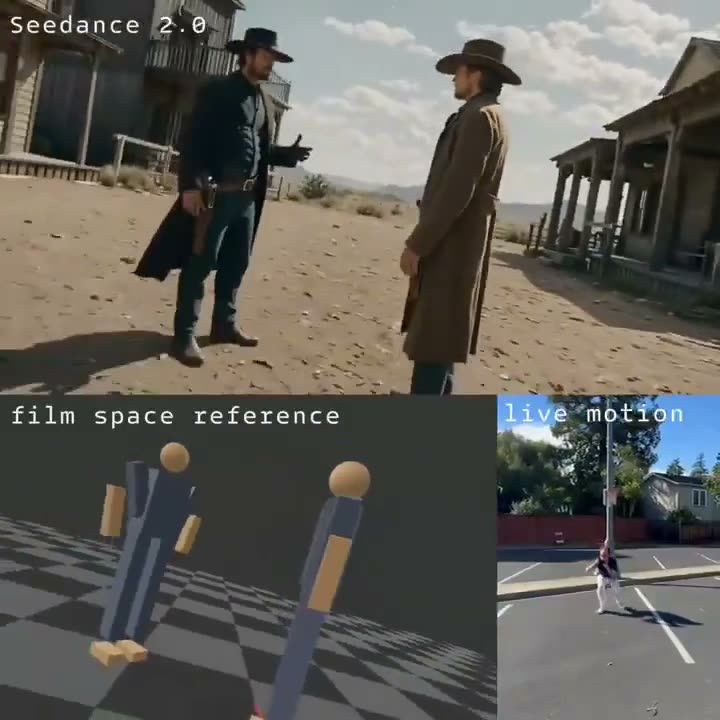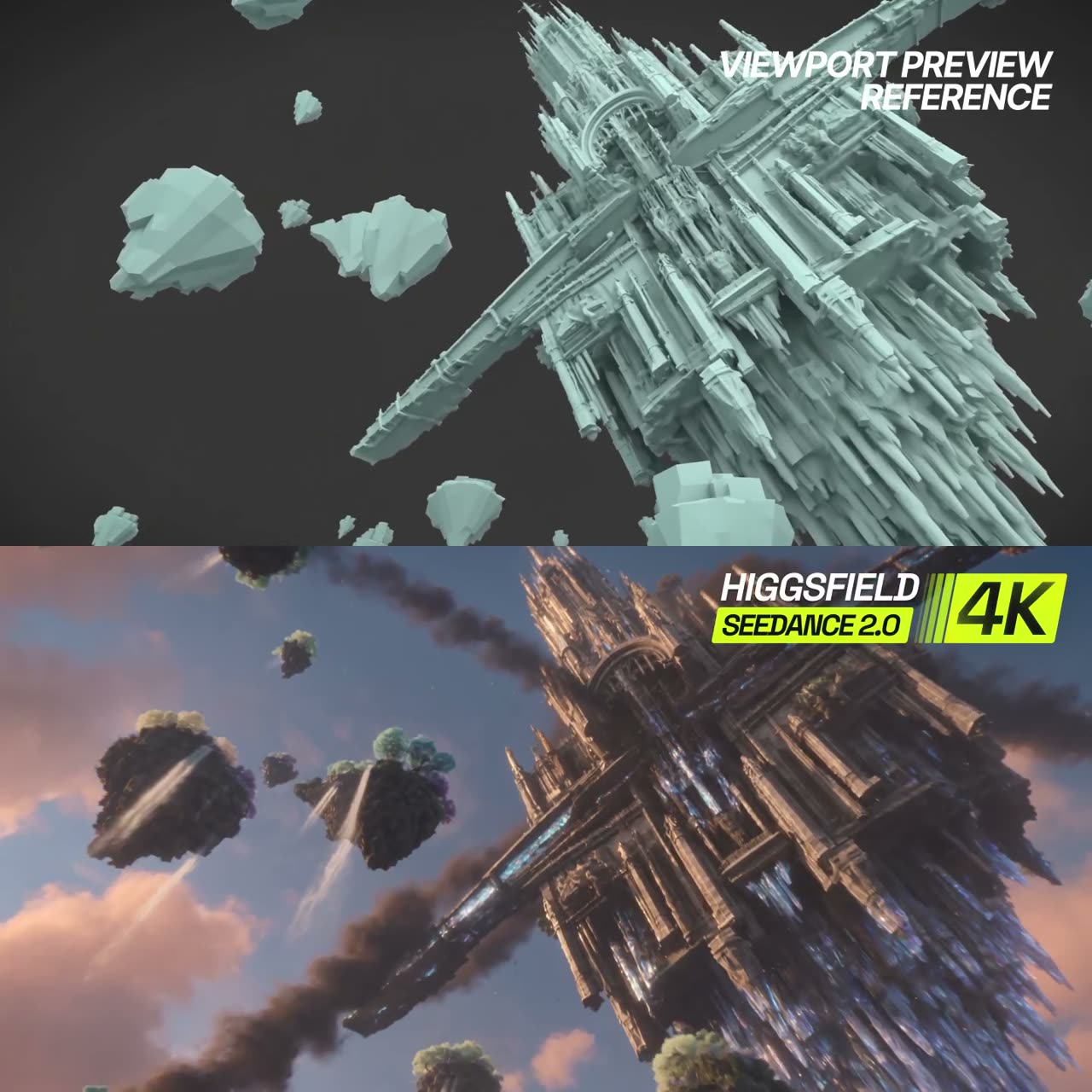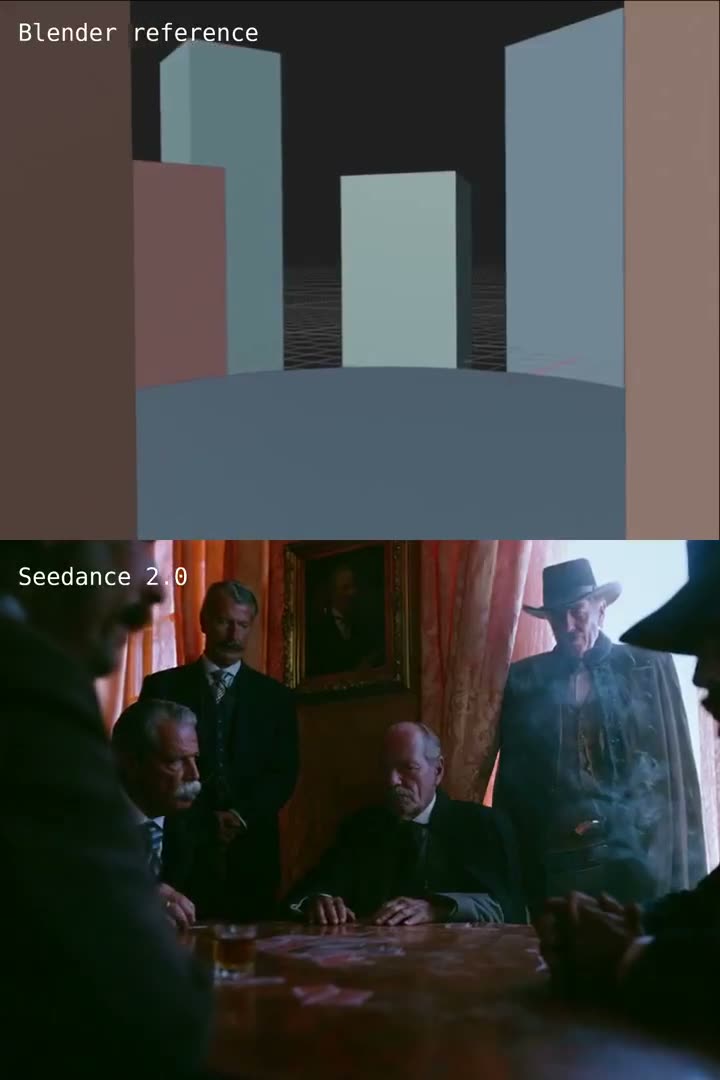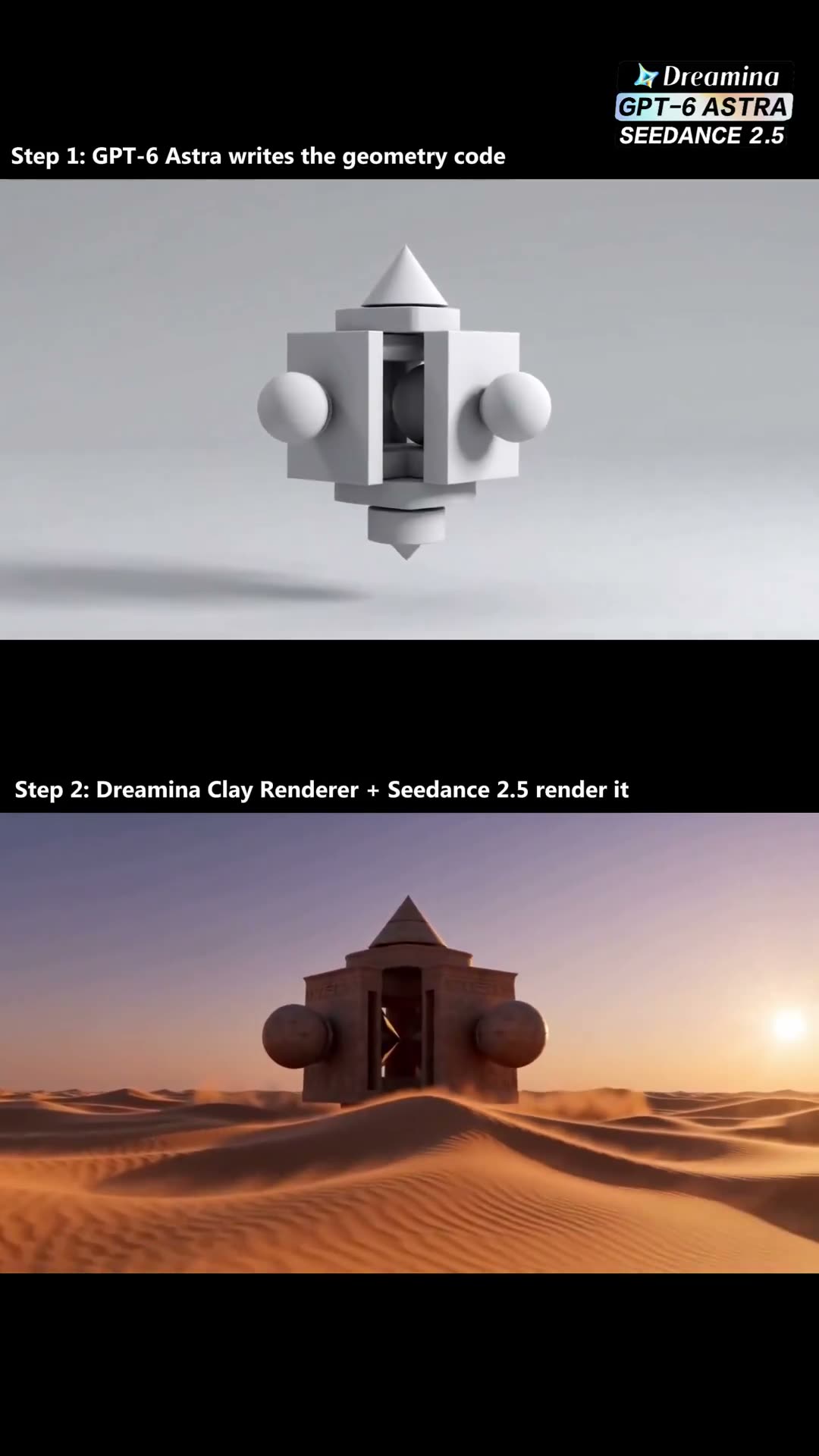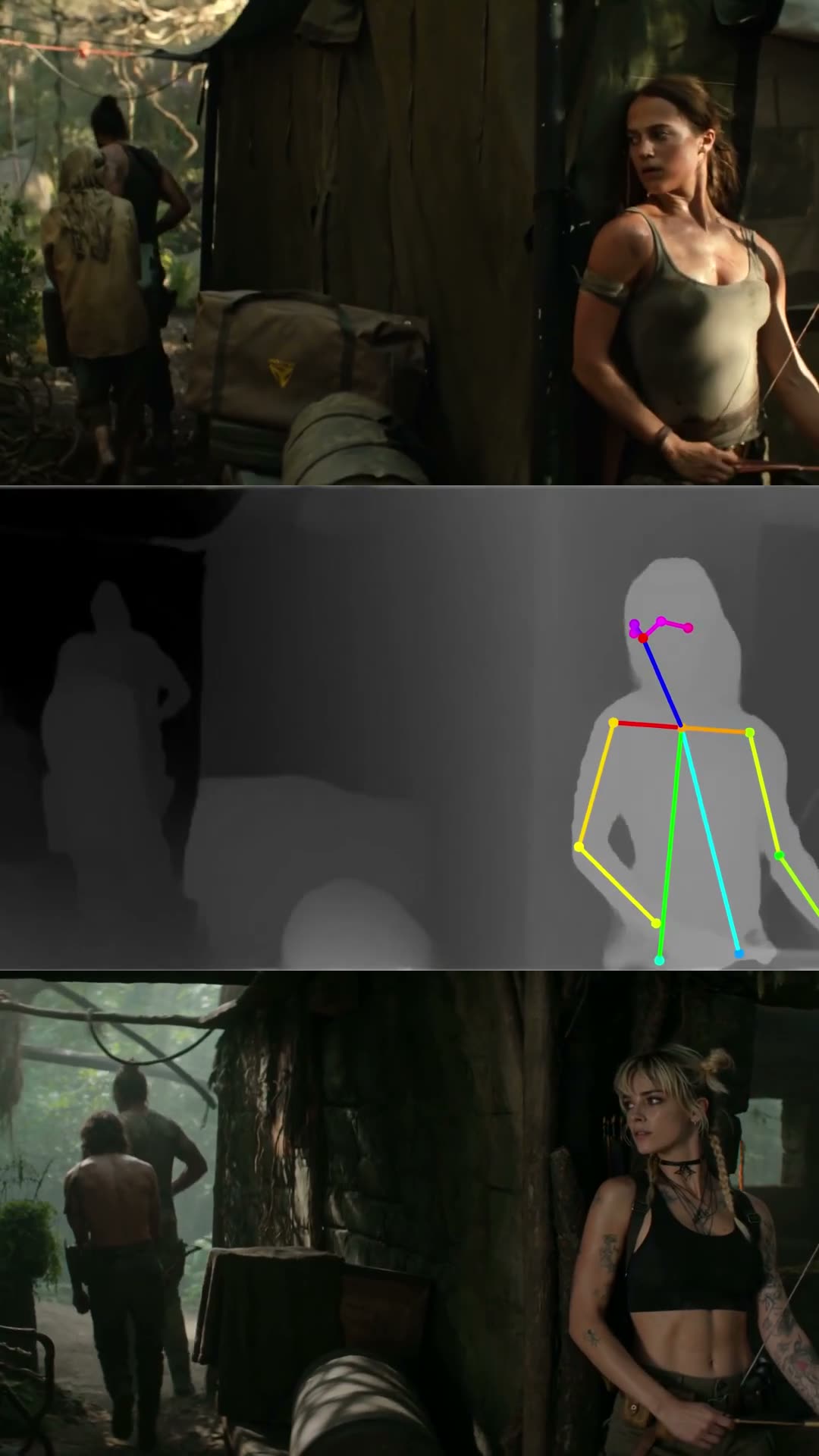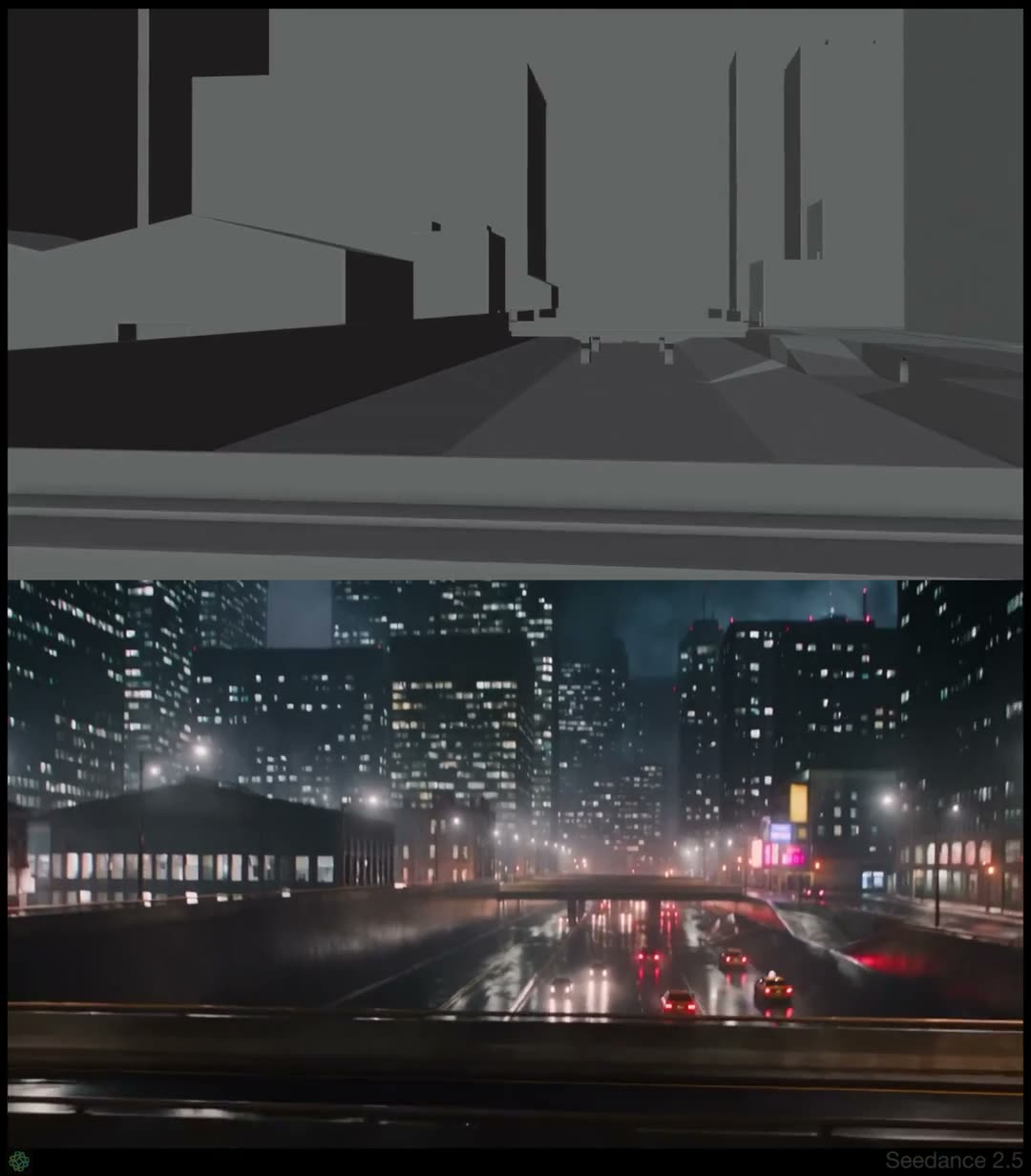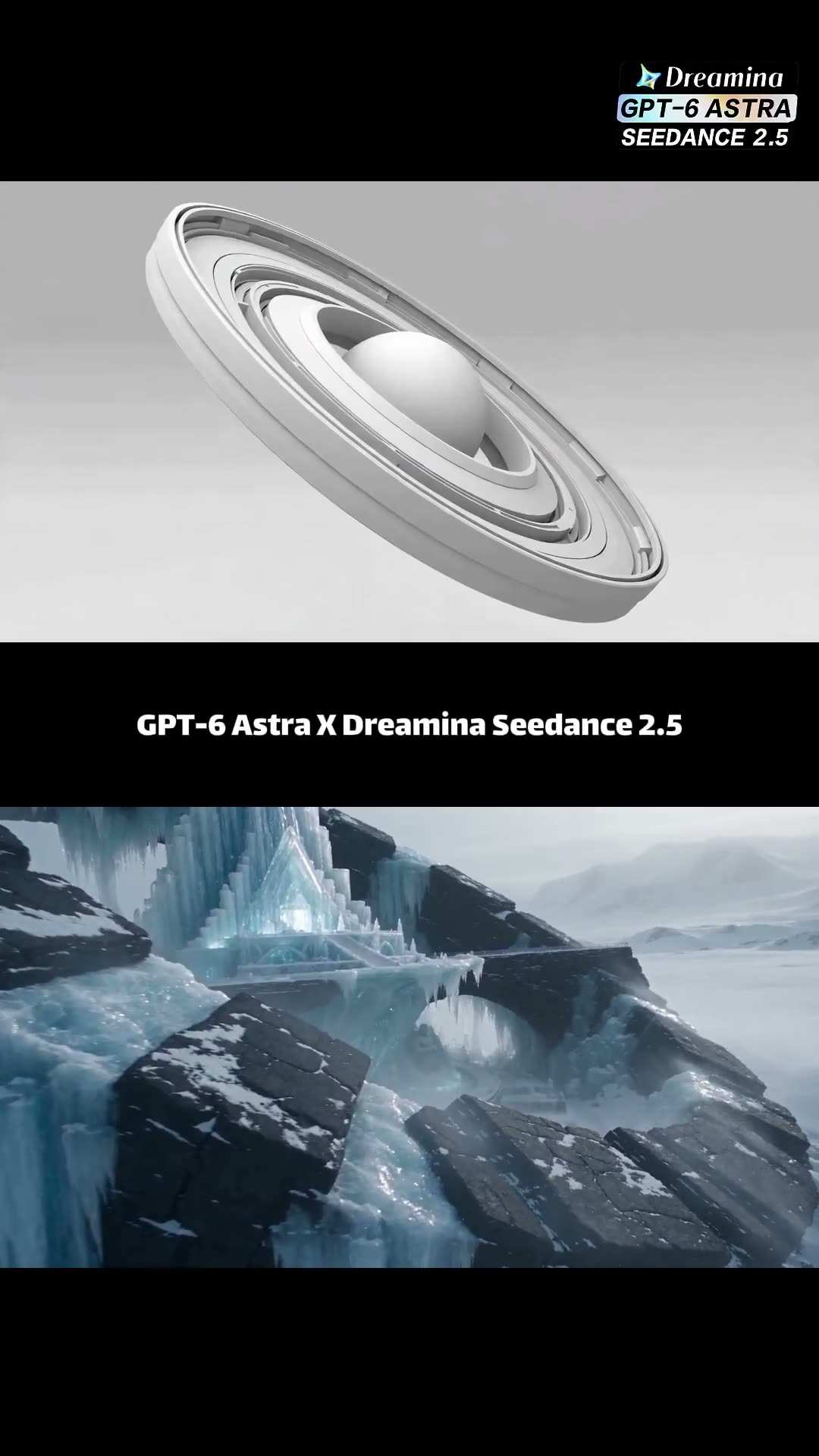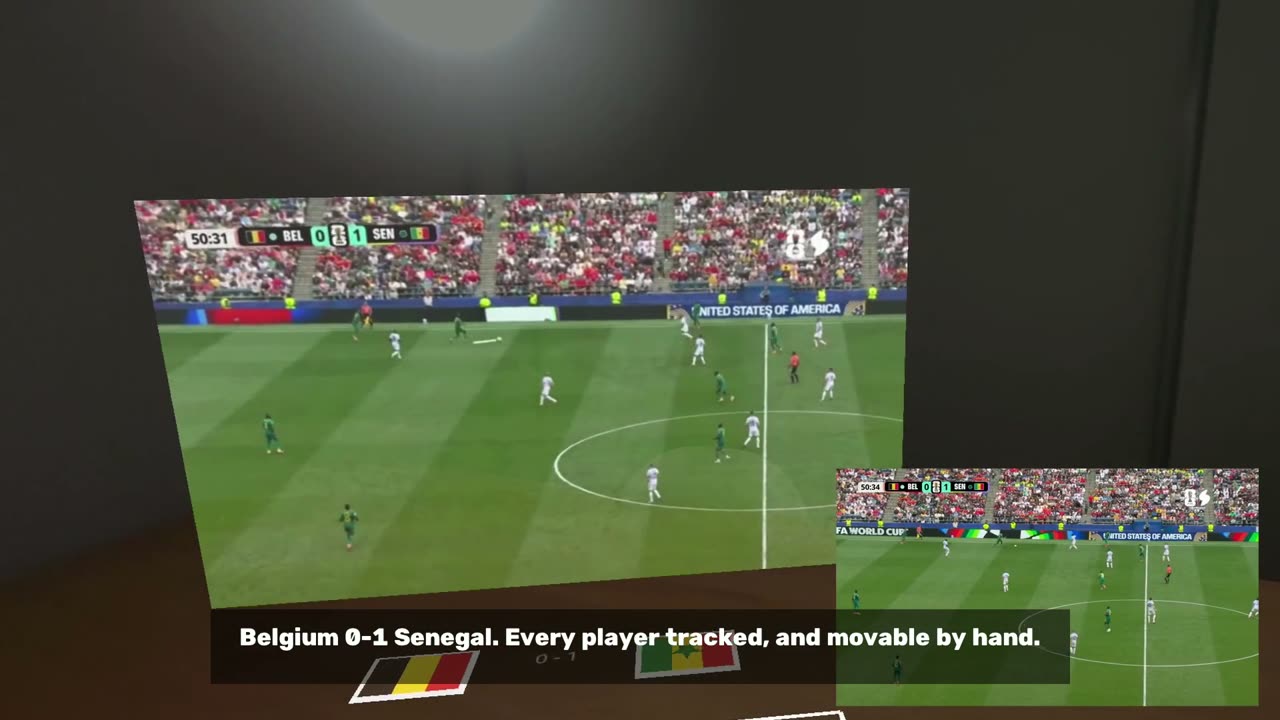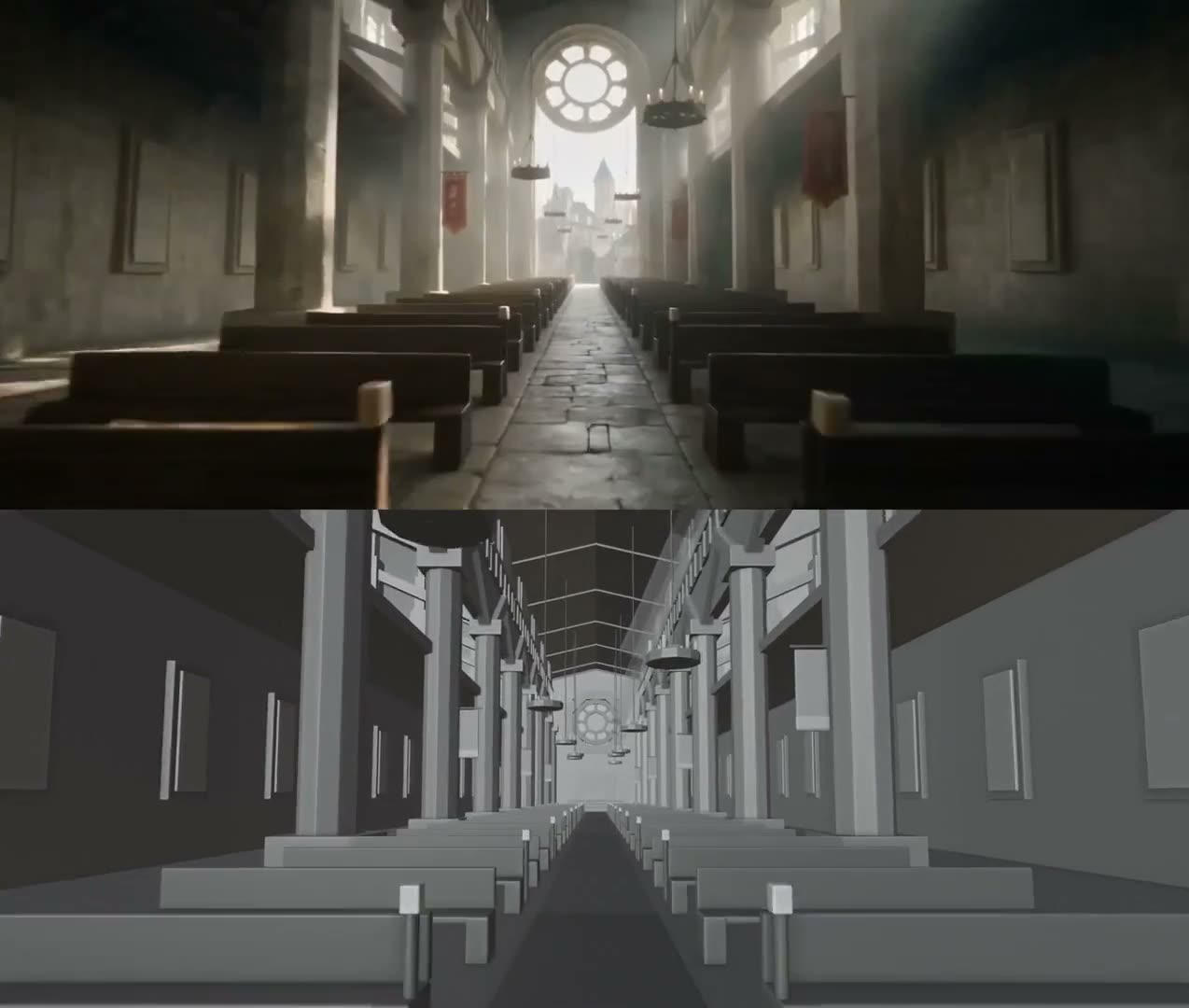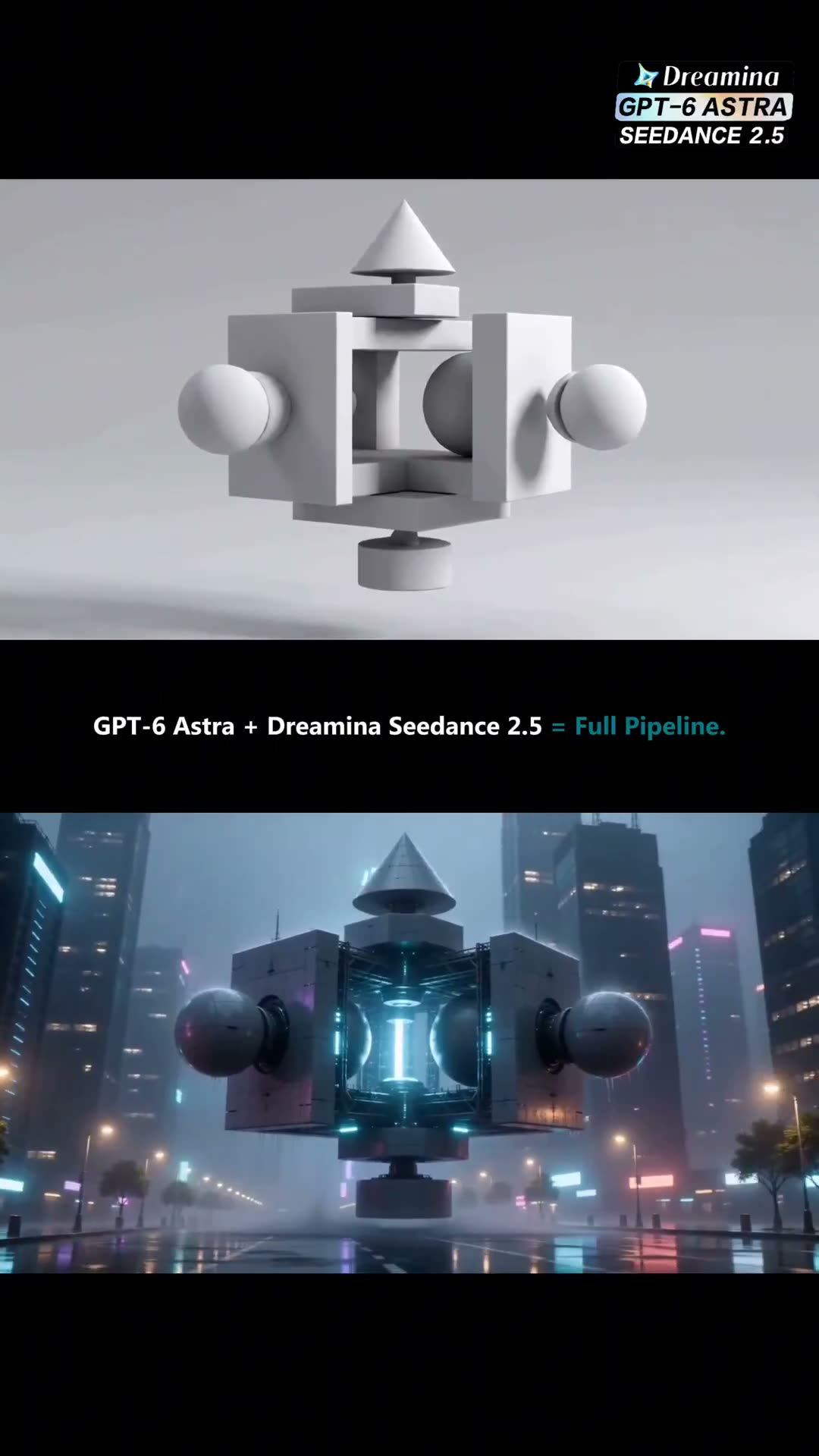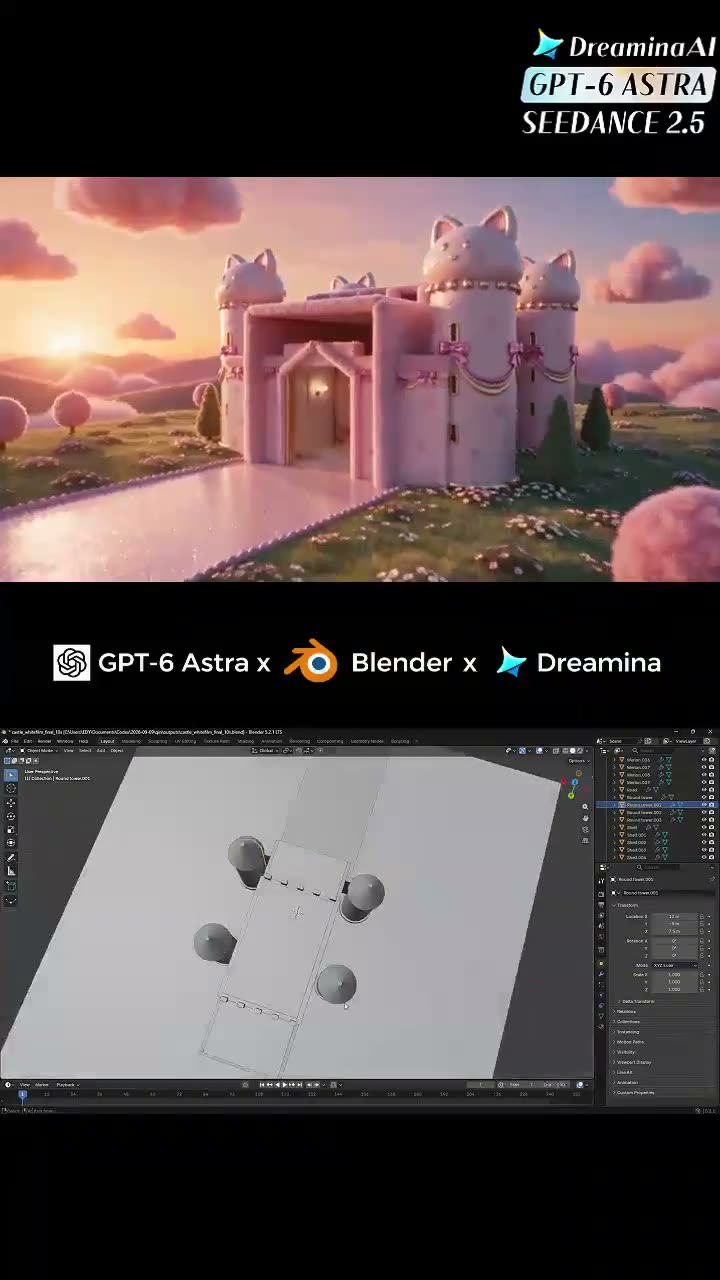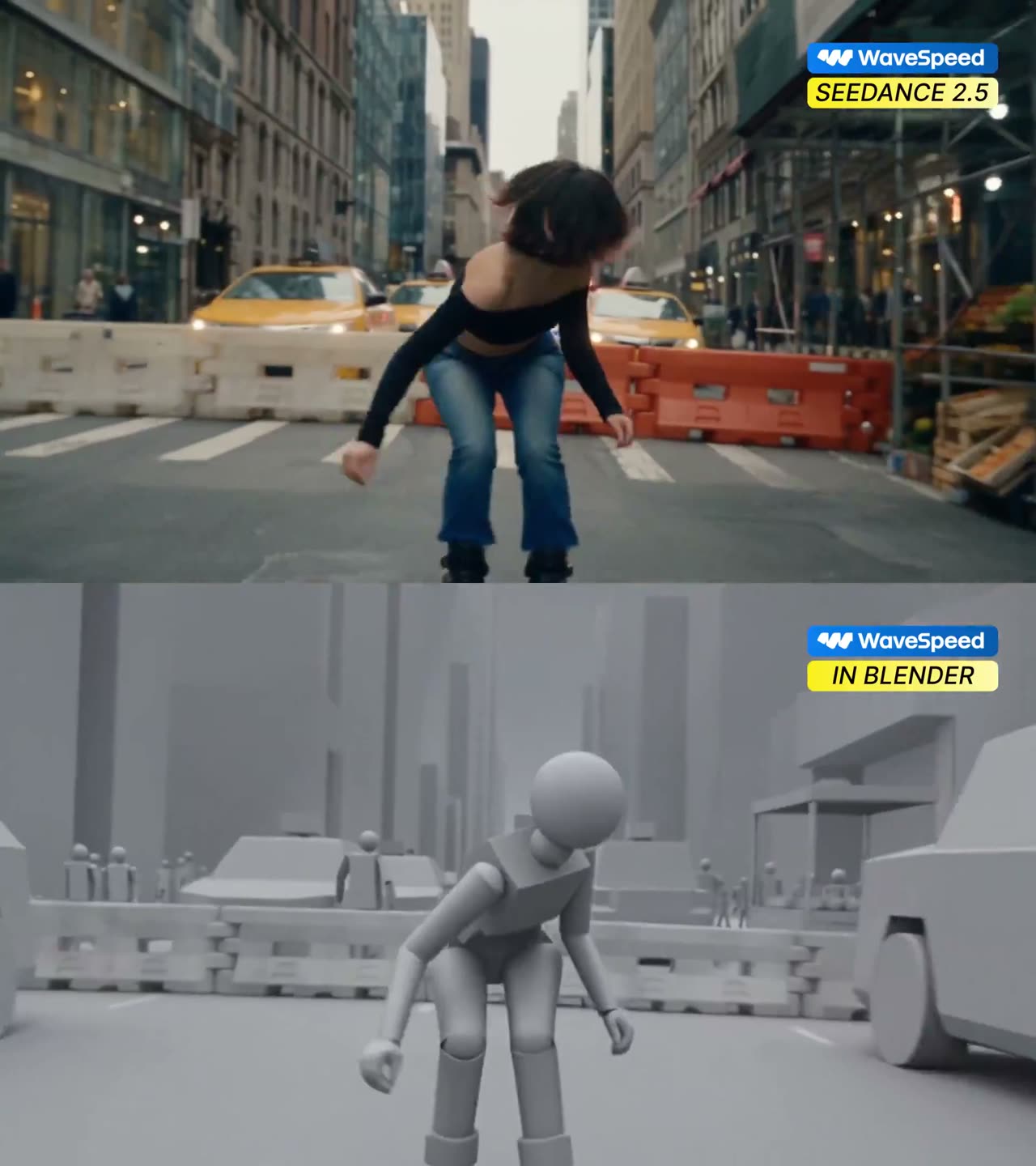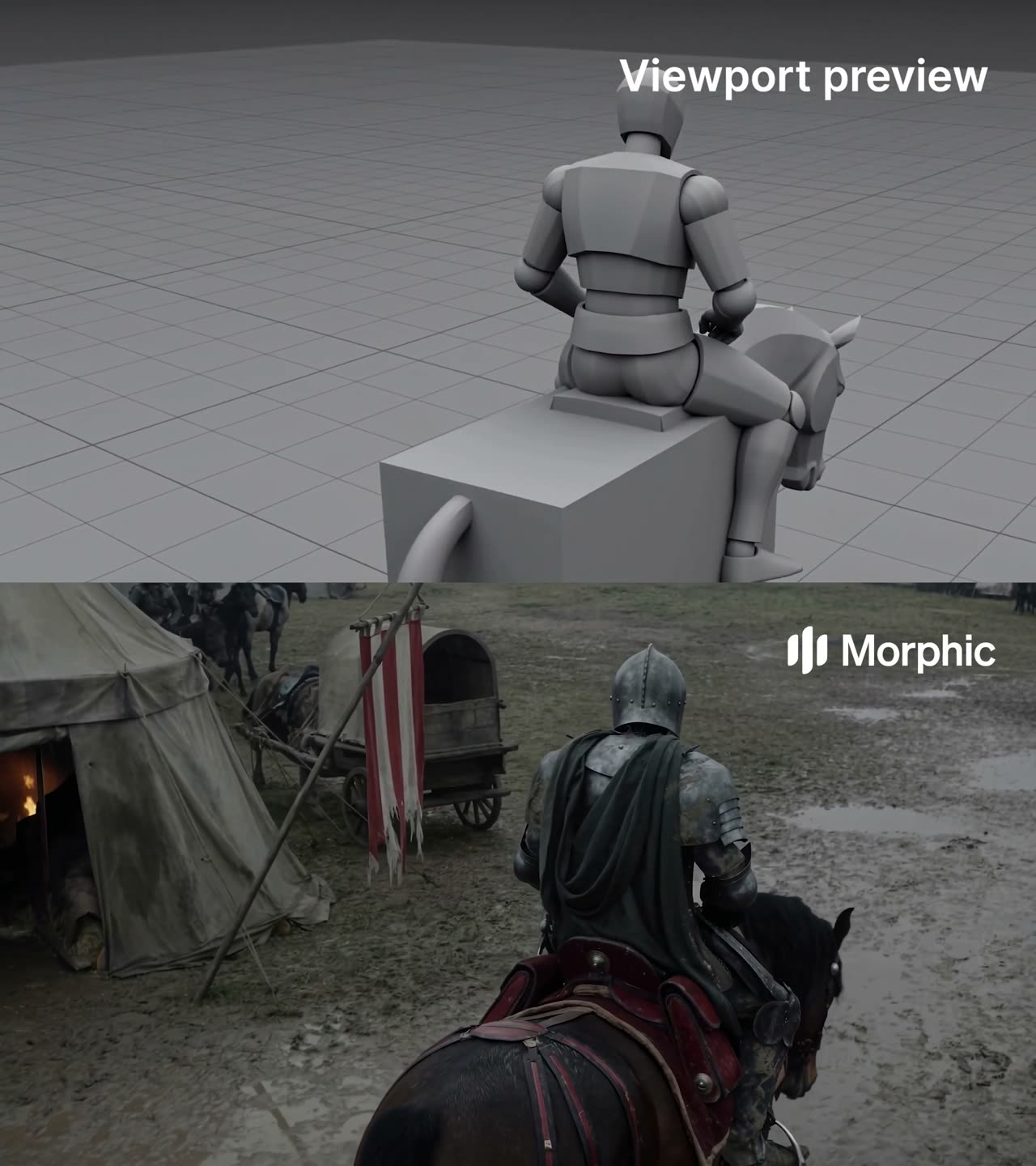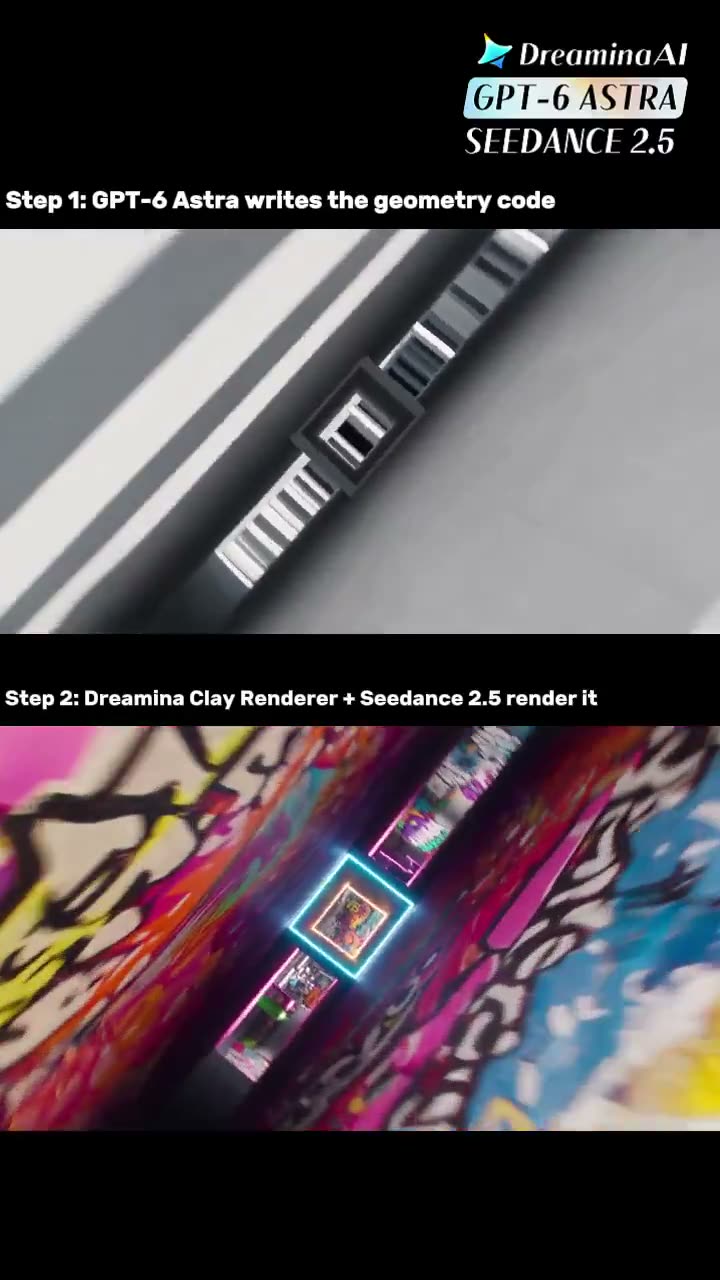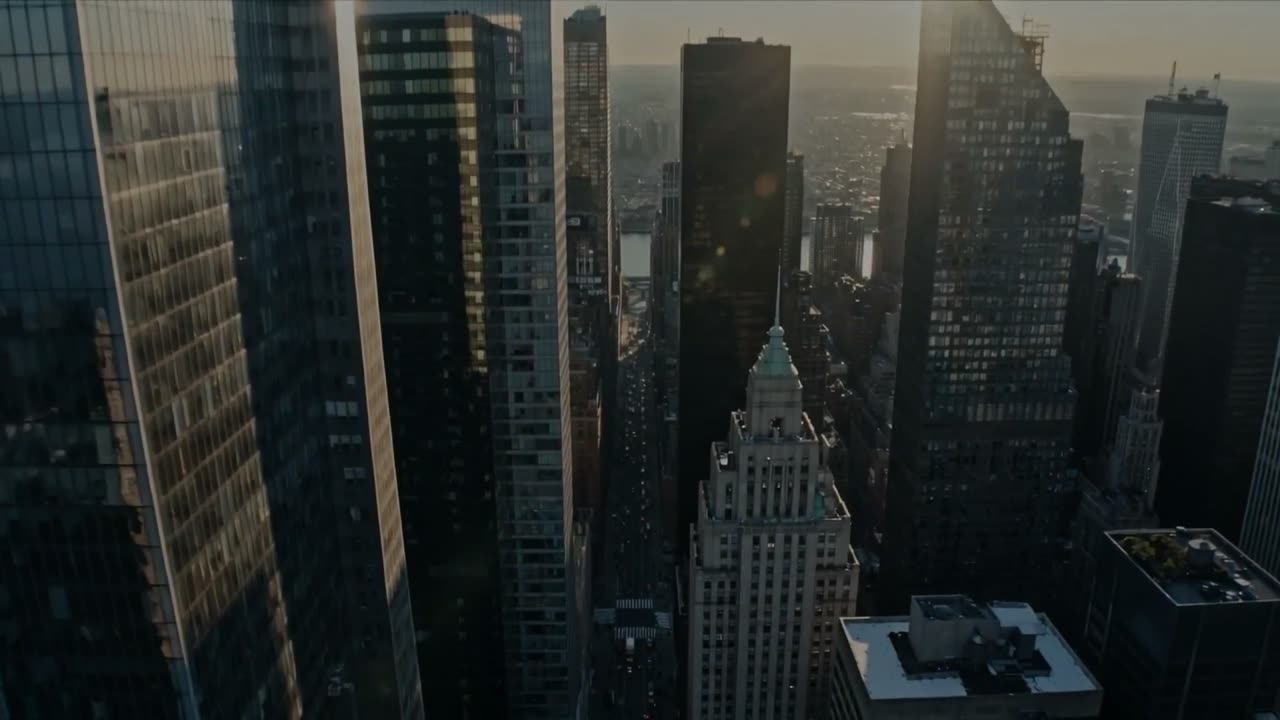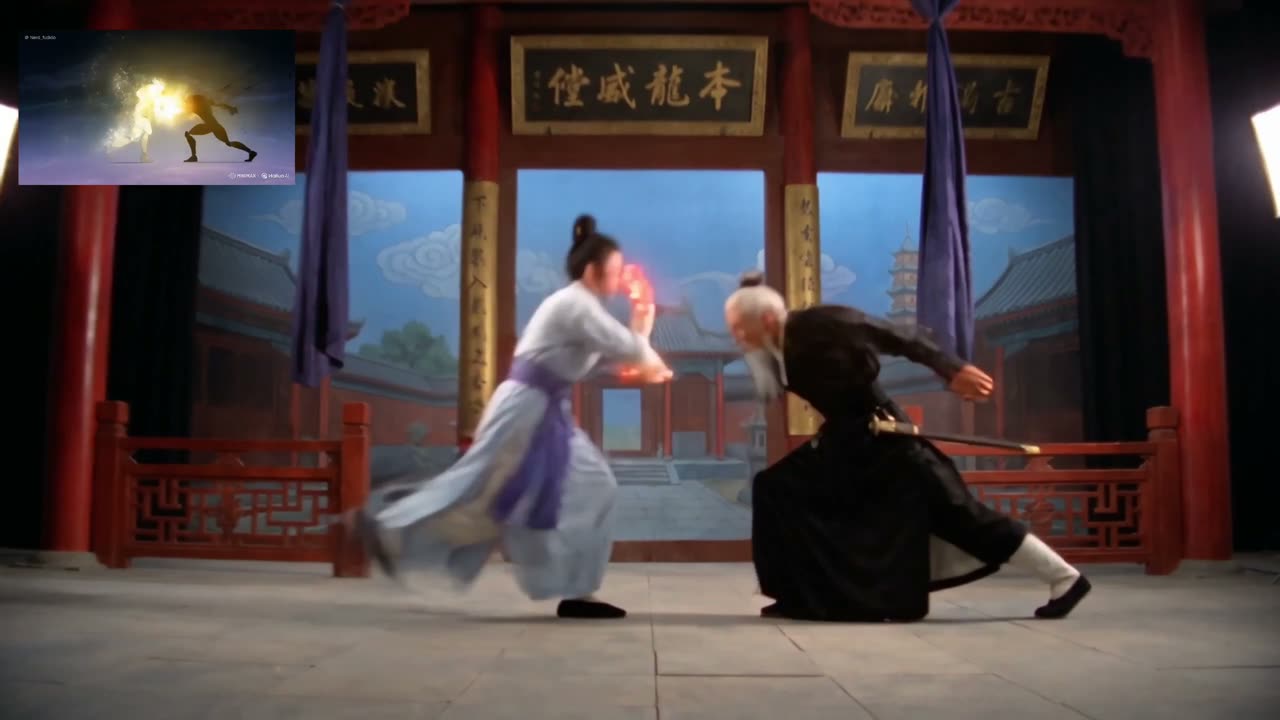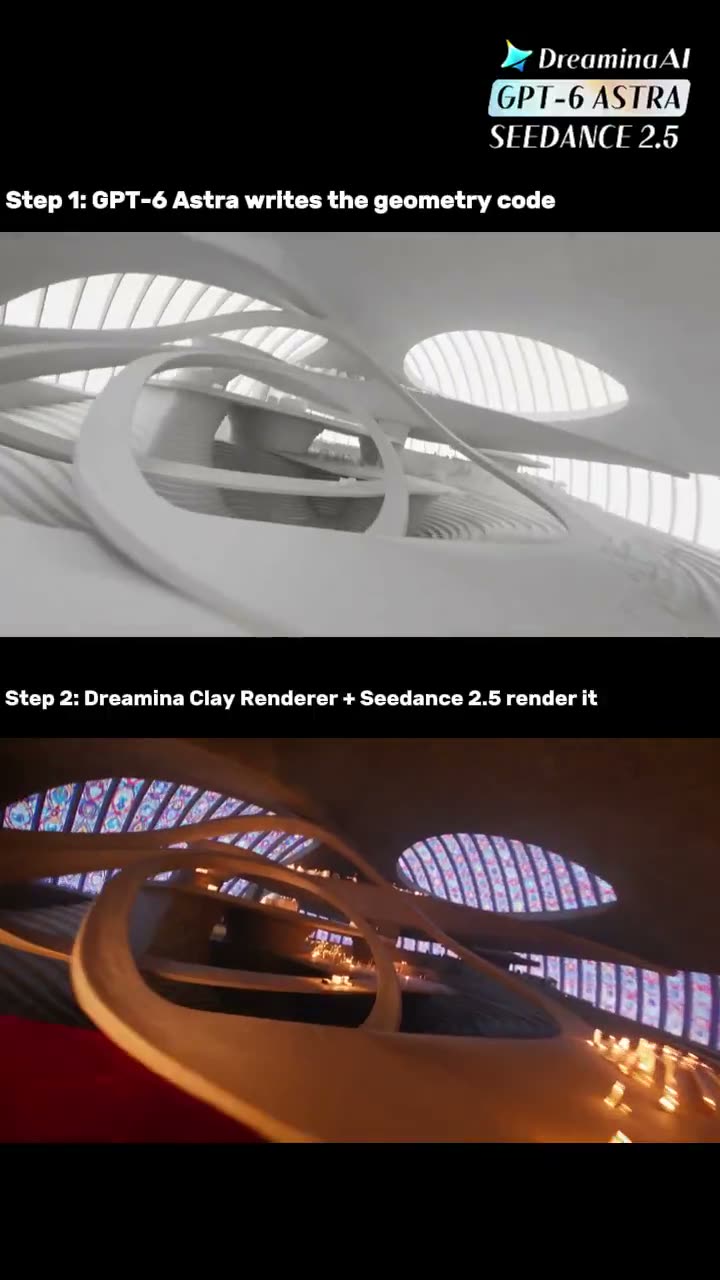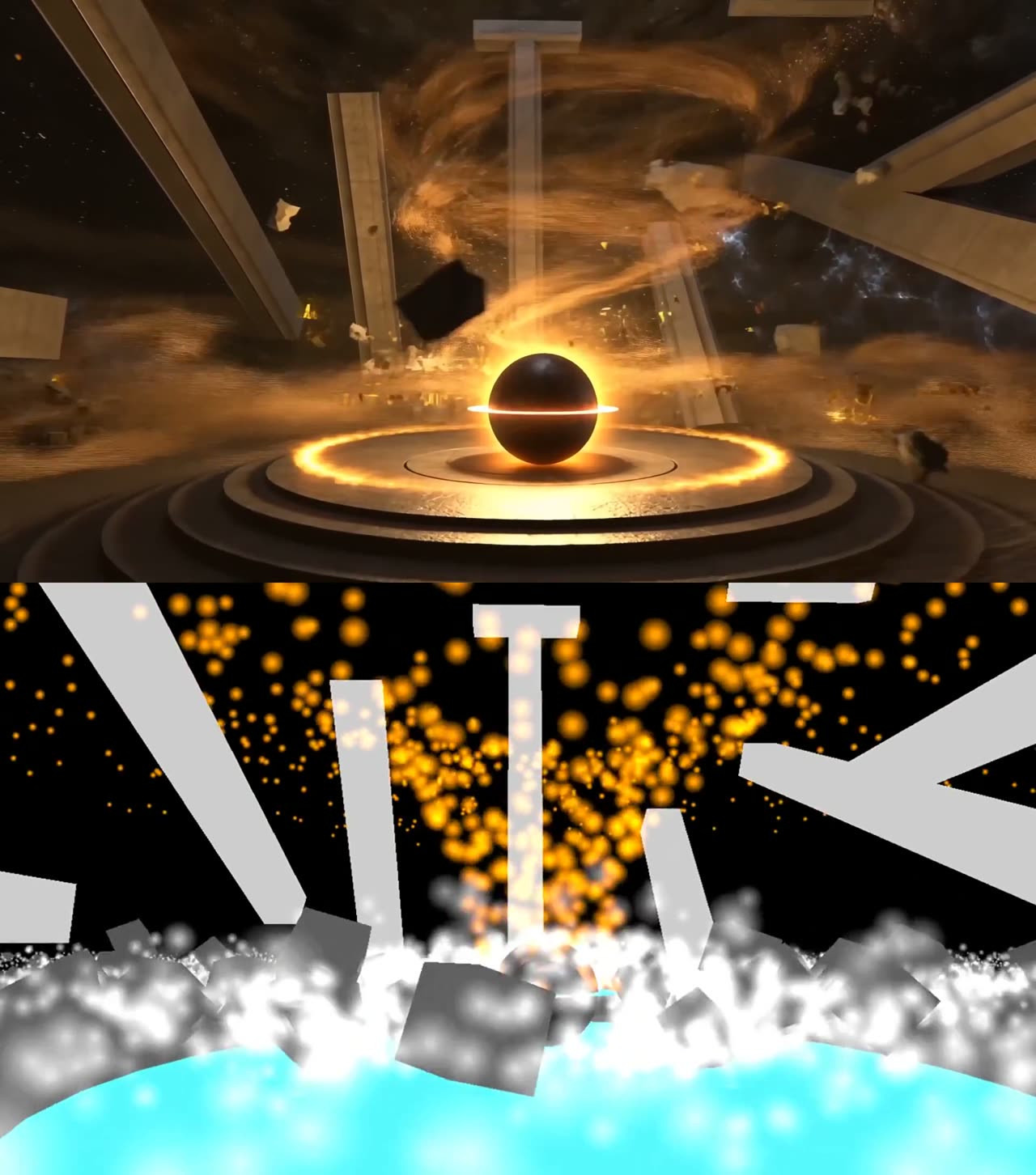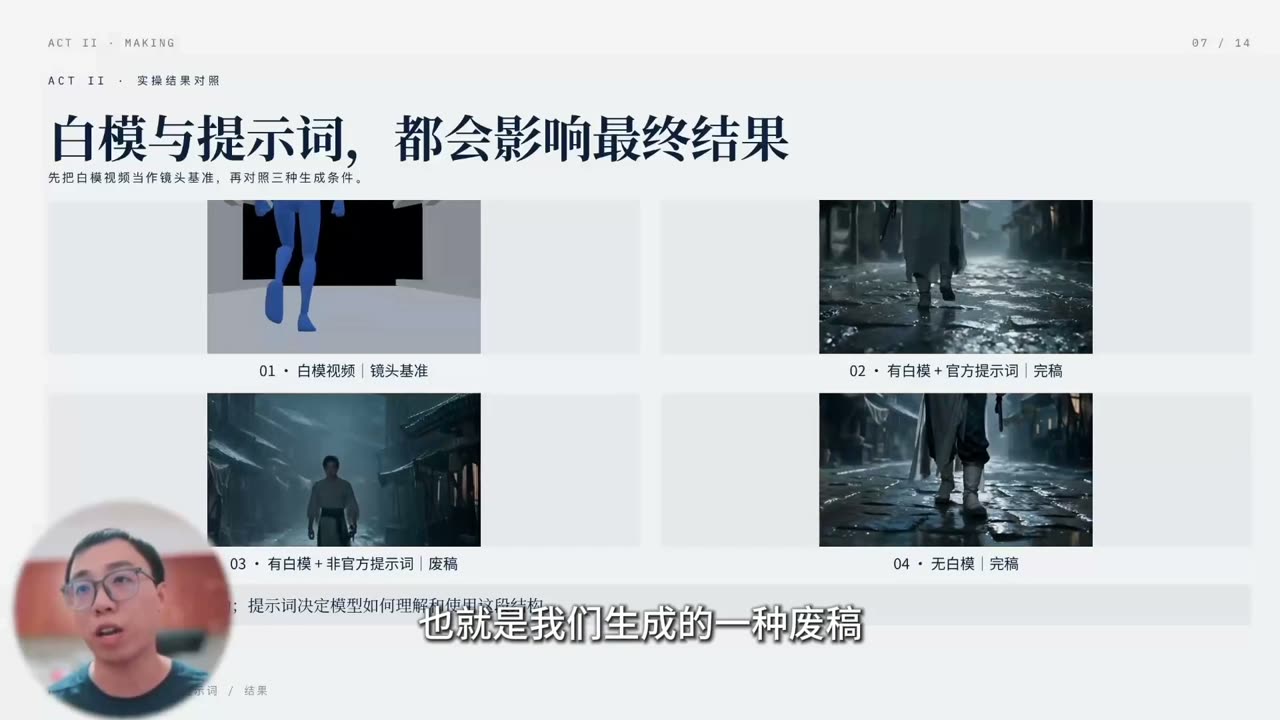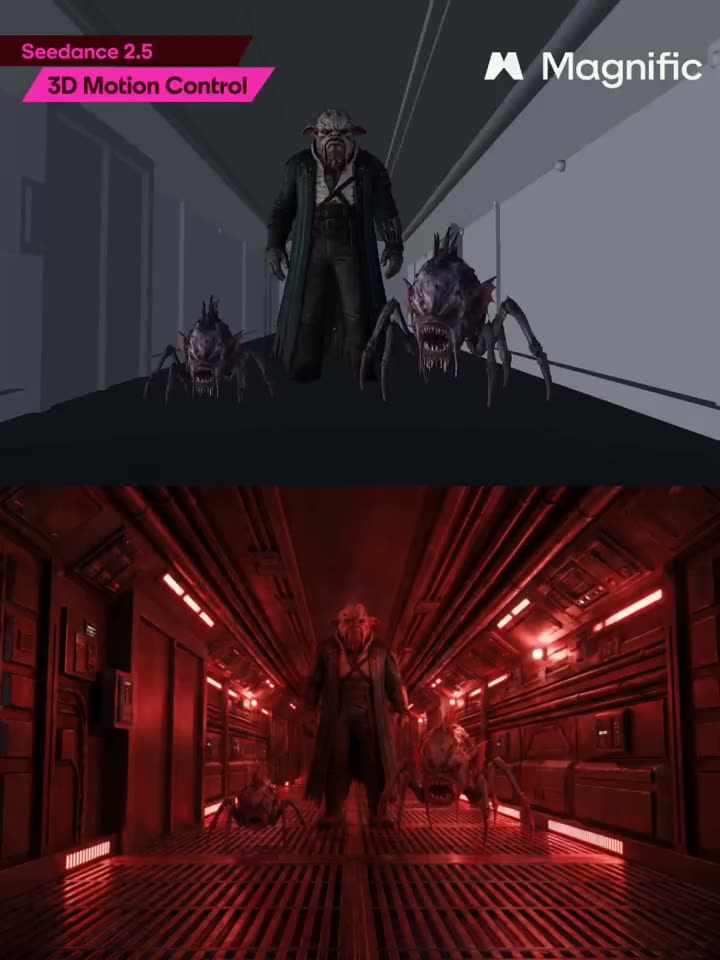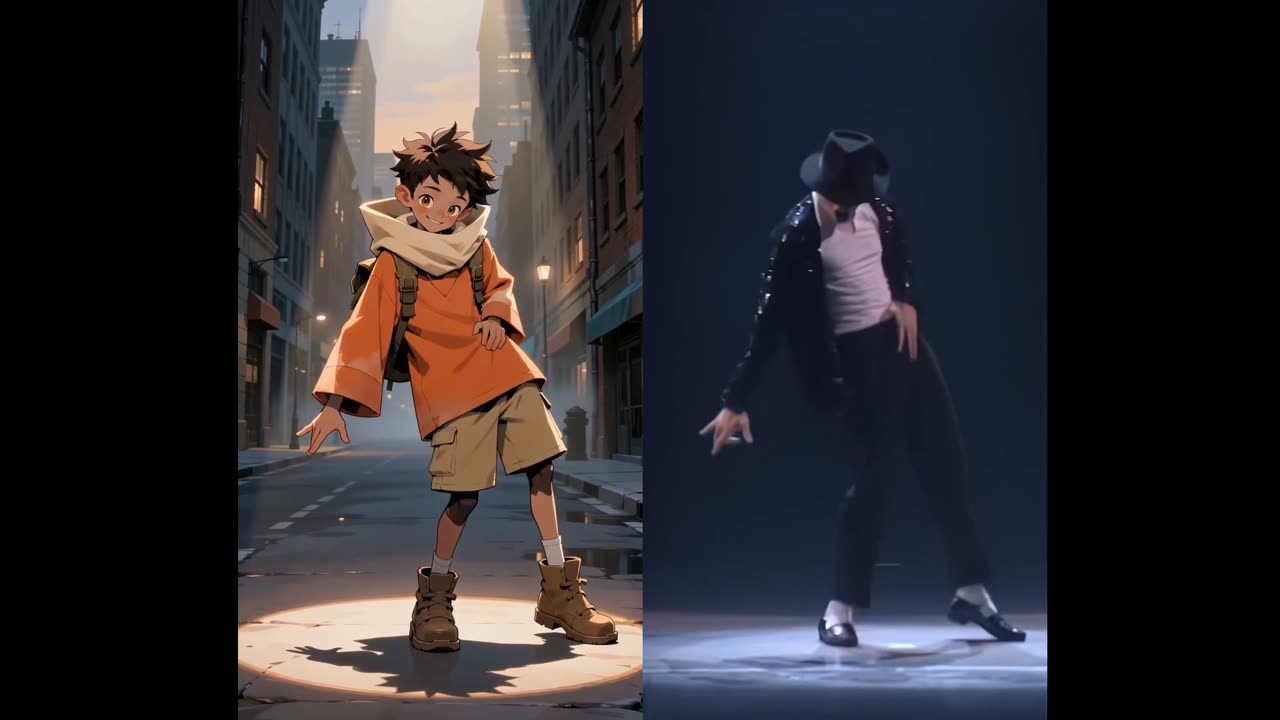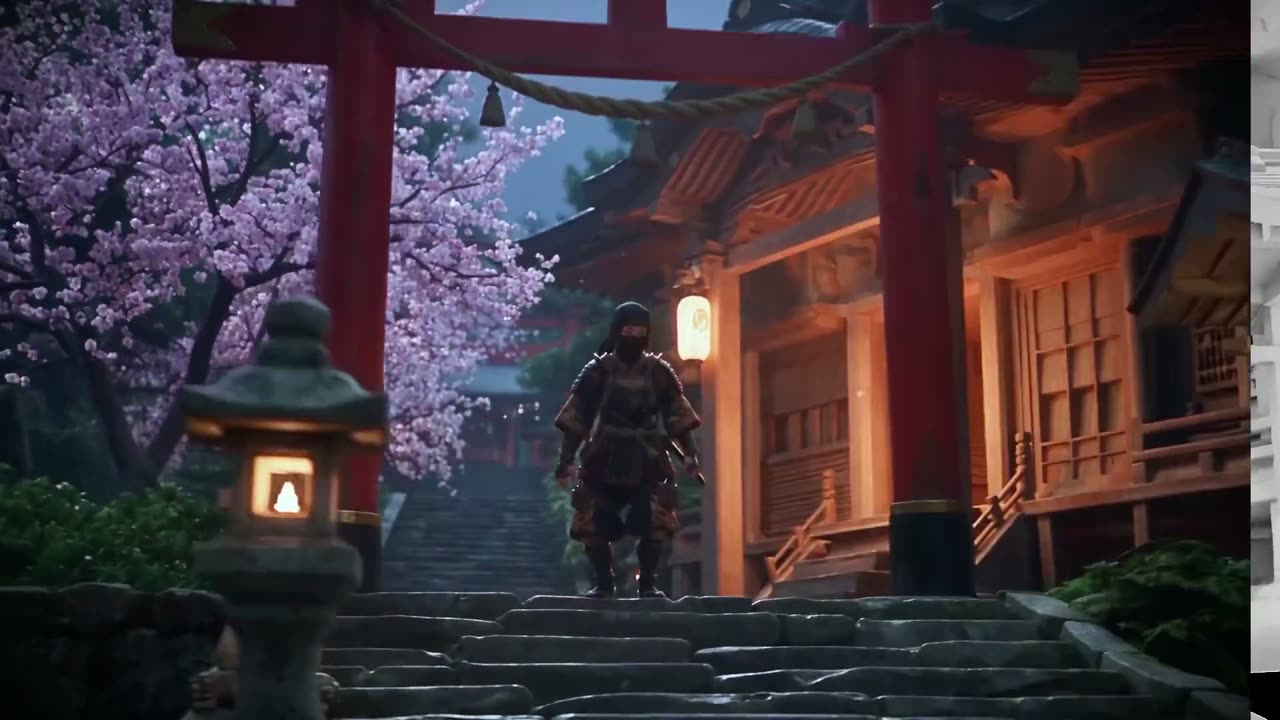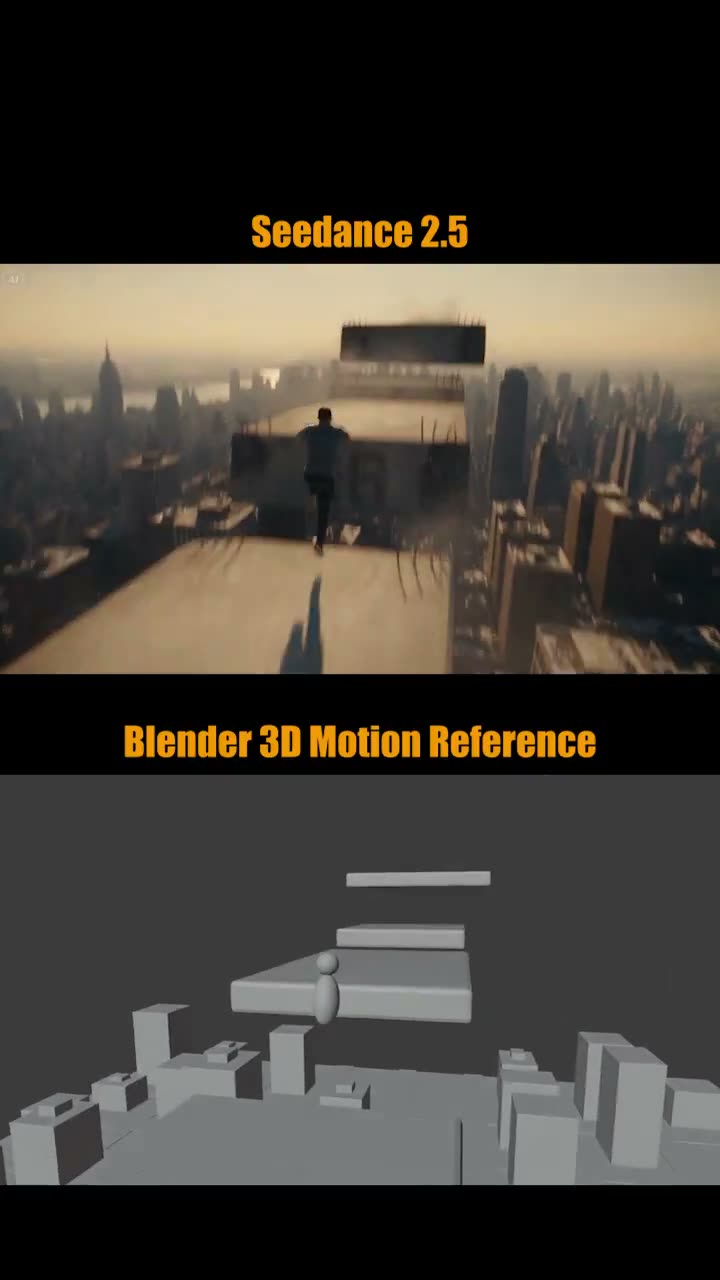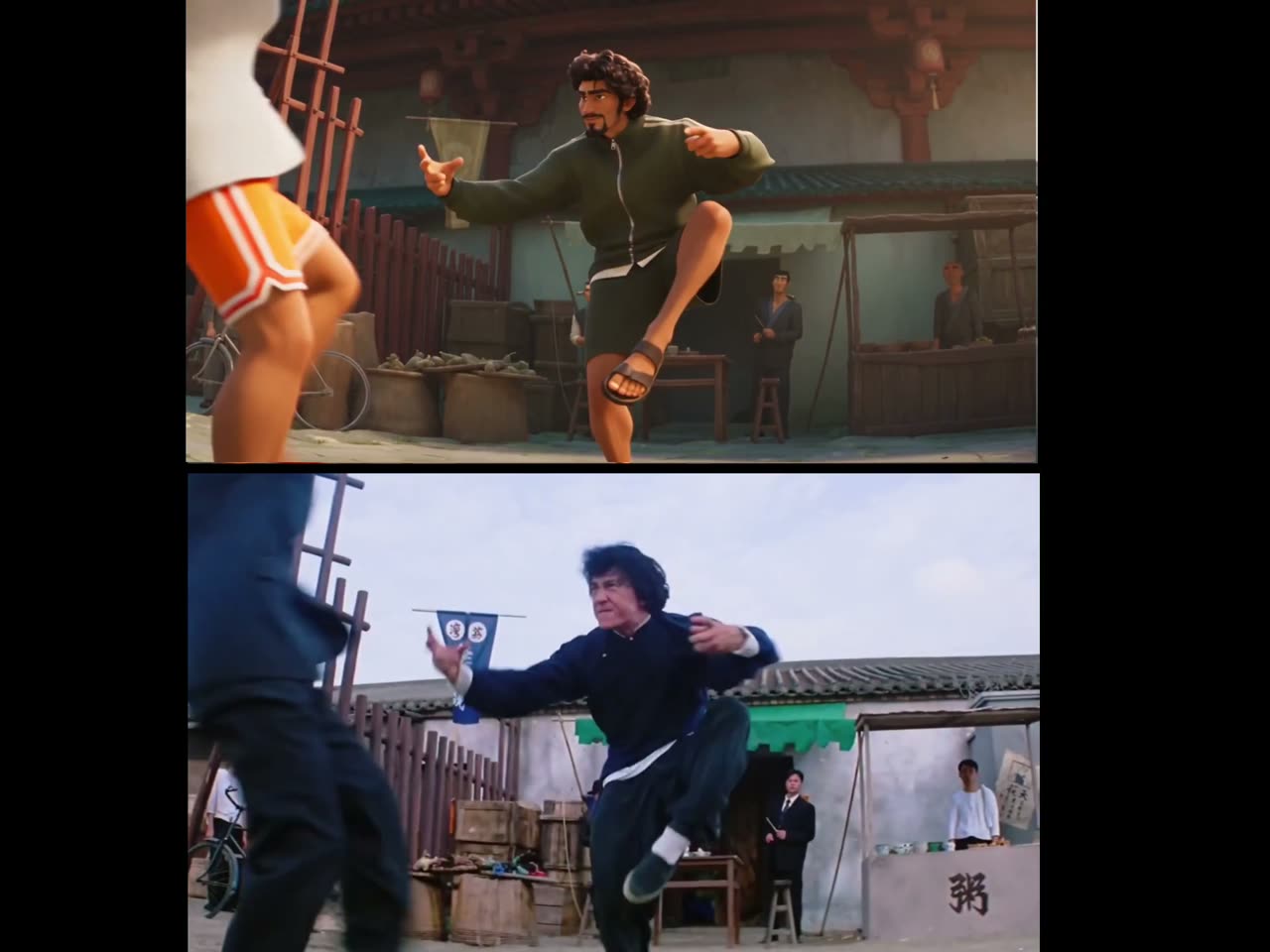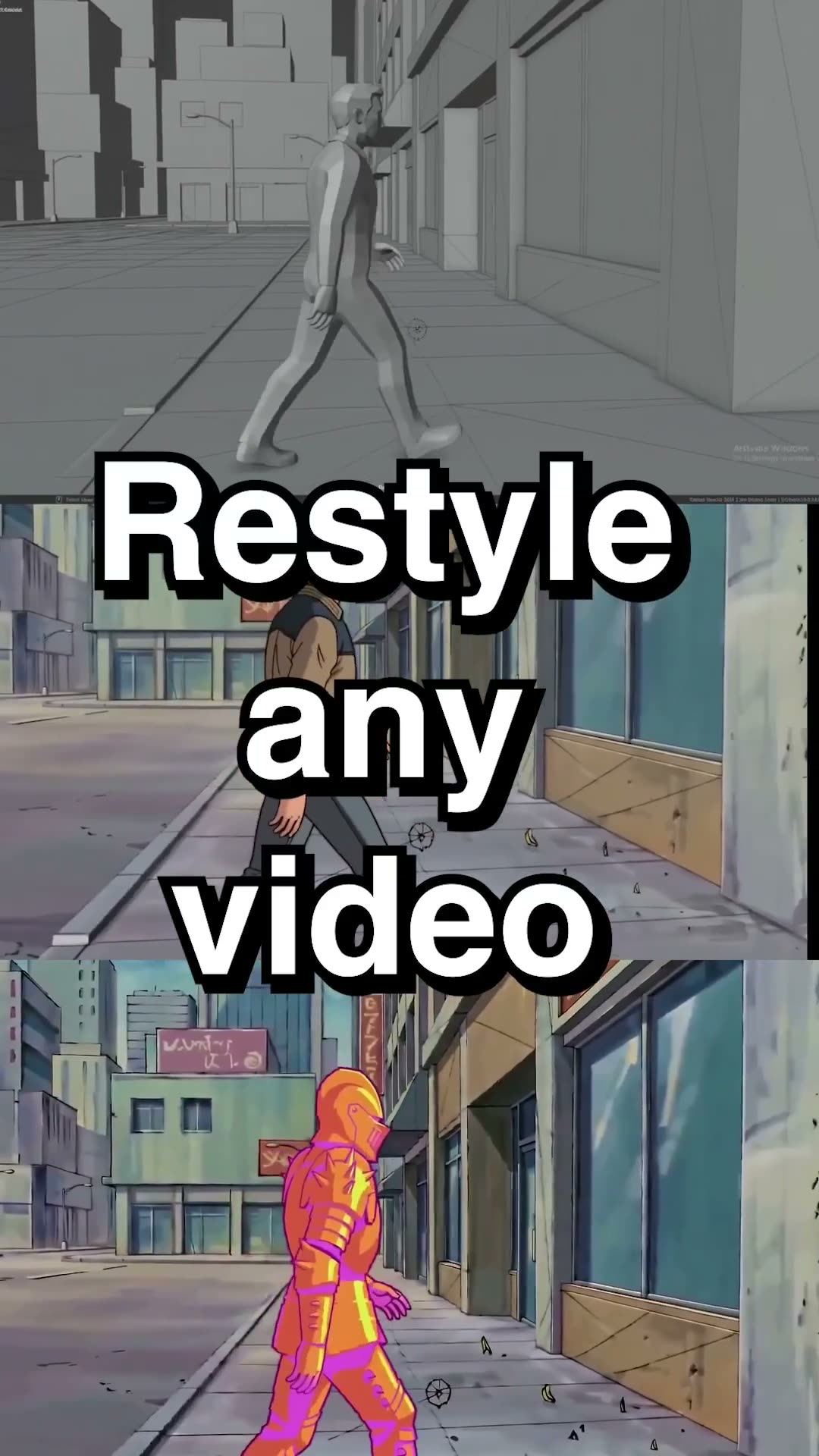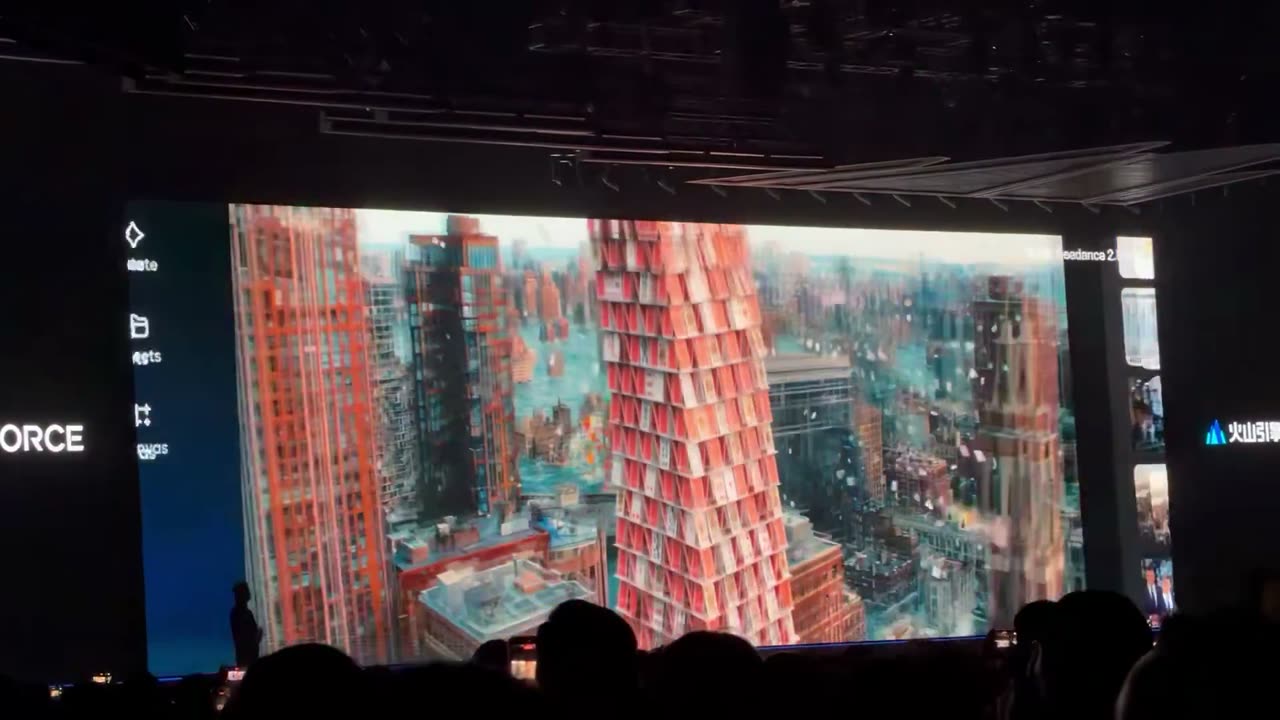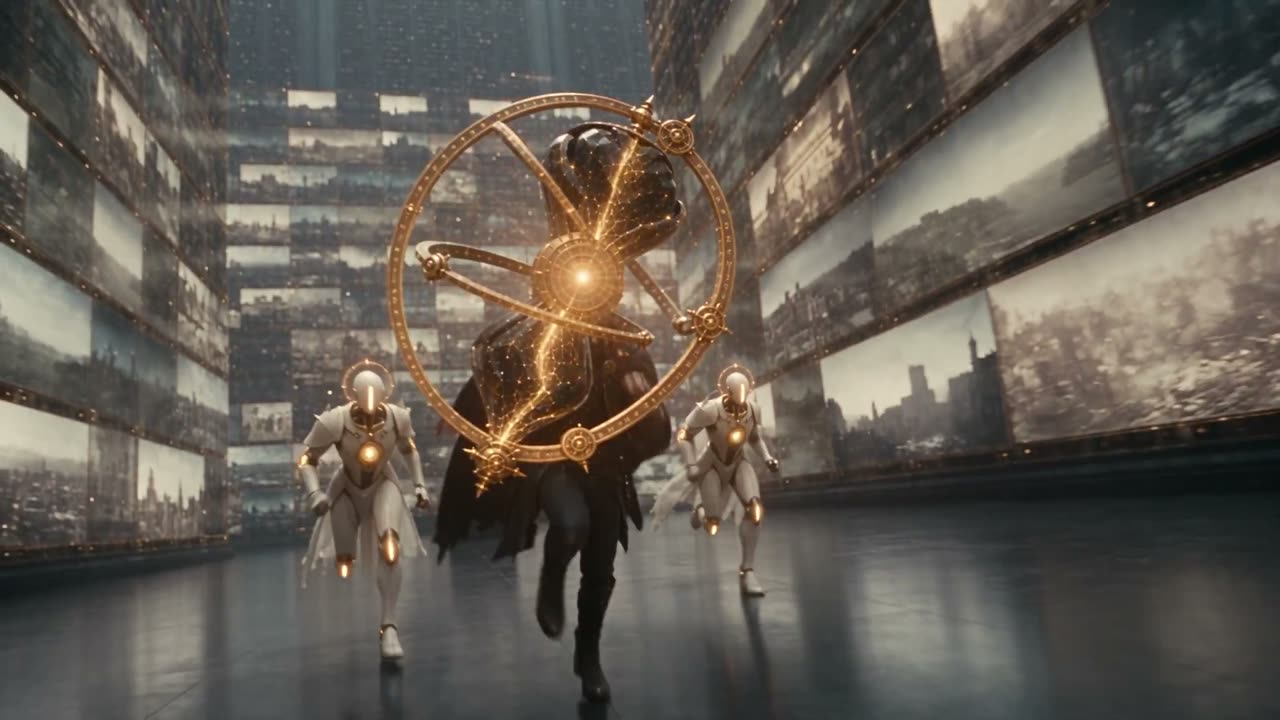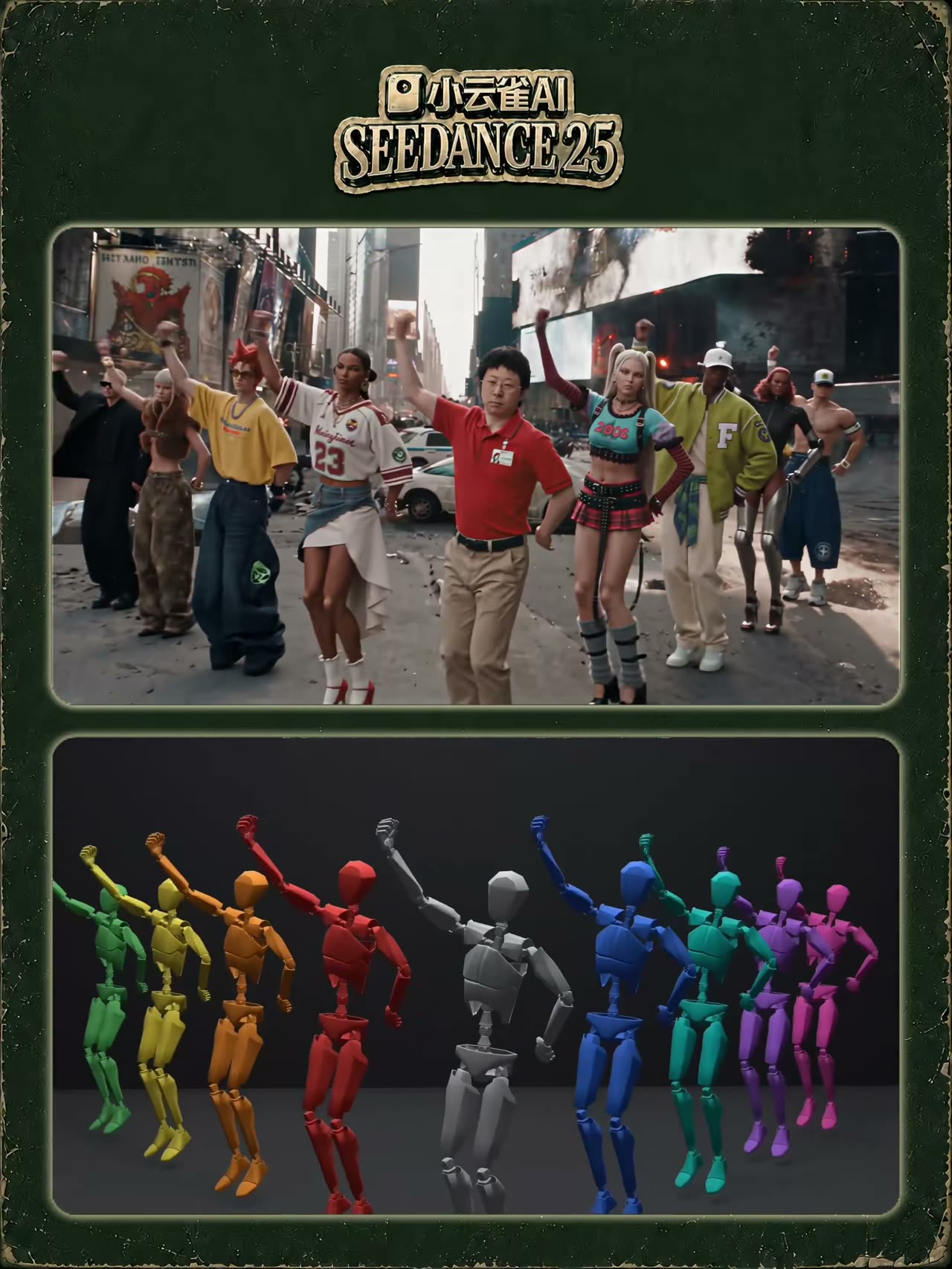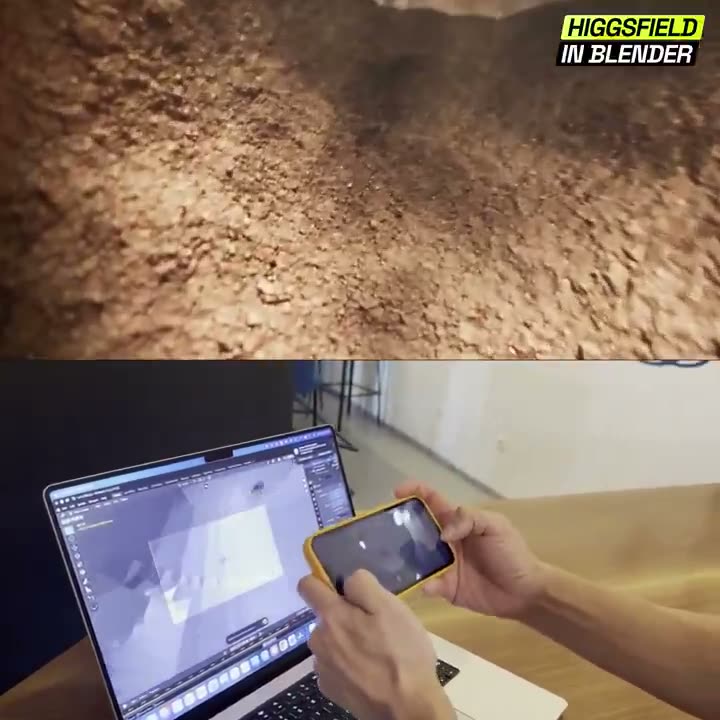
白模提示词库

Seedance 2.5 白模提示词库

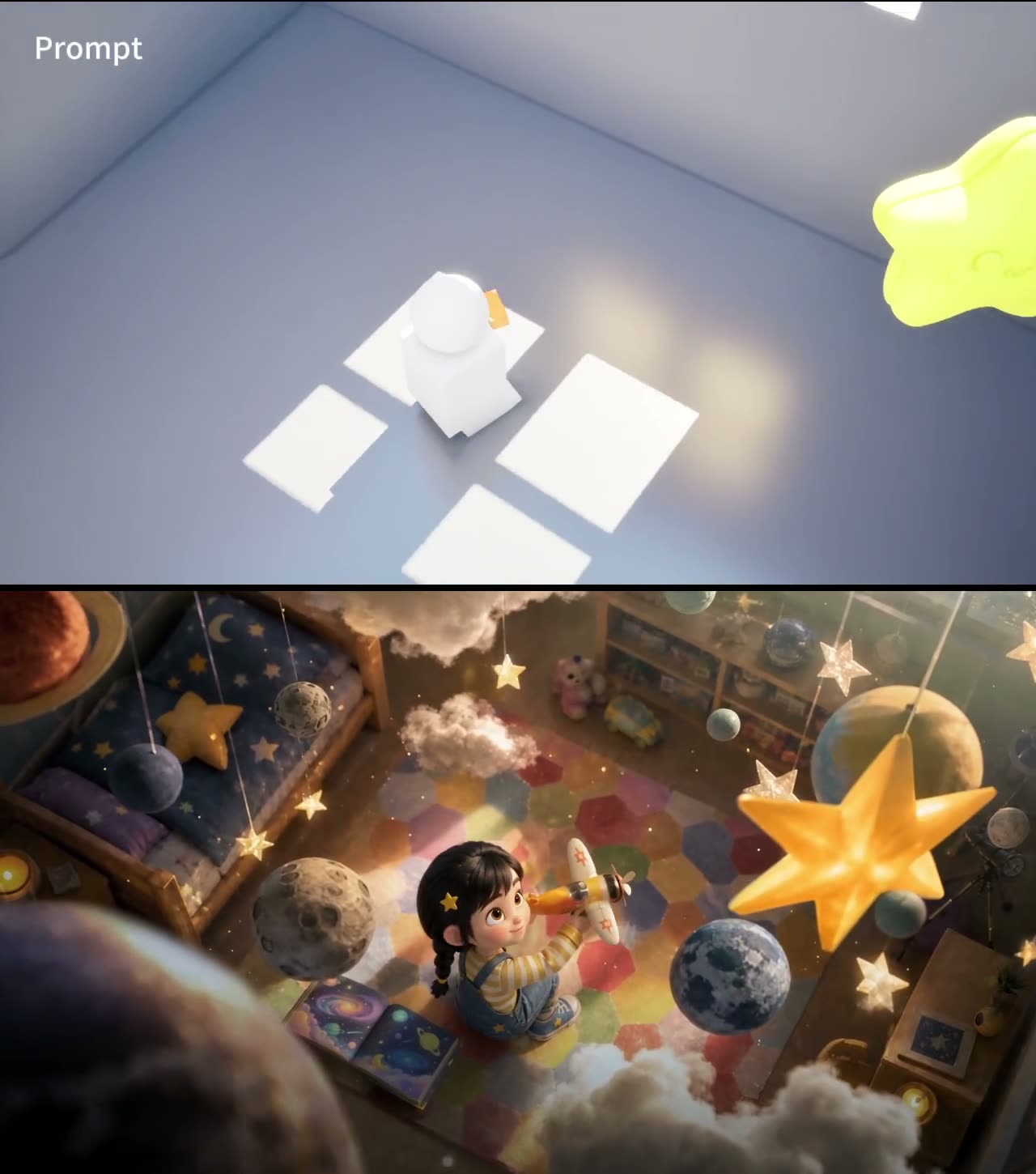
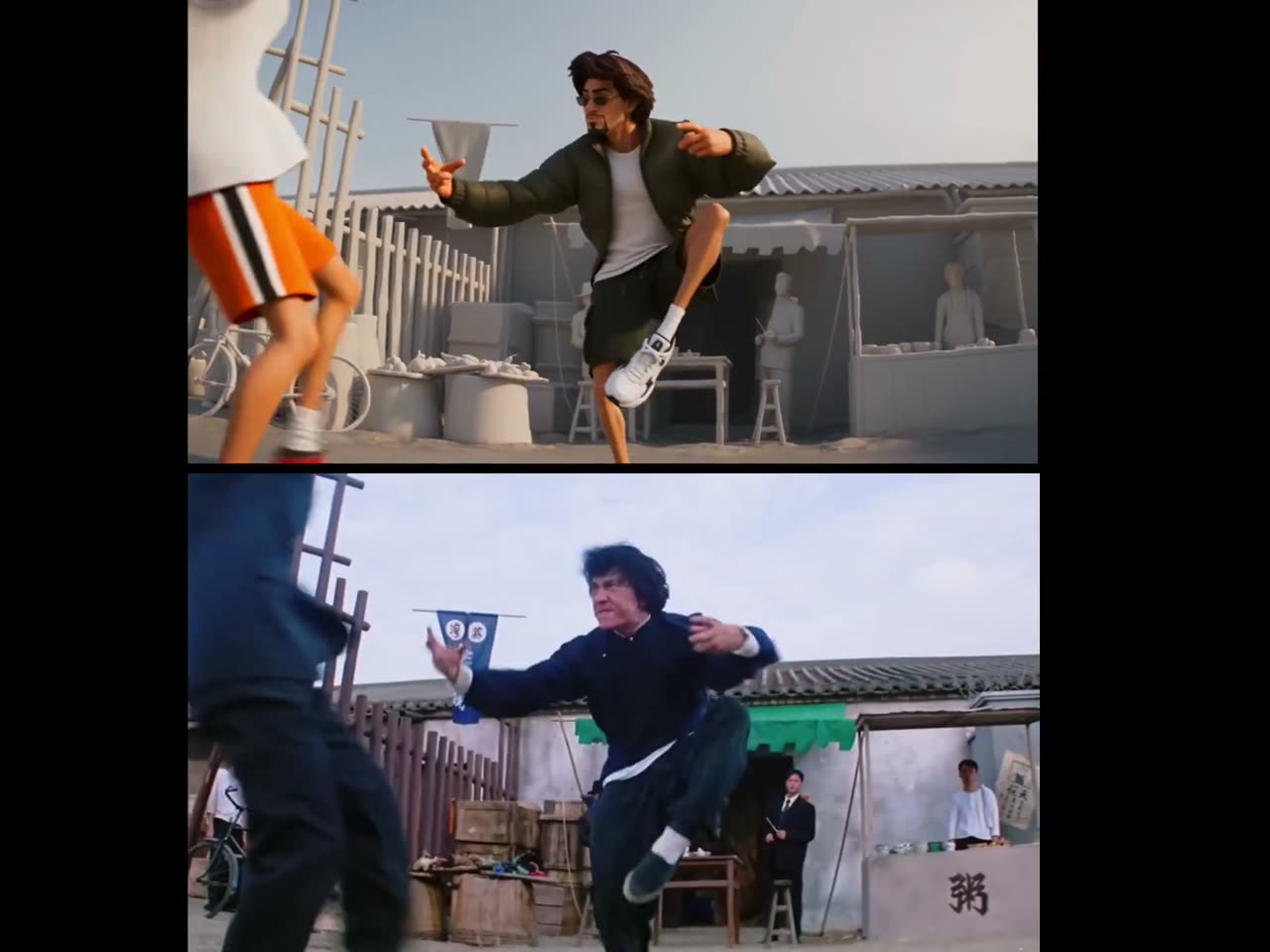
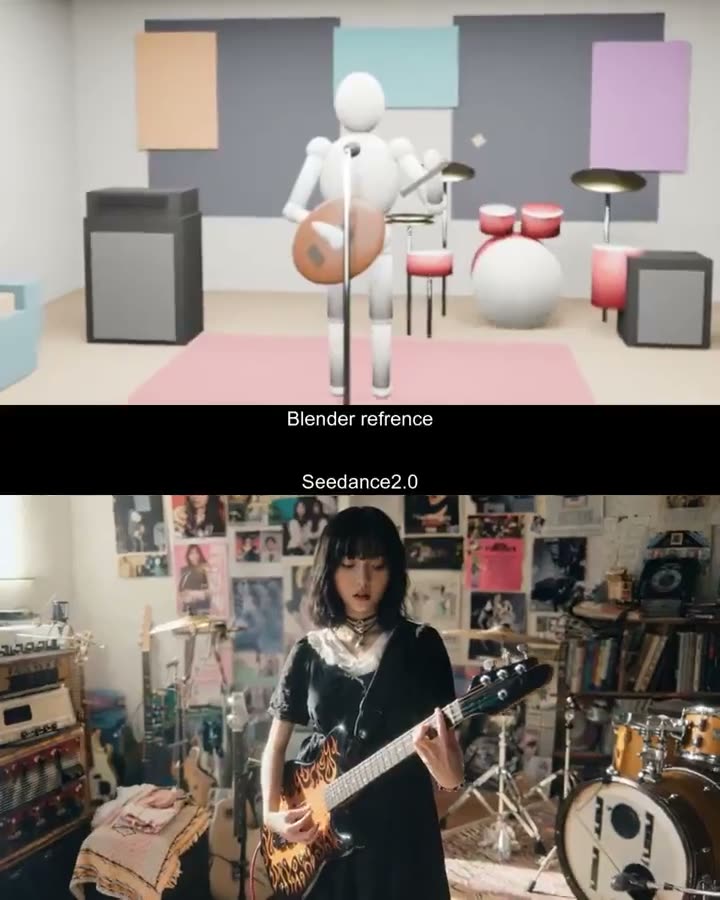
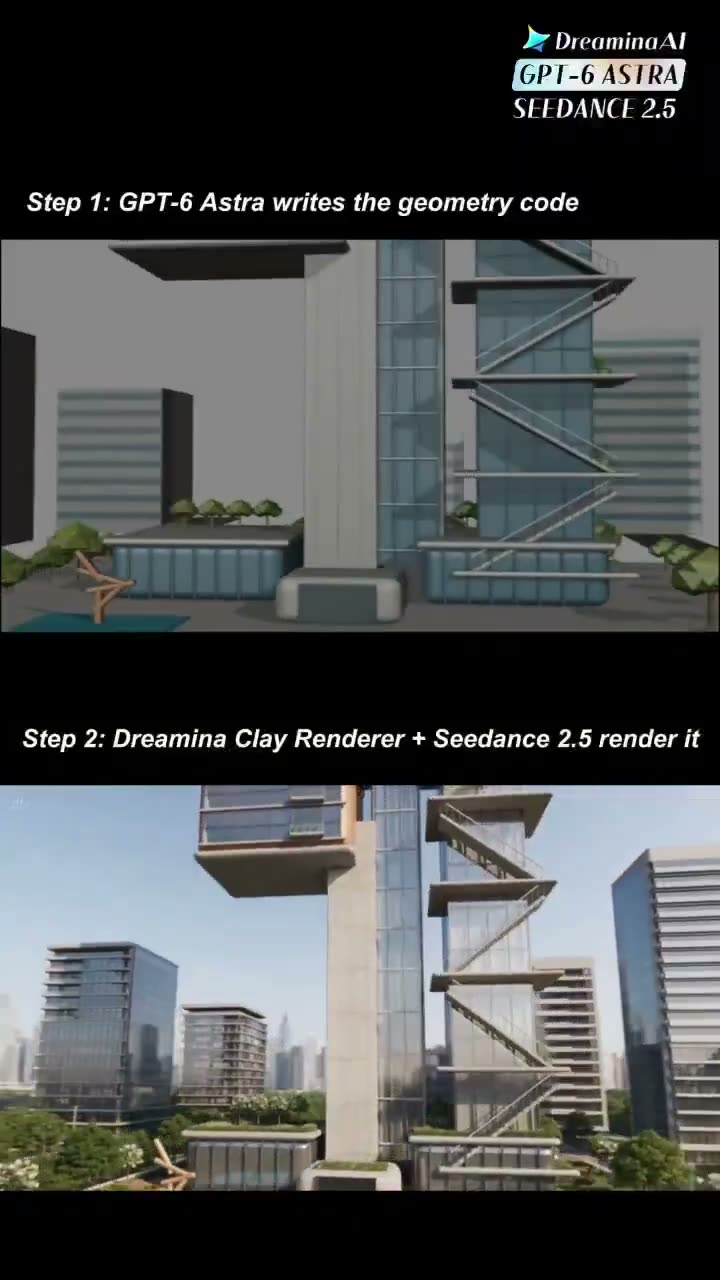
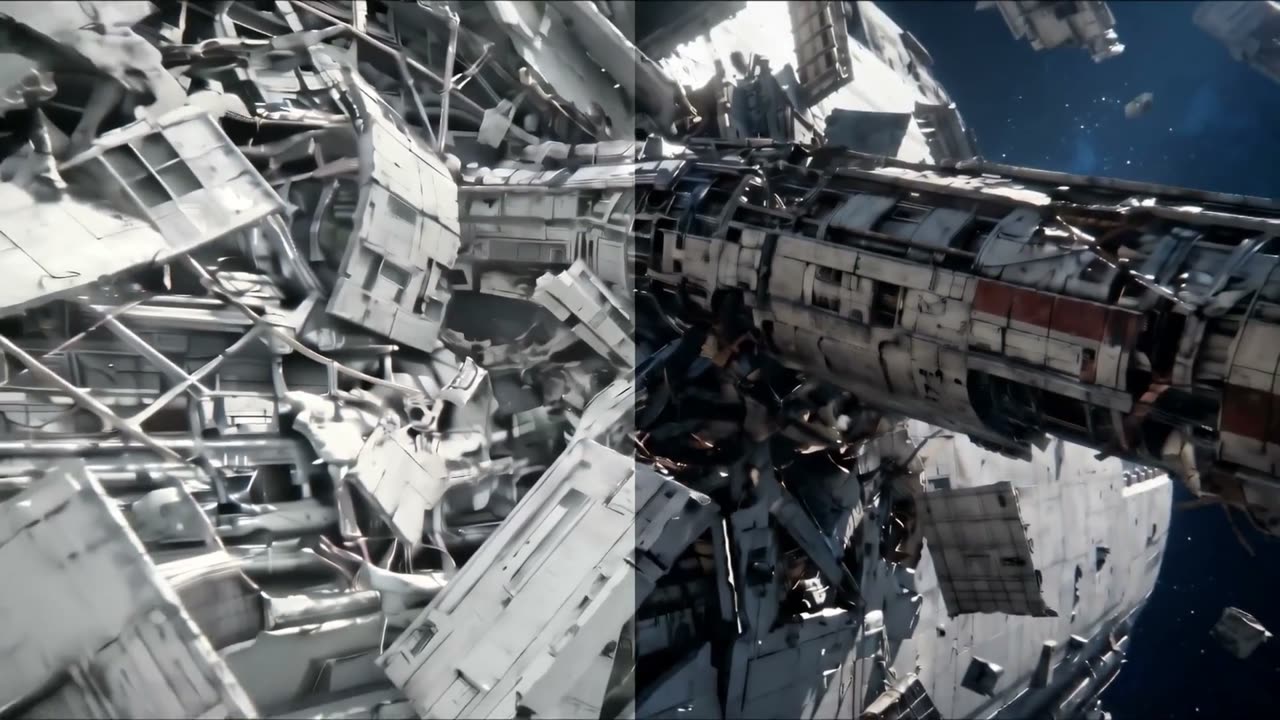
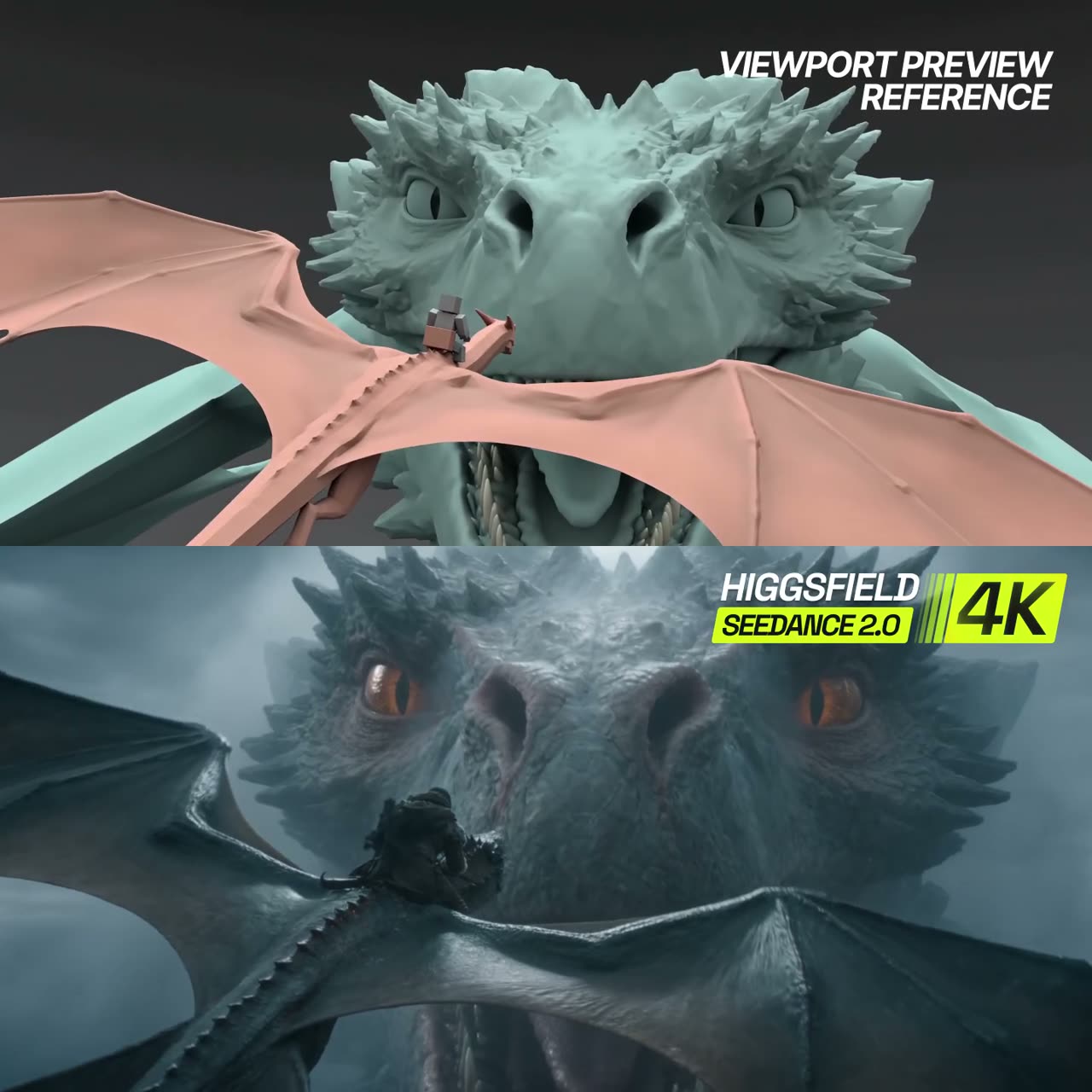
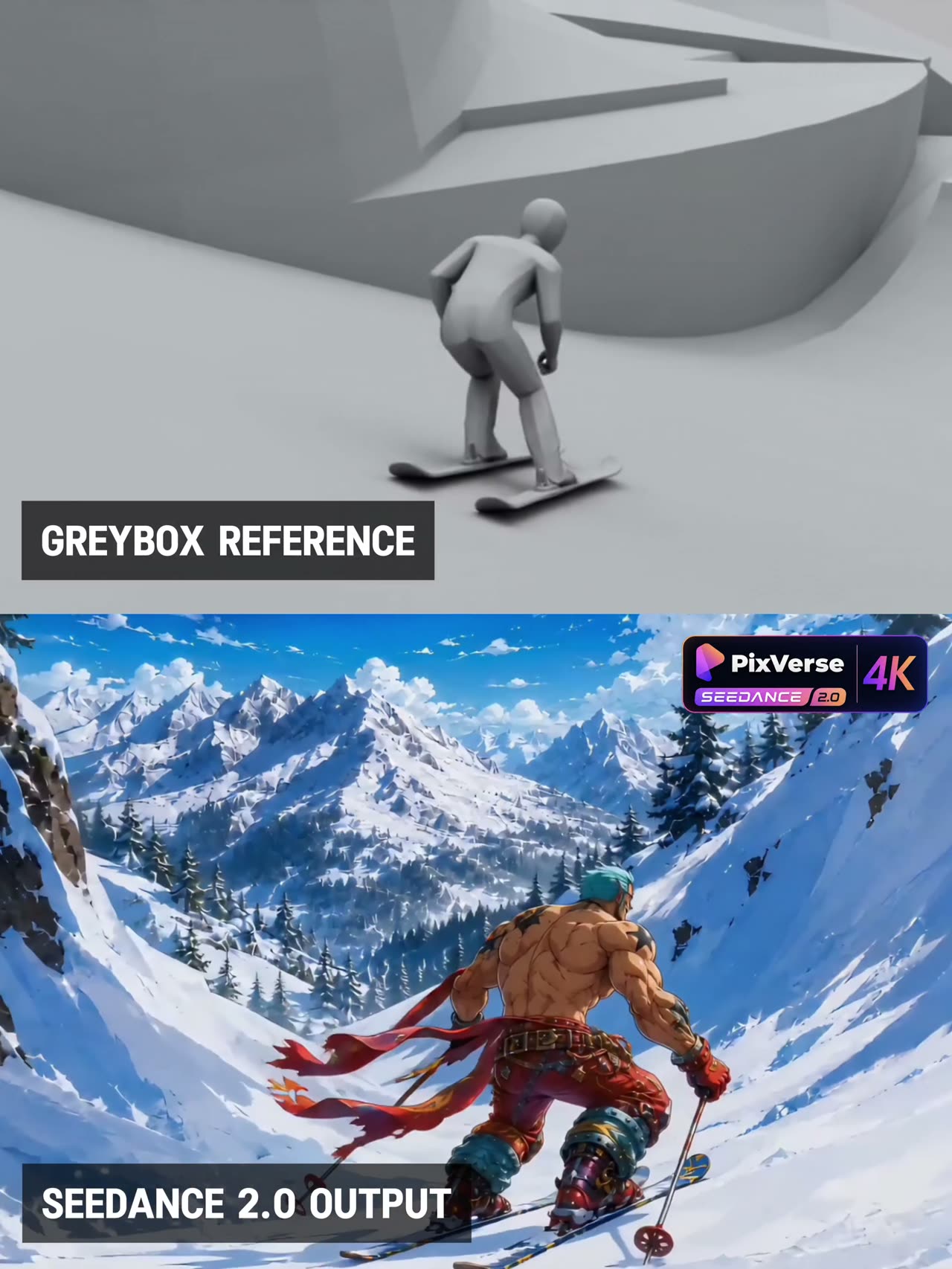
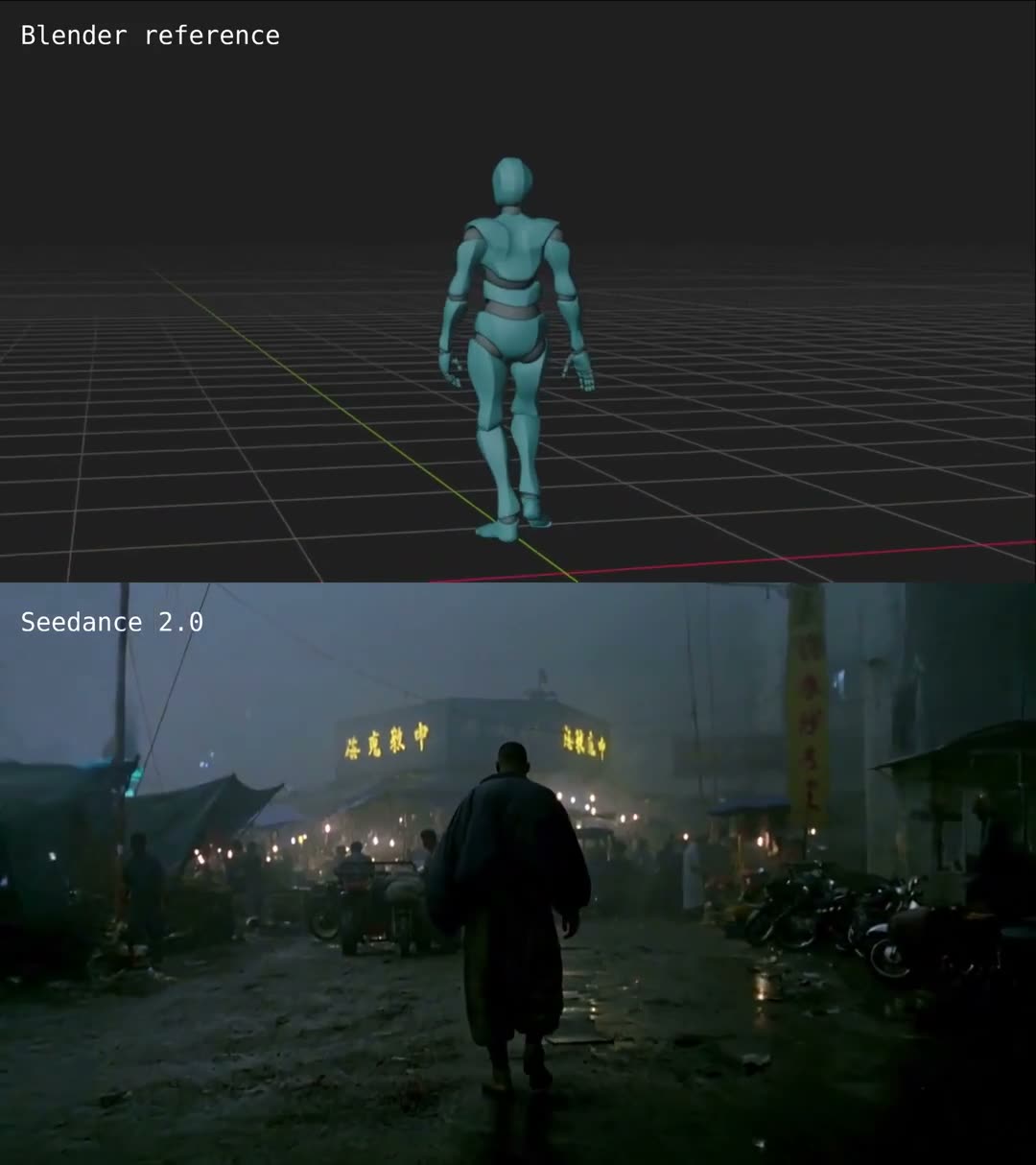
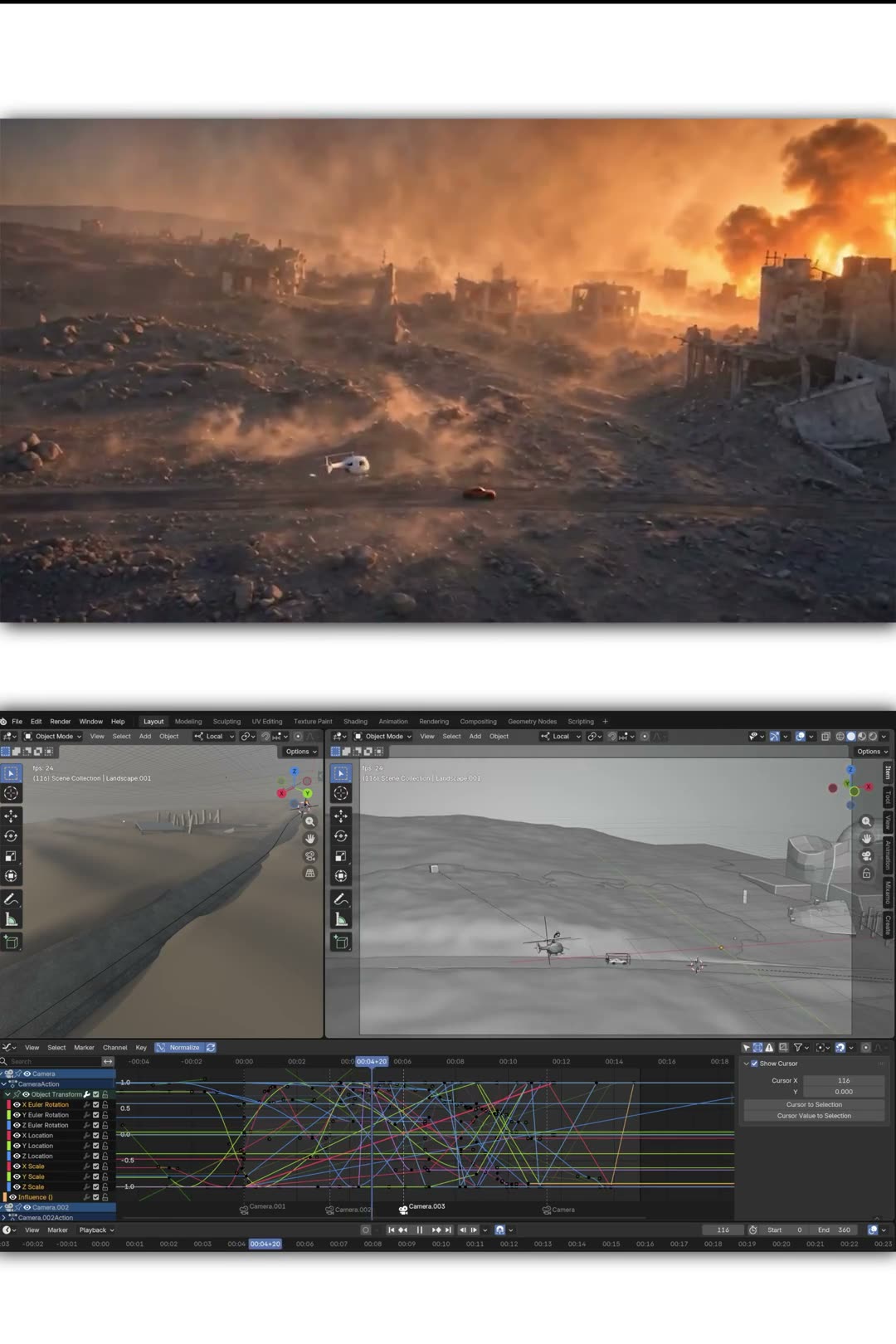
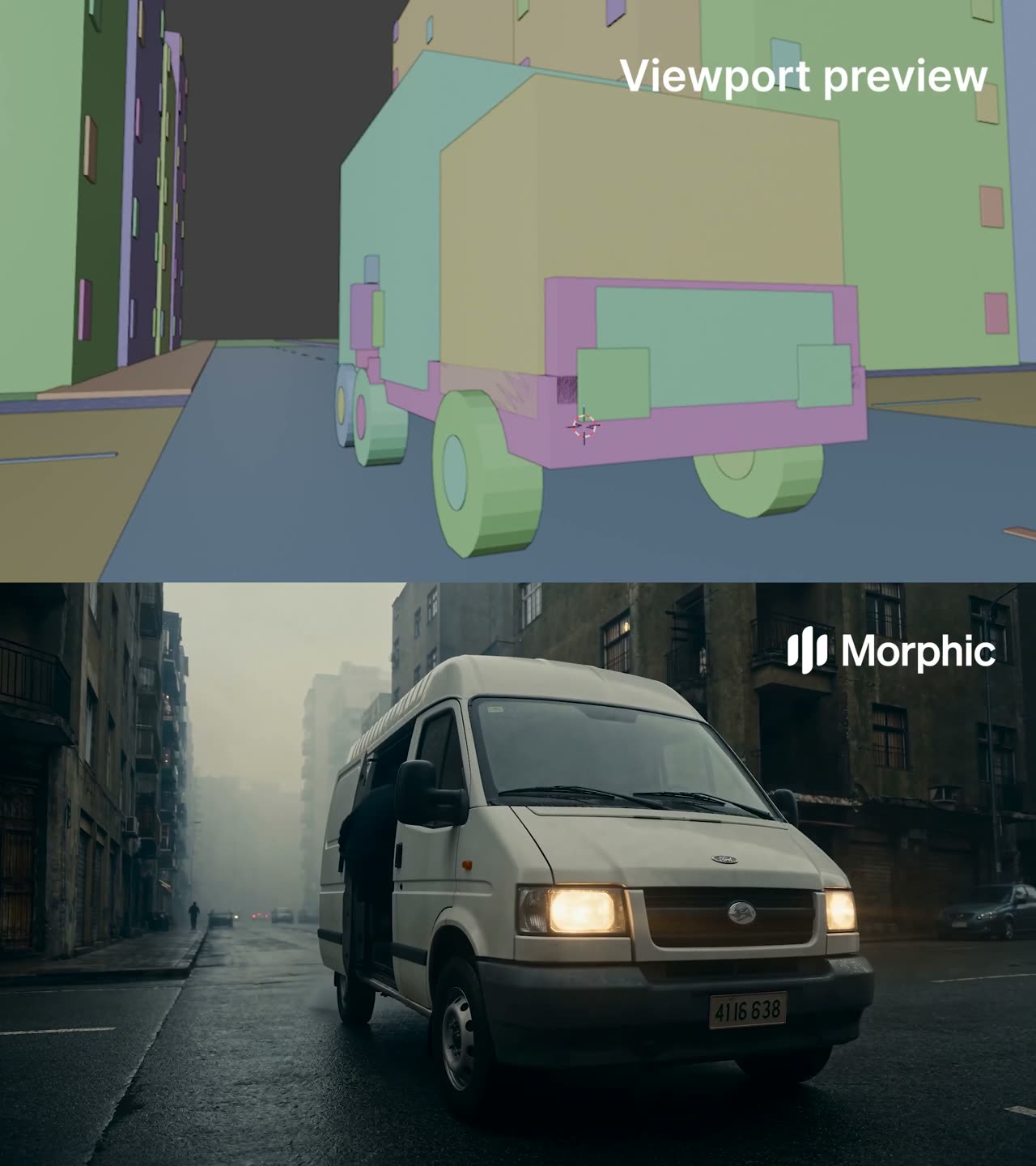
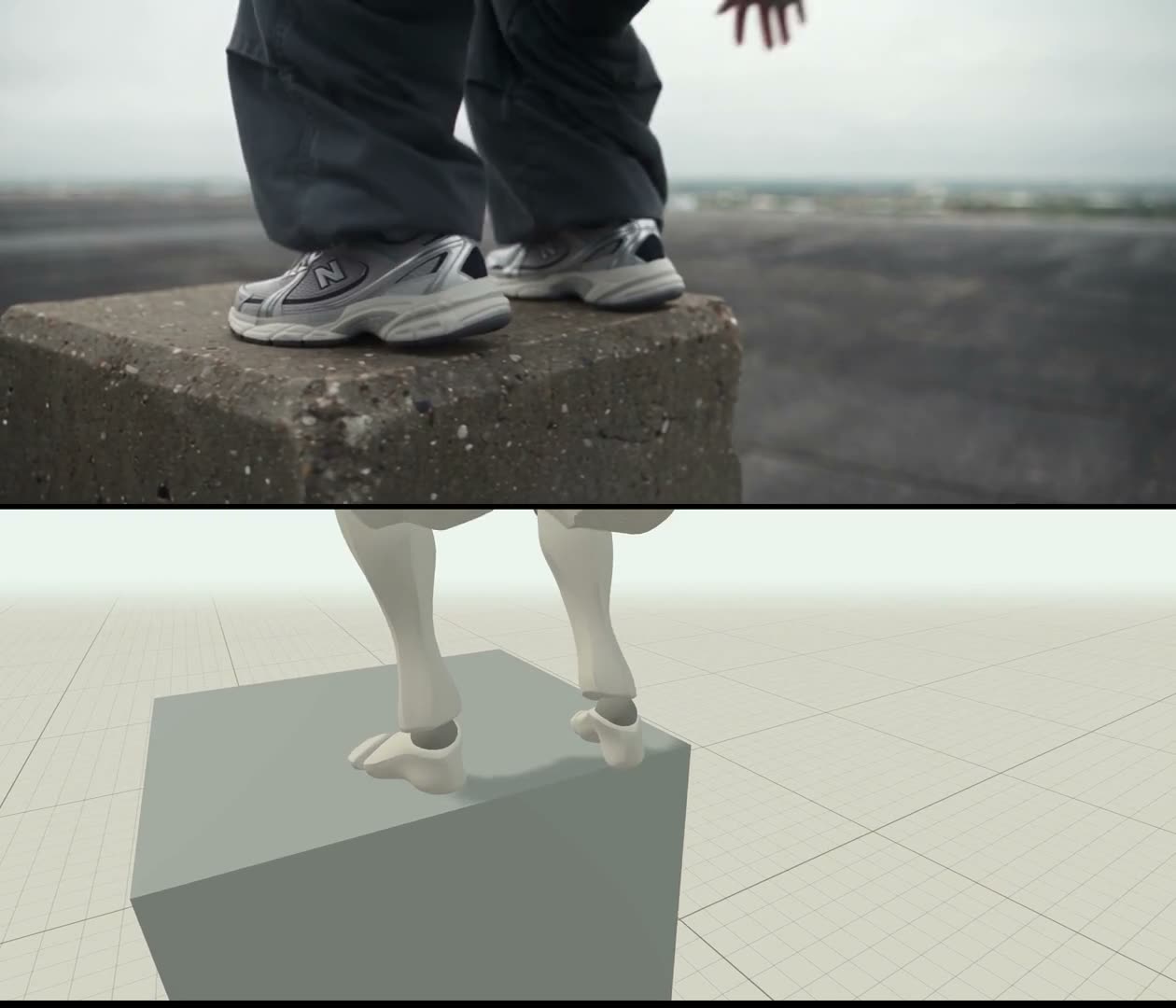
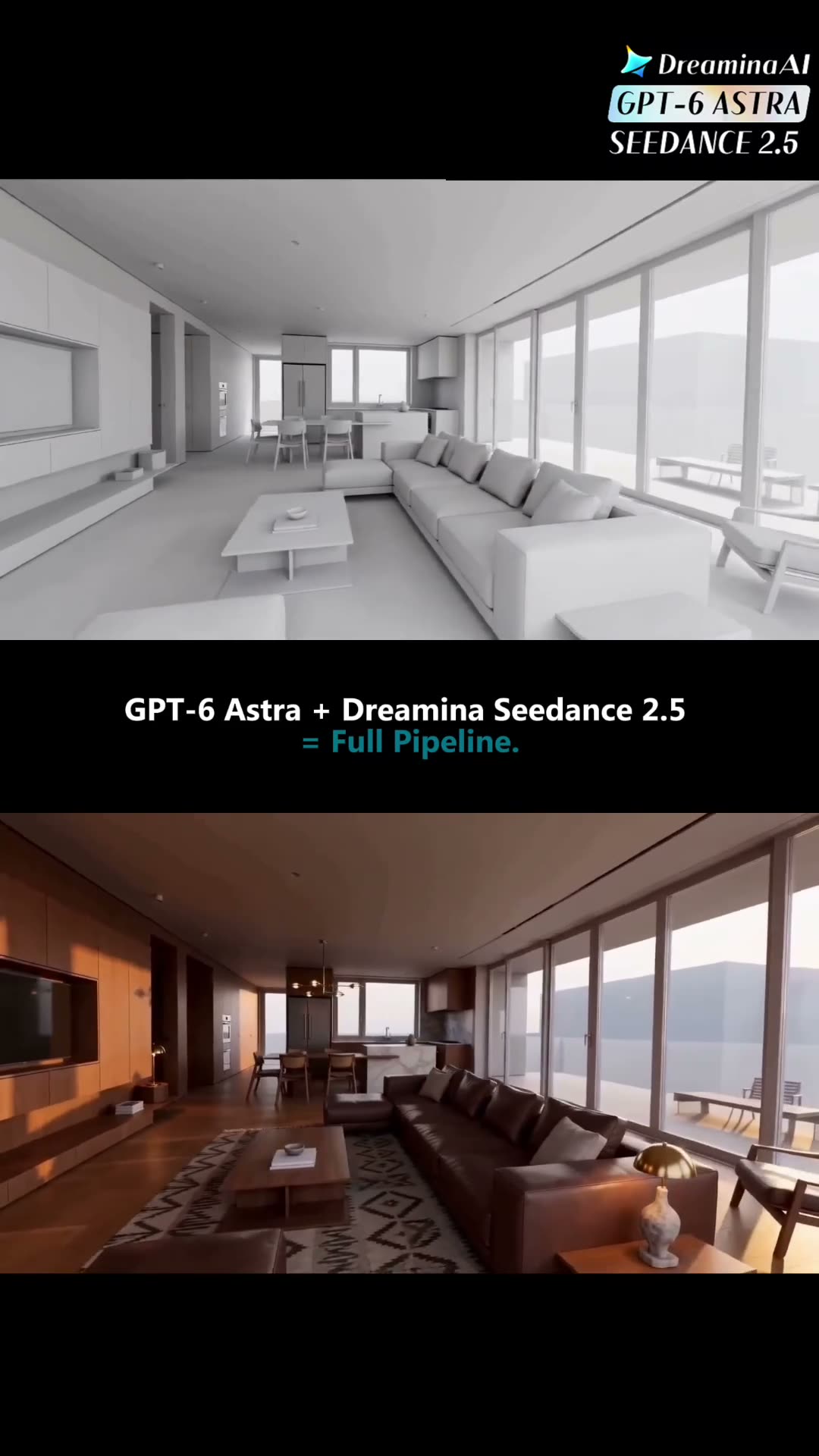
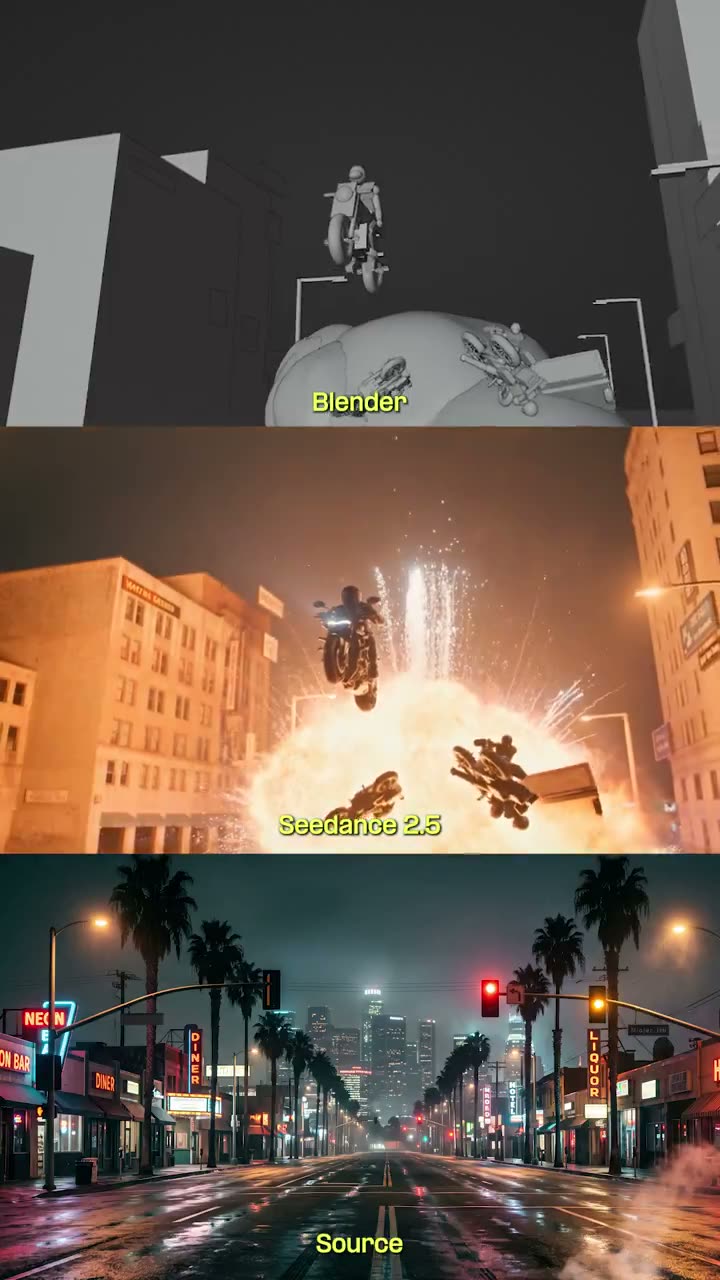
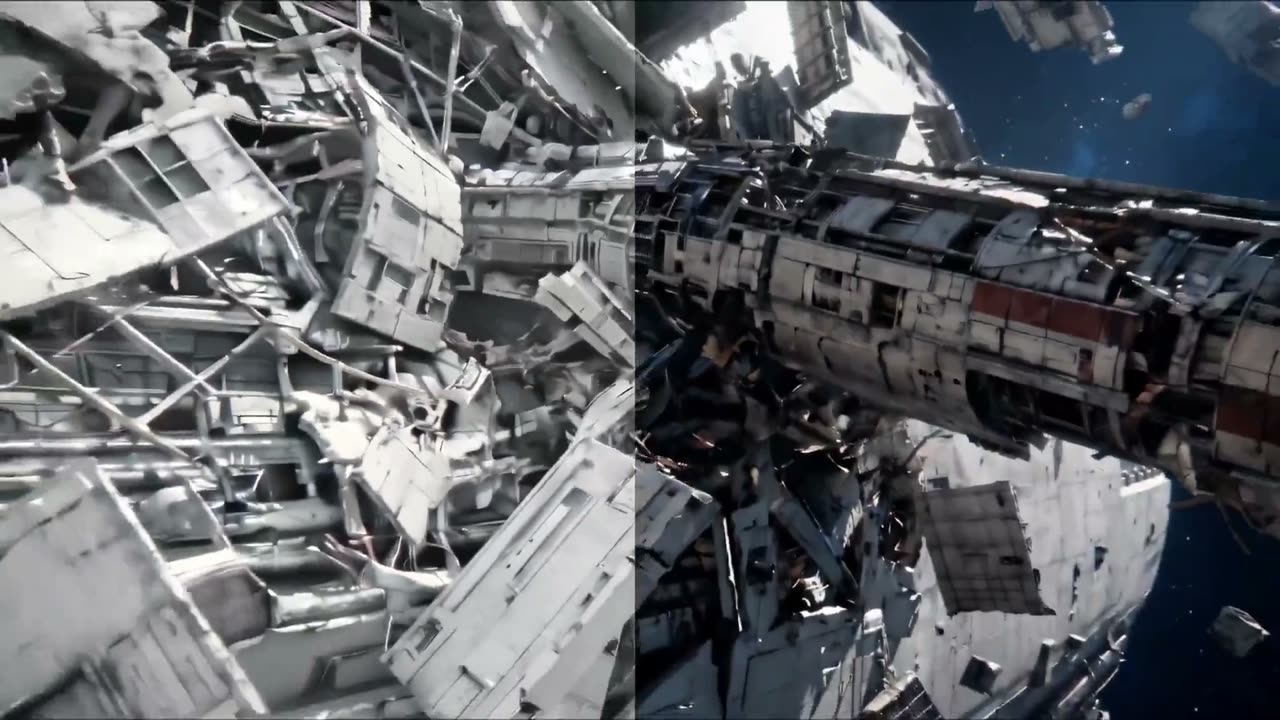
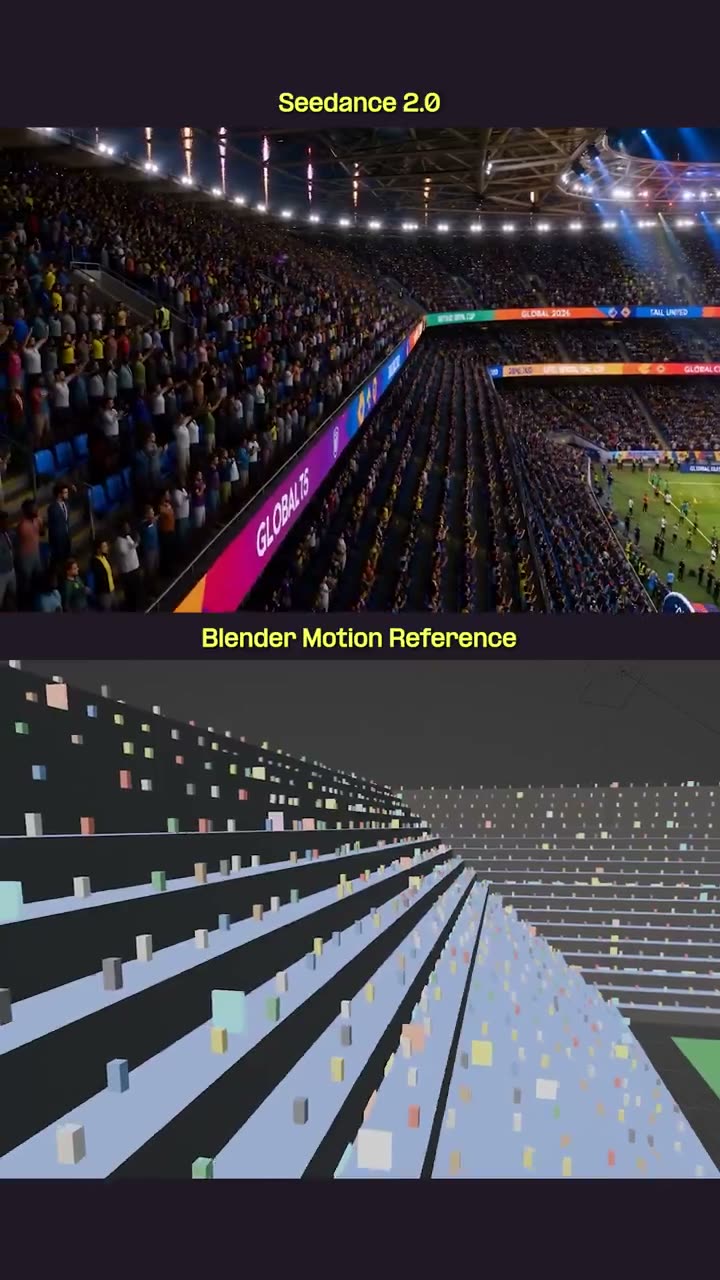
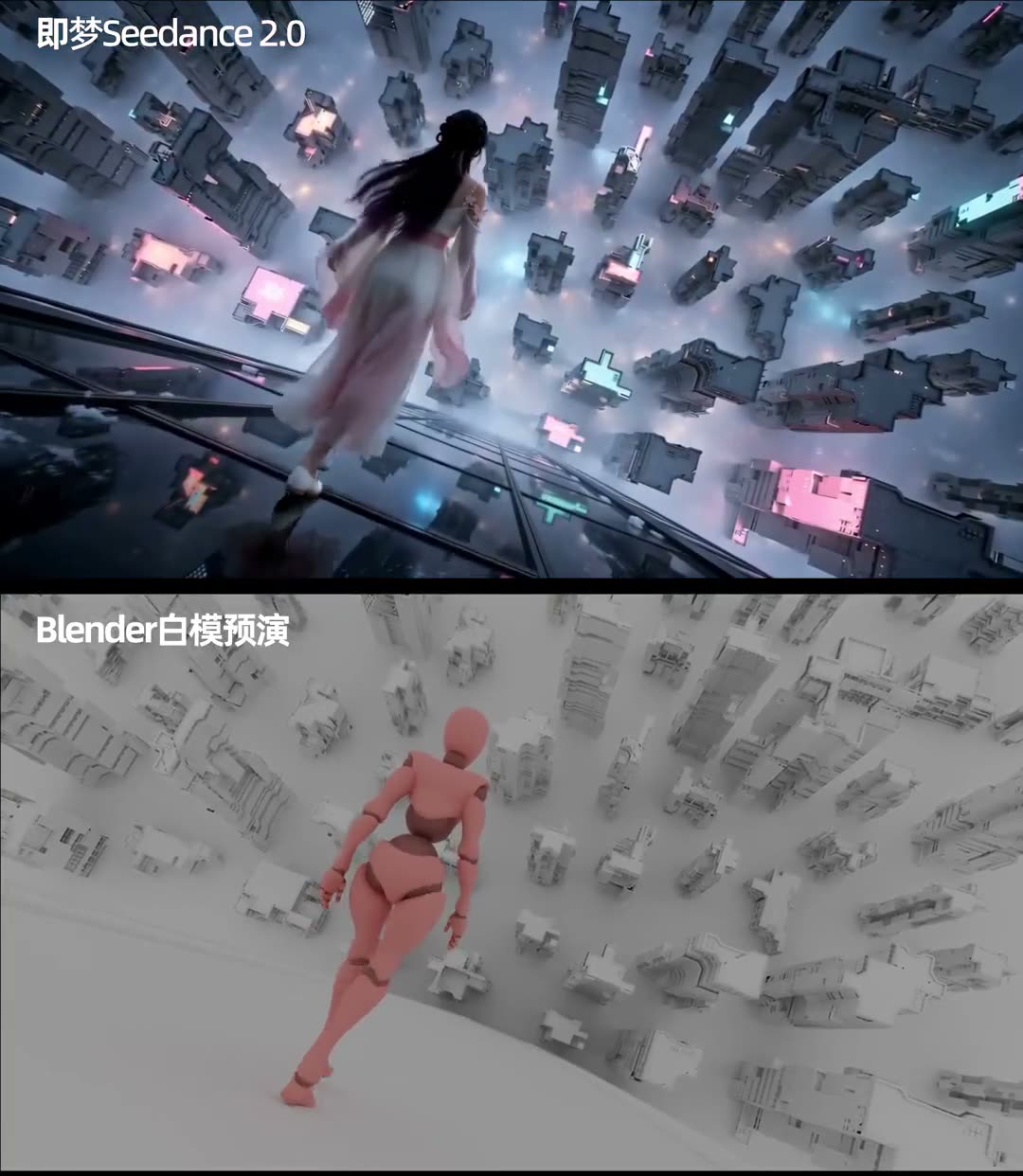
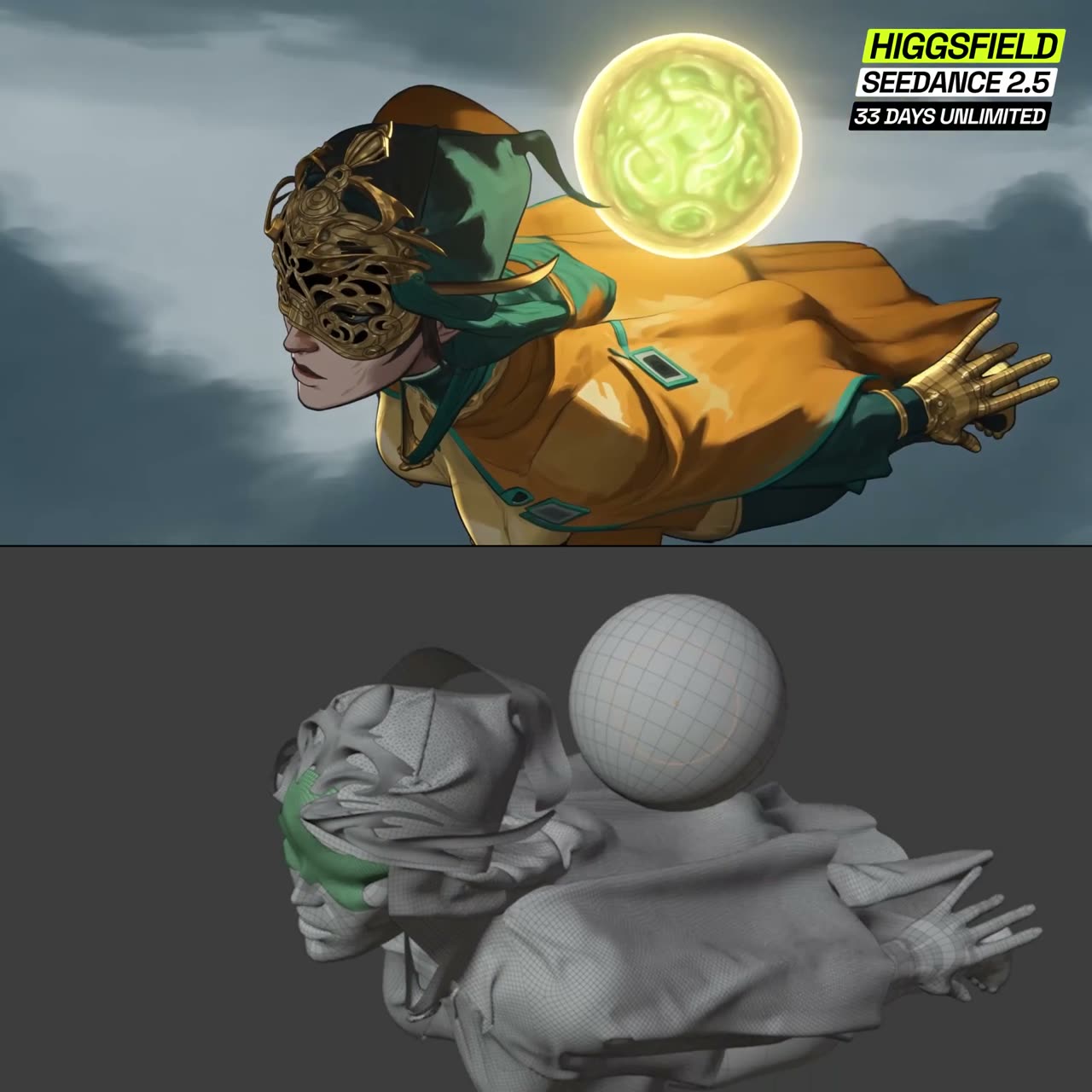
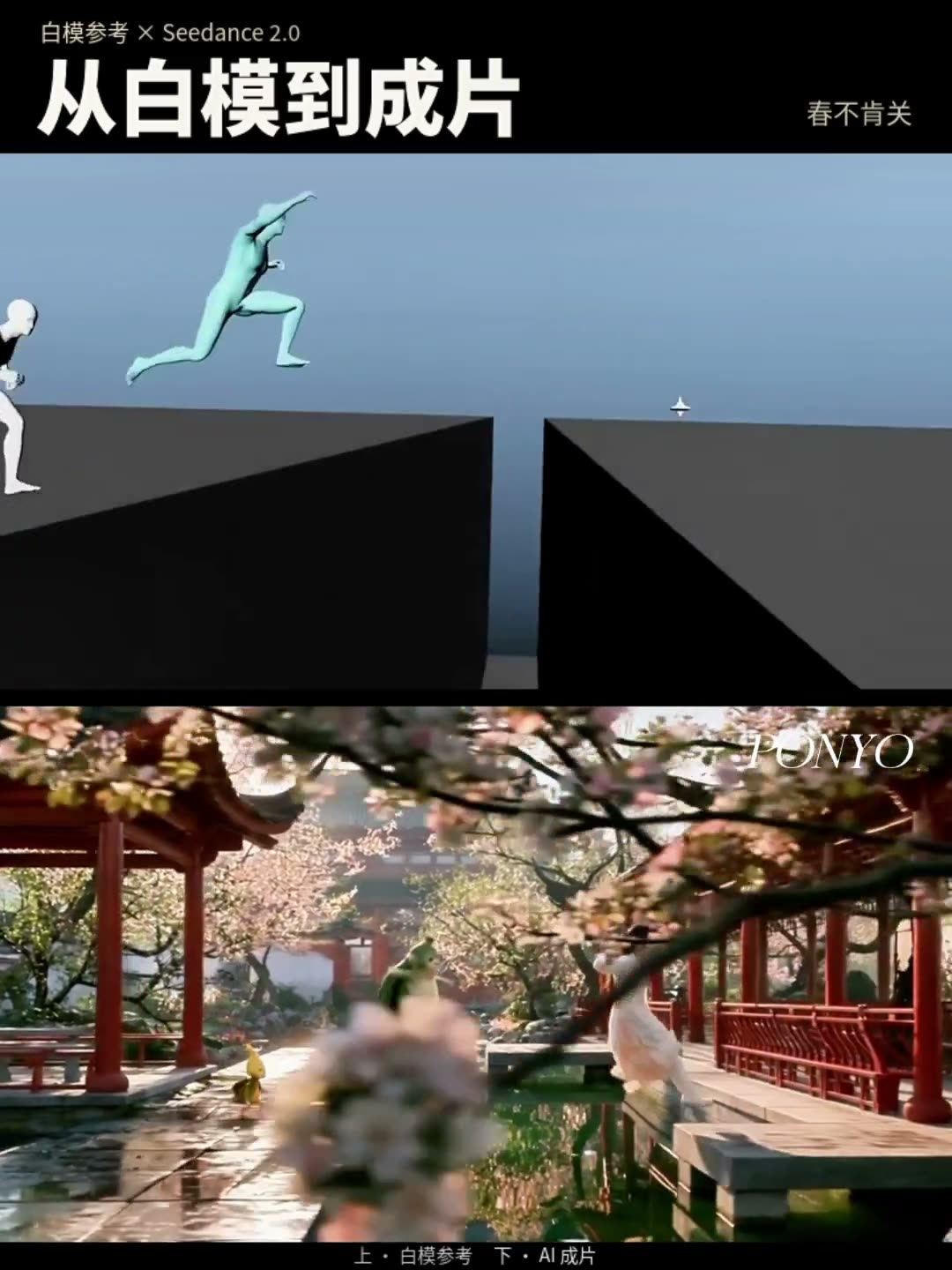
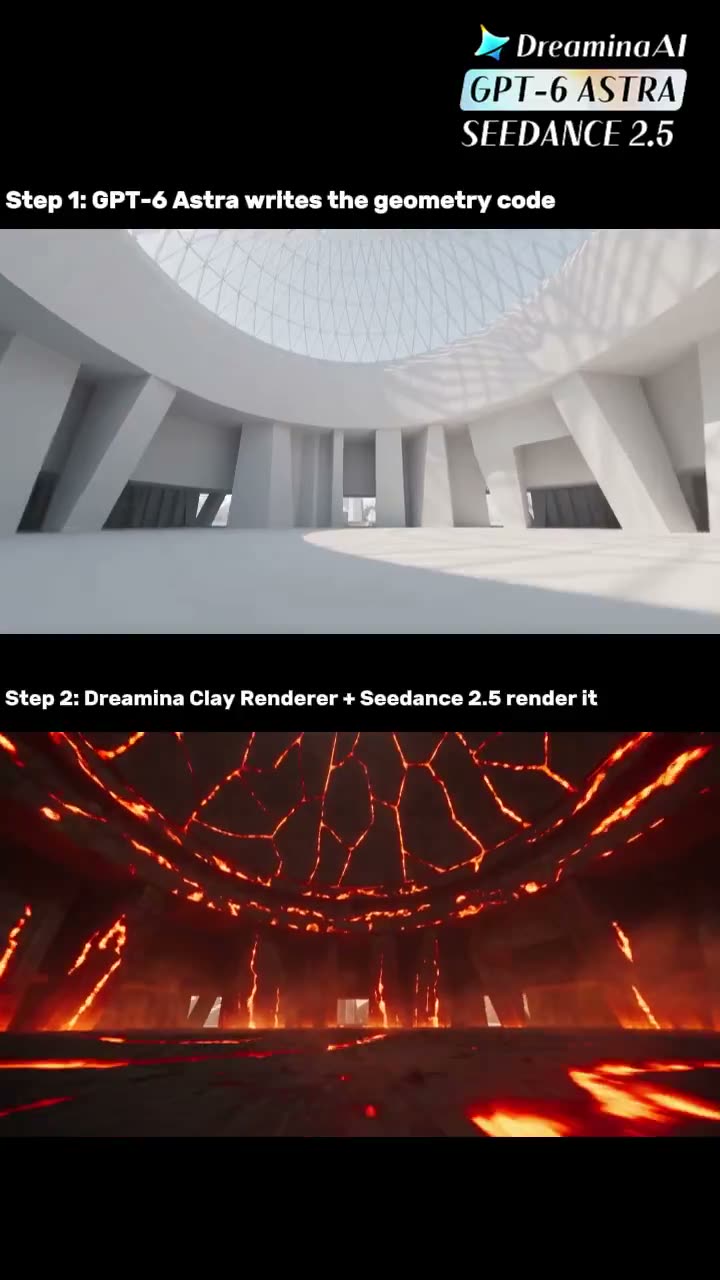
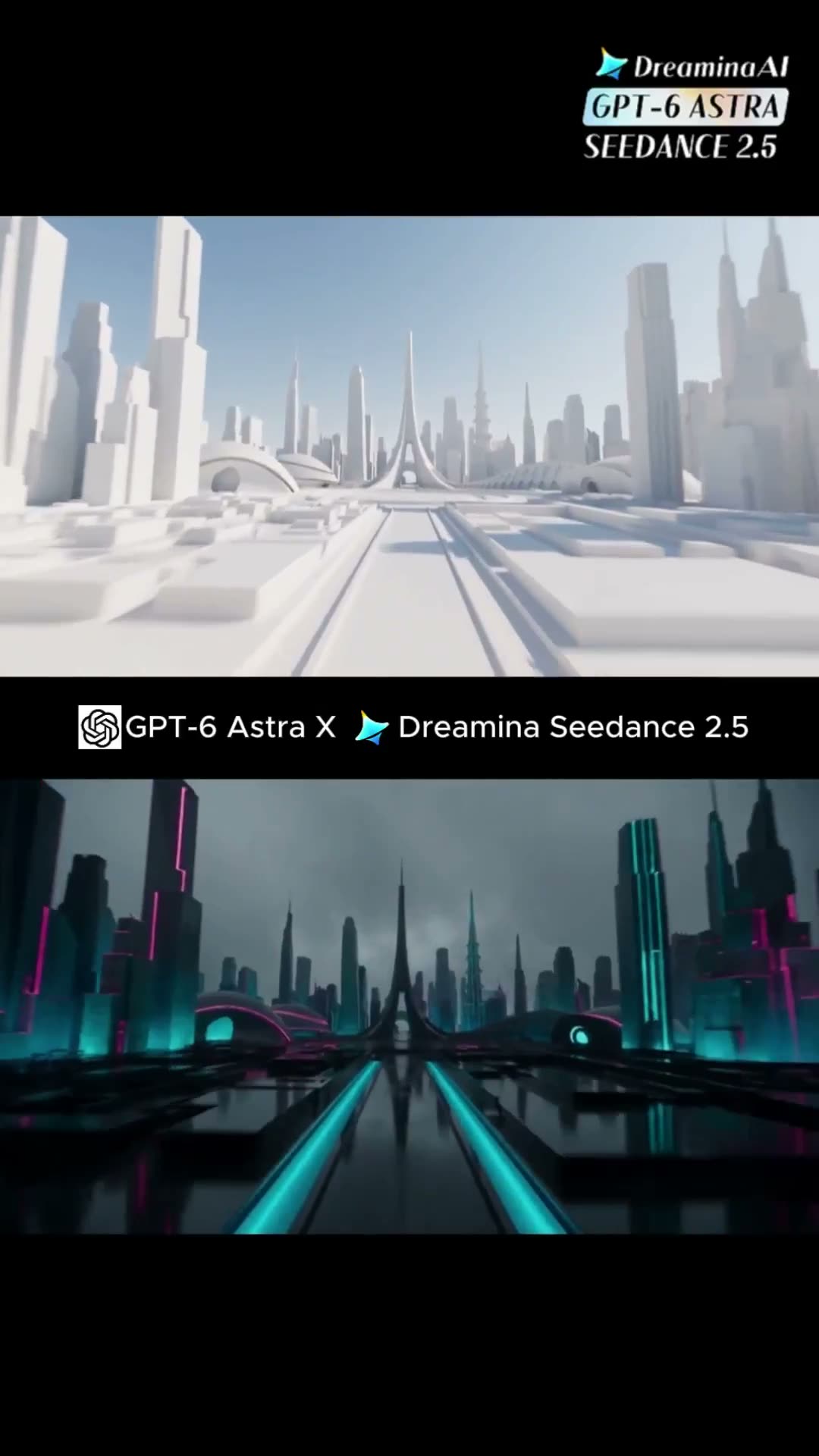
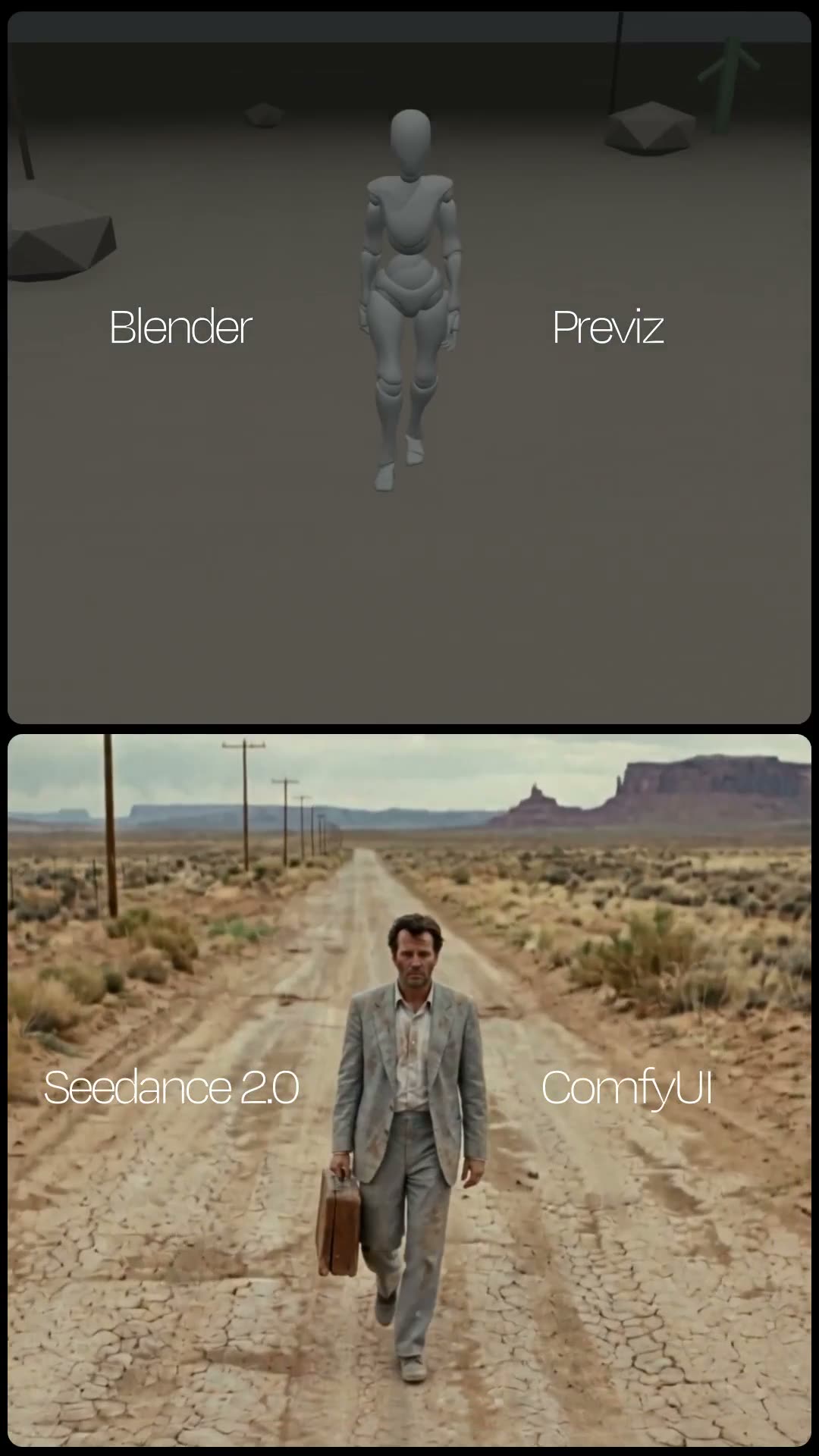
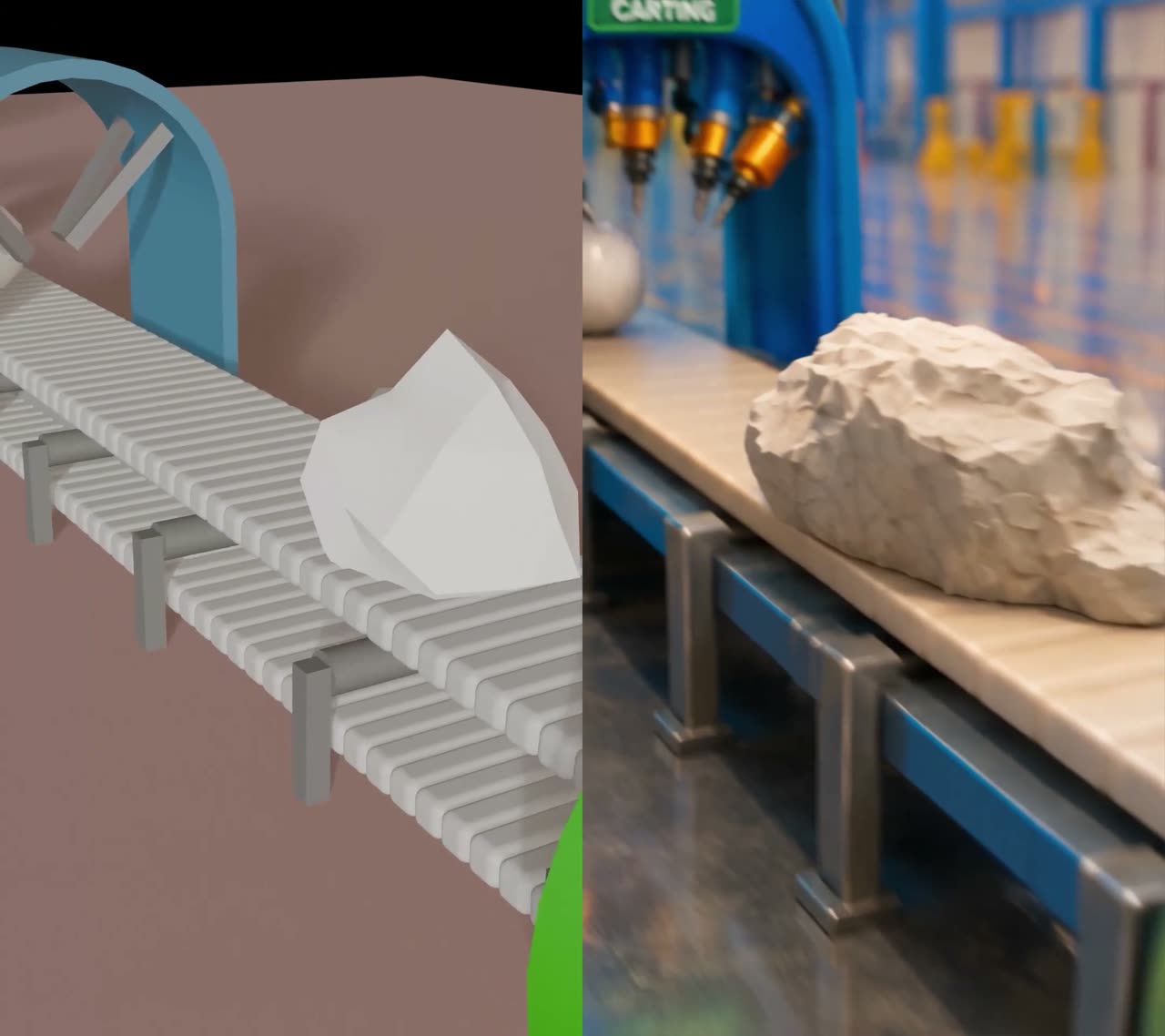
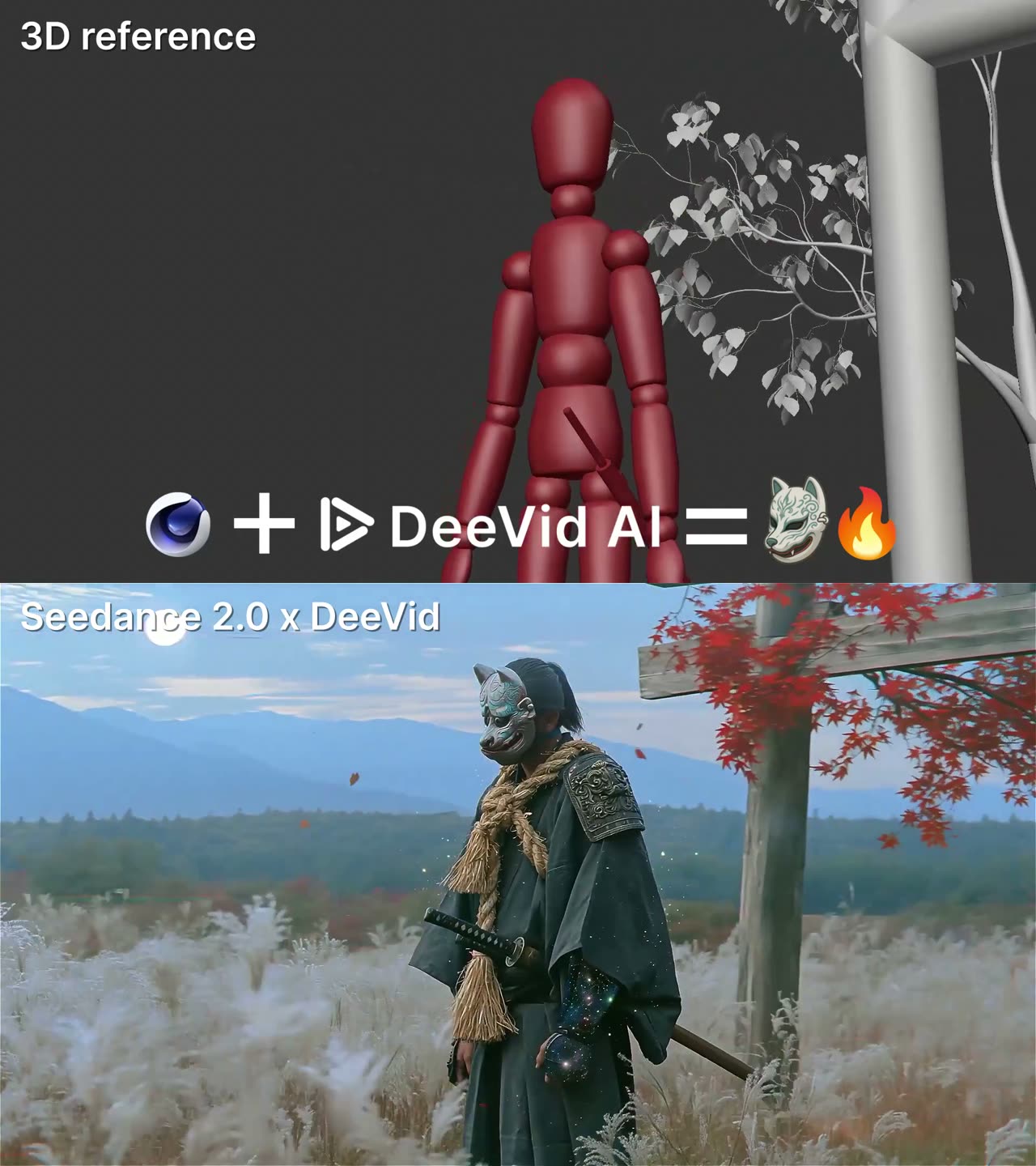
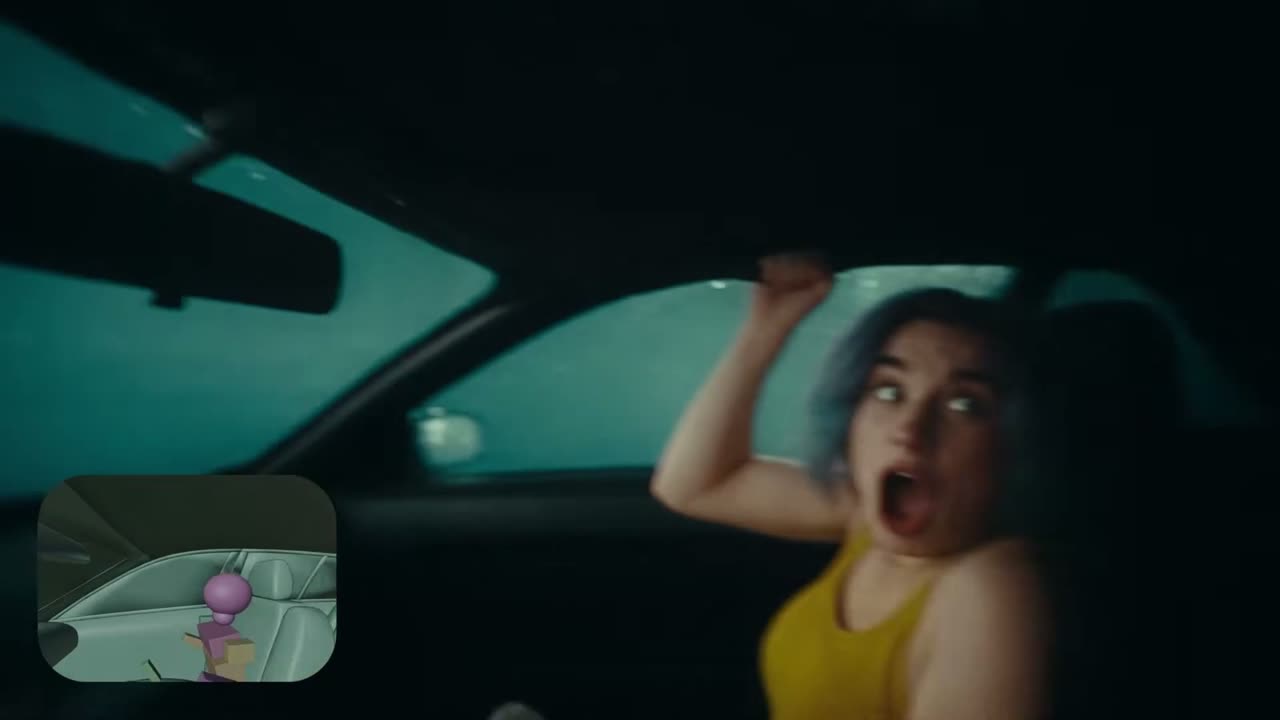
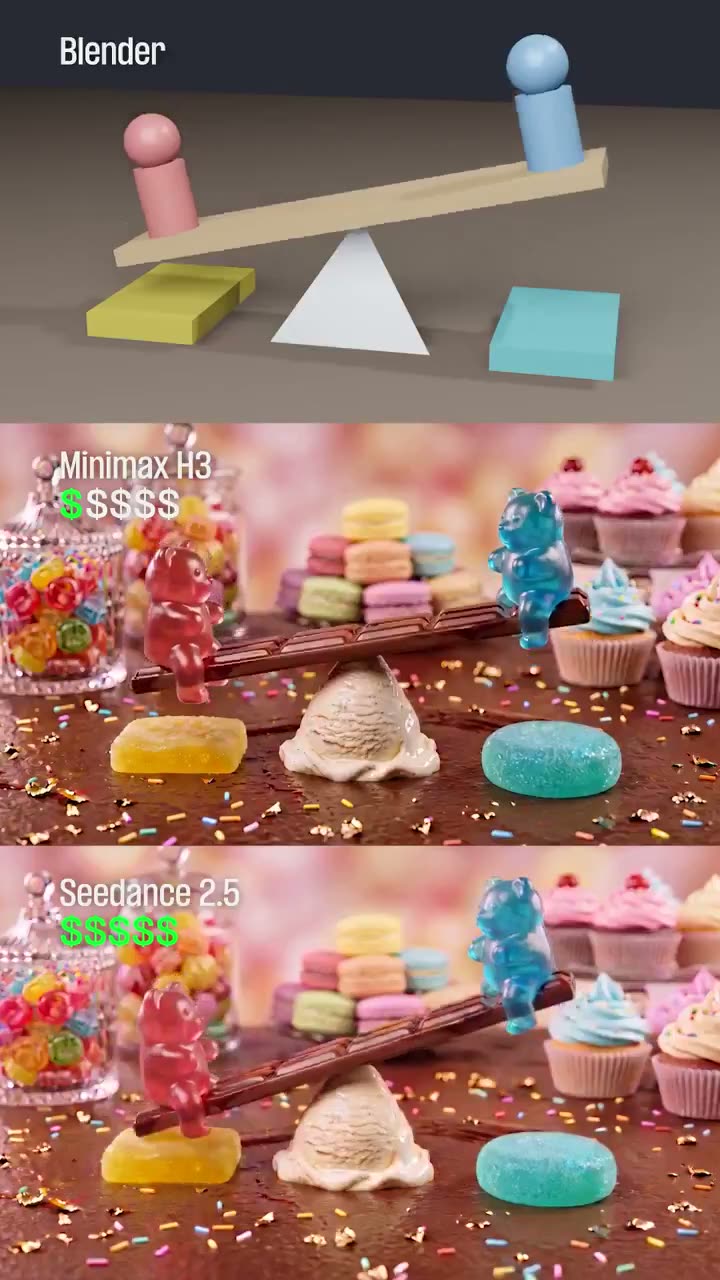
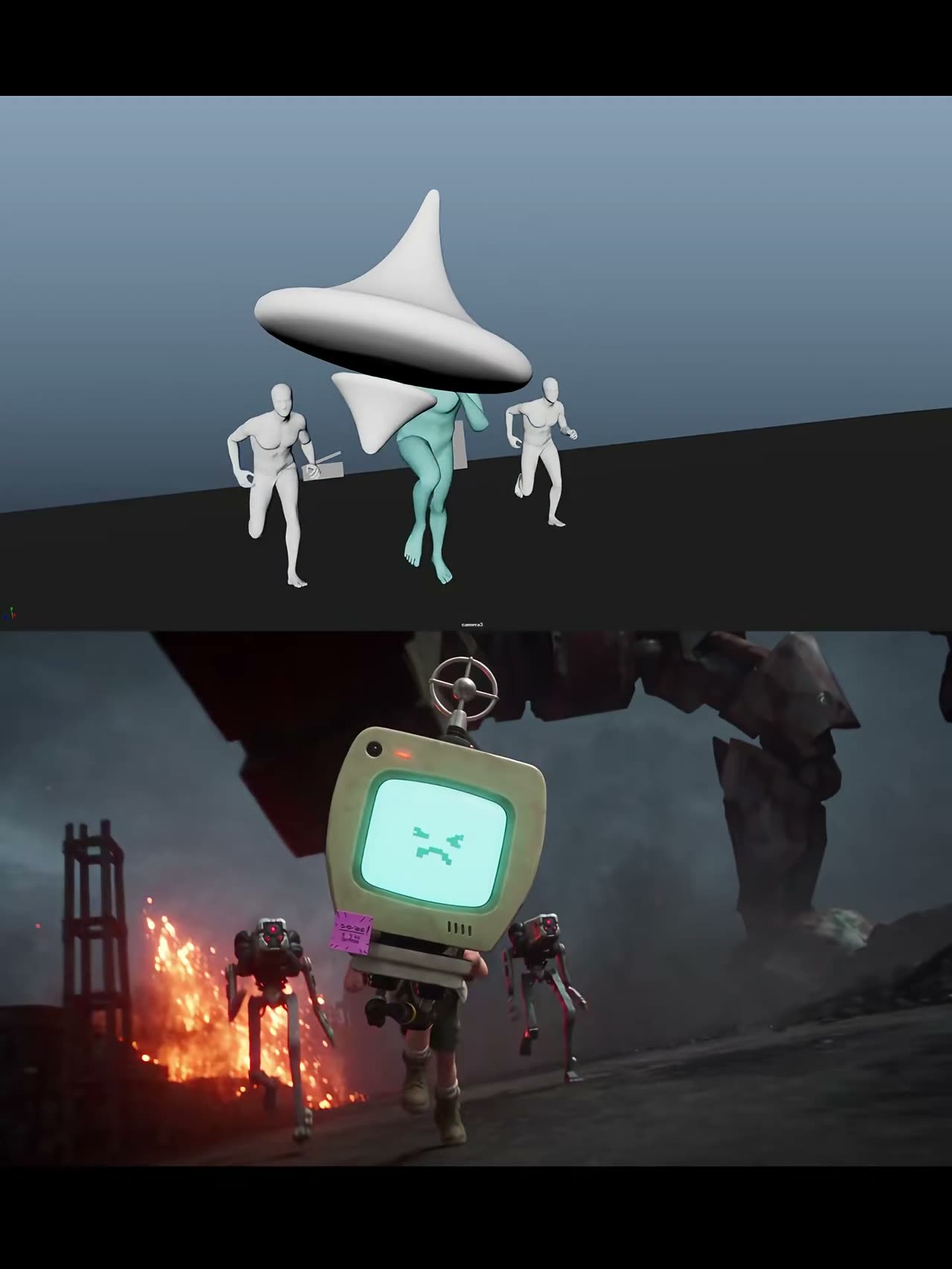
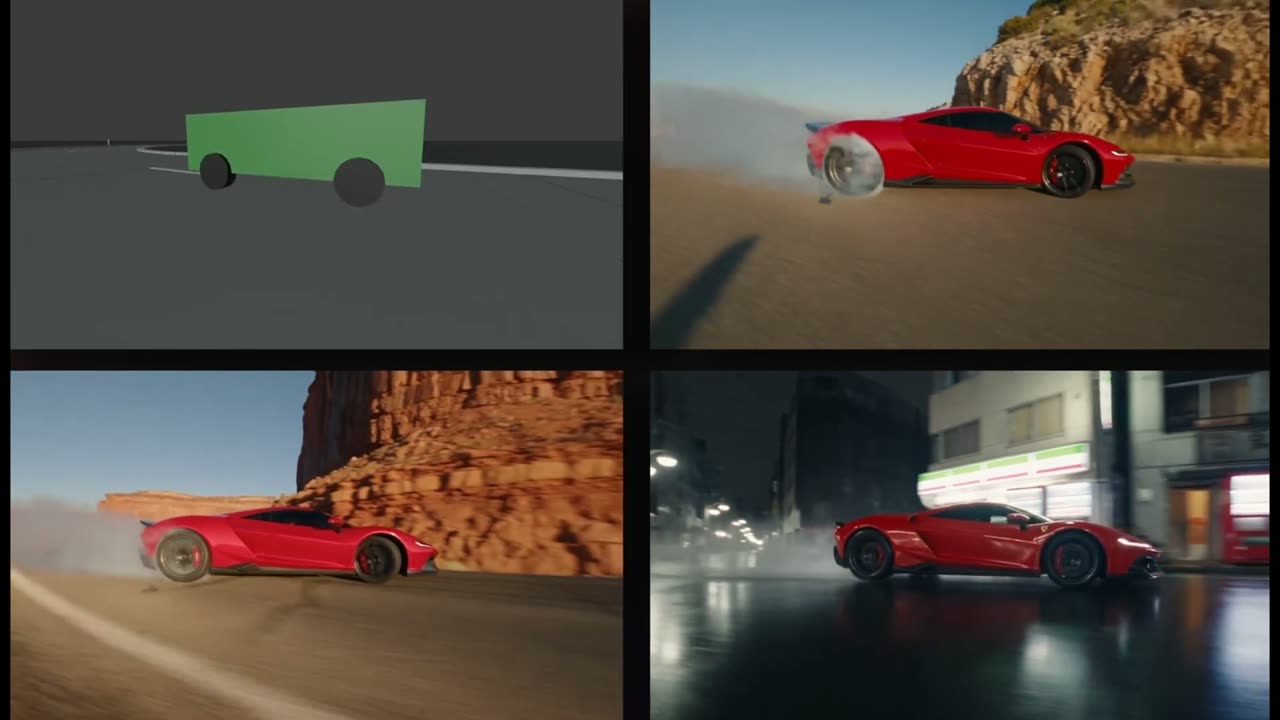
这里的每条提示词都是为搭配一段无材质三维参考而写的:Blender 灰模、动画替身、视口回放。先看它生成了什么,再读它是怎么告诉模型哪些必须照抄、哪些可以自由发挥,然后复制它或直接放进生成器。

13 条提示词13 个片段已署名 11 位作者X 上 92.5万 次观看来自 X 与 Reddit

生成器

不用离开本页就能跑任意一条提示词

点下方任意提示词的「使用」,它就会落进这个输入框。把你自己的灰模作为参考视频传上来,选模型、画幅和时长,直接在这里出片。

0/10000
输入
使用模型

Camera & Blocking6

用一段粗灰模带动镜头;提示词负责说清哪些不能动。

使用 Seedance 2.513 秒

作者 @laowangbabababa4.9万 次观看原帖

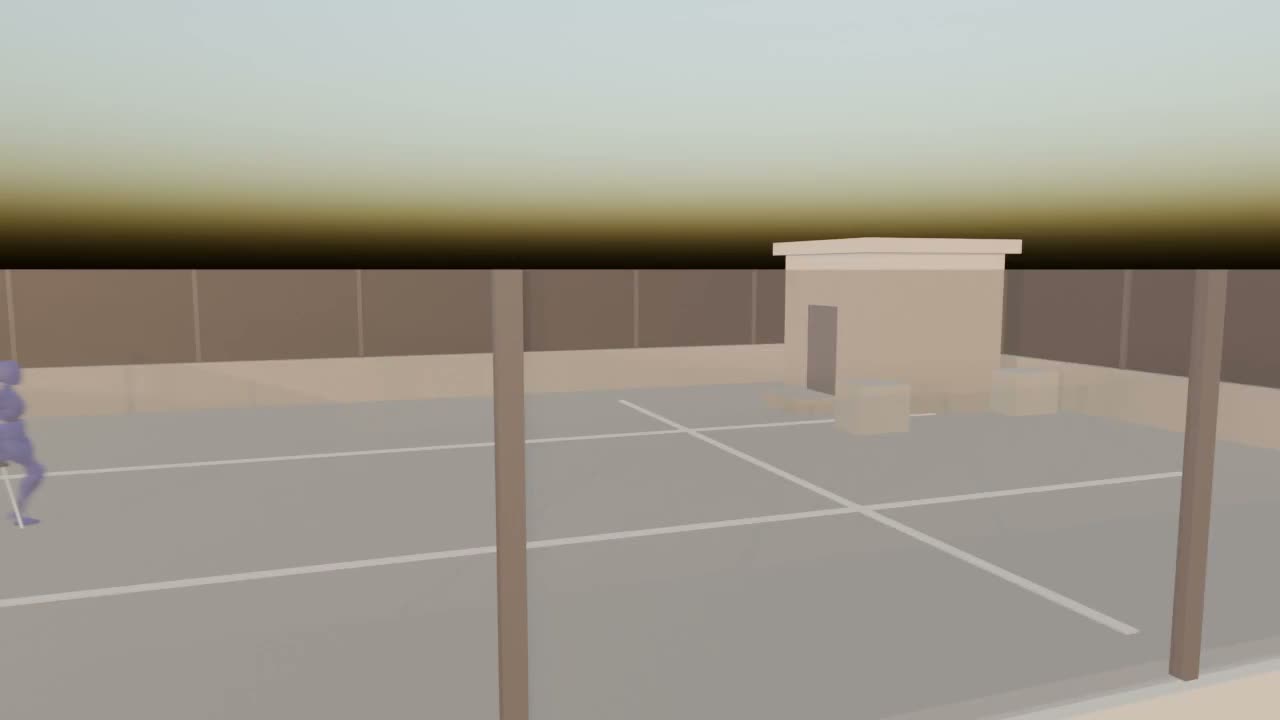
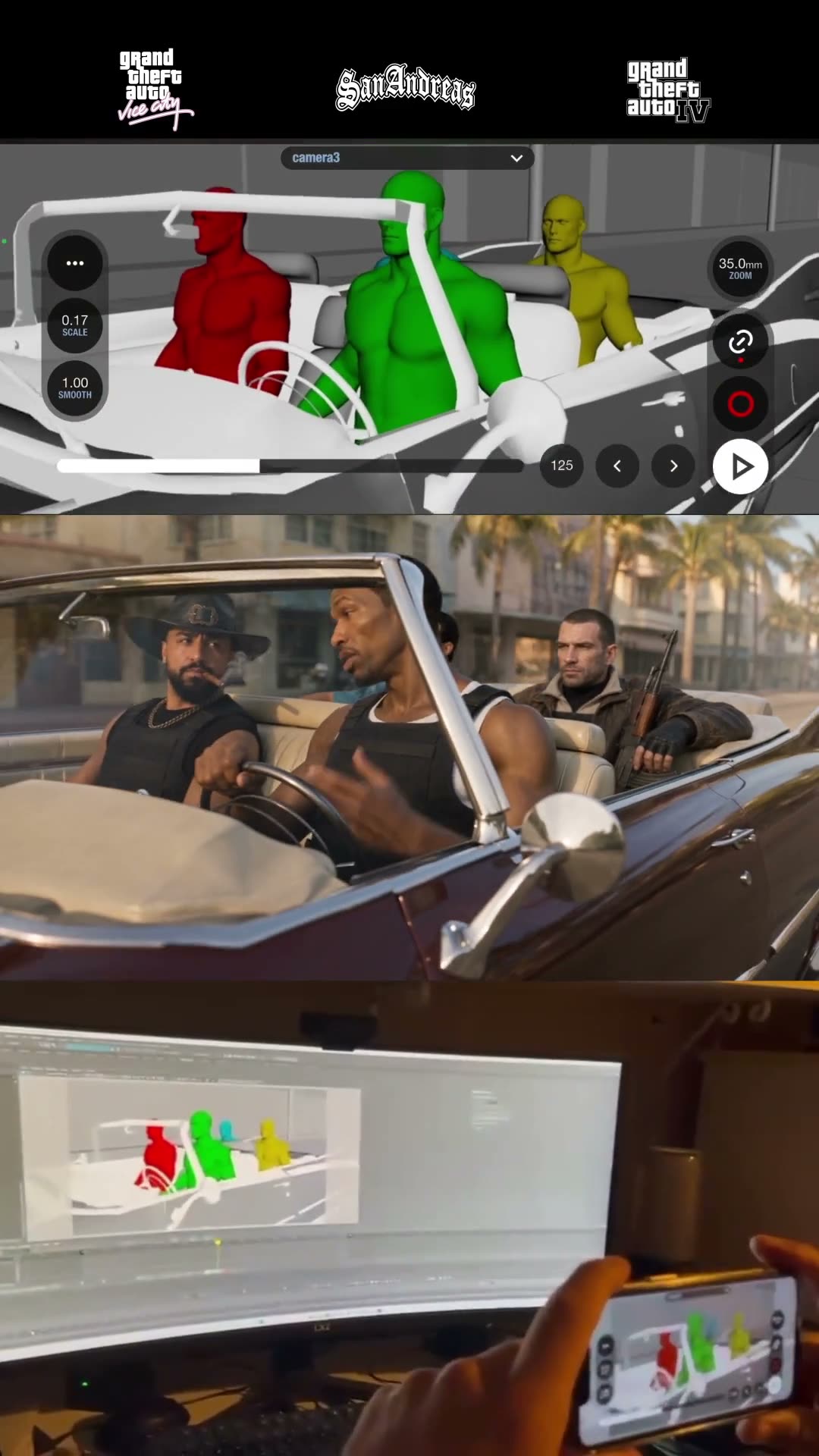
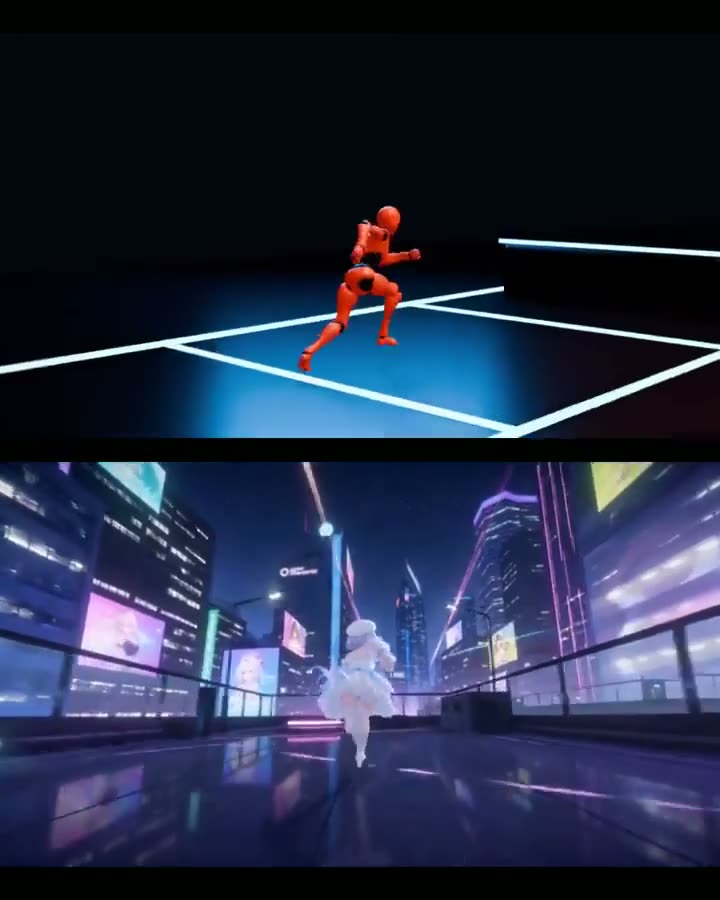
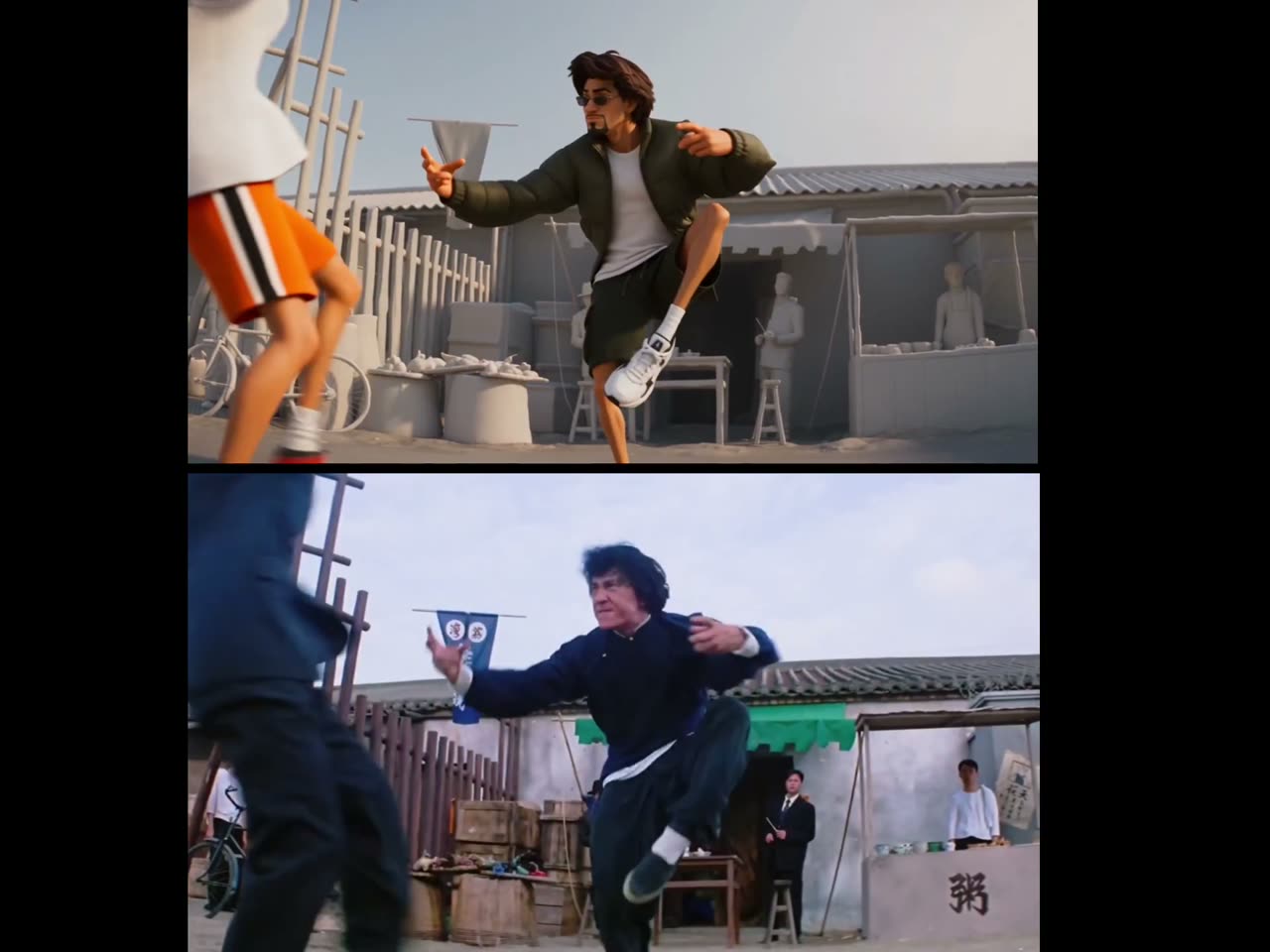
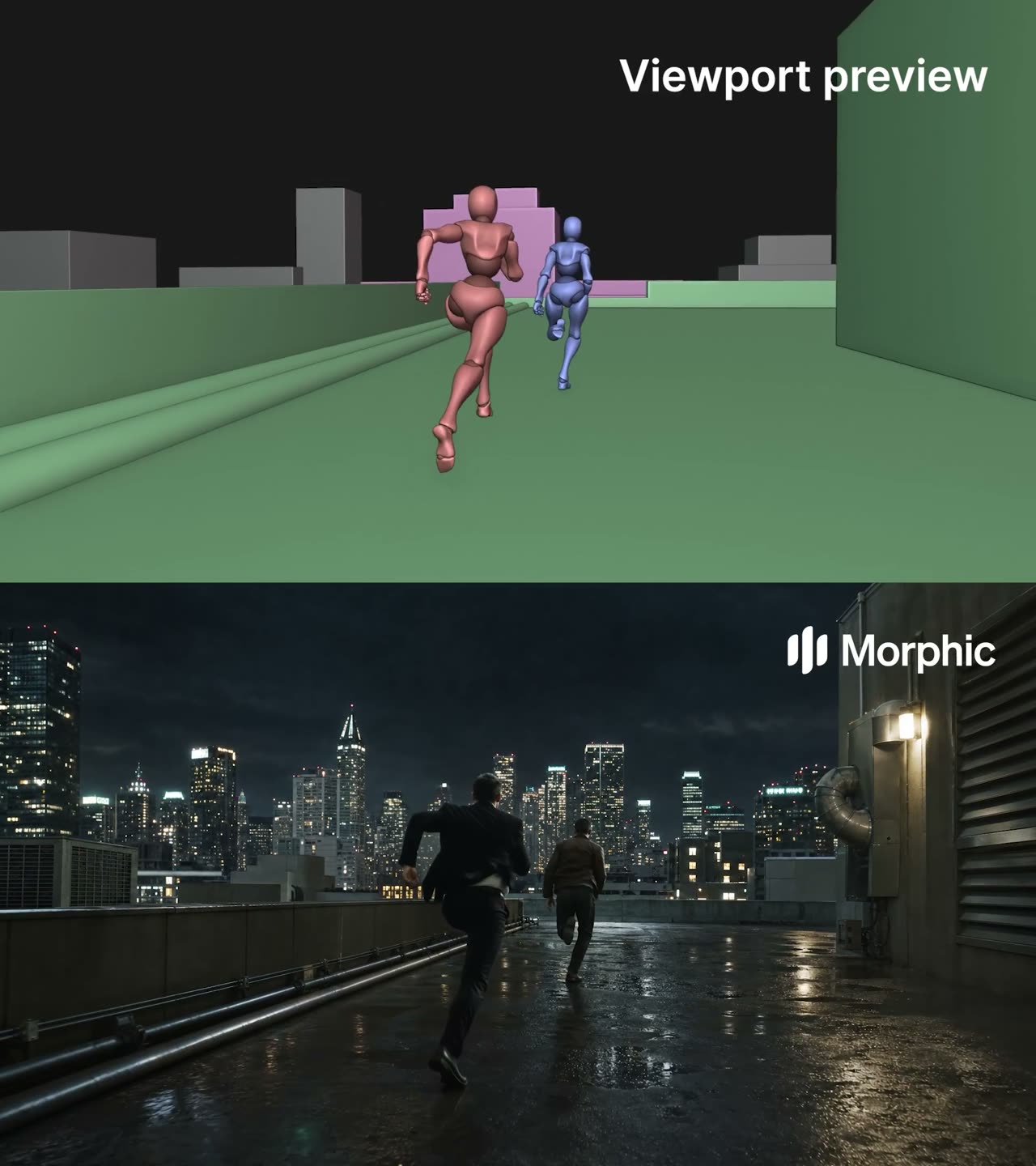
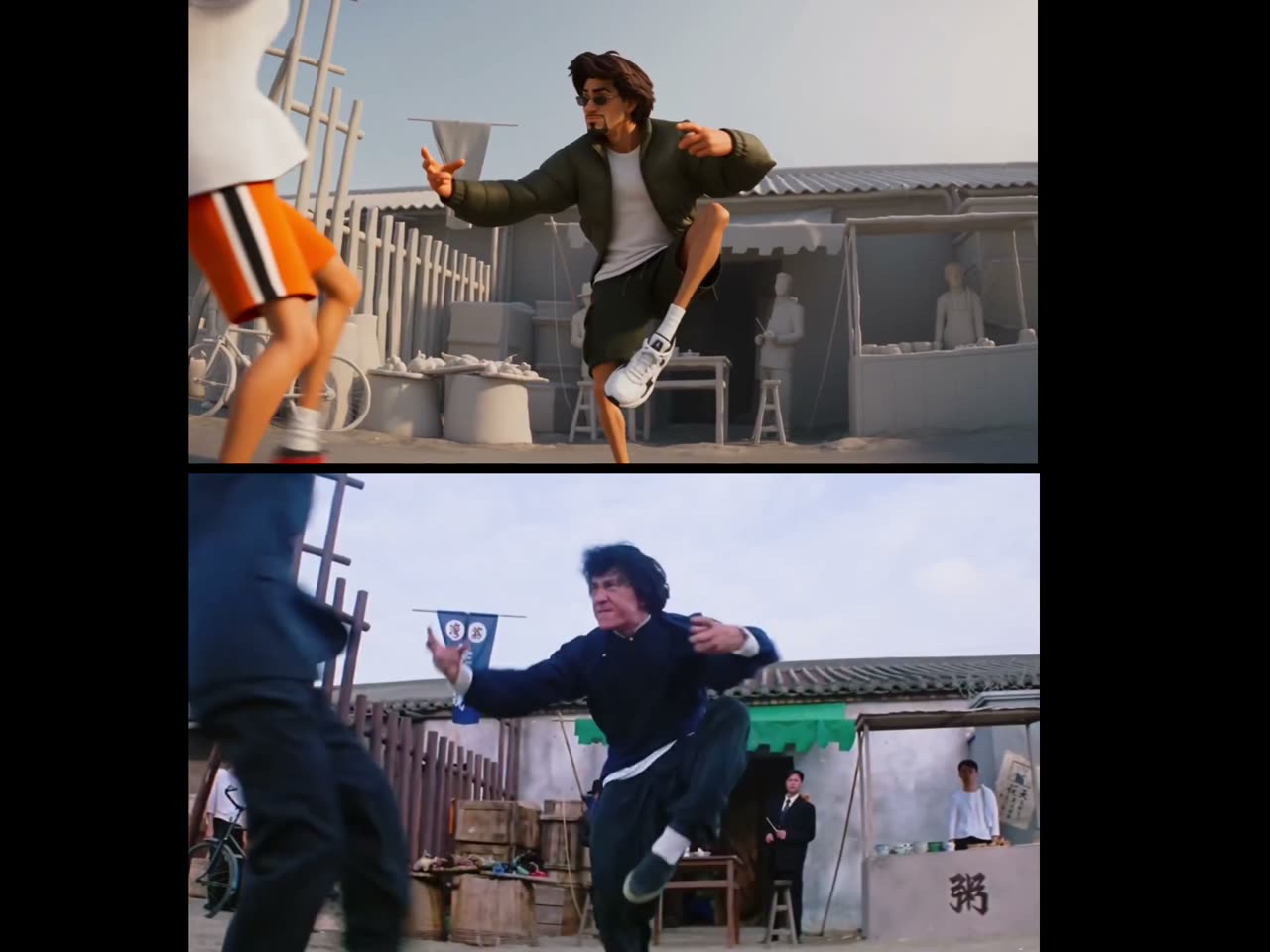
Two dancers bound to the white model by who hits whom

The reference decides the camera and the choreography; the prompt solves the one thing a grey scene cannot say — which of the two figures is which character — by binding identity to role rather than to screen position.

  • 参考视频
  • Role binding
  • Clothing allow-list
  • Two figures

输入 White-model clip of both performers · Character still 1 (the aggressor) · Character still 2 (the one driven back)

提示词927 字符
创建15秒、16:9街头舞蹈视频,3D精致IP角色风格,干净立体造型,柔和日光,非写实照片、非水彩手绘。
严格以白模参考视频作为时间线、镜头、舞蹈动作的唯一基准,完全复刻,不增删改动作。运镜与构图完全由白模决定,不切镜、不跳切。
【核心规则——按白模动作关系绑定角色,全程锁定,第0秒到第15秒每一帧生效】
根据白模中两人的打斗/舞蹈关系绑定,禁止按画面左右猜测,禁止中途互换:
▸ 白模中【出击/攻击/主导方】(主动出拳、踢腿、逼近的一方)= 主角,永久绑定 @参考图1
▸ 白模中【受击/防守/被打方】(被击退、倒地、格挡、跪地受击的一方)= 配角,永久绑定 @参考图2
从第一帧到最后一帧:出击方永远是主角,被打方永远是配角。禁止两人互换身份、面部、体型、服装。
【主角 @参考图1 —— 出击方,服装白名单】
年轻男性,精瘦运动体型,短深棕黑发,面部干净无须。
✅ 仅允许:白色罗纹无袖背心、亮橙色运动短裤(侧边黑色竖条)、白色短袜、白色运动鞋(红黑点缀)
❌ 严禁:任何外套、夹克、绿色/橄榄绿服装、工装裤、帽子、墨镜
❌ 严禁:穿配角的橄榄绿服装,或任何「被打方」造型
【配角 @参考图2 —— 被打方,服装白名单】
年轻男性,精瘦运动体型,短深棕黑发。
✅ 仅允许:橄榄绿拉链运动外套(全程穿在身上,不可脱落/甩飞)、同色系运动短裤、白色内搭、白色运动鞋
❌ 严禁:白色无袖背心、亮橙色短裤
❌ 严禁:穿主角服装,或变成出击方造型
❌ 外套必须始终穿在身上,禁止离体飘动
【动作语义约束】
- 白模中主动攻击、向前压迫、出拳踢腿的动作轨迹 → 渲染为主角(白背心橙短裤)
- 白模中后退、跪地、倒地、格挡、被击退的动作轨迹 → 渲染为配角(橄榄绿全套)
- 两人动作关系与白模完全一致,只替换外观,不改变谁打谁
【背景人物】
其余灰模路人/NPC保持白模灰模,不上色,不变成主角或配角。
【一致性要求】
服装颜色与款式全程恒定,禁止中途换角、服装渗透、突然出现绿色外套在主角身上。街头背景刚性稳定,无无关掉落道具。
避免:角色反了、出击方穿绿衣、被打方穿橙短裤、两人互换、外套甩飞、面部变形、动作篡改、镜头切换、水印。

为什么有效

  • Identity is bound to what a figure DOES: whoever attacks is the lead, whoever is driven back is the second. "Do not guess from left and right in frame" is written out, because screen position is what swaps mid-shot.
  • Each character gets an allow-list and a ban-list of clothing, and the ban-list names the other character's outfit specifically — which is the failure a two-figure reference actually produces.
  • Background figures are told to stay grey, so the reference's untextured extras are not accidentally promoted into characters.
提示词出处
使用 Seedance 2.030 秒

作者 @Dheepanratnam3.4万 次观看原帖

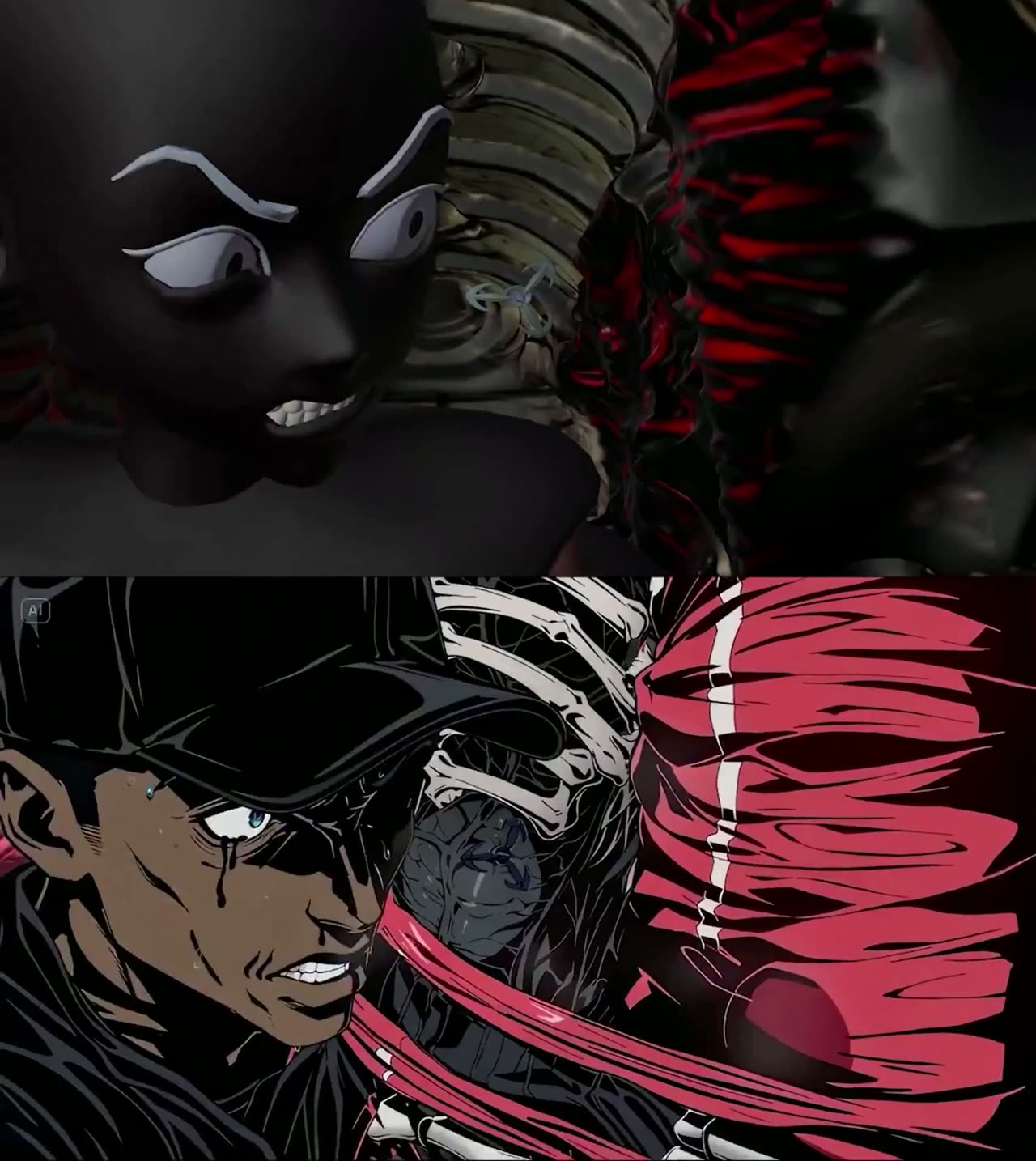
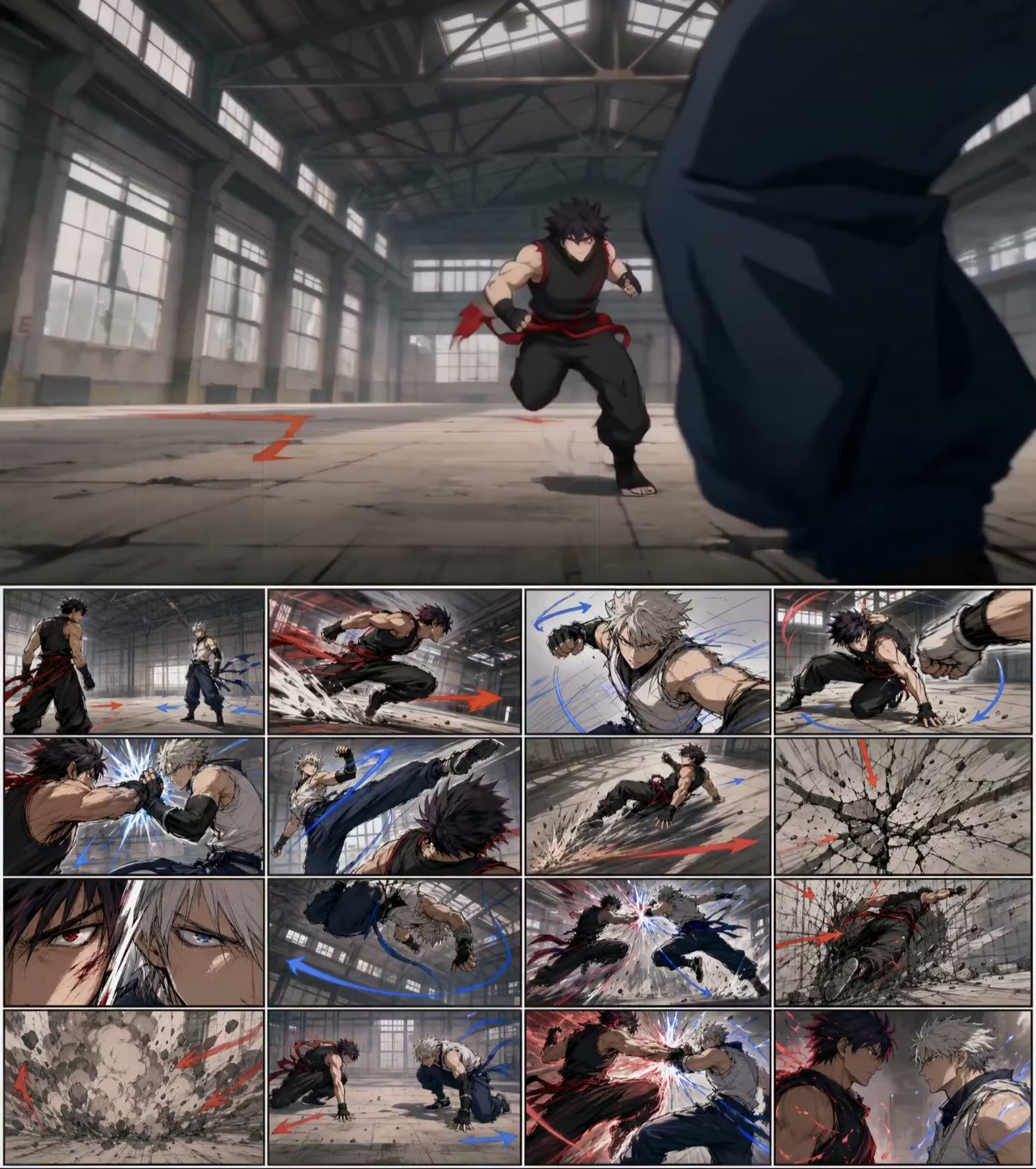
Anime fight built from a storyboard sheet

A sixteen-panel board carries the choreography, camera angles and force directions; the video prompt restates the fight as five timed beats and points at the board for everything visual.

  • 参考图
  • Storyboard sheet
  • 5 timed beats
  • Anime previz

输入 Fight storyboard sheet with camera and force arrows

提示词1,779 字符 · 6 段
Generate a 15-second 16:9 full-color anime fight previz in an empty warehouse. Two adult original fighters exchange a short readable combo with clear contact and reaction.
0-3s: wide low-angle face-off, A dashes forward, B braces.
3-6s: A throws a right punch, B dodges left, camera whip-pans with the dodge.
6-9s: B blocks a kick, A slides back 1 meter, dust sprays across the floor.
9-12s: A jumps into a spinning strike, B guard-clashes in midair, impact flash.
12-15s: both land, final heavy strike cracks the floor, then hold a stare-down for 0.8s.
Style: full-color 2D anime, cel shading, rough impact lines, colored debris and dust. Audio: impact thuds, cloth snaps, sliding shoes, bass hit on final strike. Locks: two fighters only, clear left-right positions, no gore, no readable text, no panel borders.
Seedance prompt:
Character A references @ Image as the fight storyboard for choreography, camera angles, force direction, and impact timing. Generate a 15-second 16:9 full-color anime fight previz in an empty warehouse.
Two adult original fighters exchange a short readable combo with clear contact and reaction.
0-3s: wide low-angle face-off, A dashes forward, B braces. 3-6s: A throws a right punch, B dodges left, camera whip-pans with the dodge. 6-9s: B blocks a kick, A slides back 1 meter, dust sprays across the floor. 9-12s: A jumps into a spinning strike, B guard-clashes in midair, impact flash. 12-15s: both land, final heavy strike cracks the floor, then hold a stare-down for 0.8s. Style: full-color 2D anime, cel shading, rough impact lines, colored debris and dust. Audio: impact thuds, cloth snaps, sliding shoes, bass hit on final strike. Locks: two fighters only, clear left-right positions, no gore, no readable text, no panel borders.

为什么有效

  • The board is declared as the reference for four specific things — choreography, camera angles, force direction, impact timing — rather than as a picture of the fight.
  • Every beat is three seconds and contains one action and one reaction, which is why the combo stays readable instead of becoming a blur.
  • The constraint line bans exactly the failures a board invites: more than two fighters, unclear left-right positions, panel borders leaking into the render.
提示词出处
使用 Seedance15 秒

作者 @AIWarper2.5万 次观看原帖

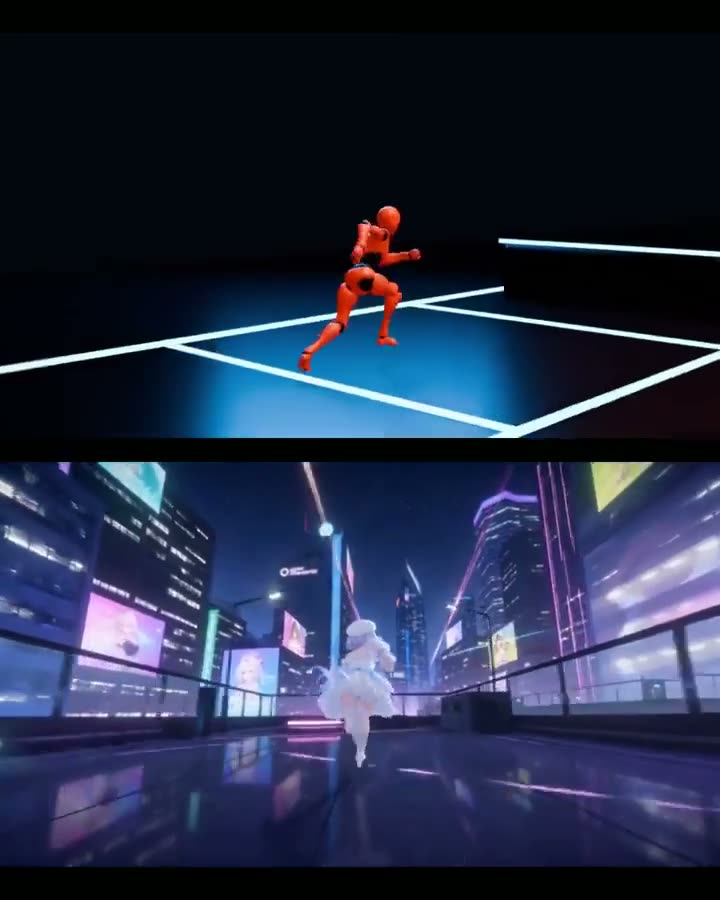
The prompt that builds the blockout, not the render

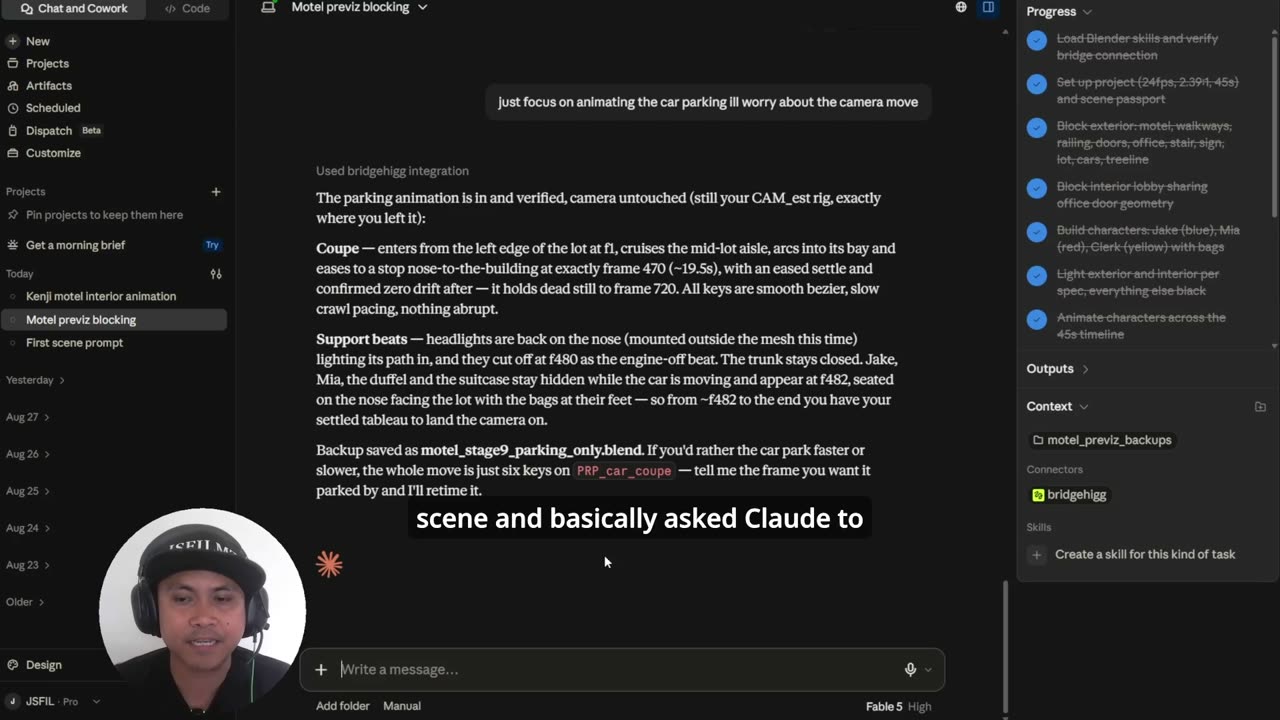
Aimed at Blender through an MCP rather than at the video model: it specifies a fifteen-second rooftop scene as a shot-by-shot blockout brief, and says at each beat what actually has to be animated.

  • 文生视频
  • Blender-side prompt
  • Shot breakdown
  • Cheap to block

输入 Blender with an MCP connection · Mixamo animation clips

提示词3,273 字符
Use this.
15s anime blockout — “Rooftop Draw Cut”
Core idea
A calm swordswoman crosses a school rooftop at sunset. A rival drops in behind her. They pause. One ultra-fast draw slash. Rival’s scarf falls apart a beat later.
This is very anime, reads instantly, and is easy to block out.
Why this works
only 2 characters
only 1 environment
mostly walking, landing, turning, slash, reaction
strong anime payoff from timing and camera cuts, not hard animation
easy for AI to stylize into polished anime
Environment
Simple school rooftop
flat roof
chain-link fence
stair access door
1–2 AC units
painted ground lines
sunset sky
That is enough.
Characters
Character A
Calm female swordswoman
school uniform or simple coat
katana at hip
slow confident walk
Character B
Rival swordsman
dark outfit
long scarf
lands from above
gets cut
15s shot breakdown
0.0–2.0s
Wide establishing shot
Character A walks across the rooftop toward frame right. Wind moves hair/clothes slightly.
Blockout:
one walk cycle
camera static or slow lateral pan
2.0–3.5s
Low angle close follow
Camera behind her feet / lower body as she walks. Hand near sword hilt.
Blockout:
same walk cycle
slight camera follow
no detailed hand animation needed
3.5–5.0s
Rival entrance
Cut wide. Character B drops down from above and lands behind her.
Blockout:
simple jump-down / landing anim
Character A stops walking
dust ring or tiny debris burst if desired
5.0–7.0s
Standoff
Medium side shot. Both characters frozen. Wind. Scarf moving. Character A turns her head slightly but not her body.
Blockout:
mostly still pose
tiny head turn
scarf sway if possible
this is a hold shot
7.0–8.2s
Close-up on eyes / hand / sword
Three very fast anime insert cuts:
Character A eyes
hand tightening on sword
rival eyes widening
Blockout:
These can be crude posed stills with tiny motion.
8.2–9.0s
The slash
Very fast side wide. Character A instantly appears behind Character B after the draw slash.
Blockout:
Do not animate a complex fight. Fake it:
pose A at starting spot
cut or motion-blur transition
pose A at end spot behind rival
Character B remains standing
This is classic anime cheat.
9.0–11.0s
Aftermath hold
Rear three-quarter shot. Both stand still. Silence. Then the rival’s scarf splits / falls off.
Blockout:
hold both poses
animate scarf drop or prop falling
slight body wobble on rival
11.0–13.0s
Reaction shot
Close on Character A sheathing the sword. Calm expression. No dialogue.
Blockout:
one sheath motion or even partial sheath pose
slow camera push-in
13.0–15.0s
Final wide
Rival drops to one knee in background. Character A walks away toward the rooftop door as the sunset hits.
Blockout:
simple kneel / stagger anim
walk-away cycle
slow pullback camera
Animation cheats
Use premade clips wherever possible:
walk
landing
idle
stagger / kneel
For the slash:
do not hand animate a sword fight
use a before pose and after pose
let the cut sell the speed
That is the big shortcut.
What sells the anime feel
long stillness before action
sudden speed burst
insert close-ups
one-hit resolution
scarf / cloth secondary motion
sunset + wind
Absolute minimum asset list
1 rooftop
2 anime characters
1 sword
1 scarf
5–6 cameras
4 basic animations"

为什么有效

  • It is the missing half of every other prompt on this page — what to type to get the grey scene in the first place.
  • Each beat carries a "Blockout:" note saying what is enough — one walk cycle, a slow lateral pan, no detailed hand animation — which is what keeps a blockout from becoming a production.
  • The scene is chosen for how cheaply it blocks out: two characters, one environment, payoff carried by timing and cuts rather than by animation.
提示词出处
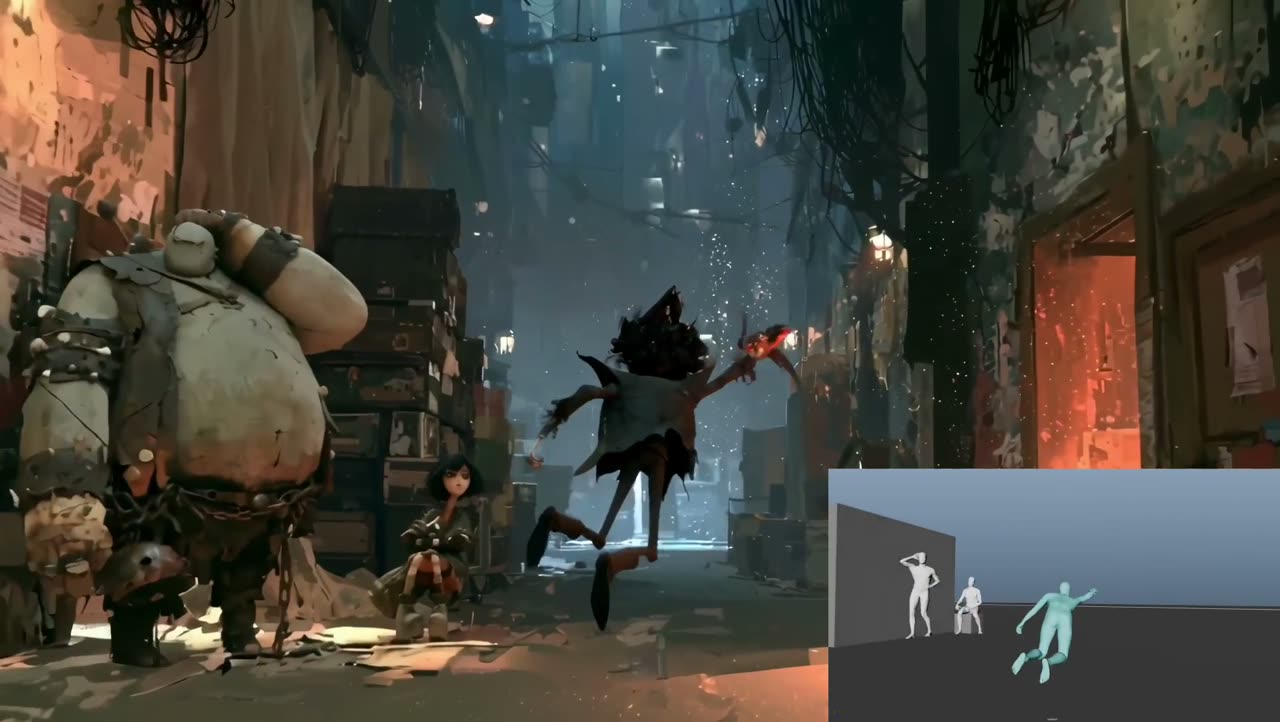
使用 Seedance 2.530 秒

作者 @GrandVisionsAI2万 次观看原帖

Previs for staging, a still for everything it looks like

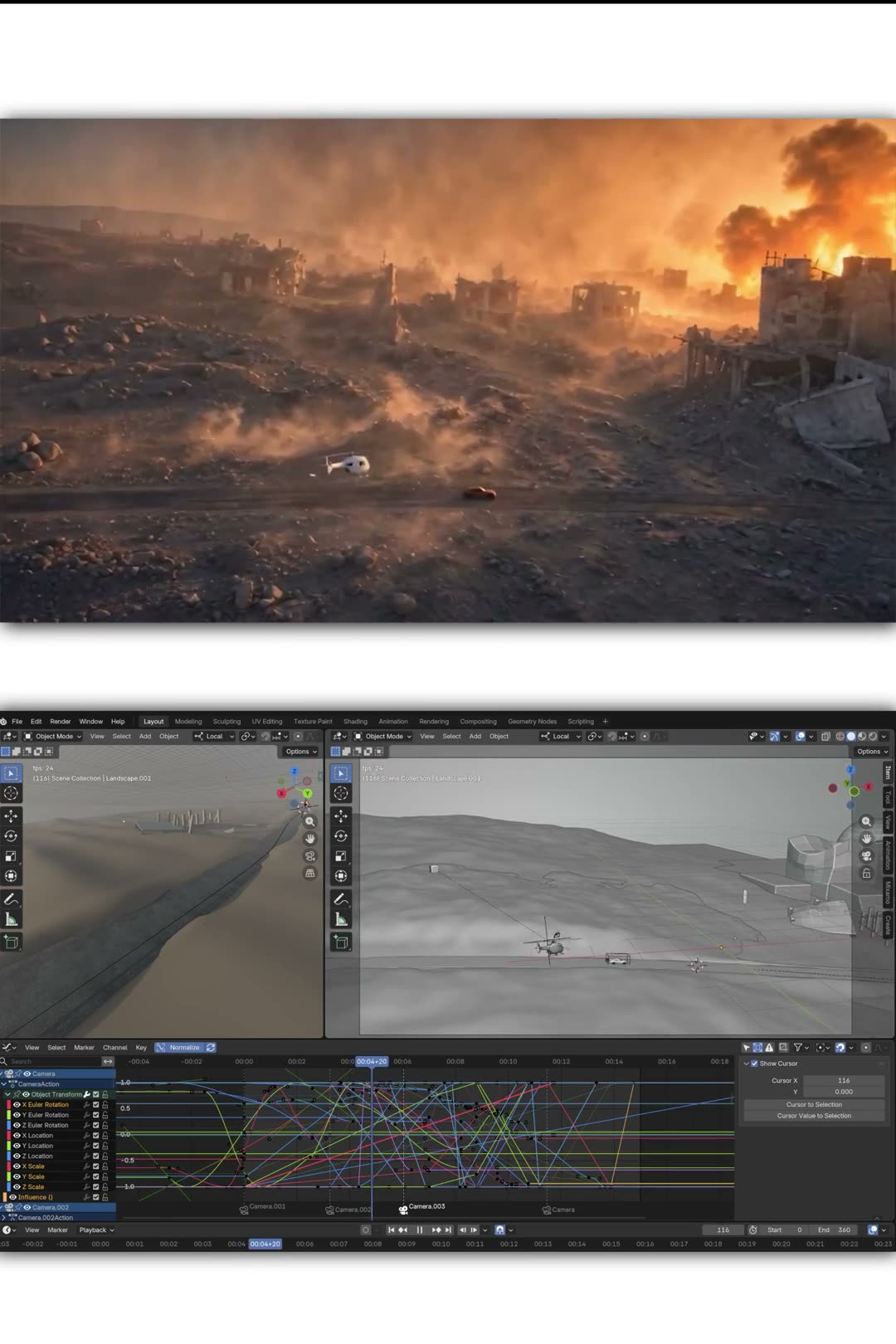
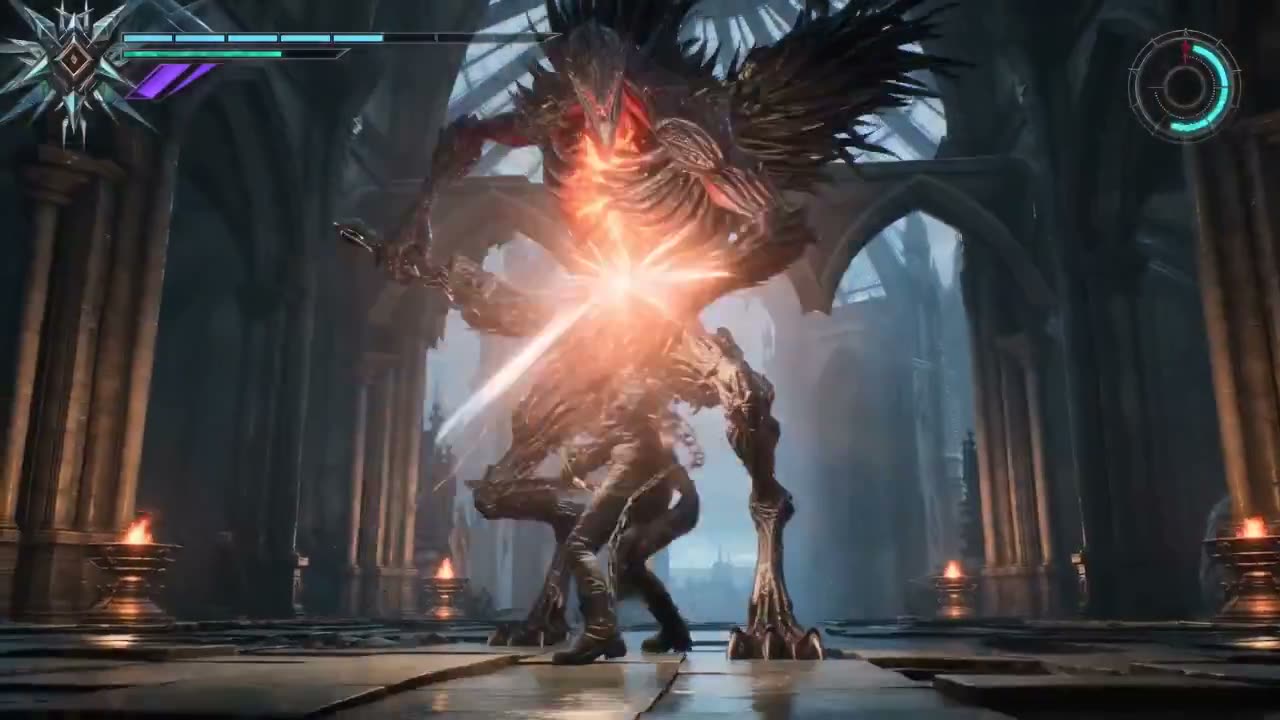
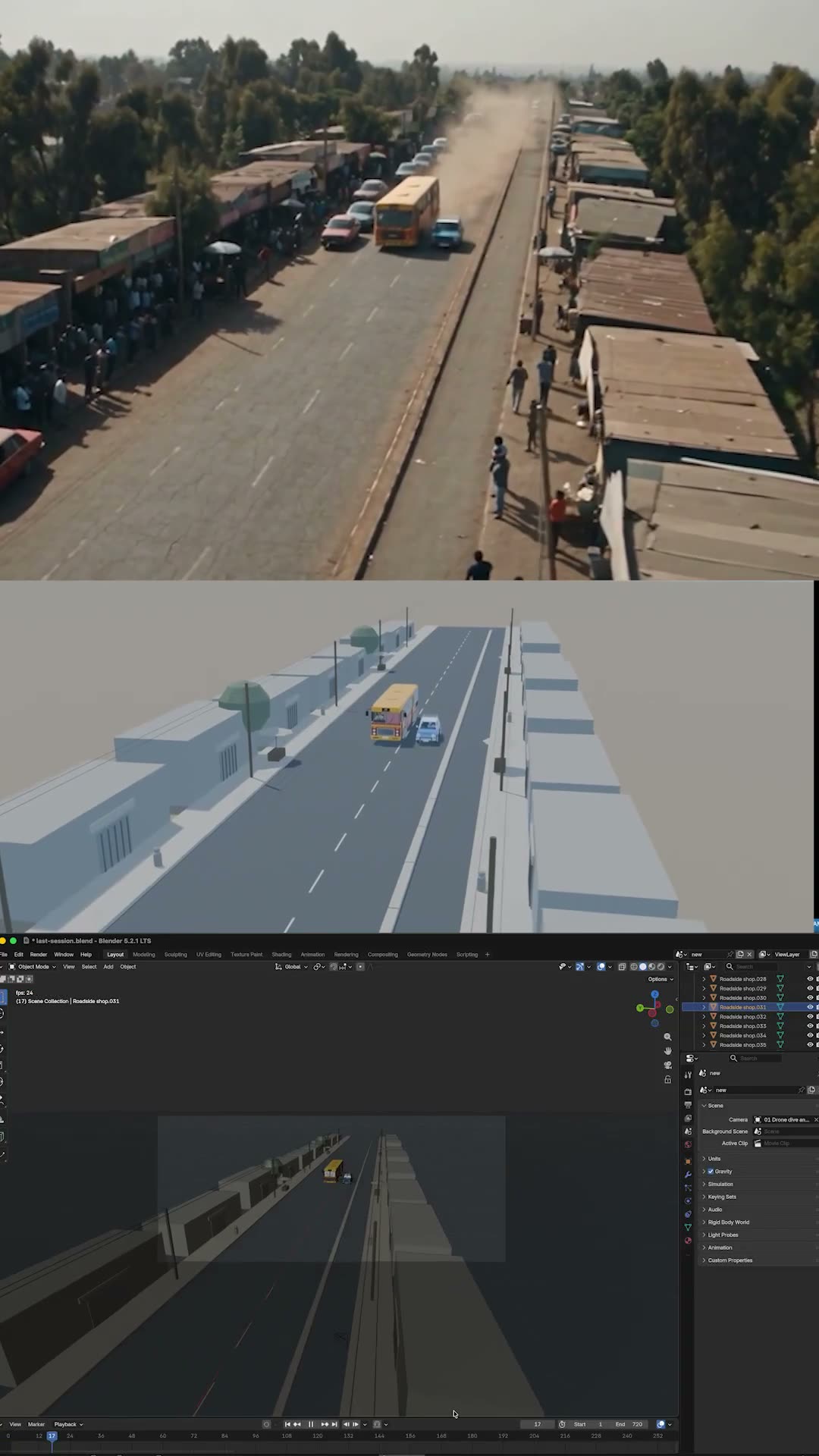
A thirty-second continuous take where the reference clip supplies blocking, timing, paths and camera, and the prompt insists the things inside it are scaffolding to be rebuilt, not appearance to be copied.

  • 参考视频
  • Previs staging
  • 30s single take
  • Rebuild appearance

输入 Style still · Previs clip with camera and character blocking

提示词3,729 字符
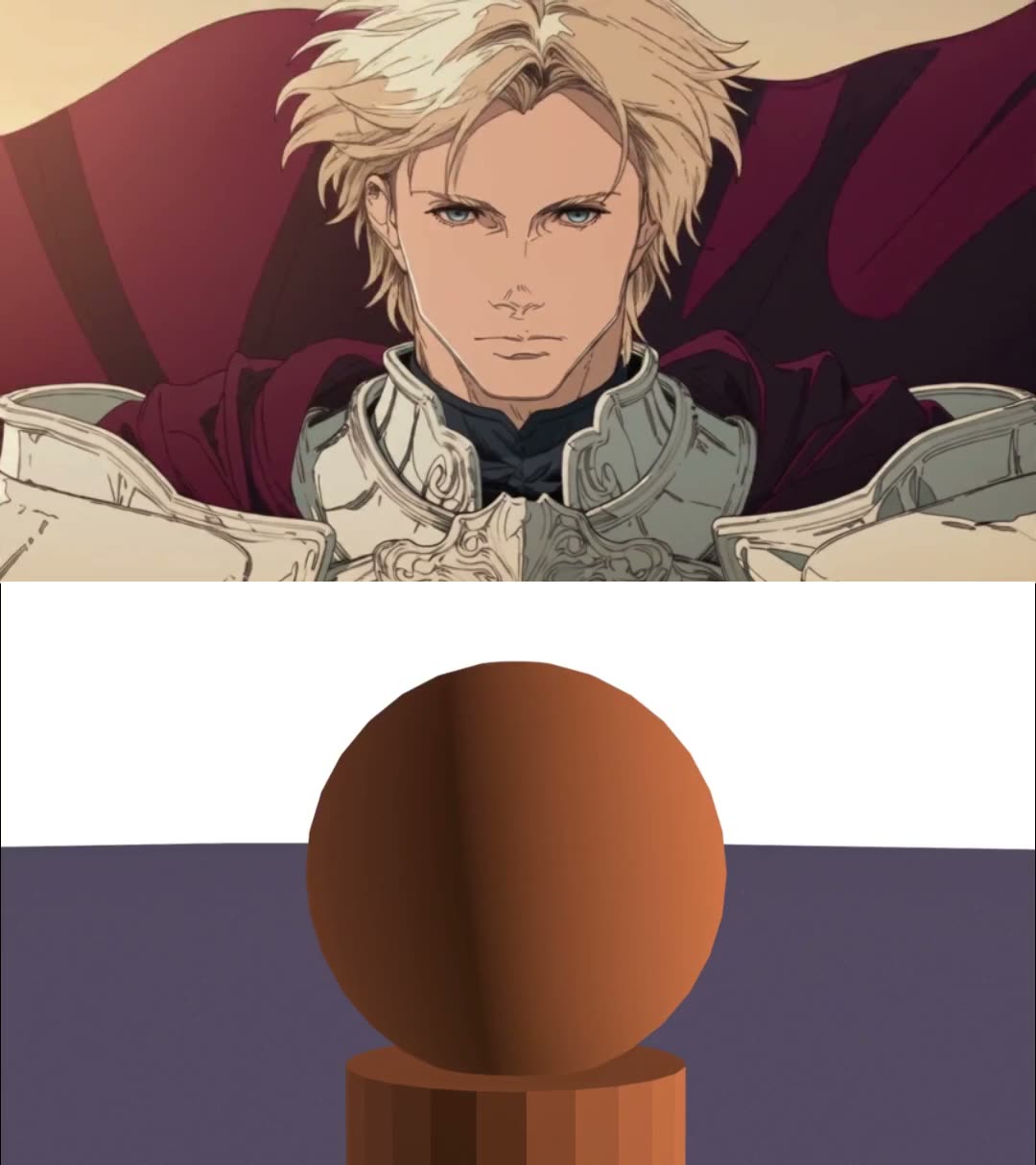
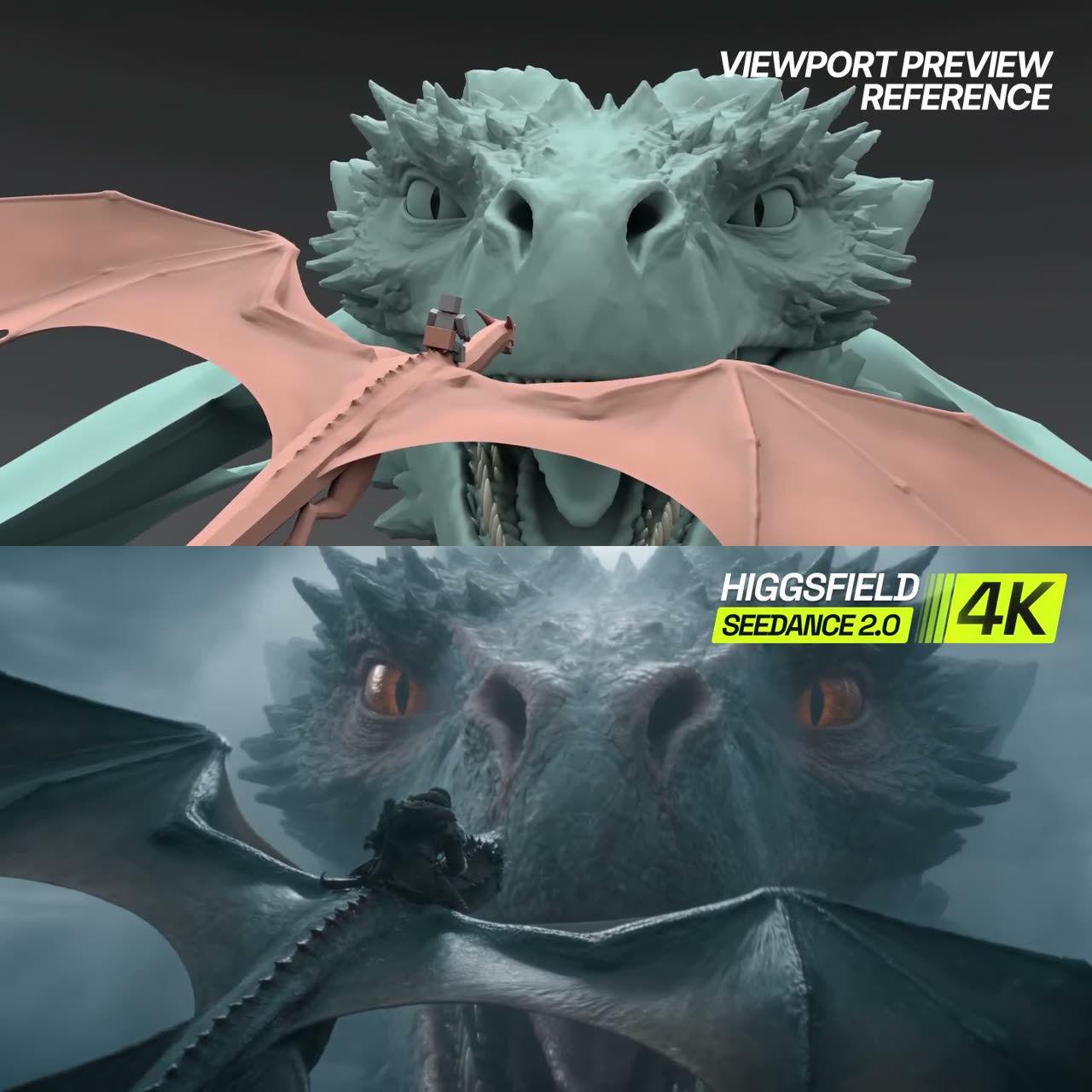
Exact same style as @Image1. 30-second dynamic shot, one continuous take. Use @Video1 for overall character blocking, action timing, movement paths, spatial relationships and camera motion. The knight, dragon, mountains and buildings in @Video1 are previs references for staging and scale; rebuild their appearance completely in @Image1’s exact style. The camera begins in a tight close-up of @Image1 standing at the edge of a towering mountain cliff as winds whip his blond hair and billow his burgundy cape over his ornate silver armour. Hold for one second, then slowly widen to a close-medium shot as he leans forward and falls head first without jumping. The camera tracks his accelerating descent with the sheer cliff visible behind him, then smoothly arcs as a dragon already flying through the mountain valley approaches and sweeps beneath him. He grabs the base of its neck, pulls himself onto its back and settles astride behind its shoulders. Create a natural grab and riding performance; do not inherit the previs rider’s rigid pose, automatic attachment or fixed position relative to the dragon. They are still high above the city when he grabs on. Follow @Video1’s flight path as the dragon carries him down from the mountain heights toward the rooftops, maintaining fast forward flight with ample clearance above people and traffic. Transform the previs city into an immense, breathtaking sunlit fantasy city, extending beyond the frame in every direction. Preserve the buildings’ broad spatial arrangement and the clearances required by the flight path while replacing their basic forms with intricate architecture. Dense layers of ivory stone buildings, terracotta rooftops, ornate balconies, domes, bridges and towers of varied heights surround broad avenues and narrower market streets. Warm sunlight catches the upper façades while cool shadows fill the streets below. Jagged mountains rise beyond the city through layers of atmospheric haze. The streets feel alive: pedestrians cross plazas, merchants serve customers beneath colourful awnings, carts travel along the avenues, and residents on balconies look up and wave as the dragon passes. Follow @Video1’s sideways passage between the two buildings. Establish the narrow opening in the approaching view so the bank has a clear purpose. The dragon angles its body and draws its wings inward to pass cleanly between the façades, with enough room for the rider, then levels out into a broad avenue. The rider leans naturally with the bank while maintaining his grip. Preserve the relationship between the flight path and surrounding architecture so the manoeuvre flows continuously through the gap. Nearby rooftops and balconies sweep rapidly through the foreground, while distant towers move more slowly, making the dragon’s speed tangible. Preserve @Video1’s continuous camera movement through the flight and its final sweeping reveal. As the camera widens, reveal the city’s enormous scale: countless streets, rooftops and towers stretching toward the distant mountains, with the dragon and rider remaining clearly visible as they fly away. Replace all previs assets with finished imagery: the exact character from @Image1, a fully detailed winged dragon with layered scales and natural flight animation, intricate architecture and natural mountain formations, all rendered in @Image1’s exact style. Do not inherit @Video1’s low-poly geometry, faceted surfaces, mannequin anatomy, simplified character or dragon design, placeholder materials, viewport lighting or Blender overlays. Preserve its broad choreography and camera movement while completely rebuilding its visual appearance and naturally animating the rider’s interaction with the dragon.

为什么有效

  • "The knight, dragon, mountains and buildings are previs references for staging and scale; rebuild their appearance completely" is the sentence that separates a previz from a style reference.
  • It names a failure the reference actively causes — the rider inheriting the previs pose, its automatic attachment and fixed position — and forbids that specifically.
  • The author's own finding sits behind it: a barebones blockout beat a more detailed, more animated one.
提示词出处
使用 Seedance 2.514 秒

作者 @TanLuAI1.2万 次观看原帖

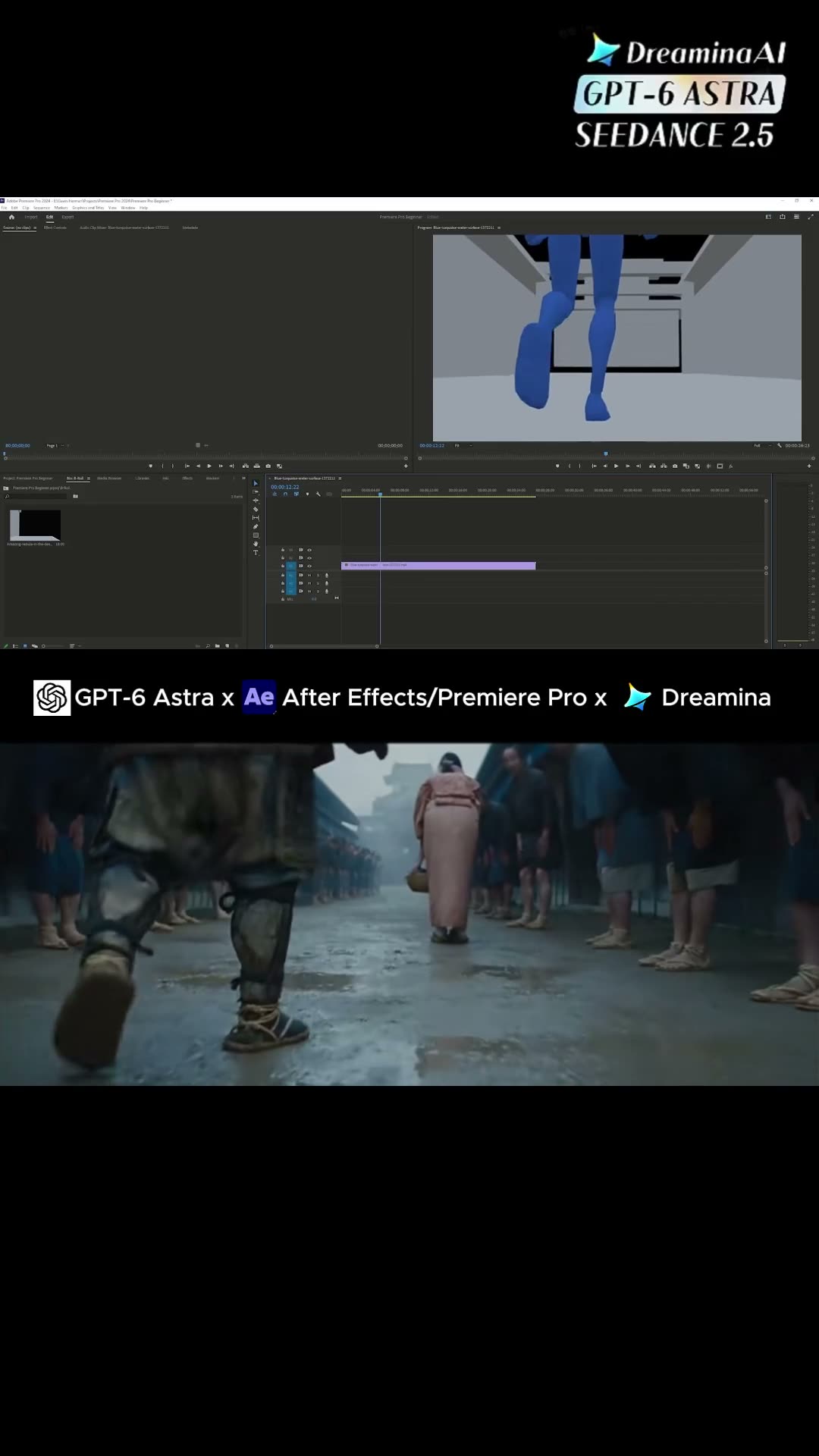
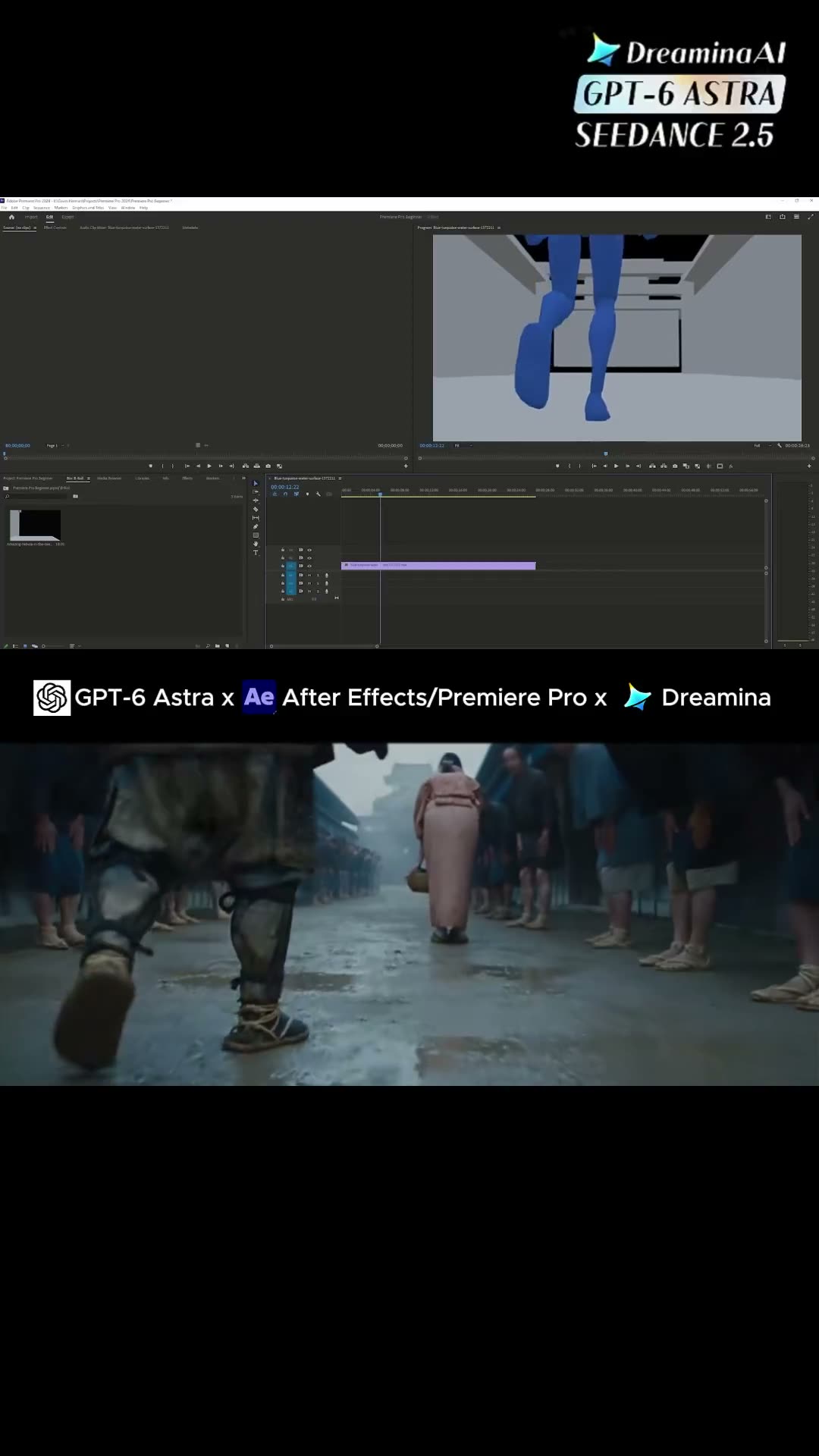
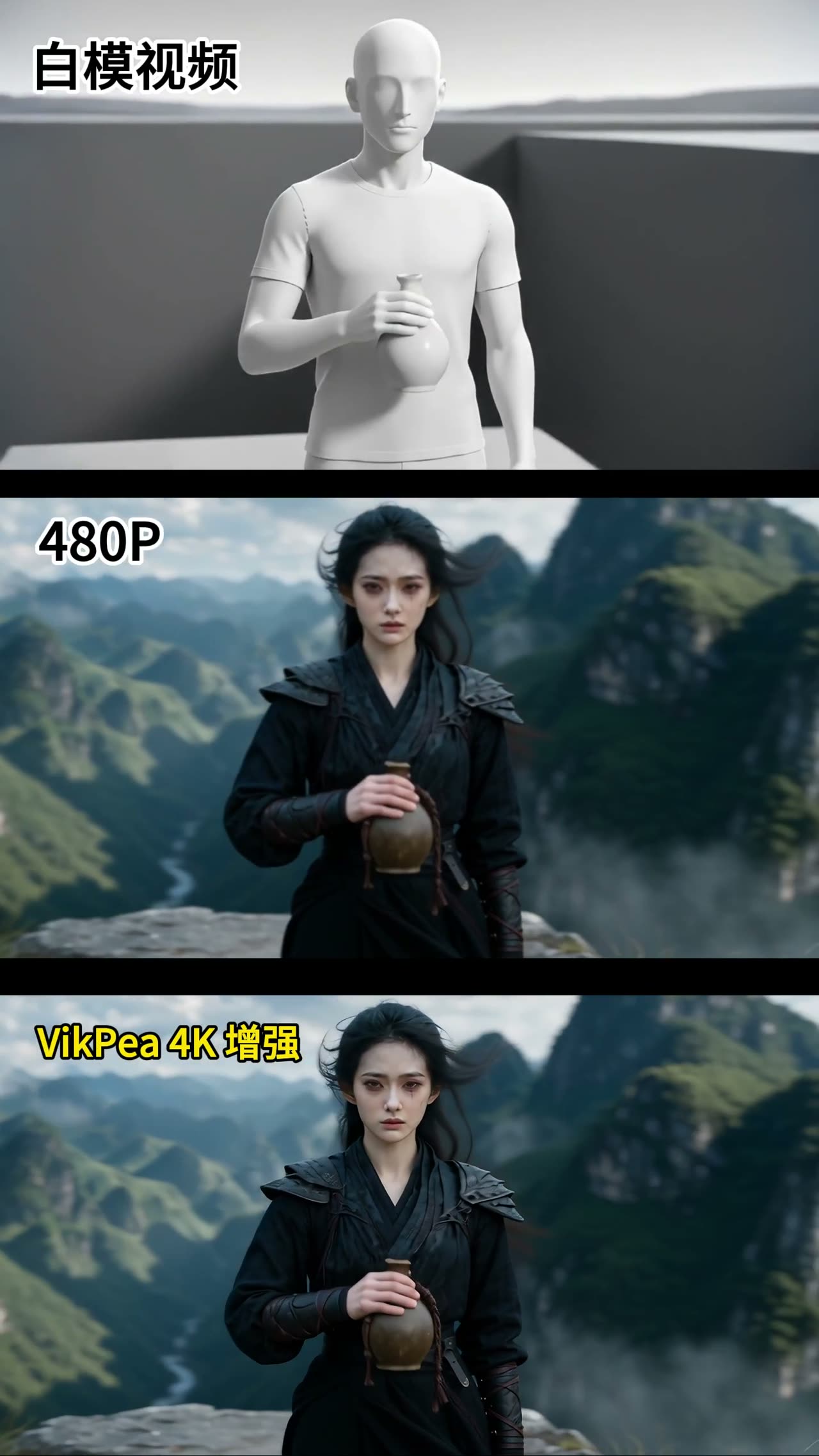
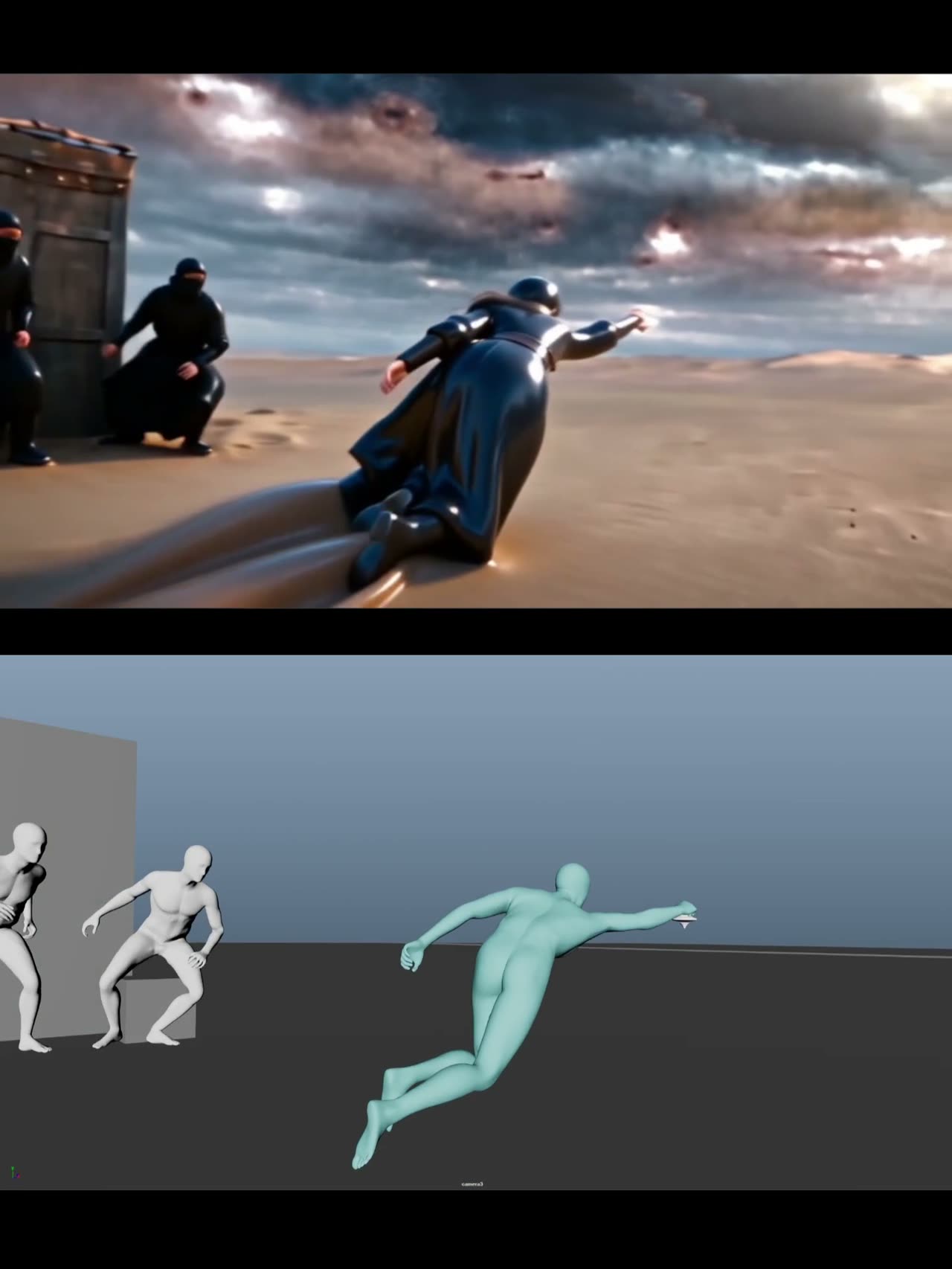
Official white model, wuxia chase in nine timed beats

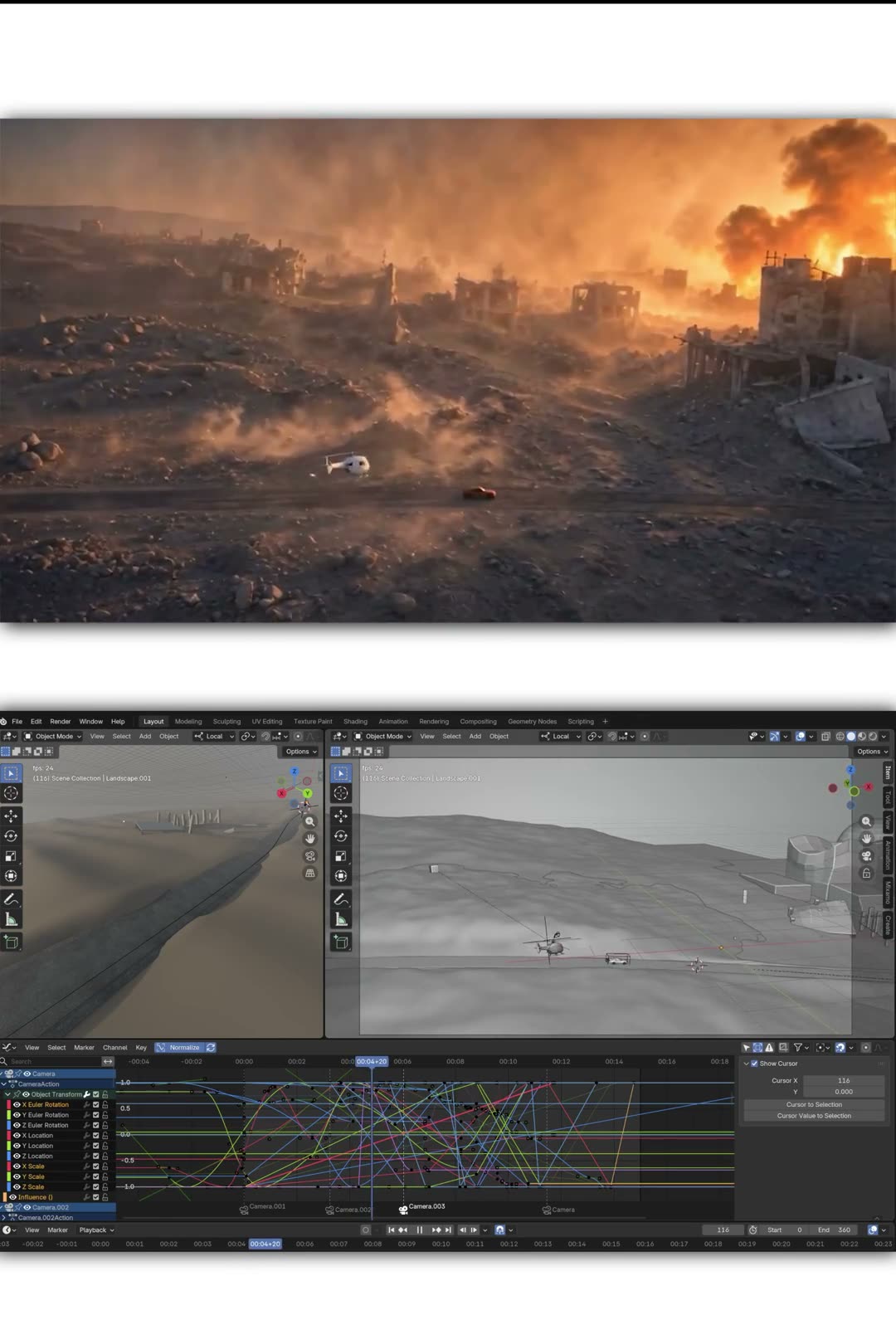
Built on the white-model clip Dreamina published for its 2.5 reference contest: identity is locked to one still, the grey clip owns timing and staging, and nine beats carry the story.

  • 参考视频
  • Official white model
  • 9 timed beats
  • Identity lock

输入 Dreamina 2.5 contest white-model clip · Character still (the lead)

提示词1,139 字符
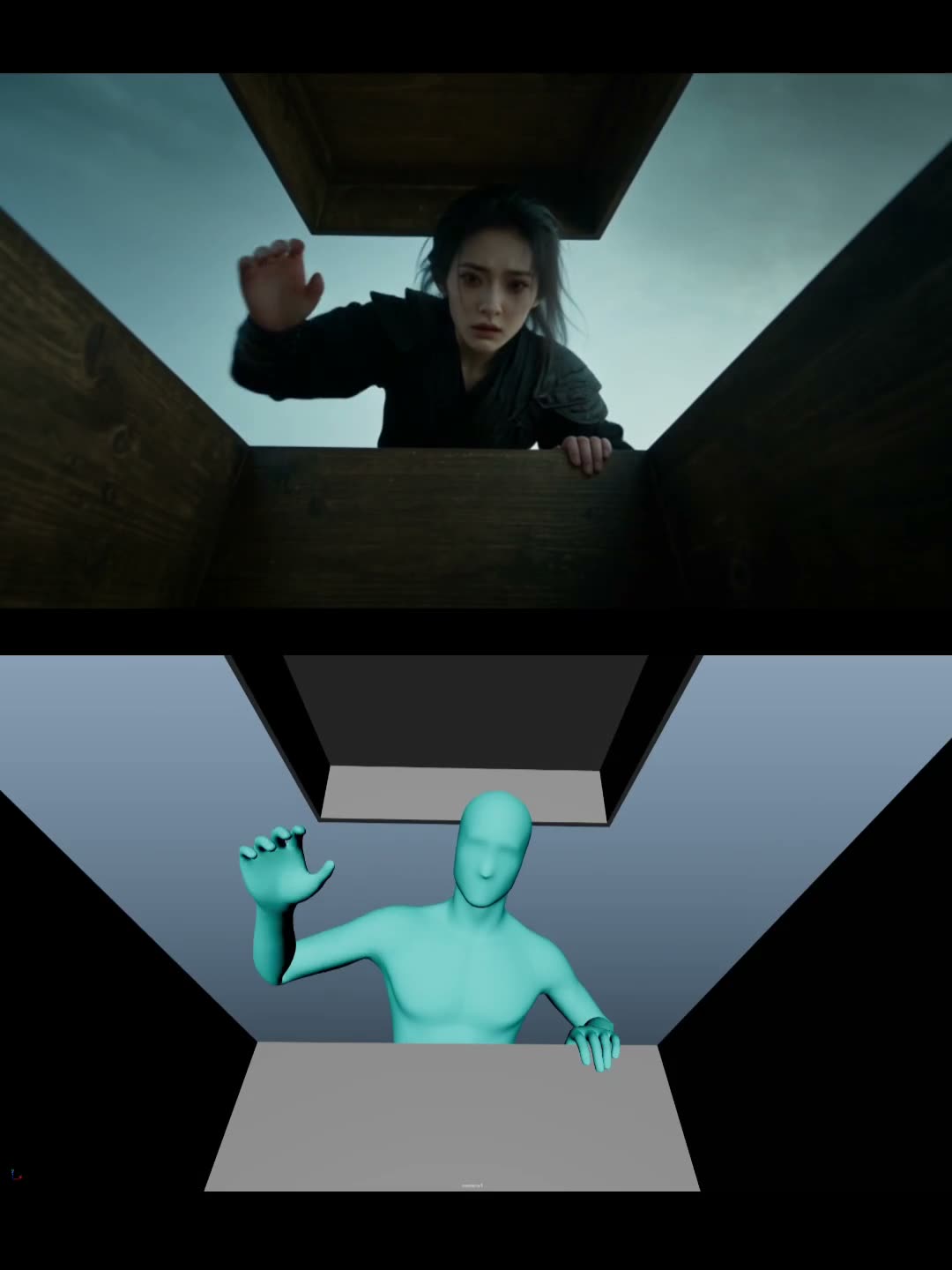
【基础设定】一段发生在风暴将至的塞外荒漠中的东方武侠奇幻短视频,黑衣女侠因一枚发光陀螺被卷入惊险追逐。 以人物参考图_Image中的黑衣年轻东方面孔女侠为主角:苍白冷峻的脸、凌乱黑色长发、右眼下细小血痕、深黑色层叠武侠劲装、缠腕护臂、腰间短弯刀;全片锁定同一张脸、同一发型、同一服装,不换人。16:9,15秒,24fps,写实电影质感,塞外无垠沙漠,风暴将至的青灰天空,昏冷月光与沙尘逆光,低饱和靛青、铁黑、暗金色调,真实布料、皮革、沙粒和发丝物理效果,强烈景深与自然运动模糊。 严格沿用参考视频@白模视频1的逐帧节奏、人物数量、走位、景别变化和镜头方向:
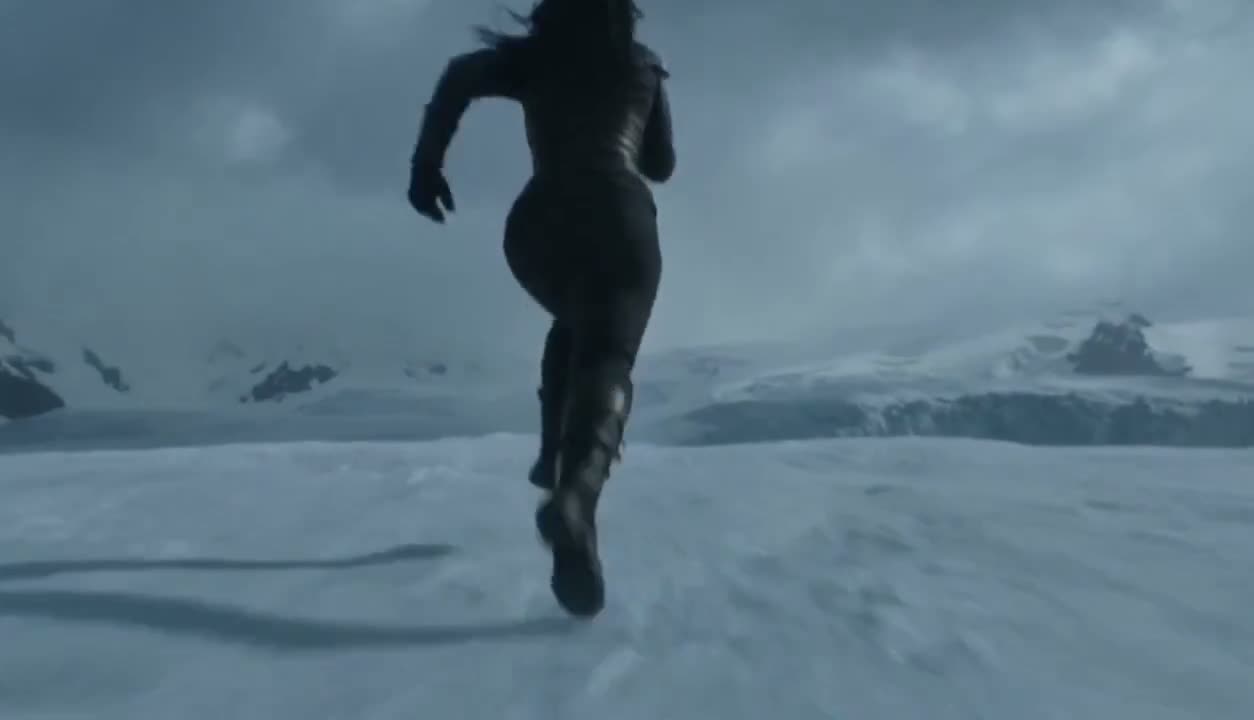
画面内容: 0至2.2秒:镜头位于一只古旧胡杨木箱内部向外仰拍,箱盖从画面上方被猛然掀开,黑衣女侠俯身探入,先警觉地扫视四周,眉心收紧、嘴唇微张,右手慢慢伸向箱底; 2.2至3.8秒,近距离主观镜头,她谨慎捏起一枚掌心大小、带有古老纹样的青铜陀螺,陀螺离开箱底瞬间泛起冷白蓝光并发出低沉嗡鸣,女侠瞳孔一缩,恐惧立即转为倔强; 3.8至5.4秒,陀螺在她前方半空高速自转,拖出细密蓝白光尾,突然向沙漠深处飞去,牵引力猛地拽住她,她弓身失衡、长发向后暴起,仍死死攥住短弯刀,被迫冲出木箱; 5.4至8.8秒,广角侧跟拍,女侠被发光陀螺牵引着在沙丘间拼命疾跑,脚下沙浪飞溅,神情紧张、呼吸急促却不回头;画面左后方出现两名黑衣镖客,均为成年男性,蒙面、黑色服装,没有拿任何武器,二人先从远处冲出,再越来越近,始终追在女侠后方,不超过三人,不发生打斗; 8.8至10.8秒,女侠借一段断裂的风蚀石台跃起,陀螺拉着她掠过台沿,她落地后短暂踉跄又立刻冲刺,两名镖客紧随其后跃上石台,镜头保持横向追逐,速度感强,沙尘卷过画面; 10.8至12.8秒,陀螺在石台前骤然悬停,放大至一人高,如同巨大古代法器般高速旋转,蓝白光从纹样间迸发,强风把三人的衣摆和头发吸向它,女侠抬头,眼神由惊惧变为决绝;13至15秒,巨型发光陀螺垂直升空并拉起女侠,随后两名镖客也被风压与光束带离地面,三人手臂上举、衣袍翻飞、脚下沙漠迅速远去;镜头从低机位仰拍升至顶部俯看,陀螺在画面中央旋转,结尾定格在神秘蓝白光、飞扬沙粒与三人悬空的惊险瞬间。
保持连贯空间逻辑:女侠始终向画面右前方逃离,两个镖客始终在她左后方追赶;动作有重量感,面部微表情清晰,绝不出现字幕、文字或现代物品。
负面提示词: 脸部漂移,角色换脸,服装颜色变化,人物数量变化,女性变成男性,现代服装,现代建筑,枪械,车辆,城市,科幻飞船,UFO,卡通渲染,过曝白光,镜头闪烁,物体忽隐忽现,手指畸形,多余手脚,人体融化,悬浮穿模,追逐方向反转,打斗,血腥伤口,字幕,水印,logo,文字。

为什么有效

  • The lock on the lead is written as a list of features — the mark under the right eye, the wrist wraps, the short curved blade — and then repeated as "same face, same hair, same clothes, no substitutions".
  • Spatial logic is stated separately from the beats: she always flees to the front-right, the two pursuers are always behind her on the left, which is what stops the chase reversing mid-shot.
  • The negative list is long and specific to this genre — face drift, character count changing, modern objects, subtitles — rather than a wall of generic quality words.
提示词出处
使用 Seedance 2.56 秒

作者 @TanLuAI5517 次观看原帖

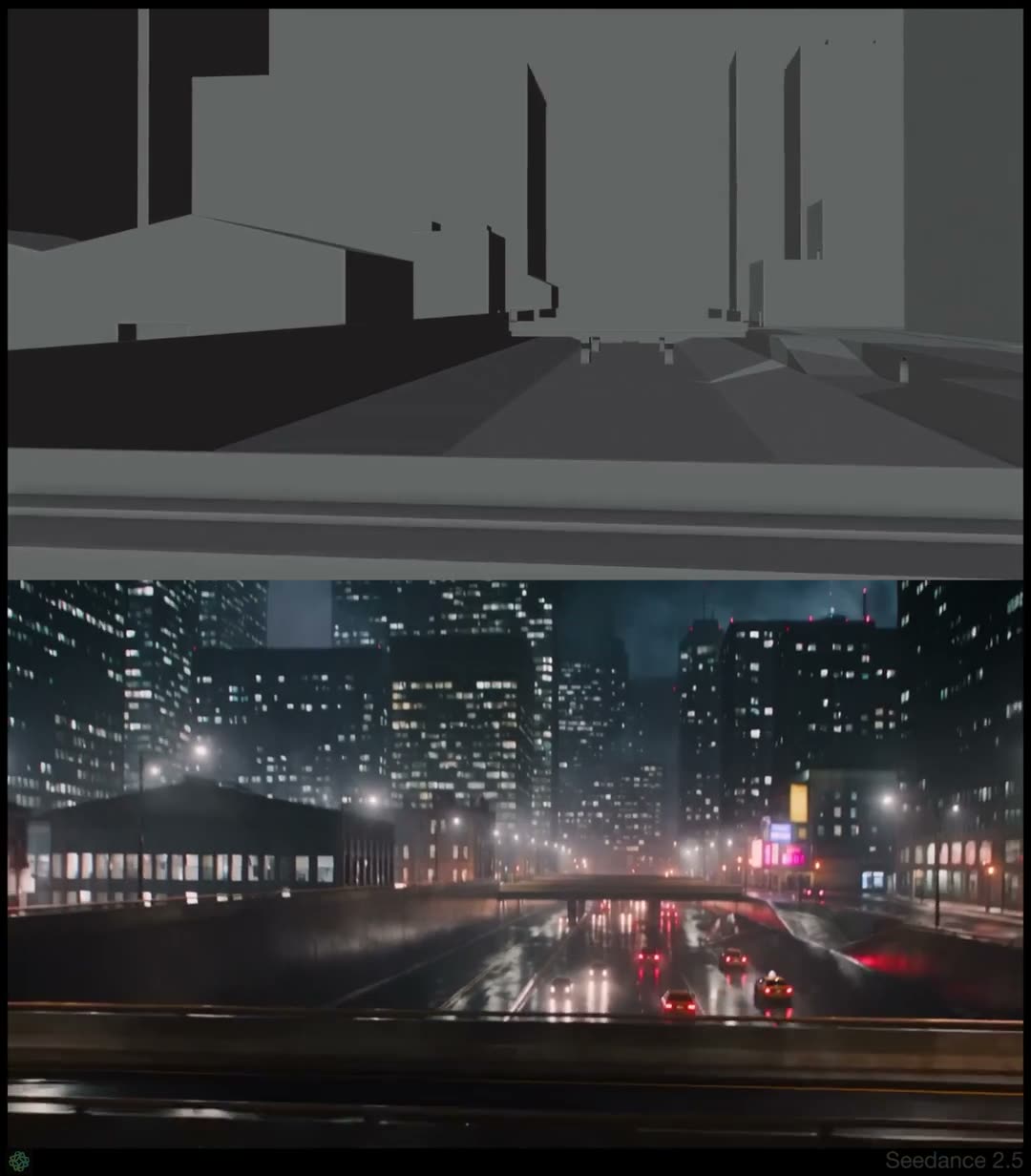
Turn any clip into a white model first

The step before every other prompt on this page: it converts an existing video into a plain grey-and-white pass, keeping camera, timing and pose, so the result can be used as the reference for a second render.

  • 参考视频
  • Video to white model
  • Material spec
  • First step

输入 Any source clip whose camera and motion you want to keep

提示词501 字符
将参考视频转换为极简单色 CG 白模视频风格:。严格逐帧保留参考视频的运镜、构图、镜头节奏、人物动作、姿态及手中物体的运动;将人物主体完全替换为 image。
人物是平滑、无发、无表情的白色人体模型,头部、皮肤、上衣、裤子和手持物统一采用无纹理的浅灰白哑光材质。保留简洁、真实的三维体积、衣物轮廓和手指姿势,但不要皮肤毛孔、布料纹理、图案、logo、饰品或材质反光。使用柔和的正前上方棚拍光,使额头、肩部、胸口和手部呈亮白,侧面、手臂内侧和衣物凹陷处自然过渡为浅灰至中灰;阴影柔和克制,带轻微环境遮蔽。
为将原场景(背景)转化为纯黑空间中的抽象灰阶空间层级:人物脚下保留一个简洁、无材质的中灰色承托平面;根据原视频中镜头和地形的高低关系,在前景、中景与远景形成若干平滑、低细节的灰色高度平面或柔和阶层。近处与较高位置略亮,远处、较低位置逐渐压暗至深灰或黑色,以清楚表现镜头升降、环绕和空间纵深。。仅允许黑、白、灰,不得出现任何其他颜色。不要深度摄像头效果、不要距离图、不要扫描线、不要网格、不要线框、不要科技 HUD、不要真实摄影质感、不要文字、水印、logo 或 UI。不要声音、音效和背景音乐。

为什么有效

  • It describes the material precisely — matte off-white, no pores, no fabric weave, no logos, no specular — which is what stops the "white model" coming back as a stylised character.
  • The background is converted too, into flat grey height planes that read nearer-brighter and further-darker, so the camera's rise and orbit stay legible without any scenery.
  • The ban list rules out the things a model reaches for when asked for grey: depth maps, scan lines, wireframes, tech HUDs.
提示词出处

Character & Performance1

动画替身承担全部编排,模型只负责换皮。

使用 Seedance15 秒

作者 u/Sniper_yoha192 次赞同原帖

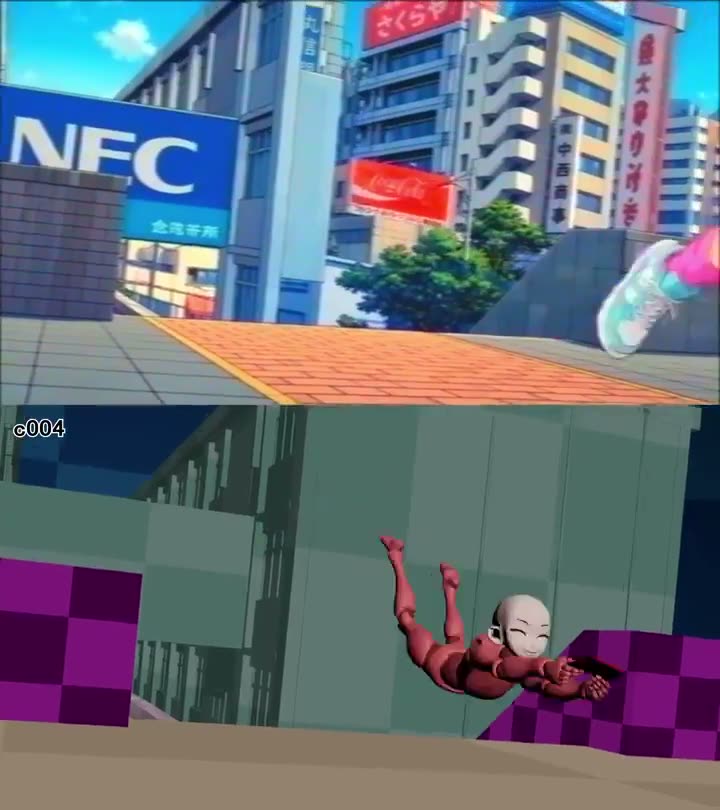
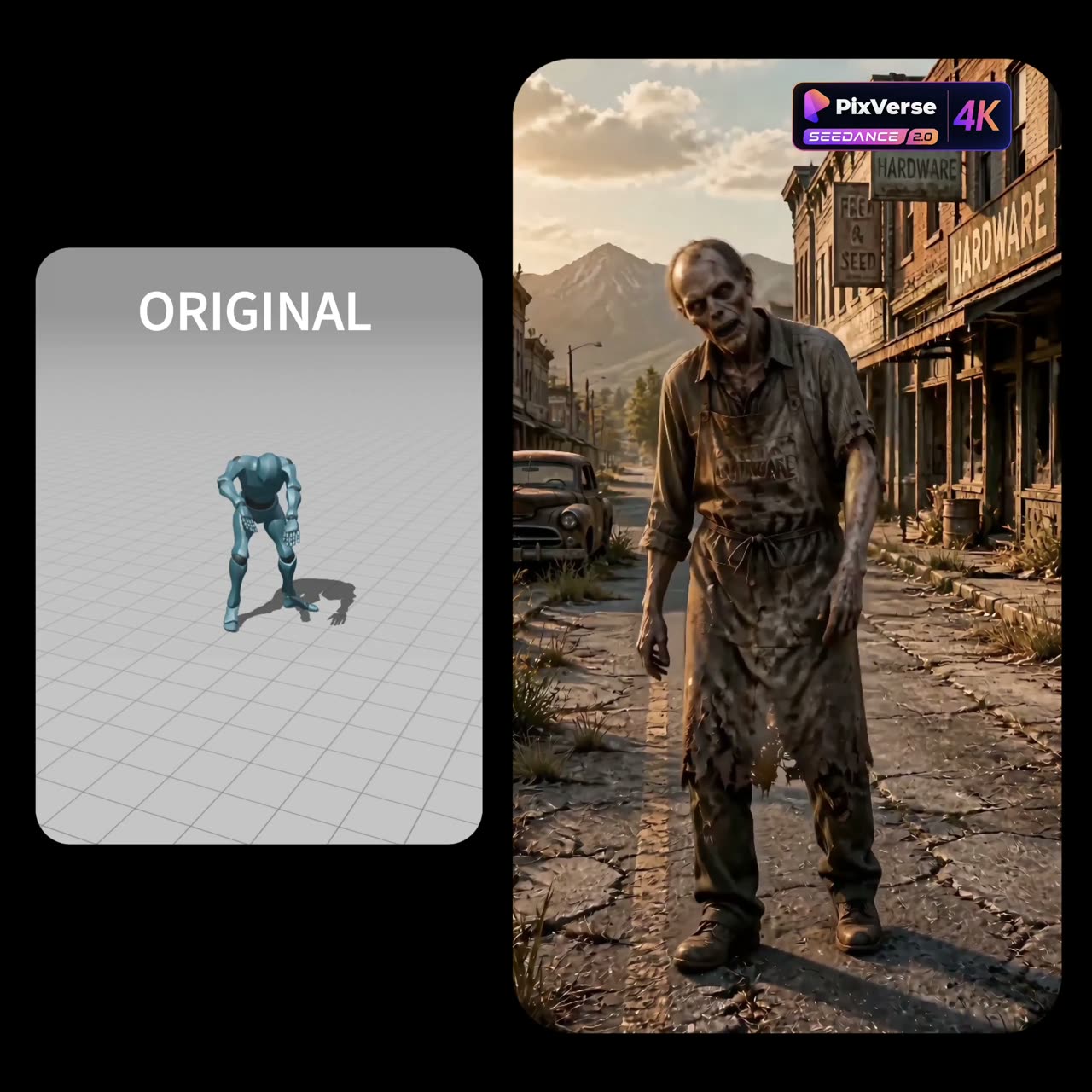
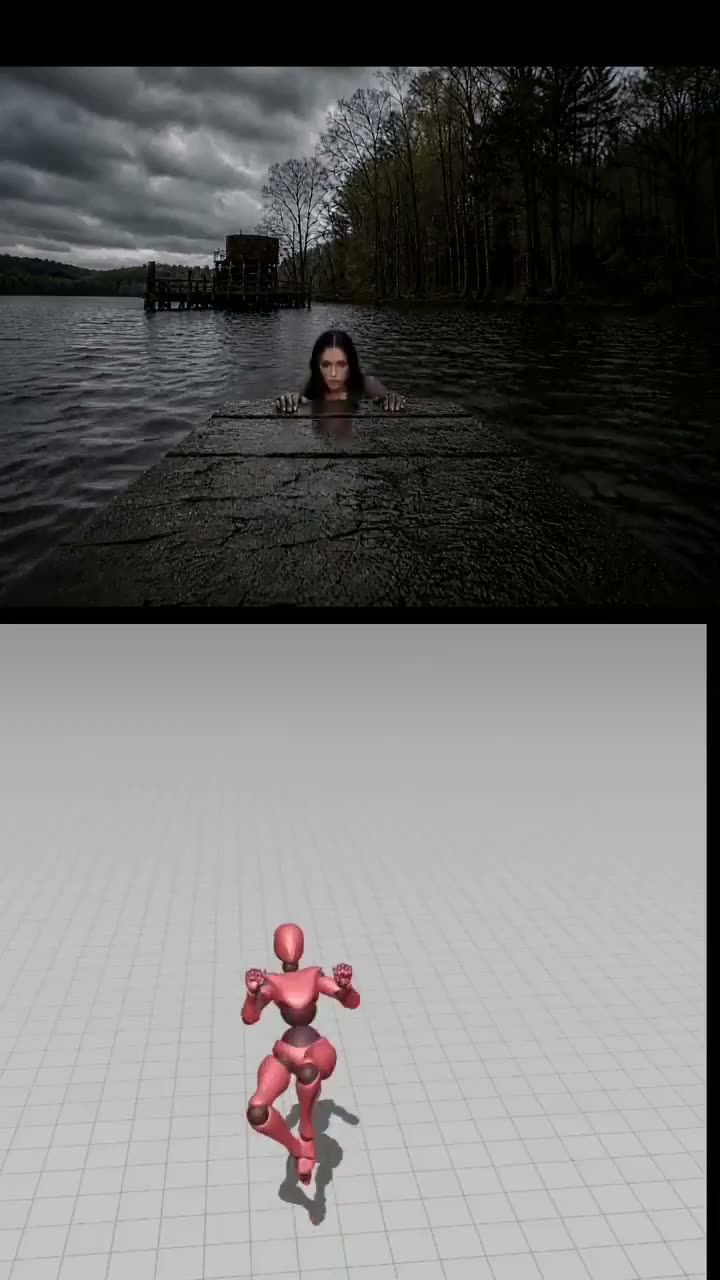
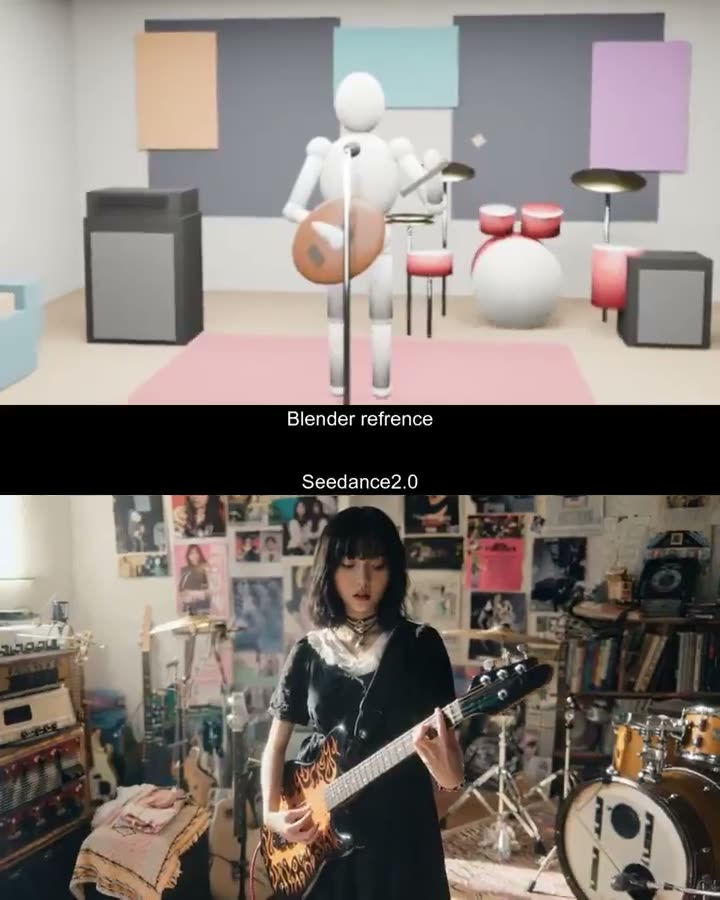
A plain mannequin performs the shot, the model reskins it

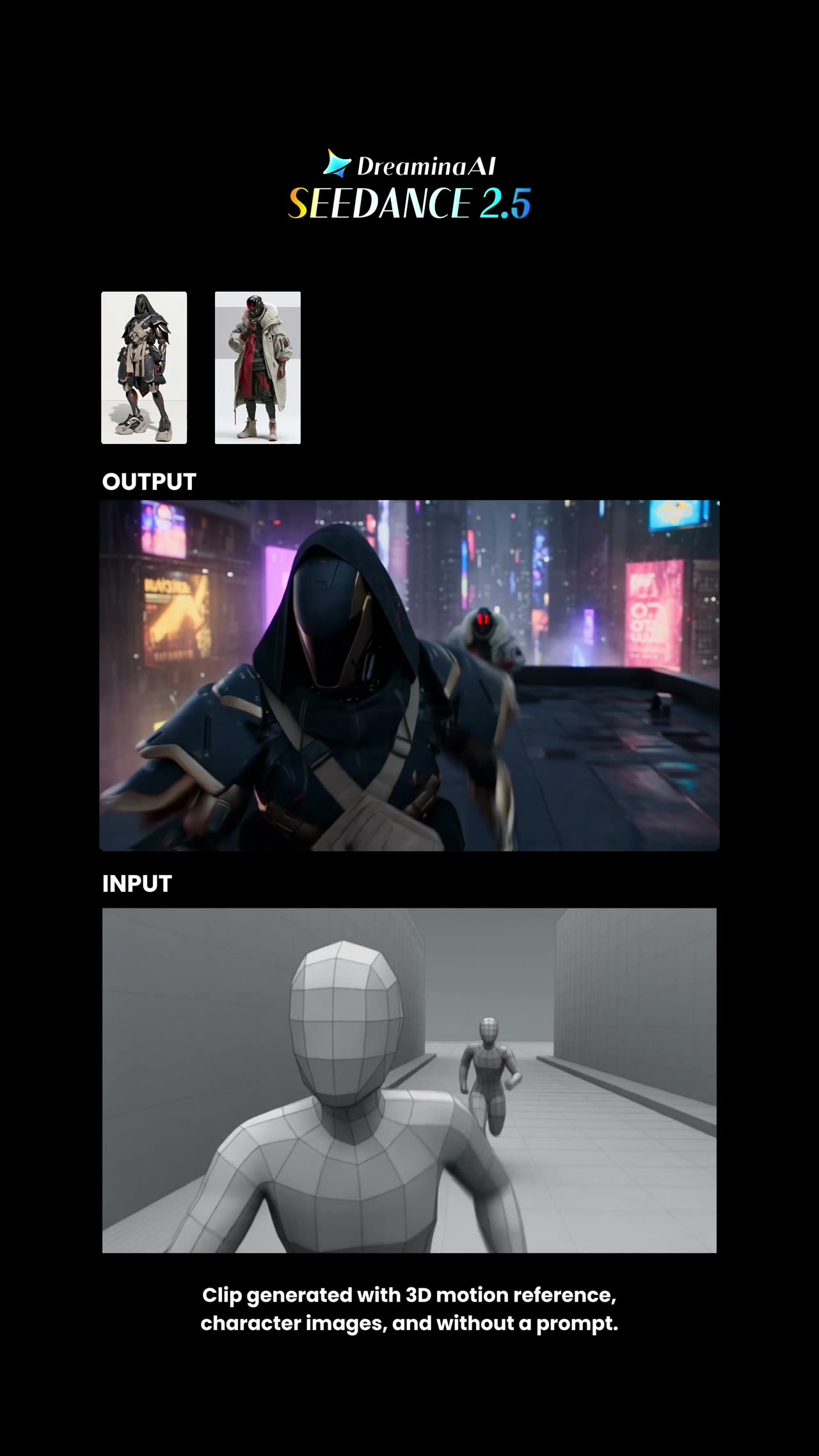
Three inputs, three jobs: an animated Blender dummy is the motion, one still is the character, another is the location — and the prompt lists the properties of the motion that may not drift.

  • 参考视频
  • Animated dummy
  • Motion transfer
  • Three inputs

输入 Blender dummy animated through the exact choreography · Character still (identity) · Environment still (location)

提示词1,357 字符
Create a hyper-real 15s cinematic video. VIDEO 1 (the Blender dummy) is the strict motion reference: the character must replicate the dummy's movement choreography frame by frame, do not invent new movement, do not change timing, direction, posture, walking rhythm, crouch level, climbing motion, or final body orientation. Use Video 1 as the absolute guide for body movement, climbing, hand placement, rising from below the pier, weight shift, walking direction, cautious advance, crouch, knee bend, arm position, camera distance, camera angle, camera push-in, and final framing.
Use IMAGE 1 as the strict environment reference: a dark stormy lake, wet wooden pier, gloomy forest, heavy clouds, low-contrast thriller atmosphere.
Use IMAGE 2 as the strict character reference: an original explorer character in a plain tactical-outdoor outfit, preserve face, outfit, and identity. No weapons.
Action: she rises from below the pier, advances cautiously, crouches, and reaches a forward vantage point looking out across the lake. She reacts subtly to surrounding sounds while staying locked to the dummy motion. No extra characters, no weapons, no gore. Atmosphere: stormy lake, dark forest, wet pier, distant splashes, creaking wood, tense silence. End on the close framing as the camera settles, then cut to black. No text, subtitles, logo, or watermark.

为什么有效

  • It does not ask the model to follow the reference, it forbids specific changes: timing, direction, posture, walking rhythm, crouch level, final body orientation. Naming the properties is what makes the instruction stick.
  • Identity and location are pulled off separate stills, so a dummy with no face cannot become the source of either.
  • The word "strict" is attached to each input in turn rather than used once at the top.
提示词出处

Environment & Set3

场景和外景先搭粗模,再渲成最终的那个地方。

使用 Seedance 2.015 秒

作者 @oggii_06.1万 次观看原帖

Cartoon restyled to live action, frame for frame

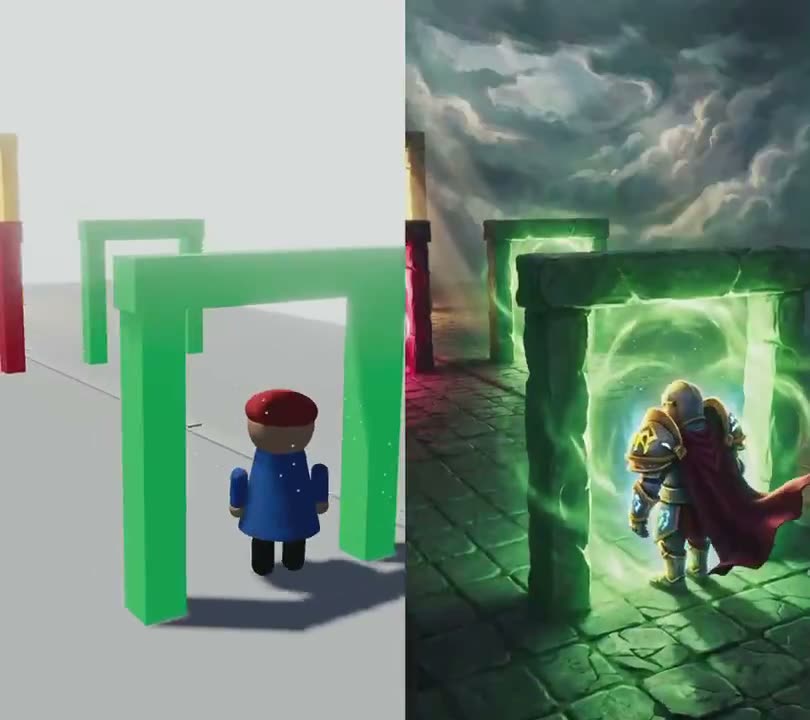
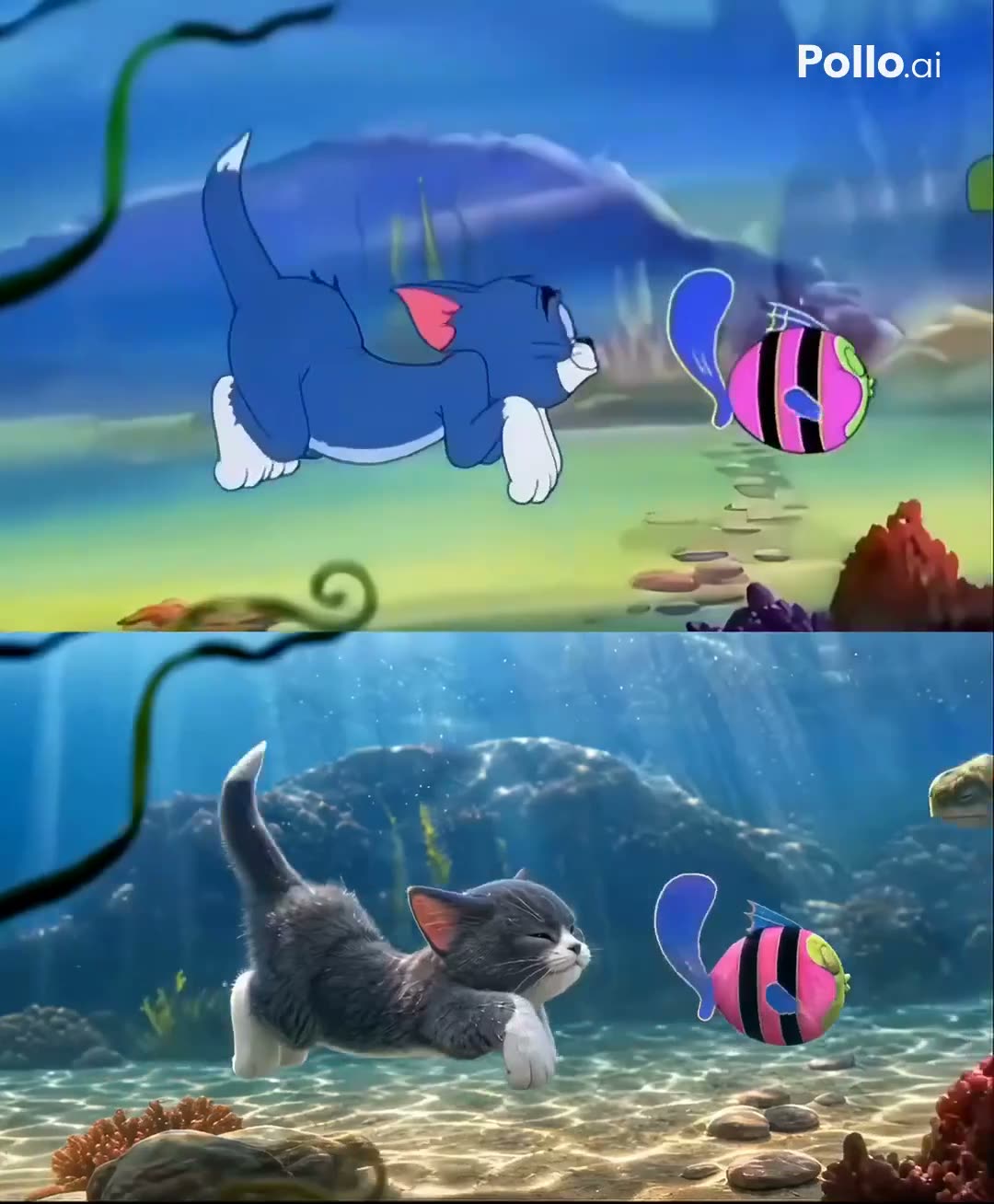
A video-to-video restyle that keeps every camera move and beat of the reference and replaces only the characters — the same "obey the reference" structure as a white-model prompt, applied to a cartoon.

  • 参考视频
  • Video restyle
  • Character swap
  • Preserve camera & timing

输入 Reference video (the original cartoon)

提示词3,109 字符
Use the uploaded reference video as the master reference.
Recreate the entire scene in ultra-photorealistic live action while preserving the original video frame-by-frame.
Maintain the EXACT camera movement, lens, framing, composition, timing, pacing, shot transitions, lighting direction, environment, props, object placement, character blocking, and every action from the reference video.
ONLY replace the cartoon characters with realistic live-action animals while keeping everything else unchanged.

CHARACTER CONSISTENCY

Tom is a realistic British Shorthair cat with:
• blue-gray plush fur
• white chest, muzzle and paws
• large amber eyes
• pink nose
• rounded face
• thick tail
• expressive eyebrows
• identical appearance in every frame
• identical fur pattern, facial proportions, eye color and body size throughout the video
Jerry is a realistic golden Syrian hamster with:
• soft golden-brown fur
• cream belly
• large rounded ears
• black shiny eyes
• tiny pink paws
• small pink nose
• realistic whiskers
• consistent body proportions in every frame
• identical appearance throughout the entire video
If other Tom & Jerry characters appear, replace them with realistic animals that preserve their personality, colors, proportions and expressions while remaining identical throughout the clip.

MOTION

Preserve every movement exactly.
The realistic animals must perform the exact same actions, walking cycle, head movement, eye movement, paw placement, facial expressions, timing and interactions as in the reference animation.
No new actions.
No altered timing.
No changed poses.

ENVIRONMENT

Keep the original environment exactly the same.
Do not modify:
• furniture
• decorations
• room layout
• colors
• props
• shadows
• reflections
• camera angle
• camera path
Everything except the characters must remain unchanged.

QUALITY

Hollywood-quality CGI.
Photorealistic animals.
Natural muscle movement.
Physically accurate fur simulation.
Realistic whiskers.
Subsurface scattering.
Realistic eye reflections.
Natural breathing.
Micro facial expressions.
Ultra detailed textures.
Soft cinematic lighting.
Shallow depth of field.
Global illumination.
Ray-traced reflections.
Macro photography realism.
4K HDR.
Disney-level VFX quality.
Live-action realism.
Extremely stable temporal consistency.
Perfect character identity consistency across all frames.
Do not redesign the characters.
Do not change the environment.
Do not change the camera.
Do not change the timing.
Do not add new objects.
Do not crop or zoom differently.
No flickering.
No morphing.
No identity drift.
No fur color changes.
No eye color changes.
No size changes.
No anatomy deformation.
No extra limbs.
No duplicate animals.
No cartoon textures.
No low-quality CGI.
No inconsistent lighting.
No frame-to-frame variation.
Maintain perfect temporal consistency and character consistency throughout the entire video.

为什么有效

  • The list of what may NOT change is the whole method: camera movement, lens, framing, composition, timing, pacing, transitions, lighting direction, props, blocking. Only the characters are in scope.
  • Each animal gets a fixed spec — breed, fur, eyes, paws — closed with "identical in every frame", which is how a restyle holds identity across a long take.
  • The reference here is a finished cartoon rather than an untextured pass, so it is the odd one out on this page: useful as the clearest statement of the preserve-everything-but-X pattern, not as a blockout recipe.
使用 Seedance 2.530 秒

作者 @Itswsm105f1.4万 次观看原帖

Blockout and finished shot in one 30-second reveal

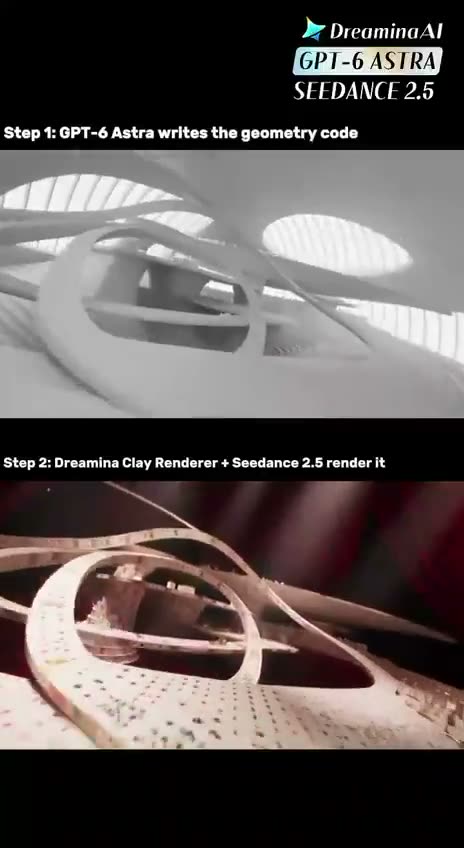
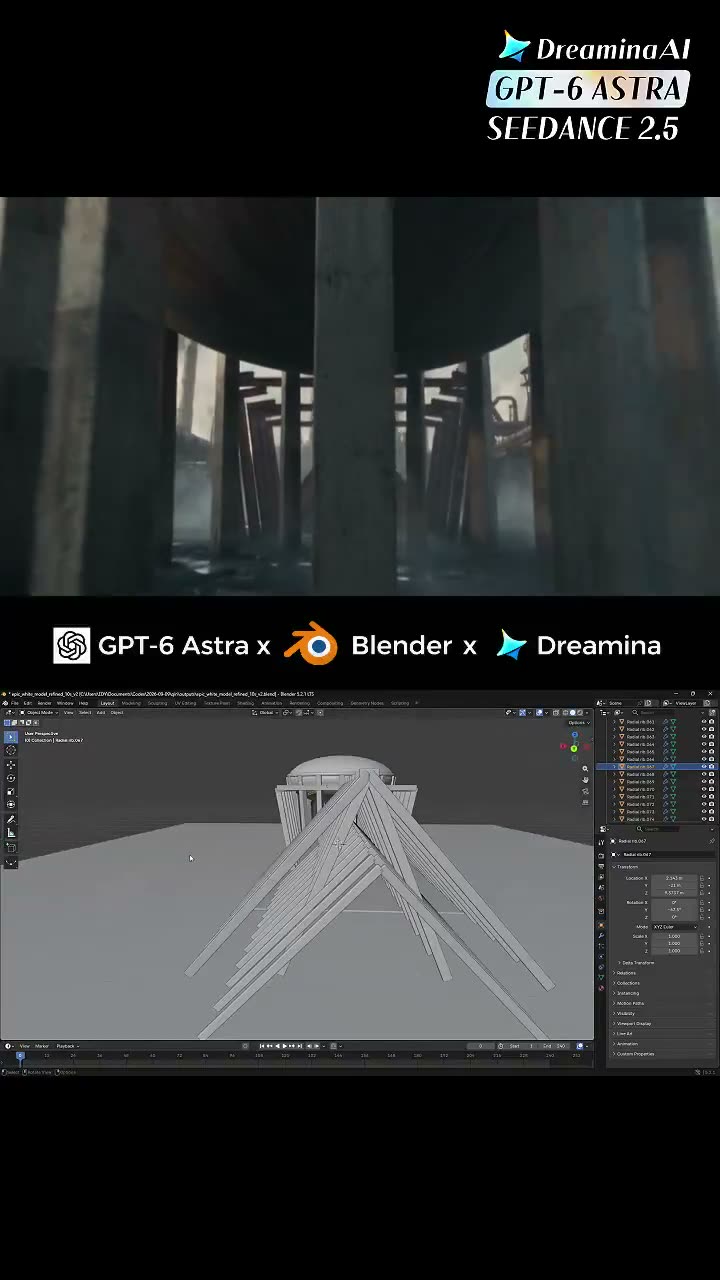
A single text prompt that renders both halves of the workflow as one continuous take: five seconds of grey clay, a push-in, then a dissolve into the finished city with the geometry held in place.

  • 文生视频
  • 30s reveal
  • Clay to final
  • Text only
提示词2,750 字符 · 5 段
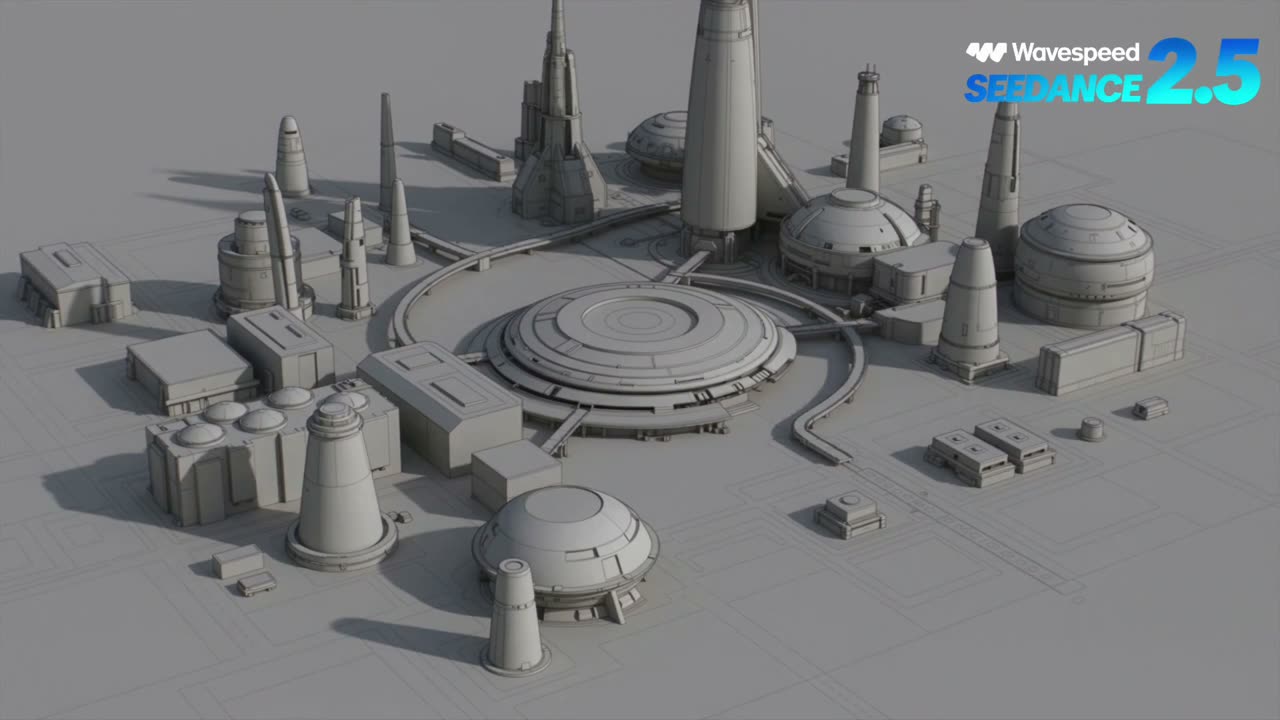
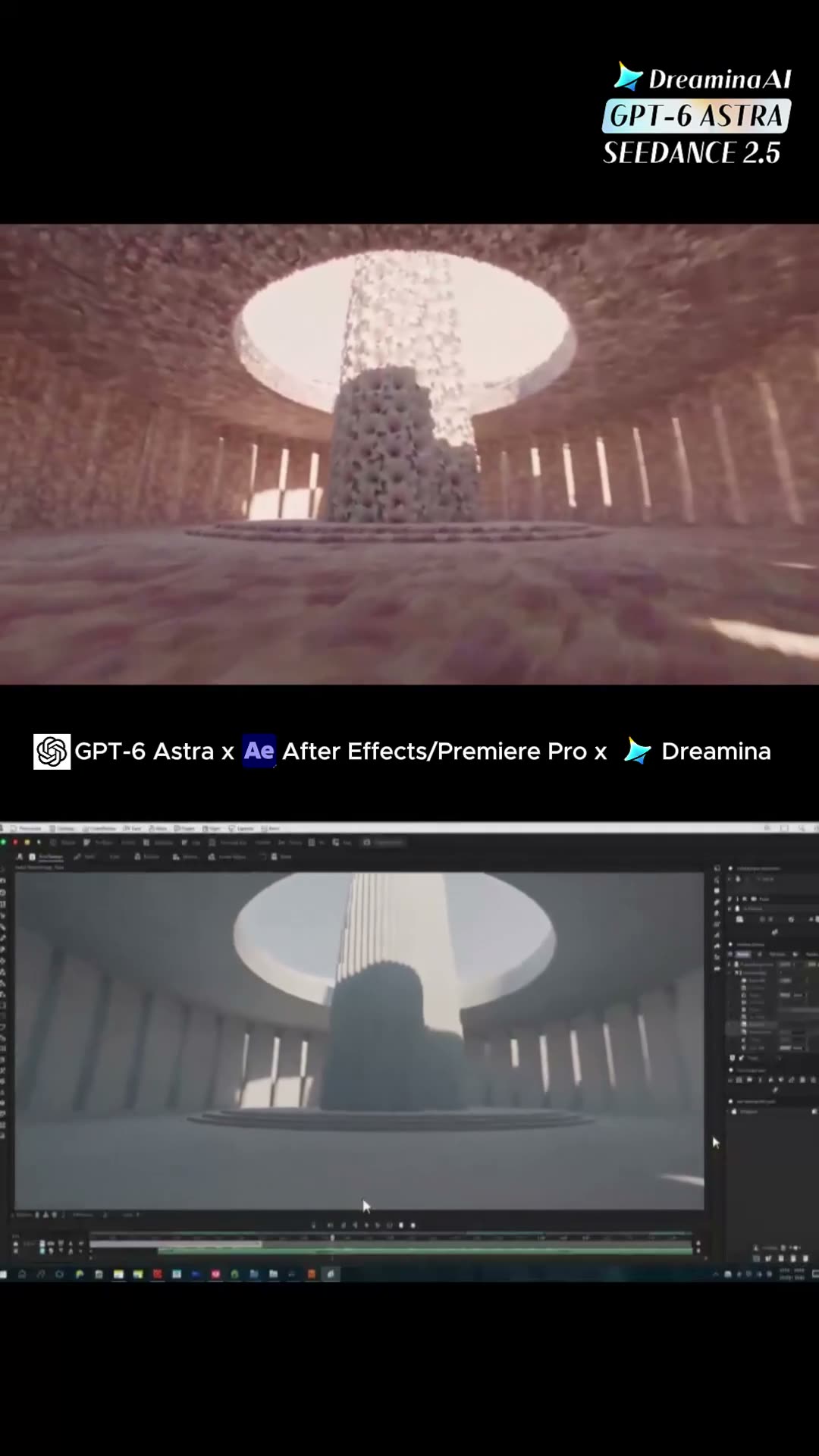
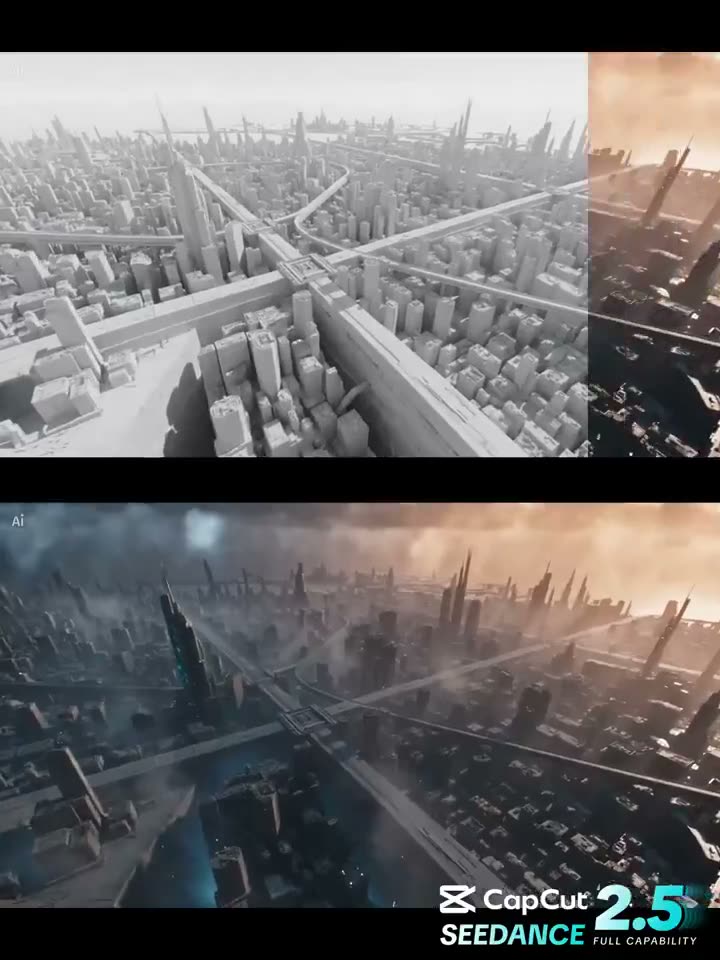
Create a 30-second vertical 9:16 cinematic comparison video demonstrating how a simple Blender 3D blockout can be transformed into a highly detailed cinematic AI-generated scene.
CONCEPT: A futuristic desert city built around a massive ancient-looking circular observatory.
0–5 seconds — Blender Blockout:
Show a basic gray Blender clay render from an elevated cinematic camera angle. The scene contains simple geometric buildings, large cylindrical towers, rectangular platforms, a huge circular observatory structure in the center, basic roads and small placeholder vehicles. Everything is untextured gray clay with simple lighting, clearly looking like a 3D Blender blockout.
5–10 seconds — Camera Push-In:
Slowly move the camera toward the central observatory while maintaining the exact composition and geometry. Subtle Blender viewport/clay-render feeling. No textures, no realistic materials.
10–15 seconds — Transformation:
Begin a smooth visual transition from the gray Blender blockout into the finished cinematic environment. Geometry remains structurally consistent while realistic materials, textures, lighting, atmosphere and environmental details gradually appear.
15–25 seconds — Final AI Cinematic Scene:
Reveal a spectacular futuristic desert metropolis at golden hour. Massive sandstone-and-metal towers rise from golden dunes, connected by elevated bridges. The central circular observatory has intricate futuristic architecture, glowing windows and mechanical details. Small flying vehicles move naturally between buildings. Dust particles float through warm sunlight. Long shadows, volumetric lighting, realistic reflections, detailed surfaces, atmospheric depth and subtle heat haze. Make the environment feel enormous, believable and cinematic.
25–30 seconds — Final Reveal:
Pull the camera backward and upward to reveal the full city surrounded by endless desert dunes. The final frame should create a strong visual contrast between the simple Blender concept and the stunning finished AI-generated world.
STYLE: photorealistic cinematic sci-fi, AAA game environment quality, realistic materials, natural atmospheric perspective, volumetric sunlight, detailed architecture, physically realistic lighting, subtle camera movement, premium VFX, highly detailed environment.
IMPORTANT: The final scene must be completely original and must NOT reproduce the reference video's architecture, composition, Japanese temples, floating islands, army formations, or cloud setting. Preserve only the general Blender blockout → AI cinematic transformation concept.
NO: cartoon style, anime, distorted buildings, random geometry changes, excessive camera shake, text artifacts, duplicated vehicles, warped architecture, unrealistic physics.

为什么有效

  • Written as five timed blocks, and the transformation gets its own block instead of being left to happen somewhere in the middle.
  • The instruction that carries it is "geometry remains structurally consistent while materials, textures, lighting and atmosphere gradually appear" — the change is scoped to the surface, not the scene.
  • Read it as a way to SHOW the workflow rather than to run it: no reference is attached, so the clay pass here is generated too. That makes it a demo piece, not a recipe for a shot you have already blocked out.
使用 Seedance 2.58 秒

作者 @doctorwasif4626 次观看原帖

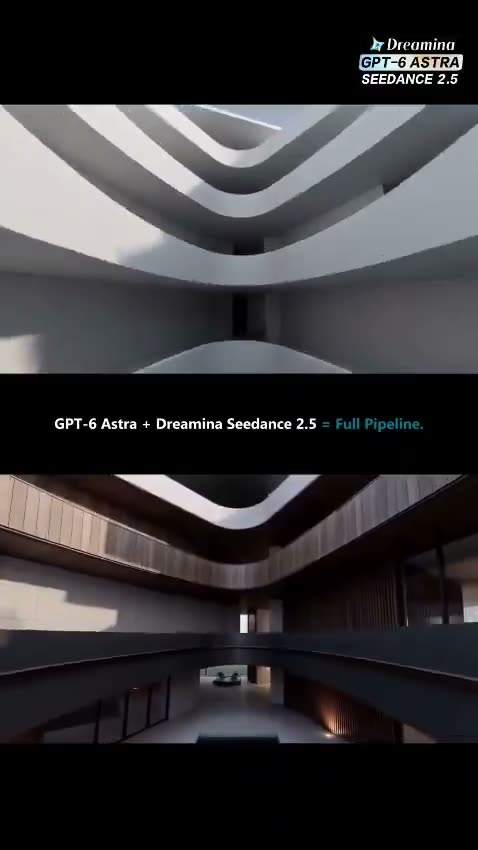
A real building rebuilt in Blender, dressed by one photograph

Three 5-second shots of a real interior: Blender supplies the room and the camera as grey-model clips, a single photograph supplies every material, and the prompt is explicit about which input owns what.

  • 参考视频
  • Architecture
  • Photo as material
  • 3 × 5s shots

输入 Grey-model clip per shot, camera animated in Blender · One photograph of the real interior

提示词1,798 字符
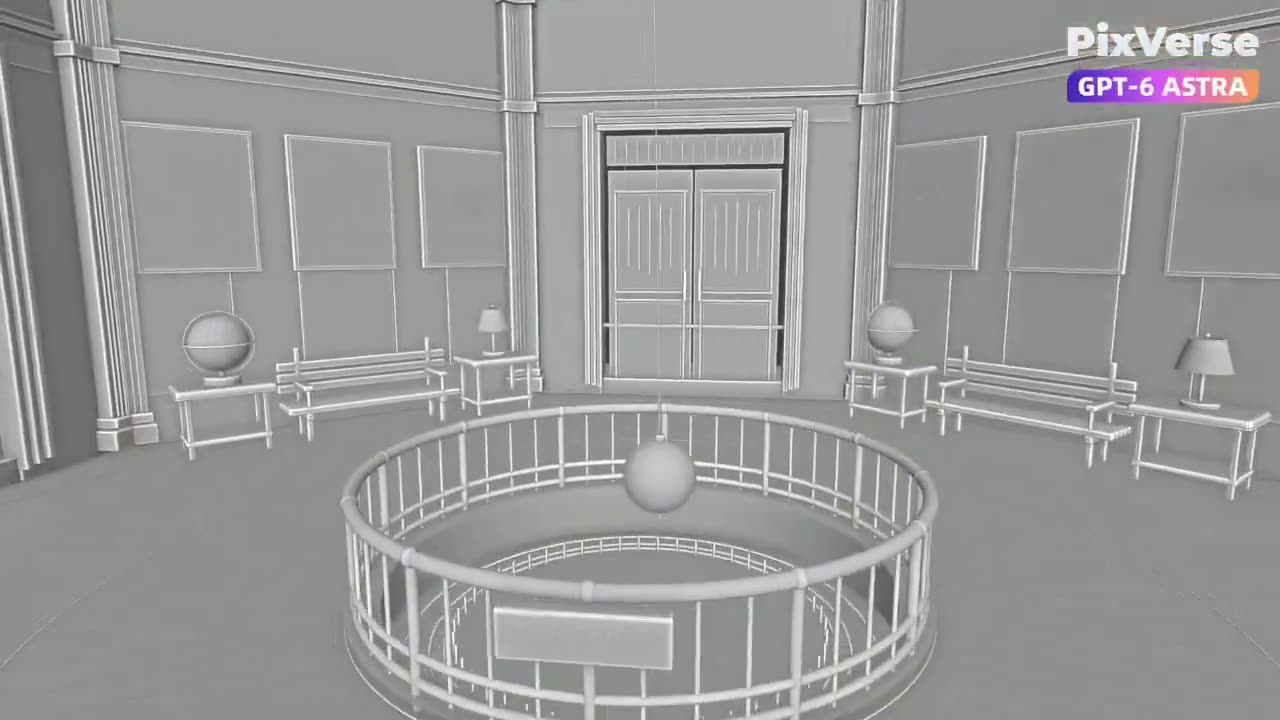
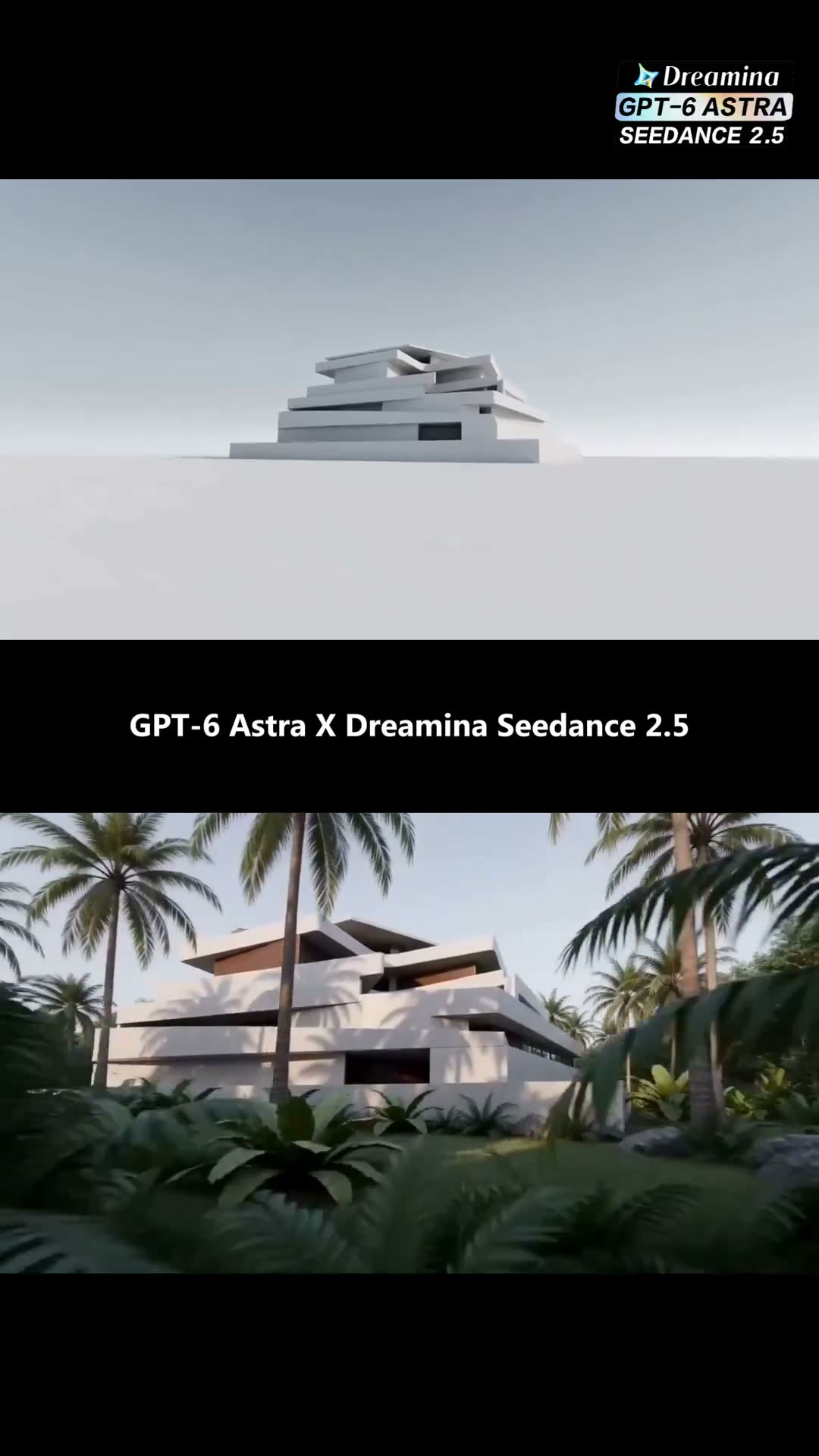
Create an editable 3D recreation of Griffith Observatory’s central rotunda in local Blender, including the Foucault pendulum, dome murals, bronze railings, marble floor, benches, celestial globes, table lamps, and astronomical displays. Create a stable 15-second camera sequence with three 5-second shots: Push into the hall, rise, and orbit around the central pendulum. Use an elevated upward-facing camera to orbit around the dome and murals. Move close to a celestial globe and make a smooth detail orbit. Render gray-model videos using these exact camera animations. Review the camera movement, framing, spatial flow, and occlusion before generating the final videos. In PixVerse, use Seedance 2.5. For each shot, upload the corresponding gray-model video and the same real photograph of Griffith Observatory’s interior. The photograph controls the materials, colors, murals, and lighting. The gray-model video controls the room layout, composition, perspective, and camera movement. Prompt: Use the visual style of @reference image to generate @gray-model video. Strictly preserve the gray-model video’s architecture, furniture positions, object count, framing, perspective, and camera movement. Only apply the realistic materials, dome murals, and warm interior lighting from the reference image. Keep every object stationary. Do not add people, furniture, doors, windows, or exhibits. Do not change the architecture or camera path. Avoid cuts, shaking, warping, flickering, or layout changes. Review every generated shot and regenerate only shots with clear problems. Combine the approved shots into one 15-second video and export the first frame of each shot. Deliver the editable Blender project, gray-model videos, three generated shots, final video, prompts, and first-frame screenshots.

为什么有效

  • The division is stated twice, once per input: the photograph controls materials, colours, murals and lighting; the grey-model clip controls layout, composition, perspective and camera movement.
  • "Keep every object stationary. Do not add people, furniture, doors, windows or exhibits" is the constraint an architectural pass needs — the usual failure is invented occupants.
  • The camera sequence is planned in Blender and reviewed for framing and occlusion BEFORE any render is paid for, which is the cheap half of the workflow doing its job.

Workflow & Pipeline3

讲流程本身的帖子:导出什么、按什么顺序。

使用 Seedance30 秒

作者 @reidhannaford52.7万 次观看原帖

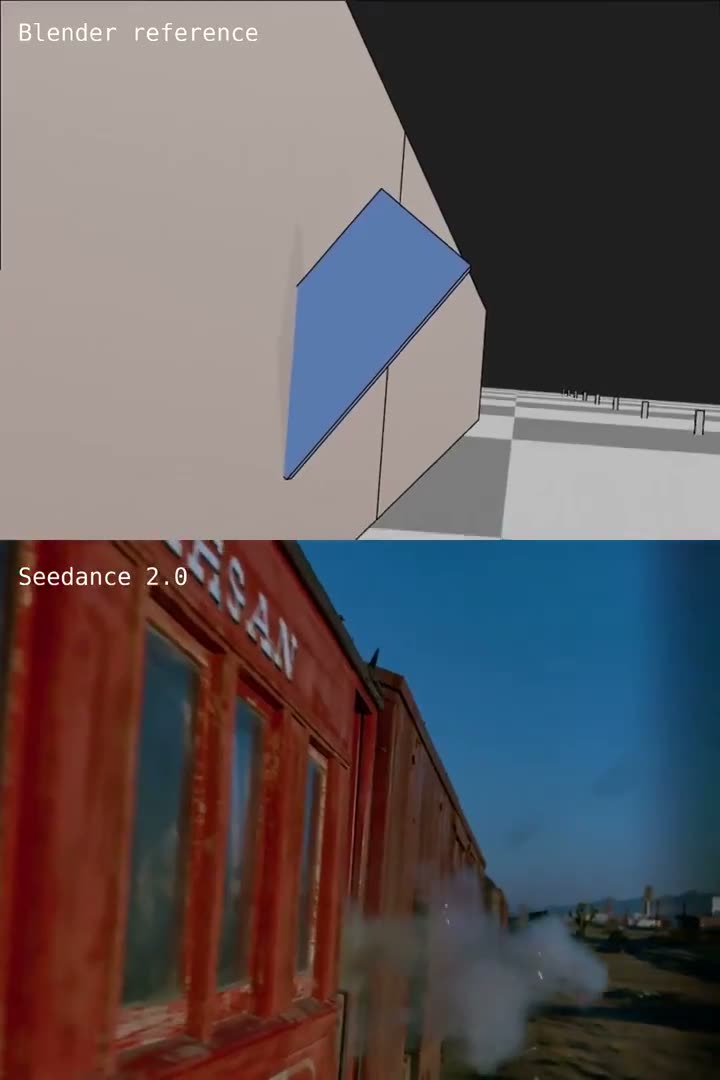
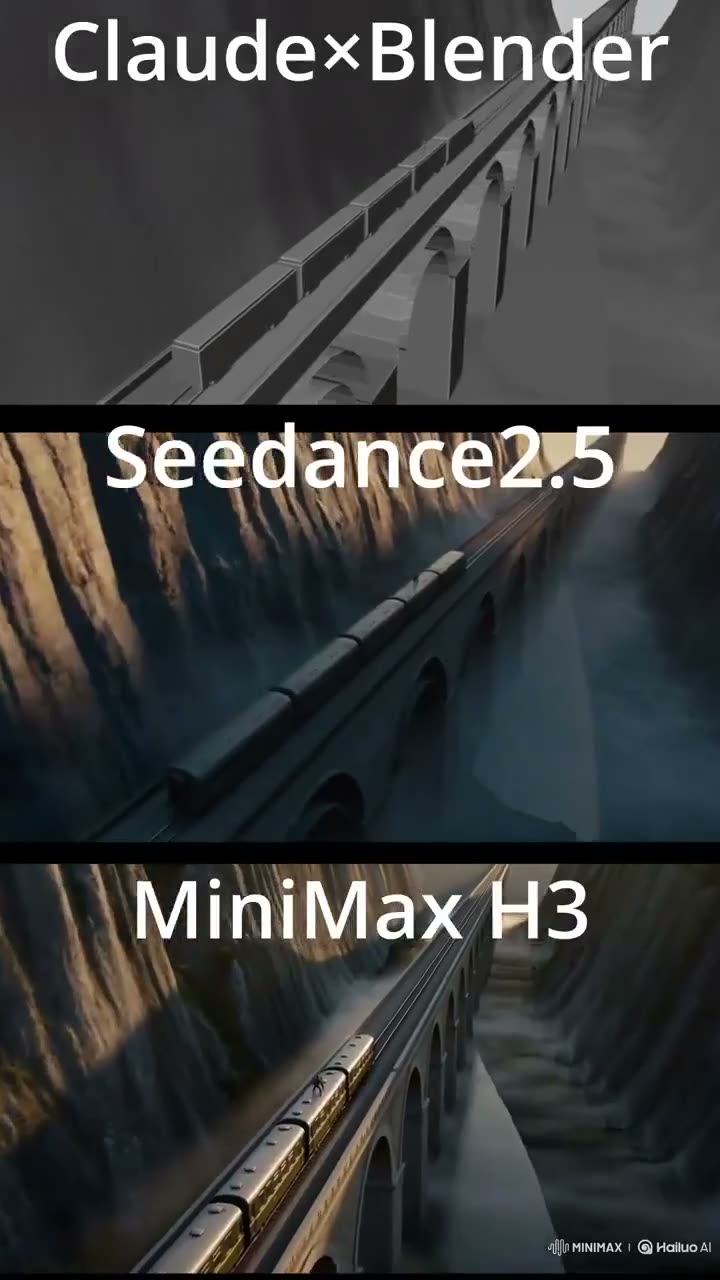
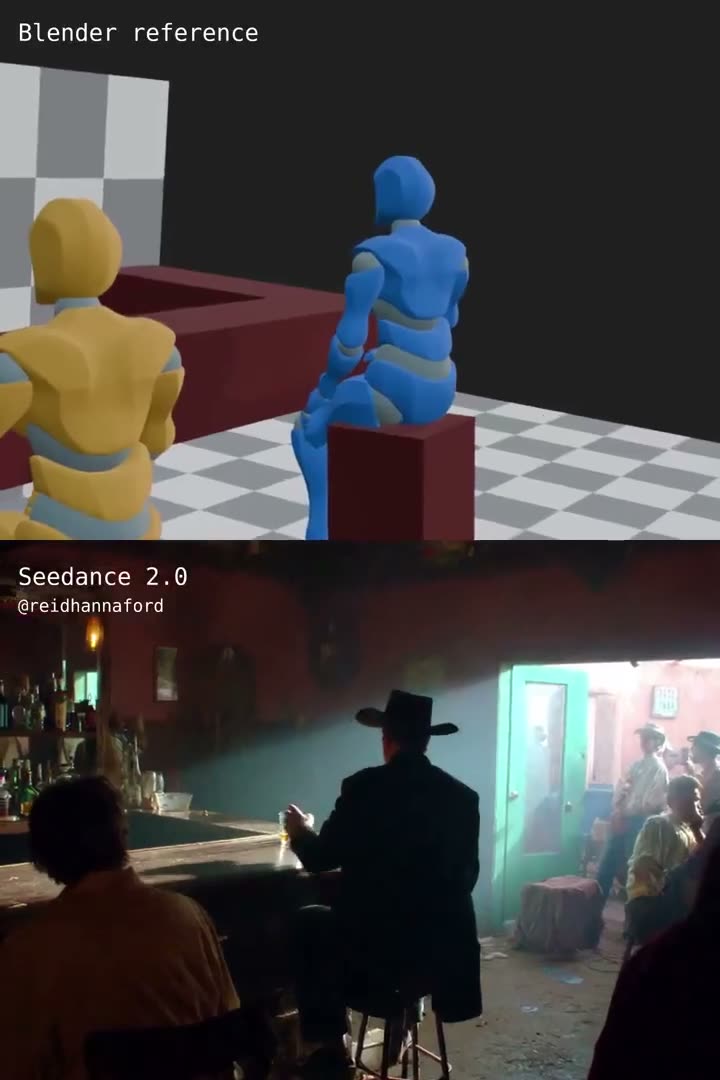
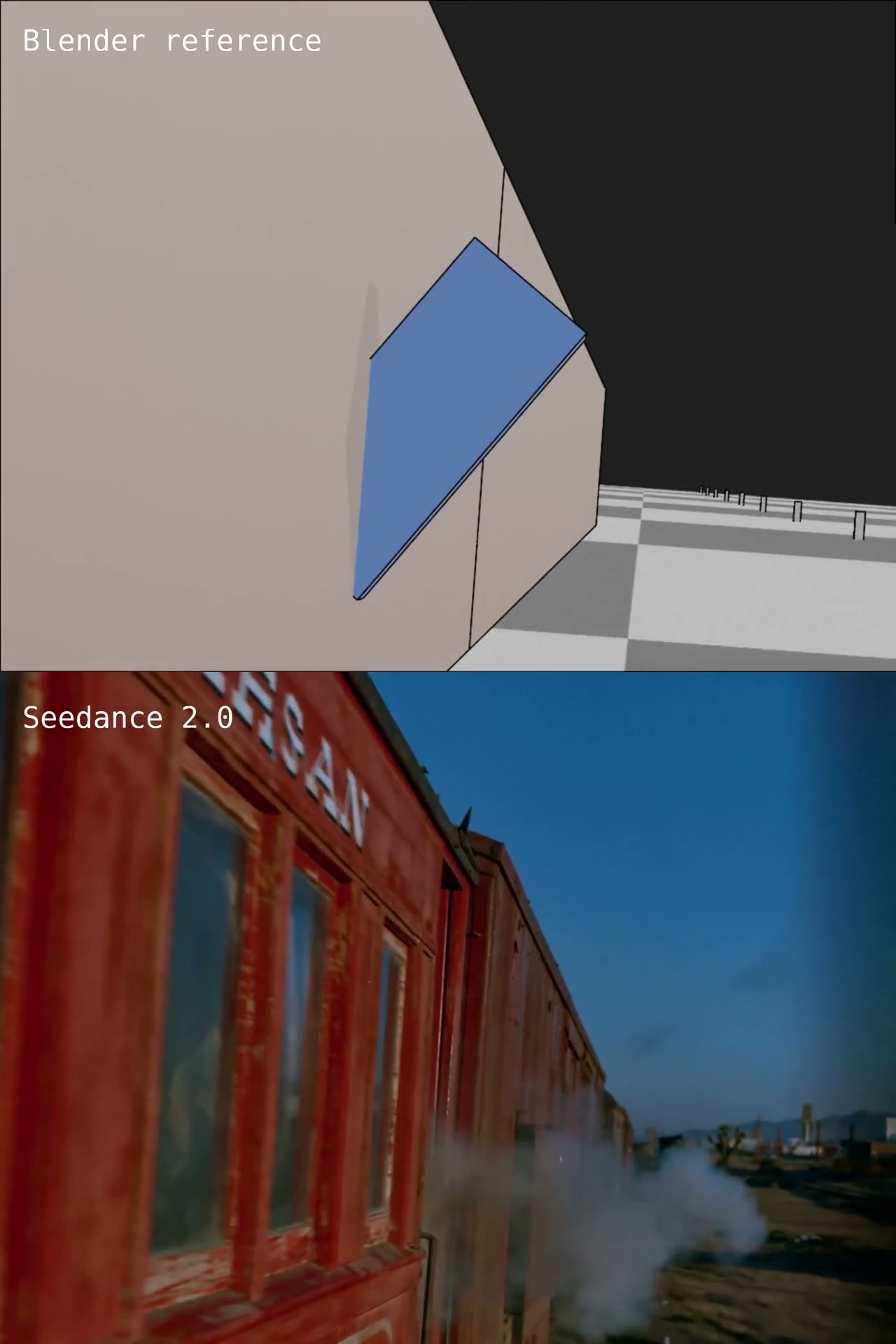
Camera bolted to a moving train, choreographed in Blender first

A start frame is pinned, then a rough Blender pass is handed over as the camera reference and named move by move — the shake, the pan right, the pan back, the final push-in.

  • 参考视频
  • Blender blockout
  • Camera reference
  • Start frame

输入 Start frame (generated still) · Blender blockout rendered as a reference clip, camera animated

提示词1,784 字符
Use [img1] as the clean start frame. Preserve the train, man, lighting, color, film grain, and composition from the start frame.
Use [vid1] as a motion reference for camera choreography and timing. Match the timing and path of the camera move as closely as possible, including the shake, the pan right, the pan back, and the final push-in.
The train is already at full speed on frame 1. Because the camera is attached to the side of the train, the train remains relatively stable while the environment, tracks, dirt, dust, and telegraph poles streak rapidly from right to left across the frame.
The world rushes past at high speed. The railroad tracks, dirt, grass, dust, and nearby ground streak rapidly from right to left with strong horizontal motion blur. Railroad ties and foreground details whip past in a fast strobing blur. Distant mountains move much more slowly, creating strong parallax.
Action:
The man leaning out of the doorway ducks as a bullet strikes the side of the train, kicking up sparks and dust. He raises his pistol and fires several shots while the camera pans right.
As the camera pans right, reveal a wild west sheriff on horseback in the same relative placement as the green box in [vid1]. The sheriff is galloping hard alongside the train. The landscape is still racing past. The sheriff gets shot and tumbles off the horse away from camera. The horse continues running.
The camera then pans back to the man on the train and pushes forward toward him, keeping the same high-speed background streaking and heavy wind the entire time.
Do not slow the train down. Do not make the train drift gently. Do not make the landscape move at walking speed. Do not make the shot feel like a slow scenic ride. Keep the train violently fast throughout. No music.

为什么有效

  • The two inputs get separate jobs in the first two lines: the still owns look, the clip owns camera. Nothing else in the prompt has to fight over either.
  • The camera move is spelled out as a list of named beats rather than left to the clip, so the model has words for what it is watching.
  • It states what is already true on frame one — the train at full speed — which is how the opening frame avoids being a standing start.
提示词出处
使用 Seedance23 秒

作者 @reidhannaford12.4万 次观看原帖

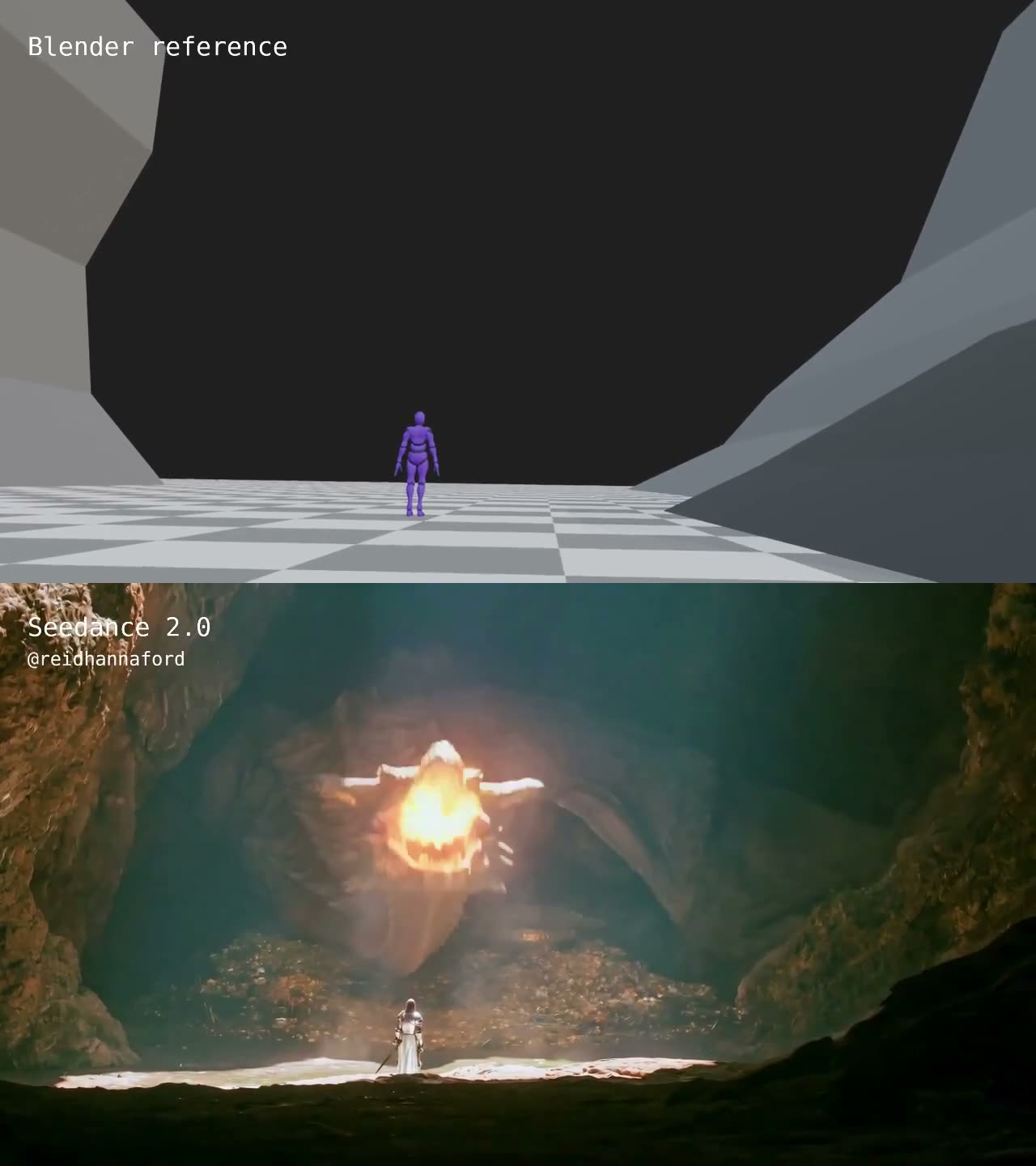
Knight and dragon, camera path taken from a grey blockout

Same two-input split as the train shot, applied to a cave: the still is frozen, the blockout supplies a handheld push and orbit, and the prompt spends its words on what the blockout cannot show.

  • 参考视频
  • Blender blockout
  • Handheld orbit
  • Constant motion

输入 Start frame (generated still) · Blender blockout with an animated camera

提示词1,519 字符
Use [img1] as the clean start frame. Don't change anything about the frame.
Use [vid1] as a camera motion reference. Follow the camera movement in the reference exactly, including the handheld camera shake, the forward movement towards the knight, and the orbit around the character to show his front.
Throughout the entire shot, the knight is in constant motion: breathing visibly, shifting his weight from foot to foot, his head tracking the dragon's every movement, his cloak and hair moving in the hot wind from the fire.
A colossal dragon rests on a mountain of gold treasure inside a huge cave, facing a tiny knight in white robes, silver armor, and blond hair in the foreground.
The dragon rears its massive horned head up off the treasure hoard, jaws opening wide, and breathes an enormous blast of fire upward toward the cave ceiling. The knight recoils from the heat, staggering half a step back and raising his arm to shield his face, then steadies himself and draws his sword from its scabbard, the blade catching the firelight. Embers and smoke drift down through the cavern.
The flames end. The dragon slowly lowers its head and looks down at the small knight, smoke curling from its nostrils. The knight backs up a slow, cautious step, sword low, never taking his eyes off the dragon.
The camera orbits around the knight and he plants his feet and raises the sword into a two-handed fighting stance, adjusting his grip, shoulders rising and falling with heavy breaths, facing the dragon.
No music.

为什么有效

  • "Don't change anything about the frame" is a separate sentence from the camera instruction, so the model cannot trade one against the other.
  • The camera reference is described in the order it happens — shake, forward movement, orbit to the front — which reads as a shot list rather than a mood.
  • Everything the grey pass has no way to carry is written out: breathing, weight shifting, the cloak moving in heat from the fire.
提示词出处
使用 Seedance 2.019 秒

作者 @voxelplot4.9万 次观看原帖

Clay render in, textured render out

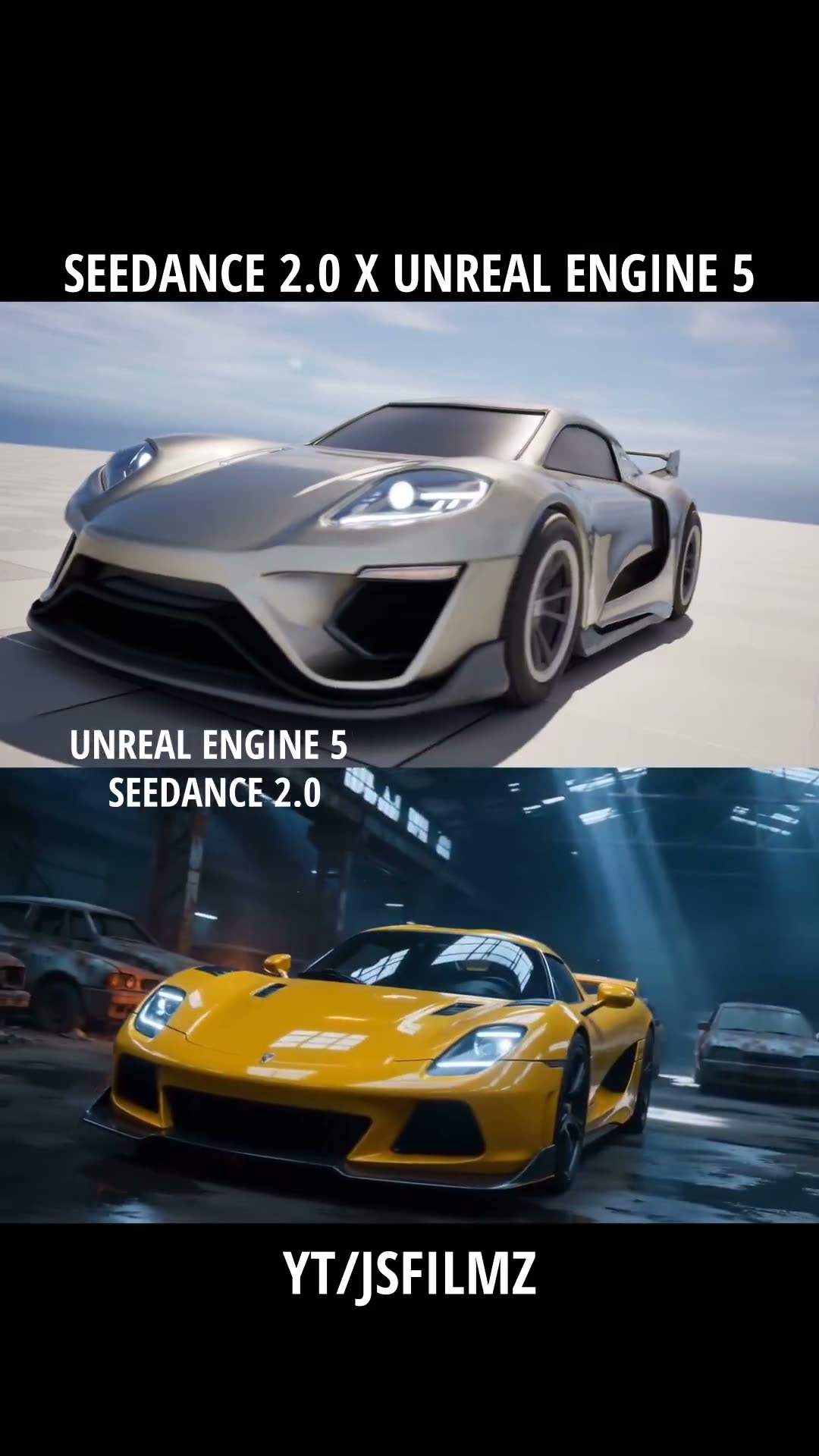
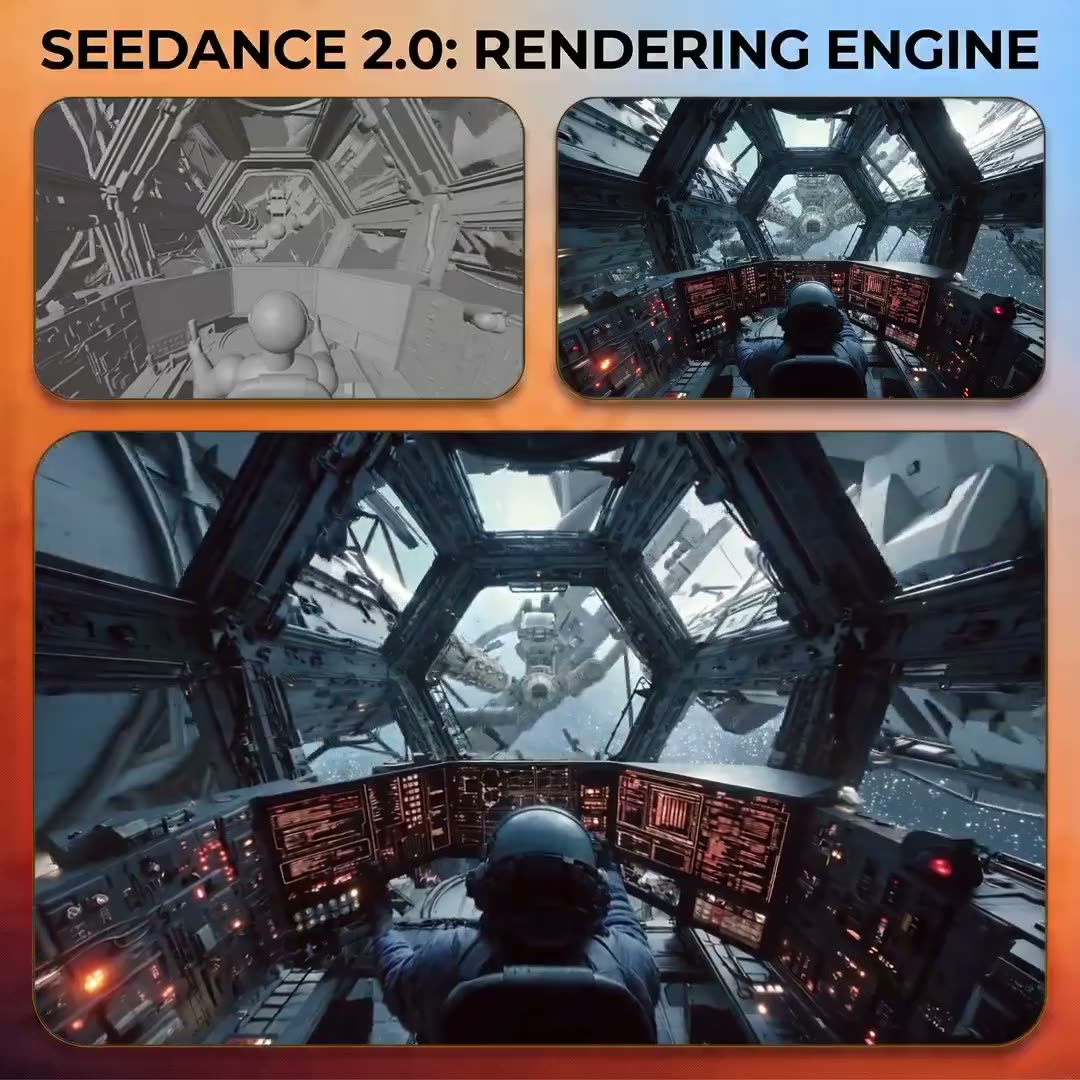
Treats the model as a renderer: upload a clay pass of the whole shot plus one textured first frame, and the textures and lighting of that frame are carried across the clip.

  • 参考视频
  • Clay render
  • First-frame styling
  • Two-step recipe

输入 Clay render of the animated scene · First frame rendered with textures and lighting

提示词1,298 字符
2. Render first frame
Upload keyframes of your video to an Image Editing Model. I used Nano Banana Pro in this example, but you can use any image editing model.
Prompt 1: Render the "image_1" with textures, and lighning. 3D action movie scene, wide shot, octane, Love Death and Robots style, sci-fi, 8k, hyperrealistic textures, a cybernetic cyberpunk astronaut in a spaceship, with stars in the background and a spaceship visible through a large glass window.
Prompt 2:Render the "image_1" with textures, and lighning. Space alien technology, render octane image, at the bacground starts and the universe, mechanical parts, lights, jupiter in the background.
Prompt 3: Render the "image_1" with textures, and lighning. 3D action movie scene, wide shot, octane, Love Death and Robots style, sci-fi, 8k, a cybernetic cyberpunk astronaut in a spaceship, with stars in the background and a spaceship visible through a large glass window.
Prompt 4: Render the "image1" with textures, and lighning. 3D action movie scene, wide shot, octane, Love Death and Robots style, sci-fi, 8k, a cybernetic cyberpunk astronaut in a spaceship, with stars in the background and a spaceship visible through a large glass window, red interstellar sky, high detailed celestial lighning, detalied metallic textures.

为什么有效

  • The division of labour is unusual and worth reading twice — geometry and camera come from the clay pass, and the entire look comes from a single frame someone else rendered.
  • The first frame is produced by an image model in a separate step, which is where all the style words go; the video prompt itself stays short.
  • It is written as a numbered workflow, so the reader can see which half is the image prompt and which half is the video prompt.
提示词出处
怎么写

怎么写一条白模提示词

上面这些提示词在题材上各写各的,但有一件事完全一致:它们把活儿分给参考和文字两边,并且明确说清哪一边负责哪一部分。下面就是这个结构,一段一段可以直接复制。

模板342 字符
[INPUTS] VIDEO 1 = 严格的运动与镜头参考。IMAGE 1 = 环境参考。IMAGE 2 = 角色身份参考。
逐帧复现 VIDEO 1 的运动。不要自创新动作。不要改变时间节奏、方向、姿态、行走节律、下蹲幅度或最终身体朝向。
[REFERENCE NOTE] VIDEO 1 里的灰色方块只标记角色位置。不要复现它们的形状、颜色或表面材质。
[0–4s] 她按 VIDEO 1 的动作从栈桥下方起身。湿木板,低对比度的暴风光线。
[4–9s] 谨慎前进,在观察点蹲下。树线里有风声。
[9–15s] 保持,对画外的声响作出反应。最终构图保持两拍。
[KEEP] 角色身份取自 IMAGE 2——面部、发型、服装保持不变。不出现多余角色,不出现字幕,不出现标识。
  1. 01

    给每个输入一份明确的职责

    在描述任何动作之前,先点名每个输入并说清它管什么。这一页上凡是能守住走位的提示词都是这么开头的。只挂一段片子却不说它管什么,模型只会把它当成风格暗示。

  2. 02

    把参考写成硬约束,一条属性一条属性地写

    「参考一下」只是建议。这里凡是能扛住大幅度运镜的提示词,都把不许漂移的具体属性一条条列了出来,并且反复用「严格」这个词。管用的是点名属性,不是让模型「跟着参考走」。

  3. 03

    灰模就该做得糙,但要说清它是什么

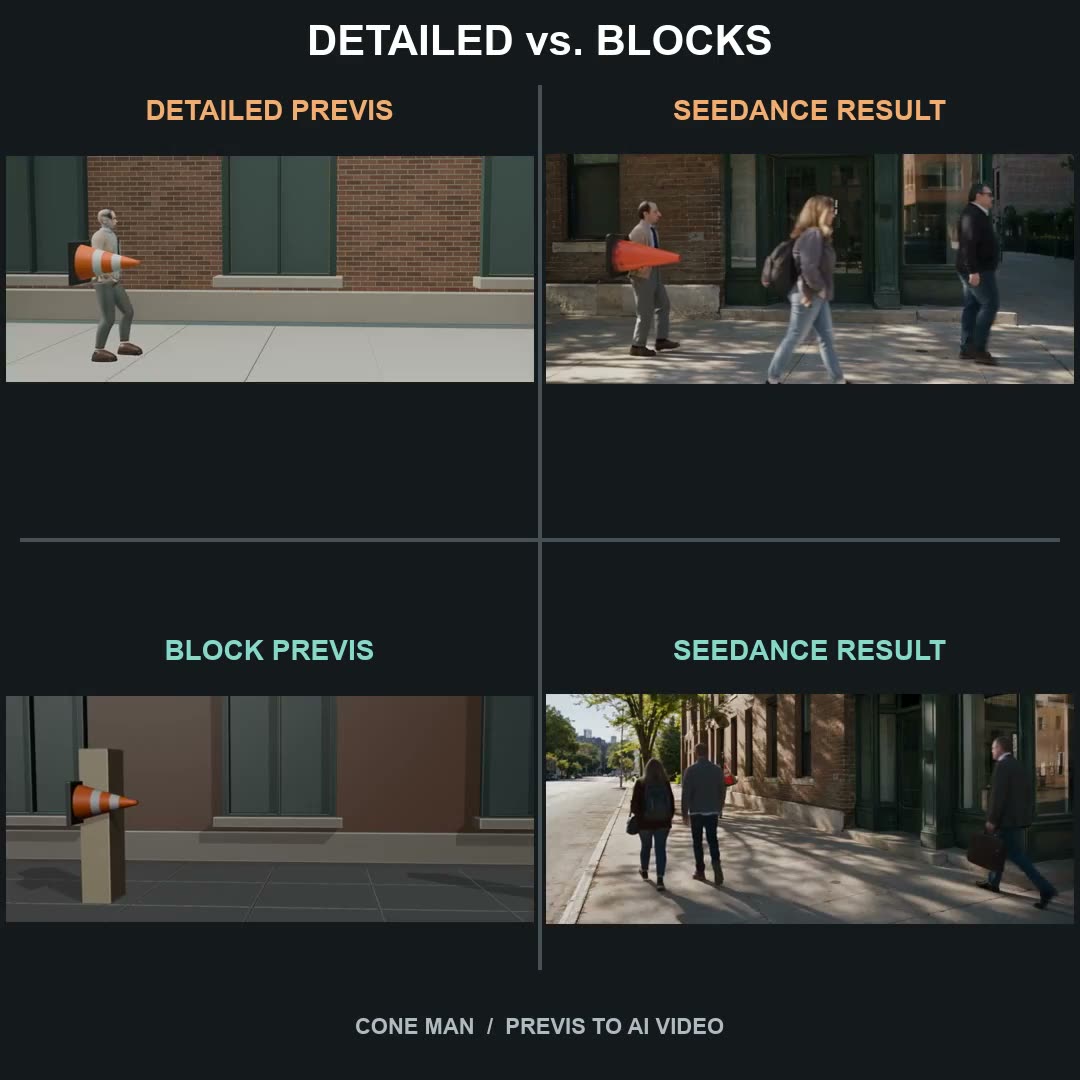
    这个库里被重复最多的一条经验是:普通方块比精细替身更好用。精细的人形会被模型当成需要尊重的对象,反过来跟「让他动起来」的指令打架;方块只携带镜头和空间关系,而这恰恰是文字表达不了的部分。然后要在提示词里说清方块是什么,模型才不会把它们渲出来。

  4. 04

    把参考承载不了的那部分写成分段

    灰模负责时间、镜头和空间关系。提示词负责一切灰场景没法表现的东西:光线、天气、材质、表情、声音。

  5. 05

    写清哪些不许变

    一行简短的约束胜过一堆负面词。这里值得点名的失败都是参考本身会诱发的:原来站着一个方块的位置冒出第二个角色,或者身份朝参考自身的外观漂回去。

  6. 06

    先验灰模,再上妆

    这里便宜的失败是导出错了,不是句子写差了。在挂身份参考之前先用 480p 验一次镜头,只花一次小渲染,能救回整个镜头。

修好不理想的生成

改掉那条失效的指令

同一条提示词重跑一遍,只会换个种子重现同一个问题。改一行。

镜头不理会灰模
明确声明这段片子是严格的镜头参考,并列出它管哪些:角度、距离、推进、最终构图。挂上去却不说职责,就会被当成风格暗示。
灰色方块出现在成片里
说清方块的含义——只标位置——并写明不得复现它们的形状、颜色和表面材质。
镜头在动,角色却站着不动
精细替身会被读成一个要保持的姿势。换成普通方块,或者写明参考里的人形是运动指引,不是要保持的姿势。
节奏和参考对不上
把属性原样点名:不要改变时间节奏、方向、行走节律或下蹲幅度。点名属性管用,「跟着参考走」不管用。
身份来自参考视频而不是参考图
在动作之前按顺序把职责拆开写:运动来自视频,身份来自角色图,地点来自环境图。
只有一段不对
只把那一段的灰模重新导出,重跑这一段。跑对了的段落一个字都不要改。
常见问题

白模提示词常见问题

第一次做灰模之前,大家会问的问题。

AI 视频流程里的白模到底是什么?

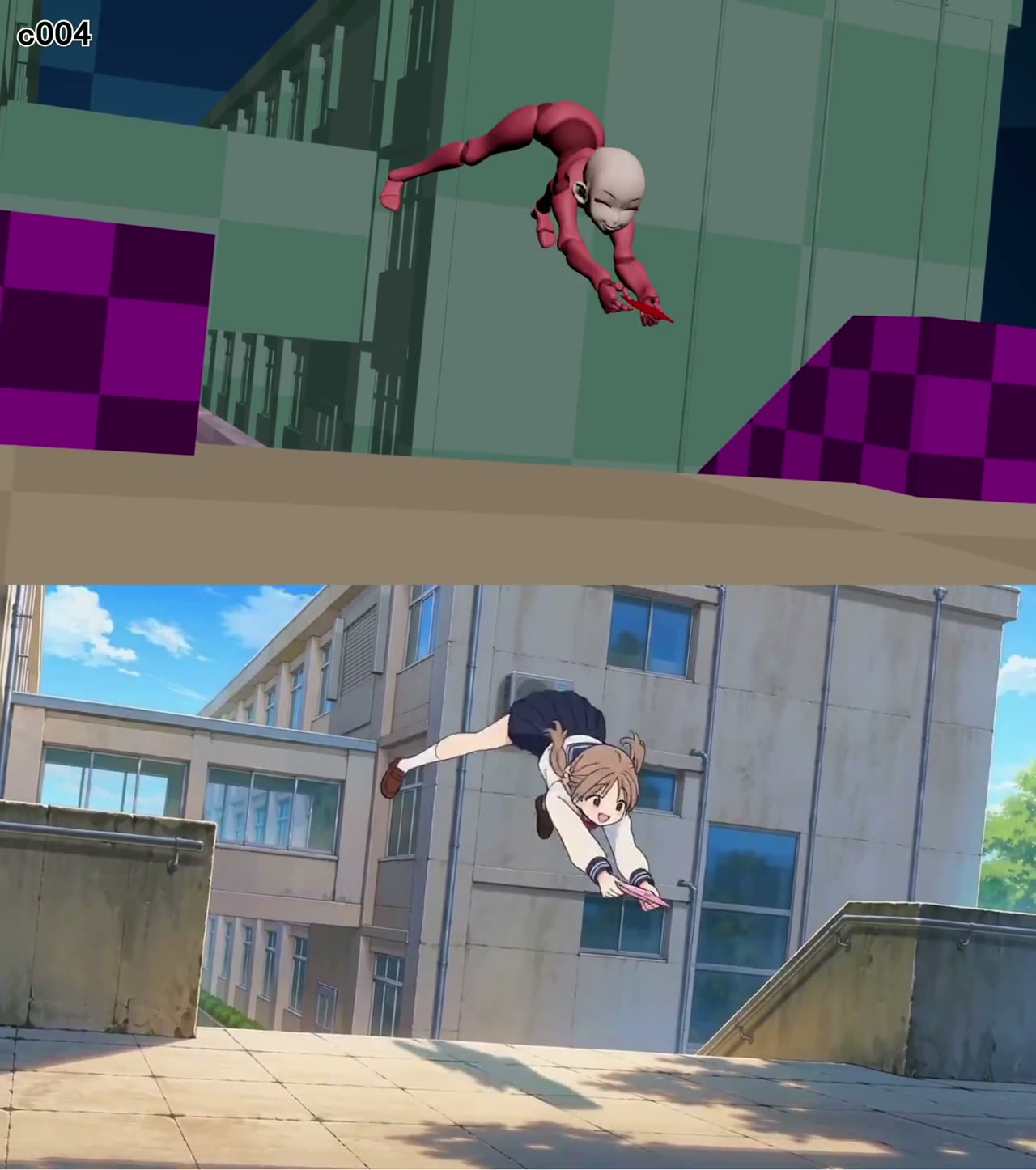
一个没有材质的三维场景:灰色方块、动画替身、没上材质的视口回放。它不是成片,而是那段承载镜头路径、时间节奏和空间关系的参考——这三件事恰恰是文字描述得最差的;光线、材质、身份和声音则由提示词承担。

做这个是不是得很会 Blender?

不用,而且这个库里被重复最多的一条经验说的正相反:普通方块比精细替身更好用,因为参考真正要承载的是镜头路径和每个角色站在哪,不是手艺。这里有好几条提示词,配的场景就是几个基本体加一条关键帧镜头。

这些提示词是从哪来的?

来自作者自己在 X 和 Reddit(主要是 r/comfyui)公开发布的帖子。每一条都链接原帖并署名作者;如果提示词是发在回帖里的,卡片也会一并链接那条回帖。提示词按原样展示,摘要和「为什么有效」的注解是我们写的。

怎么在 Seadanse 上跑这些提示词?

复制它,或者点「使用」直接在生成器里打开、提示词已经填好。把提示词点名的输入挂上去——你的灰模作为参考视频,加上需要的角色图或环境图——再选时长和分辨率,然后生成。

到底要从 Blender 导出什么?

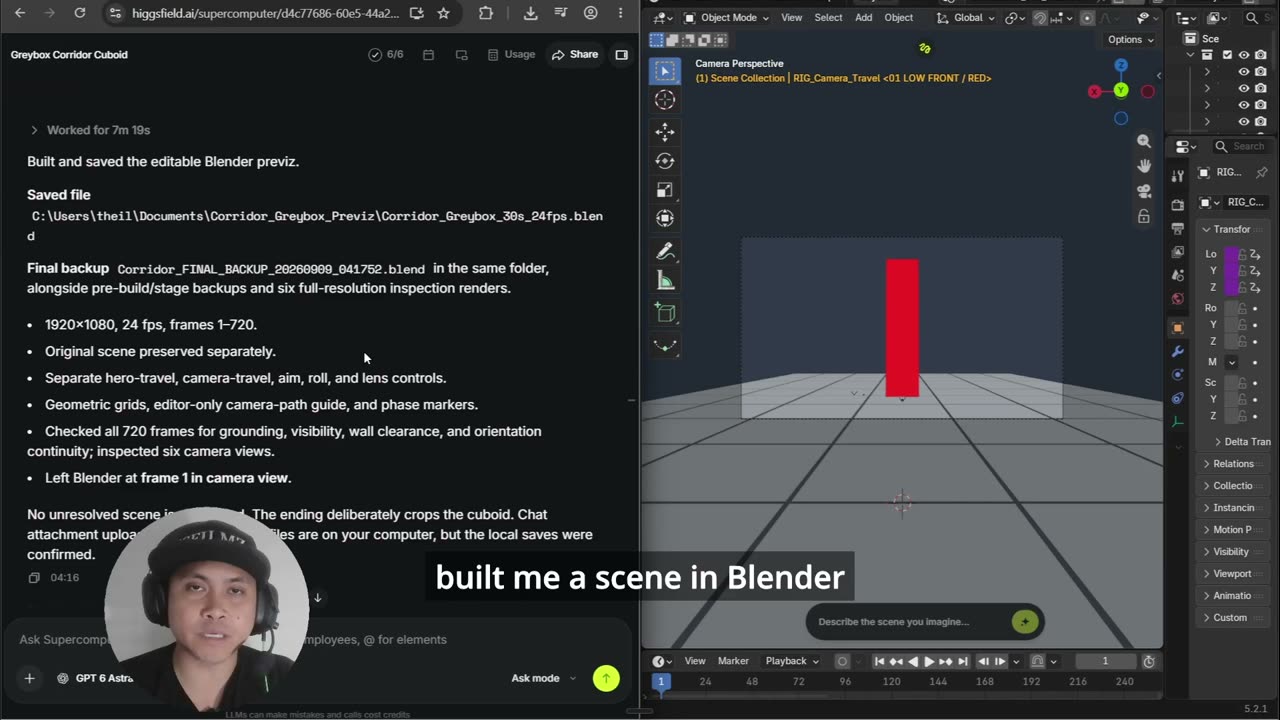
带动画的灰模的一段视口渲染,画幅按你最终要交付的比例,时长按你正在做的那一段。不要材质,不要灯光解算,不要降噪。Blender 插件页讲了导出的做法,还能不离开 Blender 直接把片子交给 Seedance。

这些提示词在 Seedance 2.0 上能用吗?

它们依赖的是参考视频生视频,这个能力两个版本都有,这里也确实有若干条是当初为 Seedance 2.0 发布的。每张卡片都写明了作者用的是哪个版本。跑 2.5 时记得把声音那一行也写上——它是画面和声音一起生成的。

我可以往这个库里加提示词吗?

把帖子链接发过来。收录靠的是对 X 和 Reddit 的定期扫描;能入选的条件是:公开了提示词、片子能播放,而且白模确实出现在流程里,不是顺口提一句。

来源内容采集自 X 与 Reddit 的公开帖子,并镜像到我们自己的存储,以保证片子长期可播放。每条都署名作者并链接原帖;数据统计截至采集当时。提示词是作者本人的原话。 从 Blender 导出什么

先做粗模,再出成片

注册即送起步积分。带上一段粗三维回放和本页任意一条提示词,几分钟后拿到成片。