
Keep Every Face and Detail Exactly as It Was
Upscale your own pixels without writing prompts or changing faces, skin tones, text, and textures. Our AI image upscaler sharpens your exact picture instead of generating a new one.
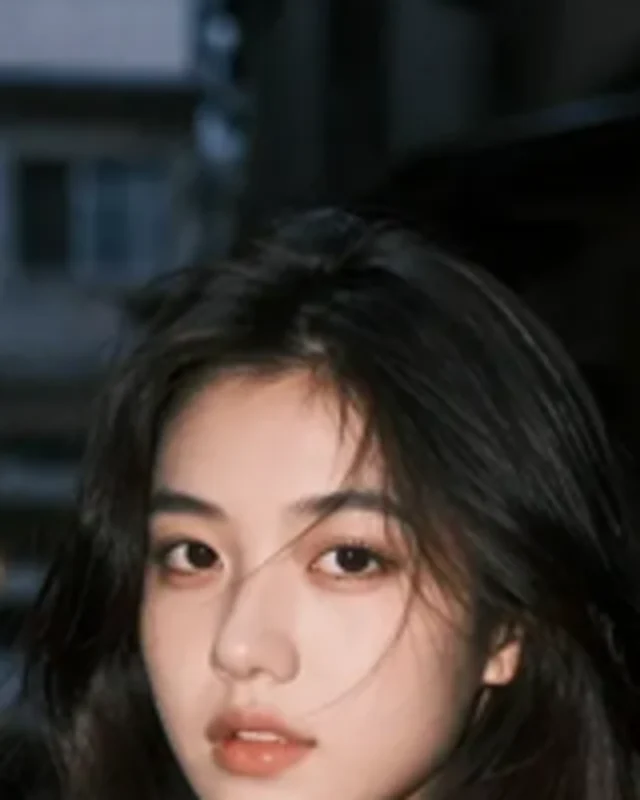
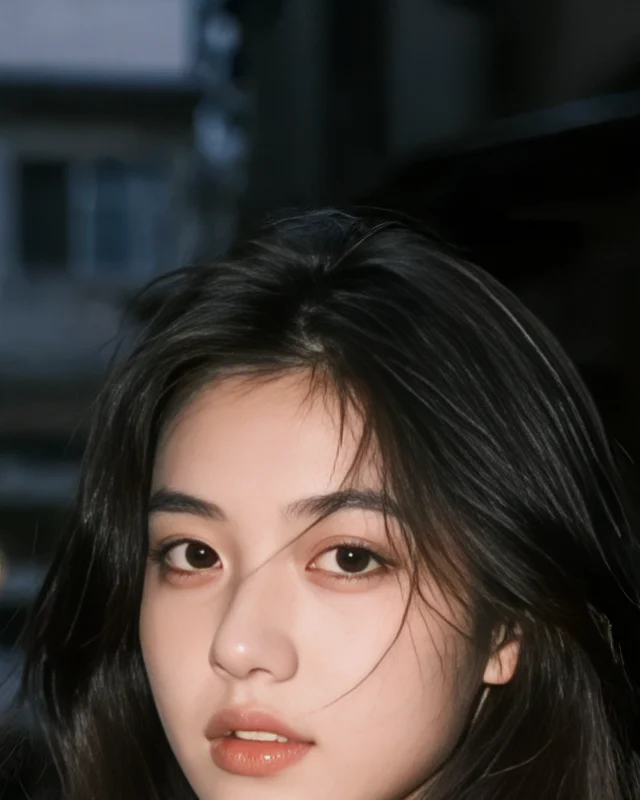
Seadanse AI image upscaler turns your photo into a larger, sharper image without redrawing it. Get 40 free starter credits at sign-up, no credit card required. Upload a JPG, PNG, or WebP file, pick 1x, 2x, or 4x, and download your file in your browser.
20 to 80 credits per image, depending on the output size
Upscale your own pixels without writing prompts or changing faces, skin tones, text, and textures. Our AI image upscaler sharpens your exact picture instead of generating a new one.
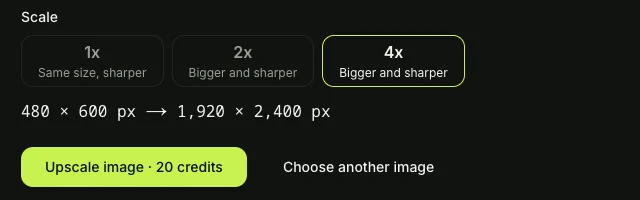
Pick 1x, 2x, or 4x and see your final pixel count before you start. You turn a 1920 × 1080 picture into 3840 × 2160 4K UHD at 2x or 7680 × 4320 8K UHD at 4x with our AI image upscaler.
Clean away compression artifacts and blur at your current size with 1x, or enlarge your picture with 2x and 4x. Our AI image upscaler smooths rough edges so lines stay clean and text stays sharp.
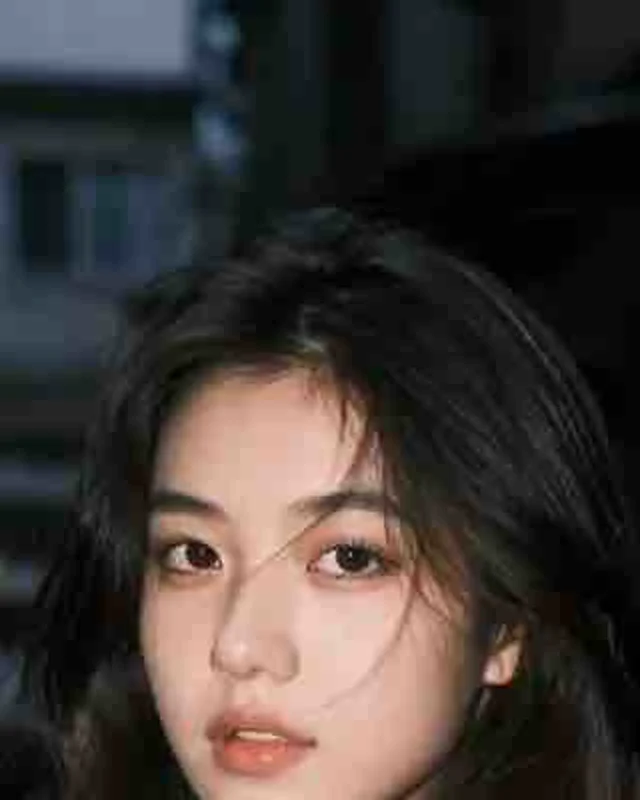
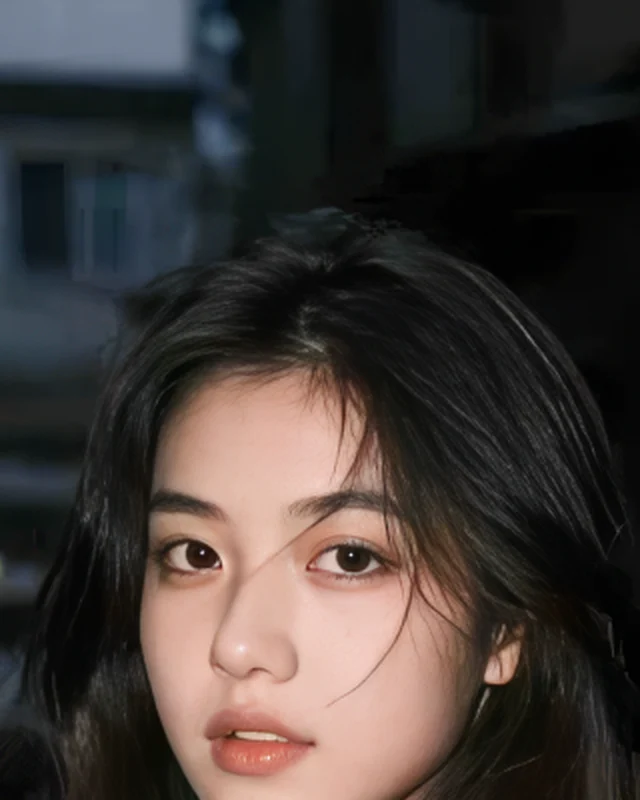
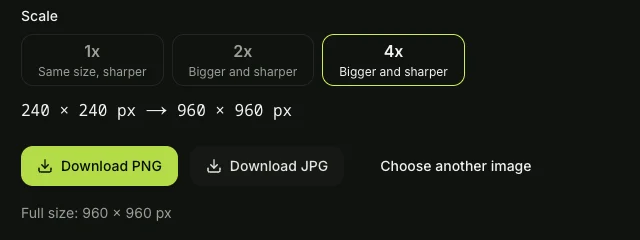
You get 40 starter credits with no credit card to run our AI image upscaler in your browser on phone or computer. Spend 20 credits up to 24 megapixels, 40 up to 48 megapixels, or 80 up to 96 megapixels, get credits back if an upscale fails, and check Seadanse pricing to download without watermarks.
Take a small 600 × 600 supplier photo and let our AI image upscaler deliver a crisp 2400 × 2400 image at 4x with easy-to-read labels. Cut your product out on a clean backdrop with the Background Remover and start selling faster.
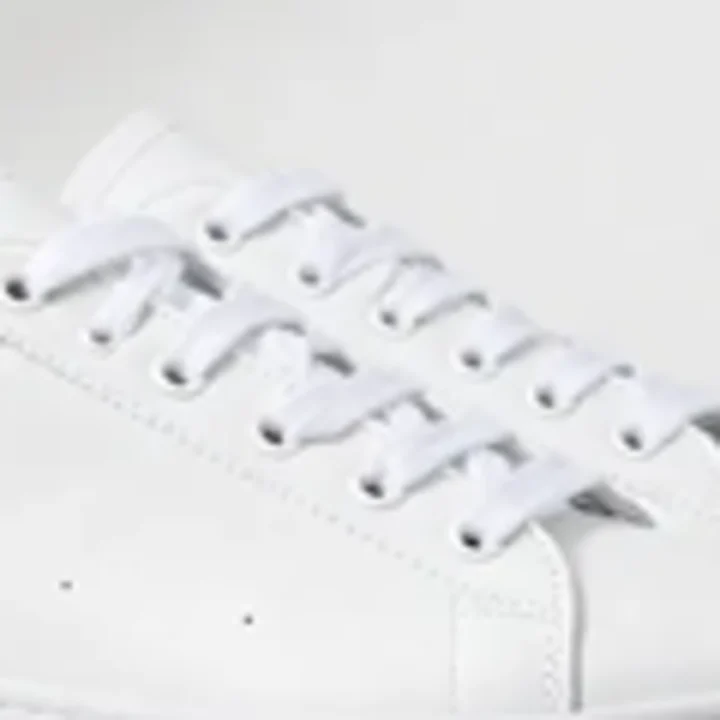
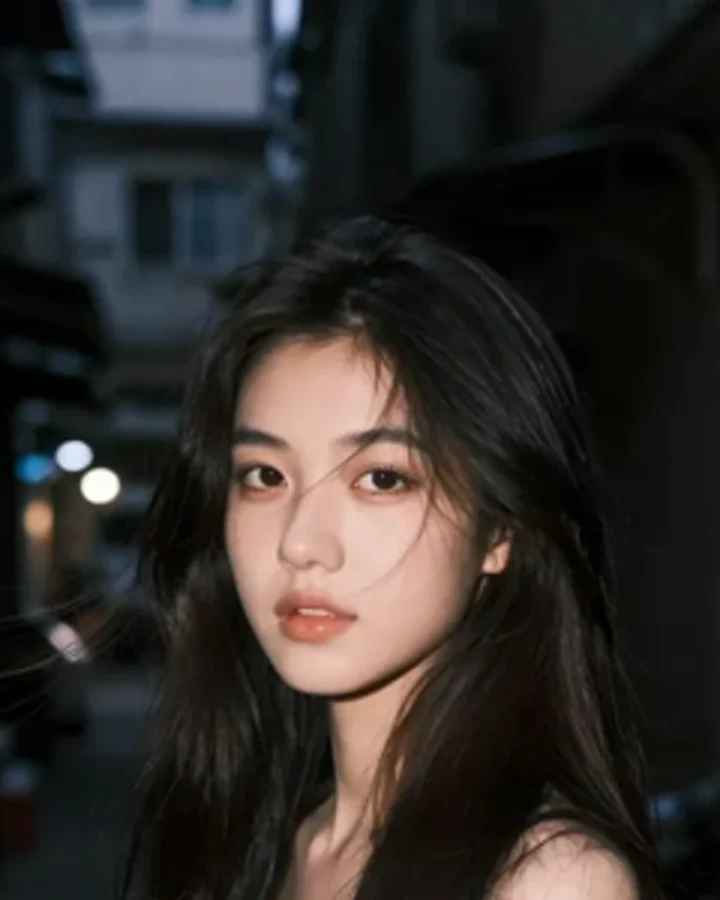
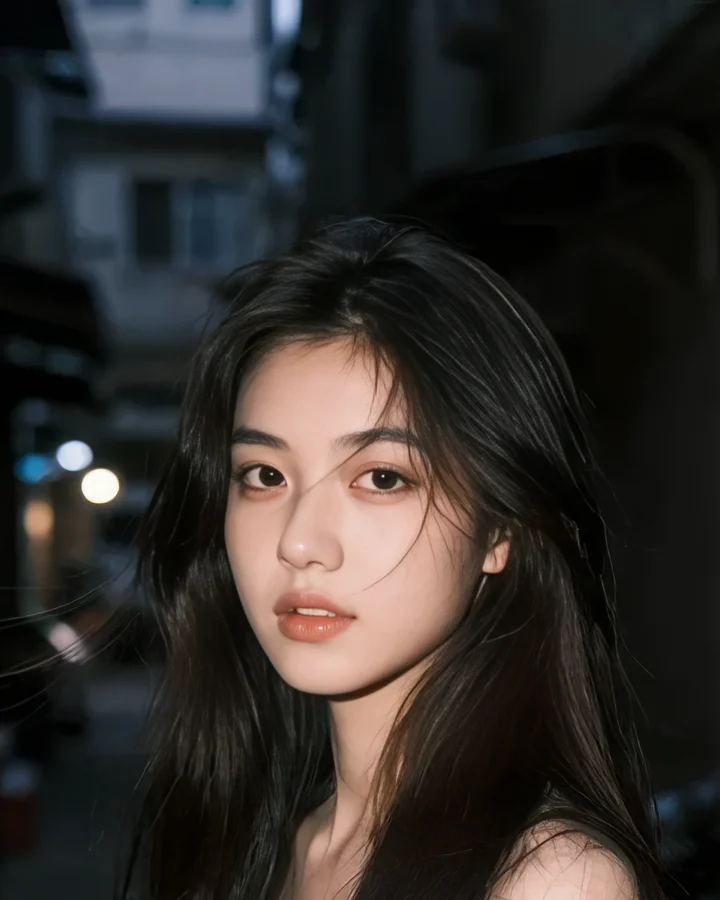
Upload a soft scan or an old phone snap to get a bigger, sharper print where every face stays the same person. Change the scene with the Nano Banana 2 photo editor or bring the moment to life with Image to Video AI.
Make brand-new pictures with GPT Image 2.5, then feed your 1024 × 1024 artwork to our AI image upscaler. You get a massive 4096 × 4096 image at 4x with clean lines and sharp details ready for wallpapers or prints.
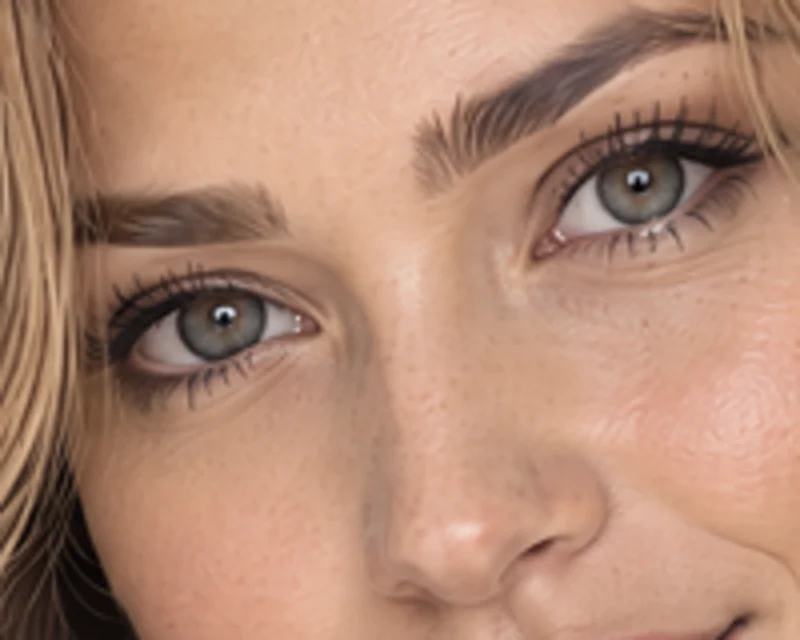
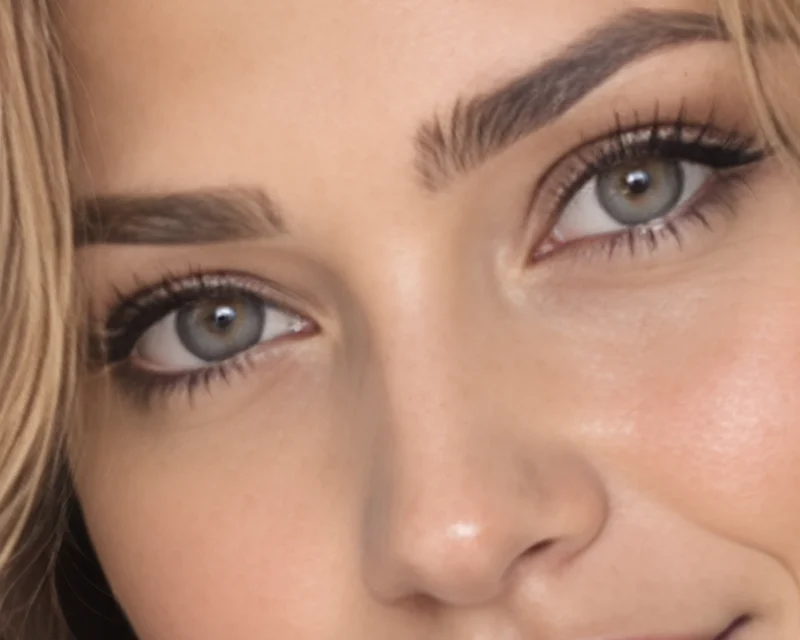
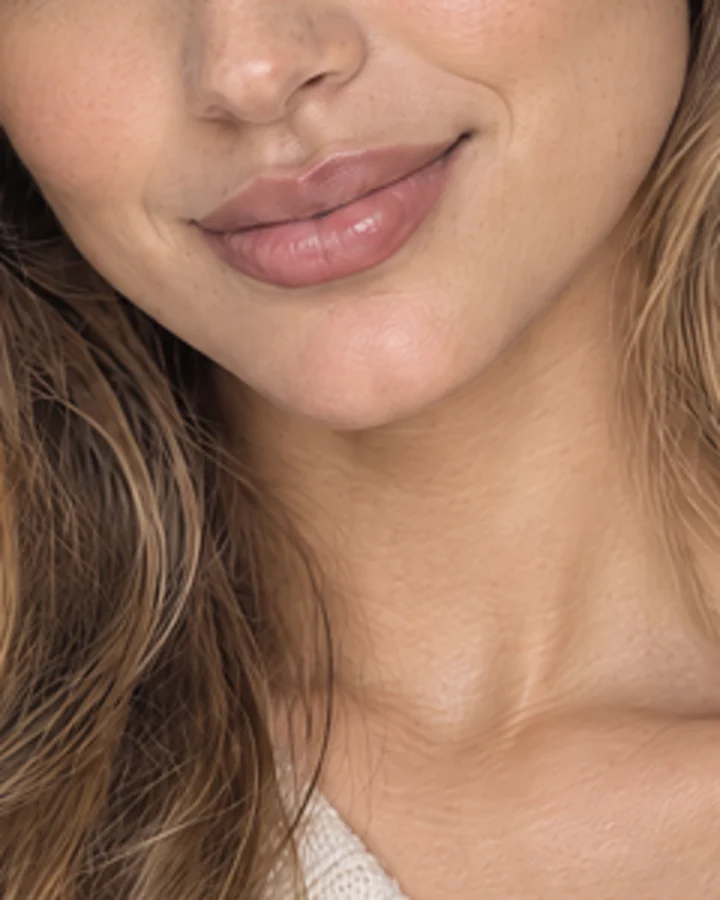
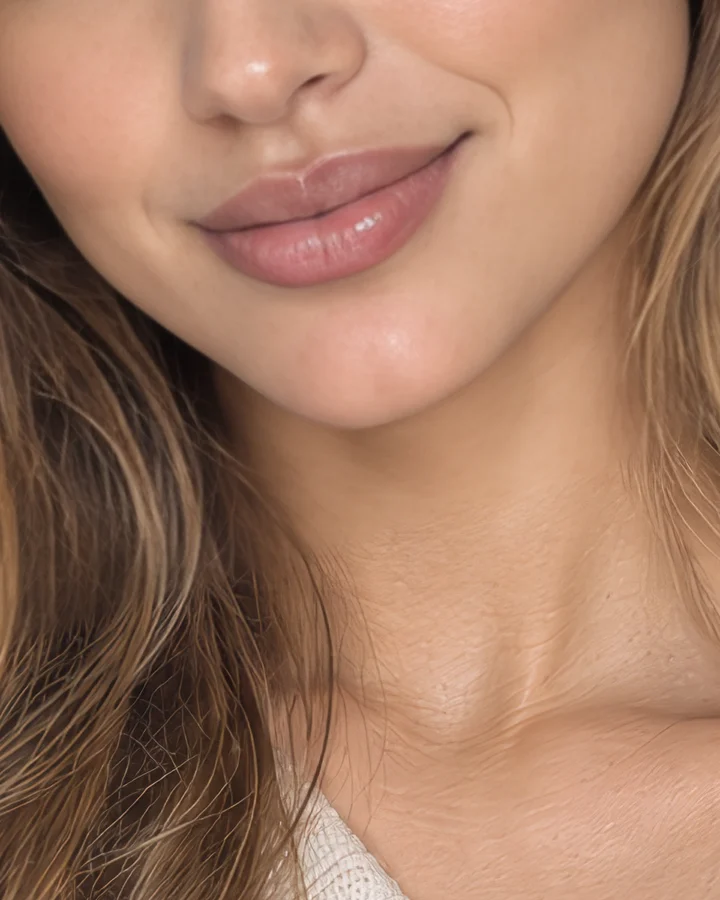
Turn an everyday 2000 × 1333 shot into a massive 8000 × 5332 file at 4x that prints at about 26.7 × 17.8 inches at 300 dpi. Hang sharp, clear poster prints anywhere with no soft edges or noisy blocks.
Bring a low-res logo or a 480 × 270 slide screenshot to reach a clean 1920 × 1080 picture at 4x. Keep your small text sharp and your edges crisp on every big monitor or client pitch.
Upload a JPG, PNG or WebP image from your computer or phone.
Pick 1x, 2x or 4x to see the exact pixel size before you start.
Download your upscaled image at its full size as a PNG or a JPG.
An AI image upscaler is a tool that makes an image's width and height bigger by a set scale. AI draws clean edges and clear detail instead of stretching the pixels into blur. Our AI image upscaler upscales your own image and never redraws it.
Yes. Sign up free, no credit card required, and get 40 starter credits. Each image costs 20 credits up to 24 megapixels, 40 credits up to 48 megapixels, or 80 credits up to 96 megapixels. Paid plans and credit packs download with no watermark, and the Seadanse pricing page lists them.
Yes. A 1920 × 1080 image at 2x becomes 3840 × 2160 (4K UHD) and at 4x becomes 7680 × 4320 (8K UHD), the sizes in the ITU-R BT.2020 standard. The tool shows the exact output size once you pick a scale.
1x keeps the same size and only makes the image clearer. 2x and 4x multiply the width and the height by that number. 4x means 16 times the pixels, so 1000 × 1000 becomes 4000 × 4000.
No. It upscales your own pixels and does not generate a new picture. Faces, skin tone, text and textures stay as they were.
Yes. Every scale removes blur, noise and JPEG blocks. Upscale a small image with 4x, or use 1x to make it clearer at the same size.
Print size in inches = pixels ÷ 300. A 2000 × 1333 photo at 4x becomes 8000 × 5332, which prints at about 26.7 × 17.8 inches at 300 dpi.
Yes. Upload photos, illustrations, anime, screenshots or logos. Lines stay clean and text stays sharp after upscaling.
Yes. Plain resizing (bicubic interpolation, as in Photoshop's Image Size) only stretches the pixels, so the image turns blurry. AI upscaling draws clean edges and clear detail at the new size.
You do not need a prompt here. Our AI image upscaler upscales the exact image you upload and regenerates nothing, so the person stays the same person and the words stay the same words. To make a brand-new image from a prompt, use the AI Image Creator.
Upload JPG, PNG or WebP images. Download the upscaled image at full size as a PNG or a JPG. You can learn more about these formats in MDN's image file type guide.
Yes. Paid plans and credit packs include a commercial license, and the Seadanse pricing page lists them.
Yes. Your images are private, and only you can see them.
Yes. It runs in your phone's browser with nothing to install.
Every page here runs the real models in your browser — jump to the one that matches the clip you have in mind.
Nano Banana, GPT Image, Seedream and Grok Imagine for stills and first frames.
Use your 40 free starter credits to turn any photo into a bigger, sharper version at the size you need, and explore more AI Image Tools for your projects.


