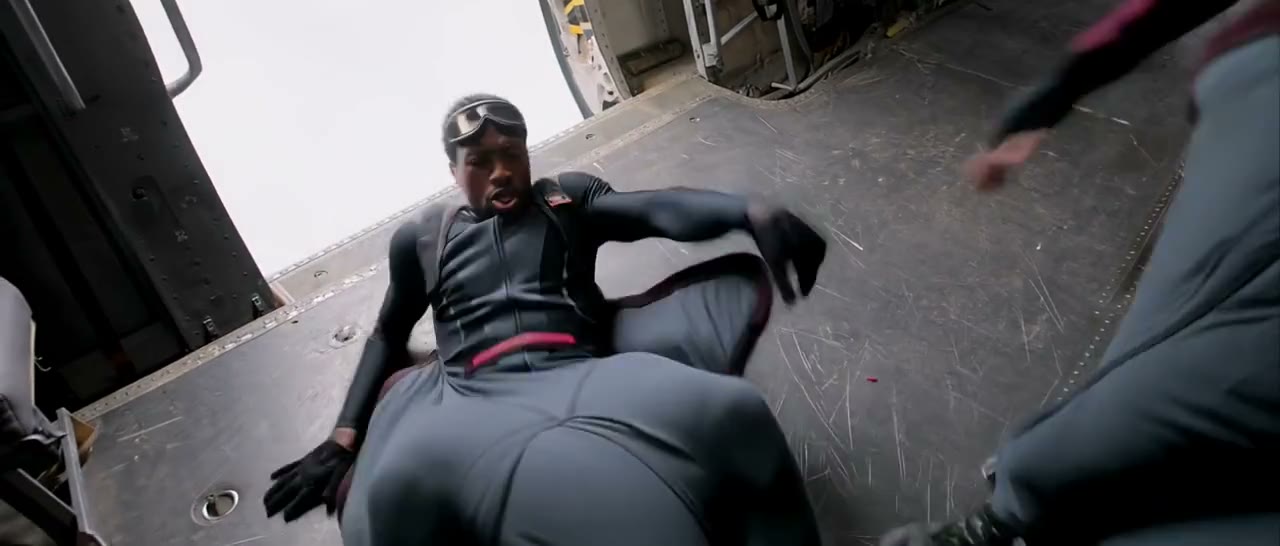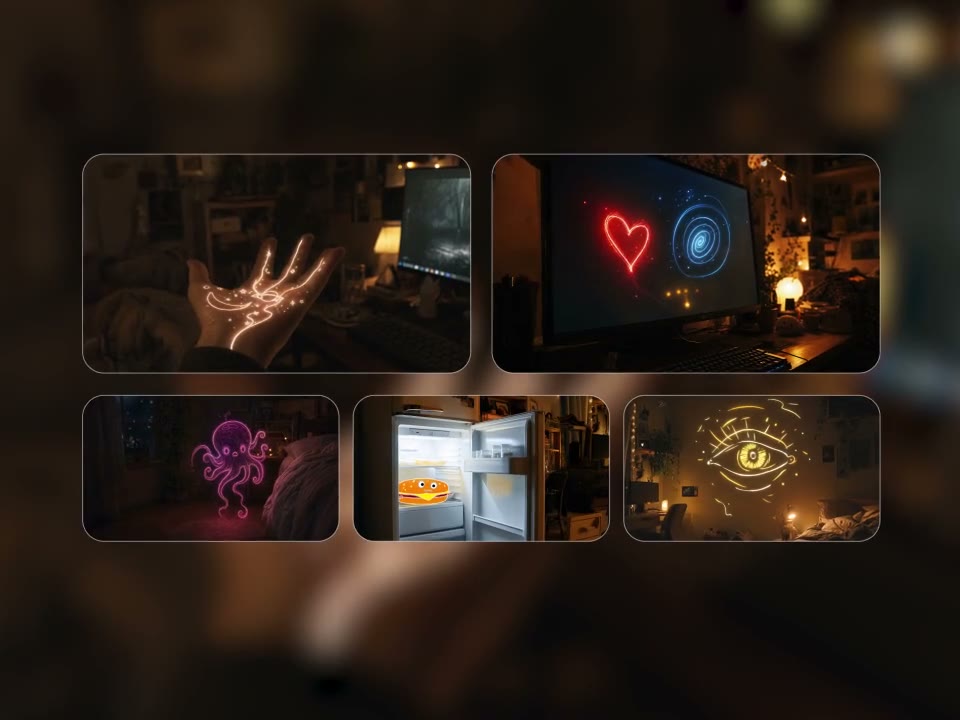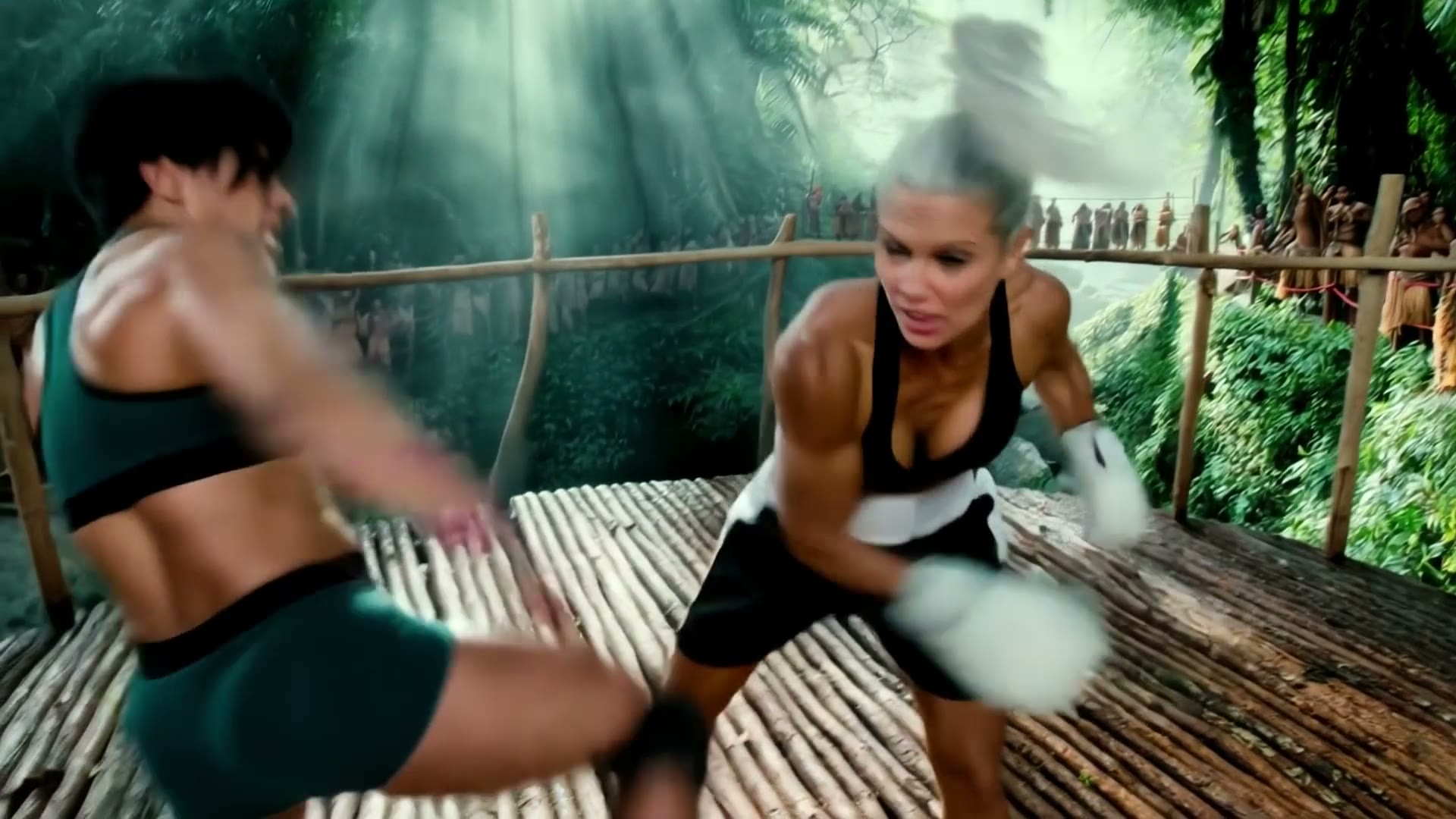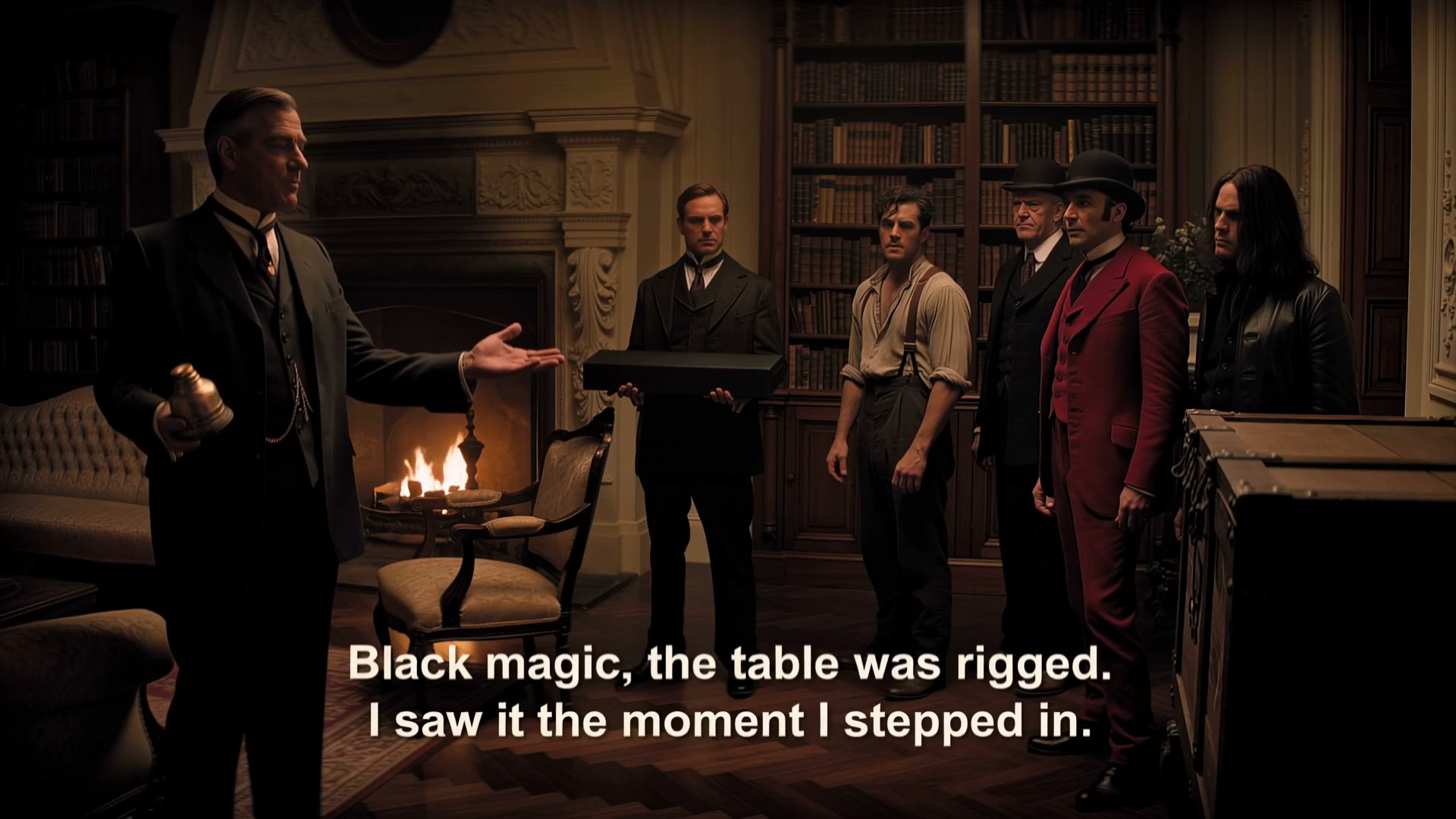
Make 30-Second Stories in One Continuous Video
Tell a complete story with an opening, middle, and ending in one single clip from 3 to 30 seconds. Direct camera moves in a prompt of up to 10,000 characters.
Seadanse Kling 4 is an AI video model from Kling AI, the AI video business of Kuaishou, released to everyone on October 15, 2026. Turn a prompt, reference photos or clips into a 3- to 30-second video with stereo sound and dialogue in 720p or 1080p. Make your video in your browser from 35 credits per second with 40 starter credits when you sign up.
Sign in and write a line or two first — Enhance rewrites what you have.
Tell a complete story with an opening, middle, and ending in one single clip from 3 to 30 seconds. Direct camera moves in a prompt of up to 10,000 characters.
Place up to 10 images along your 30-second timeline to lock down the first frame, middle scenes, and ending shot. Build your starter frames with our AI image generator and decide what appears at each second.
Add up to 10 images, 5 videos (30 seconds in total) and 3 audio clips, tagged like @Image1, @Video1 or @Audio1 in your prompt. Design your cast with our AI character sheet generator and keep the same face and product in every shot.
Upload one clip of 3-30 seconds to change actors, motion, backgrounds, styles, or weather without a reshoot. To recreate a trend, add the trending video as a reference video and rebuild its pacing and shot layout around your own product.
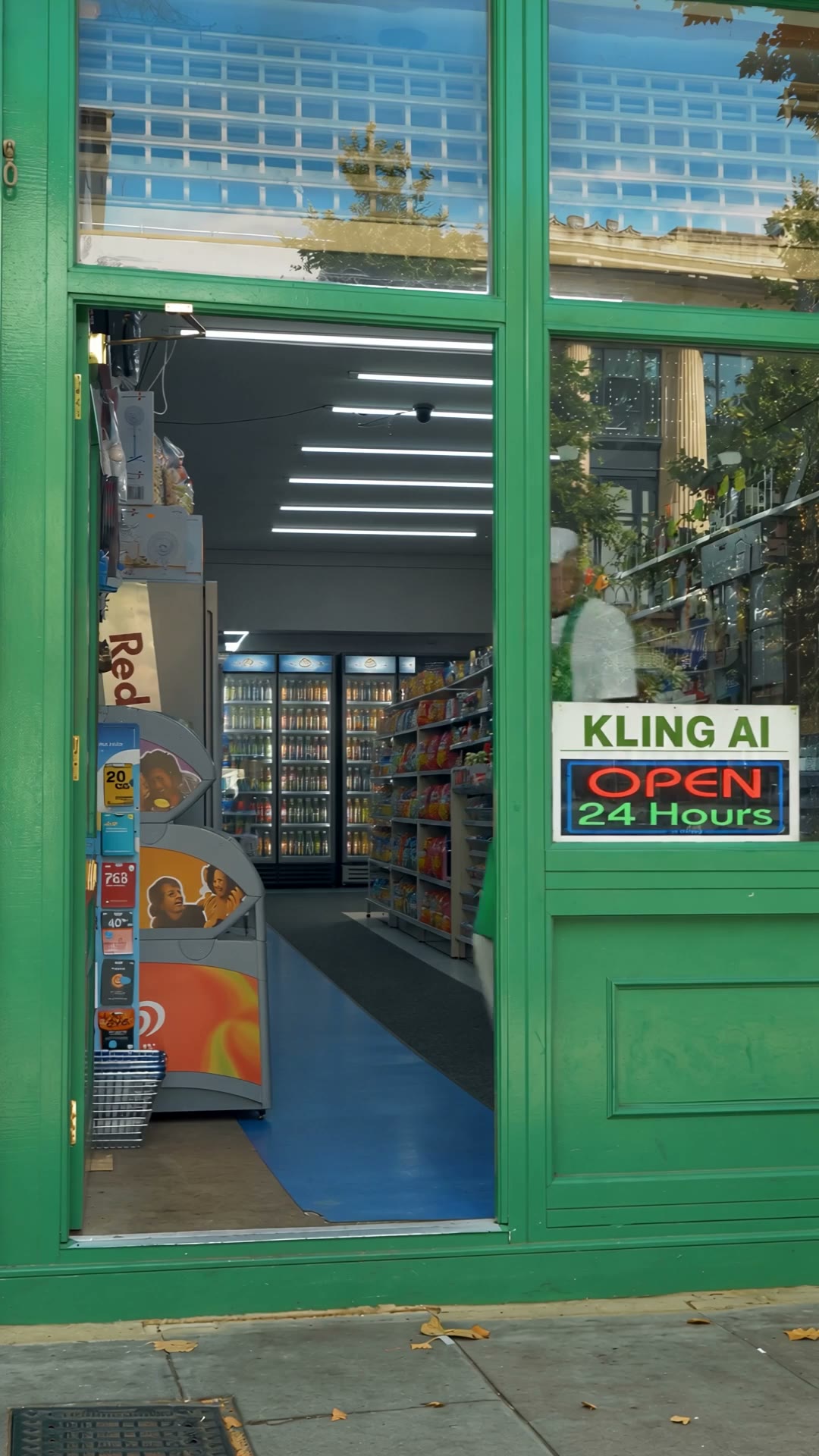
Create picture, two-channel stereo sound, ambient effects, music, and matched dialogue in one pass. Kling 4 speaks Chinese, English, Japanese, Korean, Spanish, Portuguese, German, French, and Hindi, and prints clean on-screen text with emoji and logos.
Export 24 fps MP4 files at 720p or 1080p resolution for any screen. Choose 16:9 for widescreen, 9:16 for vertical feeds, 1:1 for square posts, or 21:9 ultrawide for cinematic scenes.
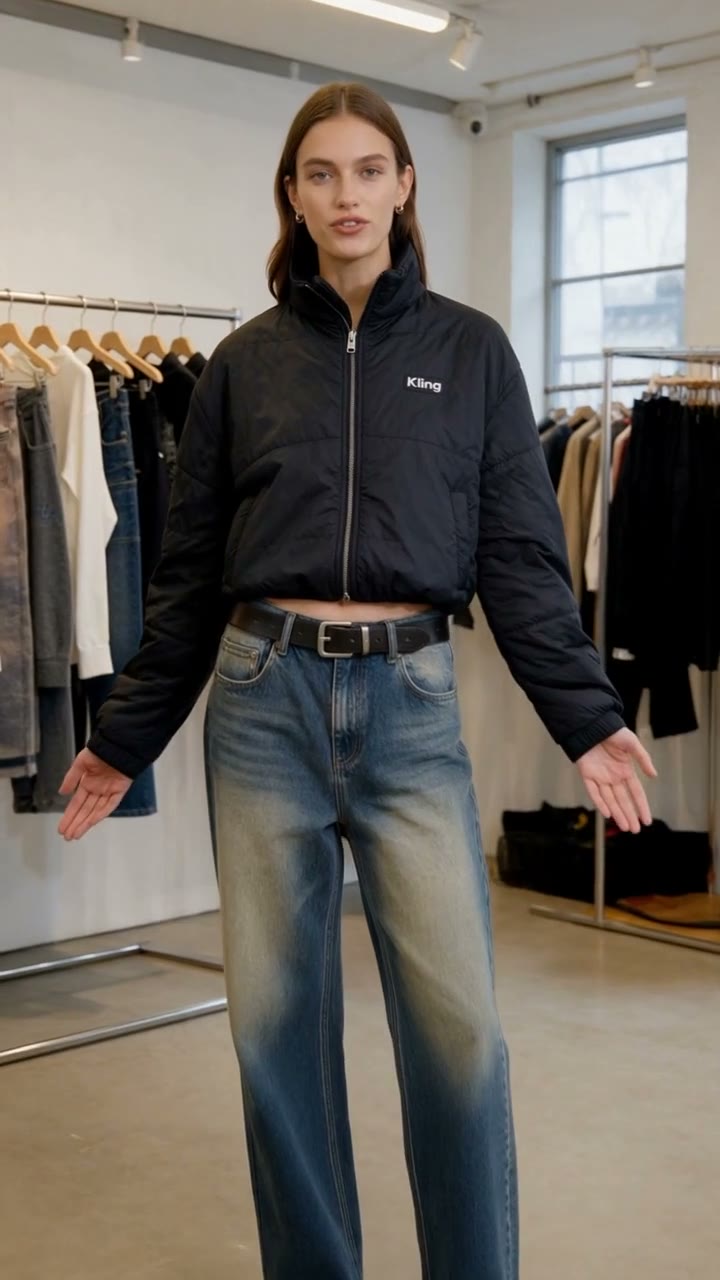
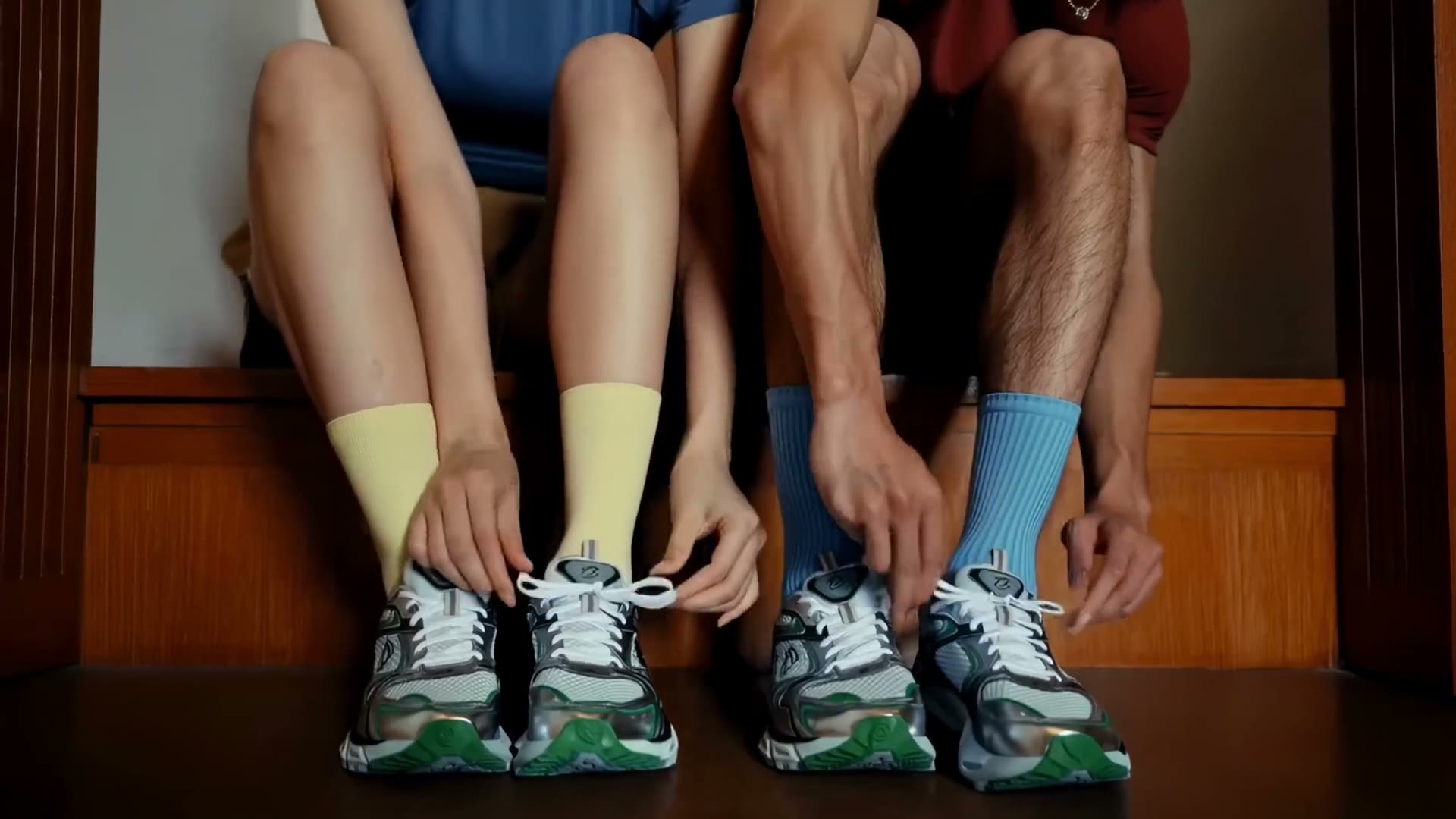
Upload your product photos and model shots to Kling 4 on Seadanse to create crisp 9:16 or 16:9 commercial spots. Your product stays consistent across every shot while stereo audio drives viewer attention.
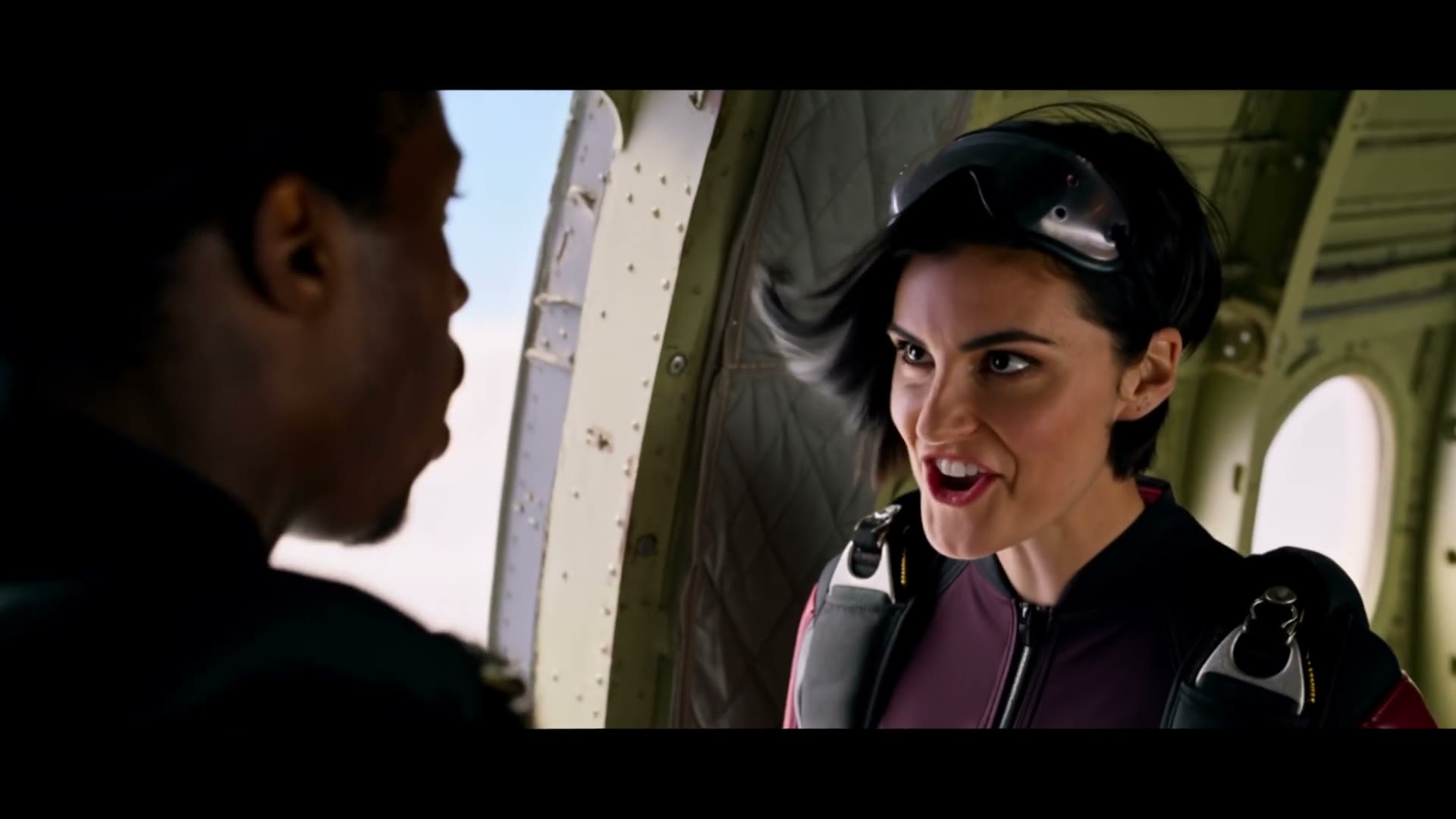
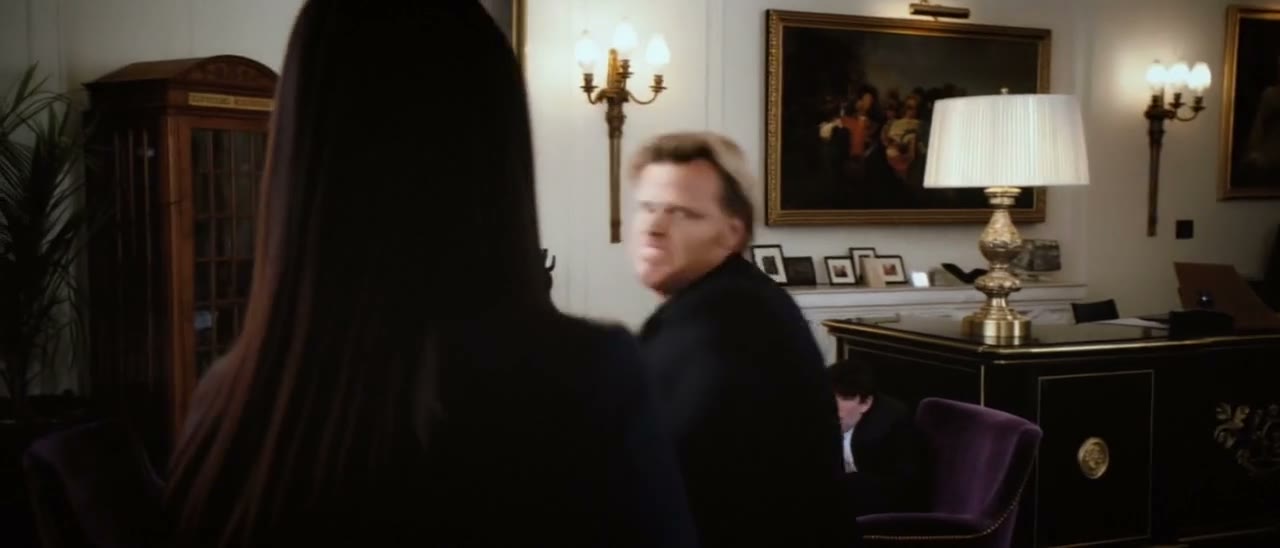
Provide character photos and your script to generate dramatic scenes of up to 30 seconds with realistic emotion. Kling 4 delivers clear, lip-synced speech in nine languages with natural sound effects in one pass.
Upload a trending clip and your own photos to match proven video pacing with your custom character or item. Generate fresh 9:16 social videos ready for feeds with the exact timing of popular formats.
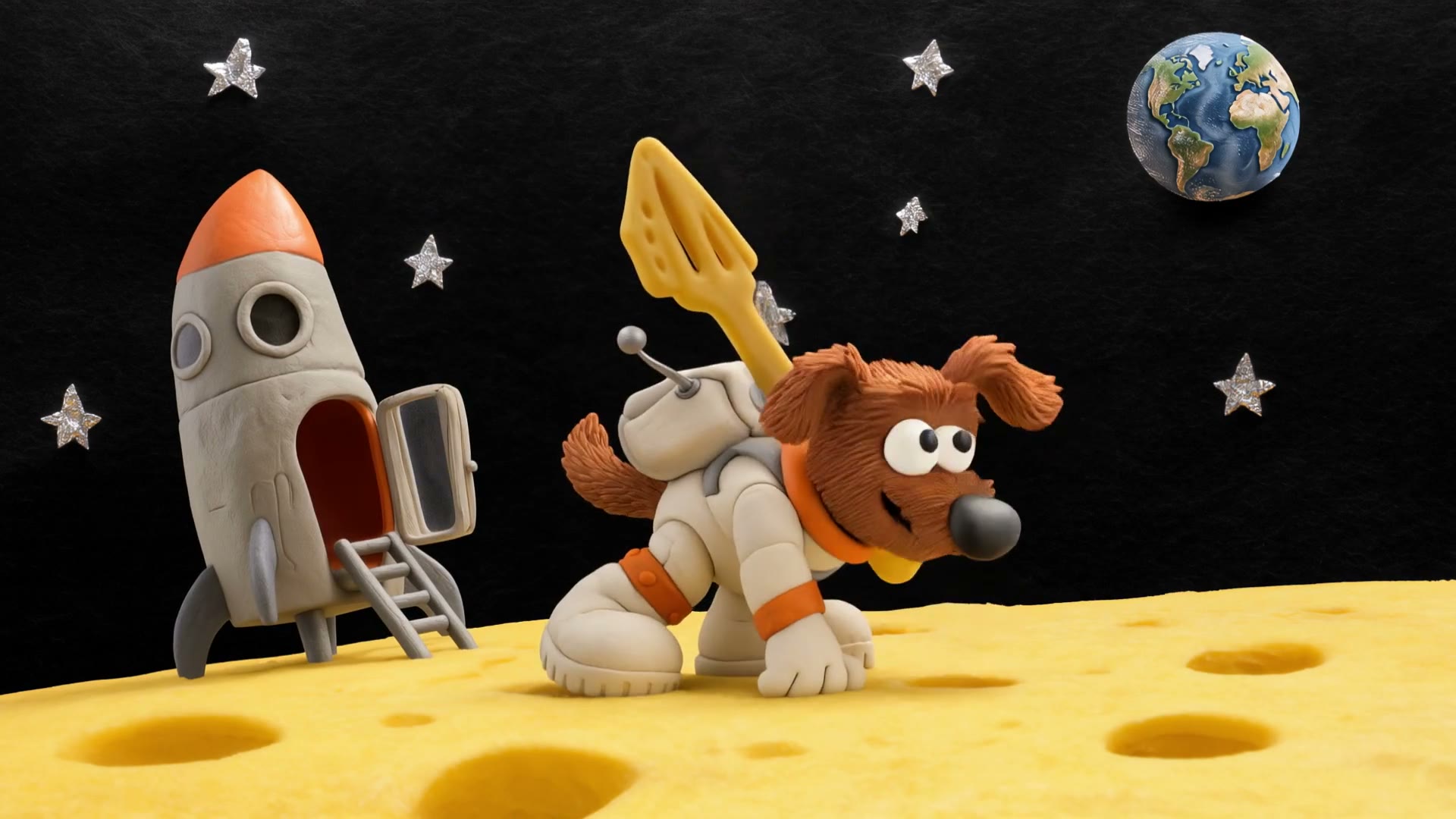
Bring a prompt or character sheet to produce cinematic 16:9 or 21:9 ultrawide videos in claymation, felt, or 3D cyberpunk styles. Kling 4 pairs your stylized motion with two-channel stereo music and ambient sound.
Write your prompt, then add your reference images, videos, or up to 10 keyframes along the timeline.
Choose a length from 3 to 30 seconds, pick 720p or 1080p quality, and select your aspect ratio.
Click Generate to make your video and download your finished MP4 with stereo sound.
Sign up free to get 40 starter credits in your account. A 3-second 720p clip on Kling 4 costs 105 credits at 35 credits per second, a 30-second 1080p video costs 1,590 credits, and credits for a failed generation come back automatically.
Kling 4 (official name Kling 4.0) is the AI video model from Kling AI, the AI video business of Kuaishou, available to everyone since October 15, 2026. One generation runs up to 30 seconds with stereo sound, takes up to 10 keyframes or 15 references, and edits videos you already have.
Sign-up on Seadanse is free and comes with 40 starter credits. You can check Seadanse pricing to see how Kling 4 runs on credits at 35 per second at 720p.
It costs 35 credits per second at 720p and 53 at 1080p. When you bring a video, its seconds count too, at 21 credits per second at 720p and 32 at 1080p, so editing a 7-second clip into an 8-second 720p video costs 336 credits. The estimate shows beside Generate before you submit, credits are charged only when the video is done, and a failed or timed-out generation refunds automatically. View details at Seadanse pricing.
Your video can be 3 to 30 seconds per generation, any whole second, in one continuous generation.
It supports 720p and 1080p resolutions. You can choose between 21:9, 16:9, 9:16, or 1:1 aspect ratios at 24 fps, all available for MP4 download.
Yes. It creates two-channel stereo audio with dialogue, sound effects, ambient sound, and music in the same pass as the picture, with lip sync. It supports Chinese, English, Japanese, Korean, Spanish, Portuguese, German, French, and Hindi, plus American, British, and Indian English accents.
You can use up to 15 references in one video (up to 10 images, 5 videos of 30 seconds in total and 3 audio clips of 5-30 seconds each). For keyframes, you can place up to 10 images on the timeline to control the first, middle, and last frames.
Kling 4 extends length from 15 to 30 seconds and introduces 10 keyframes and 21:9 ultrawide output. References grow to 15, audio upgrades to two-channel stereo, dialogue expands to 9+ languages, and video editing is now built-in. See the full Kling 4.0 vs 3.0 comparison for more details, or try the Kling O3 AI video maker for other project needs.
Pick Kling 4 for a 30-second take you plan second by second with 10 keyframes, or for a dialogue-heavy scene. Since the Seedance 2.5 AI video maker is on Seadanse with the same credit balance, you can run one prompt on both models. You can also use our AI video cost calculator for Seedance 2.5 to compare your project costs.
Yes. Upload one clip of 3-30 seconds and change expressions, motion, a character or object, the background, the camera, the style, the weather, or the colors. To recreate a trend, add the trending video as a reference video and rebuild its pacing and shot structure around your own character or product.
Give each reference a role and call it by its tag, such as @Image1 or @Video1. Write the beats by the second, such as '0-8 seconds wide shot, 8-15 seconds slow push to close-up,' put each spoken line in quotes, and name the specific picture style you want. Read the Kling 4.0 user guide for more tips.
It is the fast version of Kling 4 for quick drafts, creating 3 to 20 seconds at 720p. You use the full Kling 4 model to make your finished video up to 30 seconds at 1080p.
Kling 4.0 Flash opened for early access on September 28, 2026, and the full Kling 4.0 became available to everyone on October 15, 2026.
No. You make Kling 4 videos directly in your browser on Seadanse using your credit balance, which works for every video model on the site.
Yes. Videos created under a paid plan download with no watermark and include a commercial license. Check our Seadanse pricing to find the best plan for your professional projects.
Every page here runs the real models in your browser — jump to the one that matches the clip you have in mind.
Seedance, Veo, Kling, Hailuo and more, each on its own page with real renders.
Upload a photo, pick an effect, get a short video. No prompt to write.
Turn your prompt, photos or clips into a 30-second video with stereo sound and download your MP4.