
The 7 Best AI Video Agents in 2026 (And What Each One Is Actually For)
Sort seven AI video agents by what they actually do, from talking avatars and social templates to planned multi-beat product ads.
 The Seadanse Team10 min read
The team behind Seadanse. We run the models we write about, and we publish the specs, prices and limits the marketing leaves out.

TL;DR — If you're looking for an AI video agent, these seven products aren't competing for the same job. They split cleanly between talking avatars, viral social templates, timeline editors, and multi-shot ad planners. Pick the one built for the specific job you have, not the one with the longest feature list.
We read all seven product pages on August 28, 2026, to see what each one actually says. One of them is ours, so we'll lay out our own limits just as plainly as everyone else's. Here's what each tool does, what makes it stand out, and where it falls short.
The seven at a glance
| Agent | Built for | Standout | Key limitation |
|---|---|---|---|
| Pexo | Learning what the category even is | Explains agent, generator and editor before selling | Never names the models underneath |
| HeyGen | Videos with a presenter | Avatars, and editing after the video is made | Aimed at people on camera, not objects |
| Pippit | Social output at speed | Publishes to social platforms for you | Built around trends and templates |
| invideo | Creatives who want the timeline back | Storyboarding plus a real editor | The timeline is more control and more work |
| Agent Opus | One-click publishing | Every promise is an outcome | No FAQ, no mechanism shown |
| CrePal | Chatting your way to a cut | Several models in one place | Leads with an unverifiable first-ever claim |
| Seadanse | Ads whose shots must belong together | Storyboard approval and per-beat re-renders | Five beats maximum, four confirmations, no social publishing |
What to look for in an AI video agent
Before you pick an agent, you need to know how these systems divide the work. Most homepages use the exact same words, but they don't do the same jobs. Here are the five questions you should ask before you spend any budget:
- Does it plan the whole video, or make one clip at a time? Single-clip tools, like the Seedance 2.5 composer, make standalone shots, but a plan is what keeps four shots in the same ad. You can see the agent on Seadanse lay out this kind of structured plan before generating video.
- Does it show you anything before it spends your money? Generating video costs time and credits. A still you can approve is cheaper than a video you have to redo.
- Can you fix one moment without redoing the whole thing? If shot three looks wrong, you should only have to re-render shot three.
- Does it need a presenter? Avatar-first tools are built around a person talking to camera, which is a different product from an ad about an object.
- Does it hand you a timeline at the end? A timeline is control, and control is work. Some people want it and some people are running from it.
Pexo: the one that explains the category before selling it
Pexo takes an education-first approach on its page. Before it tries to sell you anything, it defines what a video agent is, then contrasts an agent with a generator and an editor.
Its flow uses three simple steps: Describe, Plan, Deliver. It says it shows its work before full production, so you can check the plan before it makes the final video. It also says you need "nothing but words" to use it, with no prompt engineering and no editing skills.
Pexo explains the difference between tool types clearly. Its page puts it like this: "An agent owns the whole job; a generator owns a single clip; an editor leaves the whole job to you".
The standout is that clear teaching approach. You get a plain explanation of what an agent does before you sign up for anything.
Limits, plainly: the page sells the flow, not the machinery. It never names which models run underneath. Its own FAQ even raises the question ("Which AI models does a video agent use?") on a page that doesn't answer it with names.
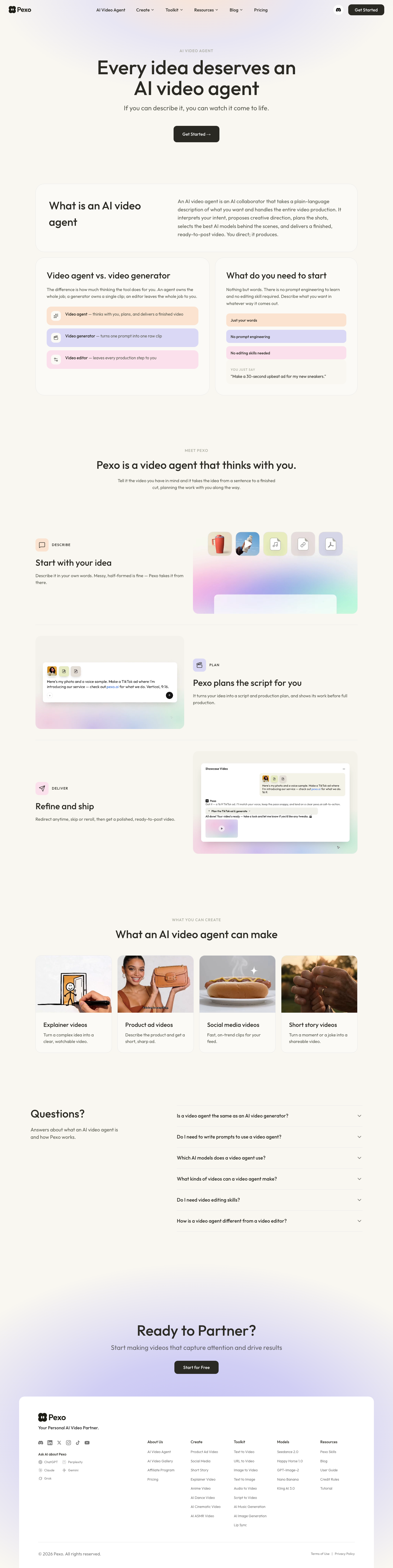 Pexo's agent page, 2026-08-28.
HeyGen: the one built around on-camera presenters
HeyGen builds its entire agent product around digital presenters. If you need a video where a person talks straight to camera, this is what you'd look at.
Its feature list promises that you see the video before it's made, and that you can edit after rendering. It also promises that motion graphics, A-roll, and B-roll all arrive together in one finished video.
The standout is that mix of avatars, pre-generation previews, and post-render editing. You get human-led presentation with B-roll layered on top.
Limits, plainly: if your ad is about an object rather than a person, this product's whole shape is aimed somewhere else. The agent page's own FAQ is about AI avatars. It covers what an avatar is, whether there's a free avatar generator, how to make a custom avatar of yourself or a teammate, and language support.
 HeyGen's agent page, 2026-08-28.
Pippit: the one built for fast social output and auto-posting
Pippit comes from the CapCut family and targets creators who want social content quickly. It sells the agent as a shortcut to viral content.
Its model menu names Seedance 2.5, Seedream, Sora 2, Seedance, and Nano Banana Pro. Pippit has a free tier that gives you daily credits with no card needed, while its paid tiers are sold in credits.
The standout is direct publishing. Pippit offers publishing straight to social platforms right from the tool, so you don't have to download files just to upload them somewhere else.
Limits, plainly: it's built around trends and templates. If you want a specific ad rather than a viral shape, that orientation works against you.
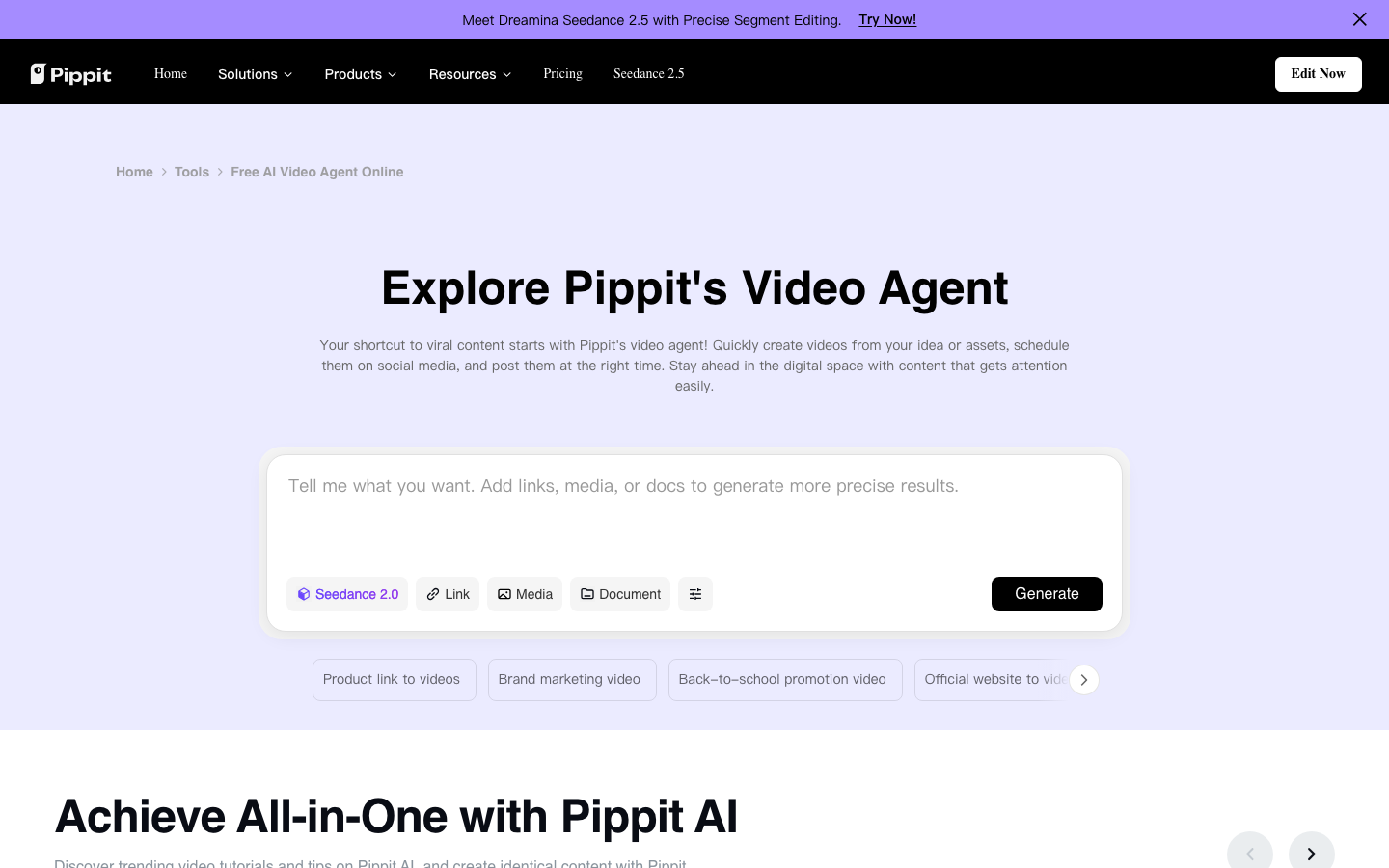 Pippit's agent page, 2026-08-28.
invideo: the one that gives you a full timeline editor
invideo sells itself to what it calls "serious creatives." Instead of keeping the editing behind closed doors, it puts manual timeline controls right beside automated tools.
Its feature list includes multiplayer mode, storyboarding, script writing, a timeline editor, and building your own agents. Its homepage repeats "unlimited exports without watermark" four times across the page.
The standout is having storyboarding alongside a real editor. You get help planning a script without losing the ability to tweak cuts by hand.
Limits, plainly: it answers the control question with a timeline editor. That gives you more power, but that power brings more work with it. If you're looking to hand over the whole job, a timeline does the opposite.
 invideo's homepage, 2026-08-28.
Agent Opus: the one focused entirely on one-click outcomes
Agent Opus sells one-click, publish-ready video. It focuses on turning source ideas into finished videos without asking you to manage individual scenes.
The page doesn't spend time describing settings or internal steps. Instead, every heading on the page is an outcome: reach millions of new viewers, turn viewers into fans, and scale your ad campaigns.
The standout is that promise of one-click delivery. It's pointed straight at users who want ready-to-use video without touching the editing process.
Limits, plainly: the page carries no FAQ and describes no mechanism. You're asked to trust the outcome without being shown how the machine actually works.
 Agent Opus, 2026-08-28.
CrePal: the one that lets you direct cuts inside a chat box
CrePal sells an AI Director that makes videos for you. Instead of moving sliders or trimming tracks, you change things by chatting.
It puts several video and image models in one place. It also ships template galleries so you can start different video styles quickly.
The standout is chatting with an AI Director to adjust your video. You can tell it what to alter without opening a separate editing timeline.
Limits, plainly: it calls itself the World's First AI Video Creation Agent. That first-ever claim isn't something you can check, and a page that leads with it asks for trust it hasn't earned yet.
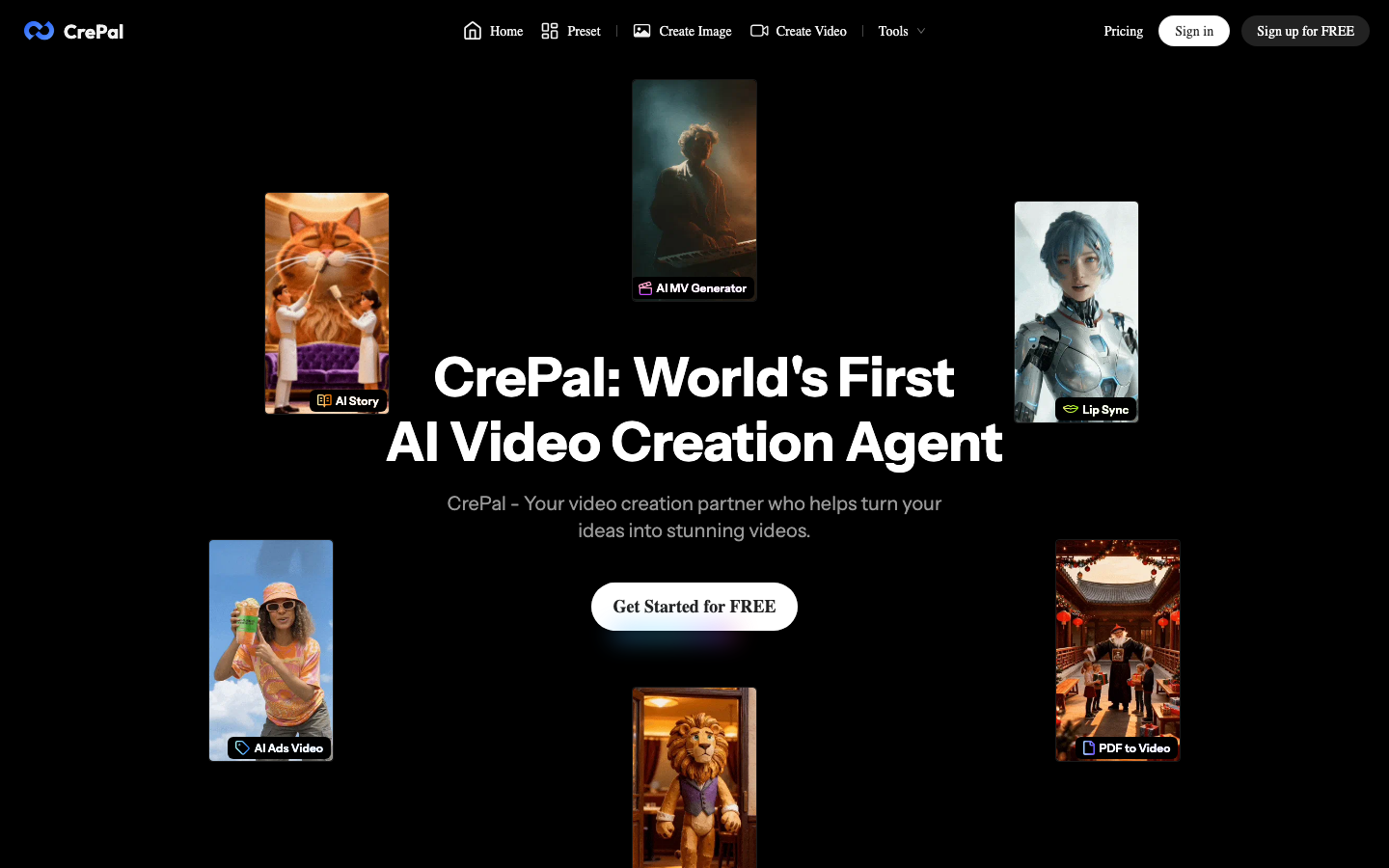 CrePal's homepage, 2026-08-28.
Seadanse: the one built for multi-shot ads with frame approvals
Seadanse is our own site. We built it to make multi-shot product ads where every cut looks like it belongs in the same video.
You send one brief, and it picks an ad shape, writes the beats, draws one storyboard frame per beat (a four-beat story gets a four-panel storyboard), and renders them. It shows a price card before every paid step, and the planning model can't press it for you. If one shot looks off, you can re-render that single beat and keep the rest of your cut.
We ran one brief through our own agent page on August 28, 2026. It wrote four beats across 20 seconds, drew a frame for each, asked for approval four times, and came back with a 20.27-second vertical film.
The standouts are storyboard approval before video generation, clear visibility on what a project costs, and per-beat re-renders. We give you 40 starter credits on a new account with no card needed, and we return credits automatically when a job fails.
Limits, plainly: five beats is the ceiling, so this isn't for long-form. It asks a lot of confirmations, and our own run took about half an hour. We also don't publish anything to social platforms for you.
 Our own page, 2026-08-28.
How we made this list
We read all seven product pages on August 28, 2026, and sorted them by the job each one is built for.
We ran only one of them end to end: our own. That's why you won't find scores, star ratings, or quality rankings in this article.
Everything said about the other six comes straight from their own pages on that date. Pages change over time.
One of the seven is ours. It gets one slot, and we wrote its limitations in the same voice we used for everyone else.
Which one to start with
Here's how to pick the right one for your job:
- If your video needs an on-camera presenter: pick HeyGen for its avatar tools.
- If you want quick social posts from trending templates: pick Pippit for templates and social publishing.
- If you want full control over your cuts and layers: pick invideo so you can use its timeline editor.
- If you need an ad where every shot matches: read how the agent plans an ad or start a project on Seadanse.
FAQ
Is an AI video agent the same thing as an AI video generator?
No. A generator makes a single clip from a prompt, while an agent plans a whole sequence, drafts storyboards, and renders shots so they fit together. We explain the difference between the two in our comparison guide.
Which AI video agent is best for product ads?
You don't want to judge by brand names here. Judge by the steps instead. For a product ad, you need an agent that plans the whole structure and gives you storyboards you can approve before rendering. It should also let you repair one beat without redoing the rest.
Do any of these post the video for me?
Pippit publishes straight to social platforms for you. Seadanse doesn't post or schedule to social channels at all.
Related articles
- What Is an AI Video Agent? — the plain-English version, from brief to finished cut.
- AI Video Agent vs AI Video Generator — the same brief run both ways, with the clips.


