Tiny Desk AI is liveTry it

OpenAI GPT Image 2.6

Seadanse GPT Image 2.6 is the image generation and editing model family made by OpenAI, released on November 4, 2026. Choose Flare for fast speed or Sunburst for fine detail, then enter a prompt with up to 16 reference images. Make up to 10 images or looping animated GIFs up to 4K resolution, with 40 free starter credits when you sign up.

GPT Image 2.6 for High-Quality Visuals and Animated GIFs

Pick GPT Image 2.6 Flare for fast results or Sunburst for detailed edits, and turn any prompt or reference image into 4K files or looping GIFs.

0/20000

Why Create With GPT Image 2.6

Your Pick of Flare or Sunburst

Choose GPT Image 2.6 Flare for fast drafts that take as little as six seconds at low quality, or use Sunburst for detailed work. GPT Image 2.6 makes your images 50% faster than previous versions, ensuring your workflow stays smooth.
Your Pick of Flare or Sunburst
Animated GIFs From Text or Photos

Animated GIFs From Text or Photos

Create looping GIFs with 2 to 16 frames. You can set each frame to last between 20 and 2,000 milliseconds, or use the default 1.8-second loop.

Precise Markup Edits

Draw directly on your image to mark the exact spot you want to change. The model edits only that area while keeping the rest of your composition exactly as you designed it.

Precise Markup Edits
Consistency Across 16 Reference Images

Consistency Across 16 Reference Images

Upload up to 16 reference images to keep the same person, product, or brand character across every new generation. This tool functions like a powerful AI character sheet generator to maintain your vision.

Clean Text for Posters and Labels

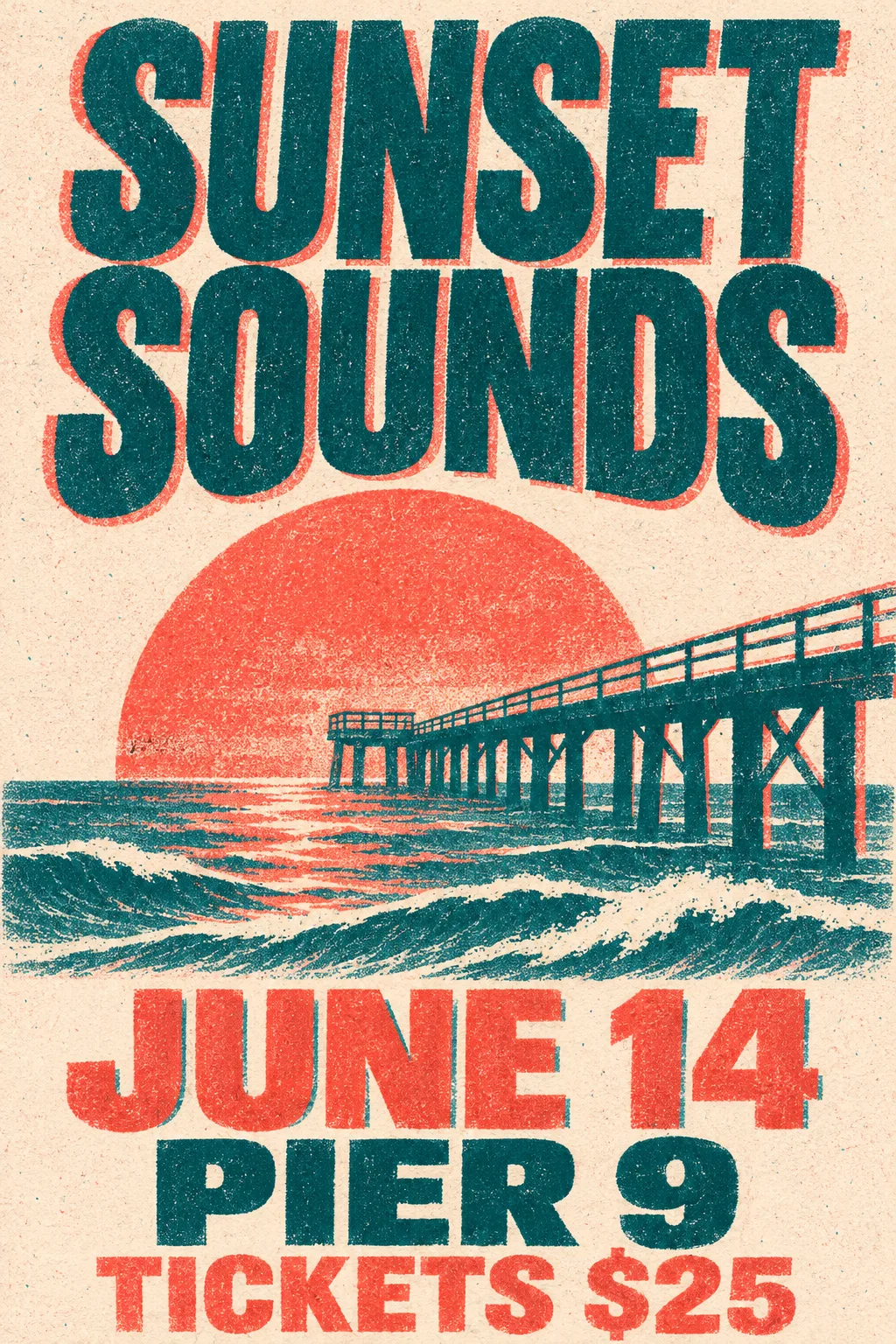
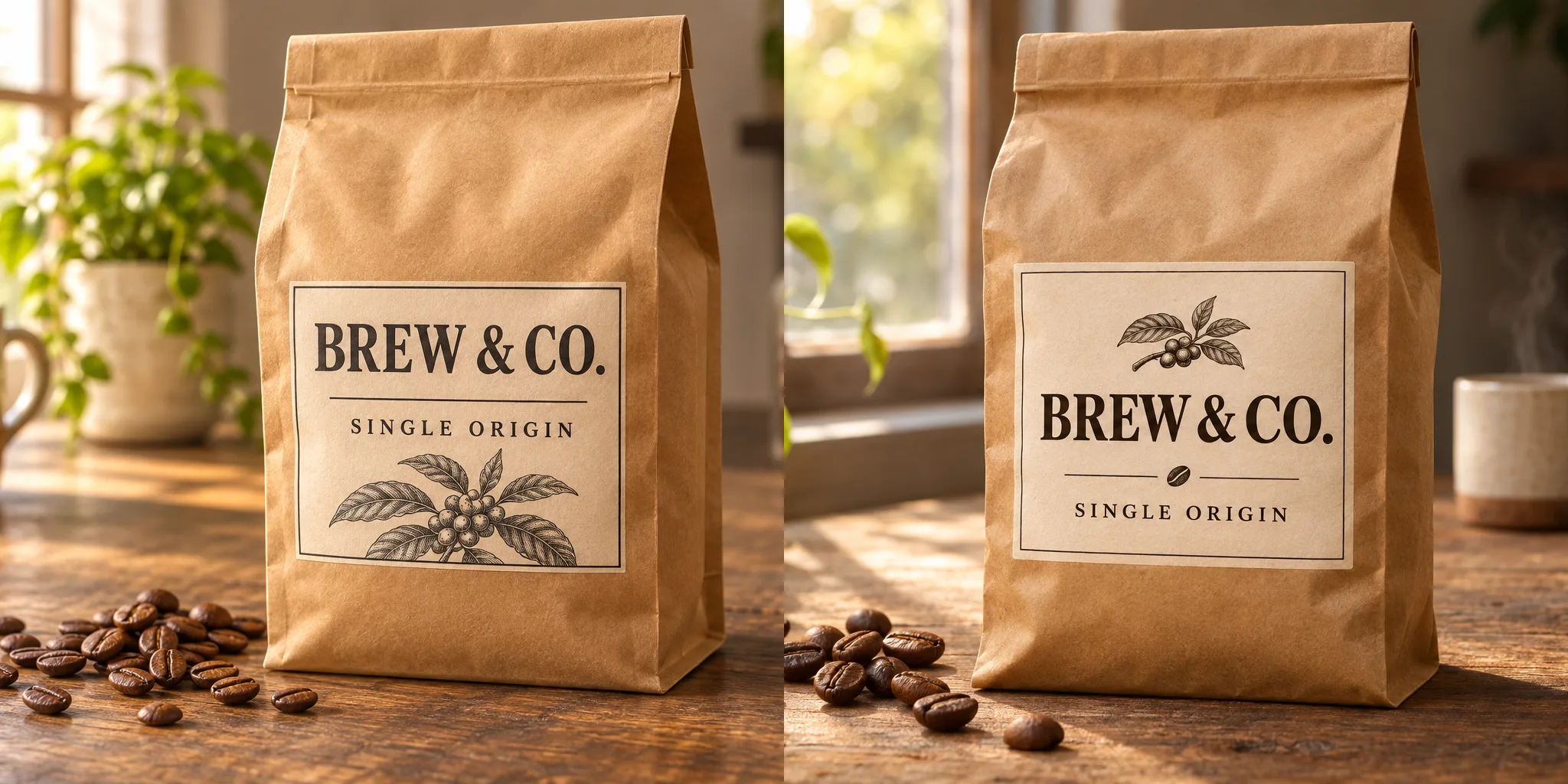
Add crisp, readable text to your designs. GPT Image 2.6 handles dense layouts perfectly, making it easy to create professional labels, menus, and packaging.

Clean Text for Posters and Labels
Up to 4K Output with Transparency

Up to 4K Output with Transparency

Generate up to 10 images from a single prompt at sizes reaching 3840 pixels on the long side. Export in PNG or WebP with transparent backgrounds in aspect ratios from 1:3 to 3:1.

Use GPT Image 2.6 for Professional Visuals and Animation

Marketers and brand teams

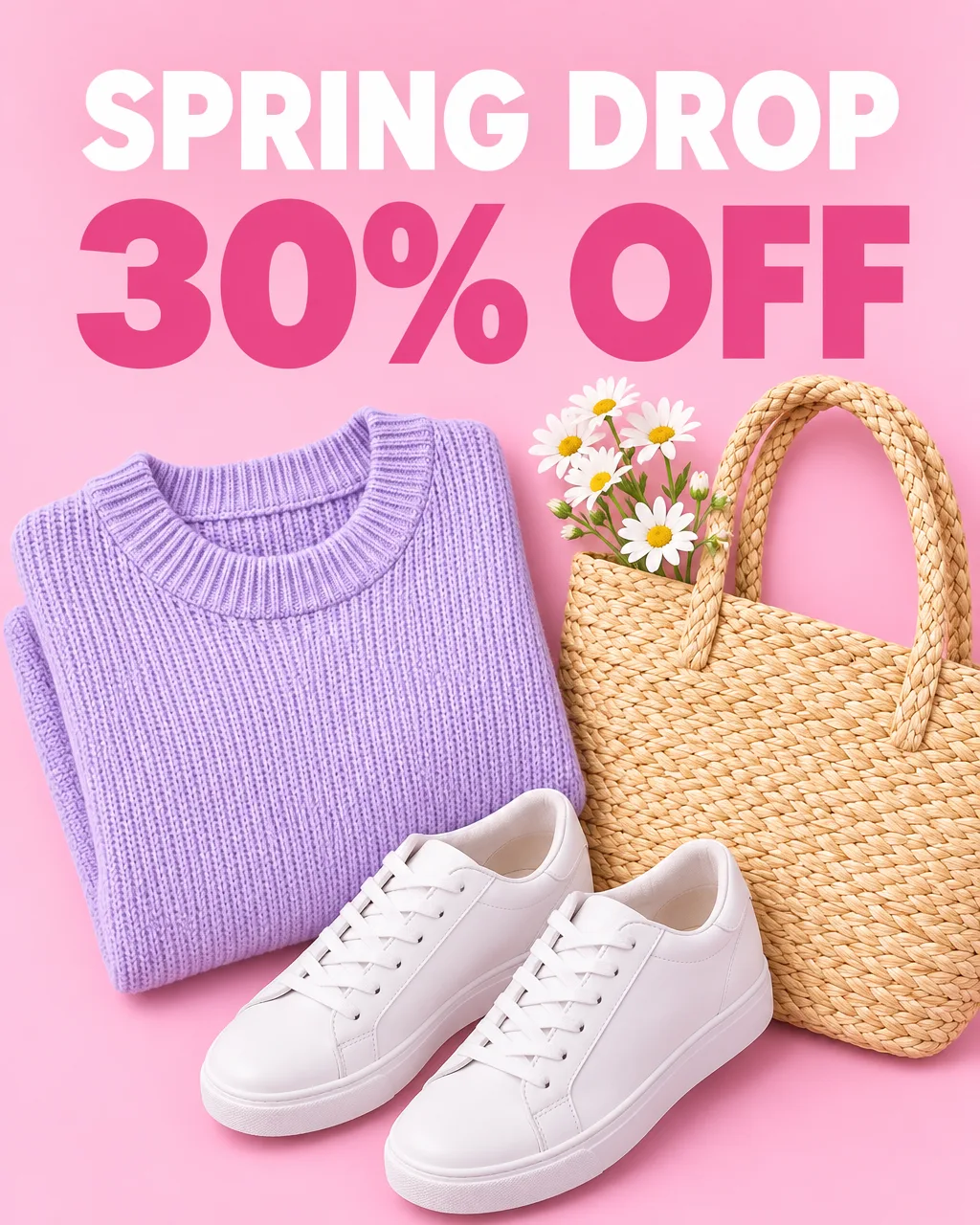
Design Ads and Posters Fast

Bring a headline, a price, and your brand images to the tool. Get polished posters with readable text and an animated GIF of your brand mascot to grab attention.

Design Ads and Posters Fast
Create Consistent Product Scenes
Online sellers and fashion brands

Create Consistent Product Scenes

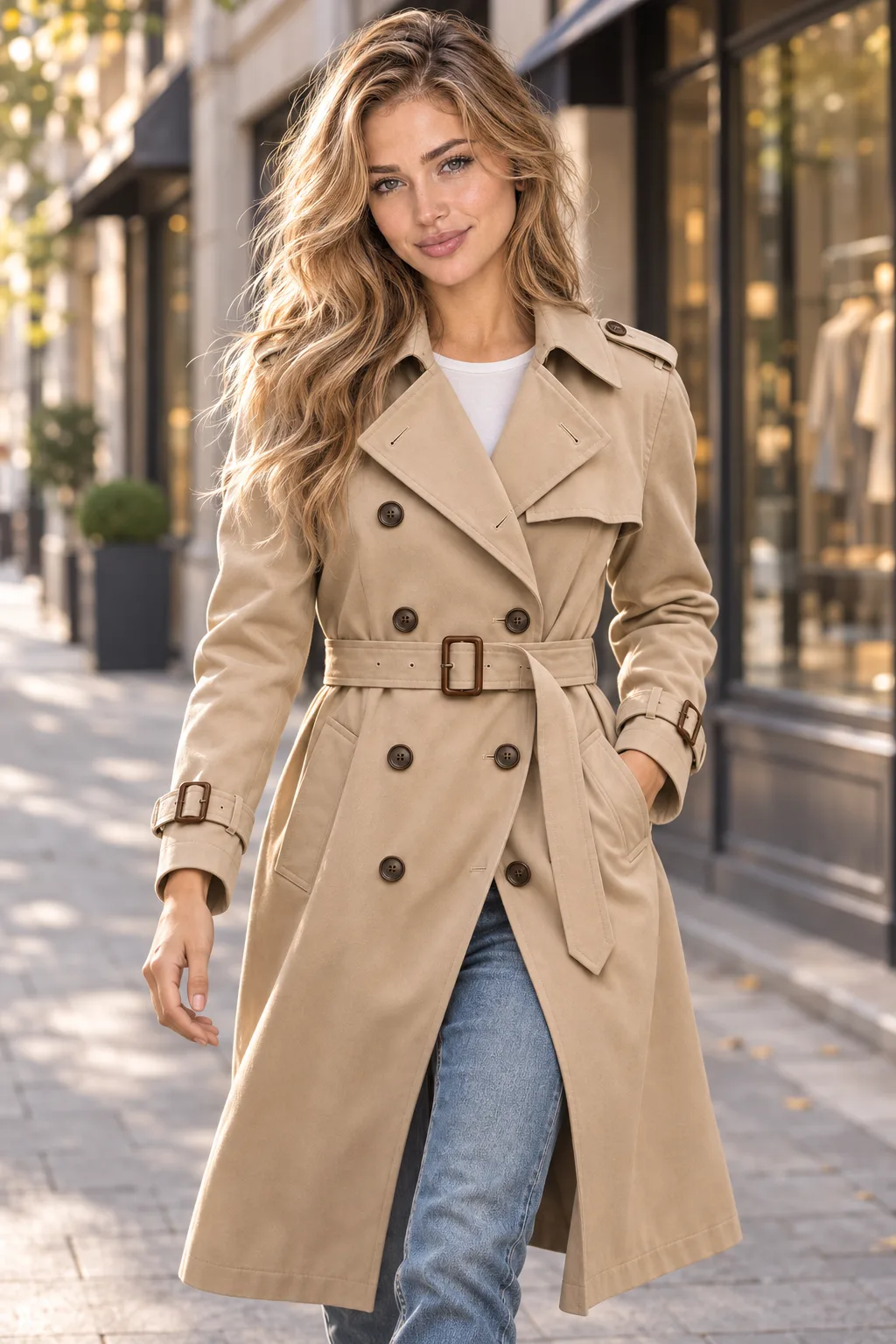
Bring one product photo and a model reference. Place the same product and model in new scenes and generate transparent cutouts for your product listings.

Social media creators and meme makers

Make Custom Reaction GIFs

Bring an idea or a photo. Get unique reaction GIFs and custom memes to share in your group chats and social media posts.

Make Custom Reaction GIFs
Filmmakers and storytellers

Plan Scenes with Storyboards

Bring a scene idea to generate animated storyboard GIFs before video production. Take your best generated frame and use our image to video AI to bring the story to life.

Plan Scenes with Storyboards

How to Use GPT Image 2.6

Step 1

Choose Your Model

Select GPT Image 2.6 Flare for quick iteration or GPT Image 2.6 Sunburst for high-quality, detailed visual projects.

Step 2

Set Your Options

Enter your text prompt, upload up to 16 reference images, and pick your file type, size, and complexity settings.

Step 3

Generate Your Work

Create up to 10 images or a looping animated GIF at once, then download your final result in PNG, JPEG, WebP, GIF, or SVG.

Your GPT Image 2.6 Questions, Answered

What is GPT Image 2.6, and when was it released?

GPT Image 2.6 is an image generation and editing model family made by OpenAI, released on November 4, 2026. It comes in two distinct models: GPT Image 2.6 Flare and GPT Image 2.6 Sunburst. You can use it to create fresh visuals, design vector graphics, or generate looping animated GIFs.

What is the difference between GPT Image 2.6 Flare and Sunburst?

GPT Image 2.6 Flare is built for fast iteration, creating an image in as little as six seconds at low quality with clean layouts for posters and products. GPT Image 2.6 Sunburst is built for detailed visual work, delivering higher quality and stronger consistency across rounds of edits. Use Flare to test ideas fast and Sunburst to craft your final images.

Can I choose Sunburst myself?

Yes. You pick Flare or Sunburst yourself directly on Seadanse before you generate. Select Sunburst when you need fine details, or switch to Flare whenever you want rapid results.

Is GPT Image 2.6 free?

Yes. You get 40 free starter credits when you sign up for an account on Seadanse. You can explore our plans and credits to keep creating high-resolution images and animated GIFs.

Is GPT Image 2.6 the same as ChatGPT Images 2.6?

Yes. ChatGPT Images 2.6 is the exact same OpenAI model family running inside ChatGPT. On Seadanse, you access the same powerful image generation with extra controls for your creative workflow.

What is new in GPT Image 2.6 compared with GPT Image 2.5?

GPT Image 2.6 generates images 50% faster than GPT Image 2.5 and introduces animated GIFs, markup edits, complexity settings, and SVG vector files. On the Artificial Analysis text-to-image leaderboard from November 11, 2026, GPT Image 2.6 Sunburst ranks #1 with a score of 1261, beating GPT Image 2.5 Sunburst at 1229.

How do I make a GIF with GPT Image 2.6, and how long can it be?

You create an animated GIF by typing a prompt or uploading your own images, following OpenAI's image generation guide. Each GIF contains 2 to 16 frames, and each frame displays for 20 to 2,000 milliseconds. The default setting produces a smooth 1.8-second loop using 9 frames at 200 milliseconds.

Can I use my own photos with GPT Image 2.6?

Yes. You can upload up to 16 reference images alongside your text prompt. People, products, and brand characters from your photos stay consistent across fresh generations and rounds of edits.

Can GPT Image 2.6 make 4K images?

Yes. GPT Image 2.6 creates images up to 3840 pixels on the long side. You can pick any aspect ratio from 1:3 to 3:1 to fit social posts, banners, or prints.

Can GPT Image 2.6 make SVG files or transparent backgrounds?

Yes. GPT Image 2.6 outputs SVG vector images directly from a text prompt. It also delivers transparent backgrounds in PNG or WebP formats so you can place graphics straight onto your websites and merchandise.

How does GPT Image 2.6 compare with Nano Banana 2.1?

GPT Image 2.6 Sunburst ranks #1 on the Artificial Analysis leaderboard with a score of 1261, outperforming Nano Banana 2 at 1176. It delivers superior results for readable text, dense layouts, and precise markup edits.

Try GPT Image 2.6 for Free Today

Create 4K visuals and looping animated GIFs with 40 free starter credits on Seadanse.