
remove.bg Is Shutting Down: 7 Best Free Alternatives for 2026
remove.bg closes on 1 December 2026. Here are seven free or cheap replacements by job, with picks for no sign-up, full size, and developer APIs.
 The Seadanse Team12 min read
The team behind Seadanse. We run the models we write about, and we publish the specs, prices and limits the marketing leaves out.

TL;DR — Alternatives to remove.bg are now essential because remove.bg's standalone website closes on 1 December 2026 at 9:00am CET, and all unused pay-as-you-go credits expire the same day. Its official replacement, Canva's Background Remover, is paid-only and shrinks photos over 10MP. For free full-size cutouts, pick Pixelcut for no sign-up or Seadanse for 10 full-size images when you sign up, and use Leonardo.ai for the API.
You probably bookmarked remove.bg years ago as your quick shortcut for clean cutouts. Now the site is shutting down, and its help pages send you to a paid Canva plan.
Leftover pay-as-you-go credits will vanish on the cutoff date, your Photoshop plugin will stop working, and you can't download your invoices once the site's gone. We read every update and tested the top options to give you seven clear replacements for each job. You can find a free background remover that keeps your original quality without surprises.
What happens to remove.bg on December 1, 2026
remove.bg has been part of Canva since 2021, so this shutdown consolidates two separate platforms into one rather than starting a new acquisition. The standalone service will wind down on 1 December 2026 at 9:00 CET:
- Website: The remove.bg website will stop working and redirect background removal to Canva.
- Monthly plans: Monthly subscriptions end automatically on the deadline, and any final renewal on or after 1 November is free.
- Annual plans: Active annual subscriptions end on the deadline, and Canva refunds unused time pro rata to your original payment method.
- Pay-as-you-go credits: Unused PAYG credits expire on 1 December 2026 with no extensions or refunds.
- Invoices and usage reports: Account data won't be reachable after the deadline, so you must export invoices and credit usage reports beforehand.
- API: The self-service API stops accepting requests on 1 December 2026, while enterprise API contracts continue without changes.
- Photoshop plugin: The Photoshop plugin stops working, and remove.bg points users toward Affinity with a Canva Pro subscription.
- Other plugins and integrations: All third-party plugins, desktop apps, and platform integrations will be discontinued.
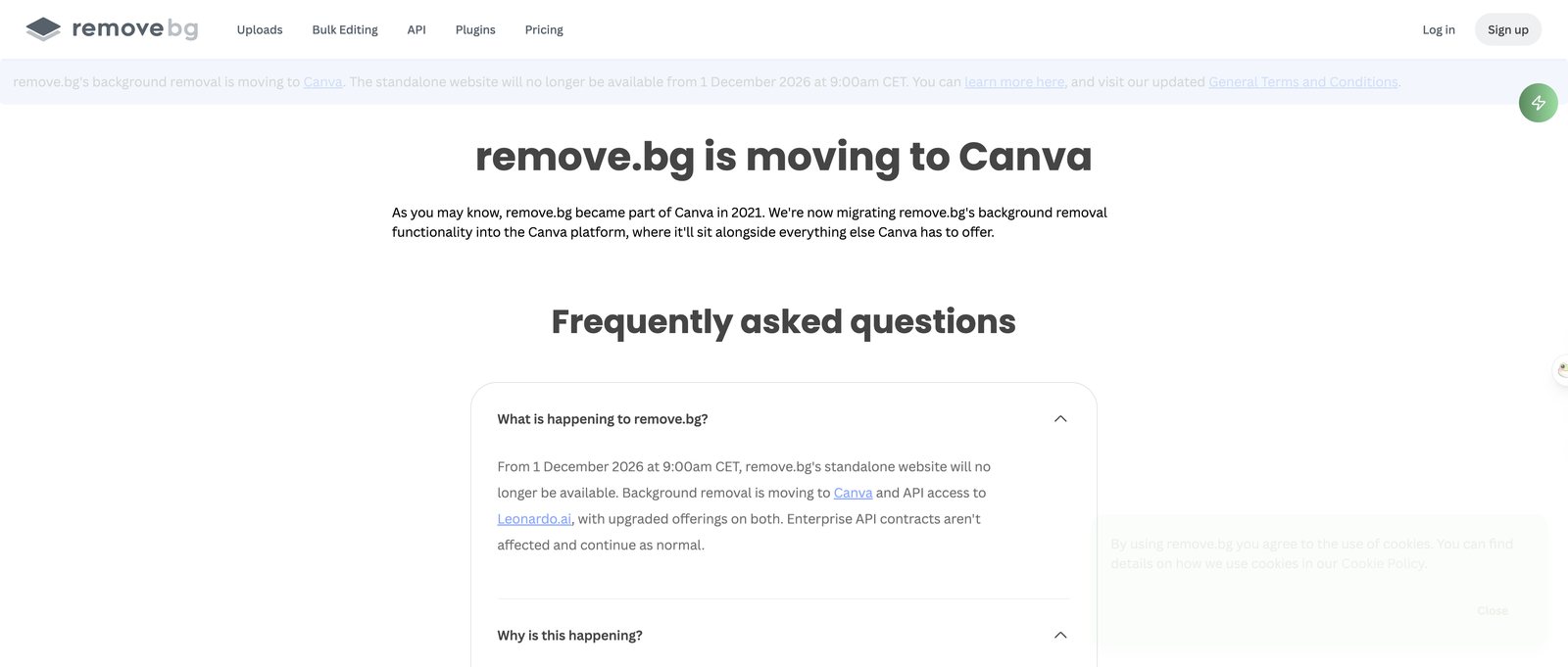 remove.bg's own FAQ, read 29 September 2026: the site closes on 1 December 2026 at 9:00 CET.
Is Canva a good remove.bg replacement?
Canva uses the same background-removal technology as remove.bg, but the rules are different. The catch is that Canva's Background Remover is included with paid plans as a paid-only feature. It only works on photos under 9MB, and it can't process vector images.
Canva also downscales larger files. Any photo over 10MP (megapixels: millions of pixels: 10MP is roughly a 2,600 × 3,900 photo) comes back downscaled to 10MP after processing.
By comparison, remove.bg allowed resolutions up to 50 megapixels on paid plans. Canva does include erase and restore brushes for fixing edges by hand, along with bulk removal from folder projects. It suits people who already pay for Canva and design there.
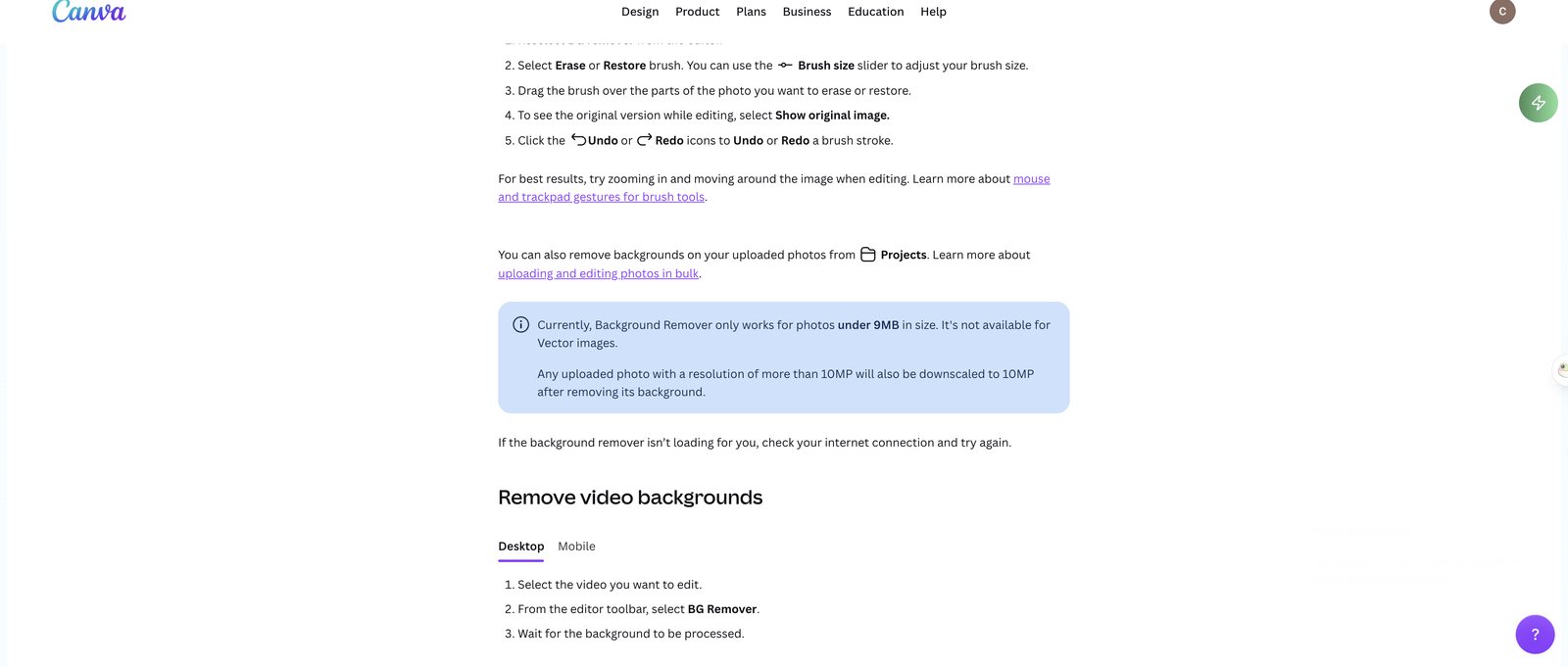 Canva's help centre, 29 September 2026: photos under 9MB only, and output capped at 10MP.
What to do before the December 1 deadline
- Spend or accept losing pay-as-you-go credits: Run your remaining credit balance before 1 December 2026, because unspent credits disappear on that date.
- Export invoices and the credit usage report: Log into your Account page to download past billing receipts and usage logs before account access closes.
- Switch your API connection to Leonardo.ai: Update your code to call Leonardo.ai's API if you need cutouts from your own code, as remove.bg's self-service API will stop accepting requests.
- Manage your monthly plan: Cancel early in remove.bg/dashboard if you want to leave right away, or let it run knowing your final renewal on or after 1 November is free.
Try a free background remover that keeps full size
If you need a fast cutout right now without losing resolution, use a background remover that keeps full size. It cuts out subjects cleanly in your browser and keeps your original dimensions intact.
What to look for in a remove.bg alternative
Finding the right alternative depends on how each tool handles output quality, file size caps, and export limits:
- Real transparency: Make sure the tool outputs a transparent PNG (an image file where the background is truly empty, so it sits on any colour). It should give you a real alpha channel rather than a drawn checkerboard or solid white box.
- Full size: Avoid tools that shrink your files. Magic Studio downloads free cutouts at 600 pixels with its logo, while remove.bg's own free preview stopped at 0.25 megapixels, about 625 × 400 pixels, which is too small for a product listing.
- Free terms stated up front: Pick tools that state their daily or monthly limits clearly before you spend time uploading.
- Hair and fine edges: Check how cleanly the cutout keeps fine details like hair strands, animal fur, or soft edges.
- Bulk and API: Confirm whether the tool supports multi-image batches or developer endpoints if you process large batches of images.
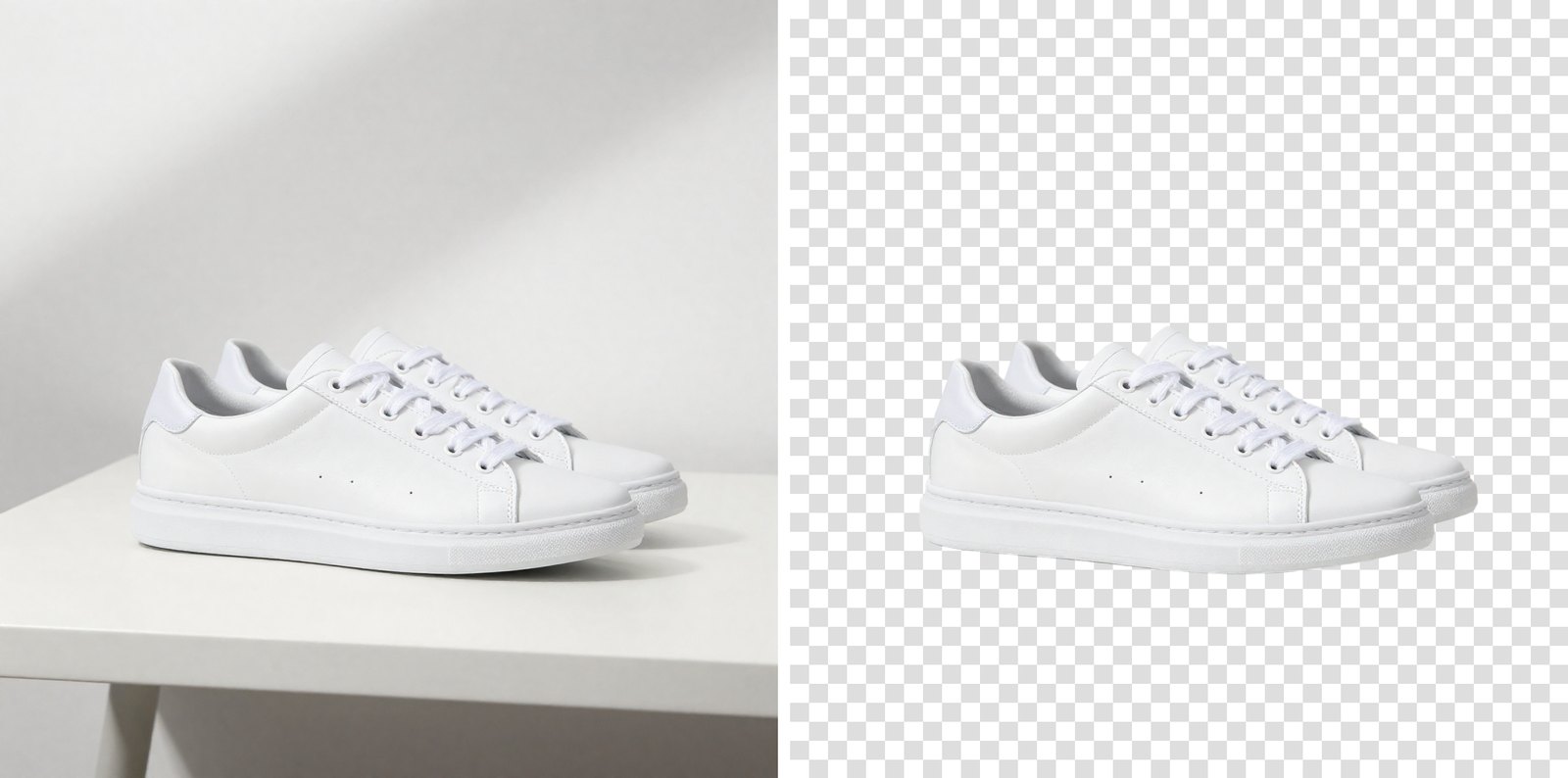 The hard case for any background remover: a white shoe on a white table. Cut out with the Seadanse Background Remover, 29 September 2026; the test photo is AI-generated.
The 7 best remove.bg alternatives at a glance
| Tool | Best for | Free tier | Where it falls short | Score |
|---|---|---|---|---|
| Pixelcut | Quick free cutouts, no sign-up | Free HD, no watermark | Stops at 6000 × 6000 pixels | ★★★★★ |
| Seadanse | Full-size transparent PNGs | 10 full-size images after free sign-up | No bulk, no API, no edge brush | ★★★★☆ |
| Photoroom | Product listings | 100 exports a month | Free iOS exports cap at 2400 × 2400 | ★★★★☆ |
| PicWish | Many images a day | 50 a day, standard definition | Free downloads aren't full HD | ★★★★☆ |
| Adobe Firefly | People already using Adobe | Daily free uses with an Adobe ID | Log-in required before you upload | ★★★★☆ |
| Canva | People who already pay for Canva | None, paid plans only | Photos under 9MB, output capped at 10MP | ★★★☆☆ |
| Leonardo.ai API | Developers moving off the remove.bg API | Not for single photos | Code only, no simple upload page | ★★★☆☆ |
We scored each tool on four things: what the free tier really gives you, the size of the file you get back, how much you can fix or batch, and how clearly it states its limits. Every figure comes from the tool's own page, read on 29 September 2026.
Pixelcut: best free pick with no sign-up
Pixelcut gives you a fast web remover with free HD downloads and no watermark without asking you to create an account. You can upload JPG, PNG, or HEIC files up to 50MB and 6000 × 6000 pixels. A built-in Refine brush lets you fix any edge by hand.
Pixelcut also handles batches of up to 10,000 images at once and has an API for your own code. Its FAQ warns that AI chat tools often regenerate an image instead of editing your original photo. Pixelcut isolates the original subject directly.
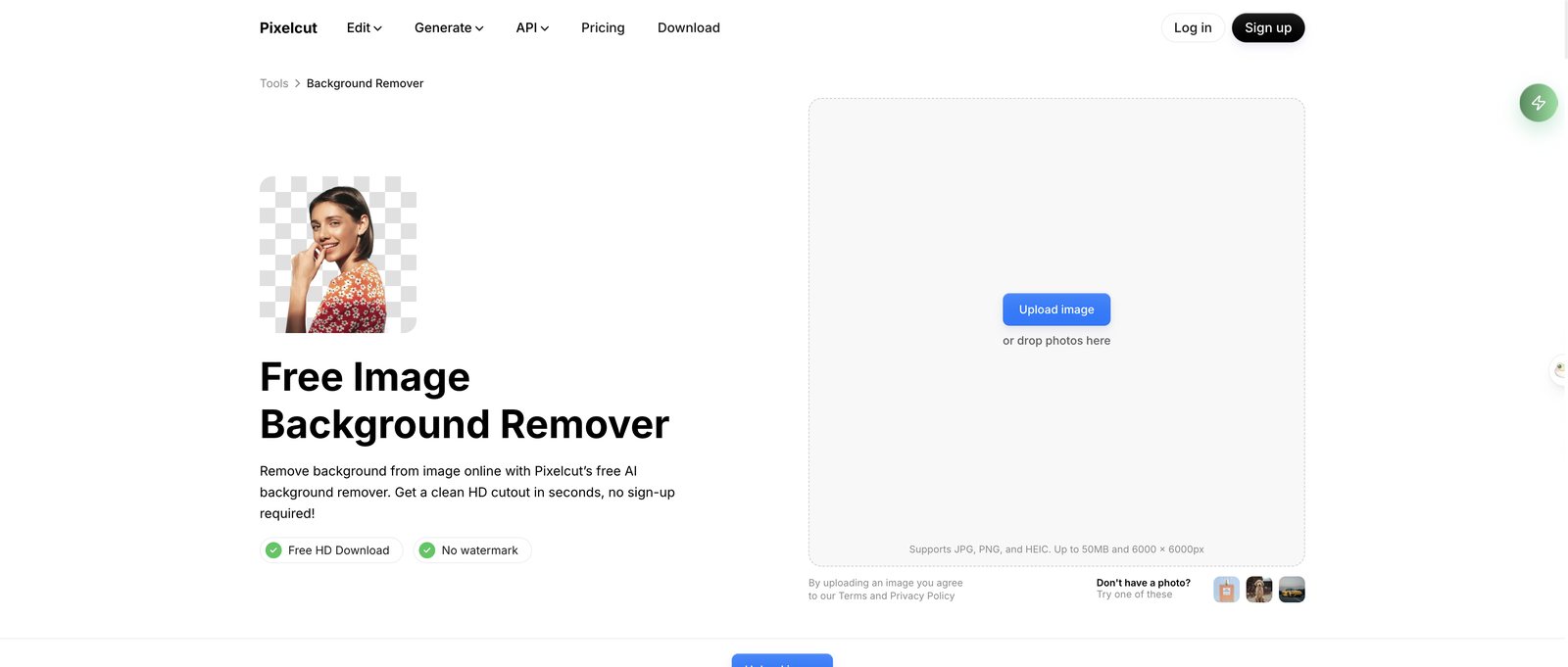 Pixelcut's page, 29 September 2026: free HD download, no watermark, no sign-up.
Seadanse: best for full-size transparent PNGs from 10 free images
The Seadanse Background Remover is built for anyone who needs the cutout at the exact size they uploaded. It runs right in your phone or desktop browser and accepts JPG, PNG, WebP, HEIC, and BMP files up to 30 MB. In our test on 29 September 2026, a 4000 × 6000 photo came back at 4000 × 6000 pixels.
Every download is a PNG with a real alpha channel. Edge pixels get one of 256 levels of transparency, allowing hair and edges to fade smoothly over new backgrounds.
One click puts your cutout on white or a solid colour, which lets you download a JPG instead. If you want to place the subject into a whole new scene, upload the photo to the Nano Banana 2 photo editor and describe the setting.
When you sign up free without a card, your starter credits cover 10 full-size cutouts with no watermark. Failed runs are refunded automatically. If you need more credits later, check Seadanse pricing for paid plans and packs.
Limits, plainly: you need a free account to download; it handles one photo at a time with no bulk upload; there's no manual edge brush; and there's no API. In our hair test, the thinnest stray strands blowing away from the head against a dark background were dropped, though the main mass of hair came through with soft edges.
 Seadanse Background Remover, 29 September 2026: 1024 × 1536 in, 1024 × 1536 out, as a transparent PNG. The test portrait is AI-generated.
 The same cutout at 100%: the thinnest strands blowing away from the head didn't survive.
Photoroom: best for product listings
Photoroom focuses on product photos for online stores. You can test the web background remover without signing up, but Photoroom limits free exports to 25 a week or 100 a month. Free exports on the iOS app are capped at 2400 × 2400 pixels.
The web app lets you download cutouts as PNG, JPEG, or WEBP files. Batch editing and API access are kept for paid plans.
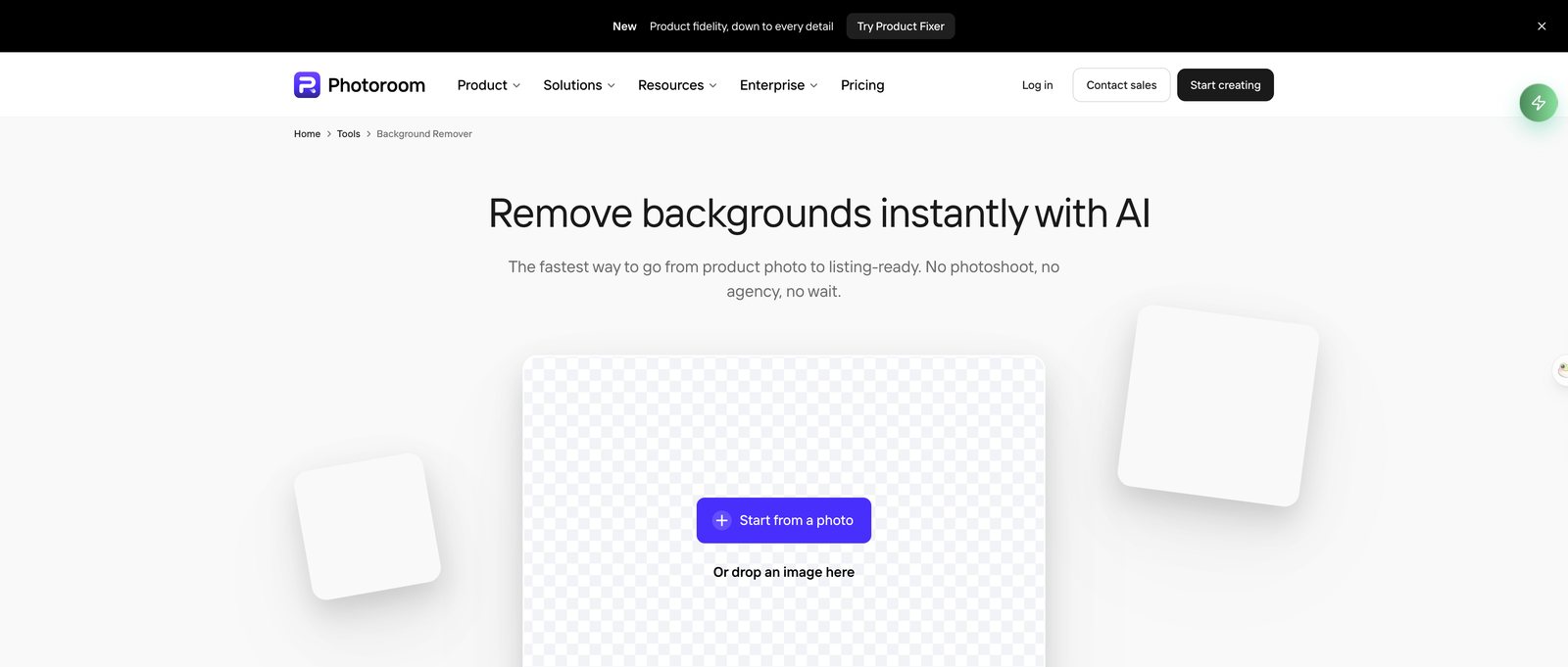 Photoroom's web tool, 29 September 2026: free to try without an account.
PicWish: best daily free allowance
PicWish gives you 50 free uses provided every day without watermarks, exporting cutouts at standard definition. It accepts file uploads in JPG, PNG, HEIC, and BMP formats.
You can batch-edit up to 100 images online, or up to 10,000 images with its desktop software. Paid subscriptions start from $5.99 for users who need high-definition exports and larger processing limits.
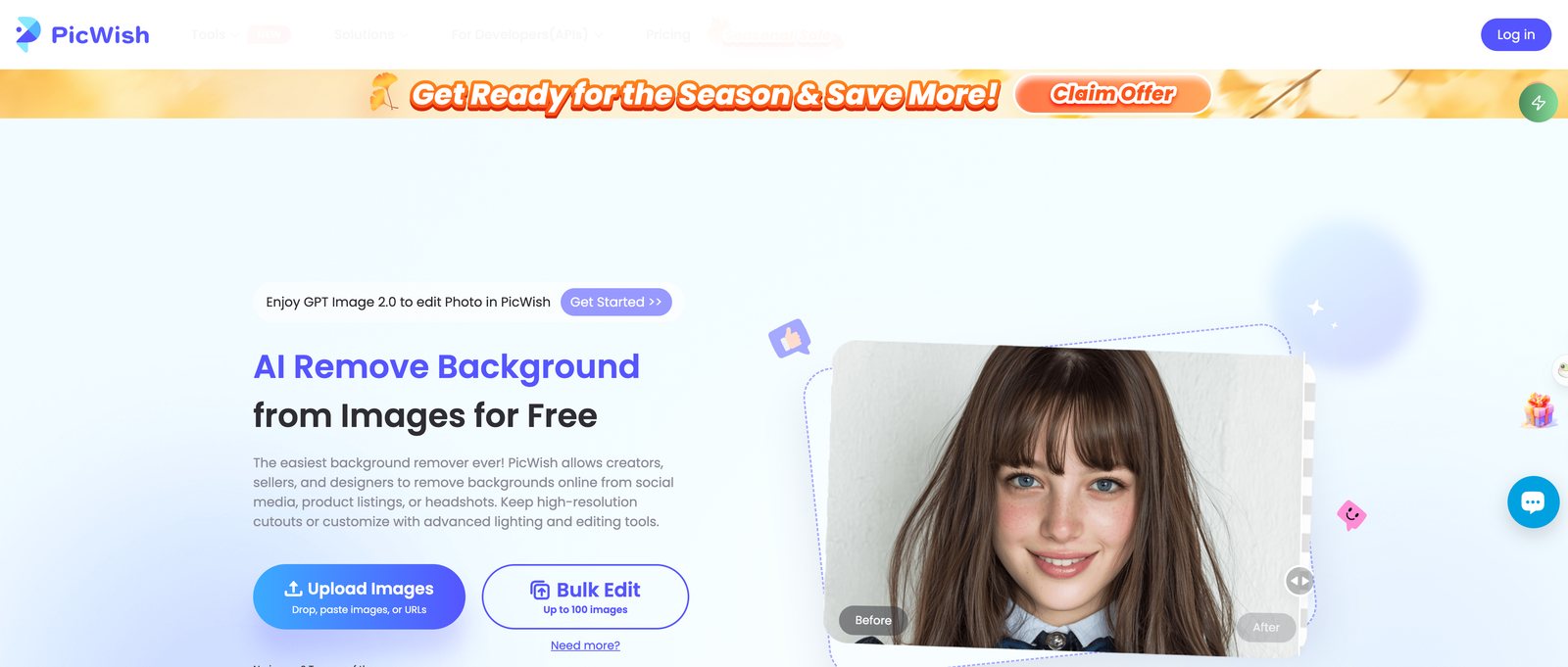 PicWish, 29 September 2026: bulk edit takes up to 100 images online.
Adobe Firefly: best if you already have an Adobe account
Adobe Firefly includes a background remover where free users get free daily generations when logged in with an Adobe ID. You can't use the tool as a guest without signing in first.
It accepts JPEG, PNG, or WEBP images up to 50MB and downloads a PNG. If you need more than the daily allowance, you'll need a paid Firefly plan.
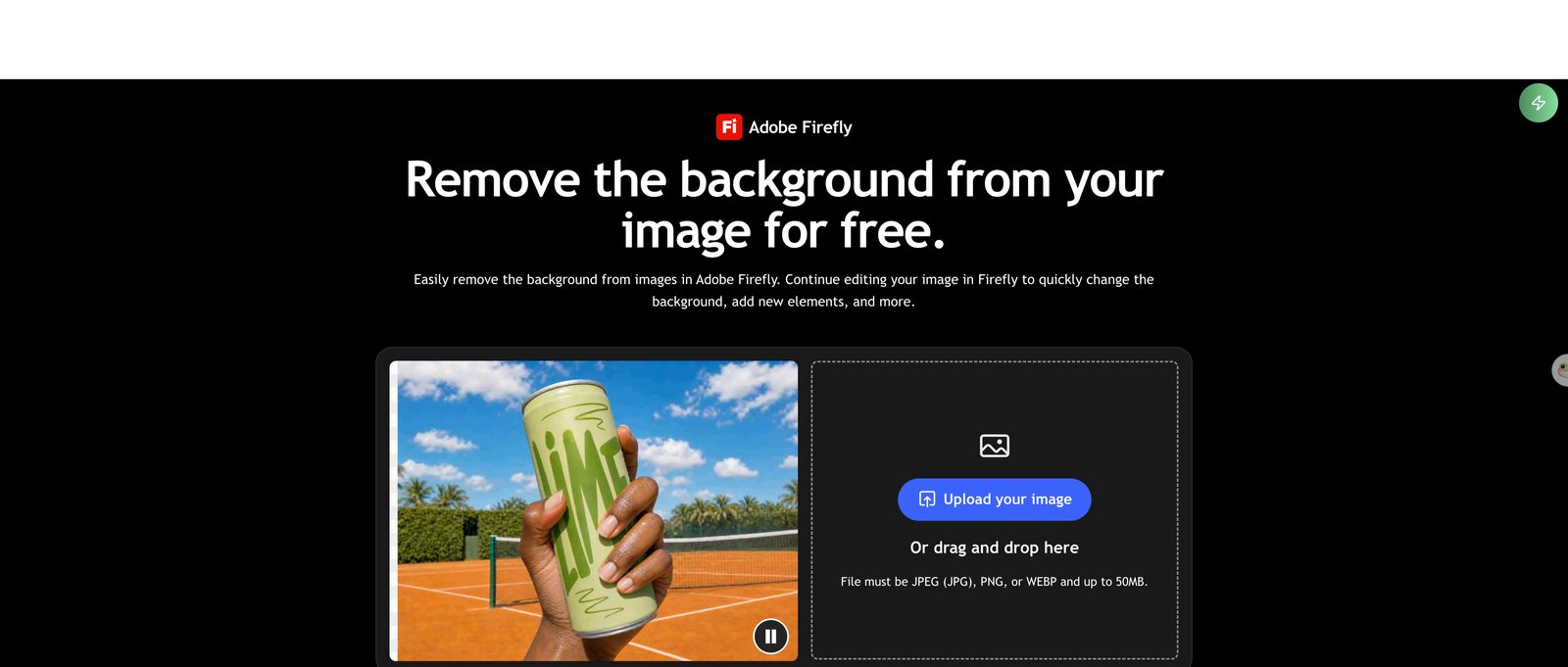 Adobe Firefly, 29 September 2026: free with an Adobe account, files up to 50MB.
Canva: the official successor, if you already pay for it
Canva is remove.bg's official successor, but background removal is on paid plans only. As detailed earlier, Canva limits uploads to 9MB and downscales images over 10MP to 10MP. It makes sense if you already pay for Canva Pro and want to edit graphics inside your existing layout folders.
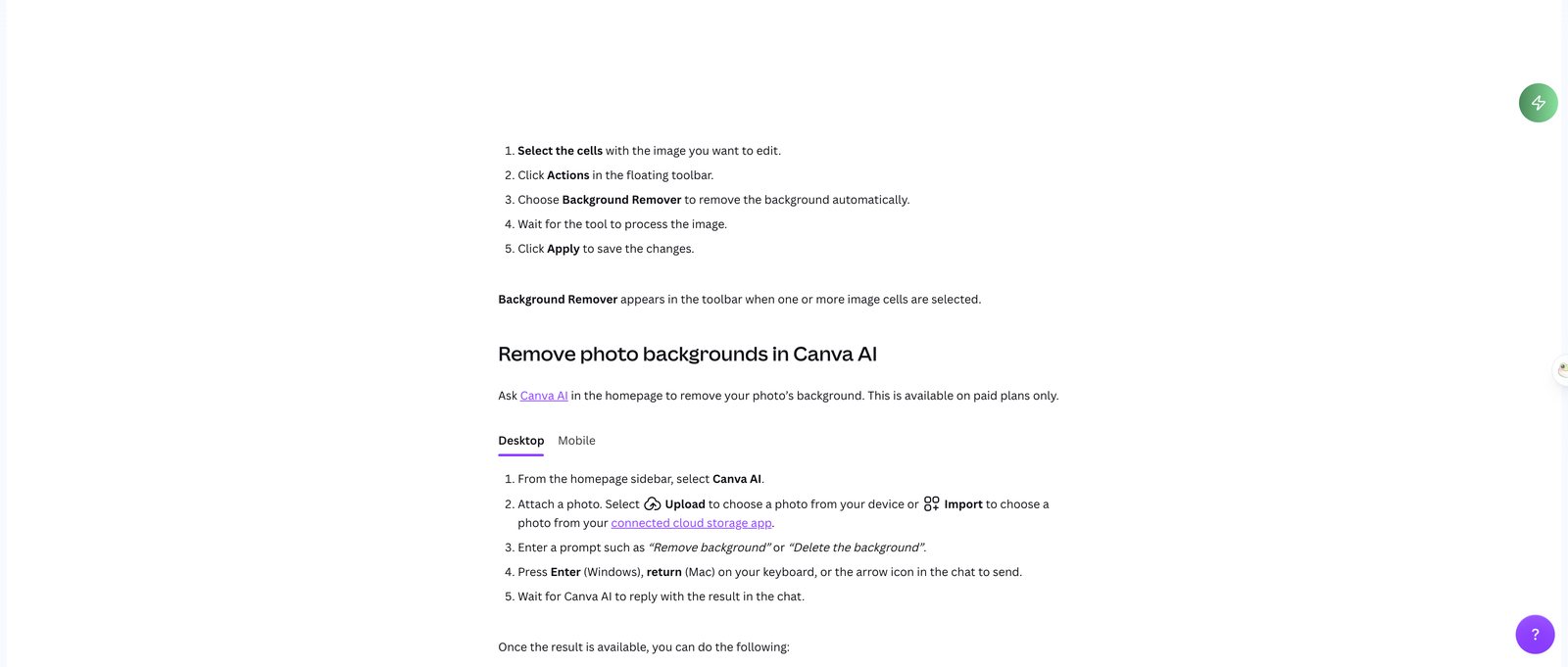 Canva's help centre, 29 September 2026: background removal is a paid-plan feature.
Leonardo.ai API: best for developers leaving the remove.bg API
Leonardo.ai is the designated home for developers leaving remove.bg's self-service API. Because Leonardo.ai is owned by Canva, its background-removal endpoint uses the same underlying technology as remove.bg.
The platform includes tools for upscaling and scene generation, along with a migration guide for updating your calls. It's built for code rather than a web page for single photos.
 Leonardo.ai's API page, 29 September 2026. remove.bg's FAQ names it as the new home of the remove.bg API.
How we picked these
We read remove.bg's FAQ, pricing, and help pages along with each tool's site on 29 September 2026. On remove.bg's pricing page, pay-as-you-go packs cost $3 for 3 credits with the note that credits expire on 1 December 2026, while subscriptions cost $9 a month.
The Seadanse images above come from our own test run on 29 September 2026; we didn't run tests on the other six tools. Free tiers change often, so check each site's current terms before you switch.
FAQ
Is remove.bg an AI tool?
Yes, remove.bg is an automatic background remover that isolates subjects using automated cutout technology. The tool has been part of Canva since 2021.
Can I still use my remove.bg credits after December 1?
No, unused pay-as-you-go credits expire on 1 December 2026 at 9:00 CET. Accounts won't be accessible after that date, so you can't log in or use leftover balances.
What replaces the remove.bg API?
Leonardo.ai carries the official replacement API using the same background-removal backend. Existing enterprise API contracts continue without changes, but self-service API keys stop working after the cutoff.
What's the best free background remover?
Pixelcut is best for quick HD cutouts without creating an account. PicWish is best if you want up to 50 standard-definition cutouts a day. Seadanse is best when you need 10 full-size transparent PNGs at your exact upload dimensions.
Can I remove a background from a video too?
Yes, you can use a video background remover to cut backgrounds from video clips. You can also read our guide to Unscreen alternatives for video to see how transparent video rendering works.
Which remove.bg alternative should you pick?
For fast cutouts without creating an account, pick Pixelcut. If you need your original image dimensions without downscaling, use Seadanse to remove the background from your photo. If you build software and need an API, move your endpoints to Leonardo.ai before remove.bg shuts down on 1 December 2026.
We reviewed the official shutdown notices, API migration documents, and competitor help centres on 29 September 2026 to verify these options.
Related Articles
- 7 Best Unscreen Alternatives in 2026 (Unscreen Is Gone) — the same shutdown story for video, and why a "transparent" video can download with a solid background.


