Tiny Desk AI is liveTry it

MAGI-2 AI Video Maker

Seadanse MAGI-2 is the flagship video model from Sand AI, released on November 24, 2026. Turn a prompt, one photo or up to 20 references into a 4 to 30 second 1080p video with sound made in the same pass at 22 credits per second. Sign-up is free and adds 40 starter credits, and you make videos in your browser with no GPU and no download.

Make a 30-Second 1080p Video with Sound Using MAGI-2

0/20000
MAGI-2 at a Glance
ModelMAGI-2 by Sand AI, released November 24, 2026
Leaderboard Rank#1 on Artificial Analysis image-to-video, Elo 1163, November 26, 2026
Free Start40 starter credits on free sign-up
Price22 credits per second
Video Length4 to 30 seconds
Resolution1080p, 25 fps
Aspect Ratios21:9, 16:9, 4:3, 1:1, 3:4, 9:16
ModesText to Video, Image to Video, Reference to video
ReferencesUp to 10 images, 5 videos, 5 audio tracks
SoundDialogue with lip-sync, sound effects, music; on or off

Why Create With MAGI-2 on Seadanse

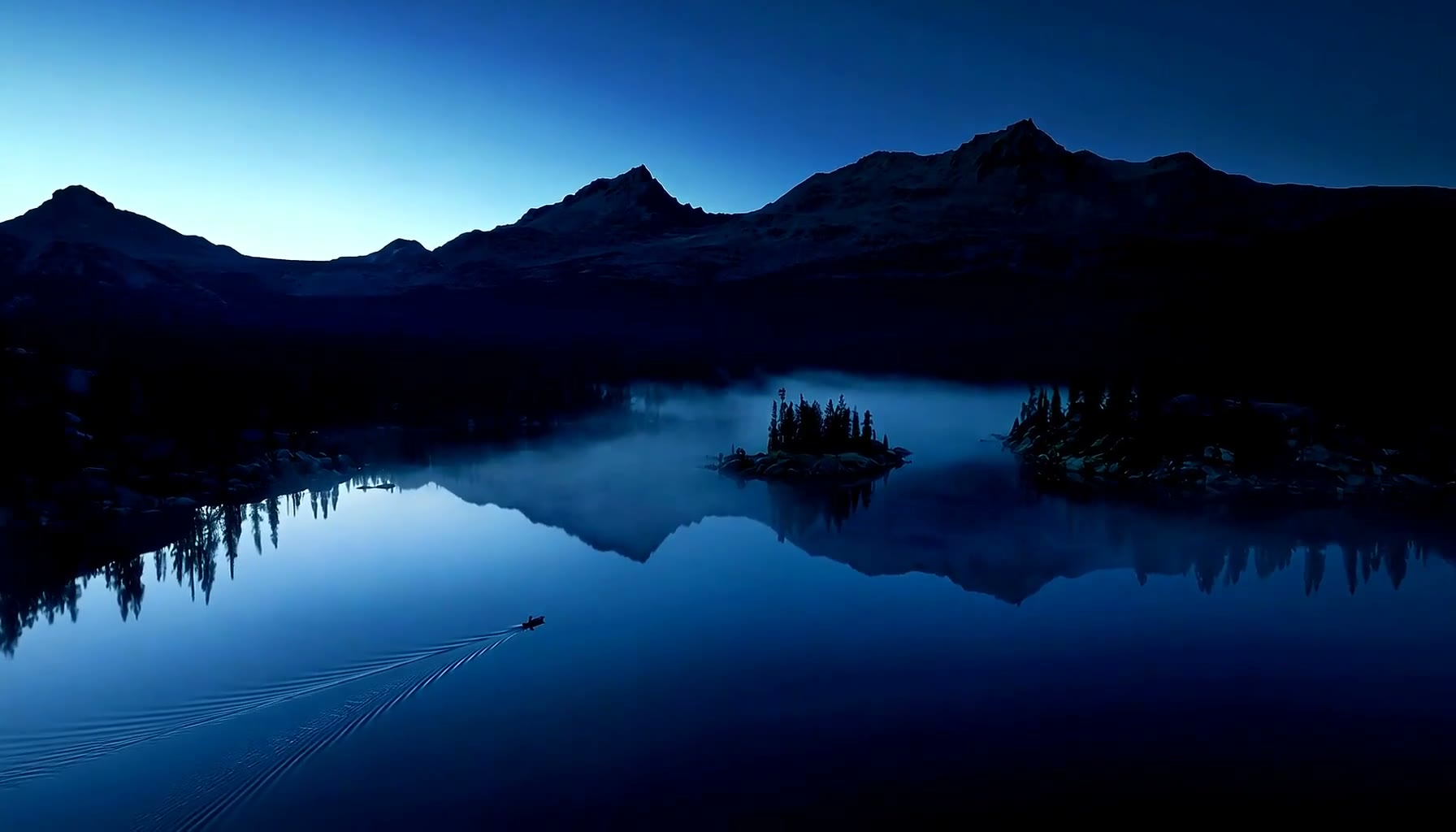
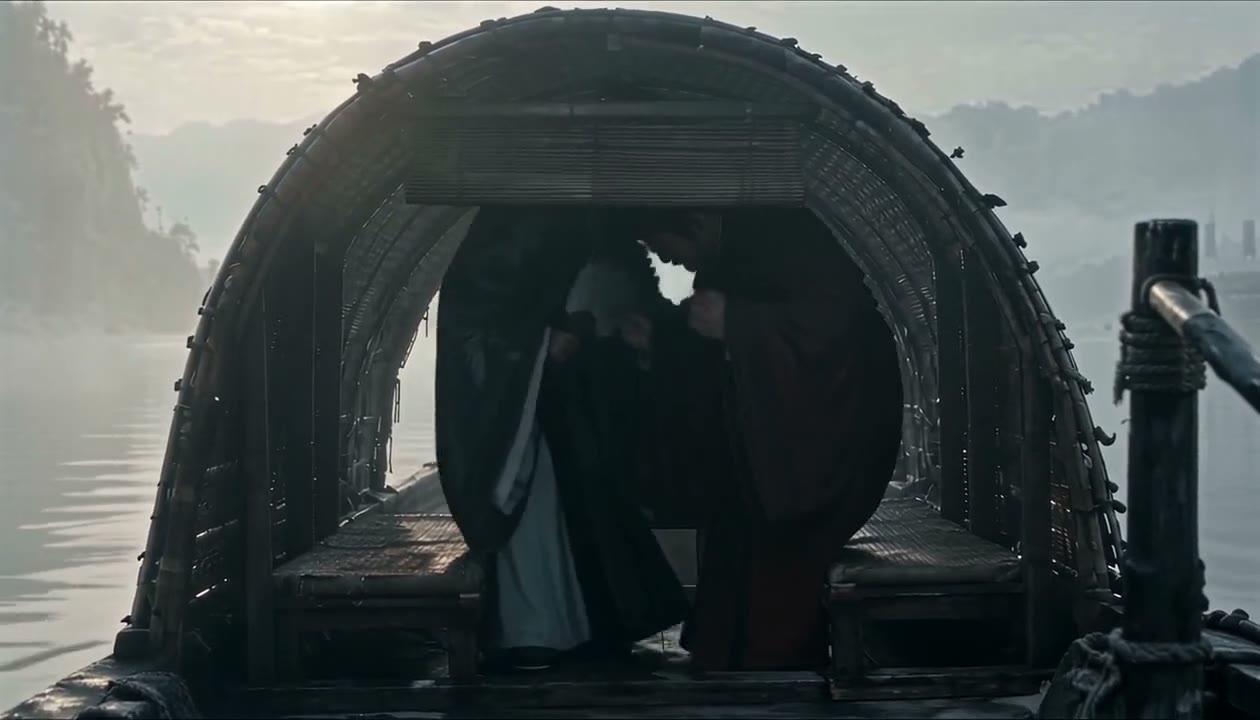
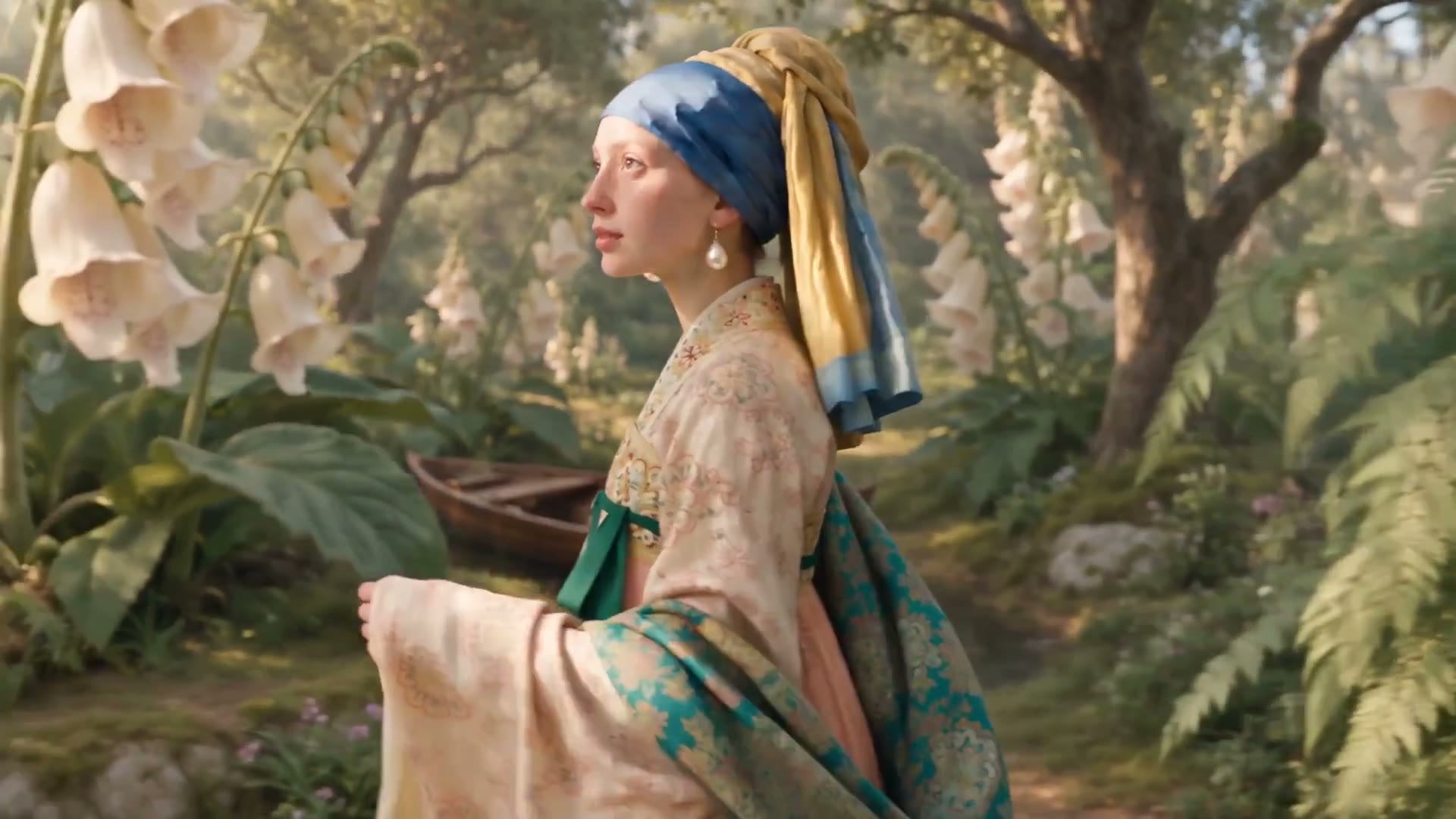
Create 30-Second Scenes in One Continuous Take

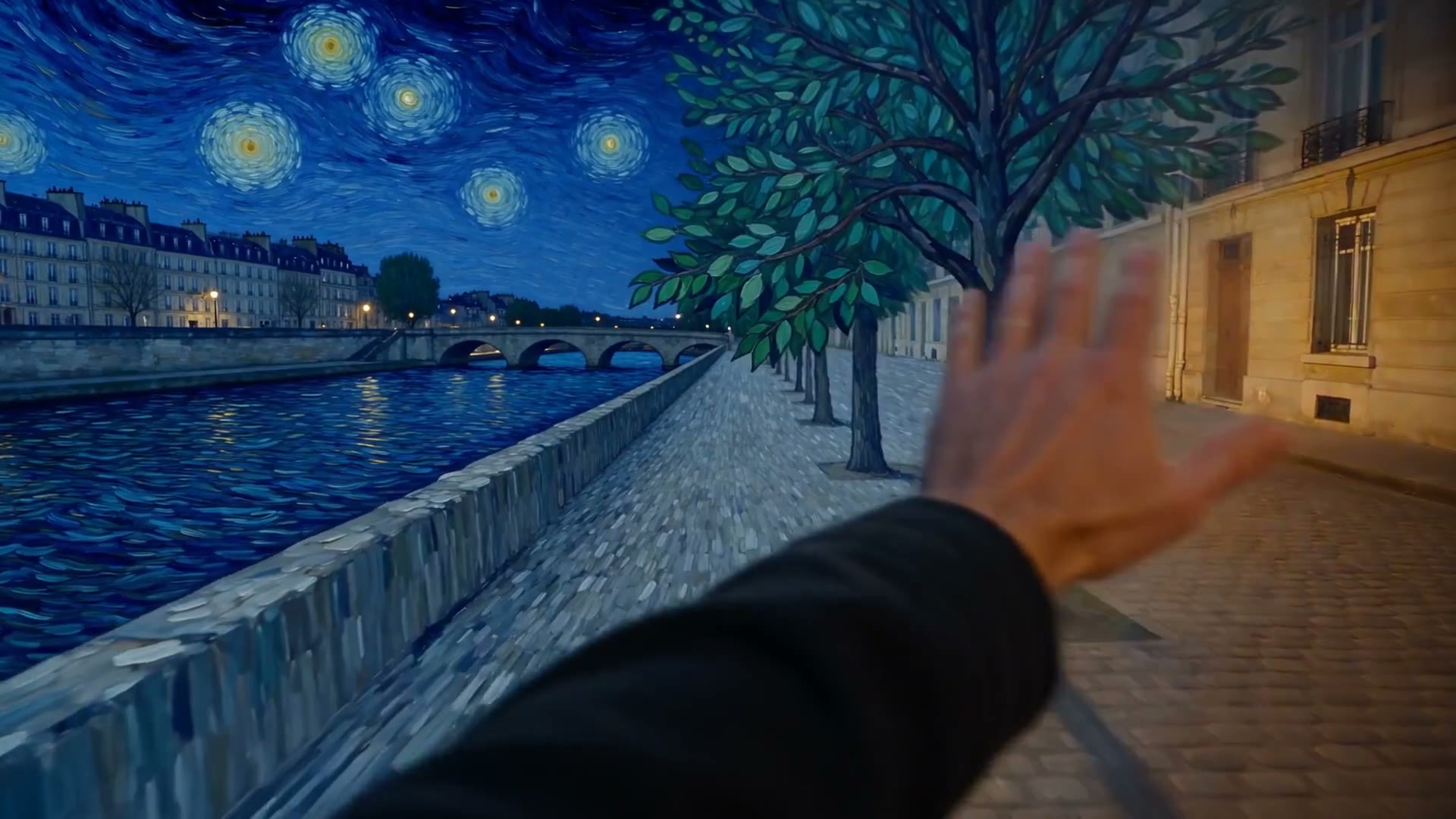
Tell a full story from start to finish in a single 1080p clip at 25 fps instead of stitching short cuts together. Pick any whole second from 4 to 30 seconds, just like Sand AI's 30-second single take through five classic paintings.

Picture and Sound Made Together in One Pass

Get dialogue with lip-sync, sound effects, ambient sound, and music built right into the same pass, or flip the Native soundtrack switch off for a silent clip. Put spoken lines inside quotation marks so characters say the exact words you write, and add a recording of your own voice as reference audio to hear yourself speak.

Use 20 References to Keep Characters Consistent

Load up to 10 images, 5 videos, and 5 audio tracks, name each one like Image 1 in your prompt, and keep the exact same face, outfit, and product in every shot while carrying motion from a clip onto a photo. Build a front, side, and back view with our AI character sheet tool to use as a clean reference image.

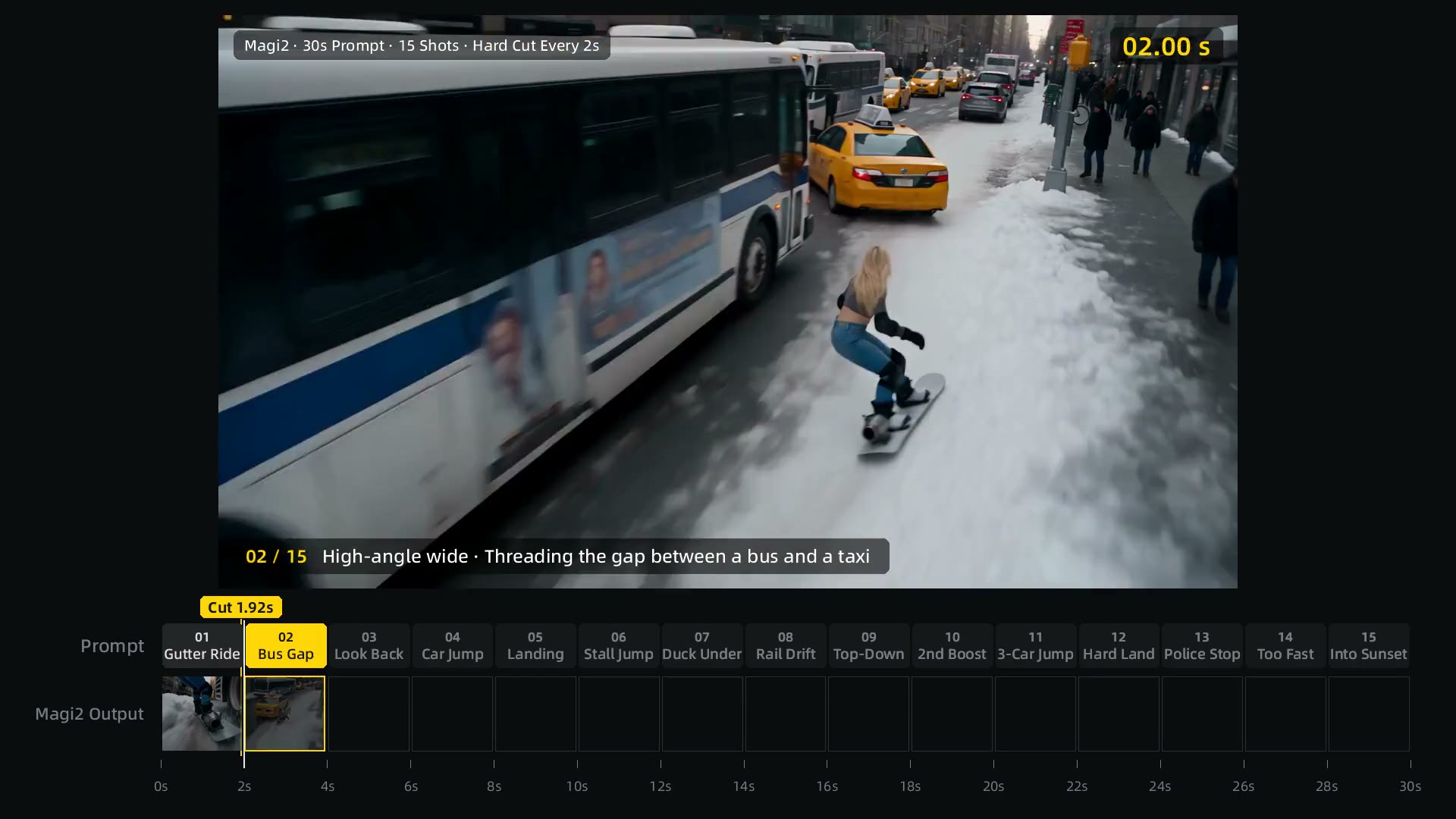
Direct Every Cut and Camera Move Second by Second

Map out what happens at each second in a prompt up to 15,000 characters long, and MAGI-2 follows your exact shot plan, cuts, and camera moves.

Capture Expressive Close-Ups With #1 Ranked Quality

Bring faces, subtle expressions, and lighting to life in close-up with the model ranked #1 on the Artificial Analysis image-to-video leaderboard at a 1163 Elo score as of November 26, 2026. Sand AI raised its average Elo score from 998.5 to 1150.3 so every frame holds up on screen.

Who Makes Better Videos with MAGI-2 on Seadanse?

Filmmakers

Shoot Emotional Dialogue Scenes

Bring your script and character photos into Reference to video. You get a 1080p scene of up to 30 seconds with lip-synced dialogue and real emotion made in one pass.

Brand Marketers

Keep Models and Products Consistent

Upload model photos, product photos, and your music track to keep every face and item the same from start to finish. Export a ready-to-post 9:16 or 16:9 ad with full sound.

Animators

Animate Full Character Shorts

Pair a character sheet with your story prompt to make a 3D, cartoon, or anime short up to 30 seconds long. Your character keeps the exact same look in every shot.

Game Artists

Turn Rough Clips into Trailer Shots

Drop in a rough 3D animation as a reference video alongside your concept art to lock the camera path. MAGI-2 renders the finished shot in crisp 21:9 or 16:9.

YouTube Creators

Make Faceless Explainers with Voice

Add your narration as reference audio or type spoken lines in quotes inside your prompt. You get a 16:9 explainer or documentary video with voice-over and visuals made together.

How to Make a Video with MAGI-2 on Seadanse

Step 1

Pick MAGI-2 and a Generation Mode

Open the "Model" picker and choose "MAGI-2", marked with the "30s · audio" tag. Then select Text to Video, Image to Video, or Reference to video on the "Generation mode" switch.

Step 2

Write Your Prompt and Add Files

Type up to 15,000 characters in the prompt box, placing spoken lines inside quotes with the speaker's name. In Image to Video, upload a first frame and an optional last frame; in Reference to video, add up to 10 "Reference images" (JPEG, PNG, or WEBP), up to 5 "Reference videos" (2–30s each, 30s total, MP4 or MOV), and up to 5 "Reference audio" tracks (2–30s each, 30s total, MP3 or WAV).

Step 3

Set Aspect Ratio, Length, and Sound

Pick your "Aspect ratio" from 21:9, 16:9, 4:3, 1:1, 3:4, or 9:16, and set "Length" to any whole number from 4 to 30 seconds while "Resolution" stays at 1080p. Leave the "Native soundtrack" switch on for dialogue, sound effects, and music, or turn it off for a silent video.

Step 4

Press Generate and Download Your MP4

Check your credit total at 22 credits per second—a 4-second test video uses 88 credits—then press "Generate". When the video finishes, save your 1080p, 25 fps MP4 with sound straight to your device.

Is MAGI-2 free?

Sign-up on Seadanse is free and adds 40 starter credits, and one credit balance runs MAGI-2 and every other video model on the site.

  • Start with starter credits. Create a free account to get 40 starter credits, and view Seadanse pricing when you want to add more. You see the credit estimate before you submit, and credits are charged only when the video finishes.
  • Run the full model in your browser. Seadanse runs the full 480B MAGI-2 right in your browser with no GPU, no API key and no download.
  • Compare with the open weights. Sand AI released the MAGI-2 Preview open weights for free under the Apache 2.0 license, which have about 114B parameters, take up about 307 GB of weights, need 8 NVIDIA Hopper GPUs and make 10-second videos.

Where can I use MAGI-2 online without a GPU?

Seadanse runs the full 480B MAGI-2 online in your browser, so you make 1080p videos up to 30 seconds long with no GPU and no download. Sand AI also released the open-weights MAGI-2 Preview on Hugging Face for teams that run their own 8-GPU servers.

VersionParametersVideo lengthWhat you need
MAGI-2 on Seadanse480B total and about 28B active4 to 30 seconds at 1080pA browser and a free account
MAGI-2 Preview open weightsAbout 114B10 seconds8 NVIDIA Hopper GPUs and about 307 GB of weights

Can MAGI-2 turn my own photo into a video?

Yes. Open Image to Video on Seadanse, upload your photo as the first frame and add an optional last frame when you want the shot to land on a set picture.

Describe the motion you want, choose a length from 4 to 30 seconds and pick an aspect ratio from 21:9, 16:9, 4:3, 1:1, 3:4 or 9:16. MAGI-2 animates your photo into a 1080p MP4 at 25 fps with sound.

Pick a sharp, well-lit photo to keep the face closest to the original. To keep the same face across many shots, switch to Reference to video and upload up to 10 photos of the same person. Need a starting or ending frame first? Build one with our AI image tool.

Does MAGI-2 make sound and dialogue?

Yes. MAGI-2 makes the picture and the sound together in the same pass, including spoken dialogue with lip-sync, sound effects, ambient sound and music.

  • Turn sound on or off. Use the "Native soundtrack" switch to include sound or turn it off for a silent video.
  • Direct the voices and music. Put spoken lines inside quotation marks and name who speaks them in your prompt, and write "no music" when you want to leave music out.
  • Bring your own voice. Upload a recording of your voice as a reference audio track in Reference to video so your character speaks with it.

How do I write a MAGI-2 prompt?

Write your MAGI-2 prompt as a second-by-second shot plan of up to 15,000 characters, following the layout in Sand AI's text-to-video prompt file.

For Image to Video, follow Sand AI's image-to-video prompt file: describe the motion you want while keeping what is already in the photo. In Reference to video, name each upload in your prompt, such as "Image 1" or "Video 1", and give it one clear job. Test a new prompt as a 4-second video for 88 credits first, then run the full 30 seconds once you like the shot.

PartWhat to write
SceneSet the location, time of day and surroundings.
SubjectName the main person, animal or object and what they look like.
Action with secondsList what happens in order with time stamps, like 0-3 s and 3-7 s.
CameraState the shot size and one camera movement per shot.
Light and styleDescribe the lighting, color mood and visual style.
SoundPut dialogue in quotes with the speaker's name, plus sound effects, music or "no music".
What stays the sameLock in clothes, props, lighting or details that stay fixed across cuts.

MAGI-2 or Seedance 2.5: which should I use?

Both MAGI-2 and Seedance 2.5 AI video maker run on Seadanse on one credit balance: pick MAGI-2 for most 1080p clips with sound and moves played in real time, and switch to Seedance 2.5 for big crowd scenes and fights where two people's moves have to line up.

On the Artificial Analysis image-to-video leaderboard as of November 26, 2026, MAGI-2 holds the #1 spot with an Elo score of 1163, ahead of Seedance 2.5 at 1158. A 5-second 1080p video costs 110 credits on MAGI-2 compared to 490 credits on Seedance 2.5—under a quarter of the credits—and you check exact totals with the AI video cost calculator for Seedance 2.5.

What you wantModel to use on Seadanse
One 30-second take with sound in 1080p for the fewest creditsMAGI-2
Up to 20 references for one characterMAGI-2
A photo turned into videoMAGI-2
Moves played in real timeMAGI-2
Fights where two people's moves have to line up and big crowd scenesSeedance 2.5

Price Every MAGI-2 Video at 22 Credits per Second

Sign-up is free and adds 40 starter credits. Every MAGI-2 video costs 22 credits per second across Text to Video, Image to Video, and Reference to video, with sound on or off—so a 4-second video is 88 credits, a 30-second video is 660 credits, and credits for a failed or timed-out video come back automatically.

Get Straight Answers on MAGI-2 Before You Render

What is MAGI-2?

MAGI-2 is Sand AI's flagship AI video model, released on November 24, 2026. It makes picture and sound together in the same pass, runs on 480B total parameters with about 28B active, and produces 4 to 30 seconds of video at 1080p and 25 fps. Try MAGI-2 on Seadanse in Text to Video, Image to Video, or Reference to video mode right in your browser.

How much does a MAGI-2 video cost?

A MAGI-2 video costs 22 credits per second on Seadanse, so a 4-second video is 88 credits, a 10-second video is 220 credits, and a 30-second video is 660 credits. The price stays the same across Text to Video, Image to Video, and Reference to video, with sound on or off, and you see the exact credit estimate before you submit. Credits are charged only when your video finishes, any failed or timed-out run refunds automatically, and sign-up is free and adds 40 starter credits before you pick a plan on Seadanse pricing.

How long can a MAGI-2 video be, and in what resolution?

MAGI-2 makes videos from 4 to 30 seconds long, in any whole second, at 1080p resolution and 25 fps. You pick from six aspect ratios—21:9, 16:9, 4:3, 1:1, 3:4, or 9:16—to match widescreen film, YouTube, or vertical social feeds. Tip: test a new prompt as a 4-second MAGI-2 video for 88 credits, then make the full 30 seconds once you like it.

How many references can MAGI-2 use?

MAGI-2 takes up to 20 references in one video in Reference to video mode. You combine up to 10 reference images (JPEG, PNG, or WEBP) to set a look, up to 5 reference videos (2 to 30 seconds each, 30 seconds in total, MP4 or MOV) to show motion, and up to 5 reference audio tracks (2 to 30 seconds each, 30 seconds in total, MP3 or WAV) for voice and sound. Name each file in your prompt, such as "Image 1" or "Video 1", and give it one clear job.

Can MAGI-2 copy the motion from a video onto my character?

Yes. Add your motion clip as a reference video and your character photo as a reference image in Reference to video mode, then tell MAGI-2 in the prompt which file sets the motion and which file sets the look. Your character takes on the movement from the clip in one 1080p pass.

Is MAGI-2 open source?

Sand AI states in Sand AI's MAGI-2 announcement that it will open-source MAGI-2 and publish a technical report. Today, the open-weights download is MAGI-2 Preview under the Apache 2.0 license, while the full 480B MAGI-2 runs right now on Seadanse in your browser with no setup.

Do I need a MAGI-2 API key or a GPU?

No. You run MAGI-2 right in your browser on Seadanse using credits, with no API key, no GPU, and no download. One credit balance works across every video model on the site, so you start creating immediately.

MAGI-2 or MiniMax H3: which is better?

MAGI-2 leads on the Artificial Analysis silent image-to-video leaderboard with a score of 1153 compared to 1123 for MiniMax H3 Max as of November 26, 2026, and MAGI-2 also builds videos up to 30 seconds with sound made in the same pass and up to 20 references. Both models run on Seadanse from the same credit balance, so you can switch between MAGI-2 and the MiniMax H3 Max AI video maker anytime.

Can I use MAGI-2 videos commercially?

Yes. Videos you make on a Seadanse paid plan download with no watermark and include a commercial license. Use your MAGI-2 clips in client campaigns, ads, and monetized channels right away.

What file does MAGI-2 give me?

MAGI-2 gives you a 1080p MP4 file at 25 fps with sound included, ready to download in one click. Toggle the "Native soundtrack" switch on for dialogue, sound effects, and music in the same pass, or switch it off when you want a silent MP4.

Try MAGI-2 on Seadanse Today

Make your first 30-second MAGI-2 video with sound in 1080p right in your browser.