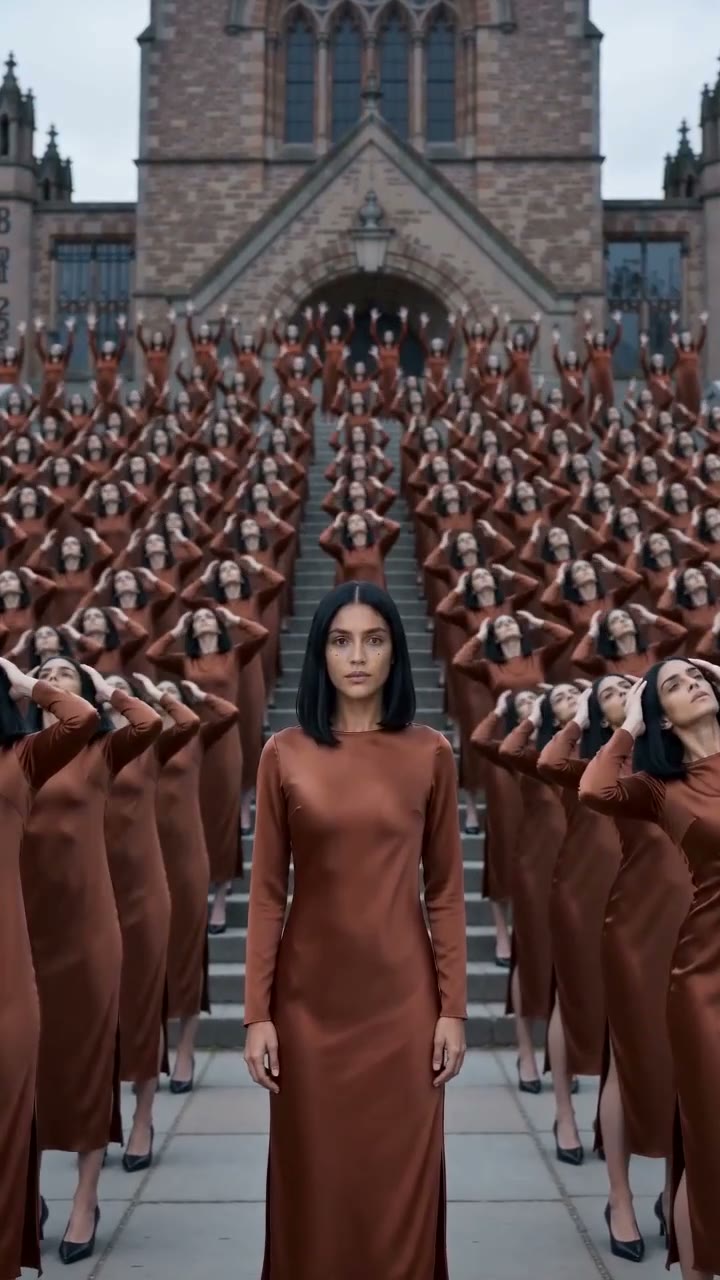
Turn One Photo Into a Dancing Crowd
Upload one clear photo of yourself to create an instant viral scene. Our AI clone video generator builds the entire dance with no filming, no tripod, no masking, and no prompt to write.
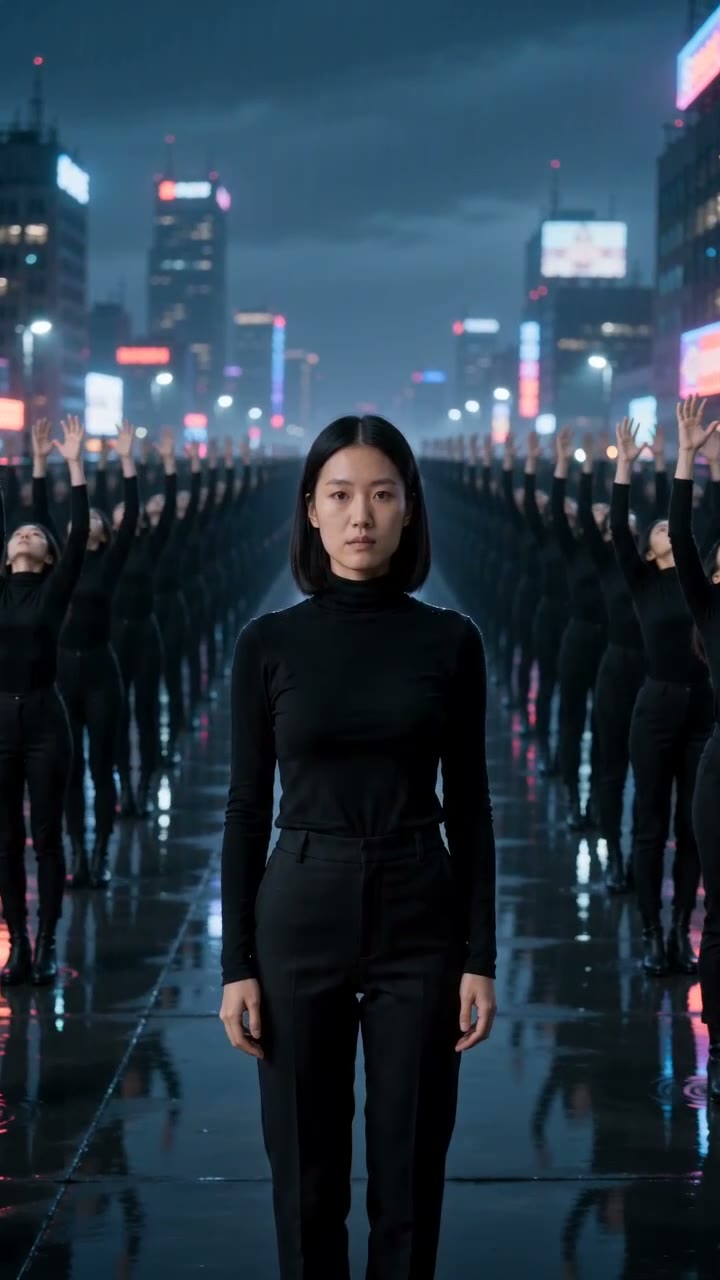
720x1280 · 9:16 · 8s
Put a whole crowd of yourself in one clip without filming or masking. Upload one photo to our AI clone video generator to get an 8-second video of your clones dancing around you to music.
One person with a clear face: a selfie, a half-body or a full-body photo.
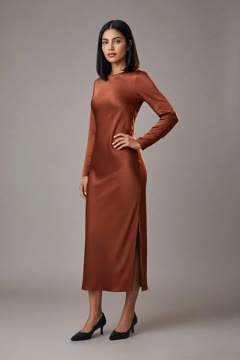
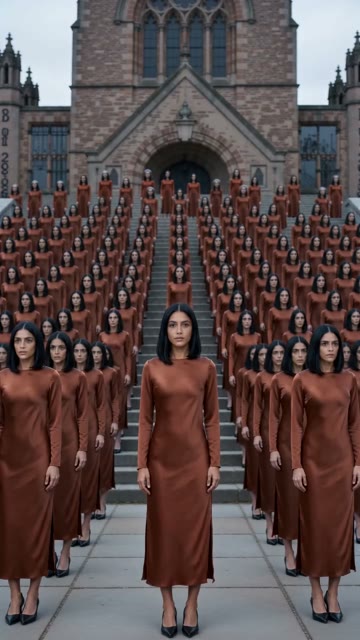
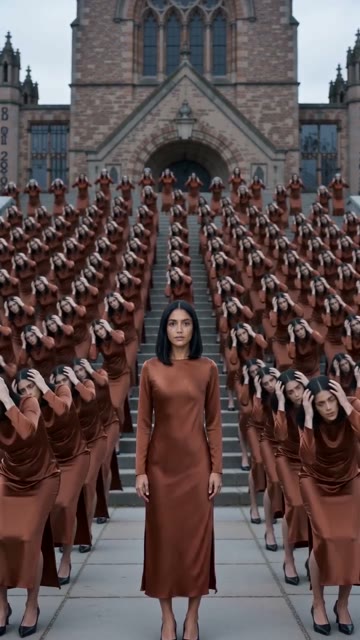
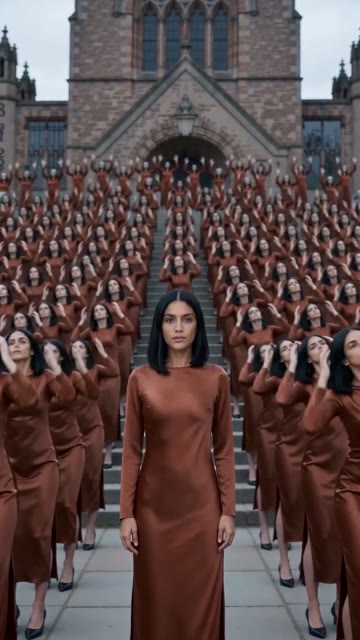
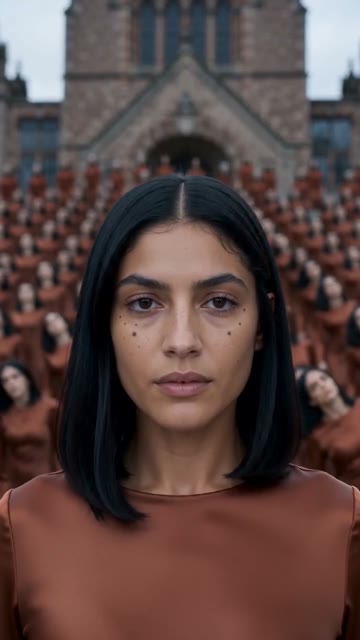
Upload one clear photo of yourself to create an instant viral scene. Our AI clone video generator builds the entire dance with no filming, no tripod, no masking, and no prompt to write.
720x1280 · 9:16 · 8s
1280x720 · 16:9 · 8s
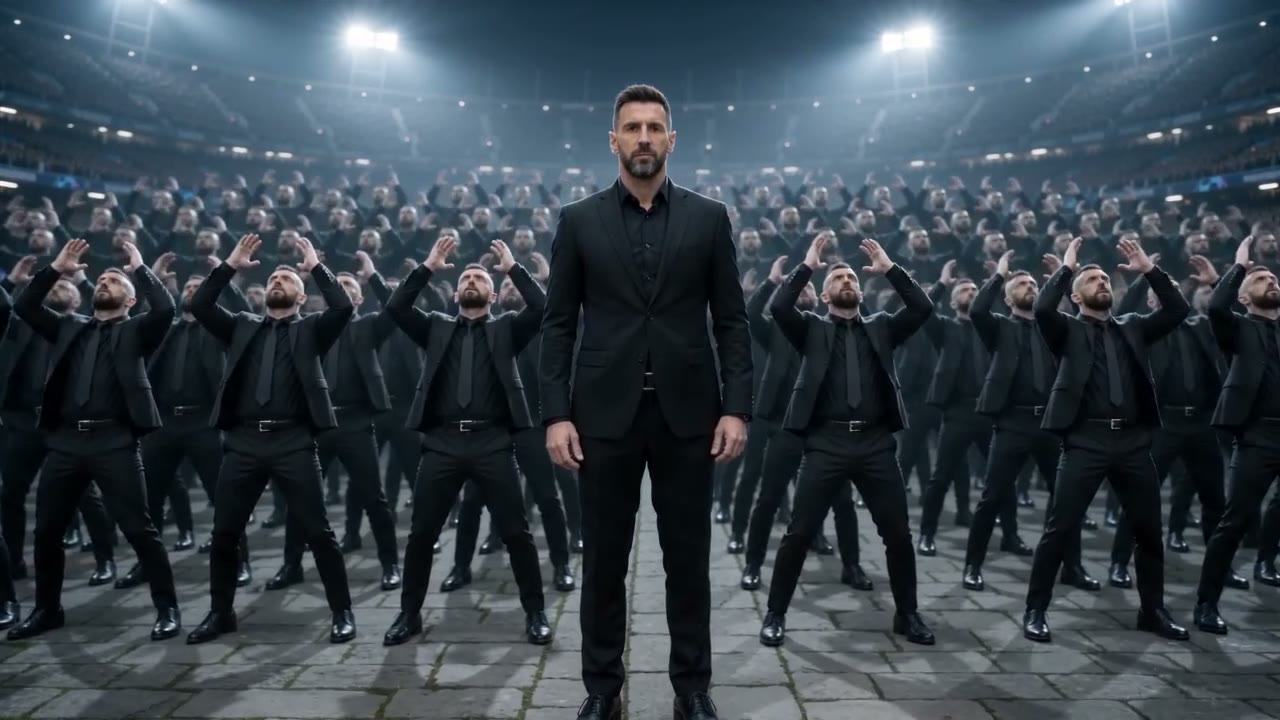
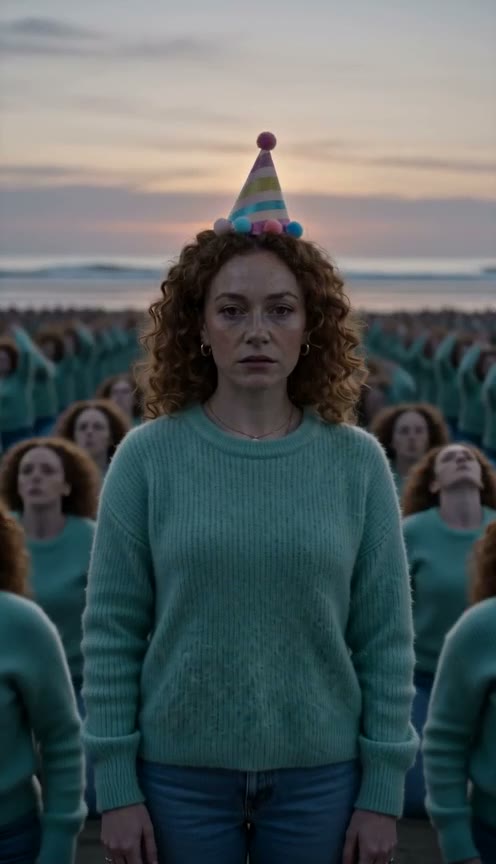
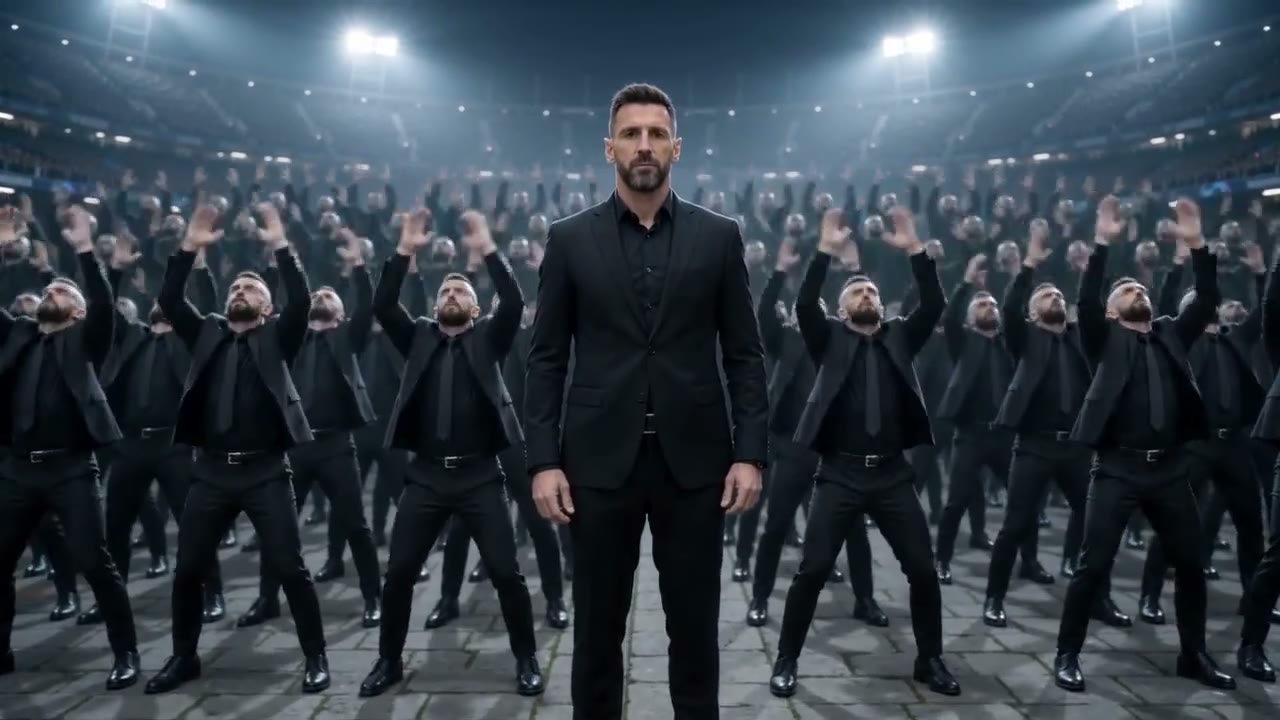
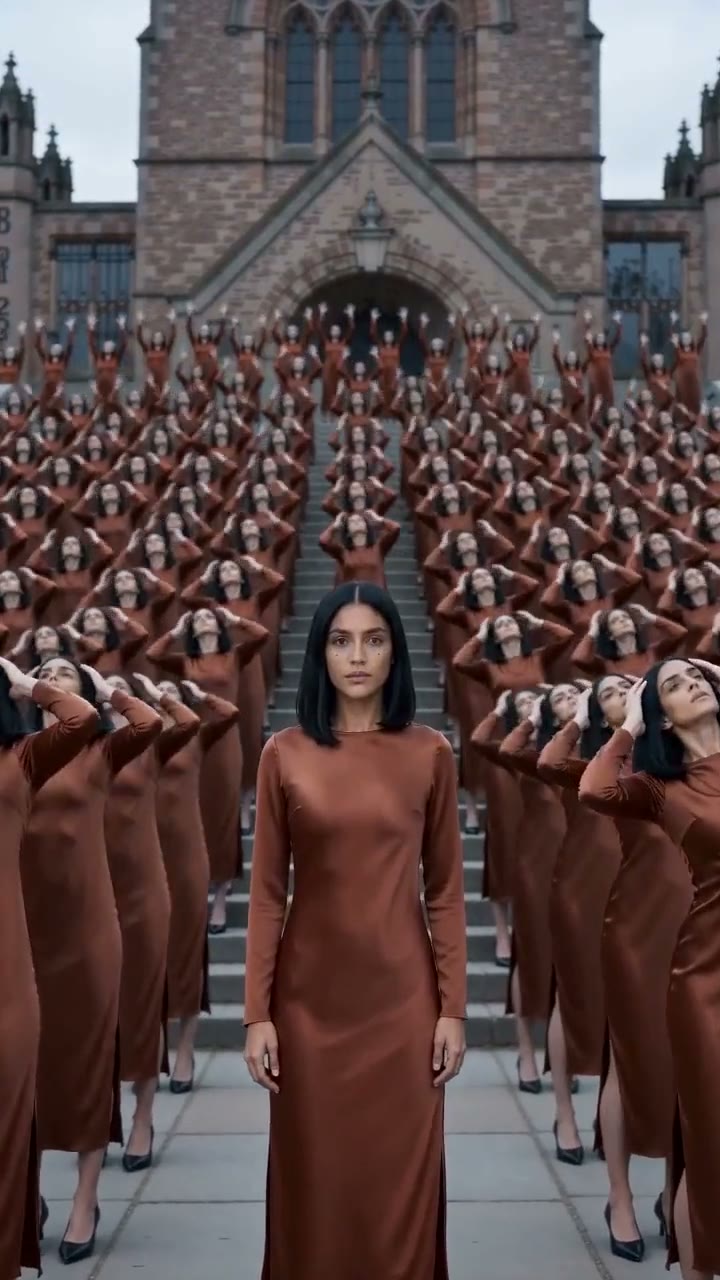
Every clone in the crowd copies your exact face, hair, and outfit from your photo. You stay in the middle, and the camera ends close on your face.
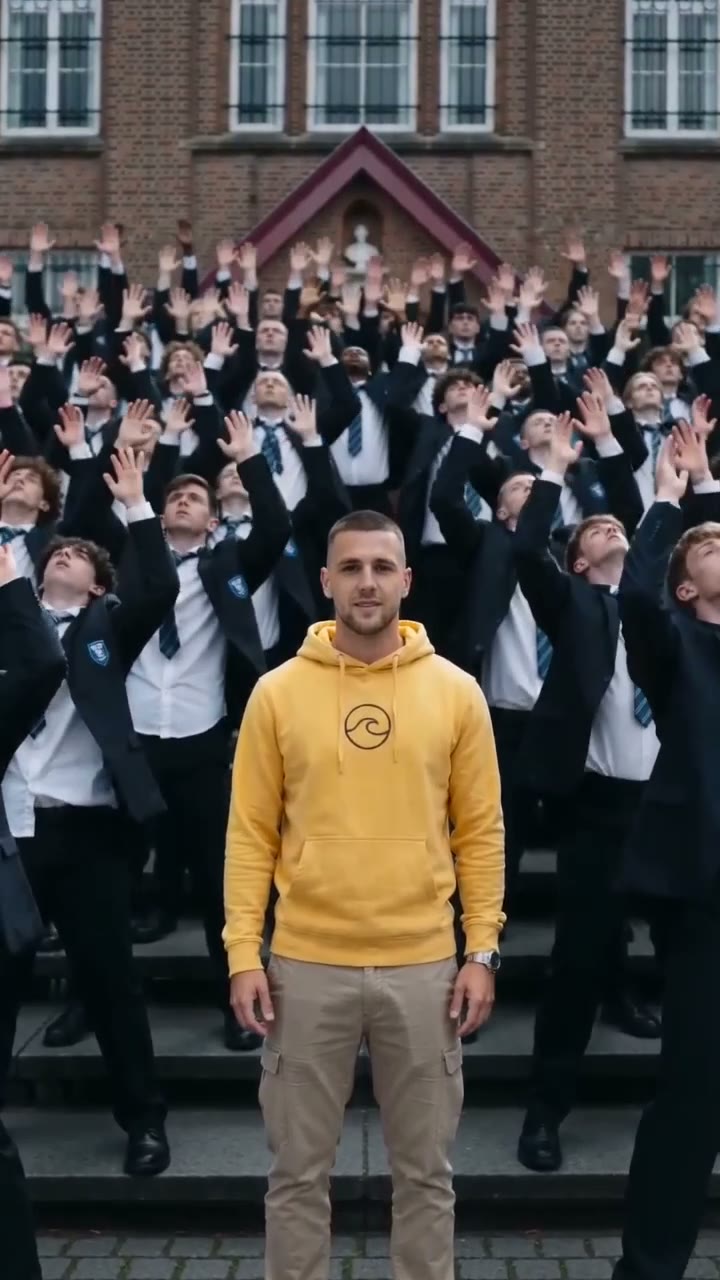
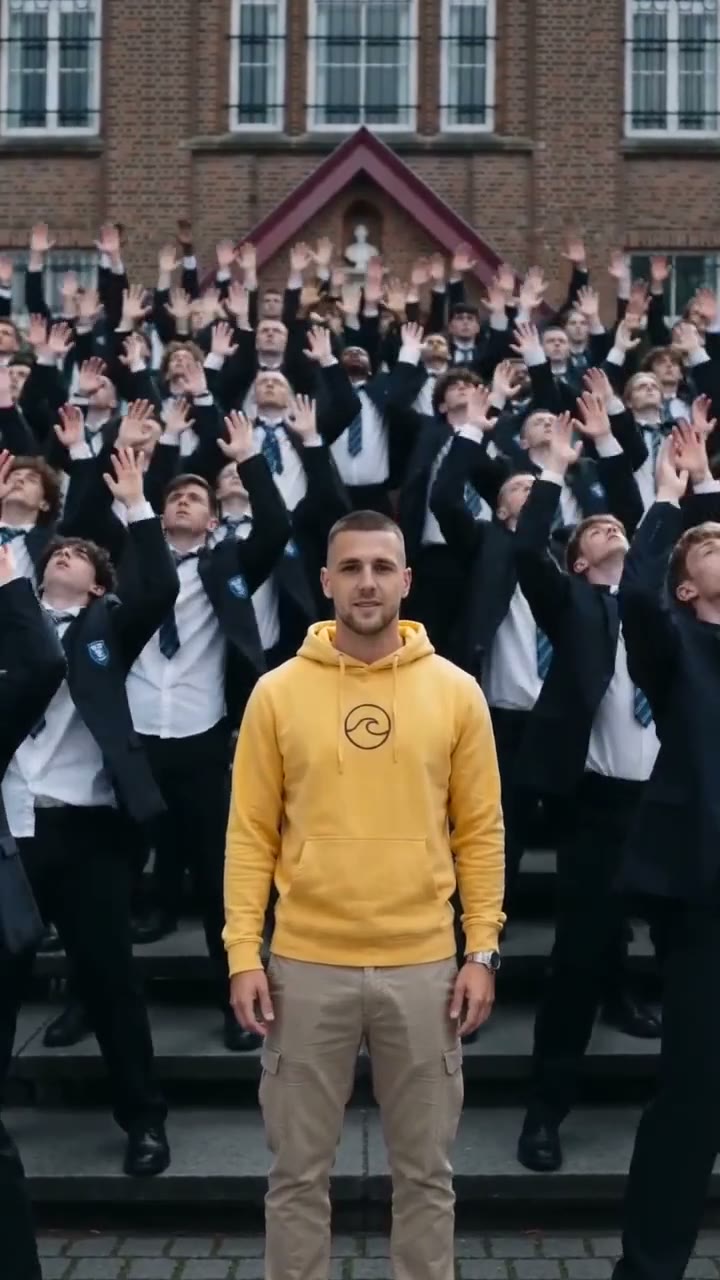
You stand still in the center and look into the camera while the crowd leans back and twitches to the beat. Choose Clones to multiply yourself, or choose Crowd for young dancers all dressed alike in dark school-style uniforms with dark blazers, white shirts, and ties.
720x1280 · 9:16 · 8s
496x864 · 9:16 · 8s
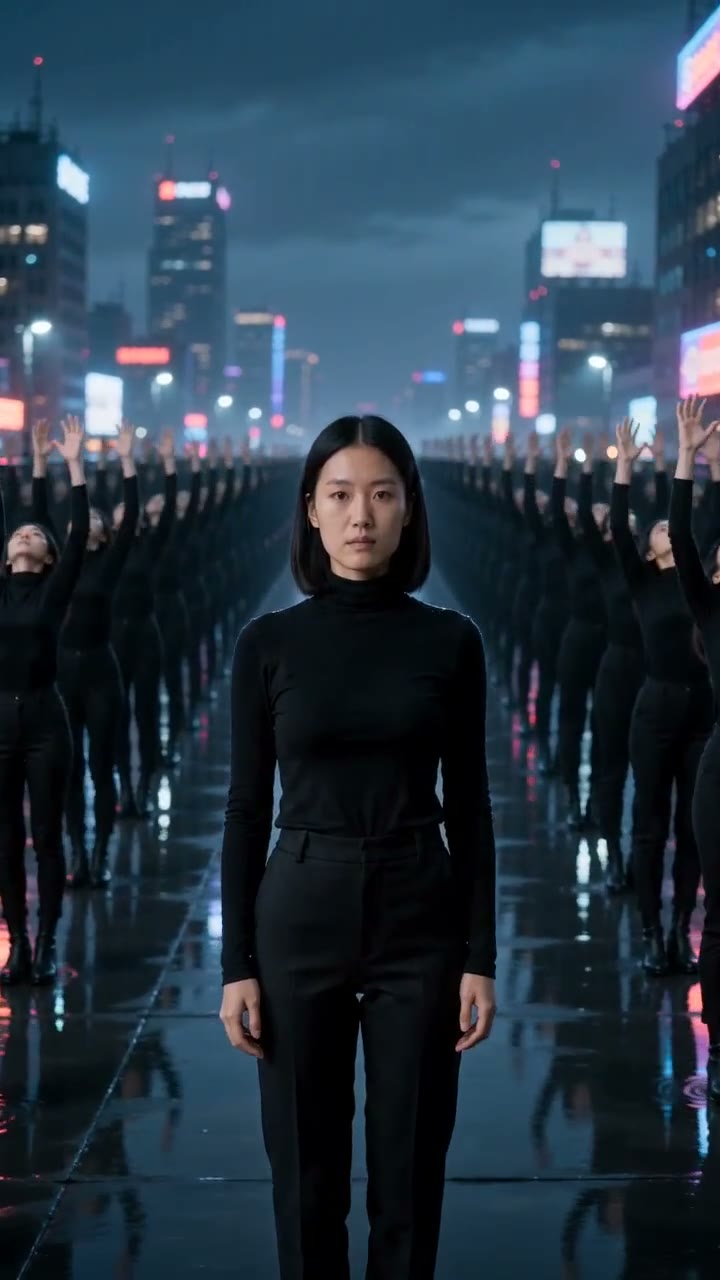
Leave the location line blank to dance on wide steps by a red-brick building under an overcast sky. Type one line of your own to move the dance to a beach at sunset, a neon rooftop, or a packed stadium.
Download an 8-second MP4 with music in vertical 9:16 or horizontal 16:9 at 480p or 720p with no watermark. Every video runs on Seedance 2.0 directly in your web browser on a phone or computer.
1280x720 · 16:9 · 6s
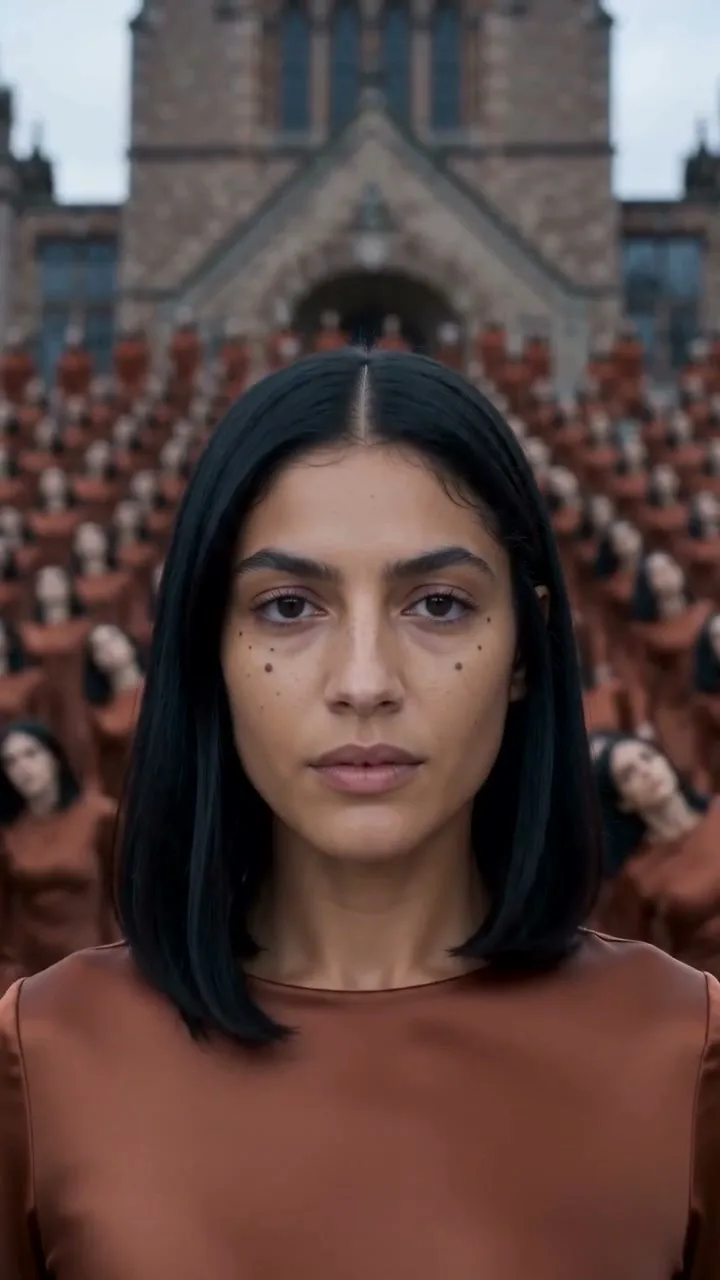
Spend 192 credits for 480p or 416 credits for 720p, with the exact price shown beside the Create button. Sign up free with no card to get 40 starter credits, and keep your balance safe with automatic refunds if a render fails.
Upload one photo of yourself to get an 8-second 9:16 video of you standing still while a crowd dances in sync around you. Pick Clones to multiply your face and outfit, or pick Crowd for young dancers in dark school-style uniforms with dark blazers, white shirts, and ties ready for TikTok, Reels, and Shorts.
720x1280 · 9:16 · 6s
720x1280 · 9:16 · 6s
Turn one photo of yourself into a crowd of clones dancing on the beat around you. Keep the default red-brick steps or name a neon rooftop on a rainy night to make an eye-catching song teaser.
Upload a photo in your merch, brand T-shirt, or outfit to dress an entire dancing crowd in your look. Use our AI clone video generator to build scroll-stopping product drop videos and ads with the commercial use license on paid plans.
720x1280 · 9:16 · 6s
496x864 · 9:16 · 6s
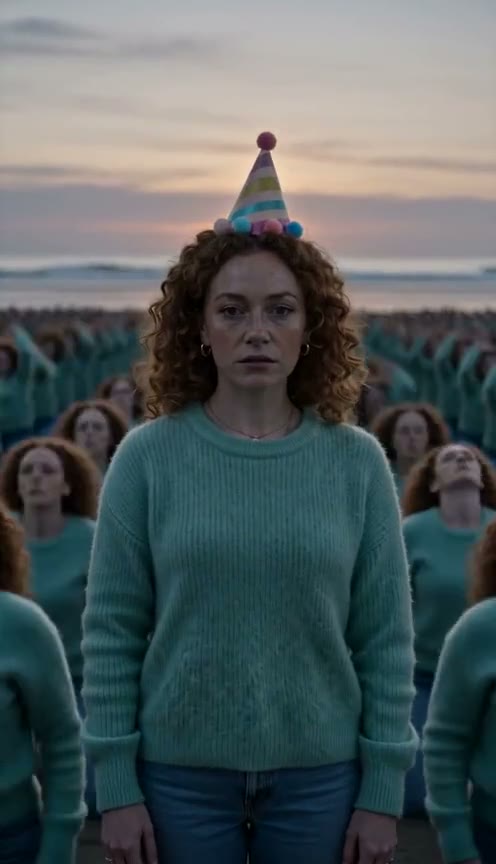
Bring a selfie or photo of an adult friend to generate an entire crowd of them dancing on a beach at sunset or any place you name. Drop the finished MP4 into your group chat for an unforgettable birthday laugh.
Upload one photo of an adult with a clear face, using a selfie, a half-body photo, or a full-body picture.
Pick Clones or Crowd, select 9:16 or 16:9 at 480p or 720p, add an optional place line, and check the price beside the Create button.
Press Create and download your 8-second MP4 of you standing still while the crowd dances around you.
Sign up free with no card and get 40 starter credits. One 8-second video costs 192 credits at 480p or 416 credits at 720p across both 9:16 and 16:9, and a render that fails returns its credits automatically.
An AI clone video is an 8-second video made from one photo on Seadanse. You stand still in the middle and look into the camera while a whole crowd of your clones dances in sync around you to music. Every clone shares your face, hair and outfit, and the camera ends close on your face.
Make your video in three easy steps with no prompt to write. Upload one photo of yourself. Pick Clones or Crowd, select 9:16 or 16:9, choose 480p or 720p, and type a place name if you want. Press Create and download your 8-second MP4.
You sign up free with no card and get 40 starter credits. One AI clone video costs 192 credits at 480p or 416 credits at 720p, and the price is the same for 9:16 and 16:9. The price shows beside the Create button before you start, and a render that fails returns its credits automatically. Visit the Seadanse pricing page to see all plans and credit packs.
Yes. Every clone has the face, hair and outfit from your photo, and so does the you in the middle. The camera ends close on your face. Use a photo of one person with a clear face in good light to get the sharpest look.
Upload one photo to make your video right away. You need no tripod, no second take and no masking in an editor such as CapCut. Our AI clone video generator surrounds you with a whole crowd of your clones on the red-brick steps or in any place you name.
No. The whole scene is built into the effect. You upload one photo, pick Clones or Crowd and press Create. Adding a line of your own words is optional if you want to pick a place for the dance.
Yes. Write one line naming a place, such as a beach at sunset, a neon rooftop on a rainy night or a packed stadium, and the whole crowd dance moves there. Leave it blank and the dance happens on wide steps in front of a red-brick building under an overcast sky.
Yes. The trend copies the ending of STORM, the April 2026 music video by GENER8ION starring Yung Lean, where he stands still in the center while a crowd around him dances in sync. Pick Clones so every dancer is you, or pick Crowd for a crowd of young dancers all dressed alike in dark school-style uniforms with dark blazers, white shirts and ties. To create a longer cut up to 30 seconds, explore our viral AI video prompts library with 4 clone dance prompts and load one into Seedance 2.5.
Your video runs 8 seconds with music, and the crowd dances on the beat. Pick 480p or 720p, and choose vertical 9:16 or horizontal 16:9 before you create. You download an MP4 with no watermark on your exported video.
No. Our AI clone video generator works directly in your web browser on a computer or a phone, with nothing to install. Sign up with an email address or a Google account. Pick 9:16, download the MP4 and post it straight to TikTok, Reels or Shorts.
The best tool makes every clone look like you, works from one photo and shows the price before you start. Our AI clone video generator does all three. Seedance 2.0, an AI video model from ByteDance, creates every video on this page and belongs to the Seedance model family that creators name on X.
Yes. Seadanse runs no facial recognition on uploaded photos and collects no biometric data. The platform never sells personal information. Your photos and videos stay in your account until you delete them, and paid plans keep your renders private.
Yes. Paid plans include a commercial use license for your business. There is also no watermark on your exported video.
Yes. Use Script to Video on Seadanse to make a talking video. Paste your script with the spoken lines in quotes and attach your photo, and a character with your face speaks your lines. The sound generates in the same render, and each video runs 4 to 30 seconds.
Yes. Use video to video AI on Seadanse to transform a video you already have. Upload your clip, type the changes you want for style, people or background, and attach a photo to swap in a person. The original motion and structure stay.
Every page here runs the real models in your browser — jump to the one that matches the clip you have in mind.
Upload a photo, pick an effect, get a short video. No prompt to write.
Seedance, Veo, Kling, Hailuo and more, each on its own page with real renders.
Upload one photo and get an 8-second video of you standing still while a crowd of your clones dances around you to music.