Tiny Desk AI is liveTry it
Video effect

AI Highway Shootout Video for TikTok and Reels

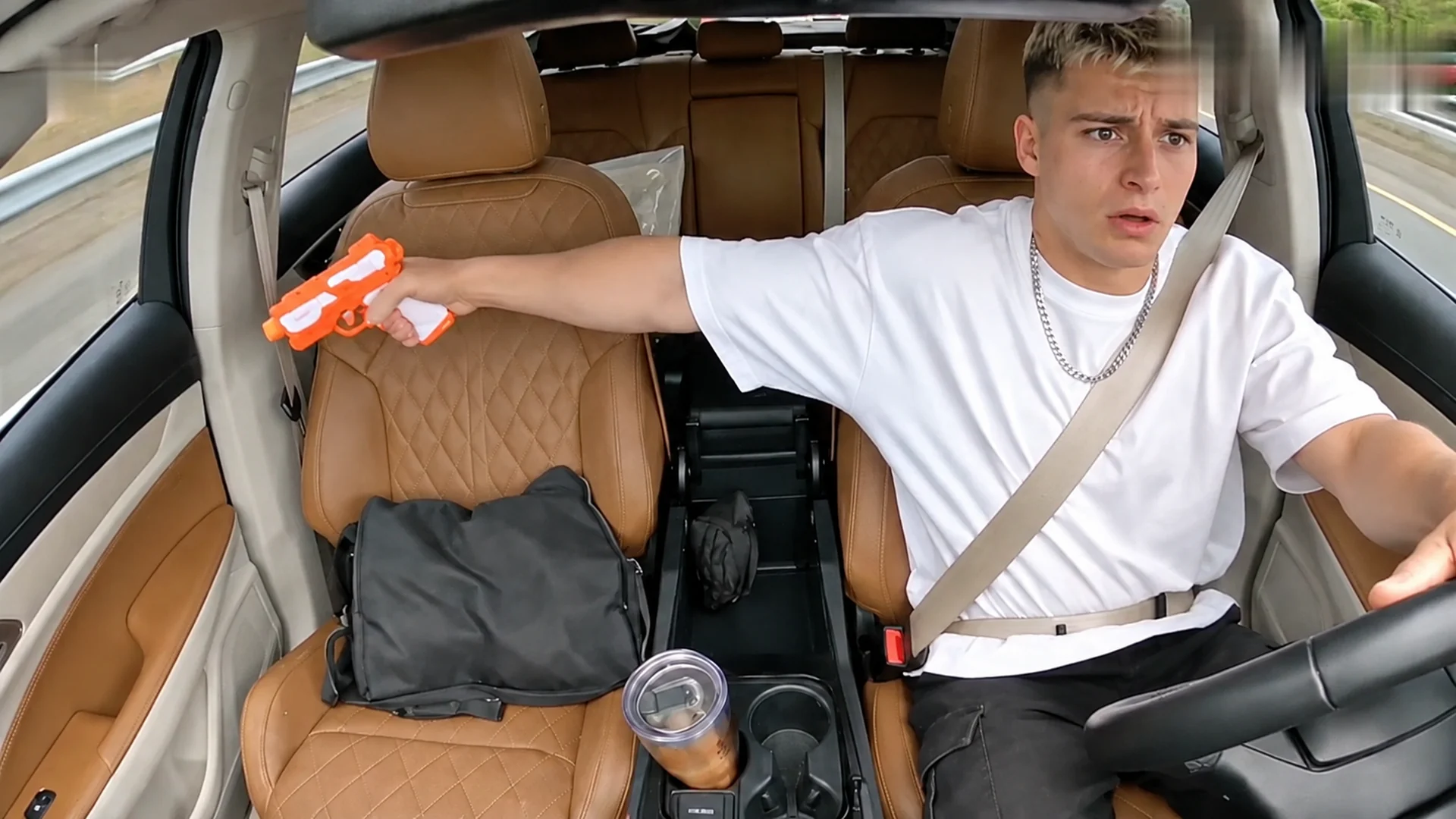
Seadanse AI highway shootout video puts you at the wheel on a highway in daylight, glancing at the passenger seat, reaching into the grey bag, firing the pistol out of the passenger window as the glass shatters, then staring at the pistol in shock. Add one photo to get a finished 10-second 16:9 landscape video with the clip's own sound for TikTok and Reels at 720p or 1080p, with $9.90 making one 720p video in your web browser with no account and no app to install. You can also create an AI Car Shootout Video, AI Car Shootout Video for Pets, Anime Car Shootout AI, or Shrek Car Shooting AI.

AI Highway Shootout VideoThis effect is built into the page and cannot be removed.
10s · 16:9

Your photos 0/3

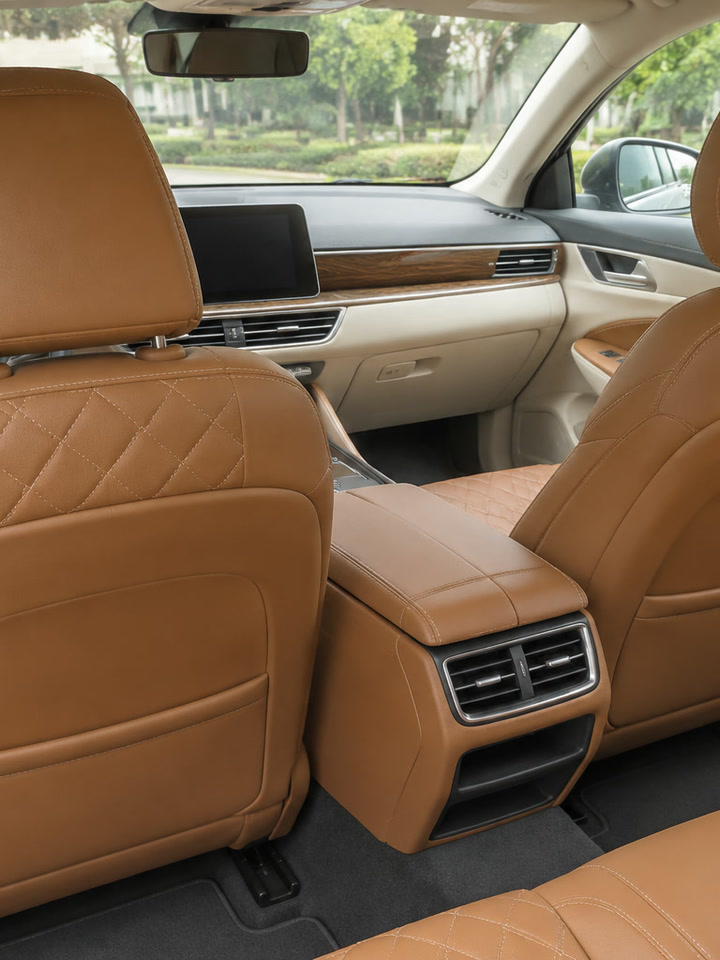
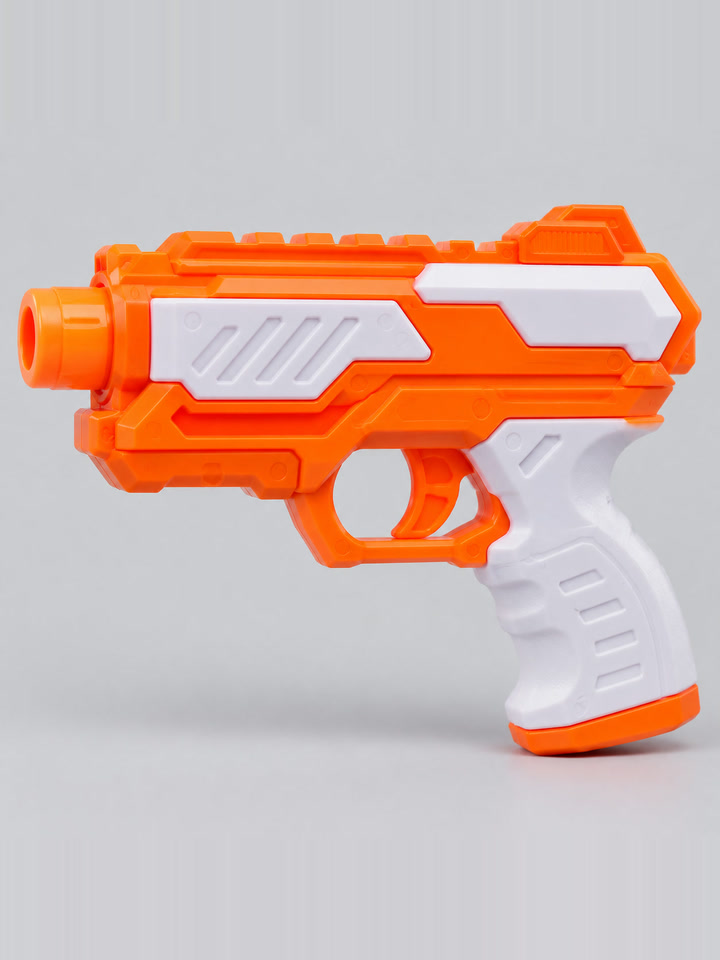
Tap a circle to put a photo there, or drop a photo onto it. The driver's photo is the only one needed; your car's interior and your toy or prop are optional and cost no extra credits. Leave them empty and the clip's own interior and pistol stay.

  • Interior: one car, seats and dashboard in view, good light. Toy or prop: one object, the whole thing in view, on a plain background
  • No photos of the car from outside, no group photos.
Video length
10 secondsThe whole trend clip500 credits
Quality

Sharper on laptops, tablets and TVs.

No account needed: pay once and your video starts right here.
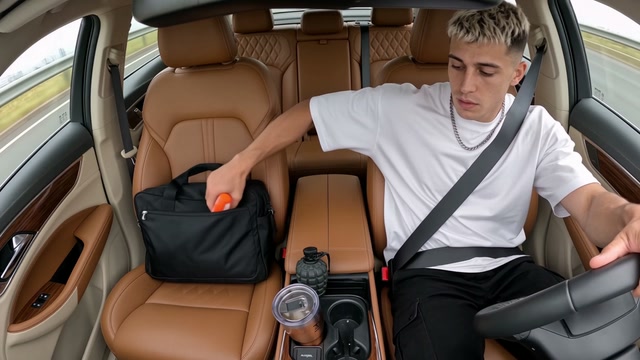
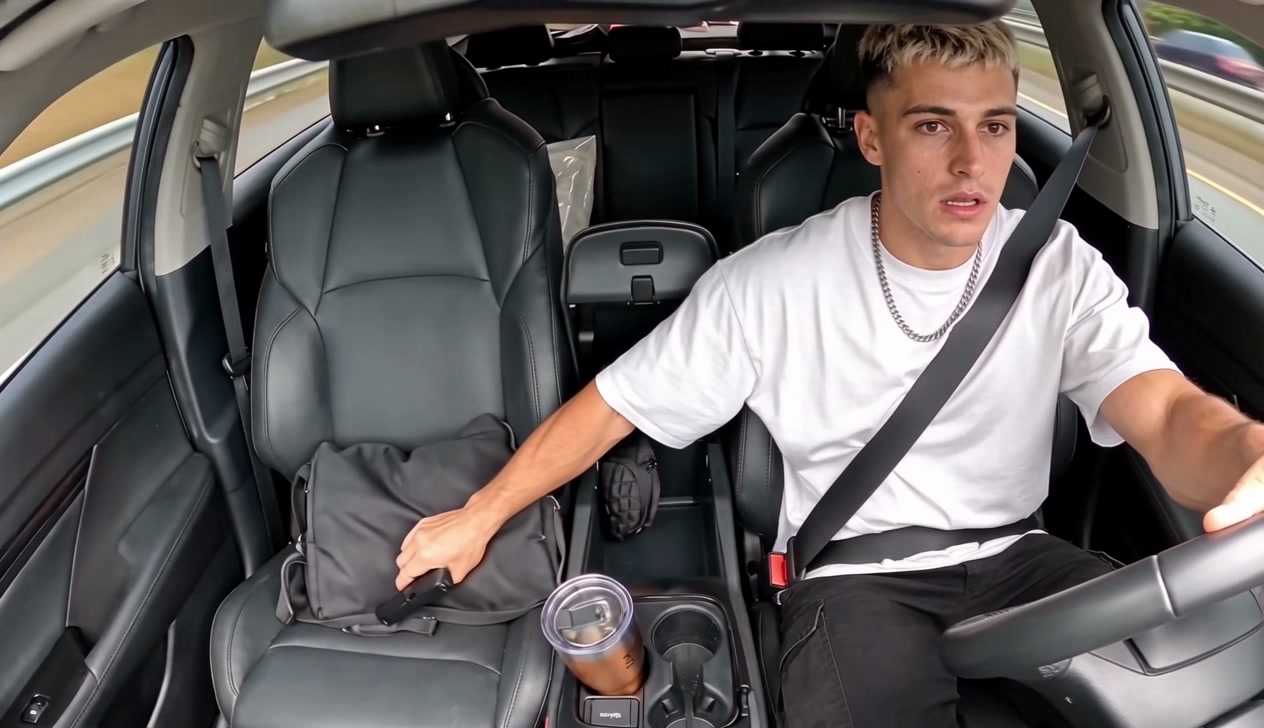
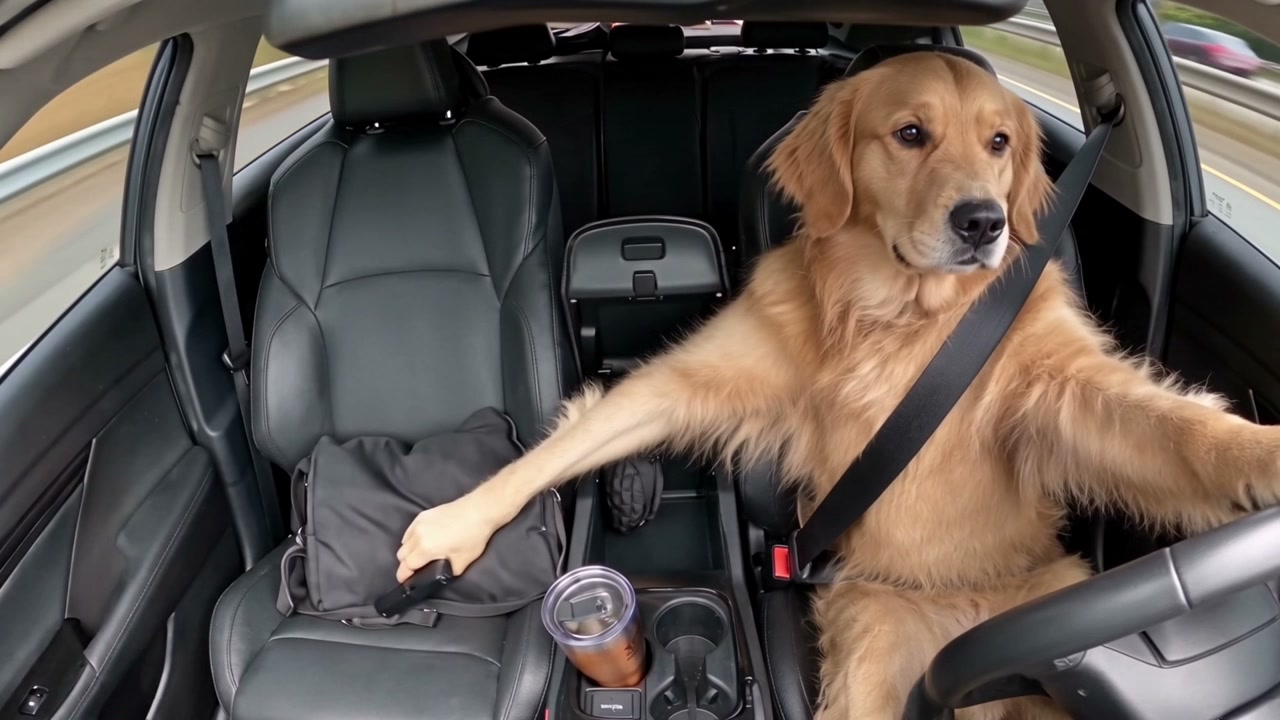
  1. Into the grey bag
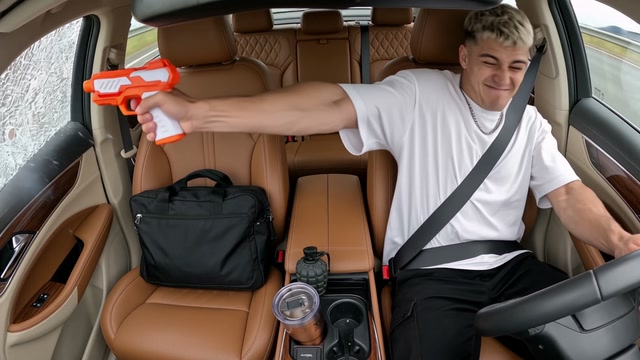
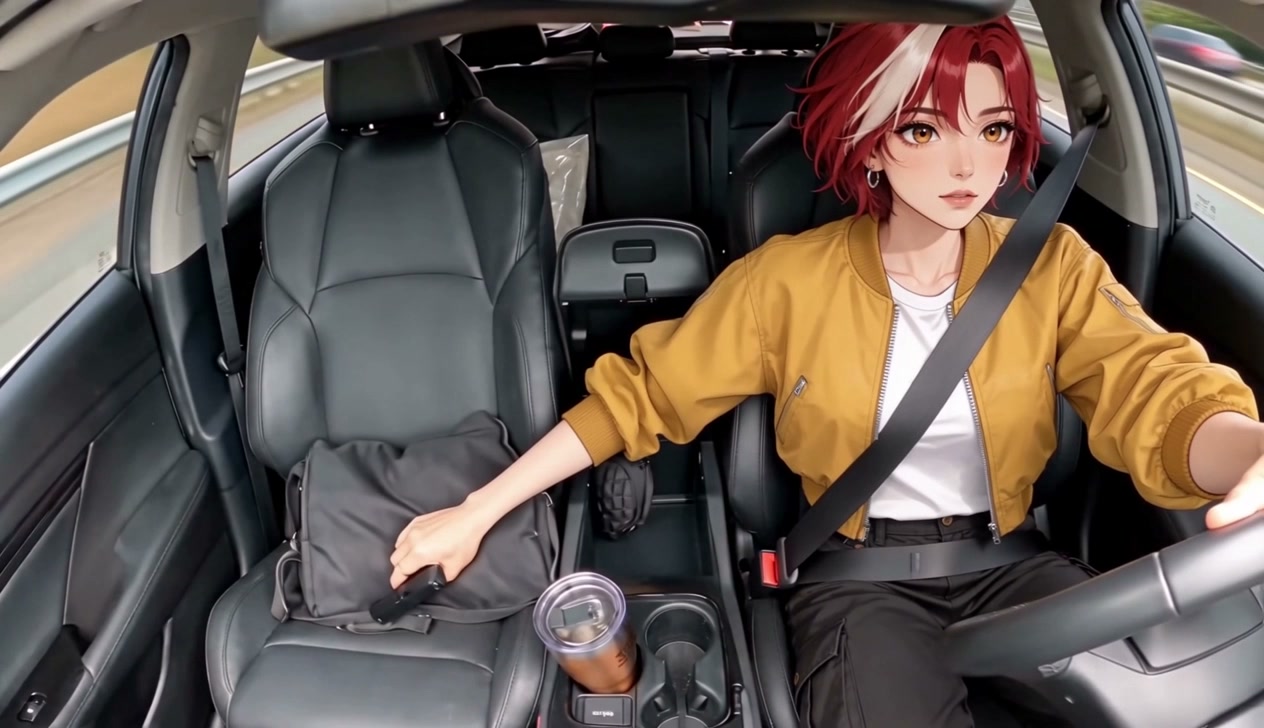
  2. Out of the passenger window
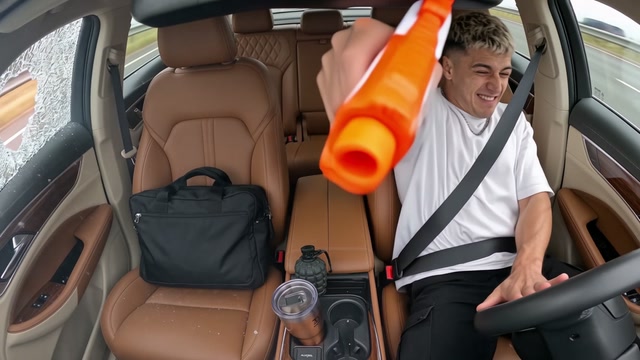
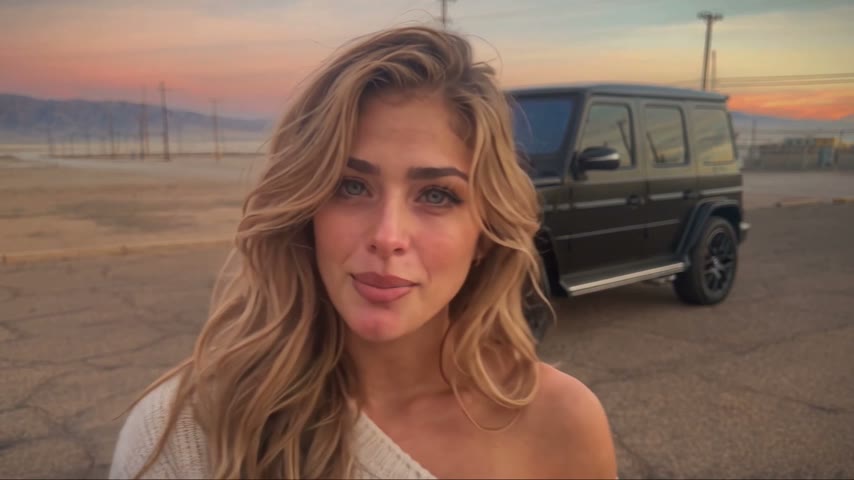
  3. Swinging round
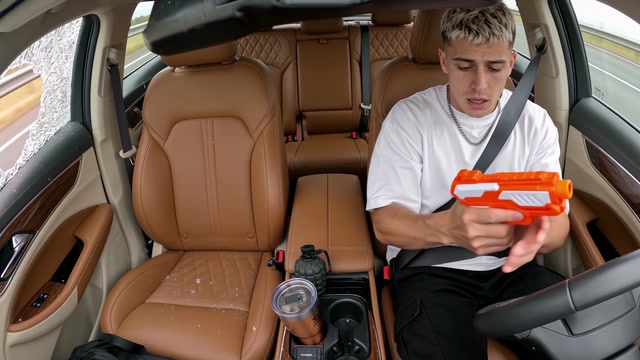
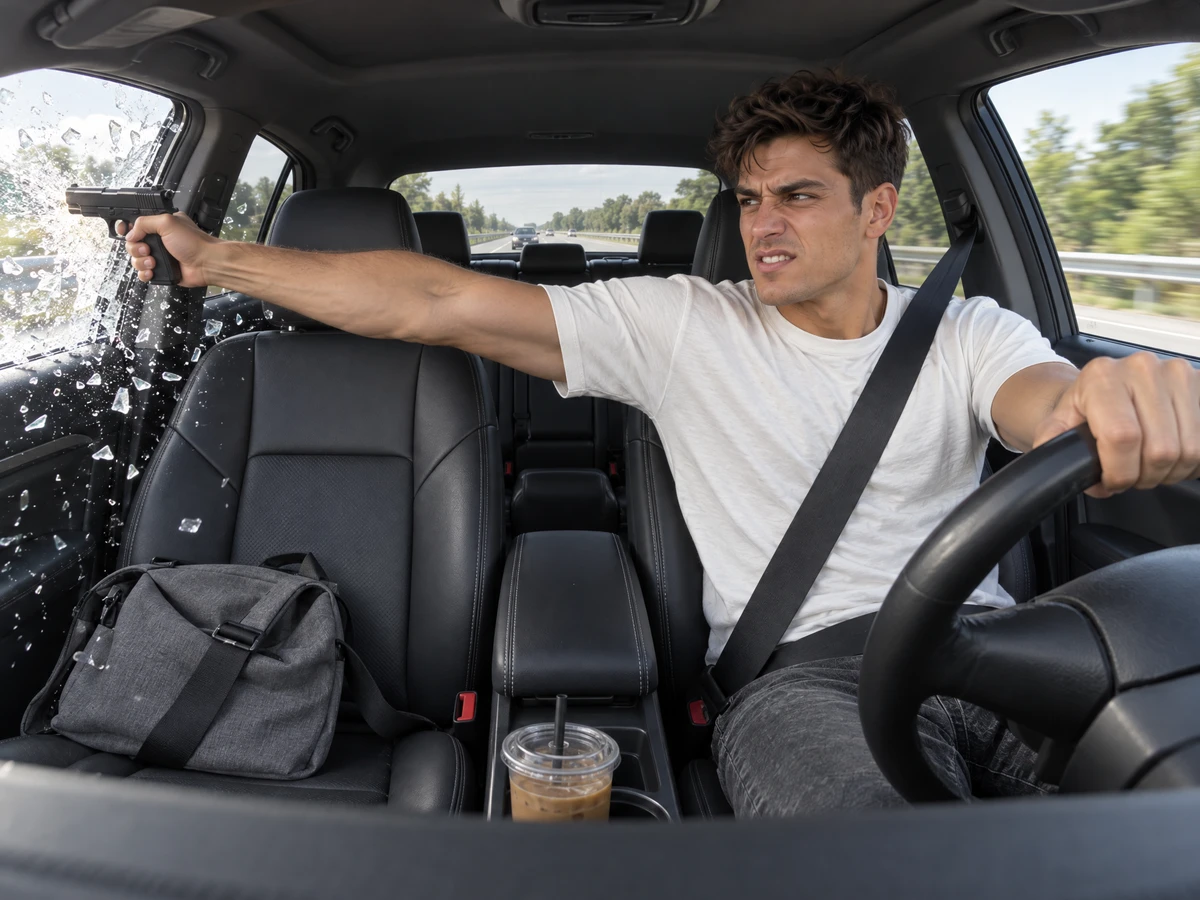
  4. The shocked stare

What Is the AI Highway Shootout Trend?

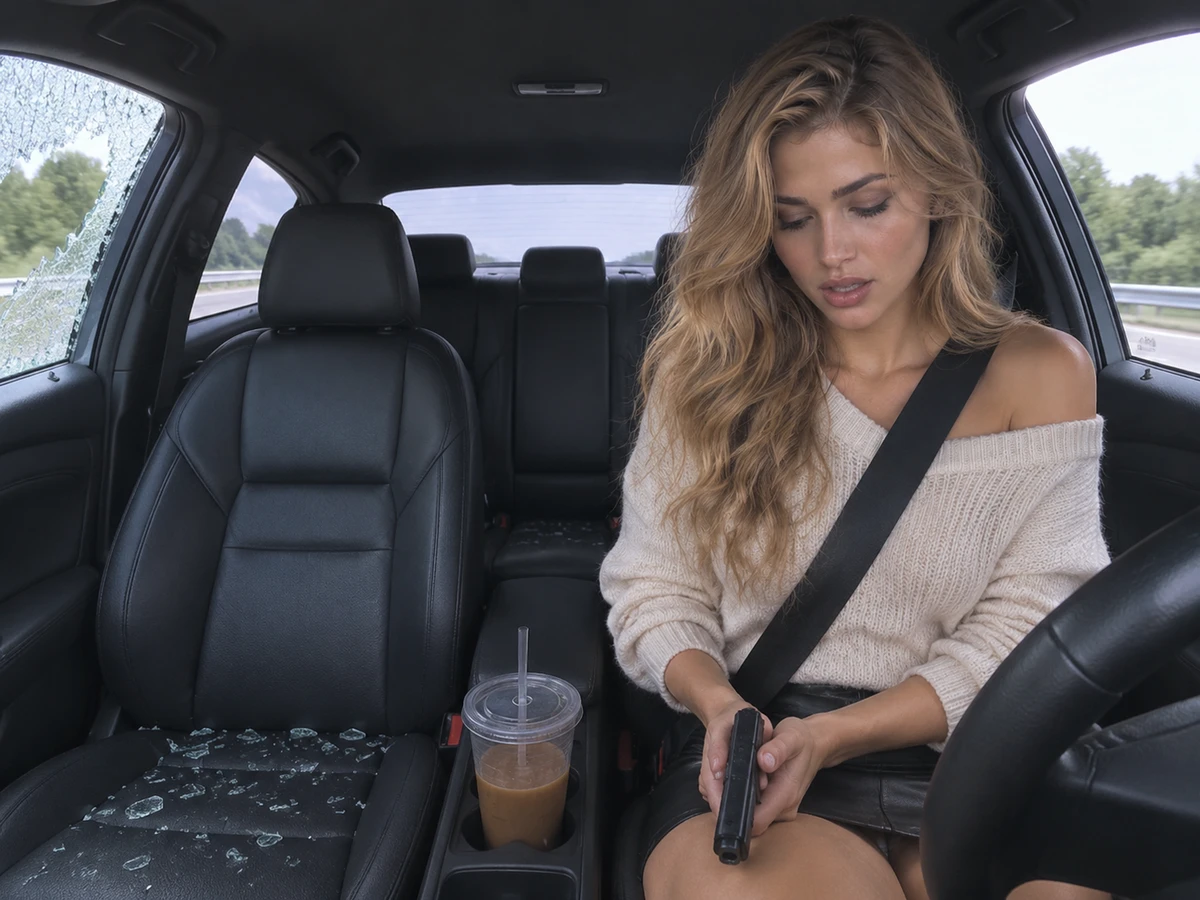
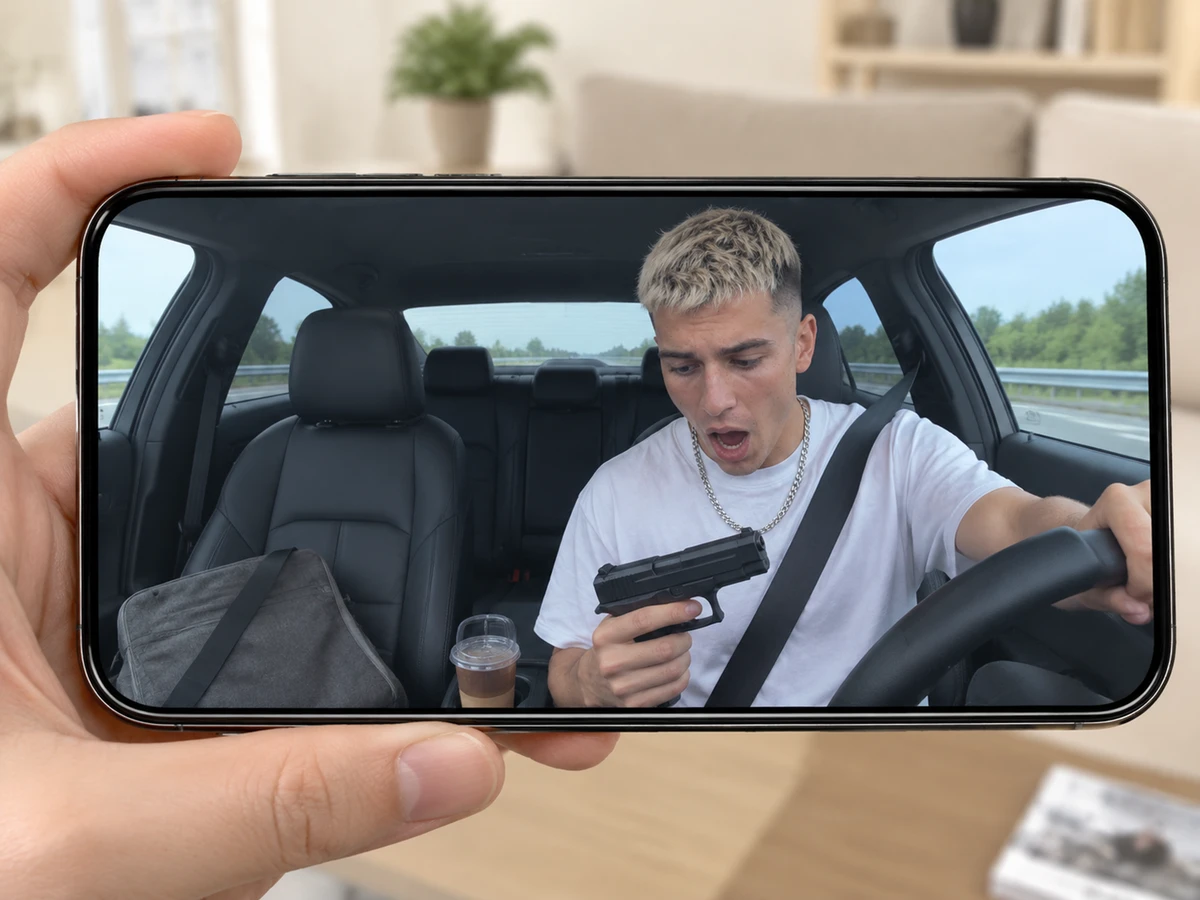
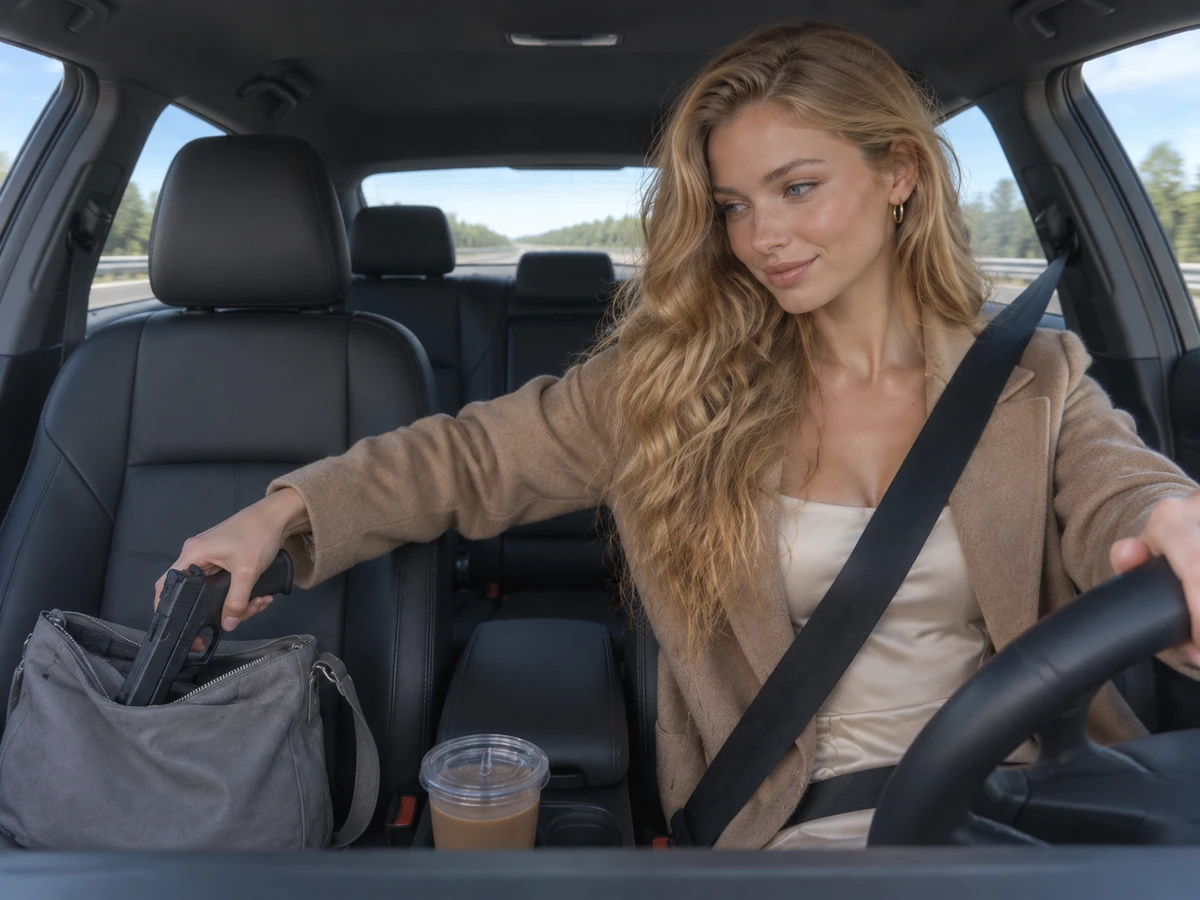
An AI highway shootout video is the viral in-car dashcam clip on a highway in daylight with you at the wheel. You glance at the passenger seat, reach into the grey bag, fire the pistol out of the passenger window as the glass shatters and end staring at the pistol in shock. TikTok and Google call this clip highway shootout AI, and people also search for an AI car shootout video. By October 11, 2026, AI-generated copies of the viral in-car dashcam footage featuring other drivers had spread across TikTok. A CapCut template for the trend, released on October 31, 2026, reached over 1 million total uses by November 15, 2026. The most-played TikTok how-to, "How to create cinematic AI highway shootout videos in America", had about 163,500 views by then, and TikTok suggests "highway shootout ai finished result" to people who type the name. You see every beat unfold from a camera on the dashboard while green roadside and a guardrail pass outside. You glance at the passenger seat from second 0 to 0.5, reach into the grey bag from second 0.5 to 1, and pull out a black pistol at second 1.2. You fire out of the passenger window at second 4 as the glass shatters, swing round toward the camera from second 4.5 to 6, fire a second shot at second 6.2, and stare at the pistol in shock from second 7.5 to 10. Seadanse builds the trend's in-car dashcam scene, its beats and the clip's own sound into our AI highway shootout video, so you have no template to edit and no prompt to write. Your one photo becomes the driver and keeps your face, hair, skin tone and clothes. Add a photo of your car's interior to drive your own car, or add a photo of your prop to pull a toy blaster or water pistol in place of the pistol. You download a finished 10-second 16:9 landscape video for TikTok and Reels at 720p or 1080p, and $9.90 makes one 720p video with no account.

Why Create Your AI Highway Shootout Video With Seadanse

The AI Highway Shootout Video, Beat for Beat

Get the full viral experience in one 10-second dashcam shot. On a highway in daylight, you glance at the passenger seat, reach into the grey bag, fire the pistol out of the passenger window as the glass shatters, swing round, fire again, and end by staring at the pistol in shock, all with the clip's own sound from the first second.

The AI Highway Shootout Video, Beat for Beat
You at the Wheel, Exactly as You Are

You at the Wheel, Exactly as You Are

Bring your own look to the driver's seat. The driver keeps the face, hair, skin tone, and clothes from your photo, whether it is you or a friend with their say, provided they are 18 or older.

Customise Your Car and Your Prop

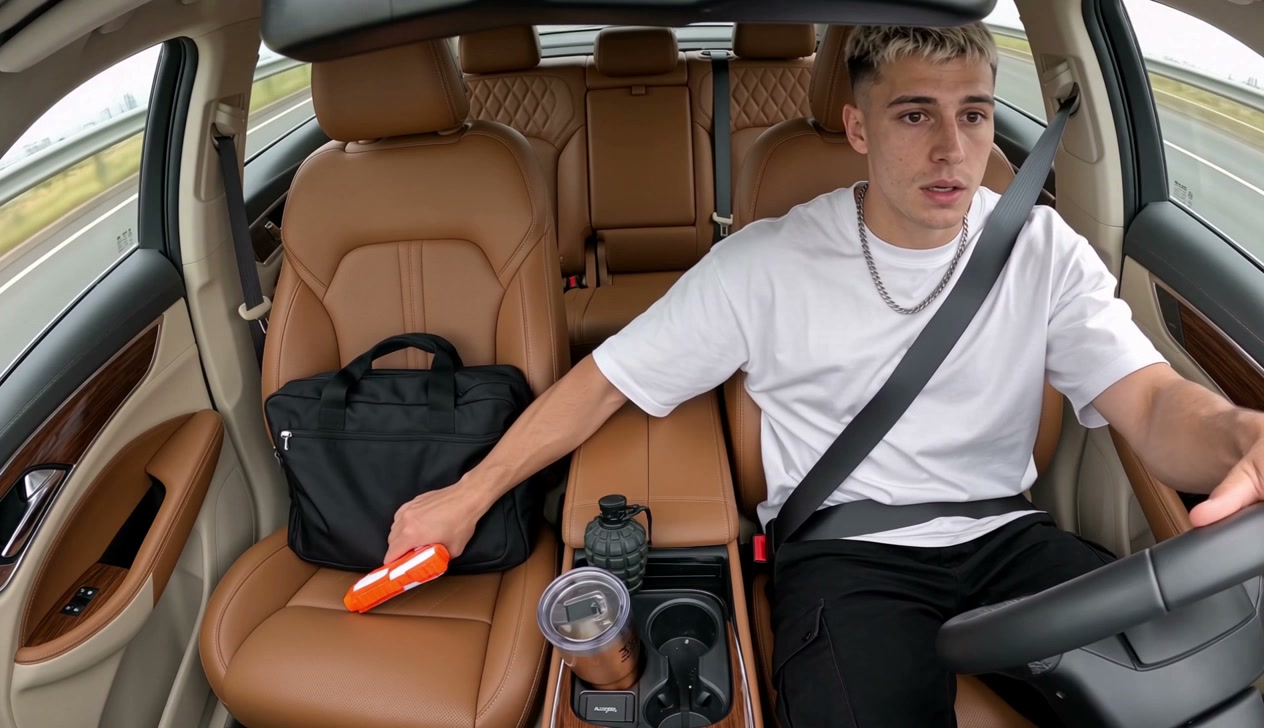
Upload a photo of your car's interior to replace the black leather with your own dashboard, seats, and colours. Add a photo of a toy or prop, such as a water pistol, and watch as you pull it from the grey bag in place of the black pistol.

Customise Your Car and Your Prop
Get a Finished Result Ready to Post

Get a Finished Result Ready to Post

Download your 10-second 16:9 landscape MP4 with the sound and no watermark. Our generator works in your browser with no template or prompt needed, and $9.90 makes one 720p AI highway shootout video with no account.
AI Highway Shootout Video for Creators and Drivers

TikTok Creators

Drop the Viral Scene Today

Bring one photo of yourself to get a finished 10-second 16:9 video at the wheel with the clip's own sound. Post the trend on TikTok and Reels while everyone is talking about it.

How-To Watchers

Skip the Templates and Editing

Upload one photo to skip editing templates and typing prompts. Download the finished result with every beat in place, from the glance at the passenger seat to the shocked stare.

Friends & Groups

Put Your Friend at the Wheel

Bring one photo of your friend with their say to turn an ordinary drive into an action movie. Get your friend at the wheel ending in the shocked stare to crack up your group chat.

Car Owners

Drive Your Own Car Inside

Add a photo of yourself and a photo of your car's interior. You get yourself at the wheel of your own car with your dashboard and seats in view, at the same price.

How to Create an AI Highway Shootout Video

Step 1

Step 1

Upload your photo of the driver, and optionally add a photo of your car's interior and a toy or prop, then tick the box to confirm you have the right to use the photos and that every person in them is 18 or older.

Step 2

Step 2

Select your video resolution of 720p or 1080p and see the total cost displayed on the Create button.

Step 3

Step 3

Press Create, pay once without creating an account, and download your finished 10-second 16:9 MP4 with the clip's own sound.

Make Your AI Highway Shootout Video in 720p for $9.90

One $9.90 credit pack of 500 credits makes one finished 10-second AI highway shootout video in 720p. For 1080p at 1,480 credits, the $39.90 pack of 2,500 credits is the one to pick. You pay once with no account and nothing that renews, your credits last 12 months, and the Create button shows what your video costs before you pay. If your highway shootout render fails, its credits come back on their own. View every credit pack on the Seadanse pricing page.

AI Highway Shootout Video FAQ

How do I make an AI highway shootout video?

Follow three simple steps. Add your photo of the driver. If you like, add a photo of your car's interior and a photo of a toy or prop. Check the box to confirm that you have permission for the photos and that each person shown is 18 or older. Select 720p or 1080p, and check the price shown on the Create button. Press Create, pay once with no account, and download your finished 10-second 16:9 MP4 with the sound. There is no prompt, no app, no CapCut template and no editing.

What is the AI highway shootout trend?

It is the viral in-car dashcam clip on a highway in daylight with a new driver at the wheel. The driver glances at the passenger seat, reaches into the grey bag, fires the pistol out of the passenger window as the glass shatters, fires a second shot and ends staring at the pistol in shock. TikTok and Google call it highway shootout AI. Our AI highway shootout video puts you in the driver's seat from one photo, with the clip's own sound.

Where did the highway shootout AI trend come from?

TikTok saw AI cuts of the viral in-car dashcam clip with different drivers at the wheel by October 11, 2026. Released on October 31, 2026, a CapCut template for the clip crossed 1 million uses by November 15, 2026. The most-played TikTok how-to for it, "How to create cinematic AI highway shootout videos in America", had about 163,500 views by then.

What does the finished result look like, second by second?

The 10-second video runs from one fixed camera on the dashboard with green roadside and a guardrail passing outside. From second 0 to 0.5, hands on the wheel, you glance at the passenger seat. At second 0.5, you reach into the grey bag on the passenger seat and pull out the pistol at second 1.2. At second 4, you fire out of the passenger window as the glass shatters. You swing round toward the camera from second 4.5 to 6, then fire a second shot out of the window at second 6.2. From second 7.5 to 10, you hold the pistol in your lap and stare at it in shock to the end.

Do I need a highway shootout AI template or a prompt?

No. The in-car scene, the beats and the clip's own sound are built into our AI highway shootout video. You have no CapCut template to fill, no prompt to write and no editing steps to take. The tool runs in your web browser on a phone, tablet or computer, and the Create button shows the cost before you pay.

Can my friend take the driver's seat?

Yes, with your friend's say. Add one photo of your friend, an adult 18 or older, and they take the wheel on the highway. They take over every beat, from the glance at the passenger seat to the shocked stare at the end.

Will the driver look like me, in my own clothes?

Yes. The driver keeps the face, hair, skin tone and clothes from your photo and takes over every beat. The trend's grey bag, window glass and highway stay exactly the same.

Can I use my own car and a toy instead of the pistol?

Yes. Add a photo of the inside of your own car, with the seats and the dashboard in view, and its seats, dashboard and colours replace the clip's black leather interior. Add a photo of one toy or prop, such as a toy blaster or a water pistol, the whole thing in view on a plain background, and you pull it from the grey bag in place of the black pistol. The road outside, the beats and the sound stay as they are. Adding one, two or three photos uses the same credits.

What is the video length and frame, and can I post it on TikTok and Reels?

The video is 10 seconds long in 16:9 landscape, which is the frame the trend's clip uses. Posts from the trend itself display this 16:9 clip across the TikTok and Reels feed. You download an MP4 with the sound and no watermark in 720p or 1080p, ready to post.

Is the AI highway shootout free? What does a video cost?

One 10-second 720p video costs 500 credits with the $9.90 credit pack. For 1080p, which uses 1,480 credits, pick the $39.90 pack of 2,500 credits. Each pack is a single payment with nothing that renews, and credits last 12 months. You can purchase without creating an account, and signing up is free without a card to give you 40 starter credits. The Create button displays the video cost before you make a payment. If your highway shootout render fails, its credits come back on their own. View all credit options on the Seadanse pricing page.

What other versions of this clip can I create?

You can try AI Car Shootout Video for the same in-car dashcam clip with you, a friend, a cartoon or game character or a pet at the wheel. You can also pick Car Doritos AI, where one photo puts you in the driver's seat sneaking a chip from the bag on the passenger's lap, with the rustle of the bag and the crunch of the chips.

What happens to the photos I upload?

Seadanse runs no facial recognition on the photos you upload and stores no biometric data from them. Your personal information is never sold. Your photos and your highway shootout videos stay in your account until you delete them.

Make Your AI Highway Shootout Video

Turn an ordinary drive into an action movie ending in the shocked stare, and download a finished 10-second 16:9 video with the clip's own sound for TikTok and Reels for $9.90 at 720p with no template to edit and no account.