
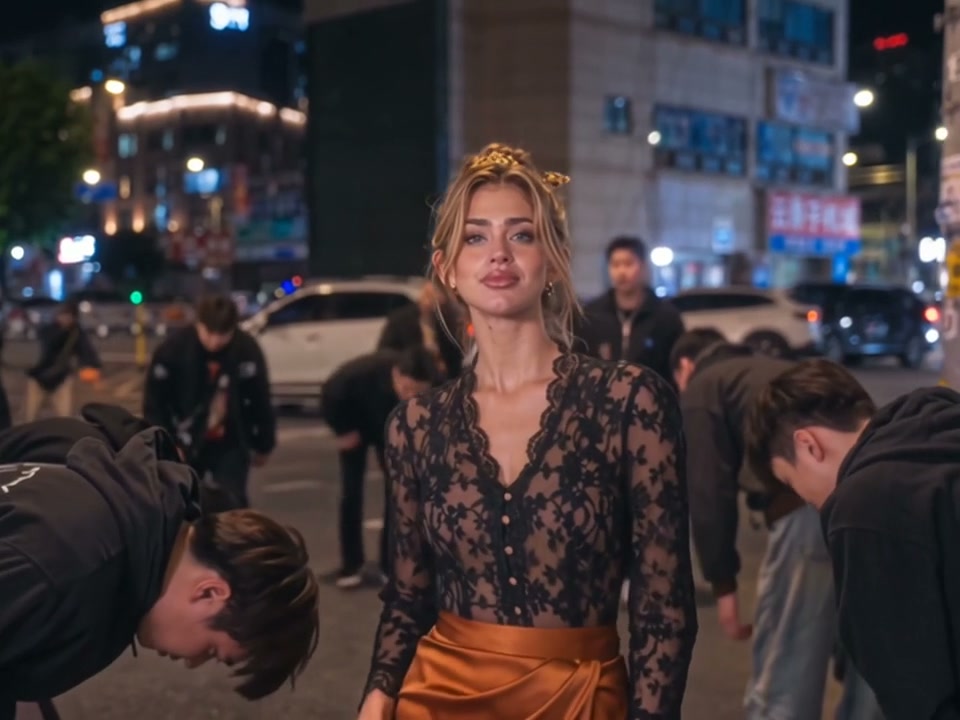
The Street That Bows to You
Watch the night city street where you stand in the middle while the young men on both sides bow deeply. Our King Jin AI includes the trend's sound laid under, with no CapCut, no template, no prompt, no app and no editing.
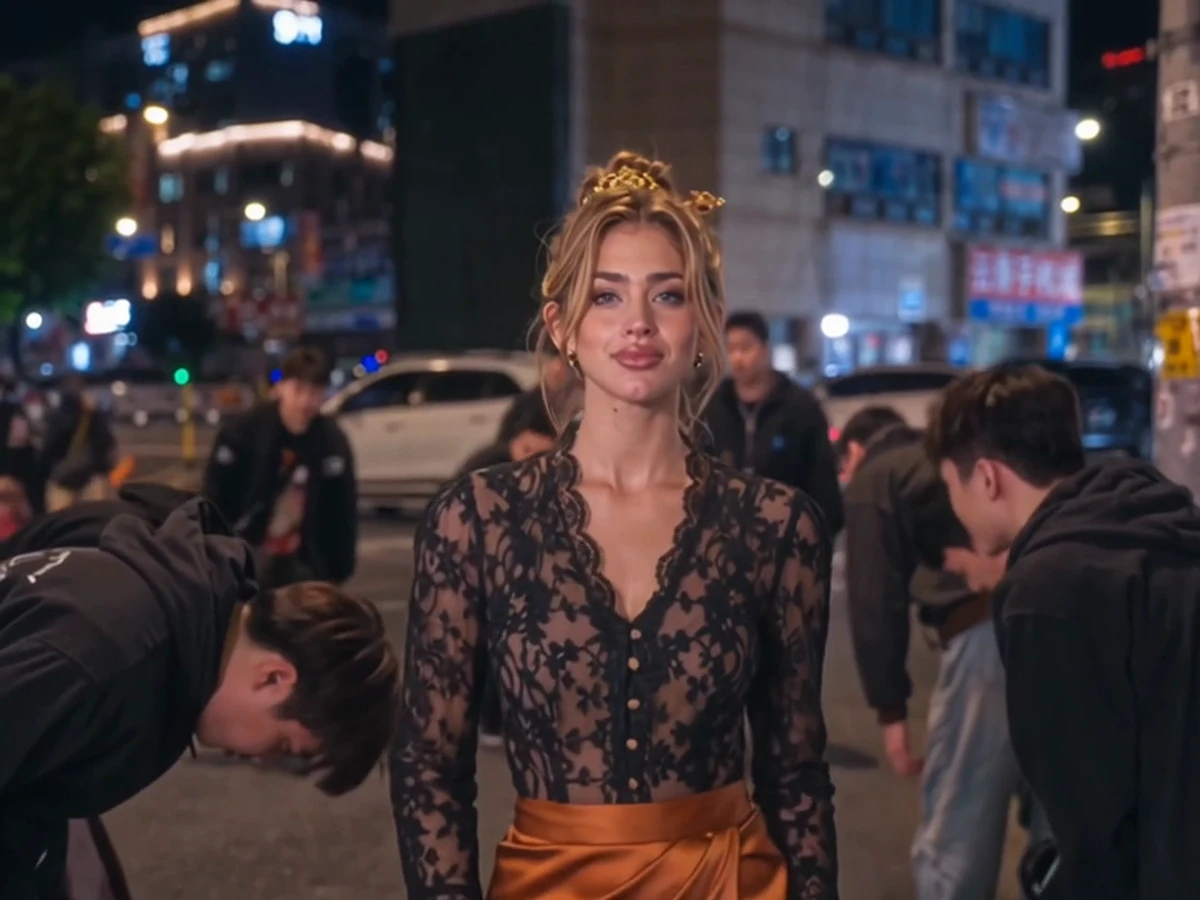
Seadanse King Jin AI puts you in a night city street while the young men on both sides bow deeply to you. Get a 10-second 4:3 video for TikTok and Reels with the trend's sound included. Create a 720p video for $9.90 with no sign-up, no app, and no editing.
Also called King Jin trend · Tiger Shooting King Jin AI trend · King Jin powerful incoming
Photos on your phone?
Scan a code and pick them from your camera roll. They land in the empty boxes above.
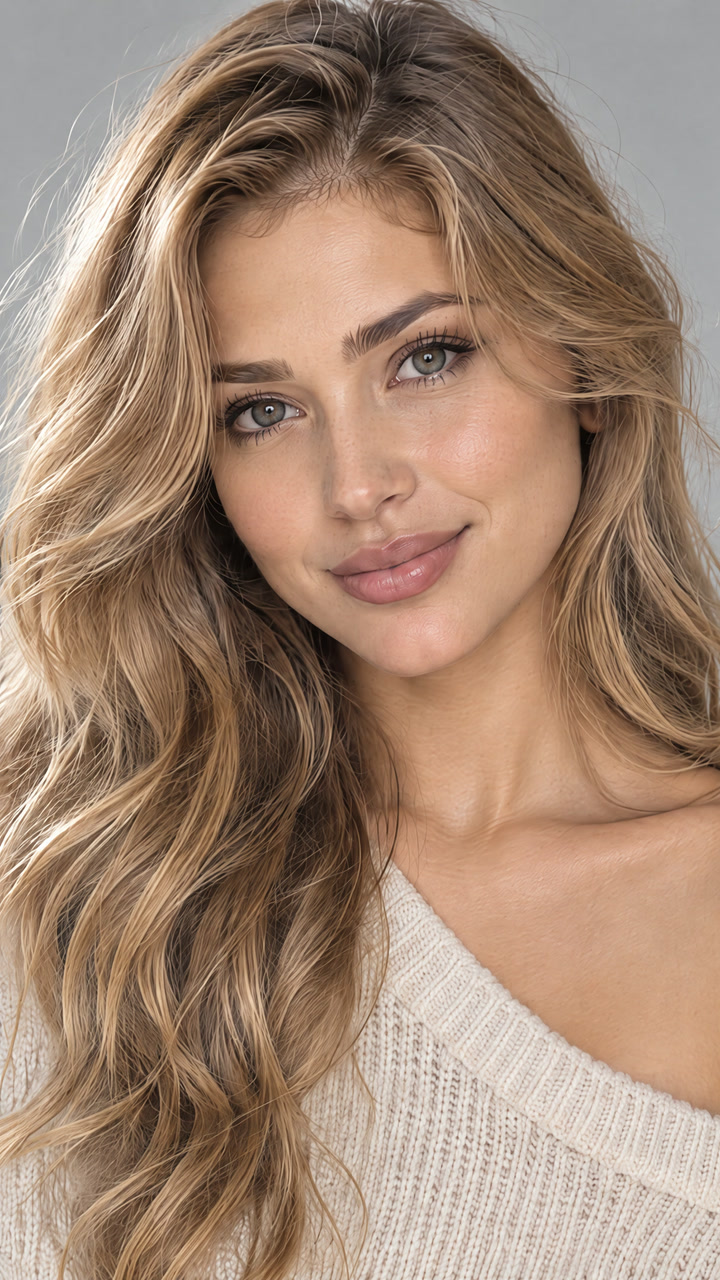
A person 18 or older, a cartoon or game character, or a pet, with the face clear and in good light.
 Your photo
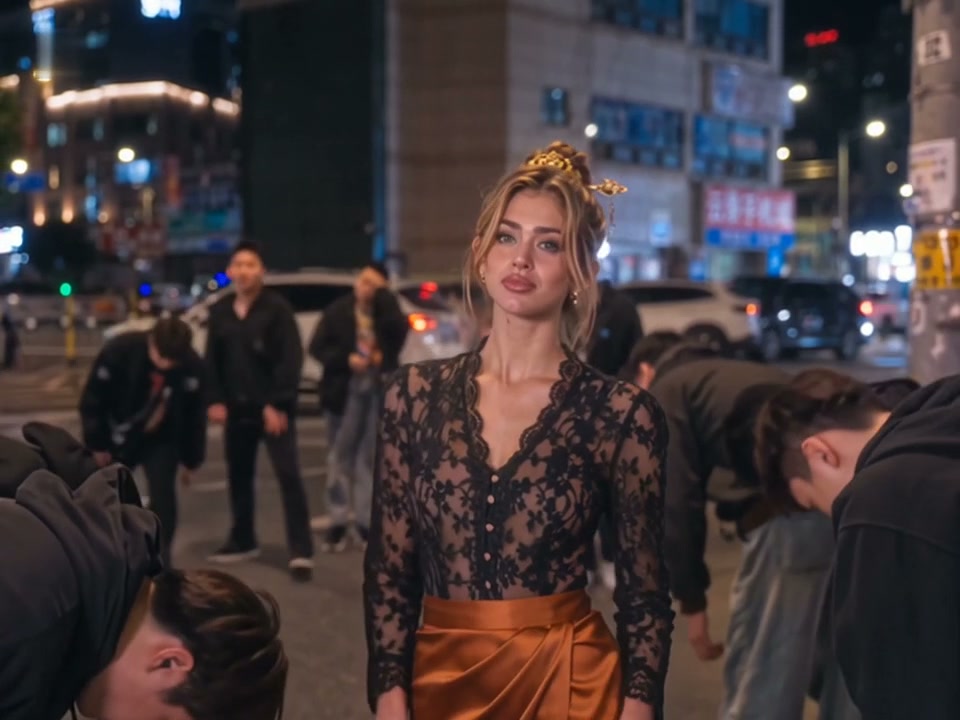
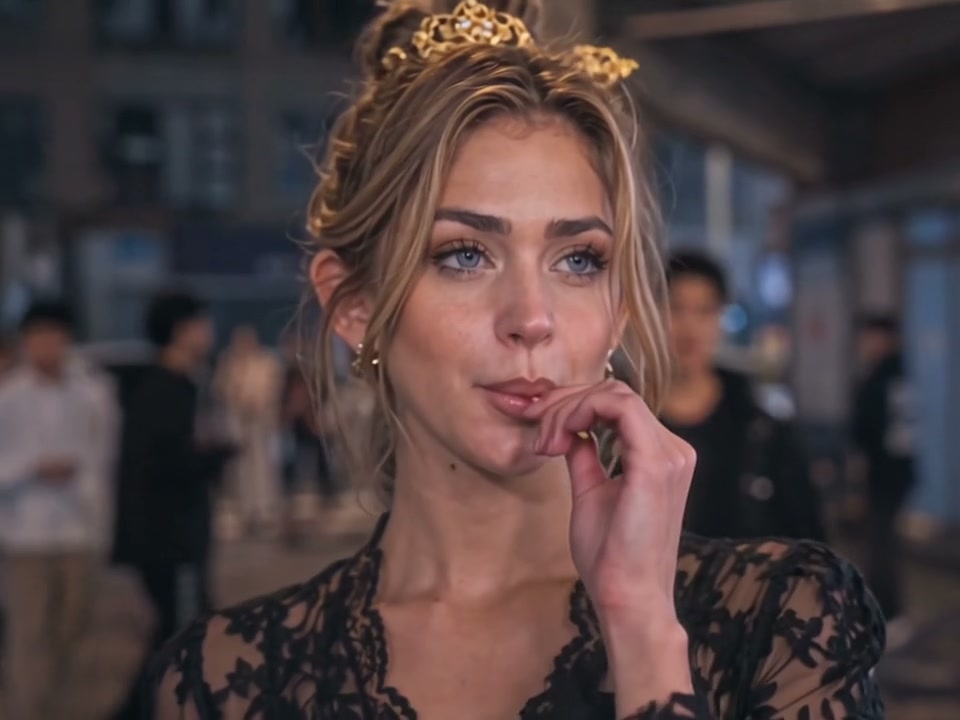
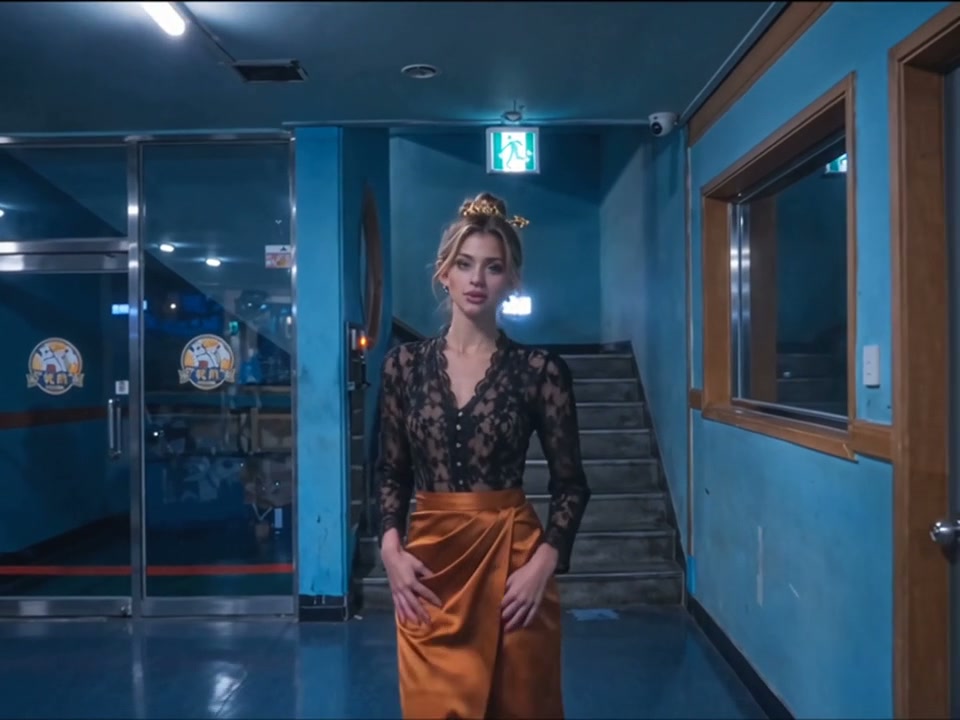
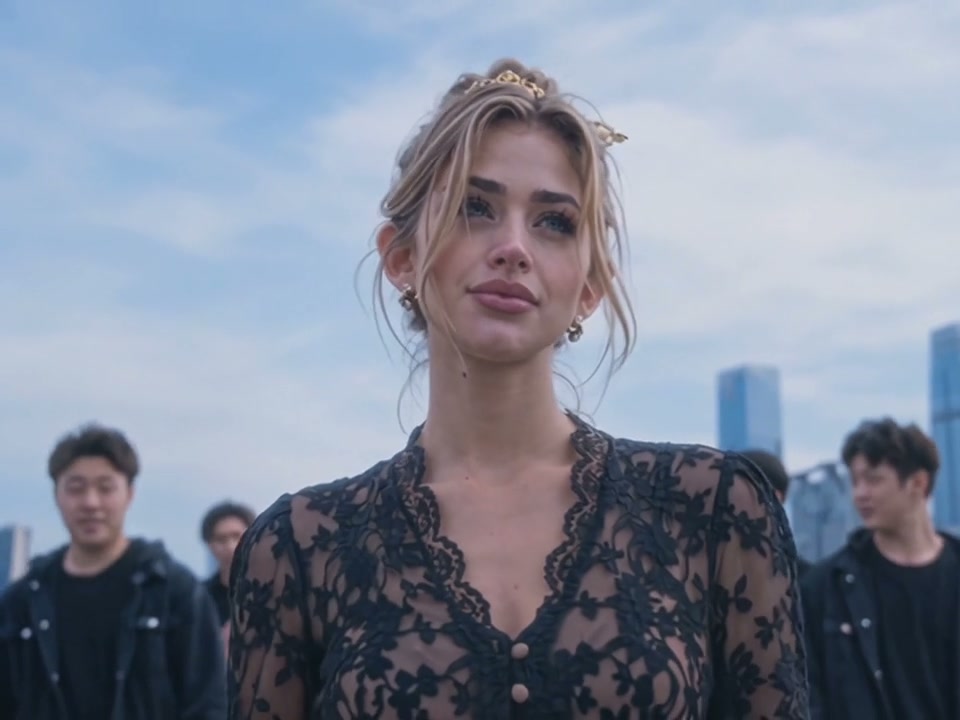
The King Jin AI trend turns one photo into a short clip in which the whole street bows to you: you stand in a night city street while the young men on both sides bow deeply, then a close-up with a lollipop, a blue corridor and a daytime skyline with a line of young men in black behind you.
This trend spread on TikTok in mid-November 2026 through CapCut templates posted by promo accounts in Myanmar, Indonesia and Vietnam. The top posts have 3.5 million and 2.6 million views, and one of these CapCut templates shows 162,575 uses.
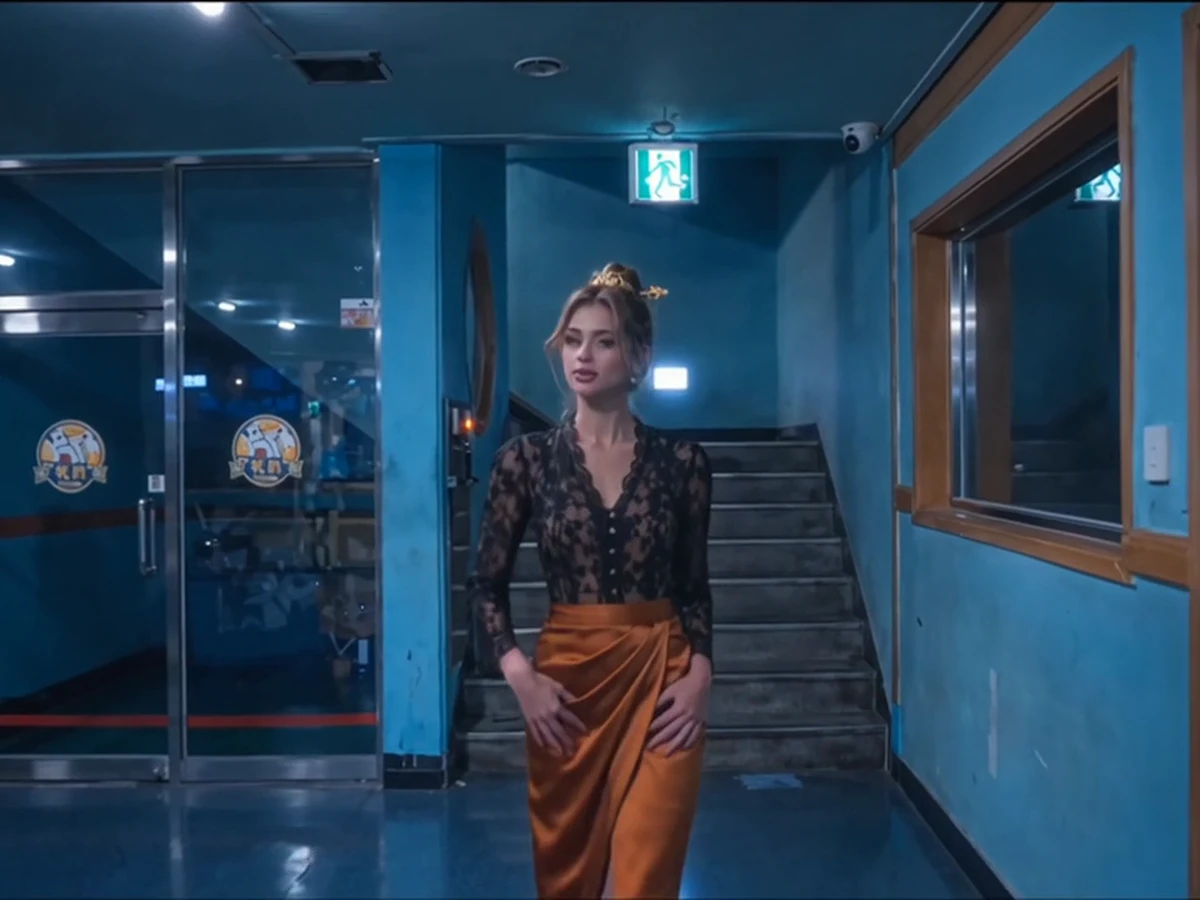
Your 10-second video follows the exact rhythm of the trend. From second 0 to 2.4, you stand in the middle of a night street while the young men on both sides bow deeply. From 2.4 to 4.6, you appear in a chest-up close-up, hold a lollipop at your mouth, take it with your fingers and smile while the crowd stands behind you. From 4.6 to 6.9, you stand full length in a blue-walled corridor with stairs and glass doors. Finally, from 6.9 to 10, a low-angle shot shows you against a daytime city skyline with a line of young men in black behind you, all while the trend's sound plays under the video.
Seadanse builds the trend's own four shots into our King Jin AI, in the trend's order, with the trend's sound. You add one photo of a person, a cartoon or game character, or a pet, and your face, hair and clothes from the photo stay in every shot. This makes a 10-second 4:3 video for TikTok and Reels in 720p or 1080p. One $9.90 payment makes one 720p video, with no account required.
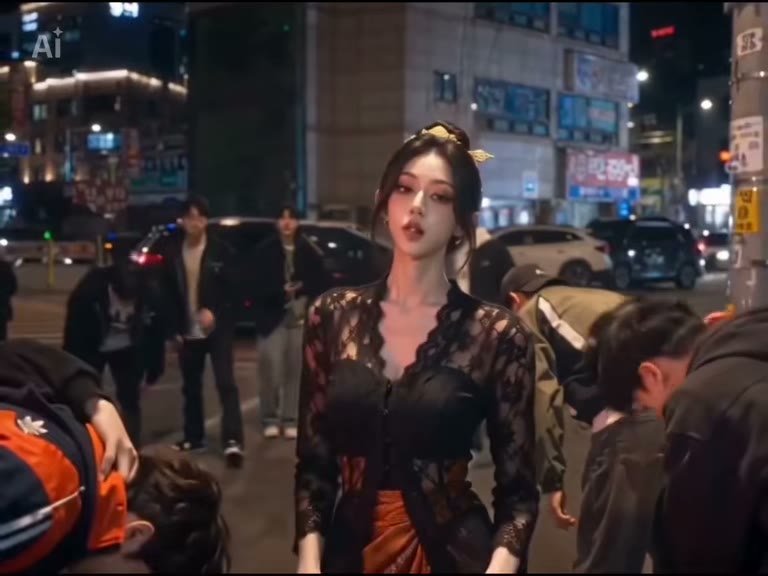
This is the trend's CapCut template as it was posted: a woman stands still on a night street while the young men around her bow, then the lollipop close-up, the blue corridor and the skyline. Our King Jin AI makes the same four shots, in the same order, from your photo, with the trend's sound.
Your video is 10 seconds long, 4:3, with the trend's sound from the first second.
| Part | What you see |
|---|---|
| 0–2.4 s · The bow | You stand in the middle of a night city street while the young men on both sides bow deeply to you. |
| 2.4–4.6 s · The lollipop | A chest-up close-up: you hold a lollipop at your mouth, take it with your fingers and smile, with the crowd standing behind you. |
| 4.6–6.9 s · The corridor | You stand full length in a blue-walled corridor with stairs and glass doors. |
| 6.9–10 s · The skyline | A low-angle shot against a daytime city skyline, with a line of young men in black standing behind you. |
The King Jin AI trend took off on TikTok in mid-November 2026, through CapCut templates shared by promo accounts in Myanmar, Indonesia and Vietnam.
@xdwshfzqi0k posts a King Jin AI clip made with the CapCut template. By 16 November it is the trend's top post, with 3.5 million views and 204,000 likes.
@nanjun65 posts two King Jin AI clips, which pass 2.6 million and 2.5 million views within two days.
The CapCut template shows 162,575 uses, and Seadanse adds King Jin AI: the same four shots from one photo, with the trend's sound.
Watch the night city street where you stand in the middle while the young men on both sides bow deeply. Our King Jin AI includes the trend's sound laid under, with no CapCut, no template, no prompt, no app and no editing.
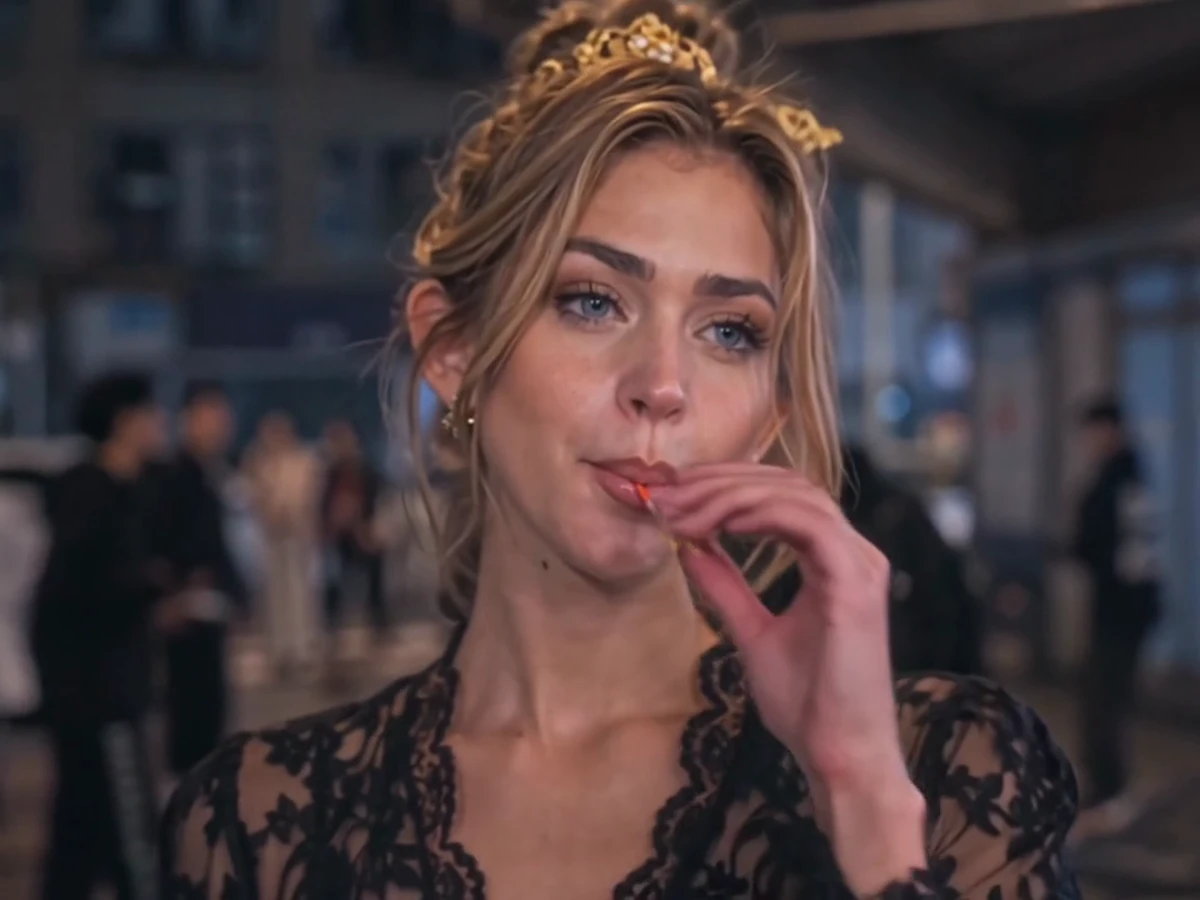
See your own face and hair shine in the chest-up close-up with the lollipop. Our King Jin AI keeps your unique features perfectly in the crowd.
Stand in the blue-walled corridor wearing the clothes from your photo. One photo is all it takes to bring your style to the screen.
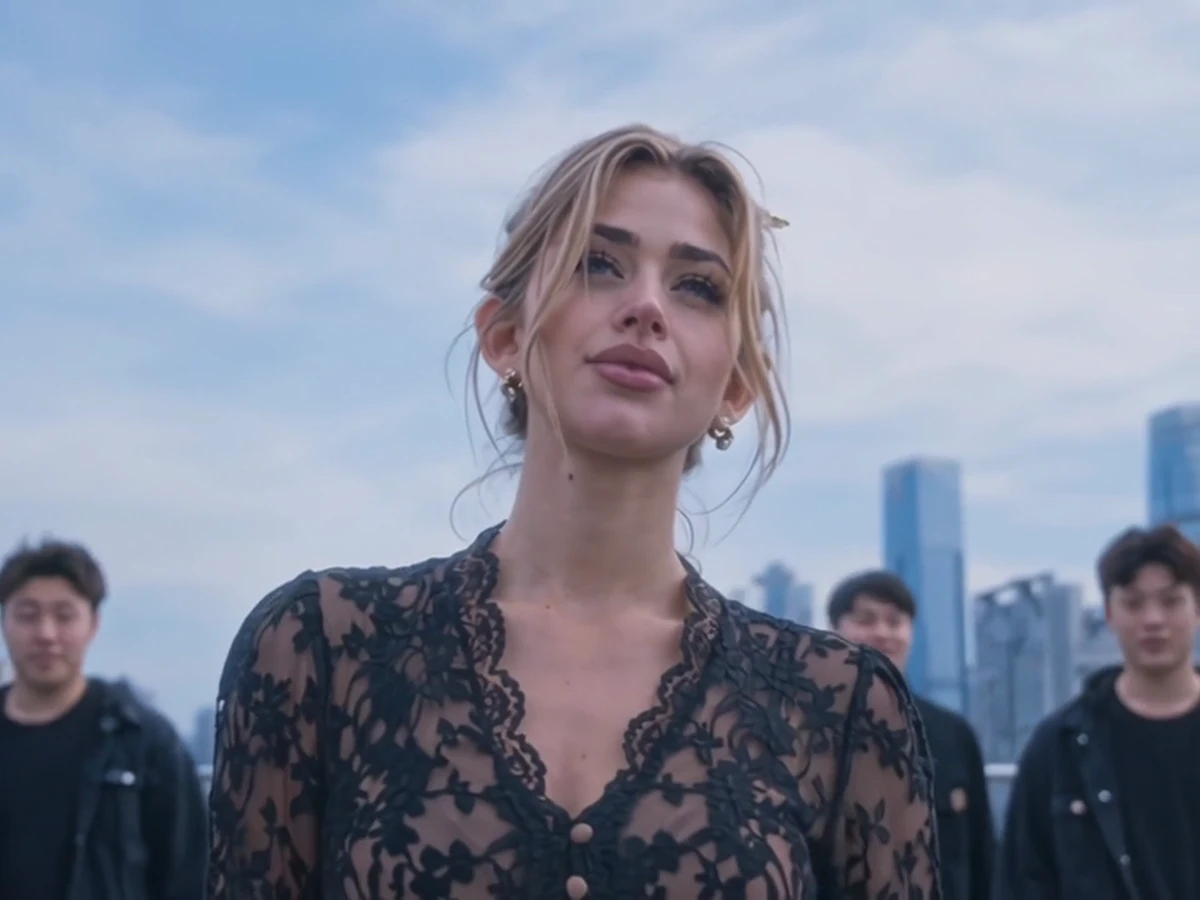
Finish with a low shot against a daytime city skyline with a line of young men in black behind you. You, your dog, your cat, or a cartoon or game character can be the one in front.
Turn your selfie into a 10-second video of the street that bows to you, the lollipop close-up, the blue-walled corridor and the skyline with the crew behind you. Post your video on TikTok and Reels while the trend is big.
Add one photo of yourself to put your face in the middle of a night city street where the young men on both sides bow deeply to you. Share the fun of this King Jin AI video in your group chats.
Use one photo of your dog or cat to place your pet in the middle of the street that bows to you. Watch your pet appear in the lollipop close-up and against the daytime city skyline with a line of young men in black behind them.
Bring one picture of your favourite cartoon or game character into our tool. Get the same four shots and the trend's sound for a version of the King Jin AI trend featuring your character.
Upload one photo of yourself, a cartoon or game character, or your pet, and tick the box to confirm you have the right to use the photo and that any person in it is 18 or older.
Select 720p or 1080p for your video and see the price clearly listed on the Create button.
Press the Create button to pay once with no account, and download your 10-second 4:3 King Jin AI video featuring the trend's sound.
One $9.90 credit pack gives you 500 credits to make one 10-second King Jin AI video in 720p with no account, while 1080p uses 1,480 credits. You pay once with no subscription, credits stay valid for 12 months, a render that fails returns its credits automatically, and the Seadanse pricing page lists every credit pack.
Three steps: add one photo of a person, a cartoon or game character, or a pet, and tick the box to confirm you have the right to use the photo and that any person in it is 18 or older. Pick 720p or 1080p and see the price on the Create button. Press Create, pay once with no account, and download your 10-second video with no prompt, no template, no app, and no editing.
One photo becomes a short clip in which the whole street bows to you: you stand in a night city street while the young men on both sides bow deeply, then a close-up with a lollipop, a blue corridor, and a daytime skyline with a line of young men in black behind you. Our King Jin AI makes it from one photo.
It spread on TikTok in mid-November 2026 through CapCut templates posted by promo accounts in Myanmar, Indonesia, and Vietnam. The top posts have 3.5 million and 2.6 million views, and one of its CapCut templates shows 162,575 uses. Our King Jin AI makes the trend's own four shots.
10 seconds: from 0 to 2.4 seconds you stand in the night street while the young men on both sides bow deeply to you; from 2.4 to 4.6 seconds a chest-up close-up, you take the lollipop from your mouth with your fingers and smile, the crowd behind you; from 4.6 to 6.9 seconds you stand full length in the blue-walled corridor; from 6.9 to 10 seconds a low shot against the daytime city skyline with a line of young men in black behind you, with the trend's sound laid under.
Yes. The trend's sound is laid under every video from our King Jin AI, so it is ready to post on TikTok and Reels.
One. One photo of a person, a cartoon or game character, or a pet is all it takes.
Yes. The photo can be a person, a cartoon or game character, or a pet, such as a dog or a cat. The one in your photo stands in the night street while the young men bow, then stars in the close-up, the corridor, and the skyline shot.
Yes. Your face, your hair, and the clothes from your photo are kept in all four shots.
10 seconds, 4:3, made for TikTok and Reels. It comes in 720p or 1080p, with the trend's sound laid under.
It has the trend's own four shots in the trend's order: the street that bows to you, the lollipop close-up, the blue-walled corridor, and the skyline with the crew behind you, with the trend's sound. You make it here from one photo, with no CapCut and no template.
The $9.90 credit pack of 500 credits makes one 10-second 720p video; a 1080p video uses 1,480 credits. Credit packs are a one-time payment with no subscription, and credits stay valid for 12 months. You buy with no account, and sign-up is free with no card and adds 40 starter credits. The price shows on the Create button before you pay, and a render that fails returns its credits automatically. The Seadanse pricing page lists every credit pack.
No app, no CapCut template, and no prompt. The bowing street, the lollipop close-up, the corridor, the skyline with the crew, and the trend's sound are built into our King Jin AI. It runs in your web browser on a phone, tablet, or computer, and your video starts right on this page with no account.
Yes. Pimp Walk Entrance AI turns one or two photos into a video in which someone holds the glass door open and you come in with the low pimp walk in a burger-shop doorway at night, with the trend's original sound. Window Dance AI turns one photo into a 10-second video in which the camera pushes in at night to your lit window, you dance next to a glowing party speaker, stare into the camera, and pull the curtains shut.
Yes. Seadanse runs no facial recognition on the photos you upload and collects no biometric data. It never sells personal information, and your photos and videos stay in your account until you delete them.
Every page here runs the real models in your browser — jump to the one that matches the clip you have in mind.
Upload a photo, pick an effect, get a short video. No prompt to write.
Articles written for this model: how to prompt it, where it runs and what its limits are.

Make AI video effects with a one-time credit pack from $9.90, no monthly plan. Four effects need no account at all.
Use our generator to turn one photo into a 10-second 4:3 video for TikTok and Reels that features the street bowing to you and the trend's sound for $9.90.


