
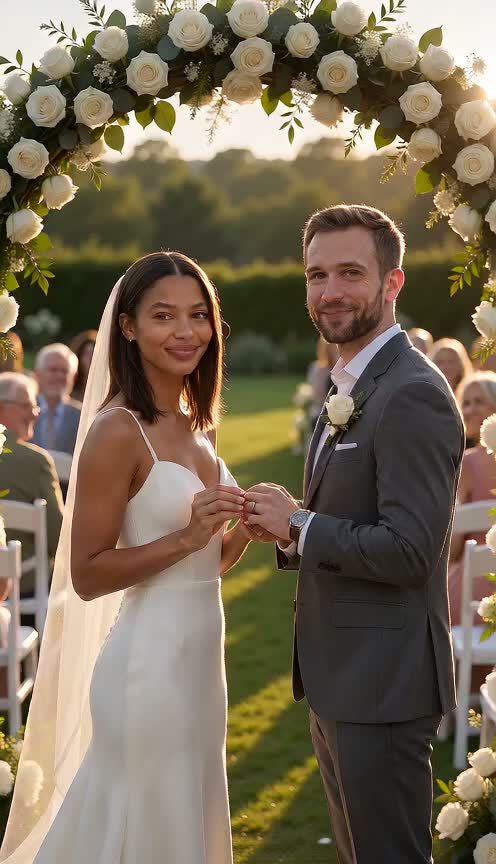
Capture Every Big Wedding Moment With Sound
Watch the ring go on, share a kiss under a flower arch, and see petals fall while guests clap. You get a complete 8-second garden ceremony with sound from our AI wedding video generator.
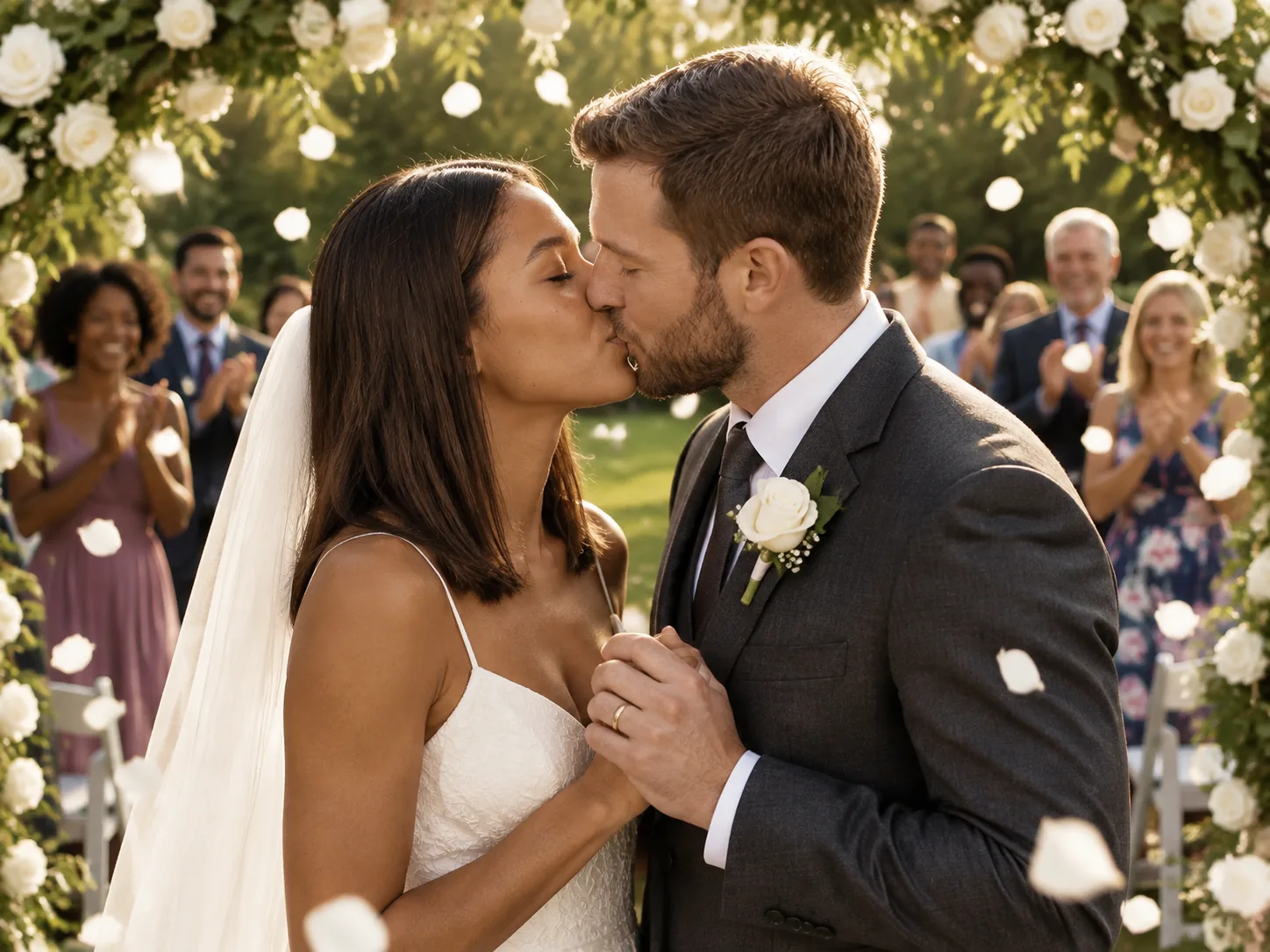
You want to celebrate your love with a wedding video made just for the two of you. Use our AI wedding video generator to turn your photos into an 8-second wedding with sound.
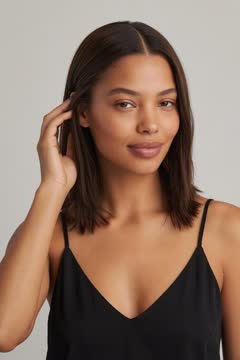
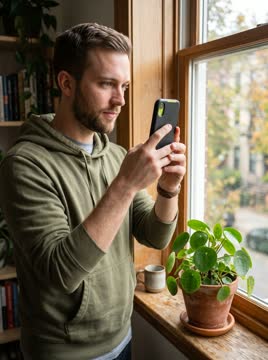
Adults 18+ only. Front-facing, face clearly visible, one person per photo, or one photo of the two of you in Your photo.
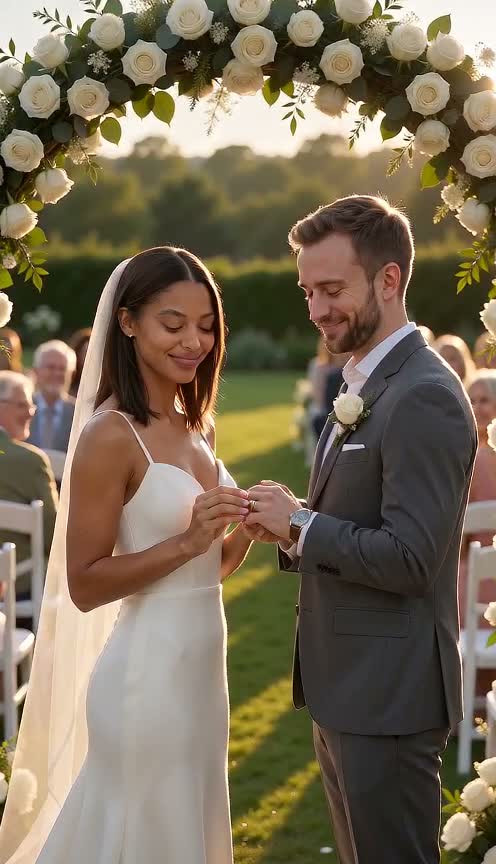
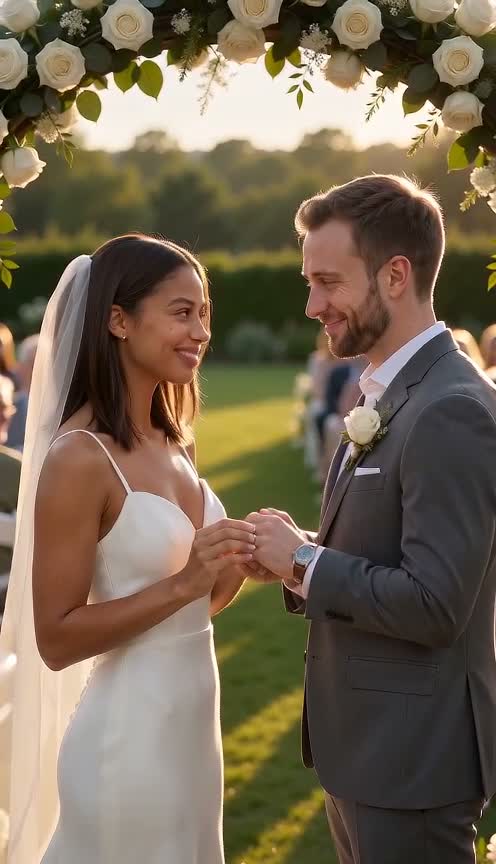
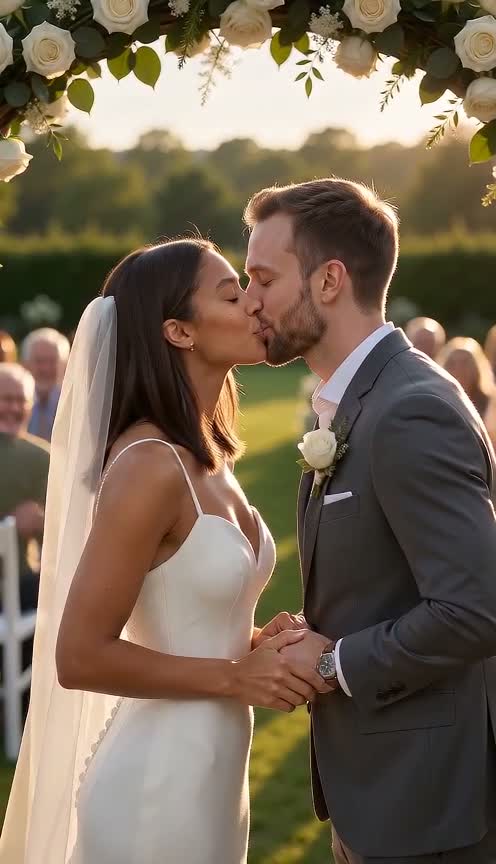
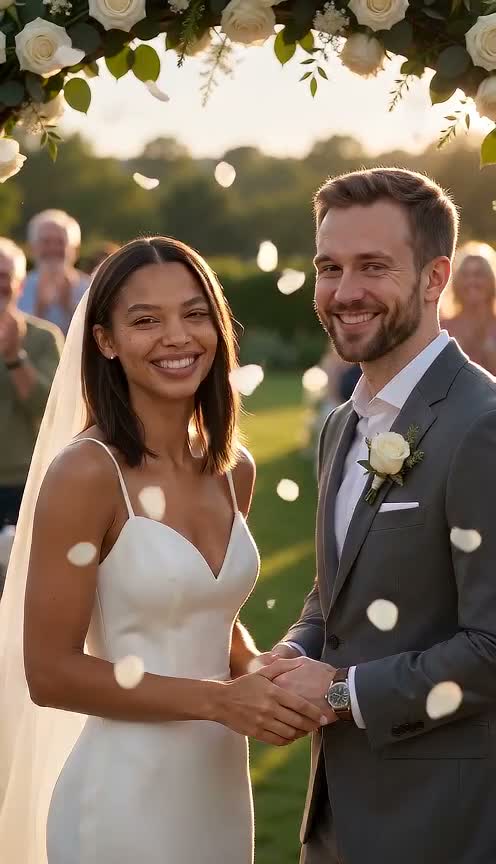
Watch the ring go on, share a kiss under a flower arch, and see petals fall while guests clap. You get a complete 8-second garden ceremony with sound from our AI wedding video generator.
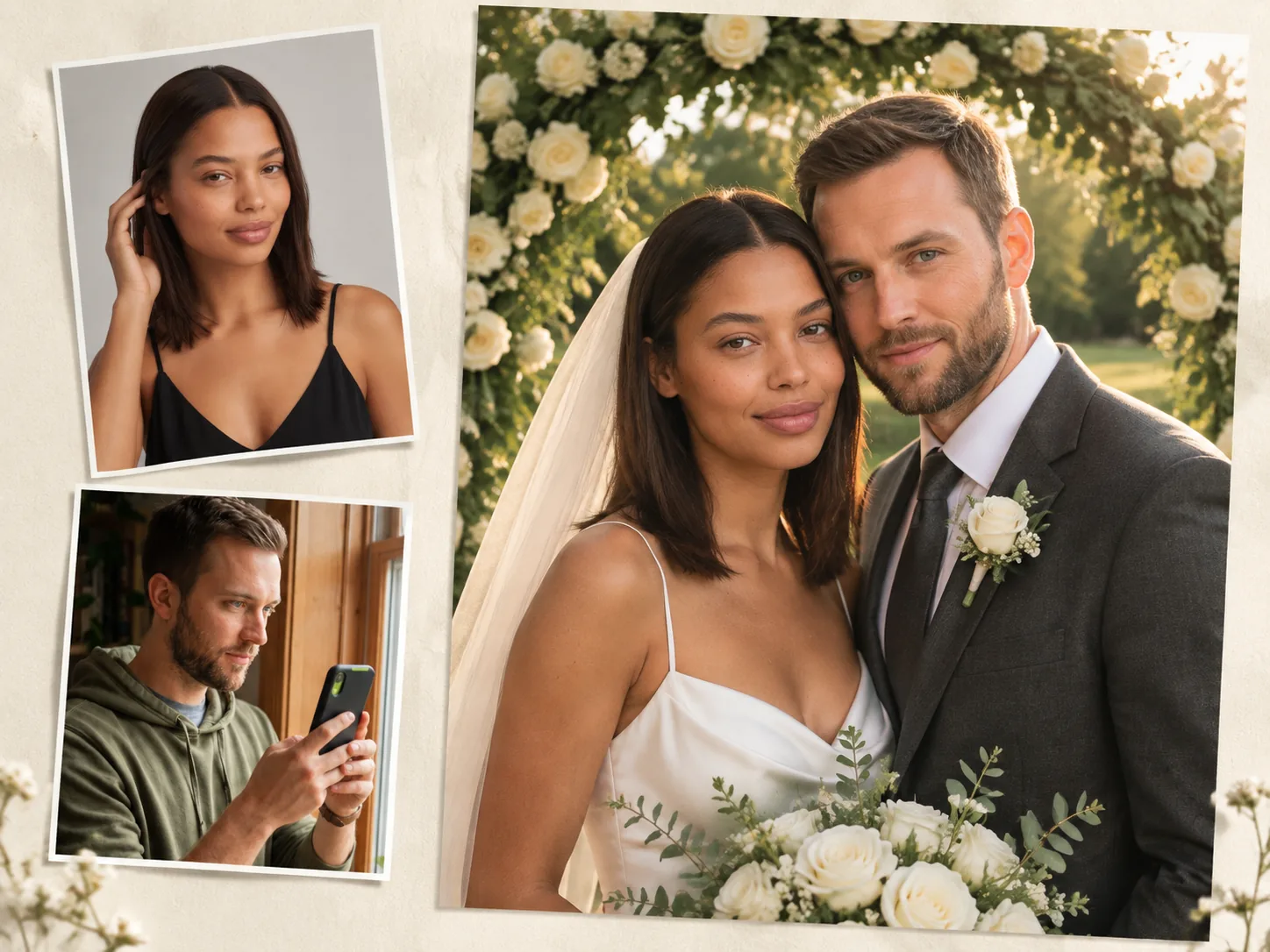
Upload a photo of each of you so the two of you keep your real faces and hair. You look ready for your vows as our AI wedding video generator dresses each of you in a white gown with a veil or a tailored suit.
Upload your photos and press Generate to make your video right away. Add one optional line to our AI wedding video generator to set your ceremony on a beach at sunset, a church, or a vineyard.
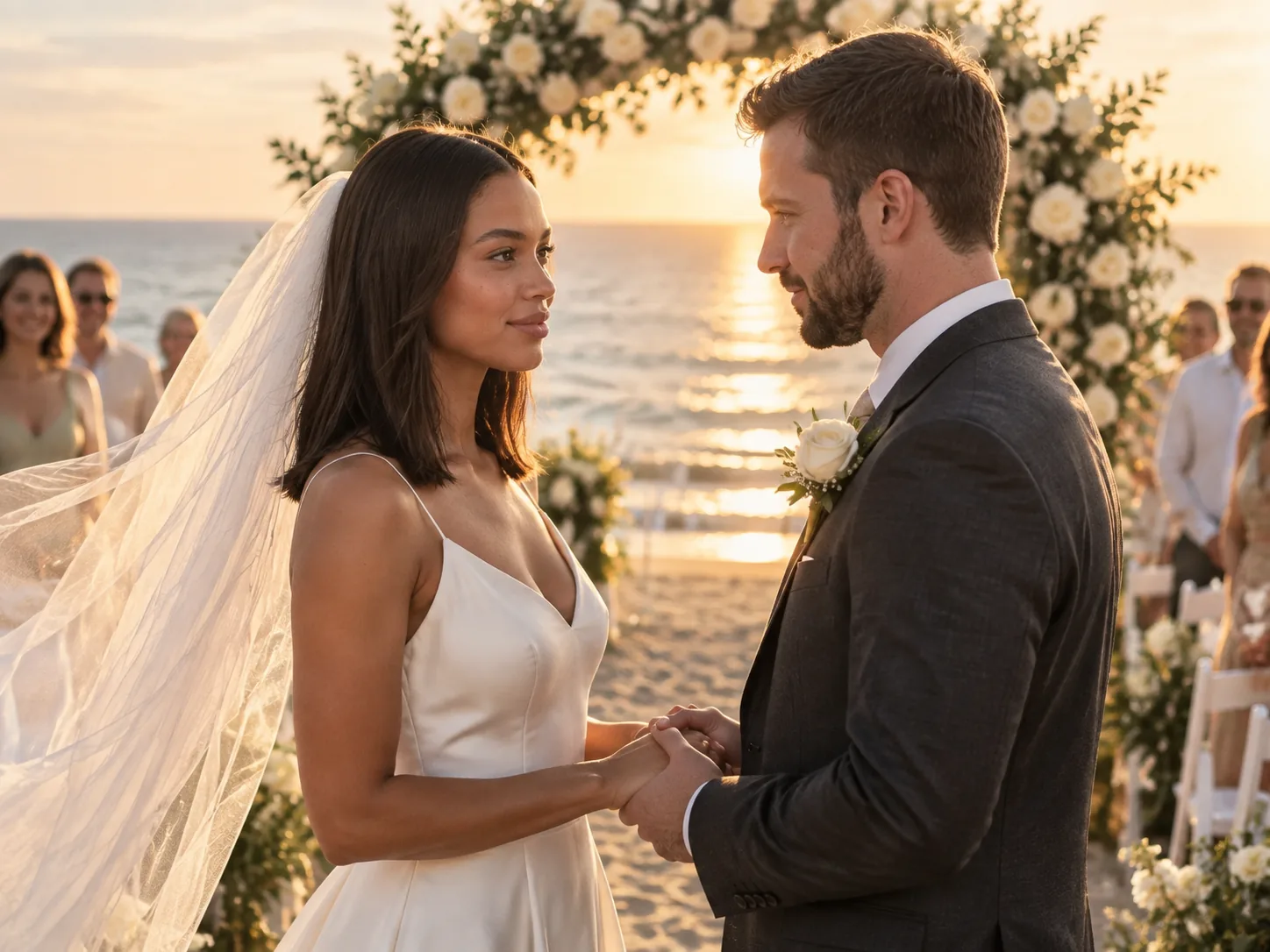
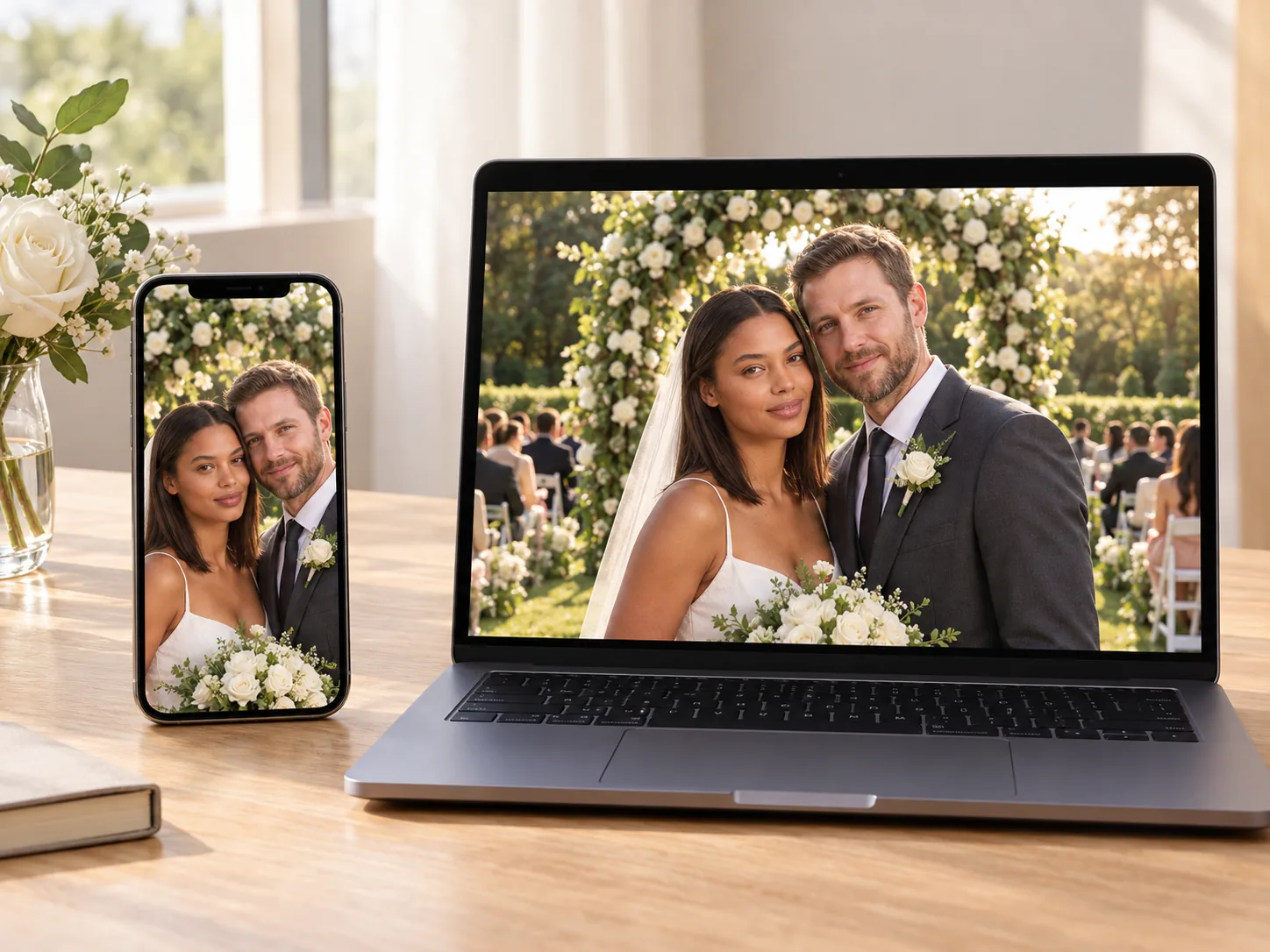
Choose vertical 9:16 for phones or horizontal 16:9 for a big screen in 480p or 720p. You get a clean 8-second MP4 download with sound and no watermark from our AI wedding video generator powered by Seedance 2.0 Mini.
Sign up free with no card to get 40 starter credits for one 480p video. You see the flat price beside the Generate button before you start, and our AI wedding video generator automatically returns credits if a render fails.
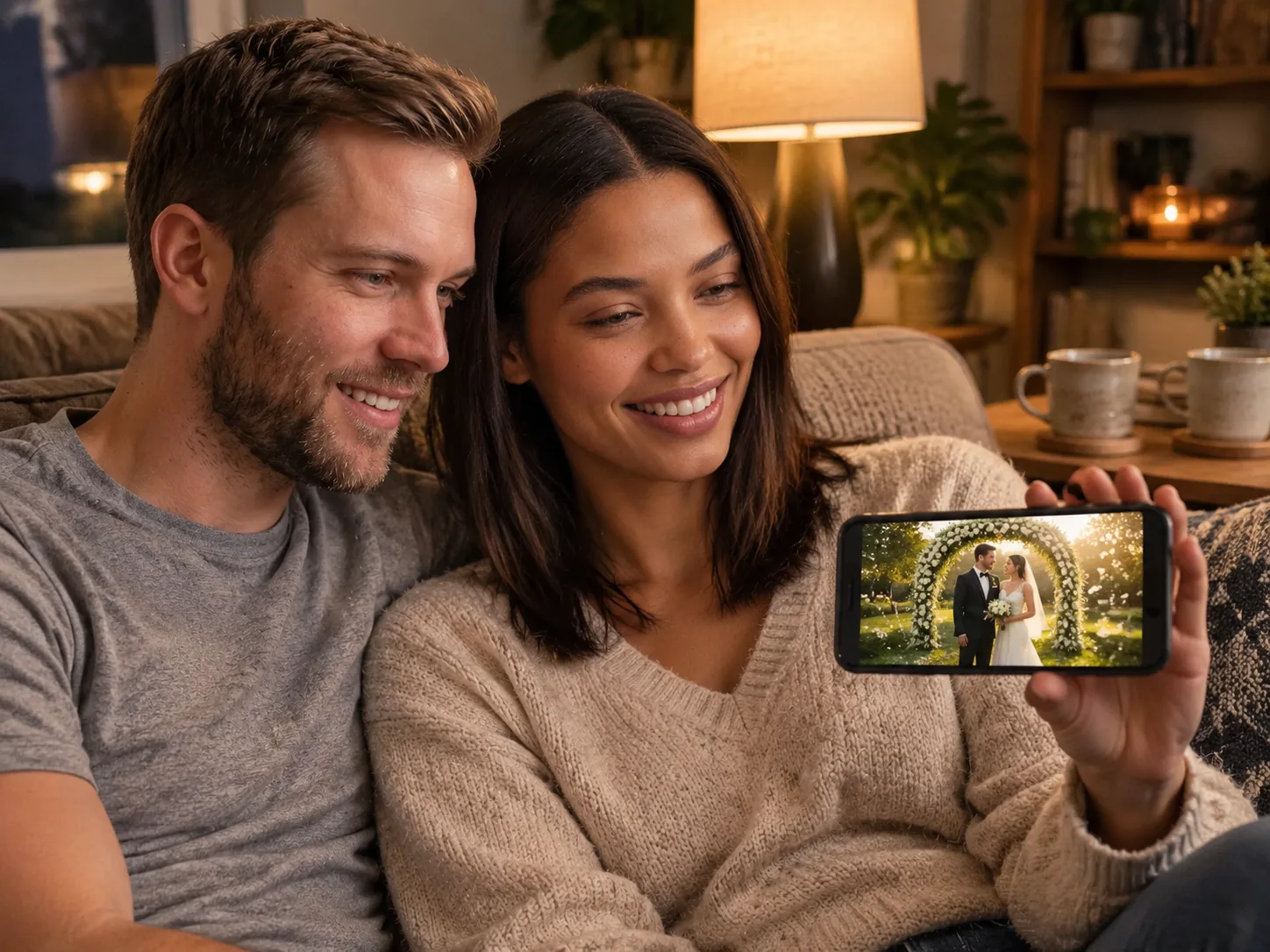
Upload an engagement photo of the two of you, or one photo each. Get a vertical 9:16 video to share your big news on Instagram, TikTok, or the family group chat.
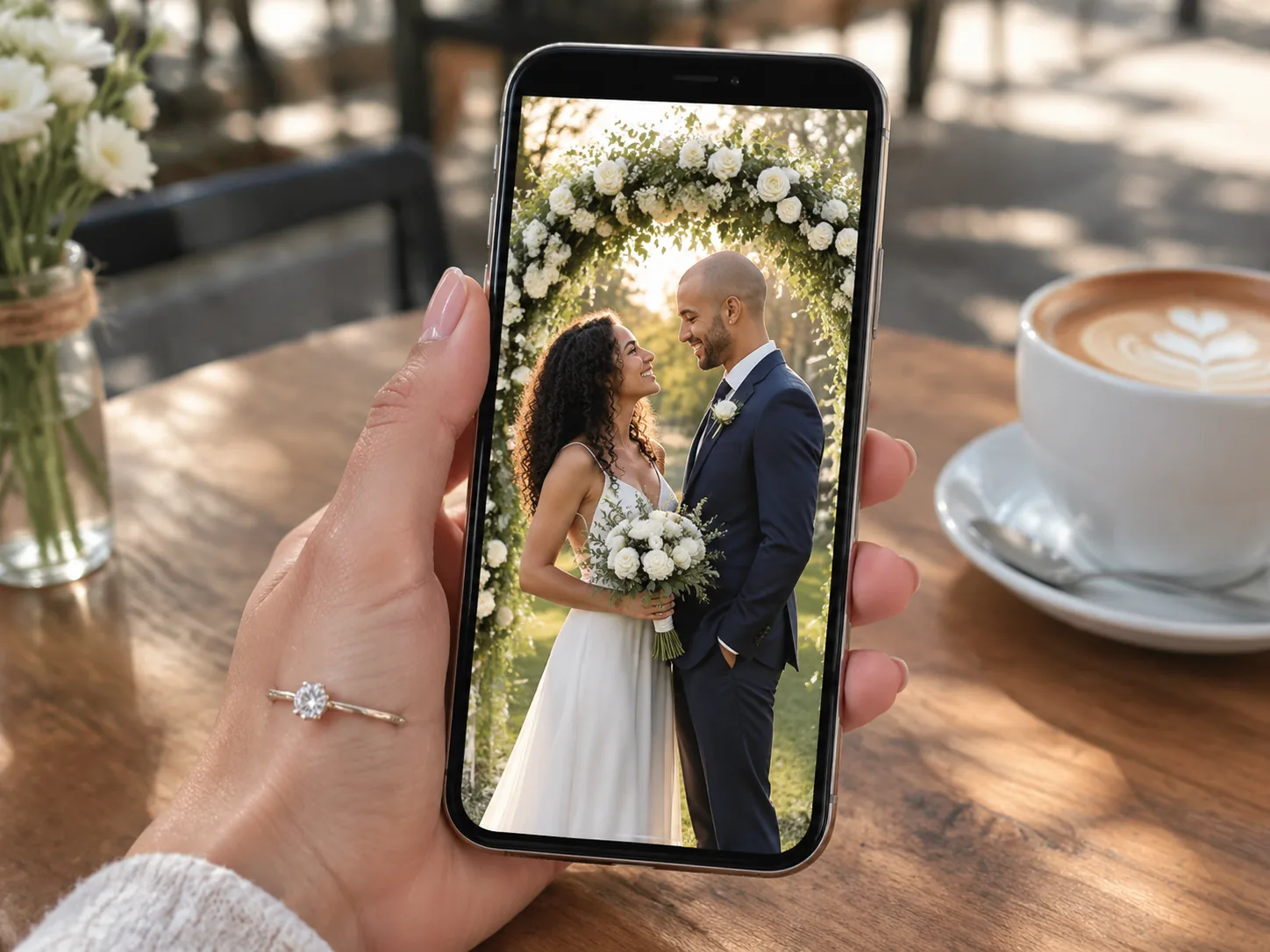
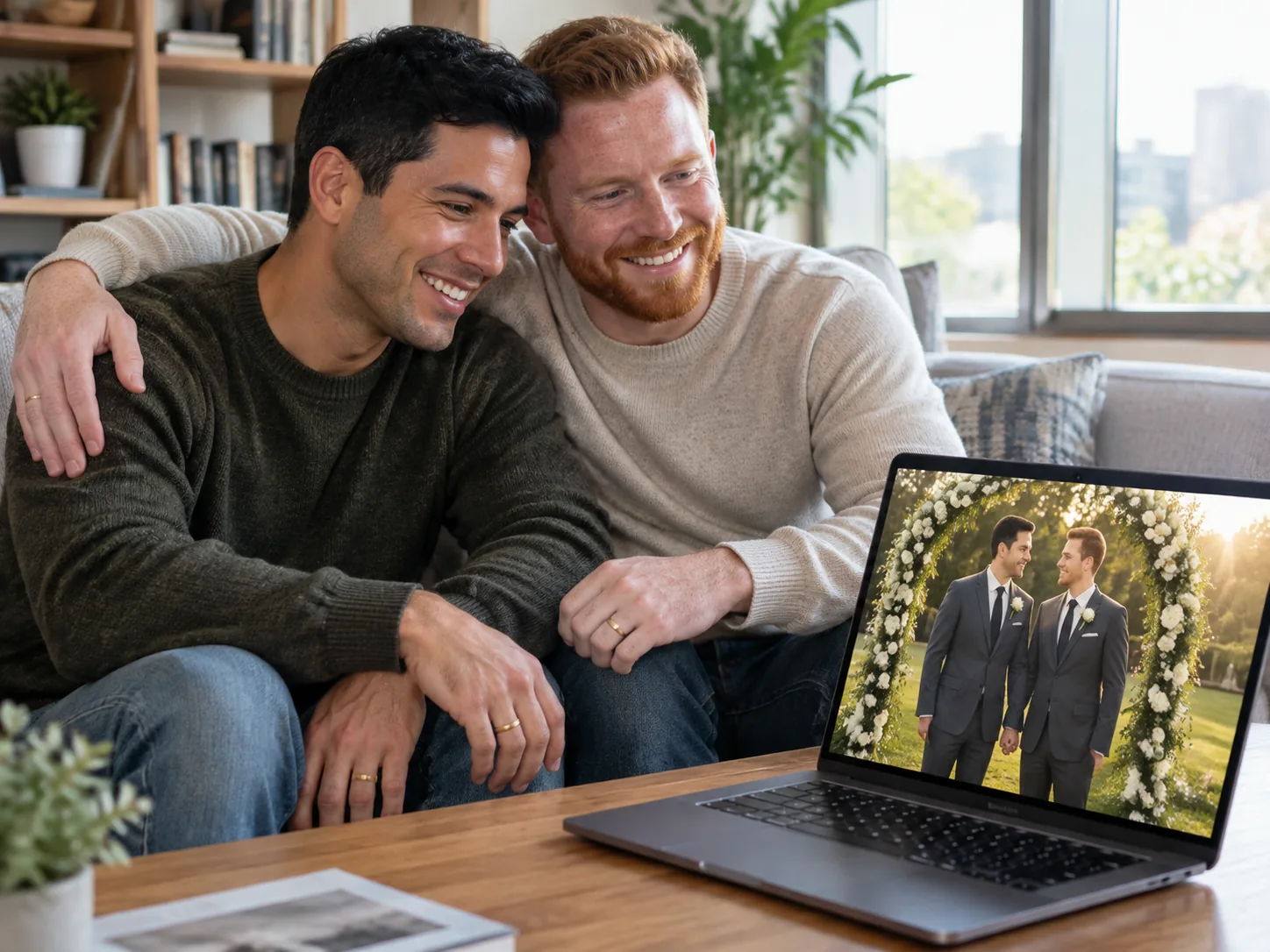
Upload one photo each to see the ceremony you never filmed. Our AI wedding video generator puts the two of you under a flower arch to celebrate your vows with family.
Bring a photo of yourself and a photo of your partner. Turn them into an 8-second wedding video with sound to send as a morning gift or watch together on your special day.
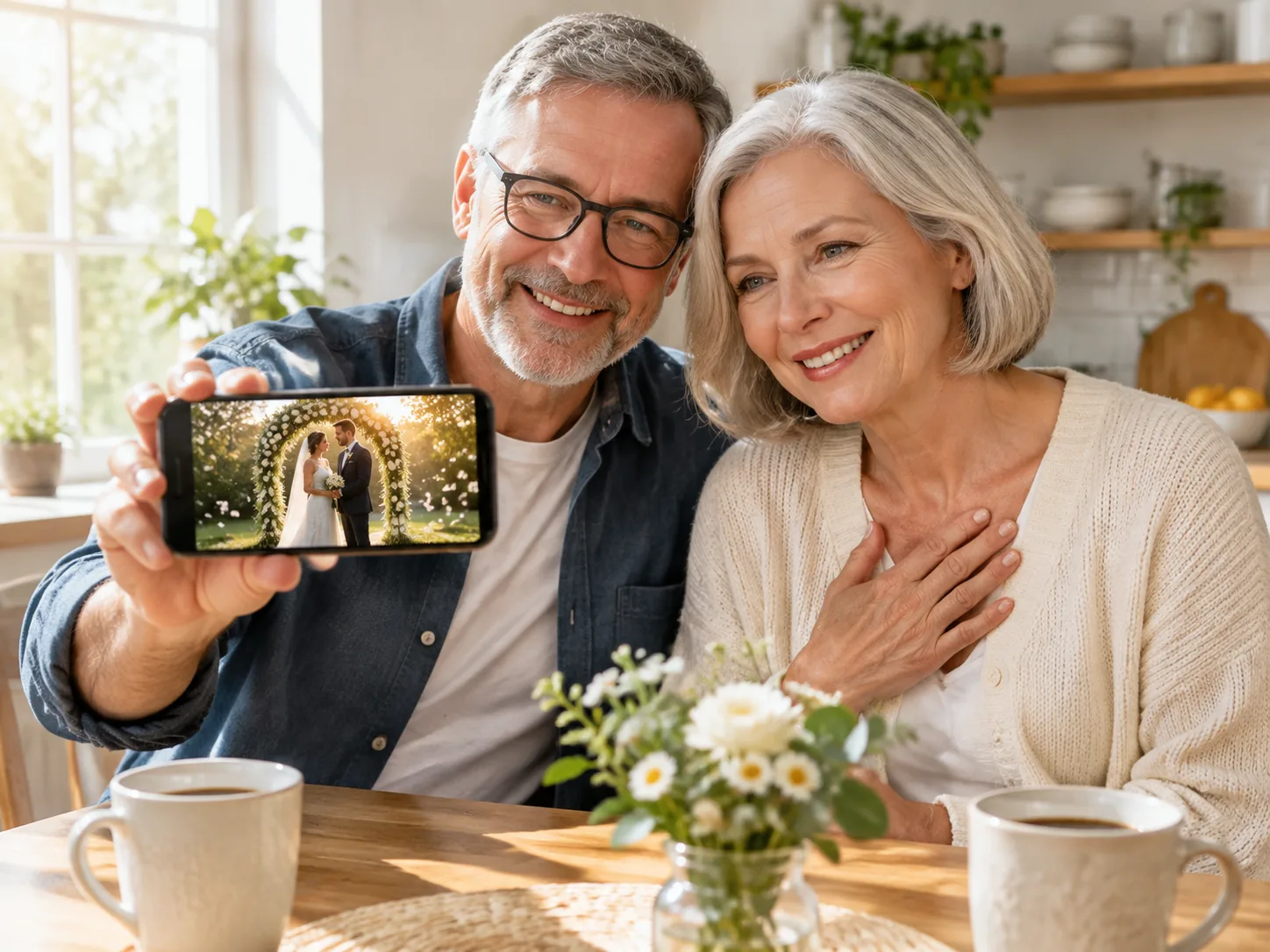
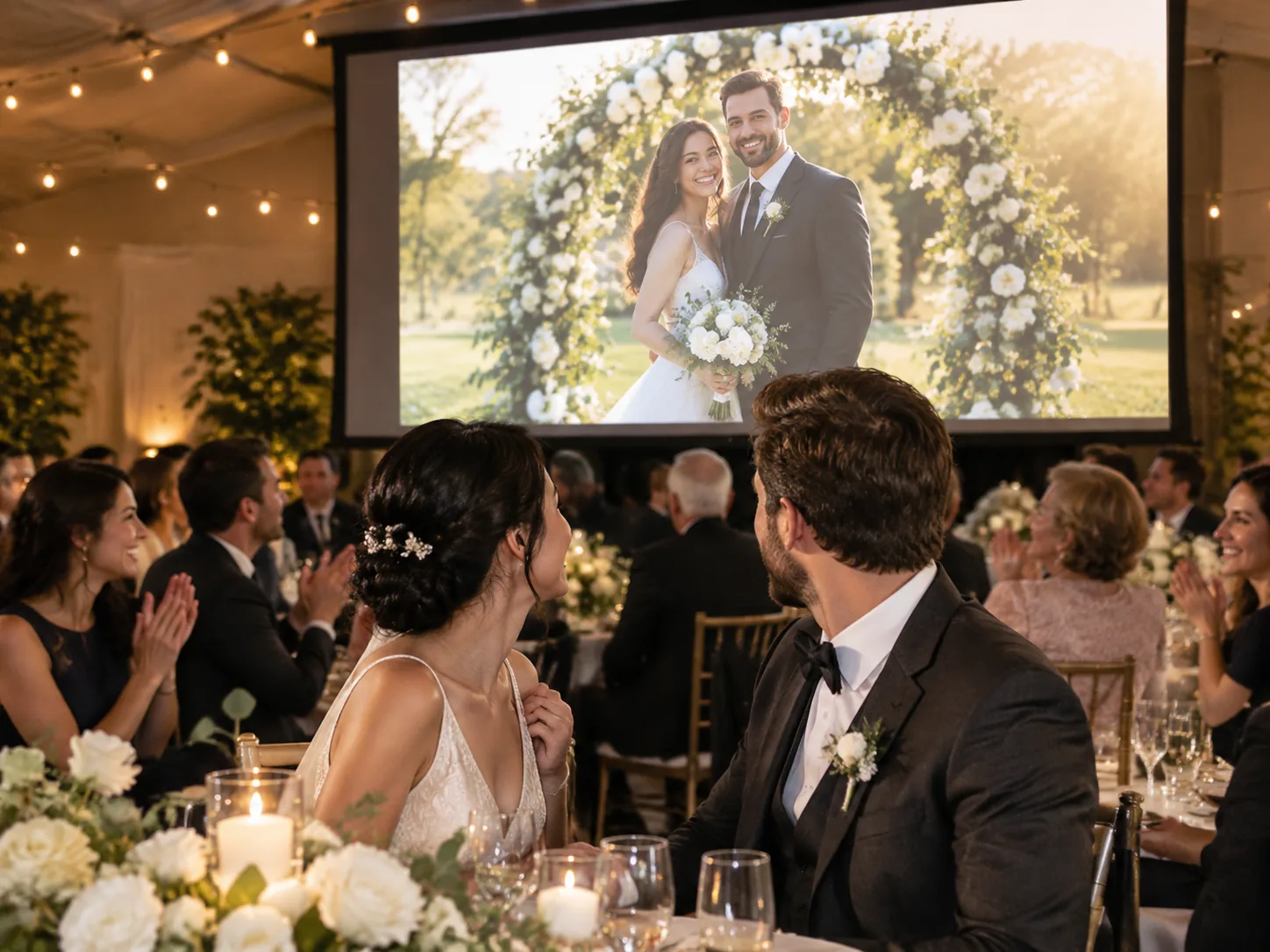
Bring a photo of each partner, or one photo of the couple together. Create a horizontal 16:9 video to play on the big screen at the reception or share in the family chat.
Put your photo in Your photo and your partner's photo in Your partner's photo, one person in each with a clear face, or put one photo of the two of you in Your photo.
Add one optional line such as a place, pick 9:16 or 16:9 and 480p or 720p, and press Generate once the price shows 40 or 80 credits.
Watch your 8-second wedding and download the MP4.
Sign up free with no card to get 40 starter credits, enough for one 480p video. Our AI wedding video generator costs 40 credits at 480p and 80 credits at 720p for both 9:16 and 16:9, and a render that fails returns its credits automatically.
An AI wedding video generator is a tool that uses AI to turn photos into a short wedding video. On Seadanse, our AI wedding video generator turns a photo of each of you, or one photo of the two of you together, into an 8-second garden wedding under a flower arch, with both faces matching your photos.
Yes. Sign up free with no card and get 40 starter credits, enough for one AI wedding video at 480p with no watermark on your exported video. After that, each video costs 40 credits at 480p or 80 credits at 720p, and a failed render returns its credits automatically. Visit the Seadanse pricing page to see all subscription plans and credit packs.
Either works, using photos of two adults who are 18 or over. A photo of you in Your photo and a photo of your partner in Your partner's photo, with one person in each, gives the closest match for both faces. One photo of the two of you together in Your photo works too. Choose clear photos in good light with faces turned toward the camera.
Yes. Each of you keeps your own face and hair from your own photo. The best photos show one person with a clear face turned toward the camera, in good light and large in the frame.
The ceremony takes place on a garden lawn under a flower arch while guests watch. One of you slides a ring onto the other's finger, the two of you share a gentle kiss, petals drift down, and the guests clap. Both of you appear dressed in a white gown with a veil or a tailored suit, and the 8-second video comes with sound.
Each video is 8 seconds long. You choose 480p or 720p resolution, and pick vertical 9:16 or horizontal 16:9 before you click generate. You download your finished video as an MP4 with sound and no watermark on exported video.
Yes. Pick vertical 9:16 to make a video formatted for phone screens. Send the downloaded video to your family group chat or post it online with the date and place in your message or caption.
No. The whole wedding is built into our AI wedding video generator, so you upload your photos and press Generate. You can add one optional line of your own words to name a place. To write a whole wedding scene yourself, use the Seadanse AI video creator for one prompt box across every video model on the site.
Yes. Name the place in the optional line, such as a beach at sunset, a church, or a vineyard. Your wedding happens in that location, complete with the flower arch and guests.
Yes, you can make a tribute with the Seadanse AI hug video generator. It turns a photo of you and a photo of your parent into a video of the two of you hugging, creating a keepsake for a memorial or a reception screen. This tool page makes the wedding video of you and your partner.
Yes. The Nano Banana 2 image generator on Seadanse makes an image from a prompt plus up to 14 reference images, keeping the same faces across your pictures. Use our AI wedding video generator on this page whenever you want a moving video.
Yes. Seadanse runs no facial recognition on uploaded photos and collects no biometric data. The platform never sells personal information, and your photos and videos stay in your account until you delete them. Read our privacy policy for complete details.
No. Our AI wedding video generator works directly in your web browser. Sign up with an email address to start creating, with nothing to install.
Every page here runs the real models in your browser — jump to the one that matches the clip you have in mind.
Upload a photo, pick an effect, get a short video. No prompt to write.
Seedance, Veo, Kling, Hailuo and more, each on its own page with real renders.
Sign up with no card to get 40 starter credits and make your first 480p wedding video for free.


