
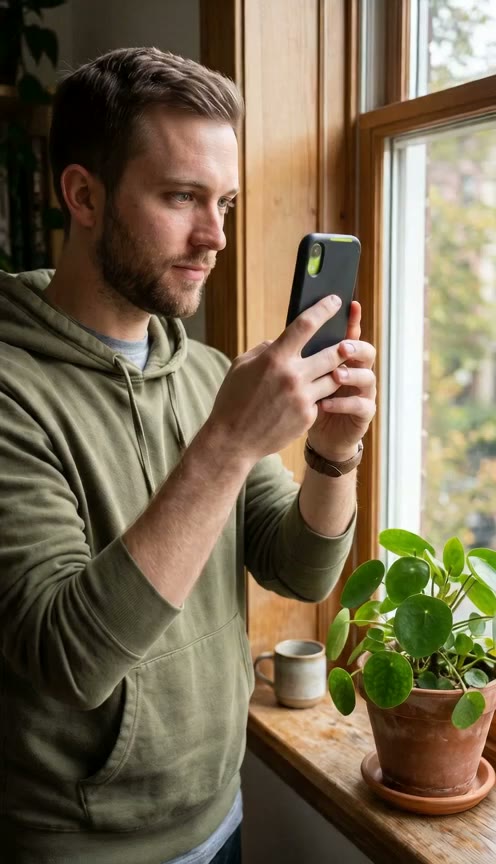
Turn One Photo Into a Gigachad Video
Drop a single picture into our Gigachad filter and watch it transform across one continuous shot. You get a finished 6-second video without switching between photo editors and animation tools.
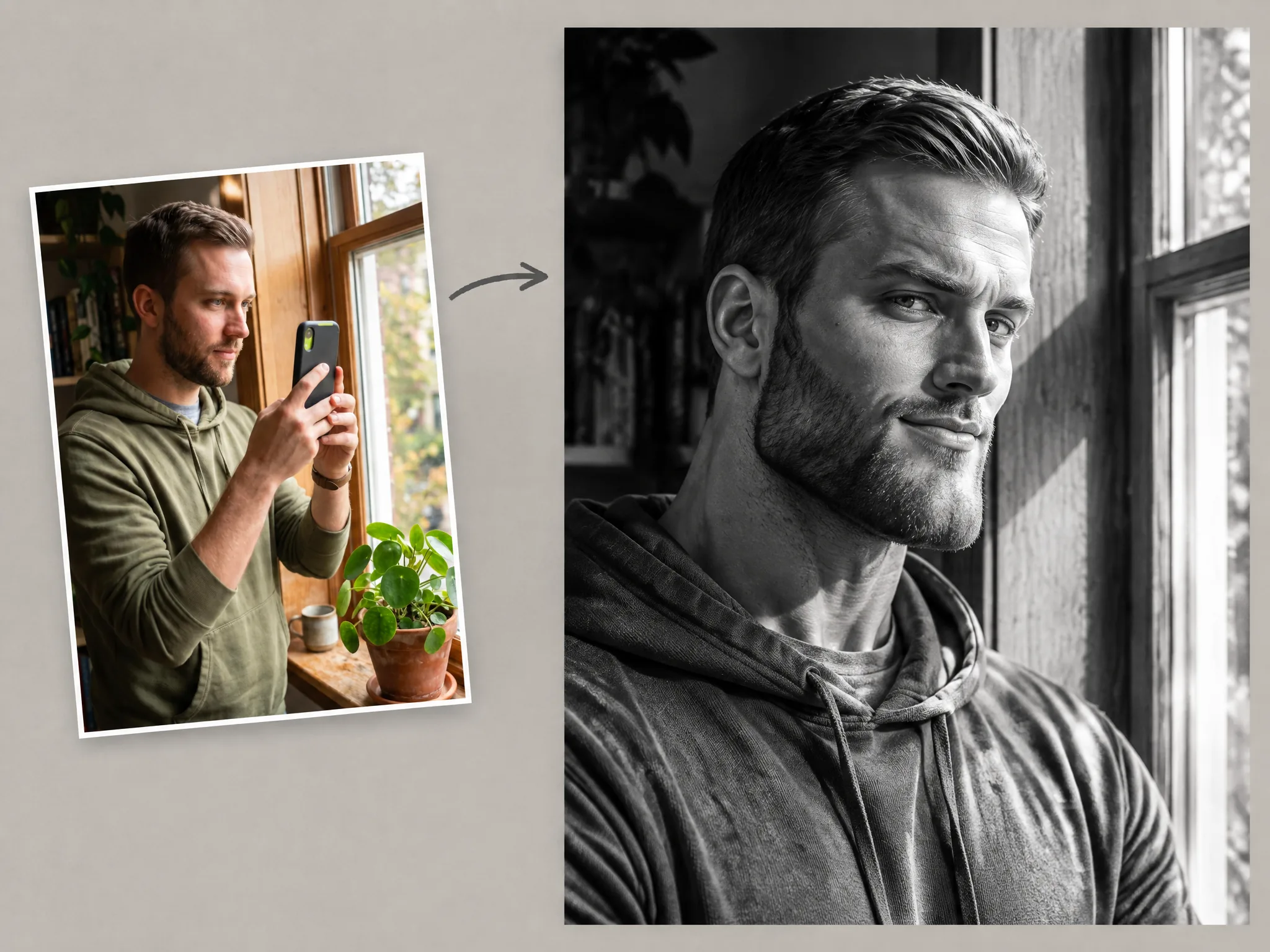
Want to join the classic meme trend without hunting down a phone lens? Use our Gigachad filter to turn one photo into a 6-second video right in your browser.
One man, face clearly visible, good light, no sunglasses.

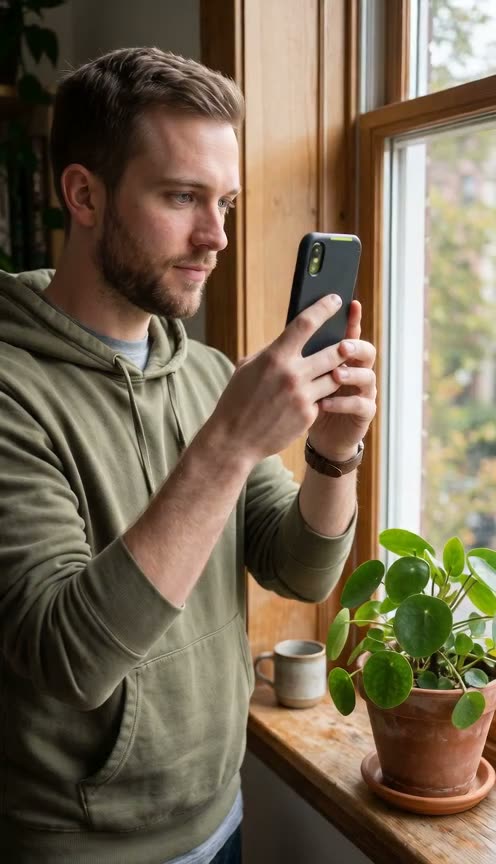
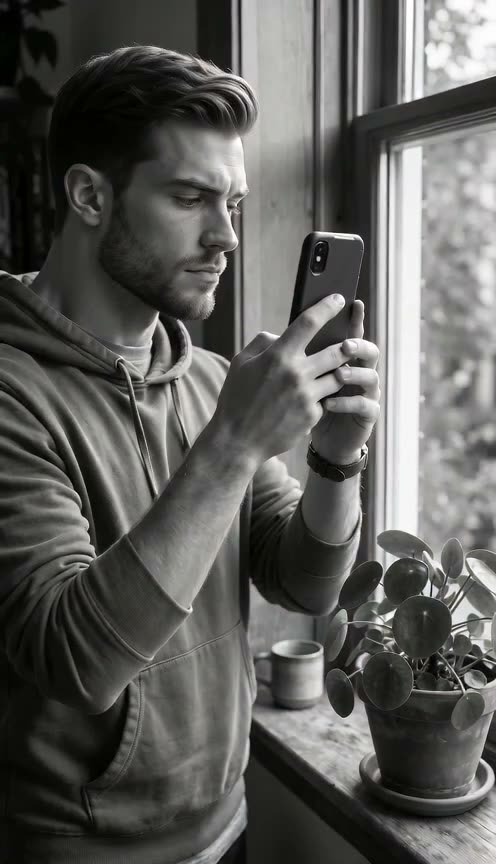
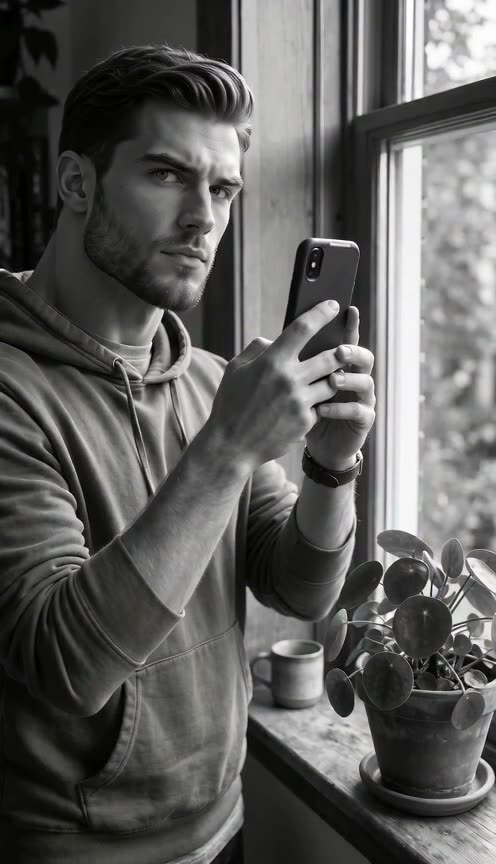
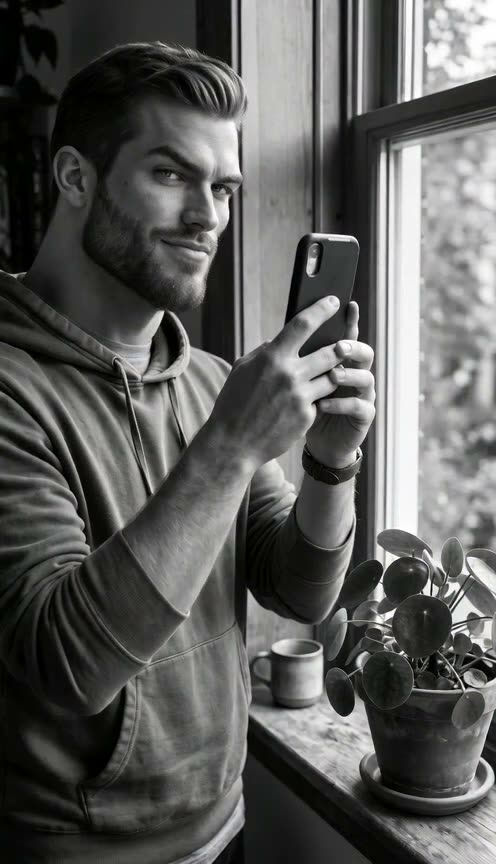
Drop a single picture into our Gigachad filter and watch it transform across one continuous shot. You get a finished 6-second video without switching between photo editors and animation tools.
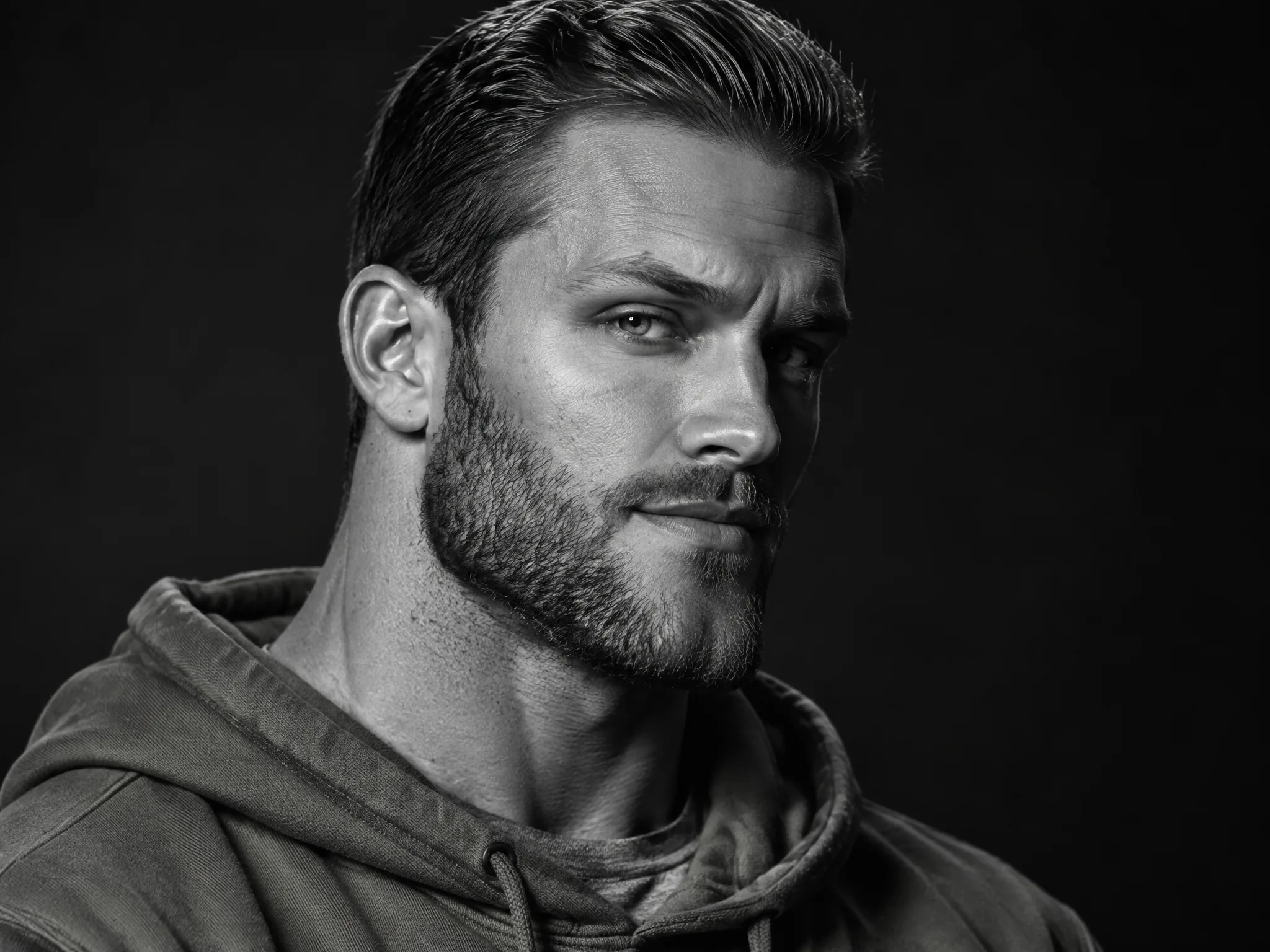
Watch your jaw square up, your neck thicken, and the frame shift into hard black-and-white light. Our Gigachad filter finishes the scene with a turn to the camera and a smug raised-eyebrow smirk.
Watch the opening seconds match the man in your photo. Our Gigachad filter shifts the scene across one shot so his face ends with the classic Gigachad look.
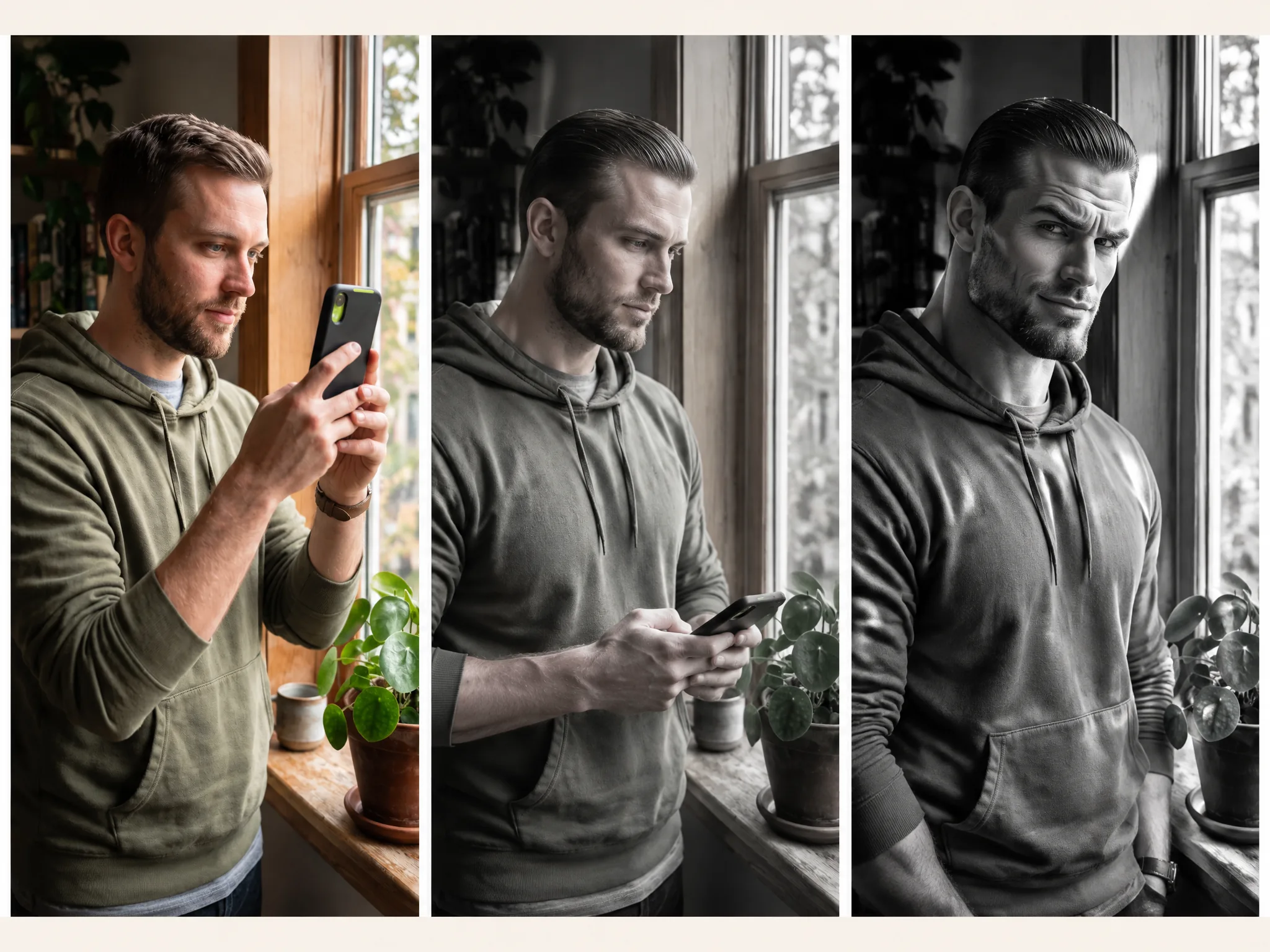
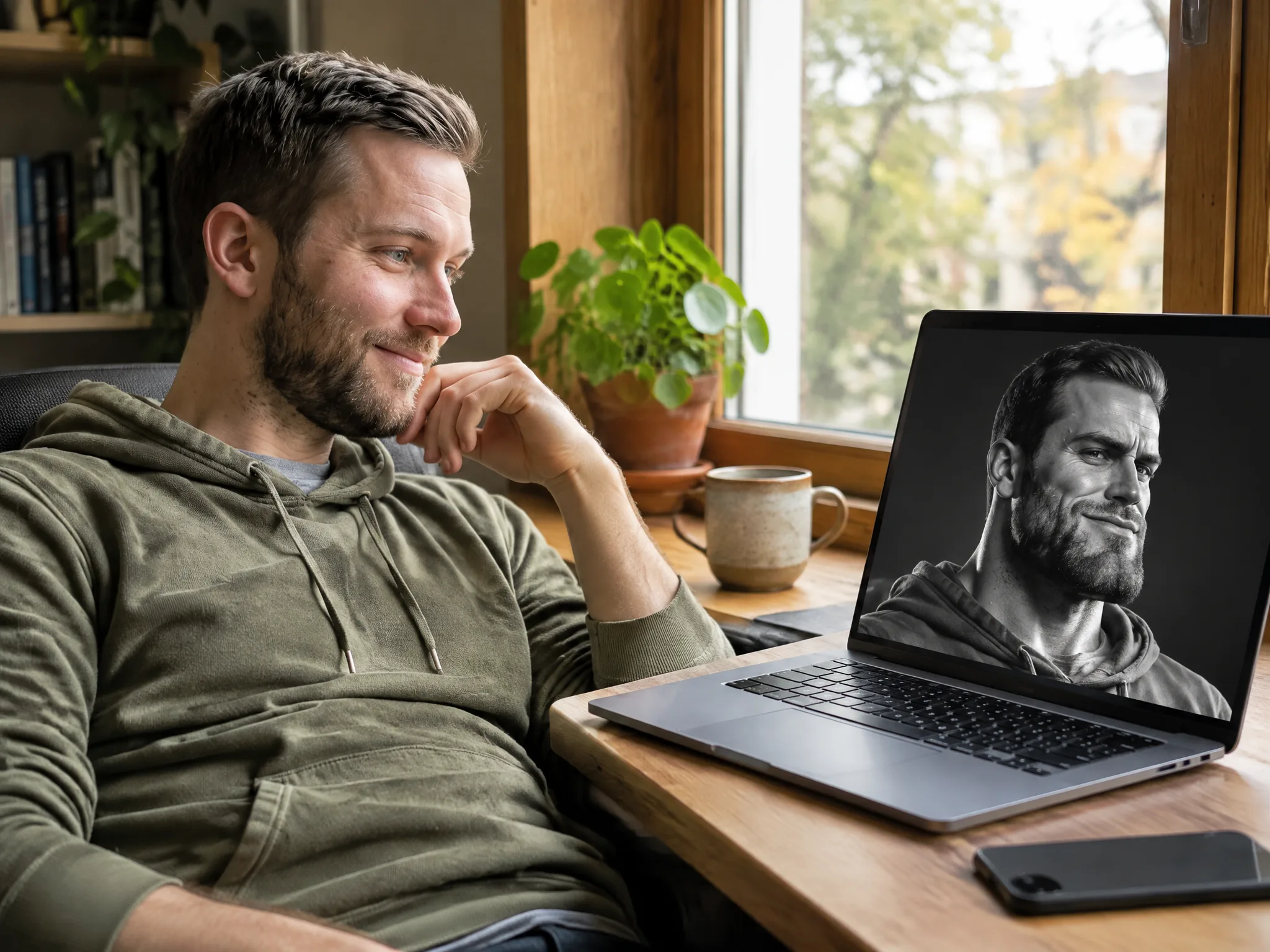
Make clips directly in your web browser without downloading apps or searching for social media lenses. Our Gigachad filter has the effect built in and lets you add a detail with one optional line of notes.
Export MP4 clips at 720p by default or 480p in 9:16 vertical or 16:9 widescreen for 80 credits at 720p or 40 credits at 480p. Our Gigachad filter shows your flat price upfront and returns credits automatically if a render fails.
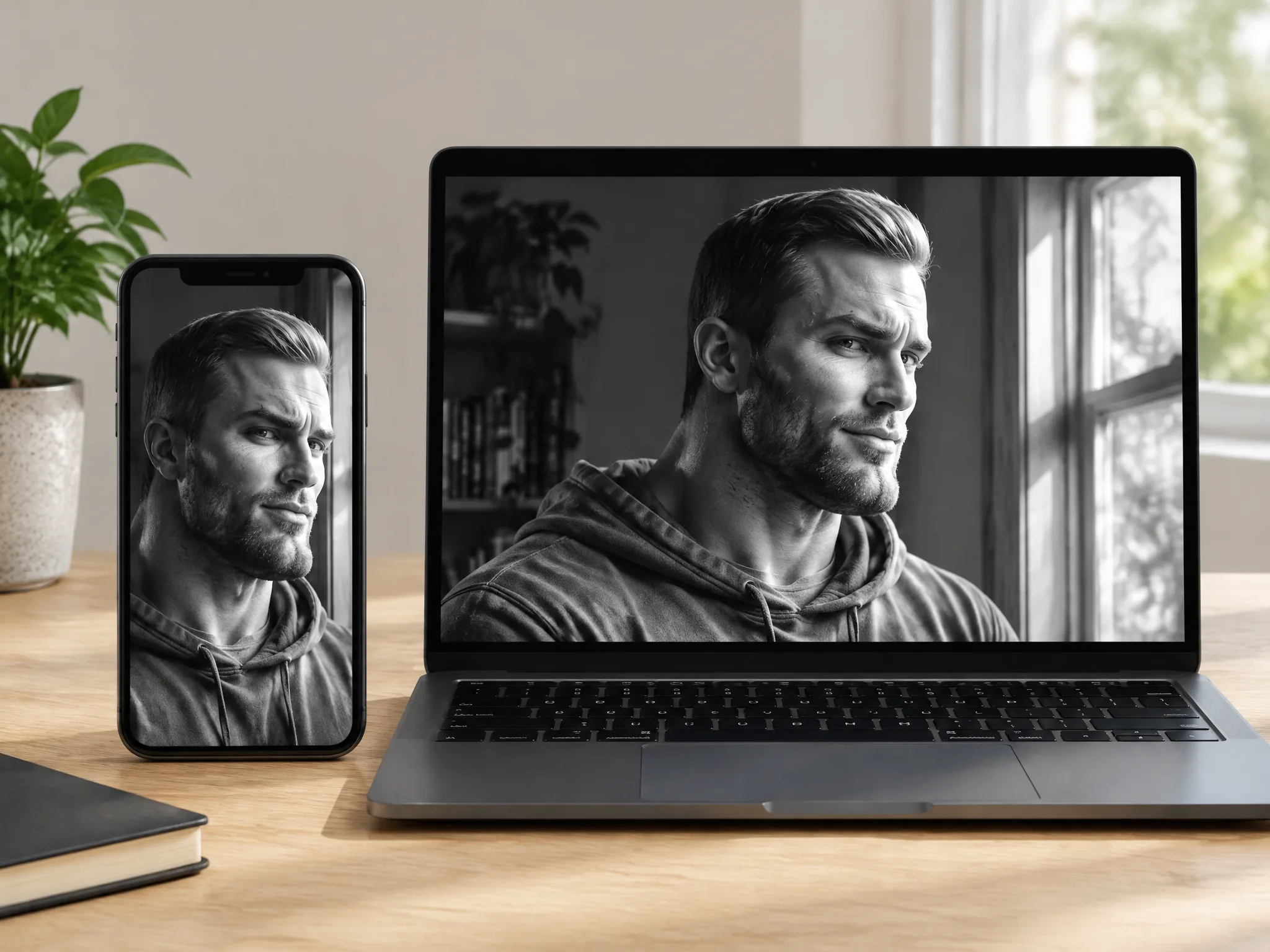
Upload one photo of yourself to our Gigachad filter and get a 9:16 vertical video ready for TikTok, Reels, and Shorts. Join the meme trend and show off your chiseled jawline.
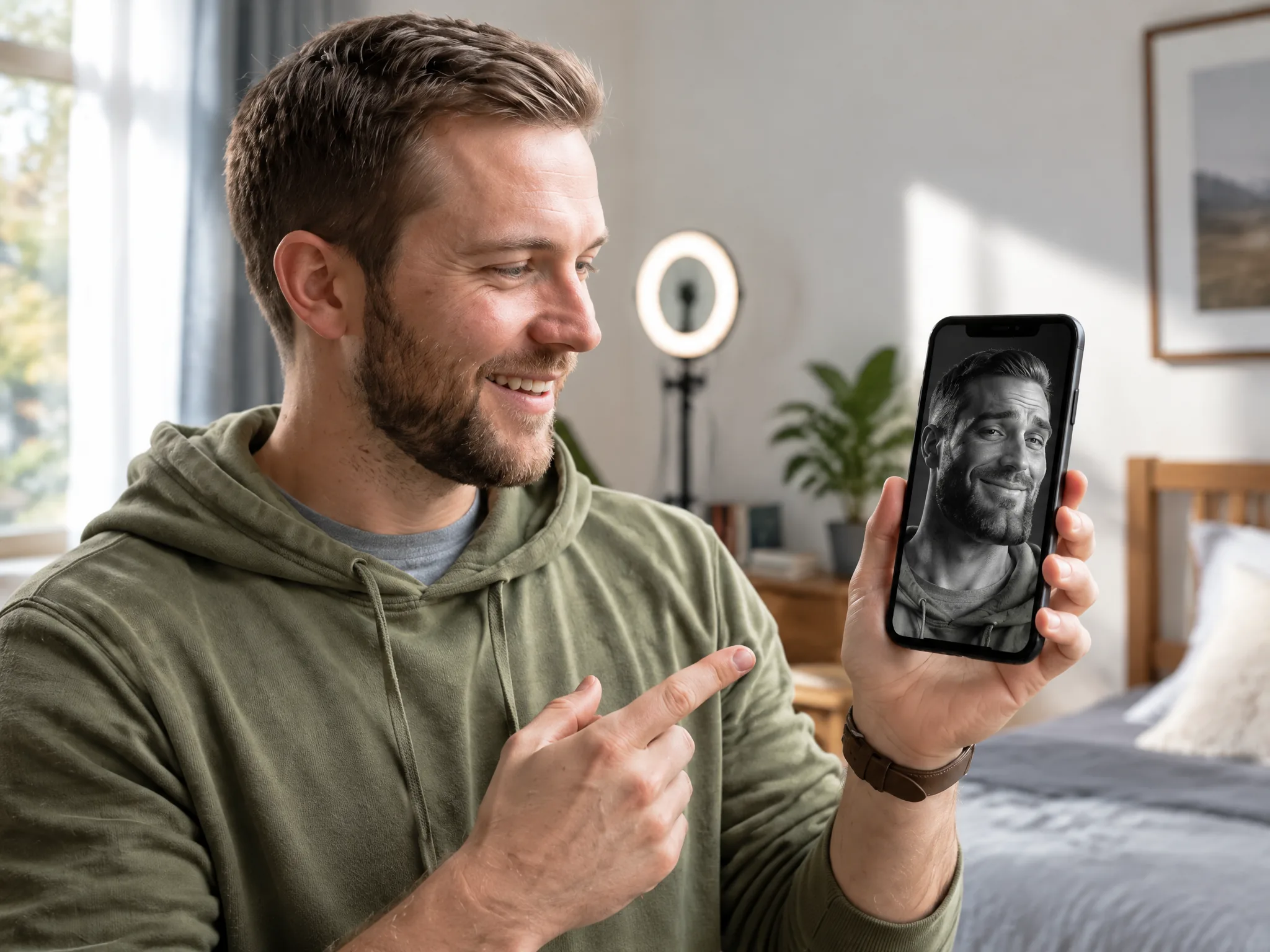
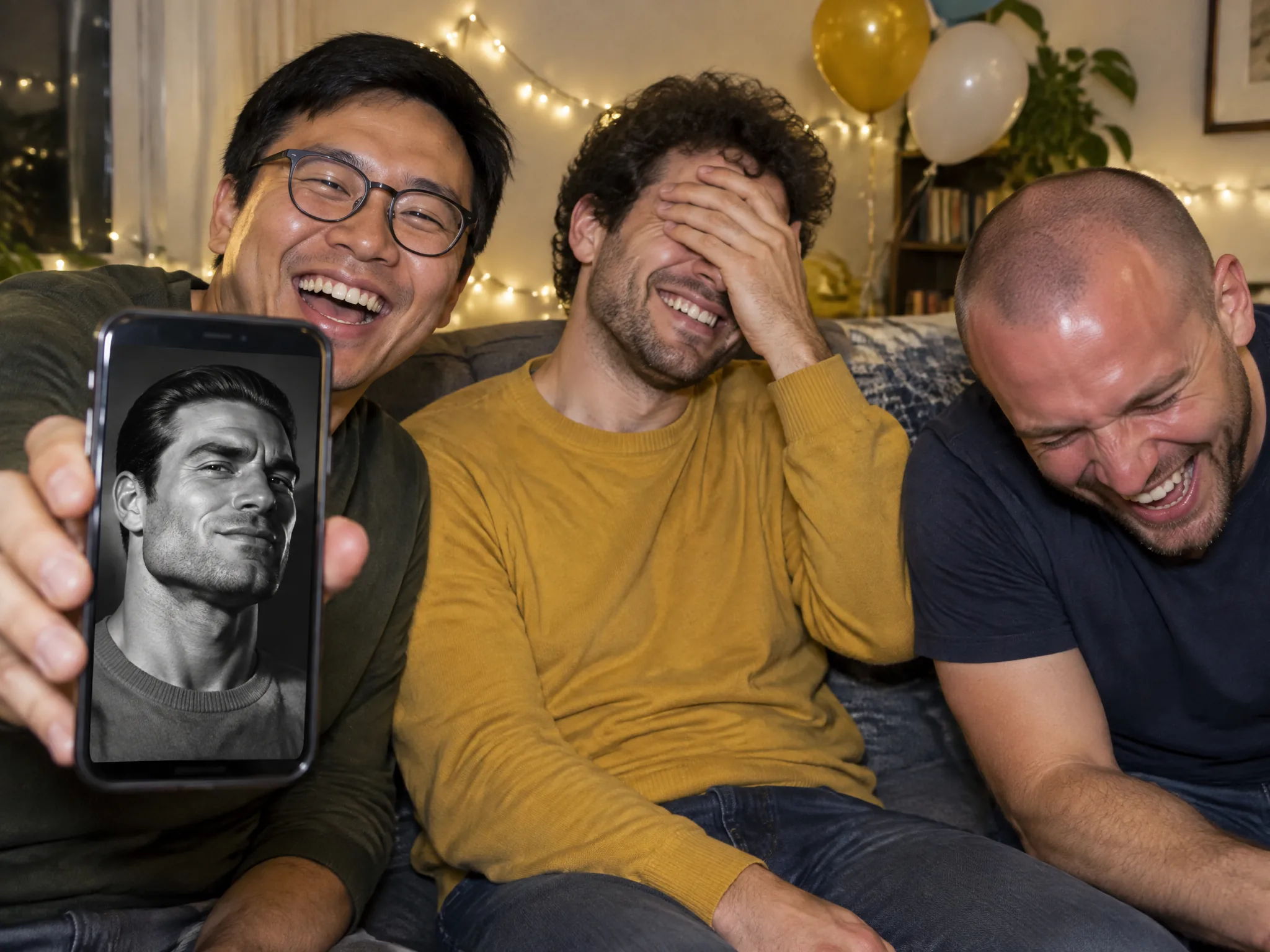
Drop a photo of your buddy into our Gigachad filter to get a 6-second MP4 clip of him turning into the meme. Send the video straight to your group chat for birthdays and roast nights.
Turn your photo or a teammate's face into a bold reaction clip in 9:16 vertical or 16:9 widescreen format. Drop the video into your Discord server or stream intro to celebrate your best gaming wins.
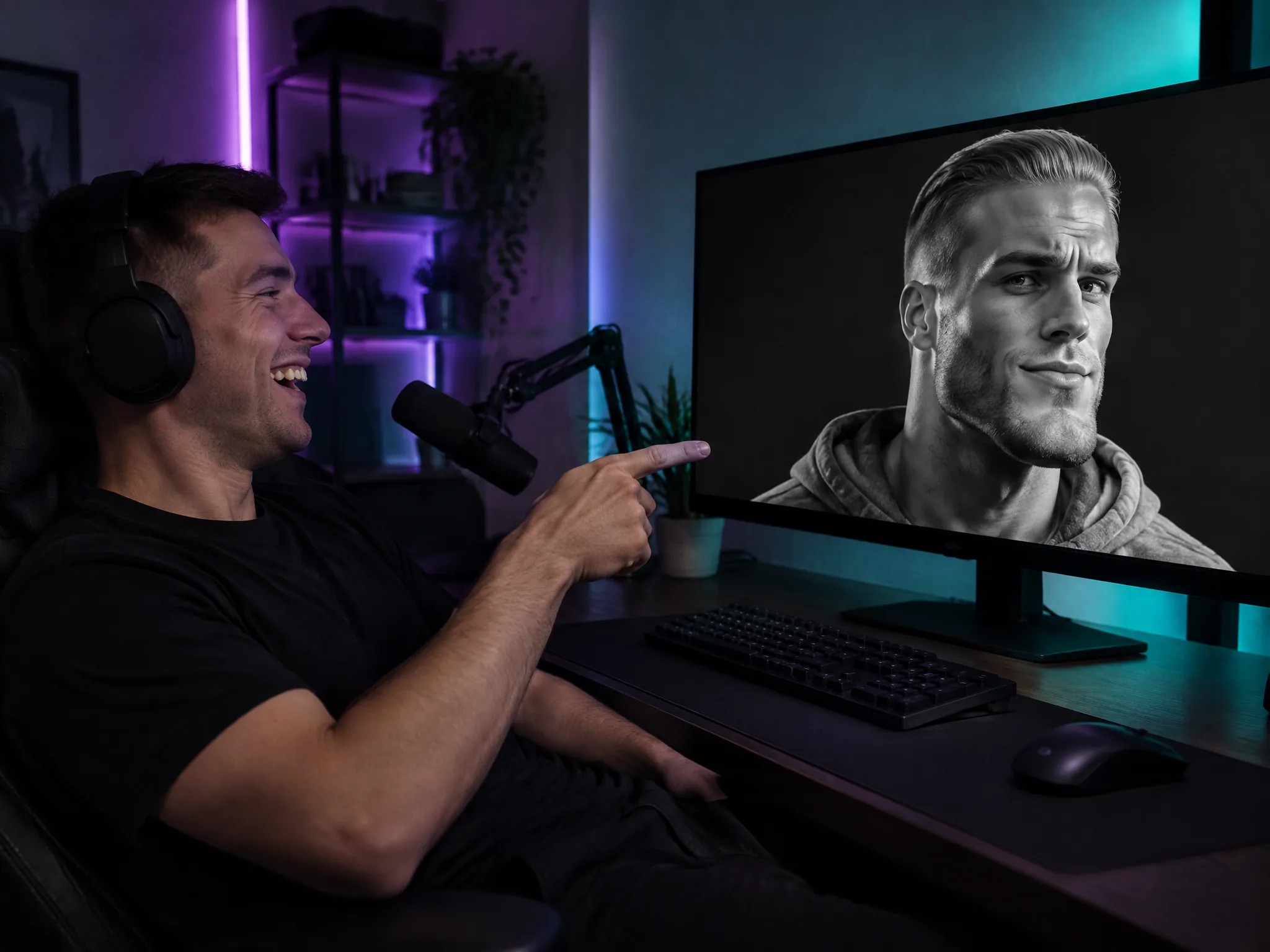
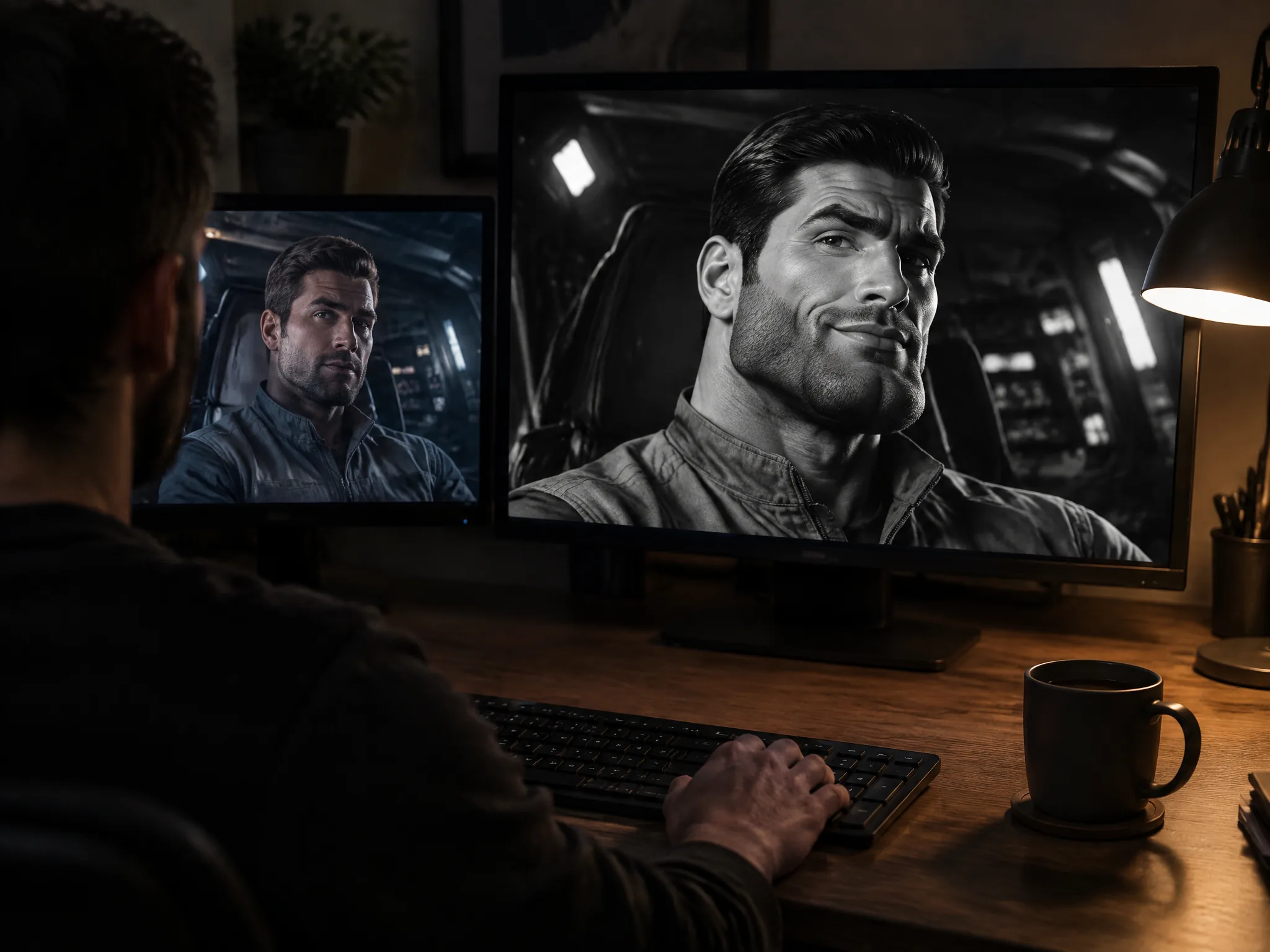
Feed our Gigachad filter a clear still of a male movie or TV character or a famous man. Download a high-contrast transformation clip for your next fan edit or meme post.
Upload one clear photo of a man with good lighting into the Your Photo slot.
Pick 9:16 or 16:9, select 720p or 480p, add an optional line of notes, and click Generate as the 80-credit or 40-credit cost shows before you submit.
Watch your 6-second Gigachad filter video play, download the 720p or 480p MP4 file, and post it to your favorite social feeds.
Sign up free with your email and get 40 starter credits to cover one Gigachad filter video at 480p. Every Gigachad filter video costs 80 credits at 720p and 40 credits at 480p, the same for 9:16 and 16:9, and failed renders return your credits automatically.
It is an effect that turns a face into the Gigachad meme look. Our Gigachad filter sharpens your jawline, widens your neck, slicks your hair, and adds dramatic black-and-white lighting. You upload one photo to Seadanse and get a 6-second video that shows the transformation on screen.
Meta shut down third-party AR effects on Instagram on January 14, 2025, so community-made Gigachad filters vanished from the app. You can make the look on Seadanse right in your browser. Our Gigachad filter transforms your photo into a video without needing an Instagram account.
Yes. Our Gigachad filter works directly inside your browser. You sign up with an email address and start creating right away. You do not need to install an app or log into Snapchat, Instagram, or TikTok.
Put a clear photo of a man into the Your photo slot and click generate. Our Gigachad filter turns that still photo into a 6-second Gigachad transformation video. If you want a still image instead, use the GPT Image 2 generator with a reference photo and a prompt.
Yes. Our Gigachad filter turns one photo into a 6-second transformation video at 720p or 480p, in 9:16 or 16:9 in one step. You download an MP4 ready for social feeds with no extra animation tools required. To build a scene from a custom prompt, use our AI video creator.
Your first 480p video is free. Sign up free with no card to get 40 starter credits, which cover one Gigachad filter video at 480p. Each video after that costs 80 credits at 720p or 40 credits at 480p, shown before you generate. View Seadanse pricing for subscription plans, and failed renders give their credits back automatically.
The video opens on you just as you are in your photo, in your own setting. Then your jaw, cheekbones, neck, and hair change into the classic Gigachad look, so the video finishes with you as Gigachad. You watch the full change happen right on screen.
Choose a clear photo of one man with his face clearly visible, good light, and no sunglasses. A head-and-shoulders or half-body photo works well. Our Gigachad filter is made for photos of men, and clear lighting gives you the sharpest black-and-white video finish.
No. A sigma filter creates a meme face with raised brows, narrowed eyes, and pursed lips. Our Gigachad filter reshapes your jaw, neck, and lighting to give you the classic meme structure. The clip ends on a smug smirk with one raised eyebrow, giving you both meme looks.
Yes. Upload a clear still of a man's face from a movie or TV scene, or a photo of a famous man, into the Your photo slot. Our Gigachad filter turns that face into a 6-second transformation video. You can download the MP4 right away for fan edits and meme posts.
Each video runs for 6 seconds at 720p, the default, or 480p, and downloads as an MP4. Pick 9:16 vertical format to post your clip on TikTok, Reels, and Shorts, or choose 16:9 widescreen. You get watermark-free videos on paid plans.
Yes. Seadanse does not run facial recognition on uploaded photos and does not collect biometric identifiers. We do not sell your personal information, as explained in our privacy policy. Your photos and videos stay in your account until you delete them, and paid plans keep your renders private.
Every page here runs the real models in your browser — jump to the one that matches the clip you have in mind.
Upload a photo, pick an effect, get a short video. No prompt to write.
Seedance, Veo, Kling, Hailuo and more, each on its own page with real renders.
Turn one photo into your own 6-second transformation video using your 40 free starter credits.


