
Video effect

GTA Wasted Effect

You want your own WASTED meme clip without filming a real fail or editing. Our GTA Wasted effect turns one photo into a 10-second game clip with full sound, or try our GTA video prompts to make longer videos up to 30 seconds.

GTA WastedThis effect is built into the page and cannot be removed.
10s

One person or one pet, face easy to see, in good light. Full body works best.

New here? Sign up free and get 40 starter credits.

What Makes Our GTA Wasted Effect Stand Out

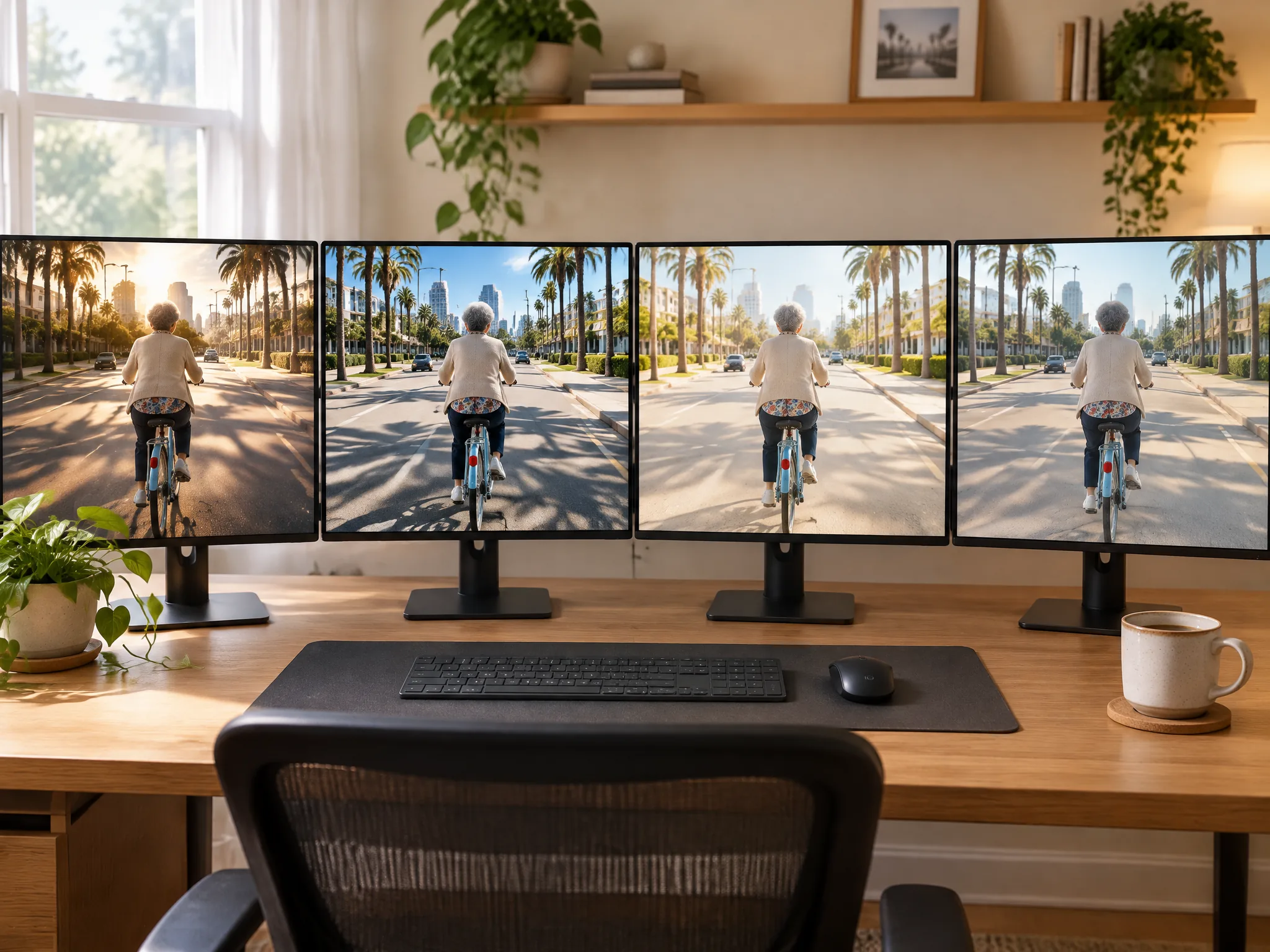
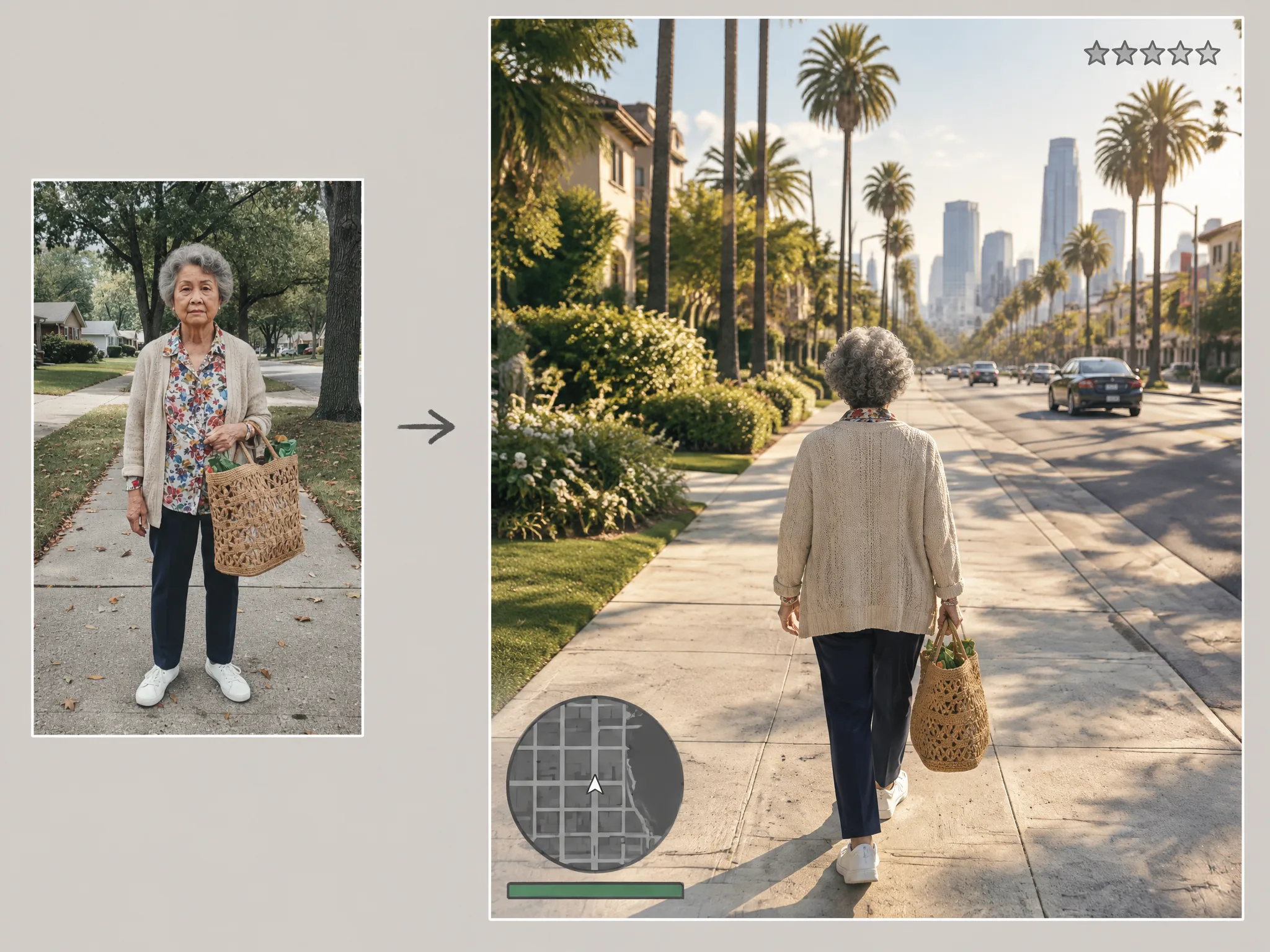
Turn One Photo Into a Game Clip Instantly

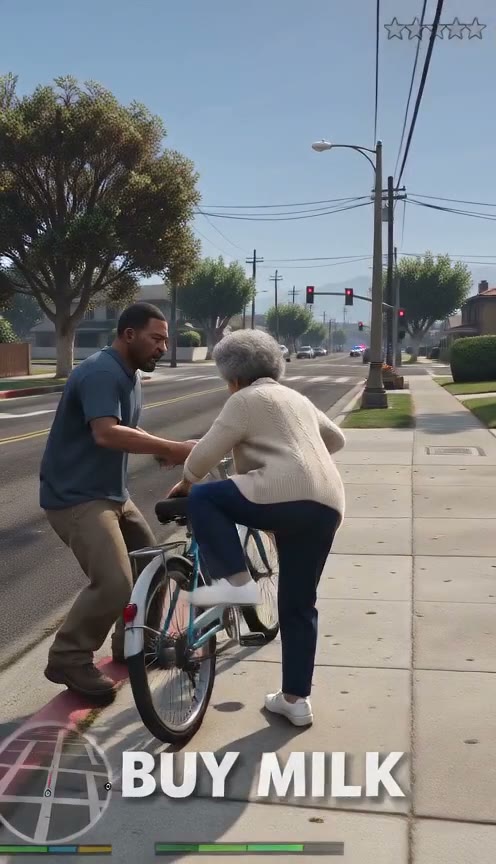
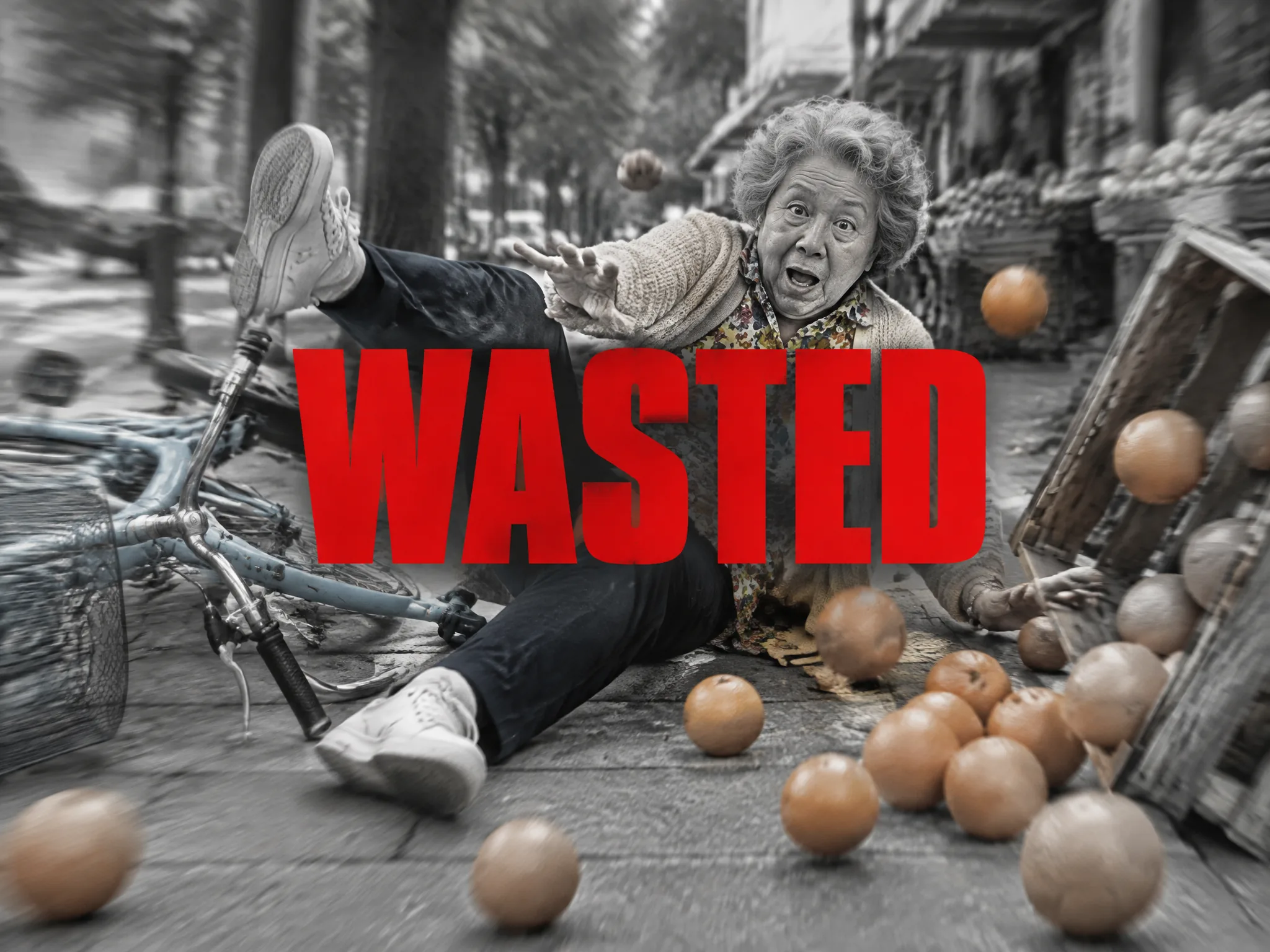
Upload one photo of you, a grandparent or a pet to get a 10-second game video with no prompts or editing apps. Our GTA Wasted effect turns your picture into a wild bike chase and ends on WASTED without green screens or fail clips.
Turn One Photo Into a Game Clip Instantly
Trigger the Classic Slow-Motion Crash and Ending

Trigger the Classic Slow-Motion Crash and Ending

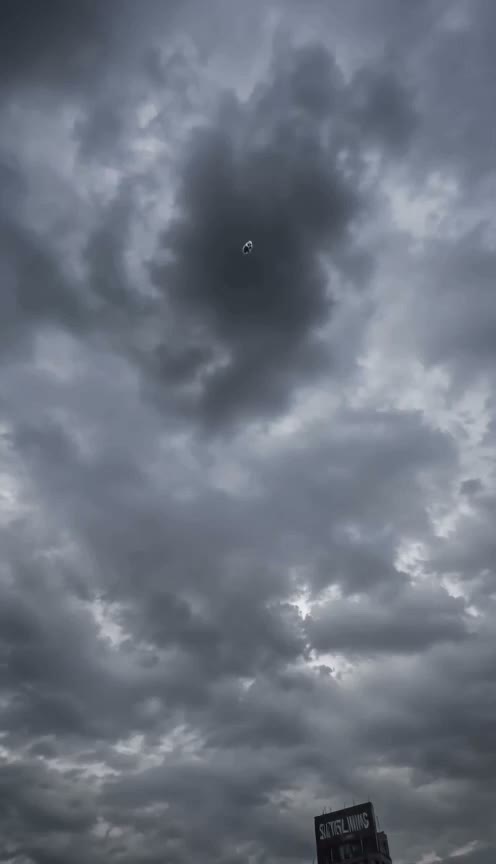
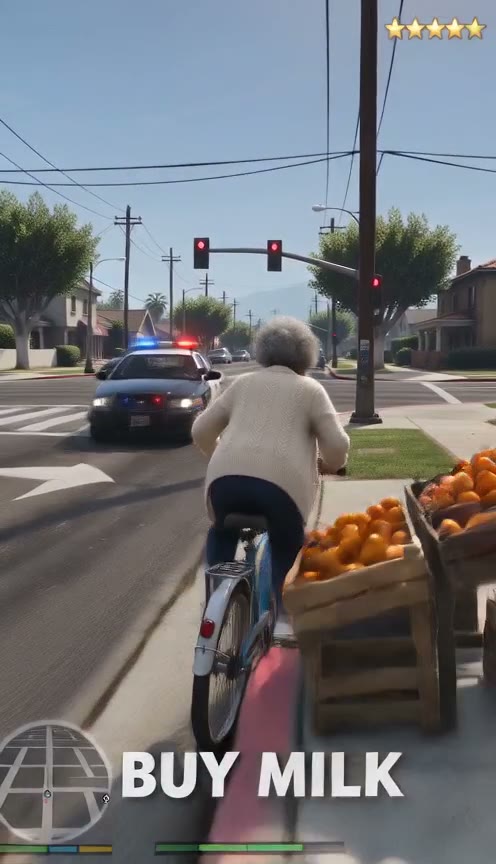
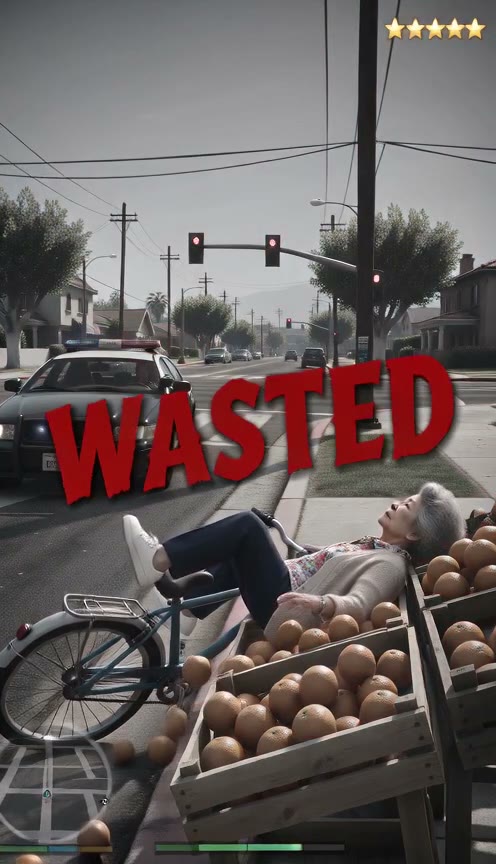
Watch your hero tumble into a pile of oranges in slow motion as the screen turns grey and a deep boom hits. Our GTA Wasted effect adds a big red WASTED title and complete GTA-style sound effects from sirens to bicycle bells.

Immerse Viewers With a Full Original HUD

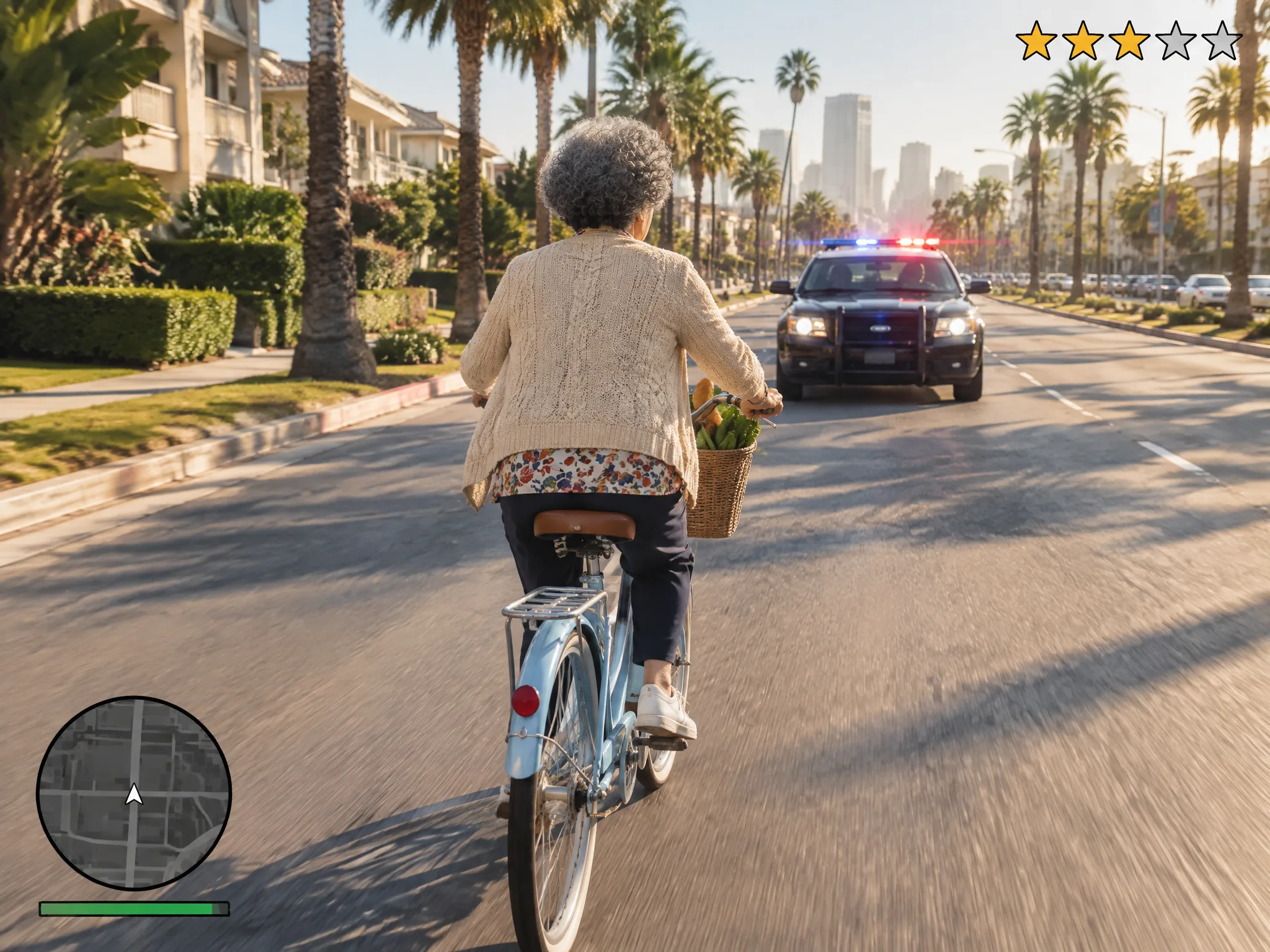
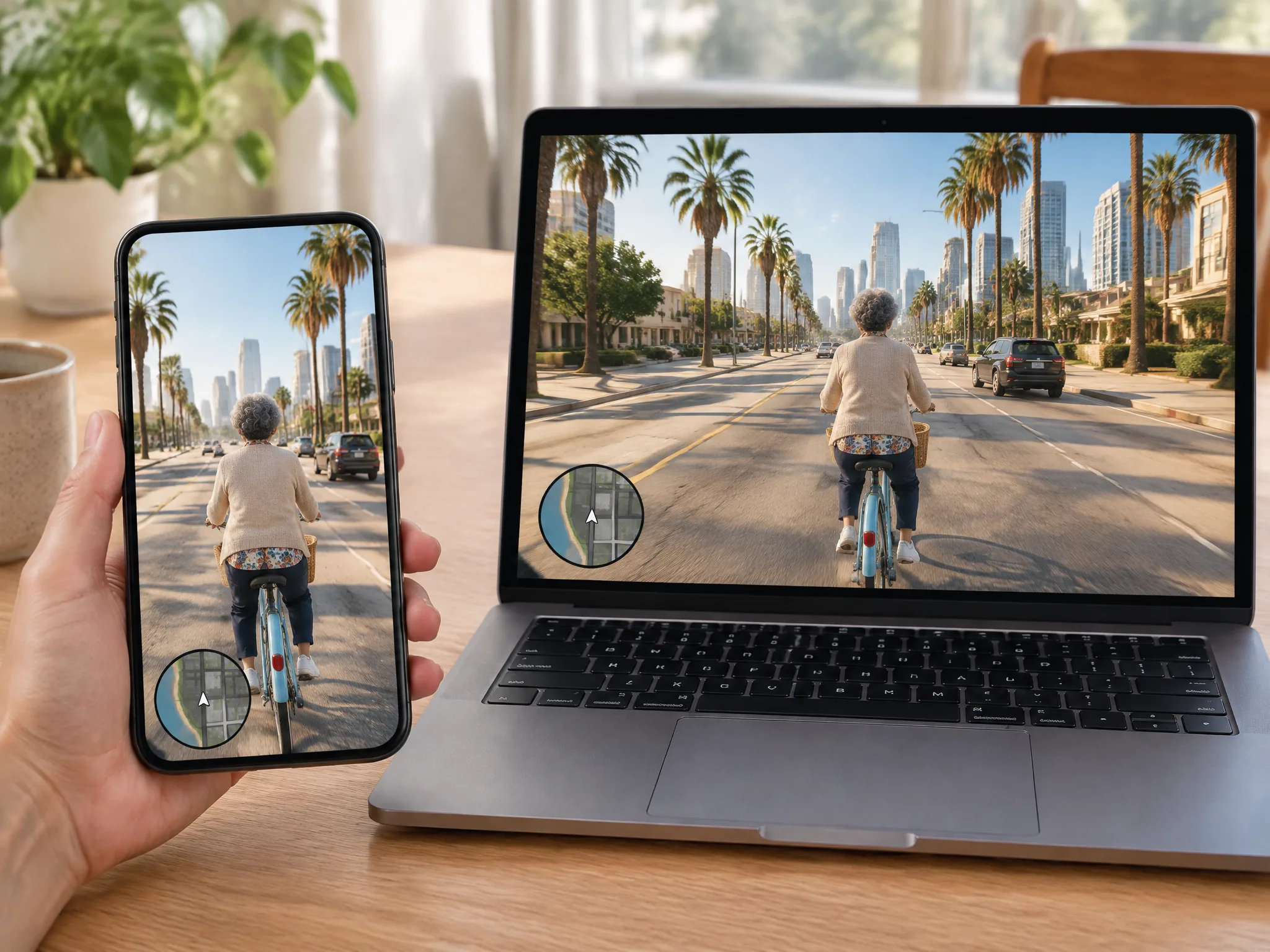
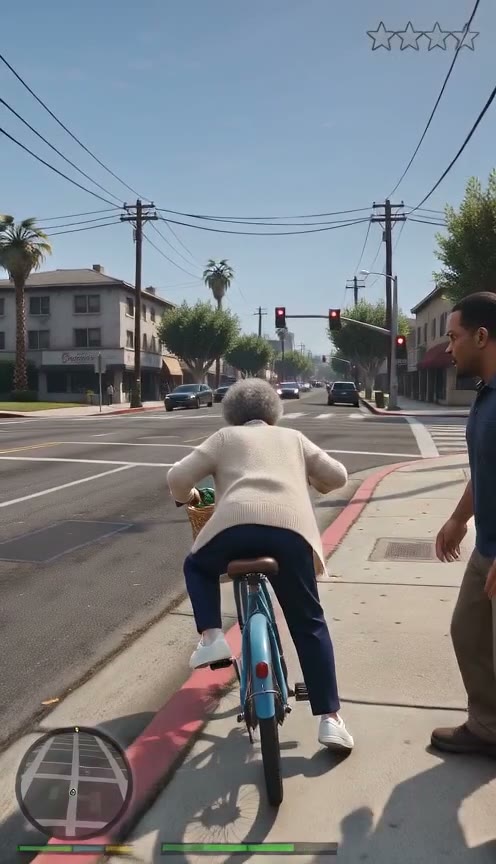
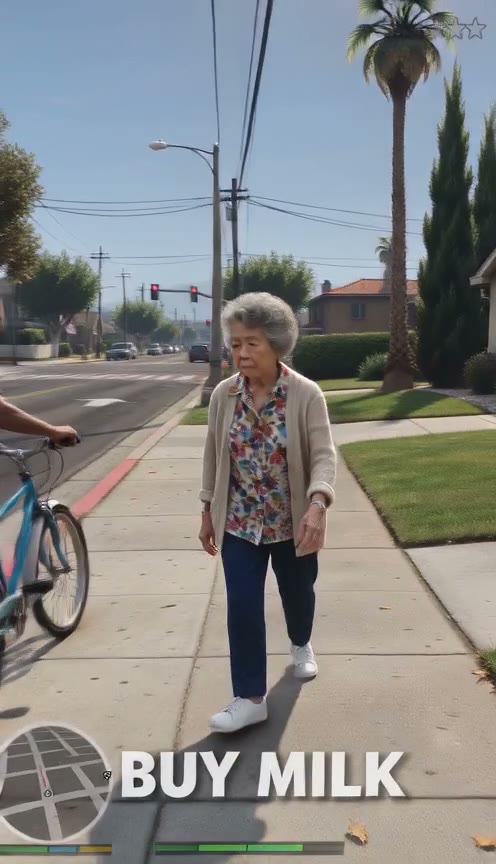
See your photo become a sunny city street through a third-person game camera with wanted stars and a minimap health bar. Our GTA Wasted effect displays bold white mission text at the bottom using an original HUD design.

Immerse Viewers With a Full Original HUD
Set Custom Mission Objectives and Alternate Endings

Set Custom Mission Objectives and Alternate Endings

Type one line like 'deliver a takeout order' to set your objective, or type 'mission passed' to show your hero raising the prize. Our GTA Wasted effect lets you steer the action to a gold MISSION PASSED screen or leave it blank to end on WASTED.

Select the Best Seedance Model for Your Budget

Sign up free with no card to get 40 starter credits and choose between Seedance 2.5, Seedance 2.0, Seedance 2.0 Fast, or Seedance 2.0 Mini. Our GTA Wasted effect displays your flat price right beside the Generate button, starting at 60 credits for 480p on Seedance 2.0 Mini.

Select the Best Seedance Model for Your Budget
Export Clean MP4 Videos for Any Platform

Export Clean MP4 Videos for Any Platform

Choose vertical 9:16 for TikTok, Reels and Shorts, or switch to horizontal 16:9 for YouTube at 480p or 720p. Our GTA Wasted effect exports a clean 10-second MP4 with sound and no watermark.

Make Viral Memes with Our GTA Wasted Effect

Short-Video Creators

Star in Your Own Game Skit

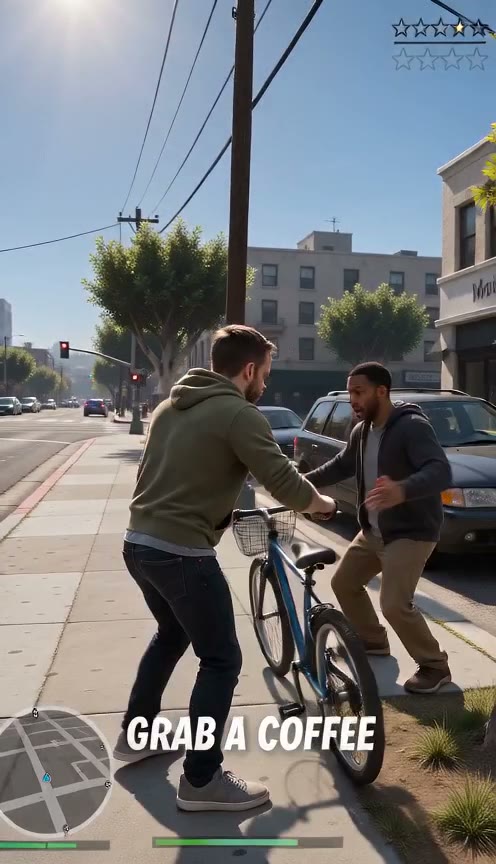
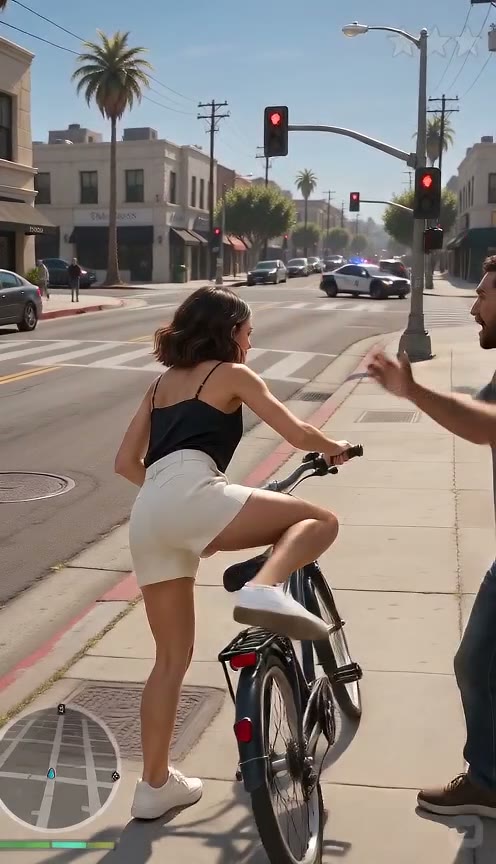
Upload one selfie to make a 10-second 9:16 video starring you as the hero. Post your complete live-action game scene straight to TikTok, Reels, and Shorts without any editing.

496x864 · 9:16 · 10s

496x864 · 9:16 · 10s

Grandkids

Put Your Grandparents in the Game

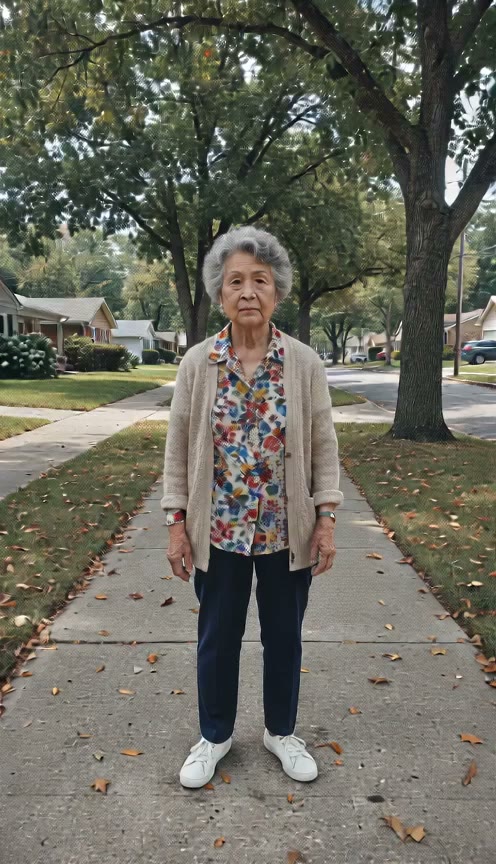
Upload one photo of your grandma or grandpa to set them off on a dead-serious city errand. Share a funny video in your family chat where they grab a bike, outrun the police, and land on WASTED.

Pet Owners

Make Your Dog the Action Hero

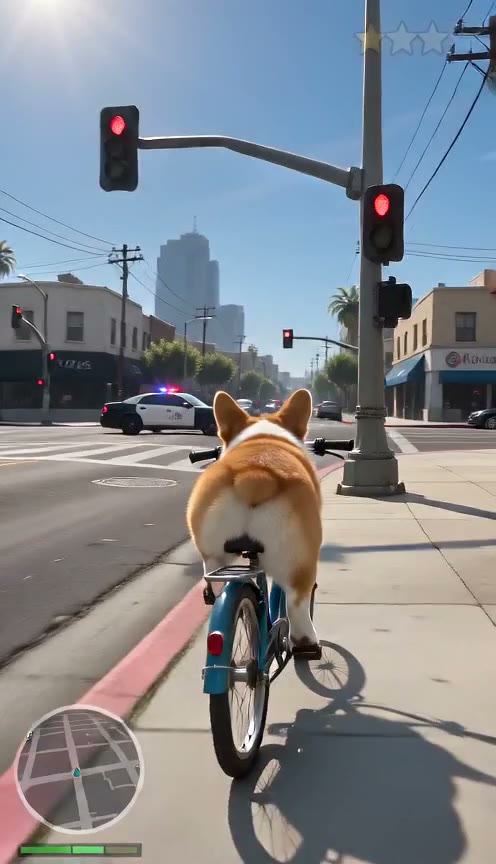
Upload one photo of your dog to run a full 10-second mini-mission. Watch your dog pedal a bicycle through a police chase and crash into oranges for a slow-motion WASTED ending.

496x864 · 9:16 · 10s

496x864 · 9:16 · 10s

Friends & Group Chats

Celebrate Big Wins and Everyday Fails

Upload one photo of your friend to build a custom gift clip for your group chat. Reward a passed driving test with gold MISSION PASSED letters, or roast a friend who is always late on their birthday with WASTED.

How to Use Our GTA Wasted Effect

Step 1

Upload Your Photo

Upload one clear photo of you, a grandparent, or a pet with one main character and the face easy to see.

Step 2

Choose Your Settings

Add an optional line for the mission, pick default Seedance 2.5 or another model, choose 9:16 or 16:9 at 480p or 720p, and press Generate once the price shows.

Step 3

Download Your Video

Watch your 10-second mission end on WASTED or MISSION PASSED, download the MP4, and post it.

Render the GTA Wasted Effect From 60 Credits

Sign up free with no card to get 40 starter credits, and render a 10-second clip for 60 credits at 480p or 130 credits at 720p on Seedance 2.0 Mini. The price shows beside the Generate button before you start, and any failed render returns its credits to your balance automatically.

GTA Wasted effect FAQ

What is the GTA Wasted effect?

It is the famous game-over screen from the Grand Theft Auto series that appears when your health bar hits zero. In GTA V, the fallen character moves for one second, the screen slows down and turns grey, and red WASTED text stamps the screen, as detailed on Grand Theft Wiki. Creators have added this moment to real-life fail clips since 2014 to build a massive internet meme. Our GTA Wasted effect turns one photo of you into a 10-second action video that ends on that exact moment.

Why does GTA say "wasted"?

"Wasted" is classic slang for killed. The series has used the word since the original 1997 Grand Theft Auto game, as documented on Know Your Meme. Your character respawns at a nearby hospital instead of dying permanently, so the game says wasted to keep you playing.

How do I make a GTA Wasted video without a green screen or editing app?

Upload one photo directly to our GTA Wasted video generator in your web browser. Pick your model, select 9:16 or 16:9, choose 480p or 720p, add an optional mission objective, and generate your clip. The tool automatically adds the third-person camera, the HUD, the police chase, the grey slow motion, and the red WASTED stamp so you can download a complete MP4 in seconds.

Can I end on MISSION PASSED instead of WASTED?

Yes. Type "mission passed" into your mission line to change the ending. Your hero reaches the goal, turns toward the camera, and holds up the prize as the screen flashes bright and stamps a gold MISSION PASSED across the frame. It turns simple daily wins and chores into an awesome victory.

Can I choose the mission?

Yes. Type any short line like "deliver a takeout order" or "I'm late for work", and it pops up on screen as your mission objective. Leave the line blank and the video generates its own everyday errand automatically. If you want longer scenes with multiple camera cuts, run our GTA video prompts in the AI video maker for videos up to 30 seconds on Seedance 2.5.

Can I make a GTA Wasted video of my grandma or my dog?

Yes. You can use a clear photo of yourself, a grandparent, or a family pet with one main character in the frame. A dog stars in the entire mission on its own, rides the bicycle away from the flashing police cruiser, and crashes straight into the orange stand for a hilarious WASTED finish.

Will the video look like me?

Yes. Your photo forms the opening frame of the video, and the hero keeps your exact face, hair, and clothing across every shot. Upload a bright, clear photo where you face the camera to get the cleanest look.

Is the GTA Wasted effect free, and how much does it cost?

You can sign up free with an email and get 40 free starter credits with no credit card required. On Seedance 2.0 Mini, each 10-second video costs a flat 60 credits at 480p or 130 credits at 720p, while Seedance 2.5 costs 250 credits at 480p or 550 credits at 720p. You can explore paid subscriptions on our Seadanse pricing page, and failed renders return your credits to your account automatically.

How long is the video, and what size is it?

Every video runs for 10 seconds. You choose 480p or 720p resolution and pick 9:16 vertical or 16:9 horizontal before you generate. Your exported MP4 downloads with full GTA-style sound effects and zero watermarks.

How do I do the GTA Wasted trend on TikTok?

Upload your photo, set the frame to 9:16 vertical, and generate your video. Download the finished MP4 with built-in GTA-style sound effects and share it straight to TikTok, Reels, or Shorts to join the trend.

Which Seedance model should I pick?

Pick Seedance 2.5 in our Seedance 2.5 AI video maker for what ByteDance calls a "more realistic, cinematic look". Seedance 2.0 gives you ByteDance's pick for the highest generation quality in the 2.0 line, while Seedance 2.0 Fast balances speed and credit use. Choose our Seedance 2.0 Mini AI video maker for the best cost performance at 60 credits for a 480p clip, which powered every sample on this page.

What font is the GTA Wasted text?

Fans know the iconic title text as the Pricedown font. Our GTA Wasted effect builds that classic look straight into the video, so you get the bold red letters instantly without downloading any fonts.

Is this an official GTA effect?

No. This tool is Seadanse's original video effect inspired by the viral WASTED meme. The mini-map HUD, mission banners, and title screens are original creative designs with no official game logos, putting all the focus directly on your photo.

Try Our GTA Wasted Effect Today

Sign up free with no card for 40 starter credits and get a 10-second WASTED video starring you, your grandma or your dog.