
Add the GTA 6 Card to Any Photo
Drop your selfie into the tool to put the card right on top. Our Lucia will appreciate this meme template saves your finished photo as a full-size PNG up to 2160 pixels wide.
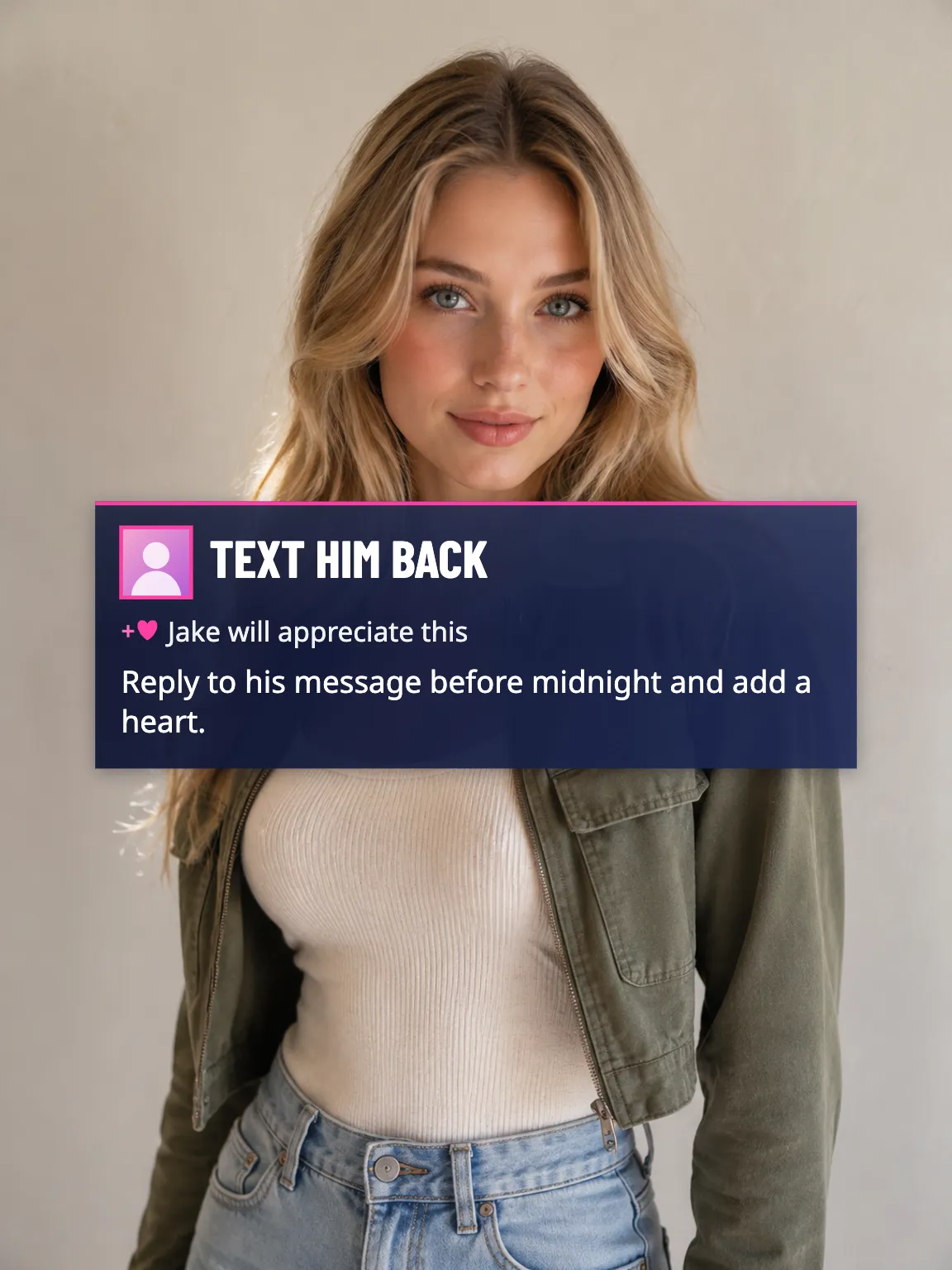
Seadanse Lucia will appreciate this meme template puts the GTA 6 mission card on one photo or video up to 60 seconds, ready for TikTok and Reels. Write your own text and download a PNG up to 2160 pixels or a 1080p MP4 with original sound for free, with no sign-up and no uploads.
Want to star in a GTA 6 style video?
GTA 6 Girlfriend Drama AI turns two photos into a 20-second GTA 6 style video with the original sound.
| What You Upload | 1 photo or 1 video up to 60 seconds |
|---|---|
| Photo Output | PNG up to 2160 px on the long side |
| Video Output | MP4 up to 1080 px, 30 fps, original sound |
| Card Placement | Drag, or Top, Middle, Bottom, 40% to 100% width |
| Card Only | Transparent PNG |
| Supported Browsers | Chrome, Edge, Safari on iPhone and desktop |
| Price | Free, no sign-up |
| File Upload | None, runs in your browser |
Drop your selfie into the tool to put the card right on top. Our Lucia will appreciate this meme template saves your finished photo as a full-size PNG up to 2160 pixels wide.
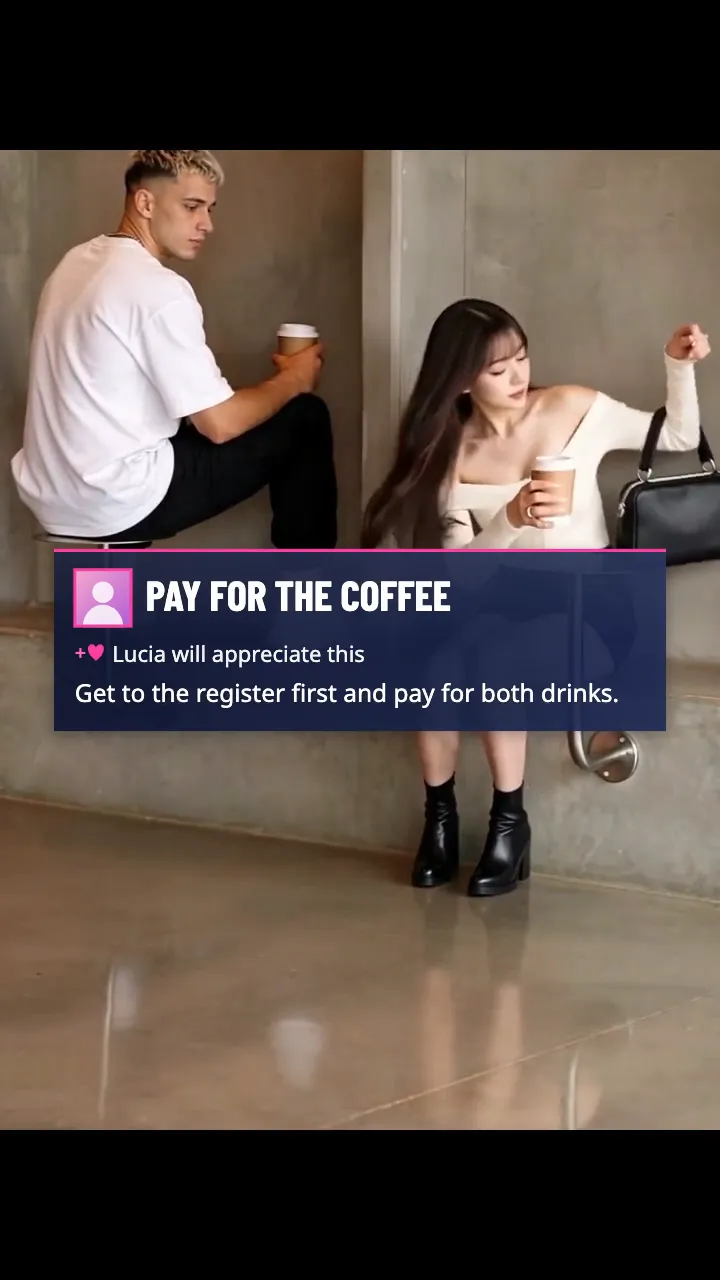
Turn your MP4 or MOV clips up to 60 seconds long into GTA 6 memes. Our Lucia will appreciate this meme template keeps your clip's original sound and saves your new MP4 in seconds.
Drag the card around the screen, or tap Top, Middle, or Bottom to position it fast. The Card size slider lets you set the width anywhere from 40% to 100% of the frame.
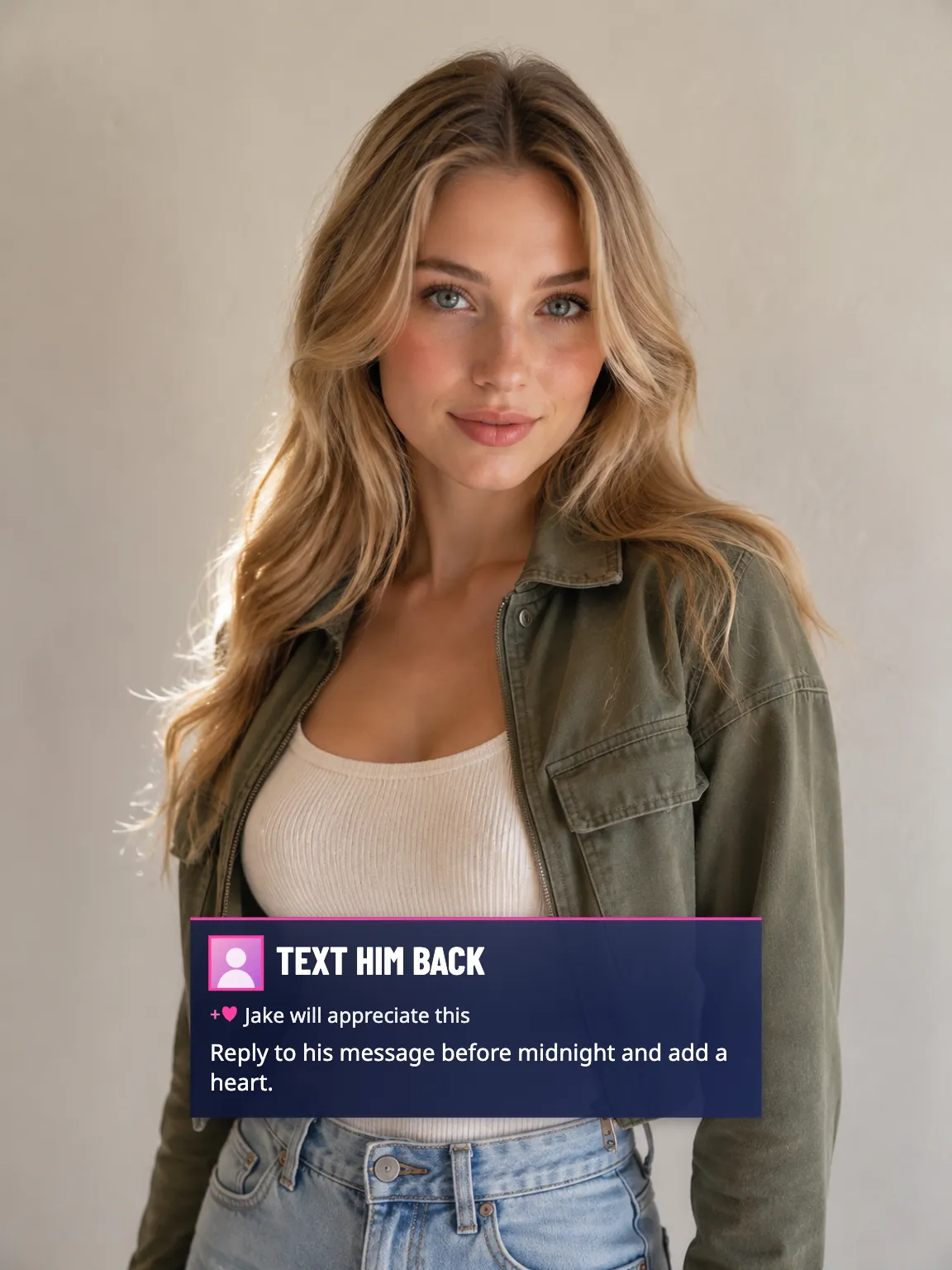
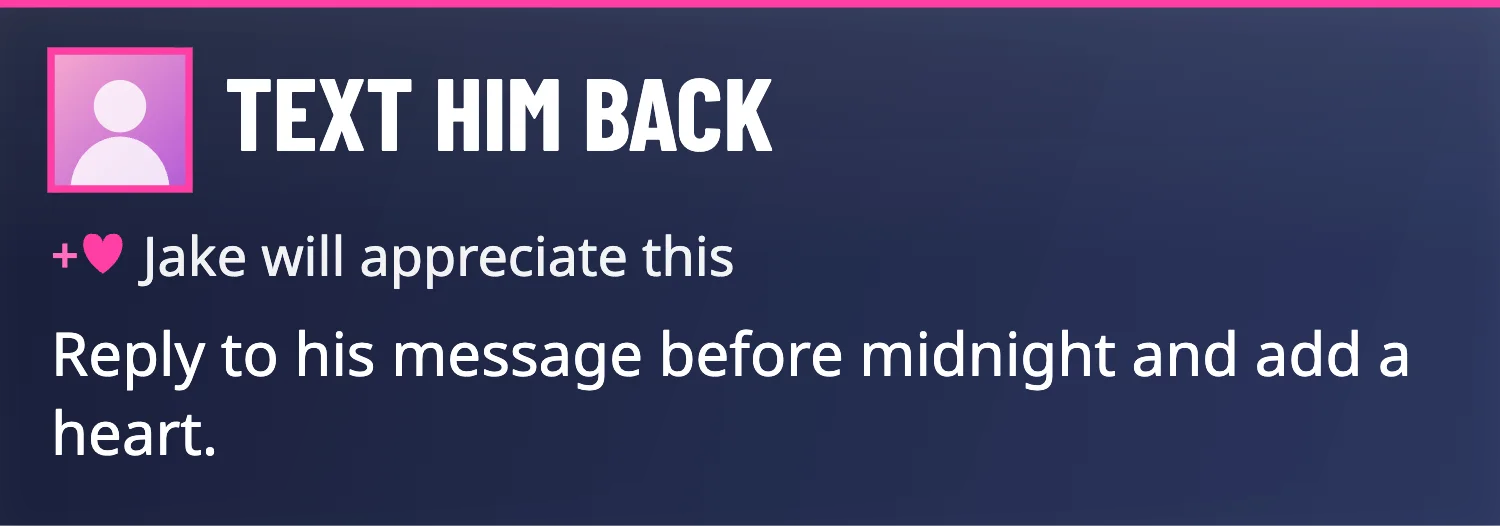
Save the card on its own as a transparent PNG. Use it in CapCut or your favorite video editor, or try our Lucia will appreciate this meme generator for a standalone map background.
Record a talking selfie video and drag the mission card under your face, just like the viral clips on Know Your Meme. Save the MP4 with your original sound and post straight to your feed.
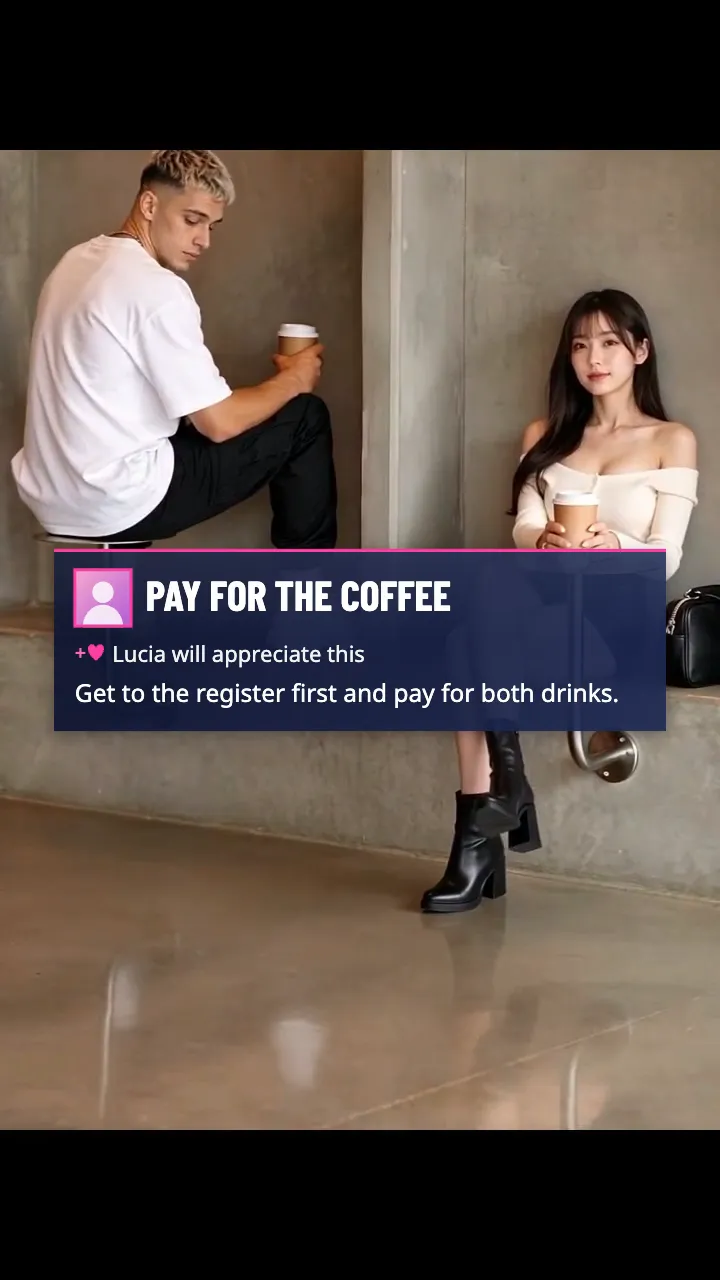
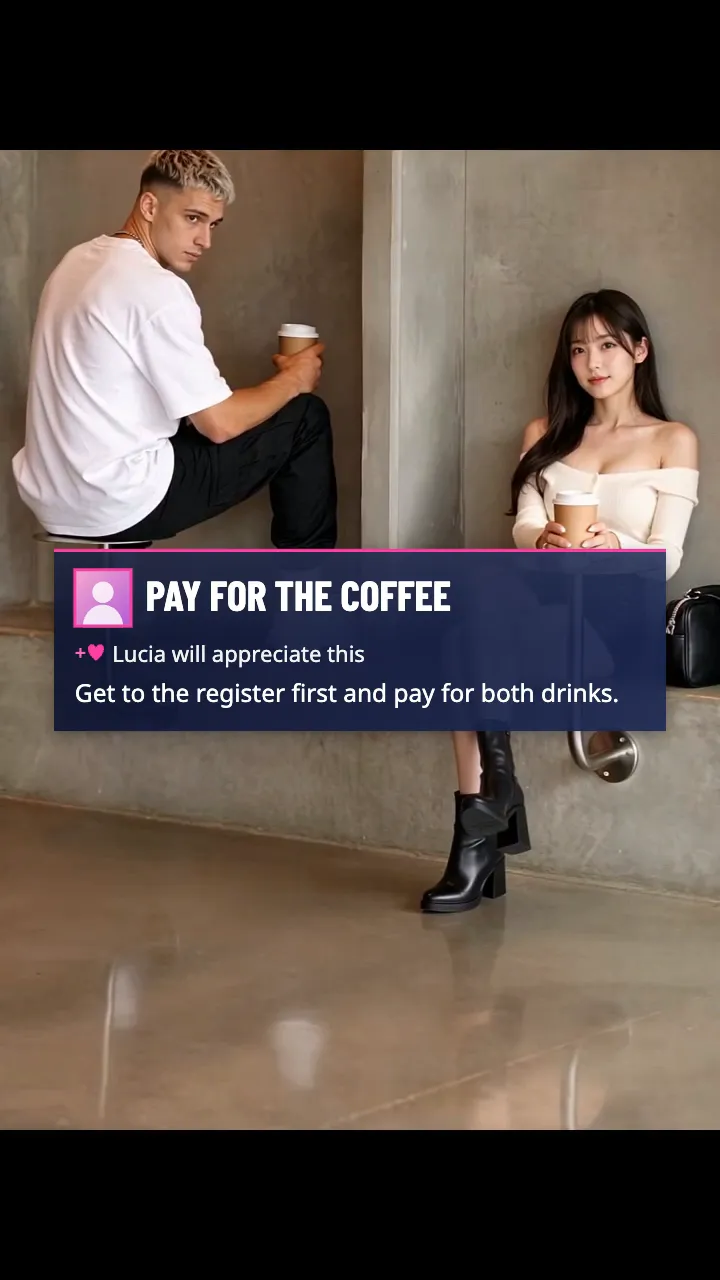
Bring any MP4 or MOV clip up to 60 seconds and place the card in the middle of the frame. Download your finished vertical video at up to 1080 pixels on the short side, ready for Reels and Shorts.
Upload a photo of your partner and change the appreciation line to their name with the favor they asked for. Save a crisp PNG to send over text when you complete the task.
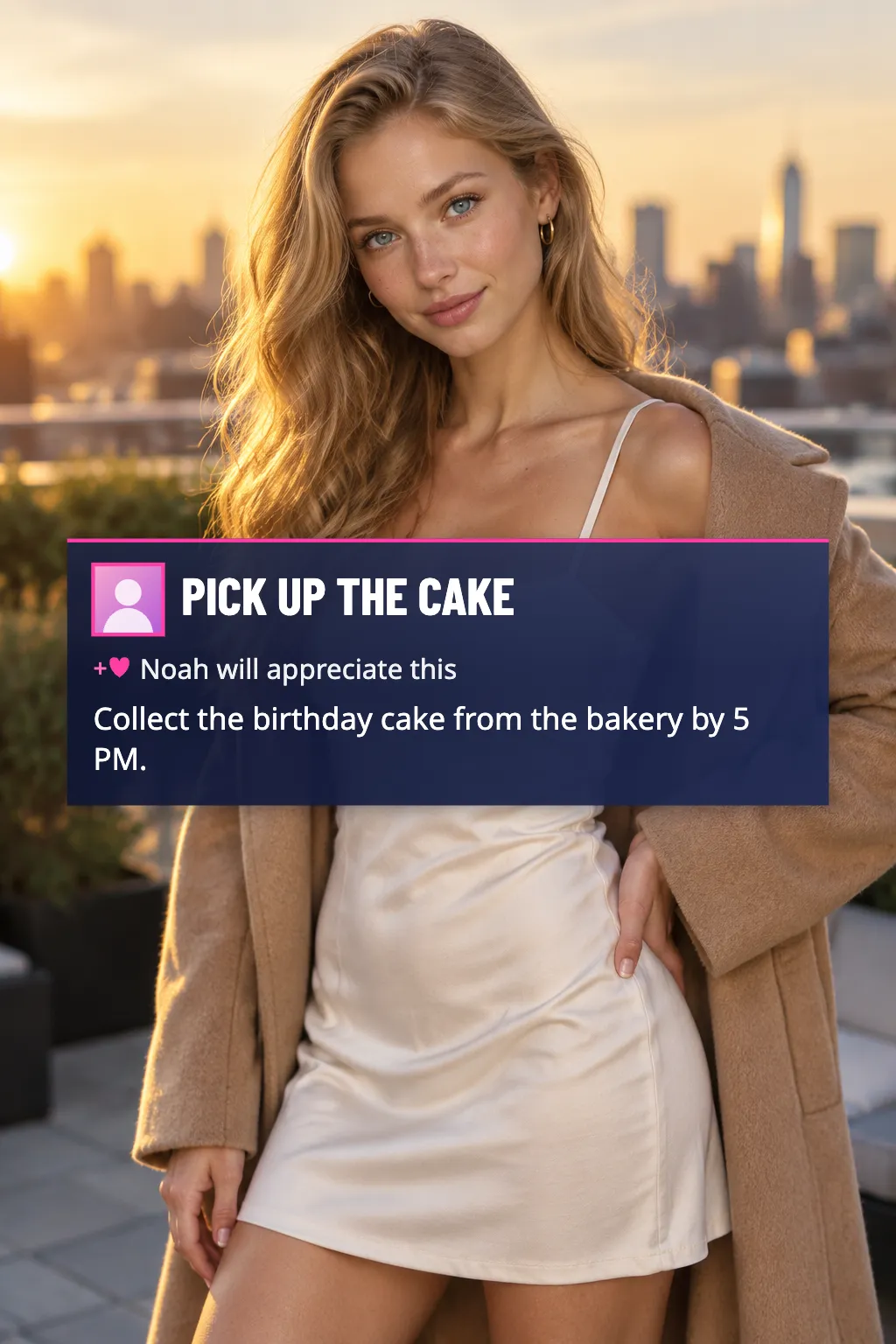
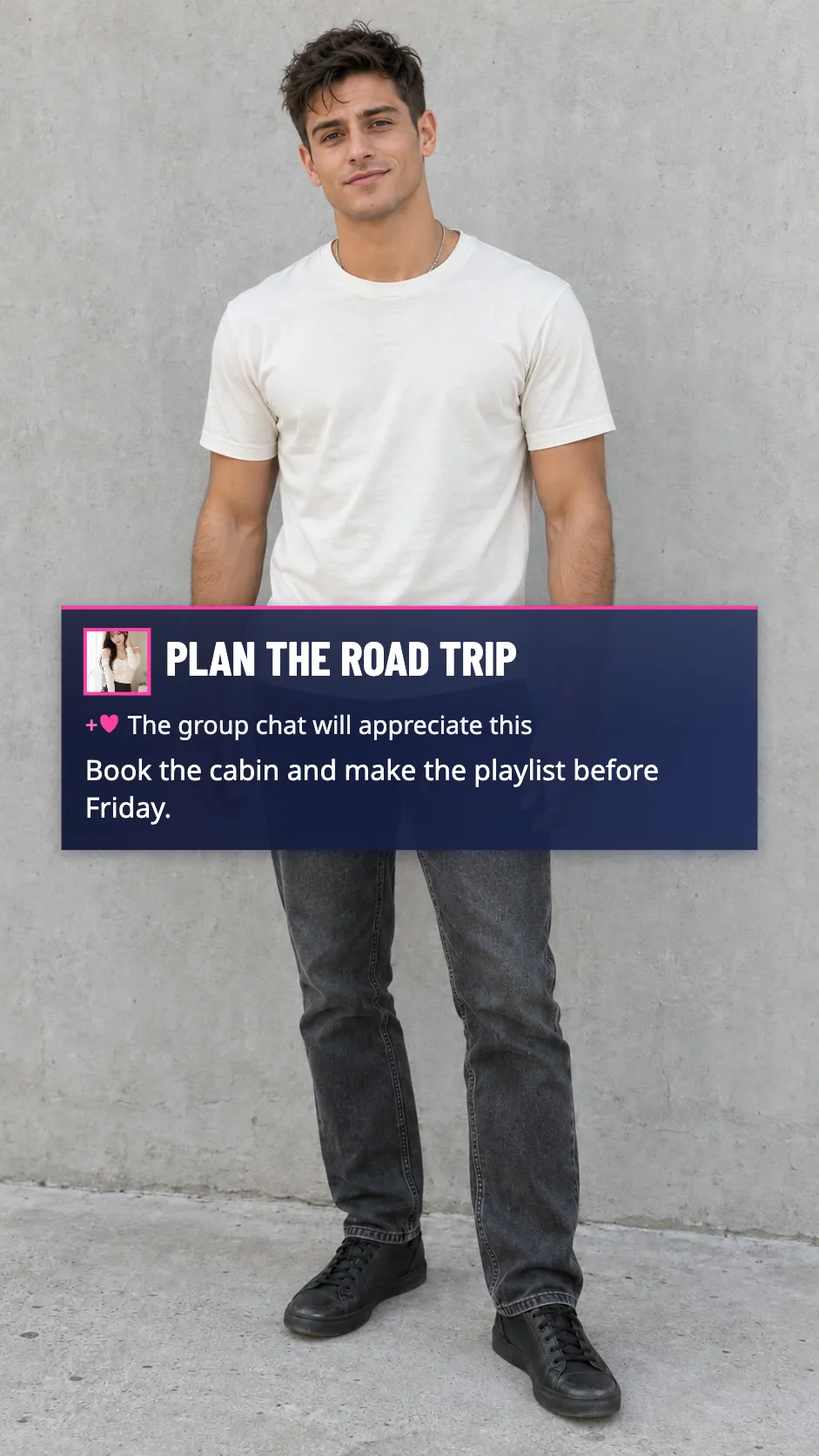
Drop a reaction selfie or short clip into our Lucia will appreciate this meme template and write a custom mission for your friend. Export your photo or video in seconds with no sign-up.
Tap "Add a photo or video" to choose a file, or drop it straight onto the box. You can pick one JPG, PNG, WebP or HEIC photo, or one MP4 or MOV clip up to 60 seconds long. Trim a longer clip first in the Photos app on iPhone or the Gallery app on Android.
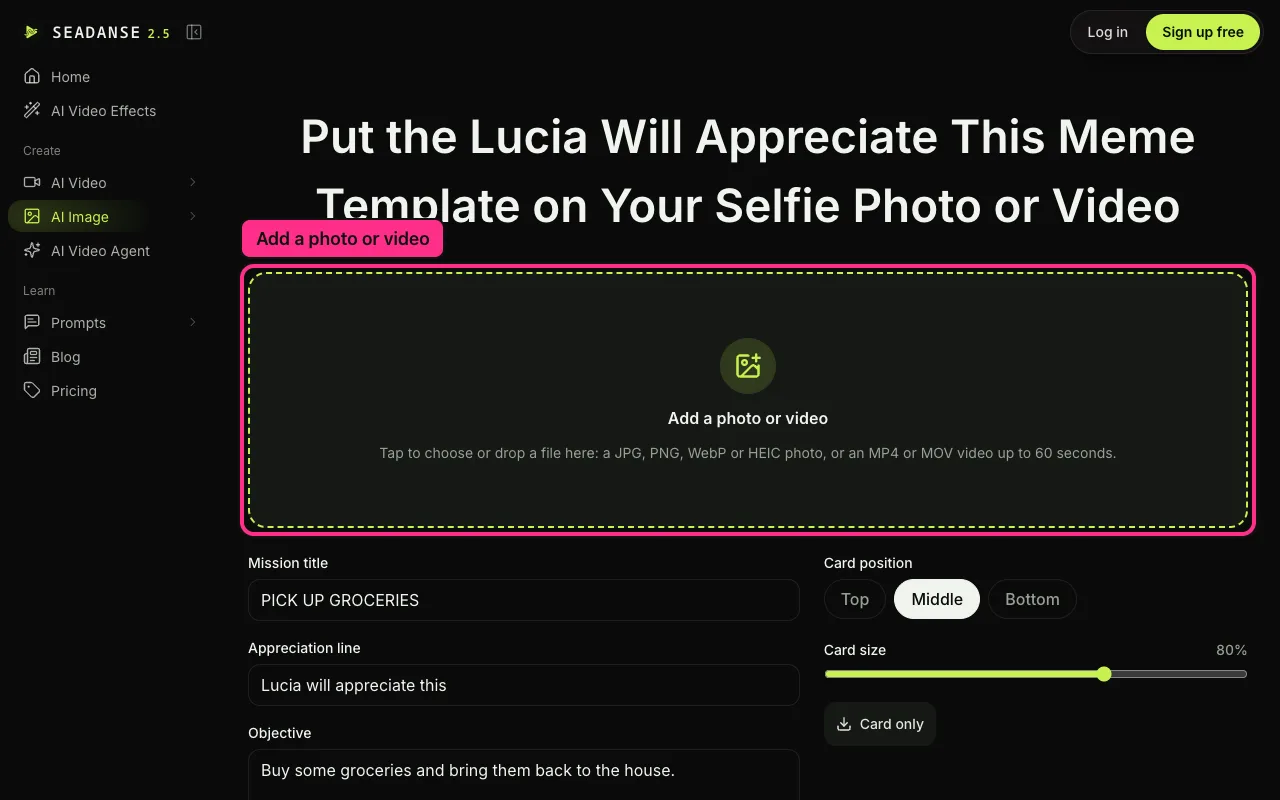
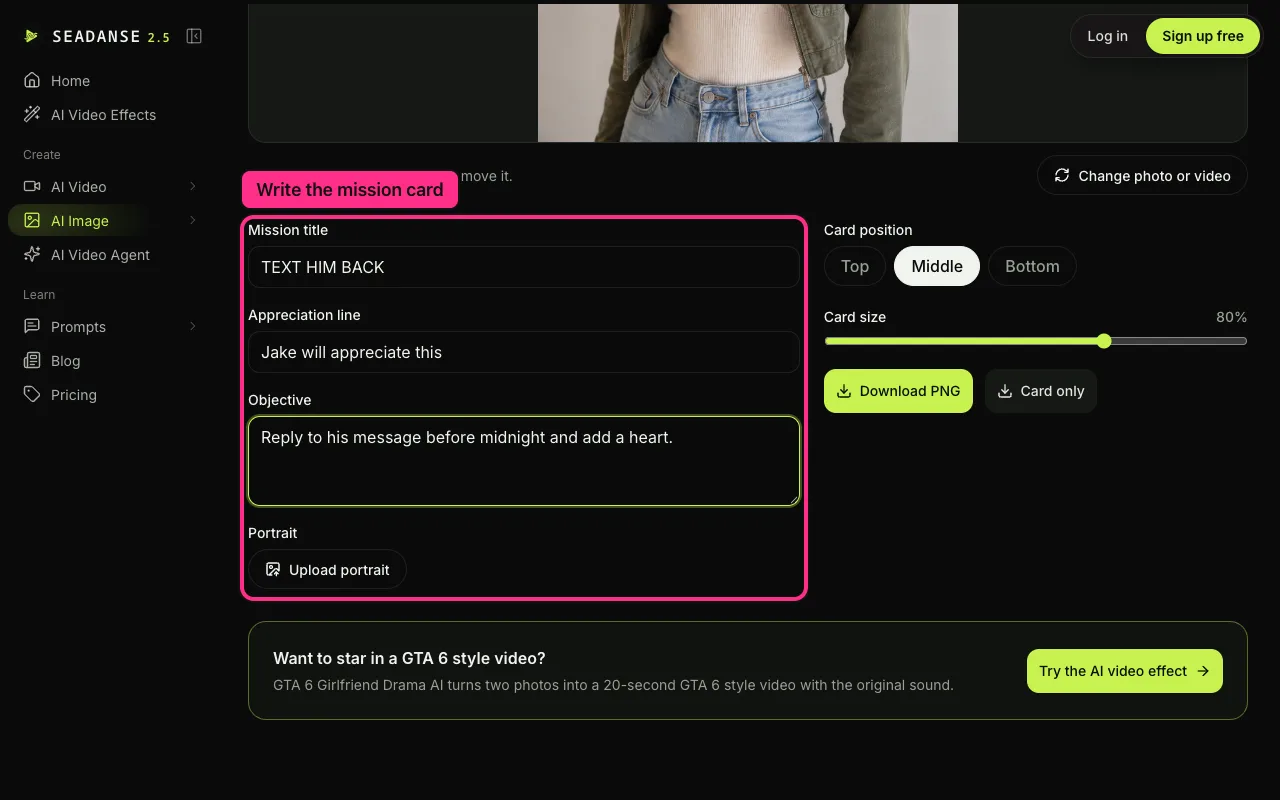
Fill in "Mission title" in capitals, edit the "Appreciation line" from "Lucia will appreciate this" to any name or line, and type your "Objective". Tap "Upload portrait" to add your own face, or keep the plain placeholder.
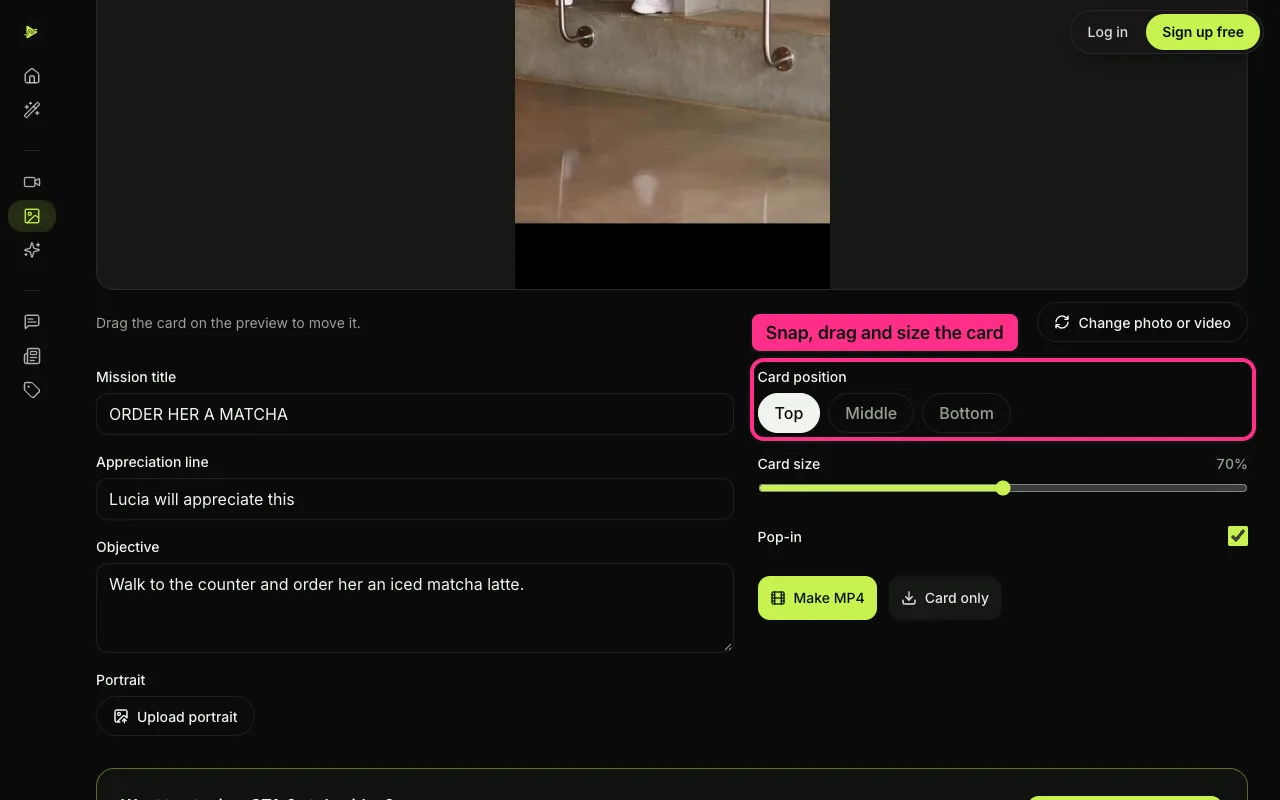
Drag the card anywhere on the preview, or tap "Top", "Middle" or "Bottom" to snap it into place. Slide "Card size" from 40% to 100% of the frame width, and switch "Pop-in" off on videos if you want the card to stay still instead of popping in during the first half second.
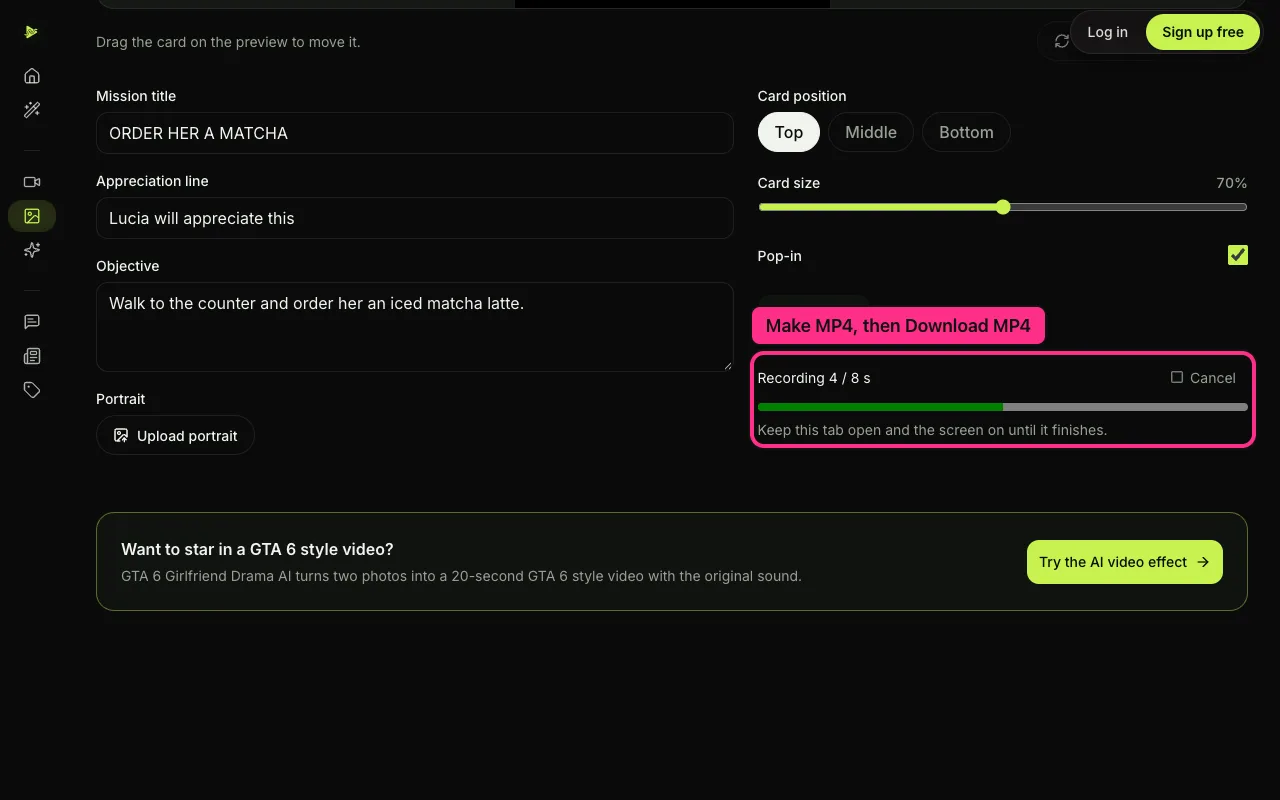
Tap "Download PNG" to save a photo up to 2160 pixels on the long side, or tap "Card only" for a transparent card PNG to drop into CapCut. For a clip, tap "Make MP4" and keep the browser tab open and the screen on while the progress bar records in real time, then tap "Download MP4" to save a 1080p MP4 with your original sound.
Yes. Open our Lucia will appreciate this meme template in Safari on iPhone or iPad, add your clip, and save it as an MP4 with its original sound.
Your browser draws and records the video in real time. A 15-second clip takes about 15 seconds to save, and nothing ever leaves your phone.
Keep the browser tab open and your screen on while the MP4 saves, because the page records the clip as it plays.
Upload any MP4 or MOV up to 60 seconds long. Trim a longer video first in the Photos app on your iPhone before adding it here.
Place the card in the middle of your frame, right under your face, or near the top.
On TikTok and Reels, the caption, username, and buttons sit over the bottom of the video and the right edge. Placing the card at the bottom hides part of your text behind those overlays.
In a GTA 6 card TikTok, the creator pins the card over the middle of a talking selfie, under the face. Tap "Middle" or "Top" in our Lucia will appreciate this meme template, or drag the card on the preview and adjust the "Card size" slider from 40% to 100% of the frame so every word stays clear.
Yes. You use our Lucia will appreciate this meme template for free with no sign-up, no account, and no credits. Open the page, write your card, and save your photo or video right away.
Yes. Upload an MP4 or MOV clip up to 60 seconds long and place the card anywhere on the frame. Save the finished video as an MP4 with your original sound.
Upload any MP4 or MOV video up to 60 seconds long. Trim longer clips first in the Photos app on iPhone or the Gallery app on Android, then drop your clip into our Lucia will appreciate this meme template.
No. Everything is drawn and recorded right inside your browser, so your photo or video never leaves your device. Keep the browser tab open and the screen on while an MP4 saves, because it records the clip as it plays.
Yes. Your saved MP4 keeps the original audio track from your video at 30 frames per second. Talk to the camera, add your card, and post straight to TikTok or Reels.
No. Firefox saves a WebM file; open the page in Chrome, Edge or Safari for an MP4. Safari on iPhone and iPad also saves MP4.
Yes. Choose "Card only" to save the card by itself as a transparent PNG. Drop that PNG onto any clip in CapCut or your favorite video editor.
Our Lucia will appreciate this meme template uses Barlow Condensed for the mission title. It is an open-source font from Google Fonts that matches the tall, bold look of the game card.
No. This is a fan-made tool with a card redrawn from scratch, and it is not made by or linked to Rockstar Games or Take-Two Interactive. Customize the title, name, objective, and face to make your own joke.
Yes. Seadanse's GTA 6 Girlfriend Drama AI makes a paid AI video in the GTA 6 style from one photo of you. For placing the mission card over your own selfie photo or video for free, use our Lucia will appreciate this meme template right here.
Every page here runs the real models in your browser — jump to the one that matches the clip you have in mind.
Put the GTA 6 mission card on your own photo or video in seconds and download a PNG or MP4 ready for TikTok and Reels.