
Video effect

AI Giant Video Maker

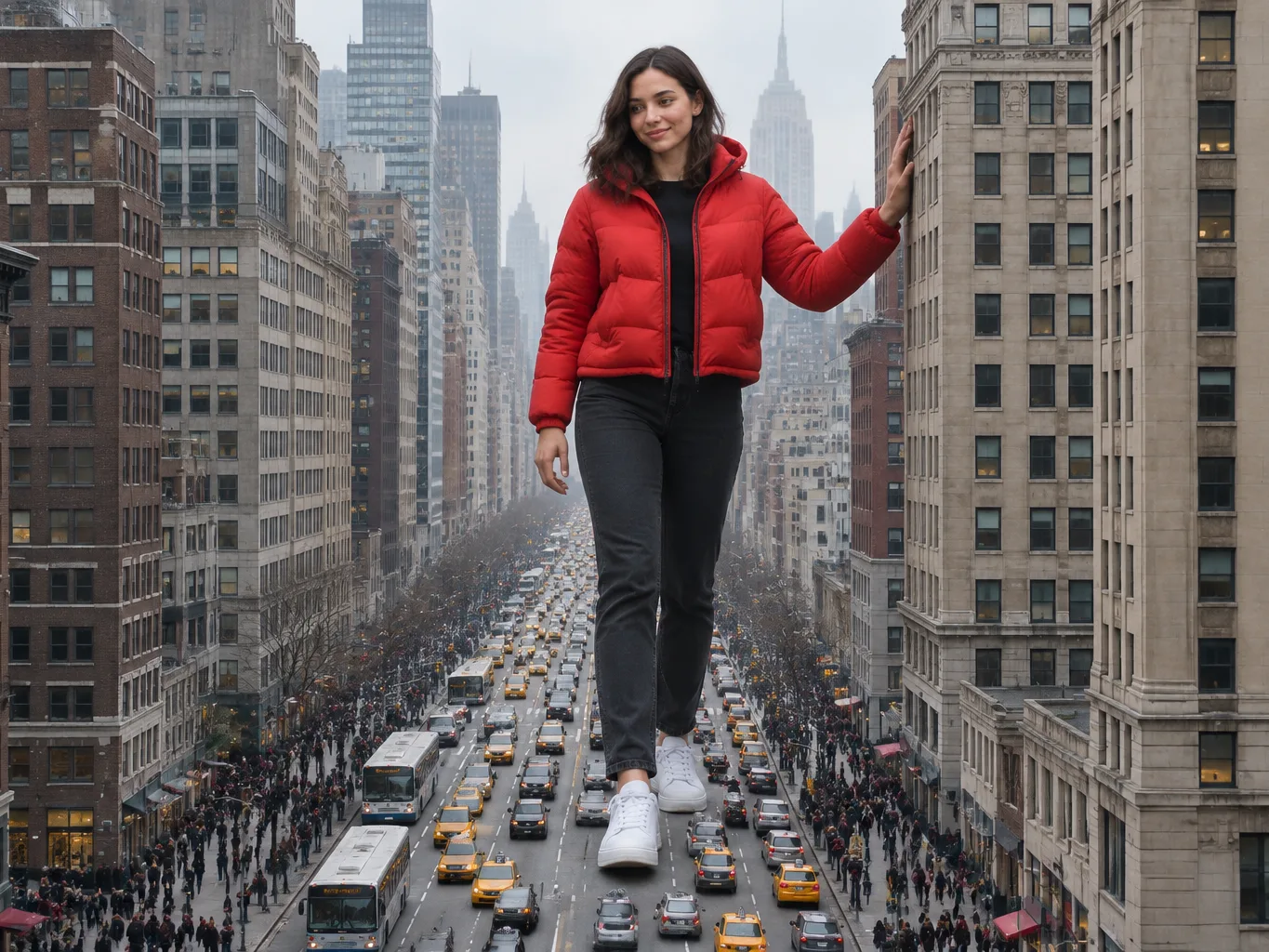
You want to walk through the city taller than the skyscrapers. Use our AI giant video maker to turn one photo into a 10-second video with sound.

AI GiantThis effect is built into the page and cannot be removed.
10s

One adult (18+), face clearly visible, in good light. Full body or knee-up works best.

New here? Sign up free and get 40 starter credits.

What Makes Our AI Giant Video Maker Stand Out

Make a Complete Video from One Photo

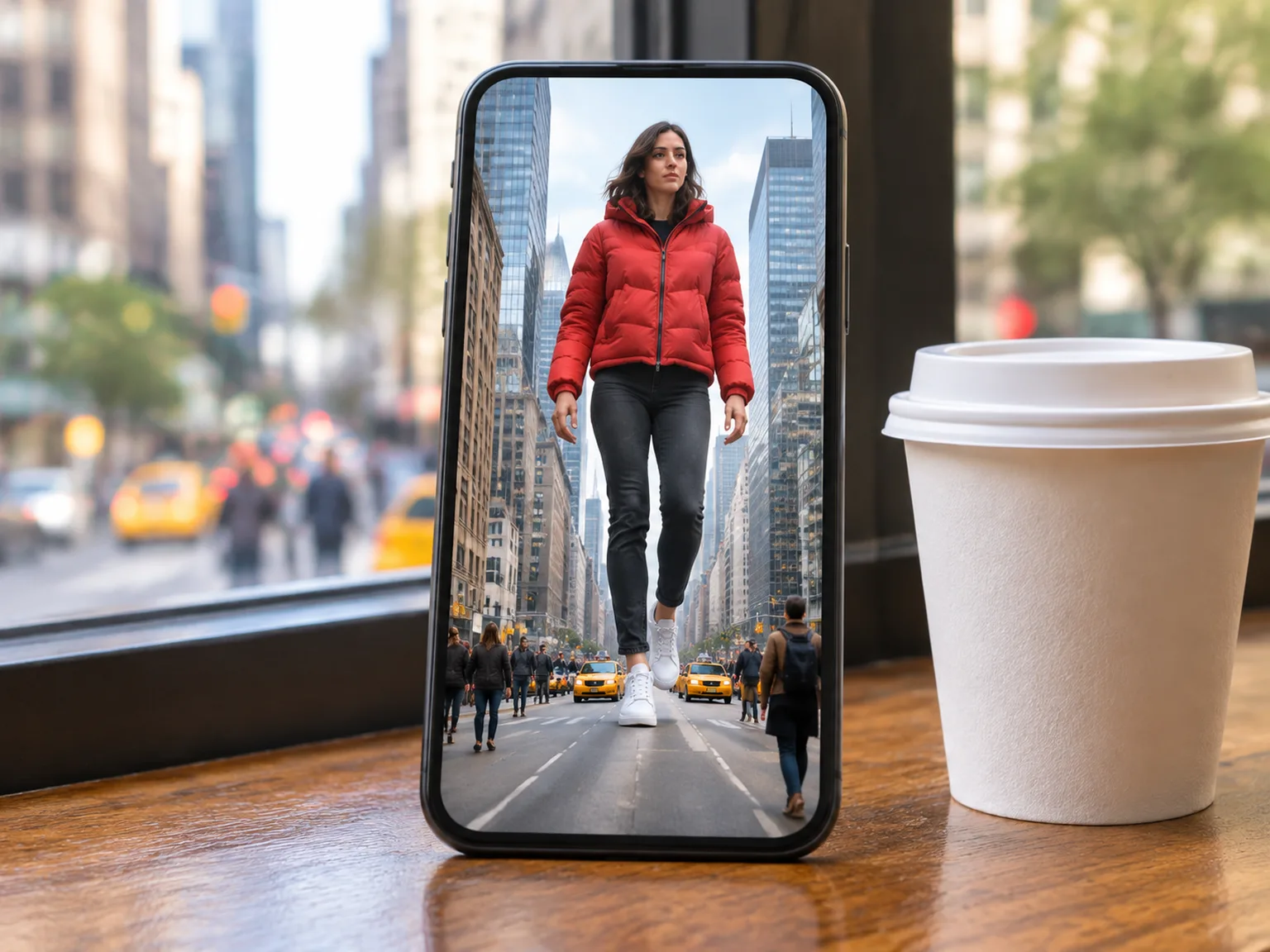
Upload one photo of an adult in your web browser, and our AI giant video maker creates the entire 10-second scene with sound and no prompt to write. Add an optional request in a few words to name your city and walk through those streets.
Make a Complete Video from One Photo
Tower Over the City in Three Shots

Tower Over the City in Three Shots

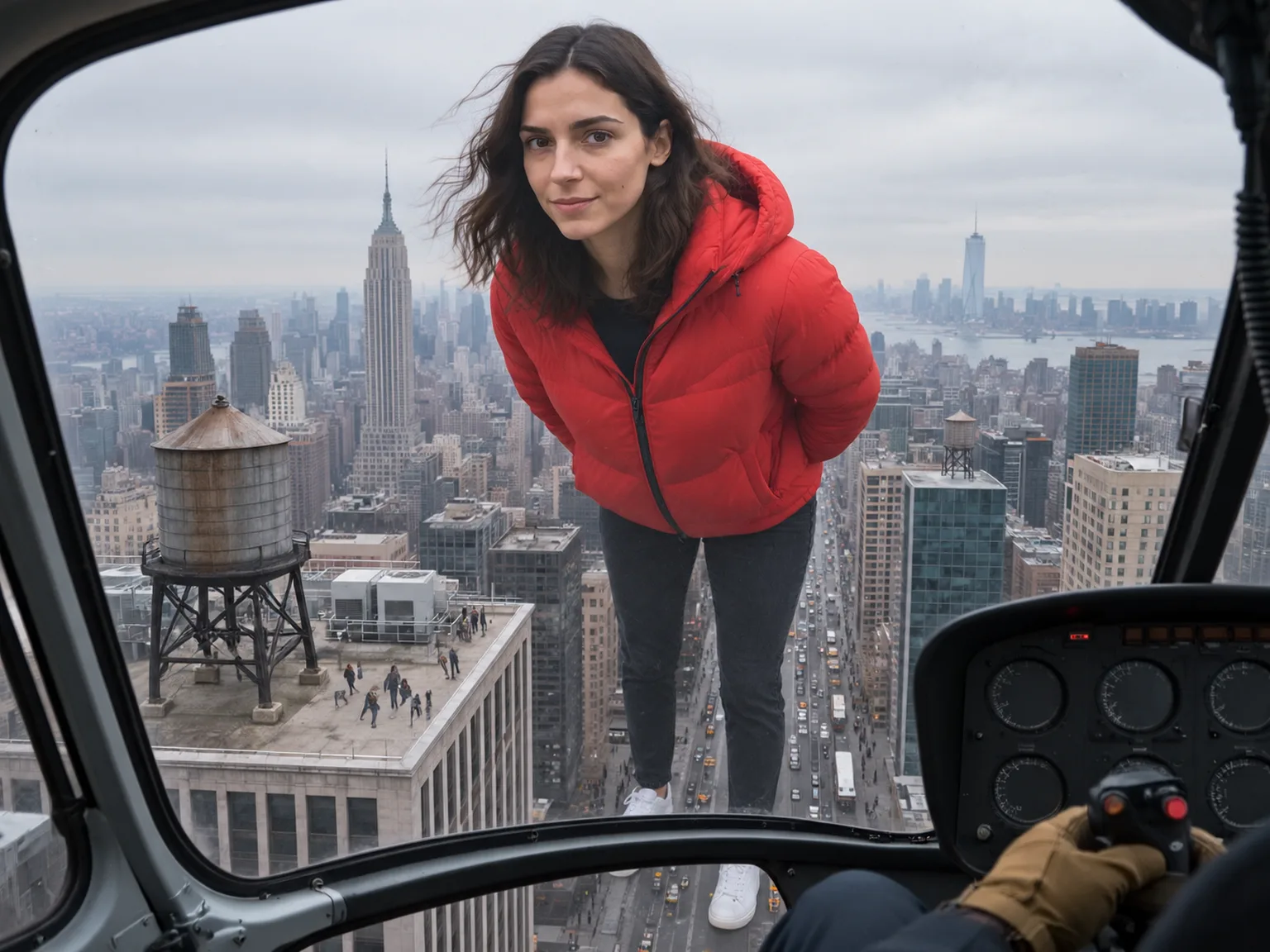
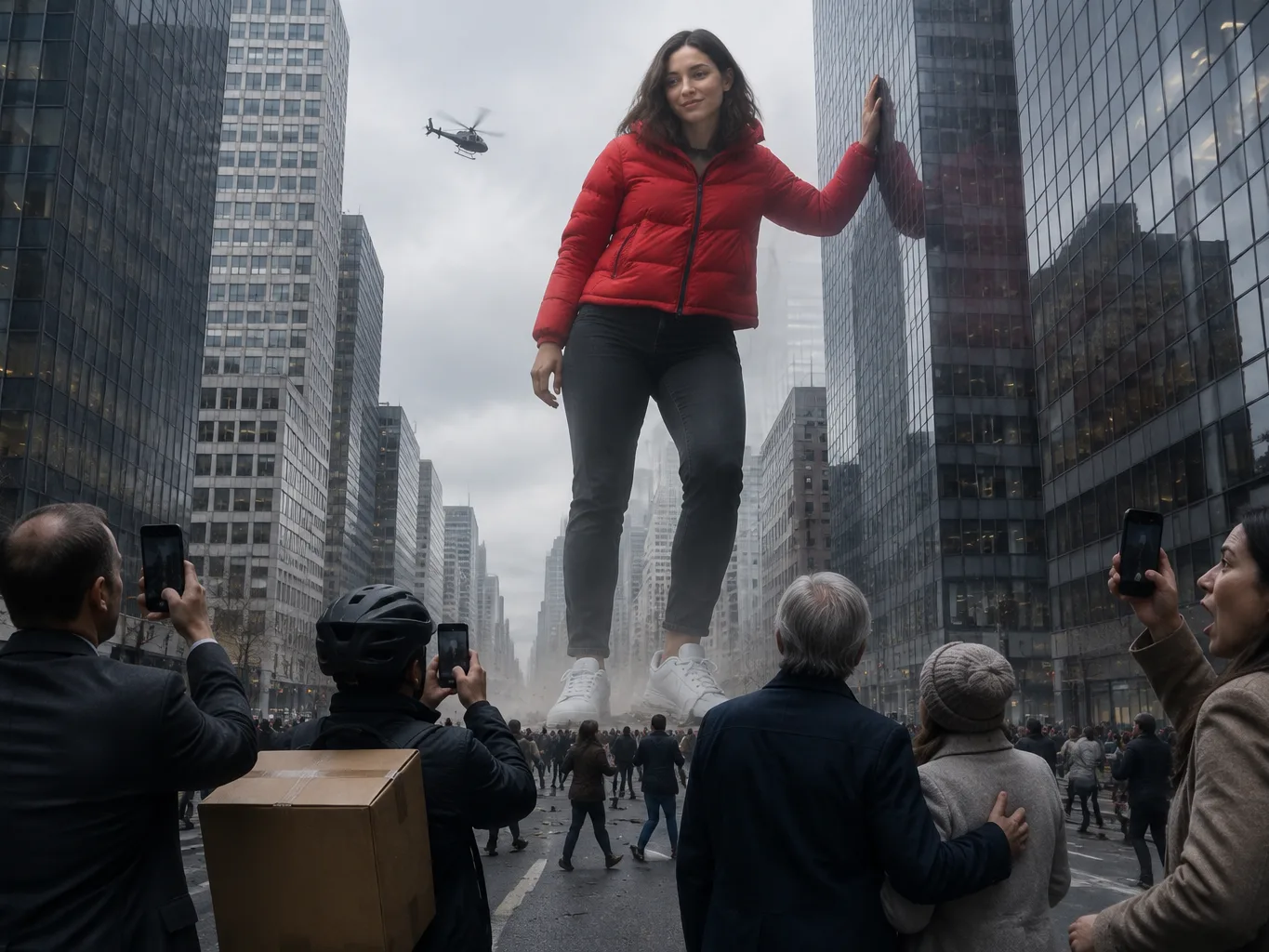
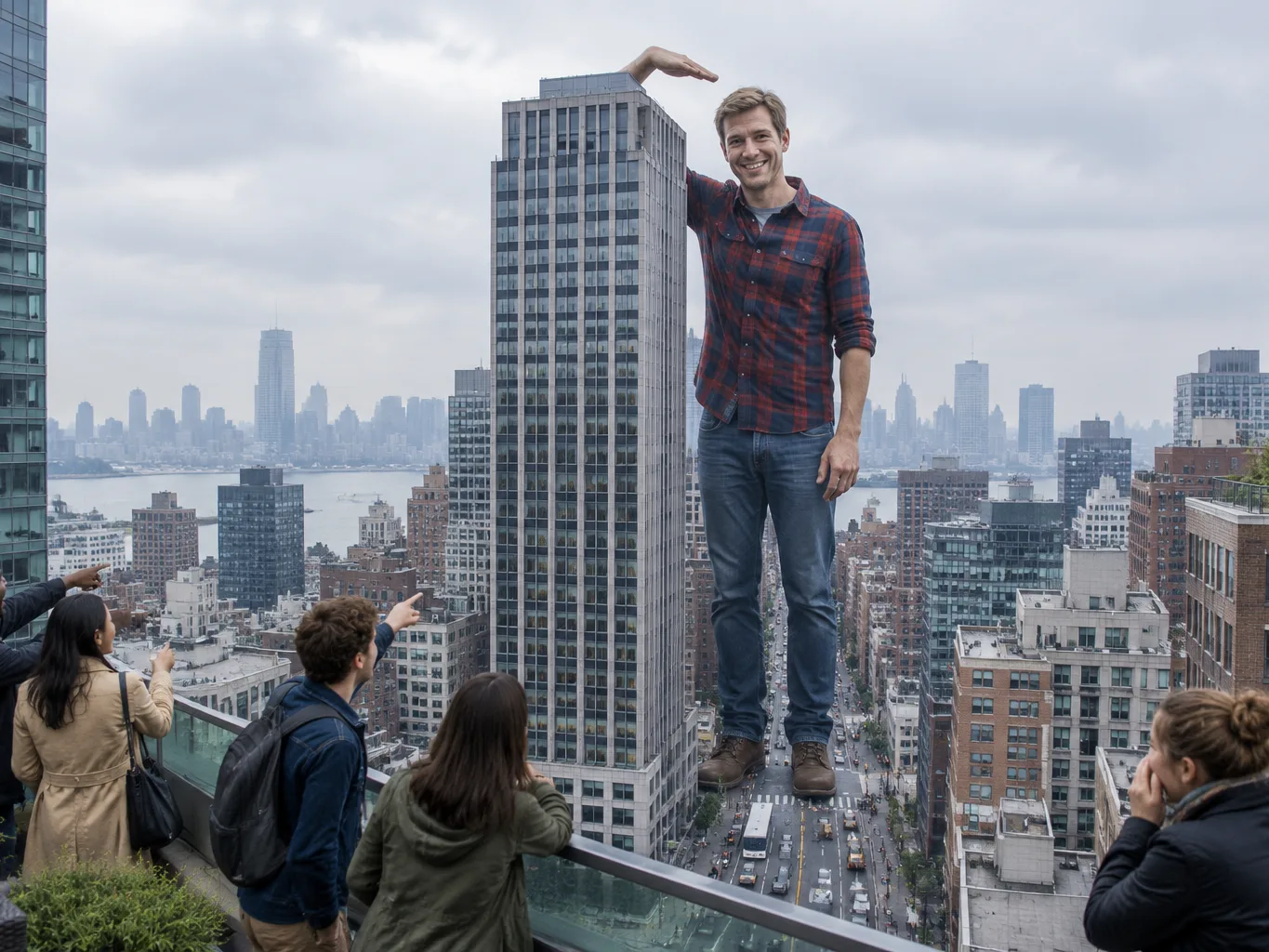
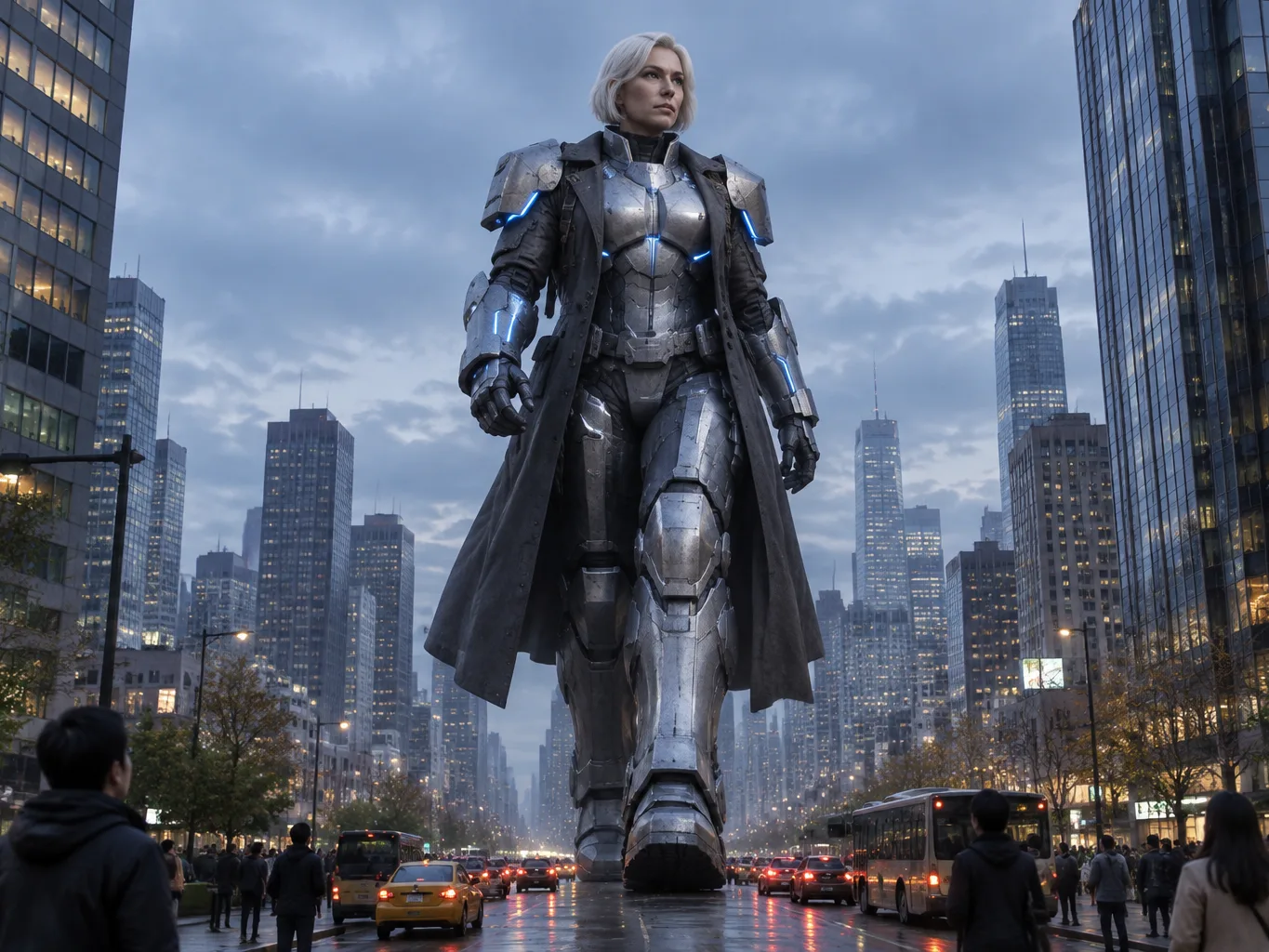
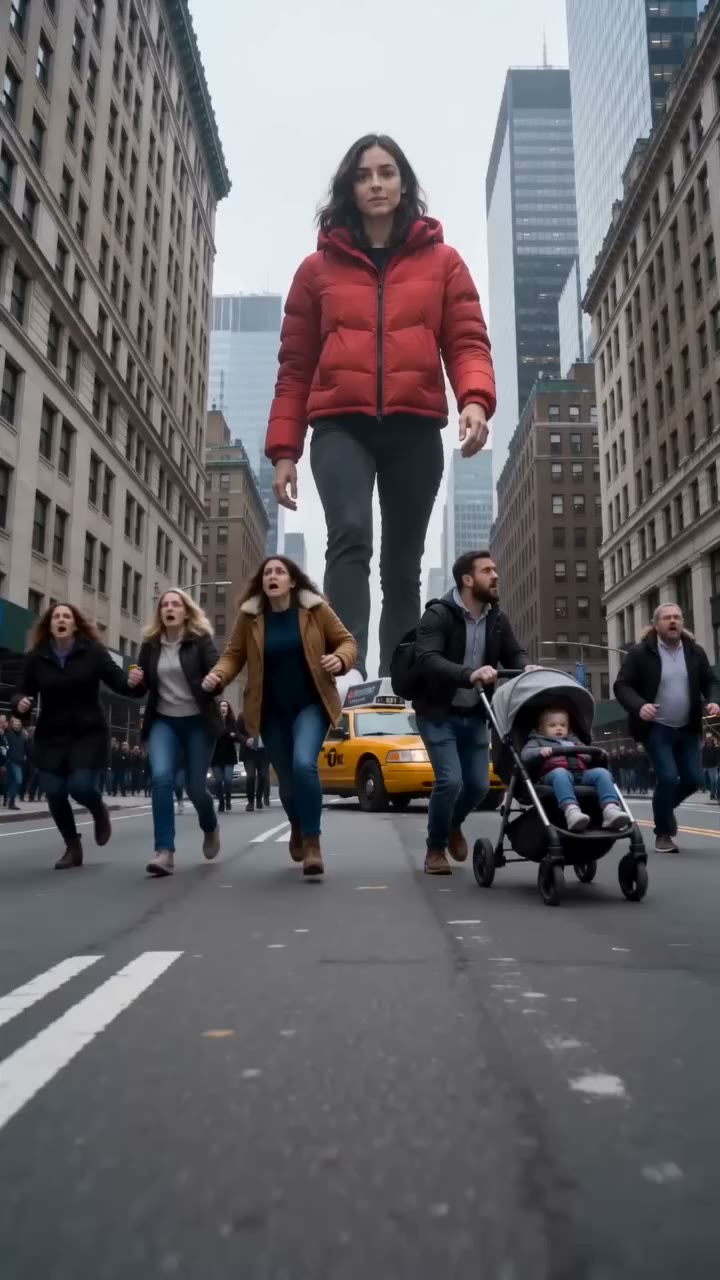
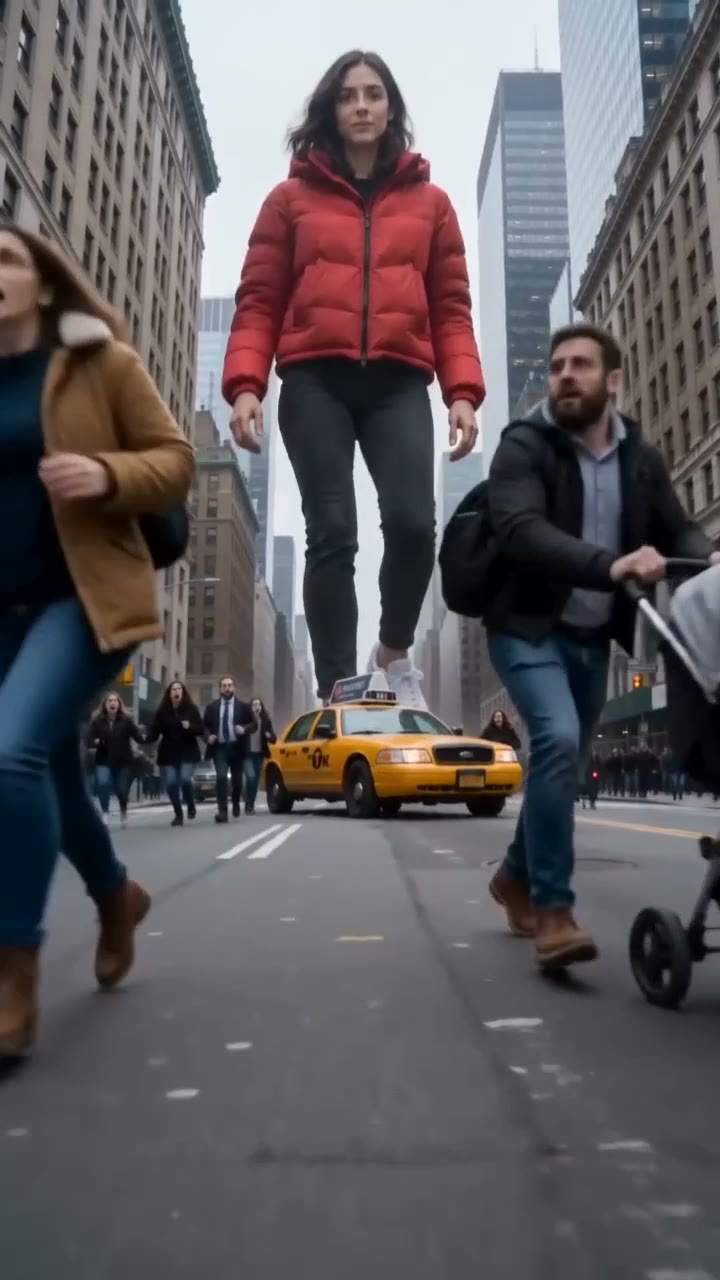
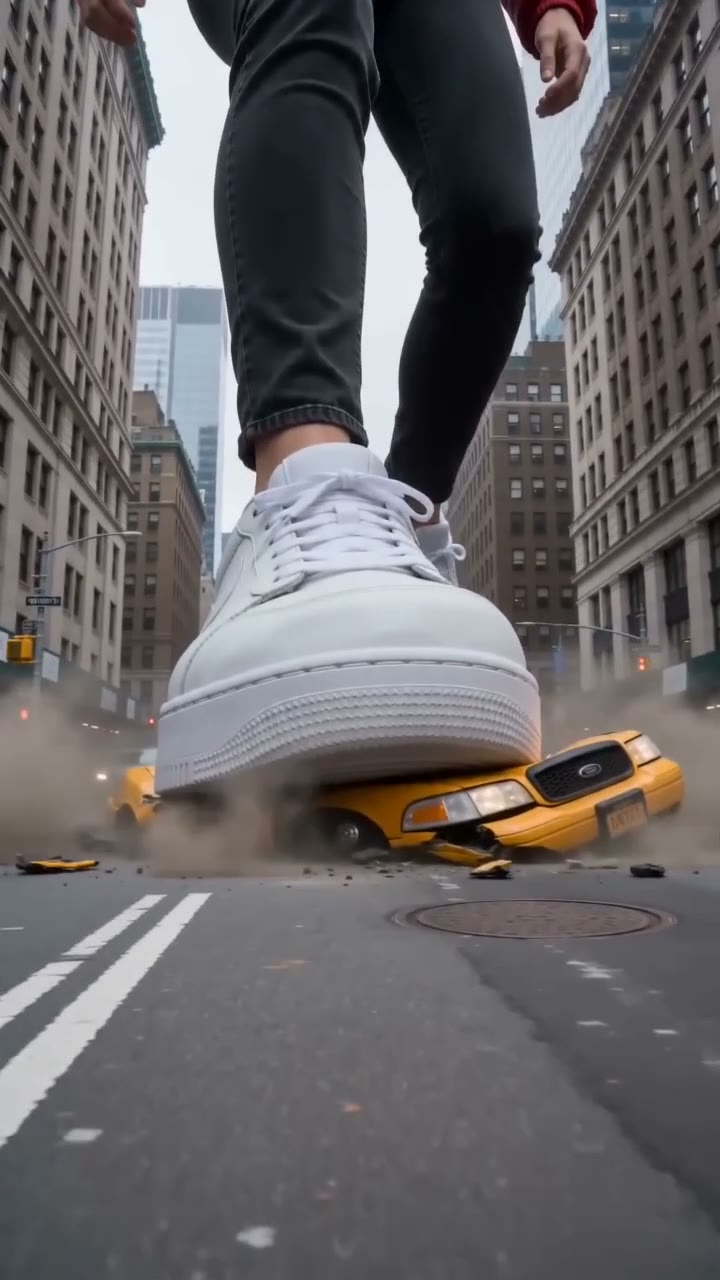
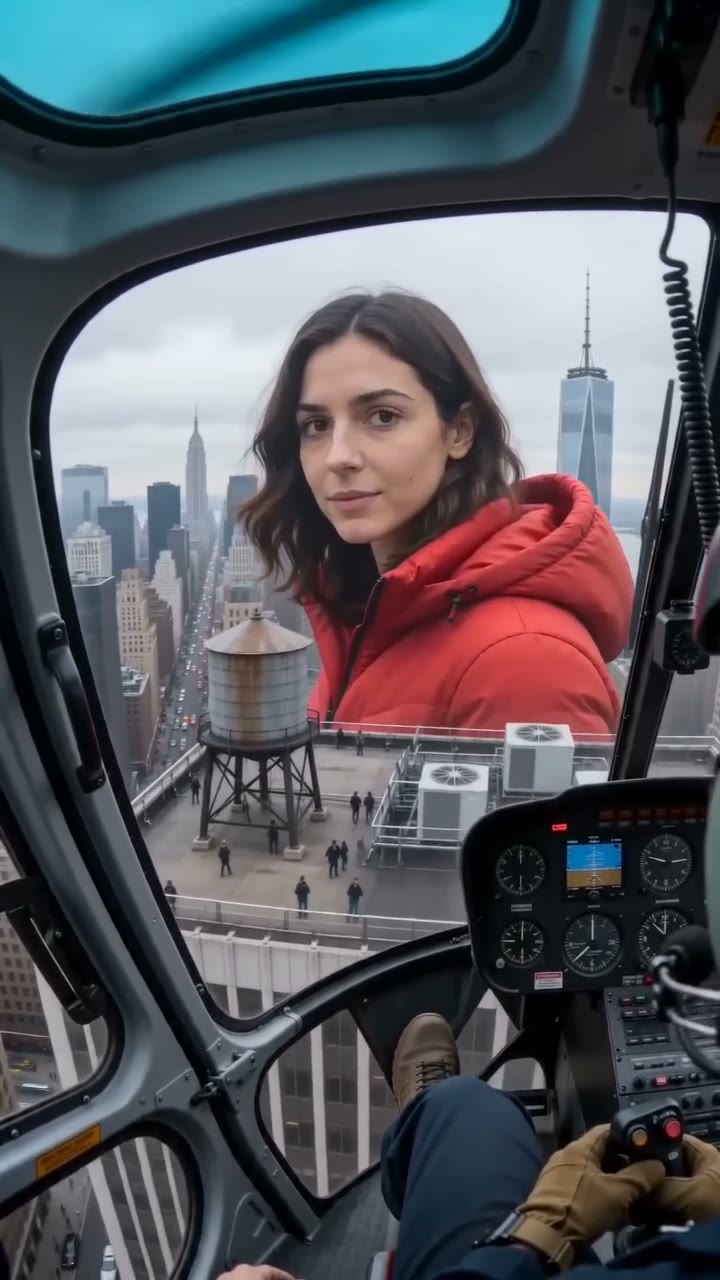
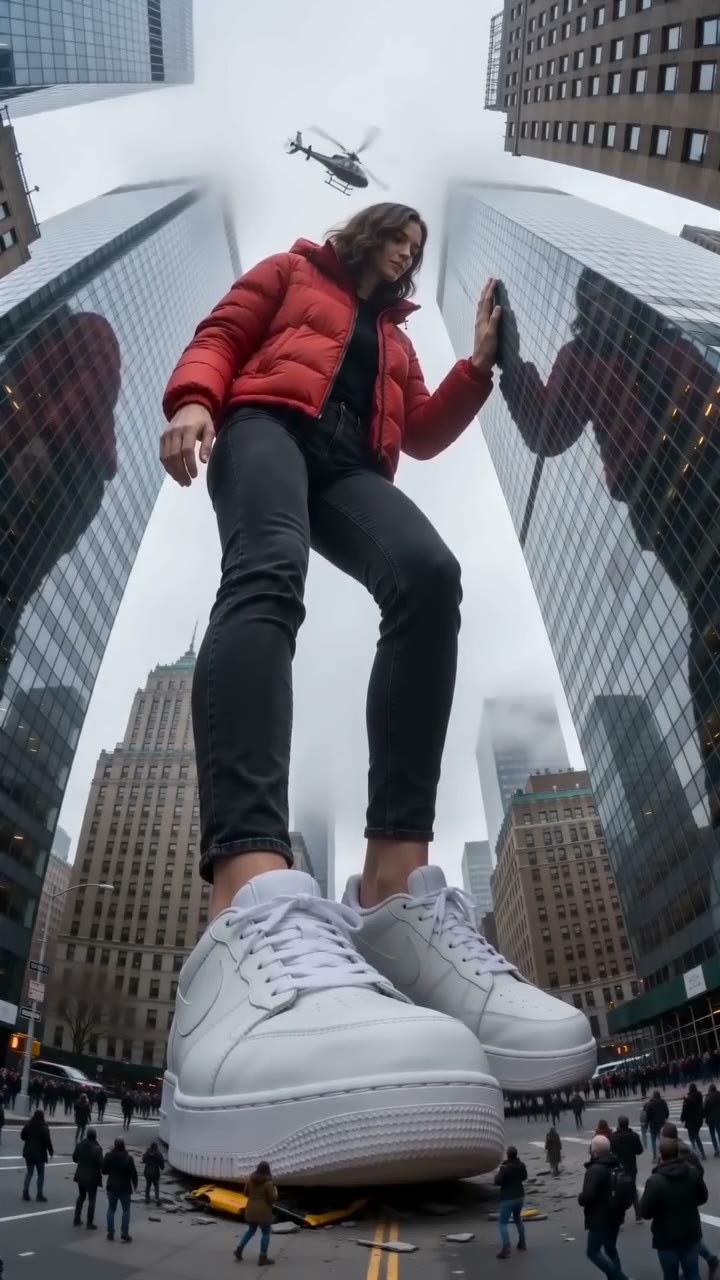
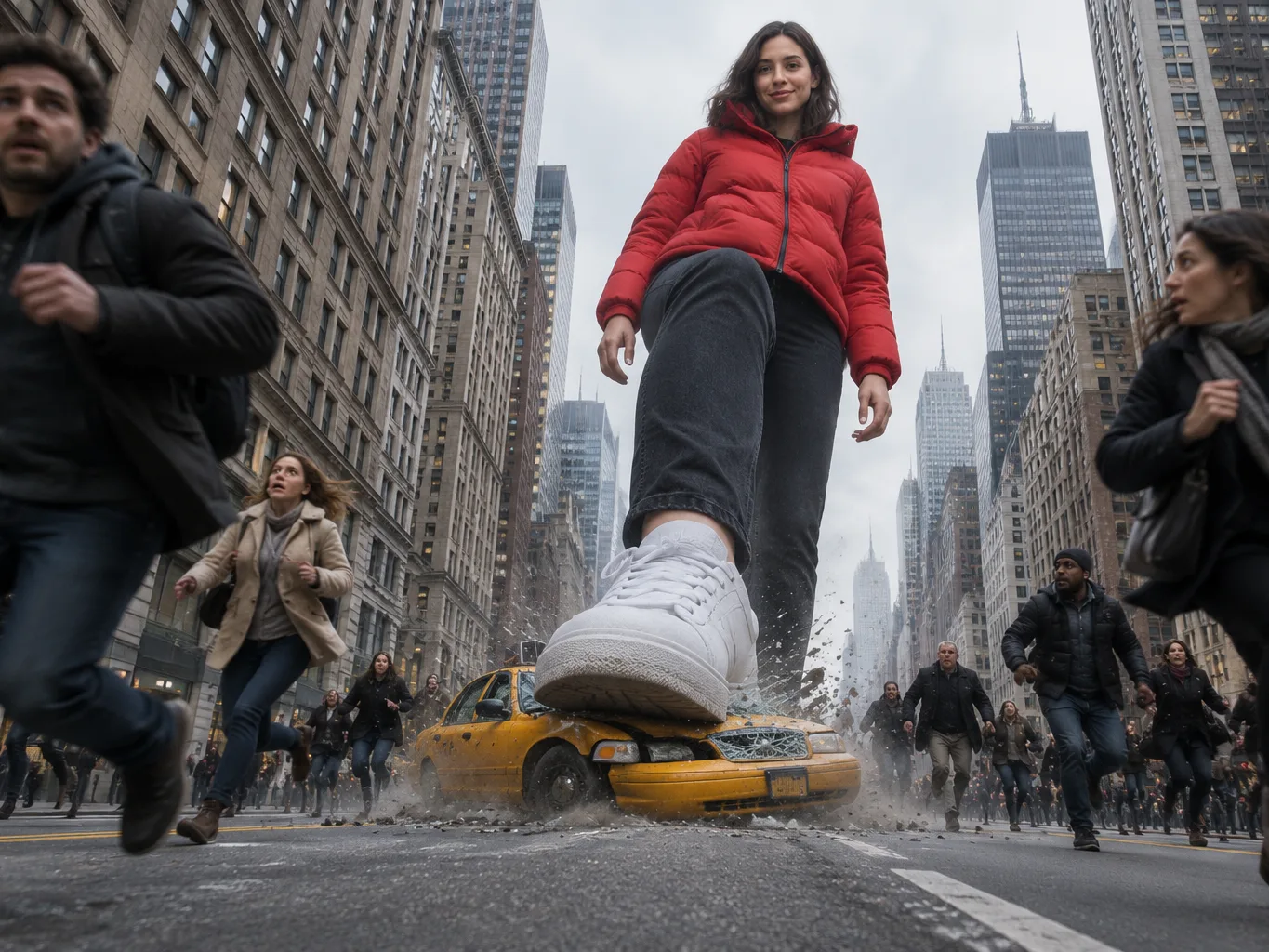
Watch yourself tower over the street as our AI giant video maker moves through three distinct shots from the sidewalk to the sky. You crush an empty taxi, look into a circling news helicopter, and lean against a glass skyscraper while crowds run at your feet.

Keep Your Exact Look Across Every Shot

Upload a clear photo facing the camera, and our AI giant video maker keeps your exact face, hair, and outfit stable in all three shots. Pick a full-body photo to carry your complete outfit straight into the video.

Keep Your Exact Look Across Every Shot
Export Watermark-Free Videos for Social Feeds

Export Watermark-Free Videos for Social Feeds

Select Seedance 2.0 or Seedance 2.5 for sharp 1080p video, or pick the lower-cost Seedance 2.0 Mini model for 480p and 720p clips. Our AI giant video maker creates watermark-free 10-second MP4 files in vertical 9:16 or horizontal 16:9 for TikTok, Reels, and YouTube.

Recreate Breaking News Footage with Full Audio

Get the look of real news footage as our AI giant video maker combines shaky handheld cameras, an overcast sky, and an everyday New York street crowd. Hear the action immediately with built-in audio of ground-shaking footsteps, screaming crowds, crunching metal, and helicopter rotors.

Recreate Breaking News Footage with Full Audio

AI Giant Video Maker for Viral Social Clips

Short-Form Creators

Join the Viral Giant Trend

Upload one full-body photo to join the giant trend on TikTok, Instagram Reels, or YouTube Shorts. Our AI giant video maker turns you into a towering giant in a 10-second vertical 9:16 video with sound, ready to post.

Join the Viral Giant Trend
Poke Fun at Your Height
Tall People

Poke Fun at Your Height

Bring a photo of yourself to get a 10-second video of you walking taller than the skyscrapers. Send the clip to the friends who always tease your height and settle the joke once and for all.

Giant Video Channels

Publish Fresh Giant Clips Daily

Upload an AI-made picture of a made-up adult character to get a new 10-second video in vertical 9:16 or horizontal 16:9. Download clips with no watermark on exported video, with a commercial use license included on paid plans.

Publish Fresh Giant Clips Daily

How to Use Our AI Giant Video Maker

Step 1

Upload Your Photo

Upload one photo of an adult with a clearly visible face, using a full-body or knee-up picture to bring your entire outfit into the scene.

Step 2

Choose Your Settings

Pick Seedance 2.0, Seedance 2.5 or Seedance 2.0 Mini, select 9:16 or 16:9 at 480p, 720p or 1080p, add an optional city name, and check the credit price right beside the button.

Step 3

Download Your Video

Generate your scene, watch yourself stride past skyscrapers with people at your feet, and download your 10-second MP4 with sound.

Make Each Video From 60 Credits With Our AI Giant Video Maker

Sign up free with no card and get 40 starter credits. One 10-second video starts at 60 credits on Seedance 2.0 Mini, 240 credits on Seedance 2.0, or 250 credits on Seedance 2.5 with resolutions up to 1080p, and a render that fails returns its credits automatically.

AI giant video maker FAQ

What is an AI giant video?

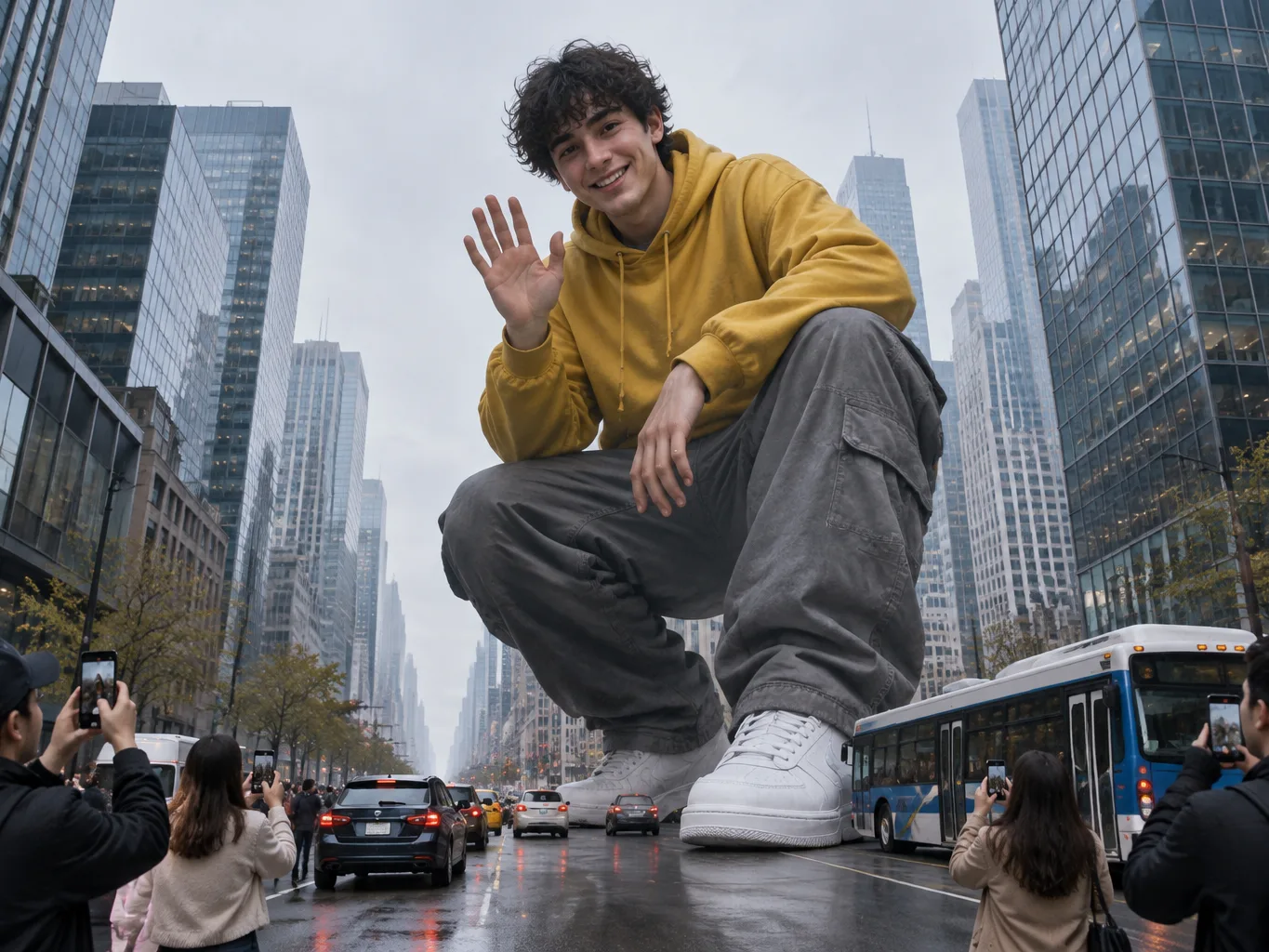
Short AI videos, popular on TikTok and Reels, show a person turning into a giant taller than the buildings and walking through a real city with people and cars at their feet. Our AI giant video maker turns one photo of you into a 10-second video starring yourself. You walk down the avenue, tower above the skyscrapers, and watch the crowd run below.

How do I make an AI giant video from my photo?

Follow three simple steps to make your video. First, upload one photo of yourself. Next, pick Seedance 2.0, Seedance 2.5 or Seedance 2.0 Mini, choose vertical 9:16 or horizontal 16:9, and select 480p, 720p or 1080p. Then generate and download your 10-second MP4 with sound. You write no prompt, make no image first, and need no extra tools to stitch clips together.

How much does an AI giant video cost?

One flat credit price covers each 10-second video. On Seedance 2.0, you pay 240 credits at 480p, 520 credits at 720p or 1300 credits at 1080p. On Seedance 2.5, you pay 250 credits at 480p, 550 credits at 720p or 980 credits at 1080p. On Seedance 2.0 Mini, you pay 60 credits at 480p or 130 credits at 720p. The price stays the same for 9:16 and 16:9, and shows beside the button before you generate. A render that fails returns its credits automatically. Sign up free with no card to get 40 starter credits, and visit the Seadanse pricing page to pick plans and credit packs.

Do I need a prompt, an app or editing skills?

No. The whole scene is built into the effect, so you simply upload one photo and generate. You can add an optional request in a few words to set the scene. Our AI giant video maker runs in your web browser on a phone, tablet or computer with nothing to install, and you sign up with just an email address.

Will the giant look like me?

Yes. Your face, hair and outfit come from your photo and stay the same in all three shots. Pick a photo of one person with a clear face in good light to see yourself walk tall above the rooftops.

What photo works best for an AI giant video?

Use a clear photo of one adult (18+) alone in the frame, facing the camera in good light. A full-body or knee-up photo works best because it carries your whole outfit into the video. You can also use an AI-made picture of a made-up adult character.

Can I choose the city my giant walks through?

Yes. Name a city in your optional request, and you walk through that city. You take giant steps down the avenue and flatten cars under your feet.

How long is an AI giant video, and what size is it?

Each video runs for 10 seconds. You choose 480p, 720p or 1080p resolution, with 1080p available on Seedance 2.0 and Seedance 2.5. Pick vertical 9:16 for TikTok, Reels and Shorts, or horizontal 16:9 for YouTube. You download an MP4 with full sound and no watermark on your exported video.

Which AI model makes these giant videos?

You pick between Seedance 2.0, Seedance 2.5 or Seedance 2.0 Mini before you generate. Seedance 2.0 is the multimodal AI video model released by ByteDance's Seed team on February 12, 2026. Seedance 2.5 released on July 31, 2026, and makes picture and sound together in one take. Seedance 2.0 Mini launched on June 15, 2026, as ByteDance's lower-cost model. ByteDance is the company behind TikTok, so you get cinematic video quality.

Can I make other giant videos, like a giant spider or robot?

Yes. Write a line of text in our text to video AI to get a video up to 30 seconds long. If you already have a giant picture, our image to video AI turns it into a video up to 30 seconds long.

Are my photos safe and private?

Yes. Seadanse runs no facial recognition on the photos you upload and collects no biometric data. It never sells personal information. Your photos and videos stay in your account until you delete them.

Tower Over the City with Our AI Giant Video Maker

Upload one photo and watch yourself walk through the city, taller than the skyscrapers.