
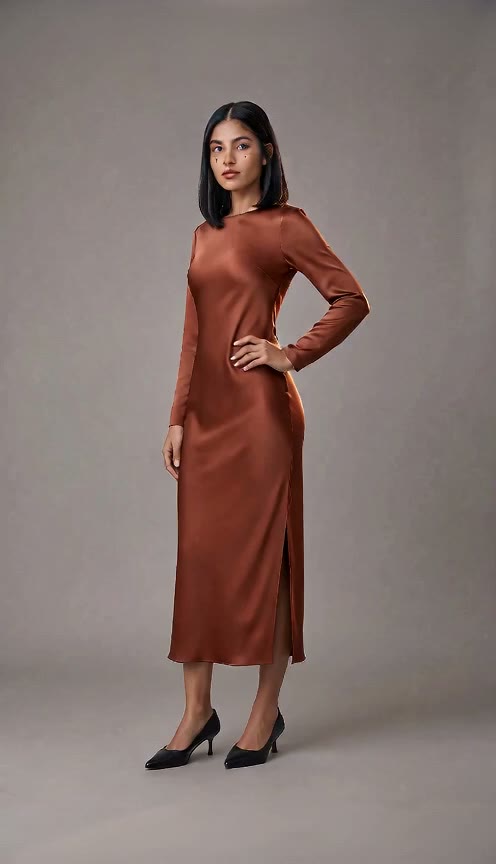
Upload One Photo With Zero Prompts to Write
Upload one clear photo of one person and let our bullet time shot build the entire camera move automatically. You can also add one optional note if you want custom details like floating confetti.
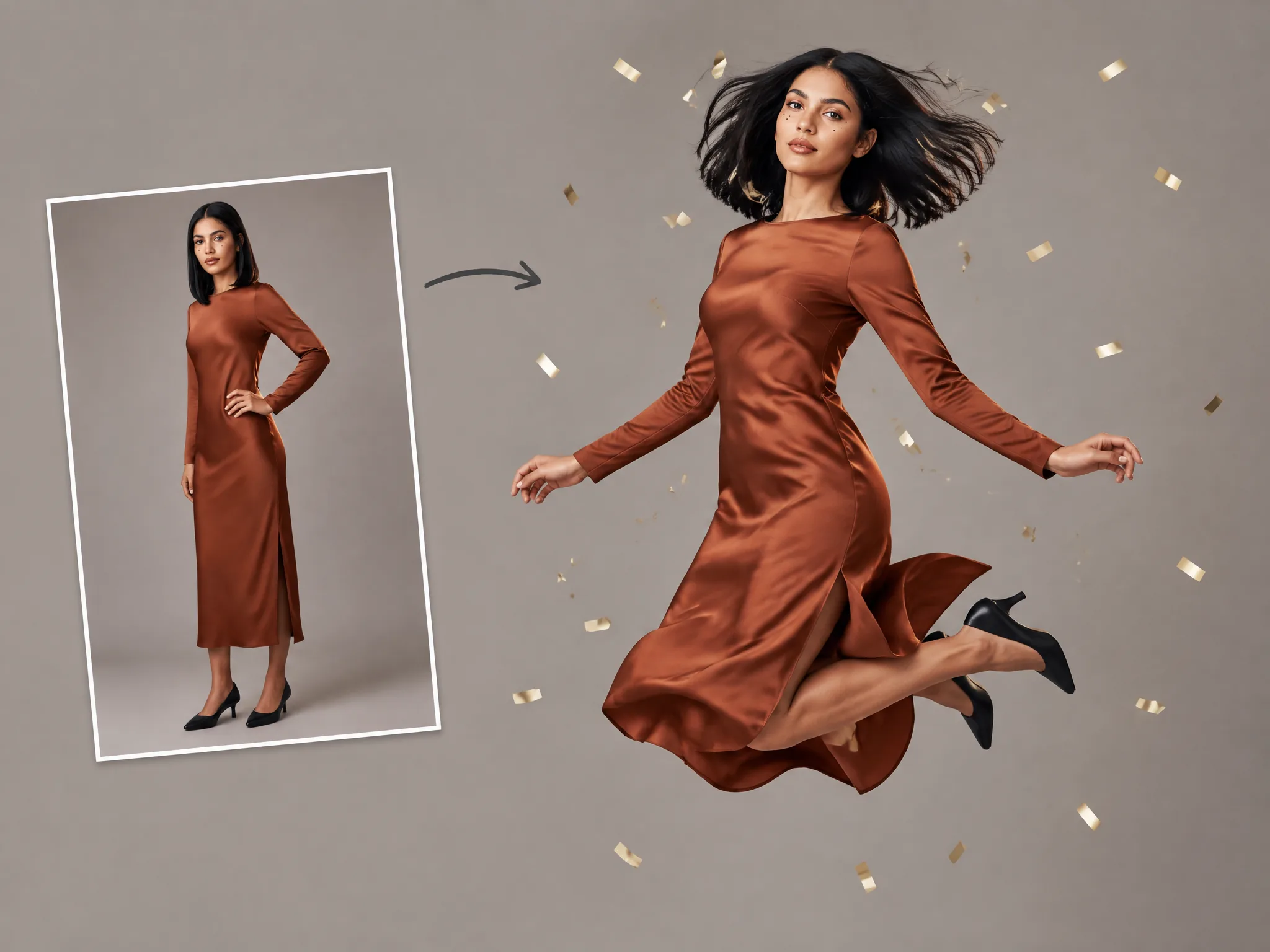
Get the viral frozen jump look for your feed without writing any prompts. Upload one photo and use our bullet time effect to turn it into a 7-second video with a built-in mid-air freeze.
One person, face clearly visible. A full-body photo carries your whole outfit and shoes.
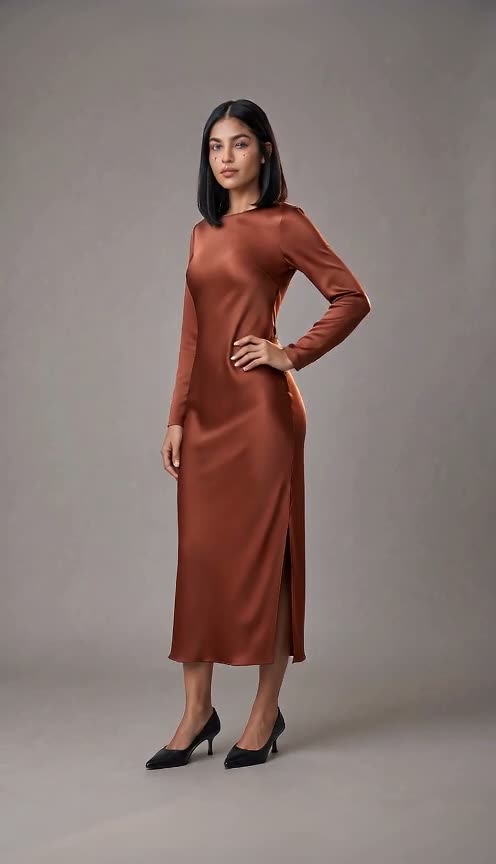
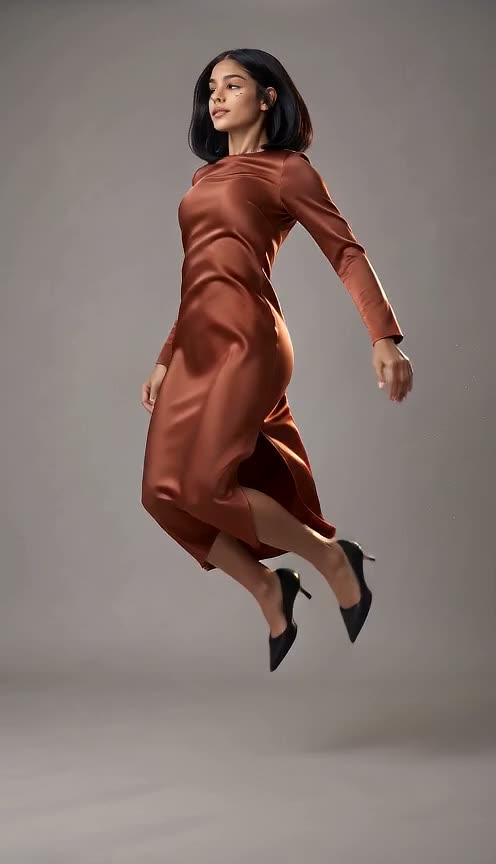
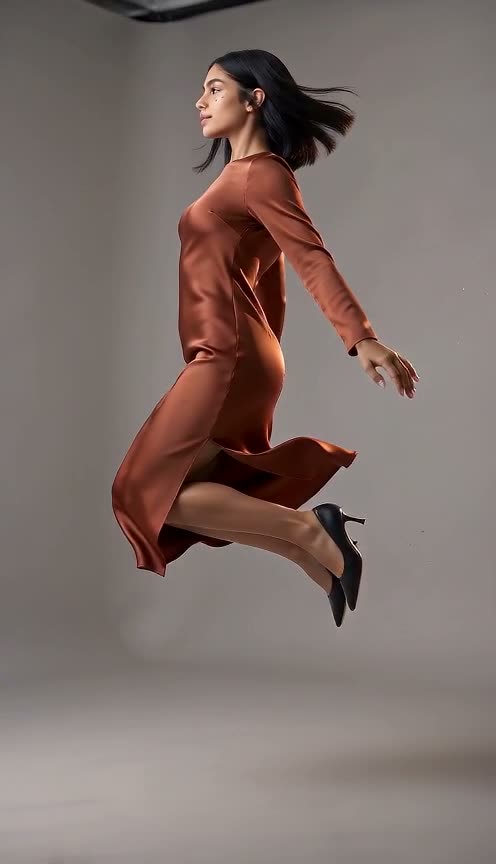
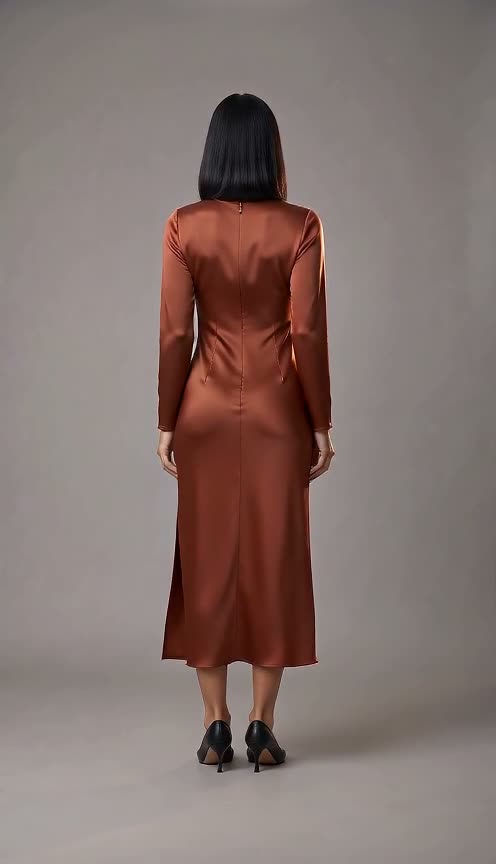
Upload one clear photo of one person and let our bullet time shot build the entire camera move automatically. You can also add one optional note if you want custom details like floating confetti.
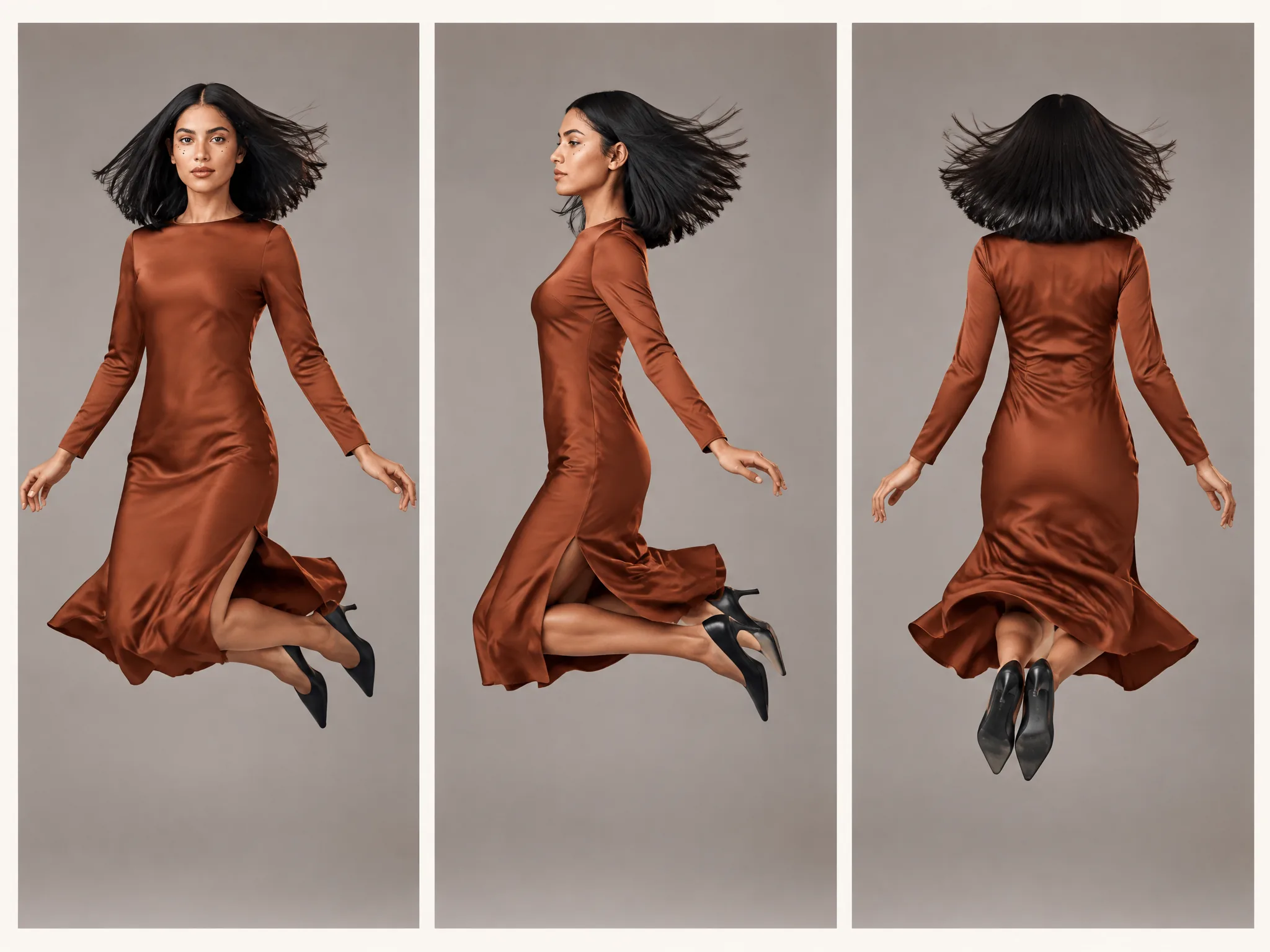
Watch yourself jump as time freezes at the peak with your hair floating around you. Our bullet time effect swings the camera from your front to your side and behind before you land on your feet.
Download a 7-second clip rendered in vertical 9:16 by default for TikTok, Instagram Reels, and YouTube Shorts, or pick widescreen 16:9. Our bullet time AI video maker sets 720p by default, or you can pick 480p before you generate.
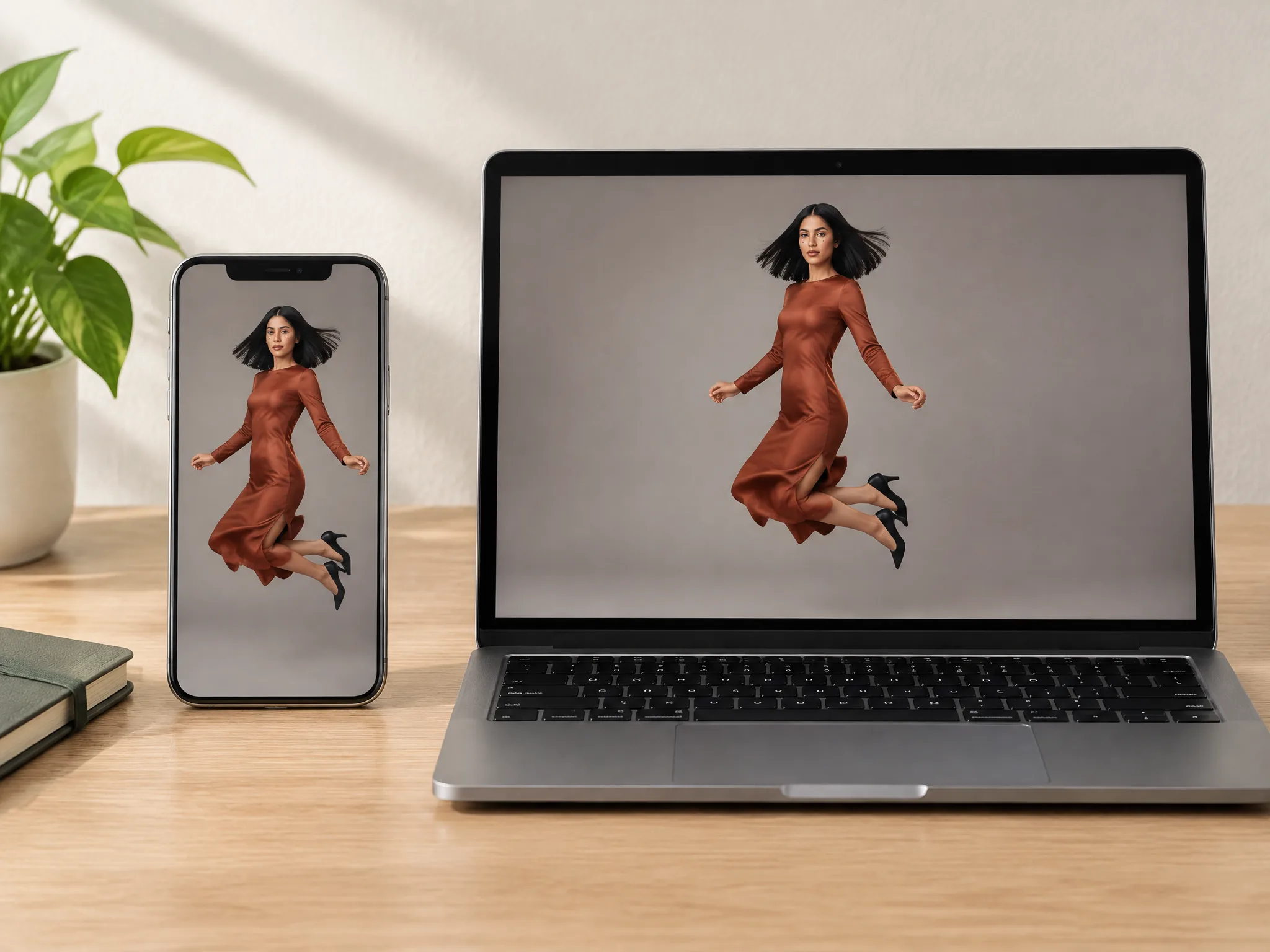
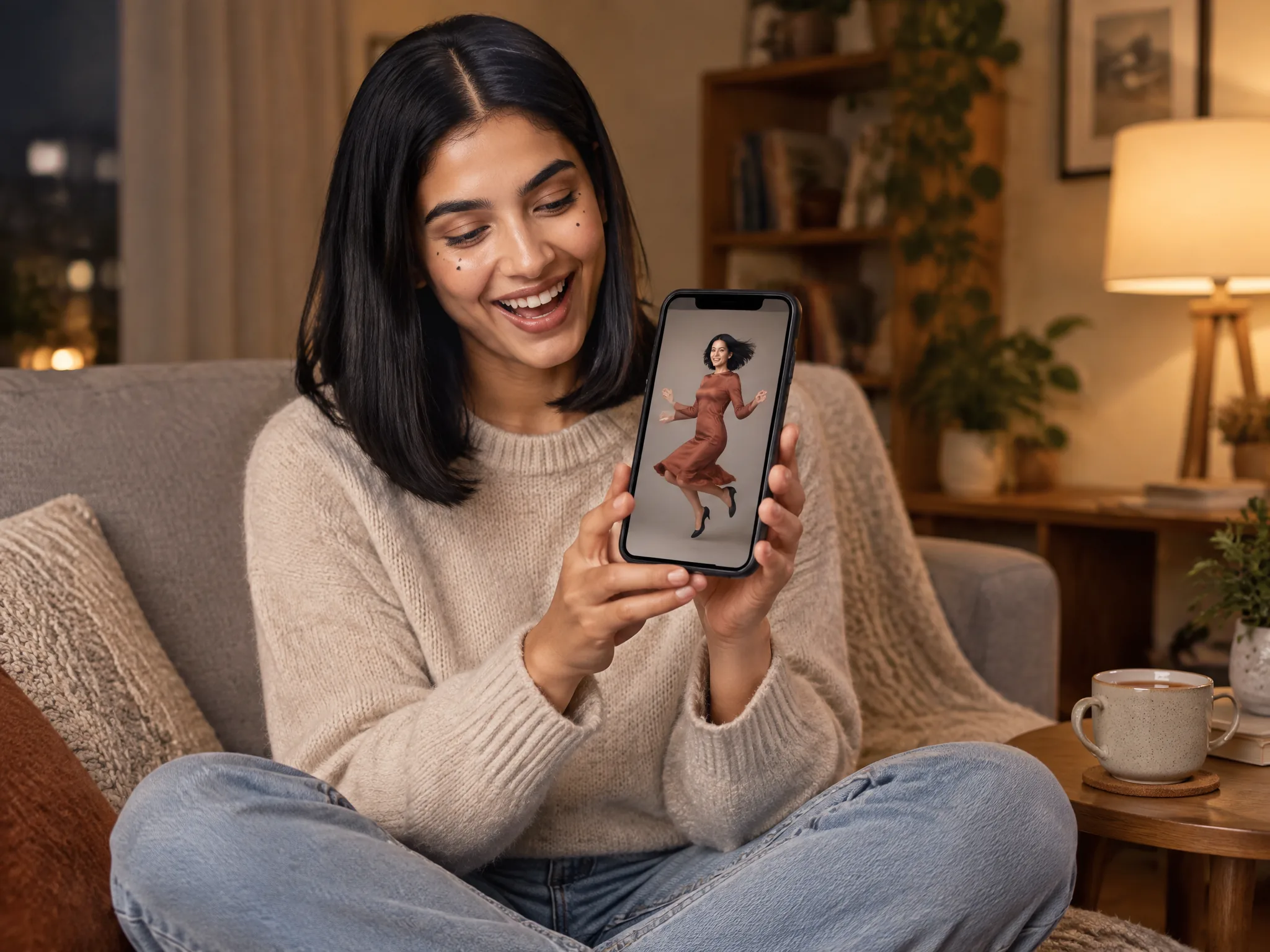
Spend 80 credits at 720p or 40 credits at 480p on our bullet time video, with one flat price per resolution shown before you generate. Your 40 starter credits make your first 480p video free, and credits come back automatically when a render fails.
Upload one full-body photo to join the frozen bullet time trend on TikTok, Instagram Reels, and YouTube Shorts. You get a ready-to-share 7-second vertical video that stops viewers mid-scroll.
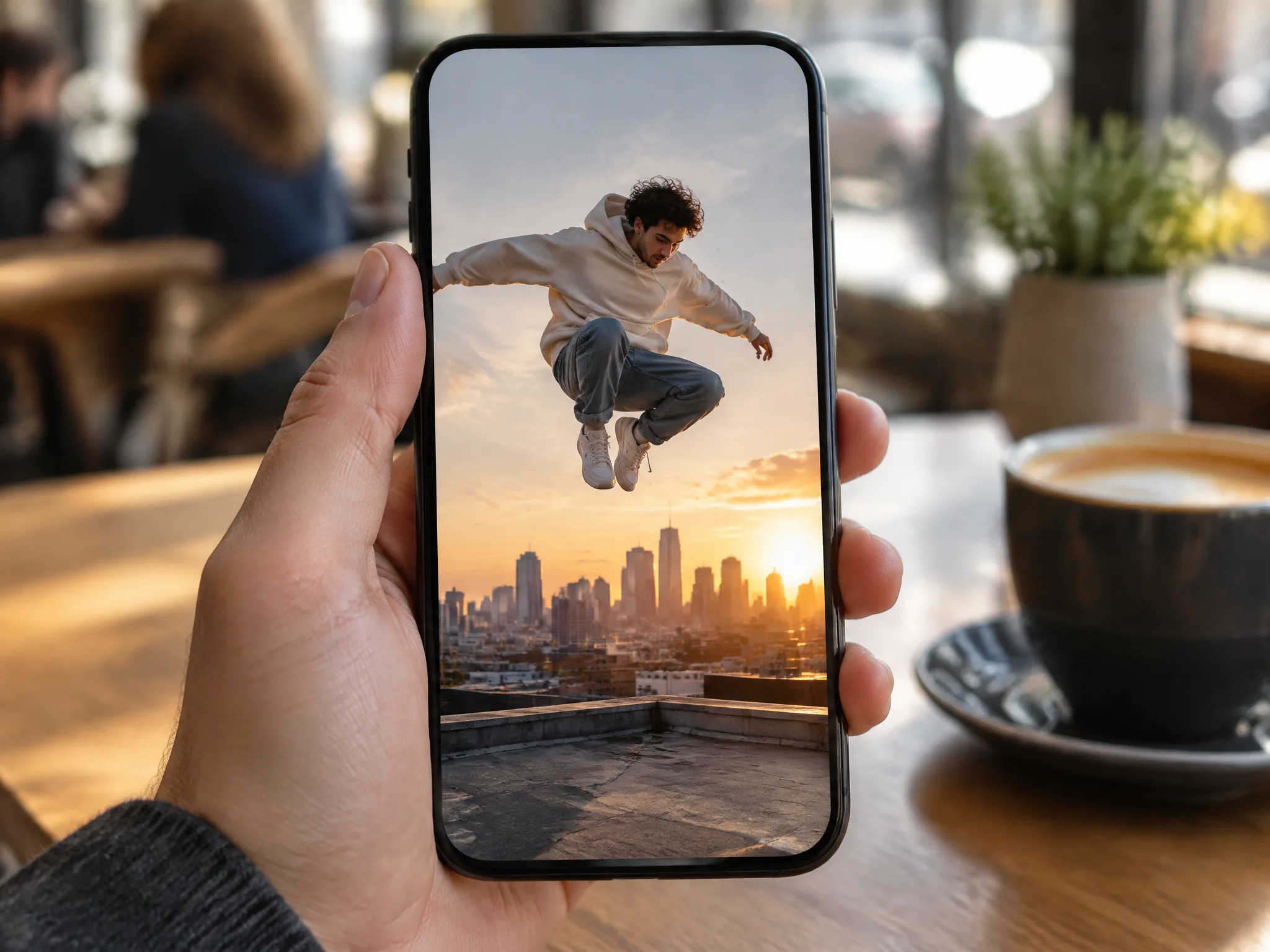
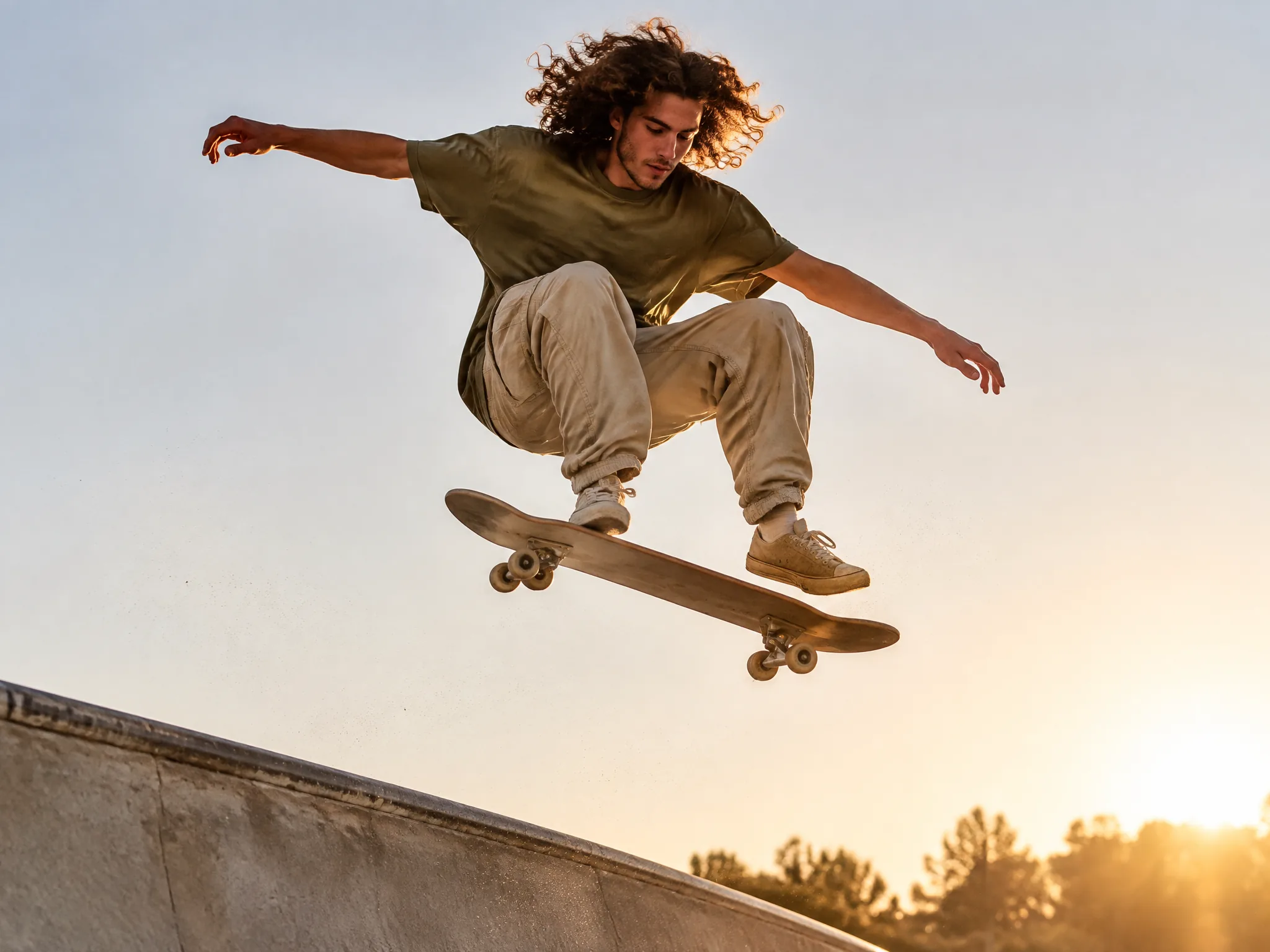
Upload one clear photo to launch into a high jump. Our bullet time effect freezes you at the peak while the camera swings around your body and brings you down to your feet.
Upload a full-body photo to showcase your outfit and shoes. Our bullet time effect freezes you at the top of a jump with floating hair while the camera swings from your front to your back.
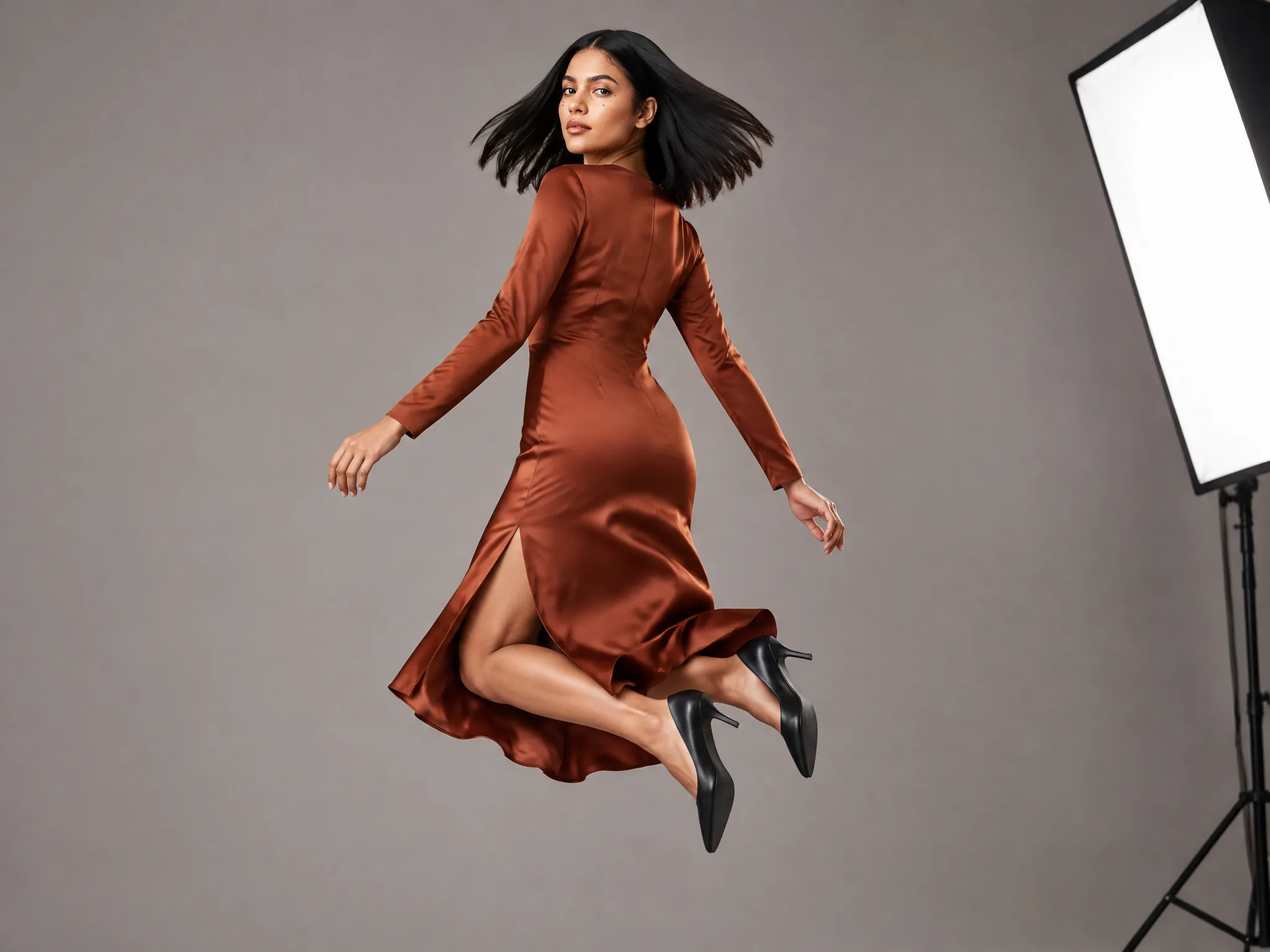
Upload one clear photo of one person with the face visible, and use a full-body photo for your whole outfit.
Choose vertical 9:16 or widescreen 16:9, pick 720p or 480p, and add an optional note with your request.
Generate the shot with our bullet time for 80 credits at 720p or 40 credits at 480p and download your 7-second bullet time video.
Sign up free to get 40 starter credits to cover one 480p video with our bullet time effect. Every render costs 80 credits at 720p and 40 credits at 480p, the same for 9:16 and 16:9, and your credits return automatically if a render fails.
It is a visual effect where time slows down or stops while the camera keeps moving around you. People also call it a frozen moment or a time slice. The movie The Matrix (1999) made bullet time famous. Our bullet time effect brings that viral cinematic look to your own clips.
It started as a real camera trick. In 1878, Eadweard Muybridge used a row of cameras to freeze motion. For Neo's bullet-dodge shot in The Matrix, filmmakers placed over 100 cameras around the actor and fired them in quick succession. On Seadanse, our bullet time AI video maker builds the entire shot from one photo with no camera rig.
Yes. Sign up free with no card and get 40 starter credits, enough for one bullet time video at 480p. Each video costs 80 credits at 720p or 40 credits at 480p, with the flat price shown beside the Generate button before you start. Visit Seadanse pricing to find subscription plans and credit packs.
No. The bullet time shot is built in, so you only upload one photo. Add an optional note if you want a special detail, or check our AI Video Creator and Seedance prompt library for more ideas.
Use one clear photo of one person with the face visible. A full-body photo works best because it carries your whole outfit and shoes into the video. A waist-up photo also works, and no special pose is needed.
Each video runs for 7 seconds at 720p, the default, or 480p. You can choose vertical 9:16 as your default size or pick widescreen 16:9.
You jump, time freezes at the top of your leap, and the camera swings around you at eye level. It sweeps from your front to your side and behind you. Then time starts again and you land on your feet.
Our bullet time freezes one person or action while the camera moves around them at normal speed. A time freeze stops an entire scene while a camera or person walks through it. Slow motion slows down everything in the frame together, including the camera.
Yes. The default vertical 9:16 video fits TikTok, Instagram Reels and YouTube Shorts directly. Videos made after you buy a plan or a credit pack have no watermark and can be downloaded, while the free first video carries a visible watermark. Choose paid plans on Seadanse pricing to get private renders and a commercial use license.
Your credits come back automatically whenever a render fails, times out or hits a platform error. You pay only for videos that finish. Review plan details on Seadanse pricing and create with confidence.
Every page here runs the real models in your browser — jump to the one that matches the clip you have in mind.
Upload a photo, pick an effect, get a short video. No prompt to write.
Seedance, Veo, Kling, Hailuo and more, each on its own page with real renders.
Sign up today to get 40 starter credits and turn your photo into a 7-second frozen moment.


