
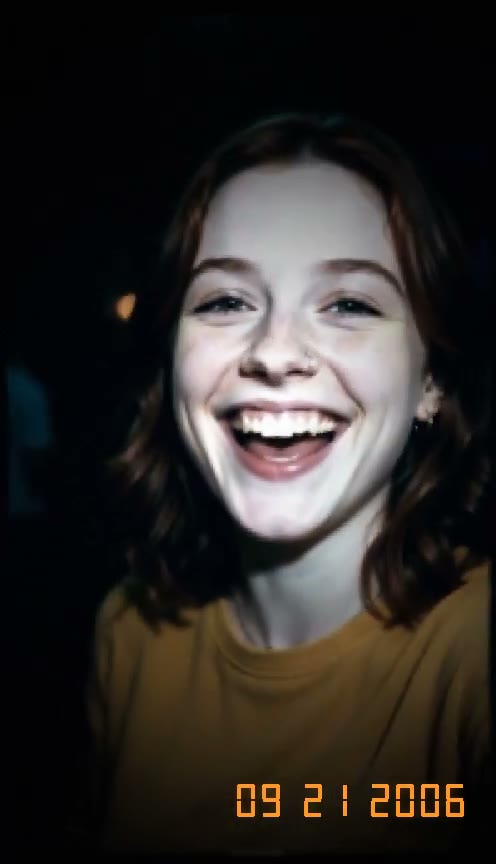
Light Up Your Face With Real Flash
Get direct light on your skin while the room behind you falls to near black. Our digicam effect relights your whole picture instead of adding a simple color filter over it.
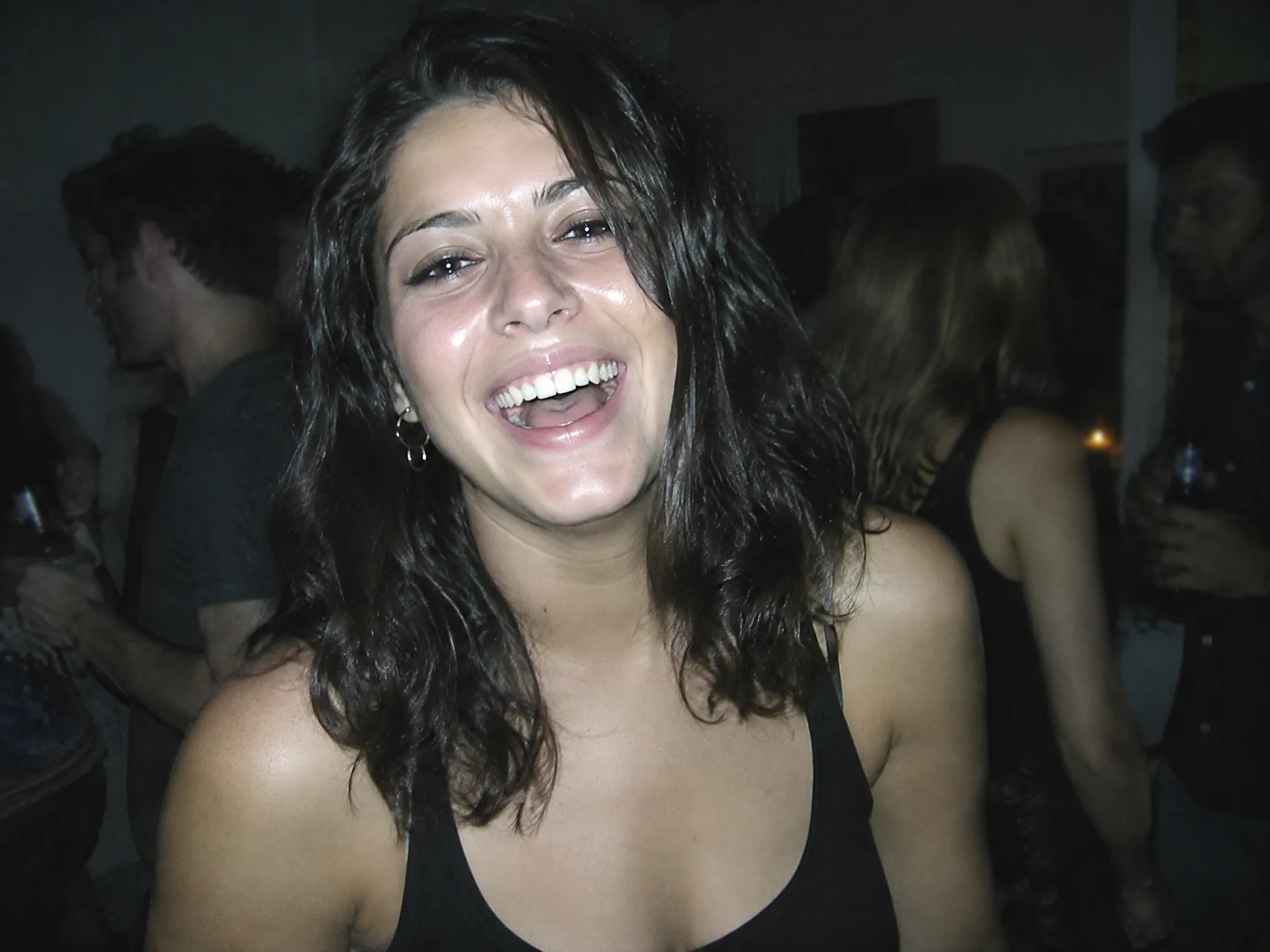
Get the 2000s point-and-shoot look without buying an old camera. Our digicam effect turns your photo into a 5-second flash video with an orange date stamp.
One person, face uncovered and clearly visible, in good light.
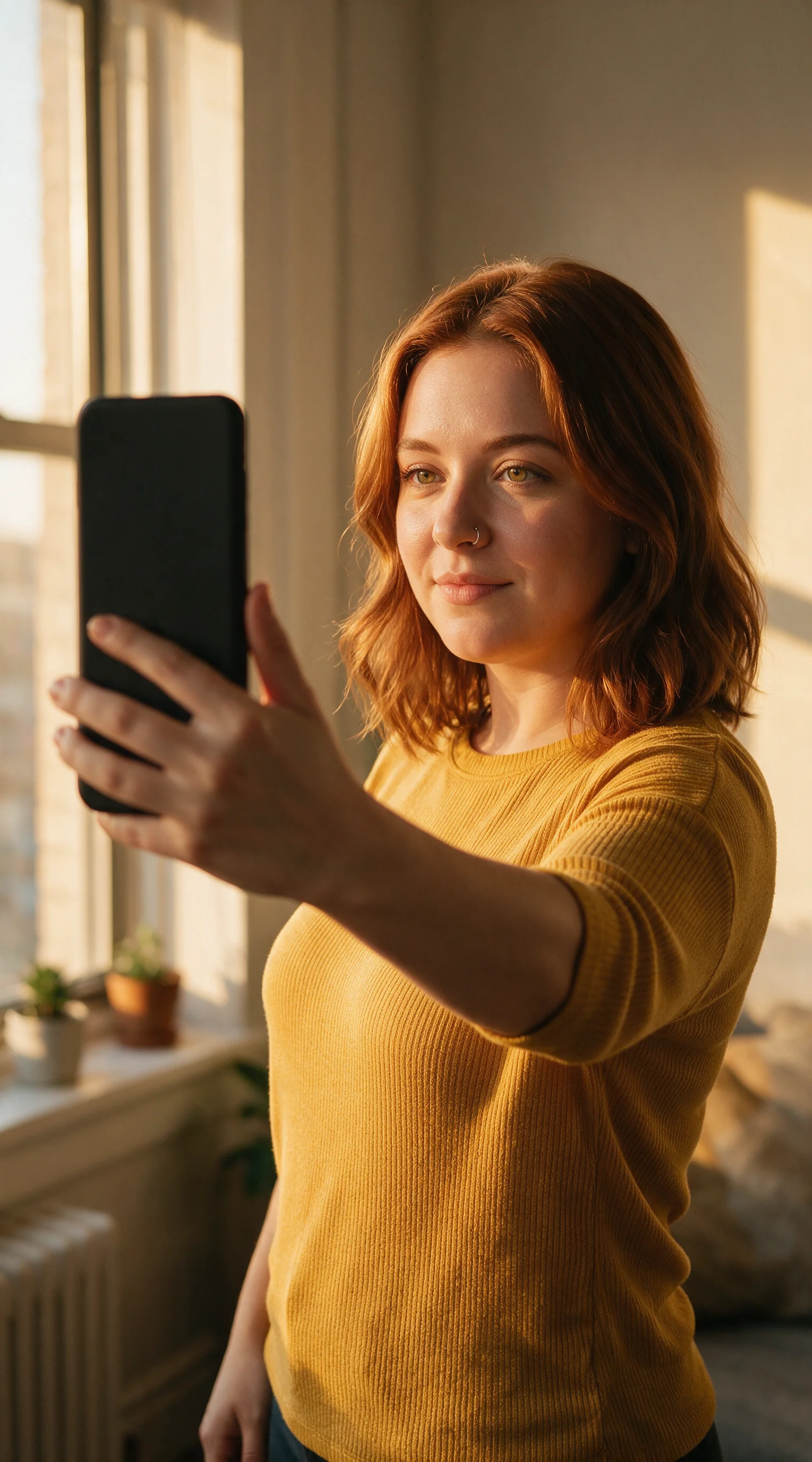
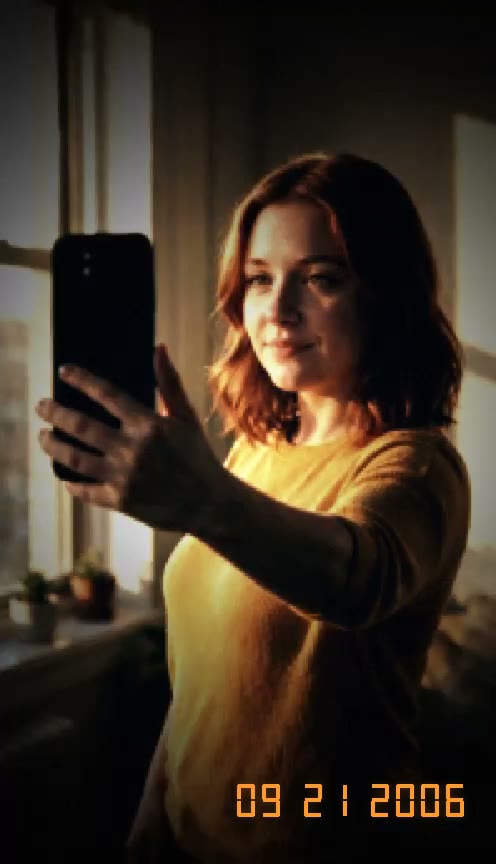
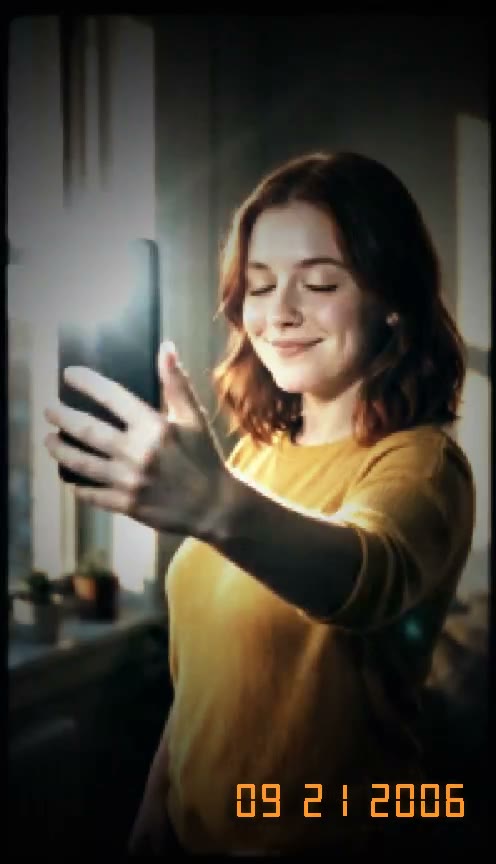
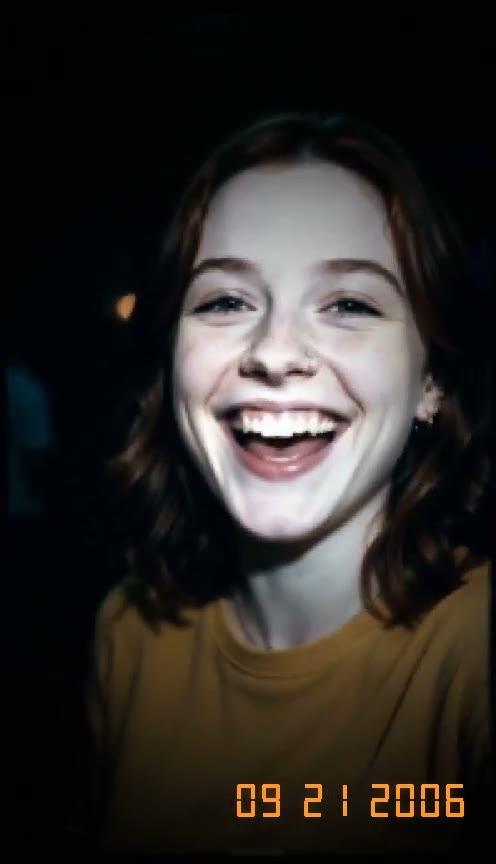
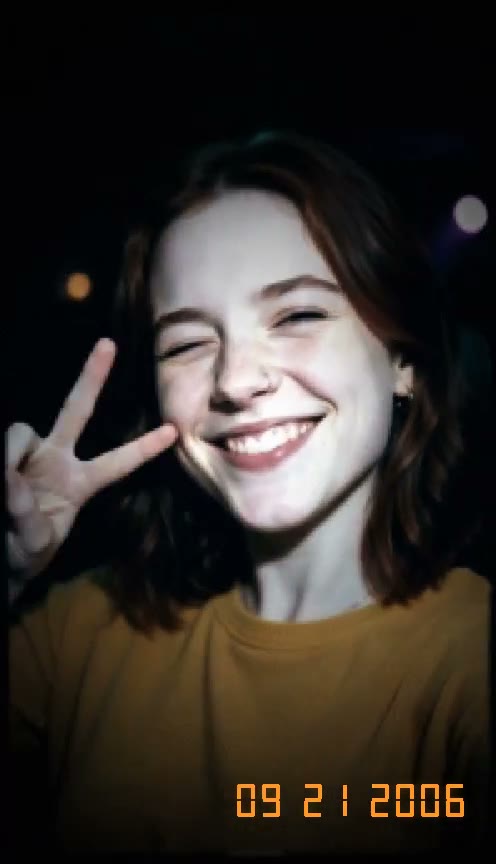
Get direct light on your skin while the room behind you falls to near black. Our digicam effect relights your whole picture instead of adding a simple color filter over it.
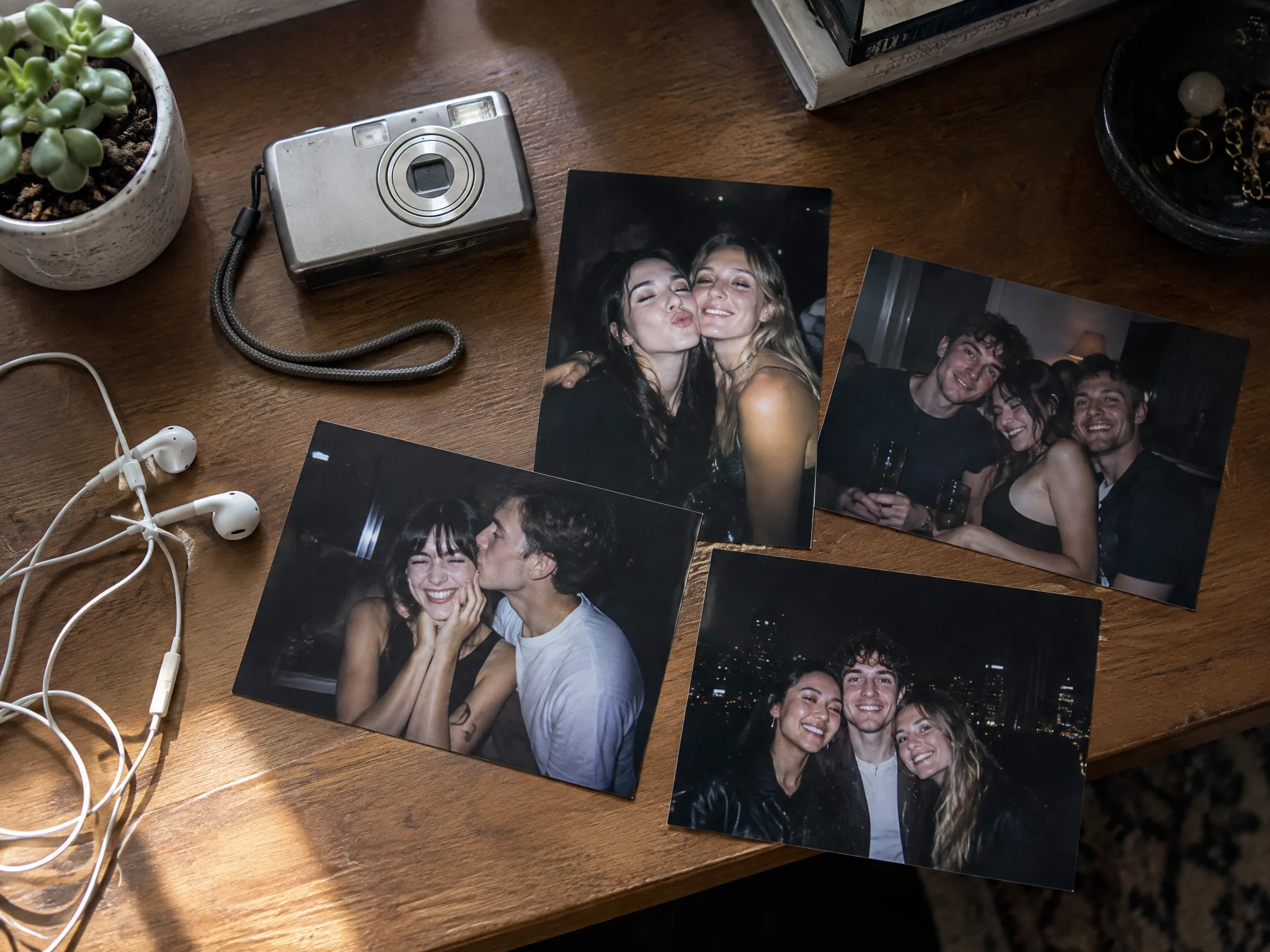
Trade clear phone shots for soft details, cool colors, and classic digital noise. Our digicam effect recreates the feel of an authentic 2006 point-and-shoot camera.
Type your birthday or party date, or leave the box empty to show 09 21 2006. Our digicam effect places a bright orange date stamp right in the lower-right corner of your clip.
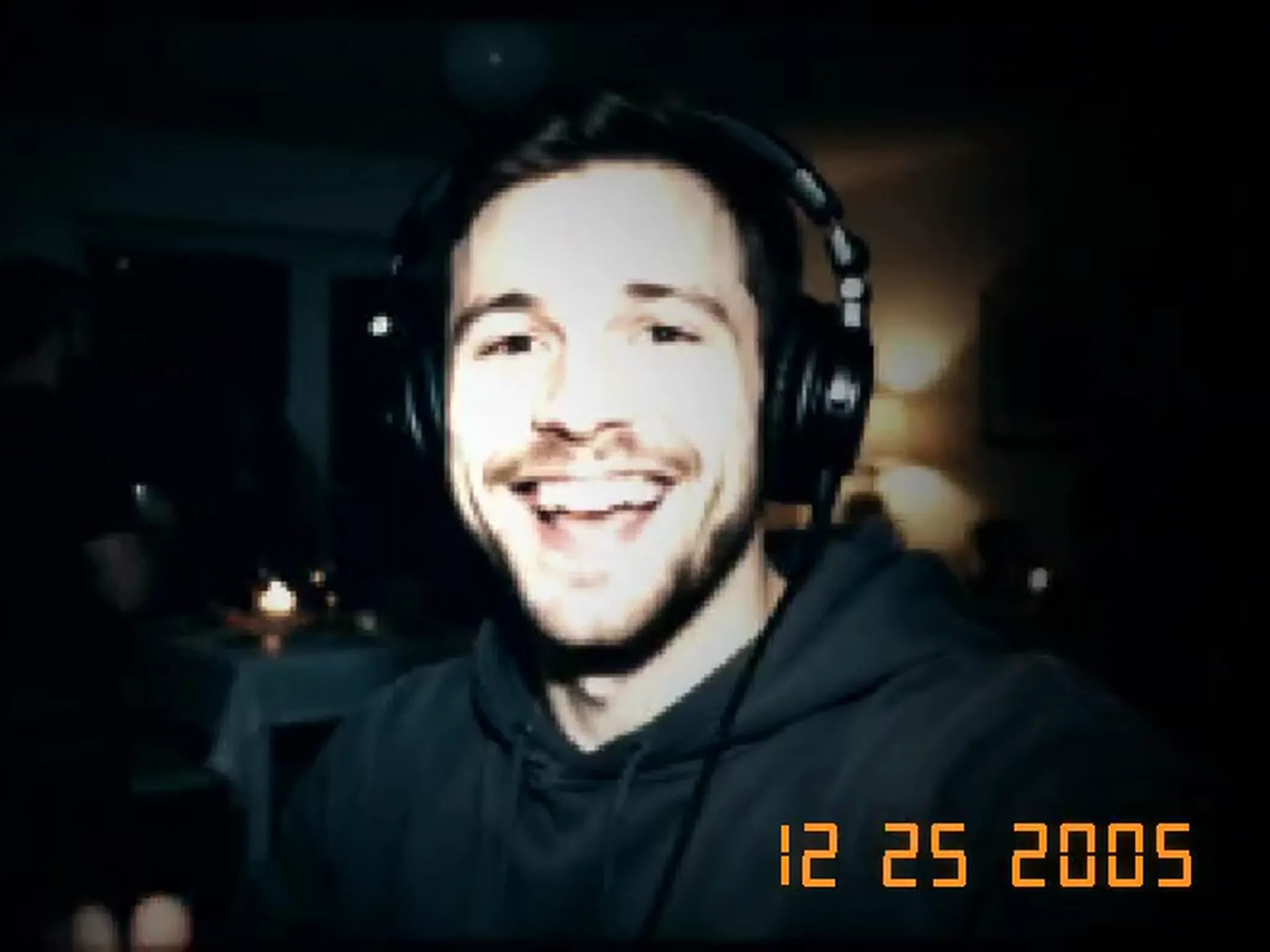
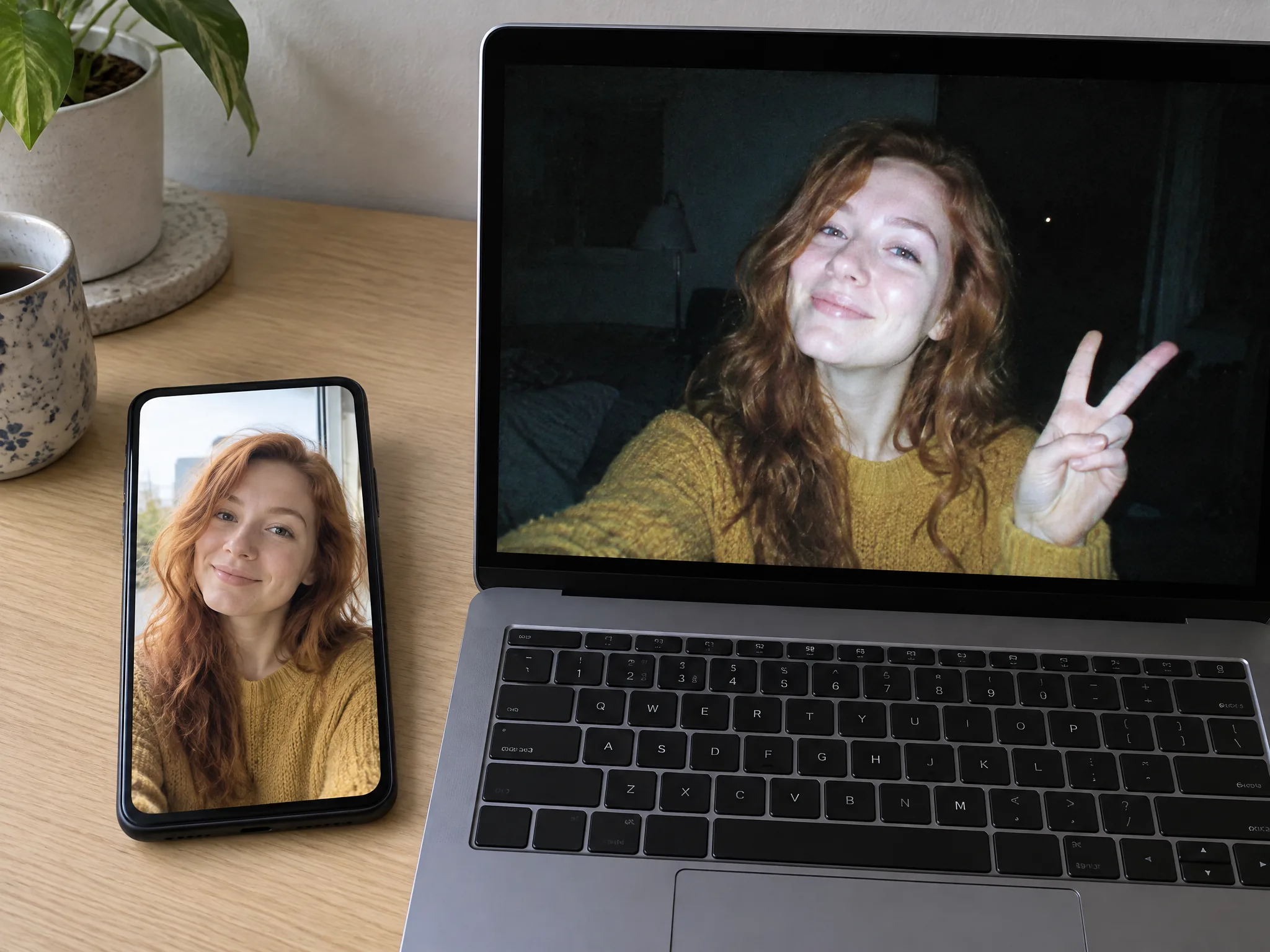
Upload one portrait and watch yourself look at the camera and throw a peace sign. Our digicam effect keeps your real face while turning your photo into a lively 5-second video.
Open your web browser on your phone or computer and make your clip right away with no app to install. Our digicam effect has the full retro style built in, with an optional line for custom requests.
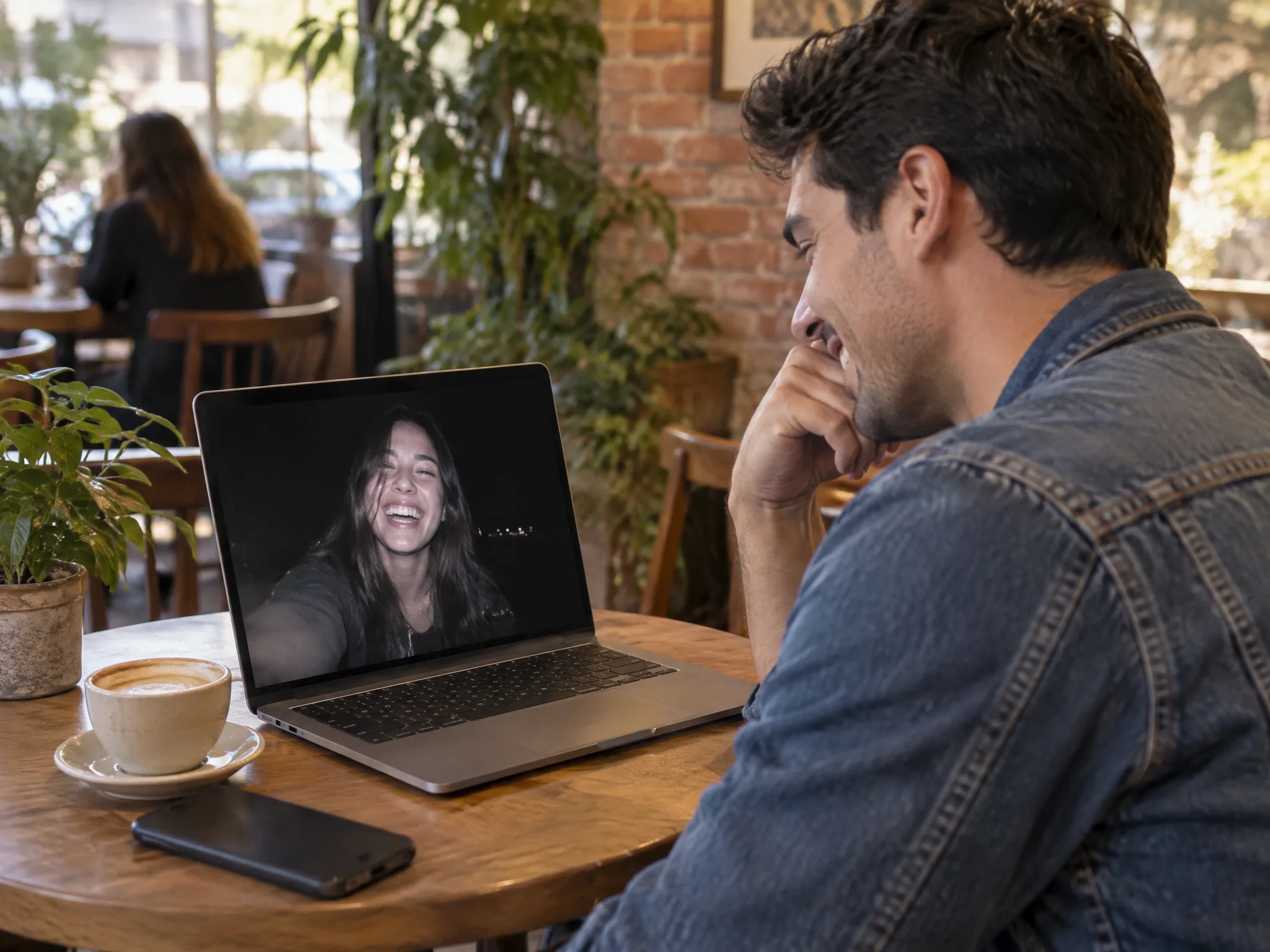
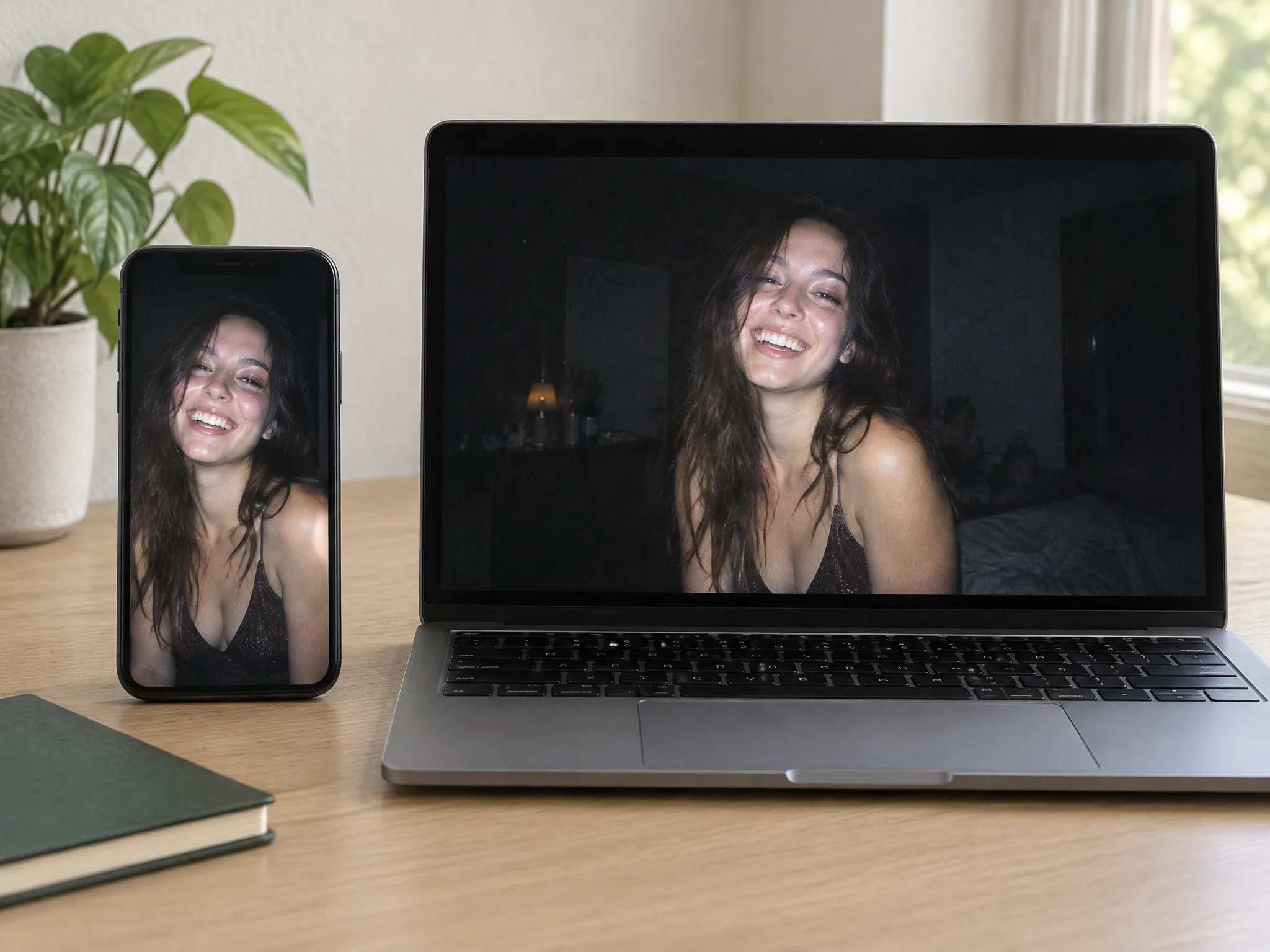
Sign up with no credit card and spend your 40 starter credits to make your first 480p video with Seedance 2.0 Mini. Our digicam effect exports vertical 9:16 or horizontal 16:9 MP4 files with no watermark.
Upload one phone selfie to get a 5-second video that looks filmed on a 2006 point-and-shoot camera. See your face lit up by direct flash with a dark room behind you, without buying vintage gear.
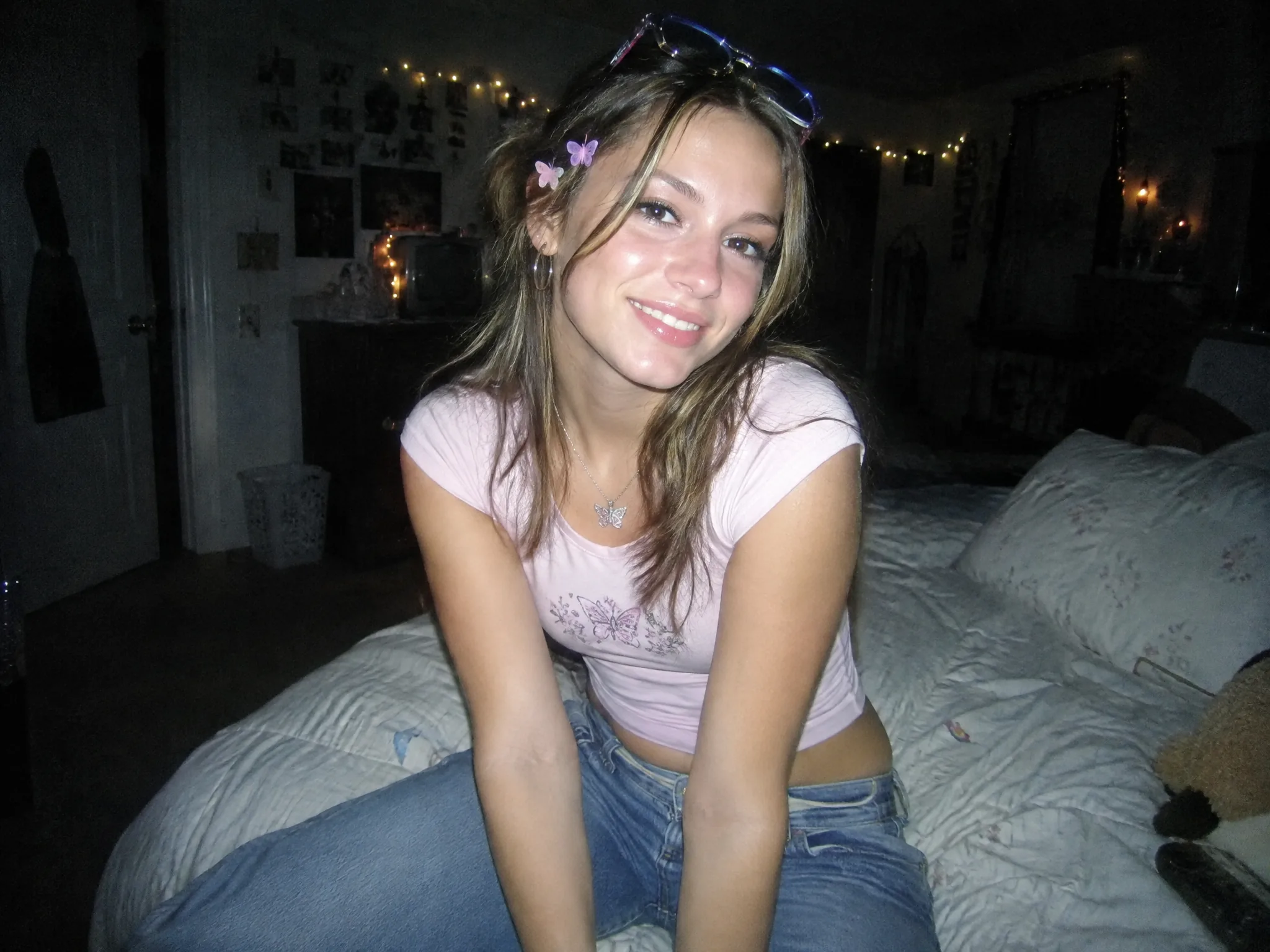
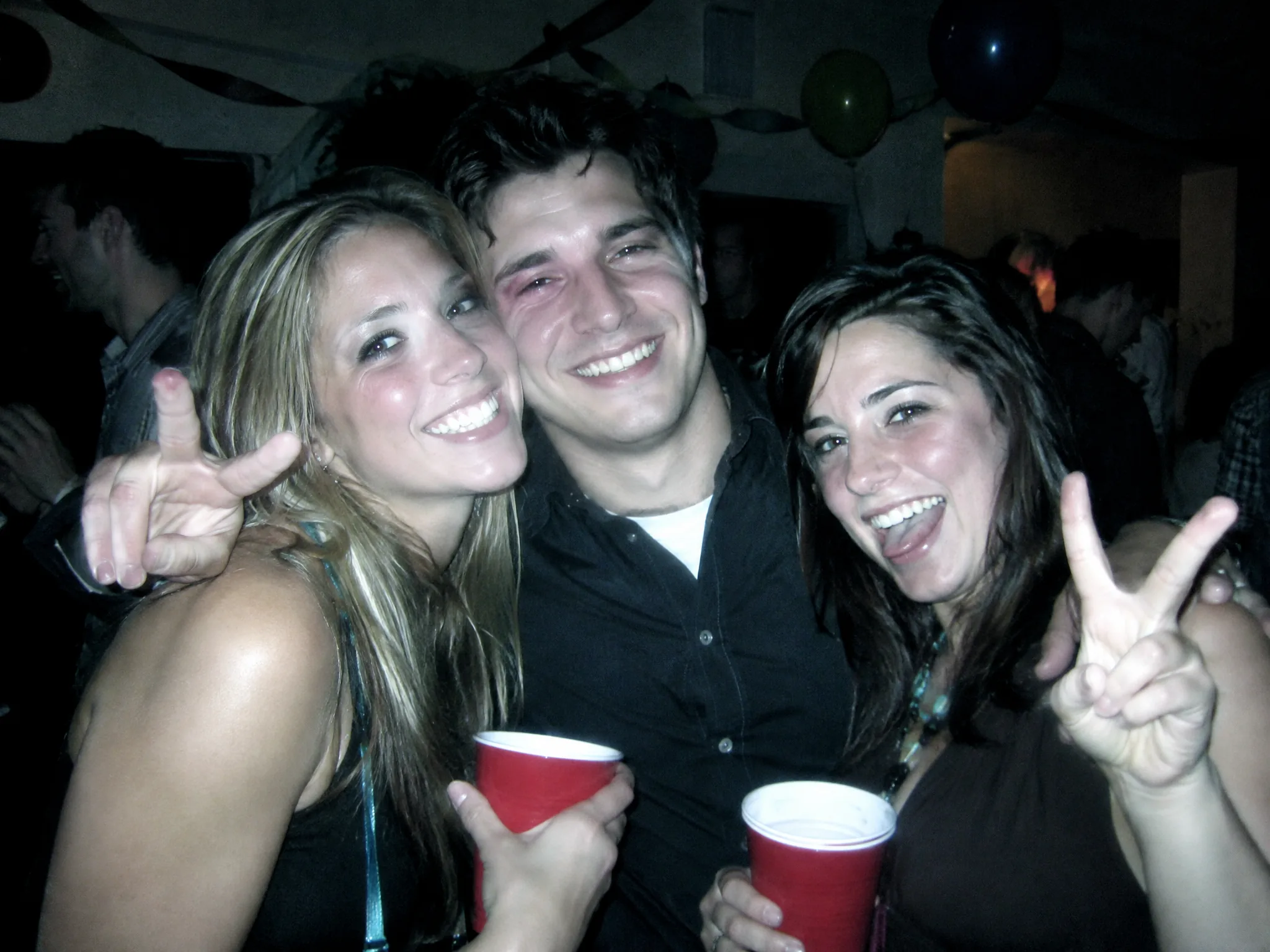
Turn your night out into a flash-lit party video with your exact event date stamped in the corner. Share the 5-second clip with friends in your group chat or post it straight to your feed.
Drop one portrait into our digicam effect to get a vertical 9:16 video ready for TikTok and Instagram Reels. Skip complex editing apps and post the trending early-2000s aesthetic in seconds.
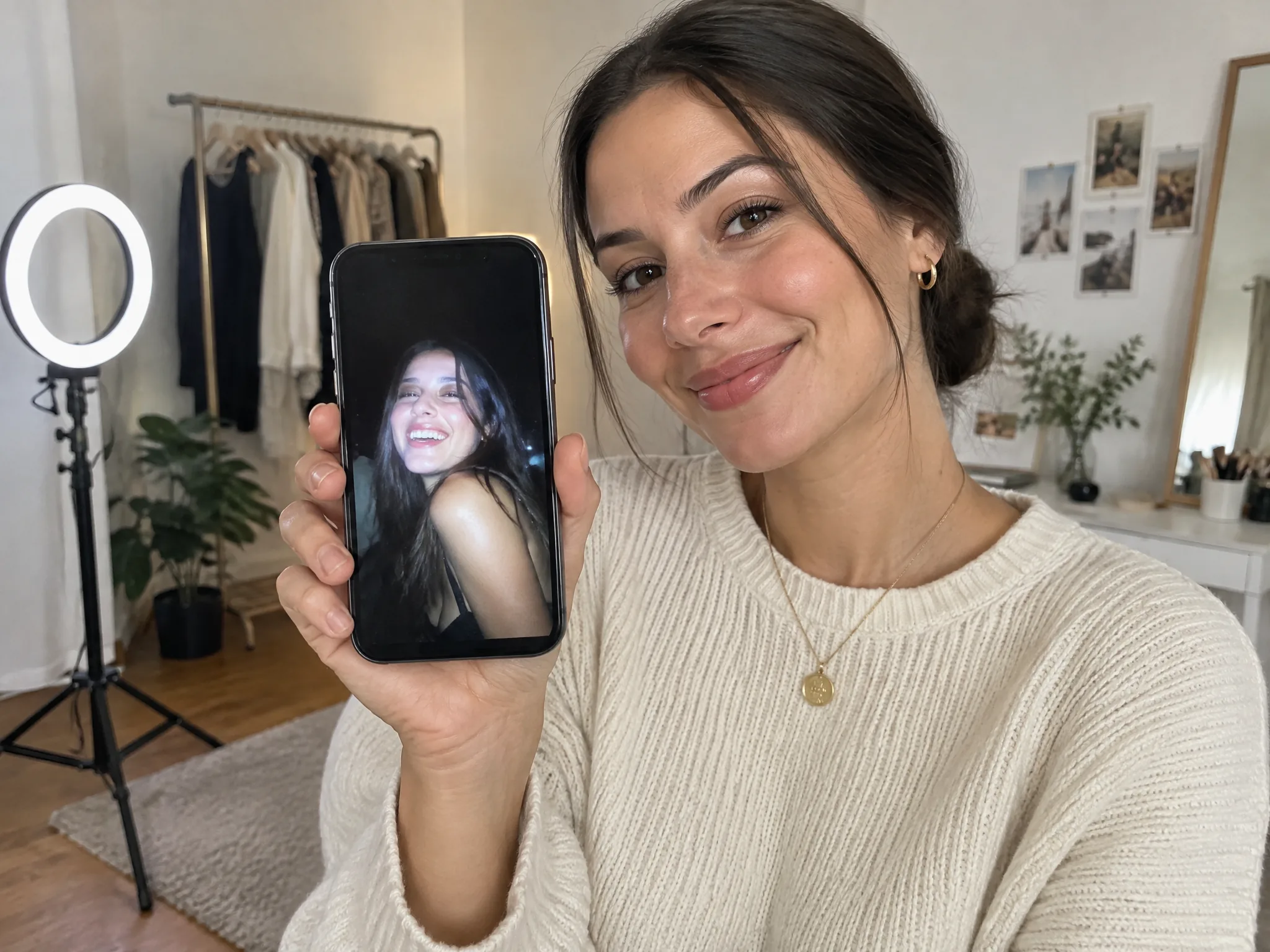

Turn your promo photo into a cool 5-second digicam clip for your next song drop. Pair your music with flash-lit visuals and an orange date stamp that grabs eyes on social feeds.
Upload one clear selfie or portrait that is front-facing and in good light.
Type your own date or keep 09 21 2006, pick 9:16 or 16:9 and 480p or 720p, and press Generate once the price shows so Seedance 2.0 Mini makes your video.
Watch the flash take you back to 2006, then download your 5-second MP4.
Sign up free with no credit card to get 40 starter credits for your first 480p video with our digicam effect on Seedance 2.0 Mini, or choose 720p for 80 credits. You pay only for videos that finish, and your credits return to your balance automatically when a render fails.
It is the look of early-2000s compact point-and-shoot digital cameras. You get a direct flash that lights up your face, a dark background, a soft, low-res picture with digital noise, a cool color cast, and an orange date in the corner. Our digicam effect turns one selfie into a 5-second video with this exact vintage look.
Compact digital cameras from 15 to 20 years ago are back on the wish lists of teens and Gen Z. NPR reported on December 9, 2024, that people miss the early 2000s party era, and a digital camera flash gives photos an "airy, floaty and ethereal" look. Search interest in "digicam" on Google has grown every year in the US since 2022, and our digicam effect gives you that look on video with no camera to buy.
Open this page in your phone browser, upload a selfie from your camera roll, and click Generate. You download your 5-second MP4 video in moments. There is no app to install, you sign up with an email address, and it works the exact same way on Android phones.
Yes. Our digicam effect turns one photo into a 5-second video. You pick vertical 9:16 or horizontal 16:9, and choose 480p or 720p before you render. You download an MP4 file with no watermark on your exported video.
Yes. Sign up free with no credit card and get 40 starter credits, enough for your first 480p video. Every video costs a flat 40 credits at 480p or 80 credits at 720p using Seedance 2.0 Mini AI video maker. The exact cost shows beside Generate before you submit, a failed render returns its credits automatically, and you can see Seadanse pricing for paid plans.
Yes. The person in the video is the person in your photo, looking into the camera and throwing a peace sign. Our digicam effect changes the lighting and picture quality while your face stays yours. Upload a clear, front-facing photo in good light to get the best result.
A compact camera flash is small and sits close to you. Your face gets a sudden burst of bright light, the light fades fast, and the room behind you falls into darkness. Our digicam effect puts that classic flash-lit face and dark room into your video.
A filter app changes colors and adds grain over an existing photo. Our digicam effect relights the whole shot, so the flash lands on your face and everything behind you goes dark. It also turns your photo into an animated 5-second video.
Yes. Type your own date for the stamp, such as a birthday or the night of a party. Leave the box empty, and the orange stamp in the lower-right corner reads 09 21 2006.
No. The digicam look is built into the tool, so you just upload a photo and generate. You can add a short note with a request if you want. To write a home-video scene of your own from scratch, use our 2000s camcorder video prompt in the Seedance prompt library.
Yes. Visit the GPT Image 2.5 prompt library on Seadanse to find our Y2K digicam photo prompt. Copy the prompt, add your own photo as a reference, and get a digicam photo with a direct, harsh on-camera flash.
No. Vintage film filters copy old film cameras, while our digicam effect copies early digital cameras with harsh flash, low resolution, digital noise, and an orange date stamp. For a classic tape look, use our 80s AI video effect to turn one photo into a 1985 VHS home video.
Yes. Seadanse runs no facial recognition on uploaded photos and collects no biometric data. The platform never sells personal information, and your photos and videos stay in your account until you delete them. Read our privacy policy to learn how videos on paid plans stay private.
Every page here runs the real models in your browser — jump to the one that matches the clip you have in mind.
Upload a photo, pick an effect, get a short video. No prompt to write.
Seedance, Veo, Kling, Hailuo and more, each on its own page with real renders.
Sign up with no credit card and turn your photo into a 5-second 2006 flash video with your 40 free starter credits.


