
AI Car Shootout CapCut Template: Which One, How to Open It, Why It Takes Hours
The AI car shootout CapCut template is titled 'ai', opens from a TikTok tag, has over a million uses, and you can make the video from one photo with no app.
 The Seadanse Team9 min read
The team behind Seadanse. We run the models we write about, and we publish the specs, prices and limits the marketing leaves out.

TL;DR — The AI car shootout CapCut template is titled "ai", published October 31, 2026, with 1,068,432 uses on November 15, 2026, and it takes one photo. Its title doesn't say "car" or "shootout", so you open it from the tag on a TikTok post, not from CapCut search. On Seadanse (AI Car Shootout Video) one photo makes the video in your browser with no app, and $9.90 makes one 720p video.
You've probably searched CapCut for "car shootout" and found nothing by that name. Or you tracked down the clip, tapped export, and watched the progress wheel spin endlessly.
You're definitely not the only person stuck waiting. Comments on how-to clips complain about huge delays, with one person asking "14hrs just for this?" while another waited five hours.
We've tracked down the exact template name, how to find it, and how to fix common errors. We'll also show you how to skip the template and make your clip with no app.
Which AI Car Shootout CapCut Template Is the Real One?
The AI car shootout CapCut template behind the viral driving trend is titled "ai". When we checked the CapCut app on November 15, 2026, this single project powered almost every viral version in feeds.
Here are the template's exact details:
- Title: The template is titled "ai".
- Published: It was published on October 31, 2026.
- Uses: It counted 1,068,432 uses, 2,697,130 plays, and 37,986 likes on November 15, 2026.
- Photos: The template takes one photo.
- Length: The finished clip runs for 10 seconds in 16:9.
A second template titled "ai video" followed on November 7, 2026, and had 11,169 uses on November 15, 2026. CapCut search misses both templates because neither title says "car" or "shootout".
How to Open the AI Car Shootout CapCut Template
The AI car shootout CapCut template opens directly through a TikTok post that displays its tag. Because search won't show it, tutorial videos rely on this path:
- Open a TikTok post of the trend that shows the "CapCut · Try this template" tag at the bottom left. If it doesn't show, copy the post's link and open the post again, or open it from the poster's profile.
- Tap the tag.
- Tap "Use template in CapCut" so the CapCut app opens.
- Tap "Use AI template".
- Pick one photo.
- Tap Next.
- Wait for the video.
- Export it.
TikTok how-to videos explaining these steps passed 163,000 plays by November 15, 2026. That's how creators track down the project without relying on app search.
Skip the Template: Make the AI Car Shootout Video From One Photo
Seadanse's AI Car Shootout Video page makes the video from one photo in your web browser. You don't need an app or any editing.
You complete three quick steps:
- Driver photo: Add your photo in the box to set who sits at the wheel.
- Video quality: Pick 480p, 720p or 1080p.
- Create button: Leave the box under the photo ticked and press Create.
You pay once at checkout with no account and no subscription, and your video starts right on the page. The email from checkout brings a link that signs you in, so you can open your video again on another device.
On Seadanse pricing, the $9.90 pack gives you 500 credits (credits are the site's own currency you buy in packs). That $9.90 pack makes one 720p video, or a 480p video for 375 credits.
A 1080p video takes 1,480 credits from the $39.90 pack of 2,500 credits. Pack credits stay valid for 12 months, and if a video fails, its credits come back automatically.
Why Is the AI Car Shootout CapCut Template Not Working?
The AI car shootout CapCut template stops working or fails to open for six usual reasons. Here's what causes each problem and how to resolve it on your phone.
Open It From the Tag, Not From CapCut Search
CapCut search doesn't show the trend's template when you search for "car shootout". The template is titled "ai", so you'll need to open it from the "CapCut · Try this template" tag on an existing TikTok post. If you can't find the tag, copy the post's link and open it again, or open it from the poster's profile.
Check the Title Is "ai" or "ai video"
The original AI car shootout CapCut template is titled "ai", while an alternate version is titled "ai video". Templates with car names in their titles are usually car-edit templates that match music beats to car jumps. Check that the template you picked takes one photo, runs for 10 seconds, and carries the title "ai" or "ai video".
Taking Hours? Keep CapCut Open on Steady Wi-Fi
The AI car shootout CapCut template often keeps users waiting for hours during its AI processing phase. Comments under how-to clips highlight long waits, with one person asking "14hrs just for this?" and another reporting a five-hour run. Keep CapCut open on your screen and stay connected to steady Wi-Fi until it's done.
Clear Space on Your Phone
If your phone's storage is full, the template can't finish its work. CapCut needs local room to download assets and export your finished clip. Check your phone settings, clear unneeded media, and relaunch the app.
Update CapCut and TikTok, Then Clear the Cache
Outdated app builds of CapCut and TikTok can hide template tags or freeze during AI exports. Update both apps to their latest versions in your app store. Then open CapCut's settings, clear the app cache, and restart your phone.
Add One Clear Photo With the Face in Good Light
The AI car shootout CapCut template needs one clear photo to put your face in the driver's seat. Uploads with dark shadows, heavy blurs, or turned angles can confuse the template's processing step. Pick a bright photo where the face looks straight ahead in good light.
What the CapCut Template Makes vs Seadanse's AI Car Shootout Video
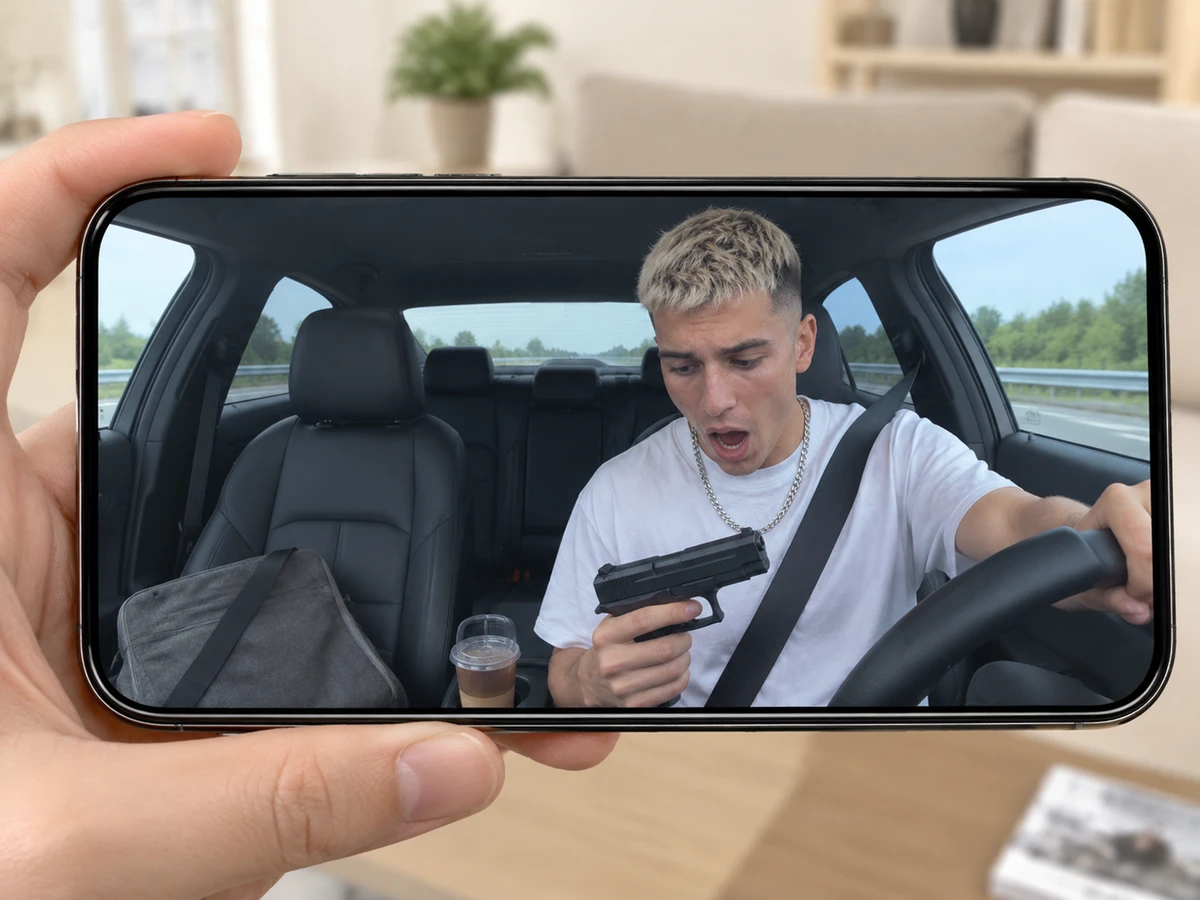
The CapCut template "ai" and Seadanse's AI car shootout video both put a new driver into the viral dashcam scene, but they don't work the same way.
| The CapCut template "ai" | Seadanse's AI Car Shootout Video | What it means for you | |
|---|---|---|---|
| Where you make it | In the CapCut app, opened from a TikTok post's tag | In your web browser, on one page | Nothing to install or hunt for |
| What you add | One photo | One photo | Same single photo |
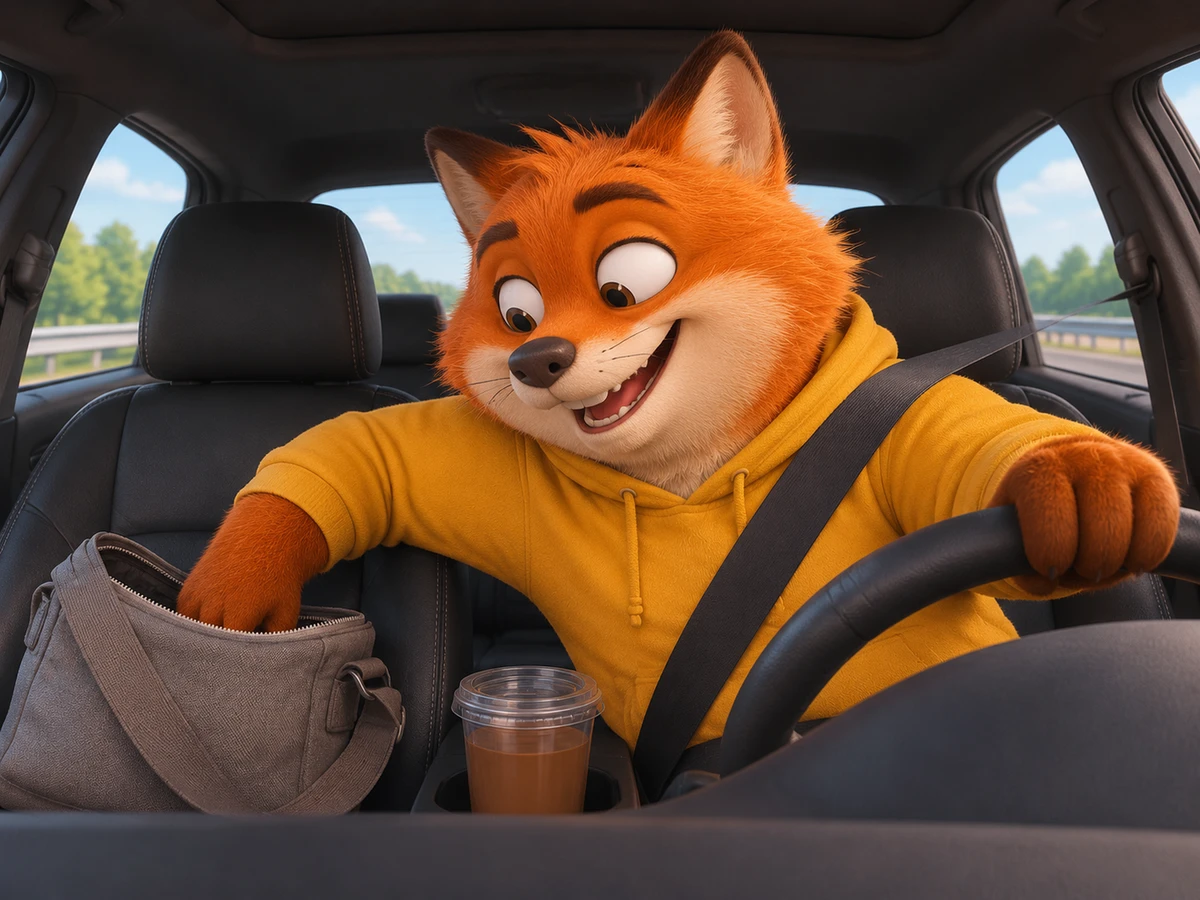
| Who can drive | People and cartoon characters, in the posts we read | A person, a dog or cat, a cartoon or game character | Your dog can take the wheel |
| Outfit | From your photo | From your photo | You keep your own clothes |
| Marks on the picture | Its sample carries an "Ai" mark and a CapCut mark | No watermark on exported video | Ready to post as it is |
| Length and frame | 10 seconds, 16:9 | 10 seconds, 16:9 | The trend's beats, start to finish |
| Quality | Set by the template | 480p, 720p or 1080p, your pick | You choose before you pay |
| The wait | Comments talk about hours | "Ready in a few minutes", on the page | You post it tonight |
The template column is what the template pages and the comments under its how-to posts showed when we read them on November 15, 2026.
AI Car Shootout CapCut Template FAQ
The AI car shootout CapCut template raises common questions about which project to pick and how it runs.
What is the AI car shootout CapCut template called?
The AI car shootout CapCut template is titled "ai". A second template titled "ai video" was published on November 7, 2026. Neither template's title includes the words "car" or "shootout".
How many photos does the AI car shootout template take?
The AI car shootout CapCut template takes one photo. Seadanse's AI Car Shootout Video generator also uses one photo to place the driver in the dashcam view. You don't need multiple angles or extra uploads.
Can my dog or a cartoon character drive in the AI car shootout video?
On Seadanse's AI Car Shootout Video page, your dog, a cat, or a cartoon character can take the wheel. You can put yourself, a friend 18 or older with their say, or a pet in the driver's seat at the same price.
Can I make the AI car shootout video without an app?
You can make the AI car shootout video without an app, and it's right in your web browser on Seadanse. The page runs on your phone, tablet, or computer without installing CapCut or TikTok. You upload your photo, pick your quality, and download the 10-second MP4.
One Photo, No Template
The AI car shootout meme doesn't require hunting down obscure CapCut tags or waiting hours on your phone. Adding one photo in your browser turns an ordinary drive into an action movie, complete with the shattered window and the shocked stare.
If you'd like a walkthrough of each setting, check our three-step AI car shootout video guide. To see where the trend came from, read what the AI car shootout trend is.
You can also create other meme clips on Seadanse. Fish Cutting Meme AI puts you, your grandpa or your pet behind the kitchen counter chopping a giant fish in a 10-second 16:9 video. Homelander Milk AI is the meme where milk gets poured straight onto the counter while the caped hero stares.
When you're ready to put yourself behind the wheel, jump in and make it from one photo.
Written by The Seadanse Team. We read the template pages on November 15, 2026.
Related Articles
- What Is the AI Car Shootout Trend? The Dashcam Meme, Real vs AI — where the dashcam clip came from, which versions are real and which are AI, and what happens in the 10 seconds.
- How to Make an AI Car Shootout Video From One Photo (3 Steps) — add one photo, pick 480p, 720p or 1080p, press Create.


