
How to Make an AI Car Shootout Video From One Photo (3 Steps)
How to make an AI car shootout video: add one photo and follow three steps on Seadanse for a 10-second 16:9 video with sound, starting at $9.90 in 720p.
 The Seadanse Team10 min read
The team behind Seadanse. We run the models we write about, and we publish the specs, prices and limits the marketing leaves out.

TL;DR — To make an AI car shootout video, you add 1 photo on Seadanse's AI Car Shootout Video page, pick 480p, 720p or 1080p, and press Create, and that's all 3 steps. You get a 10-second 16:9 video for TikTok and Reels of you at the wheel reaching into the grey bag, firing out of the passenger window as the glass shatters, and ending in the shocked stare, with the clip's own sound. A single payment of $9.90 makes one 720p video, paid once, with no account.
Everyone's posting the AI car shootout video with their own face or a cartoon character at the wheel. When people ask how to make one, the comments section usually just says "capcut" or "prompt please..".
Someone drops "alguém faz pra mim?" [can someone make it for me?], only to hear "capcut" back.
You don't need to hunt for a template, install an app on your phone, or write a prompt. You don't need a picture of a car, a motion clip, or an audio editor. You just need one photo to put yourself right into the driver's seat.
Here's one photo and the finished video it made.
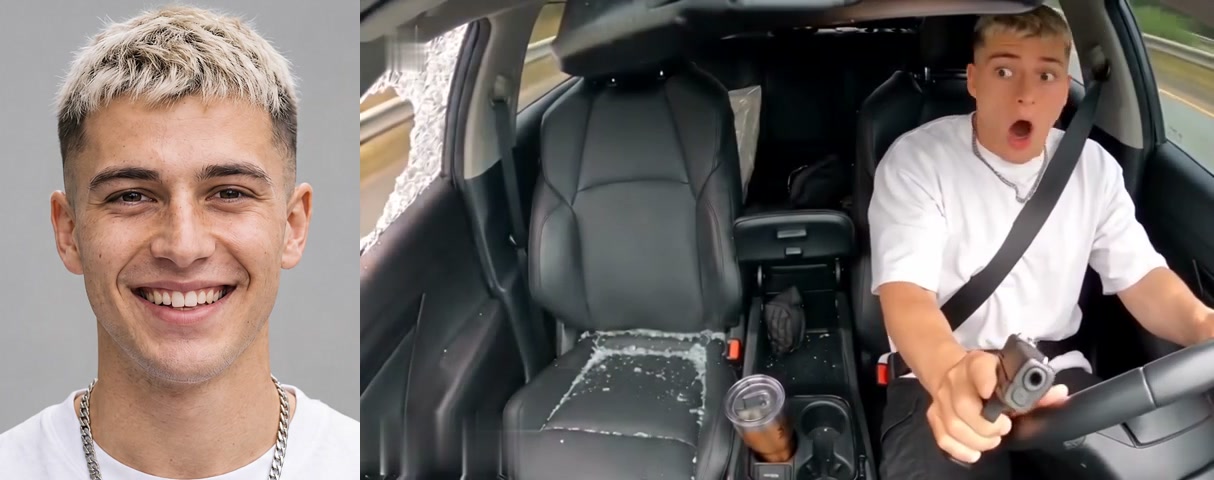
What You Need to Make an AI Car Shootout Video
To make an AI car shootout video, you only need one photo and a web browser. We built the in-car dashcam scene and its beats into the page, so you don't need extra tools.
- One photo: You can use a photo of yourself, a friend with their say, a pet, or a character, as long as the face is clear and in good light.
- A browser: You can open the page on a phone, tablet, or computer without an app, a CapCut template, or a prompt.
- Nothing else: The car, the black leather seats, the grey bag, the pistol, the road, and the sound are built into the page.
That's why the AI car shootout video generator keeps the entire process fast and simple for everyone.
Step 1: Add Your Photo to the AI Car Shootout Video Page
You add your photo by dropping an image file into the box labelled "Your photo". That photo sets the driver at the wheel.
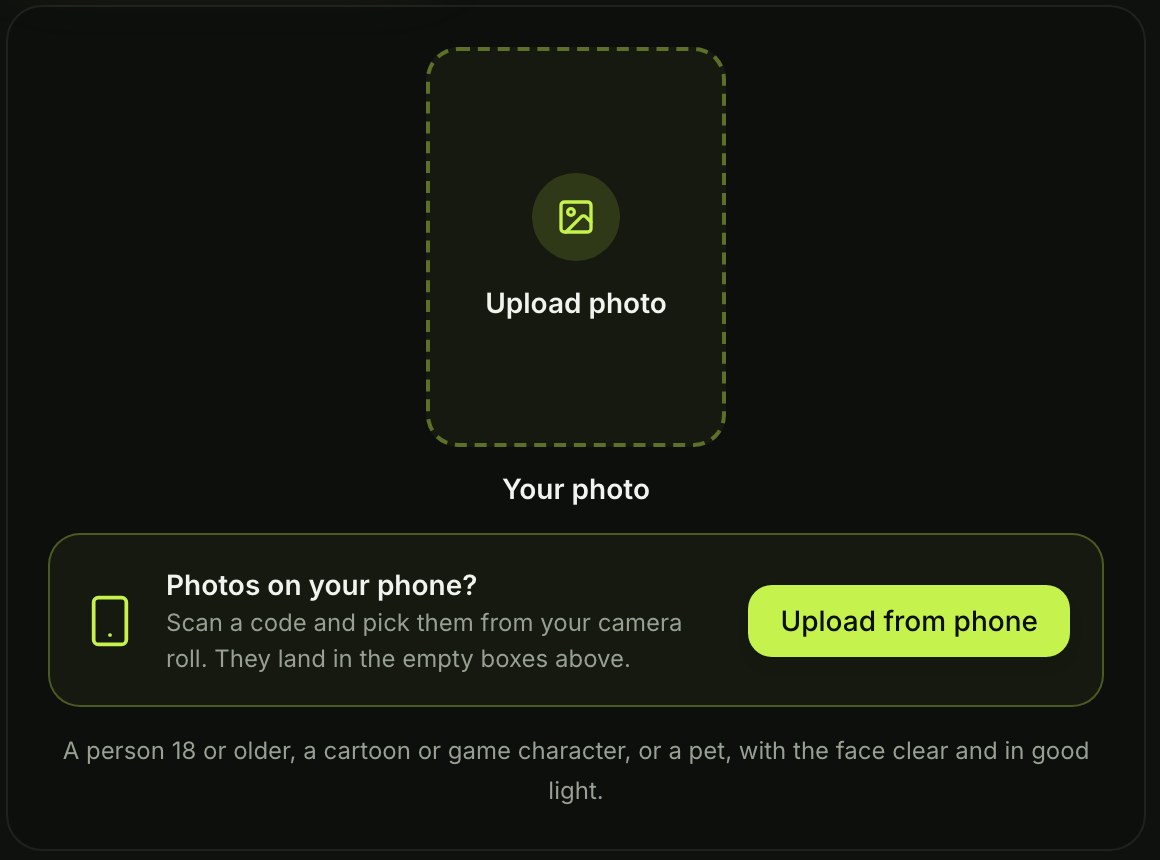
The driver keeps the face, hair, skin tone, and clothes from your uploaded photo.
If you're on a computer, you can also scan a code on the screen with your phone. That lets you pick the photo directly from your phone's camera roll without emailing files to yourself.
Step 2: Pick 480p, 720p or 1080p
You pick your output quality from the three resolution choices: 480p, 720p, or 1080p.

The 480p option is already picked when the page opens. You can leave it on 480p, or you can tap 720p or 1080p. The price shows on the Create button before you pay anything, so you always see what you're buying.
Step 3: Press Create and Get Your AI Car Shootout Video
You press Create after you make sure to leave the box under the photo ticked. The box is already ticked when the page opens, so you just keep the box ticked and tap Create.
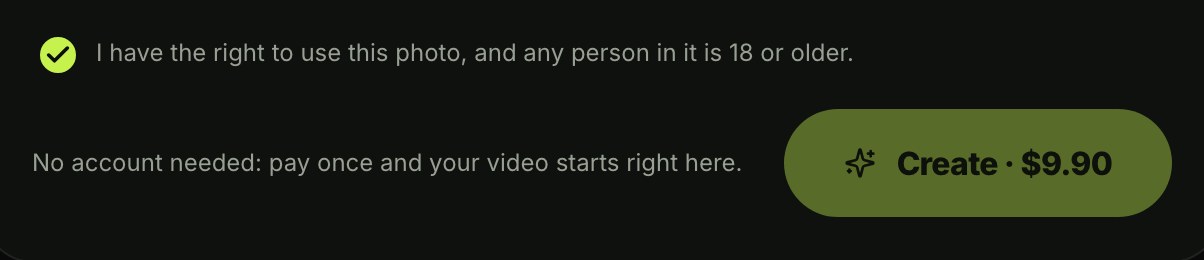
When signed out, the Create button reads "Create · $9.90" at 480p and at 720p. You pay once at checkout with no account and no subscription. Check Seadanse pricing for standard rates, and read how pay-once credits work to see how credit packs run.
The $9.90 pack gives you 500 credits (credits are the site's own currency you buy in packs). One 720p video takes 500 credits, while a 480p video takes 375 credits from that same pack. Pack credits stay valid for 12 months.
Your video starts right on the page, and the page says it's "ready in a few minutes". You download the 10-second 16:9 MP4 with the sound, with no watermark on the exported video.
The email from checkout brings a link that signs you in, so you can open your video again on another device. If a video fails, its credits come back automatically.
What Your AI Car Shootout Video Looks Like
Your AI car shootout video runs for 10 seconds, filmed by one fixed camera on the dashboard. It copies the action-movie rhythm people recognize across social feeds.
The page names four moments under its sample: "Into the grey bag", "Shot out the window", "Swinging round", and "Shocked stare". Here's how your full video plays out:
- 0-0.5 seconds: You sit at the wheel with your hands on it and glance at the passenger seat.
- 0.5 seconds: You reach into the grey bag on the passenger seat.
- 1.2 seconds: You pull the pistol out.
- 4 seconds: You fire out of the passenger window, and the glass shatters.
- About 5 seconds: You swing round toward the camera.
- 6.2 seconds: The second shot.
- 7.5-10 seconds: You hold the pistol in your lap with both hands and stare at it in shock to the end.
The clip's own sound plays under your video from the first second.
Which Photo Works Best for the AI Car Shootout Video?
The best photo for an AI car shootout video shows a single person facing forward in good lighting. You don't need professional headshots, but clean pictures make the driver look sharp.
- The face: Clear lighting and nothing covering the face give you the cleanest look on the driver.
- One per photo: Pick a photo with only one person, pet, or character so the page knows who sits at the wheel.
- The clothes: The driver wears what's in your photo, so pick an outfit you want to see in the driver's seat.
Put Your Friend, Your Dog or a Cartoon at the Wheel
The AI car shootout video works with a friend, a pet, or a character in the driver's seat.
The caption idea the trend runs on is simple: when someone messes with you on the road, an ordinary drive turns into an action movie. That joke gets even funnier when an unexpected face takes the wheel.
- A friend: Any friend 18 or older can be the driver, as long as you use their photo with their say.
- A dog or cat: A clear picture of your pet puts them at the wheel at the same price.
- A cartoon or game character: An image of an illustrated character puts them in the driver's seat at the same price.
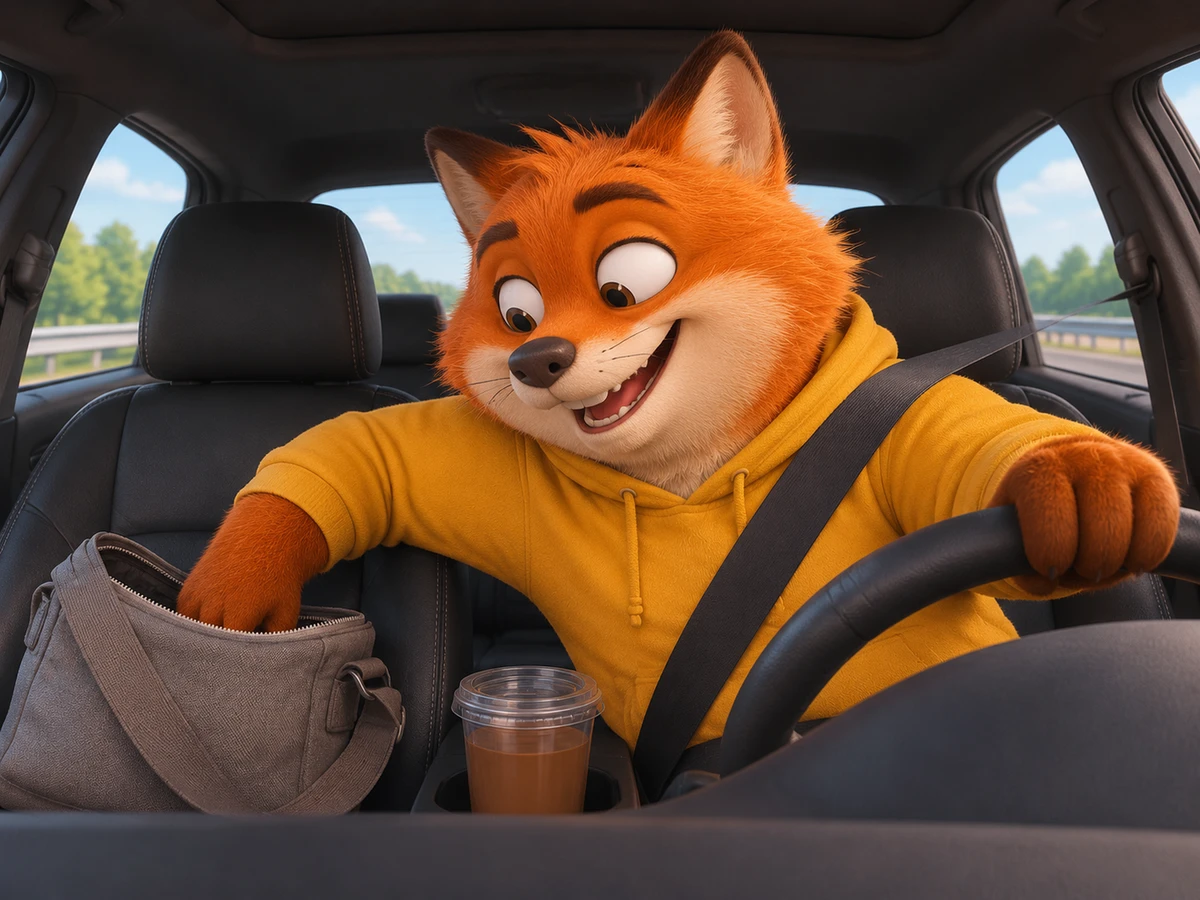
You can easily make the car shootout video with your dog or favorite cartoon character whenever you want a funny post.
Do You Need the CapCut Template for the AI Car Shootout Trend?
No. Most car shootout clips in your feed come from one CapCut template (a CapCut template is an edit someone already built in the CapCut app, with a slot you fill with your own photo). That template, titled "ai", was published on October 31, 2026.
The template passed 1,055,926 uses by November 15, 2026, alongside 2,671,898 plays and 37,659 likes. A second template titled "ai video" arrived on November 7, 2026, reaching 10,986 uses by November 15.
Neither template title includes words like "car" or "shootout", so searching inside CapCut doesn't bring them up easily. People usually have to hunt down a TikTok post, tap "CapCut · Try this template", and open the app. Then they often run into long queues.
One user commented "14hrs just for this?", while another noted the wait took five hours. You can read our guide to the AI car shootout CapCut template to see how those mobile templates work.
On Seadanse, you add one photo directly in your browser, skip the phone apps, and get the built-in sound automatically.
AI Car Shootout Video FAQ
How many photos do I need for an AI car shootout video?
You only need one photo. That single photo sets the face, hair, and clothes of the driver at the wheel.
How long is the AI car shootout video?
The AI car shootout video runs for 10 seconds in a 16:9 frame for TikTok and Reels (16:9 is the wide frame of a YouTube video). You can make your video in 480p, 720p, or 1080p.
How much does one AI car shootout video cost?
One 720p video costs $9.90 through a one-time pack of 500 credits. A 480p video takes 375 credits from that same pack. A 1080p video takes 1,480 credits, covered by the $39.90 pack of 2,500 credits.
What is the AI car shootout trend?
The AI car shootout trend is the AI version of a viral in-car dashcam clip (a dashcam is a camera fixed on a car's dashboard). Nobody from the real clip appears in your Seadanse video: only the driver from your photo.
By October 11, 2026, AI versions with new drivers spread across TikTok and X, where one post passed 16,000 likes and had "is this real?😭" as its top reply.
Every version keeps the same in-car view from the dashboard and the same beats at the same seconds. Viewers often react with comments like "dang I was fooled for like 2 days" or "It's a real video but replaced with ai characters".
Every AI version puts a new driver at the wheel while the dashcam scene plays out. For more on the meme, read our article on what the AI car shootout trend is.
You can also explore Car Doritos AI, which puts you in the driver's seat sneaking a chip from the bag on the passenger's lap. Or try Homelander Milk AI, where milk gets poured straight onto the counter while the caped hero stares.
Your AI Car Shootout Video in Three Presses
Creating an AI car shootout video doesn't need extra software, custom prompts, or long template queues. You simply upload a clear photo, pick your resolution, and let the dashboard scene do the rest.
Add your photo, pick 480p, 720p or 1080p, leave the box ticked and press Create to make your AI car shootout video in your browser today.
Written by The Seadanse Team. We read the page on November 15, 2026.
Related Articles
- What Is the AI Car Shootout Trend? The Dashcam Meme, Real vs AI — where the dashcam clip came from, which versions are real and which are AI, and what happens in the 10 seconds.
- AI Car Shootout CapCut Template: Which One, How to Open It, Why It Takes Hours — the two templates behind the trend, how they open, why the wait runs to hours, and a way with no app.


