
Best Dime Dime Baby AI Generators (2026): 10 Tools Compared
The best Dime Dime Baby AI generators: 10 tools compared on the real clip, sound and price, read on October 21, 2026. Find the right one for your video.
 The Seadanse Team18 min read
The team behind Seadanse. We run the models we write about, and we publish the specs, prices and limits the marketing leaves out.

TL;DR — We compared 10 Dime Dime Baby AI generators on October 21, 2026, and Seadanse's Dime Dime Baby AI for TikTok and Reels is the pick for the real party clip with the trend's "dime, dime, baby" sound, from 1 photo. Two other pages say they put you in the original quince scene, the rest make a new party or a different dance, and five of the nine other tools say their video comes without the trend's sound. It's $9.90 for one 720p video, paid once, with no sign-up.
We opened every tool's own page on October 21, 2026, and read what it makes, its frame, its sound and its price. If you'd like to make a video starring yourself, your friend or your tío to drop in the group chat, this list shows what you'll get before you pay.
The 10 Dime Dime Baby AI Generators at a Glance
The 10 Dime Dime Baby AI generators differ on the party background, the music in the file and the way you pay.
| Tool | What you get | Frame | Sound in the file | Price (as the page states it) | Best for |
|---|---|---|---|---|---|
| Seadanse Dime Dime Baby AI | Your photo in the real 2025 party clip | 9:16 | The trend's "dime, dime, baby" sound | $9.90 for one 720p video | The real clip from one photo |
| dimedimebaby.app | You in the same quince scene | 9:16 | Party sound, no song | $9.90 for one video | Two framings |
| Noiz | You as the lead dancer of its own party clip | 16:9 | The clip's own party music | Free plan, or from US$6 a month | A wide party clip |
| dimedimebabygenerator.com | You, a friend or a pet in the quince clip | 9:16 | An AI-made beat | $9.99 for one video | A pet version |
| dimedimebabydance.com | A new Bby Wow Guy video or a duo | 9:16 | None (it names the sound to add) | Packs from $4.99 | A free 4-second preview |
| bbywowai.com | 8 templates of a finger-bite party clip | 9:16, 1:1 or 16:9 | The trend's sound | $6.99 for one video | Template choice |
| dimedimebaby.xyz | 3 dance templates | 9:16 | The BbY WOW sound | $4.99 for one dance | Short dances |
| CapCut template | A new party in a new hall | Vertical | Not listed | No price on the page | CapCut users |
| Dreamina BbY WOW page | Prompts for a new dance | 16:9 in its prompts | You add music after | From $1.50 a month (its banner) | Writing a prompt |
| media.io | The KAROL G routine | Not listed | Not listed | Subscription | A different dance |
Prices and specs are as each tool's own page showed them on October 21, 2026; each tool's length is in its own entry below.
What Should You Look for in a Dime Dime Baby AI Generator?
A good Dime Dime Baby AI generator puts your photo into the real party clip and keeps its sound. When you're picking a tool, check these five points on its page:
- The real clip: You'll want a tool that keeps the original party background, the other guests and the real camera move.
- The sound: It's worth checking whether the finished video file already includes the trend's "dime, dime, baby" audio.
- One photo: Pick a tool that needs only a single clear picture rather than multiple uploads or complex prompts.
- The price before you pay: Check whether the page shows the full price before you've pressed the button.
- No sign-up: Look for a page that lets you make your video directly in your browser, so you don't have to create a new password.
1. Seadanse Dime Dime Baby AI: Best for the Real Dime Dime Baby Clip From One Photo
Seadanse Dime Dime Baby AI creates the viral party video for TikTok and Reels with your photo in the dancer's place, keeping the original party, with the trend's sound. You'll take the dancer's place in the original 2025 party clip that started the trend on TikTok.
- What you add: You'll upload 1 photo of yourself, an adult friend or family member (18 or older), or a cartoon, game or AI-made character.
- What you get: You'll get 1 video where you walk up holding a concha (a Mexican sweet bread roll with a sugar shell). Then you bite it, stare into the lens and dance away.
- The dancer: Only the dancer changes, while your face, hair and whole outfit come from your photo. You're the same person on every move from the first frame to the last.
- What stays: Everything else stays, including the white curtains, flower centrepieces, gold chairs, pink, purple and green lights, and the guests in their party clothes. Every dance step, the concha bite, and the camera backing away before following you into the crowd stay too.
- The sound: The trend's "dime, dime, baby" audio plays under your video from the first second. The bite and the stare land on the same beat as in the trend.
- The video: The finished file is a 9-second, vertical 9:16 MP4 in 480p, 720p or 1080p, with no watermark on exported video. It's the whole moment, from the walk-in to the dance away.
- How you pay: One 720p video costs $9.90 through the $9.90 pack of 500 credits, and that same pack covers a 480p video too. A 1080p video takes 1,480 credits from the $39.90 pack of 2,500 credits, and the rest of the pack stays in your balance.
- Before you pay: You'll see the price on the Create button before you've paid anything. Credit packs are a one-time payment with no subscription, and pack credits stay valid for 12 months.
- The credits: The same credits work on every one of Seadanse's AI video effects, not only this one.
- If a video fails: You'll get its credits back automatically.
- Your photos: Seadanse runs no facial recognition on your photos, collects no biometric data and never sells personal information. Your photos and videos stay in your account until you delete them.
You'll upload one photo, keep the consent box ticked to confirm everyone is 18 or older, pick 480p, 720p or 1080p, and press Create. That's all you do.
You pay once at checkout with no account, and your video's ready in a few minutes. The email brings a link to open your video on any device.
You can read our guide on how to make the dime dime baby AI video to see the exact steps on Seadanse's Dime Dime Baby AI.
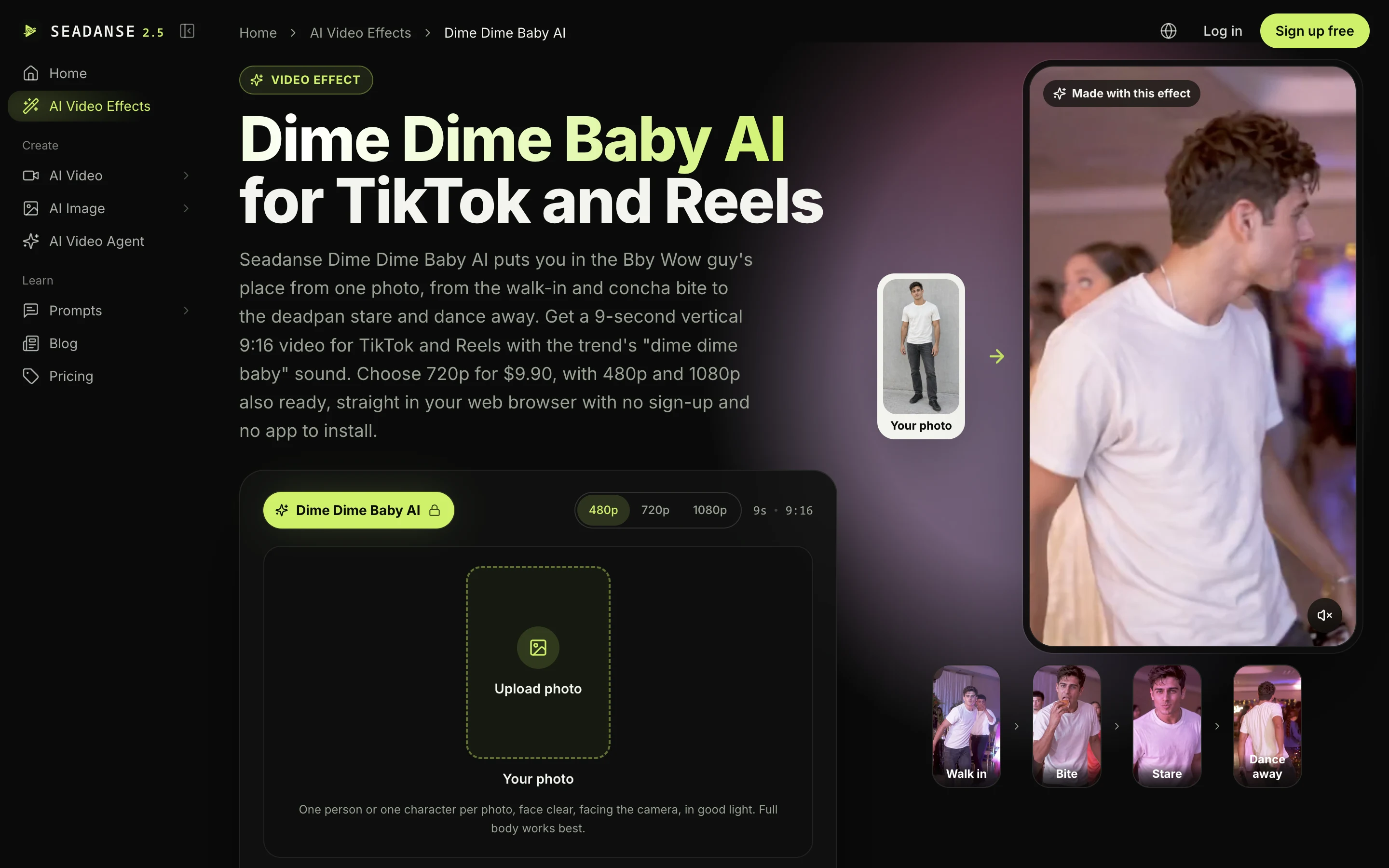
2. dimedimebaby.app: Best for Two Framings of the Dime Dime Baby Quince Scene
The dimedimebaby.app generator makes a new clip around your photo set in the familiar quince scene.
- Photo: You upload one photo of one adult ("One adult, alone, face clear, full length if you can").
- Video: The page creates a vertical 9:16 MP4 at 720p with "No watermark".
- Its standout: It offers two framings to pick from: "Whole floor" (head to shoes) and "Up close" (waist up).
- Length and sound: The page lists no video length, and its sound is "Party sound, no song", so you'll add the music when you post.
- Price: The page charges $9.90 for one video, 3 for $19.90, or 5 for $29.90, and credits never expire.
- Refund: If a finished video doesn't look like the person in the photo, you email them within 7 days and they refund that video.
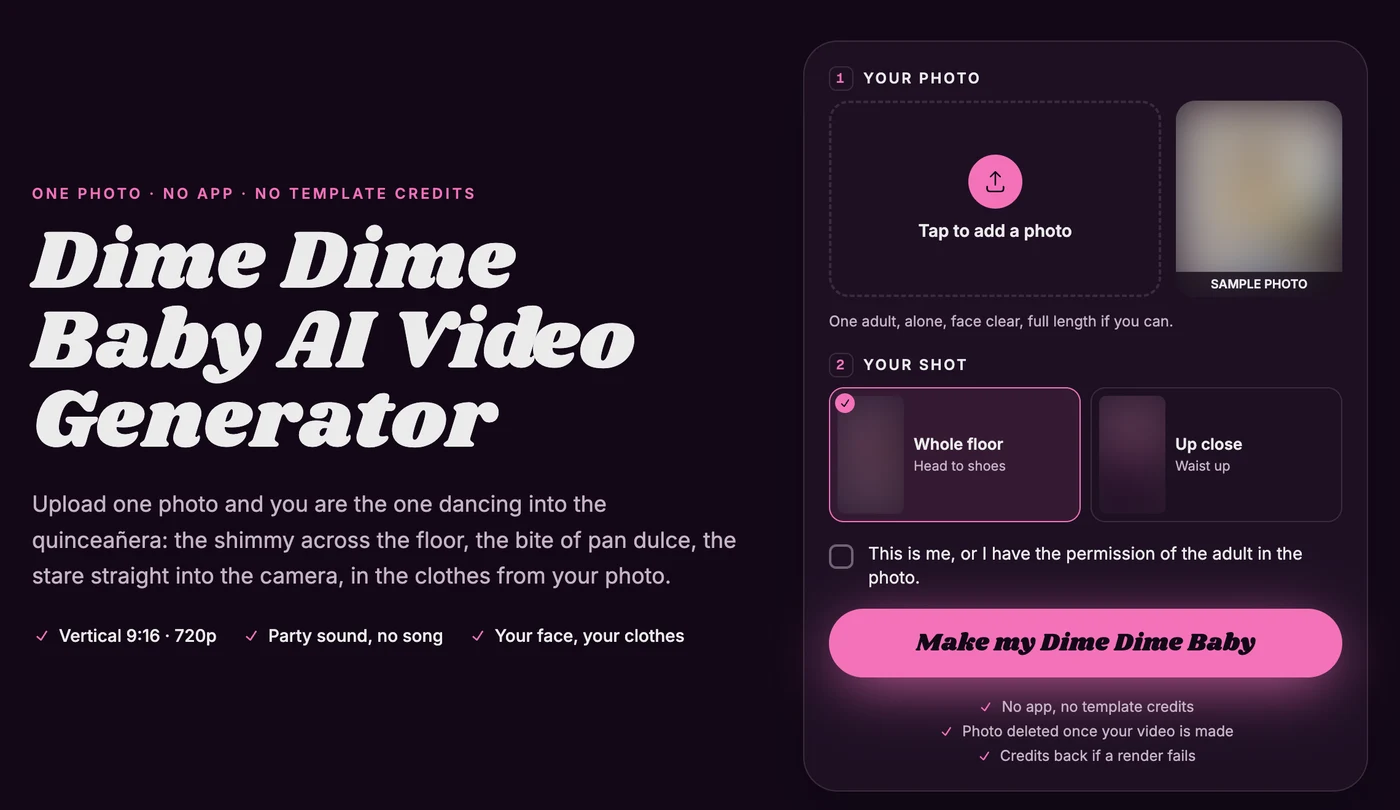
3. Noiz: Best for a Wide 16:9 Dime Dime Baby Party Clip
The Noiz Dime Dime Baby generator offers a wide horizontal video template instead of a vertical phone frame.
- What you get: Its Noiz Studio template replaces the lead dancer in its own party dance clip with the person from your single photo.
- The clip: Its page states that the template "does not use the clip that started the trend or the people in it".
- Length and frame: The finished video runs about 9 seconds in a wide 16:9 frame at 720p.
- Sound: The audio track carries the clip's own party music, not BbY WOW.
- Price: Credits come from a Noiz plan: Free (US$0, 2,000 credits every day), Lite (US$6 a month), Pro (US$19 a month) or Ultra (US$50 a month).
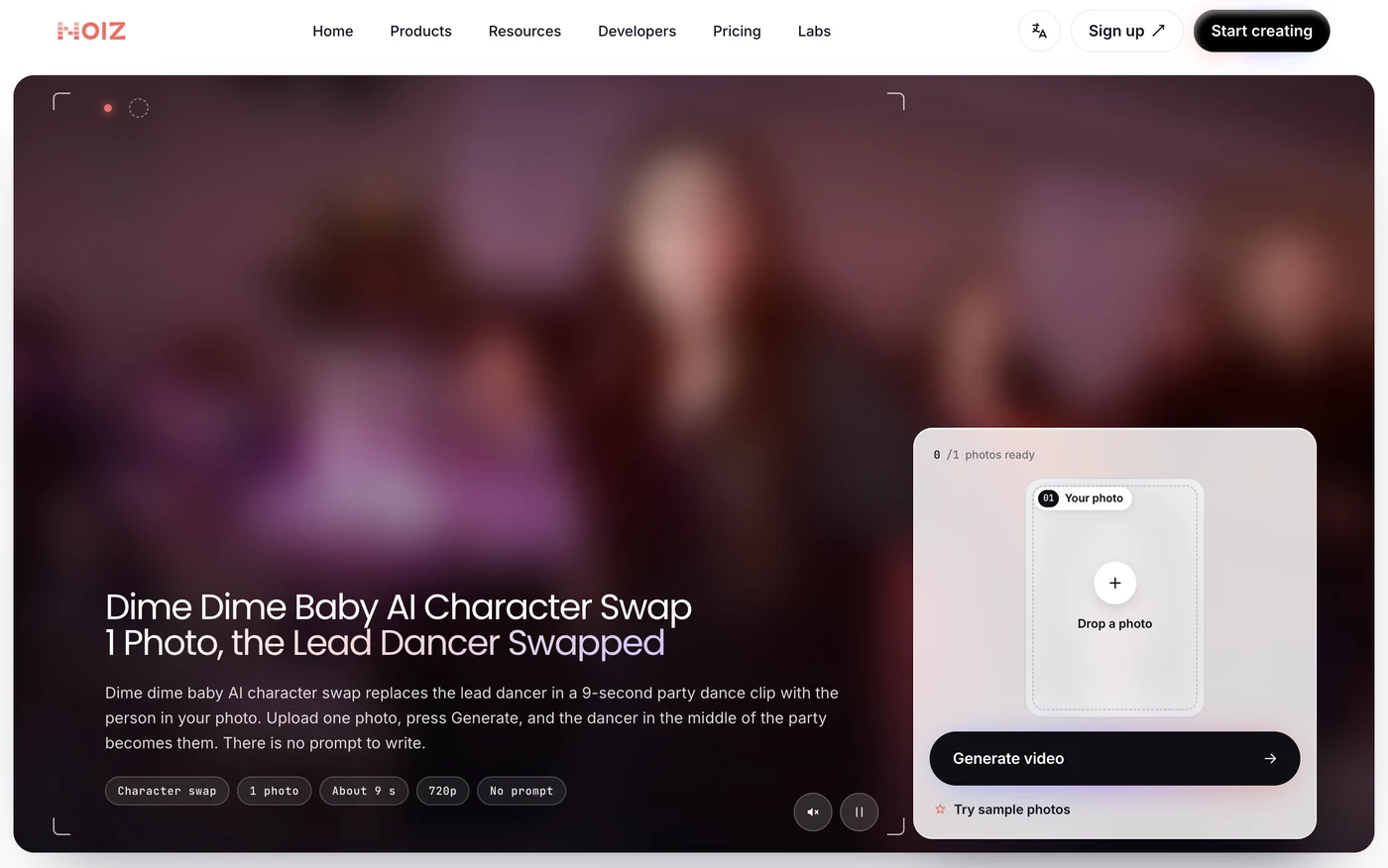
4. dimedimebabygenerator.com: Best for a Dime Dime Baby Video of Your Pet
The dimedimebabygenerator.com tool lets you put yourself, a friend or an animal into the viral quince scene.
- What you add: You upload one photo to create a Dime Dime Baby video of your pet or a friend in "the viral BBY WOW quinceañera dance video".
- The clip: Its summary says "the original quinceañera clip stays the same" and only the dancer is replaced.
- Length and frame: The output runs about 10 seconds in a vertical 9:16 MP4 format.
- Sound: The audio is "an AI-made beat, not the song", so you'll have to add the music in TikTok or Reels.
- Price: Prices are $9.99 for 1 video, $19.99 for 3 videos, with pack credits valid for 12 months.
- Refund: If the video doesn't look like the person in your photo, you email them and they refund it.
5. dimedimebabydance.com: Best for a Free 4-Second Dime Dime Baby Preview
The dimedimebabydance.com site lets you test your face in the video before you buy any credits.
- Its standout: It's a free 4-second preview at 480p with no card, limited to one per device.
- Two versions: Its "Bby Wow Guy" version takes one adult photo and runs 8 seconds. Its "Dime Dime duo" version takes two photos and runs 6 seconds.
- The video: Full videos come in 480p or 720p HD in vertical 9:16 with no watermark. Its page says every frame is newly made from your photos, with the same moves and timing as the viral clips.
- Sound: The exported video comes silent, and the page tells you to add "original sound - elmariobrox" from 0:01 in TikTok.
- Price: Credit packs cost $4.99, $9.99 and $19.99, packs start at $4.99, and credits never expire.
6. bbywowai.com: Best for Eight Dime Dime Baby Templates
The bbywowai.com tool gives you several character variations on the walk-in party trend.
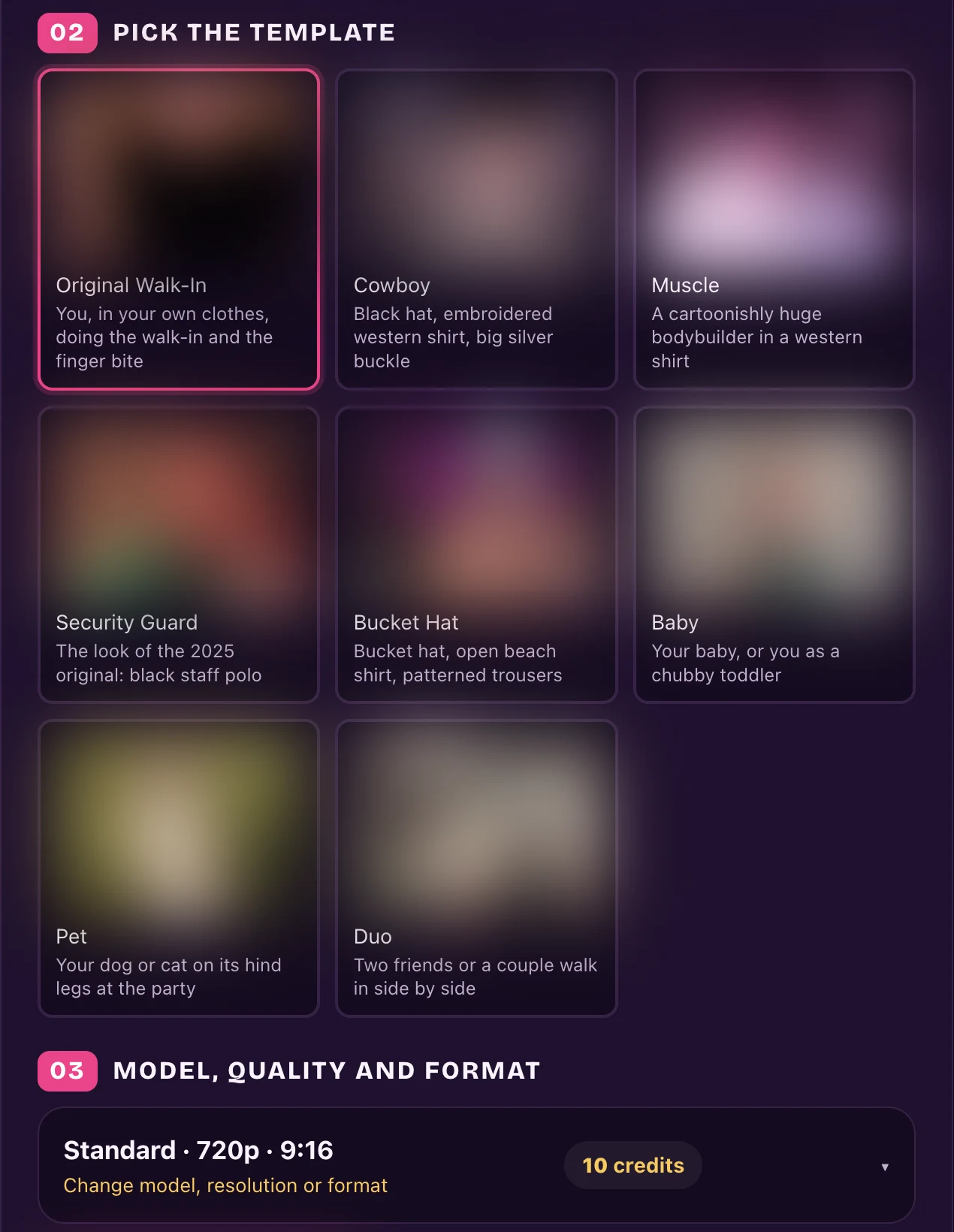
- Templates: The page features 8 templates: Original Walk-In, Cowboy, Muscle, Security Guard, Bucket Hat, Baby, Pet and Duo.
- The clip: In its 15-second clip, you walk out of a party crowd, bite your finger with a stare, spin away, and return to point at the lens.
- The video: Output formats include 9:16, 1:1 or 16:9 in 480p, 720p or 1080p, with the trend's original sound and no watermark.
- Sign-in: You'll have to sign in before your video is made.
- Price: A Single pack costs $6.99 for one standard video, monthly plans start at $29.90, and there's no free tier.
7. dimedimebaby.xyz: Best for Three Short Dime Dime Baby Dances
The dimedimebaby.xyz generator gives you three short dance variations with the song included.
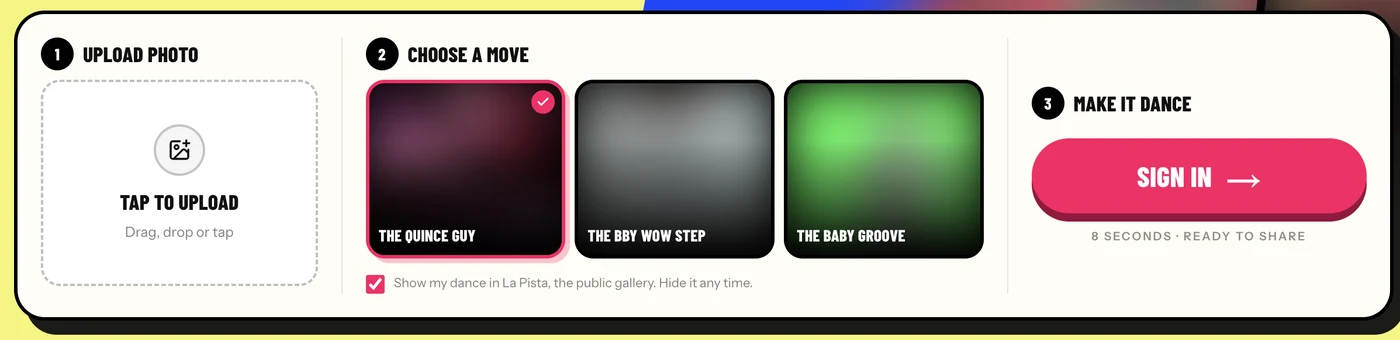
- Templates: You choose between 3 templates: The Quince Guy (walk in, groove, the concha bite and the stare), The Bby Wow Step (KAROL G's viral step) and The Baby Groove.
- The video: Each option creates an 8-second, vertical 9:16 MP4 at 720p with the BbY WOW sound.
- Sign-in: You'll see a "Sign in" button at its creation step.
- Price: One dance costs $4.99 (marked down from $6.99) and 3 dances cost $9.99, with no subscription, and dances never expire.
8. CapCut "dime dime baby" Template: Best if You Already Edit in CapCut
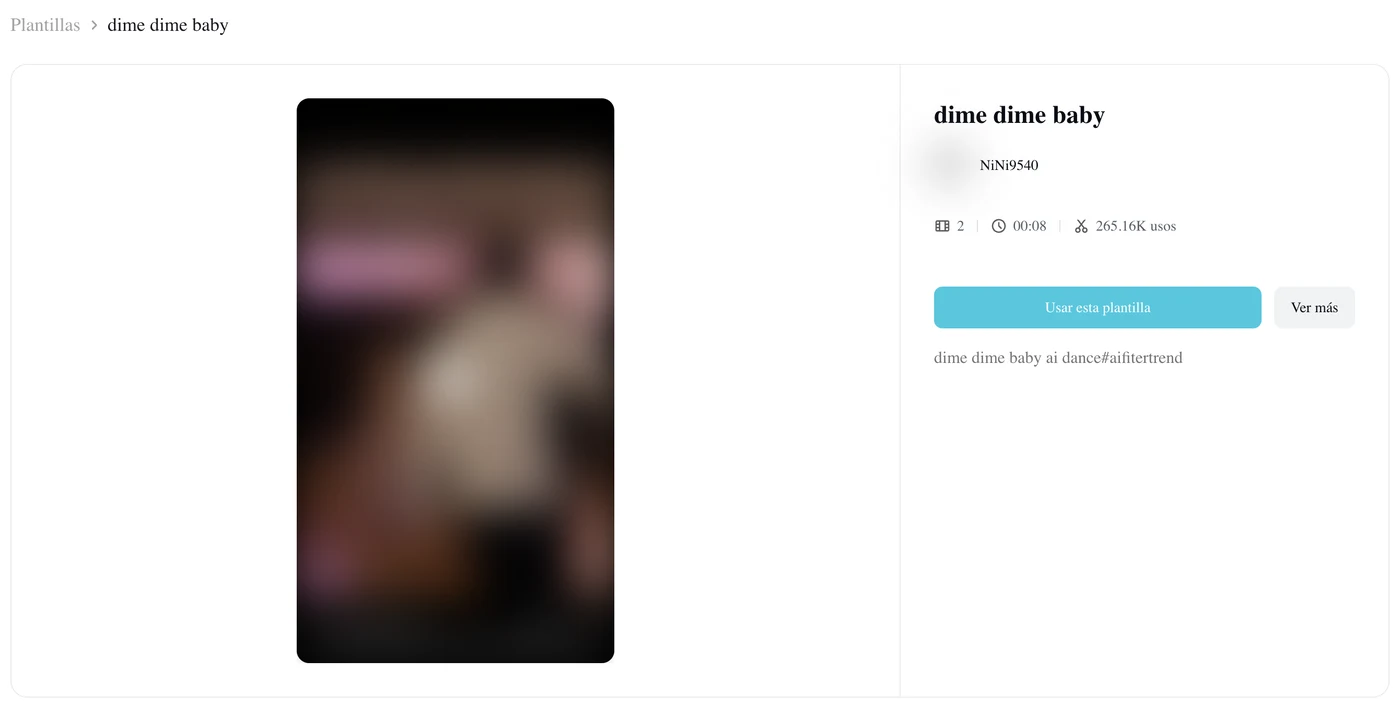
The CapCut "dime dime baby" template by NiNi9540 is the mobile template that's used in many social tutorials.
- Uses: The template reached 262,277 uses on October 21, 2026, three days after NiNi9540 posted it on October 18. It offers 2 slots across an 8-second vertical video.
- The preview: The preview shows a young man in a new purple-lit party hall rather than the original quinceañera party.
- Price: The page doesn't show a price upfront, but users report running into paywalls. Under the most-watched tutorial, a viewer wrote "es de paga" (Spanish for "you have to pay for it").
- Credits: Under another CapCut tutorial, one viewer wrote "necesitan 320 créditos para capcut sino no pasa nd" (Spanish for "you need 320 credits for CapCut or nothing happens").
If you've run into issues, check our breakdown on why the dime dime baby CapCut template fails.
9. Dreamina BbY WOW Dance Page: Best for Prompting a New Dance to the Dime Dime Baby Song
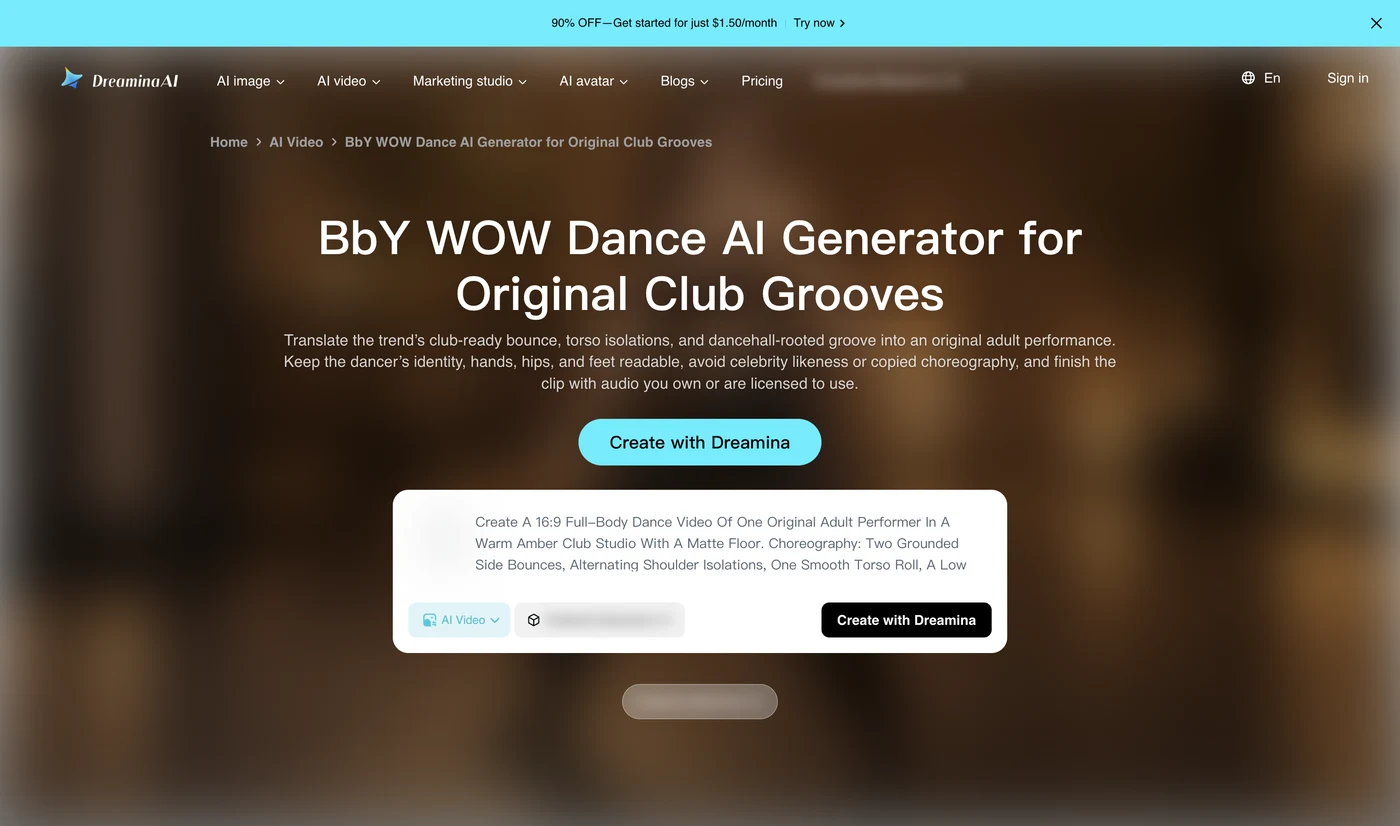
The Dreamina BbY WOW Dance page helps you write text prompts for dance scenes inspired by the track.
- The prompts: Dreamina is CapCut's web tool for media, offering copy-paste prompts for club studios, rooftop sunsets and studio wall loops.
- The video: These prompts make a completely new dance in a 16:9 frame rather than the concha party video.
- Sound: You'll have to add the music yourself after creating the clip.
- Price: The page banner offers "90% OFF—Get started for just $1.50/month".
If you'd prefer custom text prompts, you can read our copy-ready dime dime baby AI prompt.
10. media.io BbY WOW Dance: Best for the KAROL G Routine, Not the Dime Dime Baby Clip
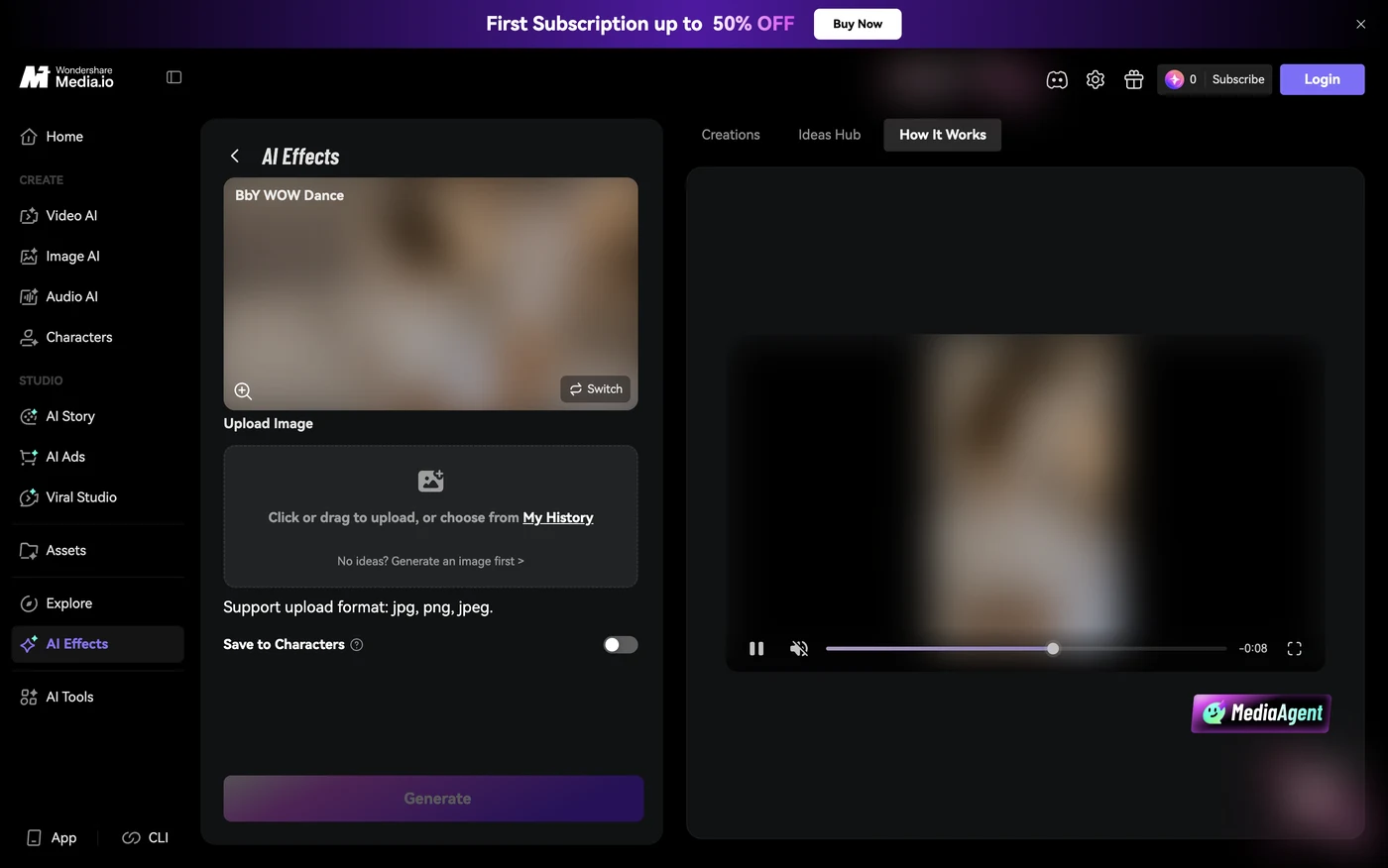
The media.io BbY WOW dance effect turns your selfie into an entirely separate dancehall dance routine.
- What you get: The site promises to turn a selfie into the KAROL G routine, rather than the party clip with the concha.
- The preset: The preset needs no prompt, and you'll download the final video with no watermark.
- Specs: The page doesn't list the video length, frame or sound.
- Price: New sign-ups get introductory credits, while ongoing access needs a subscription ("First Subscription up to 50% OFF").
- Storage: It keeps your files for only 7 days without a paid membership.
You can read why the BbY WOW dance is a different trend to understand the differences between the two memes.
How We Picked These Dime Dime Baby AI Generators
We picked these Dime Dime Baby AI generators from three places:
- Google: We started from its first page for "dime dime baby ai".
- TikTok: We added the CapCut template the TikTok tutorials use.
- New sites: We checked the sites registered for the trend between October 19 and 21, 2026.
We reviewed over 20 registered domain names and kept the list to ten, filtering out duplicate mirrors and pages that didn't accept payments. We added Dreamina and media.io because they show up on Google's first page for the trend's alternate name, "bby wow ai".
We collected every detail directly from each tool's live pages on October 21, 2026. The list orders Seadanse first, followed by pages using the quince scene, tools creating new clips, CapCut, and the dancehall dance generators. You can explore where the dime dime baby trend came from to see how the meme originally spread.
Which Dime Dime Baby AI Generator Should You Pick?
Your choice of a Dime Dime Baby AI generator depends on what you want in your final video:
- The real party clip with sound: Pick Seadanse's Dime Dime Baby AI if you'd like the original quinceañera scene and the "dime, dime, baby" music from one photo.
- A test preview first: Choose dimedimebabydance.com if you'd rather see a free 4-second preview of your face in the video before buying credits.
- An animal in the dance: Use dimedimebabygenerator.com if you're hoping to put your pet into the party dancer's spot.
- The CapCut app: Go with the CapCut template if you're already editing inside the CapCut app and you've got the credits viewers say it asks for.
Dime Dime Baby AI Generator FAQ
Which Dime Dime Baby AI generator uses the real clip?
Seadanse builds the real 2025 party clip directly into the page, keeping the real hall, the guests and the original camerawork.
Among the other options, dimedimebabygenerator.com states that its original quince clip stays the same. And dimedimebaby.app explains that its video is created new around your photo. In contrast, Noiz states plainly that its party template doesn't use the original viral video or its people.
Which Dime Dime Baby AI generator keeps the sound?
Seadanse plays the trend's "dime, dime, baby" audio from the very first second of the downloaded MP4 file. The bbywowai.com and dimedimebaby.xyz tools also state that their exports include the trend's sound.
Five other sites deliver files without the trend's sound:
- dimedimebabydance.com: It's silent.
- dimedimebaby.app: It has party background sounds only.
- Noiz: It uses its own party track.
- dimedimebabygenerator.com: It uses an AI-made beat.
- Dreamina: It needs you to add music later.
How much does a Dime Dime Baby AI video cost?
Prices across the market range from a free 4-second preview on dimedimebabydance.com to $9.99 for a single video on dimedimebabygenerator.com. Some tools sell monthly subscriptions, such as Noiz starting at US$6 a month and bbywowai.com starting at $29.90 a month. One 720p video on Seadanse costs $9.90 as a one-time credit pack payment without a subscription, as detailed on our Seadanse pricing page.
Do I need to sign up for a Dime Dime Baby AI generator?
On Seadanse, you don't need an account: you create your video directly in your web browser with no sign-up before checkout.
Several other tools need an account before you can create your clip. For example, bbywowai.com needs you to sign in before processing, dimedimebaby.xyz displays a sign-in button at its creation step, and Noiz, Dreamina and media.io sell plans. Noiz also has a free plan.
Try the Dime Dime Baby AI Generator With the Real Clip
Add one photo, pick 720p, and press Create on our dime dime baby AI generator. You'll get the real quinceañera party clip with the concha bite, the stare and the trend's audio, ready in a few minutes. Out of the 10 Dime Dime Baby AI generators we checked on October 21, 2026, it's the one that gives you the real clip with the sound from 1 photo.
Written by The Seadanse Team. We read every tool's page on October 21, 2026; prices change, so each tool's own page has the last word.
Related Articles
- How to Make the Dime Dime Baby AI Video From One Photo (3 Steps) — add a photo, pick a quality, press Create.
- What Is the Dime Dime Baby AI Trend? (Real vs AI, Explained) — the real 2025 clip, the AI versions, and how the trend spread in three days.
- What Is Bby Wow AI? Dime Dime Baby, the Bby Wow Guy and the KAROL G Dance — why the meme has two names, who the Bby Wow guy is, and why the BbY WOW dance is a different thing.
- Dime Dime Baby CapCut Template: Where It Is and Why It Fails — the template every tutorial links, and what people say happens when they use it.
- Dime Dime Baby AI Prompt (Copy-Ready) — and How to Skip the Prompt Entirely — the edit prompt, if you'd rather write it yourself.


