
Best Tiny Desk AI Video Generators (2026): 8 Ways Compared
Seadanse: the best Tiny Desk AI video generators. 8 sites, apps and templates compared on photos, the 'Outstanding' sound and price, and which to use.
 The Seadanse Team15 min read
The team behind Seadanse. We run the models we write about, and we publish the specs, prices and limits the marketing leaves out.

TL;DR — We compared 8 ways to make a Tiny Desk AI video on October 25, 2026, from one-photo generators to CapCut and the do-it-yourself route. Seadanse's Tiny Desk AI for TikTok and Reels is the pick for most people. It needs 1 photo, keeps the "Outstanding" sound, gives your friend the sax solo and costs $9.90 for one 720p video with no sign-up.
Pick Summrs if you'd like your group placed into the same clip as the real performance, or the DIY route if you'd like to build every shot yourself.
Viral desk concerts took over feeds after creators turned losing college football coaches into an R&B group. The trend recreates the energy of Charlie Wilson's NPR Tiny Desk concert, where singers groove at an office desk. If you've looked for a way to make one yourself, you've probably seen several tools that promise the exact same clip.
We checked every tool's live page on October 25, 2026, to compare how each one handles the viral trend. Some tools give you the complete clip with audio. Others export silent video or ask for five separate pictures.
Here's how each Tiny Desk AI video generator handles photos, audio tracks and prices. You'll see which options keep the song "Outstanding", which ones cut your work down to one picture, and what you'll pay.
The Best Tiny Desk AI Video Generators at a Glance
The best Tiny Desk AI video generators differ most on how many photos they need and whether the "Outstanding" sound is in the file.
| Tool | Photos you need | The "Outstanding" clip and sound | How you pay | Best for |
|---|---|---|---|---|
| Seadanse Tiny Desk AI | 1 | The clip's four shots, with the sound in the file | $9.90 for one 720p video, no account | One photo, a friend on the sax, the real sound |
| Summrs | 5, all required | Your group in the real footage, with the audio | Credits, sign-up | A full five-person band |
| outstandingtinydeskai.com | 1 | The clip's shots, with the trend's sound | Credit packs from $9.90 | Picking your own settings |
| Reeldo | 5 for the band, 1 for the solo version | A new clip from a motion template, with sound | Credits, sign-in | Reeldo account holders |
| aitinydesk.com | 1 | Its own desk concert and song | $9.99 a video | An original song |
| tinydeskaivideo.com | 1 | Its own desk scene, no sound | From $4.99 | A silent clip you score yourself |
| CapCut template "hh" | 1 slot | Cuts your one picture to the sound | Free in CapCut | Editing a clip you already have |
| The DIY route | Your clip and photos | Whatever you build | Your own tools | Building every shot yourself |
Every tool's facts come from its own page, read on October 24-25, 2026. Sources are linked in each entry below.
What to Look for in a Tiny Desk AI Video Generator
A good Tiny Desk AI video generator keeps the clip's shots and its "Outstanding" sound and starts from the photos you have.
- The real shots: the band at the red keyboard, the laughing close-up sung to the camera, the sax solo, then the band again.
- The sound in the file: the "Outstanding" sound under the video from the first second, so there's nothing to add before you post.
- One photo to start: you shouldn't need five photos to make one.
- A role for each friend: a fixed role per photo, so you know who plays the sax.
- Paying without an account: the price on the button before you pay, and paying once.
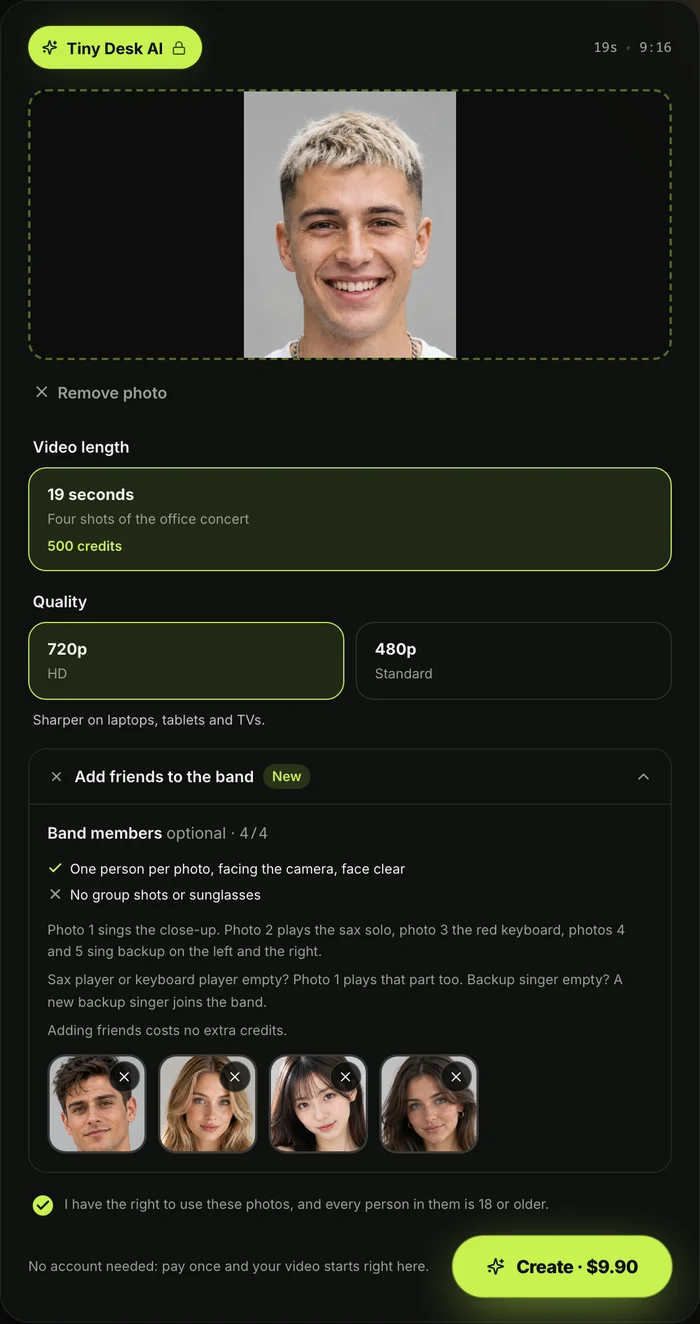
On our Tiny Desk AI generator, you add your photo, pick 720p, and press Create.
1. Seadanse Tiny Desk AI: Best for One Photo, the Sax Solo and the Real Sound
Seadanse Tiny Desk AI is best for making a video from one photo with the sax solo and the real sound. You don't have to hunt down pictures of five friends just to see yourself in the band.
You'll add 1 photo to start: you're the lead singer in the laughing close-up. With no other photos, you're also at the red keyboard and on the sax solo, so one photo puts you in every shot.
If you like, you can add up to 4 more pictures. Photo 2 is the sax player (alone in the sax solo), and photo 3 is the keyboard player (front and centre at the red keyboard in both band shots). Photos 4 and 5 are the backup singers behind on the left and the right, and the one on the right shakes a small tambourine.
A backup spot without a photo gets a new backup singer dressed to match the keyboard player, so the band's always full. Everyone keeps their own face, hair and clothes from their photo. Whether you upload one photo or five photos, the price doesn't change.
You'll get a 19-second vertical 9:16 MP4 in four shots, remade from the trend's clip. There's the band at the red keyboard, your laughing close-up sung to the camera, the sax solo, and then the band again.
The "Outstanding" sound plays from the first second, and exports carry no watermark in 480p or 720p. It's made directly for TikTok and Reels, with no prompt, clip, app or editing needed.
A person, a cartoon or game character, or a pet can play. A pet at the red keyboard sits up with its paws on the keys. Real photos come out photoreal.
One 19-second 720p video is $9.90 (500 credits from the $9.90 pack). A 480p draft takes 375 credits from the same pack.
You pay once with no subscription and no account. The price shows on the Create button before you pay. If a video fails, its credits come back automatically, and pack credits stay valid for 12 months.
To see every click on Seadanse's Tiny Desk AI, read our guide on how to make a Tiny Desk AI video.
2. Summrs: Best Tiny Desk AI Video Generator for a Full Five-Person Band
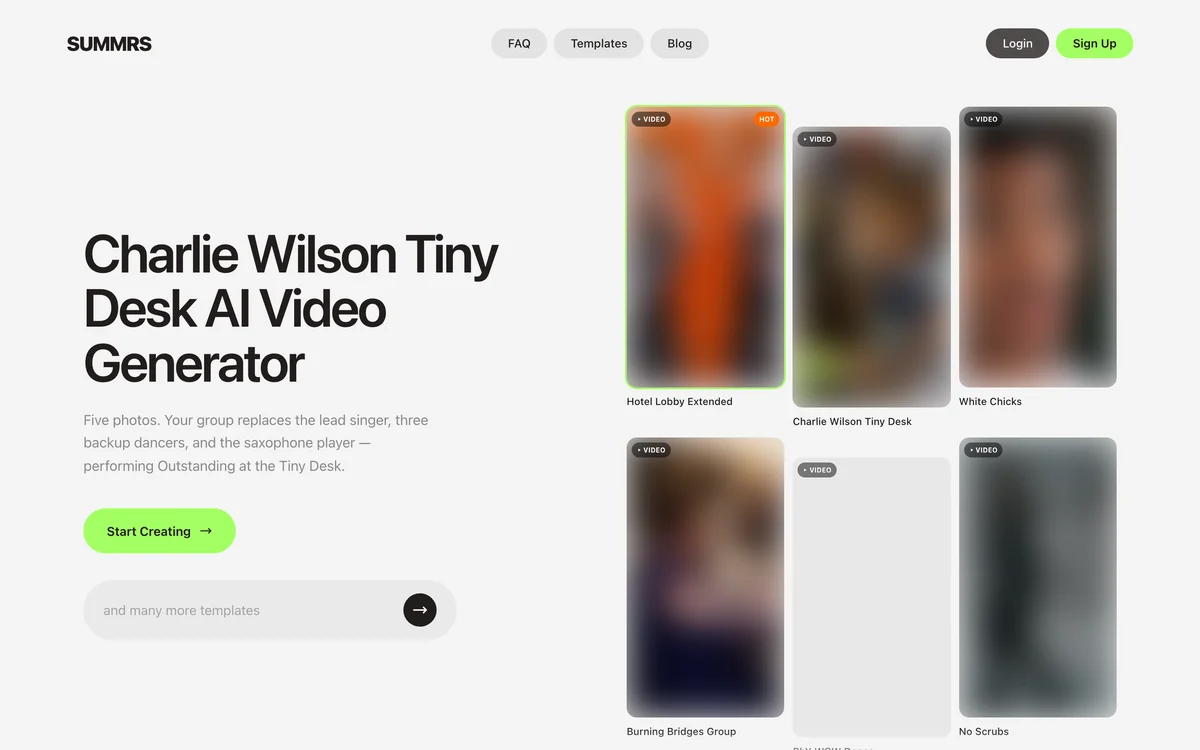
Summrs is the best Tiny Desk AI video generator for putting a full five-person band into the clip. If you've gathered photos of four friends or five coaches, it places everyone into the routine.
Summrs posted its Charlie Wilson Tiny Desk AI Video Generator template on October 23, 2026. The template needs exactly 5 photos to run: the lead singer, three backup dancers and the sax player. Its user guide tells you to "upload a photo for each coach".
The template puts your group into the same clip as the real performance, keeping the original choreography and audio intact. Each person keeps their own face, hair and outfit across the vertical 9:16 video.
The catch is that you've got to add all five pictures before you can make anything. You'll also have to register an account, though you can top up credits without a subscription.
Each video from the template costs 430 credits. New accounts get 50 credits when they sign up.
Paid plans start at $15 a month for 300 credits. Top-ups start at $5 for 50 credits.
3. outstandingtinydeskai.com: Best for Picking Your Own Settings
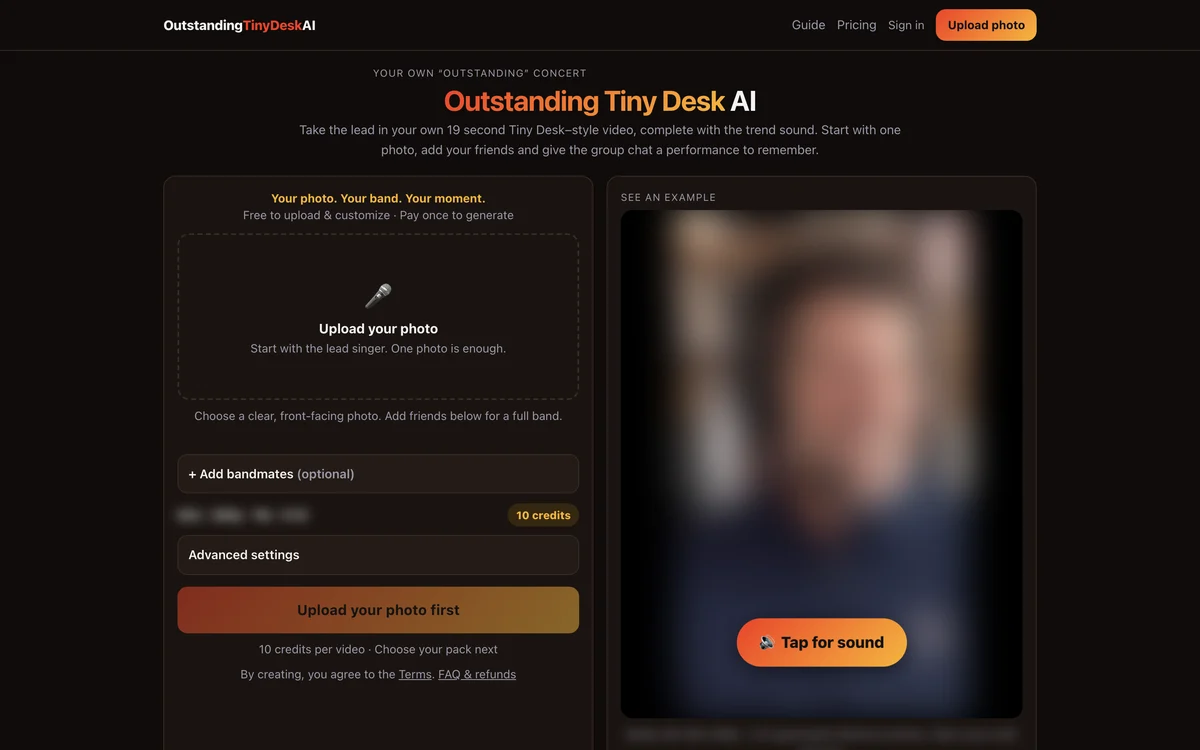
The generator at outstandingtinydeskai.com is best for picking your own settings for bandmates and outfits. It's got flexible boxes if you'd like custom styling across your desk concert.
The outstandingtinydeskai.com generator needs just 1 photo to start, for the lead role. You can also add optional bandmates in named roles, and AI musicians play any roles without an uploaded photo. A dedicated text box lets you set one outfit for the whole band.
The tool makes a vertical 9:16 clip that keeps the trend's original sound. You'll choose between 480p, 720p or 1080p resolutions, alongside a choice of model versions.
Pricing runs on credit packs that you'll buy before you make an account. Packs cost $9.90 for 10 credits, $29.90 for 40, $99 for 160, $199 for 360, and $499 for 1,000 credits.
Each video takes 10 to 120 credits. That final credit cost depends on the specific quality and model version you pick on the dashboard.
4. Reeldo: Best Tiny Desk AI Generator if You Already Have a Reeldo Account
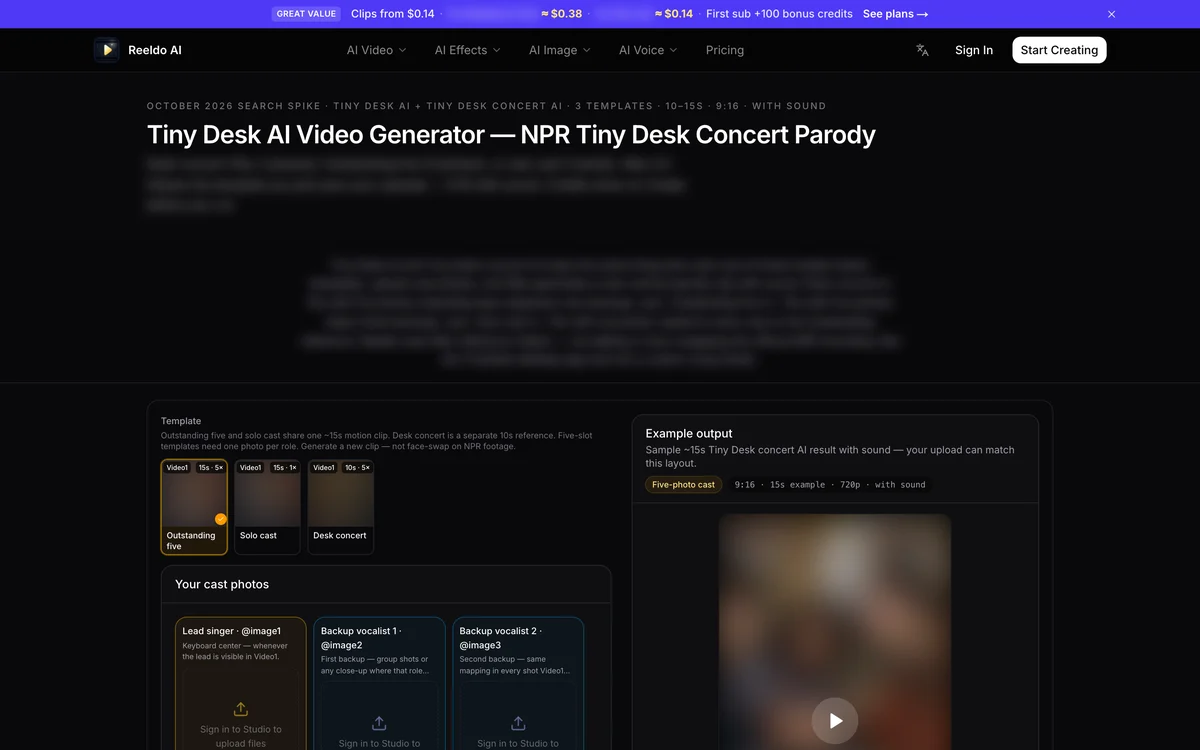
Reeldo is the best Tiny Desk AI generator if you already have a Reeldo account and want a solo or band clip. The platform includes a dedicated desk concert option inside its broader motion catalog.
Visiting Reeldo's Tiny Desk AI page gives you two separate creation modes. You can pick a five-person band, which needs 5 photos, one in each slot, before it runs. Alternatively, there's a solo version you can pick that uses 1 photo for every role on screen.
The site exports a vertical 9:16 video complete with performance sound. It makes a brand-new clip using a hosted motion template rather than working directly over original broadcast files.
You'll need to sign in to an account before making your video. Creation costs 63 credits for a 480p Draft or 141 credits for a 720p Standard export.
5. aitinydesk.com: Best for an Original Desk Concert Song
The aitinydesk.com site is best for an original desk concert song rather than the viral clip. It focuses on unique musical styles instead of recreating the "Outstanding" meme track.
Using the aitinydesk.com desk concert maker needs 1 photo (of you, a pet, or a group) or 2 photos for a musical duo. Instead of using the "Outstanding" clip, it produces an original desk concert with a generated band and its own song. You pick whether your band plays a Soul set or a Hip-hop set.
Videos run for 10 seconds at 720p quality, and you can export them as vertical or wide. Single videos cost $9.99, a 3-pack costs $19.90, and a 5-pack costs $29.90. Some new sign-ins get one free 5-second 480p clip with a watermark.
You can't make parody videos of public figures here. The site's FAQ plainly asks: "Can I make one of a celebrity or a coach like the viral videos? No."
6. tinydeskaivideo.com: Best for a Silent Clip You Score Yourself
The generator at tinydeskaivideo.com is best for a silent clip you score yourself in another app. It makes the office band visuals, but it leaves the music selection entirely up to you.
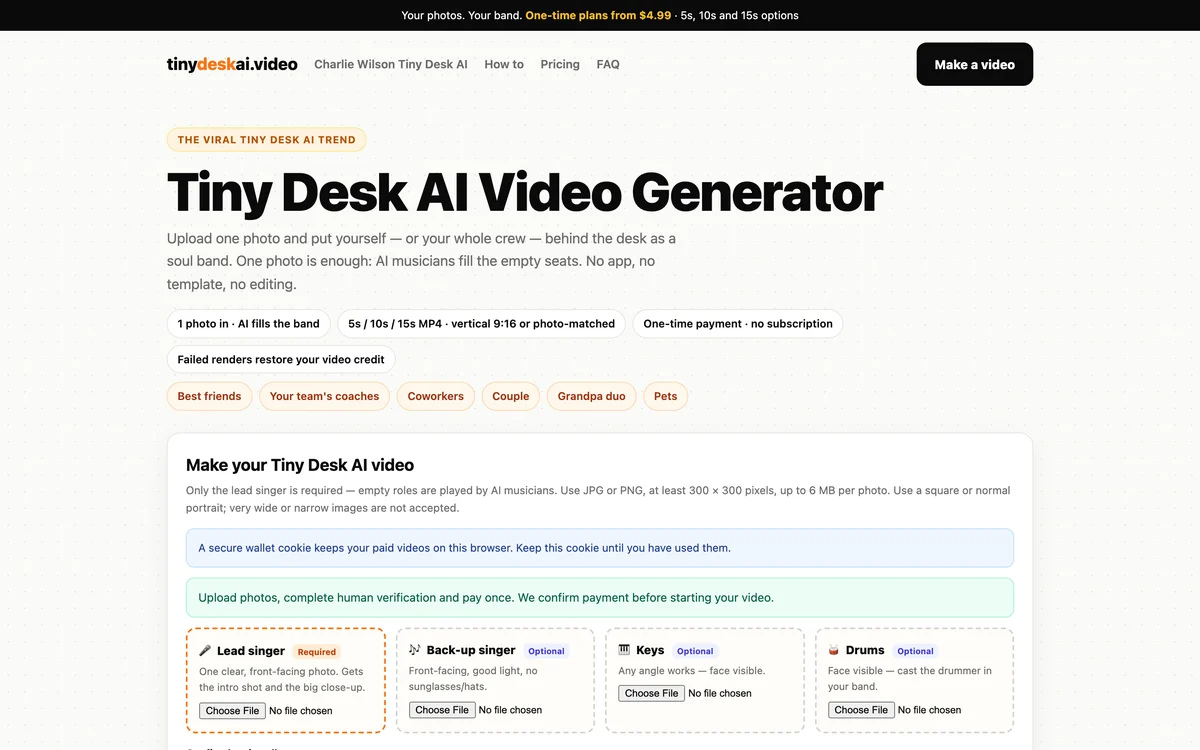
On the tinydeskaivideo.com generator, you'll need 1 photo for the lead singer. You can optionally add a backup singer, keys player and drummer, while automated musicians fill empty seats. There's also an optional outfits box to describe band clothing.
Videos export in vertical 9:16, but there's no sound in them. The site tells you to add your own music track inside your posting app before you post. You pay through one payment company before the tool makes your video.
Packages sell by duration and resolution:
- Short: 5 seconds for $4.99.
- Single: 10 seconds at 720p for $5.99.
- HD Single: 10 seconds at 1080p for $7.99.
- Long: 15 seconds for $9.90.
- 3-Pack: three 10-second videos for $14.99.
Like other strict services, it refuses celebrities and public figures. You'll agree not to upload any recognizable public personalities when submitting your order.
7. CapCut Template: Best for Editing a Clip You Already Have
The CapCut template route is best for editing a clip you already have to the music. It doesn't create new motion, but it cuts your media in time with the viral audio.
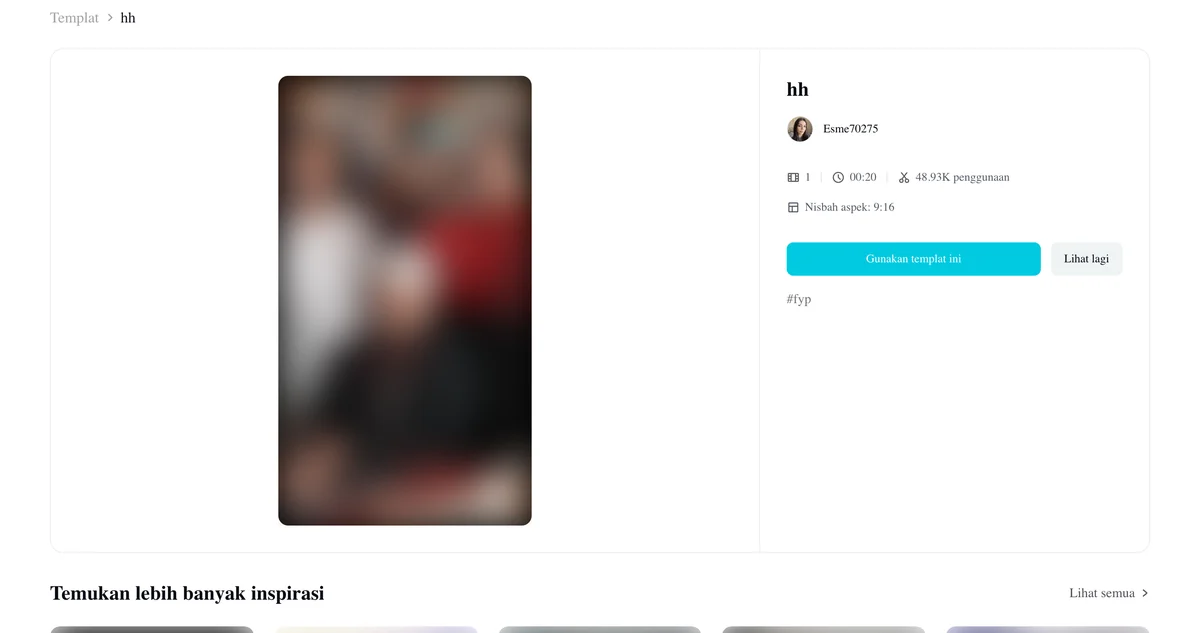
The primary CapCut template, named "hh", was posted on October 24, 2026. By October 25, 2026, it counted more than 22,000 uses. Its demo features the original viral coaches video.
The template gives you 1 media slot and lists clipping as its only feature. You can use it free inside CapCut, and the template page lists no fee.
This option won't build new animated band members out of thin air. Instead, it rhythmically cuts whatever picture or pre-rendered video you insert directly to the viral sound track.
To see how this setup fits into the TikTok tutorials, see what the Outstanding Tiny Desk AI template does.
8. The DIY Route: Best for Building a Tiny Desk AI Video From Scratch
The DIY route is best for building a Tiny Desk AI video from scratch with your own video tools. You're in complete creative command of every single frame and cut.
This route comes directly from the creator who started the trend. Creator Jake Whipple explained it in the maker's interview with Sport & State. He clipped footage from the concert and adjusted it to vertical framing.
Then he loaded it into Higgsfield, a general AI video platform, with photos of five coaches. The platform's motion transfer (a feature that moves new people the way the people in a clip move) then moved the coaches just like the original singers.
Sport & State reports the whole job took about 30 minutes, with the AI taking "about a minute for each second of the video". Whipple noted his straightforward prompting method in the interview: "I just prompted this."
Doing the whole job yourself takes several manual tasks:
- Clip cutting: trimming source performance clips into separate vertical camera angles.
- Motion prompting: writing text prompts that assign distinct performer identities to each instrument.
- Audio syncing: placing the original performance audio track back under the finished video edit.
If you'd like to try this route on your own computer, read the full Tiny Desk AI prompt.
How We Picked These Tiny Desk AI Video Generators
We picked these Tiny Desk AI video generators from the tools that show up for the trend on October 25, 2026, and read each one's own page that day. We've looked at web generators, dedicated mobile templates, CapCut projects and the manual creator route.
Seadanse is our tool, and we've reviewed it alongside the others based strictly on what its live page does. We've deliberately left out generic music video generators that don't specifically support this office concert setup.
To trace how this specific video format gained momentum across social platforms, read our breakdown of the Tiny Desk AI trend.
Tiny Desk AI Video Generator FAQ
Is there a free Tiny Desk AI video generator?
The CapCut template "hh" is free in CapCut and lets you cut your existing photo or video to the music. Over on aitinydesk.com, some new sign-ins get one free 5-second 480p clip that carries a watermark. On Seadanse, one 19-second 720p video costs $9.90, paid once, with no account.
Which Tiny Desk AI video generator keeps the "Outstanding" sound?
Seadanse, Summrs, outstandingtinydeskai.com and Reeldo include the performance sound directly inside your exported video file. In contrast, aitinydesk.com replaces the viral sound with its own original song, while tinydeskaivideo.com makes a silent video, so you'll add the music later.
Which Tiny Desk AI video generator needs the fewest photos?
Seadanse, outstandingtinydeskai.com, aitinydesk.com and tinydeskaivideo.com can all make finished desk concert clips from just 1 photo. Reeldo lets you make a solo video from 1 photo, but asks for 5 photos if you want its band format. Summrs always needs 5 separate photos before it makes any clip.
Which Tiny Desk AI generator works for TikTok?
Any Tiny Desk AI generator that outputs a vertical 9:16 frame works smoothly for TikTok uploads. All seven tools reviewed here, five web generators and two app templates, export vertical 9:16 videos, and the creator behind the trend cropped his clips vertically by hand.
If you're planning your cast, check out our Tiny Desk AI meme ideas for inspiration. You can also explore No Scrubs AI or browse our wider catalog of AI video effects for more short video templates.
Which Tiny Desk AI Video Generator Should You Use?
If you've got one picture and want the authentic sound with a featured sax solo, head to Seadanse to make a Tiny Desk AI video. You can review all credit tiers on the Seadanse pricing page.
If you'd like your group placed into the same clip as the real performance, pick Summrs. If you'd rather hear a brand-new soul or hip-hop track, try aitinydesk.com.
Written by The Seadanse Team, who read every tool's page on October 25, 2026.
Related Articles
- How to Make a Tiny Desk AI Video From One Photo (4 Steps) — the four picks and presses, and who plays what in your band.
- What Is the Tiny Desk AI Trend? The Coaches Video, Explained — who made the first one, when, and how it spread past college football.
- Outstanding Tiny Desk AI Template: What the CapCut One Does — the template the TikTok tutorials link, and what it does with your photo.
- Tiny Desk AI Prompt (Copy-Ready): Every Shot, Every Role — the full prompt behind the video, to use in a video tool yourself.
- Tiny Desk AI Meme Ideas: Who Goes on the Sax (and How) — the casts people have made, and who to put in yours.


