
How to Do the Car Doritos Trend With AI (3 Steps)
How to do the car Doritos trend: add your photo on Seadanse in 3 steps for a 10-second vertical video of you in the driver's seat, $9.90 in 720p.
 The Seadanse Team8 min read
The team behind Seadanse. We run the models we write about, and we publish the specs, prices and limits the marketing leaves out.

TL;DR — To do the car Doritos trend with AI, you add 1 photo on Seadanse's Car Doritos AI page, pick 720p or 1080p and press Create: 3 steps. You'll get a 10-second vertical 9:16 video of you in the driver's seat sneaking a chip, with the rustle of the bag and the crunch of the chips. One 720p video is $9.90, paid once, with no account.
Everyone's posting the car chip clip and you want yours. It feels like every feed has three people sitting in a parked car with straight faces.
You'll see the driver sneak a chip, the back seat snatch the bag, and the deadpan look at the end.
You don't need to borrow a car to make one. You don't need two friends around on the same afternoon, an app on your phone, a template or a prompt.
You'll only need your photo.
Here's one we've made from three photos. It's built to put each face right in the seats with the timing locked in.

What You Need to Do the Car Doritos Trend
One photo and a web browser are all you need to start the car Doritos trend. You don't have to write descriptions or set up cameras.
- Your photo: you're the driver; face clear, in good light.
- Two more photos, if you want: a friend with their say, a dog or cat, or a cartoon or game character for the passenger seat and the back seat. Or leave them empty and Seadanse fills the seats with its own cast.
- A browser: phone, tablet or computer; no CapCut template, no app, no prompt, no editing.
Open the Car Doritos AI generator in your browser and you're ready for the first step.
Step 1: Add Your Photo to the Car Doritos AI Page
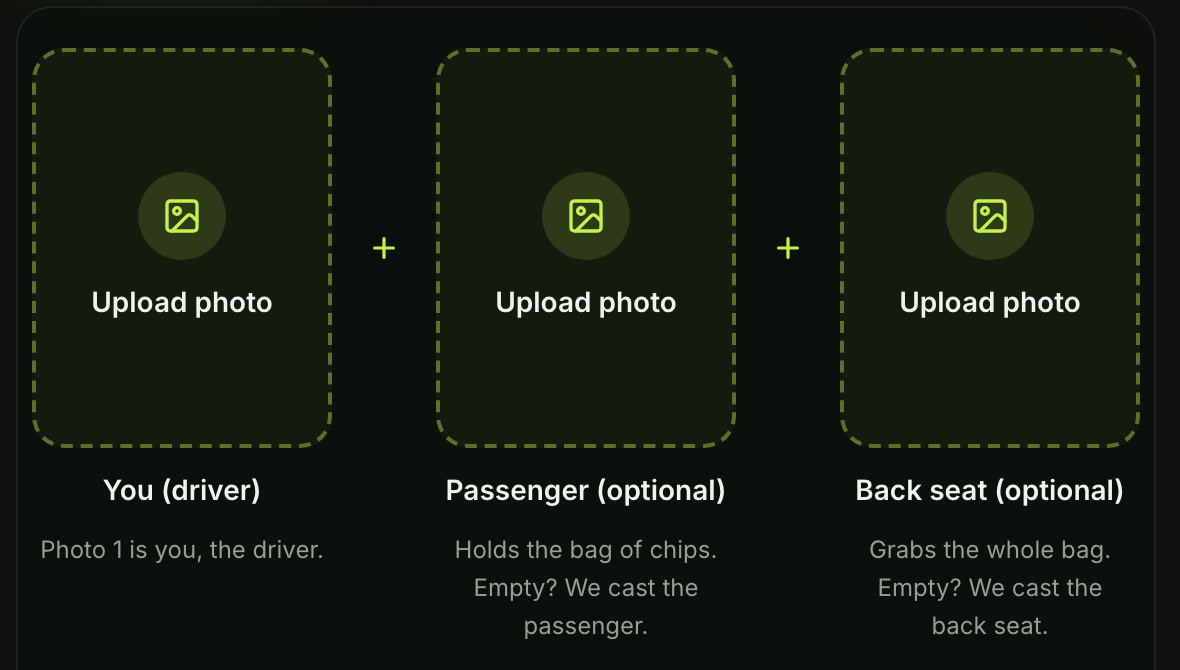
Add your photo in the first box on the page. That's you, the driver.
If you want, add a photo in the second box for the passenger seat and in the third box for the back seat.
On a computer, the page also shows a code you can scan with your phone so you'll pick photos straight from your camera roll.
Step 2: Pick 720p or 1080p
Pick 720p or 1080p for your export quality. The 720p option is already picked when the page opens, so you can leave it if that's what you want.
The line beside the quality setting reads 10s · 9:16. That gives you a 10-second vertical video ready to share without any extra editing.

Step 3: Press Create and Get Your Car Doritos Trend Video
Leave the box under the photos ticked and press Create. It's already ticked when the page opens.
The price shows right on the Create button before you've paid anything. At 720p, the button reads Create · $9.90.
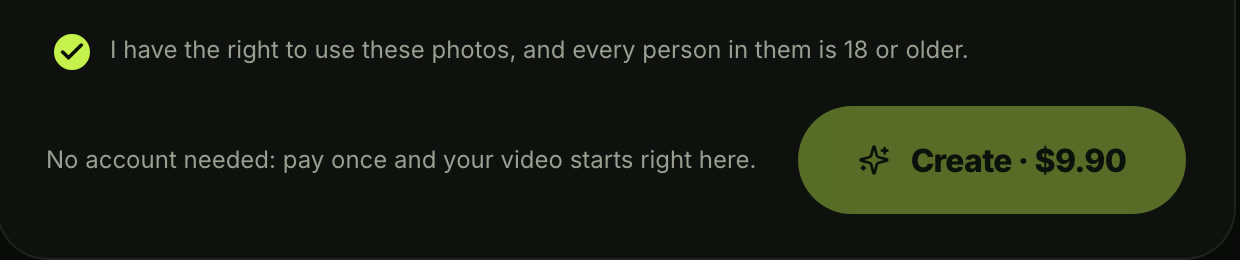
You'll pay once at checkout with no account and no subscription, and your video starts right on the page. One 720p video costs $9.90 through Seadanse pricing, and you can read how pay-once credits work if you want the details.
If a video fails, you'll get your credits back automatically.
Once it finishes, you'll download the 10-second vertical video with the rustle of the bag and the crunch of the chips laid under. There's no watermark on the exported video, so it's ready for your feed.
What Your Car Doritos Trend Video Looks Like
Your finished video runs for 10 seconds in one still shot from the windshield of a parked car. The camera stays fixed while the snack drama plays out inside the vehicle.
Here's the full second-by-second breakdown of the clip:
- 0-1 seconds: the passenger sits with the bag of chips on their lap; everyone looks straight ahead.
- About 1 second: the driver sneaks a chip from the bag and eats it, looking straight ahead.
- About 3 seconds: the one in the back seat leans in and grabs the whole bag.
- About 5 seconds: the driver reaches again without looking.
- From about 6 seconds: the hand rests on the passenger's thigh, and both in front stare ahead, deadpan.
- About 9 seconds: the two in front turn and look at each other.
The sound is built right into the clip, with the rustle of the bag and the crunch of the chips playing under the action.
Which Photos Work Best for the Car Doritos Trend?
Good lighting and clear faces make the best car Doritos trend videos. Since the camera doesn't move, clear pictures help each seat look sharp.
- The face: clear and in good light.
- One per photo: one person, pet or character for each seat.
- The clothes: each one wears what they wear in their photo, so pick the outfits you want in the car.
Put Your Friends, Your Dog or a Character in the Car
The car Doritos trend video works with your friends, your pet or a character in the other two seats. The page makes it more than a car Doritos AI face swap because each one takes their seat with their own face, hair and clothes from their photo.
- Friends: your friends, 18 or older, with their say.
- A dog or cat: in the passenger seat, the bag of chips on its lap, staring straight ahead.
- A cartoon or game character: any seat.
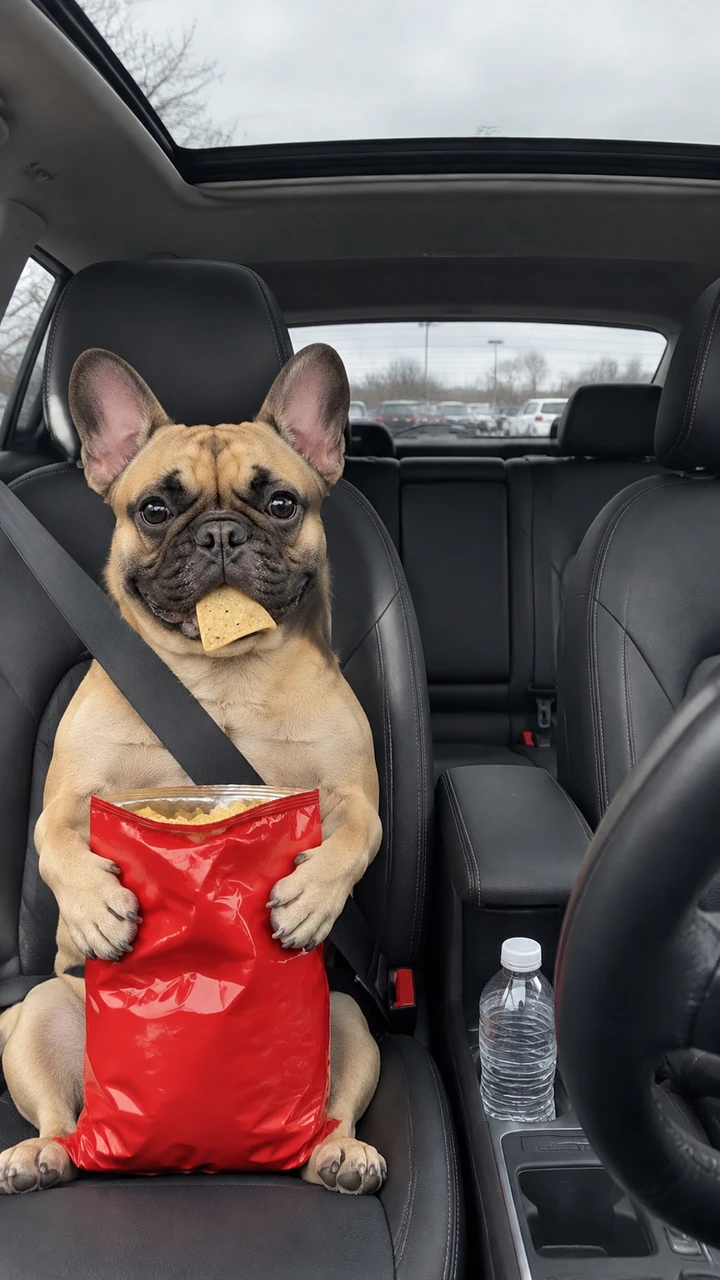
You can pick who rides with you or let the site supply the crew, and it's the same price when you put your crew in the car.
Do You Need a CapCut Template or a Real Car?
No. You don't need a real car, a camera crew or an app on your phone.
The clip also spread across social feeds through the car Doritos CapCut template, an edit someone already built in the CapCut app with a slot for your photo.
If you'd like to see other web tools that handle this meme, take a look at our review of other car Doritos AI generators.
Car Doritos Trend FAQ
How many photos do I need for the car Doritos trend?
You only need one photo of yourself to take the driver's seat.
You're welcome to add two more photos for the passenger and back seat if you want, or leave them empty and the site fills them with its own cast. Whether you use one photo, two or three, the price is the same.
How long is the car Doritos AI video?
The video is 10 seconds long, vertical 9:16, made for TikTok and Reels.
You'll export it in either 720p or 1080p.
How much does one car Doritos AI video cost?
One 720p video costs $9.90 through the 500-credit pack (credits are the site's own currency you buy in packs), which gives you the 500 credits the video needs.
If you want 1080p, it takes 1,480 credits, covered by the $39.90 pack of 2,500 credits. Credit packs are a one-time payment with no subscription, and pack credits stay valid for 12 months.
What is the car Doritos trend?
The car Doritos trend is an AI video trend showing three friends sitting in a parked car while a snack grab goes wrong. The driver sneaks a chip, the back seat takes the whole bag. The driver's blind reach lands on the passenger's thigh, and both front seats hold a deadpan stare before looking at each other.
You can read our full guide on what the car Doritos trend is to learn how it started in Brazil and spread to versions like The Office and The Mentalist.
You'll also find other car effects on Seadanse, like the Unforgettable Car Trend, where you hold cards to the camera and a car appears behind you.
There's also the Birthday Car Trend, which puts you in the driver's seat with a crown and a birthday candle.
Your Car Doritos Trend Video in Three Presses
Making your own version of the viral car chip clip takes just one photo and a web browser. Add your photo, pick 720p or 1080p, leave the box ticked and press Create on the generator to make your car Doritos AI video.
Written by The Seadanse Team; we read the page on November 10, 2026.
Related Articles
- What Is the Car Doritos Trend? The AI Car Clip, Explained — where the clip came from, its names, and what happens in its 10 seconds.
- Car Doritos CapCut Template: Which One It Is and Why It's Not Working — which templates carry the clip, how they open, and a way with no app.
- Best Car Doritos AI Generators (2026): 5 Tools Compared — how many seats you fill, who can sit in them and what you get, tool by tool.


