Video effect

AI Crying Trend Generator

Seadanse AI crying trend generator puts you, from one photo, into your own 12-second clip for TikTok, Instagram Reels and YouTube Shorts (vertical 9:16), with the night farewell, the tears and the walk away, at $9.90 for one 12-second 720p video, built on Seedance 2.5, the world's most realistic and cinematic AI video model.

AI Crying TrendThis effect is built into the page and cannot be removed.
12s · 9:16

One clear photo of one adult, facing the camera with both eyes visible in good light.

New here? Sign up free and get 40 starter credits.

What Is AI Crying Trend?

The AI crying trend is a short AI video made from one photo. Filmed at night over the shoulder of the person you face, your smile breaks, tears roll down your face, and you turn and walk away. People call it the AI crying filter, but it is a video. A crying photo filter adds tears to a photo, and the crying filter that went viral in 2022 is a live camera lens that turns your mouth down and adds teary eyes while you film.

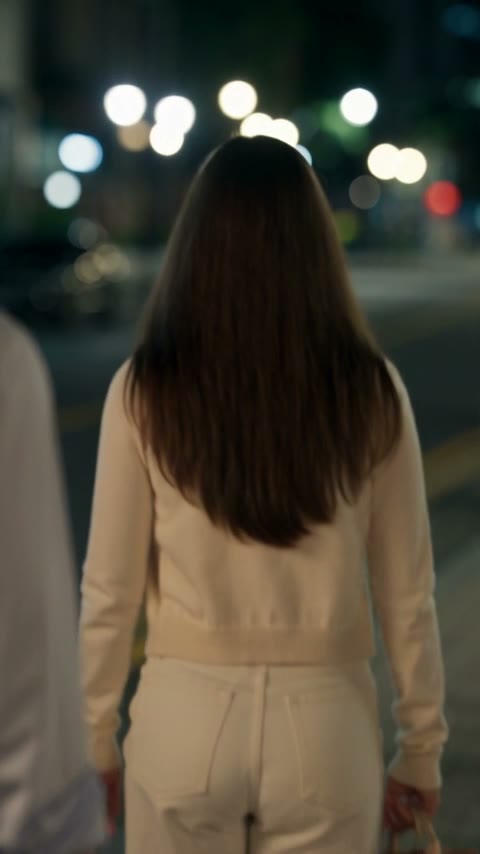
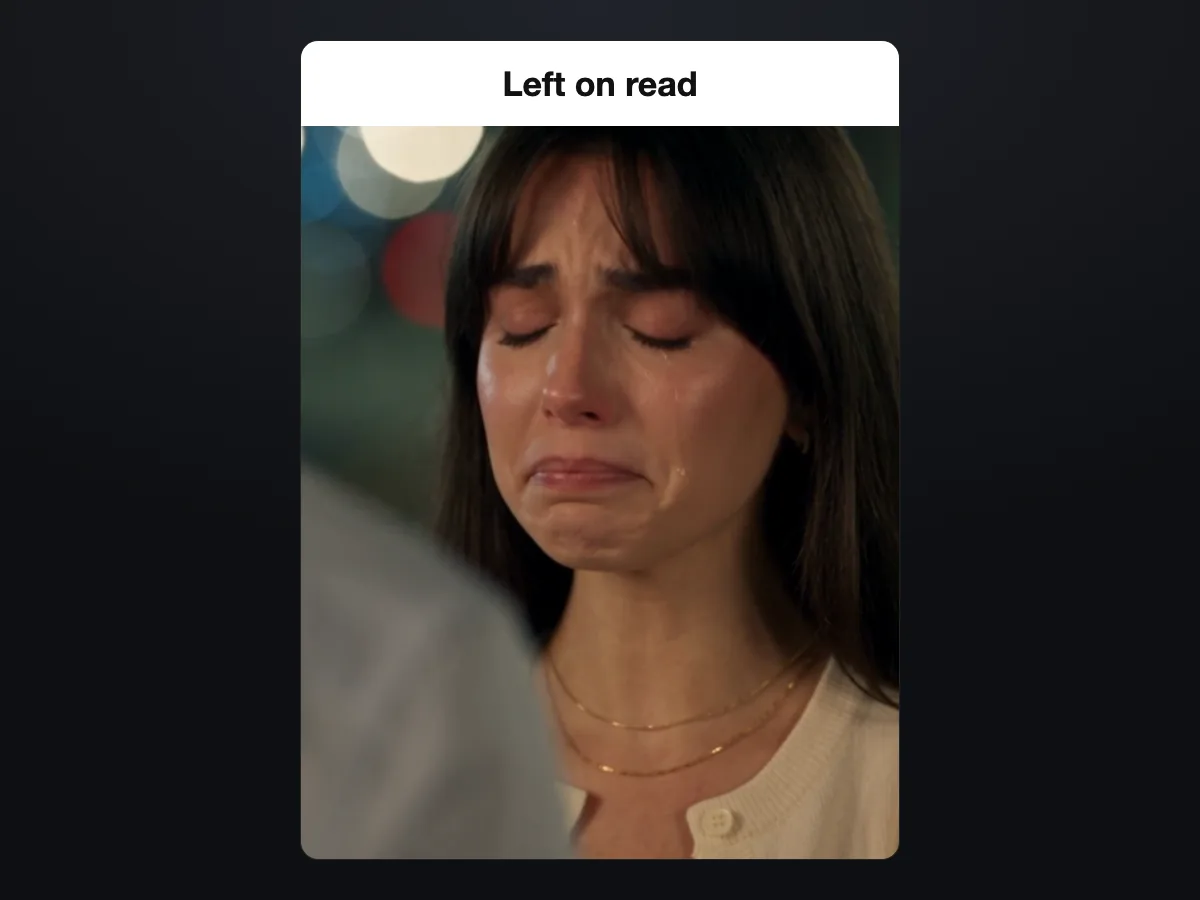
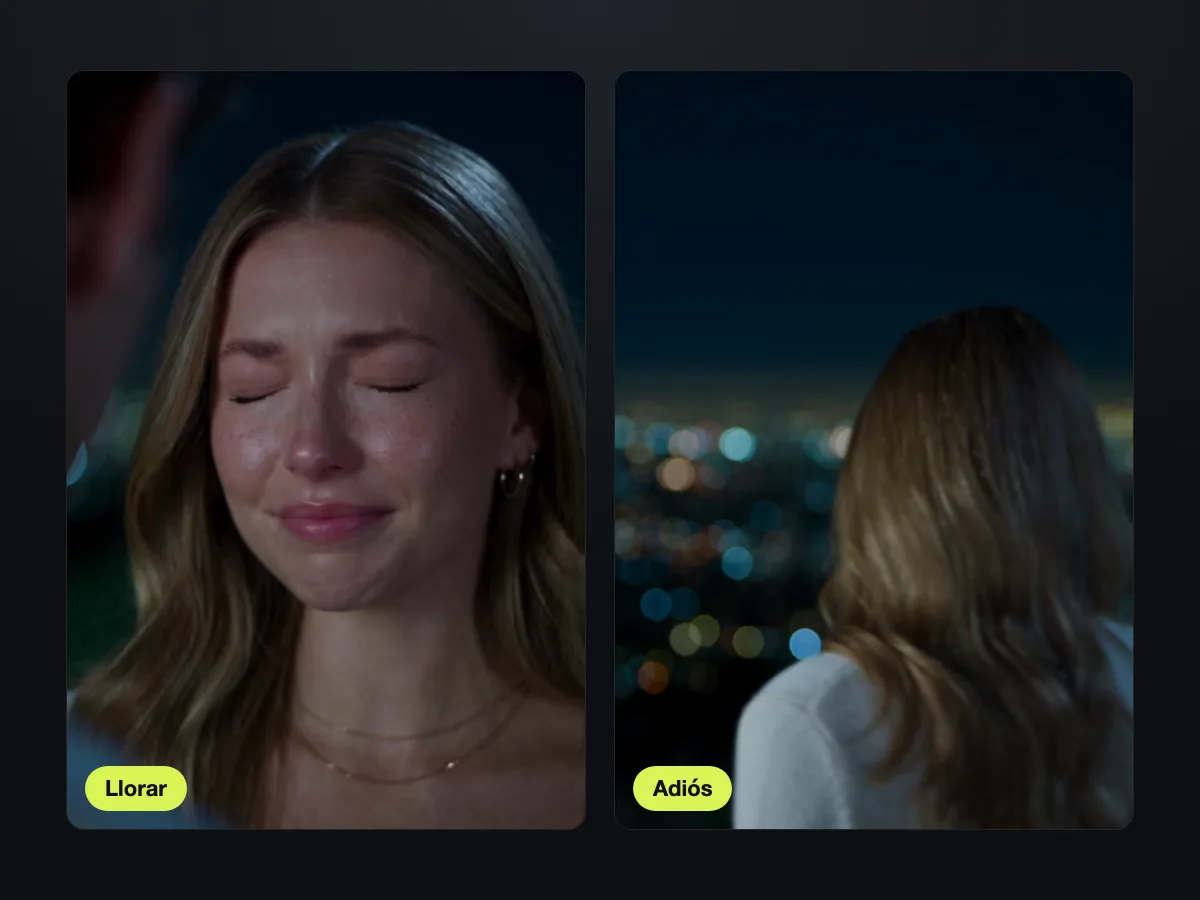
The scene plays out as an intimate close-up over the blurred shoulder of the person you face, with warm city lights glowing behind you. Your smile breaks, your eyes go red and fill with tears, a tear runs down your cheek, your lips tremble, and you look down. You turn around and slowly walk away into the dark street. Most clips in this style run about 10 seconds and use a vertical frame.

The AI crying trend took off on TikTok in late September 2026. How-to videos quickly spread in English, Spanish, Portuguese, Tagalog, Indonesian, and Vietnamese. In Spanish, people call it the "trend de llorar". The look feels like a quiet farewell scene from a K-drama. People post their clips with breakup lines as captions, such as "No pensé que doliera tanto", creators share them with fans who have never seen them cry, and meme accounts use them for small everyday letdowns.

Seadanse makes your own AI crying trend video from a single photo. You get a 12-second video in vertical 9:16, built with the Seedance 2.5 video model. Pick between Hilltop Tears or Smile to Tears, choose Facing Him or Facing Her, and export at 480p or 720p with no watermark on exported video.


What Makes Our AI Crying Filter Stand Out

One Photo Builds the Entire Farewell Scene

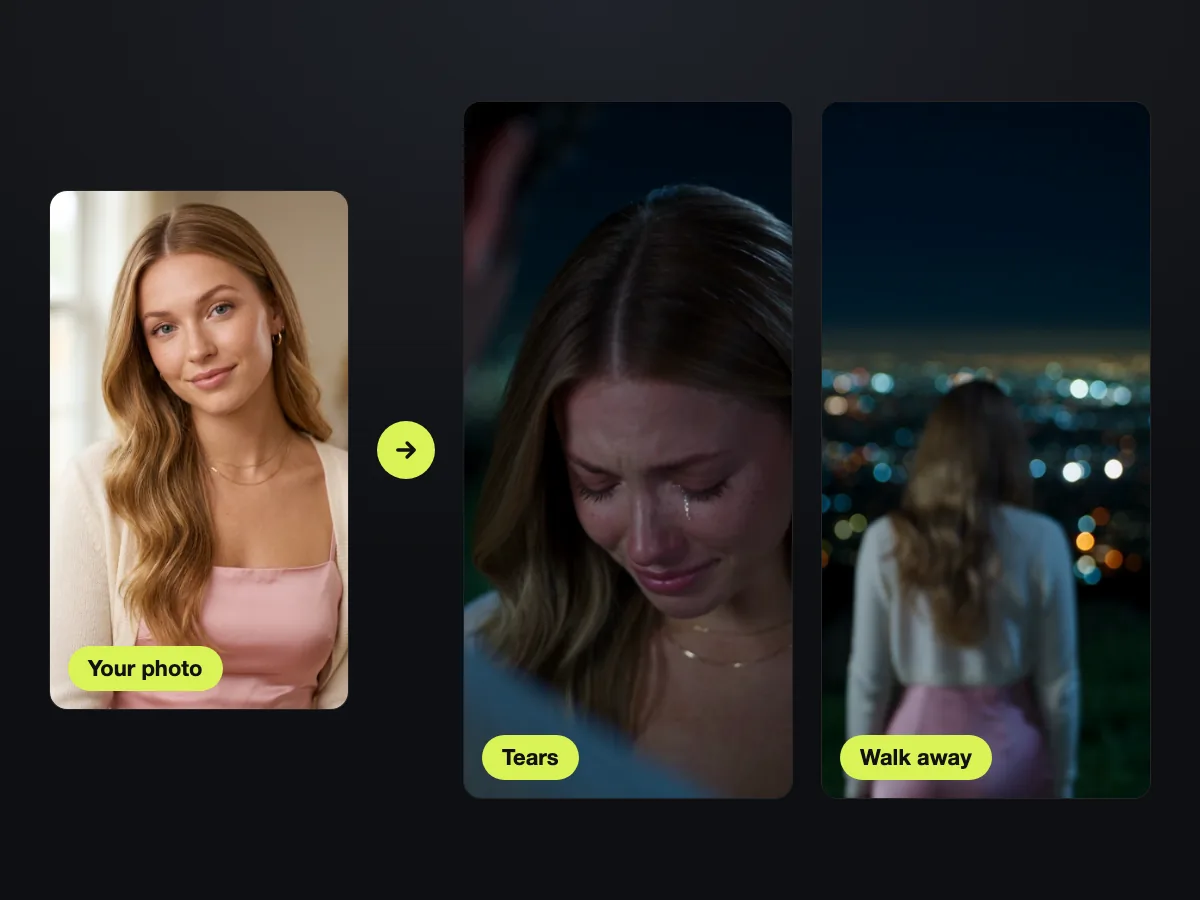
Upload one photo of one adult, and our AI crying trend generator builds the whole viral farewell. You get the night shot, the over-the-shoulder view, the falling tears, and the walk away in your web browser with no template and no prompt.

One Photo Builds the Entire Farewell Scene
Watch Real Tears Fall in a Quiet Farewell

Watch Real Tears Fall in a Quiet Farewell

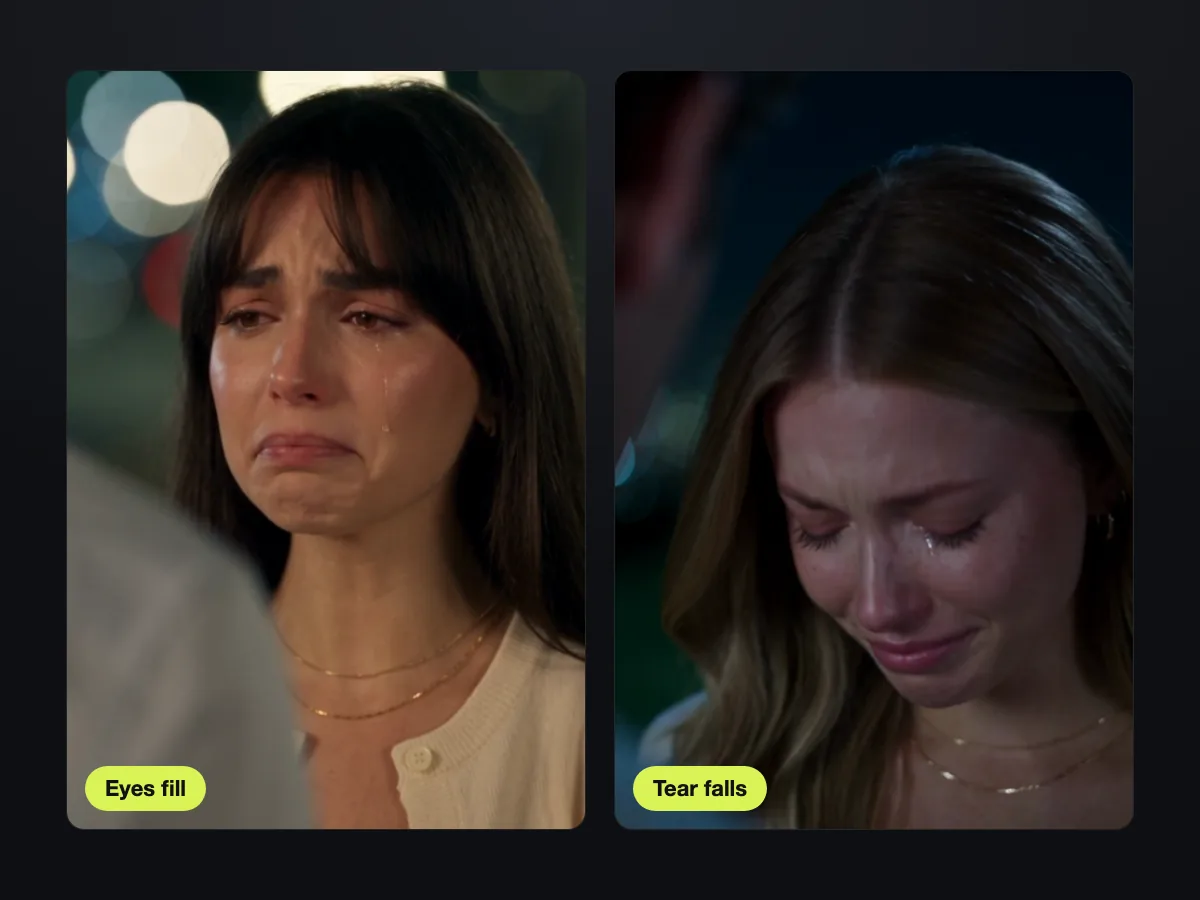
Your eyes redden and fill with water, your lips tremble, and a tear runs down your cheek as you look down. Our AI crying filter creates a tender K-drama goodbye with zero loud sobbing.

Keep Your Exact Look Across Every Cut

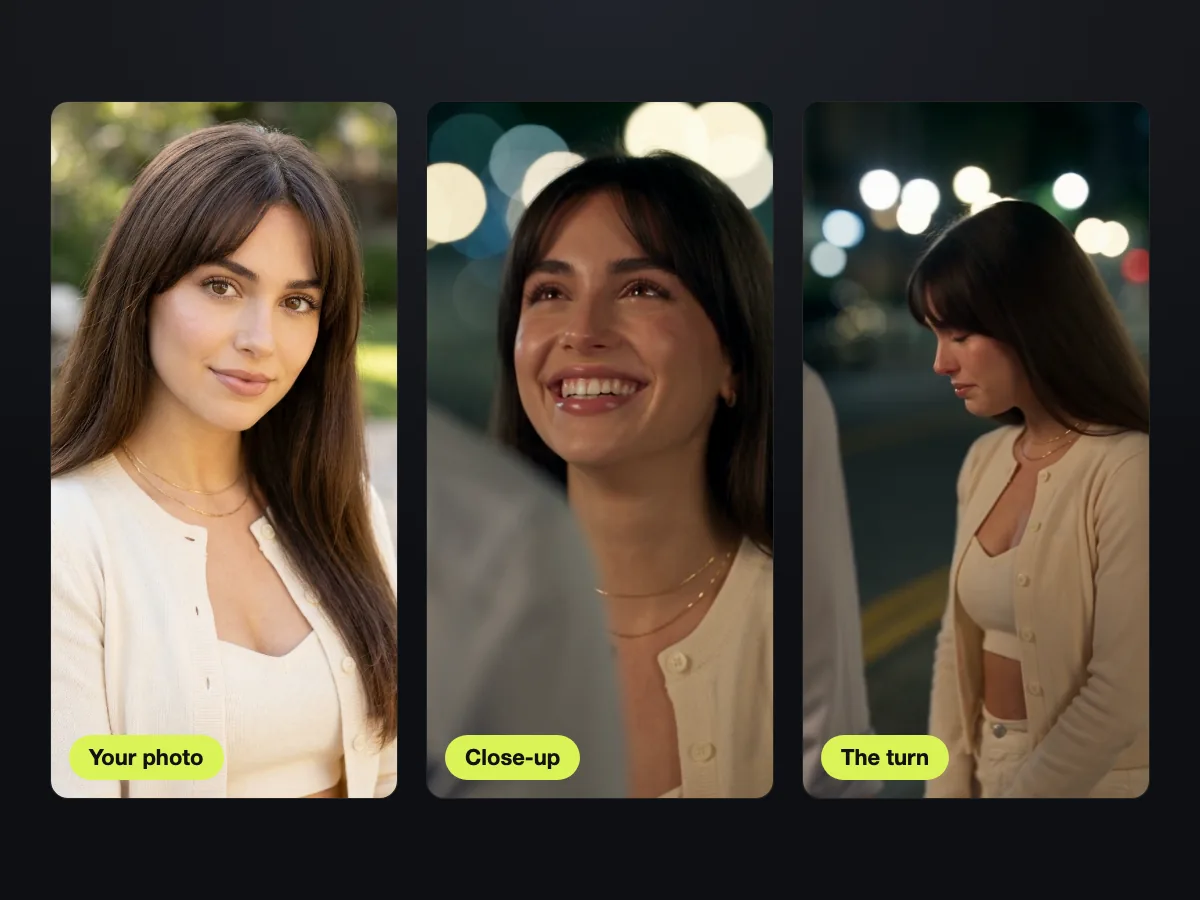
Your face, hair, and outfit come straight from your clear photo and remain identical through every shot. Seedance 2.5 keeps you stable across each camera switch so you look like yourself from start to finish.

Keep Your Exact Look Across Every Cut

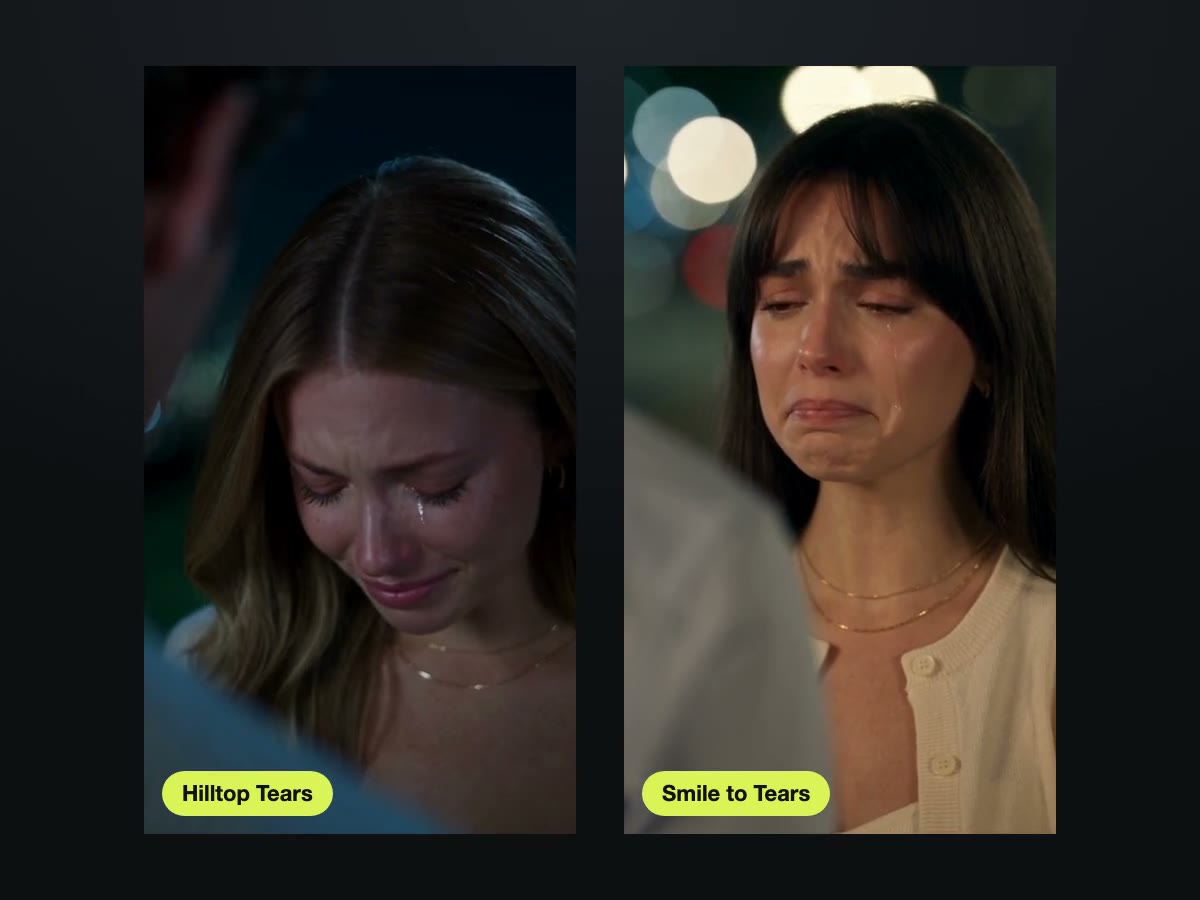
Pick Hilltop Tears or Smile to Tears

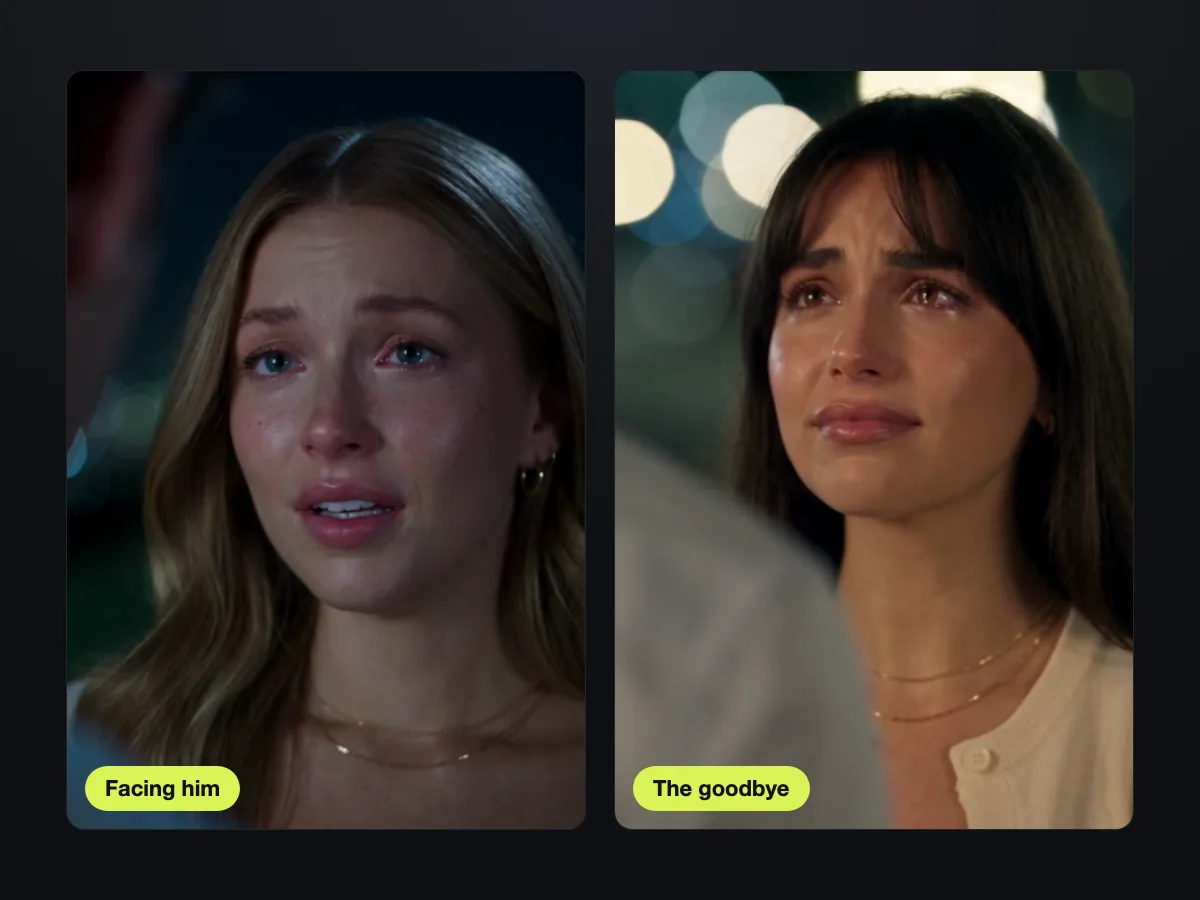
Choose Hilltop Tears to show wet eyes on a dark hill before walking away, or Smile to Tears to break a warm smile on a city street. Select Facing Him or Facing Her to frame the blurred shoulder, and add a quick note to add rain or change the spot.

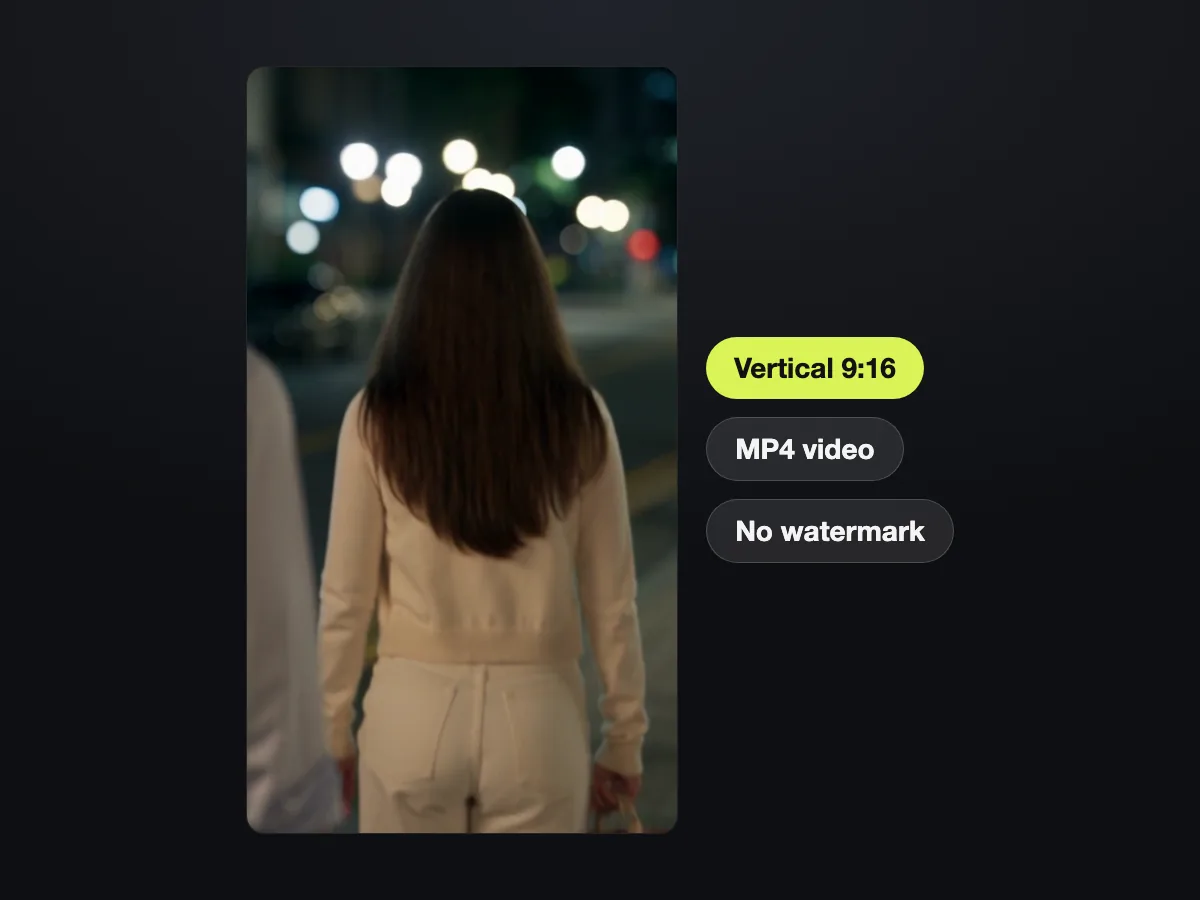
Export Watermark-Free Videos in Vertical 9:16

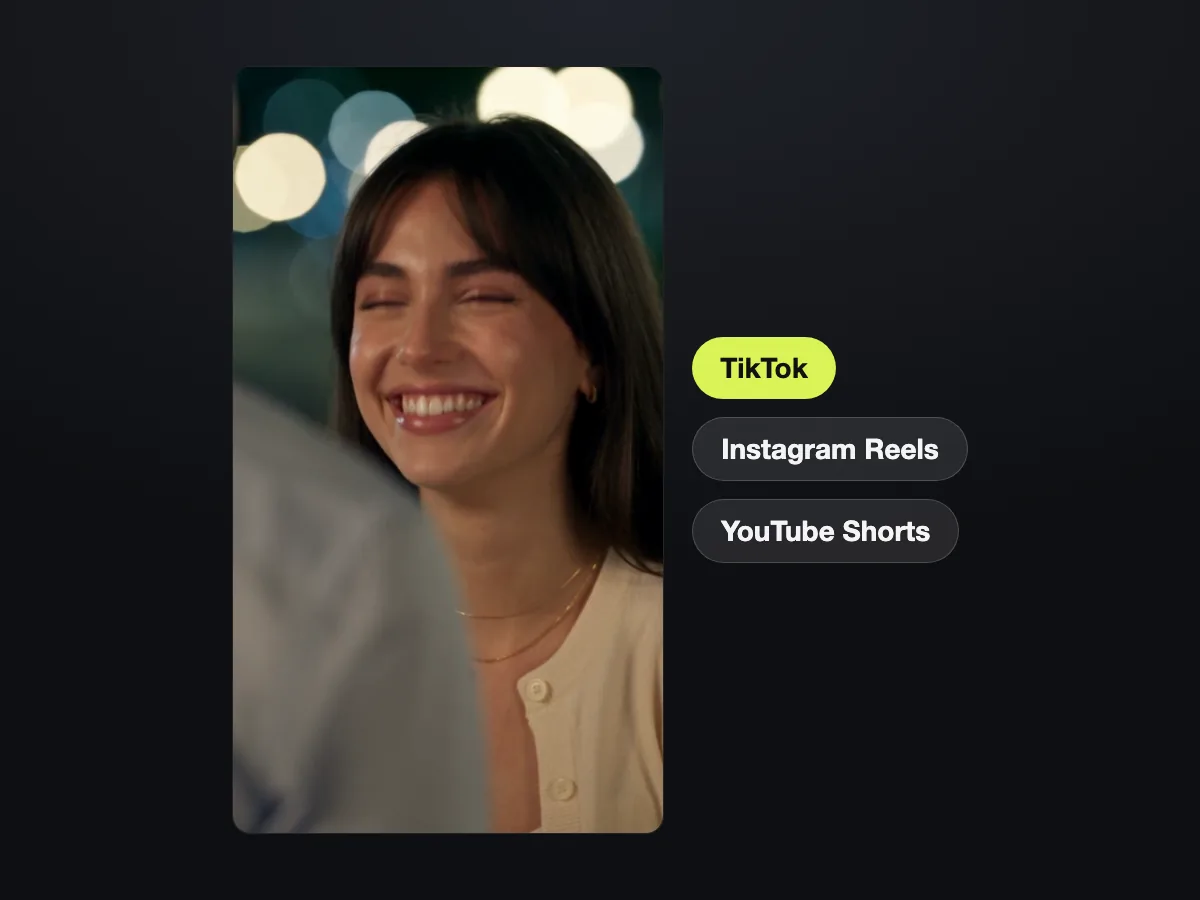
Download your 12-second MP4 in vertical 9:16 at 480p or 720p with no watermark, ready for TikTok, Instagram Reels, and YouTube Shorts. Seedance 2.5 from ByteDance's Seed team renders the connected shots smoothly.

Export Watermark-Free Videos in Vertical 9:16

Use Our AI Crying Effect for Every Story

Social Media Creators

Jump on the Viral Trend

Upload one photo to show fans a tender farewell they have never seen before. You get a 12-second vertical 9:16 video with no watermark on exported video, backed by a commercial use license on every paid plan.

Jump on the Viral Trend
Share an Emotional Farewell Scene
Couples and Breakups

Share an Emotional Farewell Scene

Bring your photo, pick Facing Him or Facing Her, and describe the person you face, such as a man in a white shirt. You get a cinematic farewell ready for captions like "I didn't think it would hurt this much."

Meme Makers

Turn Daily Drama into Memes

Bring one photo and turn any small letdown into a dramatic K-drama goodbye. You get a 12-second tearjerker built for jokes like "me when the group chat leaves me on read."

Turn Daily Drama into Memes
Join the Trend de Llorar
Spanish-Speaking Creators

Join the Trend de Llorar

Bring one photo to build your own Spanish farewell video in vertical 9:16. You get a 12-second clip ready to share with captions like "No pensé que doliera tanto."

How to Make Your AI Crying Trend Video

Step 1

Upload One Photo

Upload one photo of an adult facing the camera with both eyes visible in good light.

Step 2

Pick Your Scene

Pick Hilltop Tears or Smile to Tears, choose Facing Him or Facing Her, select 480p or 720p, and see the price beside the button.

Step 3

Download Your Video

Generate your 12-second 9:16 MP4 with our AI crying trend generator and download your video ready to post.

Run Our AI Crying Video Generator for $9.90 a Video

Sign up free with no card and get 40 starter credits. One 12-second AI crying trend video on Seedance 2.5 costs 500 credits at 720p, exactly the $9.90 credit pack, or 375 credits at 480p, for both versions, the price shows beside the button before you generate, and a render that fails returns its credits automatically.

AI crying trend FAQ

What is the AI crying trend?

It is a short AI video made from one photo that took off on TikTok in late September 2026. At night, filmed over the shoulder of the person you face, your smile breaks, tears roll down your face, and you turn and walk away. Most clips run about 10 seconds. People call it the AI crying filter, but our AI crying trend generator creates a complete 12-second video from your photo.

How do I do the AI crying trend?

Follow three steps to make your clip. Upload one photo, pick Hilltop Tears or Smile to Tears, and choose Facing Him or Facing Her with your choice of 480p or 720p. Then generate and download your 12-second 9:16 MP4 with no app, no template and no prompt.

How much does an AI crying trend video cost, and is it free?

One 12-second 720p video costs $9.90: 500 credits, exactly the $9.90 credit pack, or 375 credits at 480p, with the same price for both versions. The price shows beside the button before you generate, and a render that fails returns its credits automatically. You sign up free with no card and get 40 starter credits. Visit our pricing page to buy one-time credit packs from $9.90 for 500 credits with no subscription.

Is the AI crying trend a filter?

No, it is a video. People call it the AI crying filter, but our AI crying video generator turns one photo into a 12-second video where your face moves, a tear rolls down your cheek, and you turn and walk away. A photo filter only adds tears to a photo, and the viral 2022 crying filter is a live camera lens.

Do I need an app or a template to do the AI crying trend?

No. The whole scene is built into the effect, so you only need one photo. Everything runs in your web browser on your phone, tablet or computer with nothing to install.

Is there an AI crying trend prompt?

You need no prompt here. The entire scene is built into both versions, and you can add an optional note in a few words to change the place, add rain or describe the person you face. To write your own scene from scratch, image to video AI takes your photo and your motion text to produce a video up to 30 seconds long.

How do I get the tears to show?

The tears are built into both versions automatically. Your eyes go red and fill with tears, and a tear runs down your cheek before you look down. You only upload one photo, and a clear photo facing the camera with both eyes visible brings out the sharpest tears.

Will the AI crying trend video look like me?

Yes. Your face, hair and outfit come from your photo and stay the same from the opening close-up to the turn and walk away. Seedance 2.5 keeps you stable across every cut in the scene.

What photo works best for the AI crying trend?

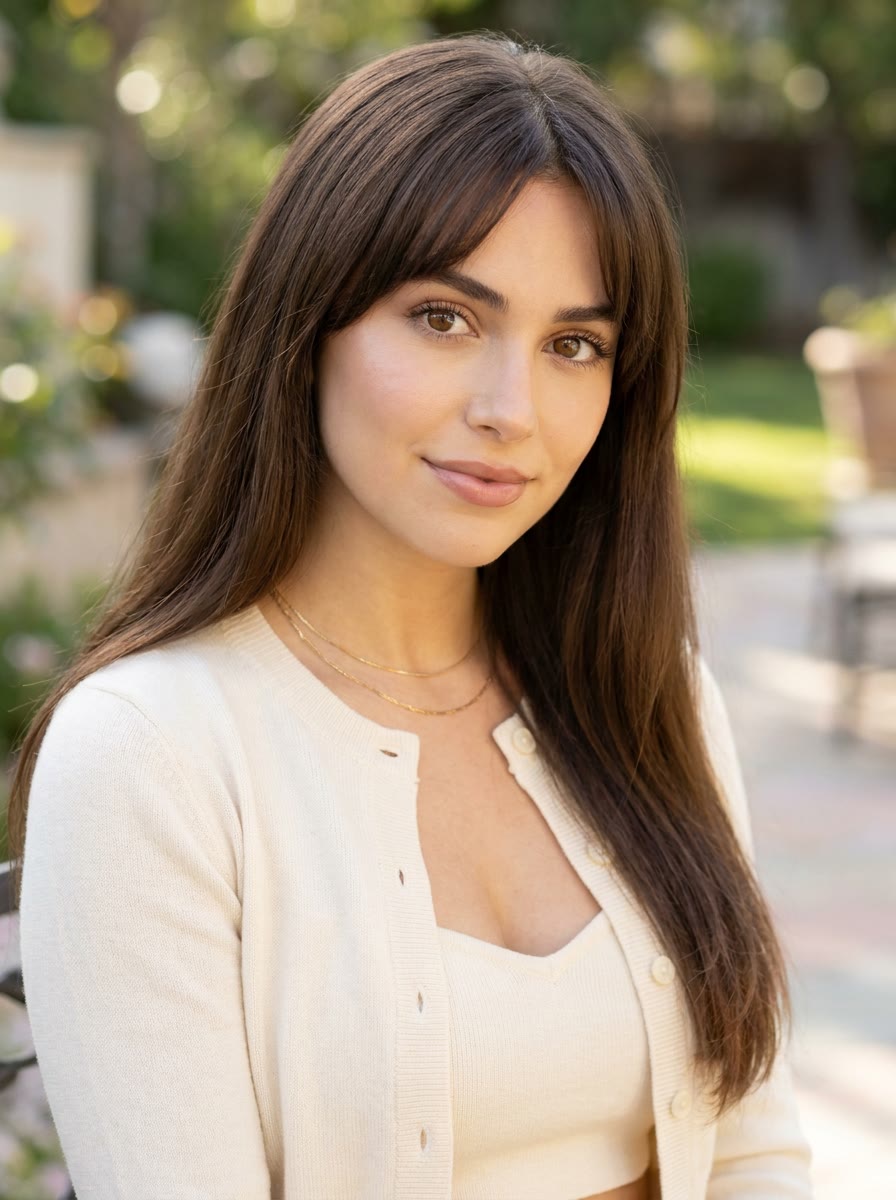
Choose a photo of one adult (18+) alone, facing the camera with both eyes visible in good light. A soft smile or a calm face works best. Any background works, because the scene replaces it with glowing night lights.

Does the AI crying trend work for guys?

Yes. Any adult looks great in it, including men and women, with glasses or a hijab. Pick Facing Her or Facing Him to set whose blurred shoulder sits at the front of your frame.

How long is an AI crying trend video?

Every video here runs 12 seconds, so your walk away plays out in full. Most social clips run about 10 seconds. You get a vertical 9:16 MP4 ready for TikTok, Instagram Reels and YouTube Shorts at 480p or 720p, with no watermark on exported video.
Which AI makes the AI crying trend video?

Seedance 2.5 makes every video on this page. Released on July 31, 2026, this AI video model from ByteDance's Seed team tells a story across connected shots. ByteDance created TikTok, where our AI crying trend took off.

Make Your Own AI Crying Trend Video Today

Upload one photo to get your 12-second night farewell in vertical 9:16 with tears and a slow walk away, ready to post.