
Turn One Photo into a Full Video
Upload one clear photo and let our time freeze effect build the scene. The built-in prompt runs the entire story, so you skip writing prompts and video editing.
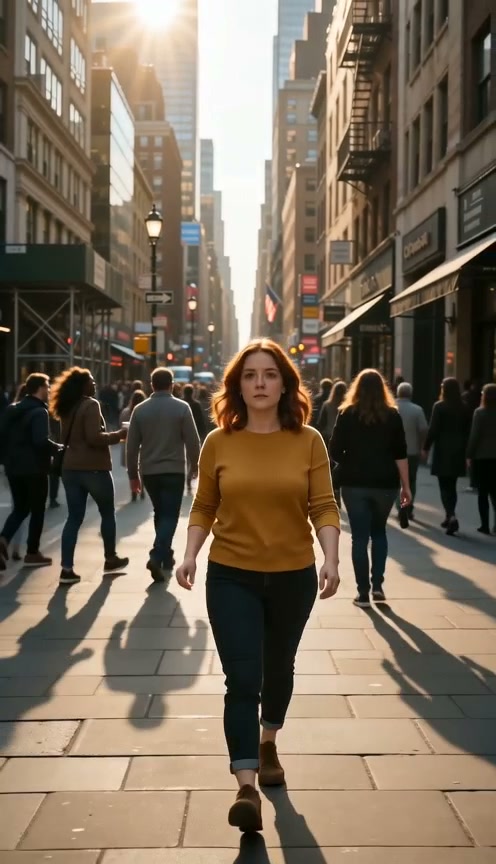
Star in your own frozen-world clip without a film crew or editing skills. Our time freeze effect turns one portrait into a 15-second MP4 where the world stops around you and you keep walking.
One clear, well-lit photo of one person. Your photo provides the character identity, not the background.
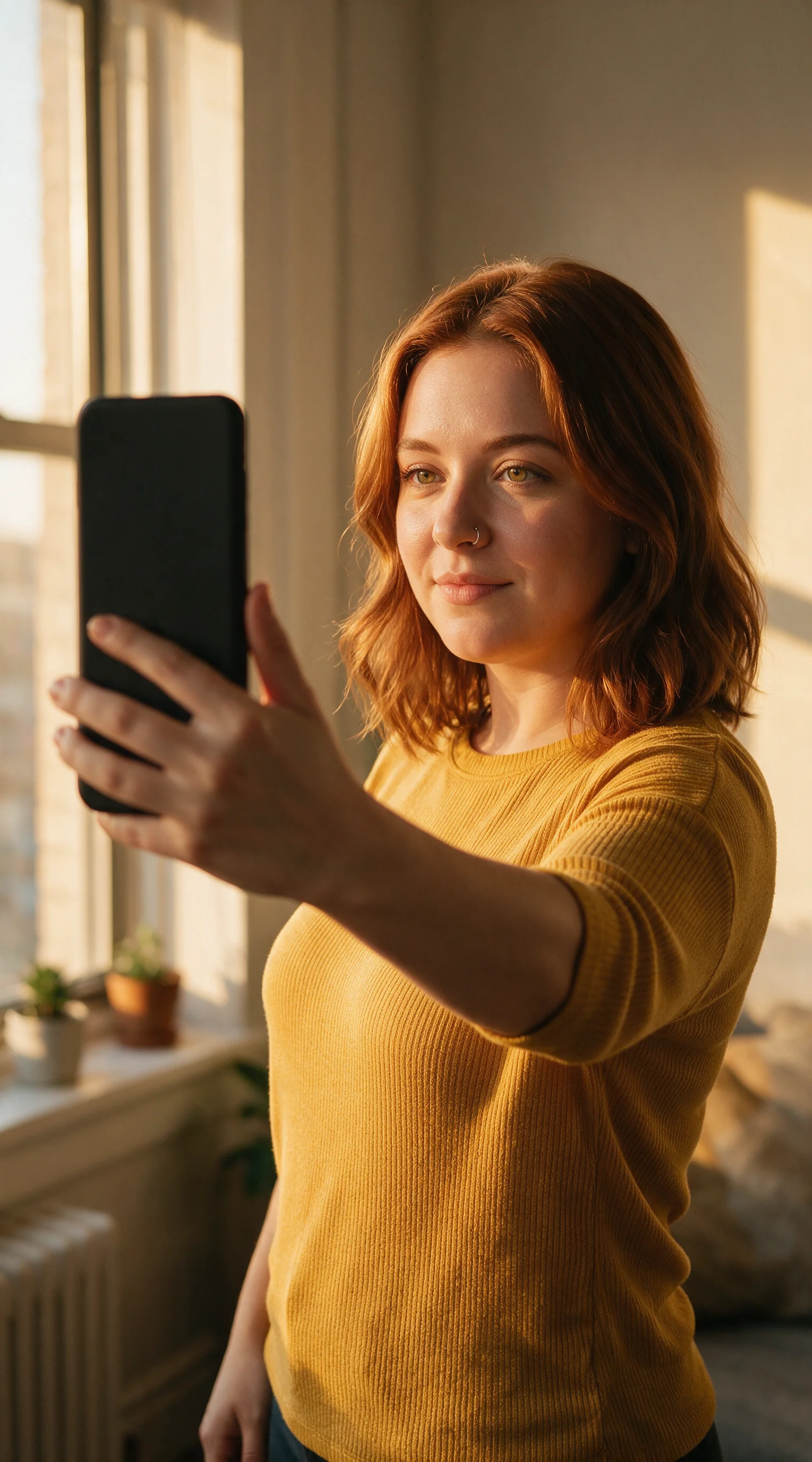
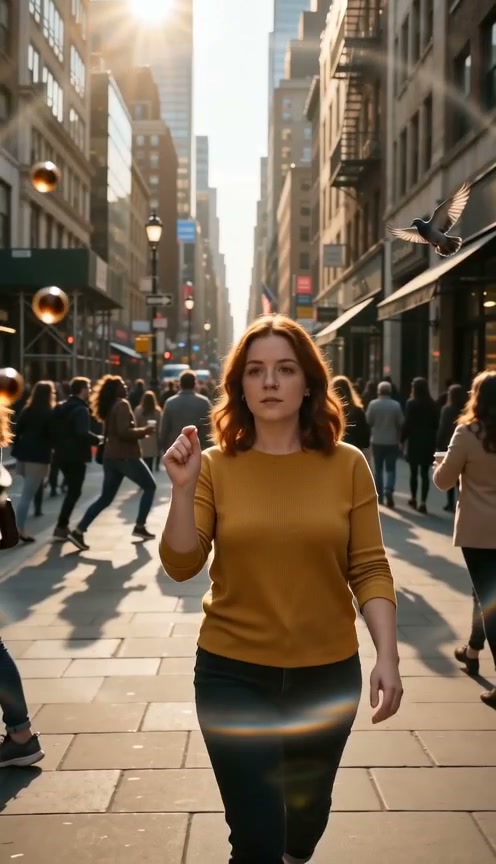
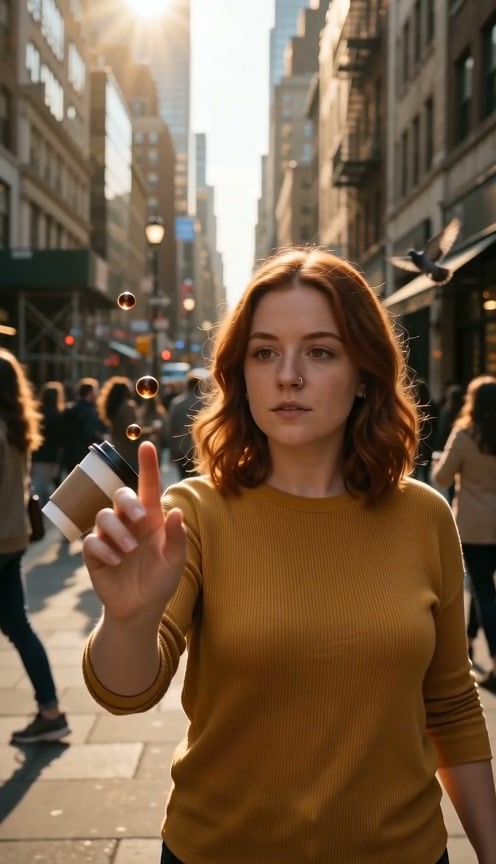
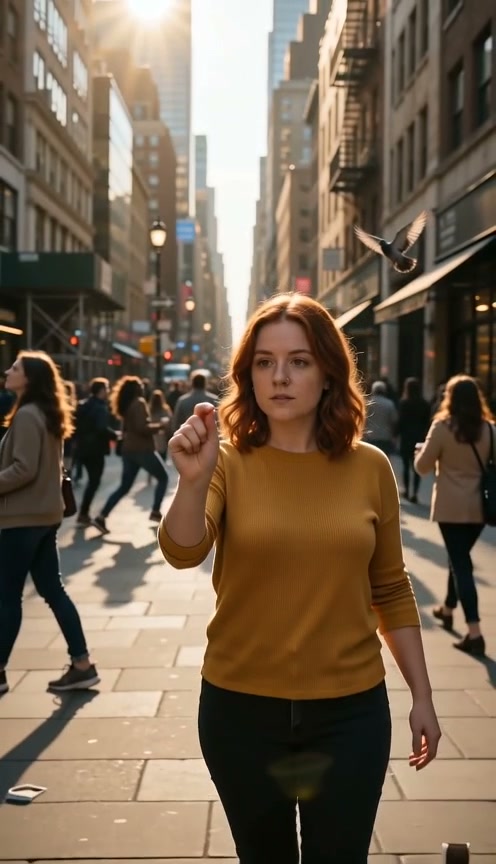
Upload one clear photo and let our time freeze effect build the scene. The built-in prompt runs the entire story, so you skip writing prompts and video editing.
Watch everyone freeze in place while you walk through the crowd. If you want to freeze yourself in mid-air while the camera spins, choose our Bullet Time effect instead.
Your uploaded photo provides your face and identity, while our time freeze effect generates the surrounding environment. Your original photo does not need to show the final location.
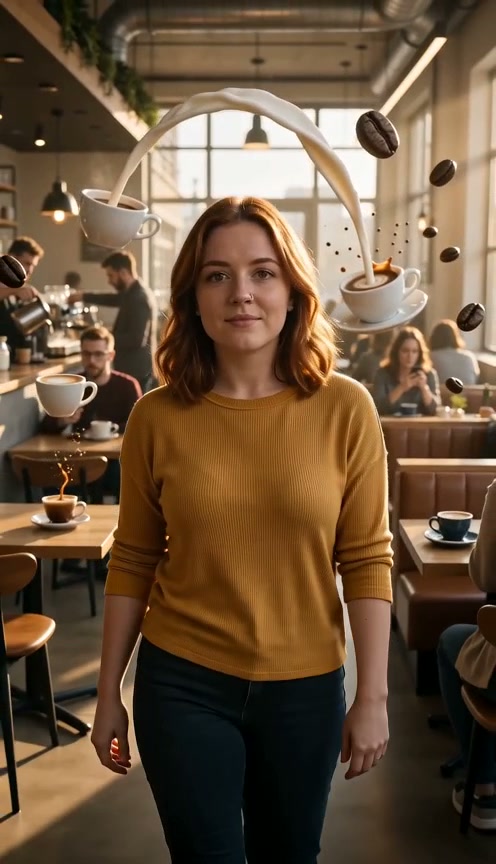
Pick between street, coffee shop, or subway station to stage your clip. The street setting is selected by default, and scene notes are completely optional.
Our time freeze effect generates realistic crowds and stops their motion instantly. You get cinematic movie magic without hiring extras or renting heavy gear.
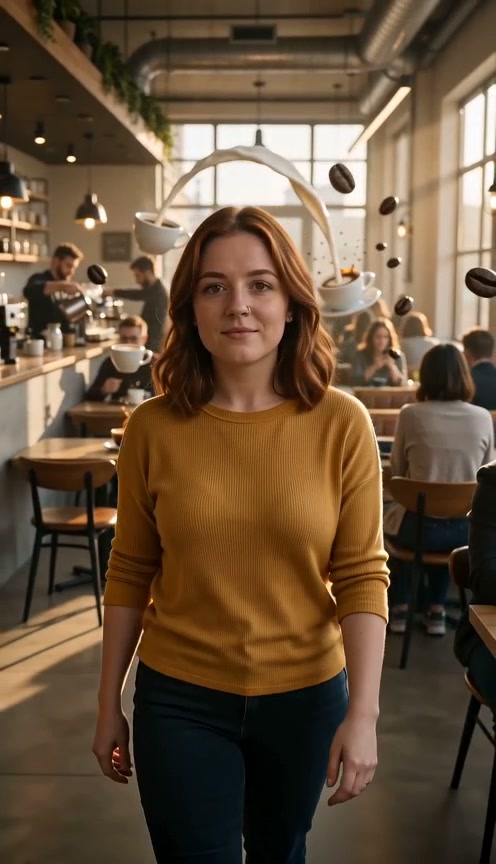
Download your 15-second MP4 with audio in 480p or 720p, formatted in 9:16 vertical or 16:9 landscape. Every exported video comes with no watermark.
Upload your selfie to make a vertical 9:16 clip with our time freeze effect. Post your 15-second video to TikTok, Reels, or Shorts to stop viewers in their feeds.
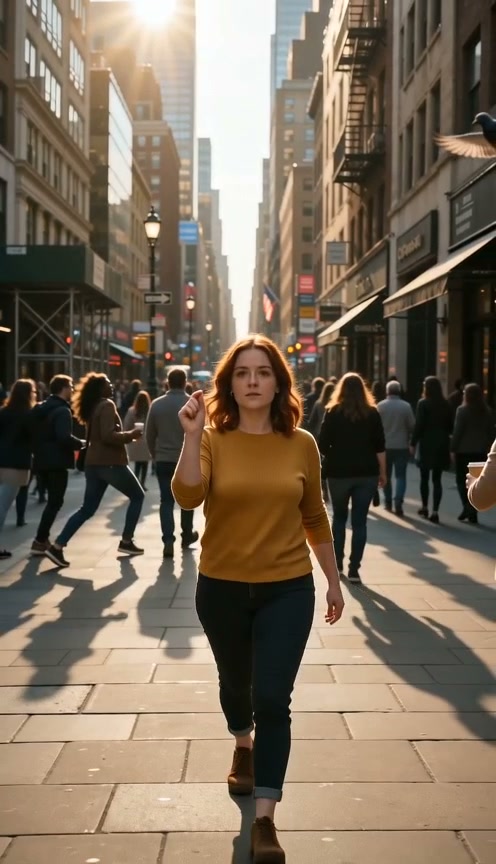
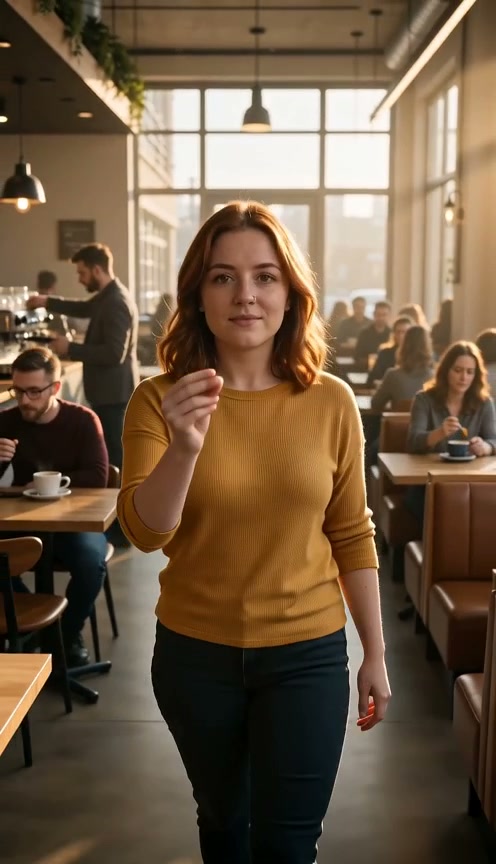
Turn a character portrait into a landscape 16:9 scene using our time freeze effect. Add a frozen street or subway shot straight to your short film without an editing crew.
Use our time freeze effect to place a spokesperson into a coffee shop that suddenly freezes. Run your video as an ad with the commercial license included in your paid plan.
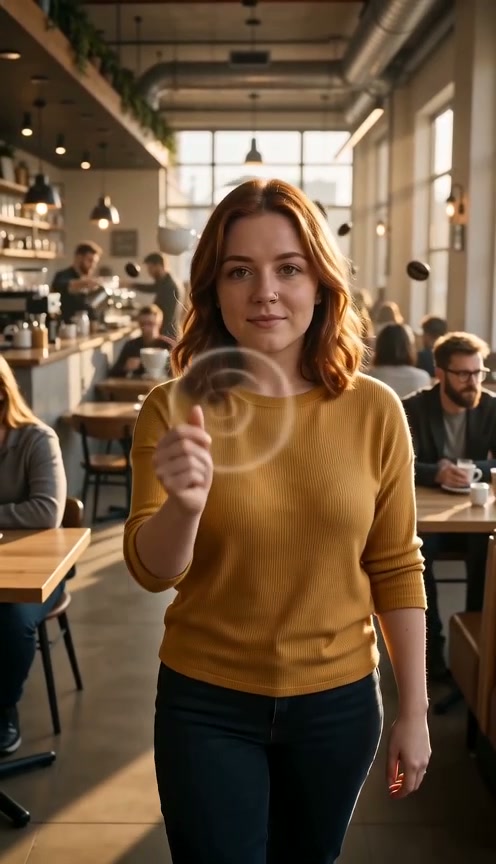
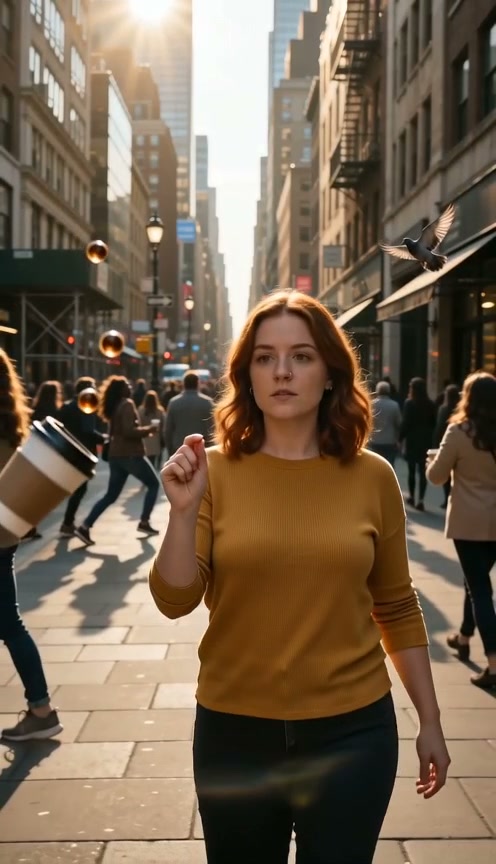
Upload your portrait and watch the world freeze with a snap while you keep moving. Share your time freeze video with friends to show off your powers.
Upload one clear portrait of yourself to guide the character reference.
Keep the ready-made street scene or choose a coffee shop or subway station, and check your credit cost.
Sign in with your credits, generate your clip with Seedance 2.0 Standard, and download your 15-second MP4 video.
The 40 signup credits are not enough for a complete clip, which costs 360 credits at 480p or 780 credits at 720p to render our time freeze effect. The $9.90 pack gives 495 credits and covers one 480p clip, and technical failures release held credits automatically.
Our time freeze effect turns one portrait into a 15-second clip where the world stops mid-motion and you keep walking. You upload a single photo and get a complete video where surrounding people and objects freeze in place.
No. Our time freeze effect keeps you walking through frozen surroundings. Our Bullet Time effect freezes you in mid-air while the camera moves around you.
Yes. One clear portrait serves as your identity reference rather than the opening frame. The tool generates your chosen setting independently, placing you in a street, coffee shop, or subway station.
Upload one portrait, sign in, and make sure your account holds enough credits. The street scene, vertical 9:16 format, and 480p resolution are ready by default so you can generate immediately.
No. The prompt and story are built into our AI time freeze effect. You can add an optional note to personalize details, and the tool delivers an export-ready video without any editing software.
A clear, well-lit portrait of one person with a visible face works best. Selfies work for your identity reference, and full-body photos provide visible outfit details for your character.
Yes. You choose between a street, a coffee shop, and a subway station for your setting. The street option is ready by default to give you an active urban scene right away.
You get a 15-second MP4 video with audio. Choose between 480p and 720p resolutions, pick vertical 9:16 or landscape 16:9 framing, and download your finished clip with no watermark.
A complete clip is paid. One 480p clip costs 360 credits, and a 720p clip costs 780 credits. Free signup gives you 40 starter credits, which are not enough for a complete 360-credit 480p clip. The $9.90 pack on our Seadanse pricing page gives you 495 credits and covers one 480p clip.
Technical generation failures and timeouts release held credits automatically. A completed clip with an unwanted creative result is a finished generation and does not receive an automatic refund. Generating a new clip uses credits again.
Seedance 2.0 Standard creates your time freeze video. This AI video model from ByteDance powers your character motion and brings the frozen surroundings to life.
Yes. Paid plans on our Seadanse pricing page include a commercial license for ads and business projects. Vertical 9:16 clips fit TikTok, Reels, and Shorts, landscape 16:9 clips fit widescreen displays, and all exports come without a watermark.
Every page here runs the real models in your browser — jump to the one that matches the clip you have in mind.
Upload a photo, pick an effect, get a short video. No prompt to write.
Seedance, Veo, Kling, Hailuo and more, each on its own page with real renders.
Upload your portrait to get a 15-second MP4 where you walk through a frozen world.


