
Best Gangnam Style AI Video Generators (2026): 10 Ways Compared
The best Gangnam Style AI video generators compared across 10 distinct ways on photos, video length, the song and price, read on October 28, 2026.
 The Seadanse Team21 min read
The team behind Seadanse. We run the models we write about, and we publish the specs, prices and limits the marketing leaves out.

TL;DR — Seadanse's Gangnam Style AI is the best of the 10 Gangnam Style AI video generators we compared on October 28, 2026. It makes the 20-second trio selfie video from 1 to 3 photos with the song "Gangnam Style" in the file, for $9.90 with no sign-up. Another site, gangnamstyleai.org, also turns one selfie into all three friends and adds the song, while Noiz leaves the song out of the file. Dreamface's free downloads make the solo horse-riding dance, not the trio.
The Gangnam Style AI trend copies a real 21-second selfie reel posted on TikTok on October 5, 2026.
That video showed three young women on a night street in Gangnam, Seoul, taking turns at one phone's front camera to PSY's 2012 song "Gangnam Style".
It reached 19.6 million views by October 28, 2026, and you can see how the Gangnam Style AI trend started in our background guide.
AI remakes started appearing on TikTok on October 19, 2026, featuring friend groups, pets and character trios.
Between October 21 and October 26, 2026, at least 13 new sites with "gangnam style" in their web address went up online.
Most of these tools ask for three photos before they let you begin. Others sell an entirely different dance, make you buy monthly subscriptions, or hand you a silent video file.
We read every page on October 28, 2026, to see what each one actually delivers. Here's how all ten options compare on photos, length, audio and price.
The Best Gangnam Style AI Video Generators at a Glance
The 10 Gangnam Style AI video generators differ on how many photos you need, how long the video runs, whether the song's in the file and how you pay.
Here's how they stack up side by side based on what their pages state.
| Tool | Photos | One photo works? | Length and frame | Song in the file | How you pay | Best for |
|---|---|---|---|---|---|---|
| Seadanse Gangnam Style AI | 1 to 3 | Yes, two friends are made to match | About 20 s, 16:9 | The song "Gangnam Style" from the first second | $9.90 for one 720p video, no sign-up | One to three photos with the song |
| gangnamstyleai.org | 3, or 1 selfie | Yes, "Three of you" | 15 s, 16:9 | "song under it" | "$9.90 per video", no account | A pet trio or one selfie |
| gangnamstyleai.com | 3 | No | 15 s, 16:9 | "original audio" | $9.90 for one video, $29.90 for 4, $49.90 for 7; sign in | Packs of videos |
| gangnamstylevideo.com | 3 | No | 15 s, 16:9 or 9:16 | Soundtrack "On by default" | Same packs from $9.90; sign in | Picking a frame and setting |
| Noiz | 3 | No | About 15 s, 16:9 | "does not include the song" | Credits; plans from US$6 a month | A trio in an all-in-one studio |
| Vismuse | 3 | No | 15 s, 16:9 | "when sound is enabled" | "Paid credits required" | Changing the scene in words |
| Media.io | 2 or 3, plus your own clip | No | Duo 9:16, trio 16:9 | Not added automatically | Subscription | Writing your own prompts |
| Dreamface | 1 | Solo dance only | Not stated | Not stated | "Free 2 downloads", then plans | The solo horse-riding dance |
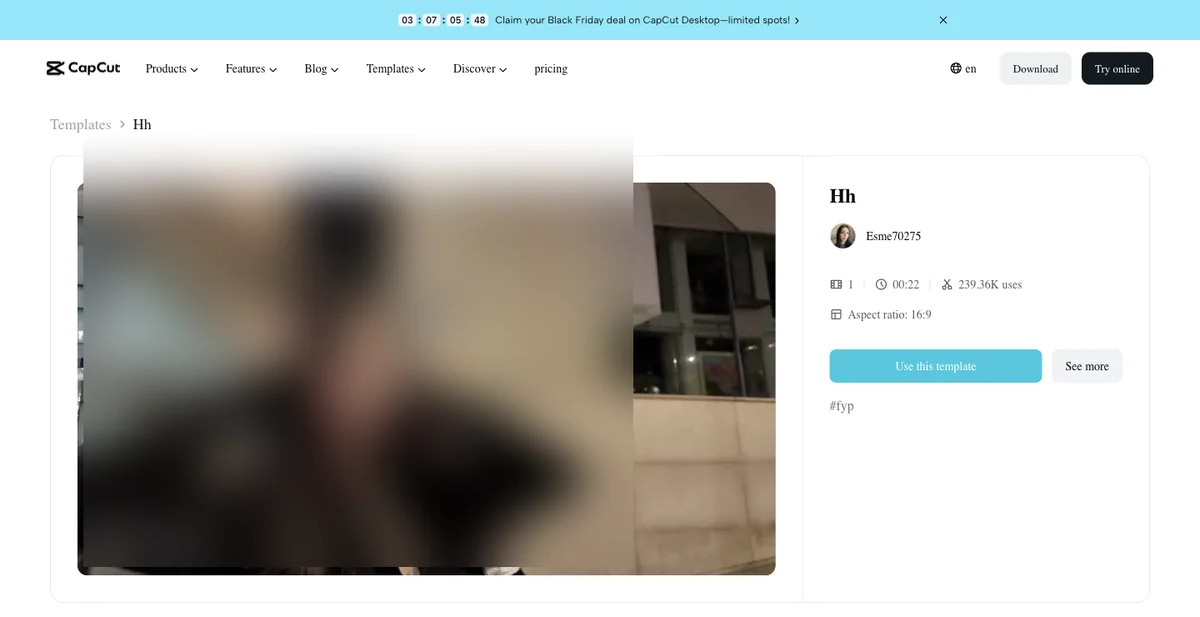
| "Hh" CapCut template | 1 | One photo only | 21.5 s, 16:9 | Not stated | Credits in the CapCut app | Staying inside CapCut |
| Google Flow | 3, plus the reel cut in two | No | Two parts of about 10 s | You add it back in an editor | "Generating will use 20 credits" | Doing every step yourself |
Prices and specs are as each tool's own page showed them on October 28, 2026, and "Not stated" means the page doesn't say.
What to Look for in a Gangnam Style AI Video Generator
A good Gangnam Style AI video generator puts three friends through the selfie, the two solo turns and the selfie again, with the song in the file.
Finding the right option comes down to checking five basic details before you upload anything.
- The trio, not the horse dance: the trend is three friends at one phone, and some tools sell PSY's horse-riding dance under the same name. You want the trio front-camera clip, not a solo routine from 2012.
- The song in the file: you don't add it in an editor when a good generator includes the track right inside your downloaded MP4. Several tools export silent video files that need extra editing work.
- One photo or three: whether it makes the missing friends when you only have one photo determines how fast you can start. Some tools create matching companions automatically, while others stop you if you don't have three pictures ready.
- Who can go in: people, pets and characters should all work smoothly across the routine. The best tools preserve distinct pet breeds, outfits and drawing styles without flattening them into generic faces.
- Paying: whether you pay once with no sign-in, or need an account, a subscription or credits changes your overall cost. Buying a single video directly is much easier than managing recurring monthly plans.
You can test these points directly on the Gangnam Style AI video maker using a single portrait.
1. Seadanse Gangnam Style AI: Best for One to Three Photos and the Song, No Sign-Up
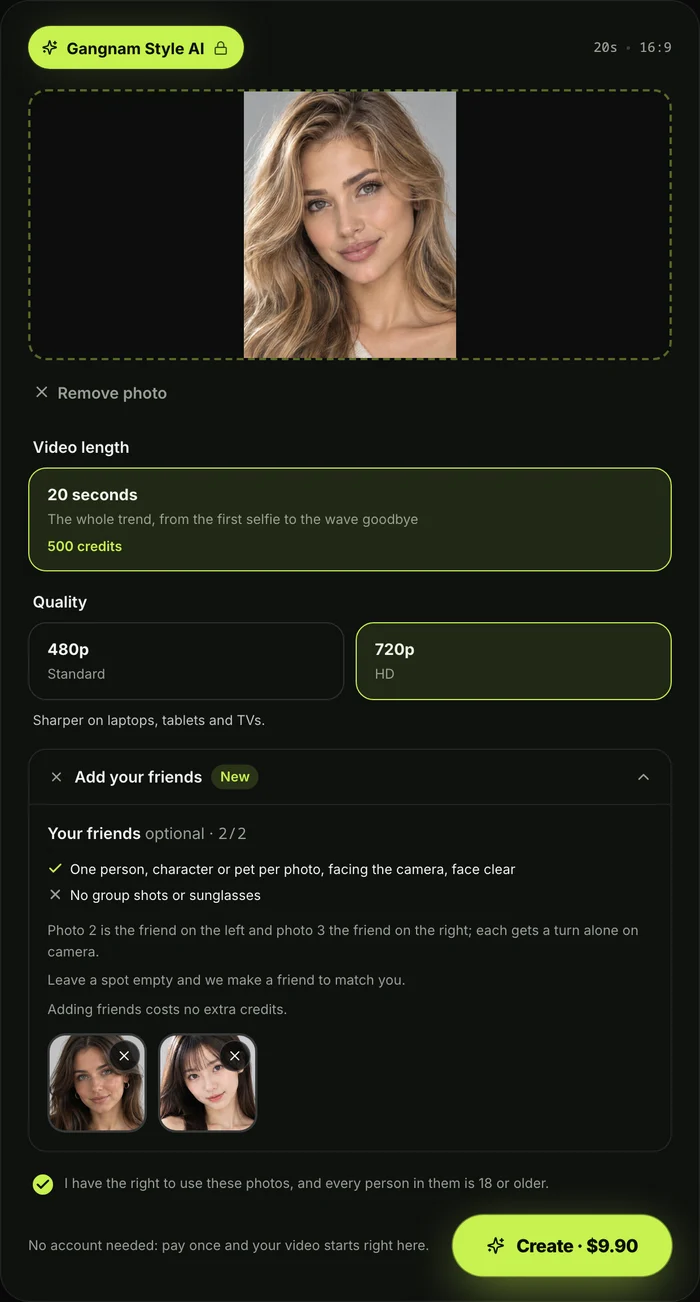
Seadanse's Gangnam Style AI is the easiest way to create the full three-friend selfie video with the song included, whether you have one photo or three.
You open your web browser, upload your photos, and press Create without logging in, downloading an app, or typing a prompt.
- What you add: you add 1 photo, and up to 2 more if you want.
- Who goes where: photo 1 is the friend who holds the phone: up close in the opening selfie and again in the closing selfie.
- The two solos: Photo 2 is the friend on the left, who dances behind in the selfies and takes the first solo turn. Photo 3 is the friend on the right, who dances behind in the selfies and takes the second solo turn, with a big hair flip.
- The missing friends: with one photo, two friends are made to match; with two photos, the friend on the right is made to match.
- How they're made: For a pet, a missing friend is another pet of the same kind with a different coat. For a character, it's a character in the same drawing style. For a person, it's an adult friend dressed in the same style.
- Who can go in: people 18 or older, cats and dogs, cartoon, anime, game and superhero-style characters, and AI-made character images.
- Pets and characters: A pet stays a real animal of its own breed, standing upright and moving like a person. A pet in photo 1 holds the phone in a paw. A cartoon, anime or game character keeps its own look, standing in the real plaza, while faces, hair and outfits come directly from your photos.
- What you get: a wide 16:9 MP4 of about 20 seconds, the full trend from the first selfie to the wave goodbye, filmed as if on the first friend's own phone at arm's length.
- The six parts: all three squeeze into the night selfie, the phone holder appears alone up close, and the friend on the left dances alone on the plaza. Next, the friend on the right flips hair at the stone wall, the phone holder waves at the lens, and all three wave goodbye together. Three fast whip pans (quick swings of the camera) join the shots.
- The places: it's set in the trend video's own places at night: a plaza with globe street lamps, a lit domed building, and a stone wall with glass doors.
- Sizes: You pick 480p or 720p, with no watermark on exported video.
- The sound: PSY's song "Gangnam Style" plays from the first second, already in the file, using the part of the song the trend uses.
- How you pay: you pay once with no sign-up and no subscription. One 720p video costs $9.90, which uses the $9.90 pack of 500 credits where a 720p video takes 500. Check Seadanse pricing for the full list of credit packs.
- 480p: The same pack covers a 480p video, which takes 375 credits.
- Photos and credits: pack credits stay valid for 12 months, and one, two or three photos cost the same.
- Fair play: if a video fails, its credits come back automatically, and your photos and videos stay in your account until you delete them.
- Your credits: credits (the site's own currency you buy in packs) also work on all other AI video effects on the site, such as Uptown Funk AI.
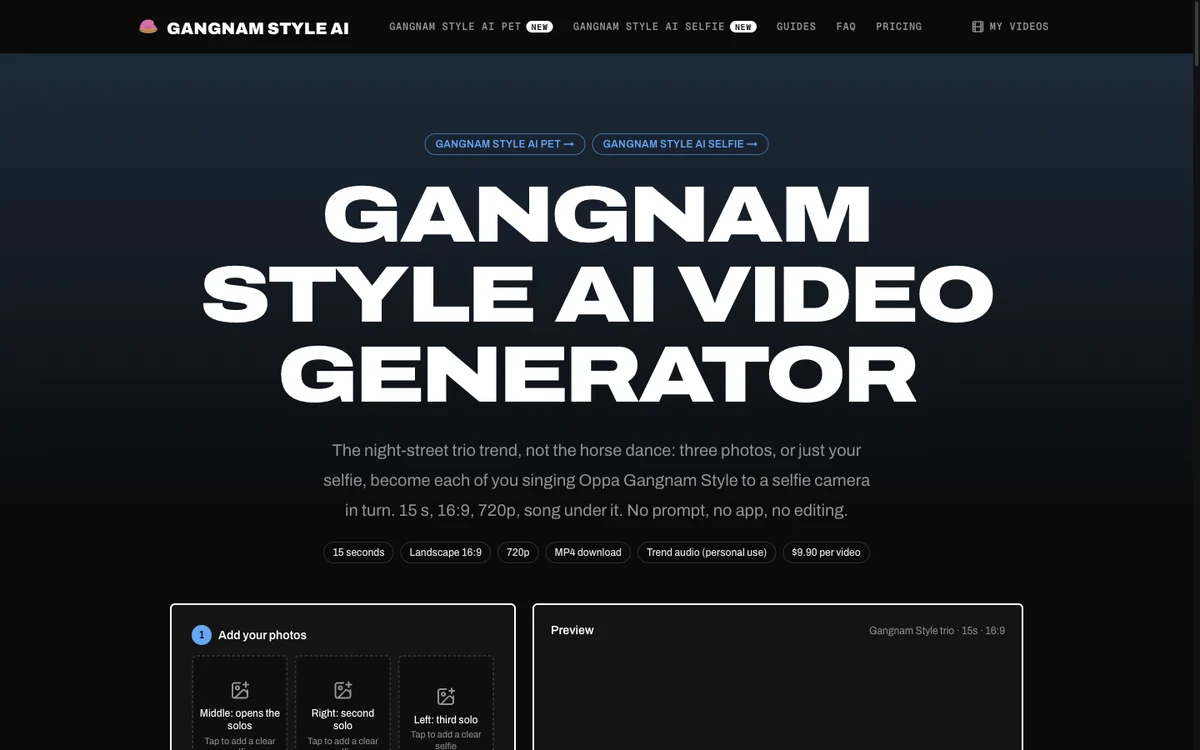
2. gangnamstyleai.org: Best Gangnam Style AI Generator for a Pet Trio or One Selfie
gangnamstyleai.org is the top pick if you want specialized templates for a single selfie or a group of pets without registering an account.
The site focuses squarely on the night-street routine rather than older dance videos.
- What you add: you upload three photos, or just one selfie if you're on your own.
- What you get: the platform gives you a "15 s, 16:9, 720p, song under it" export, "plus a copy without music".
- Templates: Its "Three of you" template works "if it is just you", letting one face fill all three roles. Its "Pet trio" template is built "for dogs, cats and plush toys".
- The sound: the song is mixed directly into the primary export file.
- Price and sign-in: it costs "$9.90 per video" on gangnamstyleai.org with "No account needed." The site also notes that "a failed render is never charged".
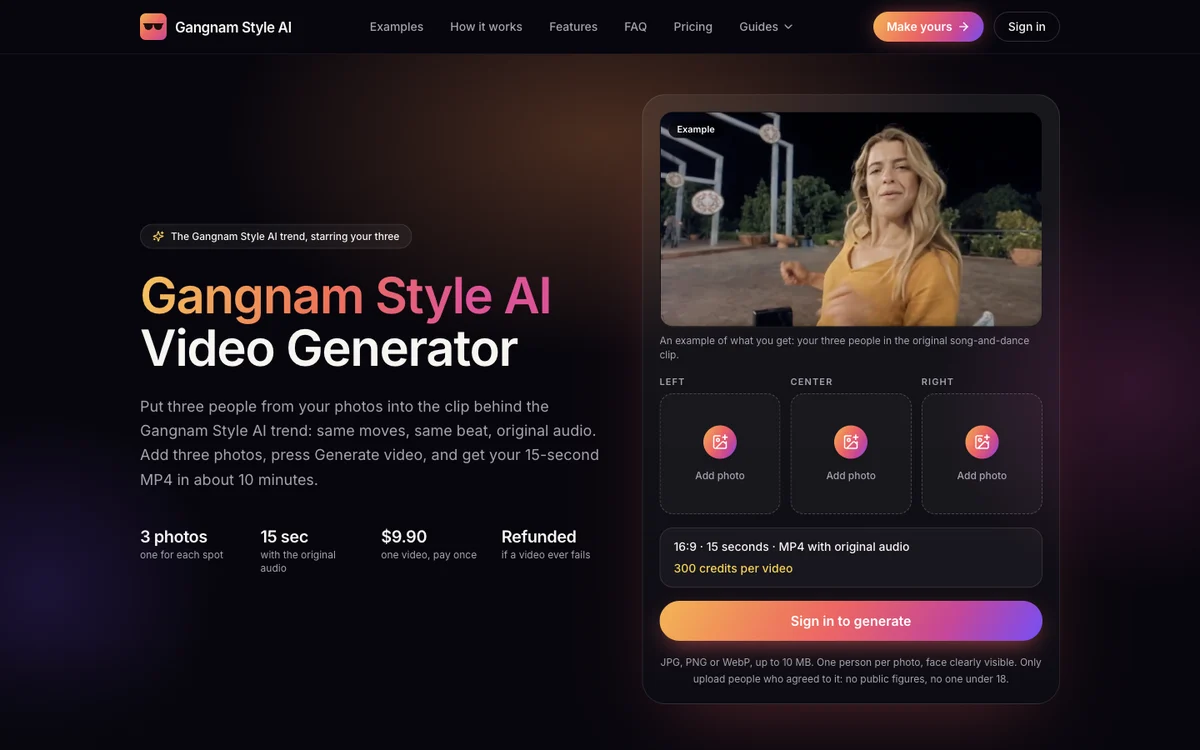
3. gangnamstyleai.com: Best Gangnam Style AI Video Generator for Packs of Videos
gangnamstyleai.com is best if you want to buy multiple trio generations at a discount using one-time bundles.
The site needs three pictures to start and creates a full remake of the night clip.
- What you add: you provide three separate pictures, with one photo each for the left, center and right spot.
- What you get: you receive a "16:9 · 15 seconds · MP4 with original audio" file as your group takes over the scene.
- The sound: the export comes with original audio included in the download.
- Price and sign-in: the page uses a "Sign in to generate" button. Pricing on gangnamstyleai.com includes "$9.90 one video, pay once", 4 videos for $29.90, or 7 videos for $49.90.
- Credits and refunds: The site features "One-time credit packs. No subscription, and your credits never expire", while "Failed videos are refunded automatically".
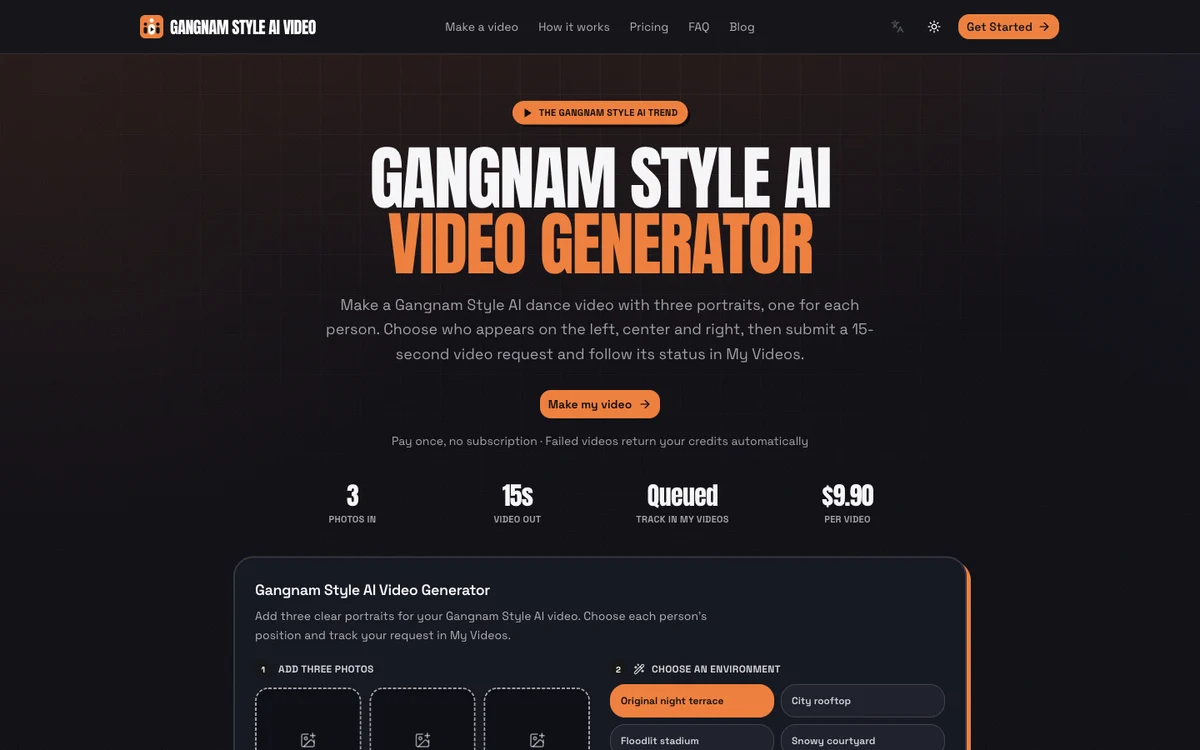
4. gangnamstylevideo.com: Best for Picking a Gangnam Style AI Frame and Setting
gangnamstylevideo.com is the best choice if you want to switch between widescreen and upright formats or change the surrounding environment.
It gives you direct controls over your backdrop before rendering begins.
- What you add: you upload three photos, assigning one to the left, center and right positions.
- What you get: you get a "15s · 16:9 · 720p MP4", and you can choose "16:9 Landscape" or "9:16 Portrait".
- Backdrops: You also pick between four backdrops: "Original night terrace", "City rooftop", "Floodlit stadium" or "Snowy courtyard".
- The sound: the soundtrack is "On by default", but you can switch to "Turn off for a silent MP4."
- Price and sign-in: the page asks you to "Sign in to generate". A video takes 300 credits, "from $9.90. Pay once — no subscription." It sells credit packs on gangnamstylevideo.com for $9.90, 4 videos for $29.90, and 7 videos for $49.90.
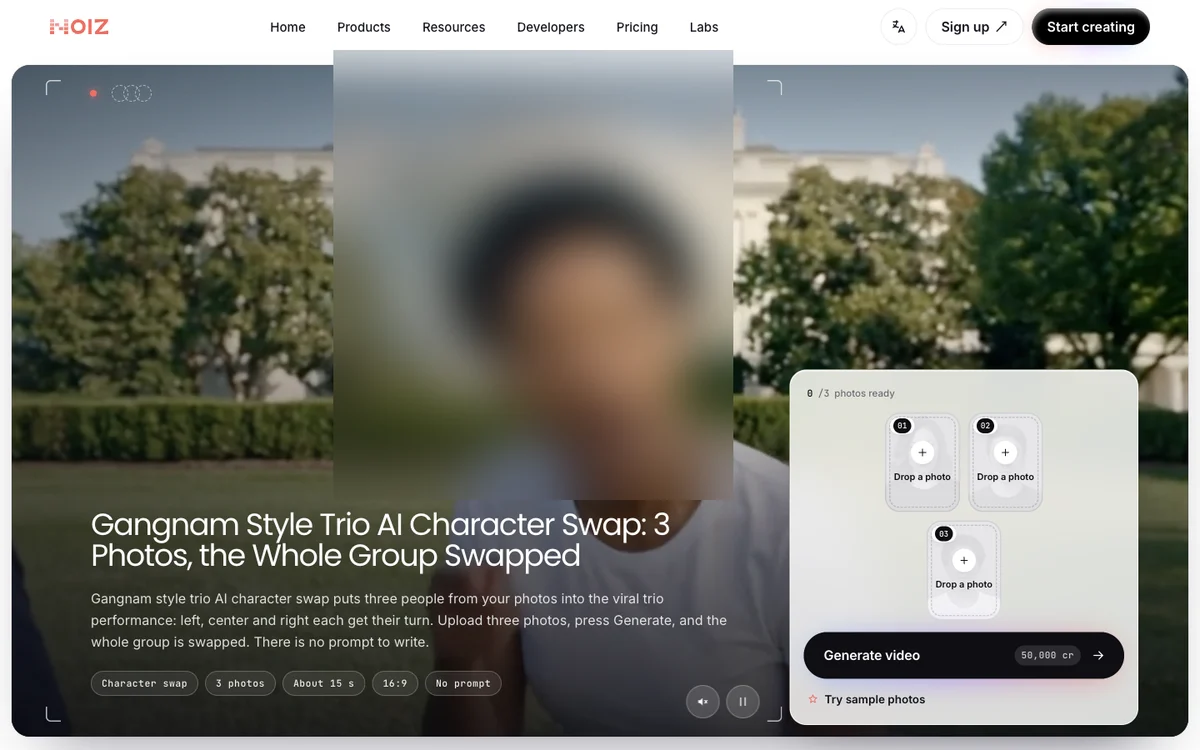
5. Noiz: Best Gangnam Style AI Trio Inside an All-in-One Studio
Noiz is the best fit if you already use an expansive content creation platform and plan to add your music during posting.
It lets you make the trio routine inside Noiz Studio, its all-in-one app for AI video, music, images and voice.
- What you add: you upload three pictures, where "Photo 1 is left, photo 2 is center, photo 3 is right."
- What you get: you get an export of about 15 seconds in 16:9 within Noiz Studio, its all-in-one suite.
- The sound: the site notes that "The file does not include the song. Add it when you post if you want music."
- Price and sign-in: you can't make it "on free credits alone" because its daily free tier of 2,000 credits doesn't cover one trio generation.
- Plans: Paid plans on Noiz start at Lite US$6 a month or Pro US$19 a month, and the platform shows credit costs before you run a task.
6. Vismuse: Best for Changing the Gangnam Style AI Scene or Outfits in Words
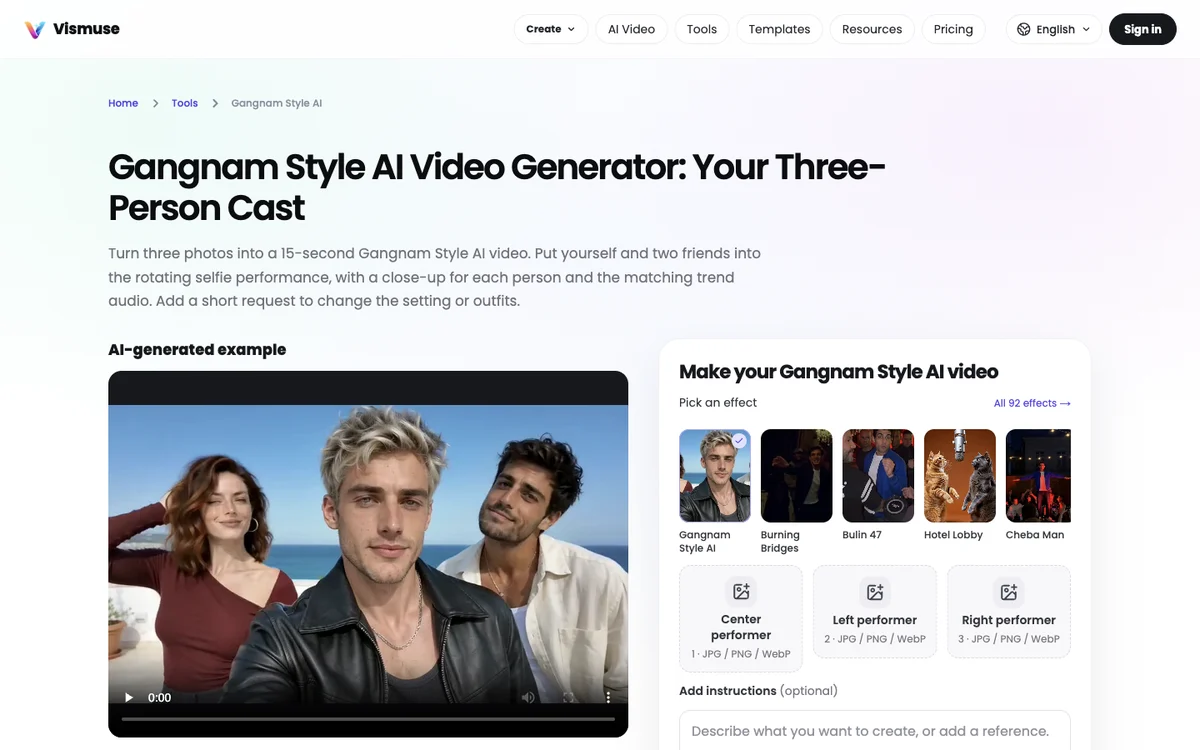
Vismuse is ideal if you want to describe custom clothes or unique backgrounds in an optional note alongside your three pictures.
It gives you creative freedom over the visual setting of your clip.
- What you add: you upload three separate photos in order of center first, then left, then right. The site notes that "One group photo does not replace the three uploads."
- What you get: the platform creates "a 15-second landscape 16:9 video".
- Changes: Its default look is a "sunny seaside rooftop", but you can "explicitly request a new background, lighting or outfit" in an optional instructions box.
- The sound: the site states that "The matching soundtrack is added when sound is enabled."
- Price and sign-in: you buy credits to make a video, as Vismuse warns that "Paid credits required. Check the cost before generating."
7. Media.io: Best for Gangnam Style AI Prompts You Run Yourself
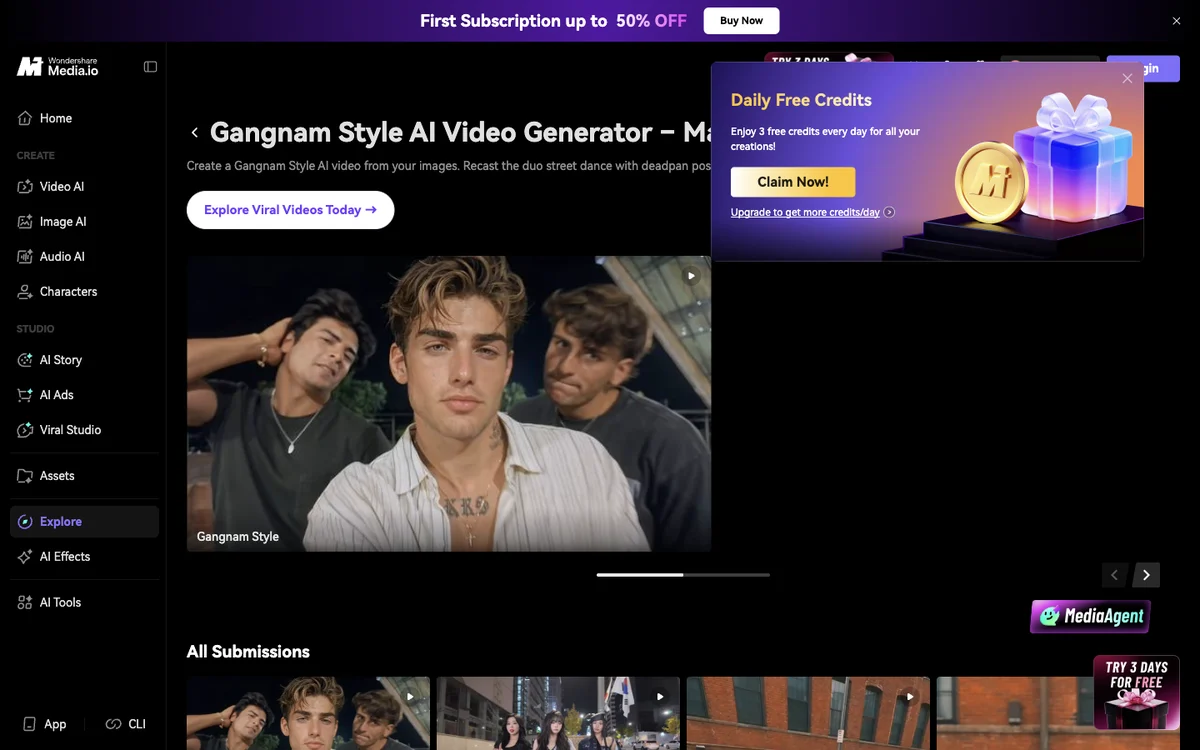
Media.io is best for creators who want ready-made prompt formulas to feed into advanced multi-image video tools.
It's an instructional prompt library rather than an automated one-click maker.
- What you add: you supply two images for a duo or three for a trio, along with "the matching Gangnam Style reference video" that you source yourself.
- What you get: you receive prompt templates for a vertical 9:16 duo or a wide 16:9 trio to run in your own video tool.
- The sound: the page clarifies that naming the trend "does not automatically include PSY's song", meaning you must add the music yourself later.
- Price and sign-in: the site operates on a recurring model where the Media.io prompt page advertises "First Subscription up to 50% OFF".
8. Dreamface: Best for the Solo Horse-Riding Dance, Not the Gangnam Style AI Trio
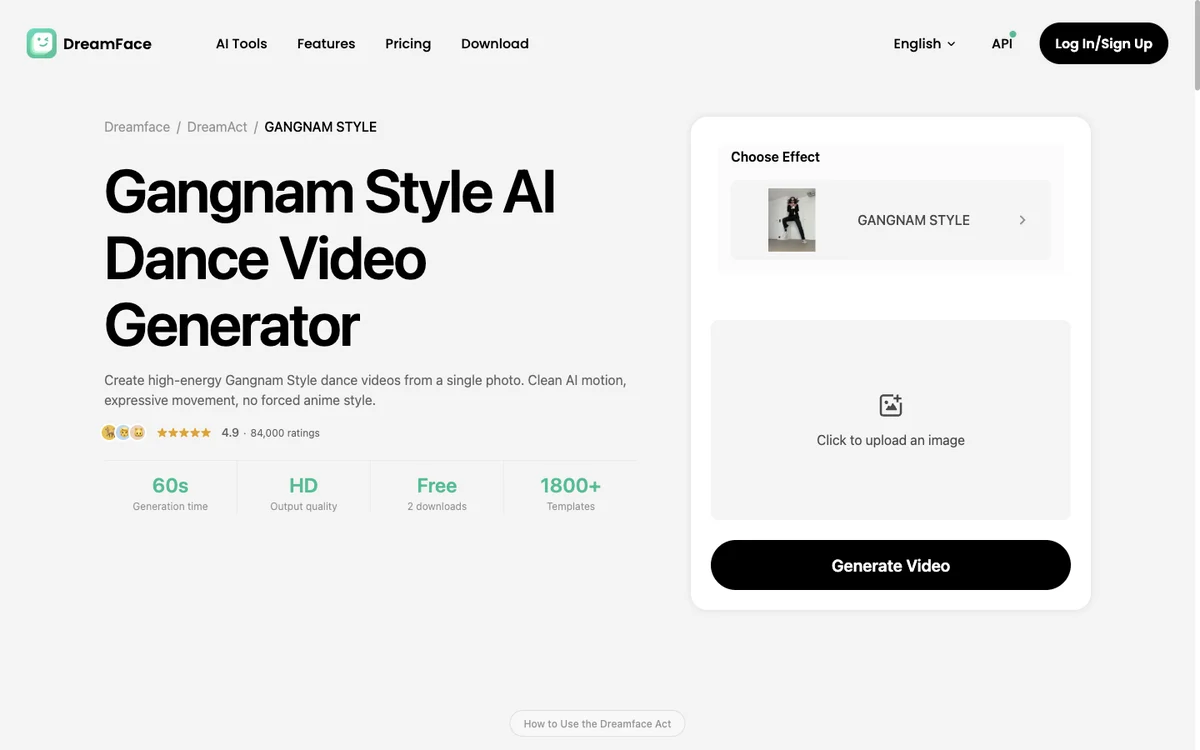
Dreamface is the top choice if you want horse-riding dance moves for a single person instead of the viral group selfie.
It animates a single portrait with what its page calls "iconic Gangnam Style dance moves".
- What you add: you upload a single portrait photo.
- What you get: the tool creates a solo dance clip transferring "horse-riding steps, hand gestures, and full-body rhythm" onto your subject. It doesn't create the three-friend group selfie. Length and sound aren't stated on the page.
- The sound: audio details aren't stated on its page.
- Price and sign-in: the Dreamface Gangnam Style page marks "Free 2 downloads" and states that "membership or credit plans are available for more creations."
9. The "Hh" Gangnam Style CapCut template: Best if You Already Use CapCut
The "Hh" template is the best path if you edit inside CapCut on your phone and want a pre-built project file.
It lets mobile users apply the trend directly within the editing app you already use.
- What you add: you upload one photo into the template's designated slot.
- What you get: you get a 21.5-second wide 16:9 clip using the "Hh" Gangnam Style CapCut template, which counted over 235,000 uses by October 28, 2026.
- The sound: audio specifications aren't stated on the template's landing page.
- Price and sign-in: the template needs the CapCut app, where its AI processing spends internal credits.
- What viewers say: Tutorial viewers have asked "why does it cost money" and noted "it won't accept mine", so check which Gangnam Style CapCut template makes the trio if you run into problems.
10. Google Flow: Best Gangnam Style AI Route if You Want to Do Every Step Yourself
Google Flow is the best route if you want full control over slicing the original clip, setting up prompts and splicing your finished render together.
It requires multiple manual editing steps across several tools.
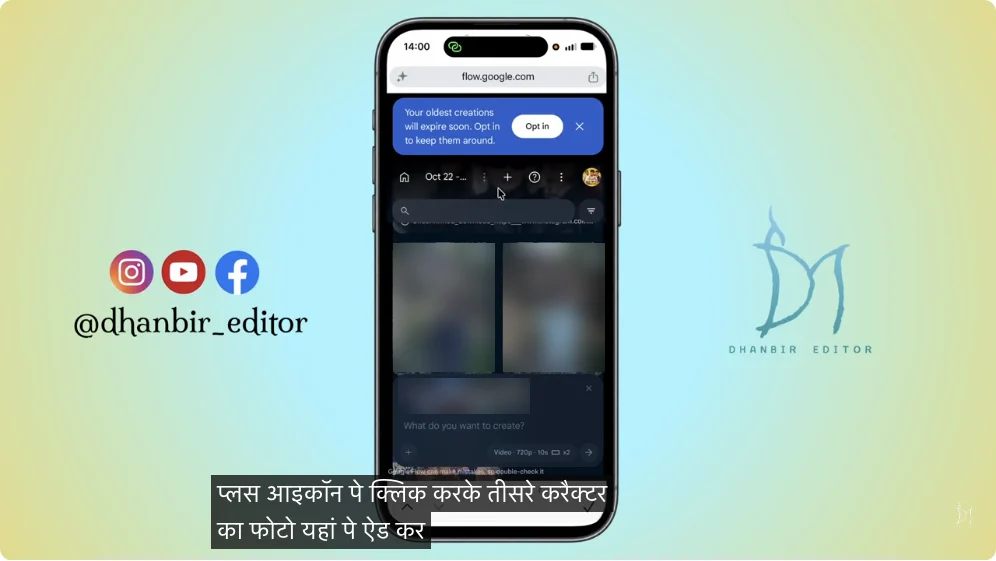
- What you add: you download the original trend clip of about 20 seconds and cut it into two parts of about 10 seconds. Then you mute both files and upload them alongside three photos in left, middle and right order.
- What you get: you render part 1 and part 2 separately, join them in a phone video editor, and lay the song back underneath. You can speed up the setup with our copy-ready Gangnam Style AI video prompt.
- The sound: you must re-attach the song manually because sound clips trigger an error: "Failed. Unable to edit the speech in this video… You will be refunded".
- Price and sign-in: as seen in the most-watched Google Flow tutorial, the screen warns that "Generating will use 20 credits".
- What viewers say: Viewers have commented "it's asking for money" and noted that "the reference video only goes up to 10 seconds, it gets trimmed".
Is There a Free Gangnam Style AI Video Generator?
None of the ten tools makes the full trio video for free, based on what their pages stated on October 28, 2026.
The free options either restrict you to an entirely different routine or don't give enough credits to complete a group video.
- Dreamface: its page offers "Free 2 downloads", but these only generate the solo horse-riding dance, not the three-friend trend.
- Noiz: its site notes you can't make it "on free credits alone", because the 2,000 daily free credits don't cover the cost of a trio video.
- Vismuse: its interface clearly displays that "Paid credits required" before you can process your files.
- Google Flow: the tutorials show that "Generating will use 20 credits", prompting viewers to complain that "it's asking for money".
- The "Hh" CapCut template: running the routine uses up credits inside the app, leading users to ask "why does it cost money".
On Seadanse, one 720p video is $9.90, paid once, with no sign-up.
How We Picked These Gangnam Style AI Video Generators
We picked these Gangnam Style AI video generators from Google's first page for "gangnam style ai video generator" and "gangnam style ai" on October 28, 2026. The list also covers the CapCut template and the Google Flow route that TikTok and YouTube tutorials use.
That first search gave us eight single-tool pages but no comparison articles.
Six tools ranked directly in those search results: gangnamstyleai.com, gangnamstylevideo.com, Noiz, Vismuse, Media.io and Dreamface.
We added gangnamstyleai.org because it lets you generate a pet trio or a solo selfie without an account. We also included the popular "Hh" CapCut template from TikTok and the manual Google Flow method from YouTube.
Every fact about external services comes straight from each tool's live site on October 28, 2026.
We recorded how many photos each requires, whether it makes the trio or the classic horse dance, the video length, the audio status and the payment structure.
We arranged the list logically. Seadanse sits first, followed by dedicated trio sites that embed the audio track.
Next come Noiz with its silent file, Vismuse with optional sound, prompt databases, the solo dance app, CapCut, and the do-it-yourself route.
We skipped general video apps ranking for identical keywords to keep this roundup focused on ten distinct options.
Gangnam Style AI Video Generator FAQ
Which Gangnam Style AI video generator puts the song in the file?
Seadanse, gangnamstyleai.org, gangnamstyleai.com, gangnamstylevideo.com and Vismuse put the song in the file. Seadanse embeds the track from the first second, gangnamstyleai.org includes the "song under it", gangnamstyleai.com delivers an "MP4 with original audio", gangnamstylevideo.com has its soundtrack "On by default", and Vismuse adds audio "when sound is enabled".
Noiz states that "The file does not include the song", while Media.io notes that prompts do "not automatically include PSY's song".
Can I make a Gangnam Style AI video from one photo?
Seadanse's Gangnam Style AI page makes your two friends to match from one photo. That gives you a full trio without needing extra pictures.
Another site, gangnamstyleai.org, also offers a "Three of you" template that uses one selfie across all three roles. Dreamface and the "Hh" CapCut template accept single uploads as well, but other trio generators demand three separate photos.
Can I put my pets in a Gangnam Style AI video?
Seadanse lets a cat or a dog hold the phone or dance solo. With one pet photo, the other two are pets of the same kind with different coats.
Another site, gangnamstyleai.org, also provides a "Pet trio" template that is built "for dogs, cats and plush toys". If you want to see the whole process from start to finish, read how to make a Gangnam Style AI video in our step-by-step walkthrough.
Is the Gangnam Style AI trend the horse-riding dance?
No, the Gangnam Style AI trend isn't the horse-riding dance.
As Noiz notes on its page: "Not a full horse-dance lesson. The 2026 trio trend is selfie turns, pointing and gestures set to the chorus; the classic MV dance is separate."
gangnamstyleai.org also describes it as "The night-street trio trend, not the horse dance", leaving Dreamface as the only tool here selling the solo routine.
Which Gangnam Style AI Video Generator Should You Use?
Choosing the right Gangnam Style AI video generator depends on how many photos you have and whether you want the song already attached.
- One to three photos, the song in the file, no sign-up: Seadanse's Gangnam Style AI.
- A pet trio or one selfie playing all three: gangnamstyleai.org.
- Packs of several videos: gangnamstyleai.com.
- Picking a frame and a setting: gangnamstylevideo.com.
- Changing the scene or outfits in words: Vismuse.
- Writing your own prompts: Media.io.
- The solo horse-riding dance: Dreamface.
If you want the complete group selfie video without creating accounts or editing audio later, make a Gangnam Style AI video on Seadanse.
You can upload between one and three pictures to get the full routine with the music attached for $9.90 at 720p.
Written by The Seadanse Team, the team that built the Gangnam Style AI page.
Related Articles
- How to Make a Gangnam Style AI Video With Your Friends (4 Steps) — the four steps, who goes where, and the photos that work best.
- What Is the Gangnam Style AI Trend? The 'Open Gangnam Style' Trio, Explained — the real selfie reel it copies, the AI remakes, and why it isn't the horse-riding dance.
- Gangnam Style CapCut Template: Which One Is the Trio and Why It Fails — which template is which, and the fixes when it won't work.
- Gangnam Style AI Video Prompt (Copy-Ready): All Three Turns, Shot by Shot — a full prompt for the three turns, to use in a video tool yourself.


